
Annotated landmark images of Eiffel Tower, Great Wall, Colosseum, Taj Mahal
A multi-image prompt to generate four hyper-realistic landmark scenes with informative annotations overlaying key architectural and cultural details.
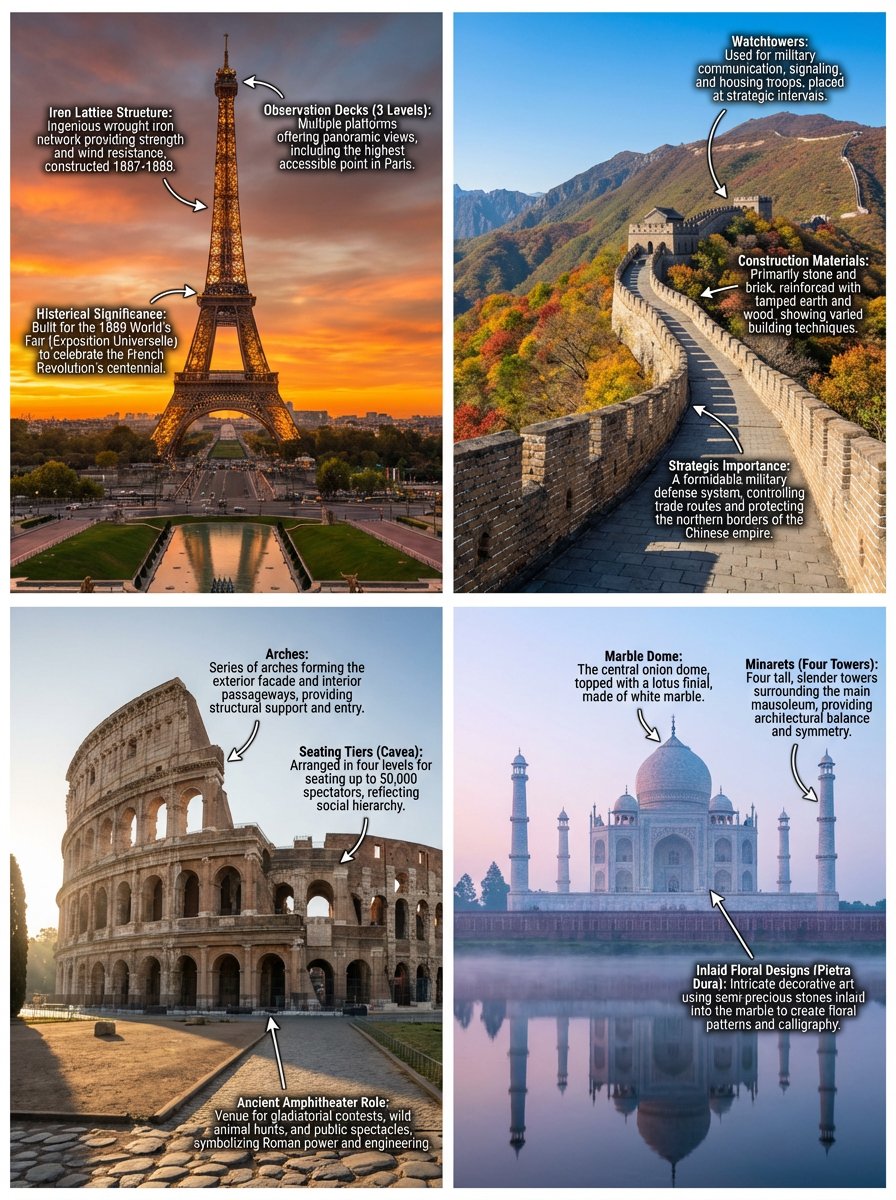
- Prompt included
- Model and format preset
- Premium template
The prompt behind this image
Copy the exact prompt behind Annotated landmark images of Eiffel Tower, Great Wall, Colosseum, Taj Mahal, or open it in the studio and make it yours.
Generate four distinct, hyper-realistic images, each depicting a world-renowned landmark. For each image, include a comprehensive and clearly legible set of annotations directly overlaid onto key architectural features, historical elements, or culturally significant details. These annotations should provide brief, informative descriptions. The first image should feature the Eiffel Tower in Paris, France, at sunset, with annotations highlighting its iron lattice structure, observation decks, and historical significance. The second image should showcase the Great Wall of China, specifically a section in Mutianyu, during a clear autumn day, with annotations detailing its watchtowers, construction materials, and strategic importance. The third image should present the Colosseum in Rome, Italy, bathed in morning light, with annotations identifying its arches, seating tiers, and its role as an ancient amphitheater. The fourth image should capture the Taj Mahal in Agra, India, under a soft, ethereal pre-dawn glow, with annotations pointing out its marble dome, minarets, and inlaid floral designs. Each image should be rendered with exceptional detail, vibrant colors, and dynamic lighting to emphasize the grandeur of the location, making the annotations seamlessly integrated into the visual narrative.
How to use Annotated landmark images of Eiffel Tower, Great Wall, Colosseum, Taj Mahal in 3 steps
- 1
Open
The prompt is already in the box next to the preview, with the template's model and format selected.
- 2…a portrait of your subject in softgolden-hour light, 85mm…
Personalize
Edit the subject and creative details for your destination.
- 3Generate
Generate
Press Generate — your image is created in PicX Studio, so you can compare it with the original and refine one variable at a time.
More like this
Templates with the same subject, style or setup. Open one to see its prompt.

Clay Miniature Landmark Travel Diorama
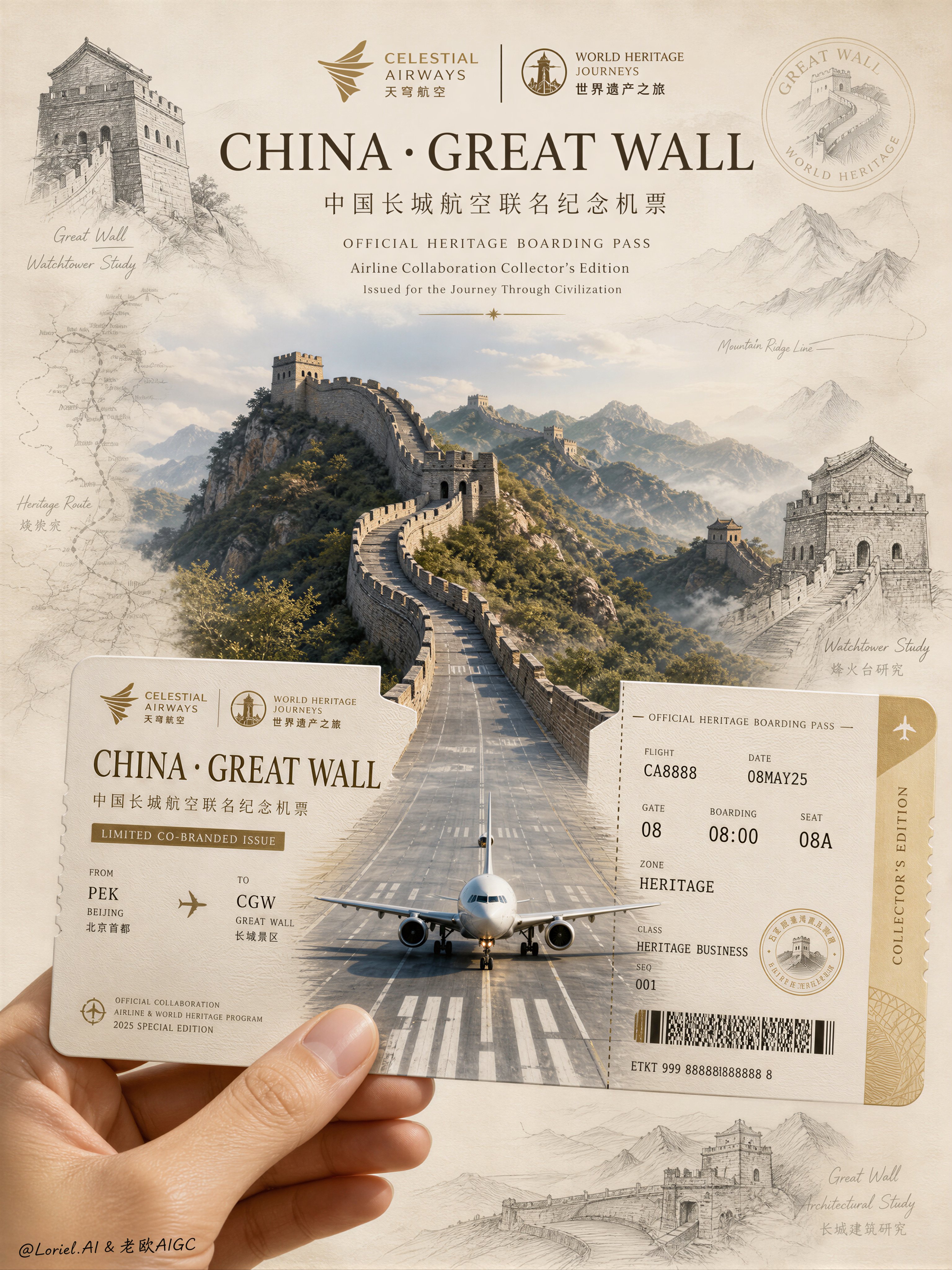
Aviation Archives Great Wall Boarding Pass
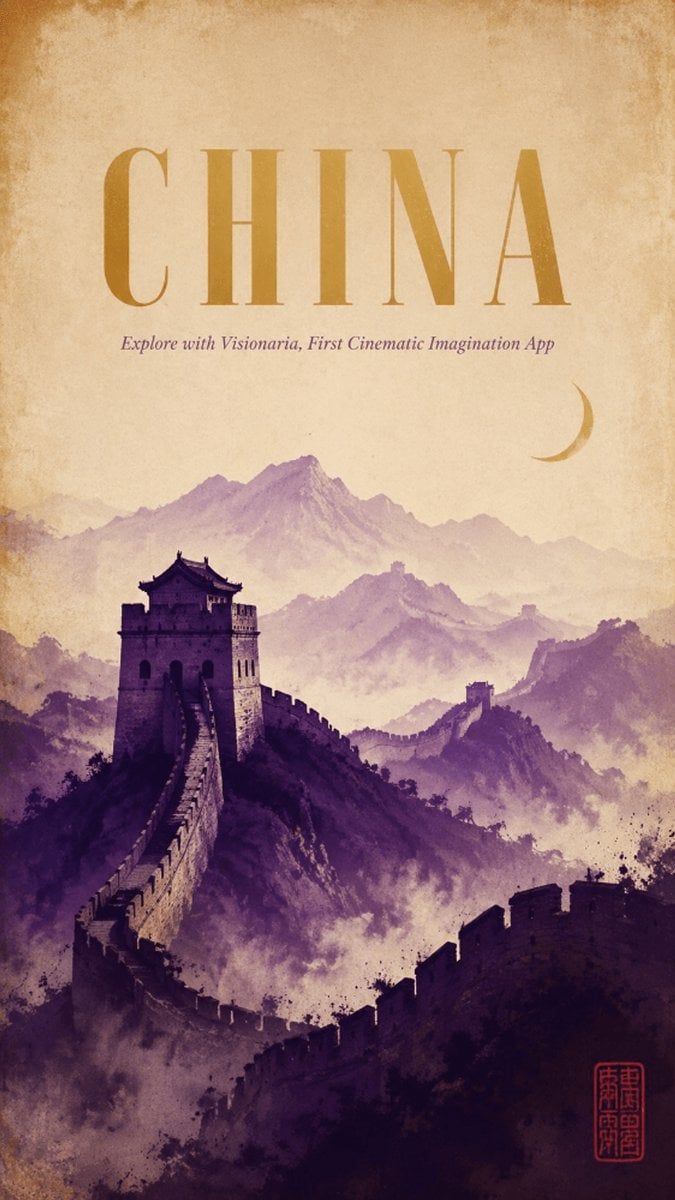
Vintage China Great Wall Poster
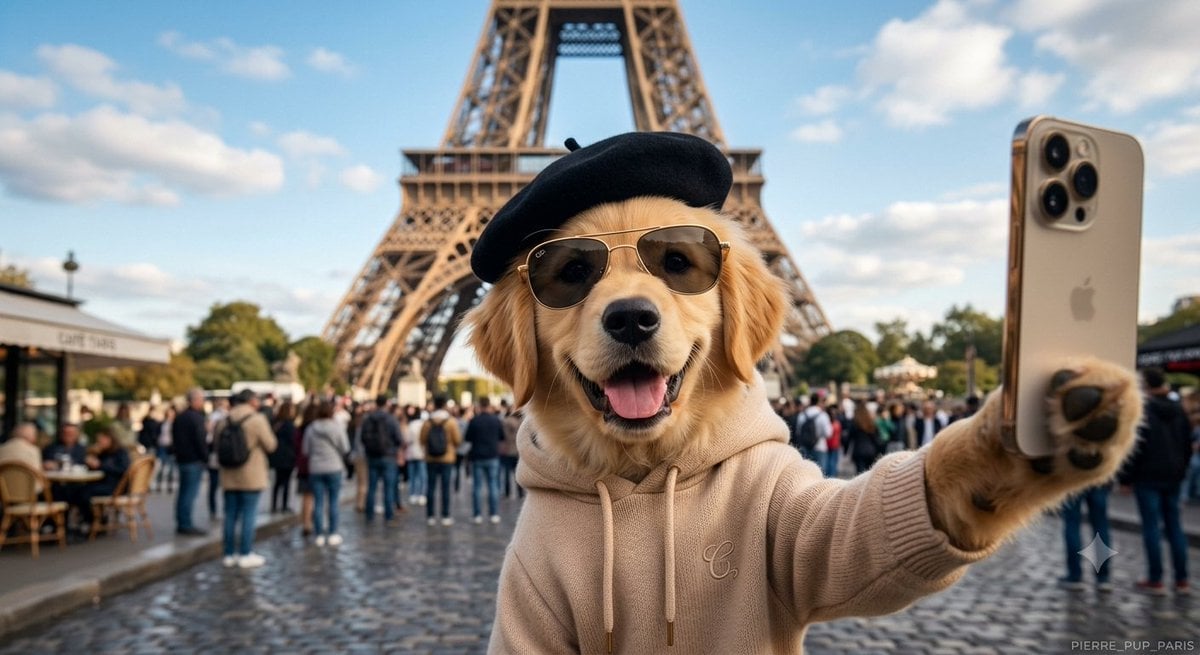
Dog Selfie at Eiffel Tower
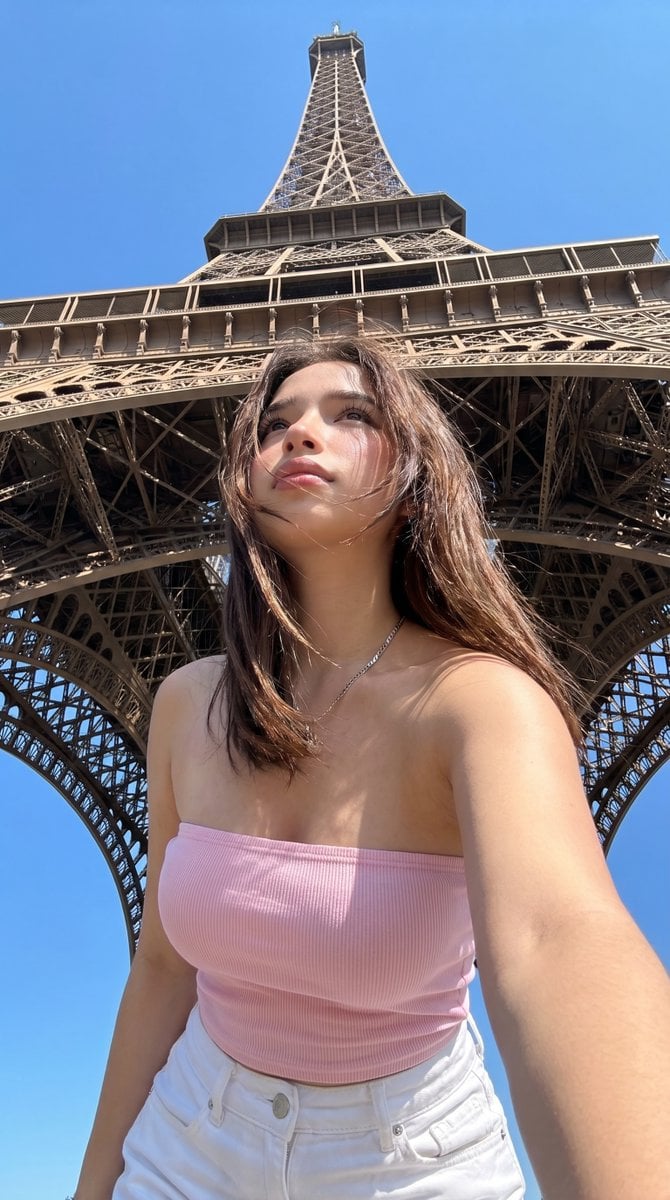
Eiffel Tower Low-Angle Selfie
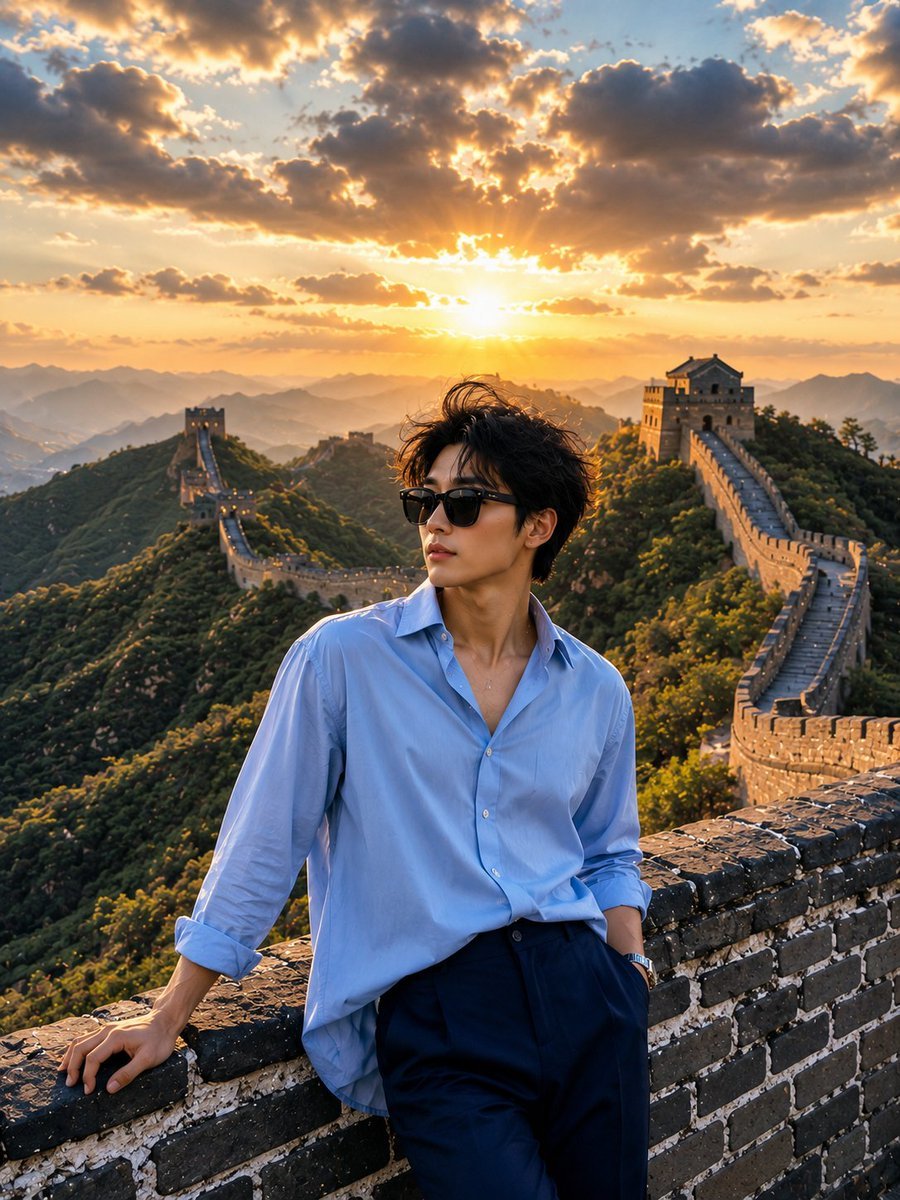
Great Wall Travel Photography
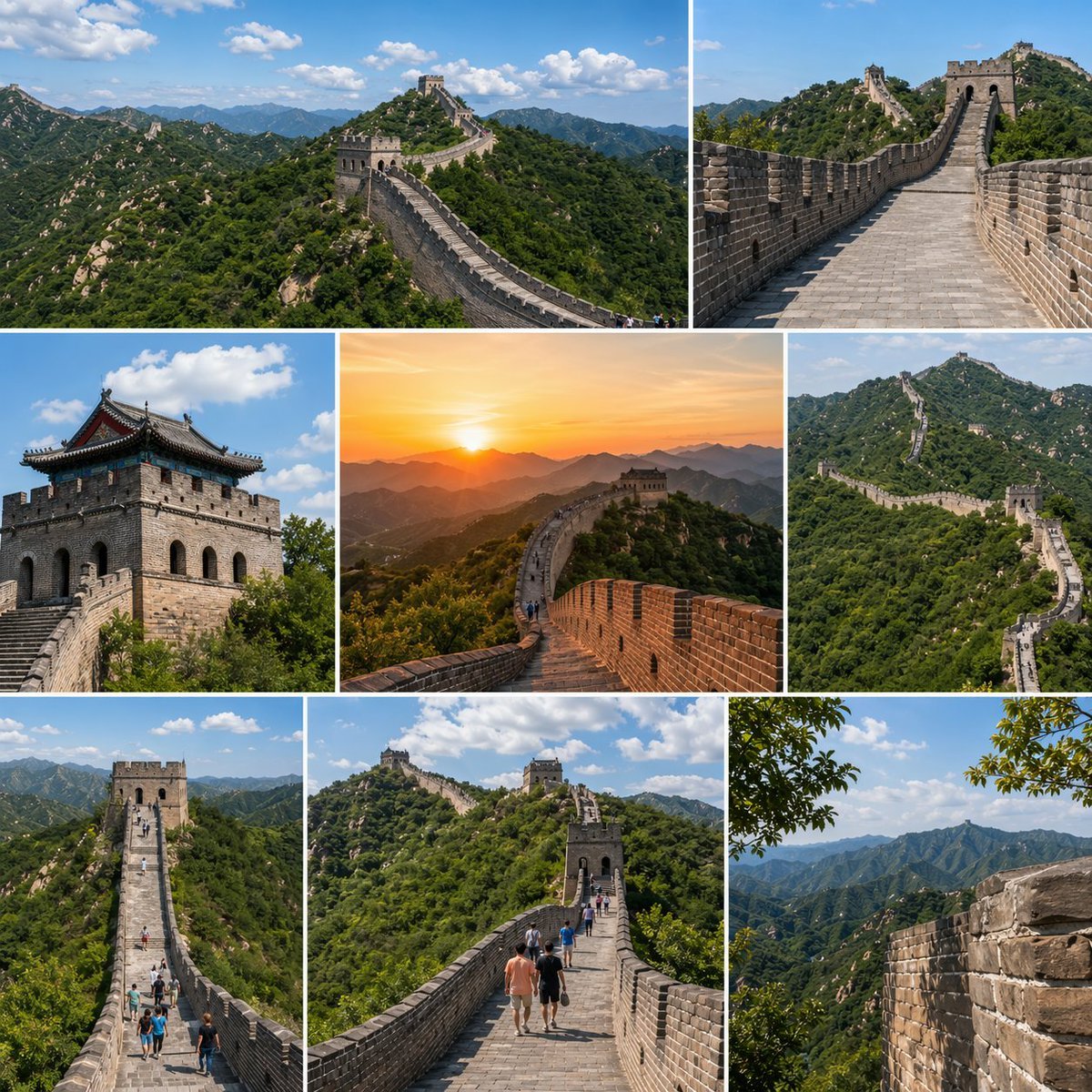
Great Wall Travel Collage
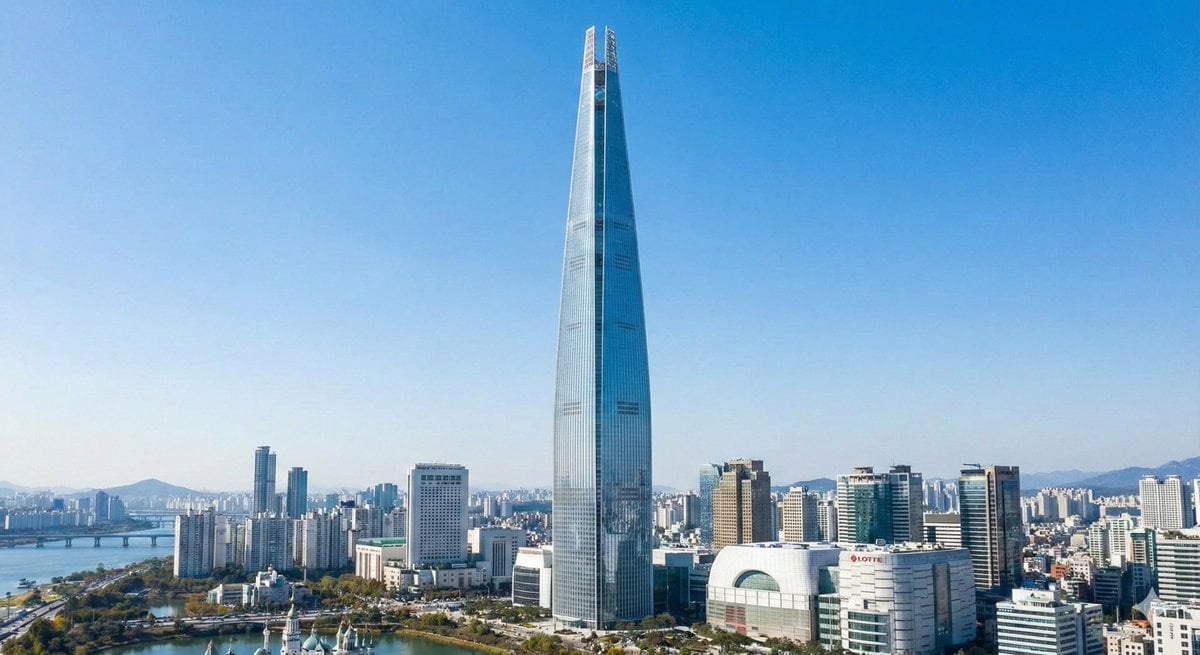
Lotte World Tower landmark-focused geolocation image
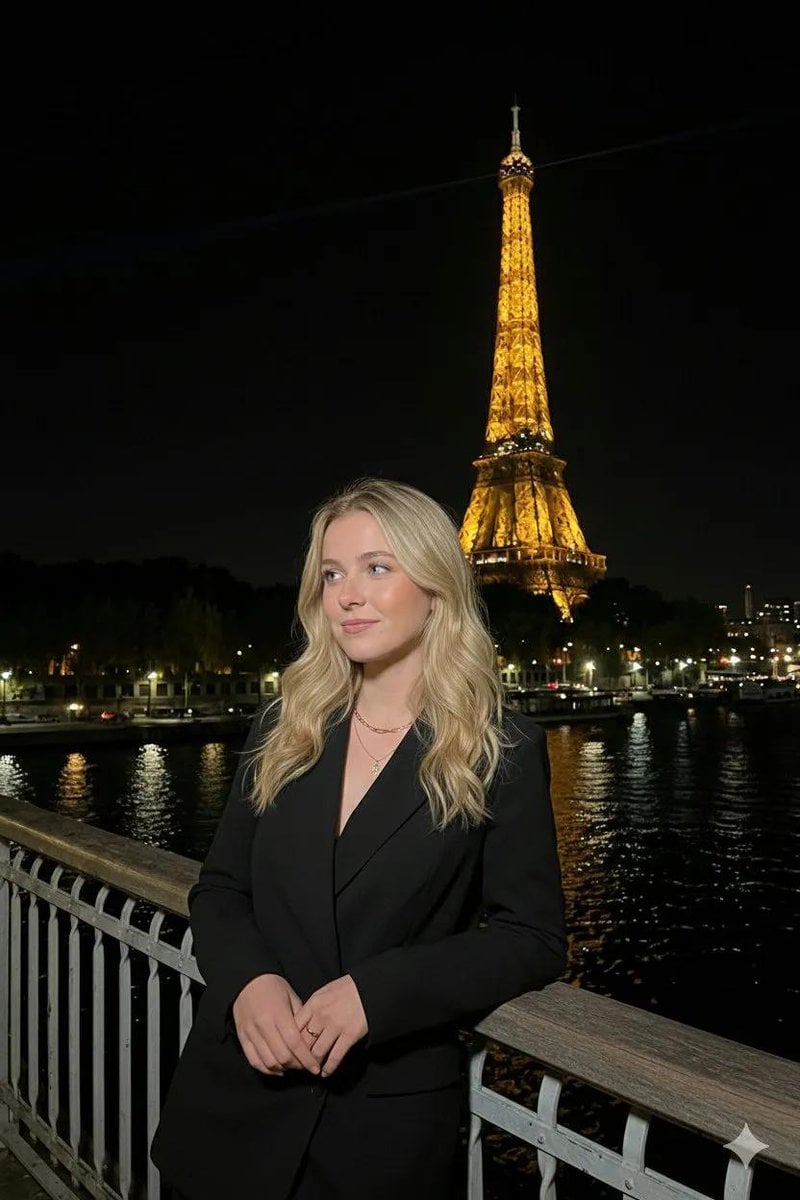
Paris Night Flash Photography (Eiffel Tower)
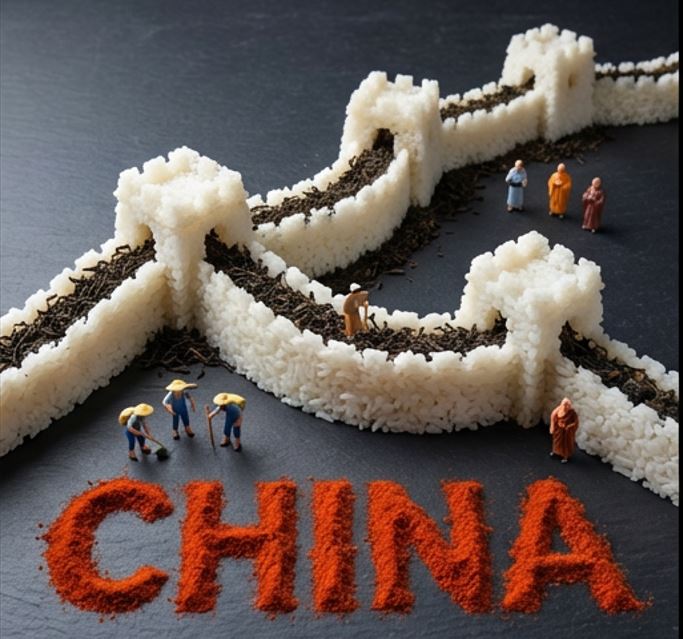
Food Art Diorama of the Great Wall of China Prompt
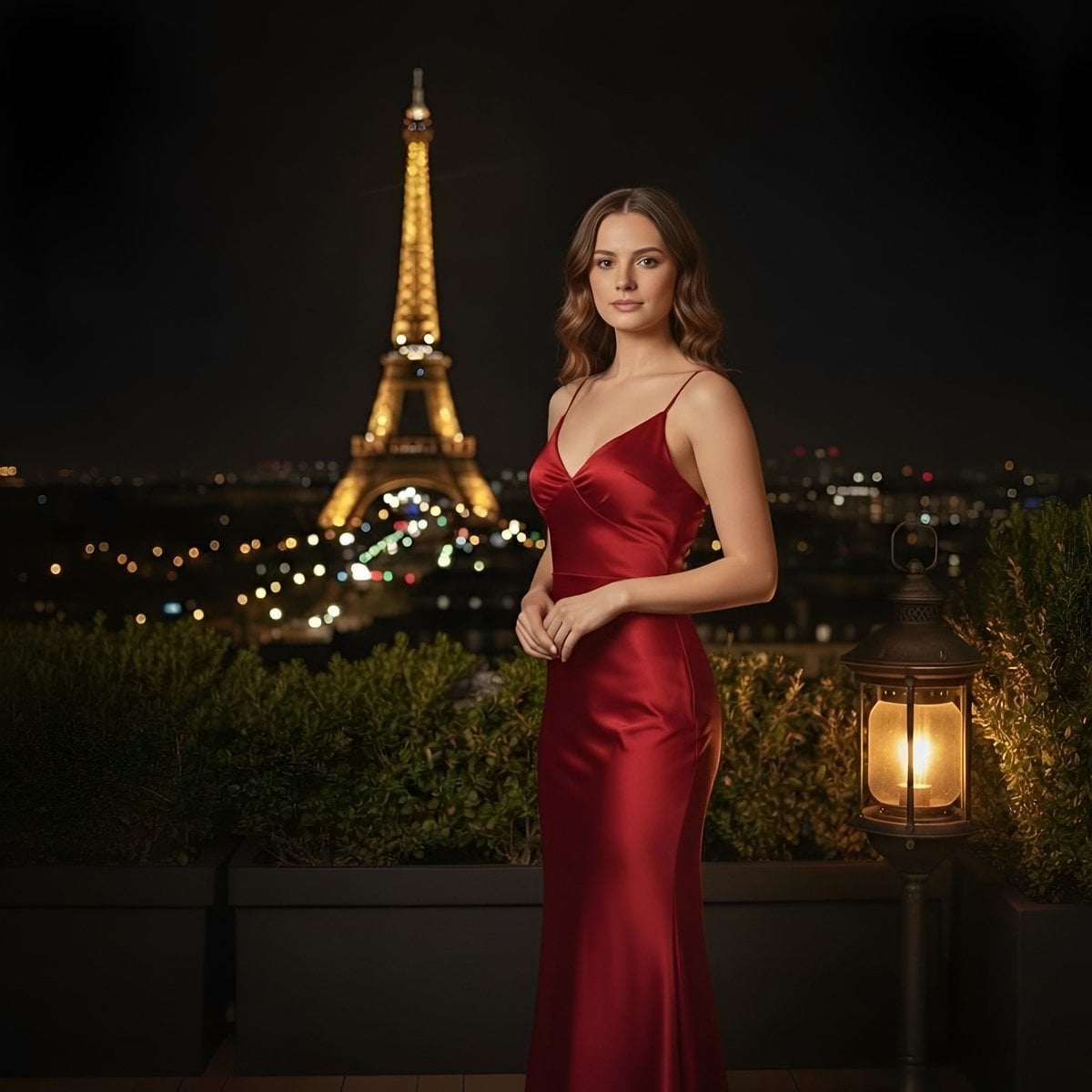
Cinematic Parisian Night Portrait with Eiffel Tower View
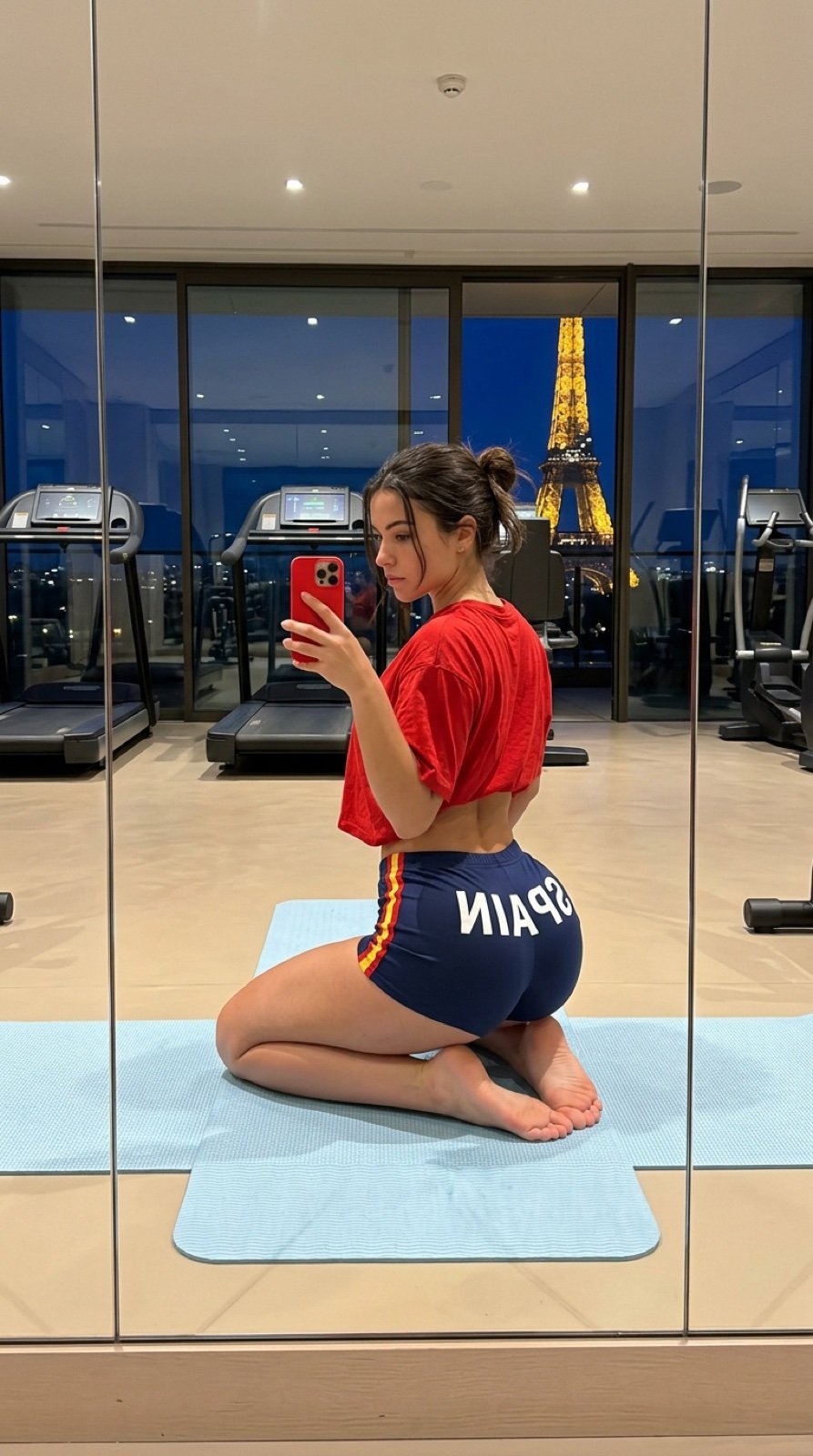
Gym Mirror Selfie with Eiffel Tower View
Make it yours
Annotated landmark images of Eiffel Tower, Great Wall, Colosseum, Taj Mahal works as-is. These are the safest ways to change it without losing the look.
Change one field
Copy a single group, rewrite it, and generate again so you can see what that field is doing.
Keep the frame, change the subject
Hold the composition and light of Annotated landmark images of Eiffel Tower, Great Wall, Colosseum, Taj Mahal, then swap wardrobe, props or the person for a new take.
| If the result… | Why | Fix |
|---|---|---|
| The result drifts from the preview | Too many fields changed at once. | Reuse Annotated landmark images of Eiffel Tower, Great Wall, Colosseum, Taj Mahal as-is first, then change one group — subject, light, or setting. |
| The model over-stylizes the scene | The prose prompt leaves finish and camera underspecified. | Add one camera or lighting sentence and stay on Nano Banana 2. |
More Nano Banana 2 templates
Other prompts made for Nano Banana 2.

Photorealistic Leaf Shaped Like a Dragon

K-Pop Idol Portrait Grid for Rapid Selection

Poetic Rain Forest Portrait During Golden Hour

Urban Street Portrait with Cartoon Inner Self Duo

Candid Nighttime Photo with Cat Prompt

High-Concept 3D Diorama Generation Prompt

Cinematic Futuristic Studio Portrait Template

Skincare Editorial Photography Collage Prompt

Hyper-Realistic Commercial Product Photography (Splash Effect)

Hyper-Realistic Nightclub Portrait Prompt
More image prompts
Fresh picks from across the catalog.
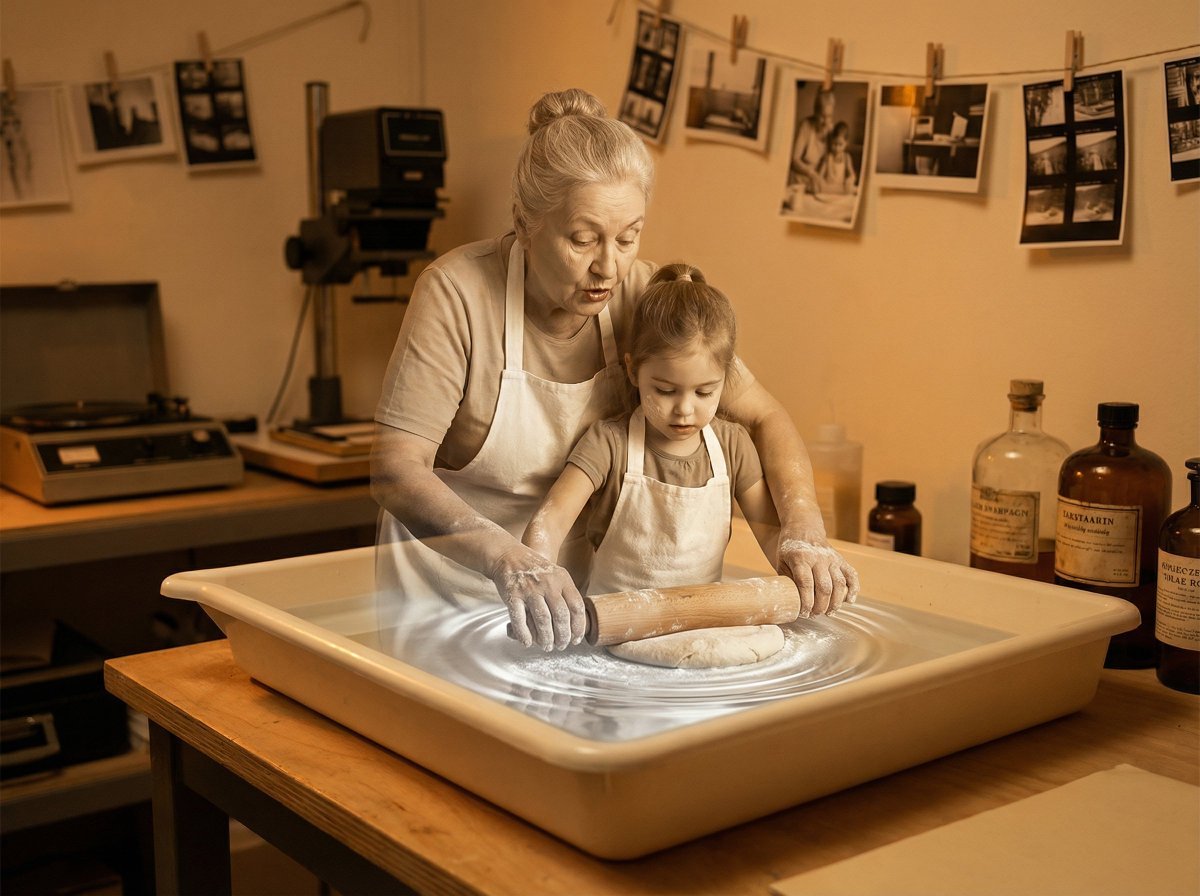
Vintage Photograph Developing in Darkroom with 3D Emergence
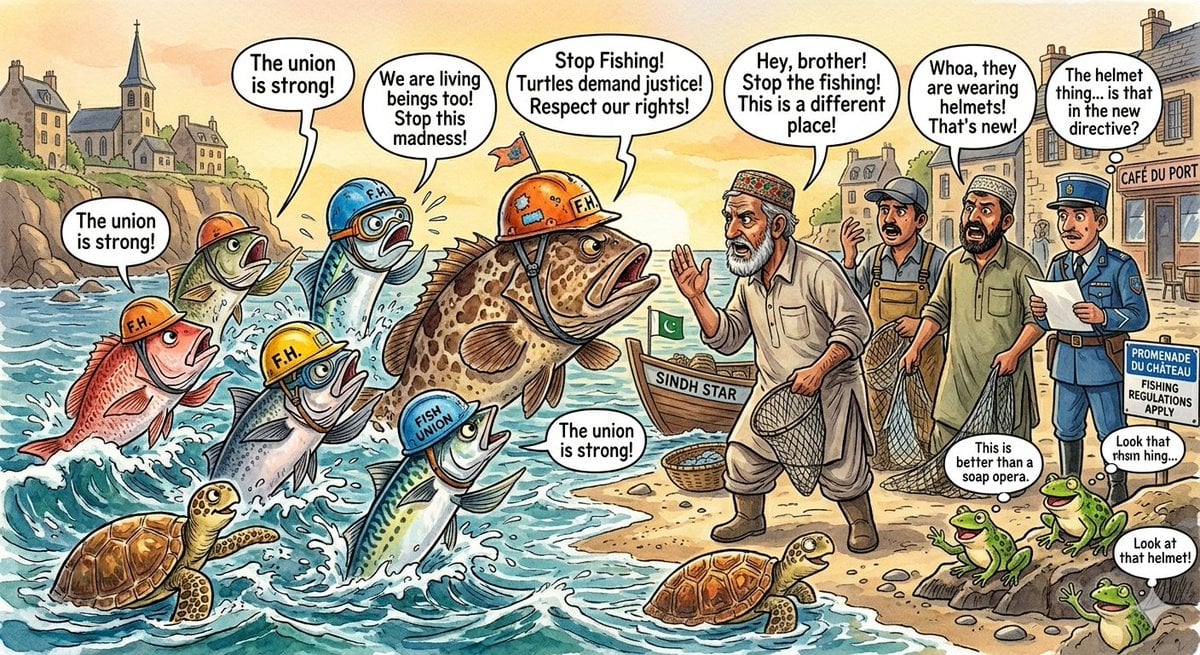
Protesting Fish on a French Seaside
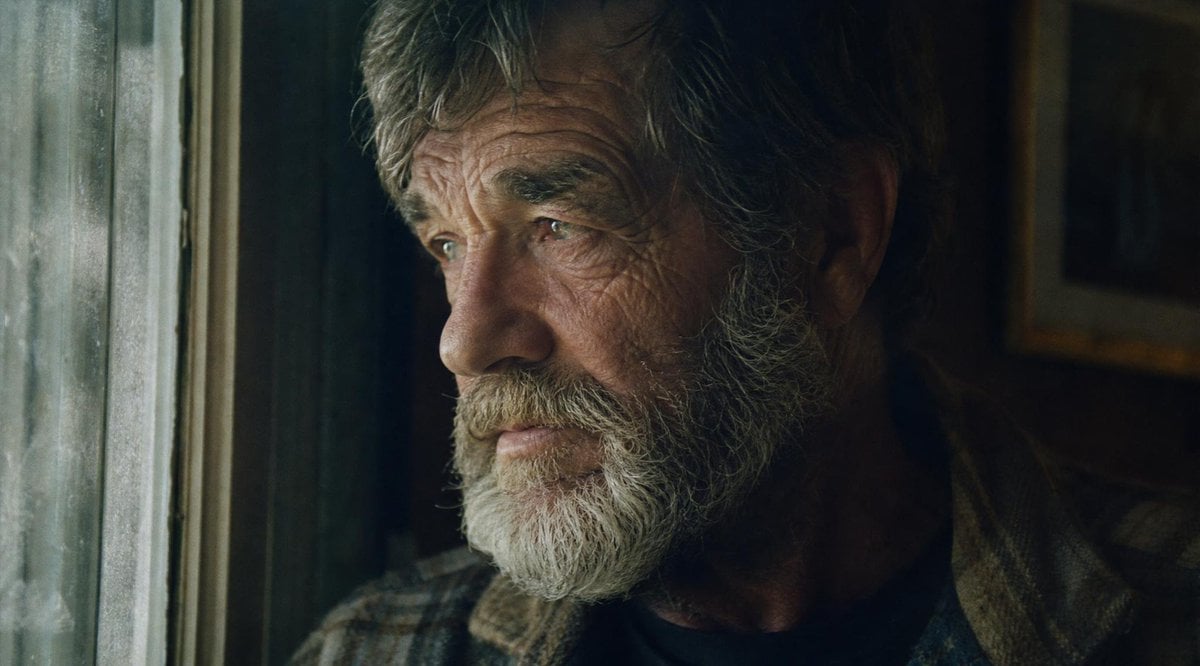
Moody Censored Film Portrait
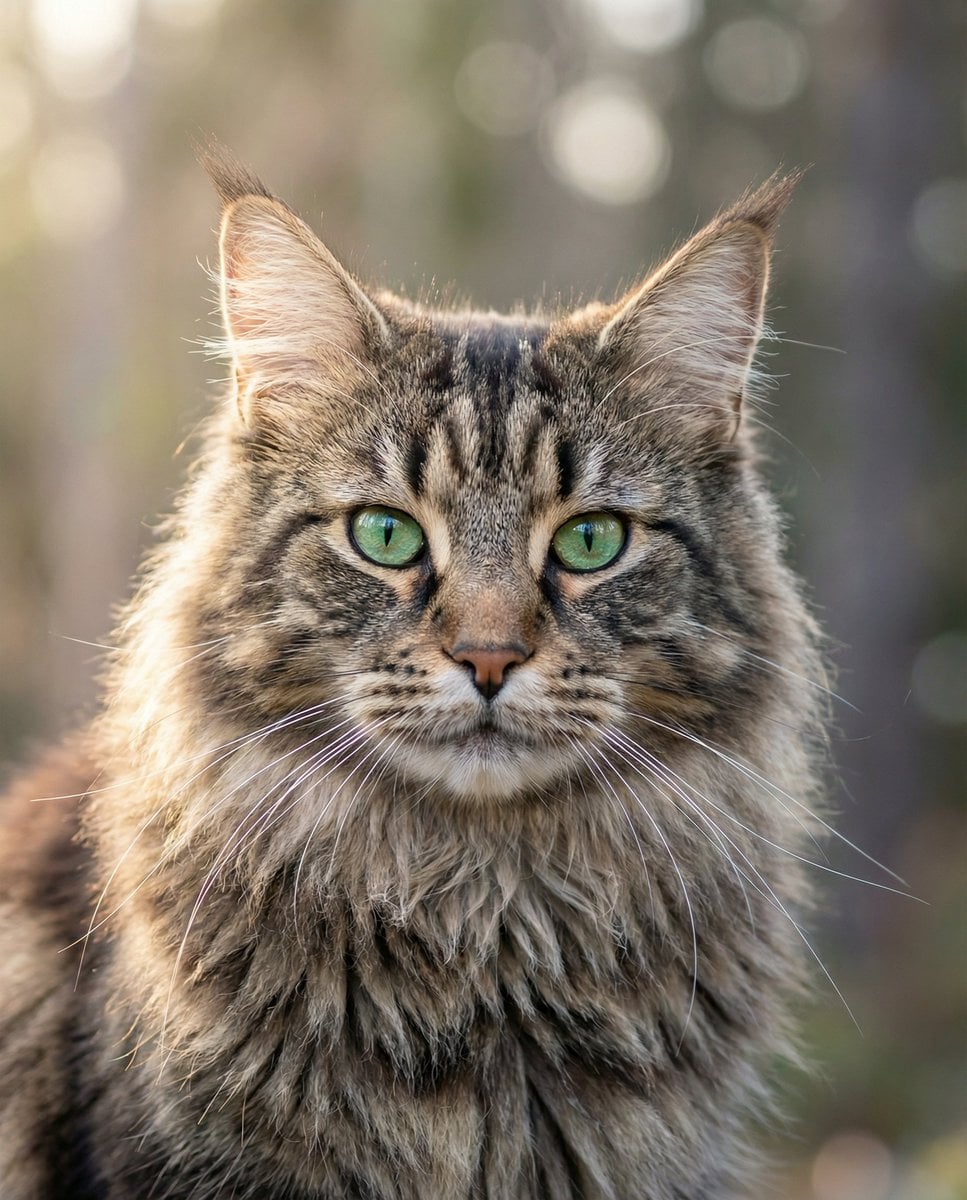
Hyper-Realistic Maine Coon Portrait
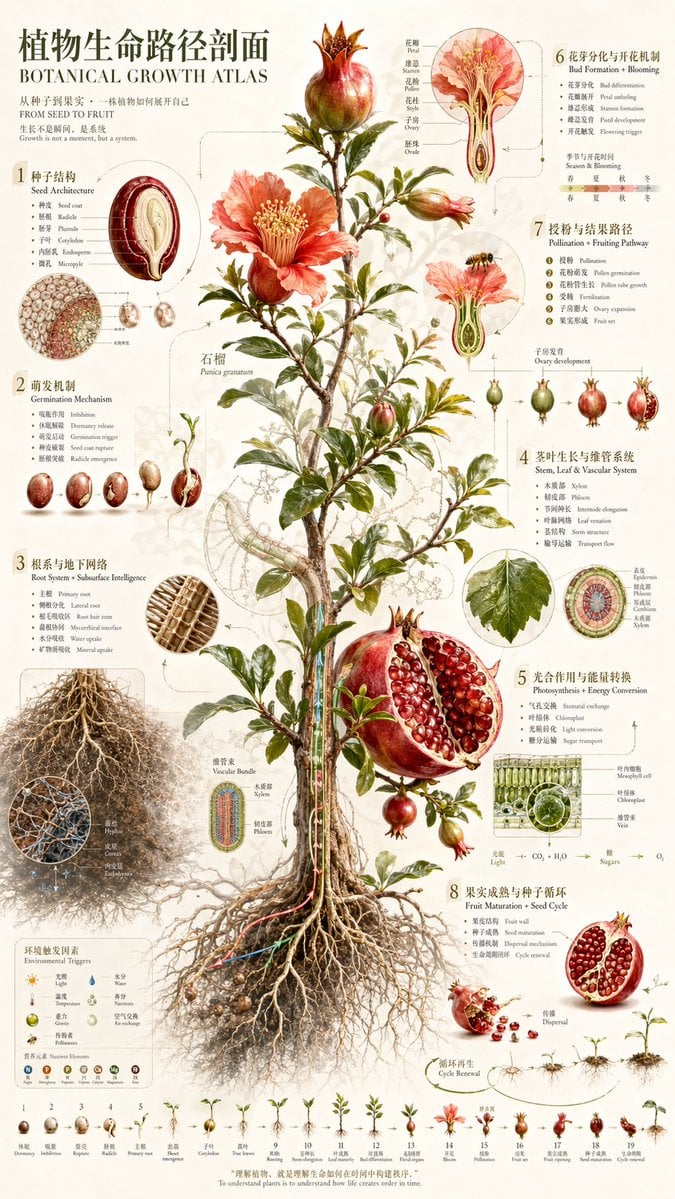
Vintage Pomegranate Growth Atlas
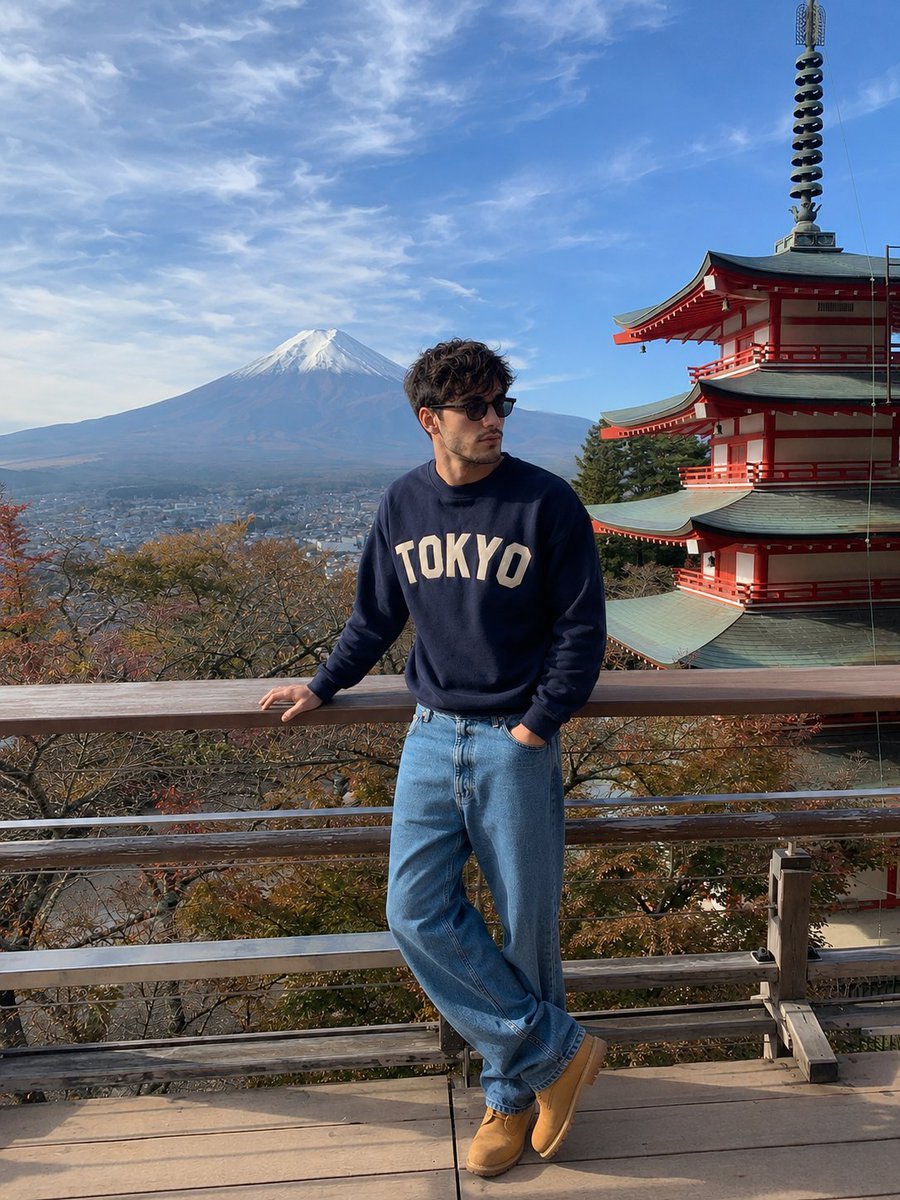
iPhone Travel Photo at Mt Fuji
Makoto Shinkai-style cinematic sky background illustration

Fun Commercial Photography Prompt

8K 3D Illustration of Anthropomorphic Bees (Gym and Relaxing)

Cinematic Chiaroscuro Film Portrait
Browse template categories
Annotated landmark images of Eiffel Tower, Great Wall, Colosseum, Taj Mahal questions
How do I use the Annotated landmark images of Eiffel Tower, Great Wall, Colosseum, Taj Mahal template?
Add your photo if the template asks for one, edit the prompt if you like — the template's model and format are already selected — and press Generate. Your version opens in PicX Studio.
Can I customize the Annotated landmark images of Eiffel Tower, Great Wall, Colosseum, Taj Mahal template?
Yes. You can change the subject, setting, lighting, mood, format, and available model controls before creating your image.
Is the Annotated landmark images of Eiffel Tower, Great Wall, Colosseum, Taj Mahal template free?
Opening and editing this template is free. Generating uses credits, shown on the Generate button when you are signed in.
Which AI model should I use?
Start with Nano Banana 2, which is the model associated with this template. You can compare another compatible model for a different finish.
Looking for something else? Browse all templates.

Your photo, any look
Thousands of ready templates for every top image and video model, from one credit balance.