How do I use the Velvet and Vinyl Urban Magazine template?
Choose the primary action to open PicX Studio with the available template settings. Review the model and format, personalize the creative direction, and generate when ready.
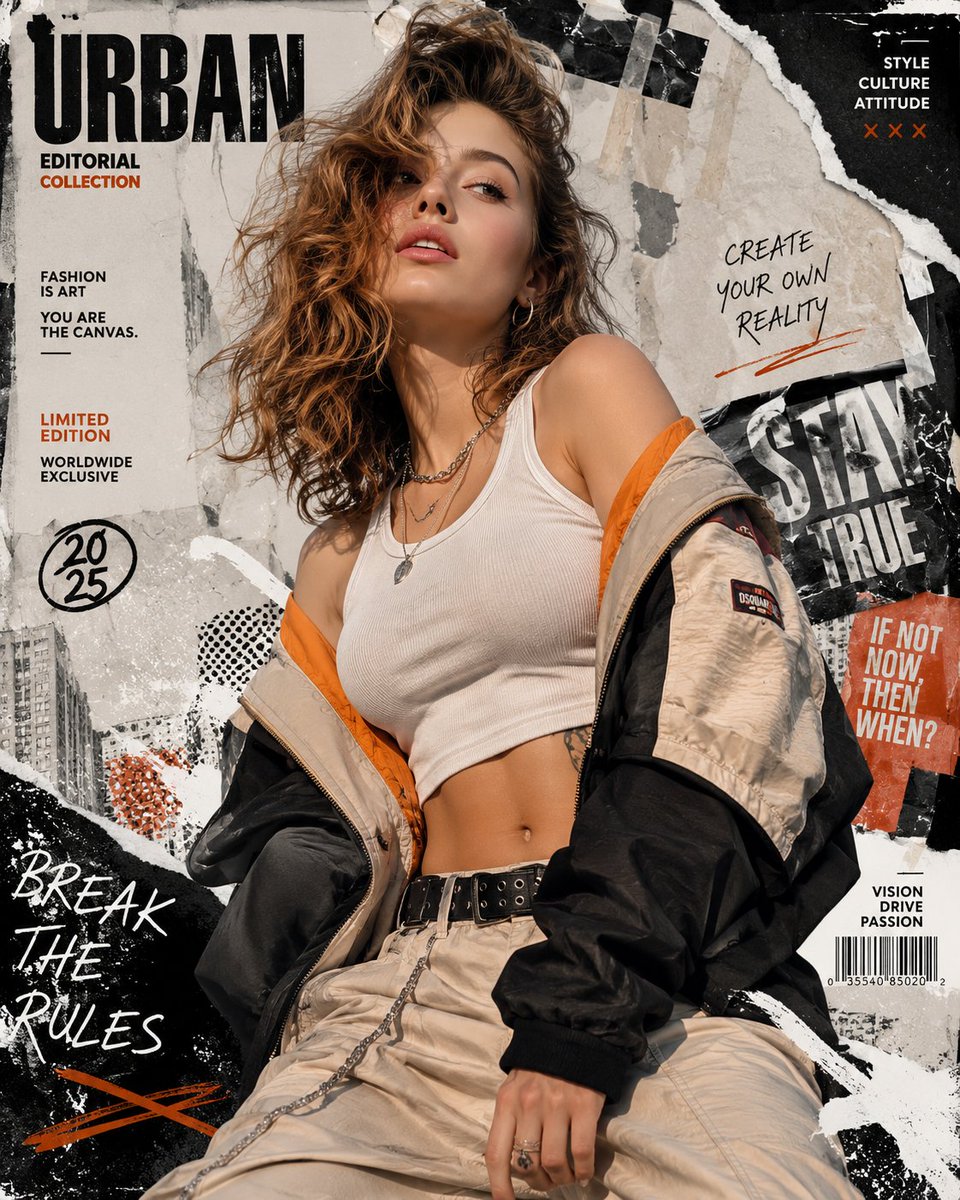
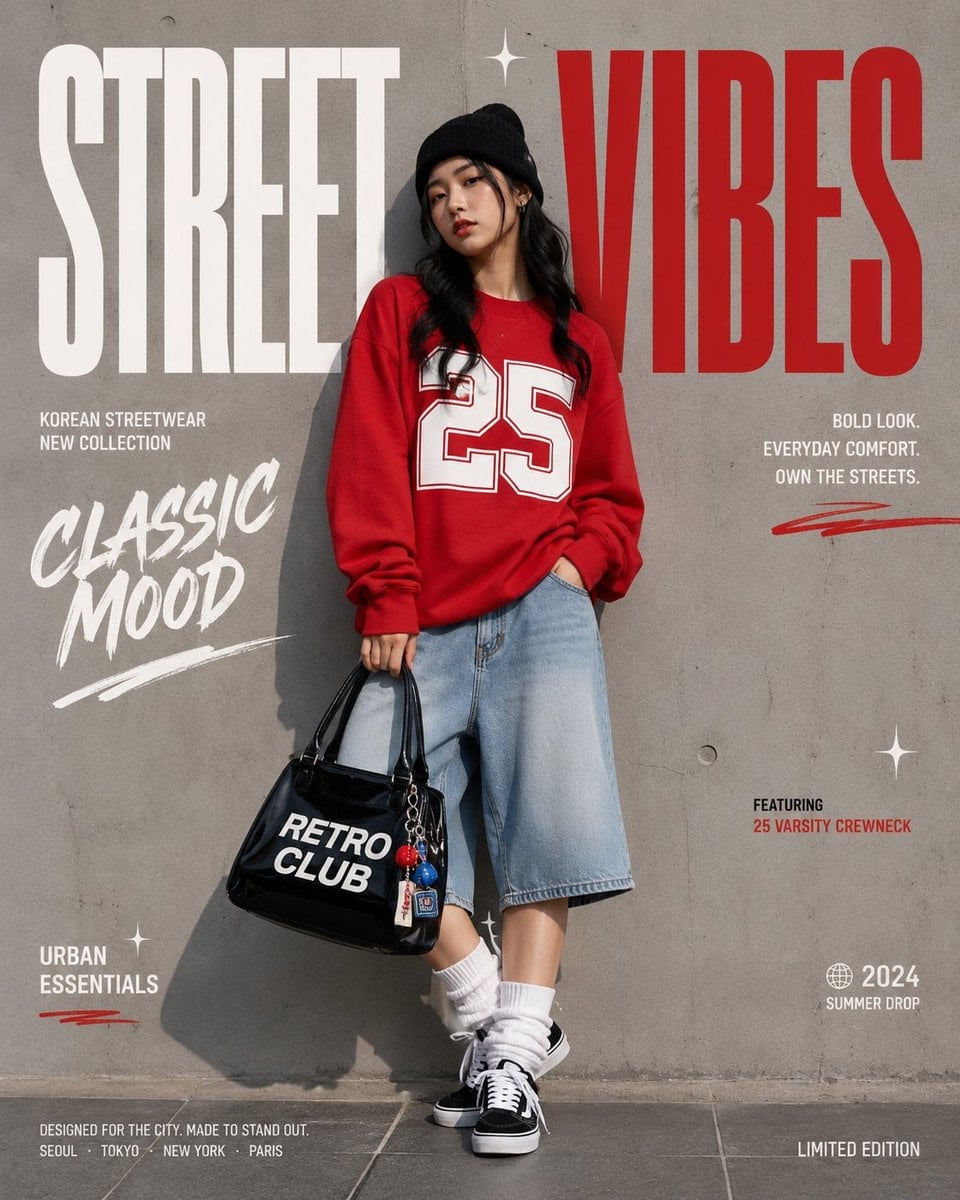
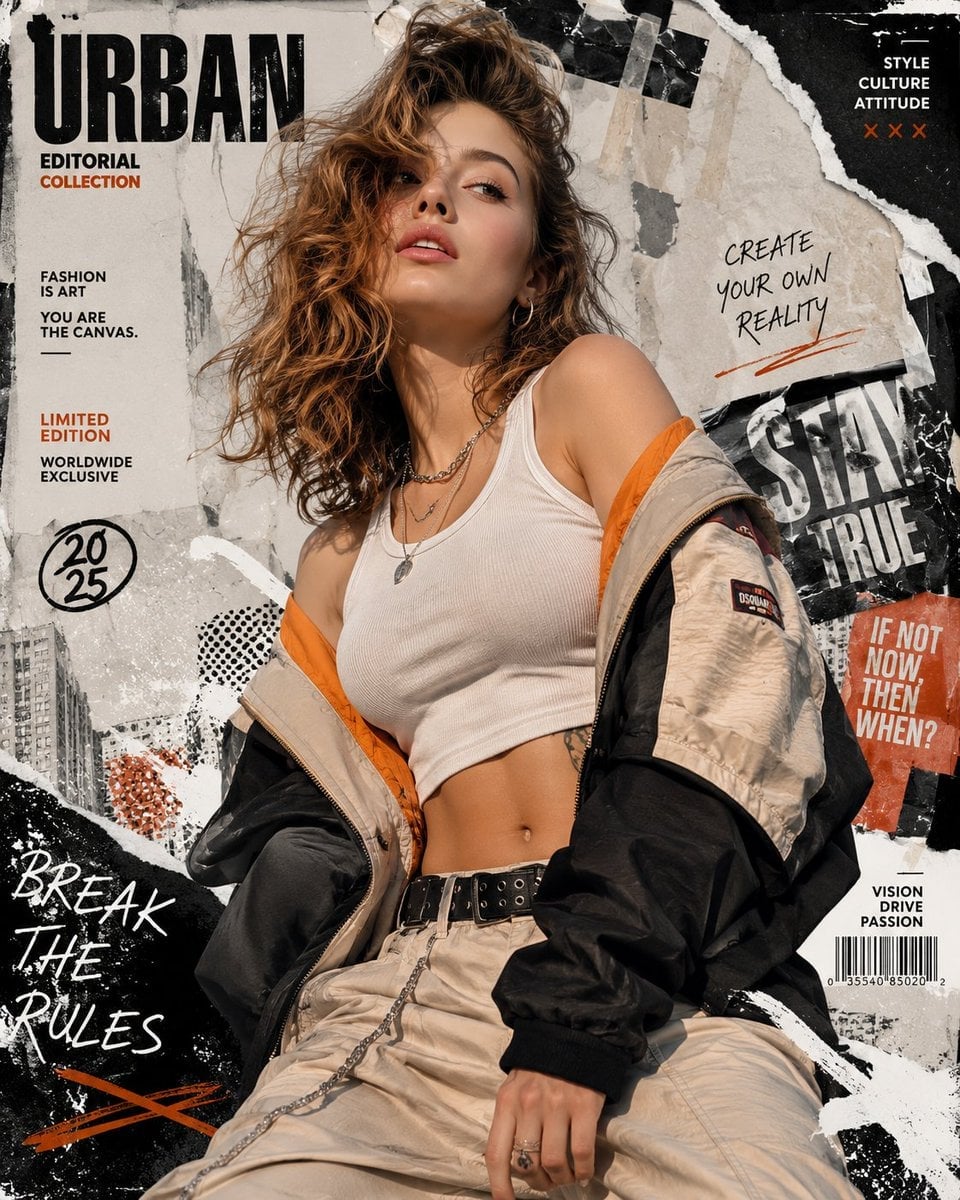
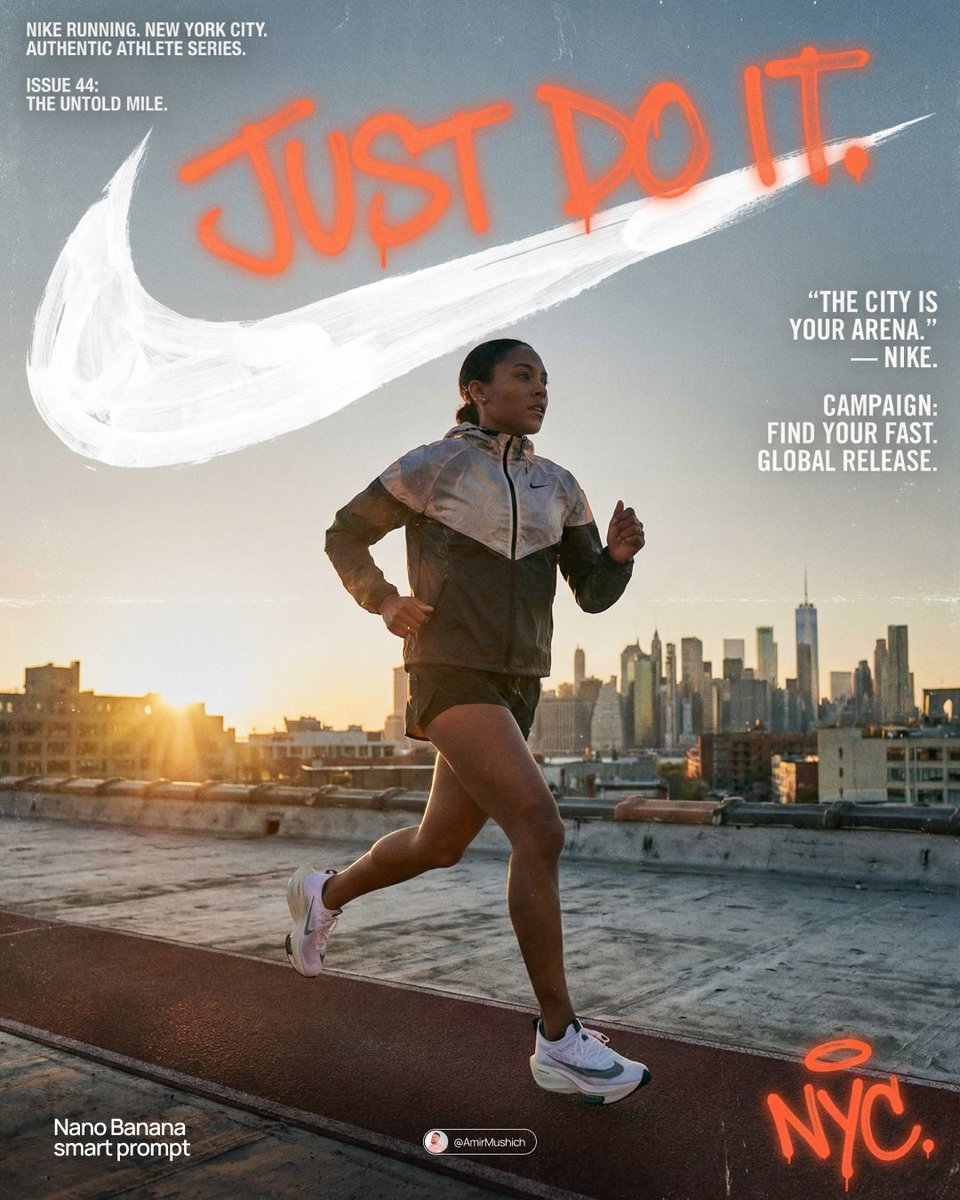
An urban streetwear lifestyle magazine cover featuring a woman with curly hair against a graffiti backdrop.
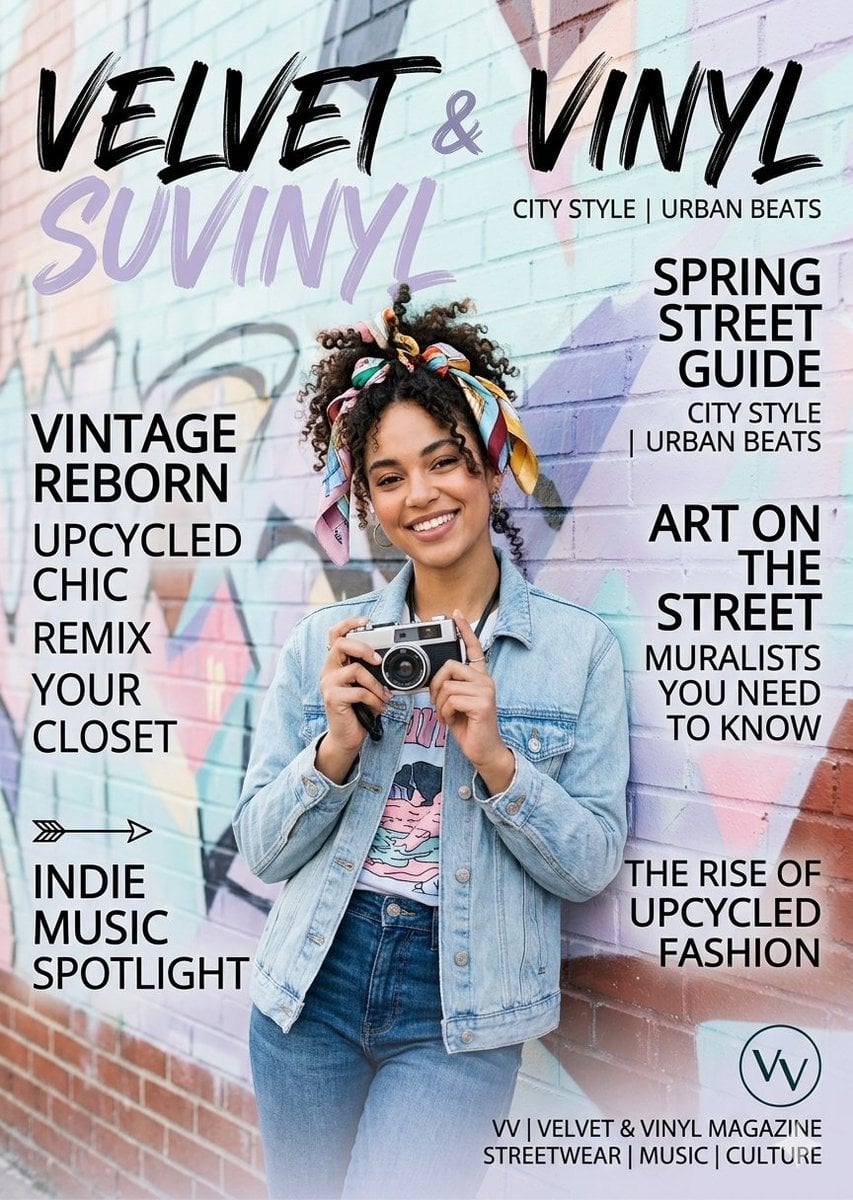
A magazine cover titled "{argument name="magazine title" default="VELVET & VINYL"}" featuring a smiling {argument name="subject" default="young woman with curly hair"} tied up in a colorful patterned scarf. She is standing in front of a vibrant graffiti brick wall, wearing a light-wash denim jacket over a graphic t-shirt and high-waisted blue jeans. She holds a vintage film camera with both hands in front of her chest. The cover is layered with modern, stylized text and headlines such as "SUVINYL," "CITY STYLE | URBAN BEATS," "SPRING STREET GUIDE," "VINTAGE REBORN," and "ART ON THE STREET." The overall aesthetic is a trendy, urban, streetwear and indie culture lifestyle magazine with a bright and artistic color palette.
Choose the primary action to open PicX Studio with the available template settings. Review the model and format, personalize the creative direction, and generate when ready.
Yes. You can change the subject, setting, lighting, mood, format, and available model controls before creating your image.
This template is free to open and customize. Generation usage is shown in PicX Studio before you create.
Start with Nano Banana 2, which is the model associated with this template. You can compare another compatible model for a different finish.
Follow a topic to a crawlable collection of related PicX Studio templates.