
Extreme Close-up Portrait with Soft Grunge and Coquette Aesthetic
A detailed JSON prompt for generating an extreme close-up portrait with a 'Coquette, Soft Grunge, Vintage Indie' aesthetic.
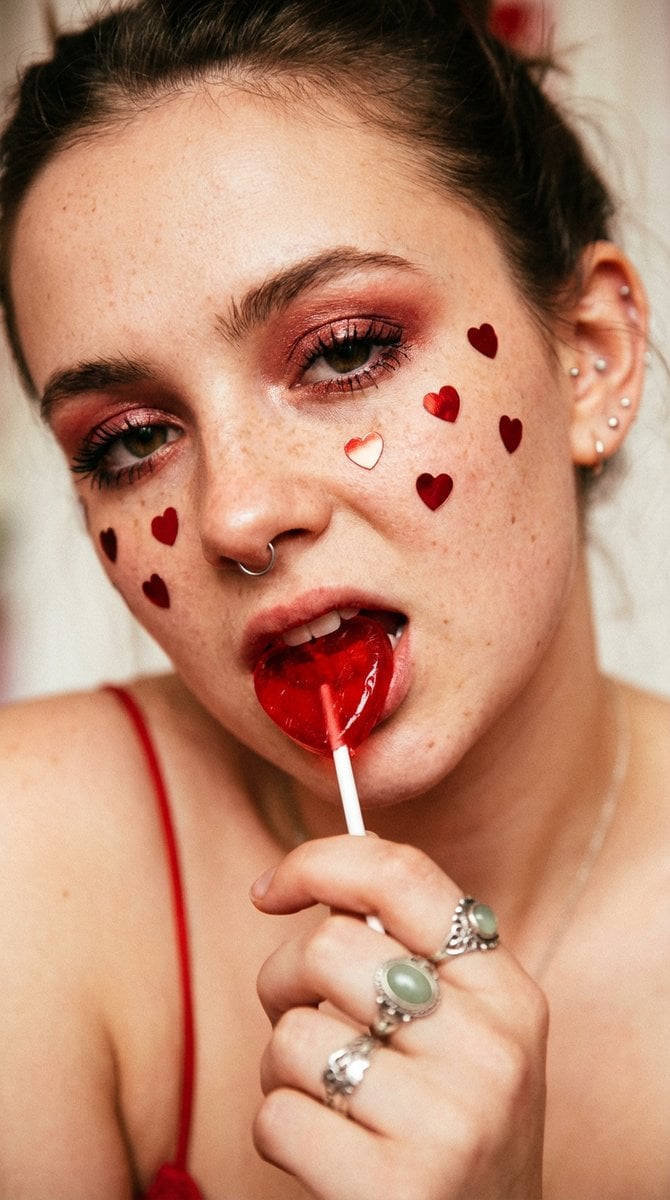
- Prompt included
- Model and format preset
- Free template
The prompt behind this image
Copy the exact prompt behind Extreme Close-up Portrait with Soft Grunge and Coquette Aesthetic, or open it in the studio and make it yours.
- Visual Style › Aesthetic Tags
- Coquette, Soft Grunge, Vintage Indie, Romantic Macabre
- Visual Style › Subject › Focus
- Extreme close-up portrait of a person's face
- Visual Style › Subject › Pose
- Head tilted slightly, eyes looking toward the camera (averted gaze), hand partially visible at the bottom left holding a lollipop
- Visual Style › Subject › Expression
- Playful yet moody, biting down on a heart-shaped lollipop
- Visual Style › Color Palette › Dominant Colors
- #BC0000 (Crimson Red), #E8B4A2 (Peach/Skin Tones), #F4EBD9 (Cream/Neutral)
- Visual Style › Color Palette › Accent Colors
- #A3C6C4 (Pale Sage Green - Ring Stone), #000000 (Black - Liner/Straps)
- Visual Style › Color Palette › Temperature
- Warm and saturated
- Visual Style › Composition › Framing
- Macro/Tight crop
- Visual Style › Composition › Depth Of Field
- Shallow (bokeh effect on ears and background)
- Visual Style › Composition › Angle
- Eye level, slightly tilted
- Visual Style › Composition › Balance
- Asymmetrical with hand and lollipop creating a diagonal lead
- Visual Style › Makeup And Face › Skin Texture
- Natural, visible freckles and pores
- Visual Style › Makeup And Face › Eye Makeup
- Shimmery reddish eyeshadow, dark eyeliner, heavy mascara
- Visual Style › Makeup And Face › Lips
- Natural/glossy base, obscured by lollipop
- Visual Style › Makeup And Face › Adornments
- Red metallic heart-shaped stickers/confetti scattered across the face
- Visual Style › Outfits And Accessories › Jewelry
- Delicate silver septum hoop, Multiple small silver ear studs, Ornate silver rings, one featuring a light green/turquoise stone
- Visual Style › Outfits And Accessories › Clothing
- Thin red spaghetti strap
- Visual Style › Outfits And Accessories › Props
- Red translucent heart-shaped lollipop on a white stick
- Visual Style › Lighting And Atmosphere › Source
- Soft, diffused natural light
- Visual Style › Lighting And Atmosphere › Vibe
- Nostalgic, intimate, youthful, slightly edgy
- Visual Style › Lighting And Atmosphere › Shadows
- Soft, minimal harshness
- Visual Style › Technical Effects › Texture
- Fine film grain
- Visual Style › Technical Effects › Sharpness
- High focus on the eyes and center of the face, softening towards the edges
- Visual Style › Technical Effects › Saturation
- High saturation on red elements to make them pop
Raw JSON
{
  "visual_style": {
    "aesthetic_tags": ["Coquette", "Soft Grunge", "Vintage Indie", "Romantic Macabre"],
    "subject": {
      "focus": "Extreme close-up portrait of a person's face",
      "pose": "Head tilted slightly, eyes looking toward the camera (averted gaze), hand partially visible at the bottom left holding a lollipop",
      "expression": "Playful yet moody, biting down on a heart-shaped lollipop"
    },
    "color_palette": {
      "dominant_colors": ["#BC0000 (Crimson Red)", "#E8B4A2 (Peach/Skin Tones)", "#F4EBD9 (Cream/Neutral)"],
      "accent_colors": ["#A3C6C4 (Pale Sage Green - Ring Stone)", "#000000 (Black - Liner/Straps)"],
      "temperature": "Warm and saturated"
    },
    "composition": {
      "framing": "Macro/Tight crop",
      "depth_of_field": "Shallow (bokeh effect on ears and background)",
      "angle": "Eye level, slightly tilted",
      "balance": "Asymmetrical with hand and lollipop creating a diagonal lead"
    },
    "makeup_and_face": {
      "skin_texture": "Natural, visible freckles and pores",
      "eye_makeup": "Shimmery reddish eyeshadow, dark eyeliner, heavy mascara",
      "lips": "Natural/glossy base, obscured by lollipop",
      "adornments": "Red metallic heart-shaped stickers/confetti scattered across the face"
    },
    "outfits_and_accessories": {
      "jewelry": [
        "Delicate silver septum hoop",
        "Multiple small silver ear studs",
        "Ornate silver rings, one featuring a light green/turquoise stone"
      ],
      "clothing": "Thin red spaghetti strap",
      "props": "Red translucent heart-shaped lollipop on a white stick"
    },
    "lighting_and_atmosphere": {
      "source": "Soft, diffused natural light",
      "vibe": "Nostalgic, intimate, youthful, slightly edgy",
      "shadows": "Soft, minimal harshness"
    },
    "technical_effects": {
      "texture": "Fine film grain",
      "sharpness": "High focus on the eyes and center of the face, softening towards the edges",
      "saturation": "High saturation on red elements to make them pop"
    }
  }
}How to use Extreme Close-up Portrait with Soft Grunge and Coquette Aesthetic in 3 steps
- 1
Open
The prompt is already in the box next to the preview, with the template's model and format selected.
- 2…a portrait of your subject in softgolden-hour light, 85mm…
Personalize
Edit the subject and creative details for your destination.
- 3Generate
Generate
Press Generate — your image is created in PicX Studio, so you can compare it with the original and refine one variable at a time.
More like this
Templates with the same subject, style or setup. Open one to see its prompt.
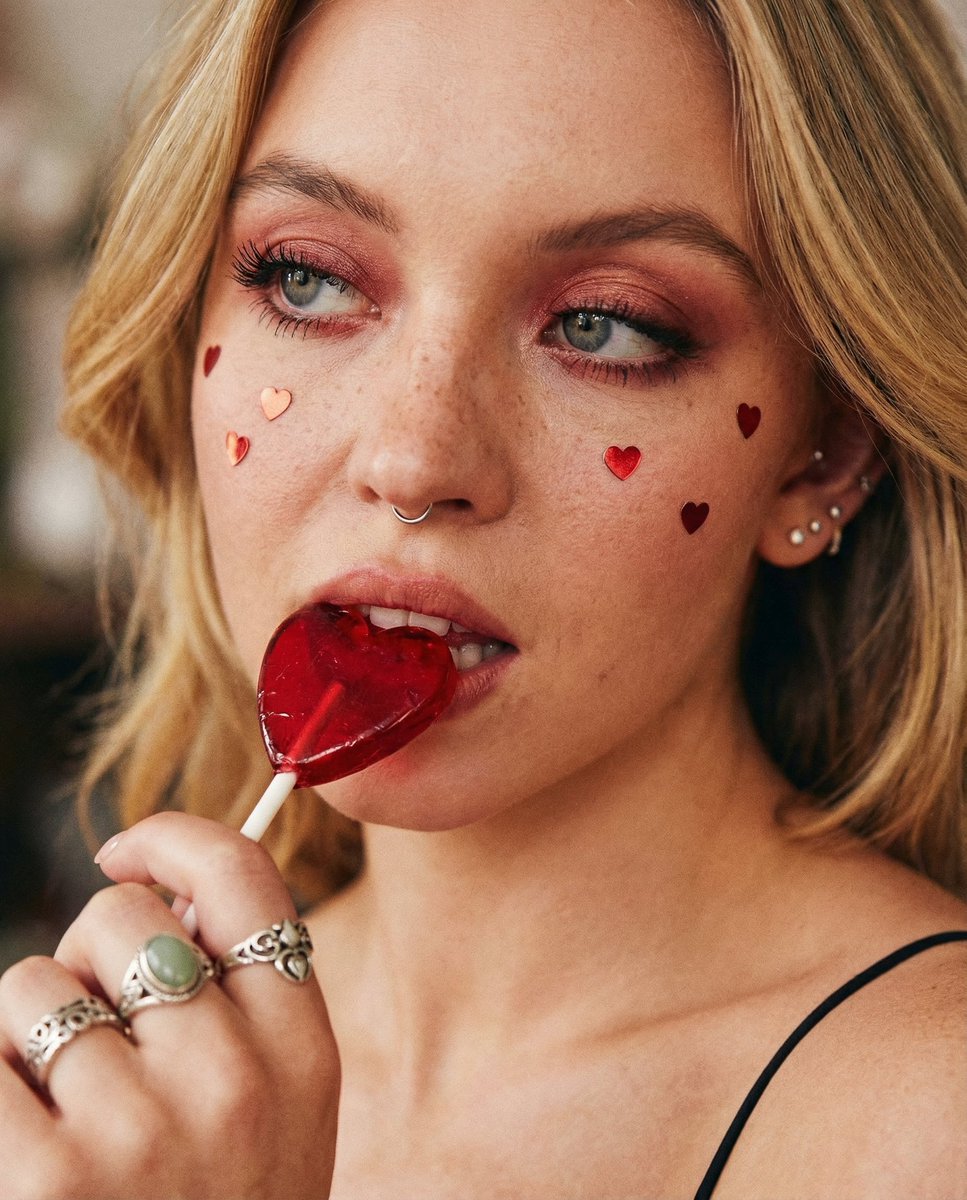
Coquette Soft Grunge Portrait with Lollipop
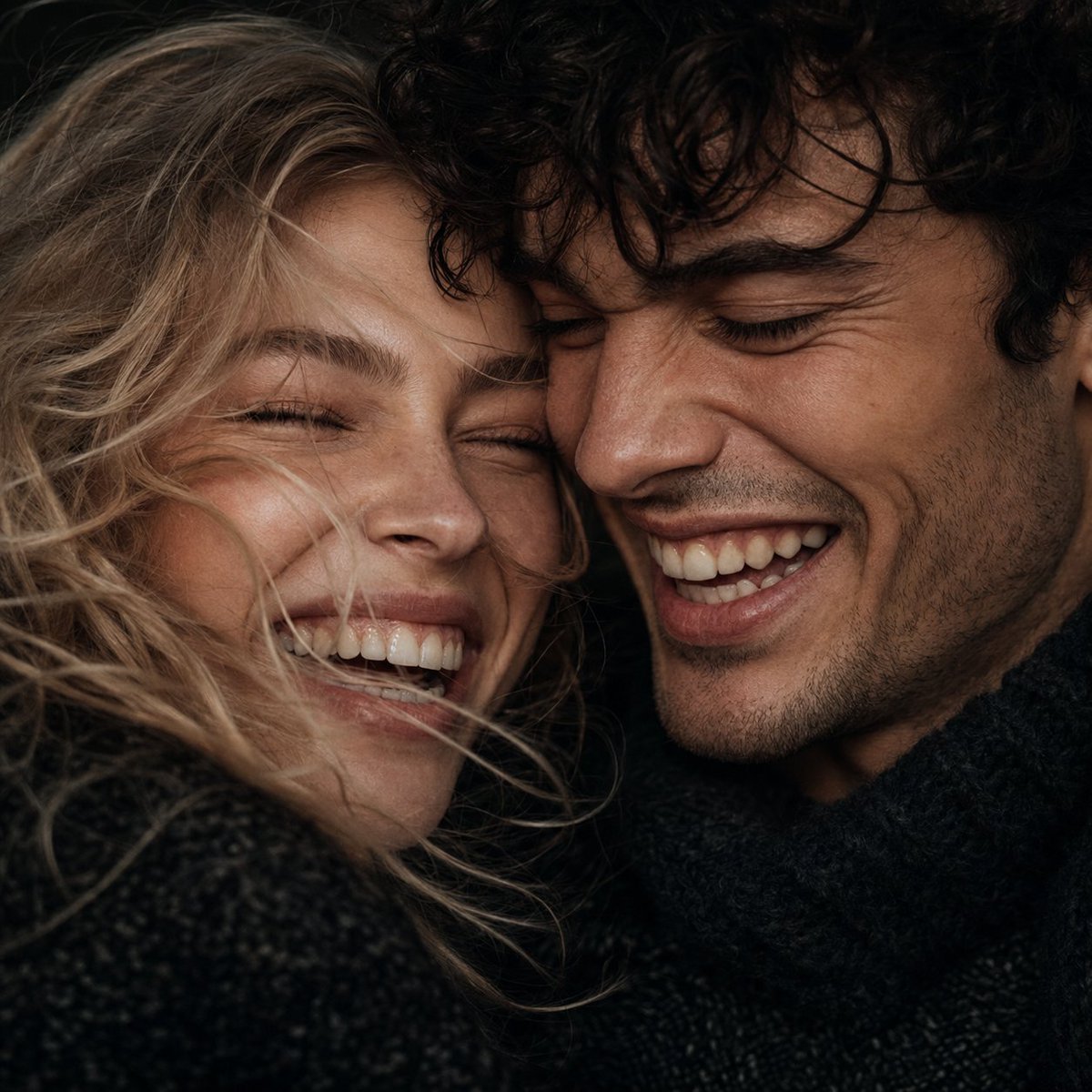
Extreme Close-Up Laughing Couple Portrait
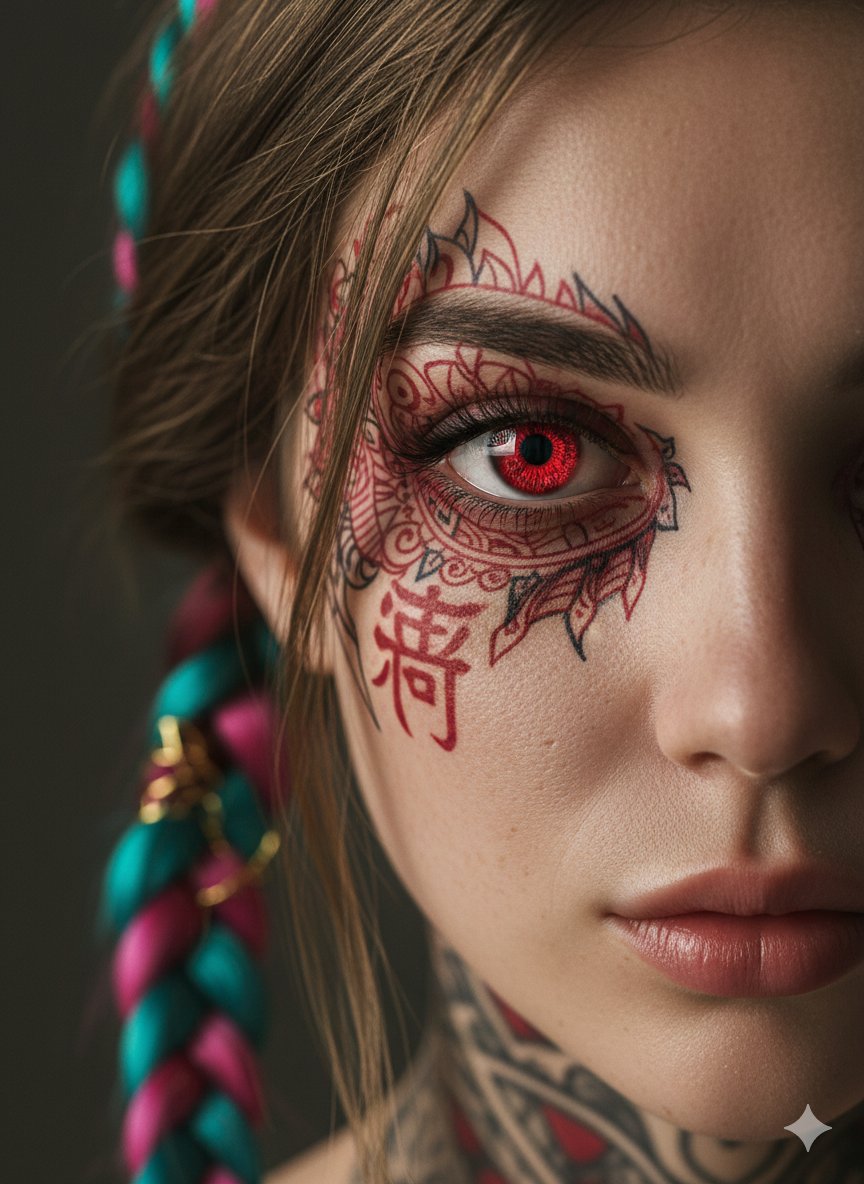
Extreme Close-Up Cinematic Portrait with Tattoos and Red Eye
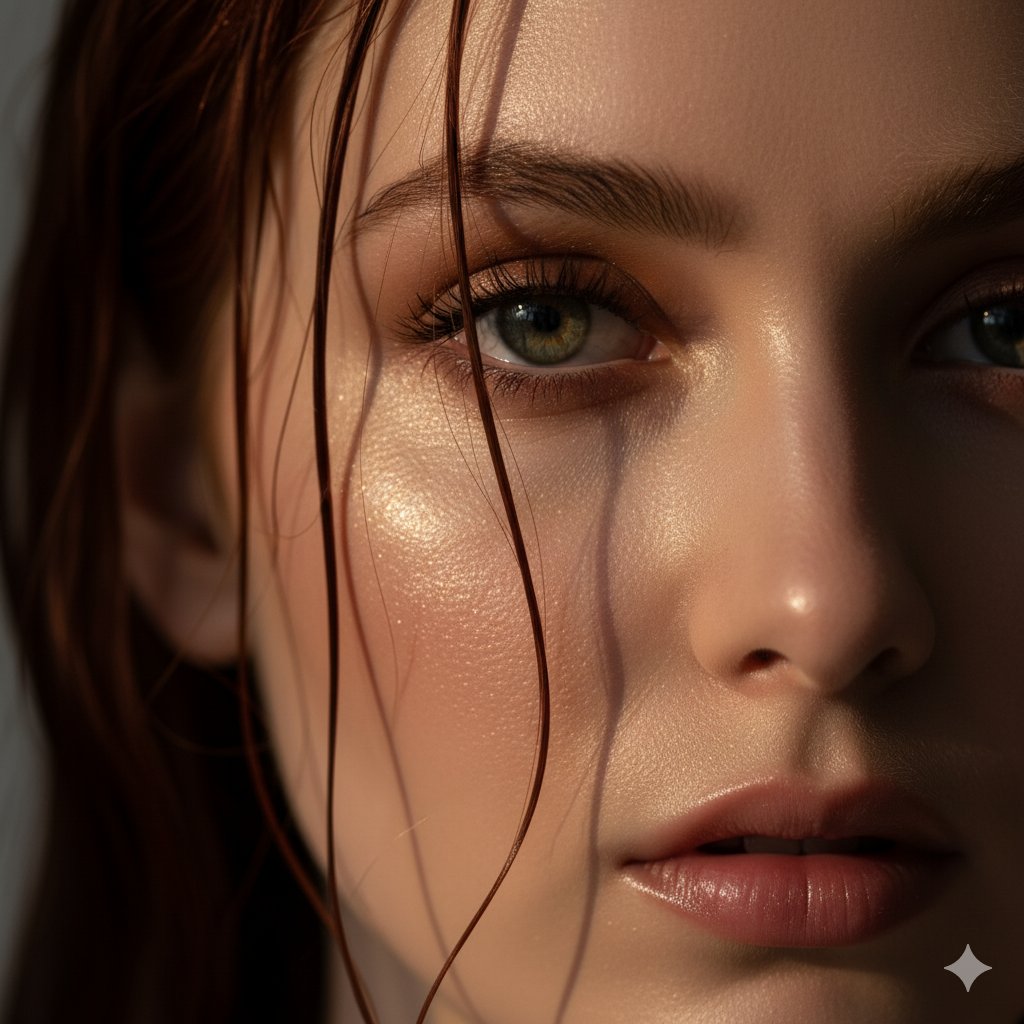
Extreme Close-Up Portrait Prompt (Focus on Texture)
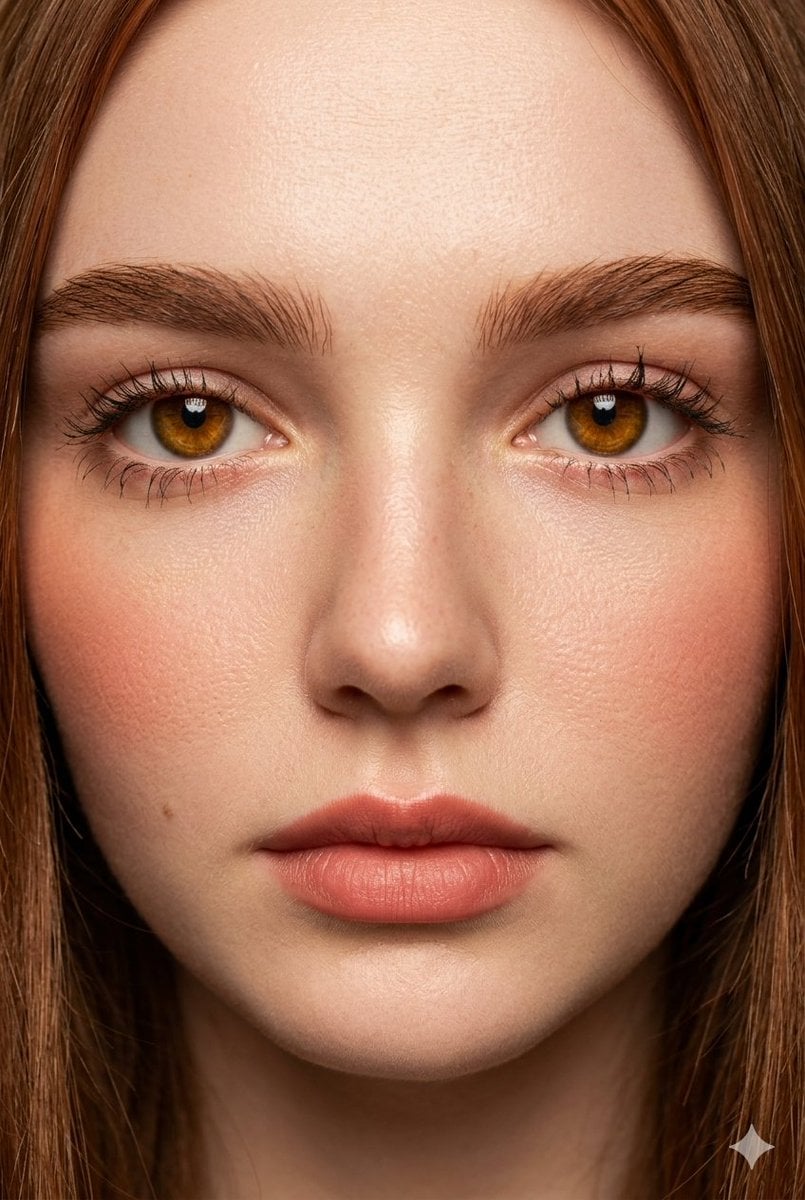
Extreme Close-Up Fashion Beauty Portrait
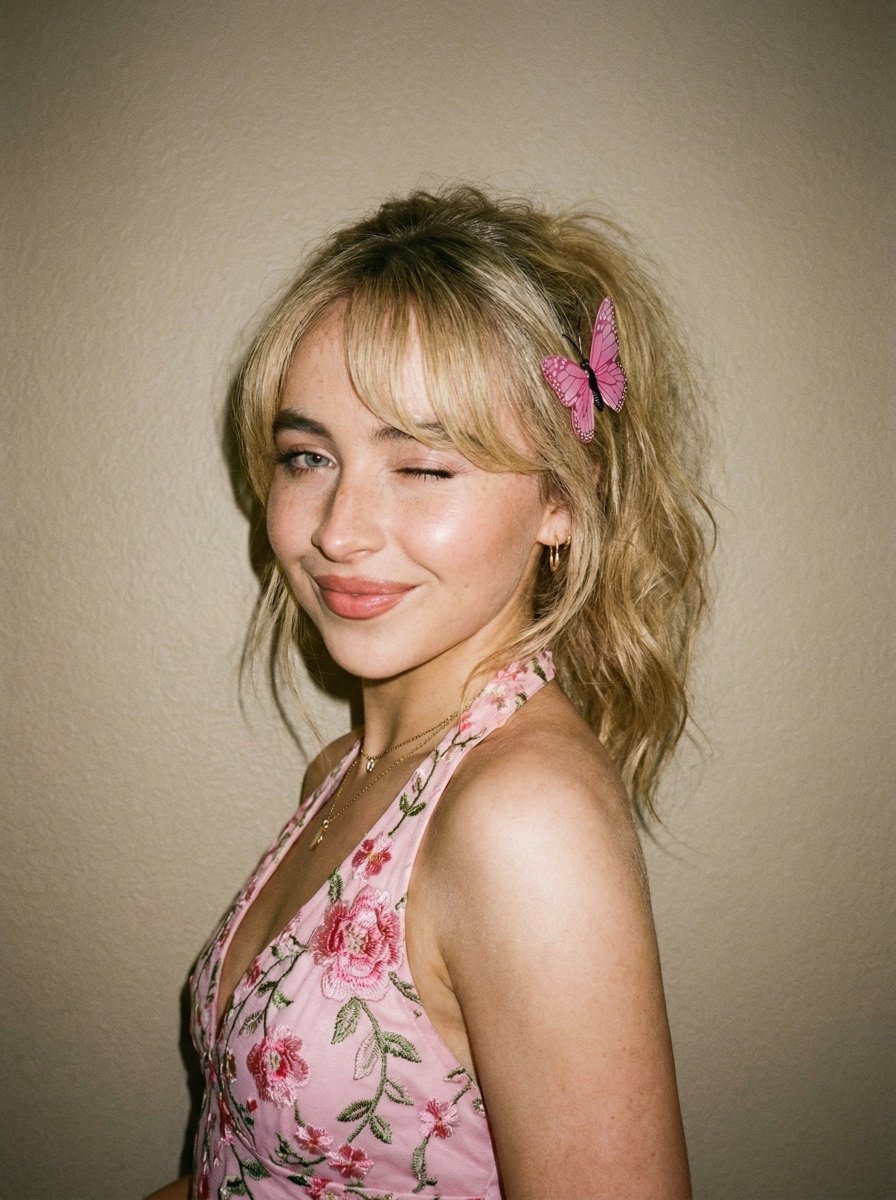
Soft Flash Portrait with Coquette Aesthetic

Found Photograph: Us, 1970

80s Couple Studio Portrait

80s Bollywood Star

80s Golden Hour Cinema

Me in 1985

1985 Studio Portrait
Make it yours
Extreme Close-up Portrait with Soft Grunge and Coquette Aesthetic works as-is. These are the safest ways to change it without losing the look.
Swap the light
One lighting change is enough to compare takes. Current light: “Soft, diffused natural light”.
Change one field
Copy a single group, rewrite it, and generate again so you can see what that field is doing.
Keep the frame, change the subject
Hold the composition and light of Extreme Close-up Portrait with Soft Grunge and Coquette Aesthetic, then swap wardrobe, props or the person for a new take.
| If the result… | Why | Fix |
|---|---|---|
| The result drifts from the preview | Too many fields changed at once. | Reuse Extreme Close-up Portrait with Soft Grunge and Coquette Aesthetic as-is first, then change one group — subject, light, or setting. |
| Nano Banana 2 ignores part of the JSON | Some models flatten or skip nested keys. | Keep the same values and paste them as a short paragraph instead. |
More Nano Banana 2 templates
Other prompts made for Nano Banana 2.

Photorealistic Leaf Shaped Like a Dragon

K-Pop Idol Portrait Grid for Rapid Selection

Poetic Rain Forest Portrait During Golden Hour

Urban Street Portrait with Cartoon Inner Self Duo

Candid Nighttime Photo with Cat Prompt

High-Concept 3D Diorama Generation Prompt

Cinematic Futuristic Studio Portrait Template

Skincare Editorial Photography Collage Prompt

Hyper-Realistic Commercial Product Photography (Splash Effect)

Hyper-Realistic Nightclub Portrait Prompt
More image prompts
Fresh picks from across the catalog.
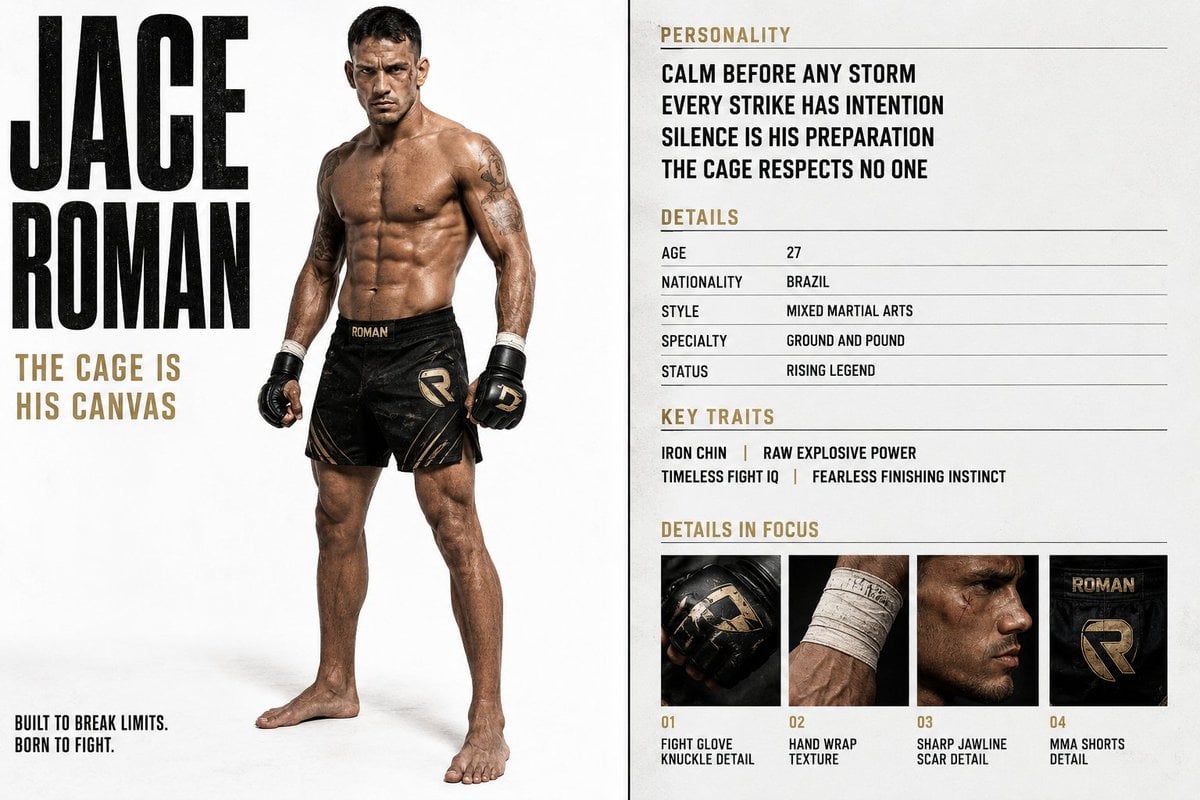
Luxury Editorial Character Spread
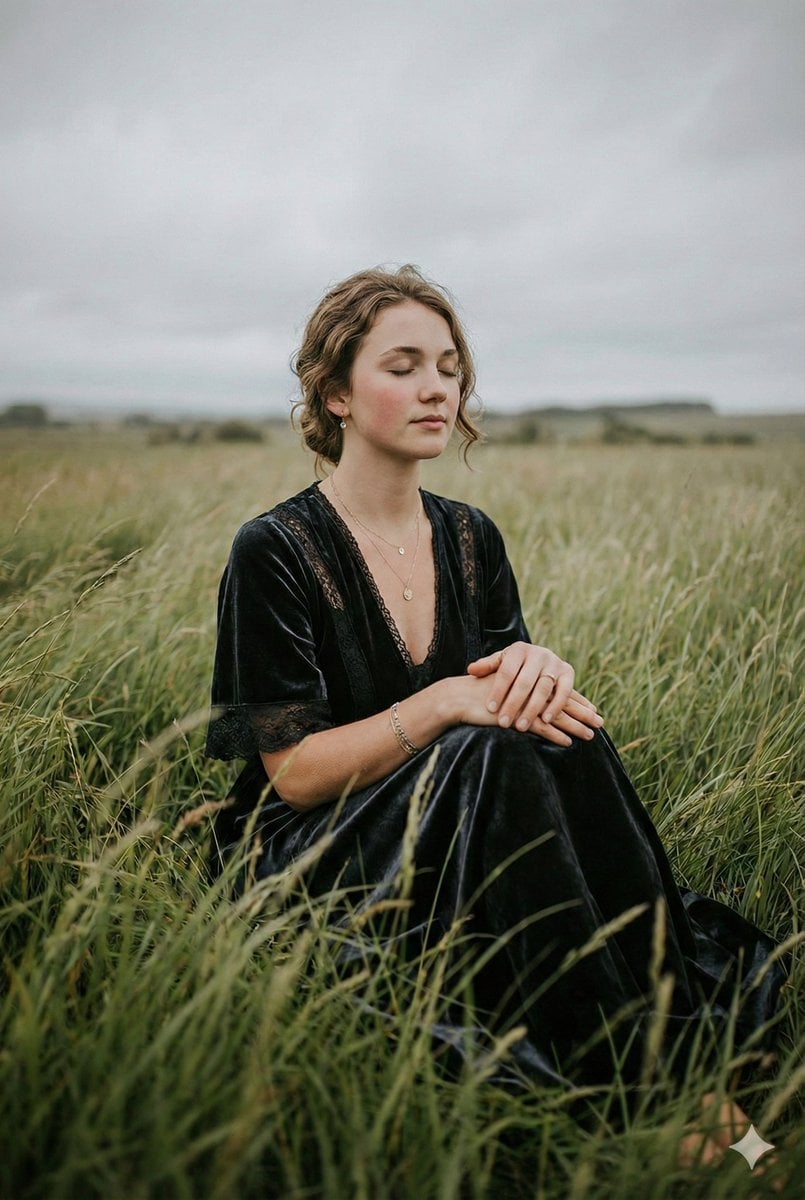
Serene Western Girl in Tall Grass Portrait
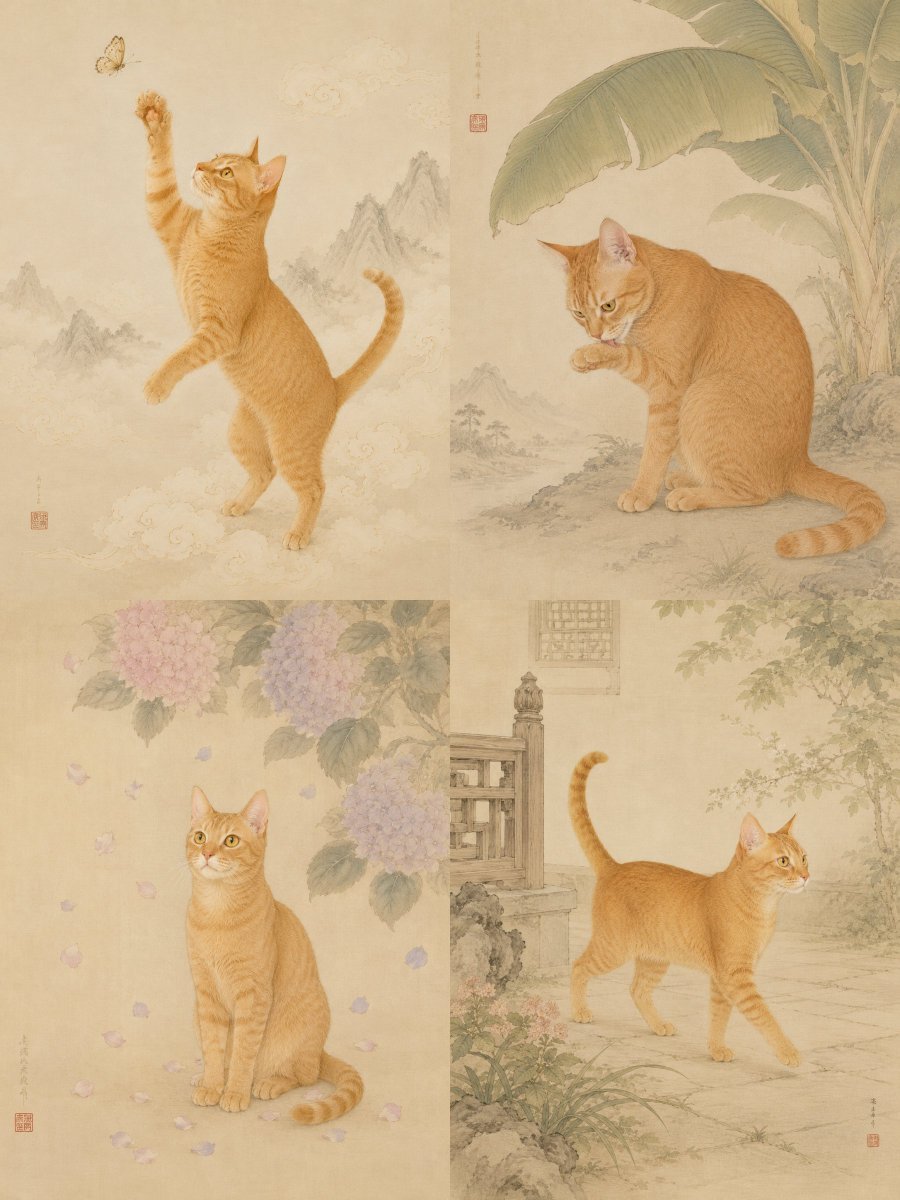
Oriental Gongbi Style Pet Portrait
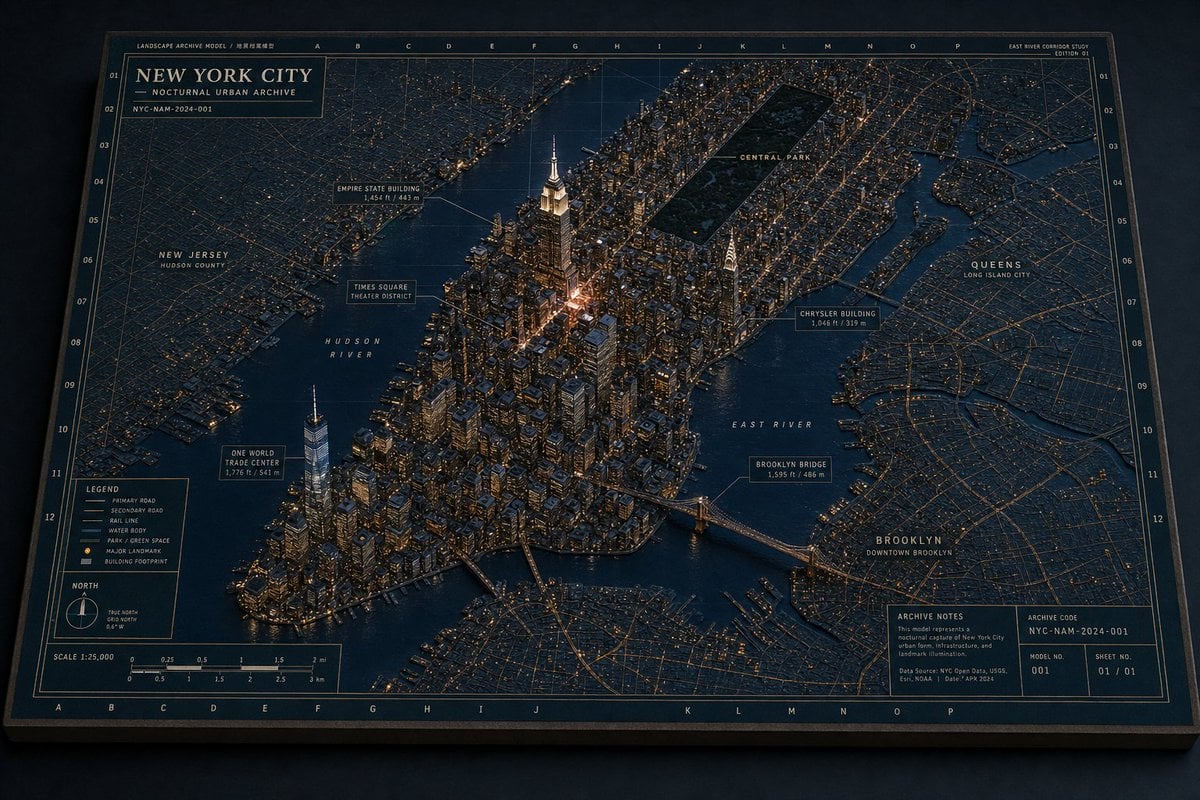
New York Night Archive Diorama
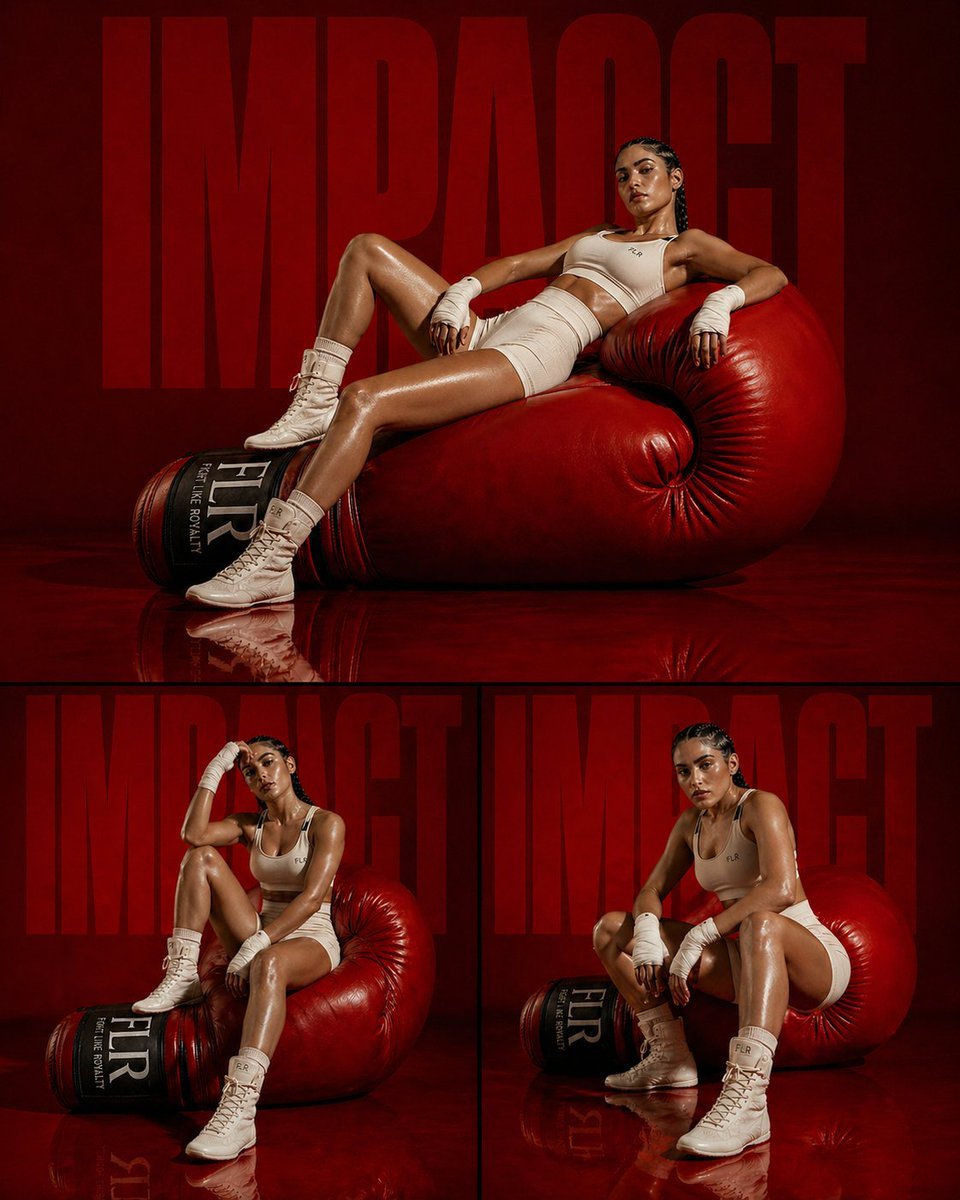
Fashion Editorial Athletic Triptych
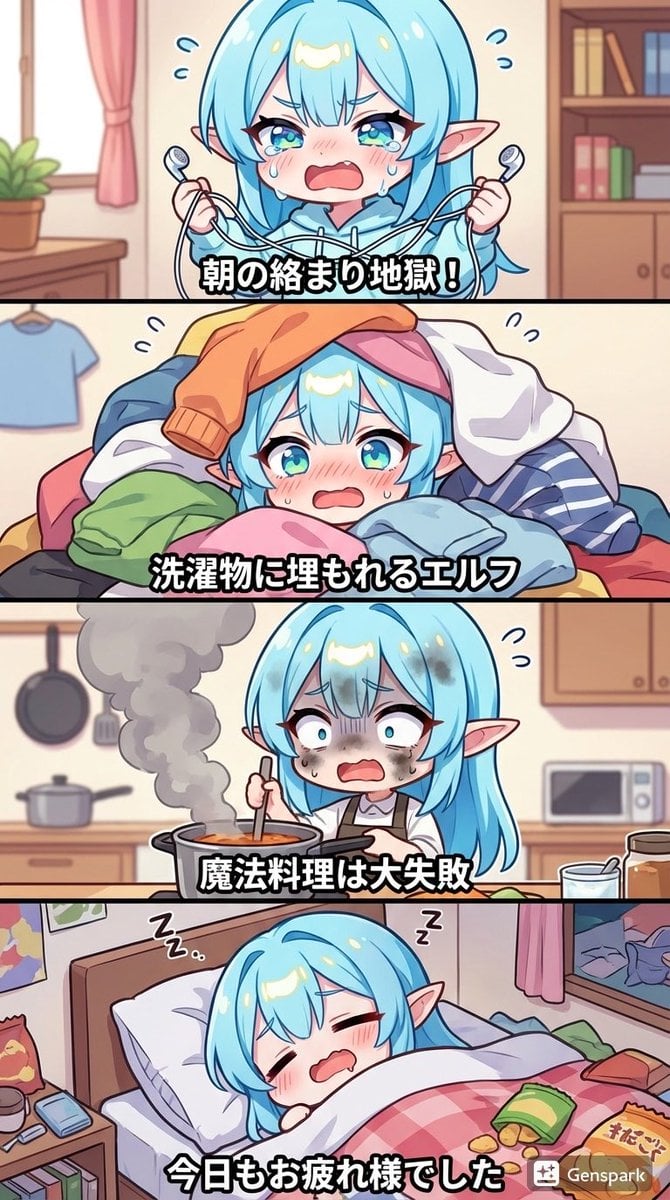
Four-panel comic about a clumsy elf
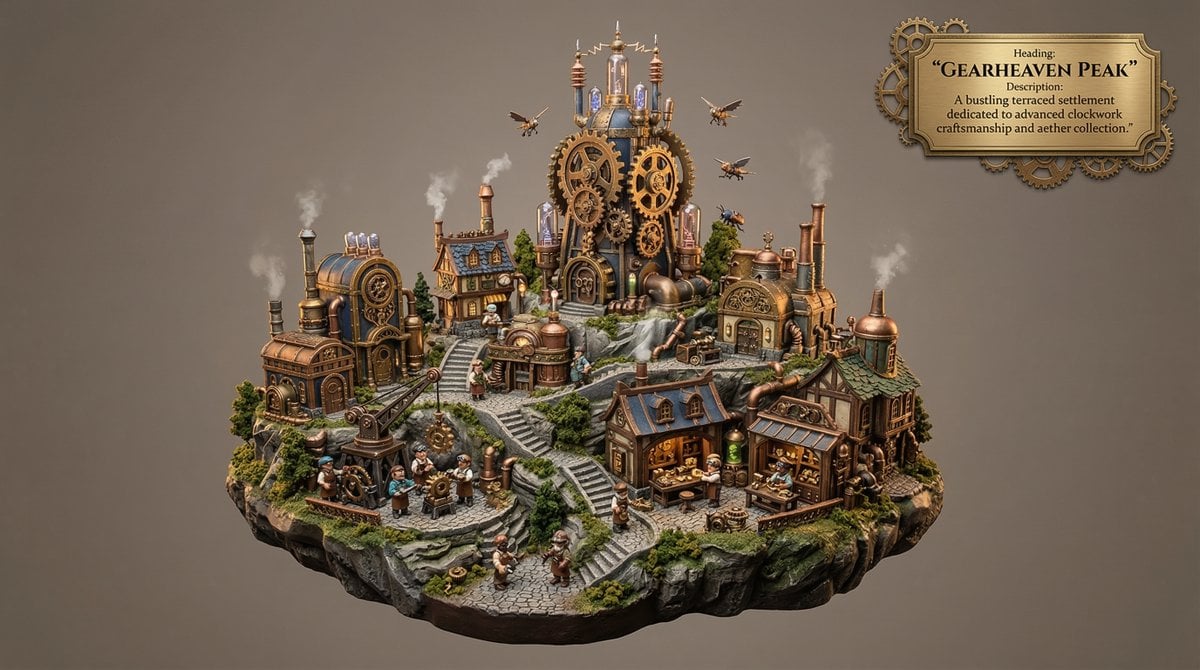
Whimsical Mono-Punk Floating Miniature Diorama Generator

3D Male Avatar on Red
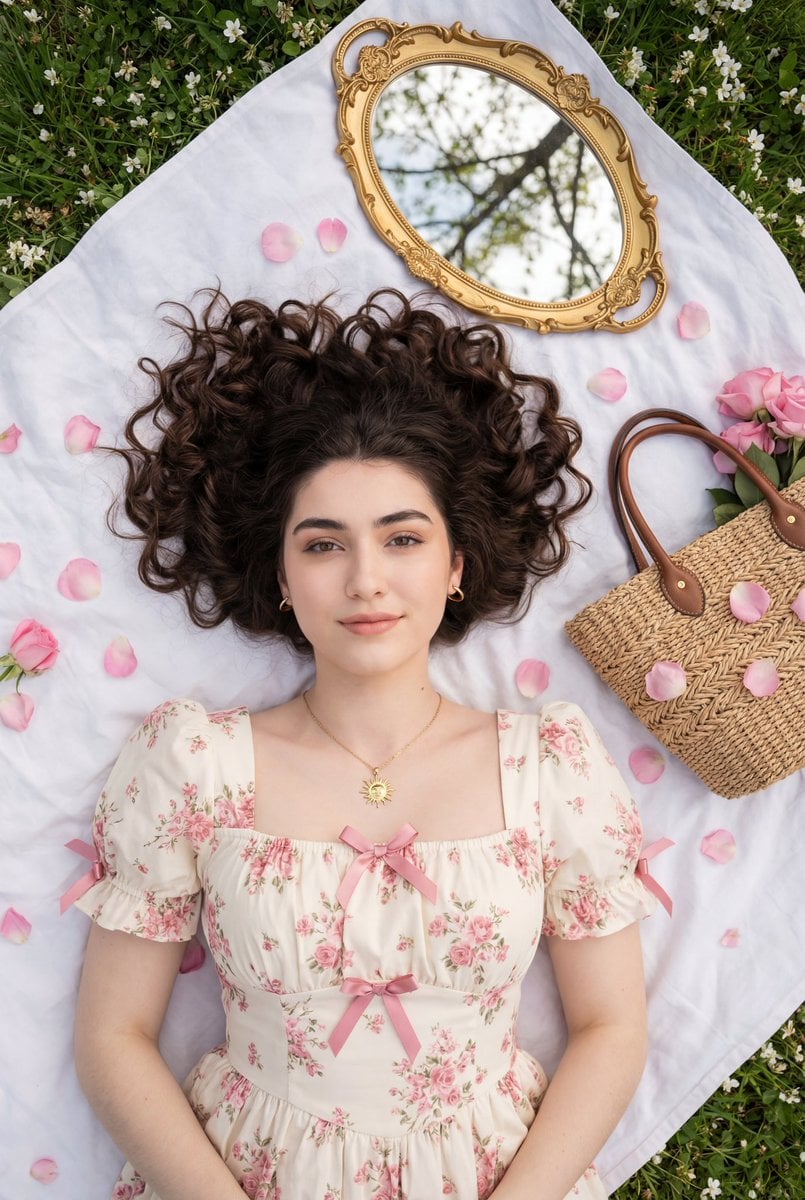
Top-Down Romantic Cottagecore Portrait
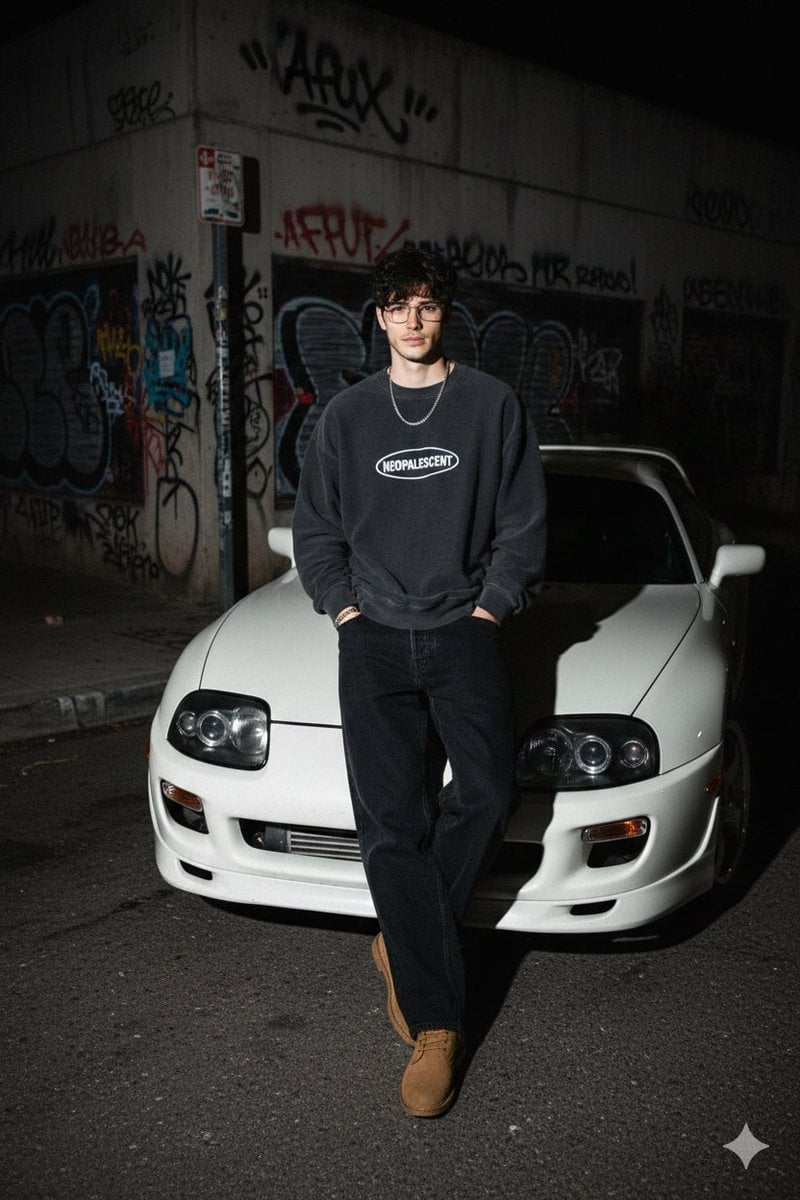
90s Streetwear Car Portrait Prompt
Browse template categories
Extreme Close-up Portrait with Soft Grunge and Coquette Aesthetic questions
How do I use the Extreme Close-up Portrait with Soft Grunge and Coquette Aesthetic template?
Add your photo if the template asks for one, edit the prompt if you like — the template's model and format are already selected — and press Generate. Your version opens in PicX Studio.
Can I customize the Extreme Close-up Portrait with Soft Grunge and Coquette Aesthetic template?
Yes. You can change the subject, setting, lighting, mood, format, and available model controls before creating your image.
Is the Extreme Close-up Portrait with Soft Grunge and Coquette Aesthetic template free?
Opening and editing this template is free. Generating uses credits, shown on the Generate button when you are signed in.
Which AI model should I use?
Start with Nano Banana 2, which is the model associated with this template. You can compare another compatible model for a different finish.
Looking for something else? Browse all templates.

Your photo, any look
Thousands of ready templates for every top image and video model, from one credit balance.