
Elegant Chinese Ink Poster
A specialized prompt for creating high-end Chinese art posters with ink-wash aesthetics, calligraphy, and professional layout.
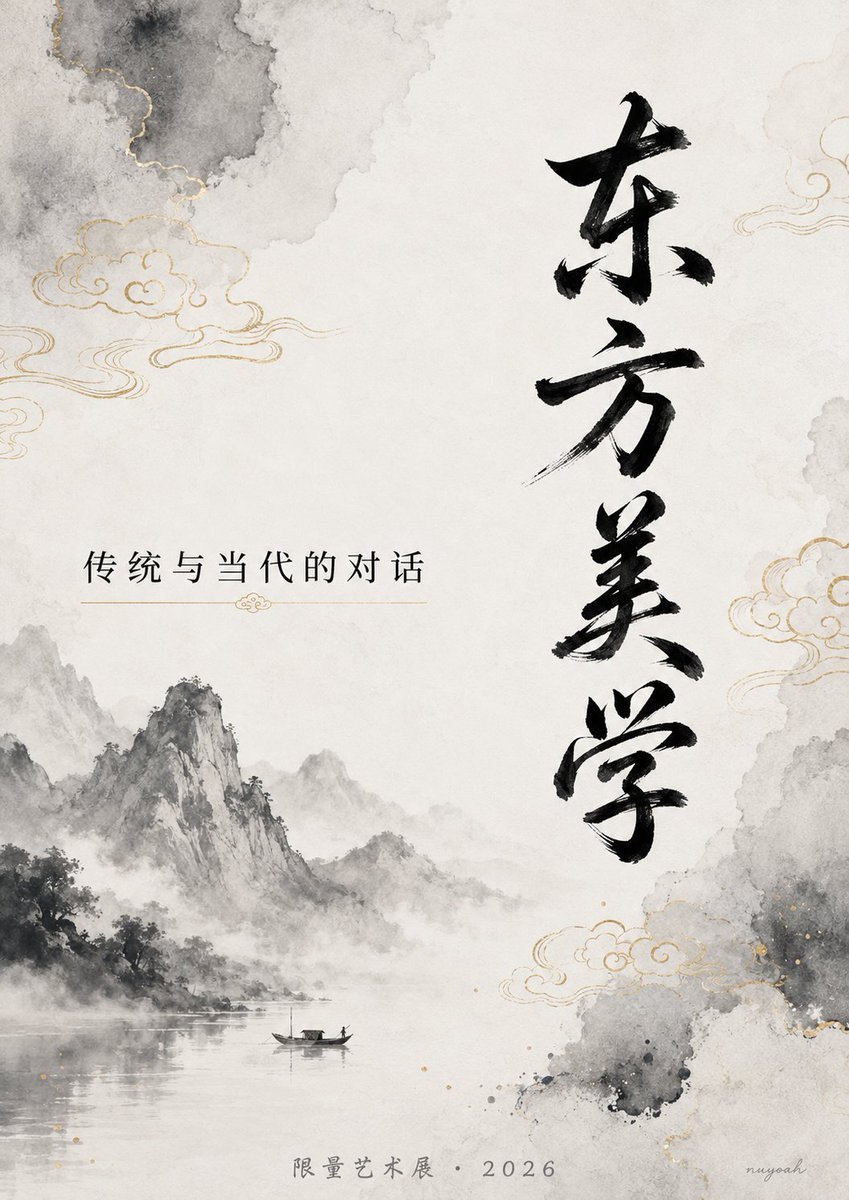
- Prompt included
- Model and format preset
- Free template
The prompt behind this image
Copy the exact prompt behind Elegant Chinese Ink Poster, or open it in the studio and make it yours.
中国风高端艺术海报,水墨晕染背景,带有淡金色祥云和留白。 画面右侧用优雅的竖排书法字体清晰写着黑色大字「{argument name="大标题" default="东方美学"}」, 左侧横排用现代宋体写着小字「{argument name="副标题" default="传统与当代的对话"}」。 底部用细小的灰色楷体写着「{argument name="展会信息" default="限量艺术展 · 2026"}」。 文字清晰锐利、无变形,墨色自然,整体氛围高级、克制、有文化感, 高细节,专业海报排版
How to use Elegant Chinese Ink Poster in 3 steps
- 1
Open
The prompt is already in the box next to the preview, with the template's model and format selected.
- 2…a portrait of your subject in softgolden-hour light, 85mm…
Personalize
Edit the subject and creative details for your destination.
- 3Generate
Generate
Press Generate — your image is created in PicX Studio, so you can compare it with the original and refine one variable at a time.
More like this
Templates with the same subject, style or setup. Open one to see its prompt.
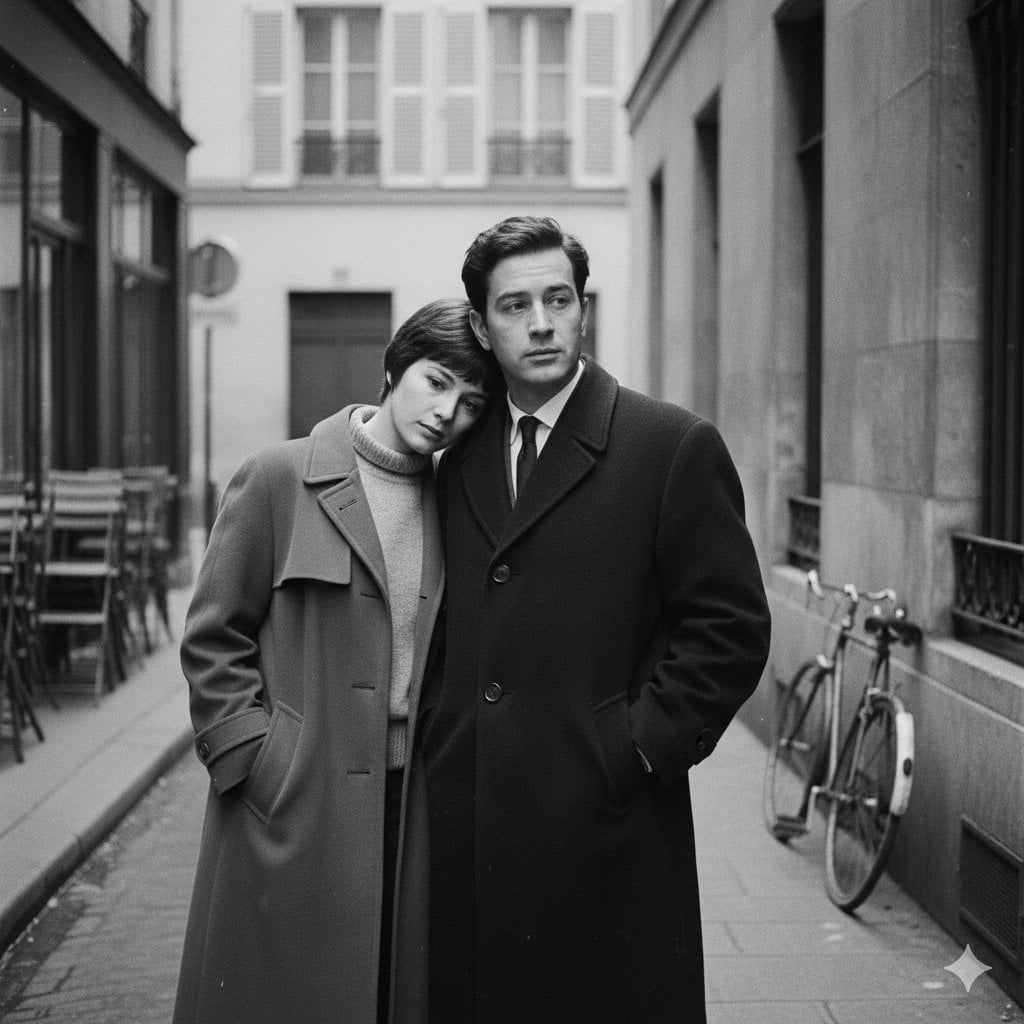
Cufflinks Macro Engrave

Gpt2 Infographic Edu Visual Ink Wash Tribute Poster for Chen Uen
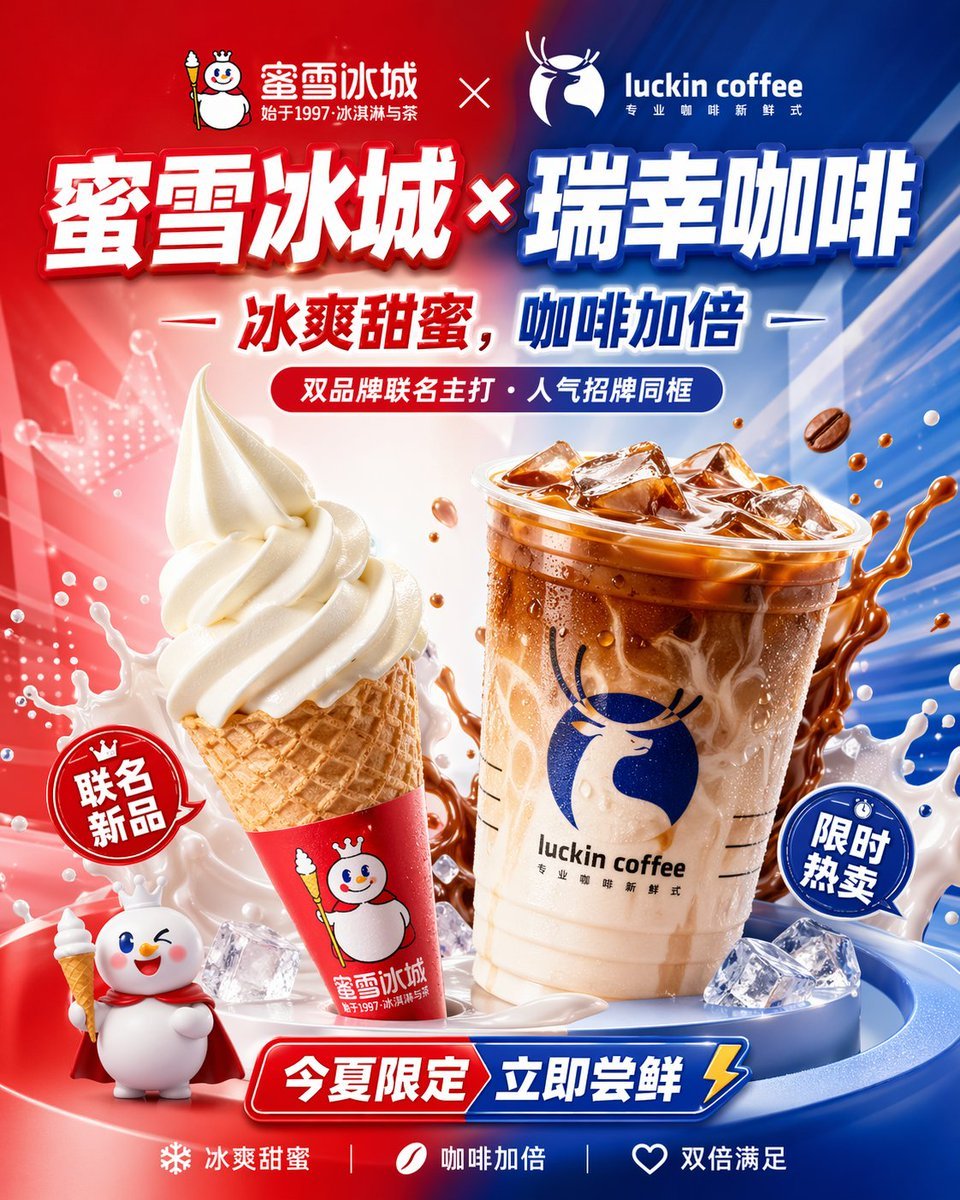
Chinese Co-Branded Summer Drink Poster
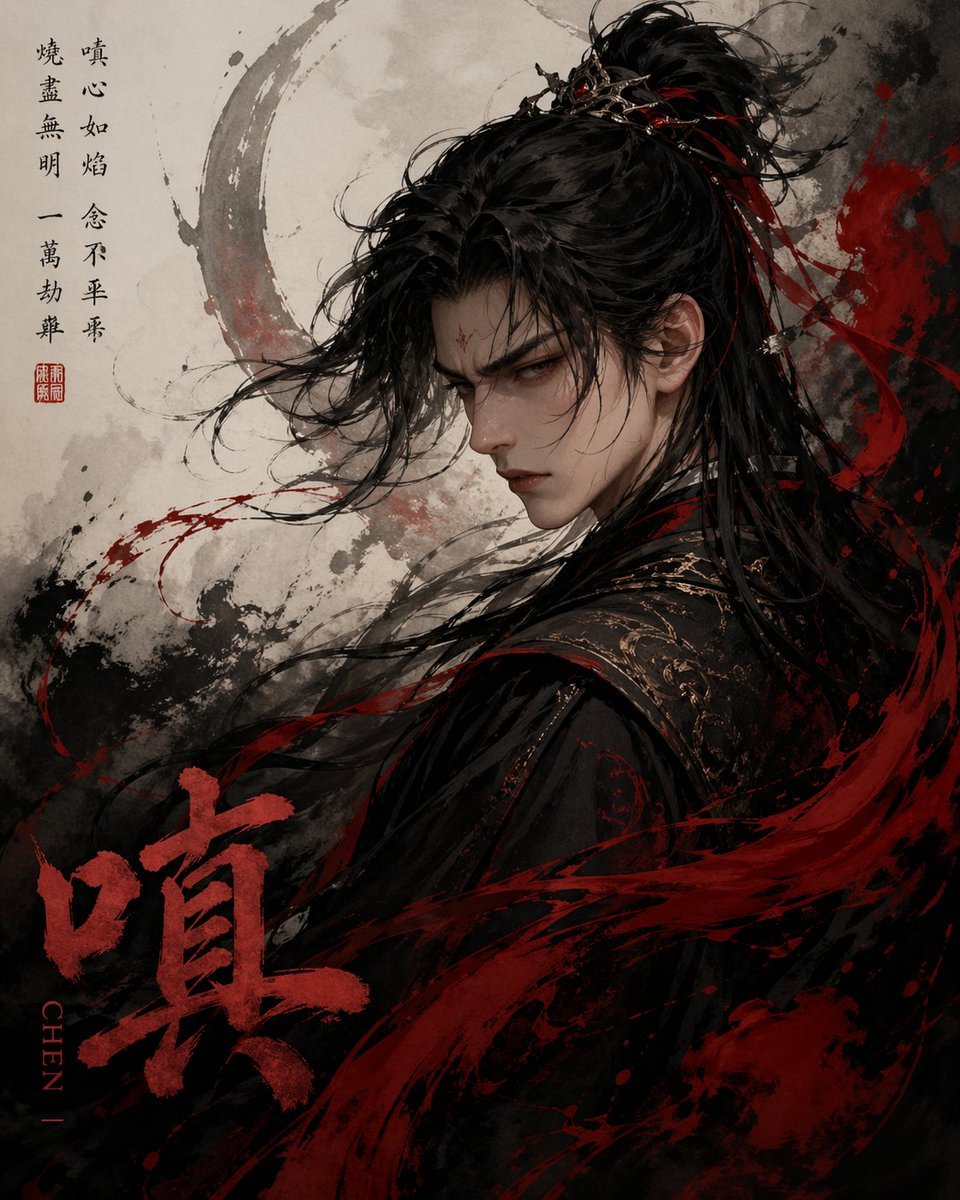
Chinese Ink Fury Character Poster
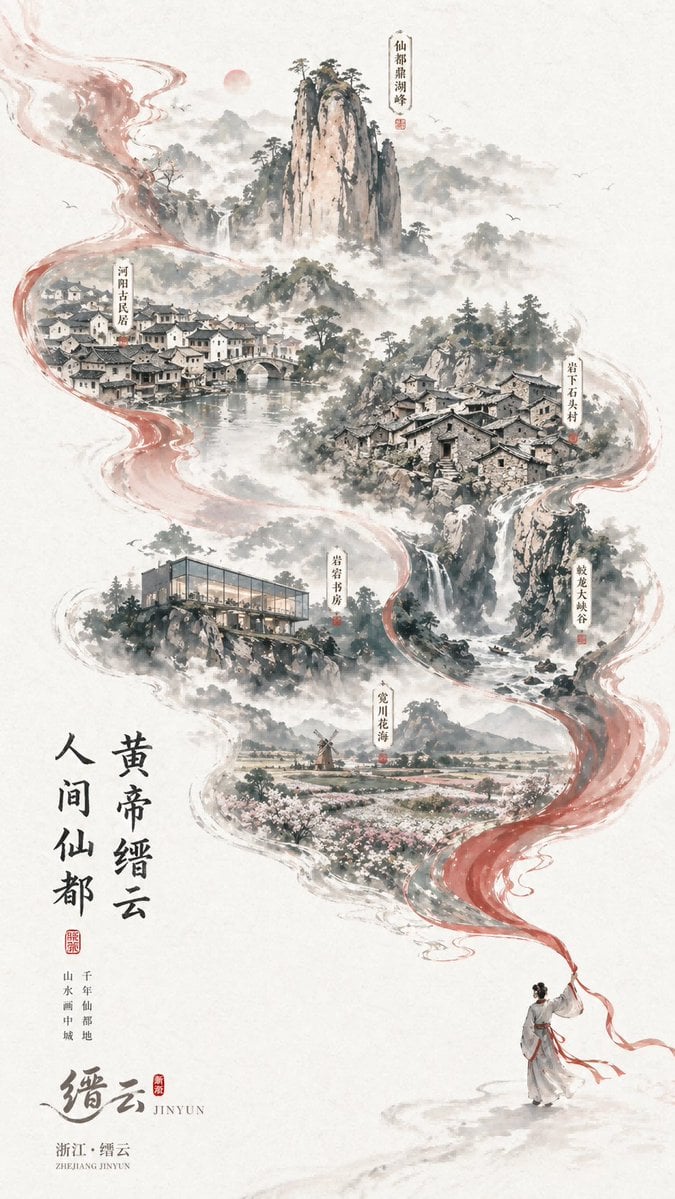
Chinese Ink-Wash Jinyun Travel Poster

Japan Travel Brochure Poster

Anime Catgirl in Chinese Ink Landscape

Sealing Wax Letter Desk

Ballroom Floor Reflections

Vintage Camera Leather Case

Hedge Maze Aerial Dawn

Tuxedo Cuff Adjust
Make it yours
Elegant Chinese Ink Poster works as-is. These are the safest ways to change it without losing the look.
Change one field
Copy a single group, rewrite it, and generate again so you can see what that field is doing.
Keep the frame, change the subject
Hold the composition and light of Elegant Chinese Ink Poster, then swap wardrobe, props or the person for a new take.
| If the result… | Why | Fix |
|---|---|---|
| The result drifts from the preview | Too many fields changed at once. | Reuse Elegant Chinese Ink Poster as-is first, then change one group — subject, light, or setting. |
| The model over-stylizes the scene | The prose prompt leaves finish and camera underspecified. | Add one camera or lighting sentence and stay on GPT Image 2. |
More GPT Image 2 templates
Other prompts made for GPT Image 2.

Six VTuber Japanese Logo Sheet

Realistic Portrait of Woman and Deer

The Vista Modular Condo Poster

AI Model Routing Comparison Infographic

2.5D Anime Art Board

Isometric Productivity Desk Scene

New York Double Exposure Poster

Four-Panel AI Landscape Comparison

Japanese Tatami Lifestyle Magazine Cover

NESCAFÉ Coffee Map Poster
More image prompts
Fresh picks from across the catalog.
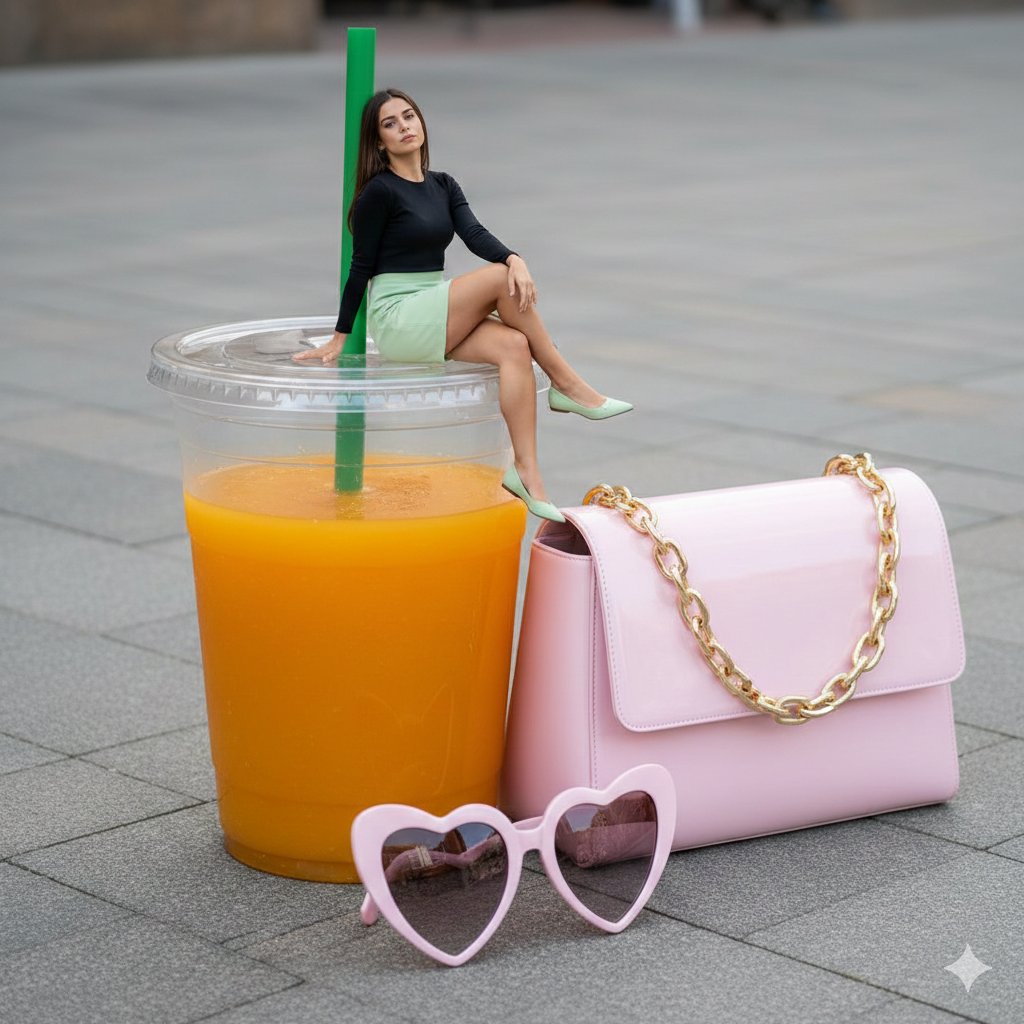
Surreal Scale Photorealistic Scene: Woman on a Giant Drink
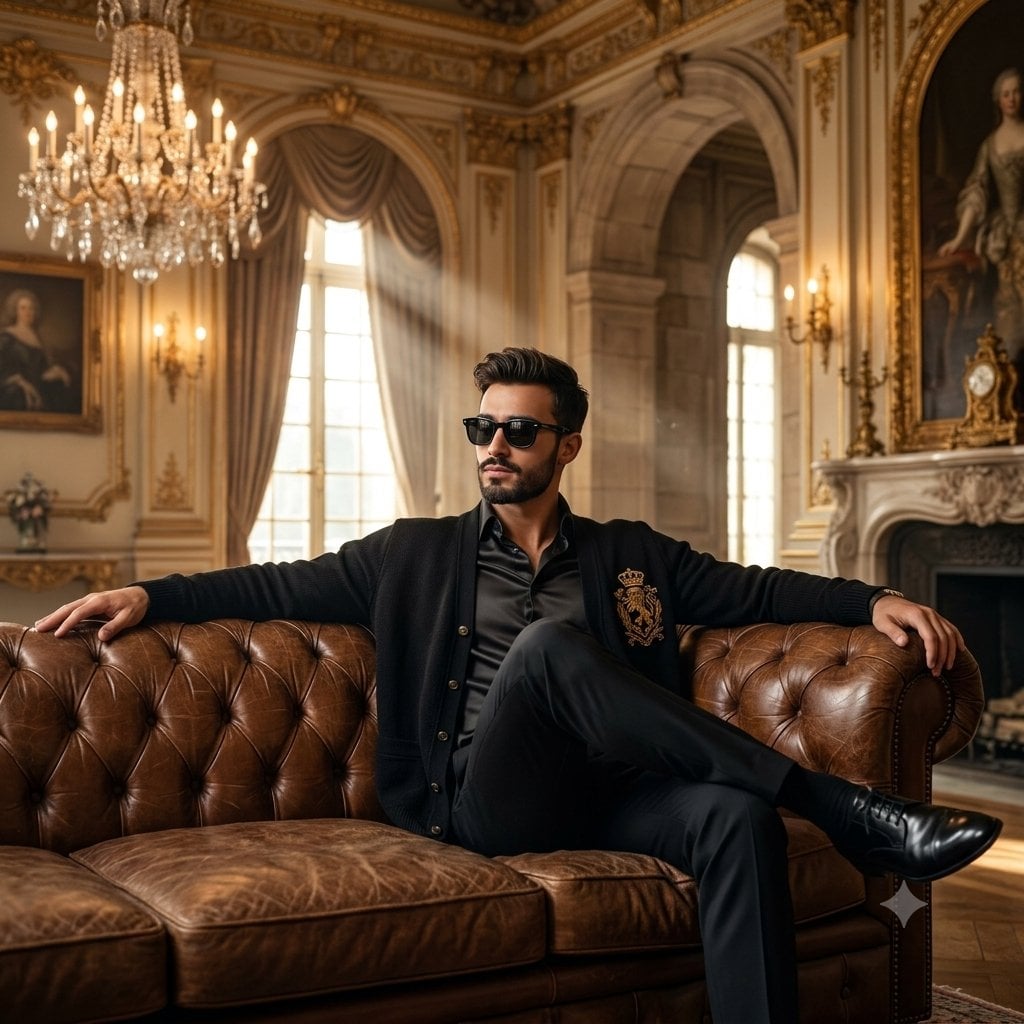
Old Money Luxury Studio Portrait
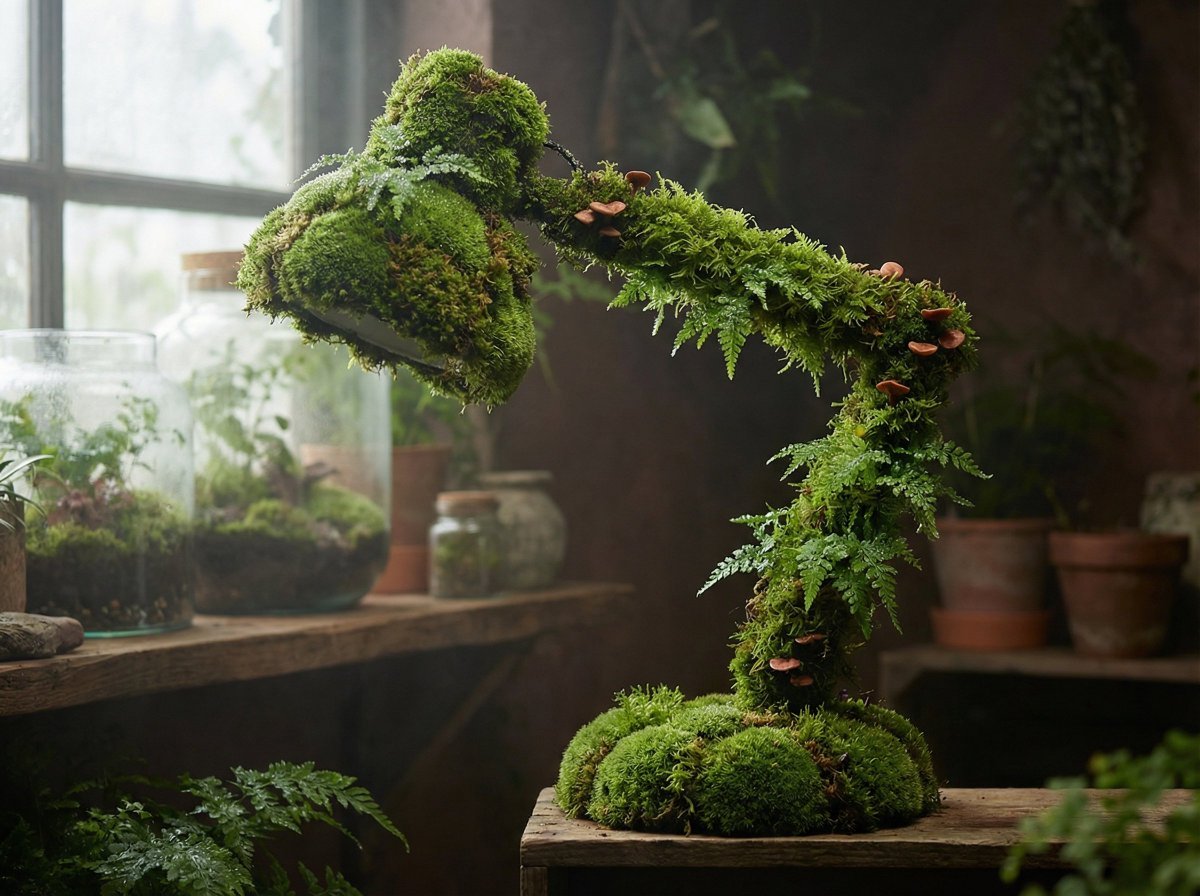
Moss Living Product Rendering Prompt

Cute chibi cat-eared girl illustration
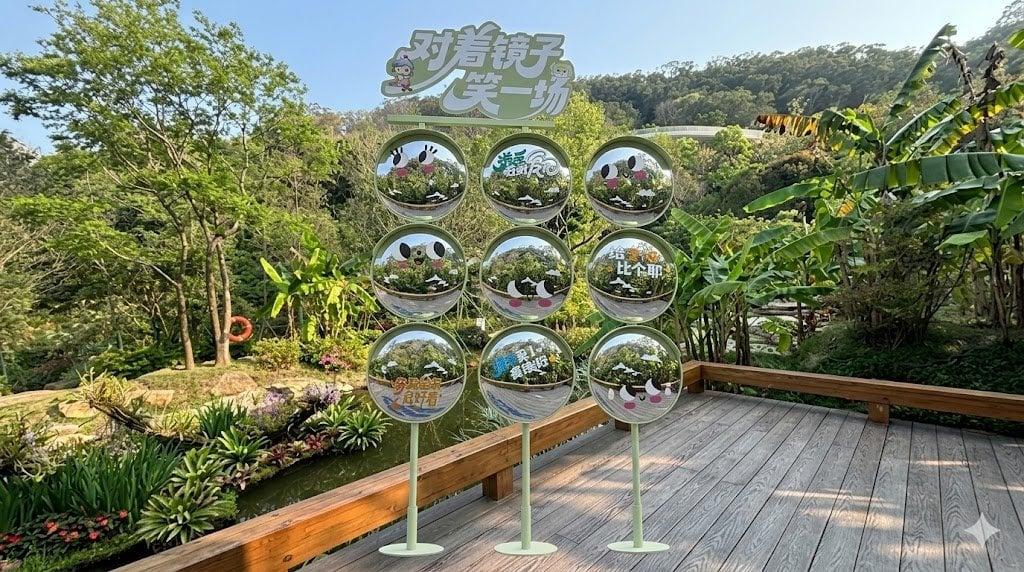
Move Display Stand Onto Deck

Four-Panel Manga Generation: The Day Our Bus Stops
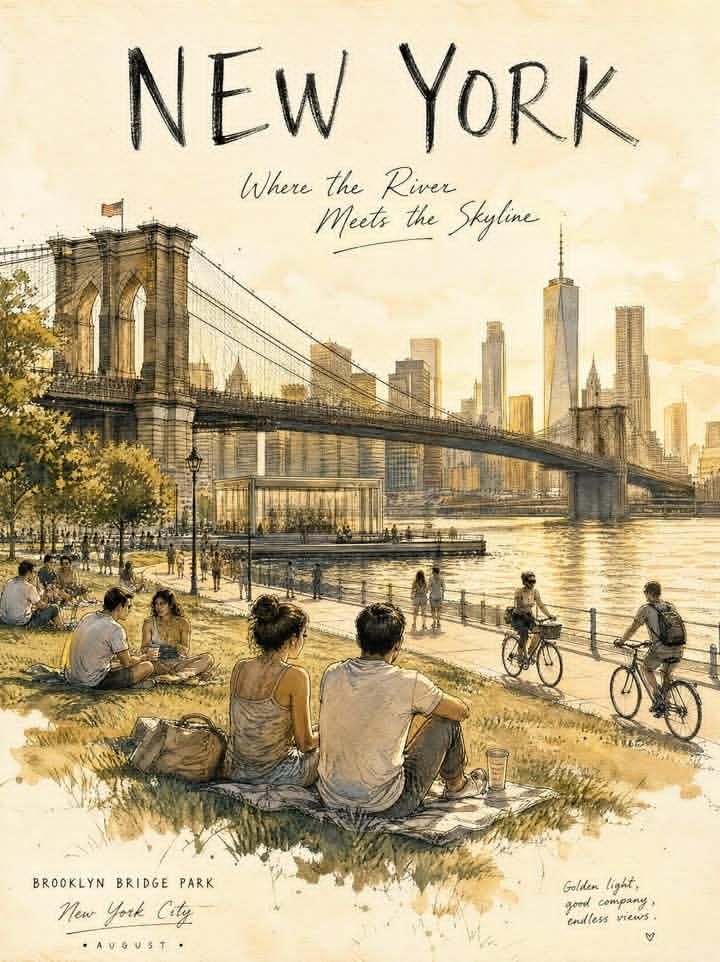
Central Park Urban Sketch
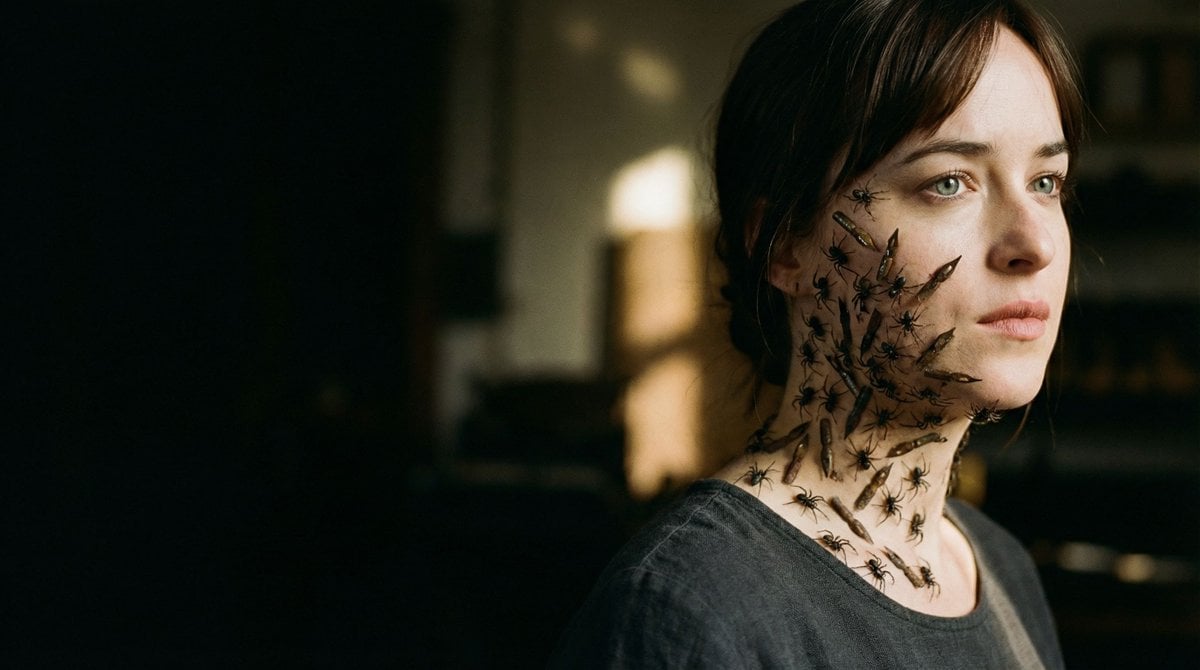
Editorial Surrealist Portrait: The Ink Lament
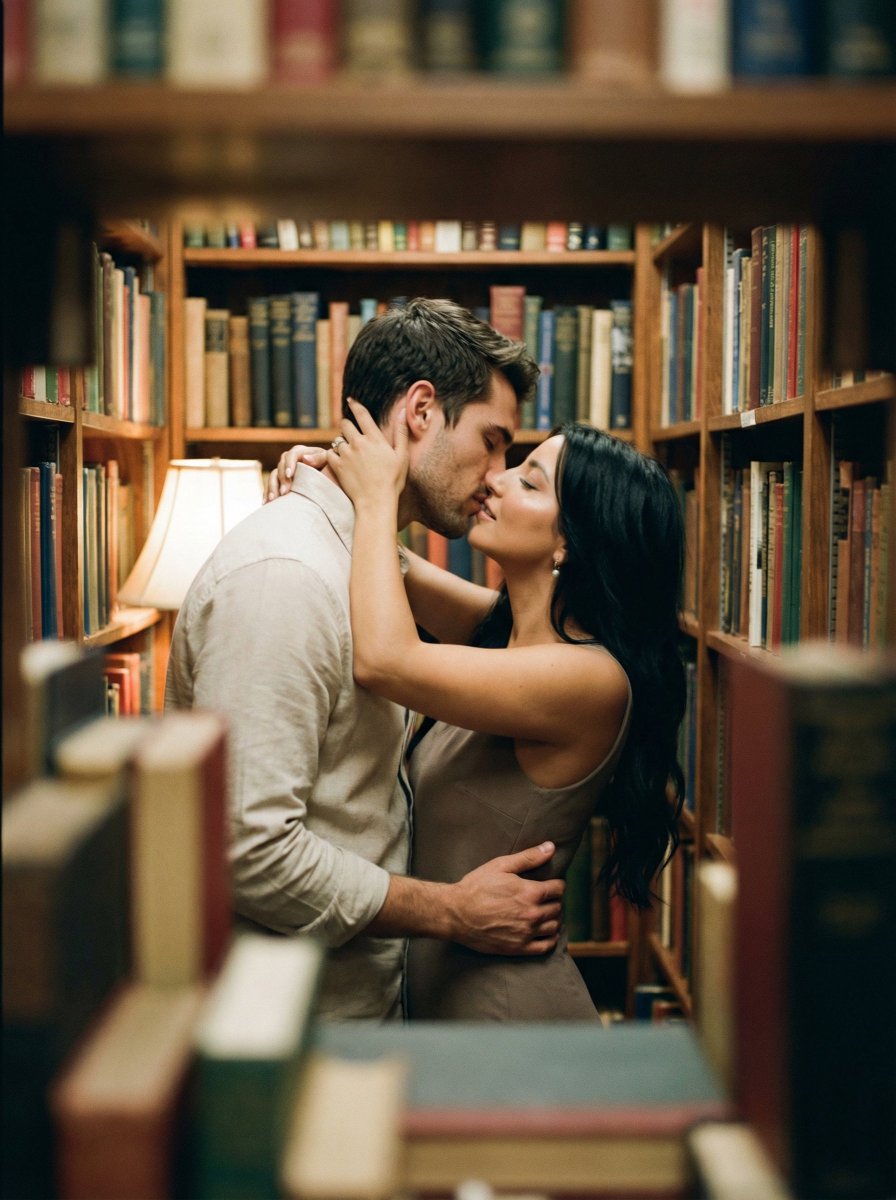
Analog Film Kiss in a Bookstore Aisle
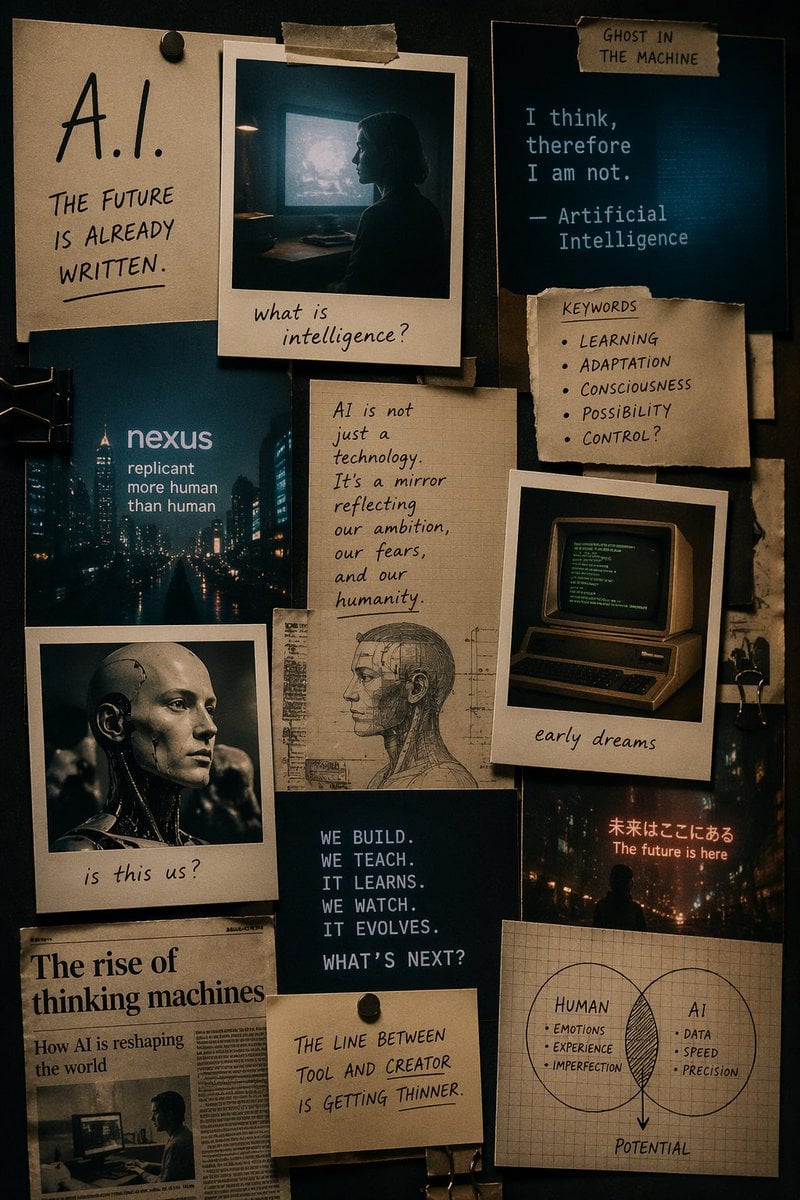
Cinematic AI mood board prompt
Browse template categories
Elegant Chinese Ink Poster questions
How do I use the Elegant Chinese Ink Poster template?
Add your photo if the template asks for one, edit the prompt if you like — the template's model and format are already selected — and press Generate. Your version opens in PicX Studio.
Can I customize the Elegant Chinese Ink Poster template?
Yes. You can change the subject, setting, lighting, mood, format, and available model controls before creating your image.
Is the Elegant Chinese Ink Poster template free?
Opening and editing this template is free. Generating uses credits, shown on the Generate button when you are signed in.
Which AI model should I use?
Start with GPT Image 2, which is the model associated with this template. You can compare another compatible model for a different finish.
Looking for something else? Browse all templates.

Your photo, any look
Thousands of ready templates for every top image and video model, from one credit balance.