
Neon Doodle Gallery Snapshot
A reusable GPT Image 2 prompt system for turning candid indoor snapshots into chaotic neon marker doodle gallery-style images with hot-pink/cyan outlines, yellow spikes, handwritten captions, and playful sticker-like…
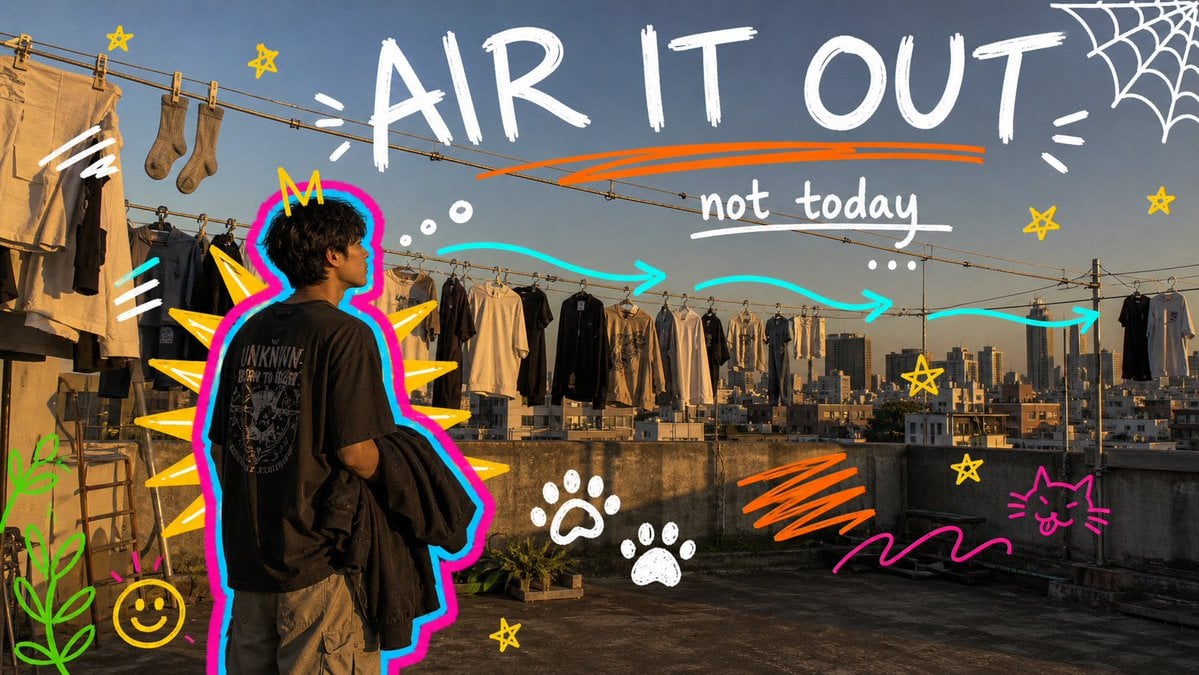
- Prompt included
- Model and format preset
- Free template
The prompt behind this image
Copy the exact prompt behind Neon Doodle Gallery Snapshot, or open it in the studio and make it yours.
{ "style_name": "Neon Doodle Gallery Snapshot", "style_slug": "neon-doodle-gallery-snapshot-style", "style_summary": "A candid phone-photo style layered with chaotic neon digital marker doodles: hot-pink and cyan subject outlines, yellow monster spikes, rough handwritten captions, stars, paw prints, spiderweb corners, scribble bars, halos, plants, and student diary energy.", "source_reference": { "file": "user-provided reference image in current conversation", "reusable_traits": [ "Real candid indoor snapshot as the base image.", "Main subject viewed from behind or three-quarter view inside an art, campus, or social setting.", "Hot-pink body contour with cyan offset glow around the subject silhouette.", "Yellow-orange spikes, horns, rays, or fins radiating from the subject.", "White and yellow rough handwritten marker text placed in open areas.", "Chaotic doodle stickers including stars, paw prints, spiderwebs, abstract eyes, scribbles, halos, and plants." ], "excluded_traits": [ "watermarks", "usernames", "platform logos", "creator IDs", "app marks", "QR codes" ] }, "environment_variables": { "SUBJECT": "main person, group, student, artist, friend, commuter, shopper, or quiet candid figure", "SUBJECT_ACTION": "looking at art, studying, walking, waiting, browsing, reacting, hiding, laughing, or holding a prop", "PRODUCT_OR_PROP": "notebook, tote bag, coffee, phone, headphones, sketchbook, jacket, snack, poster, camera, book, or exhibition card", "LOCATION": "art gallery, campus hallway, library, studio critique room, classroom, night market, cafe, bookstore, museum, or city wall", "BACKGROUND_ELEMENTS": "real photo details such as wall art, labels, shelves, posters, tables, lamps, signage, crowds, fabric, shadows, and phone-camera grain", "MAIN_TEXT": "large hand-drawn caption or emotional headline", "SECONDARY_TEXT": "small handwritten notes, repeated words, short joke, date-like label, or study annotation", "ACCENT_SYMBOL": "star, paw print, spiderweb, halo, abstract eye, plant, flower, underline, arrow, tally mark, or scribble", "WARDROBE_STYLE": "casual student streetwear, oversized shirt, hoodie, tote bag, loose trousers, jacket, headphones, sneakers, or art-school layers", "ASPECT_RATIO": "9:16 or 16:9" }, "composition": { "layout_type": "candid phone snapshot with loud digital marker overlay", "base_photo": "realistic handheld image in a campus, gallery, studio, library, cafe, or night-city setting", "subject_position": "single subject or small group placed center or right, with doodles expanding around the silhouette", "doodle_anchor": "thick neon contour hugging the subject, with yellow-orange spikes, horns, rays, or fins radiating outward", "text_position": "large handwritten words in upper or side negative space; secondary notes scattered near corners or over dark background areas", "background_behavior": "specific real environment stays visible behind the marker layer", "cropping": "imperfect handheld crop, slight tilt, phone-camera framing, social snapshot feeling" }, "photographic_direction": { "camera": "handheld phone-camera perspective, eye-level or slightly behind the subject, natural lens distortion", "lighting": "gallery spotlights, fluorescent classroom light, library lamps, cafe light, night-market glow, or mixed indoor shadows", "environment": "wall art, labels, shelves, posters, desks, signs, frames, books, display panels, crowds, bags, fabric, and shadows", "finish": "phone-photo grain, mild blur, JPEG compression, imperfect exposure, real low-light texture", "mood": "playful, distracted, funny, overstimulated, youthful, sarcastic, affectionate, and personal" }, "illustration_rules": { "line_quality": "thick digital marker lines, wobbly black outlines, rough brush edges, casual pressure variation", "outline_system": "hot-pink primary silhouette outline with cyan offset line or glow", "spikes": "yellow-orange triangular monster spikes, horns, rays, fins, or sunburst forms around the subject", "symbols": "stars, paw prints, spiderweb corners, halos, abstract eyes, plants, flowers, hearts, tally marks, arrows, and scribble underlines", "integration": "doodles sit visibly on top of the photo and may cover objects, but the photo base remains recognizable", "texture": "digital marker, school notebook doodle, zine markup, rough social-story annotation" }
How to use Neon Doodle Gallery Snapshot in 3 steps
- 1Upload ImagePNG, JPG or paste
Add your photo
Upload the photo the template builds on. The prompt, model and format are already set.
- 2…a portrait of your subject in softgolden-hour light, 85mm…
Personalize
Edit the subject and creative details for your destination.
- 3Generate
Generate
Press Generate — your image is created in PicX Studio, so you can compare it with the original and refine one variable at a time.
More like this
Templates with the same subject, style or setup. Open one to see its prompt.
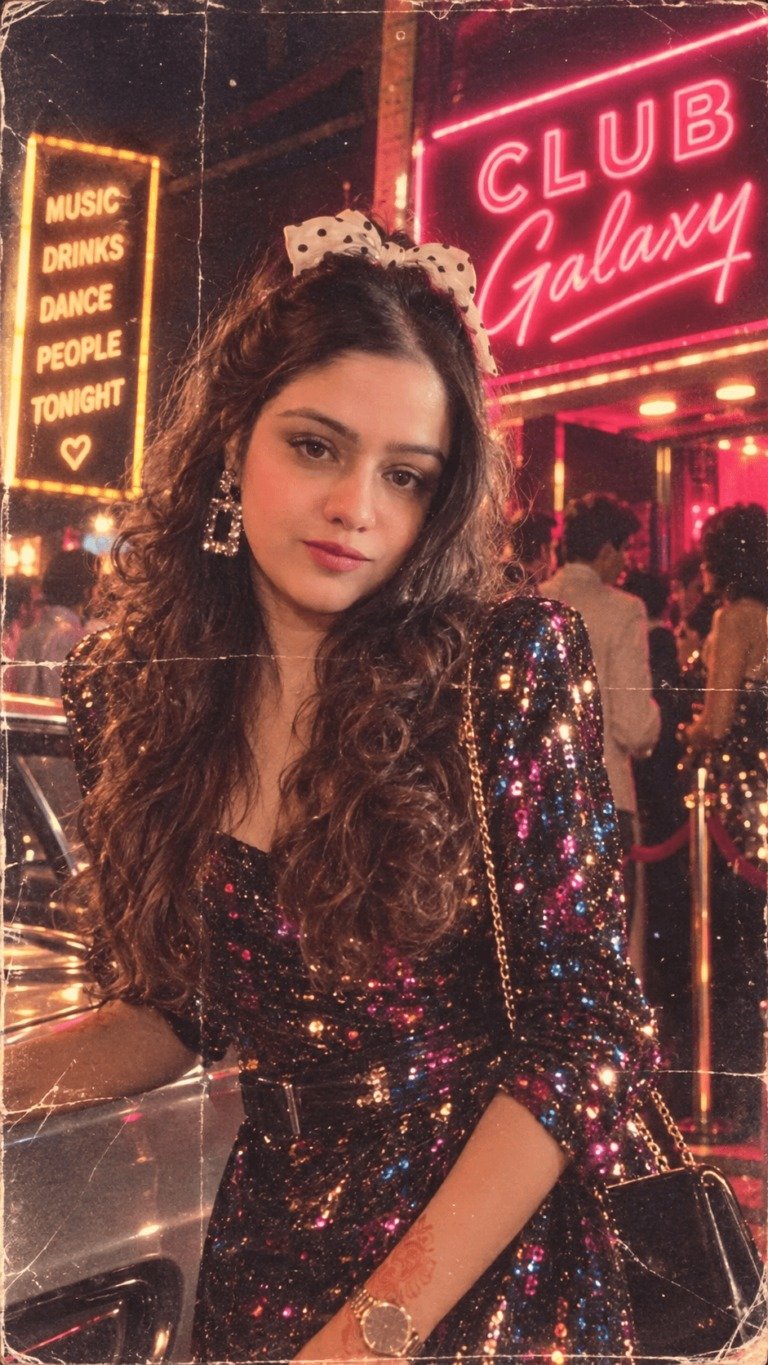
80s Neon Disco Night

Cartoon TV Show Poster Pack
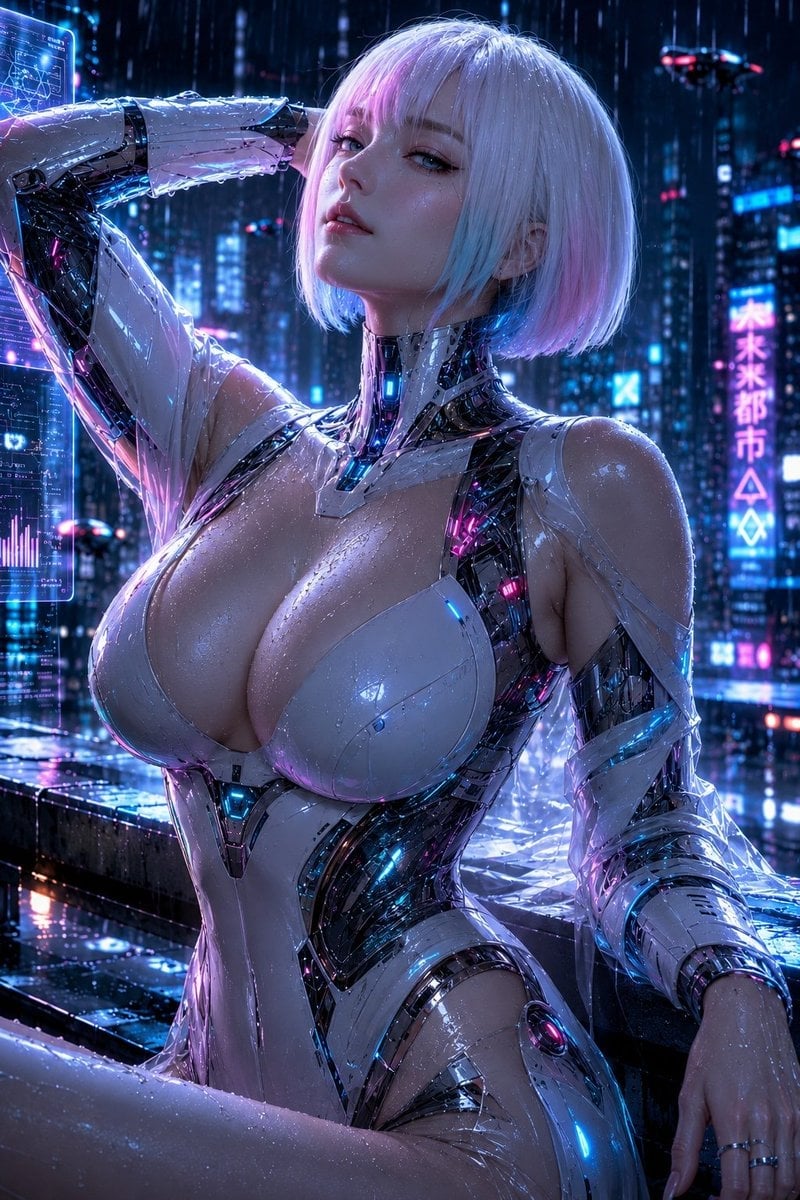
Rainy Night Android Cyberpunk Portrait
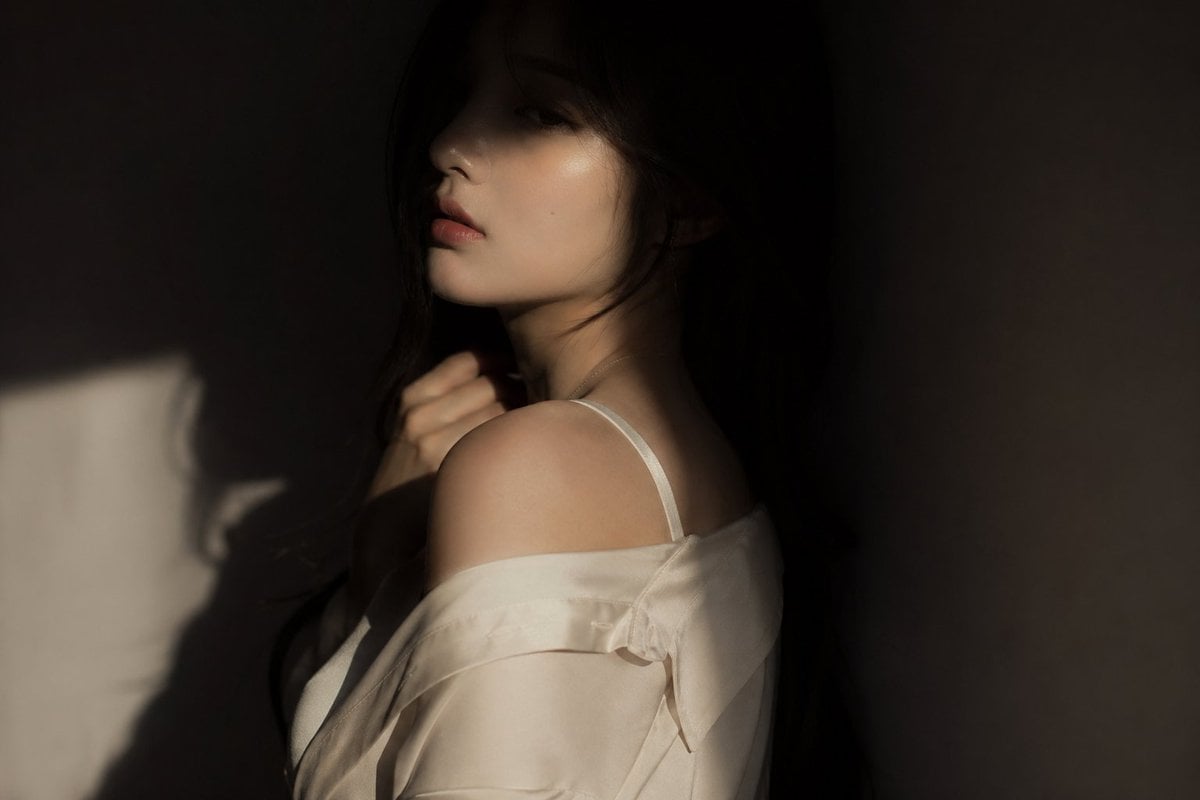
Korean Idol Partial Shadow Editorial Portrait
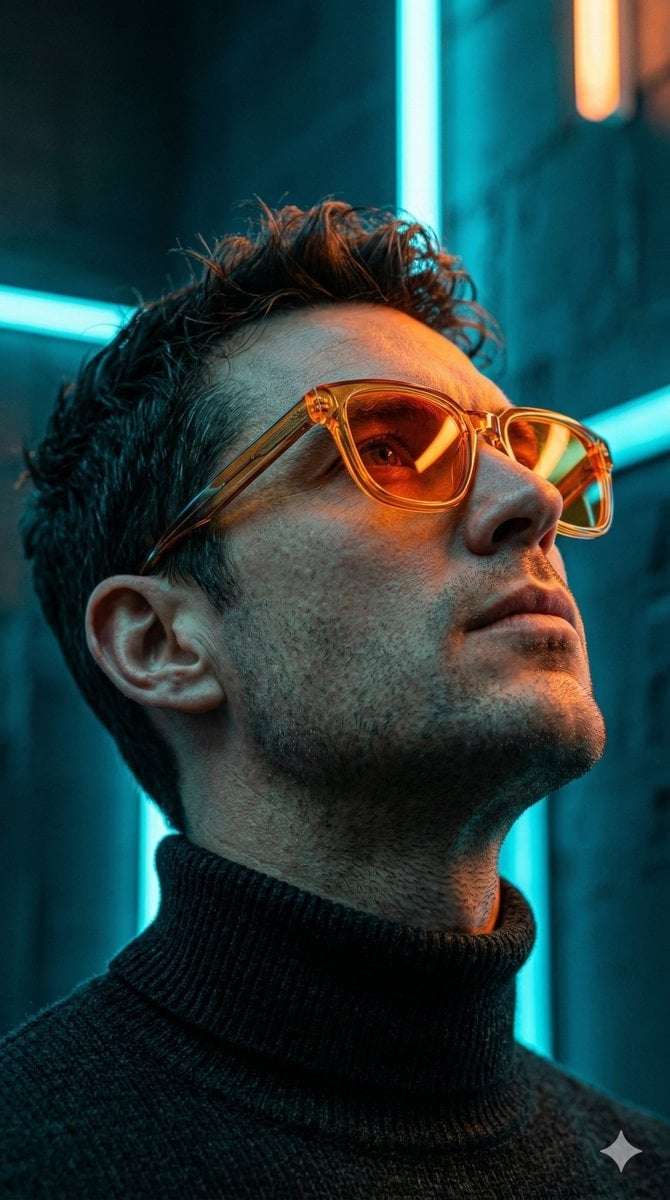
Cyberpunk Neon Profile Fashion Portrait
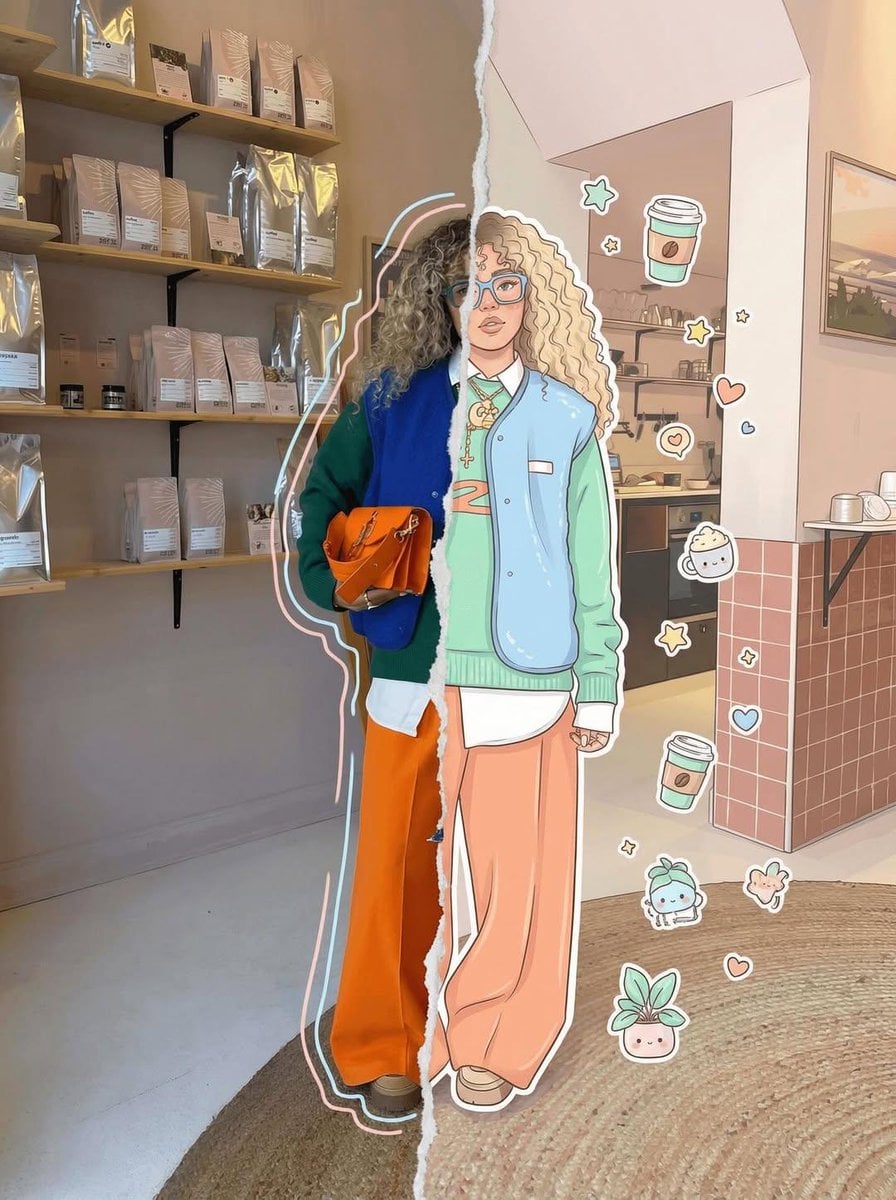
Real Illustration Split Portrait Transition
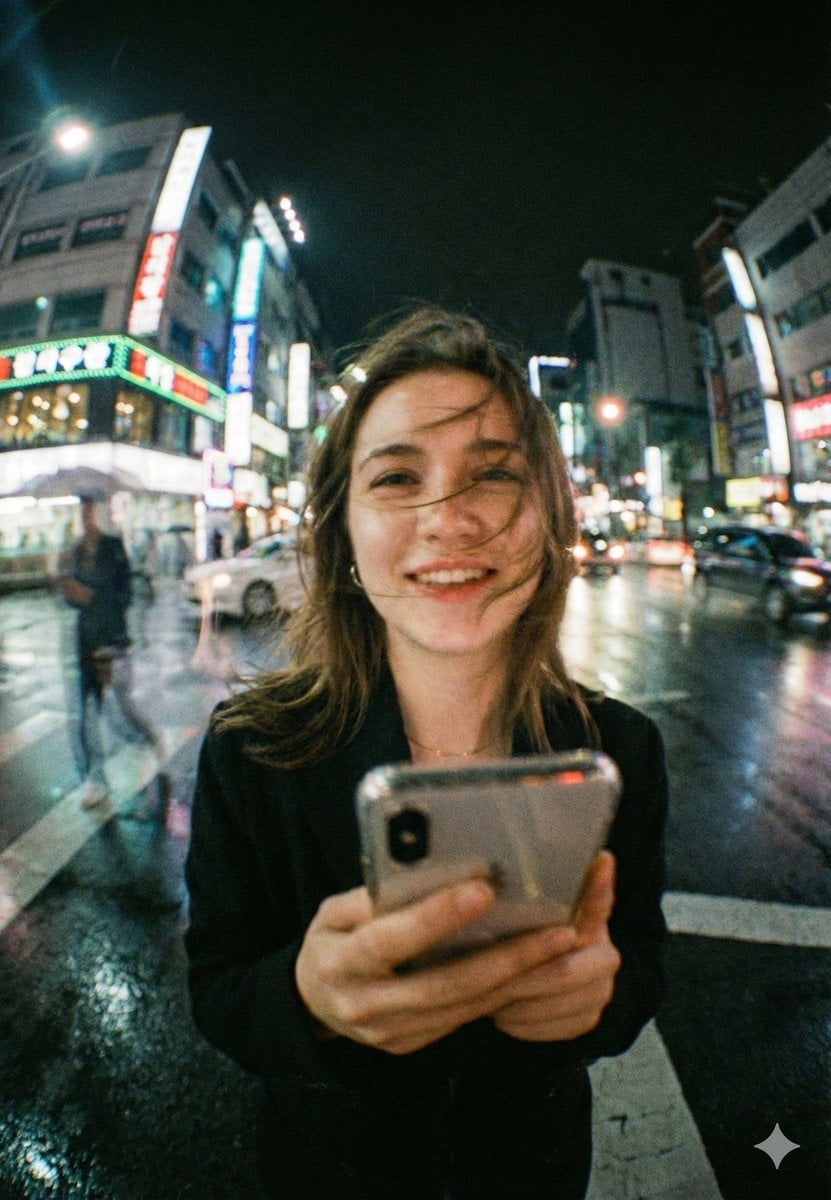
Neon Night Crosswalk Candid Portrait
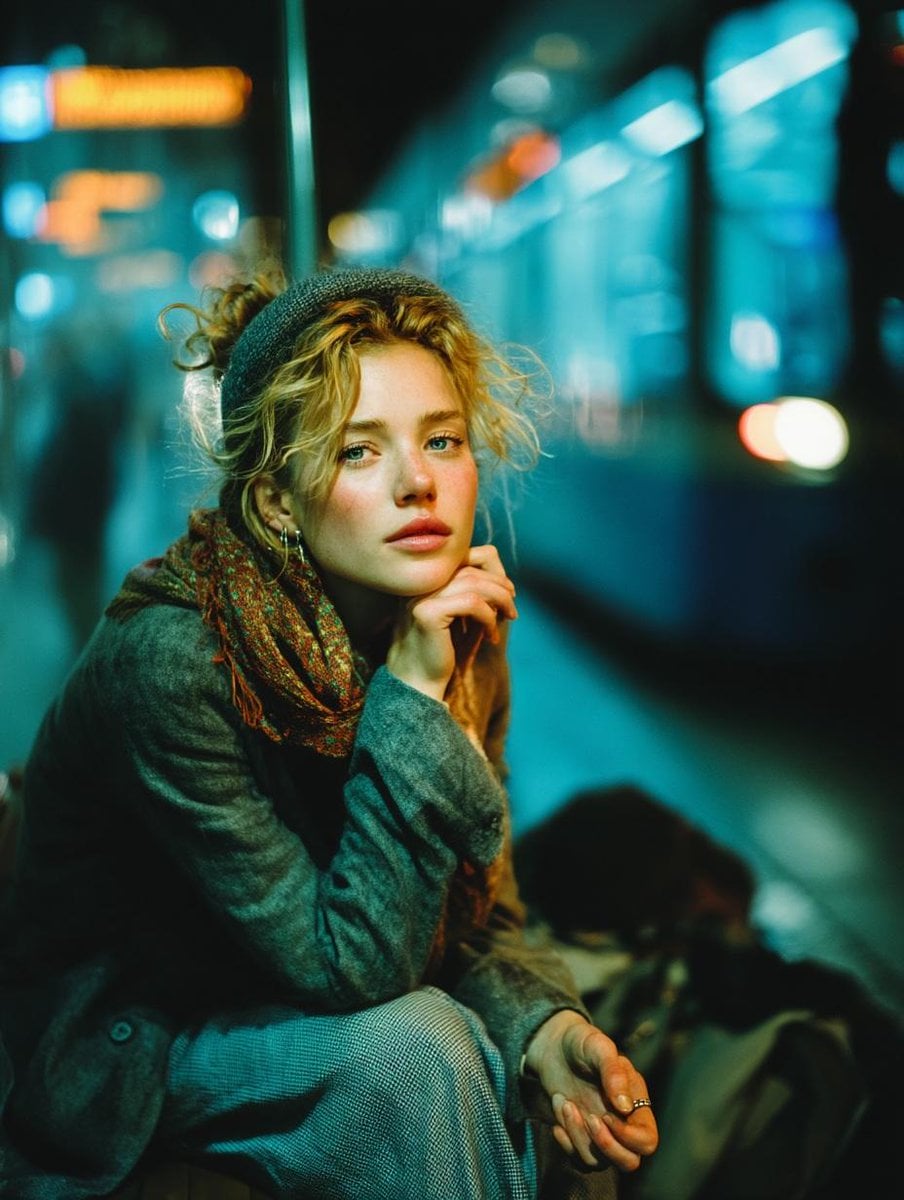
Subway Platform Quiet Introspective Portrait
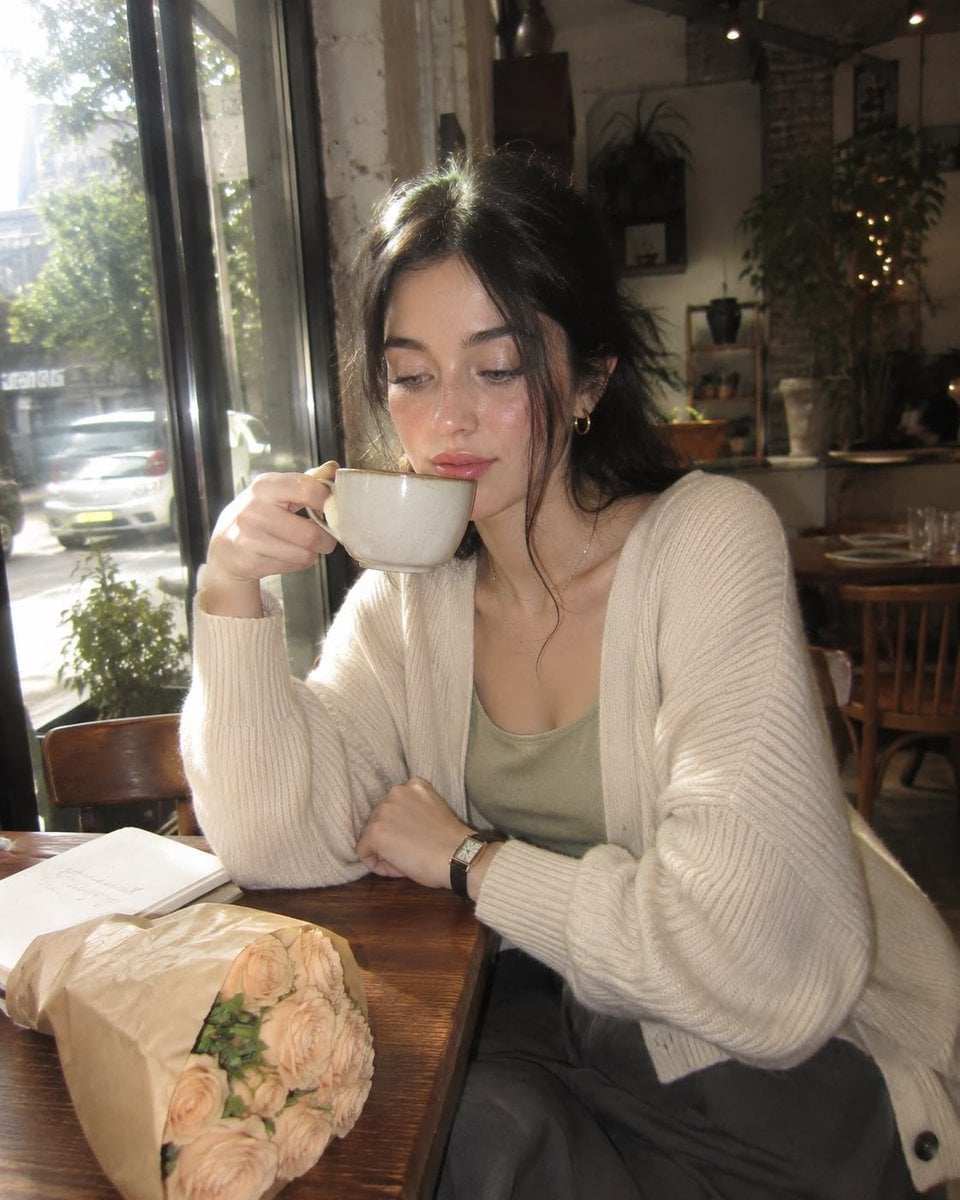
Nostalgic Digicam Café Afternoon Portrait
Rainy Night Android Cyberpunk Portrait
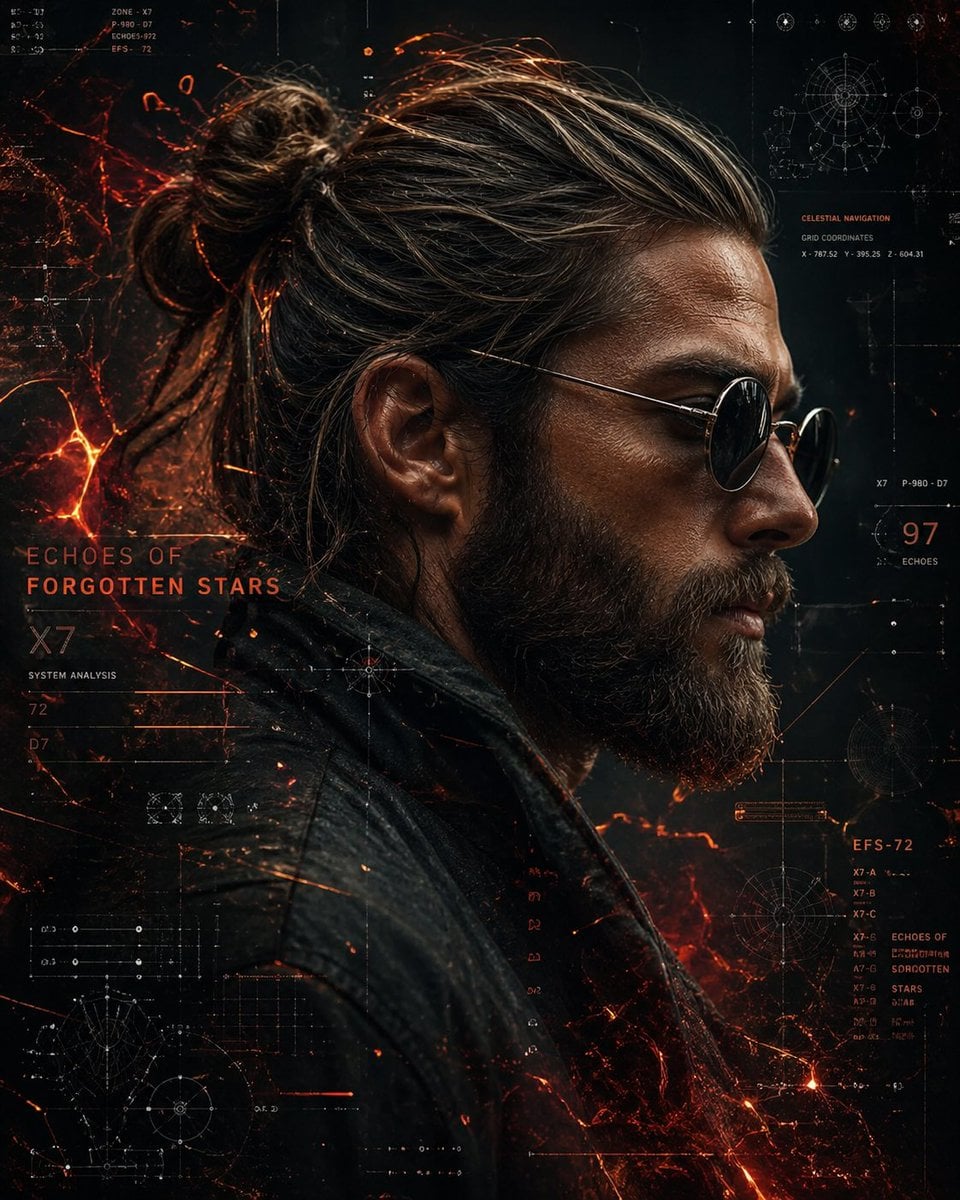
Cinematic Sci-Fi Commander Side Profile Portrait
Low-Angle Cyberpunk Neon Profile Portrait
Make it yours
Neon Doodle Gallery Snapshot works as-is. These are the safest ways to change it without losing the look.
Change one field
Copy a single group, rewrite it, and generate again so you can see what that field is doing.
Keep the frame, change the subject
Hold the composition and light of Neon Doodle Gallery Snapshot, then swap wardrobe, props or the person for a new take.
| If the result… | Why | Fix |
|---|---|---|
| The result drifts from the preview | Too many fields changed at once. | Reuse Neon Doodle Gallery Snapshot as-is first, then change one group — subject, light, or setting. |
| The model over-stylizes the scene | The prose prompt leaves finish and camera underspecified. | Add one camera or lighting sentence and stay on GPT Image 2. |
More GPT Image 2 templates
Other prompts made for GPT Image 2.

Six VTuber Japanese Logo Sheet

Realistic Portrait of Woman and Deer

The Vista Modular Condo Poster

AI Model Routing Comparison Infographic

2.5D Anime Art Board

Isometric Productivity Desk Scene

New York Double Exposure Poster

Four-Panel AI Landscape Comparison

Japanese Tatami Lifestyle Magazine Cover

NESCAFÉ Coffee Map Poster
More image prompts
Fresh picks from across the catalog.
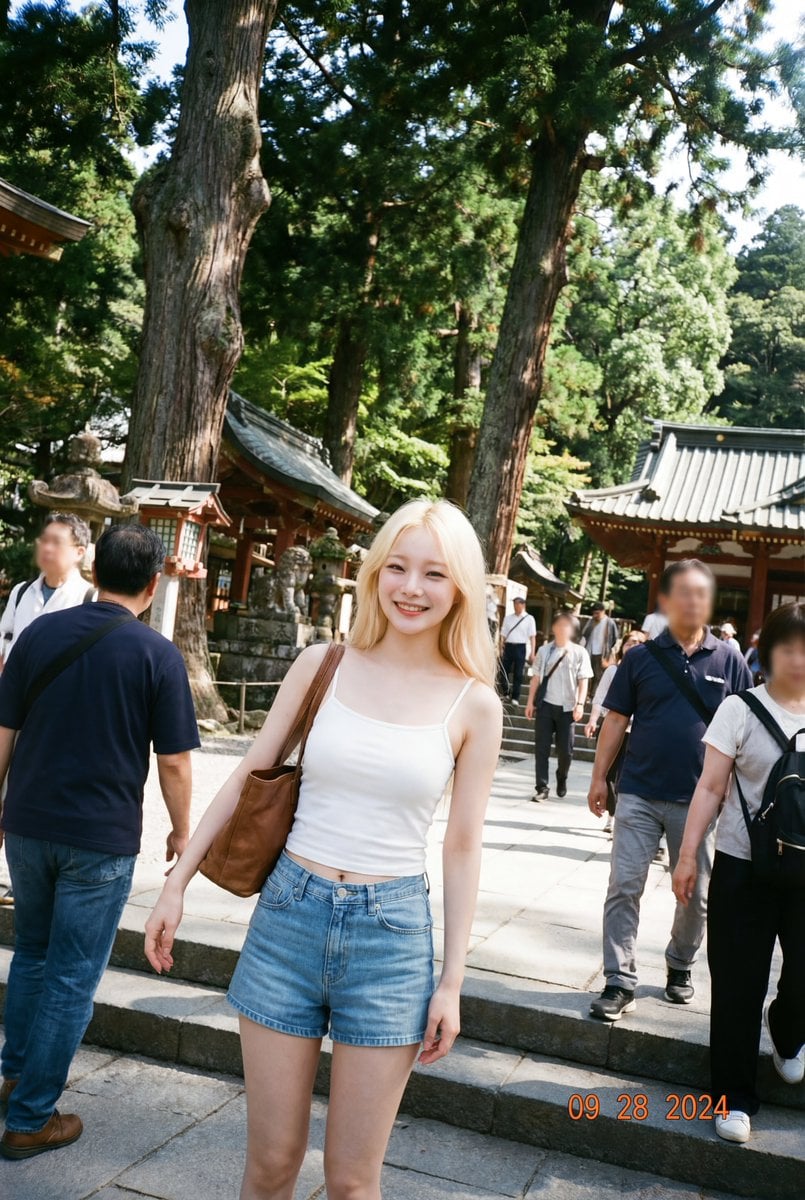
Make photos look bad with specified GPS coordinates
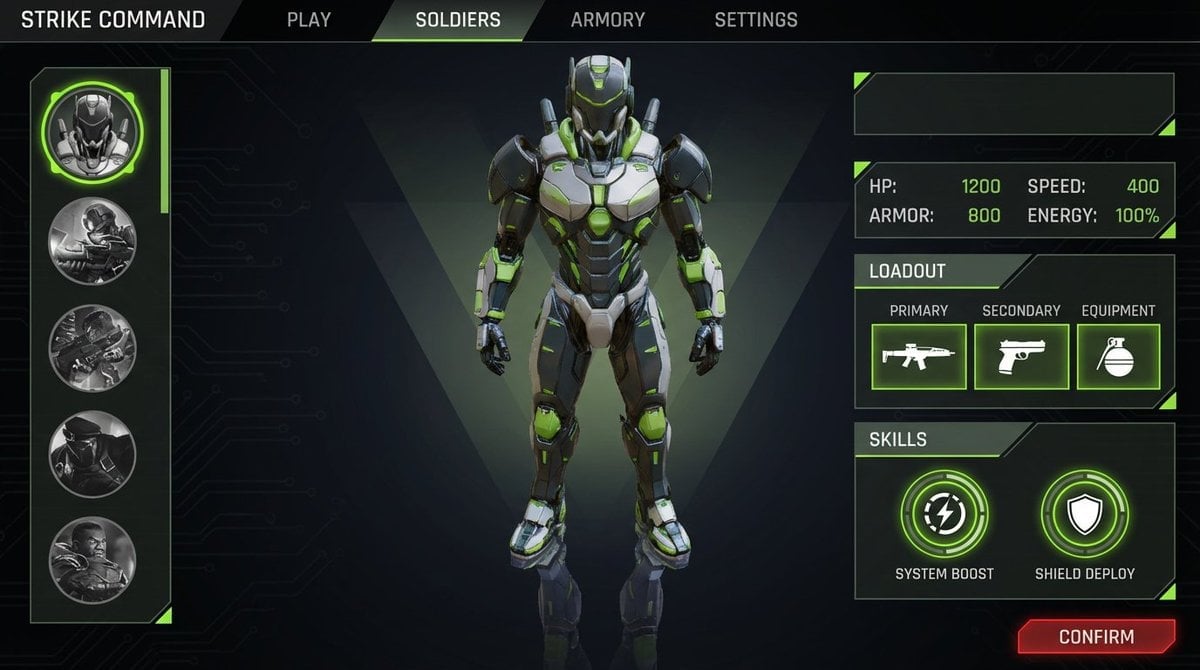
Character Selection Screen Generation
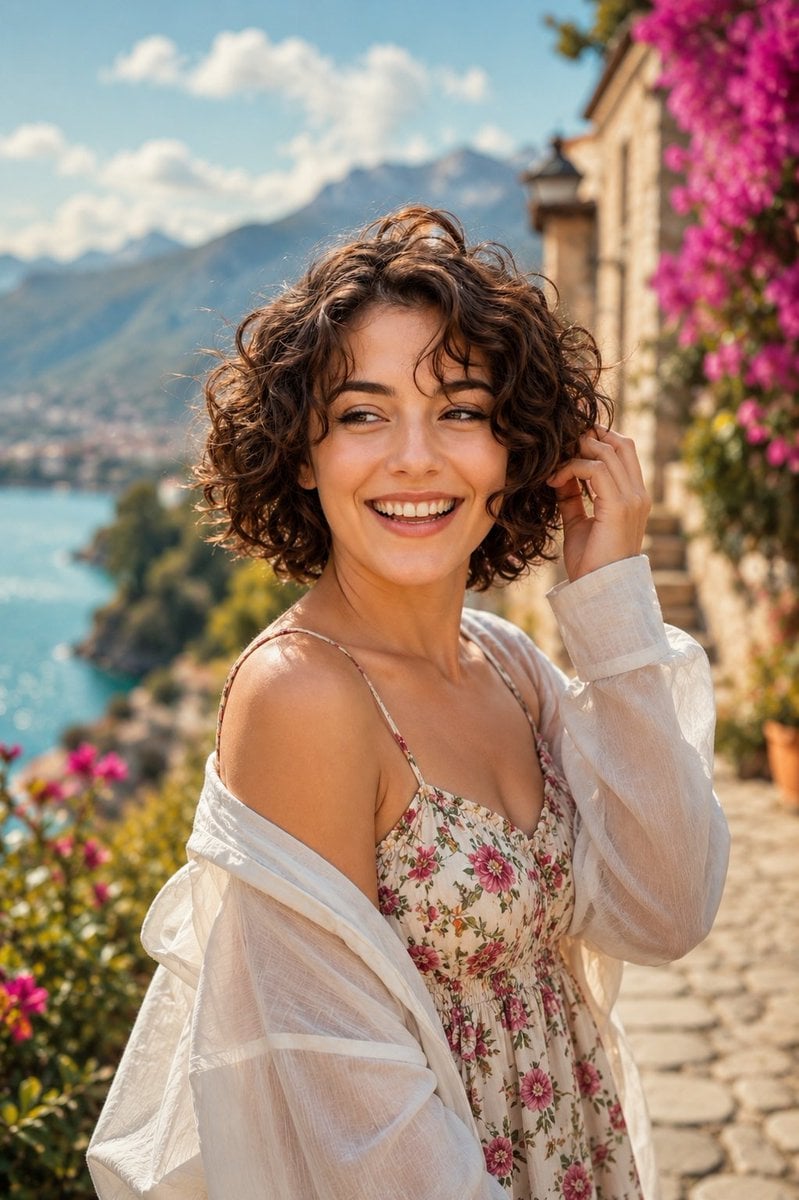
Mediterranean Lakeside Travel Editorial
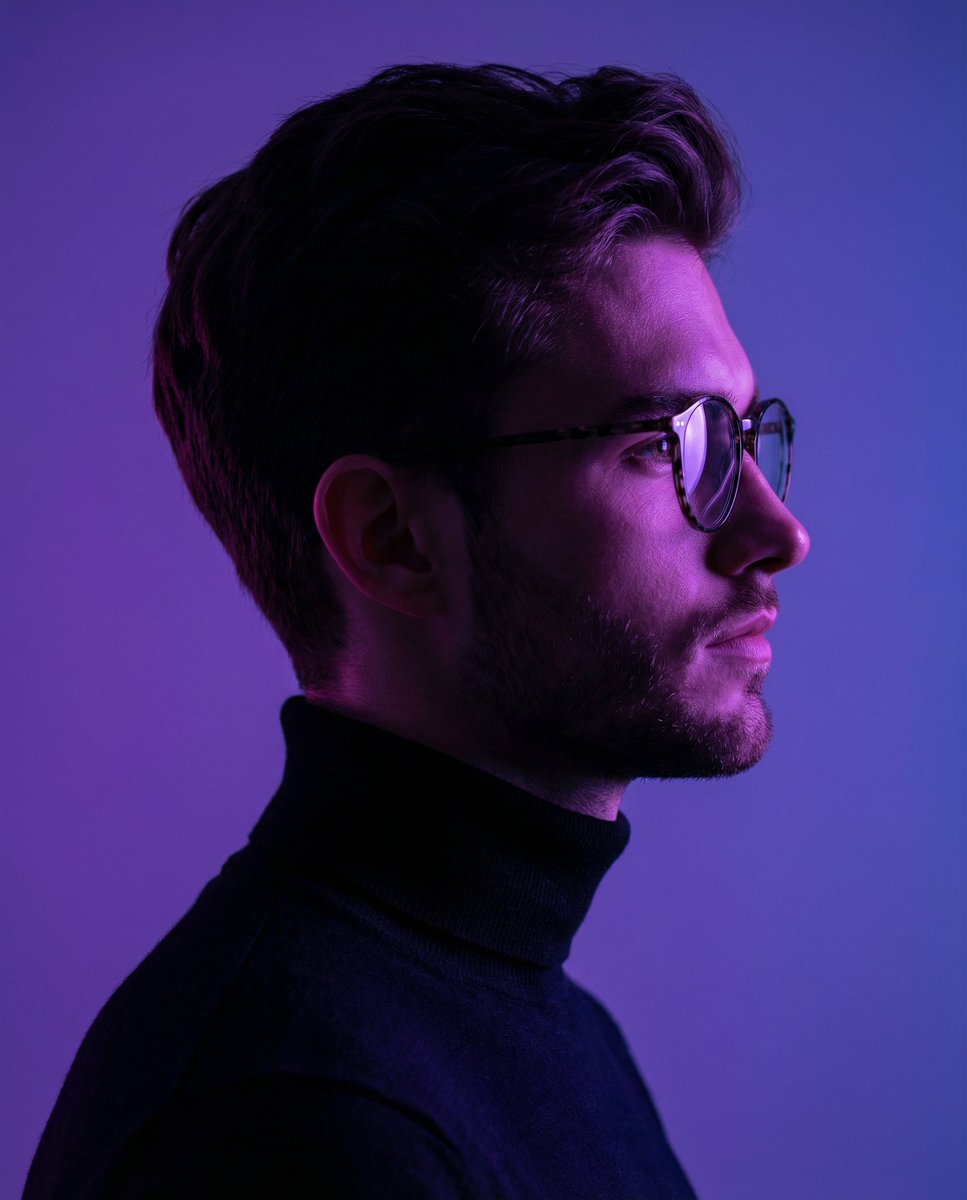
Minimalist Cinematic Portrait Prompt for Nano Banana 2
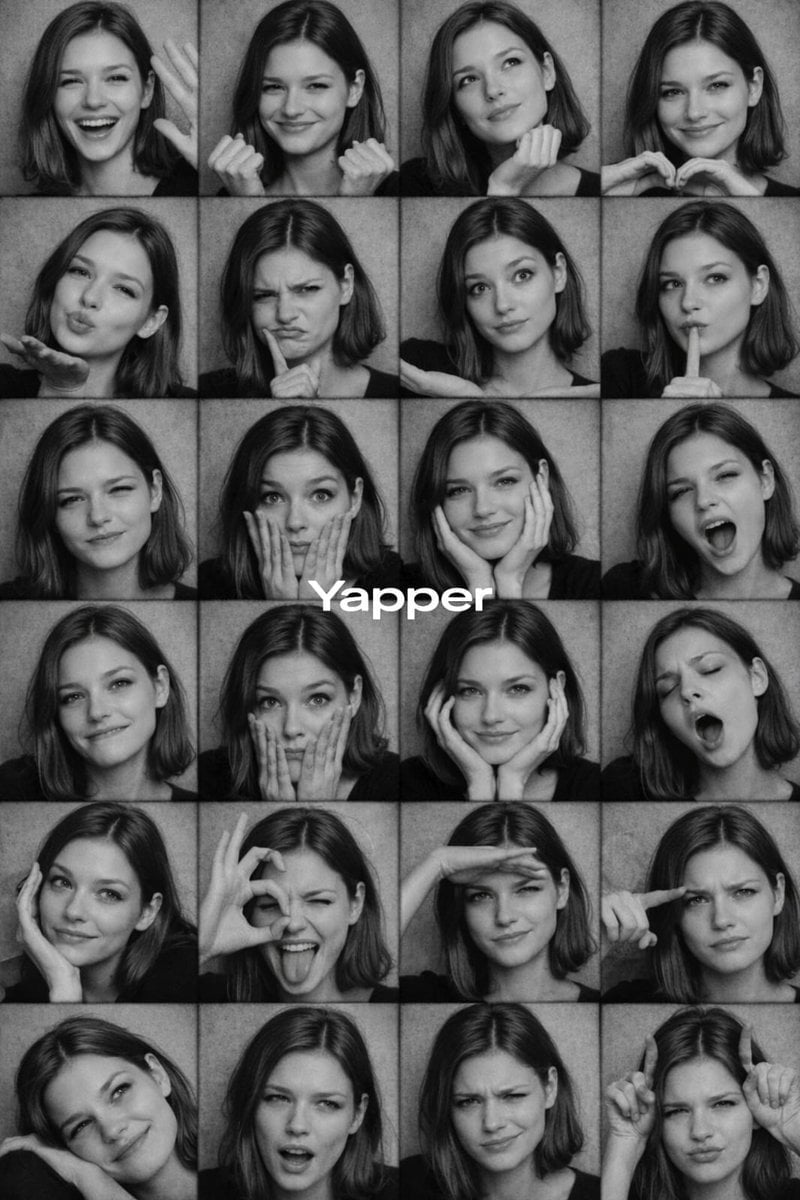
Black and White Photobooth Expression Grid Prompt
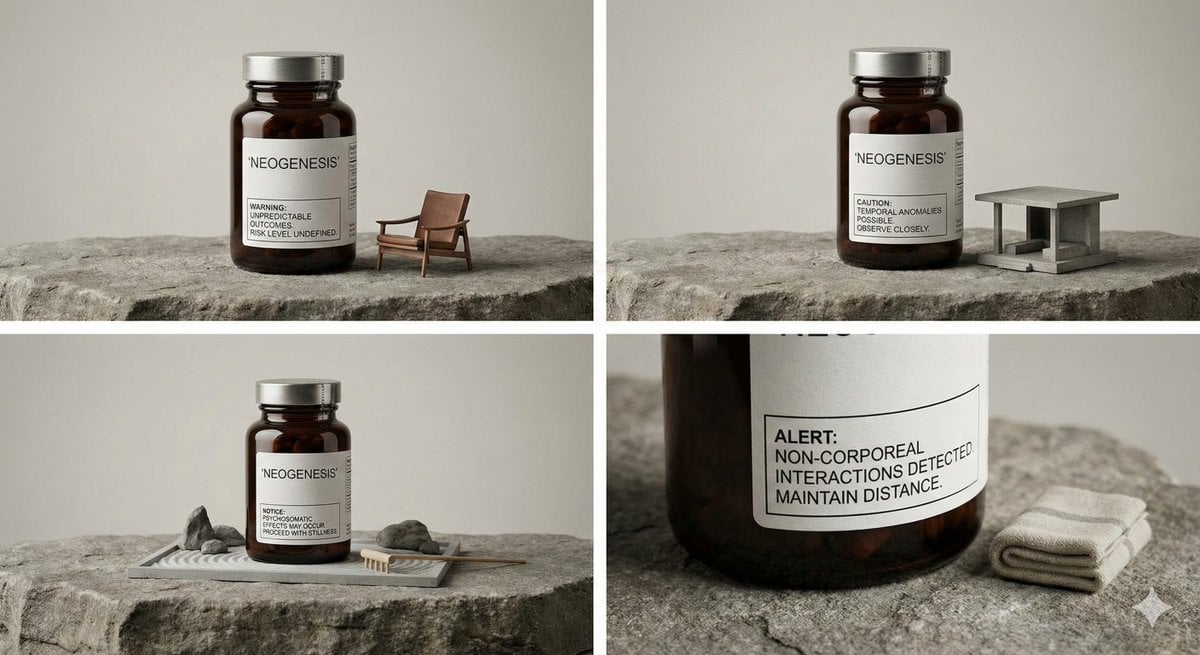
High-Quality Industrial Product Photography with Functional Displacement
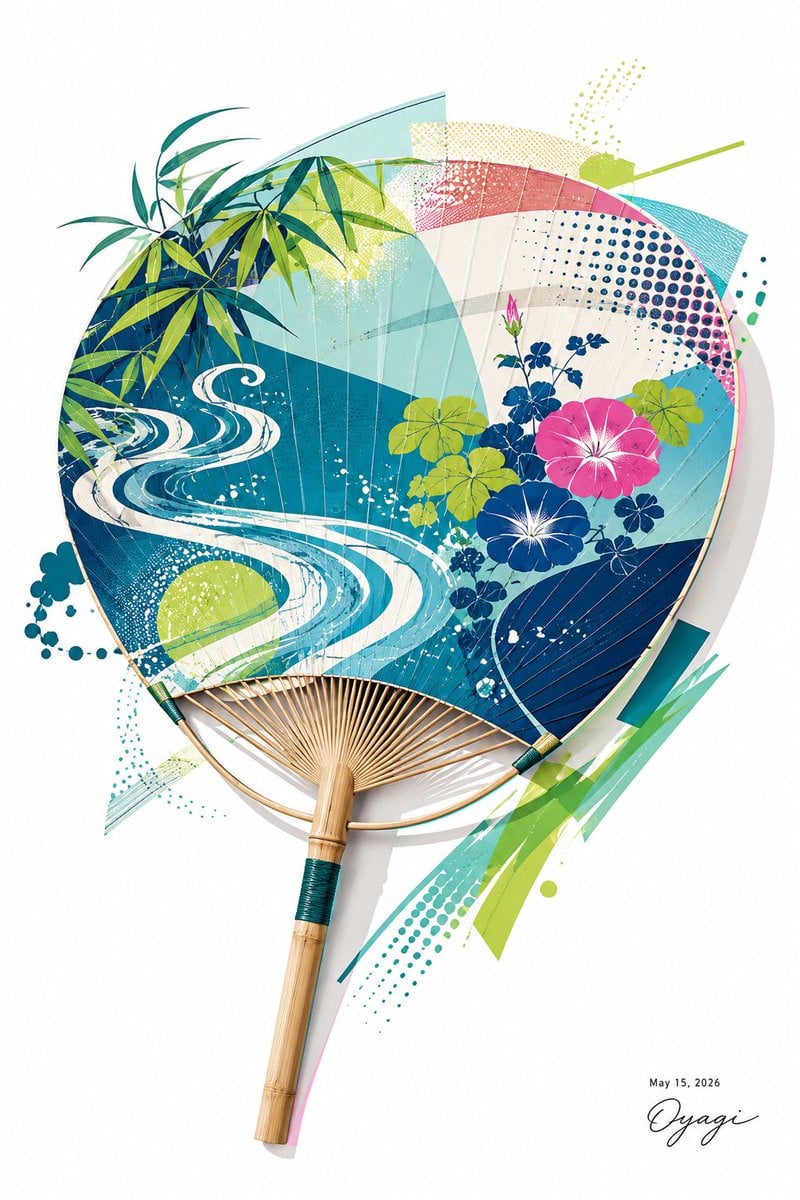
Stylish Japanese Summer Fan Illustration
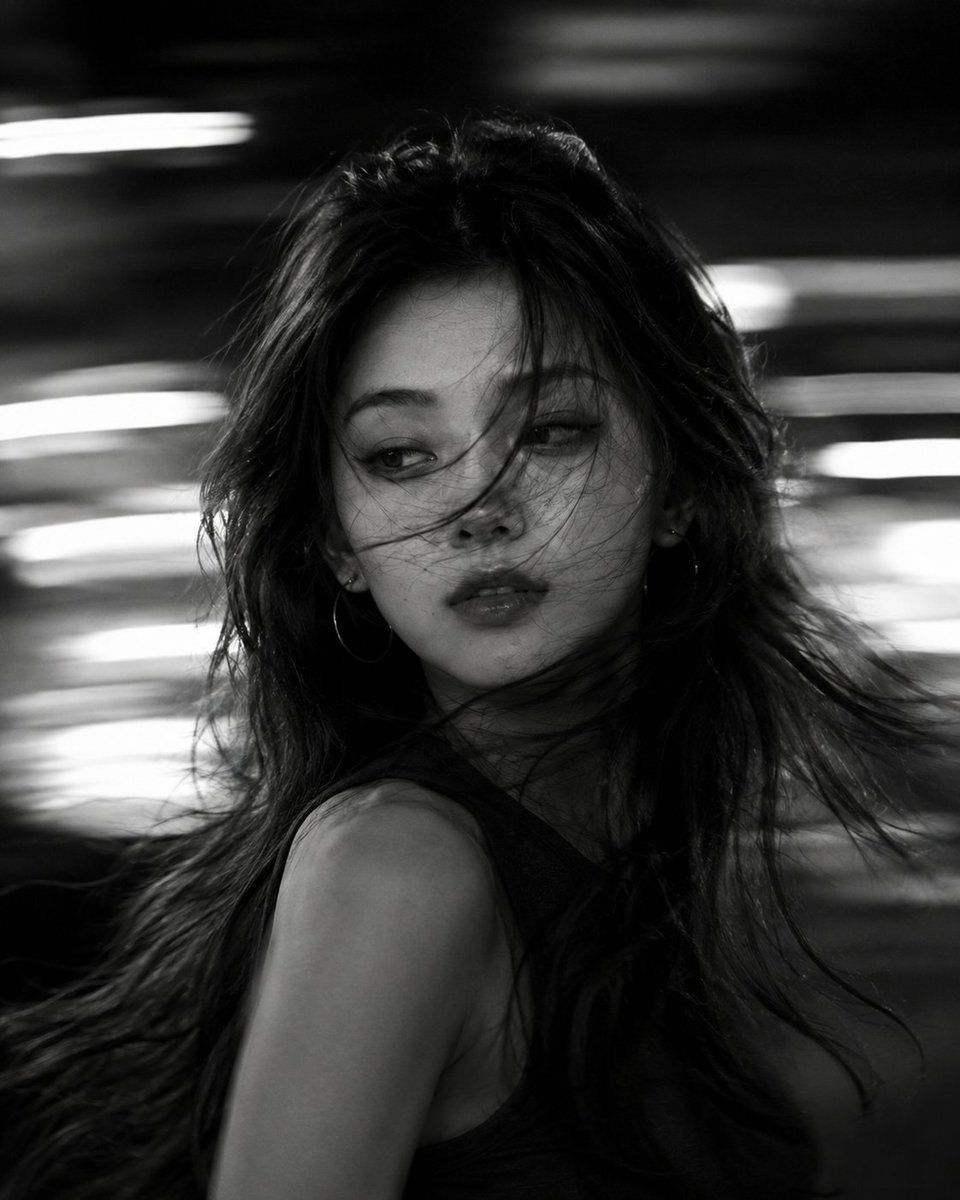
Cinematic Black and White Motion Portrait
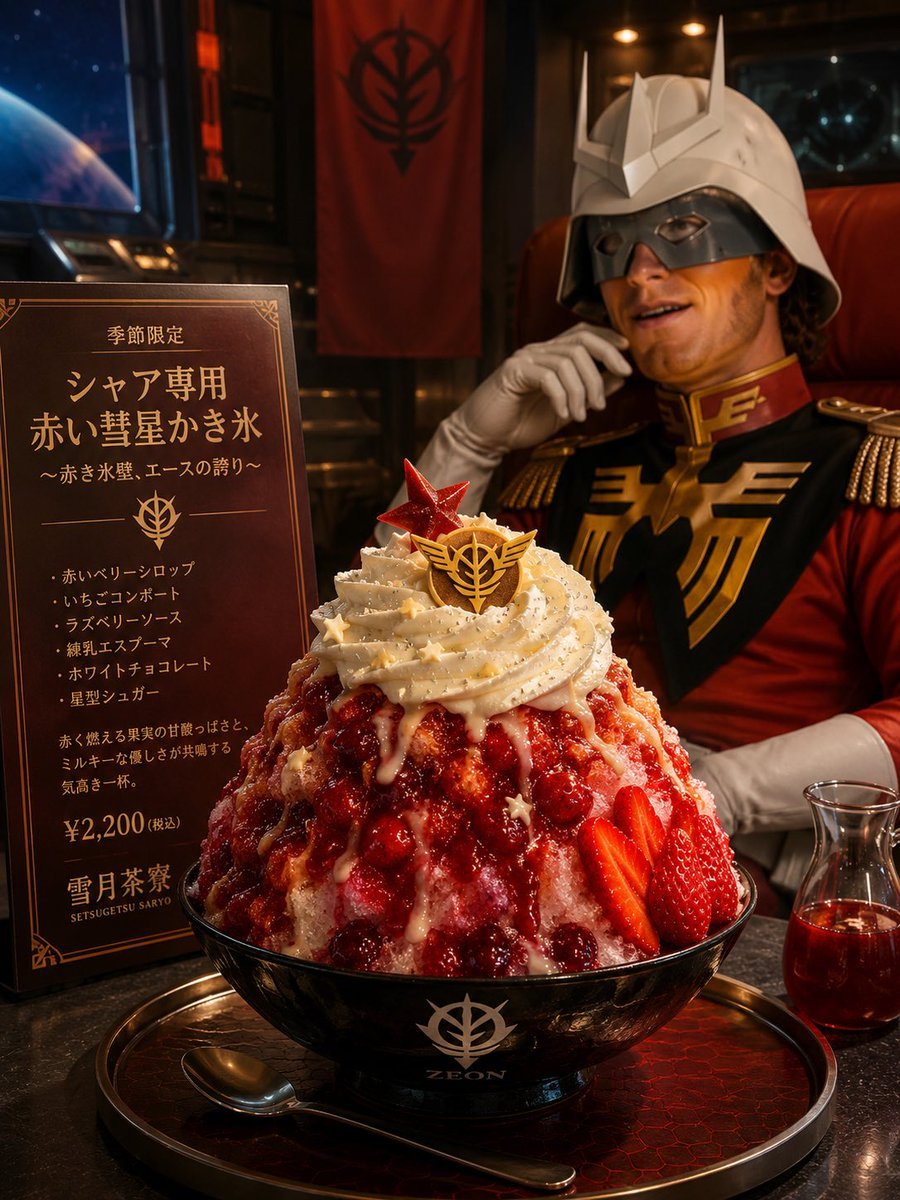
Char-Inspired Red Shaved Ice Café Ad
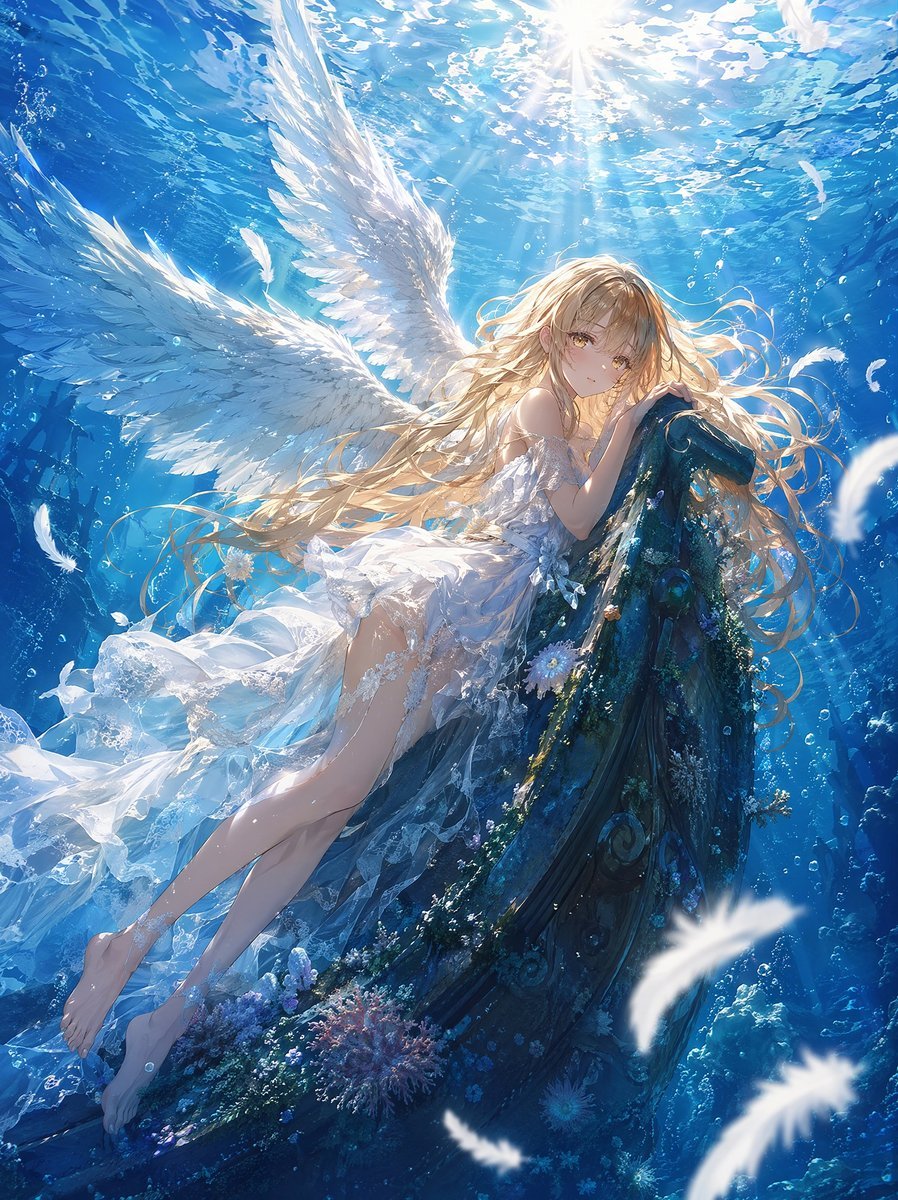
Underwater Angel Fantasy Illustration
Browse template categories
Neon Doodle Gallery Snapshot questions
How do I use the Neon Doodle Gallery Snapshot template?
Add your photo if the template asks for one, edit the prompt if you like — the template's model and format are already selected — and press Generate. Your version opens in PicX Studio.
Can I customize the Neon Doodle Gallery Snapshot template?
Yes. You can change the subject, setting, lighting, mood, format, and available model controls before creating your image.
Is the Neon Doodle Gallery Snapshot template free?
Opening and editing this template is free. Generating uses credits, shown on the Generate button when you are signed in.
Which AI model should I use?
Start with GPT Image 2, which is the model associated with this template. You can compare another compatible model for a different finish.
Looking for something else? Browse all templates.

Your photo, any look
Thousands of ready templates for every top image and video model, from one credit balance.