
Seamless Gold Roses on Navy
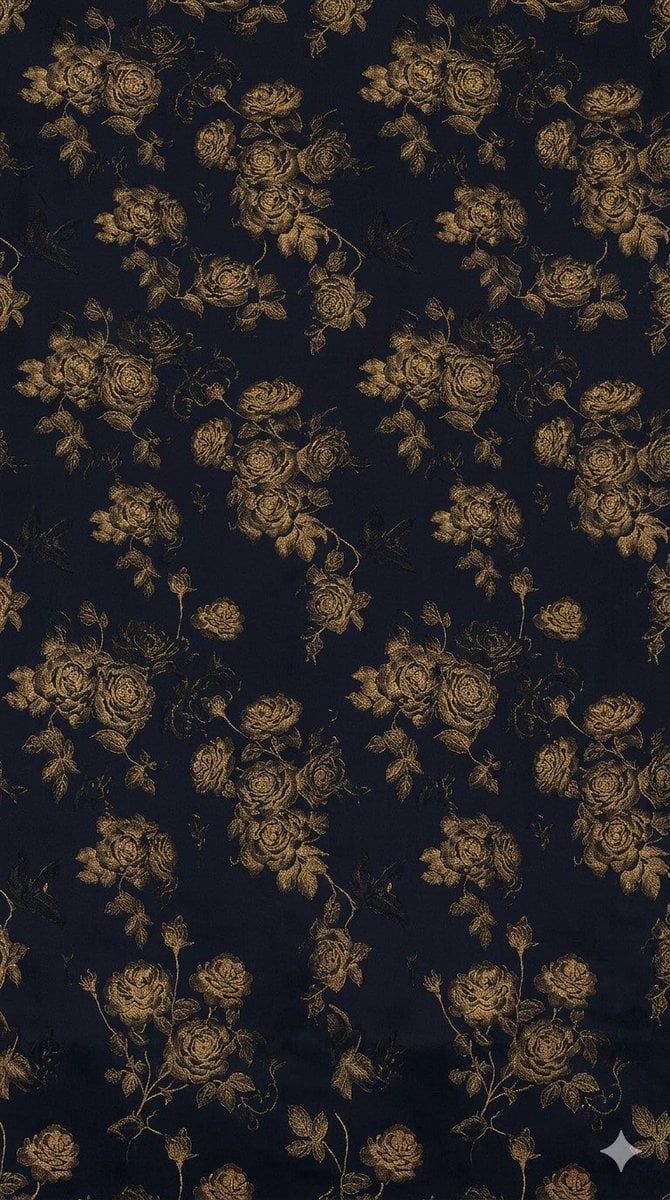
This prompt generates a luxurious seamless repeating floral textile pattern in antique gold on deep navy, ideal for wallpaper, upholstery, or fashion fabric design.
- Prompt included
- Model and format preset
- Free template
The prompt behind this image
Copy the exact prompt behind Seamless Gold Roses on Navy, or open it in the studio and make it yours.
A seamless repeating textile pattern designed as a four-way continuous wallpaper or fabric print, featuring vintage botanical rose bouquets in metallic antique gold on a deep midnight navy background. The composition should tile cleanly in all directions with no visible seams, arranged as an elegant all-over repeat of rose clusters, half-open blossoms, small buds, curling stems, and scattered leaves. Use a refined etched or jacquard-like linework texture so the flowers look slightly woven, embroidered, or engraved rather than painted. The bouquets should vary in scale from medium to large, with dense clusters alternating with smaller isolated blooms to create a balanced repeat. Keep the palette restricted to rich dark navy and luminous muted gold, with strong contrast and a luxurious, moody, classic baroque fashion-textile feel. Add very subtle vertical shadowed folds across the surface so it resembles draped fabric or a curtain, while preserving the seamless repeat structure. High detail, ornamental, elegant, regal, seamless pattern swatch, suitable for upholstery, wallpaper, or luxury dress fabric.
How to use Seamless Gold Roses on Navy in 3 steps
- 1Upload ImagePNG, JPG or paste
Add your photo
Upload the photo the template builds on. The prompt, model and format are already set.
- 2…a portrait of your subject in softgolden-hour light, 85mm…
Personalize
Edit the subject and creative details for your destination.
- 3Generate
Generate
Press Generate — your image is created in PicX Studio, so you can compare it with the original and refine one variable at a time.
More like this
Templates with the same subject, style or setup. Open one to see its prompt.




Make it yours
Seamless Gold Roses on Navy works as-is. These are the safest ways to change it without losing the look.
Change one field
Copy a single group, rewrite it, and generate again so you can see what that field is doing.
Keep the frame, change the subject
Hold the composition and light of Seamless Gold Roses on Navy, then swap wardrobe, props or the person for a new take.
| If the result… | Why | Fix |
|---|---|---|
| The result drifts from the preview | Too many fields changed at once. | Reuse Seamless Gold Roses on Navy as-is first, then change one group — subject, light, or setting. |
| The model over-stylizes the scene | The prose prompt leaves finish and camera underspecified. | Add one camera or lighting sentence and stay on GPT Image 2. |
More GPT Image 2 templates
Other prompts made for GPT Image 2.

Six VTuber Japanese Logo Sheet

Realistic Portrait of Woman and Deer

The Vista Modular Condo Poster

AI Model Routing Comparison Infographic

2.5D Anime Art Board

Isometric Productivity Desk Scene

New York Double Exposure Poster

Four-Panel AI Landscape Comparison

Japanese Tatami Lifestyle Magazine Cover

NESCAFÉ Coffee Map Poster
More image prompts
Fresh picks from across the catalog.
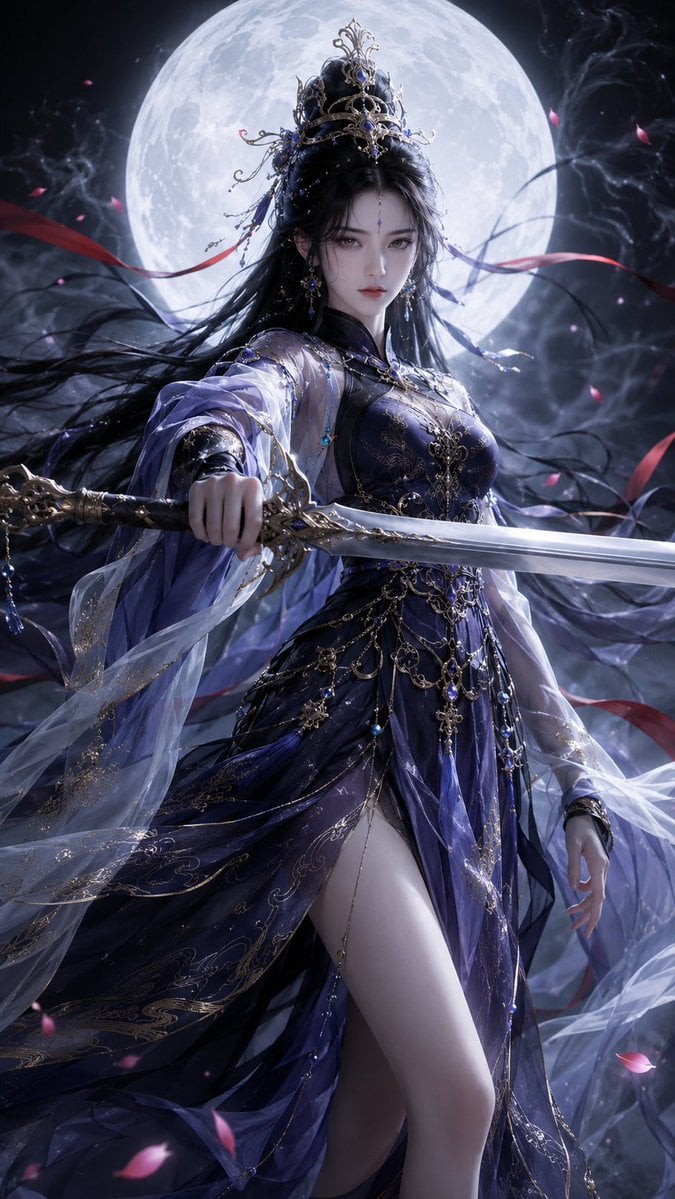
Oriental Fantasy 3D CG Heroine
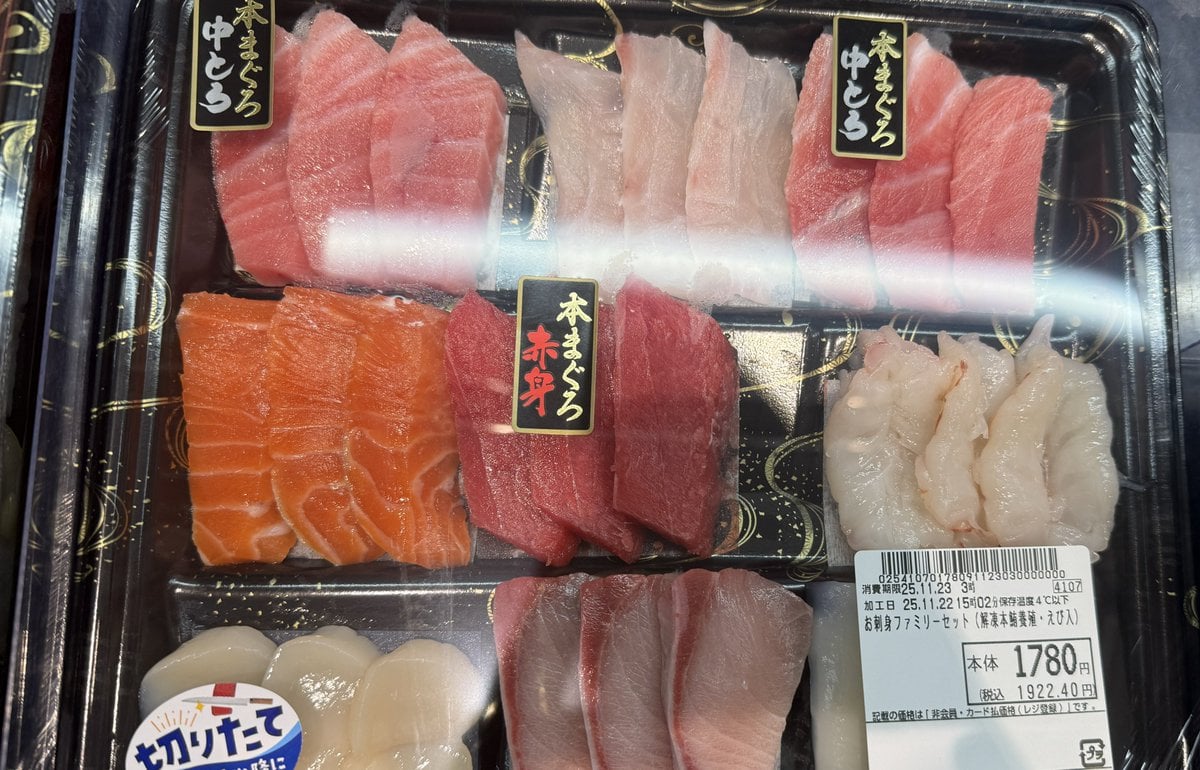
Food photo turned into creature-style nutrition poster
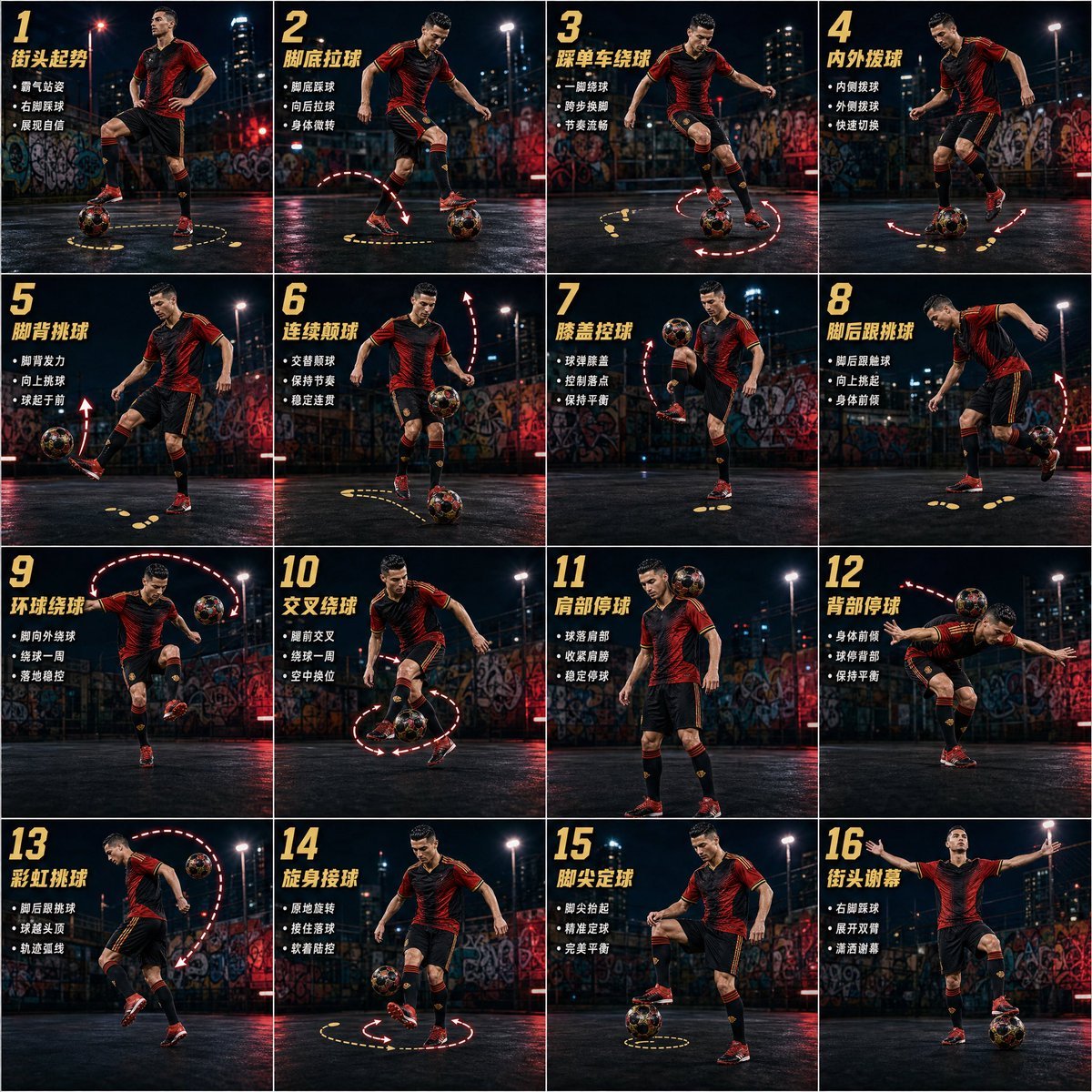
Freestyle Football 16-Step Action Poster
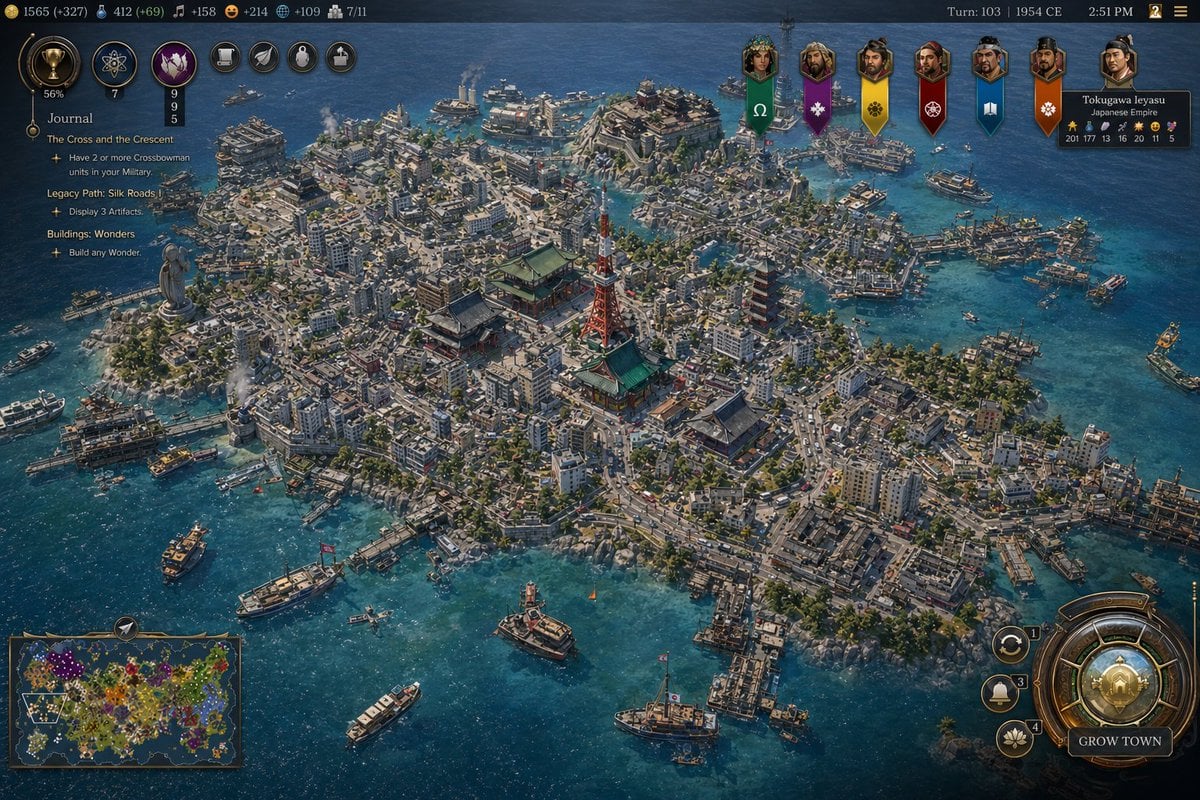
Civ-Style 1954 Tokyo Harbor Screenshot
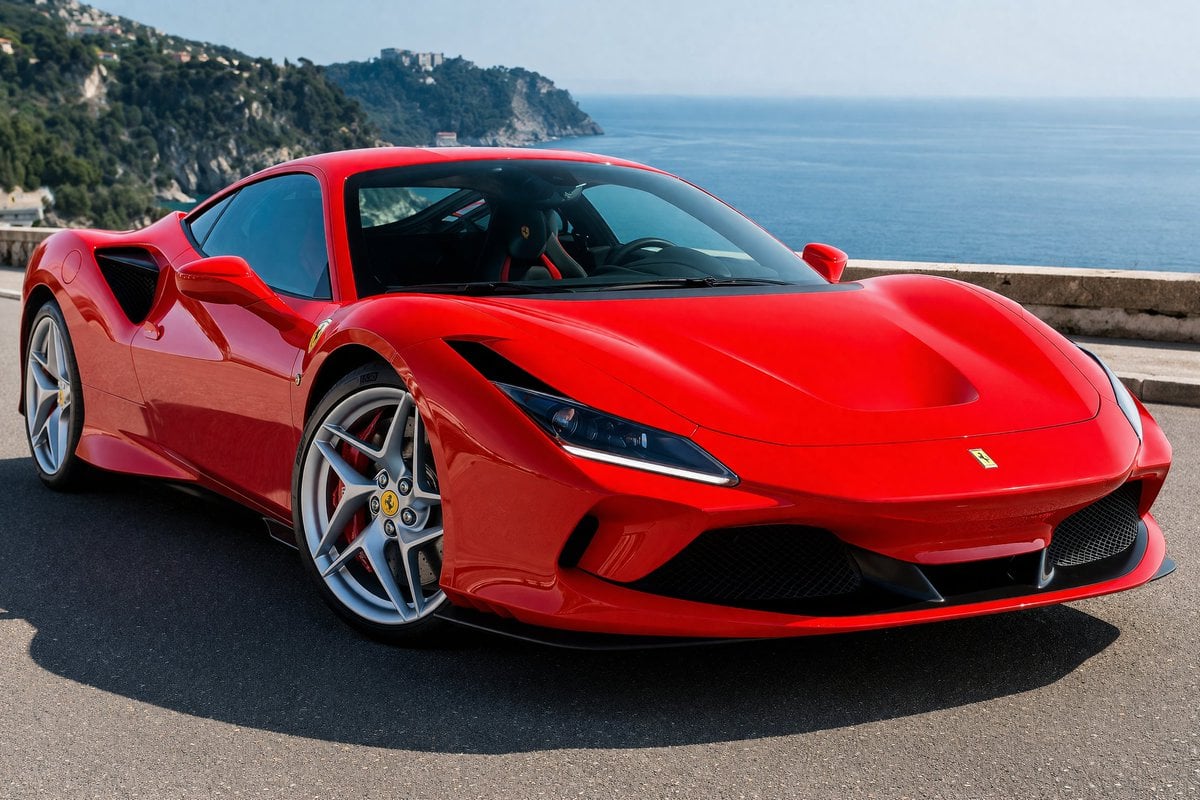
Photorealistic Coastal Sports Car
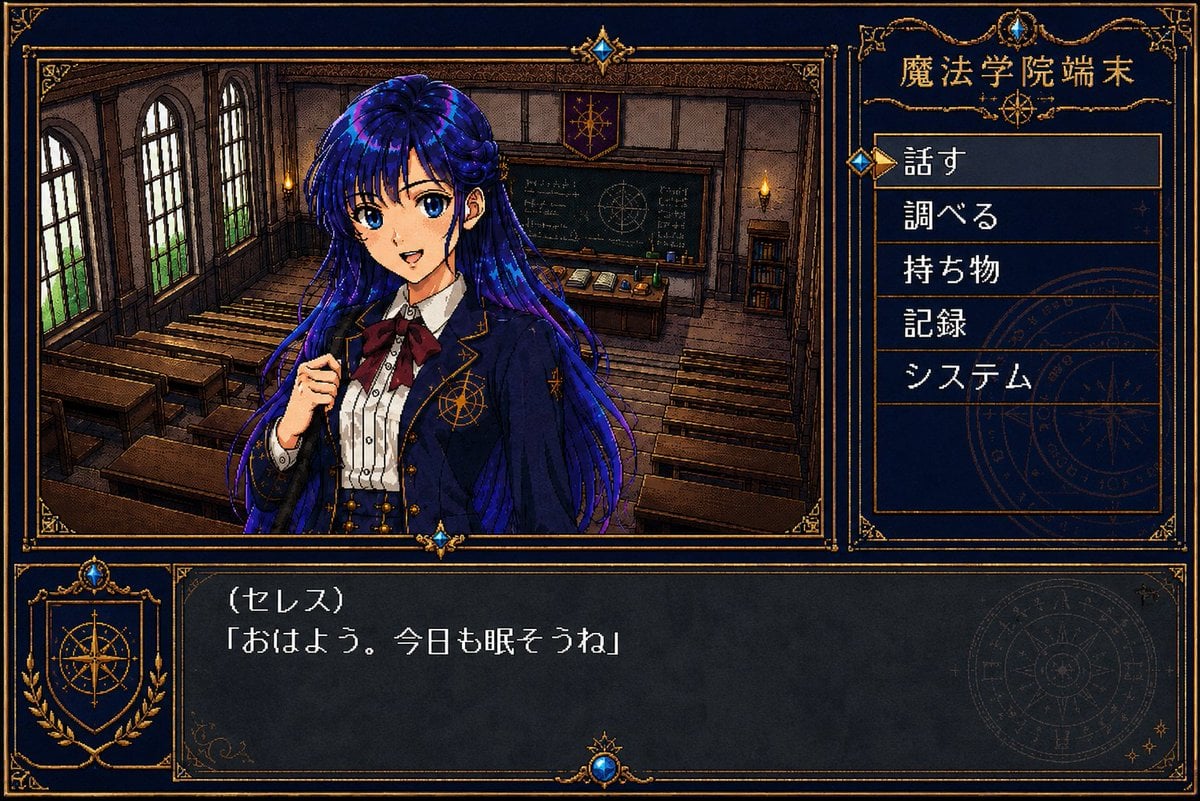
Retro Magic Academy Visual Novel UI

Backlit Morning Sofa Anime Scene
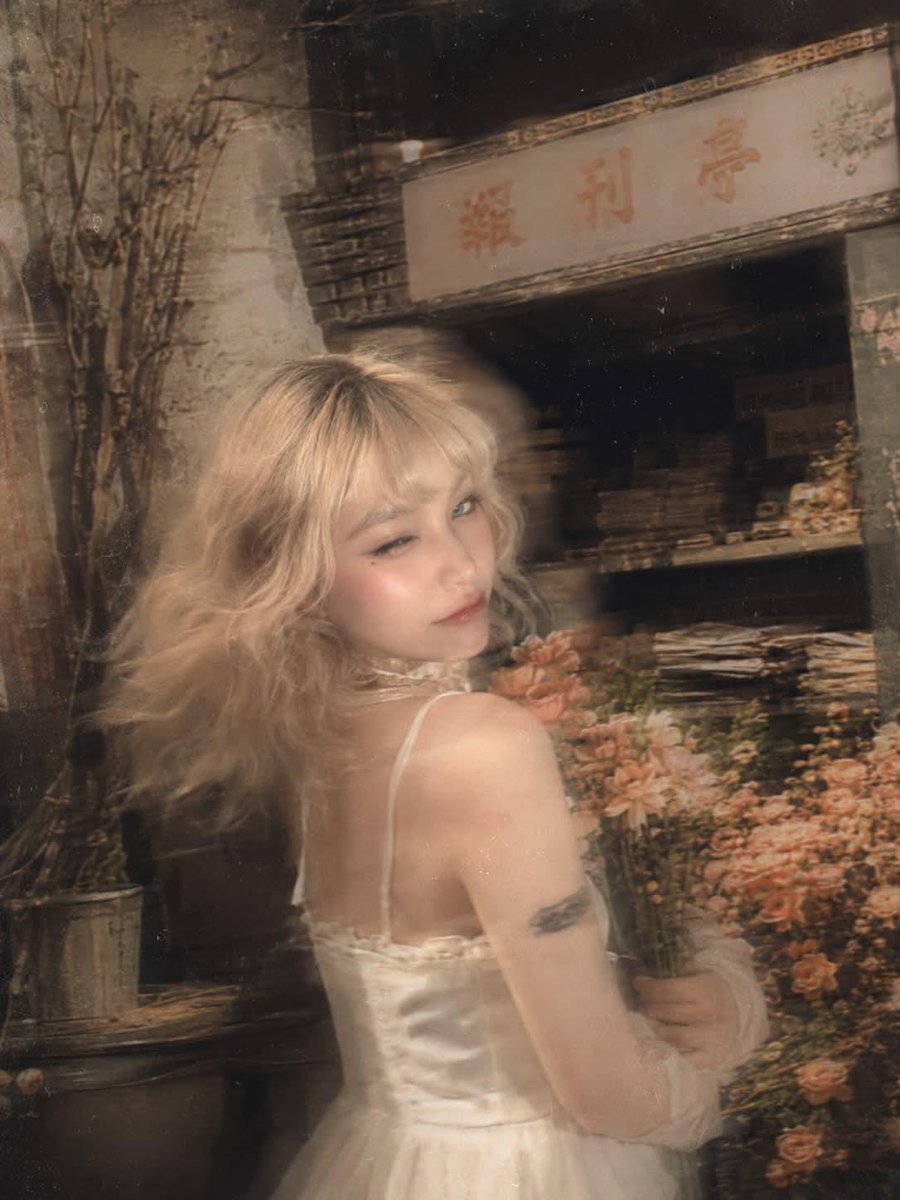
Surreal Fujifilm Vintage Film Portrait
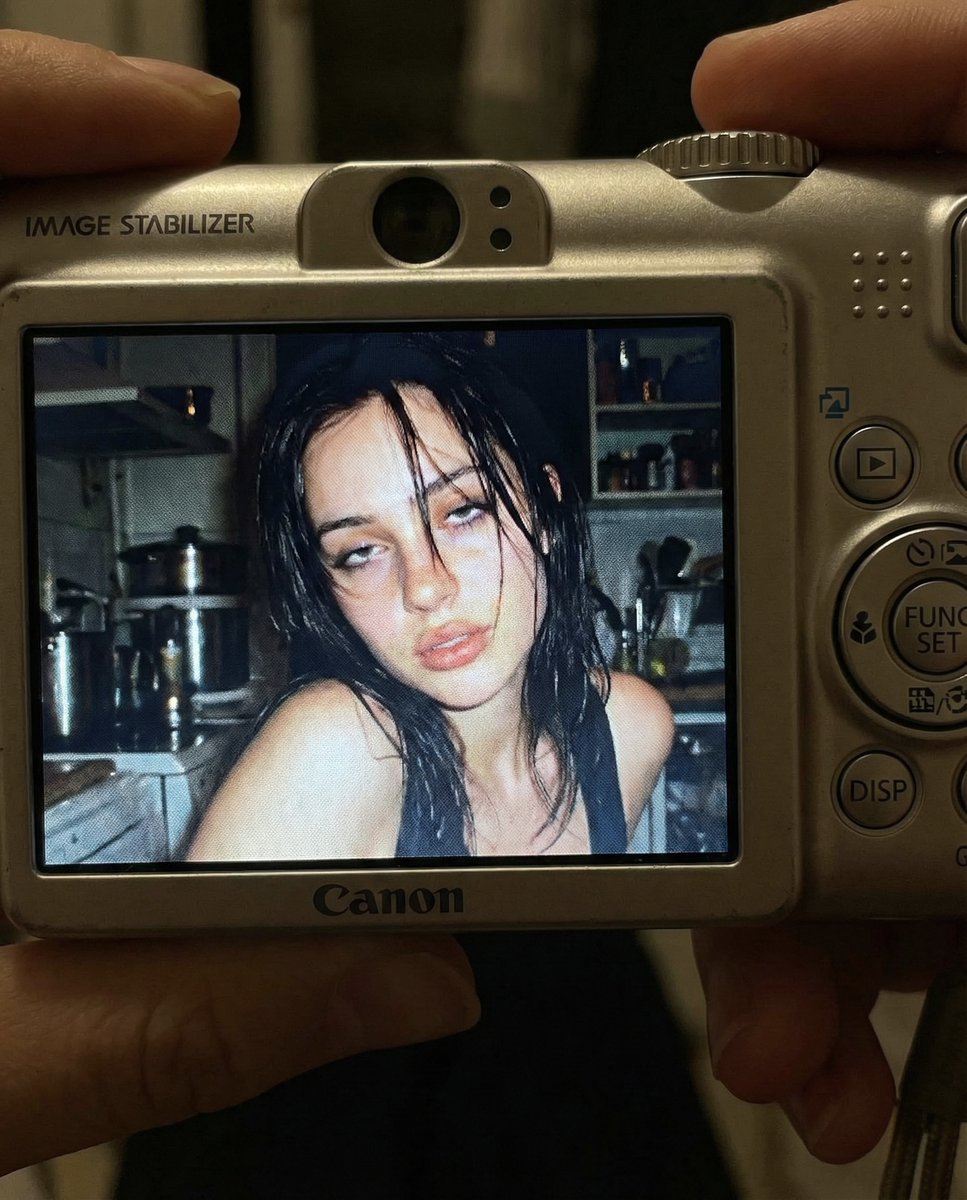
Early 2000s Digital Camera Snapshot Prompt
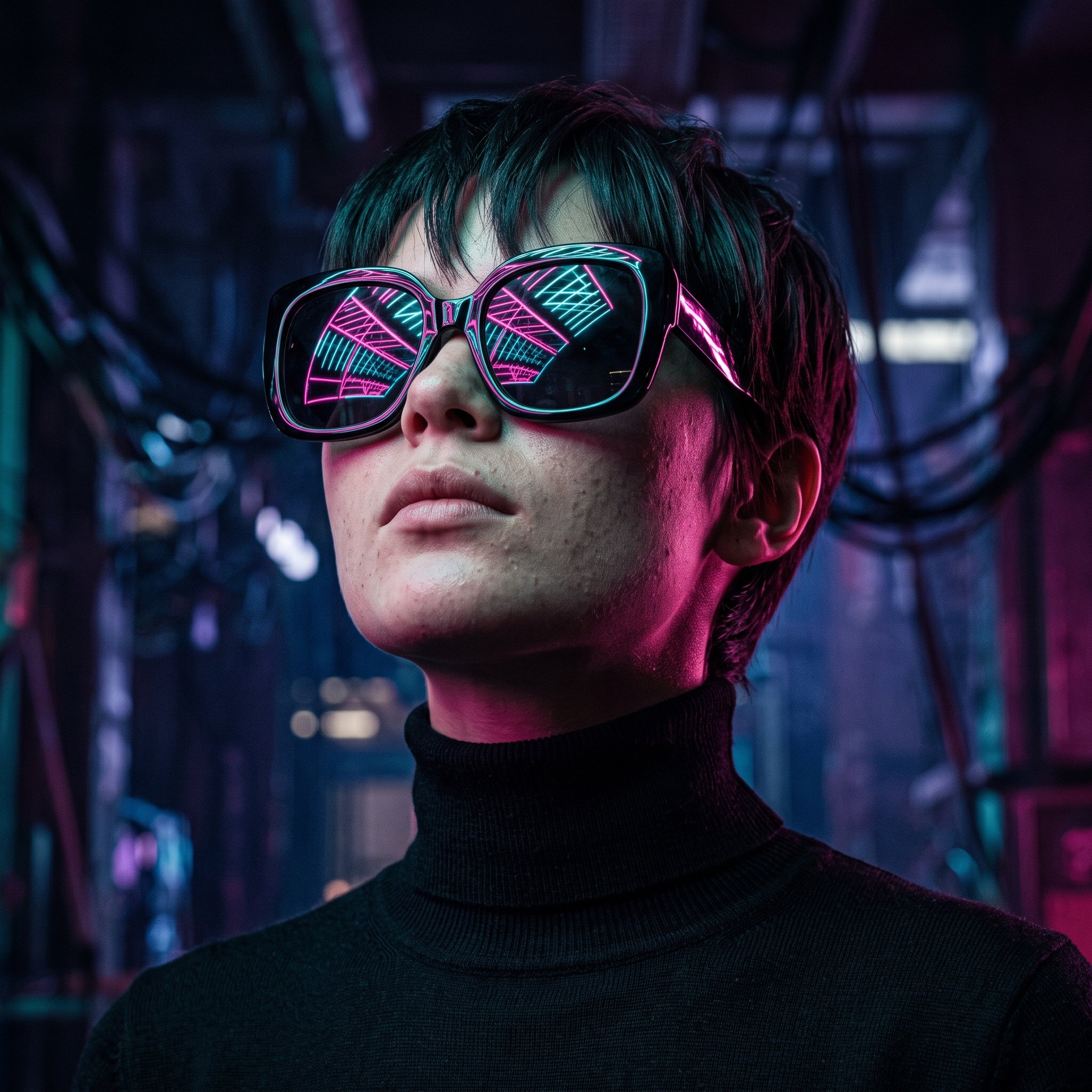
Cyberpunk Futuristic Portrait Prompt
Browse template categories
Seamless Gold Roses on Navy questions
How do I use the Seamless Gold Roses on Navy template?
Add your photo if the template asks for one, edit the prompt if you like — the template's model and format are already selected — and press Generate. Your version opens in PicX Studio.
Can I customize the Seamless Gold Roses on Navy template?
Yes. You can change the subject, setting, lighting, mood, format, and available model controls before creating your image.
Is the Seamless Gold Roses on Navy template free?
Opening and editing this template is free. Generating uses credits, shown on the Generate button when you are signed in.
Which AI model should I use?
Start with GPT Image 2, which is the model associated with this template. You can compare another compatible model for a different finish.
Looking for something else? Browse all templates.

Your photo, any look
Thousands of ready templates for every top image and video model, from one credit balance.