
Rush Hour Subway vs Traffic
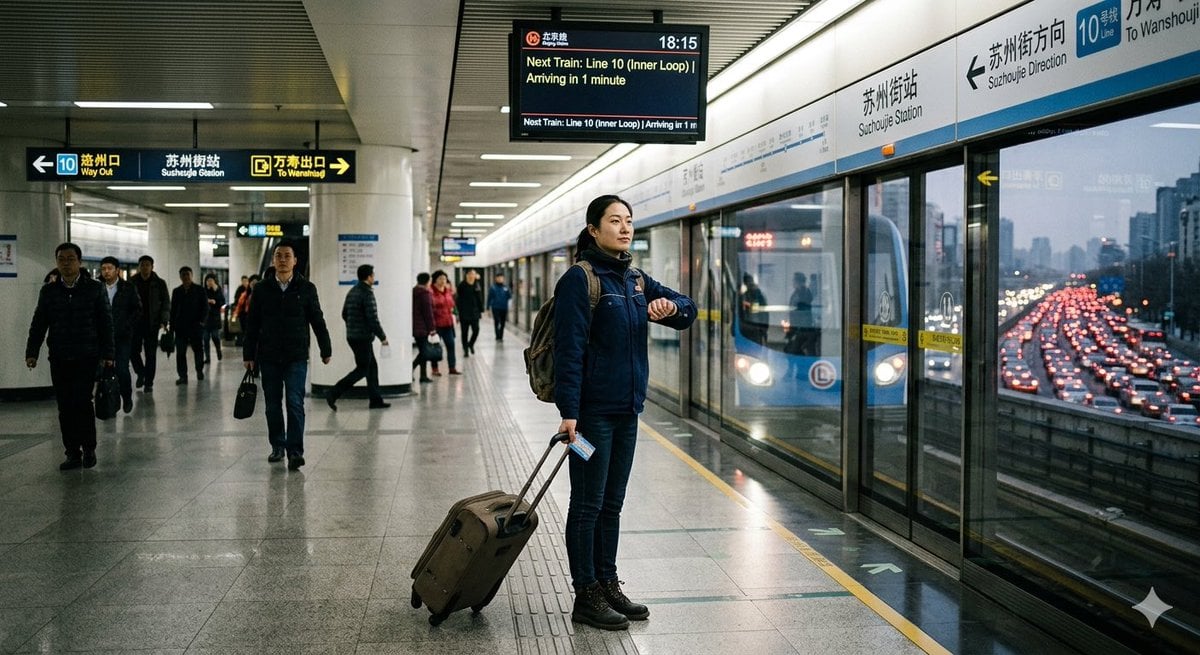
A realistic metro-platform scene contrasting a punctual subway commute with heavy road congestion outside, useful for illustrating certainty and urban travel choices.
- Prompt included
- Model and format preset
- Free template
The prompt behind this image
Copy the exact prompt behind Rush Hour Subway vs Traffic, or open it in the studio and make it yours.
Create a realistic documentary-style wide-angle photograph inside {argument name="station name" default="Suzhoujie Station"} on Beijing Subway {argument name="metro line" default="Line 10"} during early evening rush hour, with a cool fluorescent indoor lighting mood and a sense of calm certainty contrasted with traffic chaos outside. The camera is at platform level, horizontal 16:9 composition, looking down a clean modern metro platform with glossy gray tile floor, white columns, ribbed metal ceiling, and glass platform screen doors on the right. In the center foreground, show one main traveler: an adult man in a dark blue winter jacket, jeans, black boots, scarf, and backpack, standing upright near the yellow safety line, checking his wristwatch while holding the handle of a brown rolling suitcase; he also holds a small transit card or ticket in one hand. His face should be intentionally blurred or anonymized. Behind him, include exactly 13 other visible commuters spread across the platform and corridor, some walking toward camera, some waiting by the doors, all dressed in winter coats with indistinct or blurred faces. On the right, behind the glass doors, show a blue subway train stopped at the platform with its headlights visible. Through the glass and station opening beyond the train, show an elevated expressway packed with dense red brake lights and slow-moving cars, creating a vivid contrast between predictable subway travel and gridlocked road traffic. Include exactly 3 prominent information/signage elements: 1 overhead black wayfinding sign on the left with arrows and bilingual text for Line 10, Way Out, Sushuguo Station, and To Wanshouji; 1 overhead digital train-arrival board near the top center showing the time 18:15 and text like “Next Train: Line 10 (Inner Loop) Arriving in 1 minute”; 1 long platform wall sign above the train doors on the right with Chinese and English station/direction text including “Suzhoujie Station,” “Suzhoujie Direction,” “Line 10,” and “To Wanshouji.” Use natural reflections on the polished floor and glass, slightly muted green-blue cinematic color grading, realistic lens perspective, high detail, no cartoon style, no extra logos, no watermark.
How to use Rush Hour Subway vs Traffic in 3 steps
- 1Upload ImagePNG, JPG or paste
Add your photo
Upload the photo the template builds on. The prompt, model and format are already set.
- 2…a portrait of your subject in softgolden-hour light, 85mm…
Personalize
Edit the subject and creative details for your destination.
- 3Generate
Generate
Press Generate — your image is created in PicX Studio, so you can compare it with the original and refine one variable at a time.
More like this
Templates with the same subject, style or setup. Open one to see its prompt.
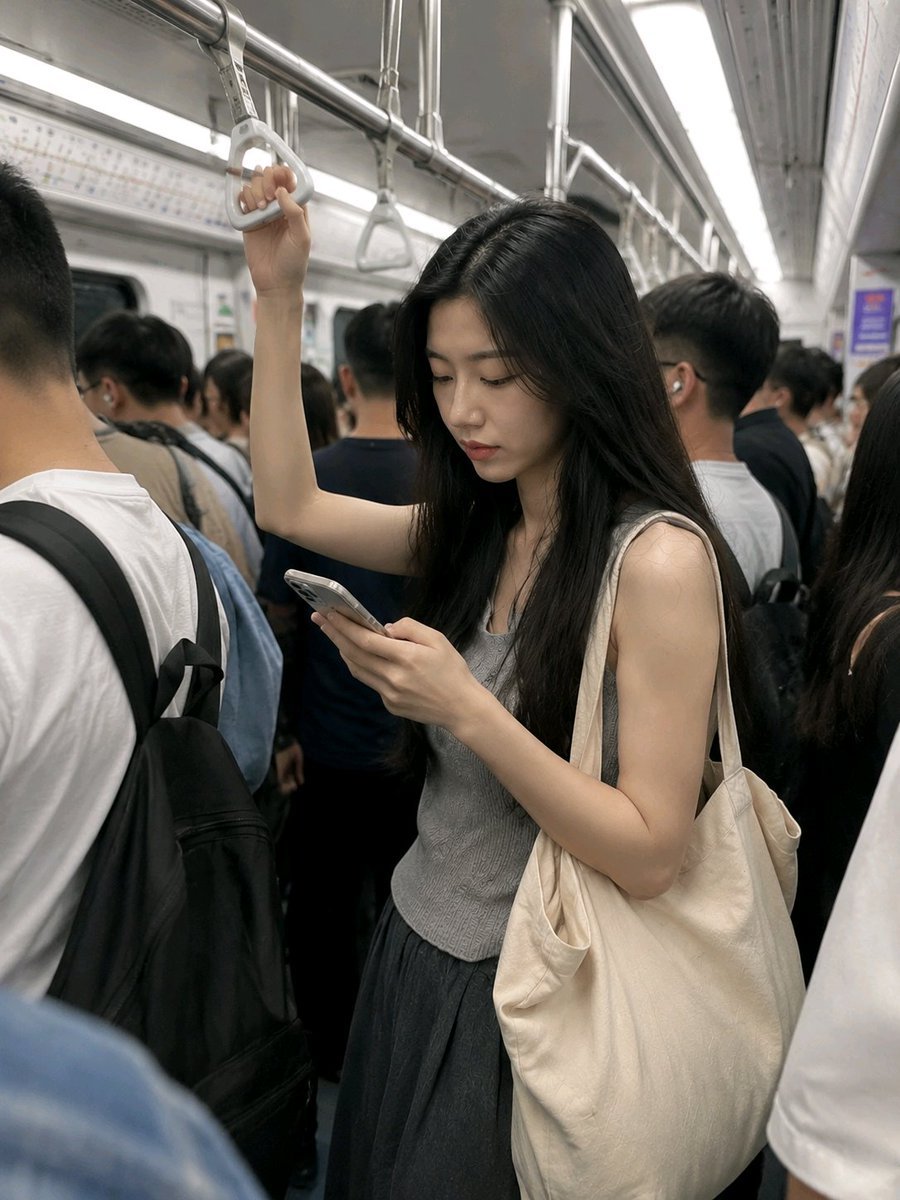
Realistic Subway Rush Hour Portrait

Subway Platform Quiet Introspective Portrait
Subway Platform Quiet Introspective Portrait

Floating Woman Above Cityscape with Notifications

80s Golden Hour Cinema
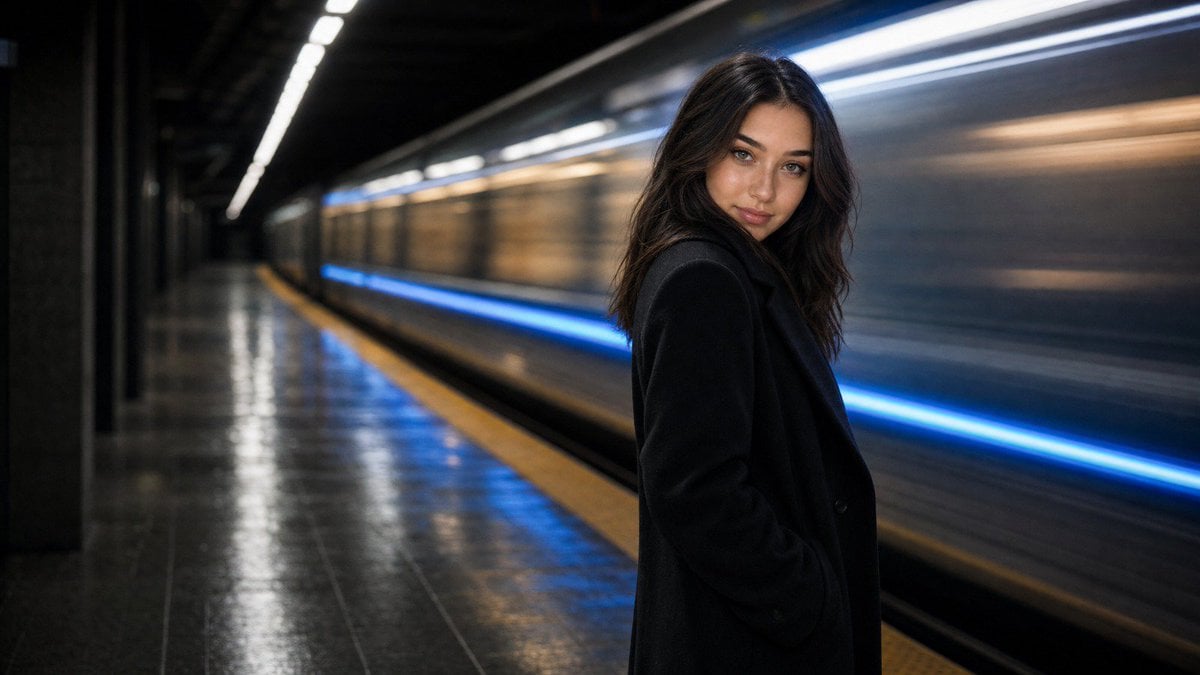
Cinematic Subway Editorial Portrait
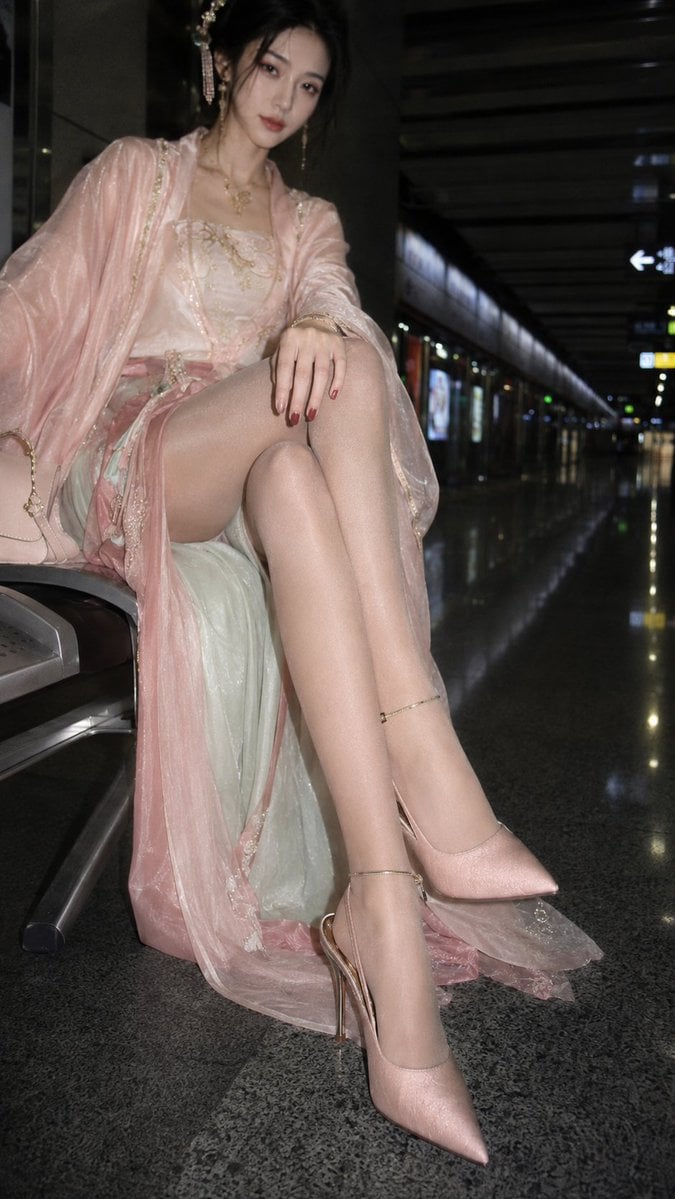
Hanfu Fashion Portrait in Subway

Subway Good Vibes App Card Portrait
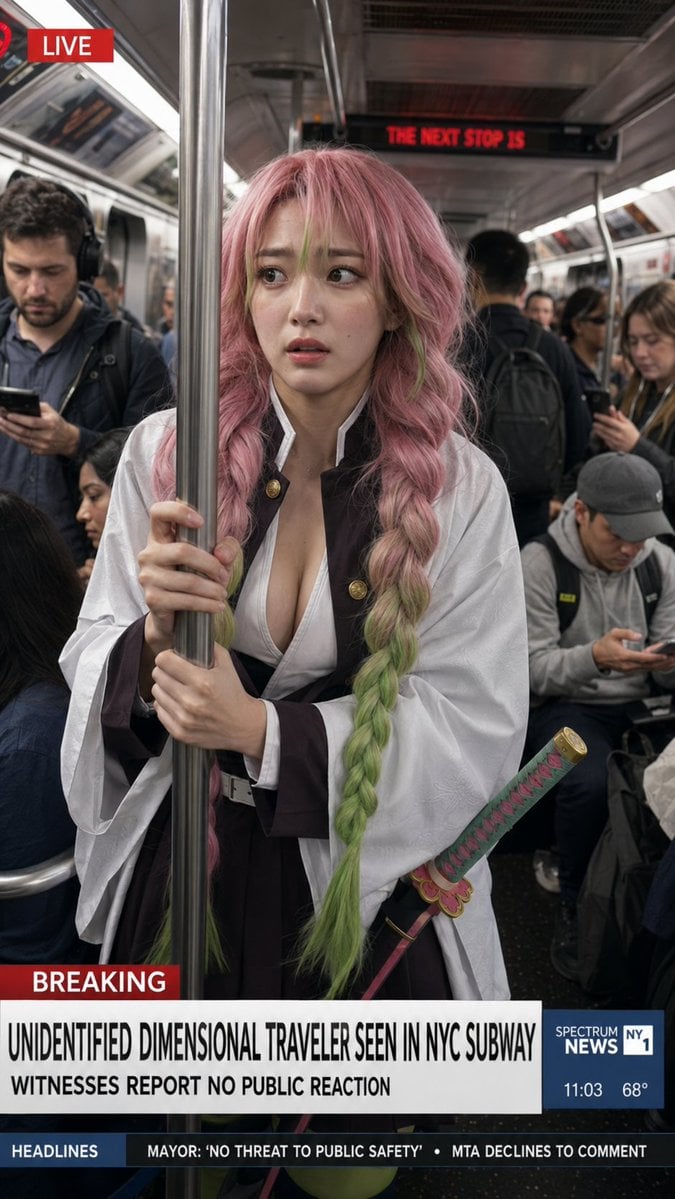
Dimensional Traveler in NYC Subway News Shot
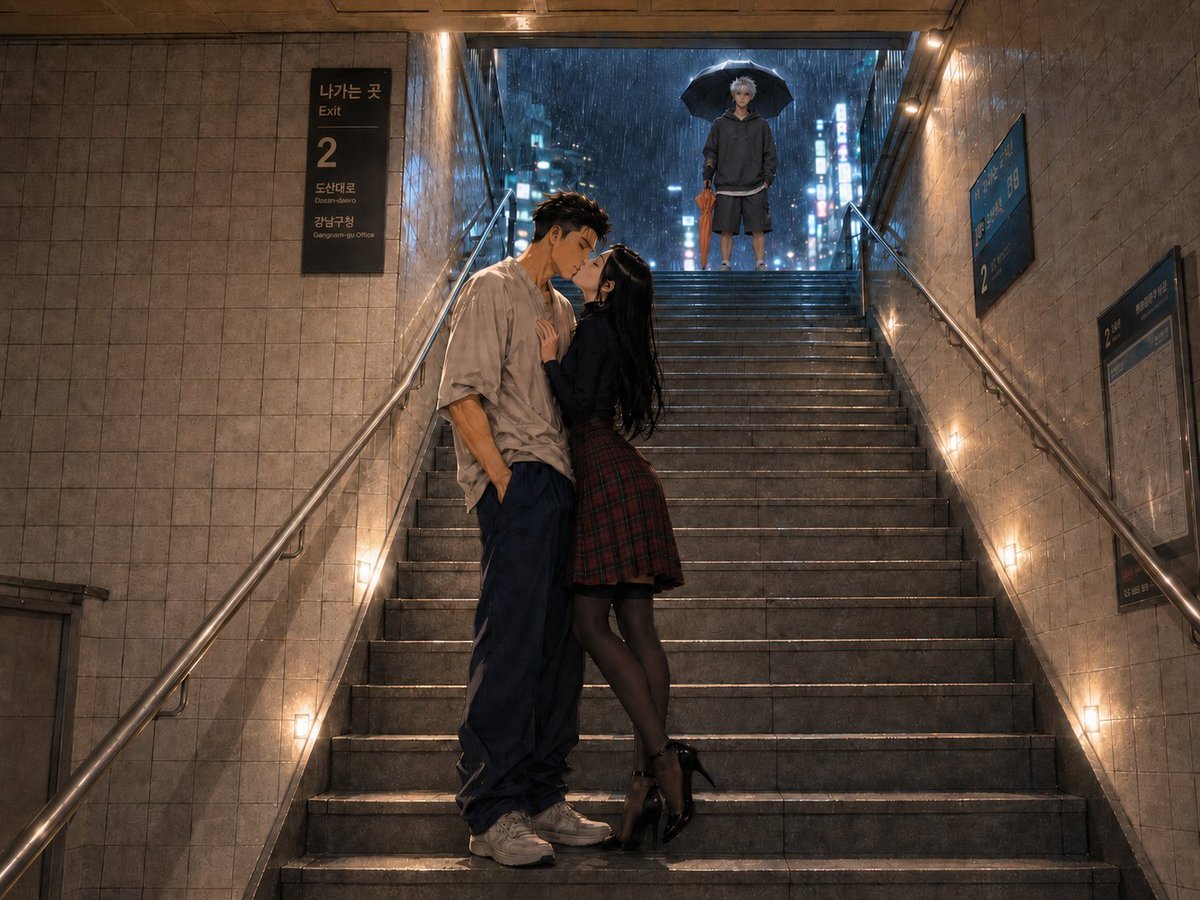
Rainy Subway Betrayal Scene
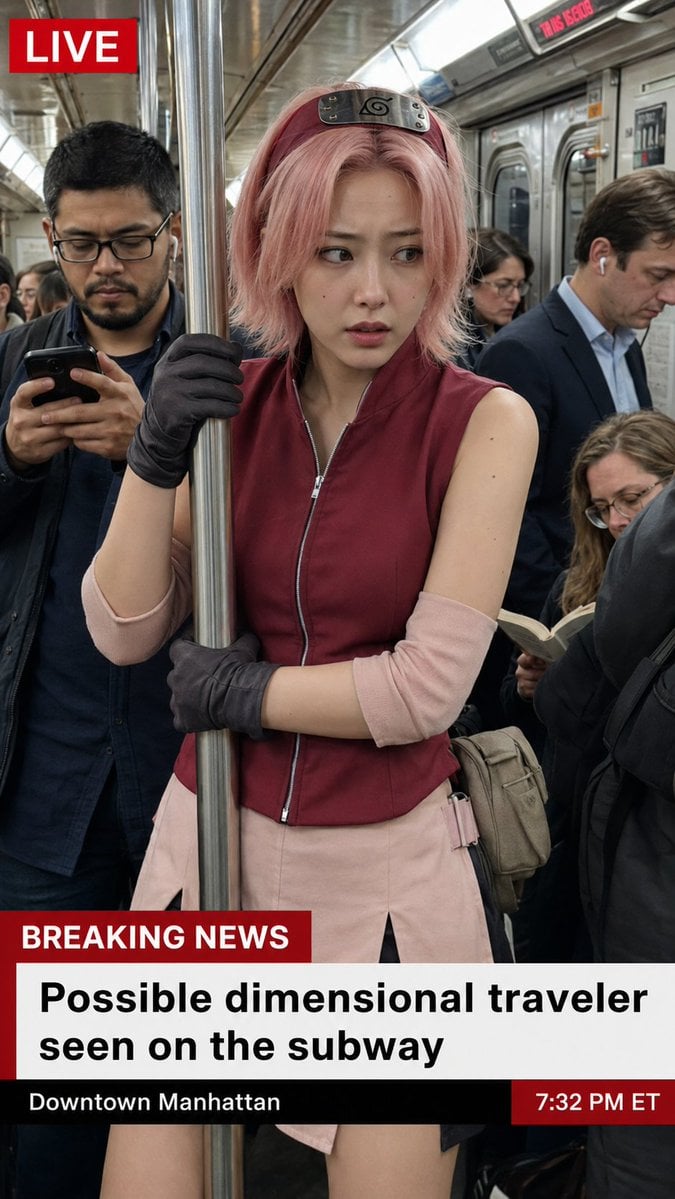
Live News Subway Sakura

Cinematic Golden Hour Garden Portrait
Make it yours
Rush Hour Subway vs Traffic works as-is. These are the safest ways to change it without losing the look.
Change one field
Copy a single group, rewrite it, and generate again so you can see what that field is doing.
Keep the frame, change the subject
Hold the composition and light of Rush Hour Subway vs Traffic, then swap wardrobe, props or the person for a new take.
| If the result… | Why | Fix |
|---|---|---|
| The result drifts from the preview | Too many fields changed at once. | Reuse Rush Hour Subway vs Traffic as-is first, then change one group — subject, light, or setting. |
| The model over-stylizes the scene | The prose prompt leaves finish and camera underspecified. | Add one camera or lighting sentence and stay on GPT Image 2. |
More GPT Image 2 templates
Other prompts made for GPT Image 2.

Six VTuber Japanese Logo Sheet

Realistic Portrait of Woman and Deer

The Vista Modular Condo Poster

AI Model Routing Comparison Infographic

2.5D Anime Art Board

Isometric Productivity Desk Scene

New York Double Exposure Poster

Four-Panel AI Landscape Comparison

Japanese Tatami Lifestyle Magazine Cover

NESCAFÉ Coffee Map Poster
More image prompts
Fresh picks from across the catalog.
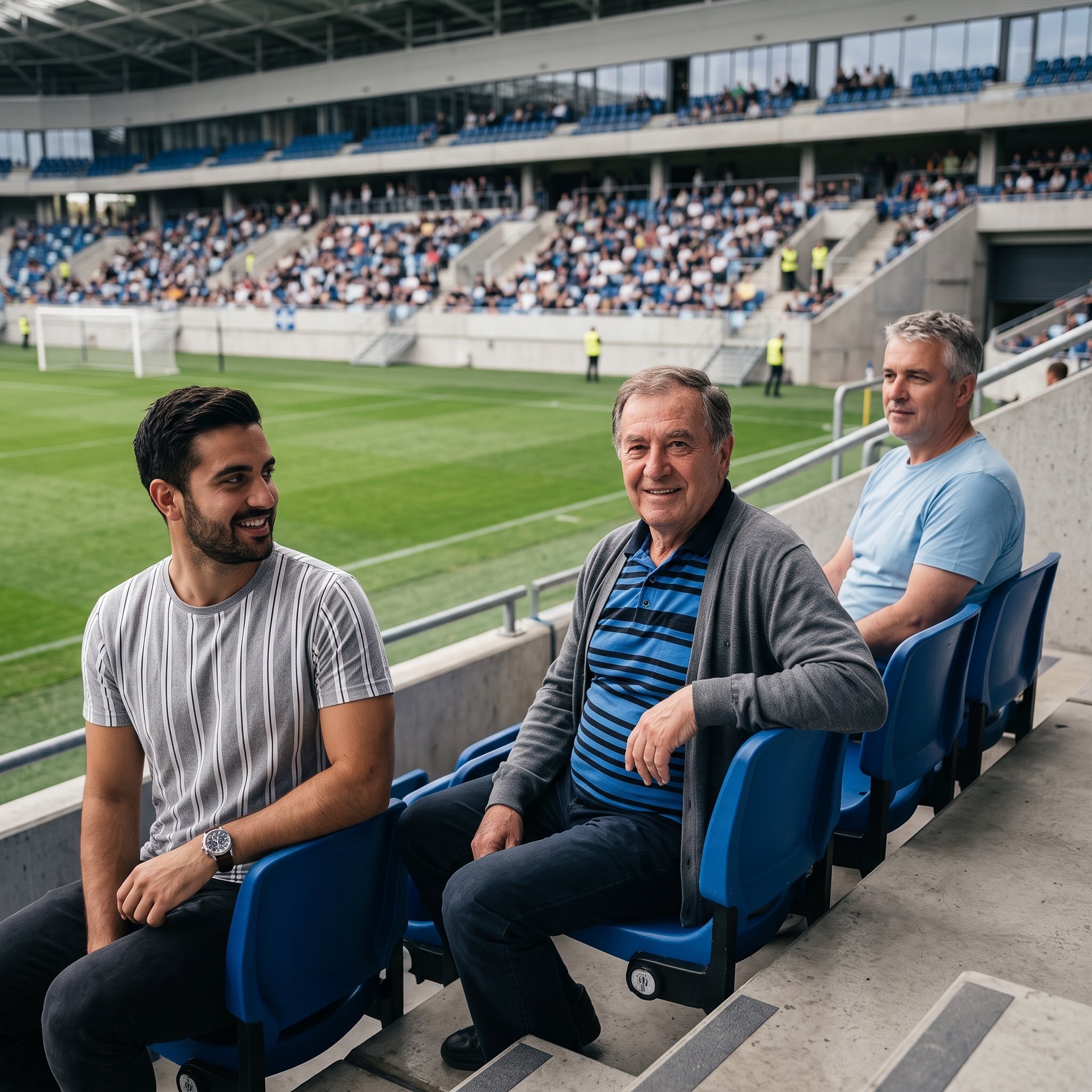
Inpainting/Adding a Person to an Image
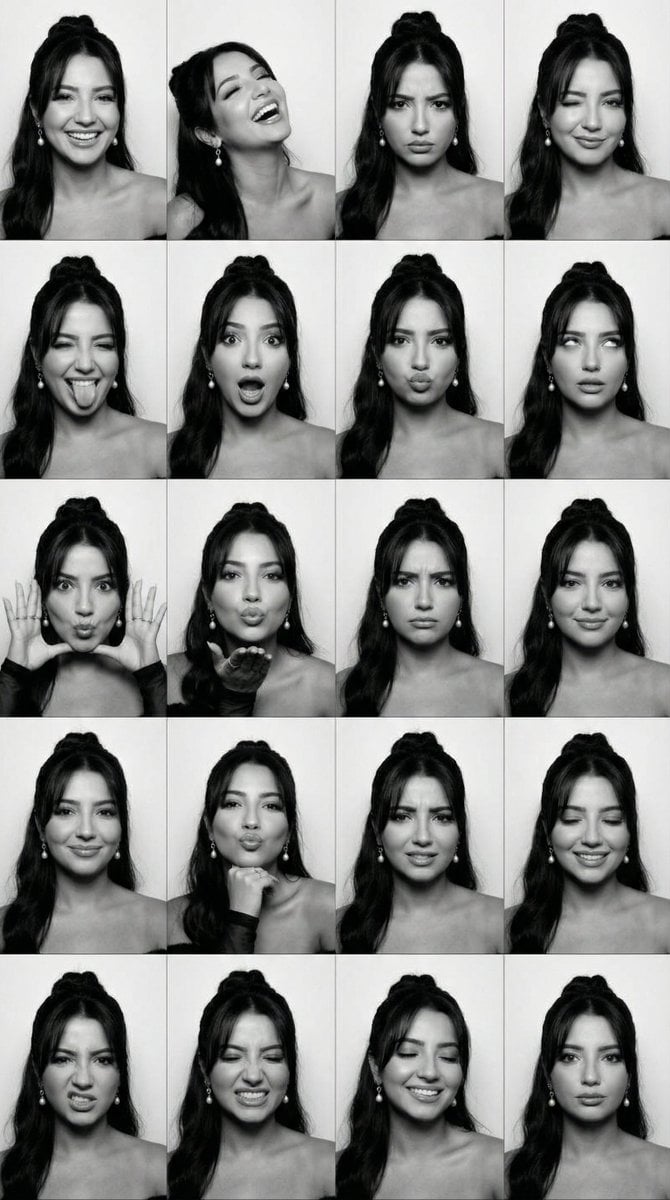
Black and White Photobooth Expression Grid (4x4)
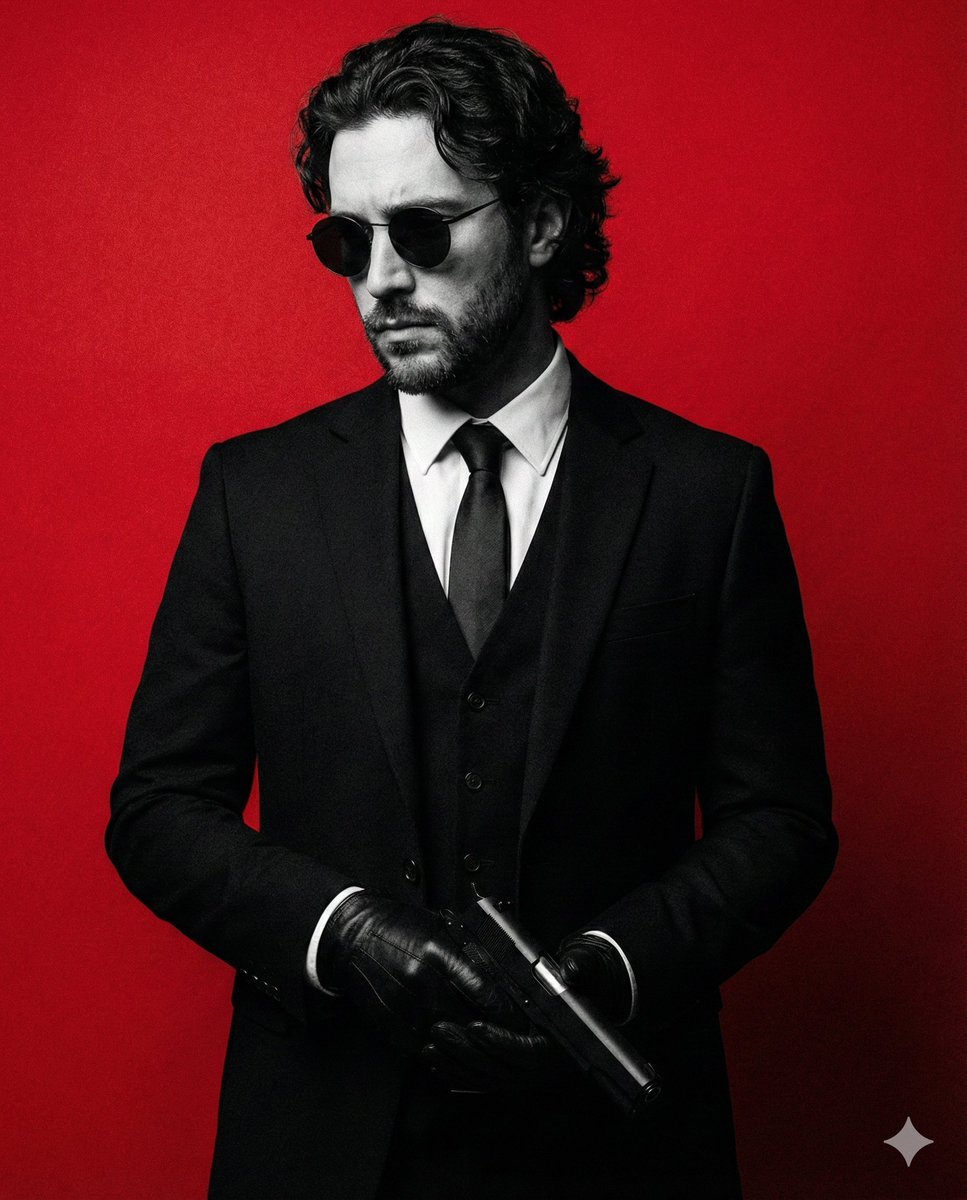
Neo-Noir Fashion Portrait with High Contrast

Golden Hour Organic Outdoor Selfie
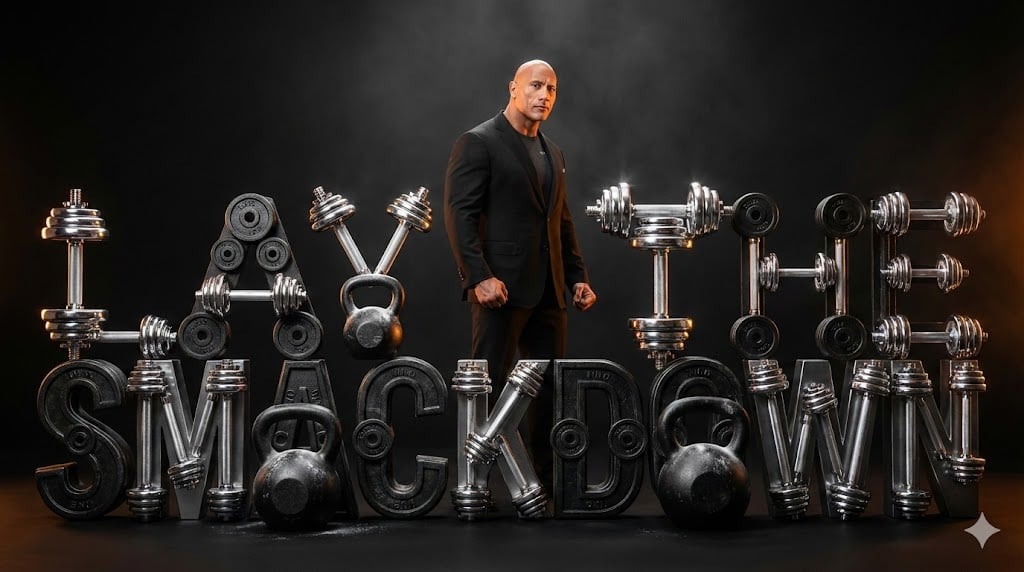
The Rock 'Lay the Smackdown' Cinematic Visual
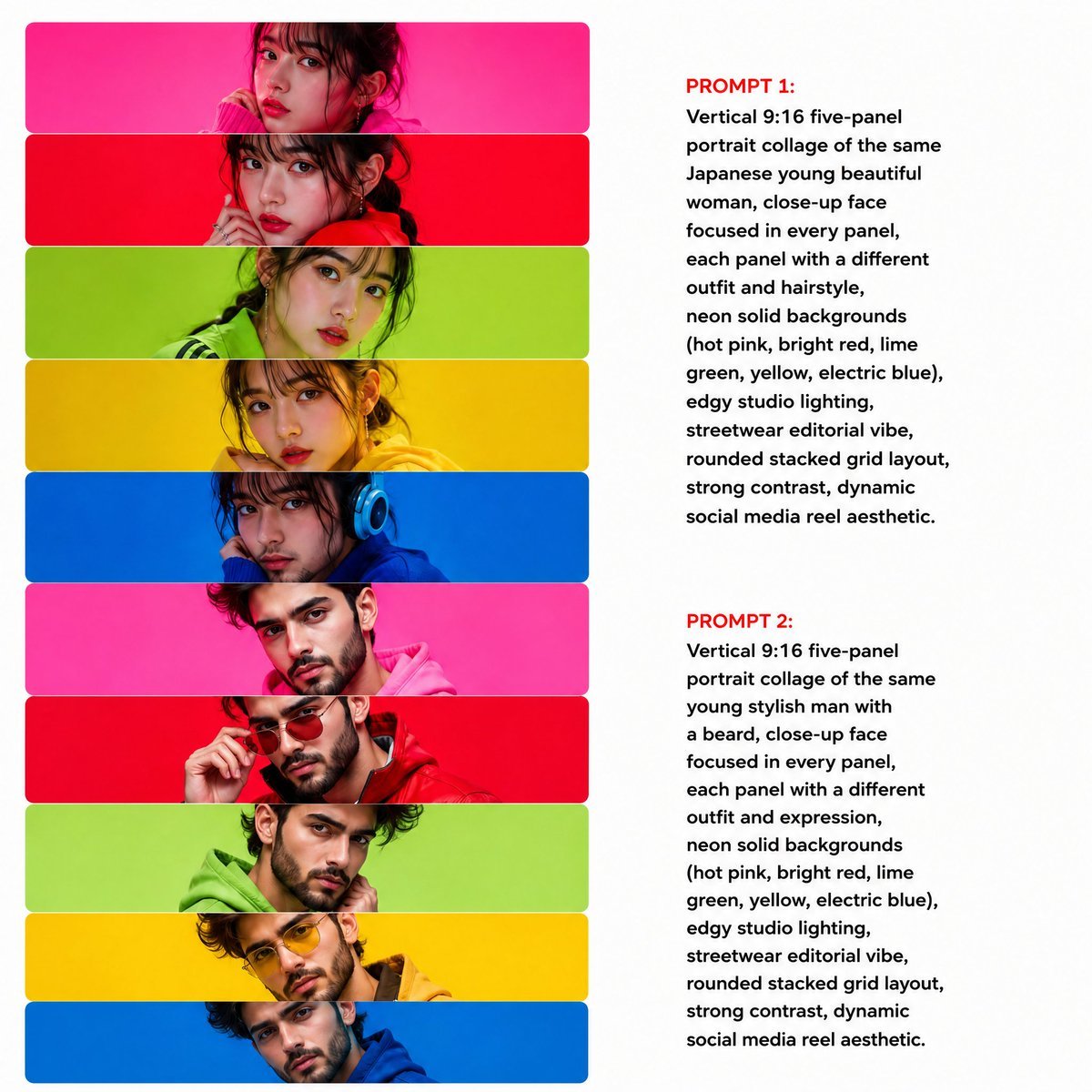
Neon Multi-Panel Fashion Collage

Nan Goldin Style Morning Café Portrait
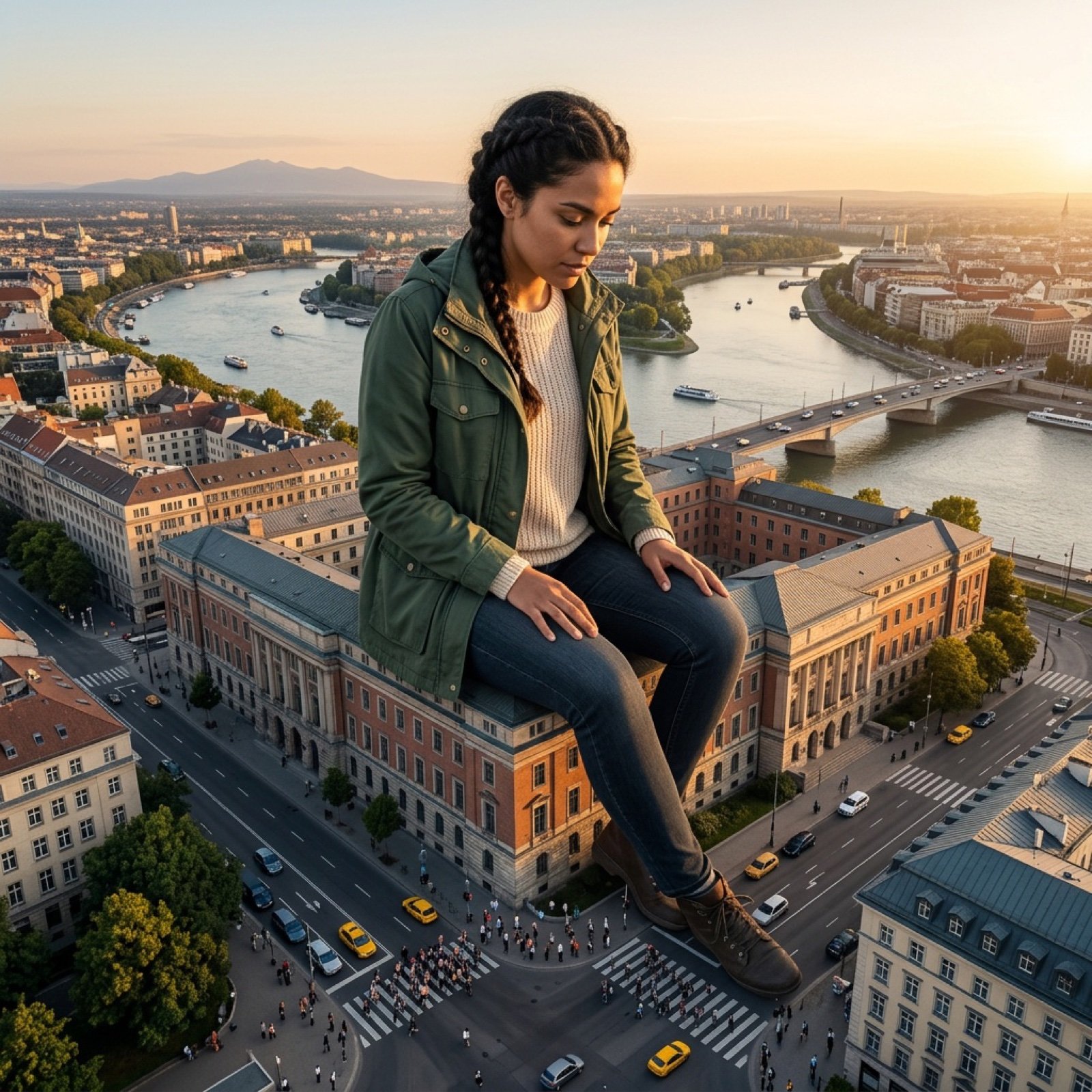
Giant Scale Image Generation Prompt
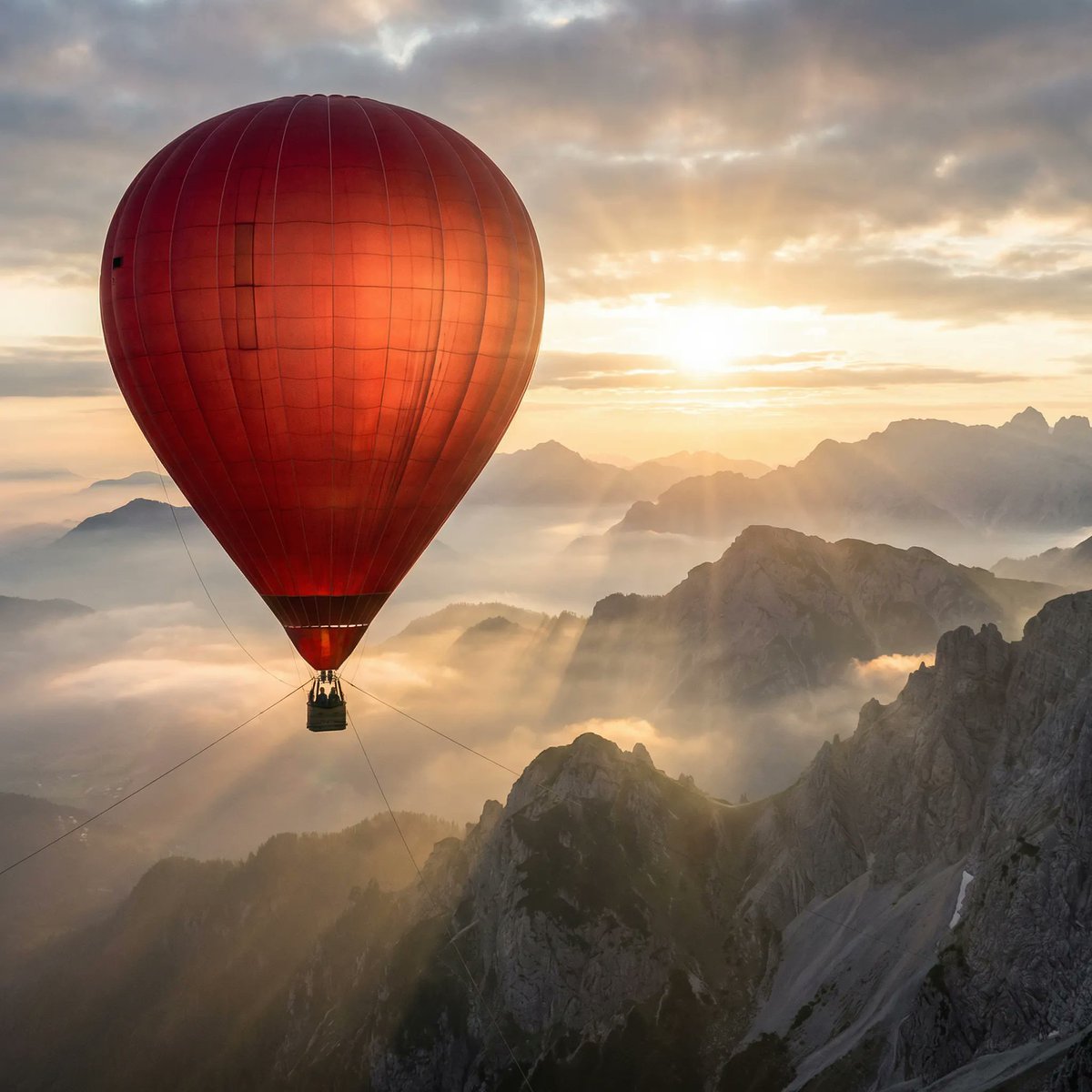
Giant Red Balloon Above Misty Mountains
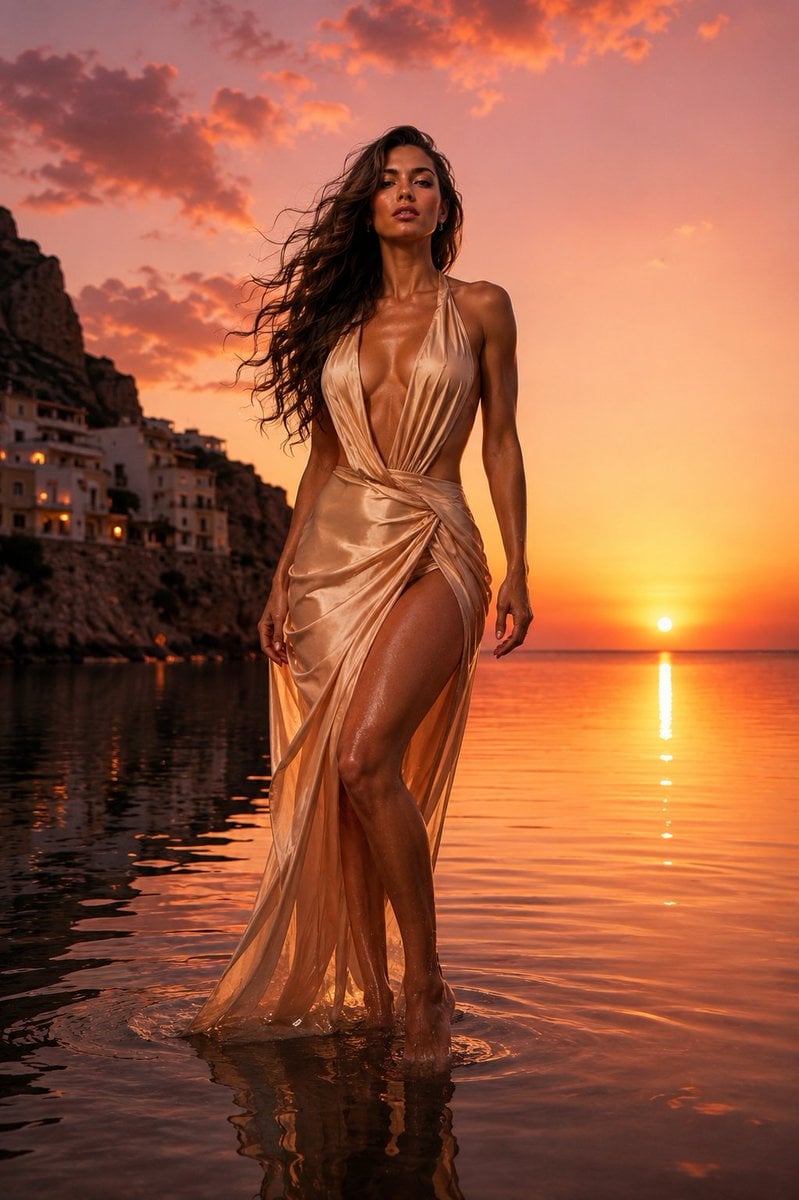
The Red Dress Fashion Editorial
Browse template categories
Rush Hour Subway vs Traffic questions
How do I use the Rush Hour Subway vs Traffic template?
Add your photo if the template asks for one, edit the prompt if you like — the template's model and format are already selected — and press Generate. Your version opens in PicX Studio.
Can I customize the Rush Hour Subway vs Traffic template?
Yes. You can change the subject, setting, lighting, mood, format, and available model controls before creating your image.
Is the Rush Hour Subway vs Traffic template free?
Opening and editing this template is free. Generating uses credits, shown on the Generate button when you are signed in.
Which AI model should I use?
Start with GPT Image 2, which is the model associated with this template. You can compare another compatible model for a different finish.
Looking for something else? Browse all templates.

Your photo, any look
Thousands of ready templates for every top image and video model, from one credit balance.