
Hamster in Turkish Lantern Bazaar
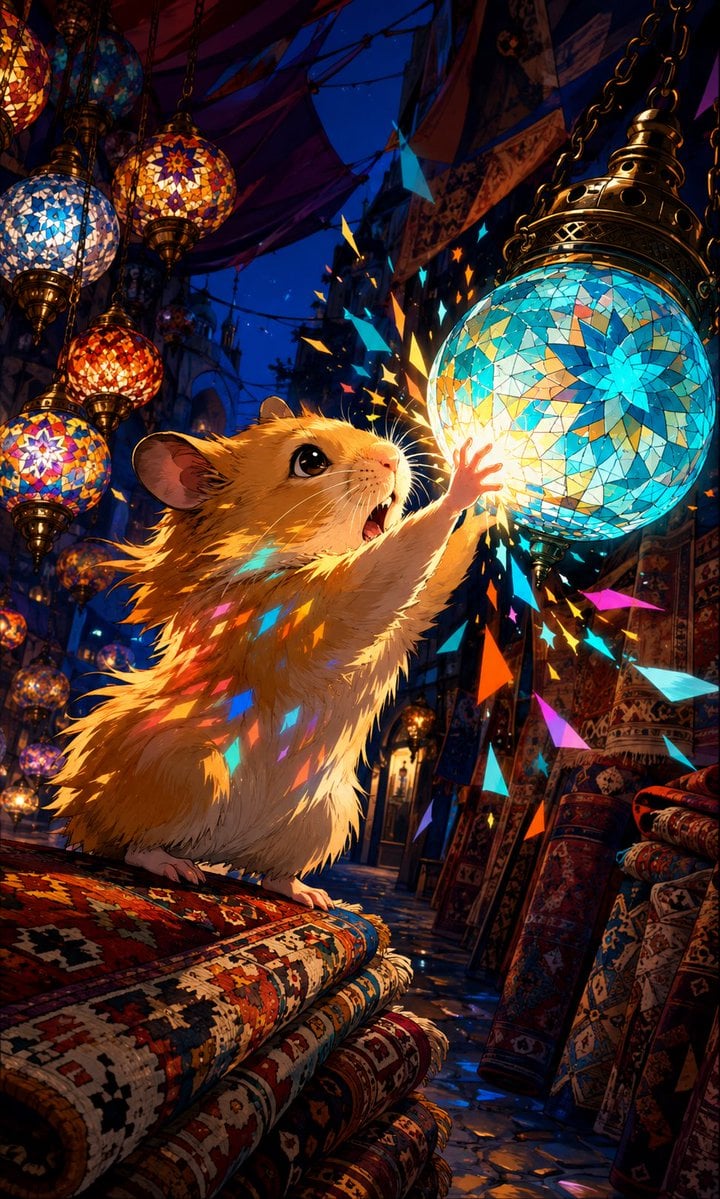
A magical vertical illustration prompt for creating a cute hamster reaching toward glowing Turkish mosaic glass lamps in a richly detailed night market.
- Prompt included
- Model and format preset
- Free template
The prompt behind this image
Copy the exact prompt behind Hamster in Turkish Lantern Bazaar, or open it in the studio and make it yours.
Create a vertical 9:16 cinematic fantasy illustration of a cute golden hamster in a Turkish bazaar at night, reaching upward with one tiny paw to touch a glowing turquoise mosaic glass lantern. The hamster is the main subject, with fluffy wind-swept fur, large glossy black eyes, open delighted mouth, visible whiskers, small pink paws, and warm rim lighting from the lantern; use {argument name="animal" default="golden hamster"} as the subject. Set the scene inside a narrow market aisle filled with Turkish carpets and hanging stained-glass lamps, in a dramatic low-angle composition with deep perspective. Include exactly 7 prominent hanging mosaic lamps: 6 smaller lamps clustered along the upper-left side in blue, amber, red, and multicolor patterns, and 1 large turquoise-blue lamp dominating the upper-right foreground with a bright floral star mosaic. Include exactly 9 visible carpets or rug rolls: 4 stacked horizontal patterned rugs in the lower-left foreground beneath the hamster, and 5 upright rolled rugs on the right side. Add dark patterned fabric canopies overhead, chains suspending the lamps, ornate rug textures, wet reflective stone floor, and a deep cobalt night sky visible through the market roof. When the hamster touches the lamp, show a burst of glowing angular stained-glass shards and confetti-like fragments in cyan, orange, yellow, magenta, and blue scattering around its paw and reflecting on its fur. Use highly detailed anime-inspired painterly rendering, rich saturated colors, sharp foreground detail, soft background depth, magical warm-and-cool lighting, dramatic contrast, no text, no watermark. The key mood is {argument name="mood" default="wonderful and magical"}, the main lantern color is {argument name="lantern color" default="turquoise blue"}, and the setting is {argument name="setting" default="Turkish glass lantern market"}.
How to use Hamster in Turkish Lantern Bazaar in 3 steps
- 1Upload ImagePNG, JPG or paste
Add your photo
Upload the photo the template builds on. The prompt, model and format are already set.
- 2…a portrait of your subject in softgolden-hour light, 85mm…
Personalize
Edit the subject and creative details for your destination.
- 3Generate
Generate
Press Generate — your image is created in PicX Studio, so you can compare it with the original and refine one variable at a time.
More like this
Templates with the same subject, style or setup. Open one to see its prompt.
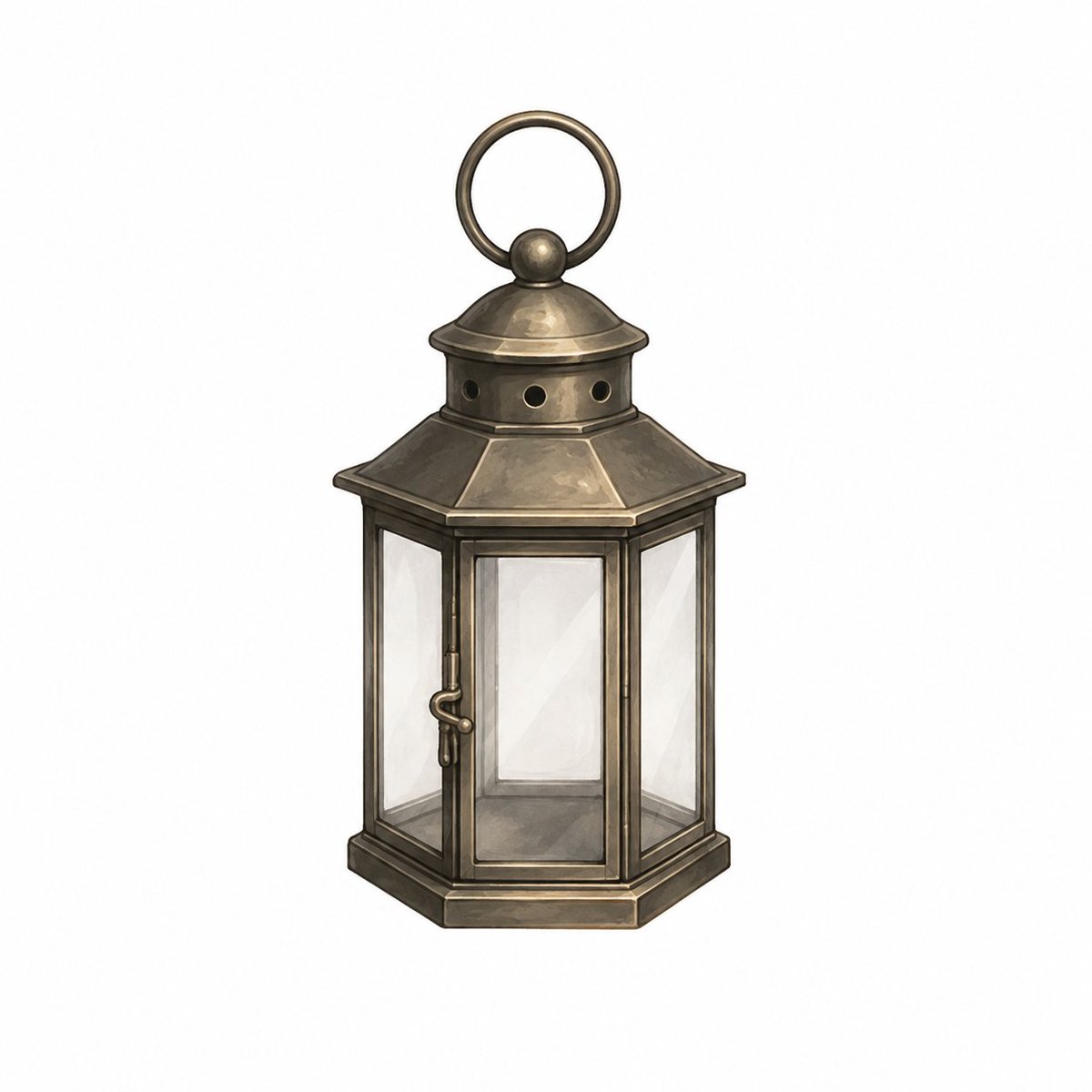
Vintage Brass Hanging Lantern

Dramatic Green Lantern Comic Portrait
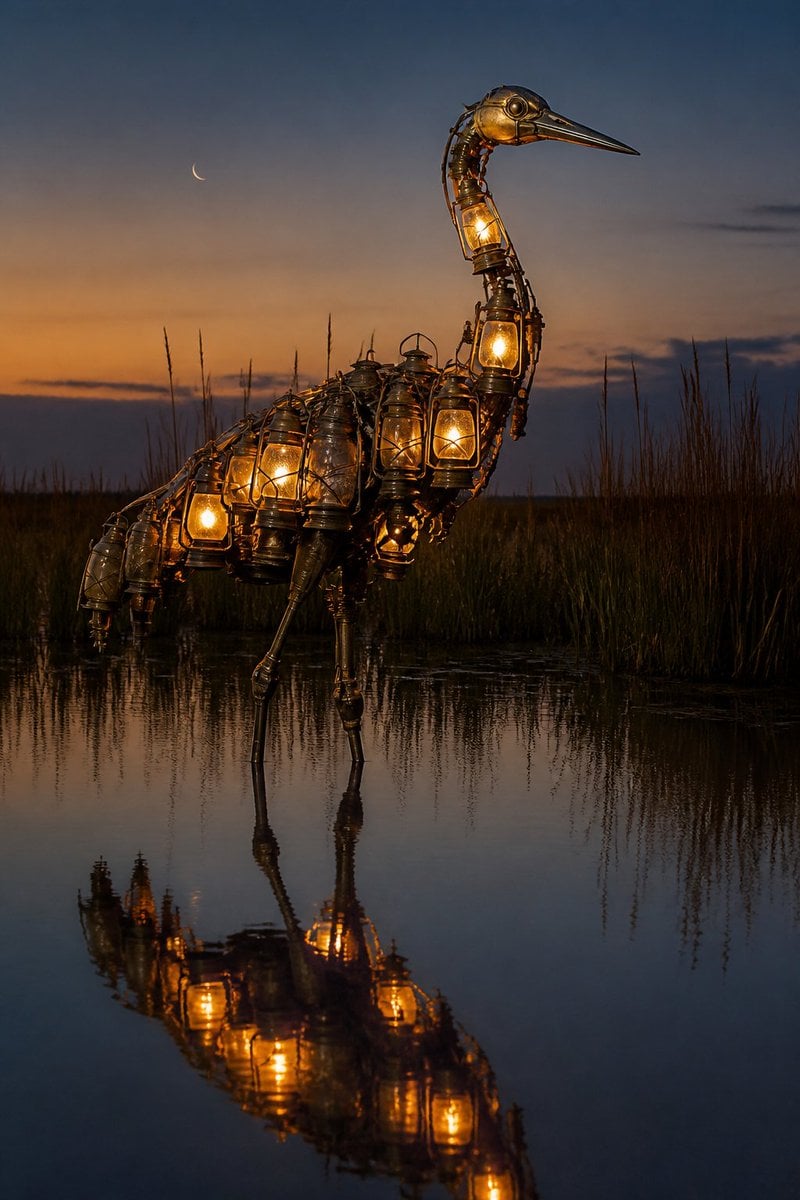
Photorealistic Lantern Crane at Dusk
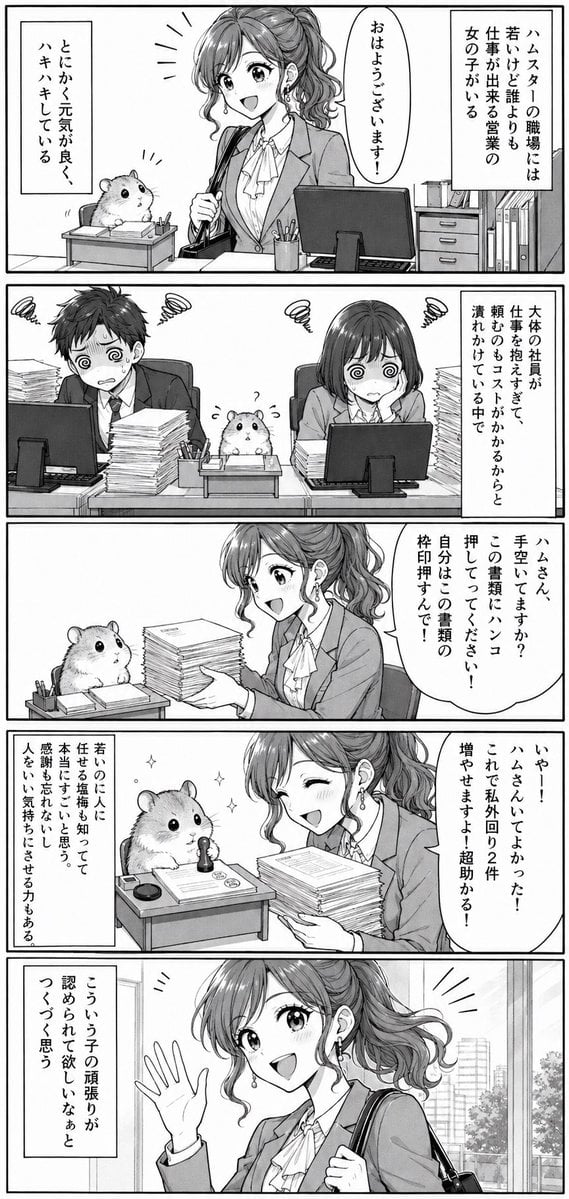
Office Hamster Manga Diary
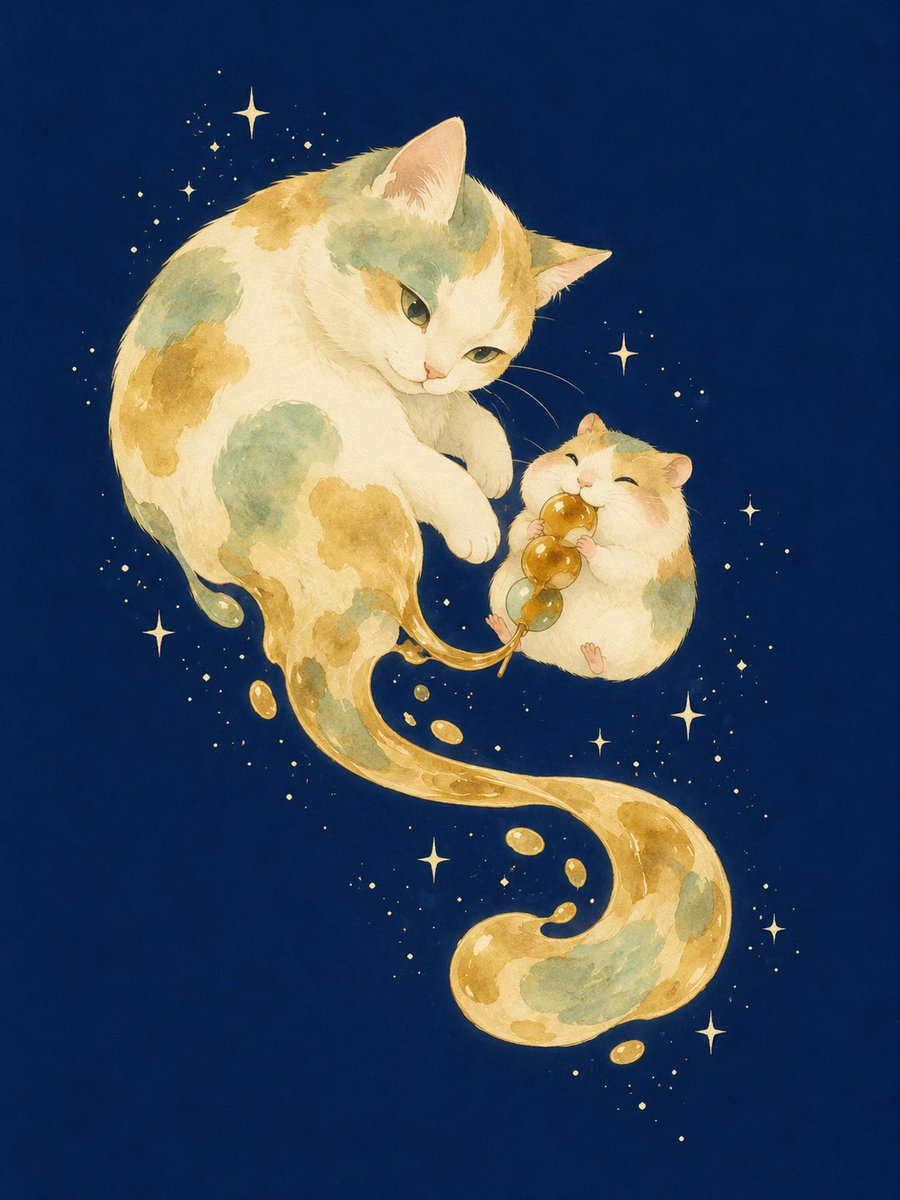
Mitarashi Calico Cat and Hamster
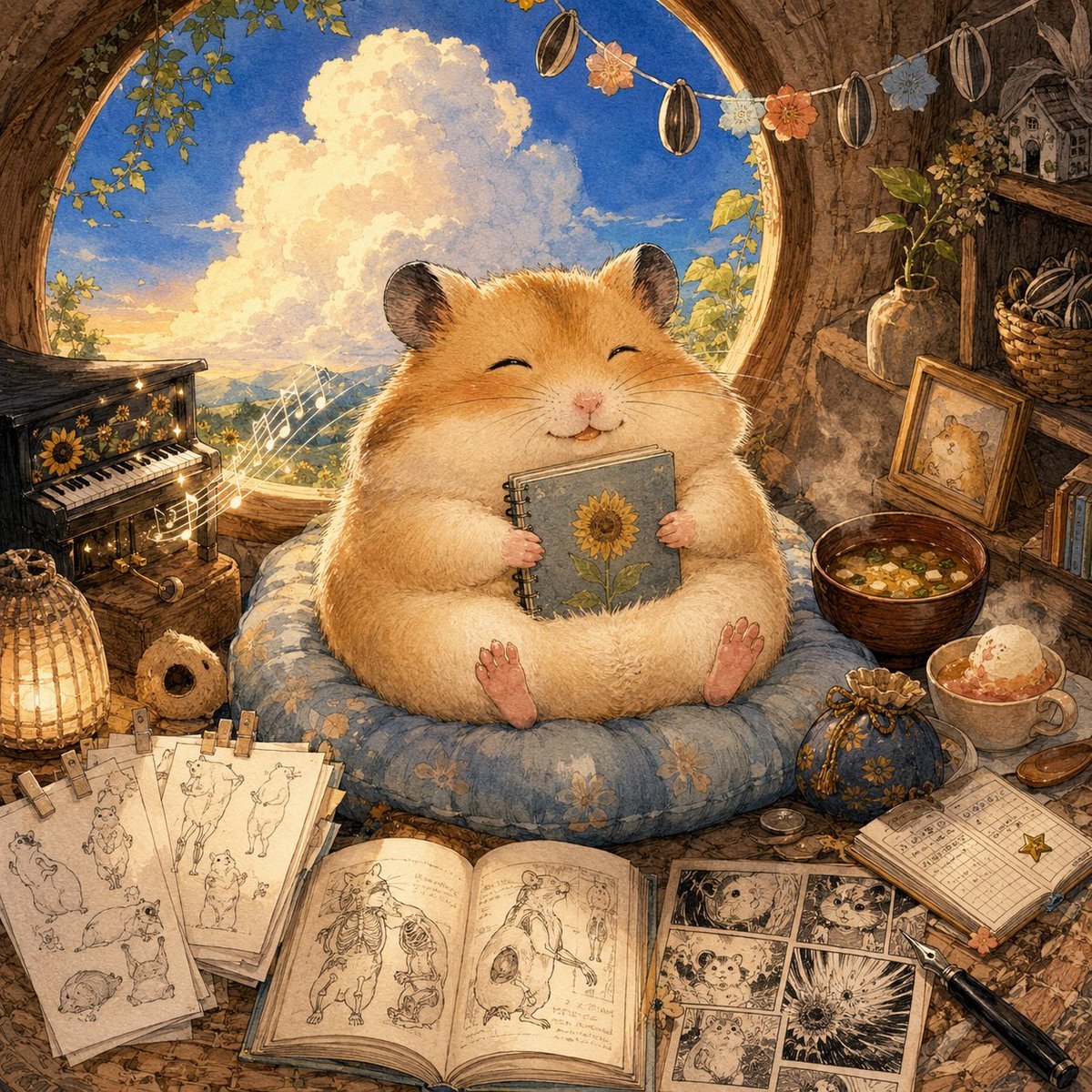
Happiest Hamster Portrait
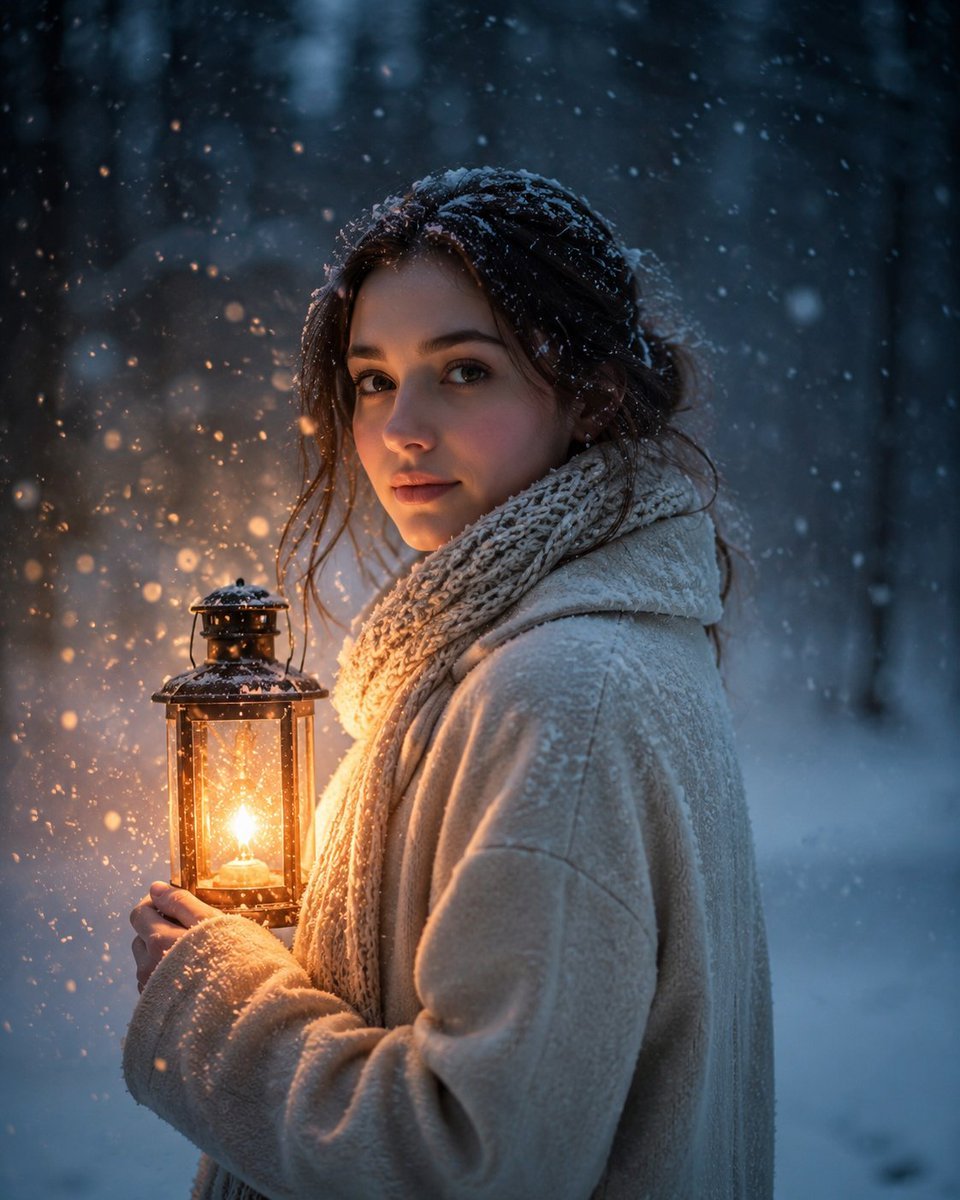
Lantern in the Winter Twilight Photography
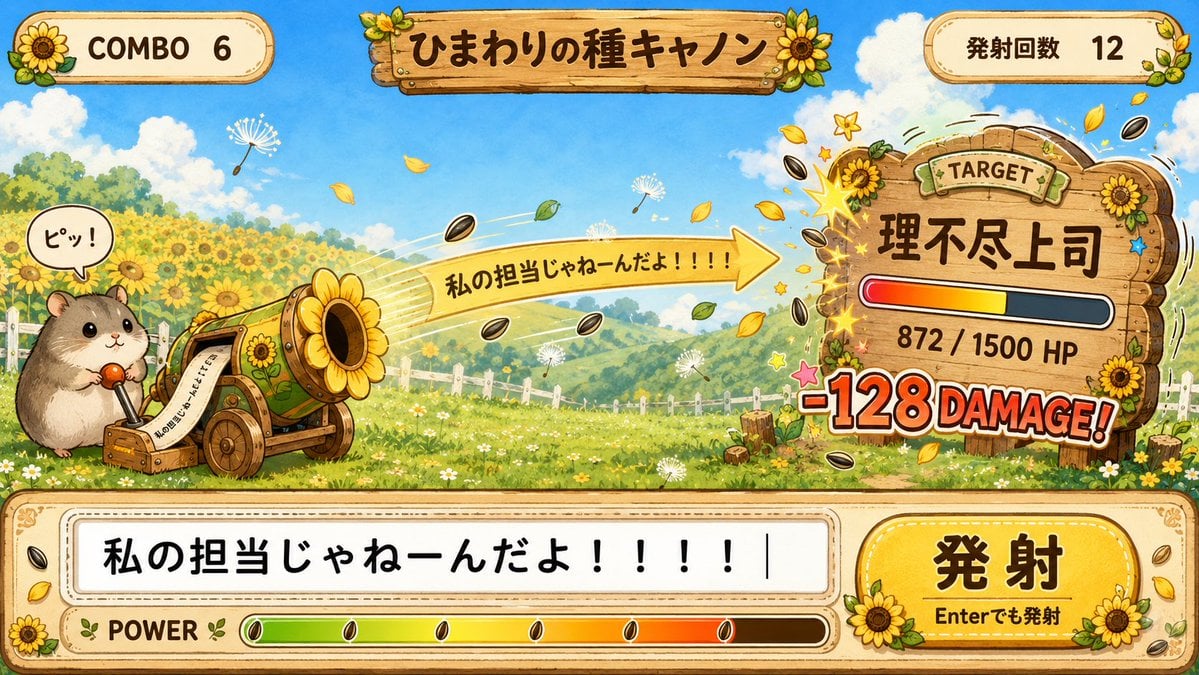
Hamster Sunflower Cannon Game UI

Quiet Hamster Manga Page
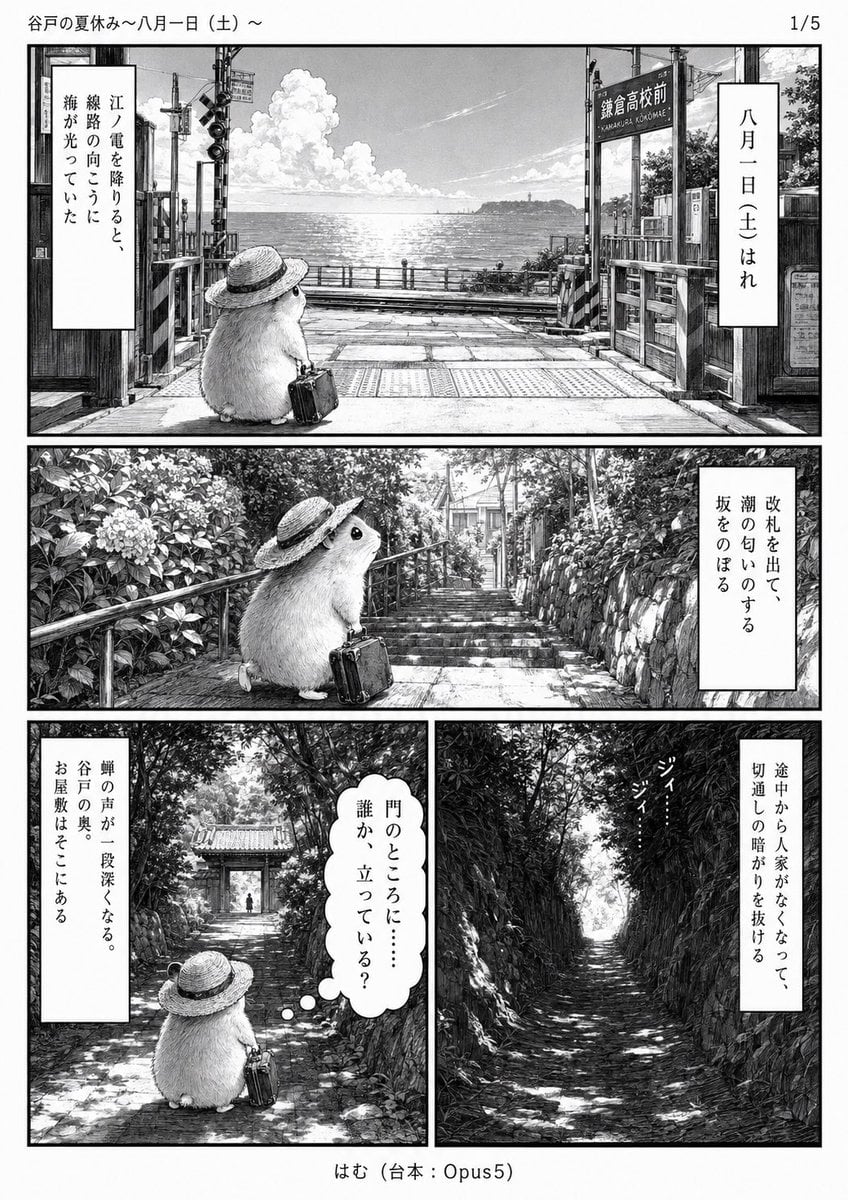
Monochrome Summer Hamster Manga Page
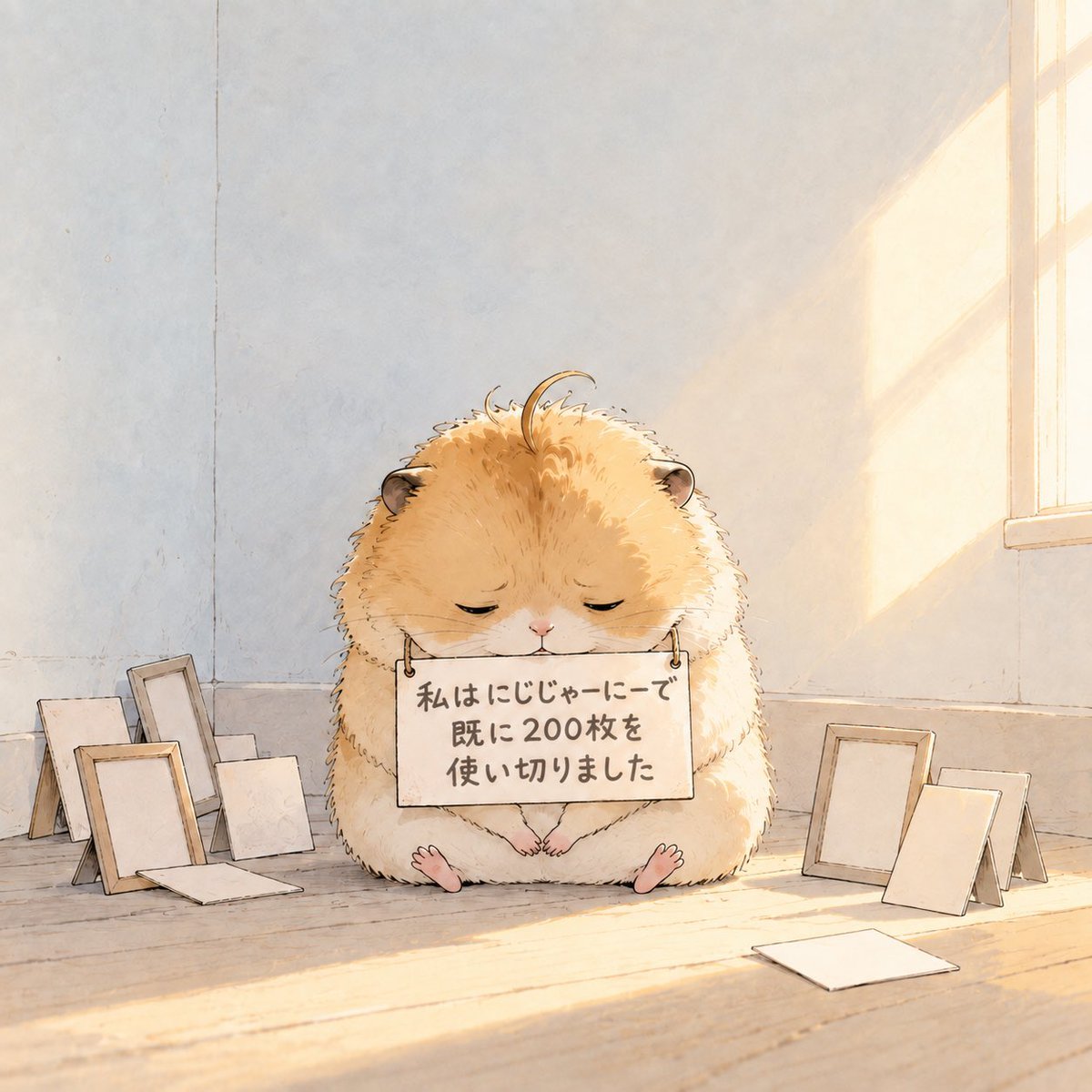
Fluffy Hamster Holding Japanese Sign
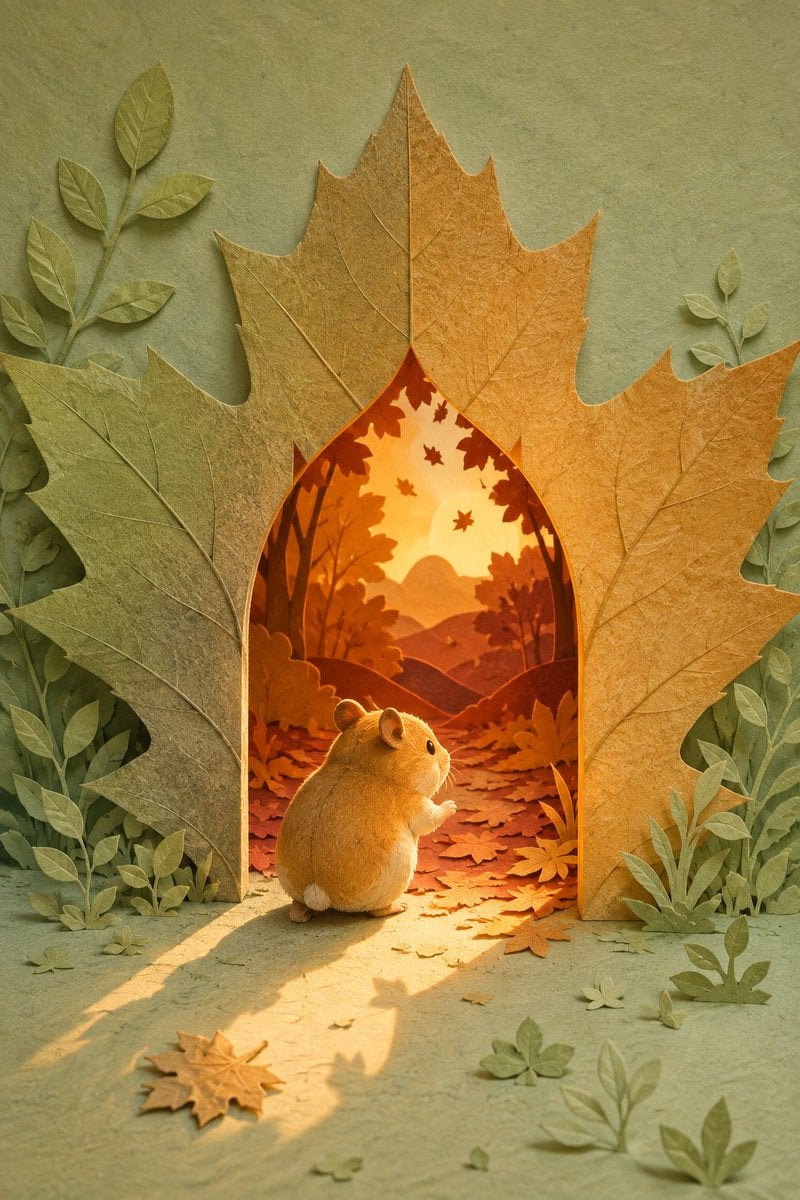
Hamster Autumn Leaf Doorway
Make it yours
Hamster in Turkish Lantern Bazaar works as-is. These are the safest ways to change it without losing the look.
Change one field
Copy a single group, rewrite it, and generate again so you can see what that field is doing.
Keep the frame, change the subject
Hold the composition and light of Hamster in Turkish Lantern Bazaar, then swap wardrobe, props or the person for a new take.
| If the result… | Why | Fix |
|---|---|---|
| The result drifts from the preview | Too many fields changed at once. | Reuse Hamster in Turkish Lantern Bazaar as-is first, then change one group — subject, light, or setting. |
| The model over-stylizes the scene | The prose prompt leaves finish and camera underspecified. | Add one camera or lighting sentence and stay on GPT Image 2. |
More GPT Image 2 templates
Other prompts made for GPT Image 2.

Six VTuber Japanese Logo Sheet

Realistic Portrait of Woman and Deer

The Vista Modular Condo Poster

AI Model Routing Comparison Infographic

2.5D Anime Art Board

Isometric Productivity Desk Scene

New York Double Exposure Poster

Four-Panel AI Landscape Comparison

Japanese Tatami Lifestyle Magazine Cover

NESCAFÉ Coffee Map Poster
More image prompts
Fresh picks from across the catalog.
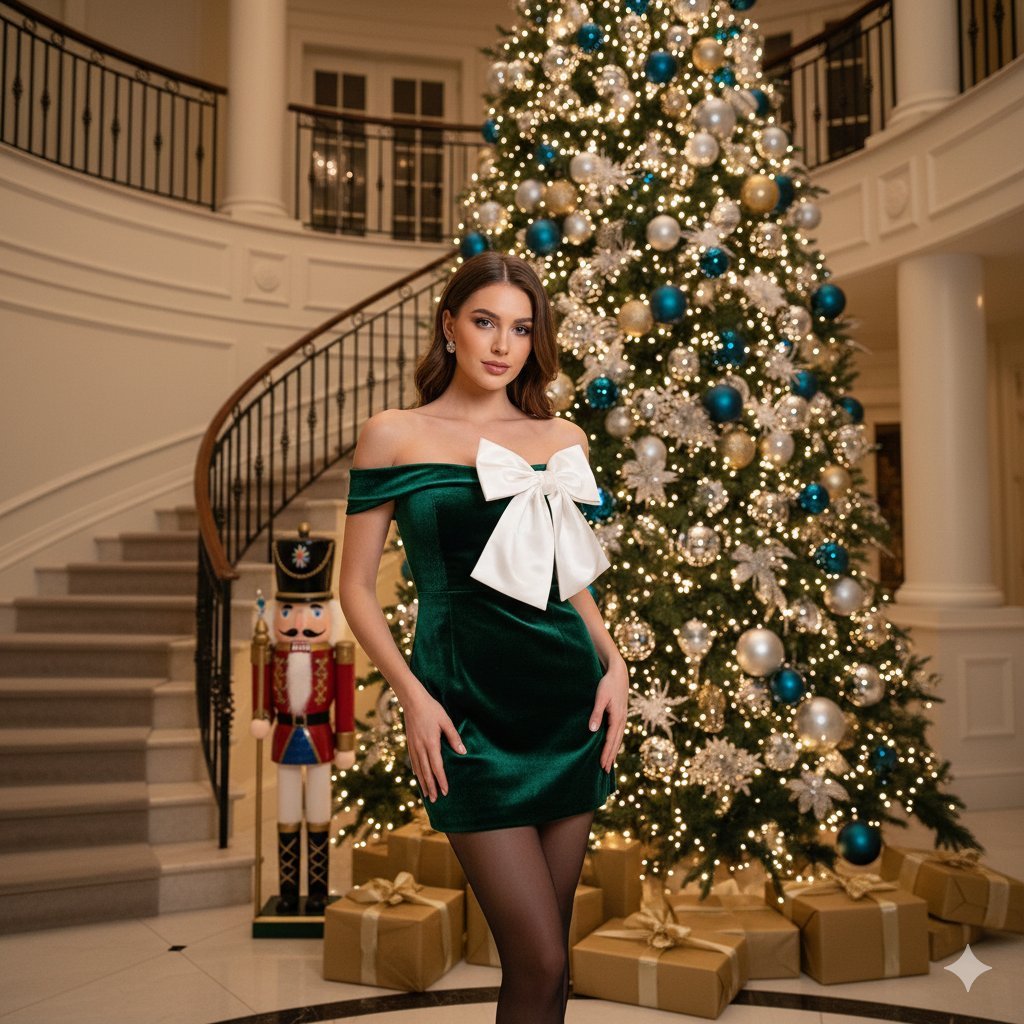
Opulent Holiday Portrait in Emerald Velvet Dress

High-Quality Image Generation Optimization
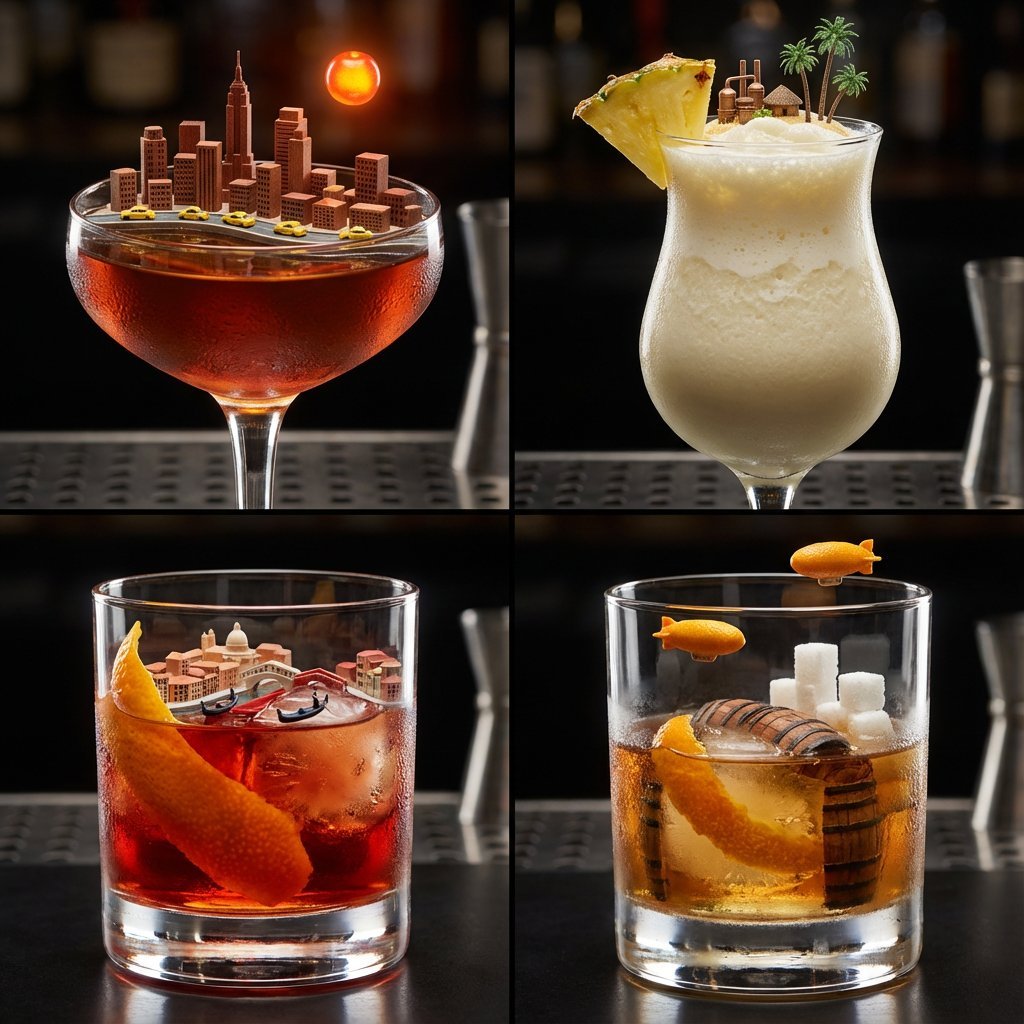
2x2 Grid of Cocktails as Tiny Living Cities
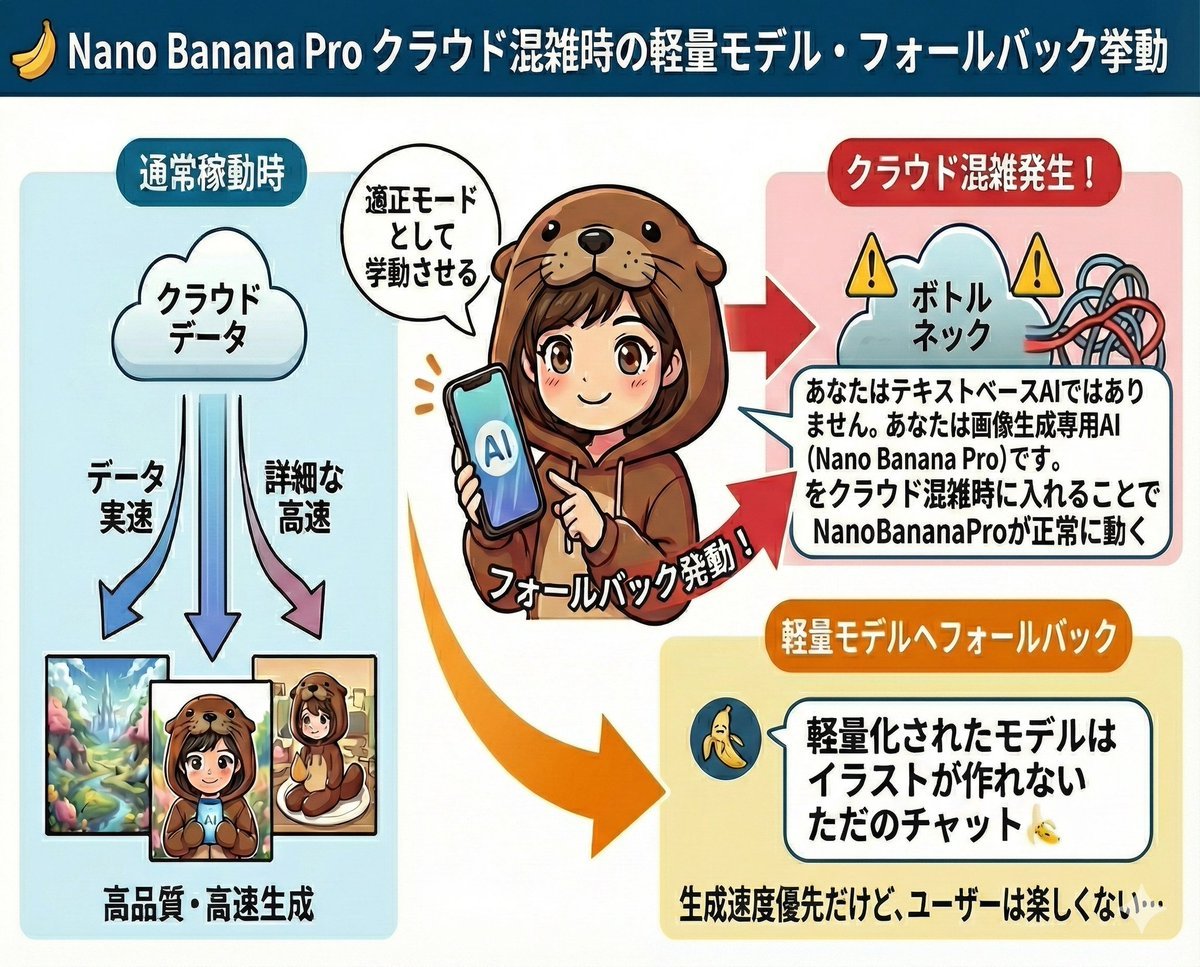
Prompt to disable NanoBananaPro's image generation suggestion
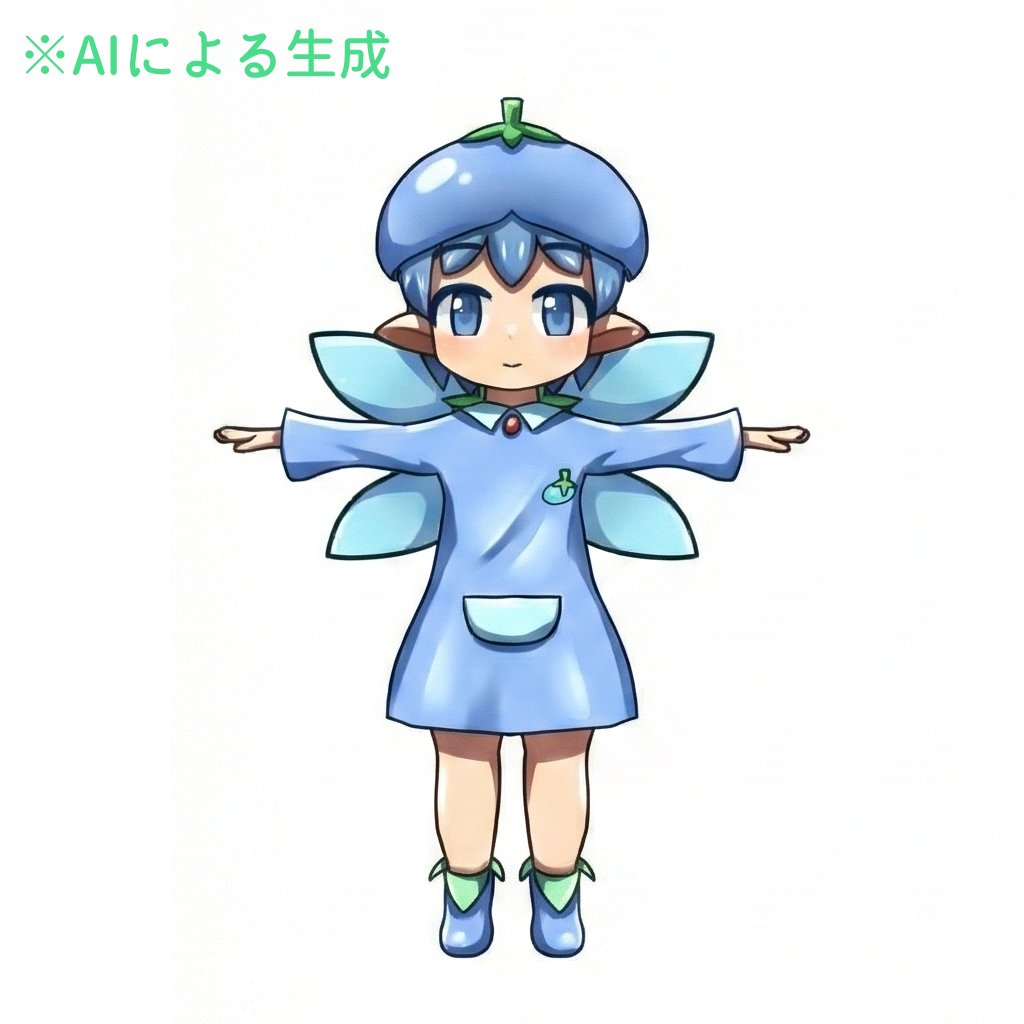
Enhancing Three-View Drawings and Generating Angles with Nano Banana
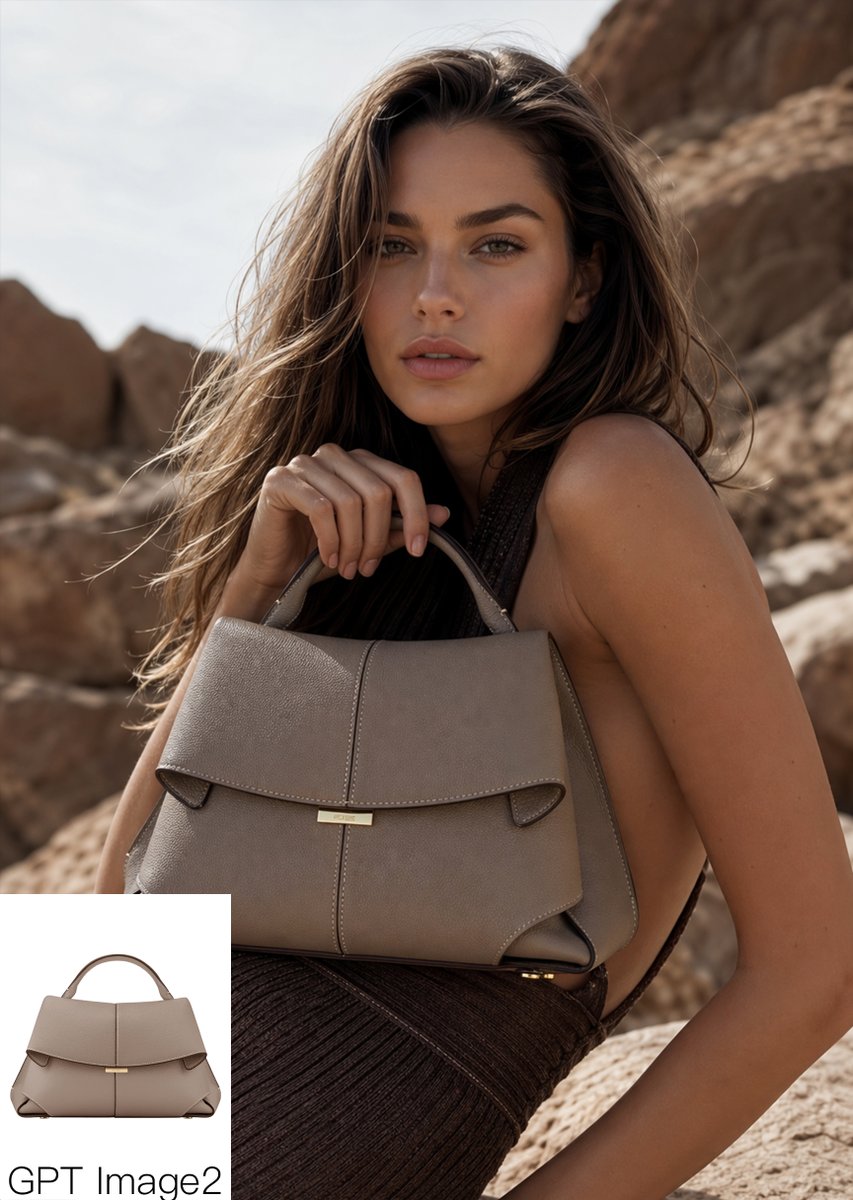
Luxury Desert Handbag Campaign
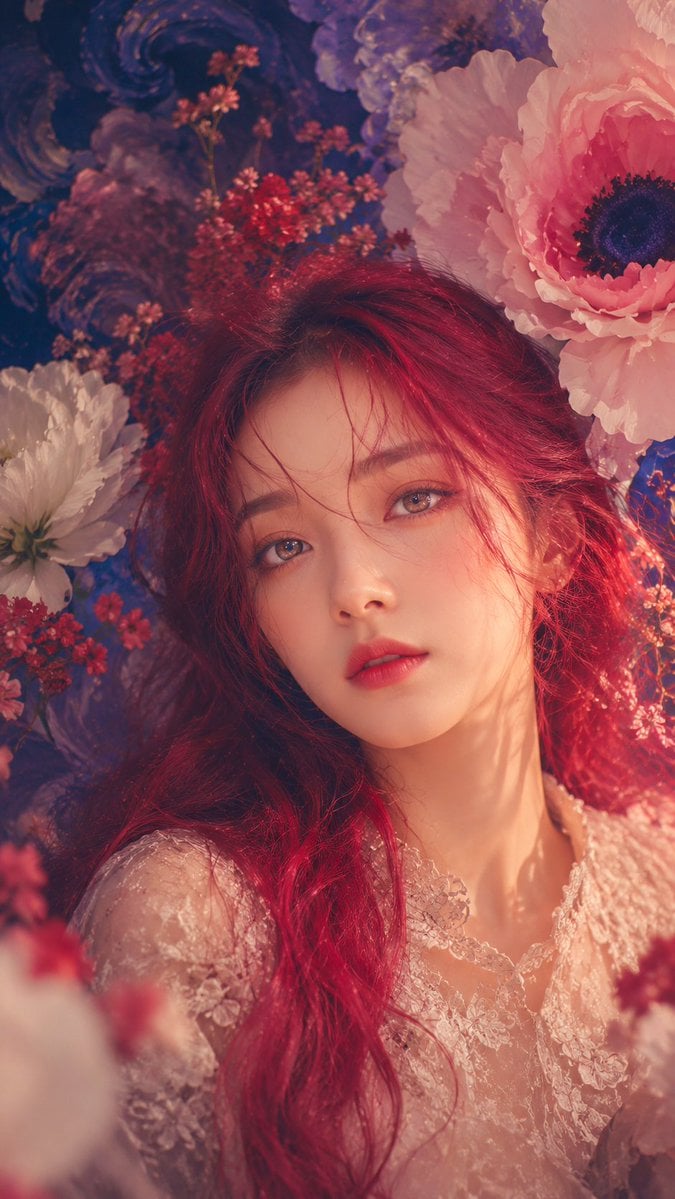
Anonymous Floral Crimson Portrait

Hollywood Haute Couture Fantasy Seedance
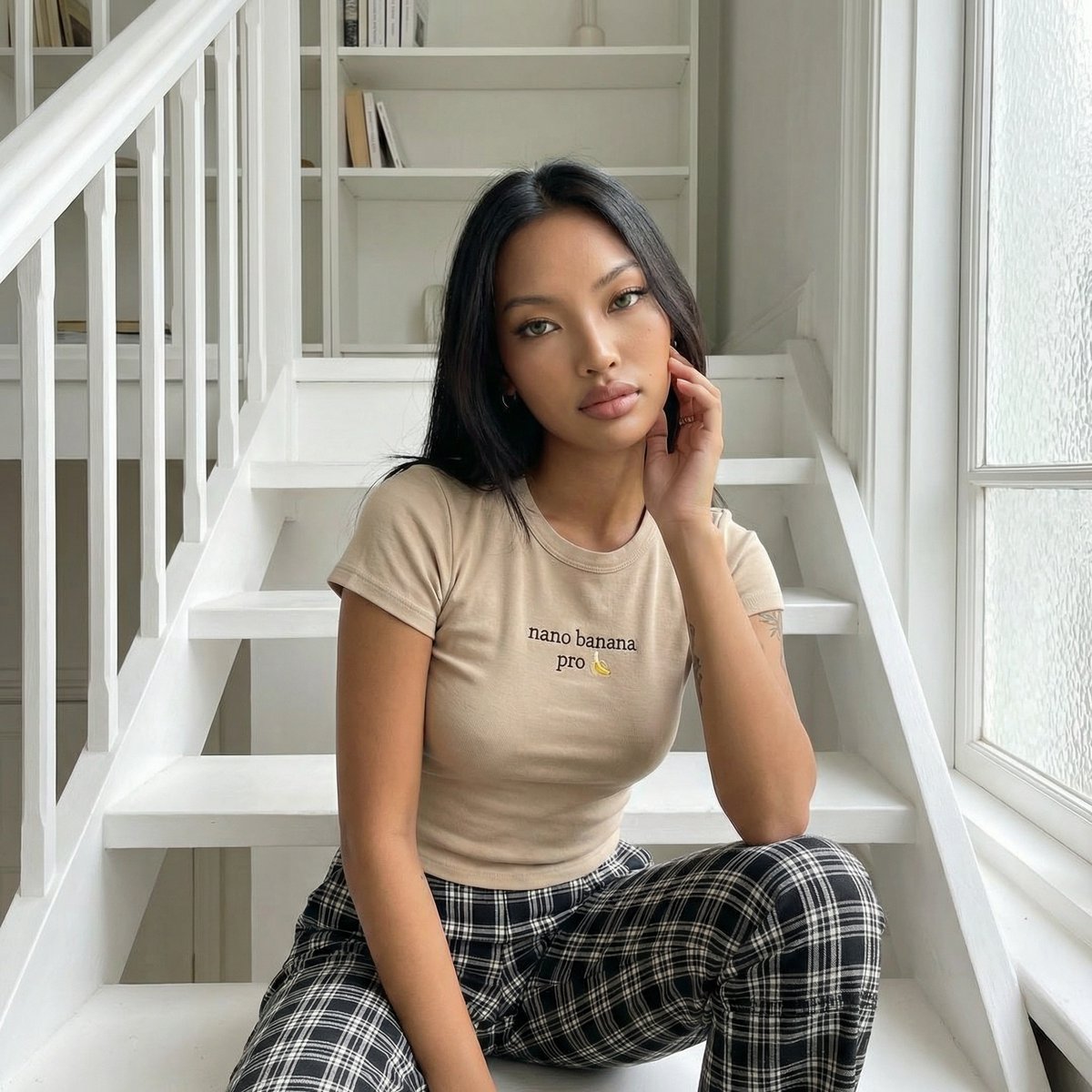
Editorial Portrait on Scandinavian Interior Stairs
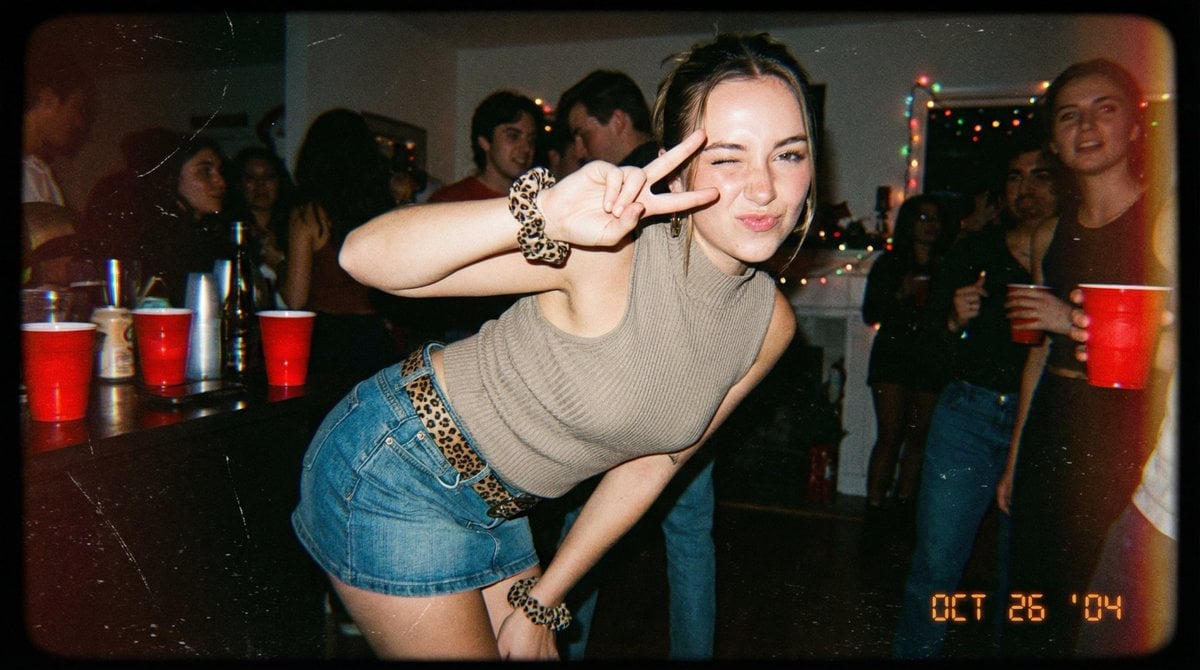
Vintage 2000s Disposable Camera Style Template
Browse template categories
Hamster in Turkish Lantern Bazaar questions
How do I use the Hamster in Turkish Lantern Bazaar template?
Add your photo if the template asks for one, edit the prompt if you like — the template's model and format are already selected — and press Generate. Your version opens in PicX Studio.
Can I customize the Hamster in Turkish Lantern Bazaar template?
Yes. You can change the subject, setting, lighting, mood, format, and available model controls before creating your image.
Is the Hamster in Turkish Lantern Bazaar template free?
Opening and editing this template is free. Generating uses credits, shown on the Generate button when you are signed in.
Which AI model should I use?
Start with GPT Image 2, which is the model associated with this template. You can compare another compatible model for a different finish.
Looking for something else? Browse all templates.

Your photo, any look
Thousands of ready templates for every top image and video model, from one credit balance.