
Graphic Cut-Paper Editorial Portrait
A versatile prompt for creating stylized editorial portraits in a hand-cut paper collage aesthetic, complete with graphic animals and geometric background elements.
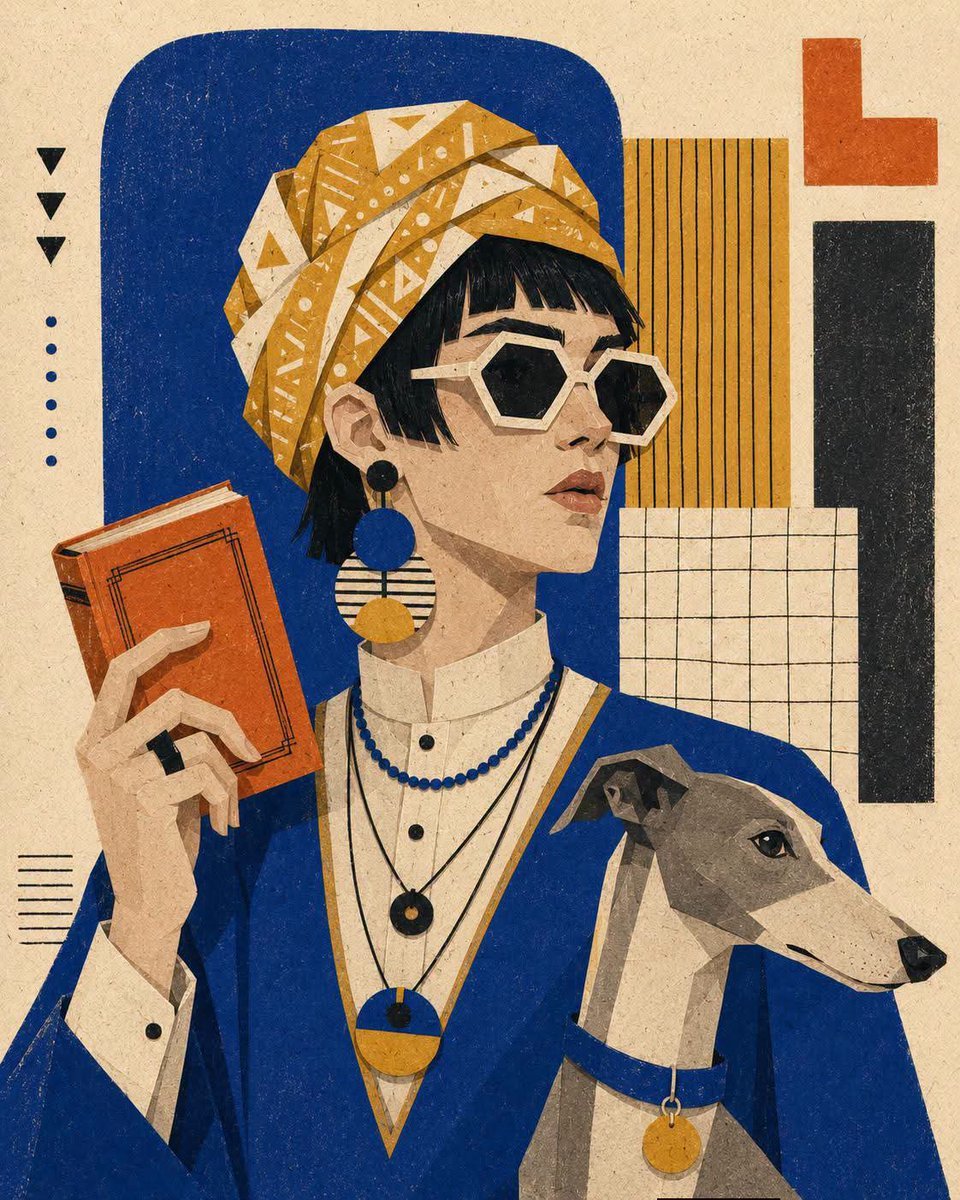
- Prompt included
- Model and format preset
- Free template
The prompt behind this image
Copy the exact prompt behind Graphic Cut-Paper Editorial Portrait, or open it in the studio and make it yours.
Waist-up editorial portrait of {argument name="character" default="a stylish person"} in a calm three-quarter pose, with {argument name="hair style" default="a short bob"}, wearing {argument name="clothing" default="a linen blazer"}, oversized geometric sunglasses, bold circular earrings, layered necklaces, and holding [OBJECT] near the shoulder. Stylized [ANIMAL] beside the figure, constructed from the same flat cut-paper shapes and simplified graphic anatomy. Hand-cut paper collage with angular facial planes, minimal features, sharp silhouette edges, flat opaque color blocks, visible paper fibers, subtle screen-print grain, slight color misregistration, dry crayon-like marks, and no dimensional modeling. Controlled [COLOR] palette. Background made from [ELEMENTS], arranged as overlapping rectangles, rounded panels, striped inserts, hand-drawn grids, and small geometric accents on warm speckled off-white paper. Maintain a balanced modern editorial composition, strong negative space, crisp color separation, and tactile handmade print aesthetics.
How to use Graphic Cut-Paper Editorial Portrait in 3 steps
- 1
Open
The prompt is already in the box next to the preview, with the template's model and format selected.
- 2…a portrait of your subject in softgolden-hour light, 85mm…
Personalize
Edit the subject and creative details for your destination.
- 3Generate
Generate
Press Generate — your image is created in PicX Studio, so you can compare it with the original and refine one variable at a time.
More like this
Templates with the same subject, style or setup. Open one to see its prompt.

untitled

Caution Tape Fashion — Industrial Editorial
Paper Cut Fashion Editorial
Paper Cut Wildlife Portrait

Couture Fashion Editorial Woman and Drag

Nano Banana 2 Editorial Fashion Portrait

Found Photograph: Us, 1970

80s Couple Studio Portrait

80s Bollywood Star

80s Golden Hour Cinema

Me in 1985

1985 Studio Portrait
Make it yours
Graphic Cut-Paper Editorial Portrait works as-is. These are the safest ways to change it without losing the look.
Change one field
Copy a single group, rewrite it, and generate again so you can see what that field is doing.
Keep the frame, change the subject
Hold the composition and light of Graphic Cut-Paper Editorial Portrait, then swap wardrobe, props or the person for a new take.
| If the result… | Why | Fix |
|---|---|---|
| The result drifts from the preview | Too many fields changed at once. | Reuse Graphic Cut-Paper Editorial Portrait as-is first, then change one group — subject, light, or setting. |
| The model over-stylizes the scene | The prose prompt leaves finish and camera underspecified. | Add one camera or lighting sentence and stay on GPT Image 2. |
More GPT Image 2 templates
Other prompts made for GPT Image 2.

Six VTuber Japanese Logo Sheet

Realistic Portrait of Woman and Deer

The Vista Modular Condo Poster

AI Model Routing Comparison Infographic

2.5D Anime Art Board

Isometric Productivity Desk Scene

New York Double Exposure Poster

Four-Panel AI Landscape Comparison

Japanese Tatami Lifestyle Magazine Cover

NESCAFÉ Coffee Map Poster
More image prompts
Fresh picks from across the catalog.
Panel Vintage Lifestyle Collage with Identity Lock
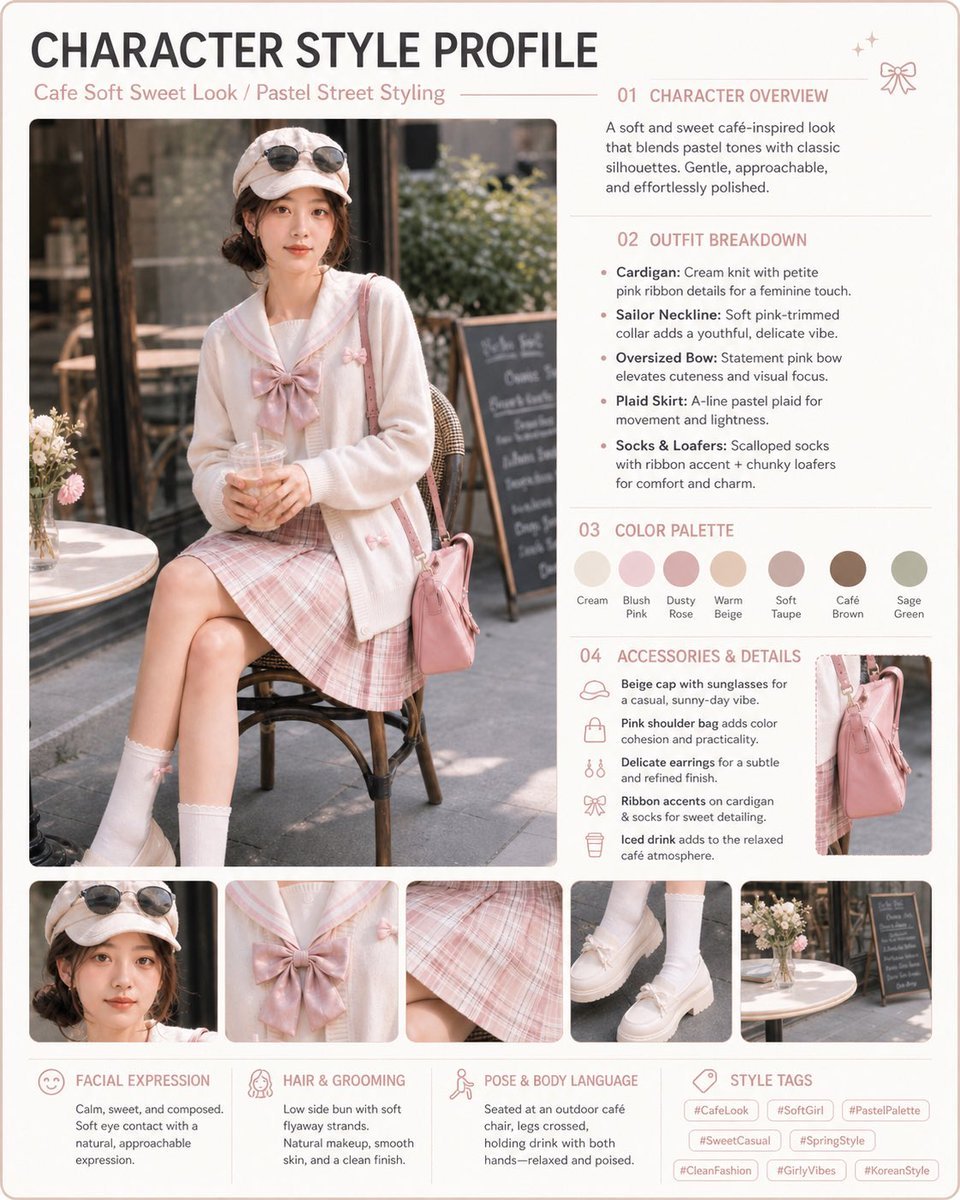
Pastel Cafe Style Profile Card
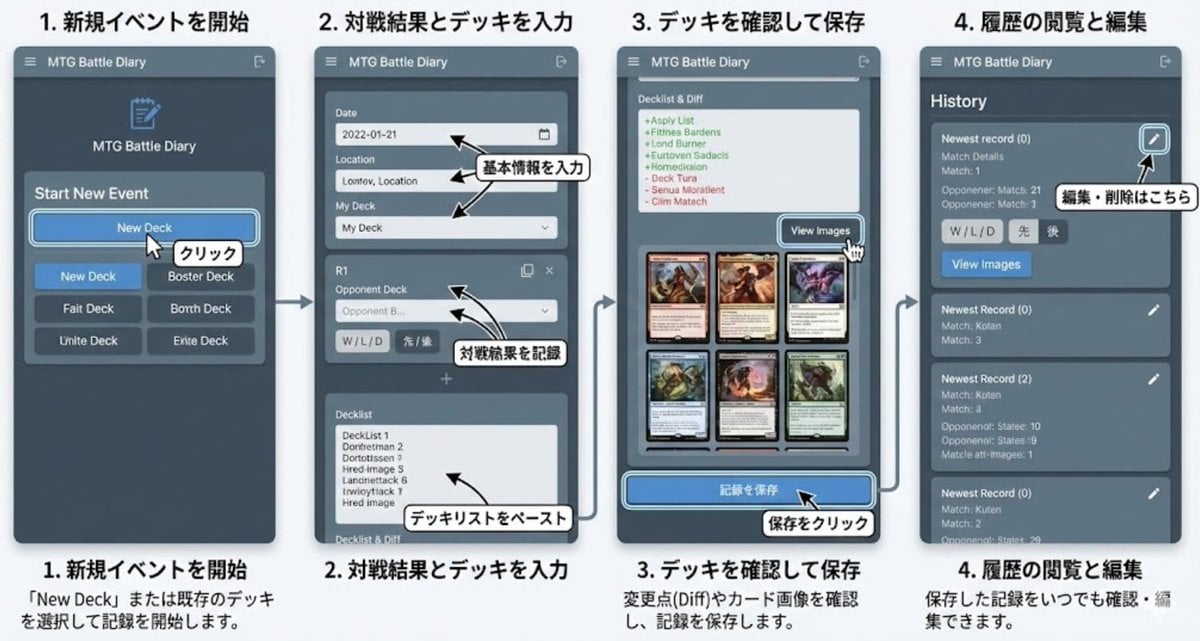
Generate documentation from source code
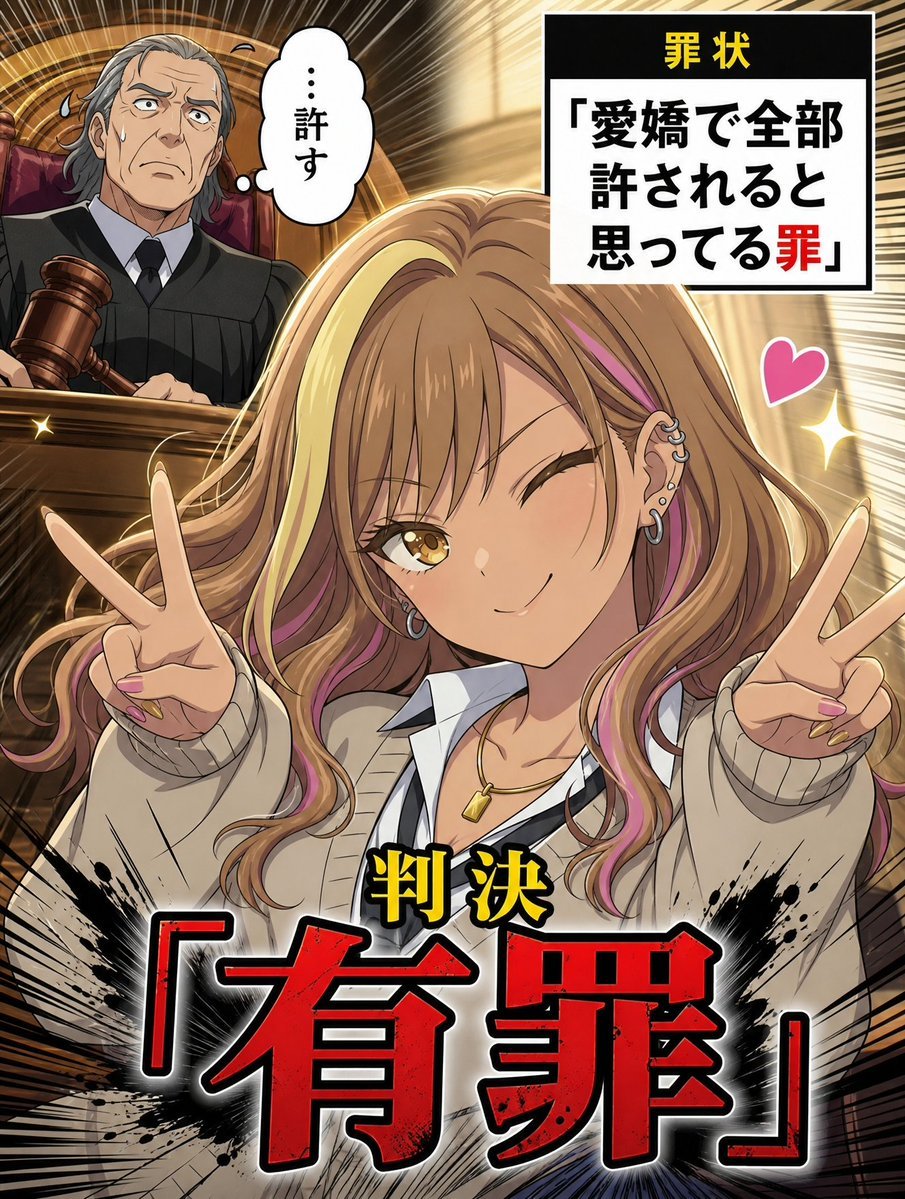
AI Character Courtroom Verdict Meme Generator
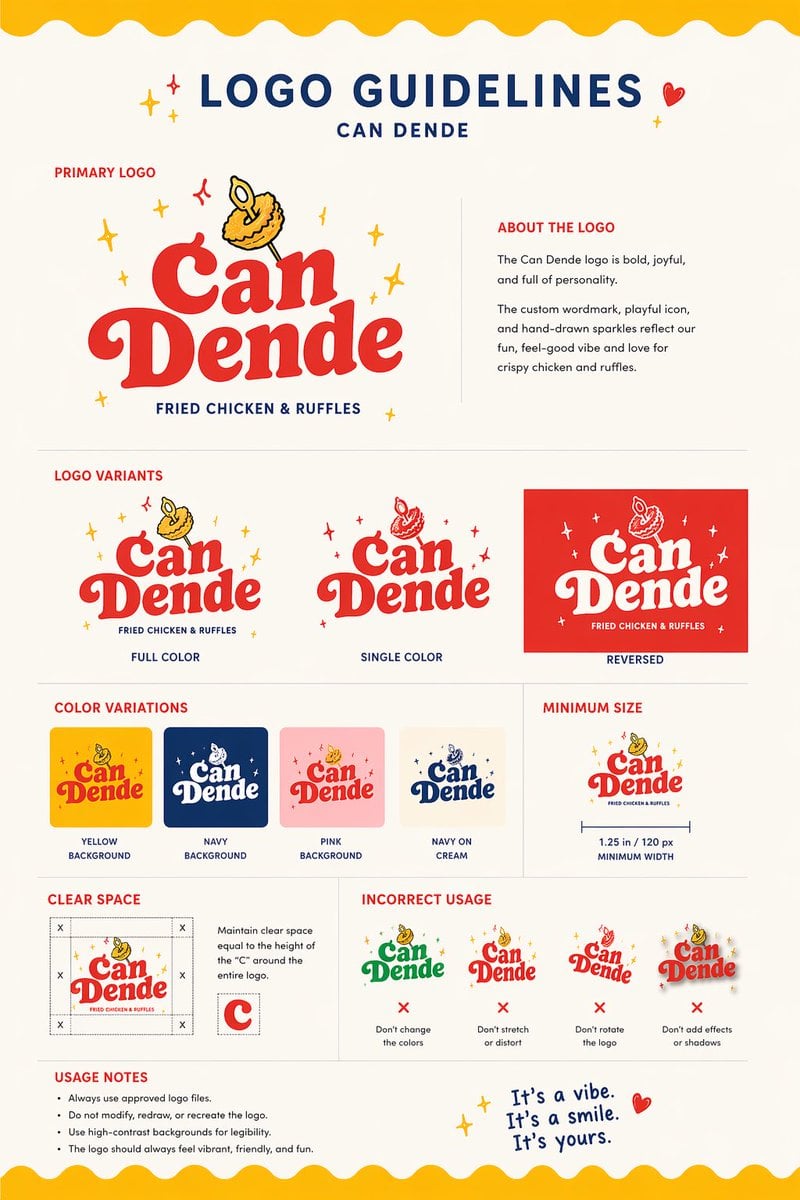
Restaurant Logo Guidelines Board
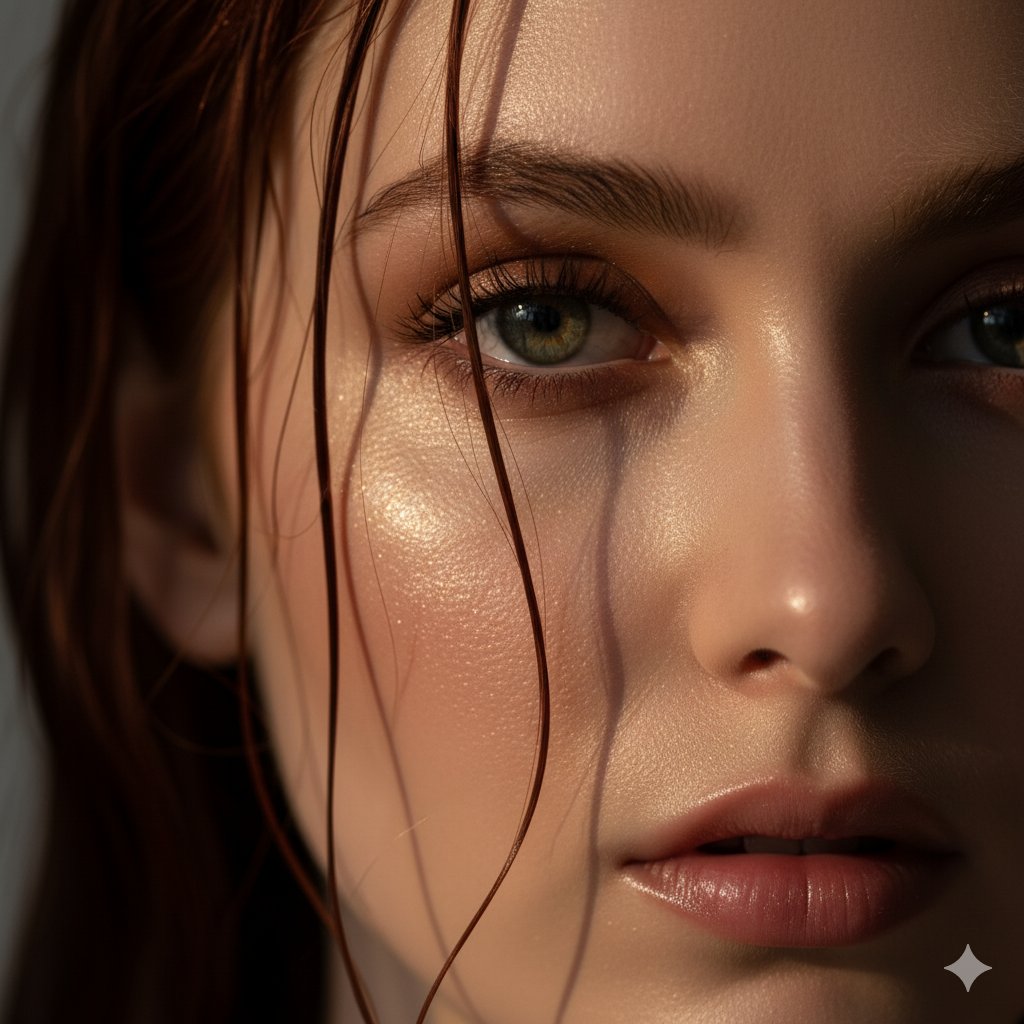
Extreme Close-Up Portrait Prompt (Focus on Texture)
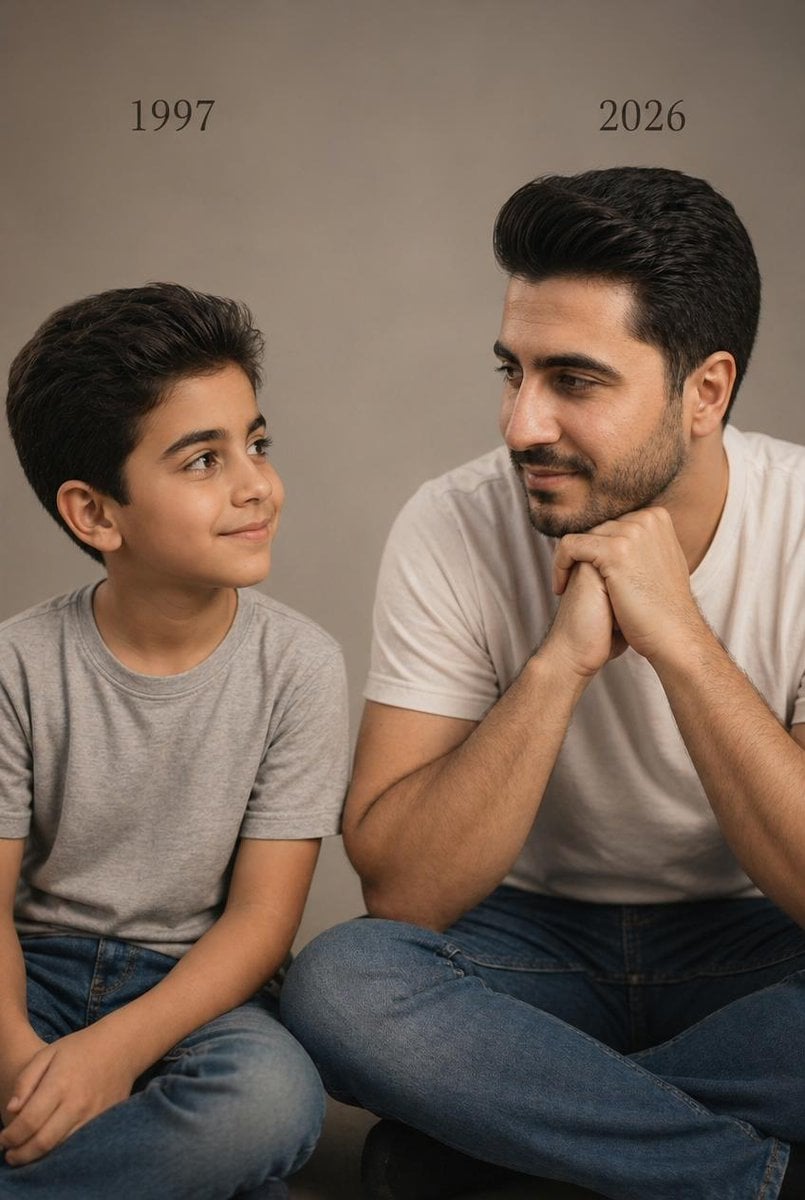
Two Ages Studio Portrait
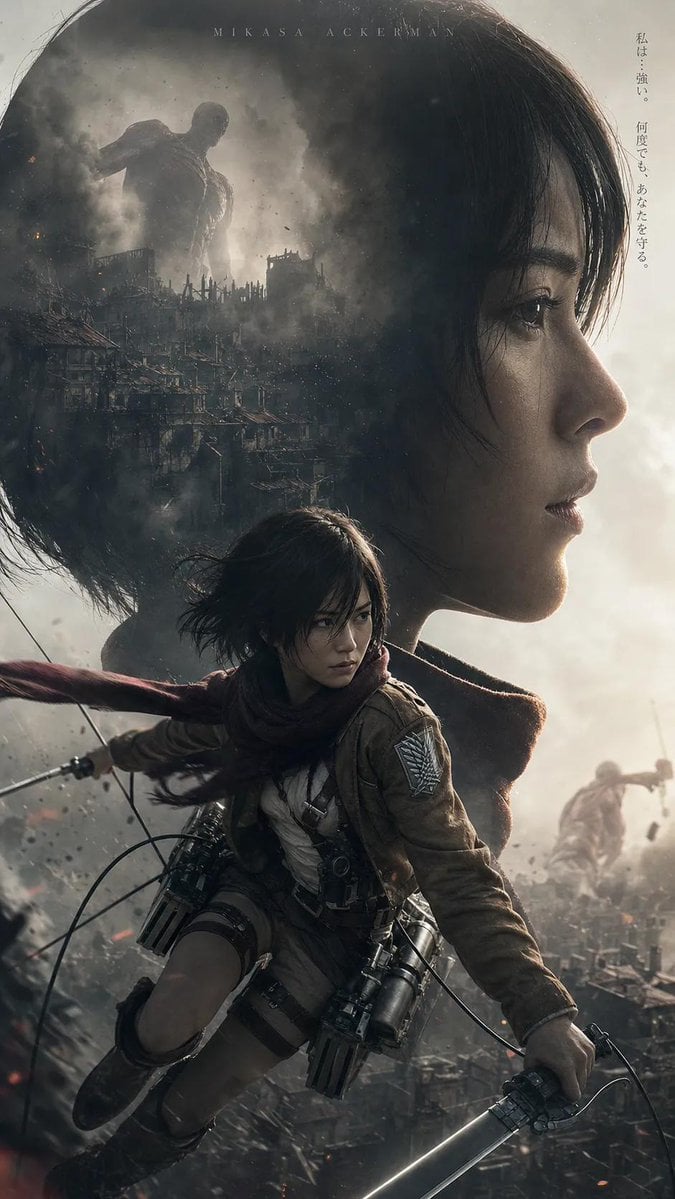
Post-Apocalyptic Titan Anime Poster
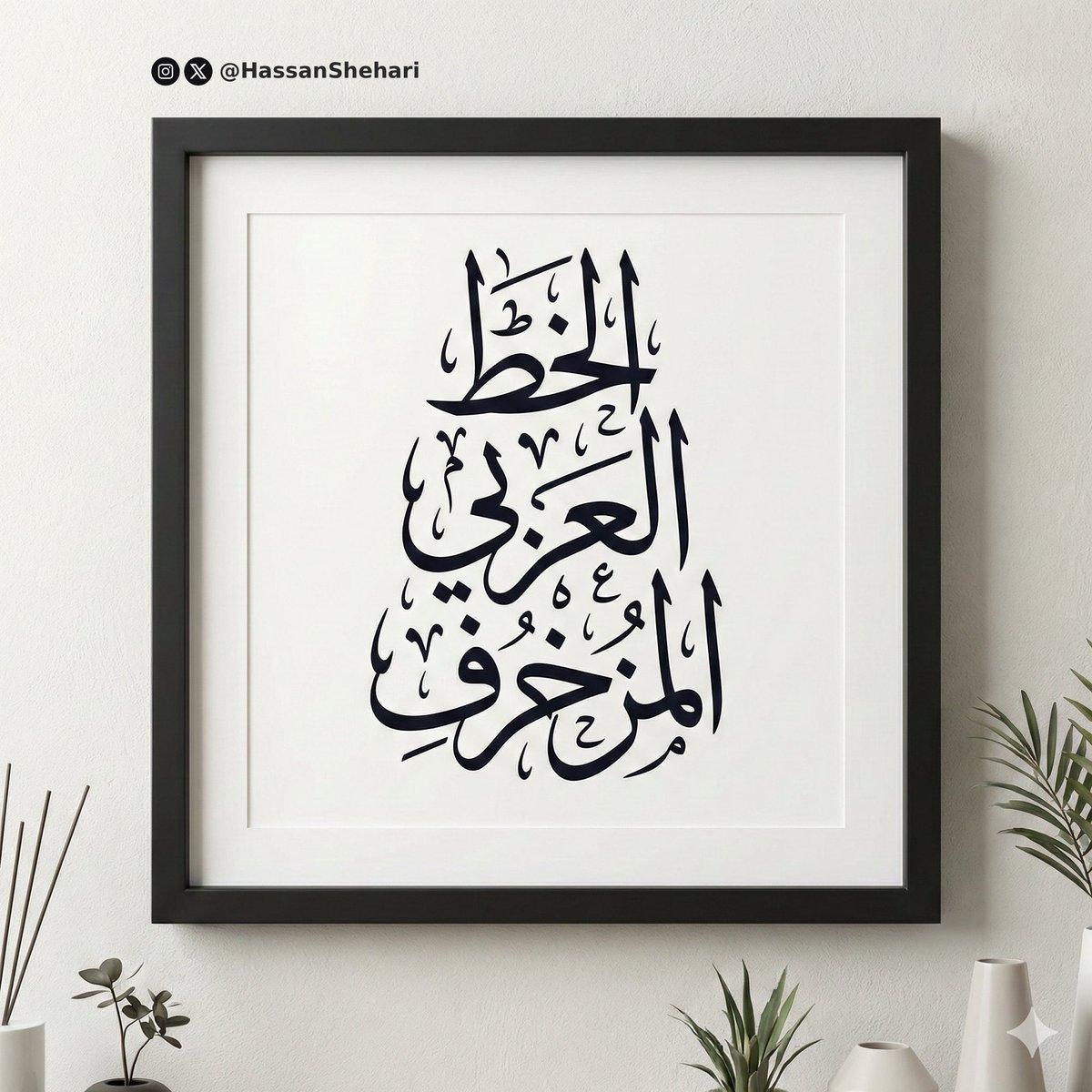
Elegant Arabic Calligraphy Mockup Prompt
Nano Banana Pro Prompt for Generating 'Viral Diagrams'
Browse template categories
Graphic Cut-Paper Editorial Portrait questions
How do I use the Graphic Cut-Paper Editorial Portrait template?
Add your photo if the template asks for one, edit the prompt if you like — the template's model and format are already selected — and press Generate. Your version opens in PicX Studio.
Can I customize the Graphic Cut-Paper Editorial Portrait template?
Yes. You can change the subject, setting, lighting, mood, format, and available model controls before creating your image.
Is the Graphic Cut-Paper Editorial Portrait template free?
Opening and editing this template is free. Generating uses credits, shown on the Generate button when you are signed in.
Which AI model should I use?
Start with GPT Image 2, which is the model associated with this template. You can compare another compatible model for a different finish.
Looking for something else? Browse all templates.

Your photo, any look
Thousands of ready templates for every top image and video model, from one credit balance.