
Layered Paper-Cut Illustration Poster
A detailed prompt for creating a sophisticated layered paper-cut illustration poster featuring Wuhan landmarks like the Yellow Crane Tower and the Yangtze River.
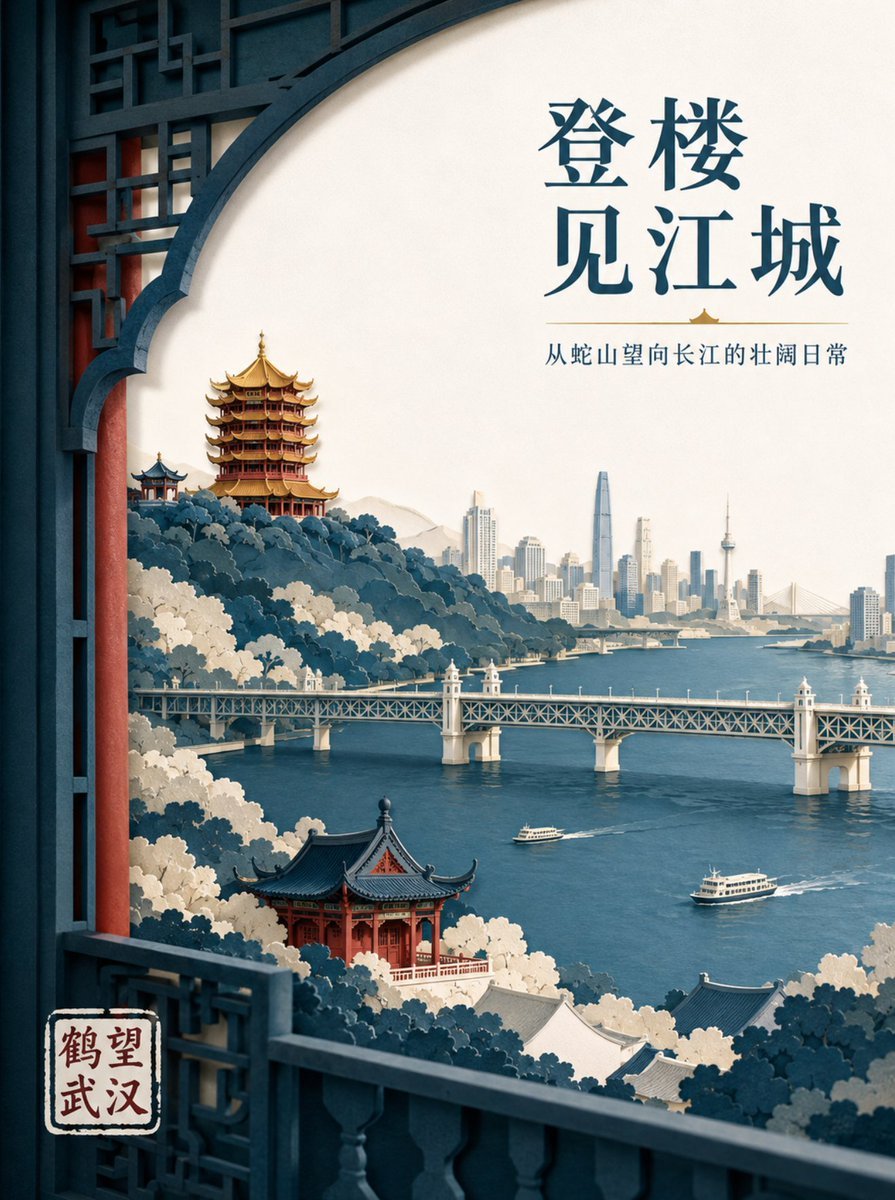
- Prompt included
- Model and format preset
- Free template
The prompt behind this image
Copy the exact prompt behind Layered Paper-Cut Illustration Poster, or open it in the studio and make it yours.
为原创文旅品牌“{argument name="品牌名" default="鹤望武汉"}”创作一幅高端分层纸雕插画海报,传播命题为“{argument name="传播命题" default="登楼望江,一眼看见武汉的山水骨架"}”,3:4 竖版。画面使用前景窗口构图,以五至七层厚纹理纸构成蛇山、黄鹤楼、长江、武汉长江大桥与对岸城市天际线;黄鹤楼位于后景山脊,屋檐层叠、金色琉璃瓦与朱红柱体关系准确,中景长江大桥横向延伸,江面两艘小型轮渡尺度克制,不能把晴川阁与黄鹤楼合并。纸张切边利落,统一左上柔光,层间阴影真实,综合色为黛青、暖米白、朱砂红和少量鎏金黄,金色只用于视觉焦点。主标题“{argument name="主标题" default="登楼见江城"}”置于右上大片留白区,两行现代宋体;副标题“从蛇山望向长江的壮阔日常”横排于标题下方;品牌名“鹤望武汉”置于左下纸质印章形品牌位,保持现代而非仿古。规范简体中文、无错字漏字,仅使用中文;禁止廉价红金模板、漫天祥云、古装人物、建筑比例失真、塑料材质、厚重发光描边、知名标识、水印与额外文案。
How to use Layered Paper-Cut Illustration Poster in 3 steps
- 1
Open
The prompt is already in the box next to the preview, with the template's model and format selected.
- 2…a portrait of your subject in softgolden-hour light, 85mm…
Personalize
Edit the subject and creative details for your destination.
- 3Generate
Generate
Press Generate — your image is created in PicX Studio, so you can compare it with the original and refine one variable at a time.
More like this
Templates with the same subject, style or setup. Open one to see its prompt.

Master Paper Cut Illustration — Saudi Arabia Travel Poster in Layered Paper Art

Saudi Arabia Paper Cut Travel Poster

Soft Handcrafted Paper-Cut Layered Illustration

Paper Cut Craft Illustration

Layered Paper Cut Illustration Template

Decorative Folk Flat Paper Cut Illustration
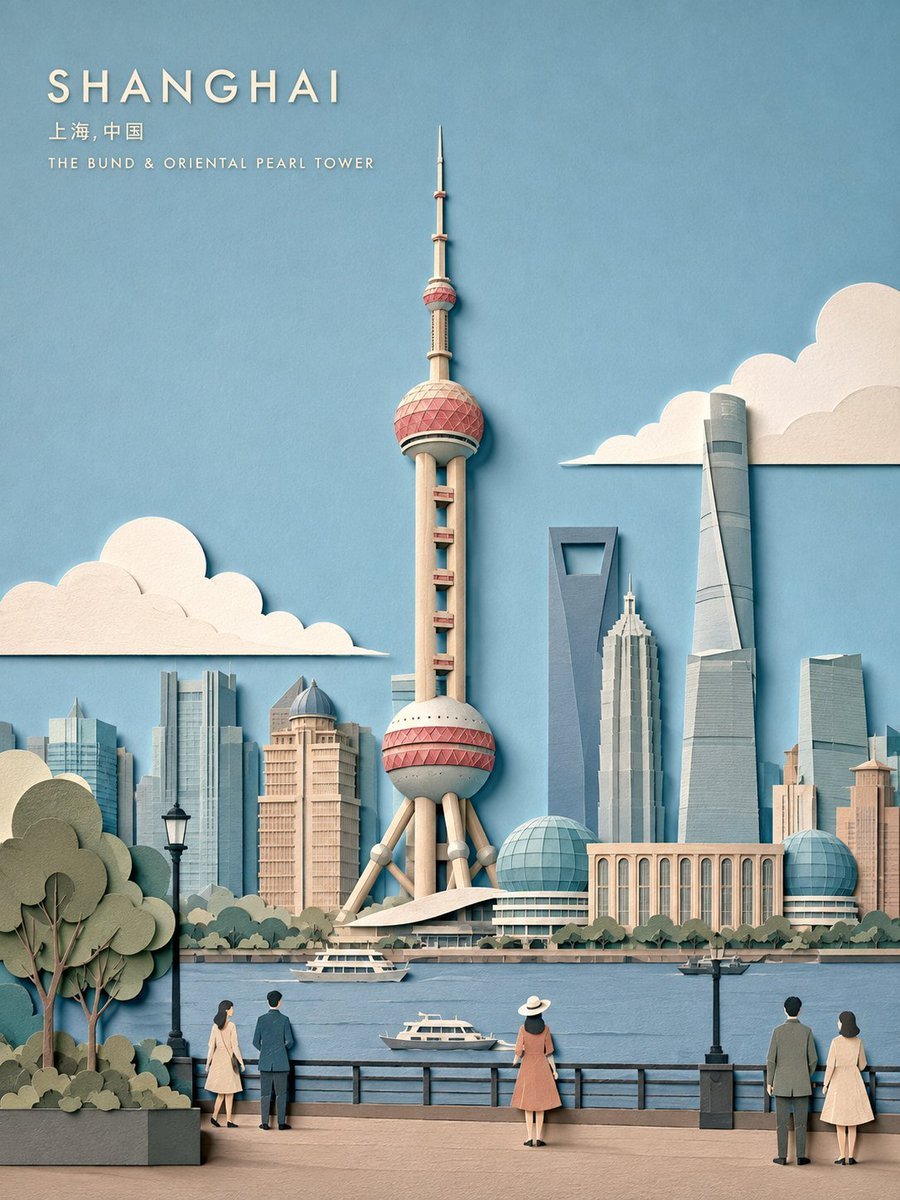
Layered Papercut City Travel Poster
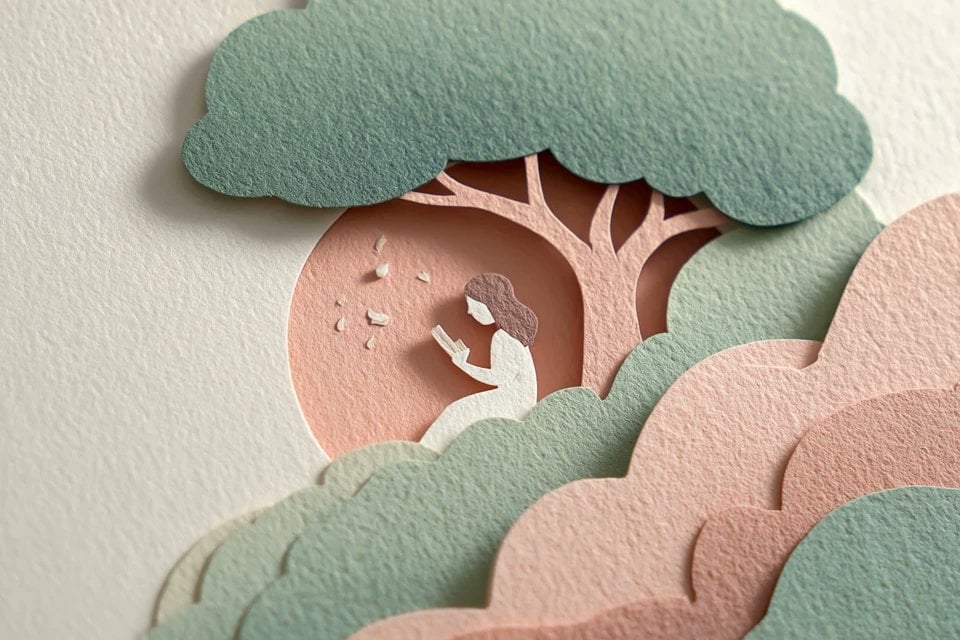
Master Layered Paper Cut Illustration — Overlapping Shapes with Handcrafted Textures

Paper Cut Finale Fireworks

Paper Cut Garden Maze

Paper Cut Rooftop Concert

Paper Cut Bicycle Coast
Make it yours
Layered Paper-Cut Illustration Poster works as-is. These are the safest ways to change it without losing the look.
Change one field
Copy a single group, rewrite it, and generate again so you can see what that field is doing.
Keep the frame, change the subject
Hold the composition and light of Layered Paper-Cut Illustration Poster, then swap wardrobe, props or the person for a new take.
| If the result… | Why | Fix |
|---|---|---|
| The result drifts from the preview | Too many fields changed at once. | Reuse Layered Paper-Cut Illustration Poster as-is first, then change one group — subject, light, or setting. |
| The model over-stylizes the scene | The prose prompt leaves finish and camera underspecified. | Add one camera or lighting sentence and stay on GPT Image 2. |
More GPT Image 2 templates
Other prompts made for GPT Image 2.

Six VTuber Japanese Logo Sheet

Realistic Portrait of Woman and Deer

The Vista Modular Condo Poster

AI Model Routing Comparison Infographic

2.5D Anime Art Board

Isometric Productivity Desk Scene

New York Double Exposure Poster

Four-Panel AI Landscape Comparison

Japanese Tatami Lifestyle Magazine Cover

NESCAFÉ Coffee Map Poster
More image prompts
Fresh picks from across the catalog.
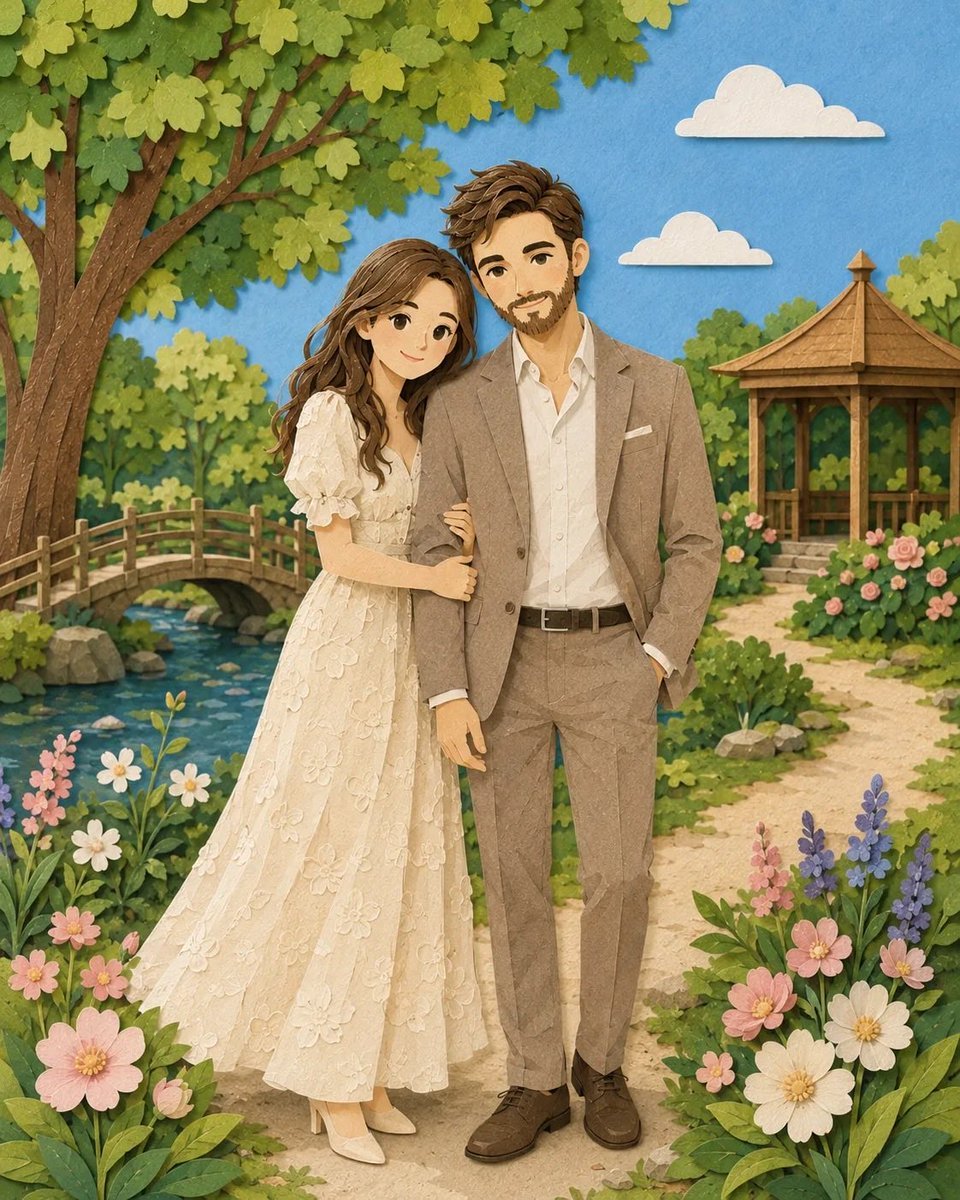
Romantic Paper-Cut Couple Portrait
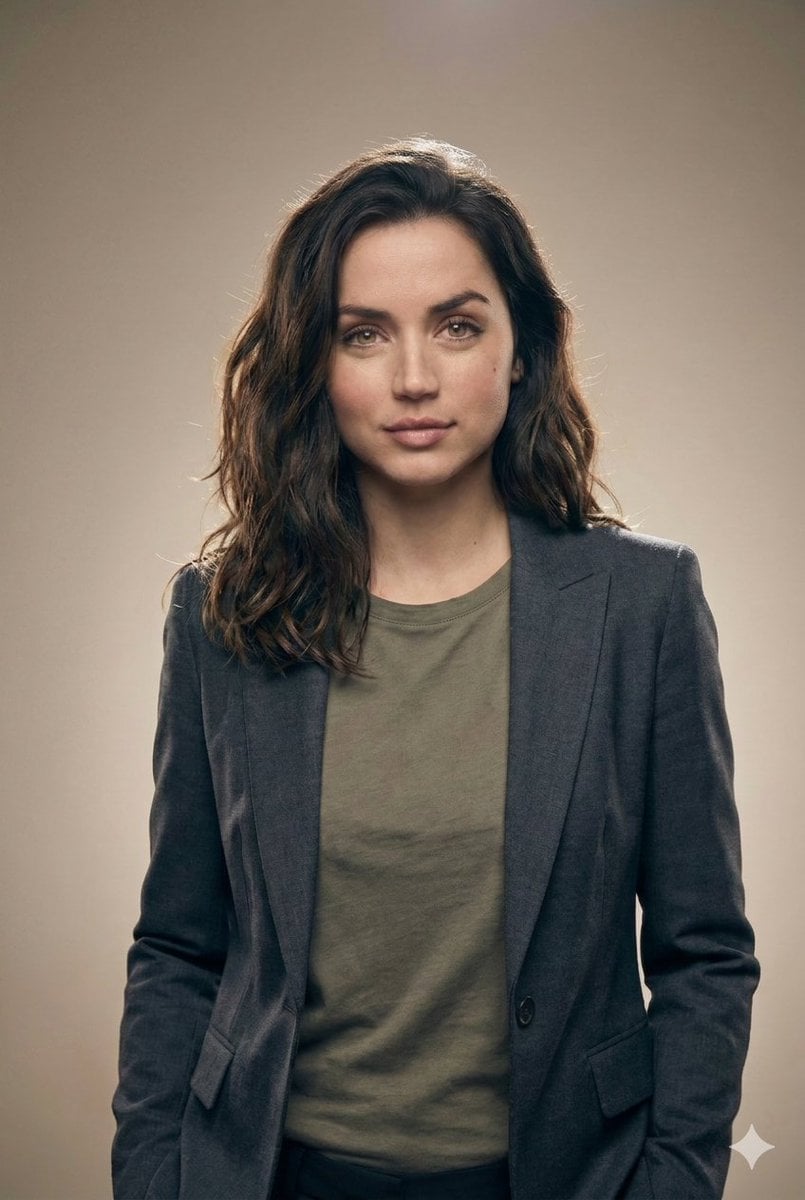
Editorial Studio Portrait in Blazer
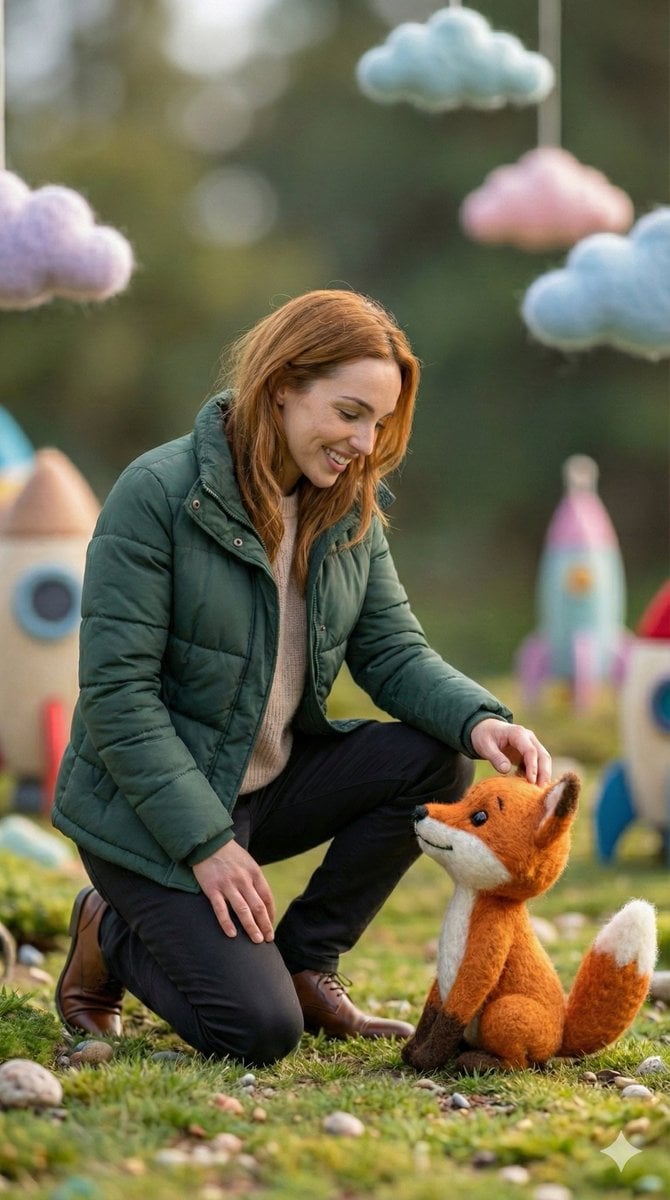
Photorealistic Human and Felt Fox Hybrid
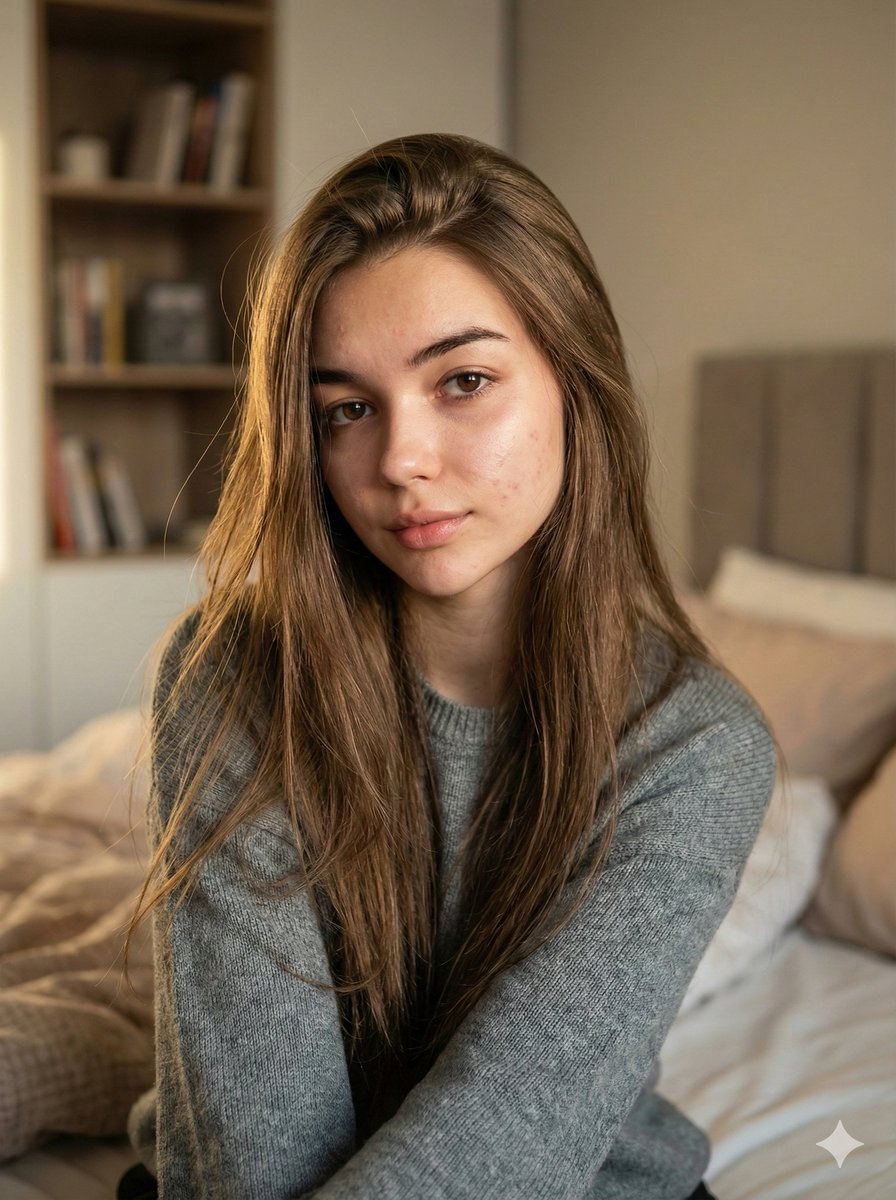
Nano Banana Pro Ultra Realistic Indoor Portrait Prompt
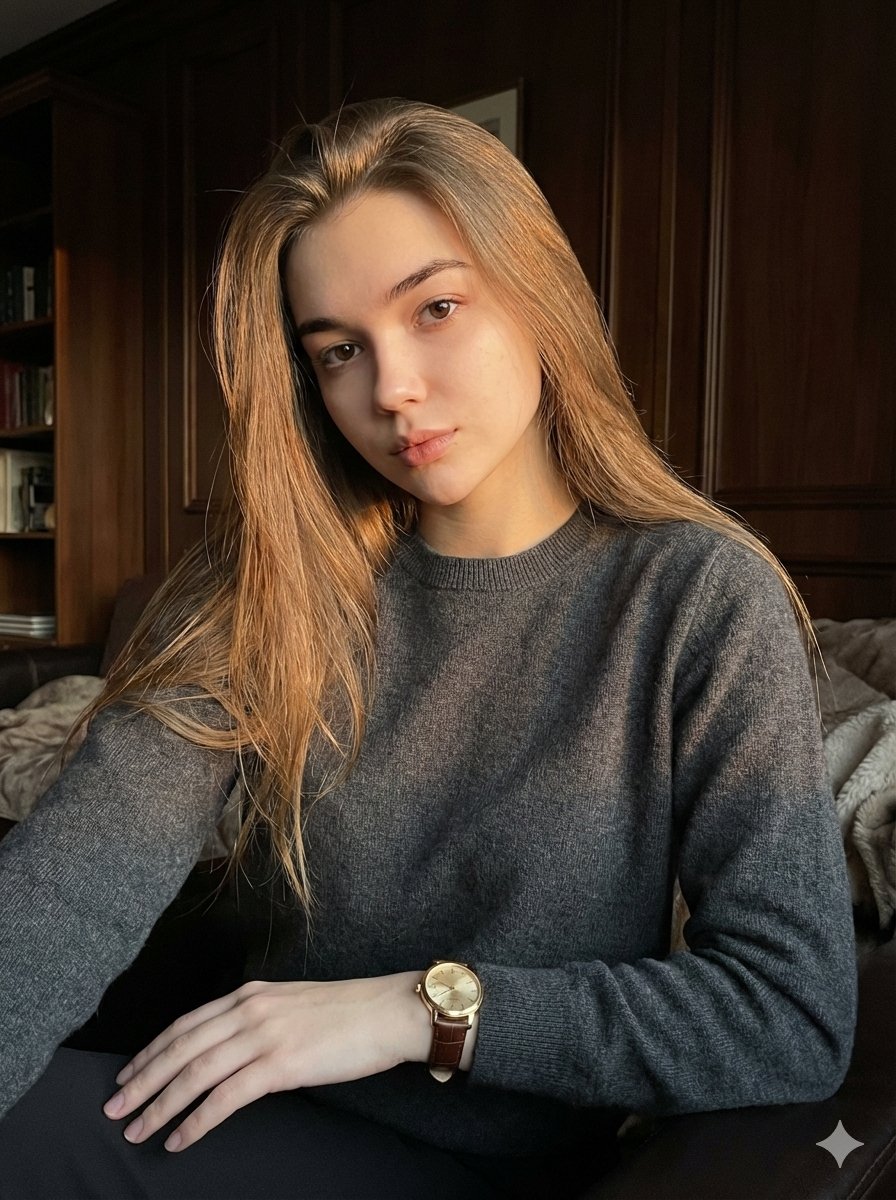
Quiet Luxury Editorial Portrait with Identity Lock
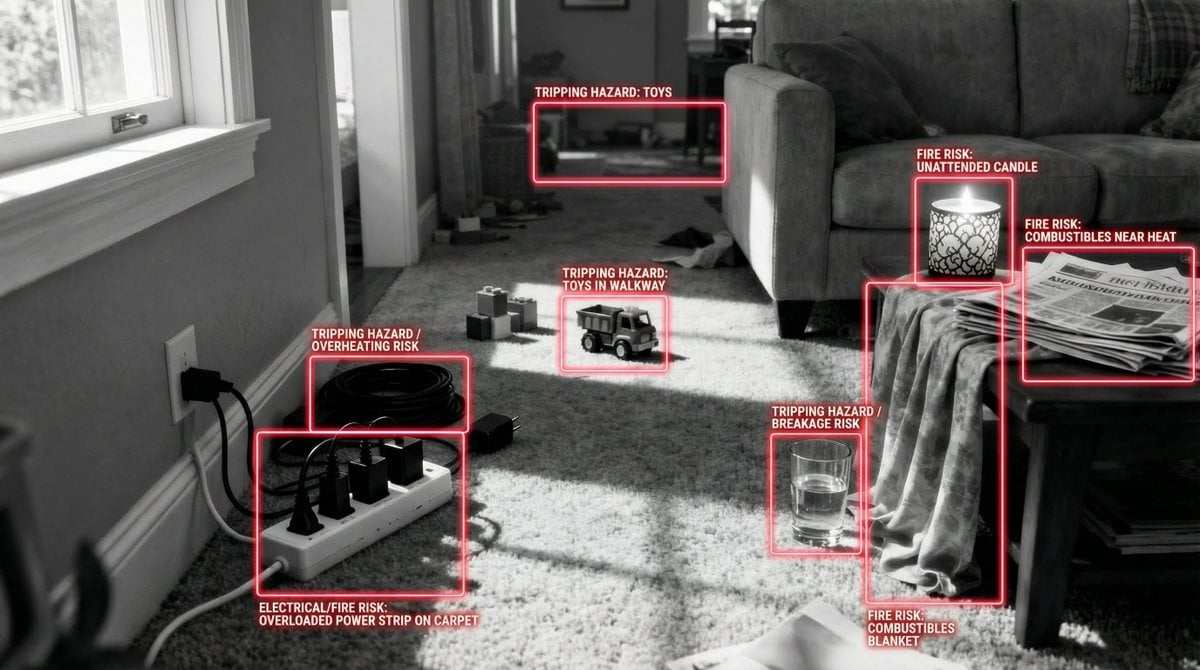
Safety Hazard Analysis and Visualization
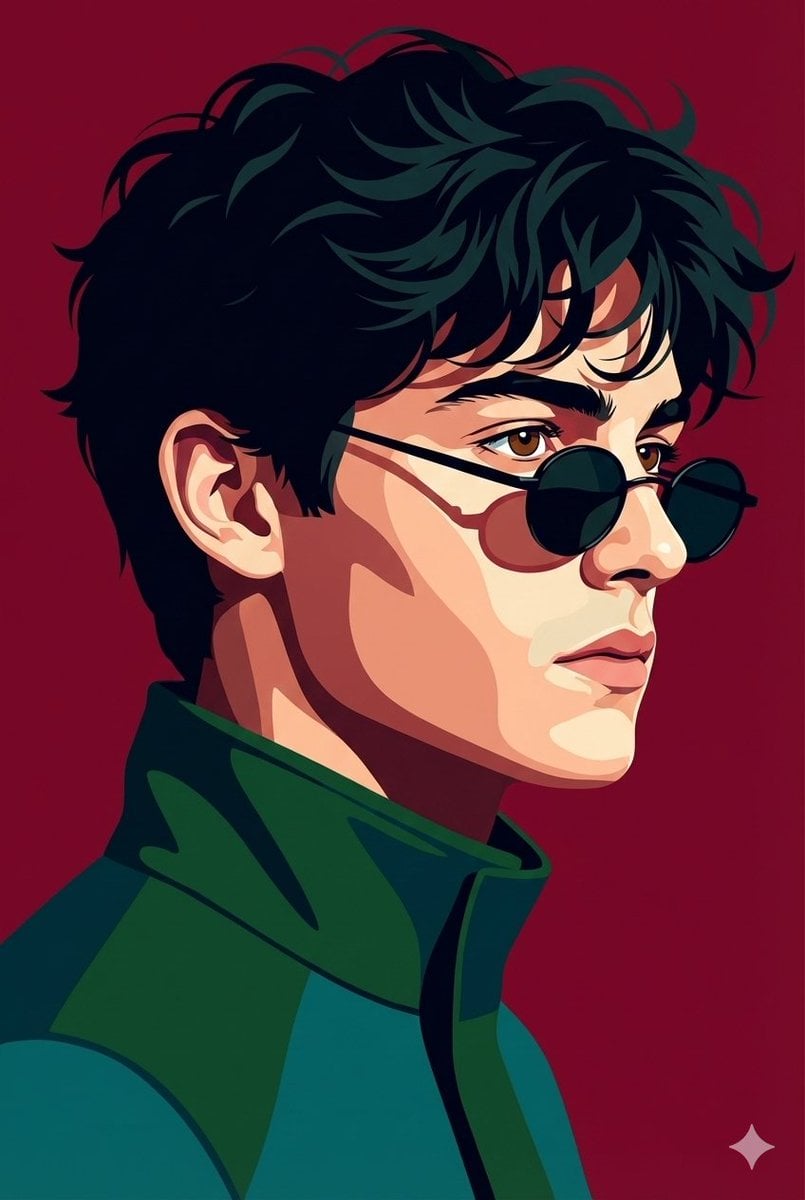
Vectorized Profile Portrait with Textural Detail
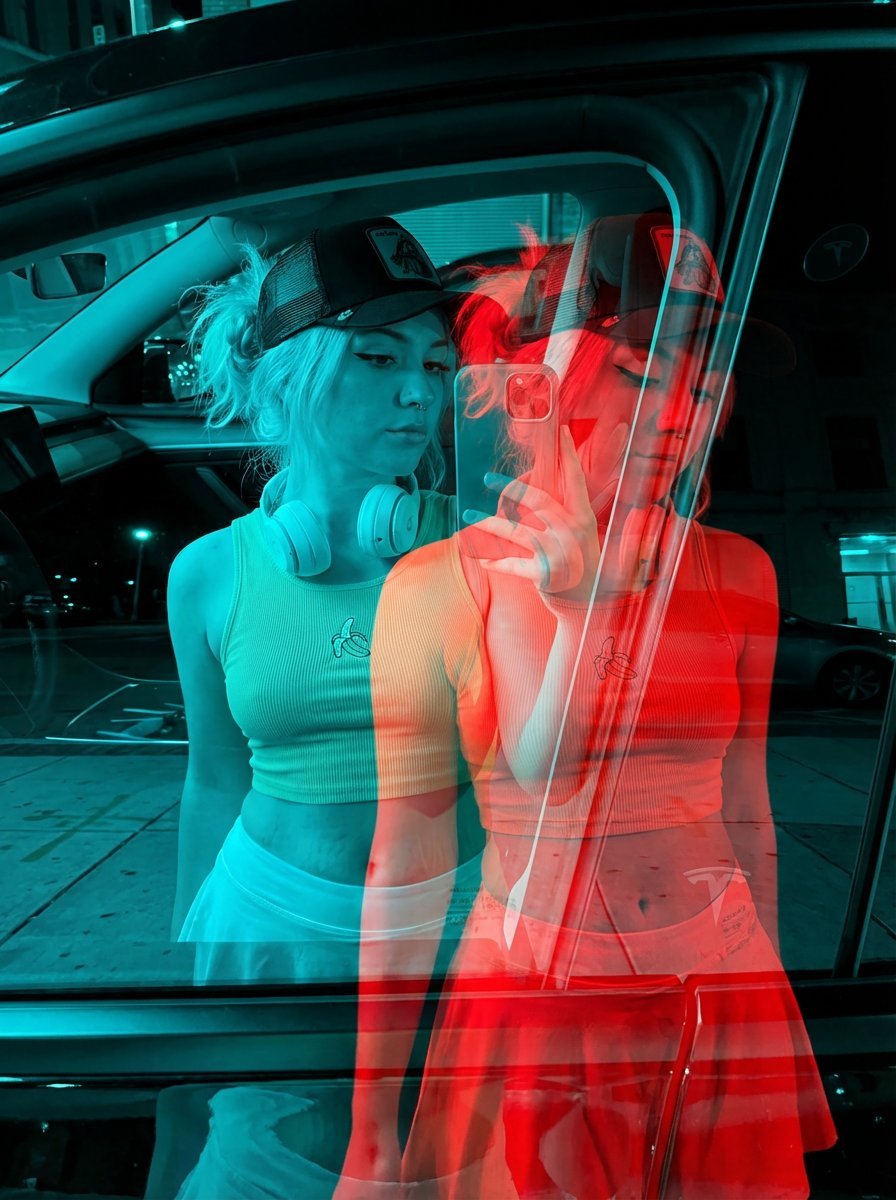
Red-Blue Double Exposure Effect

Cinematic Portrait with Dual-Color Lighting
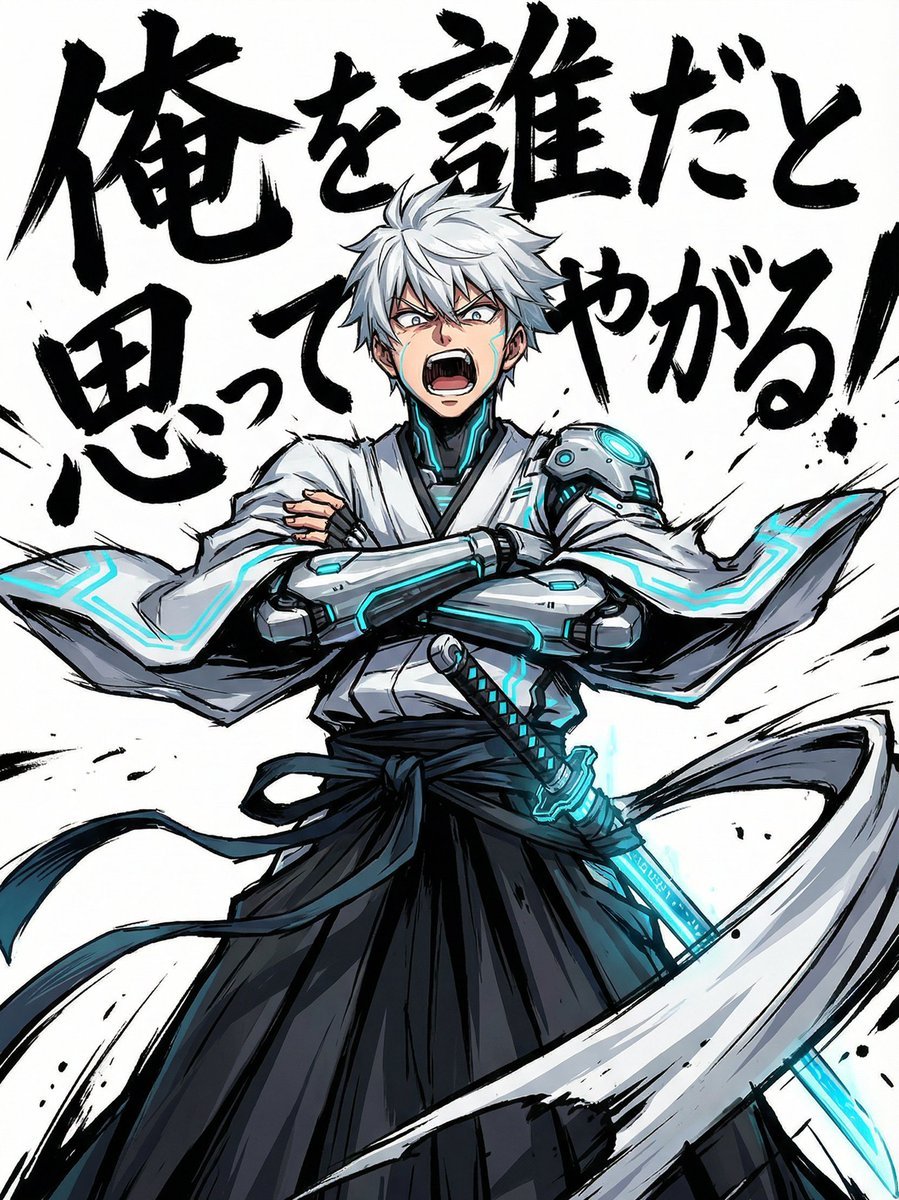
Gurren Lagann Style 'Gaina-Dachi' Anime Stance Prompt
Browse template categories
Layered Paper-Cut Illustration Poster questions
How do I use the Layered Paper-Cut Illustration Poster template?
Add your photo if the template asks for one, edit the prompt if you like — the template's model and format are already selected — and press Generate. Your version opens in PicX Studio.
Can I customize the Layered Paper-Cut Illustration Poster template?
Yes. You can change the subject, setting, lighting, mood, format, and available model controls before creating your image.
Is the Layered Paper-Cut Illustration Poster template free?
Opening and editing this template is free. Generating uses credits, shown on the Generate button when you are signed in.
Which AI model should I use?
Start with GPT Image 2, which is the model associated with this template. You can compare another compatible model for a different finish.
Looking for something else? Browse all templates.

Your photo, any look
Thousands of ready templates for every top image and video model, from one credit balance.