
Minimalist Paper Cut Travel Poster
Generates a charming 3D paper-cut style travel poster for any city, featuring recognizable landmarks and a handcrafted miniature diorama aesthetic.
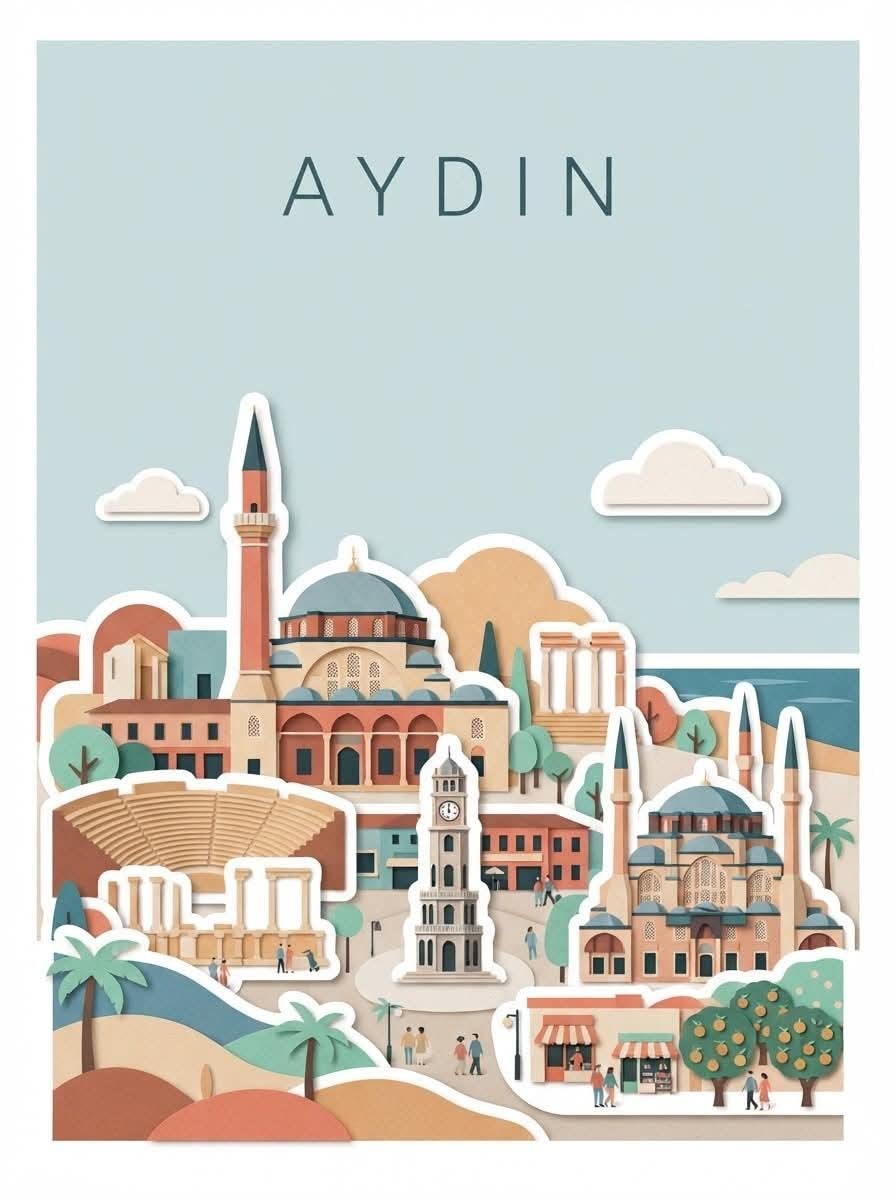
- Prompt included
- Model and format preset
- Free template
The prompt behind this image
Copy the exact prompt behind Minimalist Paper Cut Travel Poster, or open it in the studio and make it yours.
Create a charming minimalist editorial travel poster of {argument name="city" default="Istanbul"}, {argument name="country" default="Turkey"}, inspired by modern paper-cut collage and handcrafted travel illustration. Use a warm cream/off-white textured paper background with a clean rectangular poster composition. At the top, place the city name in large, elegant, widely spaced uppercase typography: “{argument name="city uppercase" default="ISTANBUL"}”. Build a detailed layered miniature cityscape using flat paper-cut shapes with subtle 3D depth, soft shadows, thick white sticker-like outlines, rounded edges, and handcrafted imperfections. Feature the city’s most recognizable landmarks, historic architecture, mosques, minarets, towers, old houses, streets, bridges, surrounding landscape, and local cultural elements. Arrange the landmarks naturally at different depths rather than as a realistic photograph. Use a refined Mediterranean/Turkish color palette: terracotta, muted coral, dusty teal, sage green, warm beige, cream, soft blue, and dark desaturated blue. Add stylized trees, cypress trees, palm trees where appropriate, small people walking, traditional vehicles, birds, clouds, and subtle local details. Create layered rolling hills and mountains in the background, with simplified geometric shapes. Add a small river, lake, coastline, or road if geographically appropriate. Keep the illustration balanced and uncluttered. The entire artwork should look like a premium handmade paper diorama / 3D cut-paper postcard, with crisp vector-like shapes, tactile paper texture, gentle ambient shadows, soft studio lighting, sophisticated travel-magazine aesthetics, nostalgic yet contemporary design. At the bottom, add a small elegant caption: “{argument name="city caption" default="Istanbul"}”. Maintain generous negative space around the artwork. No photorealism, no gradients-heavy CGI, no excessive detail, no clutter. Aspect ratio: 4:5 vertical, high resolution, clean centered composition, premium travel poster design.
How to use Minimalist Paper Cut Travel Poster in 3 steps
- 1
Open
The prompt is already in the box next to the preview, with the template's model and format selected.
- 2…a portrait of your subject in softgolden-hour light, 85mm…
Personalize
Edit the subject and creative details for your destination.
- 3Generate
Generate
Press Generate — your image is created in PicX Studio, so you can compare it with the original and refine one variable at a time.
More like this
Templates with the same subject, style or setup. Open one to see its prompt.

Japan Travel Brochure Poster

Clay Miniature Landmark Travel Diorama
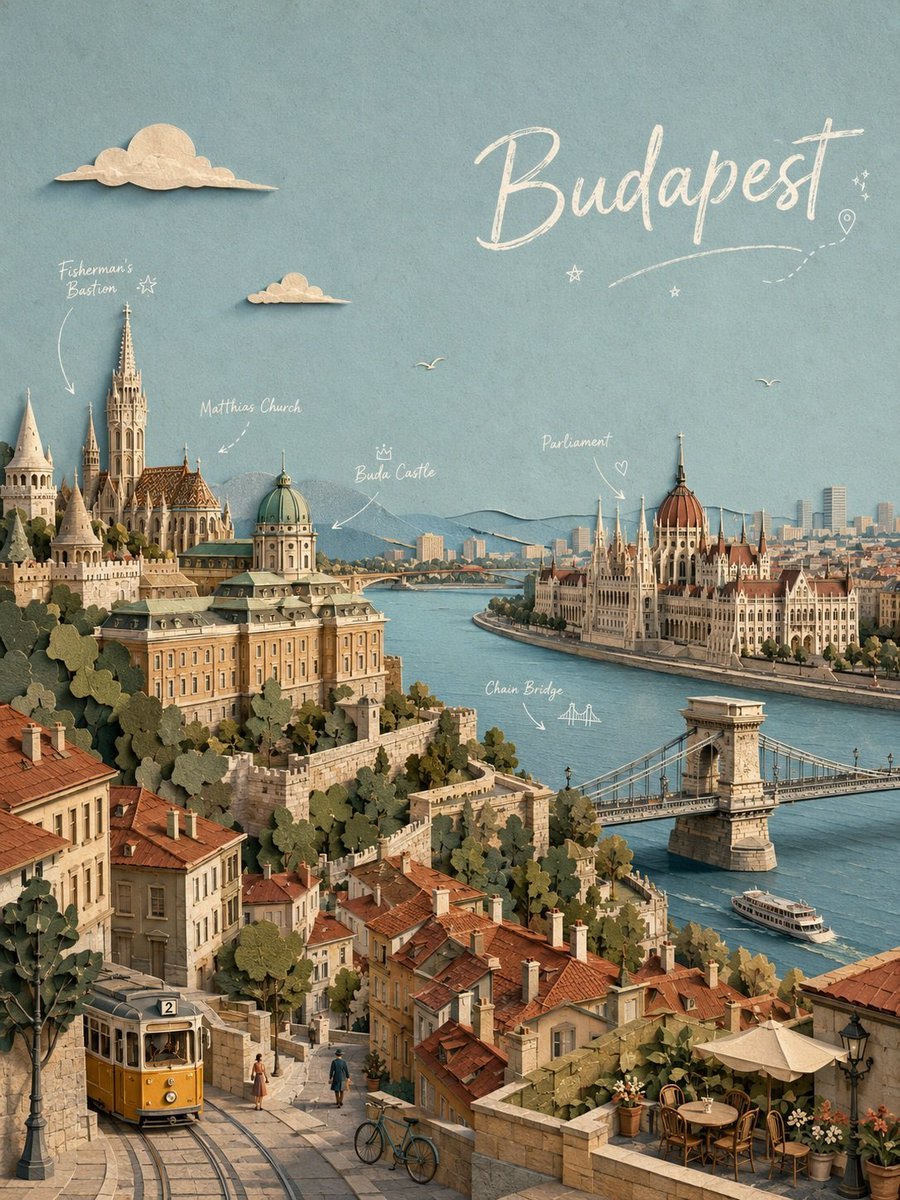
Budapest Paper-Cut Travel Poster

Paper Cut Vintage Travel Poster

Master Paper Cut Illustration — Saudi Arabia Travel Poster in Layered Paper Art

Saudi Arabia Paper Cut Travel Poster

Premium Vintage Travel Poster Landscape
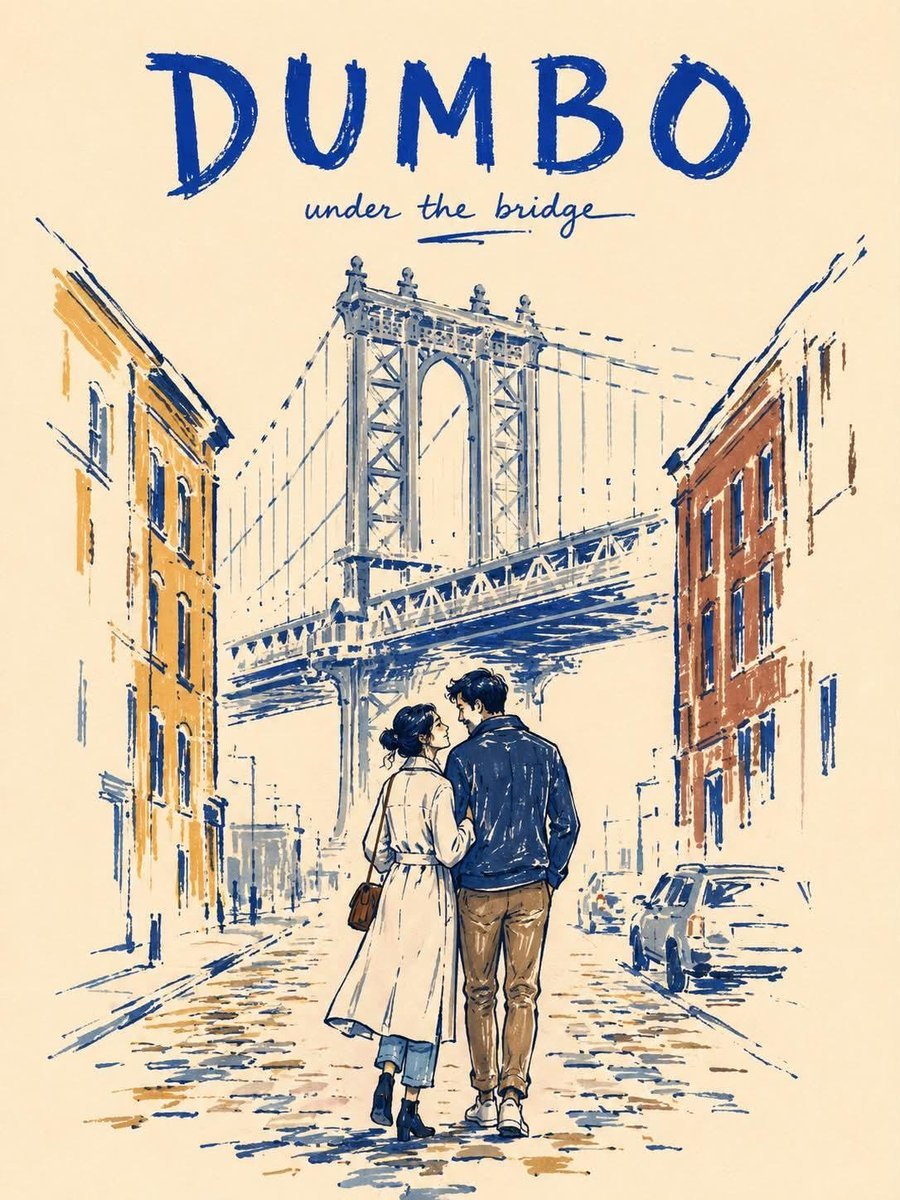
Minimalist Marker Travel Poster
Minimalist Marker Pen NYC Travel Poster

City Posters by Nano Banana Pro
Zen Minimalist Aesthetic Wallpaper
Paper Cut Architectural Section
Make it yours
Minimalist Paper Cut Travel Poster works as-is. These are the safest ways to change it without losing the look.
Change one field
Copy a single group, rewrite it, and generate again so you can see what that field is doing.
Keep the frame, change the subject
Hold the composition and light of Minimalist Paper Cut Travel Poster, then swap wardrobe, props or the person for a new take.
| If the result… | Why | Fix |
|---|---|---|
| The result drifts from the preview | Too many fields changed at once. | Reuse Minimalist Paper Cut Travel Poster as-is first, then change one group — subject, light, or setting. |
| The model over-stylizes the scene | The prose prompt leaves finish and camera underspecified. | Add one camera or lighting sentence and stay on GPT Image 2. |
More GPT Image 2 templates
Other prompts made for GPT Image 2.

Six VTuber Japanese Logo Sheet

Realistic Portrait of Woman and Deer

The Vista Modular Condo Poster

AI Model Routing Comparison Infographic

2.5D Anime Art Board

Isometric Productivity Desk Scene

New York Double Exposure Poster

Four-Panel AI Landscape Comparison

Japanese Tatami Lifestyle Magazine Cover

NESCAFÉ Coffee Map Poster
More image prompts
Fresh picks from across the catalog.

Ultra-Realistic Portrait with Pose Variations

Line Art Animal Listening to Music
Exploded View Taco Visualization and Commercial Food Photography Prompt

Bit Arcade Character Generator
Luxury Lifestyle Portrait at Sunset
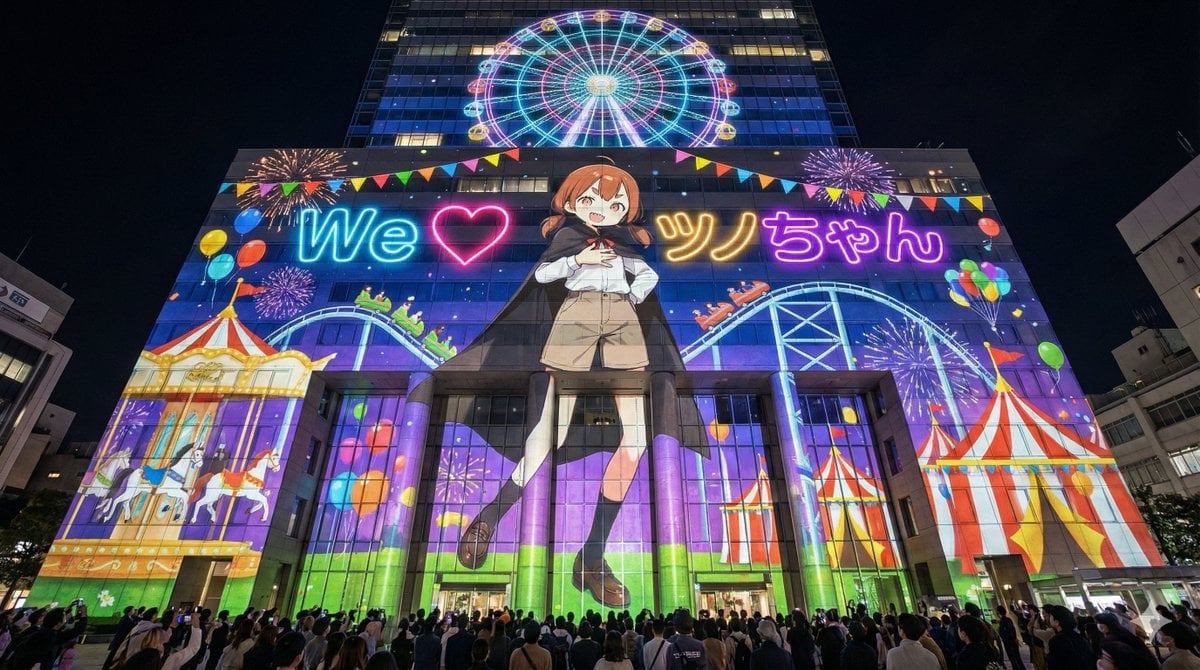
Projection Mapping Prompt for Nano Banana Pro (Amusement Park Theme)
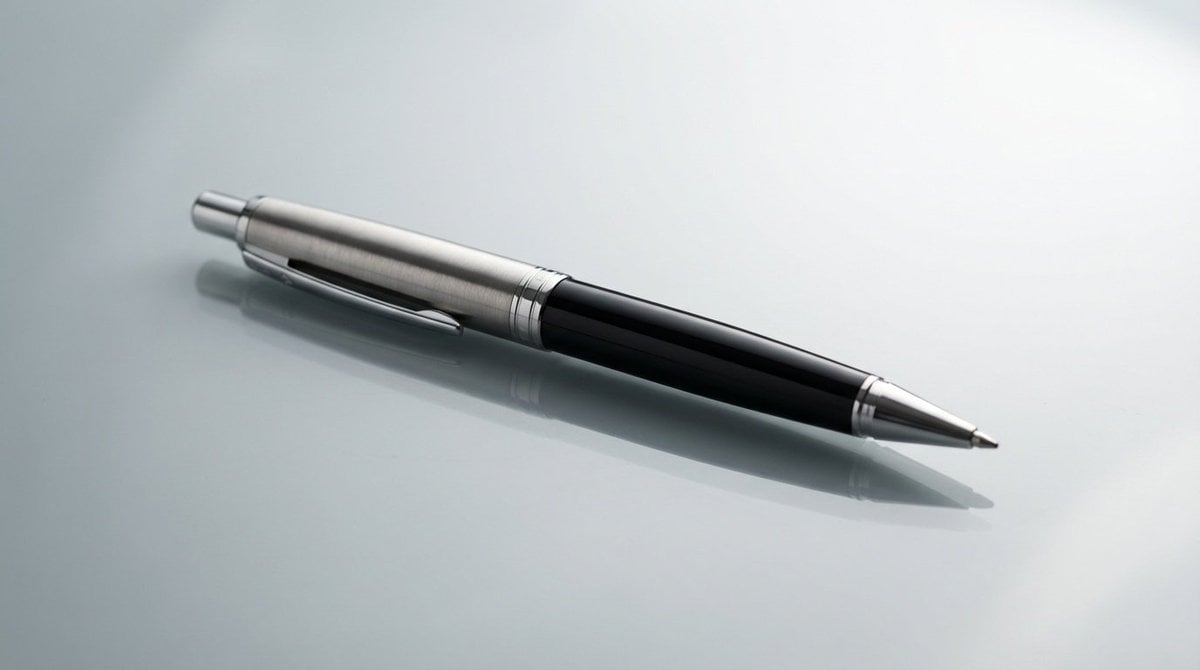
Genspark Product Photography Prompt Template
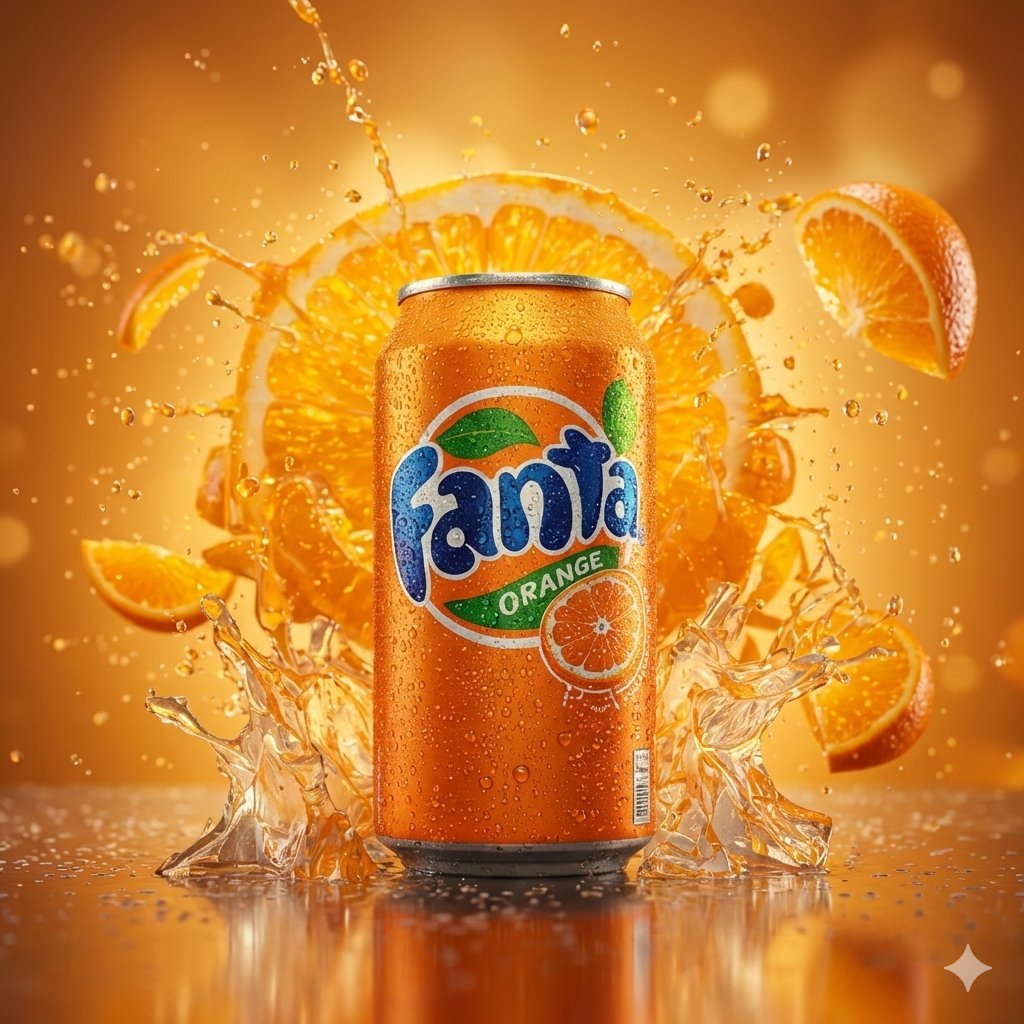
Hyper-realistic cinematic product shot of Fanta Orange can with exploding orange slices

Vintage Monchhichi Doll Conversion
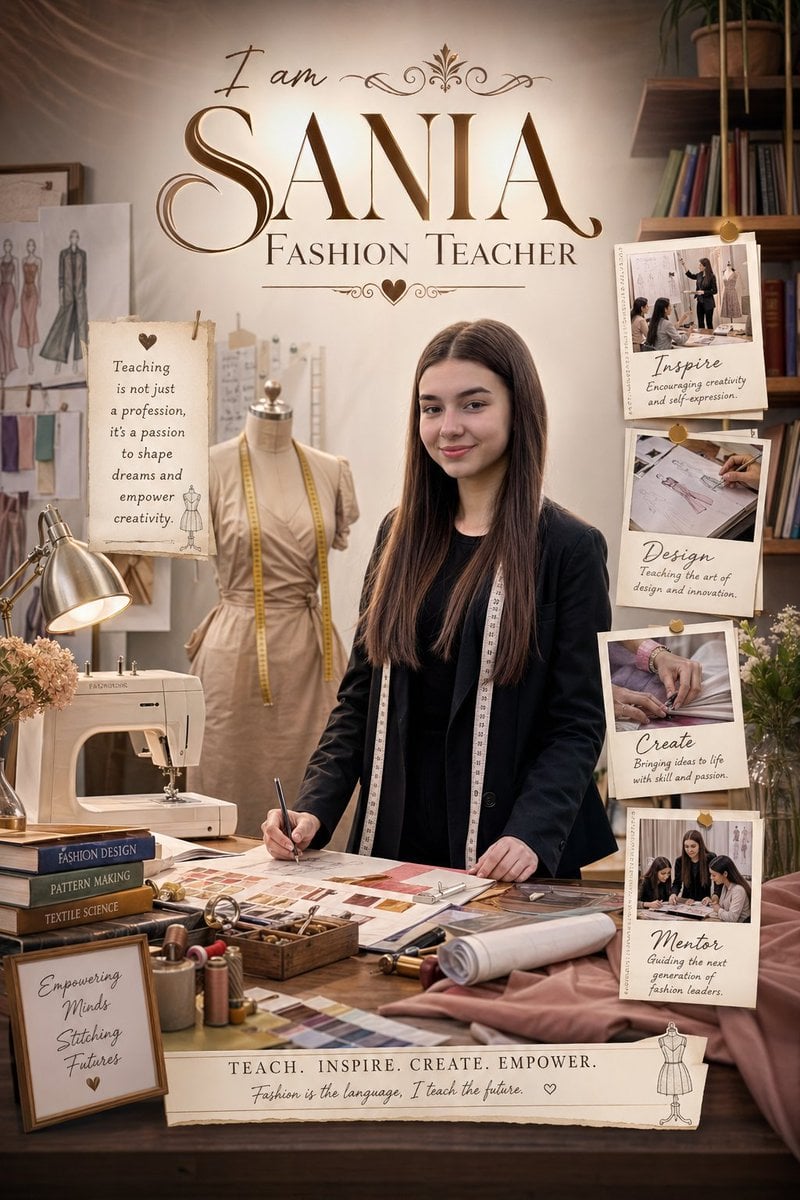
Professional Identity Portrait Wallpaper
Browse template categories
Minimalist Paper Cut Travel Poster questions
How do I use the Minimalist Paper Cut Travel Poster template?
Add your photo if the template asks for one, edit the prompt if you like — the template's model and format are already selected — and press Generate. Your version opens in PicX Studio.
Can I customize the Minimalist Paper Cut Travel Poster template?
Yes. You can change the subject, setting, lighting, mood, format, and available model controls before creating your image.
Is the Minimalist Paper Cut Travel Poster template free?
Opening and editing this template is free. Generating uses credits, shown on the Generate button when you are signed in.
Which AI model should I use?
Start with GPT Image 2, which is the model associated with this template. You can compare another compatible model for a different finish.
Looking for something else? Browse all templates.

Your photo, any look
Thousands of ready templates for every top image and video model, from one credit balance.