
Use the reference as the primary anchor
{ "generation_request": { "meta_data": { "task_type": "black_and_white_photobooth_expression_grid_4x4", "language": "en", "priority": "highest", "version": "v1.0_BW_PHOTOBOOTH_EXPRESSIONS_4X4" }, "input": { "mode"…
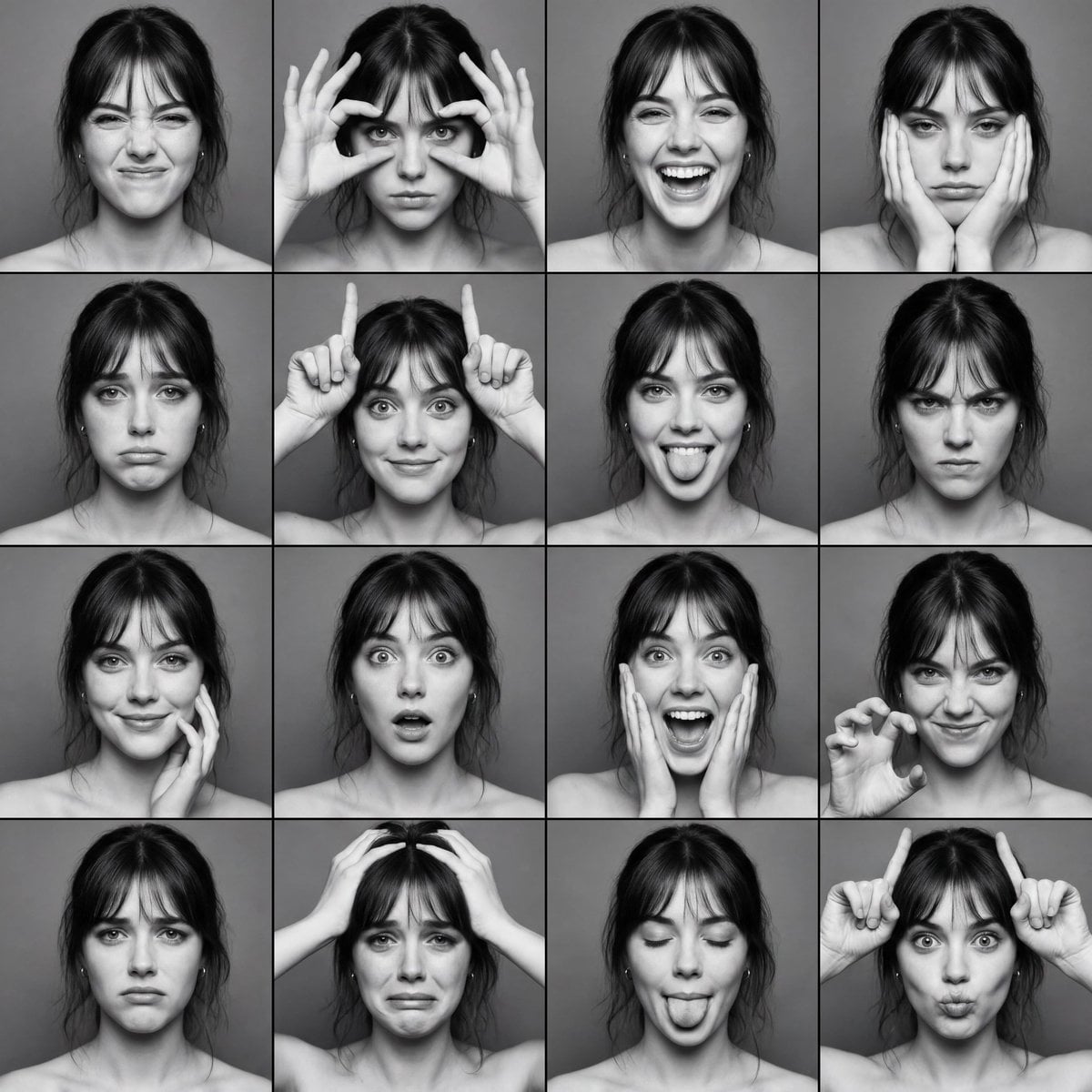
- Prompt included
- Model and format preset
- Premium template
The prompt behind this image
Copy the exact prompt behind Use the reference as the primary anchor, or open it in the studio and make it yours.
- Generation Request › Meta Data › Task Type
- black_and_white_photobooth_expression_grid_4x4
- Generation Request › Meta Data › Language
- en
- Generation Request › Meta Data › Priority
- highest
- Generation Request › Meta Data › Version
- v1.0_BW_PHOTOBOOTH_EXPRESSIONS_4X4
- Generation Request › Input › Mode
- image_to_image
- Generation Request › Input › Reference Image Usage
- very_high
- Generation Request › Input › Preserve Identity
- true
- Generation Request › Input › Preserve Facial Features
- true
- Generation Request › Input › Preserve Hairstyle
- true
- Generation Request › Input › Notes
- Use the reference as the primary anchor. Create a black-and-white photobooth-style expression grid. Keep the same adult woman identity and hair. Each panel should show a different facial expression. Minimal background, direct photobooth flash look, natural skin texture.
- Generation Request › Output › Aspect Ratio
- 1:1
- Generation Request › Output › Resolution
- ultra_high
- Generation Request › Output › Num Images
- 1
- Generation Request › Output › Layout › Type
- grid
- Generation Request › Output › Layout › Rows
- 4
- Generation Request › Output › Layout › Cols
- 4
- Generation Request › Output › Layout › Gutter
- thin
- Generation Request › Output › Layout › Panel Consistency
- high
- Generation Request › Output › Sharpness
- crisp_photobooth
- Generation Request › Output › Grain
- subtle_analog_bw
- Generation Request › Scene › Concept
- classic photobooth contact sheet with expressive faces
- Generation Request › Scene › Environment
- plain neutral backdrop, no props
- Generation Request › Scene › Lighting › Style
- direct photobooth flash
- Generation Request › Scene › Lighting › Key Light
- front flash, slightly hard but flattering
Raw JSON
{
  "generation_request": {
    "meta_data": {
      "task_type": "black_and_white_photobooth_expression_grid_4x4",
      "language": "en",
      "priority": "highest",
      "version": "v1.0_BW_PHOTOBOOTH_EXPRESSIONS_4X4"
    },
    "input": {
      "mode": "image_to_image",
      "reference_image_usage": "very_high",
      "preserve_identity": true,
      "preserve_facial_features": true,
      "preserve_hairstyle": true,
      "notes": "Use the reference as the primary anchor. Create a black-and-white photobooth-style expression grid. Keep the same adult woman identity and hair. Each panel should show a different facial expression. Minimal background, direct photobooth flash look, natural skin texture."
    },
    "output": {
      "aspect_ratio": "1:1",
      "resolution": "ultra_high",
      "num_images": 1,
      "layout": {
        "type": "grid",
        "rows": 4,
        "cols": 4,
        "gutter": "thin",
        "panel_consistency": "high"
      },
      "sharpness": "crisp_photobooth",
      "grain": "subtle_analog_bw"
    },
    "scene": {
      "concept": "classic photobooth contact sheet with expressive faces",
      "environment": "plain neutral backdrop, no props",
      "lighting": {
        "style": "direct photobooth flash",
        "key_light": "front flash, slightly hard but flattering",
        "shadows": "soft short shadows behind subject",
        "avoid": "cinematic side light, dramatic backgrounds"
      },
      "camera": {
        "lens": "50mm",
        "distance": "tight head-and-shoulders framing",
        "focus": "eyes sharp in every panel"
      }
    },
    "subject": {
      "type": "adult woman",
      "wardrobe": "simple strapless or bare-shoulder photobooth look (no logos)",
      "hair": "keep same hairstyle across all panels",
      "makeup": "minimal, natural",
      "anatomy_rules": "correct facial proportions, no warped eyes/mouth"
    },
    "expression_set": {
      "panel_01": "scrunched smile, eyes squeezed slightly",
      "panel_02": "intense stare with fingers framing eyes",
      "panel_03": "big laugh, mouth open, joyful",
      "panel_04": "bored / unimpressed face, chin in hands",
      "panel_05": "sad pout, watery eyes look",
      "panel_06": "goofy face with both hands making small horns above head",
      "panel_07": "playful tongue out, cheeky grin",
      "panel_08": "angry glare, eyebrows down",
      "panel_09": "flirty look, hand touching cheek",
      "panel_10": "surprised wide eyes, mouth slightly open",
      "panel_11": "fake scream / excited shout, hands near face",
      "panel_12": "mischievous grin with claw-like hand pose",
      "panel_13": "confused frown, lips pressed",
      "panel_14": "crying face, hands on head, dramatic",
      "panel_15": "tongue out with eyes closed, playful",
      "panel_16": "duck face with small devil horns gesture"
    },
    "style": {
      "color": "pure black and white",
      "contrast": "medium-high",
      "background": "flat gray",
      "finish": "slight photobooth grain, clean edges"
    },
    "quality_control": {
      "identity_lock": "strict",
      "hands_priority": "high",
      "avoid": [
        "extra fingers",
        "missing fingers",
        "deformed hands",
        "warped face",
        "uneven eyes",
        "melted mouth",
        "plastic skin",
        "text",
        "watermark",
        "logo"
      ]
    },
    "negative_prompt": [
      "color",
      "sepia",
      "overly cinematic lighting",
      "beauty retouch plastic skin",
      "low resolution",
      "blur",
      "distorted anatomy"
    ]
  }
}How to use Use the reference as the primary anchor in 3 steps
- 1Upload ImagePNG, JPG or paste
Add your photo
Upload the photo the template builds on. The prompt, model and format are already set.
- 2…a portrait of your subject in softgolden-hour light, 85mm…
Personalize
Edit the subject and creative details for your destination.
- 3Generate
Generate
Press Generate — your image is created in PicX Studio, so you can compare it with the original and refine one variable at a time.
More like this
Templates with the same subject, style or setup. Open one to see its prompt.
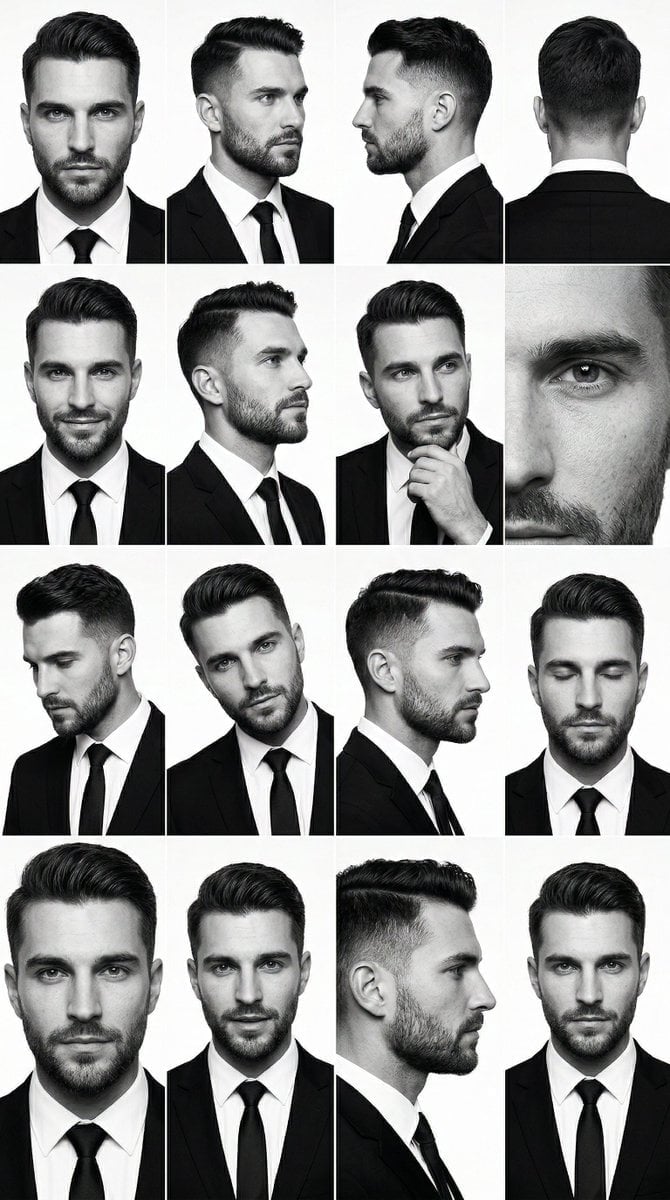
PRIMARY STRUCTURE ANCHOR use the uploaded male 4x4 grid image suit

A double exposure, long exposure editorial photograph of a man Use image

青蛇小青写真大片,绿色紧身蛇鳞裙,湿发红唇,妖娆妩媚

Portrait of a young woman in her early 20s walking calmly on a beautiful

Artistic portrait of an elegant Asian woman wearing a black silk

A high-quality photo collage featuring the same person with identical

LIGHTING each element still lit by its original source, windows casting

A 3x3 grid storyboard contact sheet comprised of nine candid, cinematic

A high-definition cinematic portrait of a sophisticated woman sitting
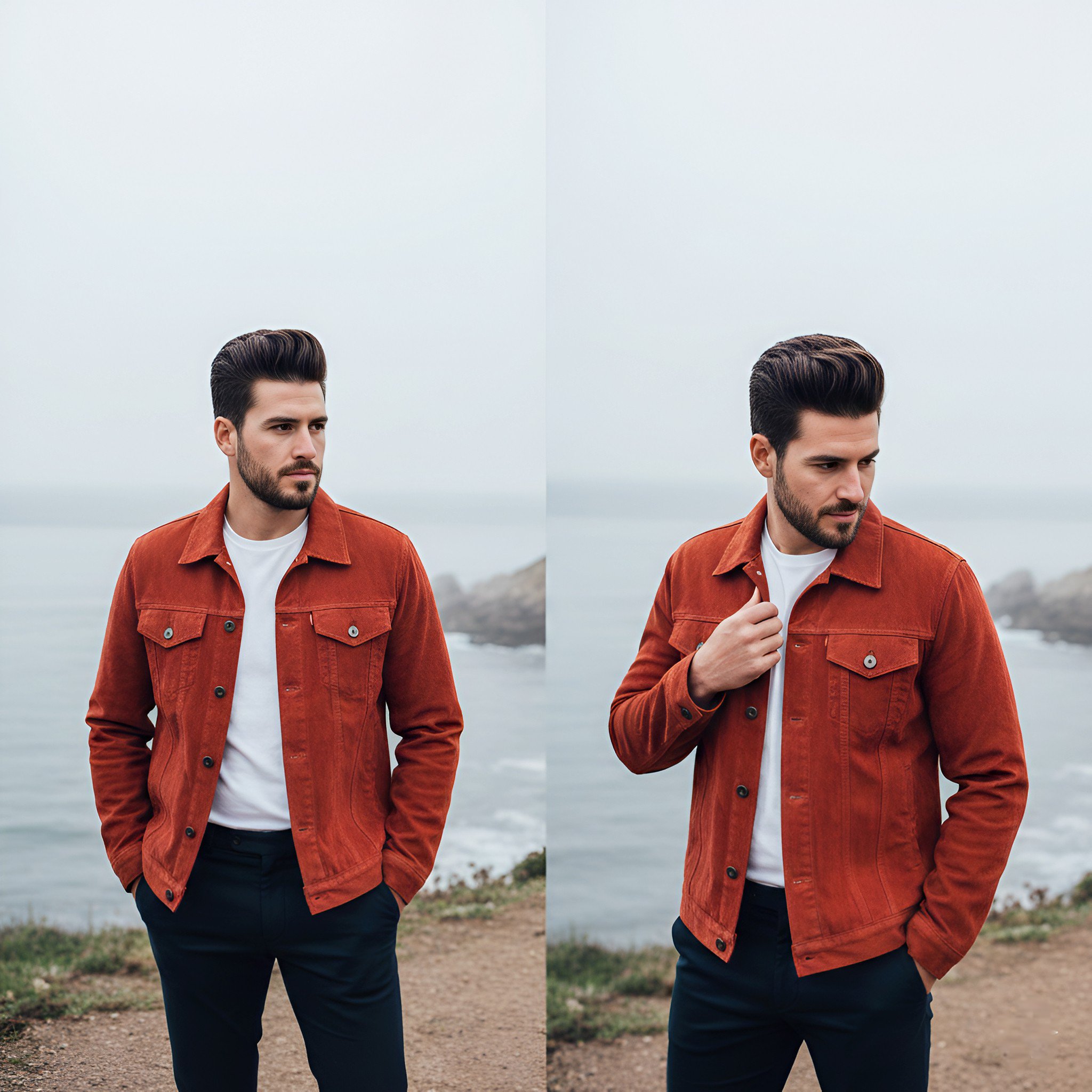
Lifestyle photography, cinematic color grading, shallow depth of field
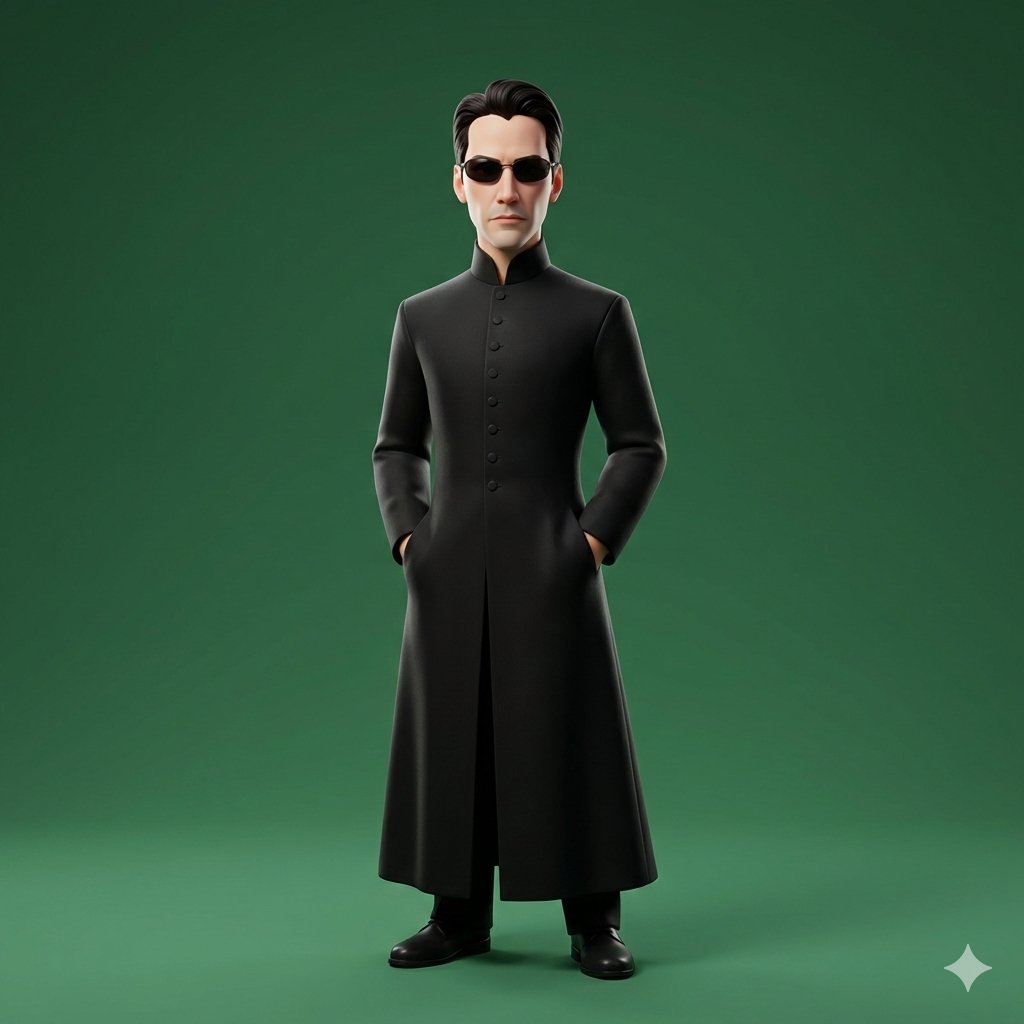
Using the provided reference_image as the primary source for identity

Dramatic motion blur trails, long-exposure photography effect, dynamic
Make it yours
Use the reference as the primary anchor works as-is. These are the safest ways to change it without losing the look.
Swap the setting
Keep the rest of the prompt and replace the location block. The current setting is “plain neutral backdrop, no props”.
Swap the light
One lighting change is enough to compare takes. Current light: “direct photobooth flash”.
Change one field
Copy a single group, rewrite it, and generate again so you can see what that field is doing.
| If the result… | Why | Fix |
|---|---|---|
| The result drifts from the preview | Too many fields changed at once. | Reuse Use the reference as the primary anchor as-is first, then change one group — subject, light, or setting. |
| Nano Banana 2 ignores part of the JSON | Some models flatten or skip nested keys. | Keep the same values and paste them as a short paragraph instead. |
More Nano Banana 2 templates
Other prompts made for Nano Banana 2.

Photorealistic Leaf Shaped Like a Dragon

K-Pop Idol Portrait Grid for Rapid Selection

Poetic Rain Forest Portrait During Golden Hour

Urban Street Portrait with Cartoon Inner Self Duo

Candid Nighttime Photo with Cat Prompt

High-Concept 3D Diorama Generation Prompt

Cinematic Futuristic Studio Portrait Template

Skincare Editorial Photography Collage Prompt

Hyper-Realistic Commercial Product Photography (Splash Effect)

Hyper-Realistic Nightclub Portrait Prompt
More image prompts
Fresh picks from across the catalog.
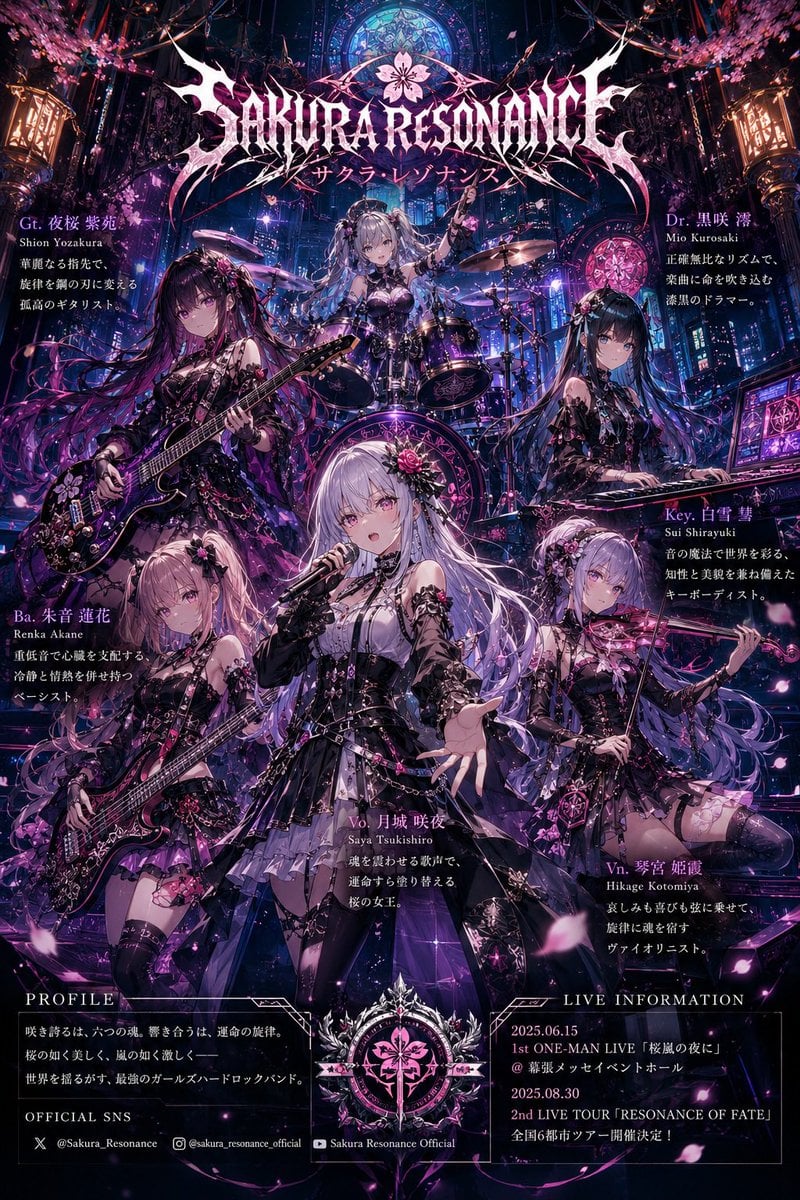
Anime Hard Rock Band Poster

Pink Liquid Dress Fashion Editorial
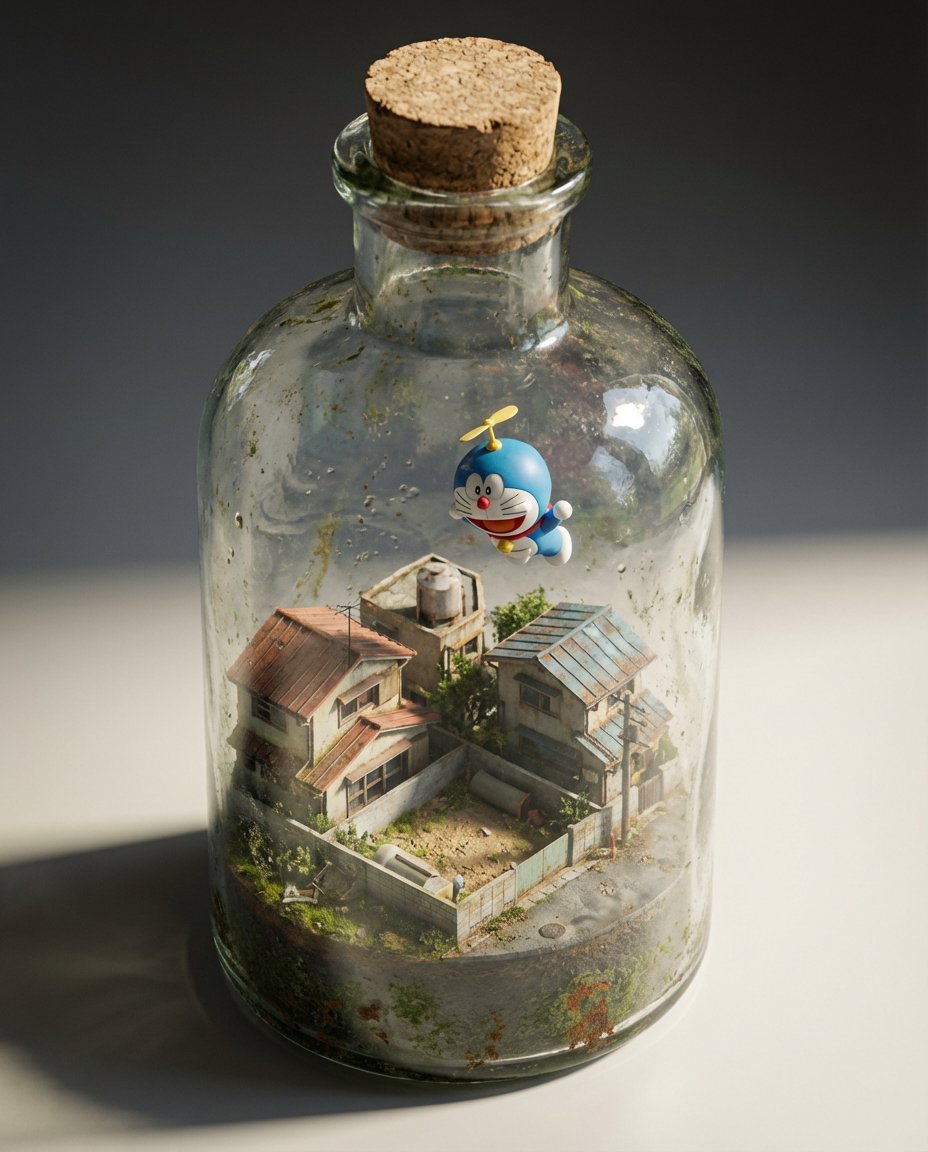
Miniature Diorama in a Glass Bottle
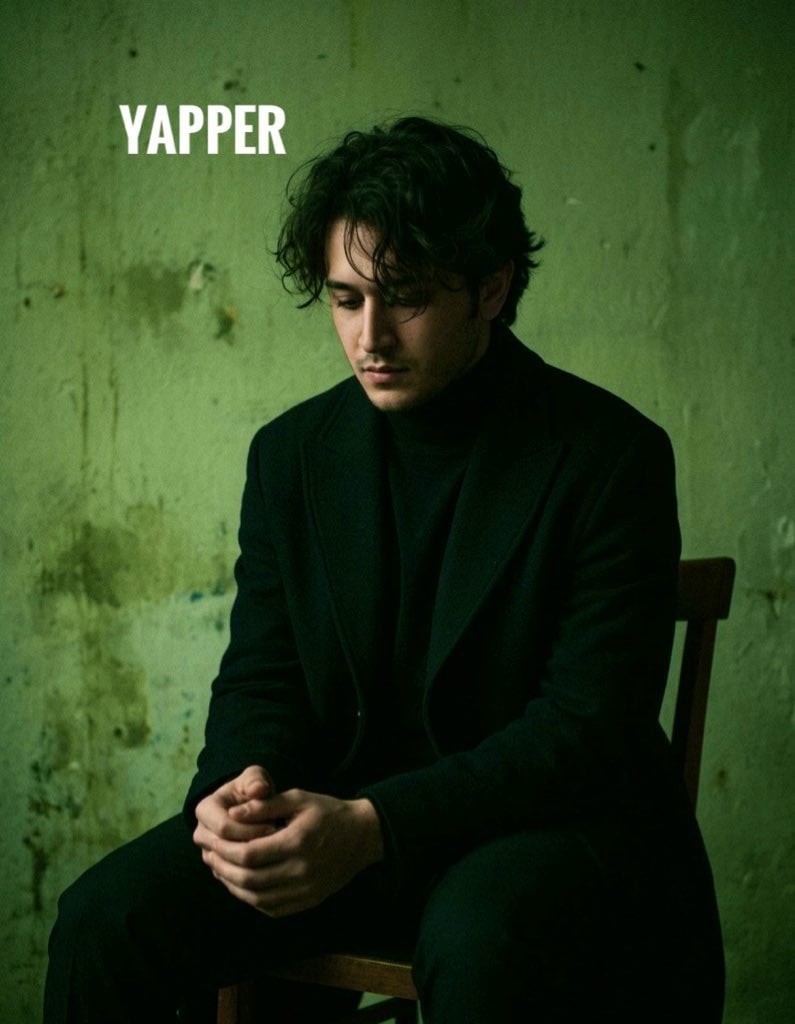
Dark, Moody, Photorealistic Portrait Prompt
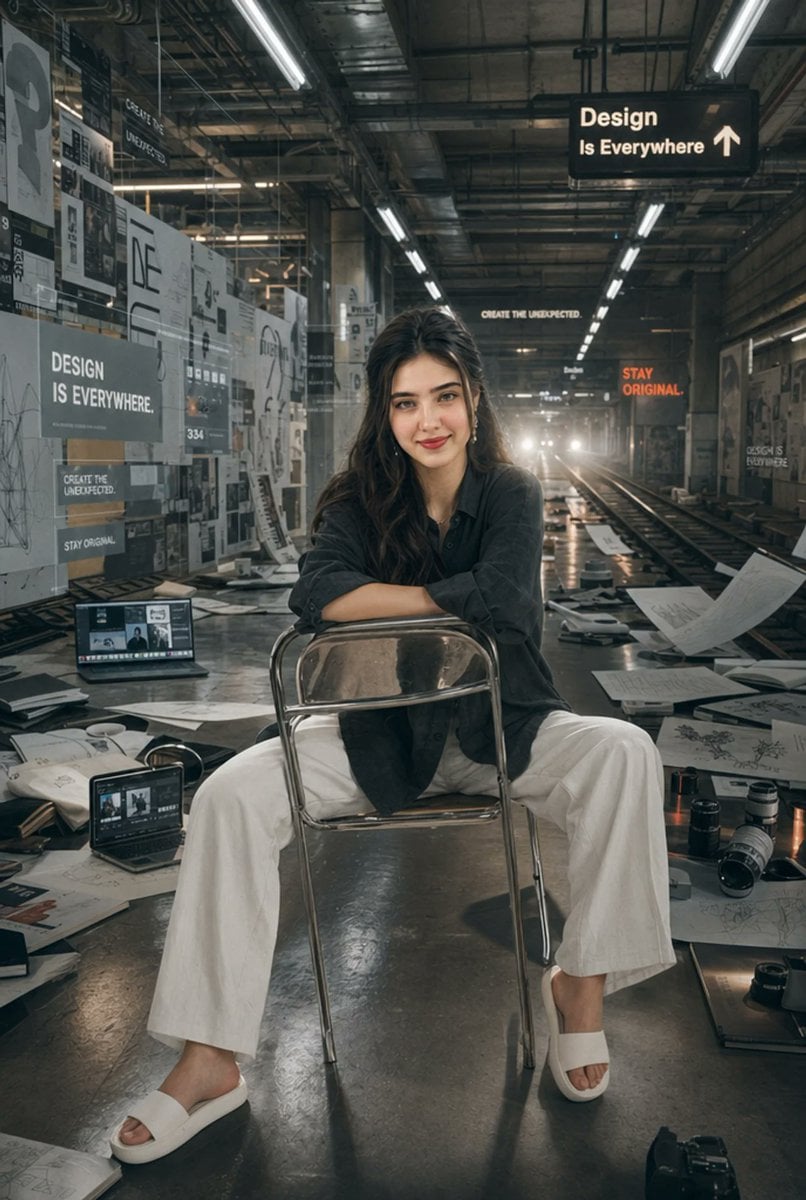
Subway Design Studio Portrait

Hyper-Realistic Commercial Advertisement
Back-to-Back Dark Bishounen Portrait
Nighttime Street Portrait with Wet Pavement
Grok 4 Comic Tutorial Prompt
NanoBanana2
Browse template categories
Use the reference as the primary anchor questions
How do I use the Use the reference as the primary anchor template?
Add your photo if the template asks for one, edit the prompt if you like — the template's model and format are already selected — and press Generate. Your version opens in PicX Studio.
Can I customize the Use the reference as the primary anchor template?
Yes. You can change the subject, setting, lighting, mood, format, and available model controls before creating your image.
Is the Use the reference as the primary anchor template free?
Opening and editing this template is free. Generating uses credits, shown on the Generate button when you are signed in.
Which AI model should I use?
Start with Nano Banana 2, which is the model associated with this template. You can compare another compatible model for a different finish.
Looking for something else? Browse all templates.

Your photo, any look
Thousands of ready templates for every top image and video model, from one credit balance.