How do I use the Kitten Under Tsutenkaku Cutaway template?
Edit the prompt in the box under the preview — the template's model and format are already selected — and press Generate. Your version appears right on this page.
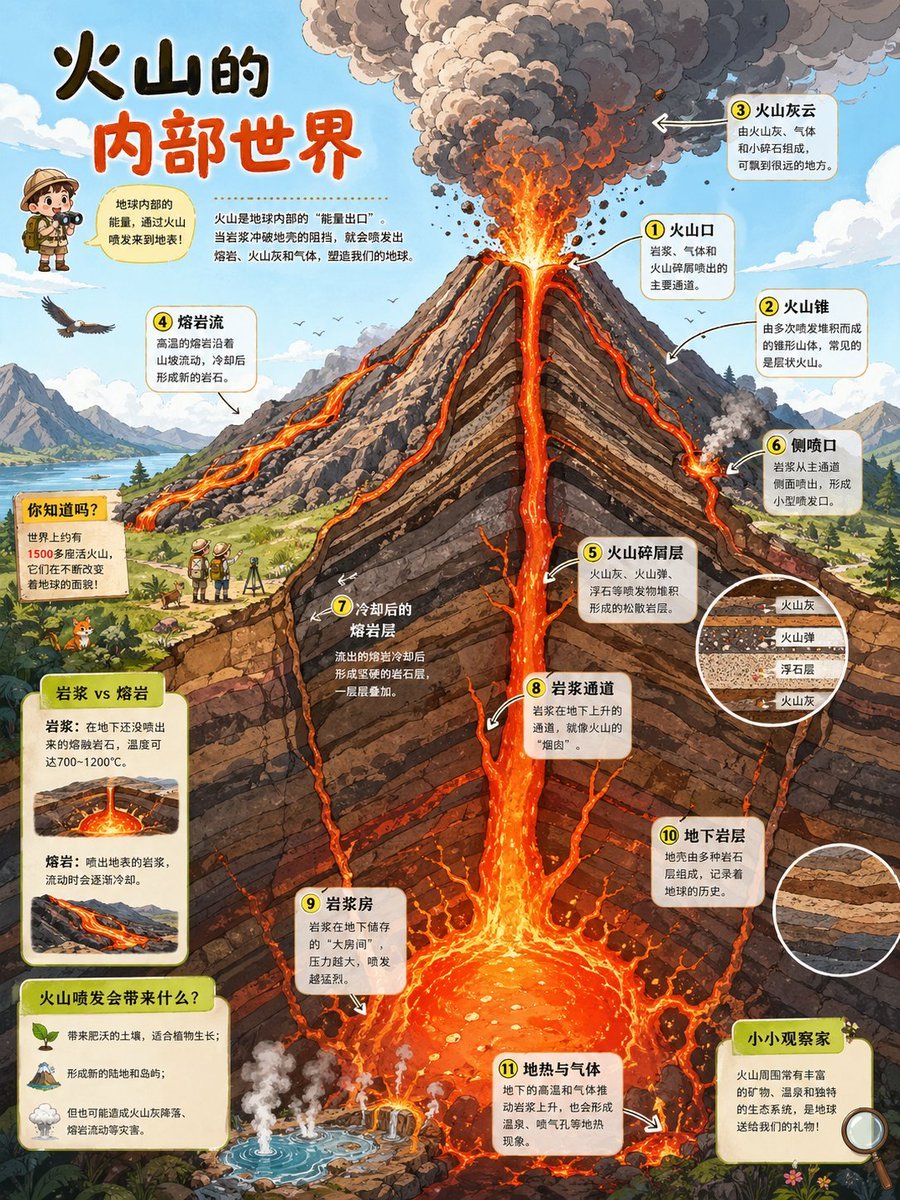
Generates a cute anime-style vertical cutaway poster showing a sleepy kitten in a cozy deep-underground room beneath Osaka’s Tsutenkaku Tower.

This template uses your photo — add one with the + button.
{"type":"cute anime educational cutaway illustration poster","format":"vertical 2:3 poster","style":"high-detail hand-painted anime, warm storybook lighting, clean infographic labels, whimsical yet realistic urban geology cross-section","scene":{"concept":"A calico kitten waking up in a cozy deep-underground room directly beneath Osaka Shinsekai and Tsutenkaku Tower, shown as a vertical cutaway from street level to about -80 meters.","location":"{argument name=\"location\" default=\"Osaka Shinsekai, directly below Tsutenkaku Tower\"}","surface_city":"bright blue sky with small clouds, crowded retro Osaka entertainment district, Tsutenkaku Tower centered above ground with large vertical sign reading 通天閣, colorful shop buildings and billboards on both sides, a large pufferfish restaurant sign on the left, lively Showa-era signage","underground_room":"rock cavern bedroom at great depth, rough stone walls, exposed pipes, warm lanterns, small bed and blanket, mug on a low table, chalkboard map, storage chest, cozy secret base atmosphere"},"main_subject":{"species":"{argument name=\"animal\" default=\"sleepy calico kitten\"}","appearance":"round fluffy kitten with orange, white, and dark gray patches, pink inner ears, tabby tail, one eye closed in a wink while yawning, one paw rubbing its eye, other paw resting on the blanket, visible paw pads","pose":"sitting up in bed under a peach-pink blanket, just waking up","mood":"adorable, drowsy, safe, humorous"},"layout":{"composition":"single vertical poster with the surface city occupying the top third, underground soil layers and depth scale through the middle, cozy kitten cavern at the bottom; Tsutenkaku Tower aligned to a dashed vertical centerline that points down to the kitten room","depth_scale":{"position":"left edge","count":"9 labeled depth marks","labels":["地表", "0m", "-10m", "-20m", "-30m", "-40m", "-50m", "-60m", "-70m", "-80m"]},"geological_layers":{"count":4,"labels":["埋立層(れき・砂・粘土)", "沖積層(砂・シルト・粘土)", "洪積層(砂れき・粘土)", "大阪層群(砂岩・頁岩・れき岩)"],"appearance":"horizontal strata in brown, tan, gray, charcoal, and rocky ocher, with irregular textures and embedded stones"},"callouts":{"count":4,"items":[{"position":"top left above city","text":"{argument name=\"top caption\" default=\"ここは大阪・新世界 通天閣の真下です\"}","style":"cream speech sign with brown border, paw-print decorations, downward arrow"},{"position":"center above kitten","text":"{argument name=\"main underground caption\" default=\"通天閣の真下\"}","style":"cream label with pink title text, paw prints, thick downward arrow pointing at kitten"},{"position":"bottom right","text":"{argument name=\"bottom caption\" default=\"ずーっと深いところでねてたみたい…\"}","style":"small rounded cream speech box with paw print"},{"position":"near kitten left","text":"ん…?","style":"small pink handwritten waking sound effect"}]},"underground_signs":{"count":4,"items":["left wall sign: 大深度地下 約-70m まだまだ大阪の下!","chalkboard sign: 通天閣直下MAP MAP with a simple tower diagram and red target mark","storage crate label: 地下探検 たいすき","center tower sign: 通天閣"]}},"lighting":{"surface":"clear sunny daytime with crisp blue sky","underground":"warm amber lantern light, soft shadows, cozy glow contrasted against dark rock"},"camera":"straight-on orthographic infographic view, slight storybook perspective in the cavern, no extreme distortion","quality":"sharp readable typography, richly textured rocks and city details, charming polished anime illustration, poster-ready composition"}
Edit the prompt in the box under the preview — the template's model and format are already selected — and press Generate. Your version appears right on this page.
Yes. You can change the subject, setting, lighting, mood, format, and available model controls before creating your image.
Opening and editing this template is free. Generating uses credits, shown on the Generate button when you are signed in.
Start with GPT Image 2, which is the model associated with this template. You can compare another compatible model for a different finish.
Follow a topic to a crawlable collection of related PicX Studio templates.