
Summer Sky Japanese Idol Portrait
A high-quality, detailed prompt for generating a vibrant Japanese idol portrait featuring a jumping pose against a clear summer sky.
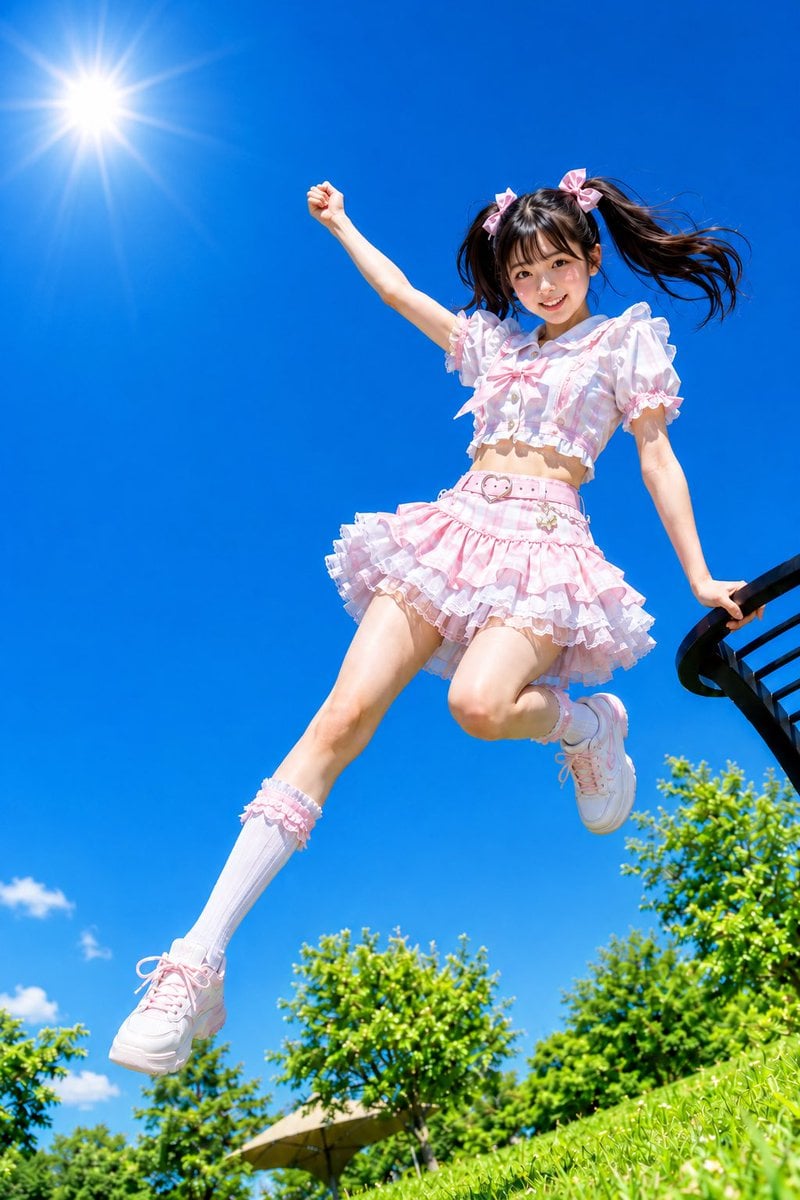
- Prompt included
- Model and format preset
- Free template
The prompt behind this image
Copy the exact prompt behind Summer Sky Japanese Idol Portrait, or open it in the studio and make it yours.
Theme: {argument name="theme" default="jumping under the midsummer blue sky"} Figure & Expression: A woman with a translucent, radiant look, a bright smile, big sparkling eyes, cheeks with a hint of natural color, natural and cute Japanese-style makeup, {argument name="hairstyle" default="black hair in high twin-tails"}, the hair ends blowing widely in the wind, an energetic, idol-like atmosphere Outfit & Pose: {argument name="outfit" default="a girly outfit, a frilly short top and mini skirt in pale pink and white"}, ribbon and lace decorations, white knee-high socks, cute sneakers, the moment of leaping into the air while lightly supporting herself with one hand on the back of a black chair, the other arm stretched upward, a dynamic, natural jump with her legs spread wide Background & Light: A midsummer park, grass and lush green trees, a clear blue sky with almost no clouds, a bright sunny day with strong sunlight pouring down, the sun shining in the upper left of the frame, an overall very bright and refreshing atmosphere Composition & Camera: Vertical composition, low angle, a dynamic composition with the full body in frame, slightly wide-angle, emphasizing the floating feel of the jump, making generous use of open sky as negative space, capturing a lively, dynamic instant Texture & Style: Realistic photographic expression, high definition, 4K, natural skin texture, sharp and crisp summer colors, a translucent radiant look, a clean feel, a fresh and lively Japanese-style portrait, a bright, pop, and cute finish Negative: low quality, unnatural face, unnatural hands, extra fingers, missing fingers, distorted limbs, broken joints, distorted face, strange gaze, asymmetrical eyes, twisted body, unnatural jump, unnatural clothing wrinkles, excessive exposure, text, logo, watermark, unwanted objects in the background, unnatural AI-specific texture
How to use Summer Sky Japanese Idol Portrait in 3 steps
- 1
Open
The prompt is already in the box next to the preview, with the template's model and format selected.
- 2…a portrait of your subject in softgolden-hour light, 85mm…
Personalize
Edit the subject and creative details for your destination.
- 3Generate
Generate
Press Generate — your image is created in PicX Studio, so you can compare it with the original and refine one variable at a time.
More like this
Templates with the same subject, style or setup. Open one to see its prompt.

Low-Angle Summer Sky Portrait
Low-Angle Summer Sky Portrait
Japanese Idol Concert Portrait

Found Photograph: Us, 1970

80s Couple Studio Portrait

80s Bollywood Star

80s Golden Hour Cinema

Me in 1985

1985 Studio Portrait
Idol Stage Performance Portrait

Hyper-Realistic Minecraft POV Portrait

Minecraft Japanese Research Lab Exploration
Make it yours
Summer Sky Japanese Idol Portrait works as-is. These are the safest ways to change it without losing the look.
Change one field
Copy a single group, rewrite it, and generate again so you can see what that field is doing.
Keep the frame, change the subject
Hold the composition and light of Summer Sky Japanese Idol Portrait, then swap wardrobe, props or the person for a new take.
| If the result… | Why | Fix |
|---|---|---|
| The result drifts from the preview | Too many fields changed at once. | Reuse Summer Sky Japanese Idol Portrait as-is first, then change one group — subject, light, or setting. |
| The model over-stylizes the scene | The prose prompt leaves finish and camera underspecified. | Add one camera or lighting sentence and stay on GPT Image 2. |
More GPT Image 2 templates
Other prompts made for GPT Image 2.

Six VTuber Japanese Logo Sheet

Realistic Portrait of Woman and Deer

The Vista Modular Condo Poster

AI Model Routing Comparison Infographic

2.5D Anime Art Board

Isometric Productivity Desk Scene

New York Double Exposure Poster

Four-Panel AI Landscape Comparison

Japanese Tatami Lifestyle Magazine Cover

NESCAFÉ Coffee Map Poster
More image prompts
Fresh picks from across the catalog.

Cinematic Mirror Reflection Portrait Prompt
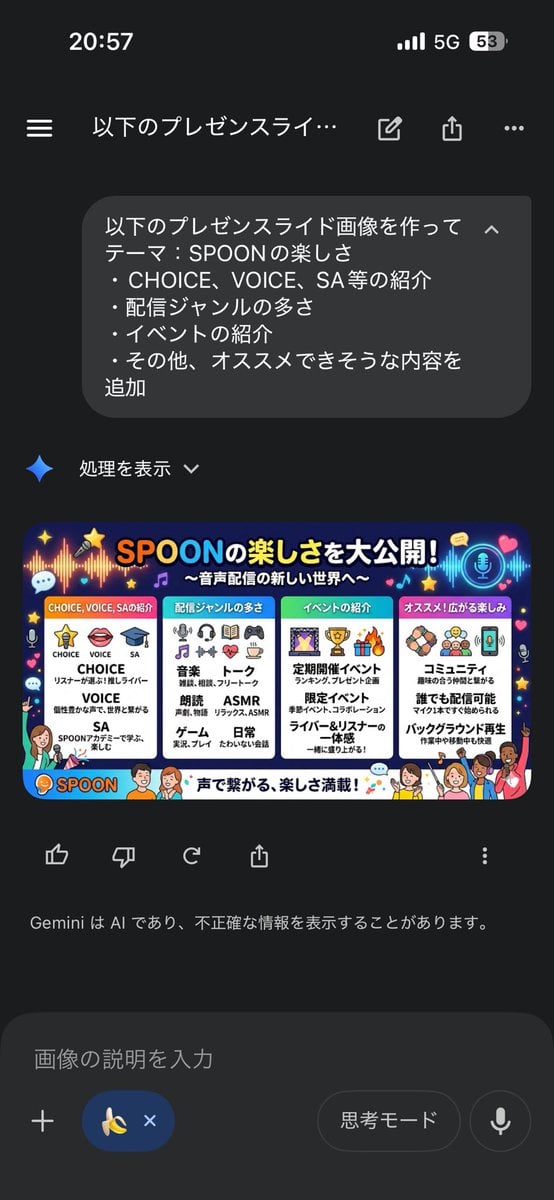
Presentation Slide Generation Template using Nano Banana Pro

Ultra-Photoreal BTS Sitcom Selfie with Identity Lock

Analog-Inspired Male Portrait with Hard Flash Prompt
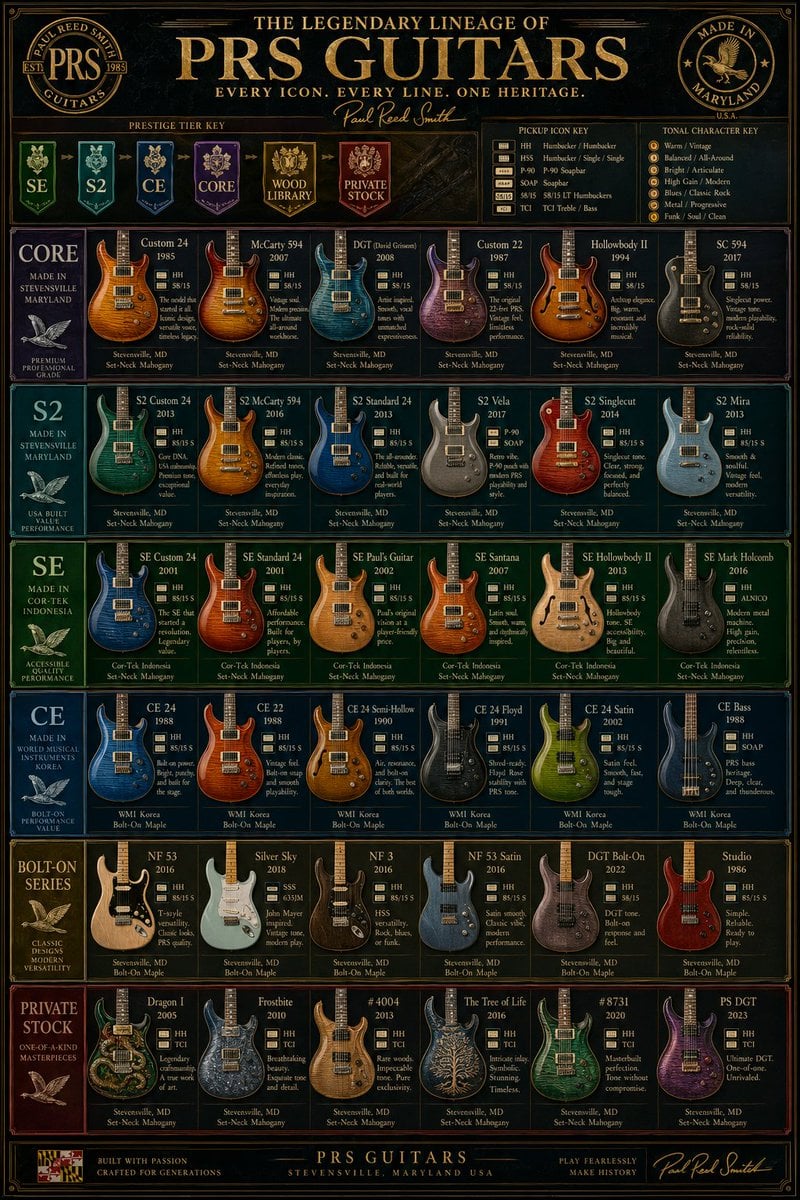
Vintage PRS Guitar Lineage Poster

Graphic Design Product Ad with Breakout Effect Prompt
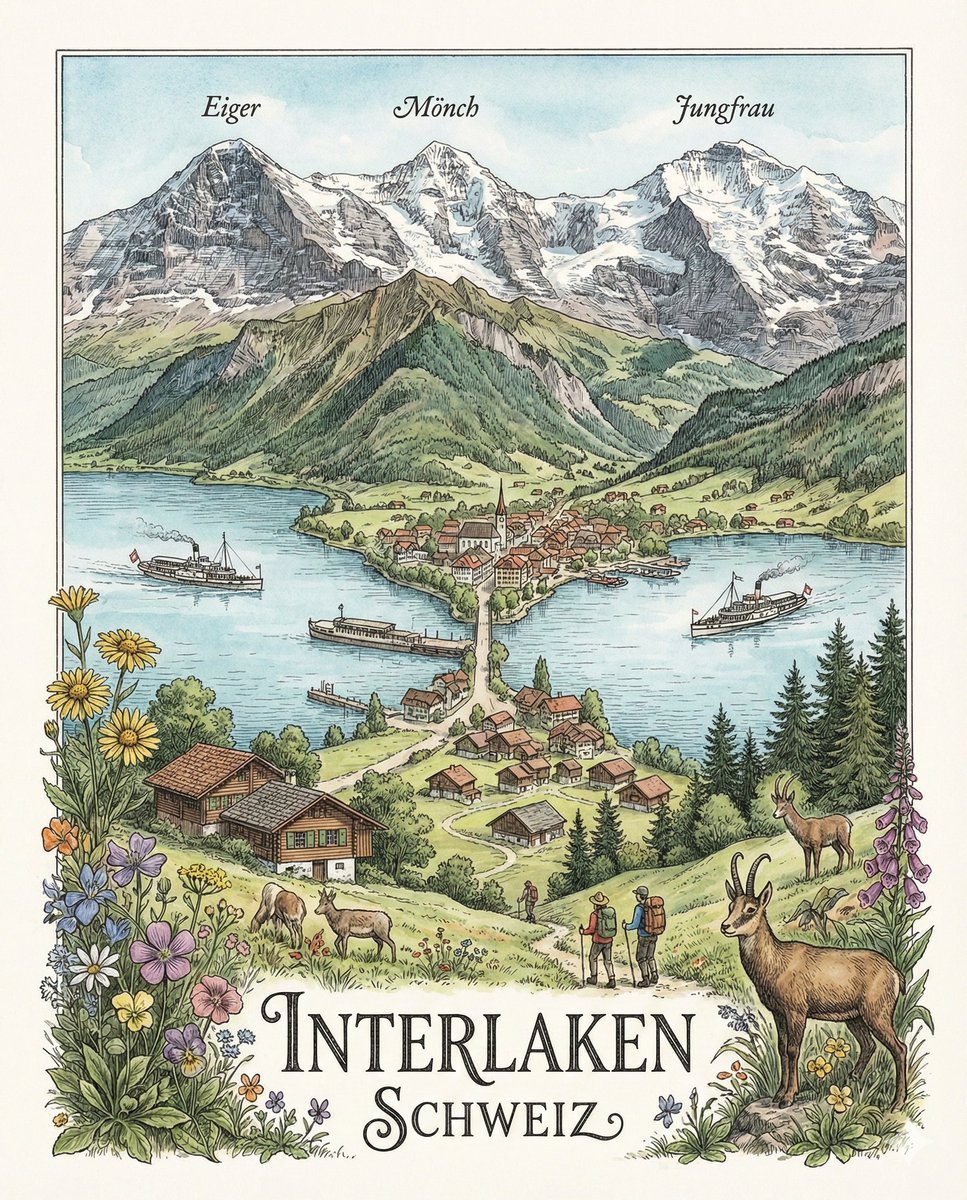
Geographically Accurate Precision Illustration of Interlaken, Switzerland
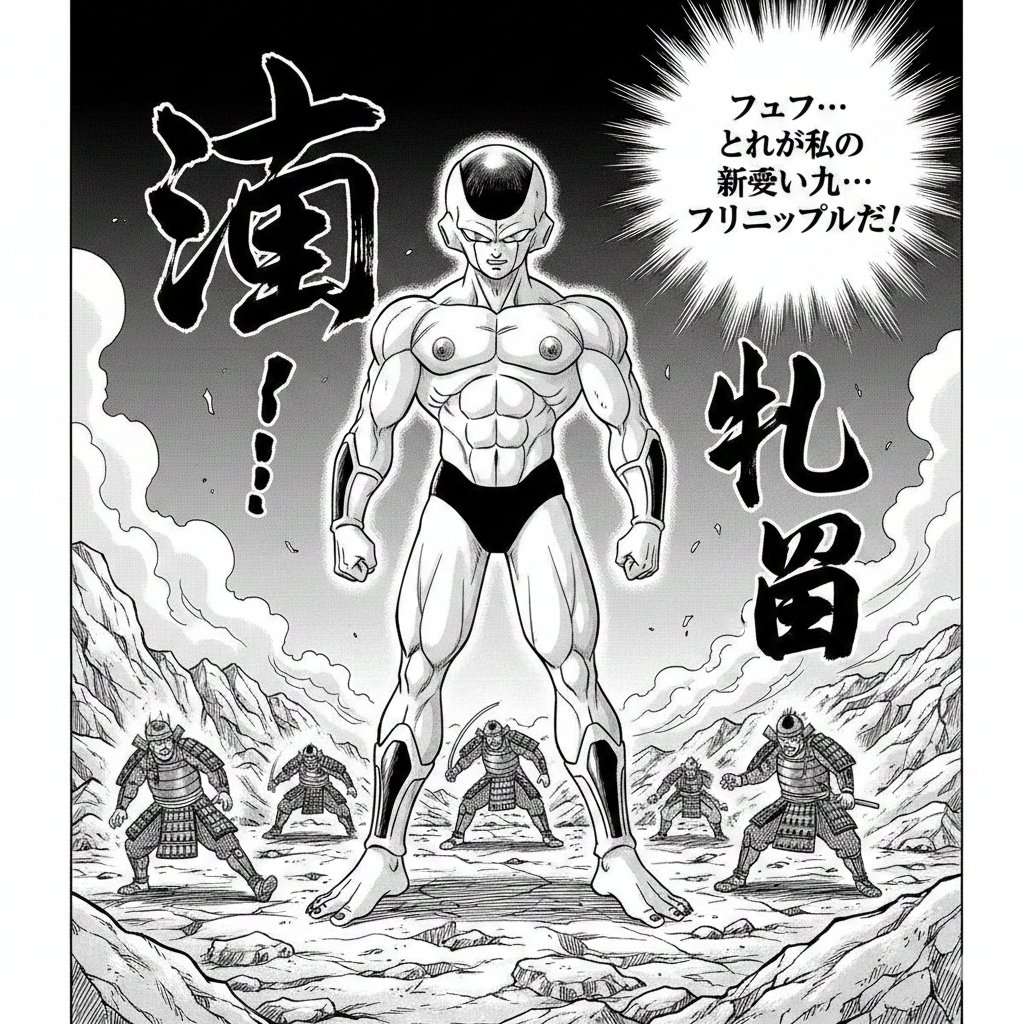
Illustration Generation: Free the Nipple Theme

Hyper-Realistic Miniature Product Ad Prompt
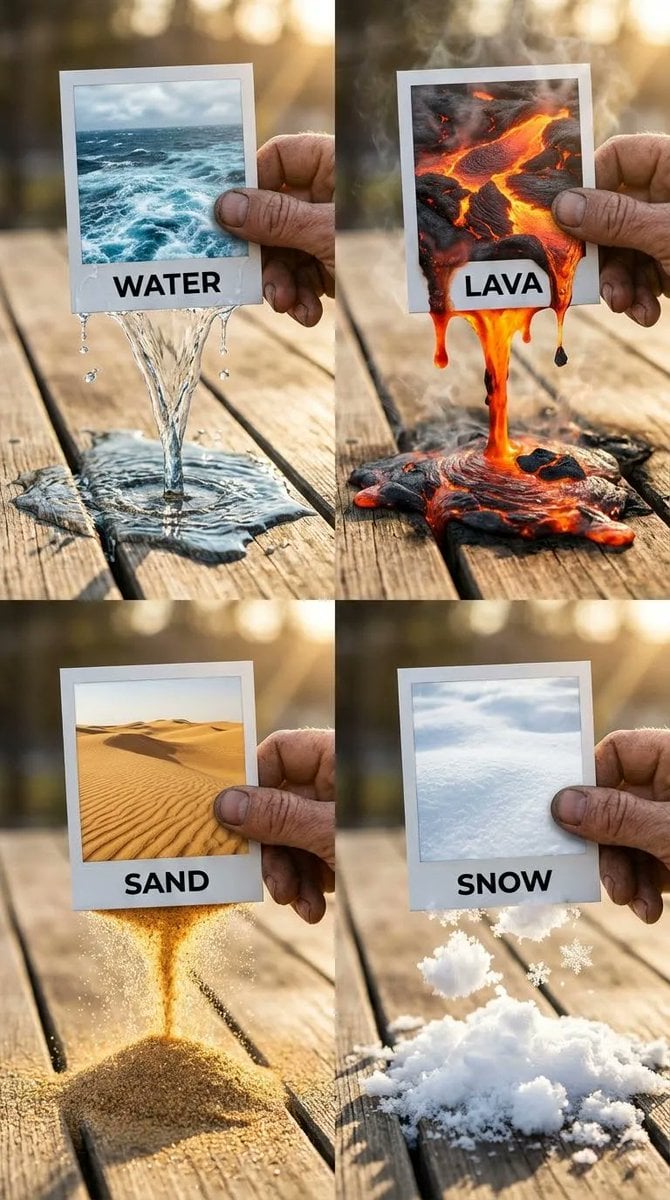
Elemental Physics Spill Collage Prompt
Browse template categories
Summer Sky Japanese Idol Portrait questions
How do I use the Summer Sky Japanese Idol Portrait template?
Add your photo if the template asks for one, edit the prompt if you like — the template's model and format are already selected — and press Generate. Your version opens in PicX Studio.
Can I customize the Summer Sky Japanese Idol Portrait template?
Yes. You can change the subject, setting, lighting, mood, format, and available model controls before creating your image.
Is the Summer Sky Japanese Idol Portrait template free?
Opening and editing this template is free. Generating uses credits, shown on the Generate button when you are signed in.
Which AI model should I use?
Start with GPT Image 2, which is the model associated with this template. You can compare another compatible model for a different finish.
Looking for something else? Browse all templates.

Your photo, any look
Thousands of ready templates for every top image and video model, from one credit balance.