
Four Anime School Reference Panels
Creates a labeled 2x2 collage of four anime-style school reference images featuring a recurring student character, school exterior, and classroom scene.
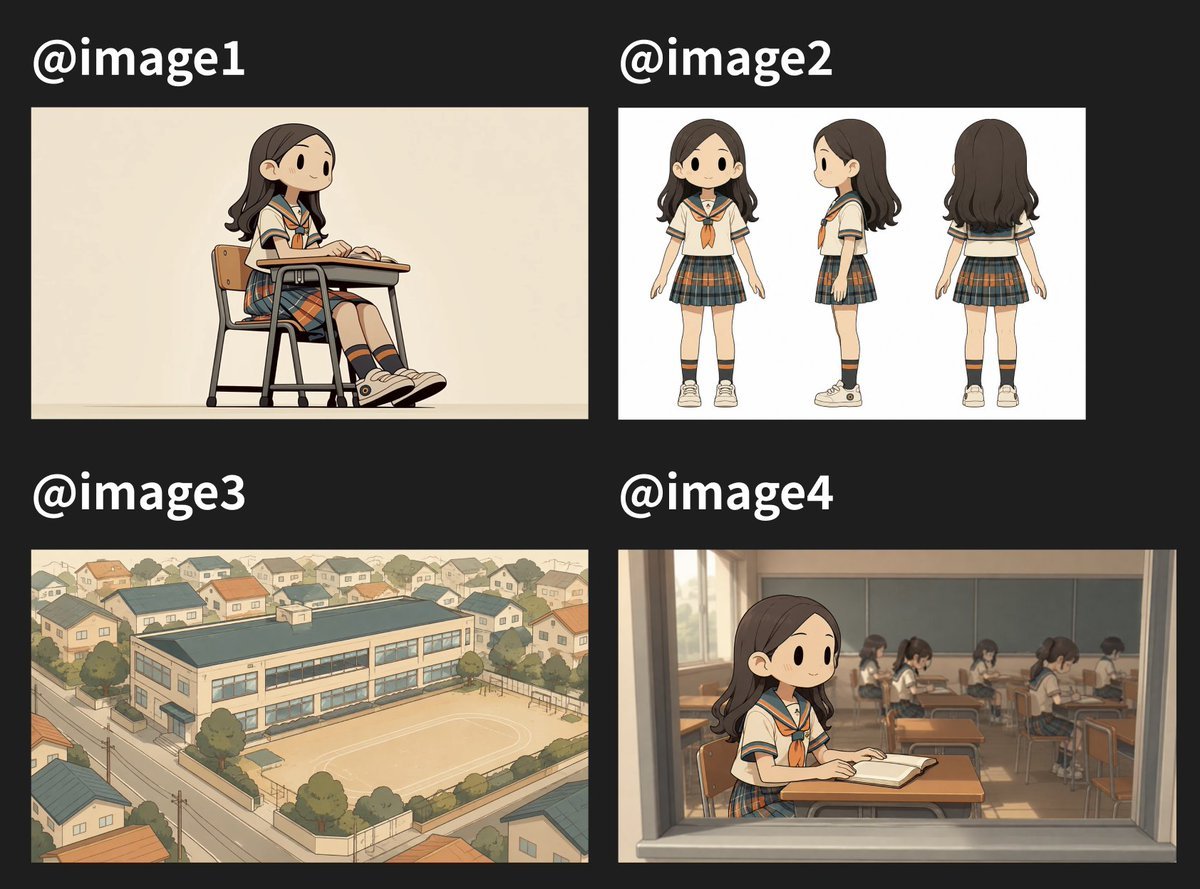
- Prompt included
- Model and format preset
- Free template
The prompt behind this image
Copy the exact prompt behind Four Anime School Reference Panels, or open it in the studio and make it yours.
Goal: Create a 2x2 comparison collage showing four generated anime-style reference images for a short video concept, on a dark charcoal background with large white labels. Canvas: Landscape 3:2 composition, approximately 1200x900 px. Use a matte black/dark gray background. Arrange exactly 4 rectangular image panels in a clean grid with generous margins and gutters. Each panel has a large bold white label above it: exactly 4 labels, “@image1” at top left, “@image2” at top right, “@image3” at bottom left, and “@image4” at bottom right. Overall visual style: Soft hand-drawn anime illustration, warm muted colors, gentle line art, subtle watercolor-like shading, nostalgic Japanese school atmosphere, clean character design, no photorealism. The recurring subject is {argument name="character description" default="a cute middle-school Japanese girl with shoulder-length dark brown wavy hair, simple dot eyes, a small smile, and a sailor-style school uniform"}. Her outfit is consistent across panels: cream short-sleeve sailor blouse with navy trim, orange neckerchief, dark plaid pleated skirt with orange and teal lines, navy knee socks with orange stripes, and beige sneakers. Panel @image1: A single illustration on a warm beige background. Show exactly 1 girl sitting at a classic school desk and chair in side three-quarter view, facing right. She is relaxed with both hands on the desktop as if writing or reading. Include exactly 1 desk and exactly 1 chair, with thin black metal legs and a wooden seat/backrest. Her legs extend forward slightly; sneakers are visible. Keep the background plain and minimal. Panel @image2: A character turnaround sheet on a clean white background. Show exactly 3 full-body views of the same girl, evenly spaced: 1 front view on the left, 1 side profile view in the center facing left, and 1 back view on the right. Keep the proportions chibi-like but not super-deformed, with a large head, small body, and simple facial features. No extra props or text inside this panel. Panel @image3: A bird’s-eye view illustration of {argument name="school setting" default="a small suburban Japanese school"}. Show exactly 1 main school building, rectangular and two stories tall, with a dark teal roof and long rows of windows. Include exactly 1 sandy schoolyard with faint white court markings, exactly 1 perimeter wall, and surrounding residential neighborhood houses, trees, narrow streets, utility poles, and warm afternoon lighting. The perspective should be high aerial/isometric, like a reference image for a 3D scene. Panel @image4: View into a classroom through a large window frame, as if the viewer is outside looking in. In the foreground, show exactly 1 main girl seated at a desk near the window, facing slightly right, with an open book or notebook on her desk. Behind her, show exactly 6 background students seated at separate desks, softly blurred and simplified, facing forward or downward as if studying. Include warm sunlight, window reflections, classroom wall panels, and rows of desks. The window frame should visibly border the panel and create a cinematic shot. Constraints: Keep all 4 panels in the same illustration style and color palette. Do not add extra panels, extra labels, watermarks, captions, or logos beyond the four @image labels. The collage should look like a social media post showing four prompt-generated reference images.
How to use Four Anime School Reference Panels in 3 steps
- 1Upload ImagePNG, JPG or paste
Add your photo
Upload the photo the template builds on. The prompt, model and format are already set.
- 2…a portrait of your subject in softgolden-hour light, 85mm…
Personalize
Edit the subject and creative details for your destination.
- 3Generate
Generate
Press Generate — your image is created in PicX Studio, so you can compare it with the original and refine one variable at a time.
More like this
Templates with the same subject, style or setup. Open one to see its prompt.

Dancer Character - Four View Reference Sheet

Anime School Rom-Com Key Visual

Four-Panel Anime Face Comparison

Anime Character Sheet Reference Prompt

Chaotic Anime Schoolgirl Fan Collage

Cel 2D Finale Fireworks

Cel 2D Garden Maze

Cel 2D Rooftop Concert

Cel 2D Bicycle Coast

Cel 2D Castle Gate

Cel 2D Kitchen Chaos

Cel 2D Carnival Ride
Make it yours
Four Anime School Reference Panels works as-is. These are the safest ways to change it without losing the look.
Change one field
Copy a single group, rewrite it, and generate again so you can see what that field is doing.
Keep the frame, change the subject
Hold the composition and light of Four Anime School Reference Panels, then swap wardrobe, props or the person for a new take.
| If the result… | Why | Fix |
|---|---|---|
| The result drifts from the preview | Too many fields changed at once. | Reuse Four Anime School Reference Panels as-is first, then change one group — subject, light, or setting. |
| The model over-stylizes the scene | The prose prompt leaves finish and camera underspecified. | Add one camera or lighting sentence and stay on GPT Image 2. |
More GPT Image 2 templates
Other prompts made for GPT Image 2.

Six VTuber Japanese Logo Sheet

Realistic Portrait of Woman and Deer

The Vista Modular Condo Poster

AI Model Routing Comparison Infographic

2.5D Anime Art Board

Isometric Productivity Desk Scene

New York Double Exposure Poster

Four-Panel AI Landscape Comparison

Japanese Tatami Lifestyle Magazine Cover

NESCAFÉ Coffee Map Poster
More image prompts
Fresh picks from across the catalog.
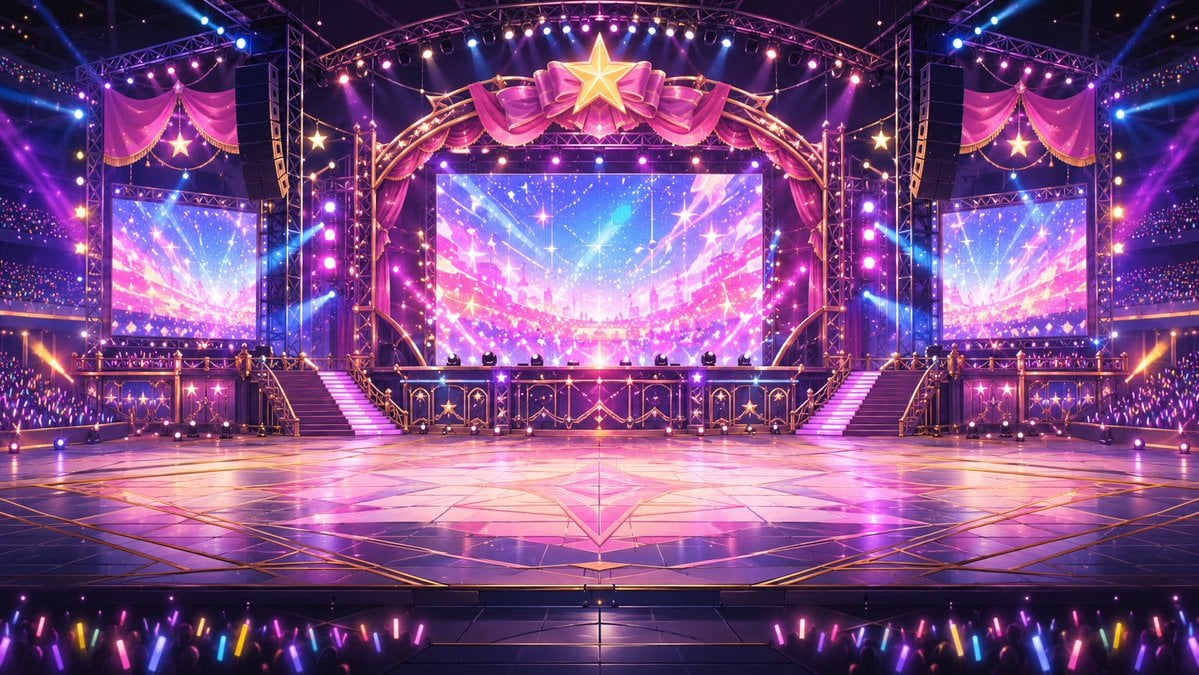
Neon VTuber Arena Stage

Anonymized Schoolgirl by Classroom Window
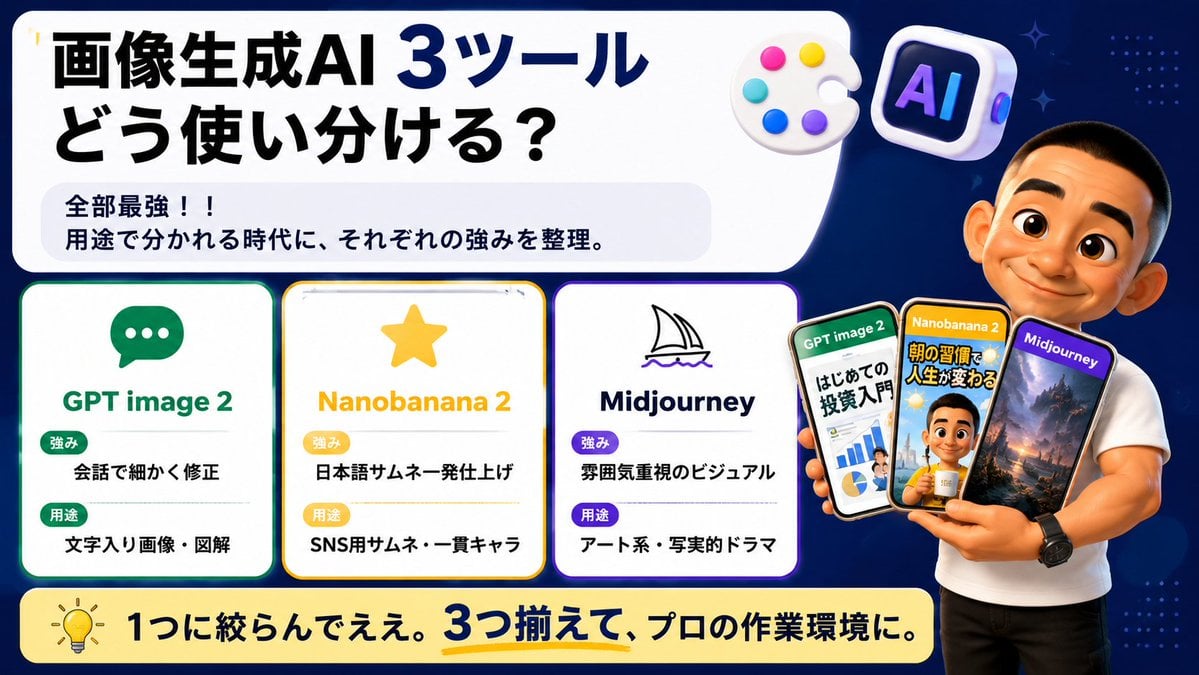
Japanese AI Tool Comparison Thumbnail
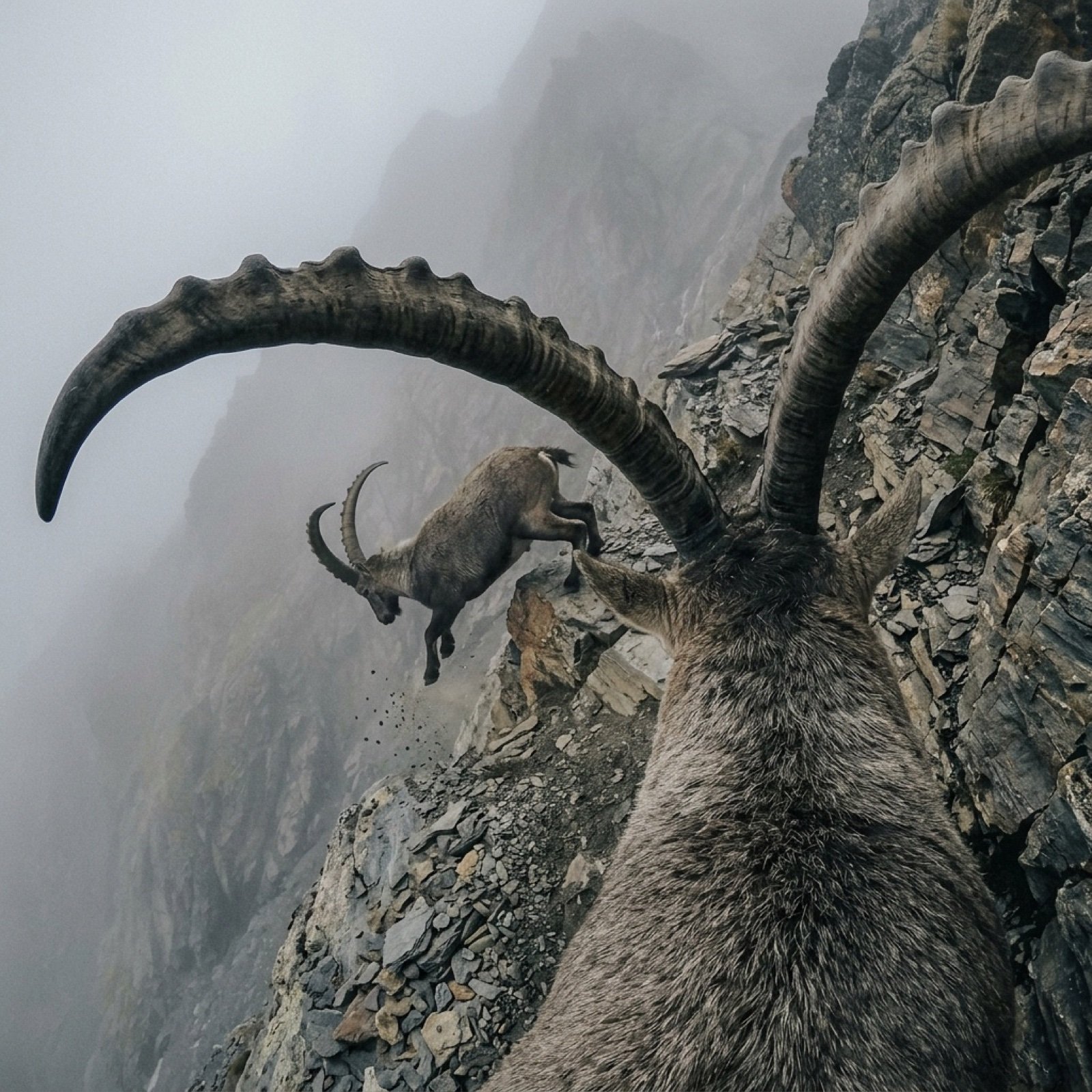
Cinematic POV Video Prompt: Mountain Goat on Steep Cliff
Candlelit Portrait With Obscured Face

Cinematic Biker Powder Explosion
Cinematic Red Backdrop Portrait Prompt

Japanese Cinematic Street Photography
8K Cinematic Winter Adventure Photo on a Vintage Train
Cinematic Urban Menswear Portrait
Browse template categories
Four Anime School Reference Panels questions
How do I use the Four Anime School Reference Panels template?
Add your photo if the template asks for one, edit the prompt if you like — the template's model and format are already selected — and press Generate. Your version opens in PicX Studio.
Can I customize the Four Anime School Reference Panels template?
Yes. You can change the subject, setting, lighting, mood, format, and available model controls before creating your image.
Is the Four Anime School Reference Panels template free?
Opening and editing this template is free. Generating uses credits, shown on the Generate button when you are signed in.
Which AI model should I use?
Start with GPT Image 2, which is the model associated with this template. You can compare another compatible model for a different finish.
Looking for something else? Browse all templates.

Your photo, any look
Thousands of ready templates for every top image and video model, from one credit balance.