
Authentic CCTV Surveillance Camera Scene
A stylized prompt to transform a reference person into a grainy, wide-angle security camera footage scene with timestamp overlays.
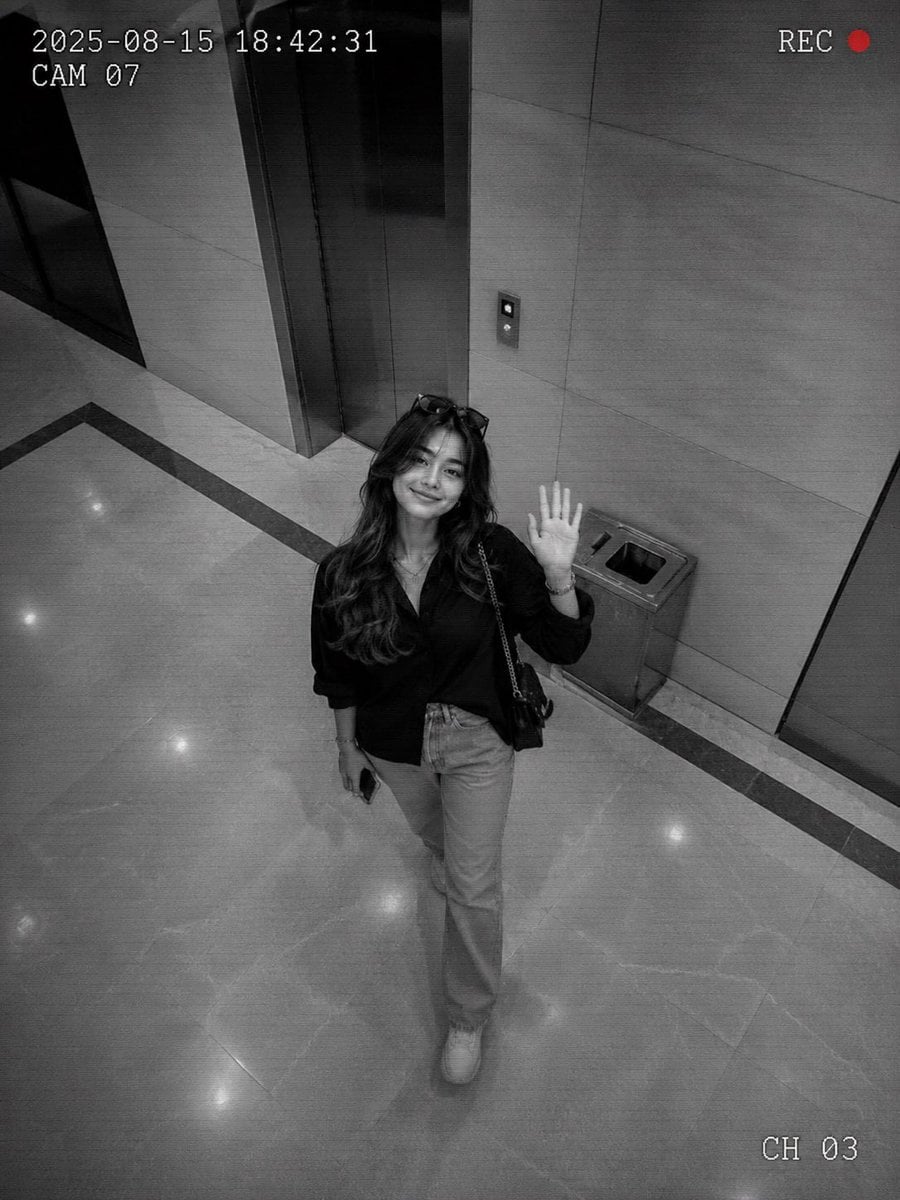
- Prompt included
- Model and format preset
- Free template
The prompt behind this image
Copy the exact prompt behind Authentic CCTV Surveillance Camera Scene, or open it in the studio and make it yours.
Upload one reference image before generating.\nTransform the uploaded person into an authentic CCTV surveillance-camera scene while preserving the exact facial identity, hairstyle, facial proportions, skin tone, age appearance, and recognizable features.\n\nFORMAT LOCK\nVertical 3:4 composition, authentic surveillance-camera framing, high-angle security-camera perspective, candid documentary aesthetic.\n\nIDENTITY LOCK\nPreserve the exact face, facial structure, hairstyle, eyebrows, eyes, nose, lips, jawline, skin tone, age appearance, and recognizable identity from the uploaded image, do not redesign or beautify facial features, the final result must immediately resemble the reference person.\n\nSCENE\nThe subject is walking naturally through a {argument name="location" default="Indoor Lobby"}, captured by a fixed security camera, looking upward toward the camera with a bright friendly smile, casually waving one hand, natural candid movement, relaxed confident energy, realistic public-space behavior.\n\nOUTFIT\nModern casual outfit, contemporary streetwear styling, natural everyday appearance, realistic clothing folds and movement.\n\nCAMERA SYSTEM\n{argument name="camera angle" default="Ceiling Corner"} surveillance-camera position, slightly distorted wide-angle lens, elevated viewing angle, authentic CCTV perspective, imperfect framing, documentary-style capture.\n\nFOOTAGE EFFECTS\n{argument name="footage style" default="Monochrome"} or softly desaturated color palette, low-resolution surveillance quality, subtle scan lines, digital noise, compression artifacts, motion blur, grain texture, uneven exposure, harsh security-light shadows, realistic DVR-camera imperfections.\n\nSURVEILLANCE OVERLAY\n{argument name="timestamp style" default="Security DVR"} timestamp overlay, subtle camera identification numbers, minimal recording indicators, realistic security-footage graphics, authentic monitoring-system appearance.\n\nLIGHTING\nUneven indoor lighting, realistic public-space illumination, security-camera exposure, harsh highlights, deep shadows, naturally imperfect image quality.\n\nSTYLE\nAuthentic CCTV footage, surveillance-camera realism, documentary photography, candid public-space recording, unpolished security-camera aesthetic.\n\nOUTPUT STYLE\nRealistic surveillance footage, authentic CCTV recording, security-camera documentary look, grainy monitoring-system capture, ultra-believable public-space footage, high-detail realism.\n\nNEGATIVE PROMPT\nProfessional photography, studio lighting, cinematic grading, fashion shoot, HDR effects, beauty filters, sharp editorial quality, anime, cartoon style, CGI appearance, unrealistic surveillance graphics, watermark, text errors, distorted anatomy.
How to use Authentic CCTV Surveillance Camera Scene in 3 steps
- 1Upload ImagePNG, JPG or paste
Add your photo
Upload the photo the template builds on. The prompt, model and format are already set.
- 2…a portrait of your subject in softgolden-hour light, 85mm…
Personalize
Edit the subject and creative details for your destination.
- 3Generate
Generate
Press Generate — your image is created in PicX Studio, so you can compare it with the original and refine one variable at a time.
More like this
Templates with the same subject, style or setup. Open one to see its prompt.
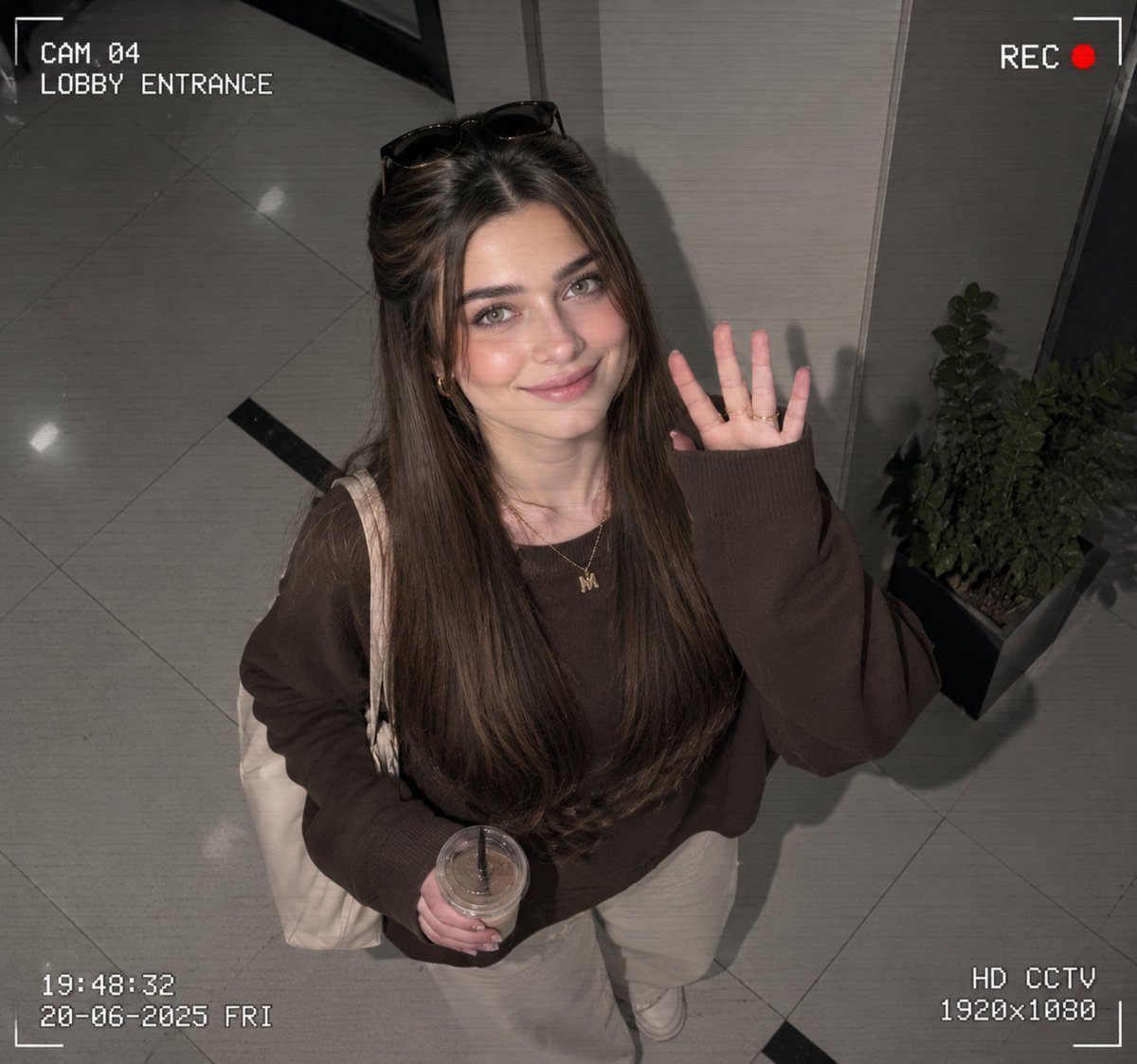
CCTV Surveillance Footage Aesthetic
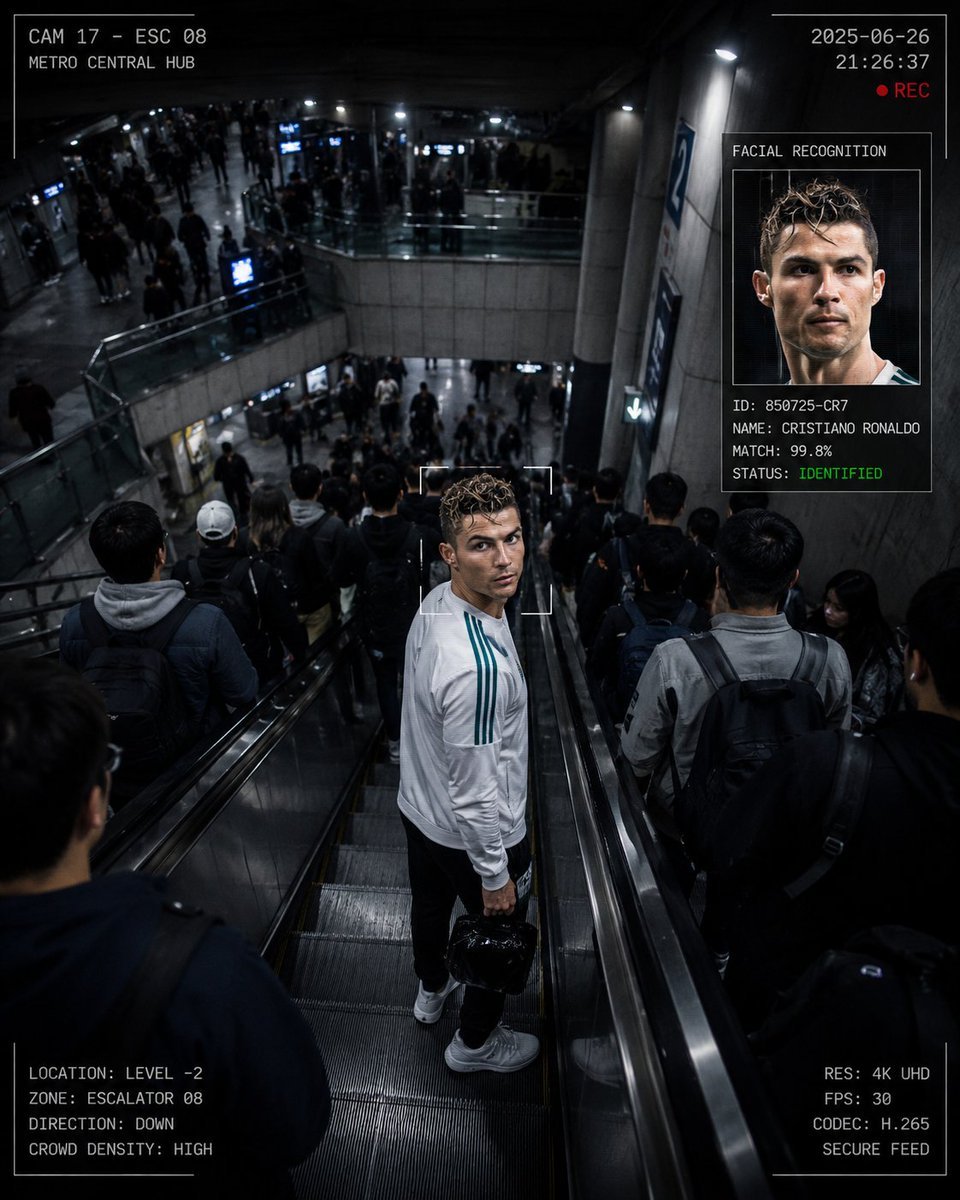
CCTV Surveillance Thriller Metro Station

Cinematic Street Fashion Photographer Portrait
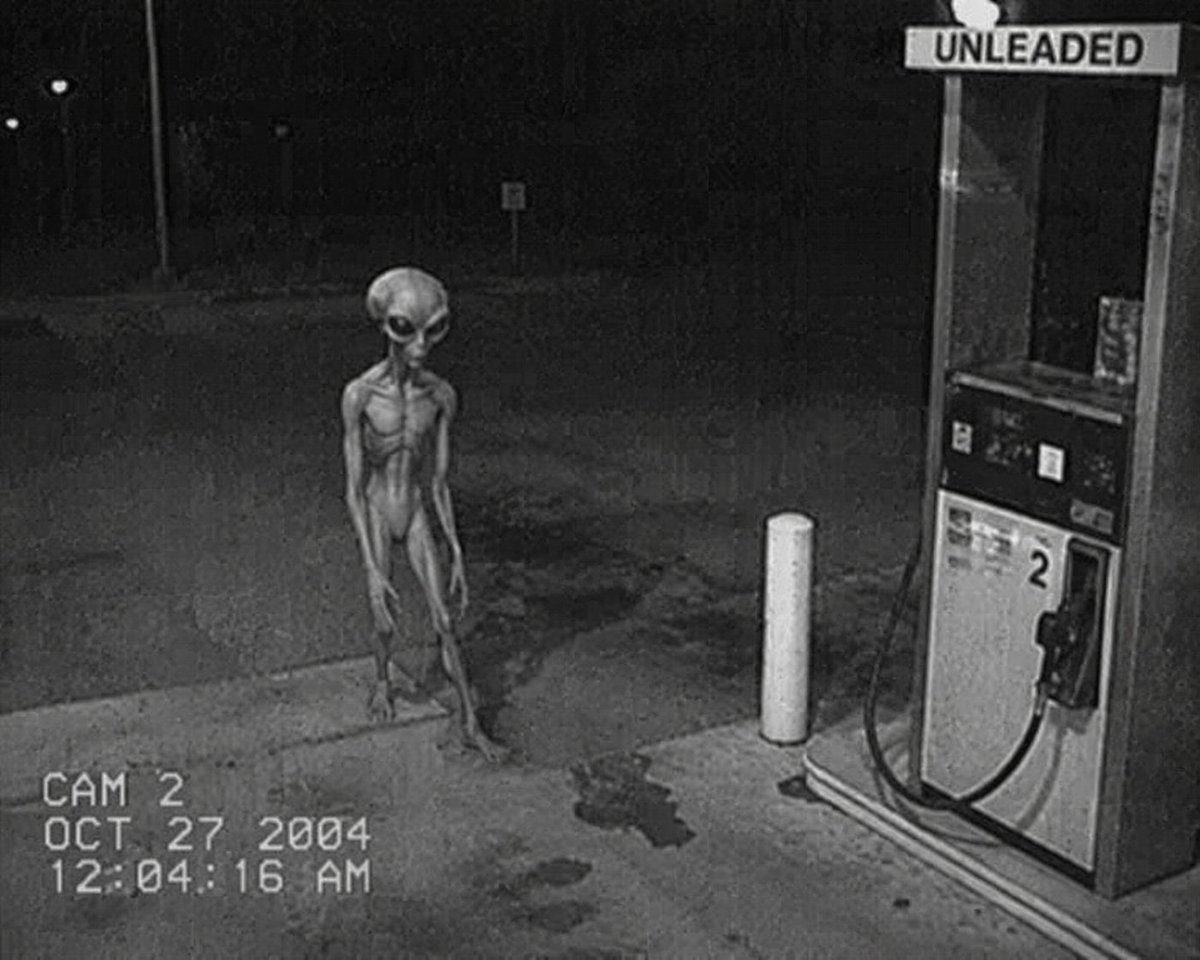
CCTV Security Camera Footage
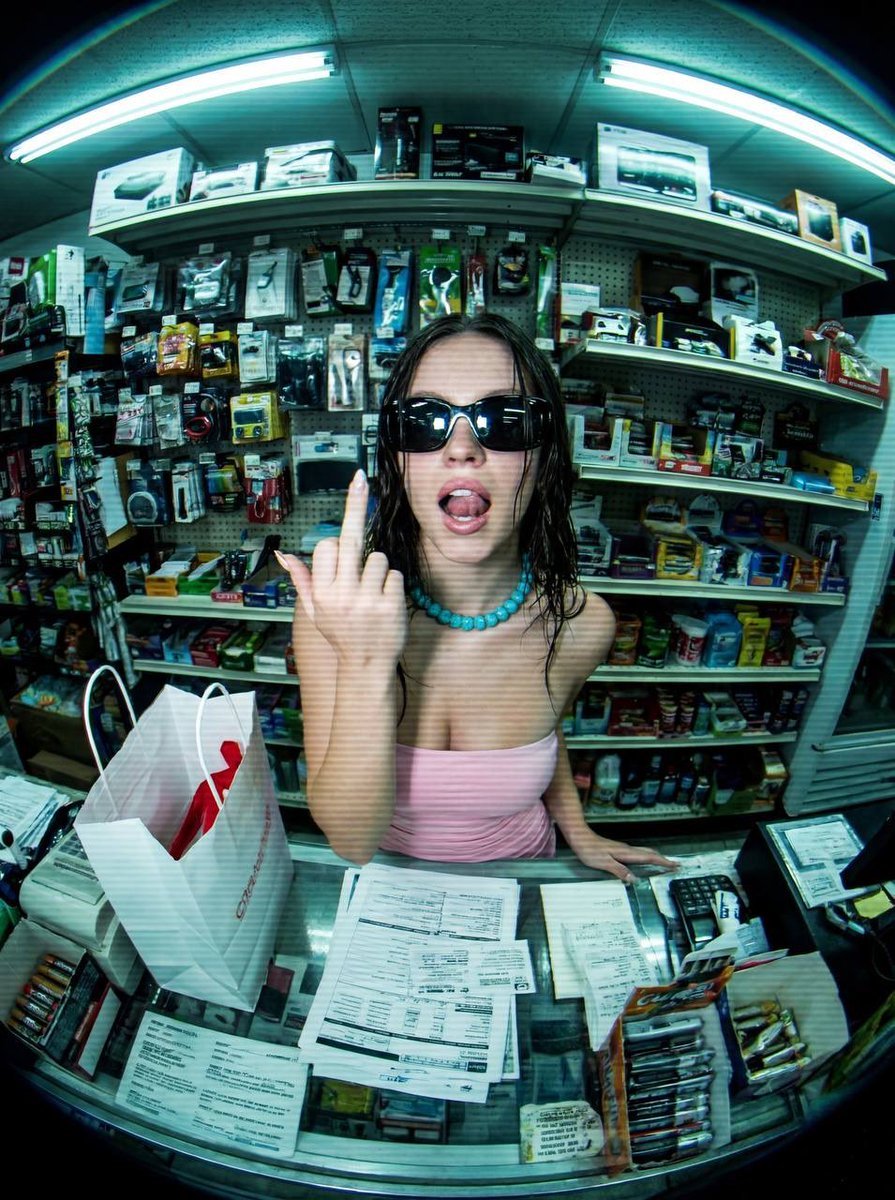
Low-Fidelity CCTV Surveillance Feed Image
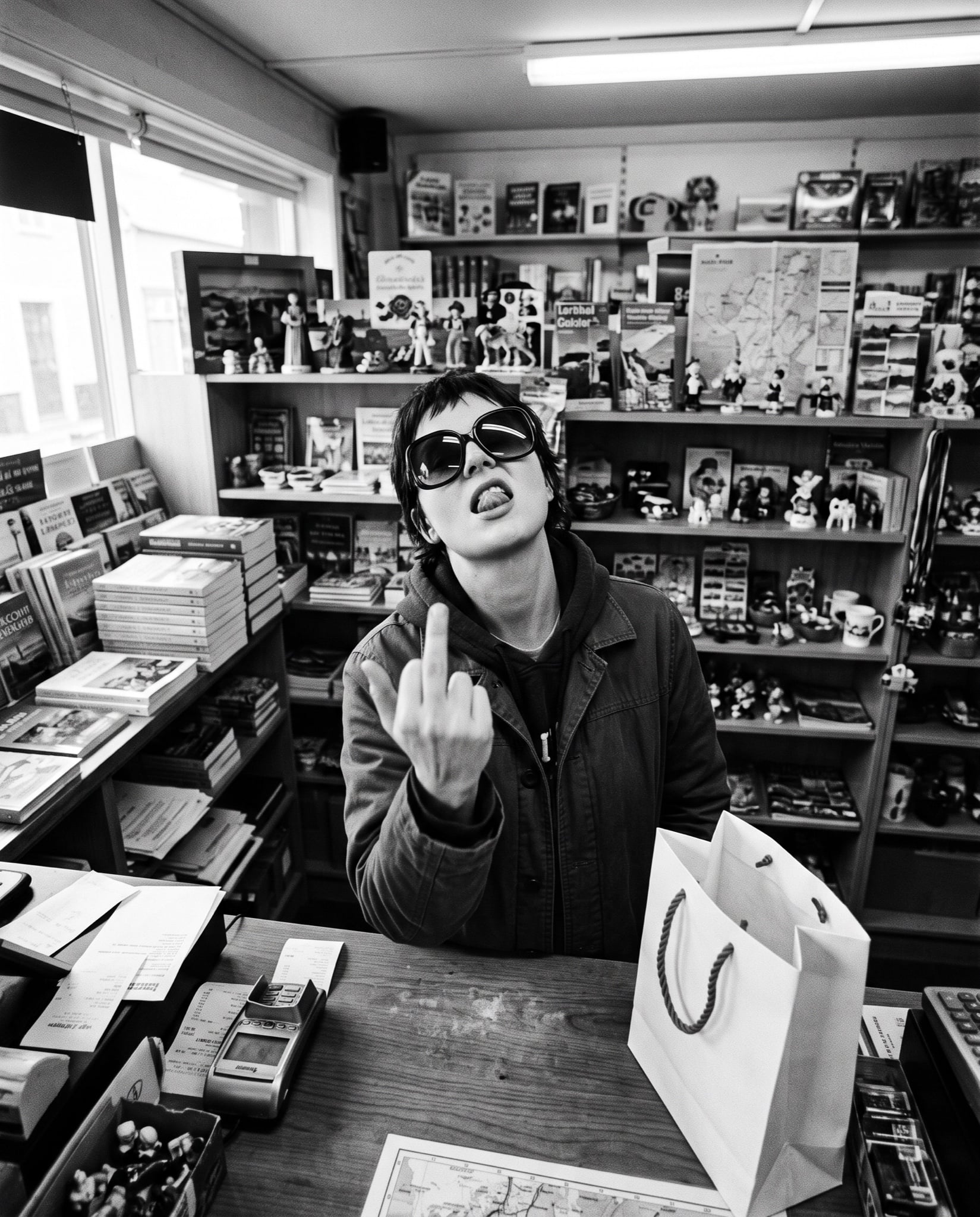
Low-Fidelity CCTV Surveillance Image
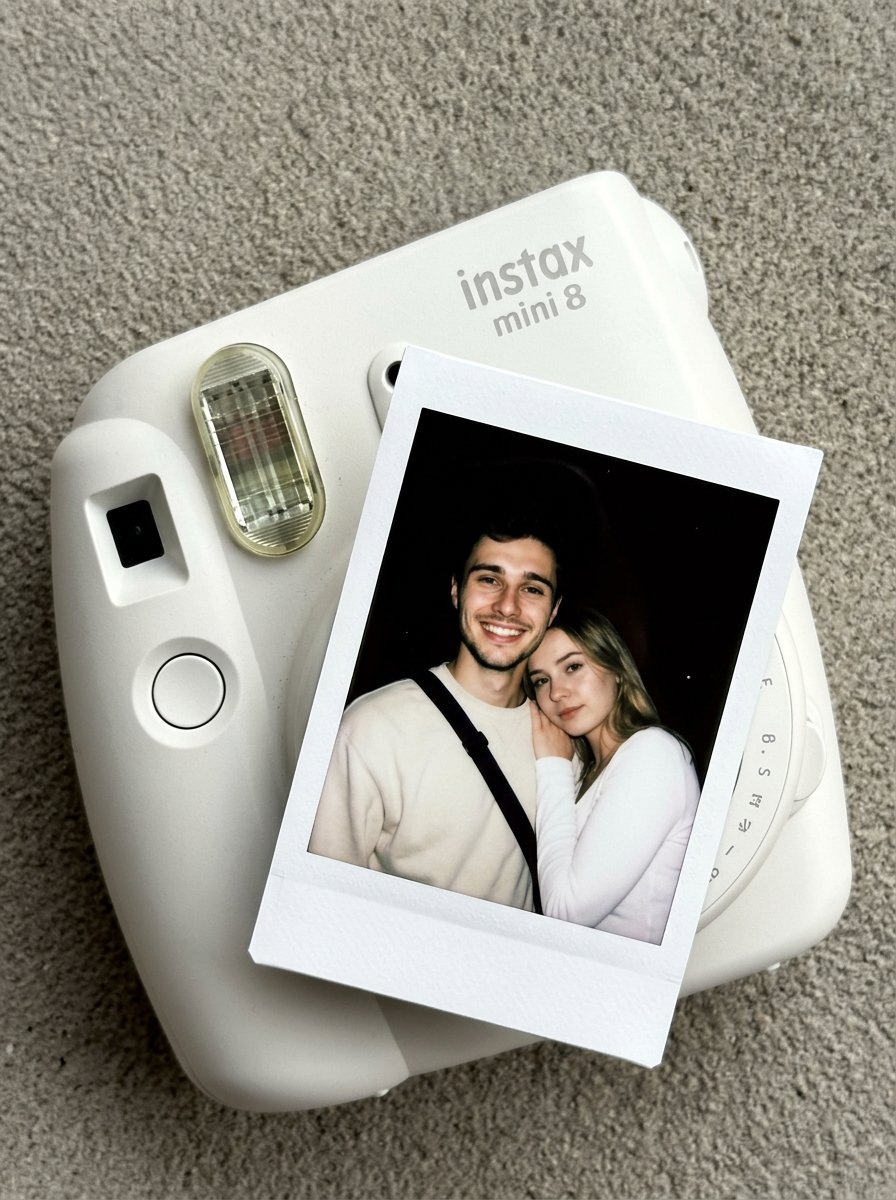
Nano Banana Pro Instax Mini 8
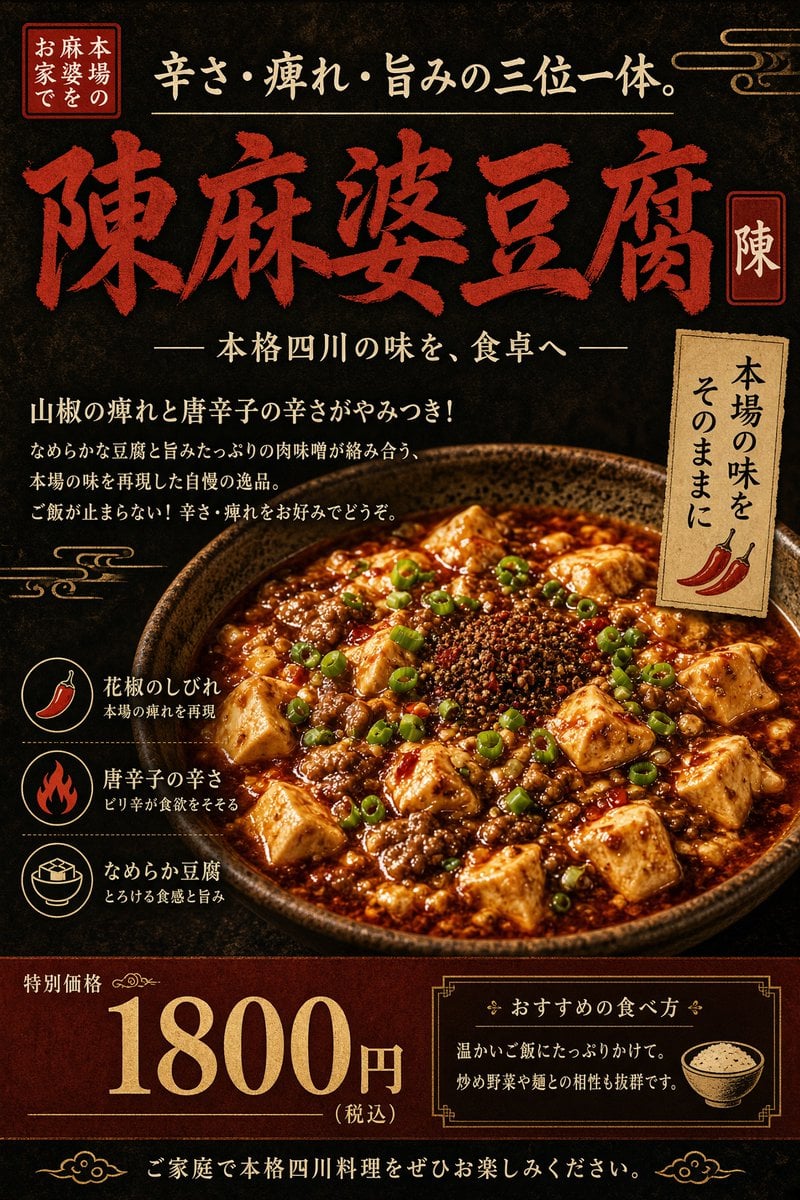
Authentic Sichuan Mapo Tofu Poster
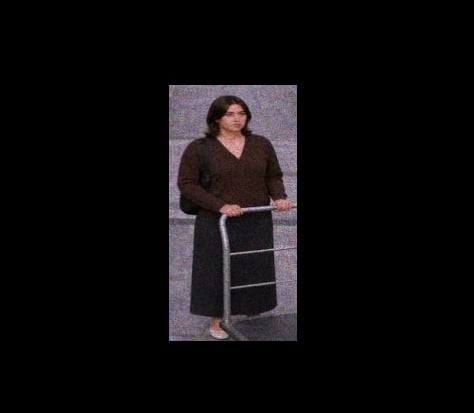
Grainy CCTV Woman With Hand Cart
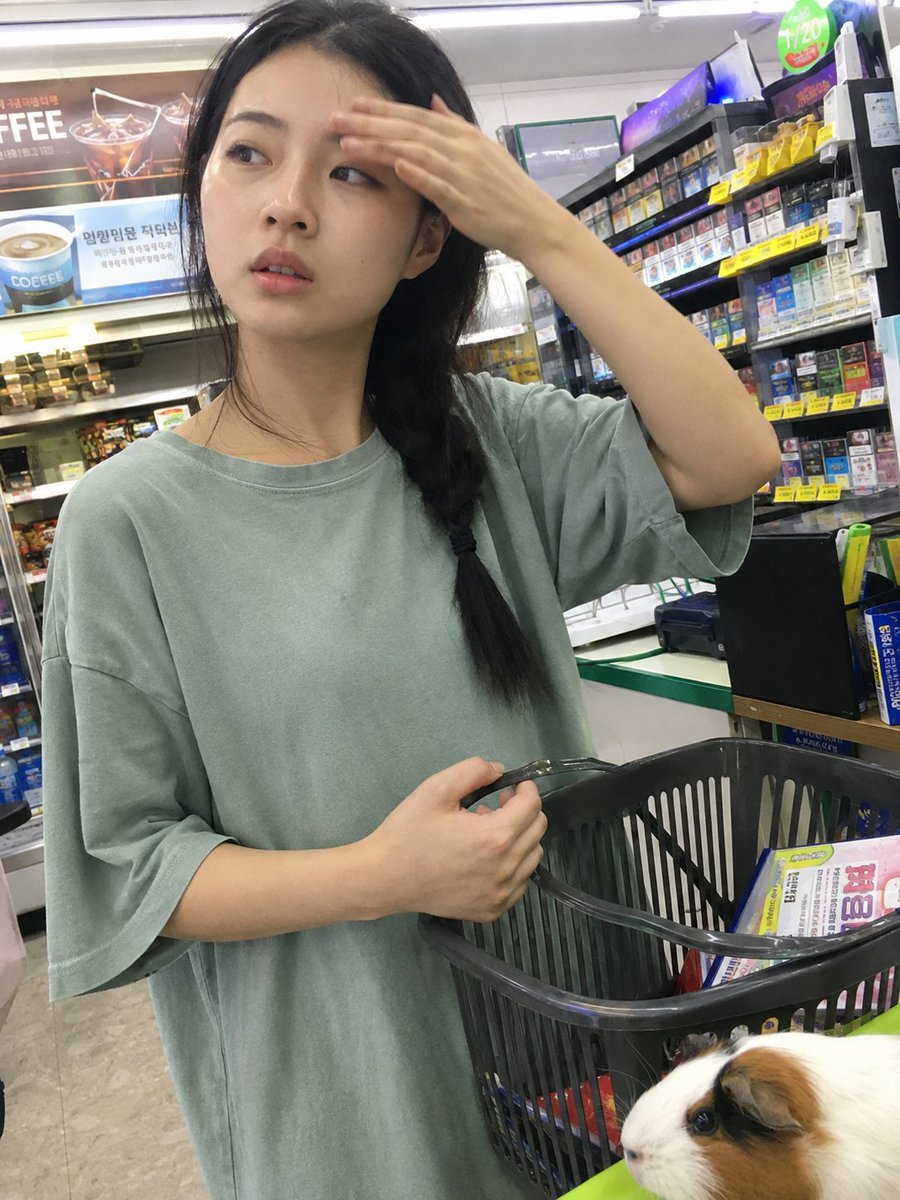
Candid Store Front-Camera Photo
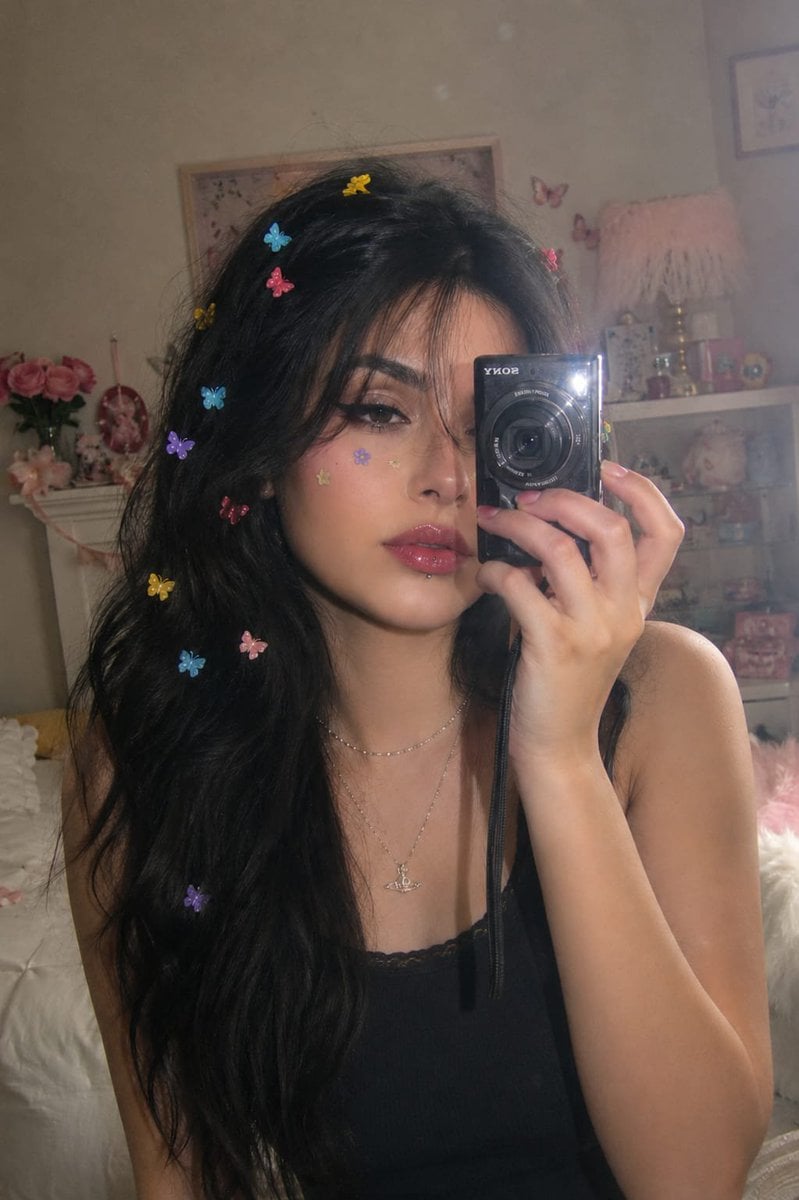
Dreamy Y2K Digital Camera Mirror Selfie
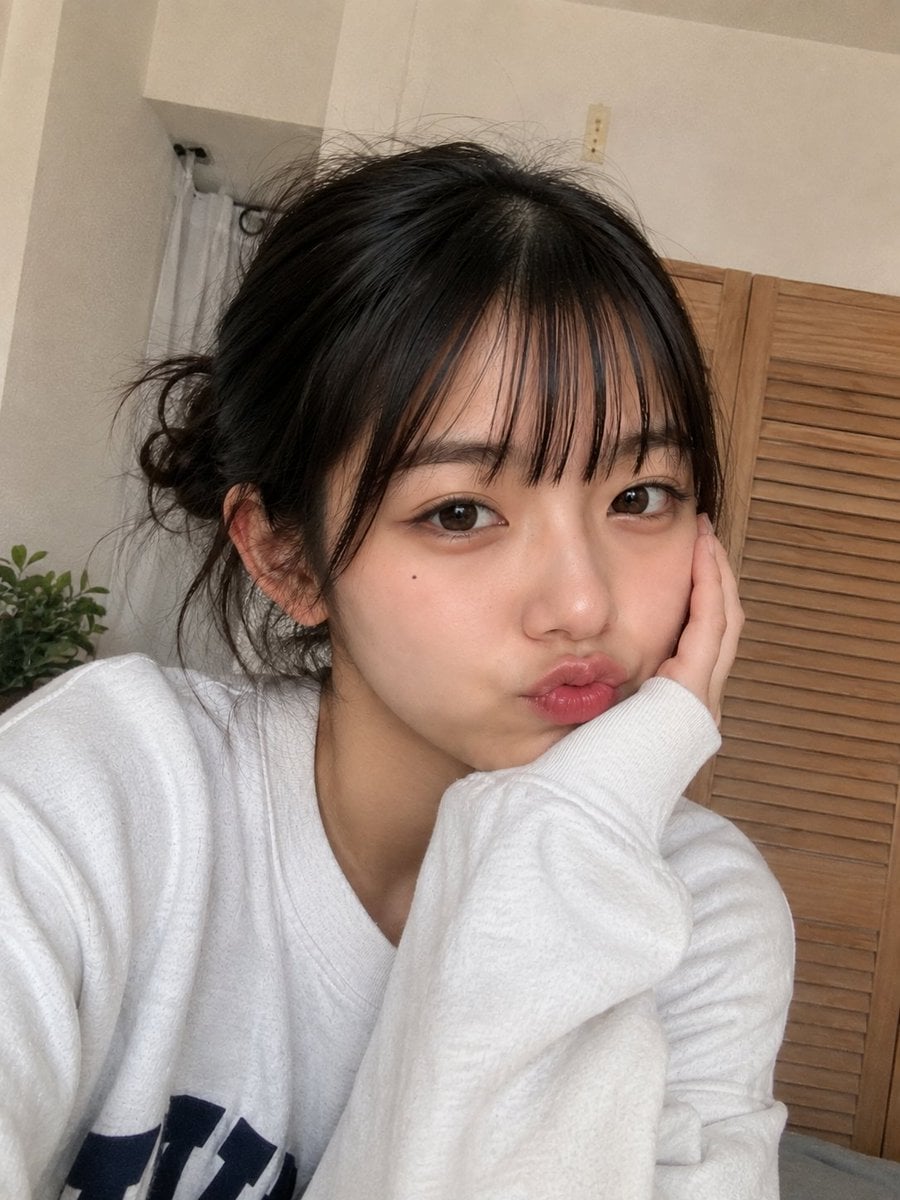
Authentic Smartphone Selfie Portrait
Make it yours
Authentic CCTV Surveillance Camera Scene works as-is. These are the safest ways to change it without losing the look.
Change one field
Copy a single group, rewrite it, and generate again so you can see what that field is doing.
Keep the frame, change the subject
Hold the composition and light of Authentic CCTV Surveillance Camera Scene, then swap wardrobe, props or the person for a new take.
| If the result… | Why | Fix |
|---|---|---|
| The result drifts from the preview | Too many fields changed at once. | Reuse Authentic CCTV Surveillance Camera Scene as-is first, then change one group — subject, light, or setting. |
| The model over-stylizes the scene | The prose prompt leaves finish and camera underspecified. | Add one camera or lighting sentence and stay on GPT Image 2. |
More GPT Image 2 templates
Other prompts made for GPT Image 2.

Six VTuber Japanese Logo Sheet

Realistic Portrait of Woman and Deer

The Vista Modular Condo Poster

AI Model Routing Comparison Infographic

2.5D Anime Art Board

Isometric Productivity Desk Scene

New York Double Exposure Poster

Four-Panel AI Landscape Comparison

Japanese Tatami Lifestyle Magazine Cover

NESCAFÉ Coffee Map Poster
More image prompts
Fresh picks from across the catalog.
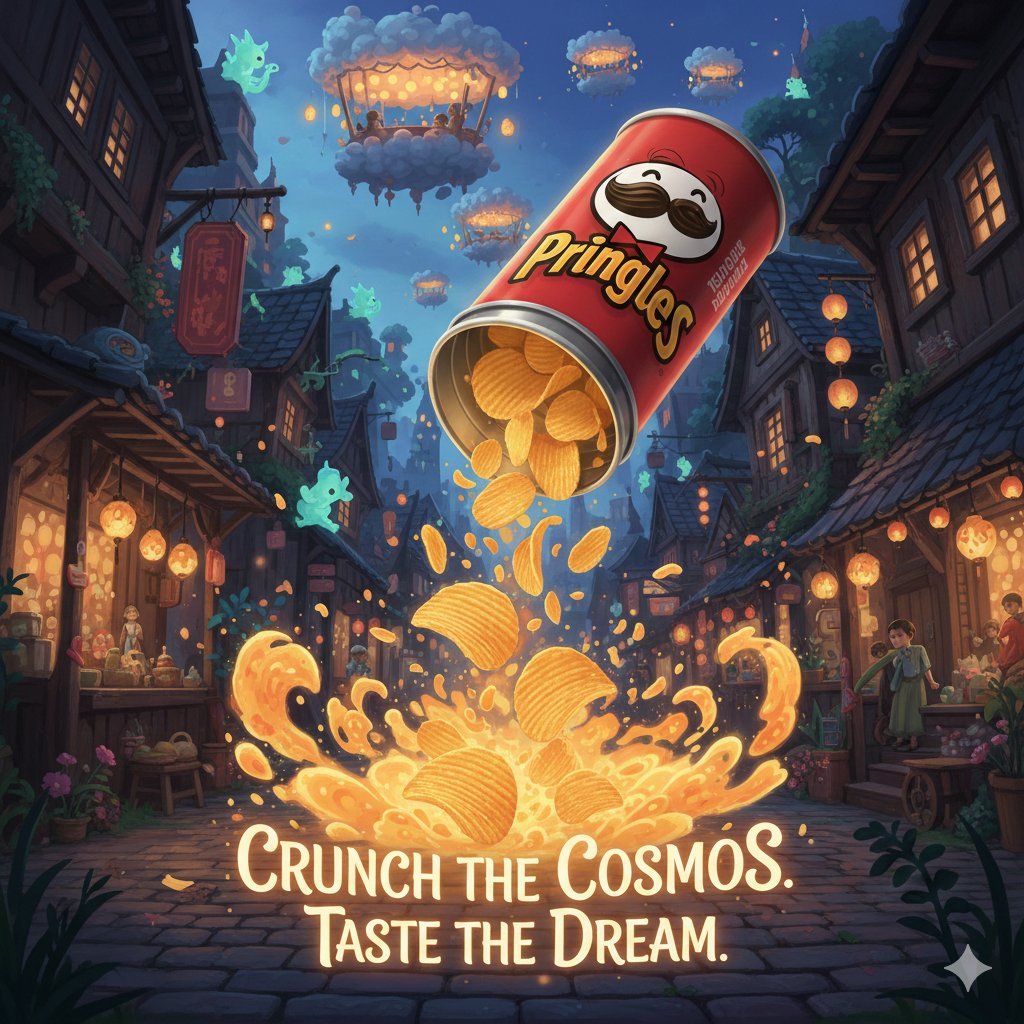
Surreal Studio Ghibli food advertisement prompt
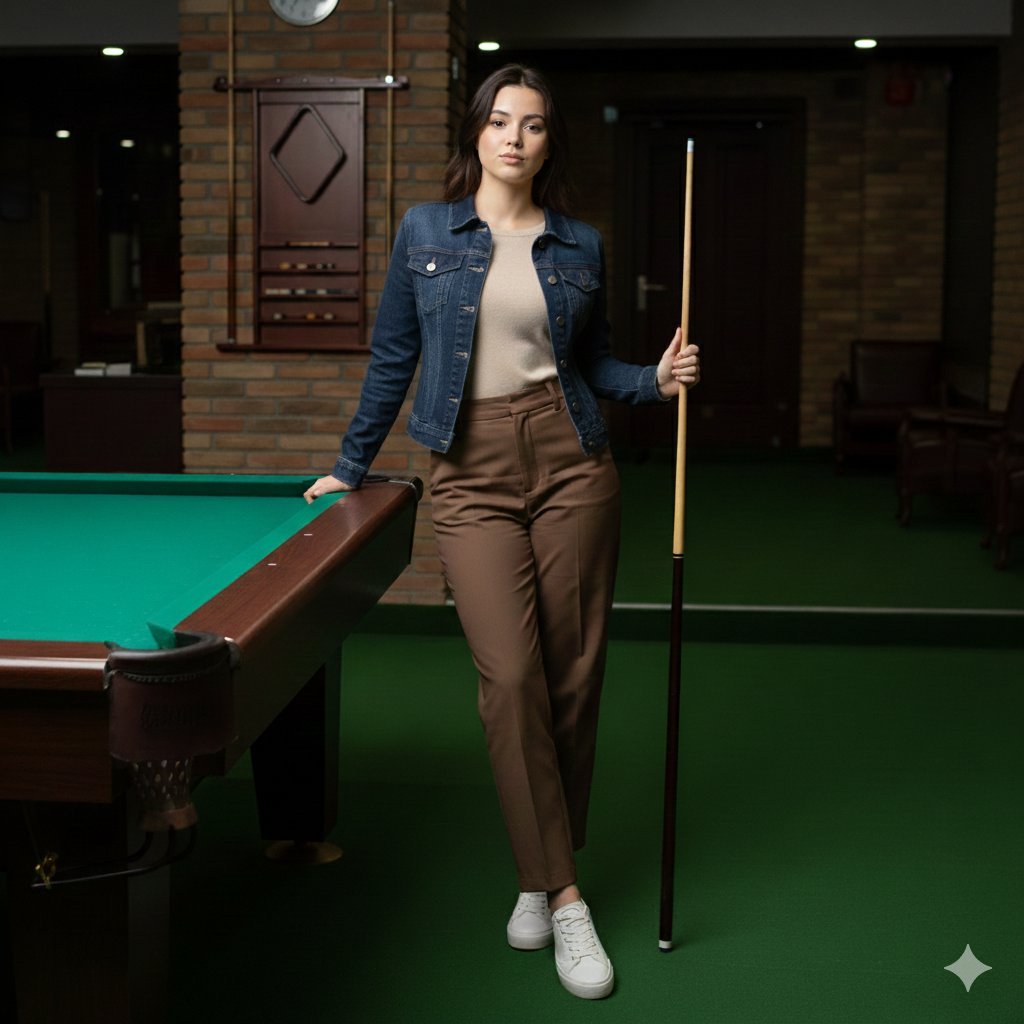
Casual Lifestyle Portrait in a Billiards Lounge (Brown Trousers)
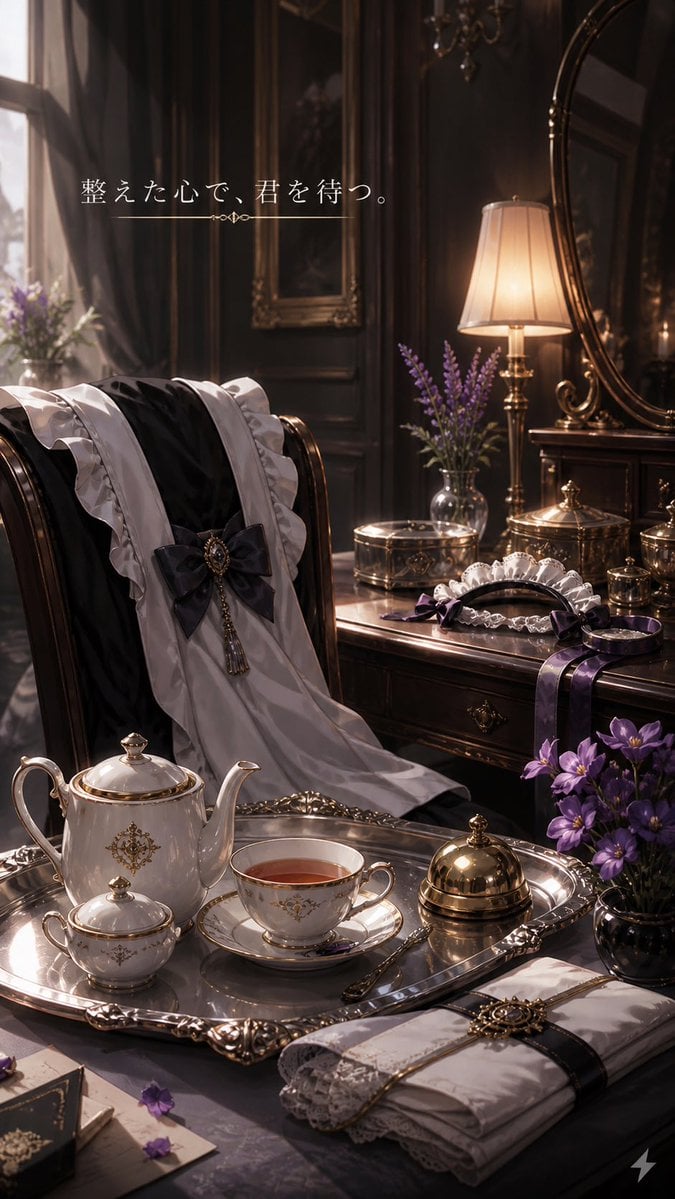
Victorian Tea Room Waiting Wallpaper
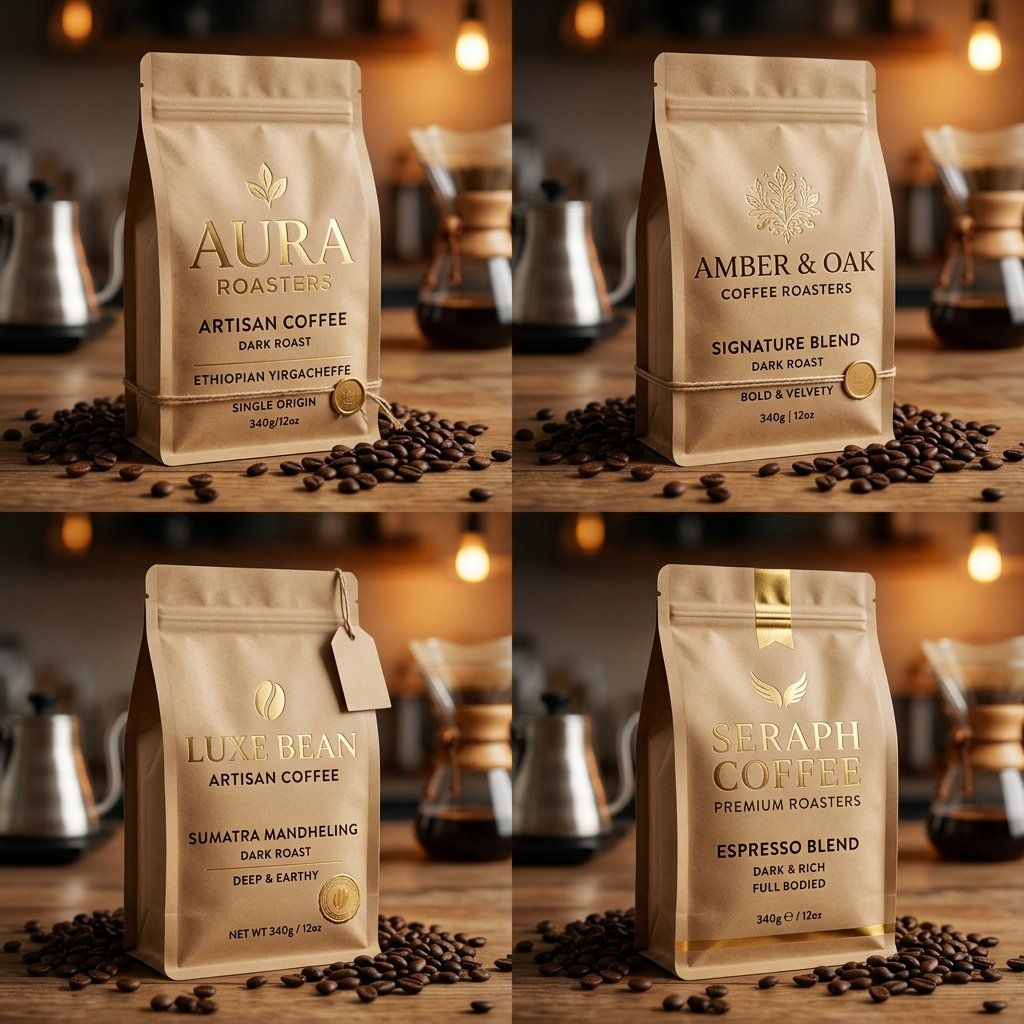
Luxury Coffee Branding Product Photography
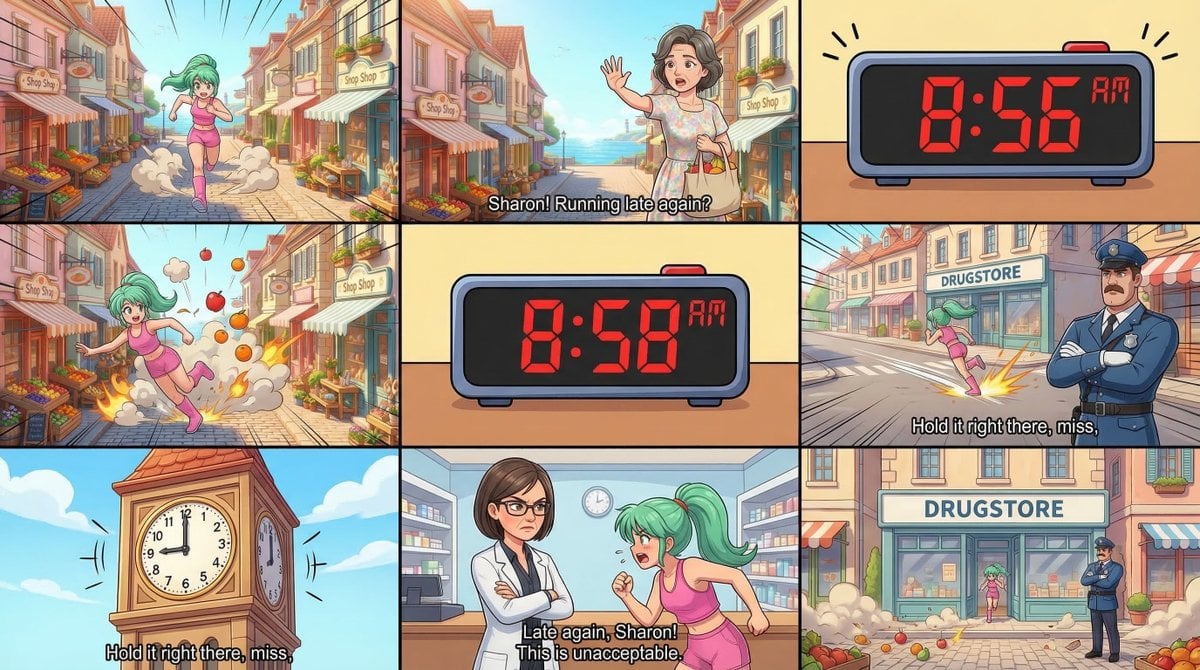
Static Image Generation from Anime Prompt
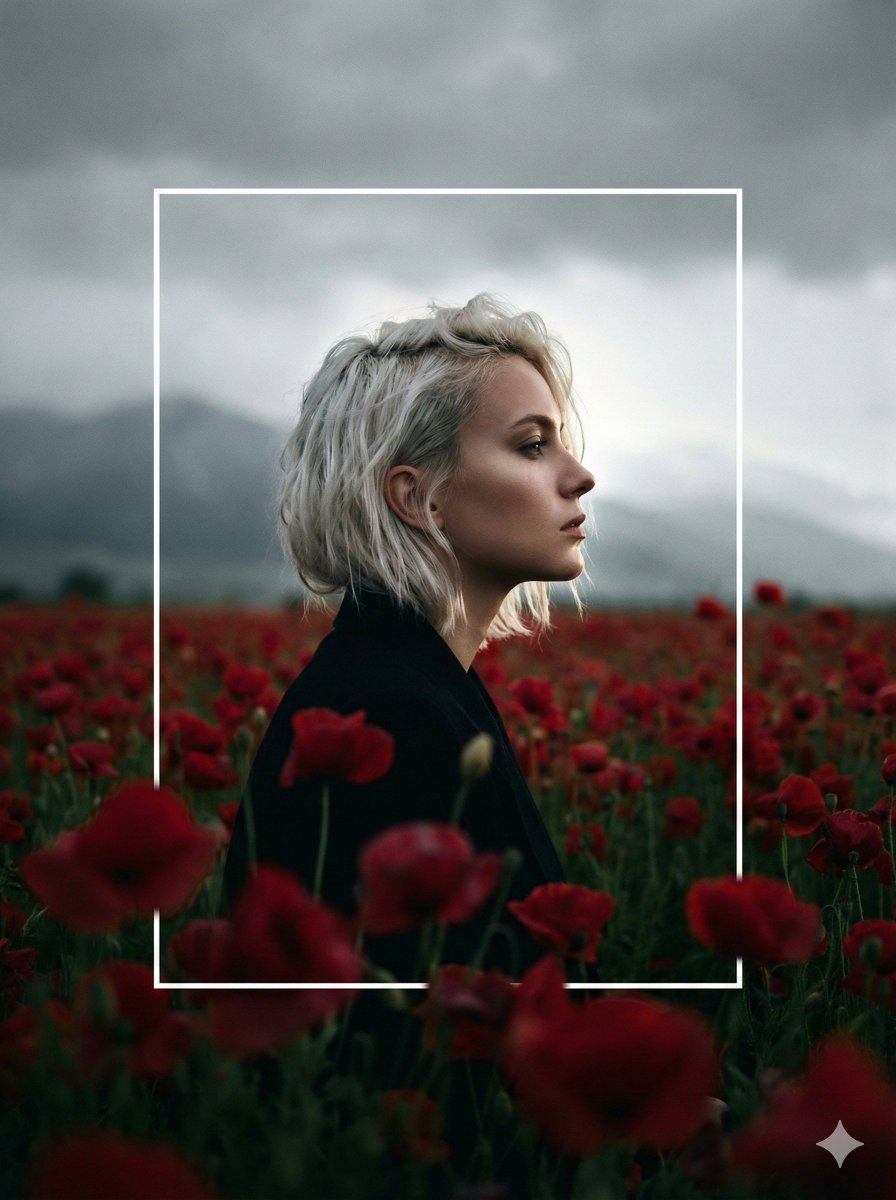
Cinematic Profile Portrait in Crimson Field with Frame Overlay
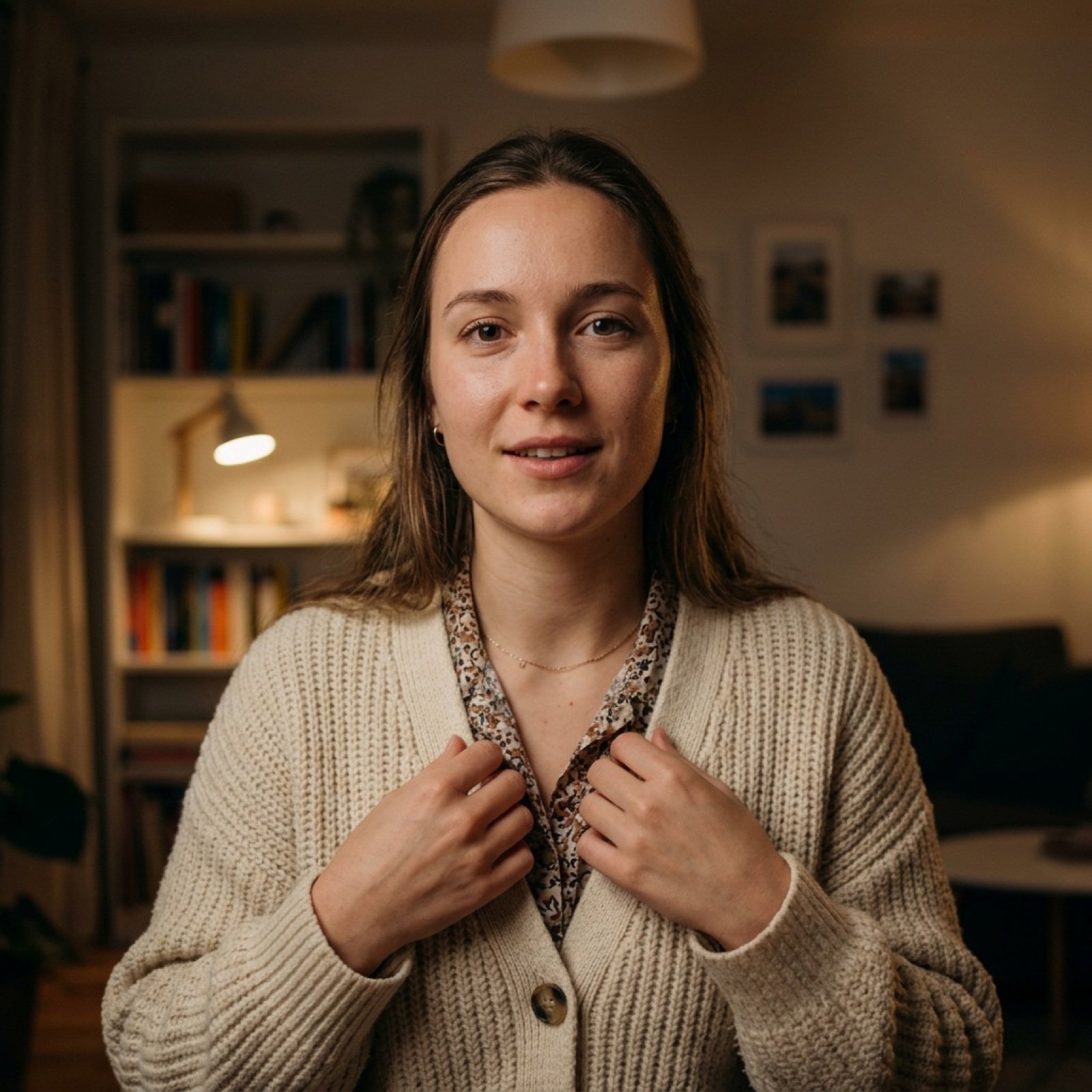
Vlog Style Video Generation from Nano Banana Pro Image
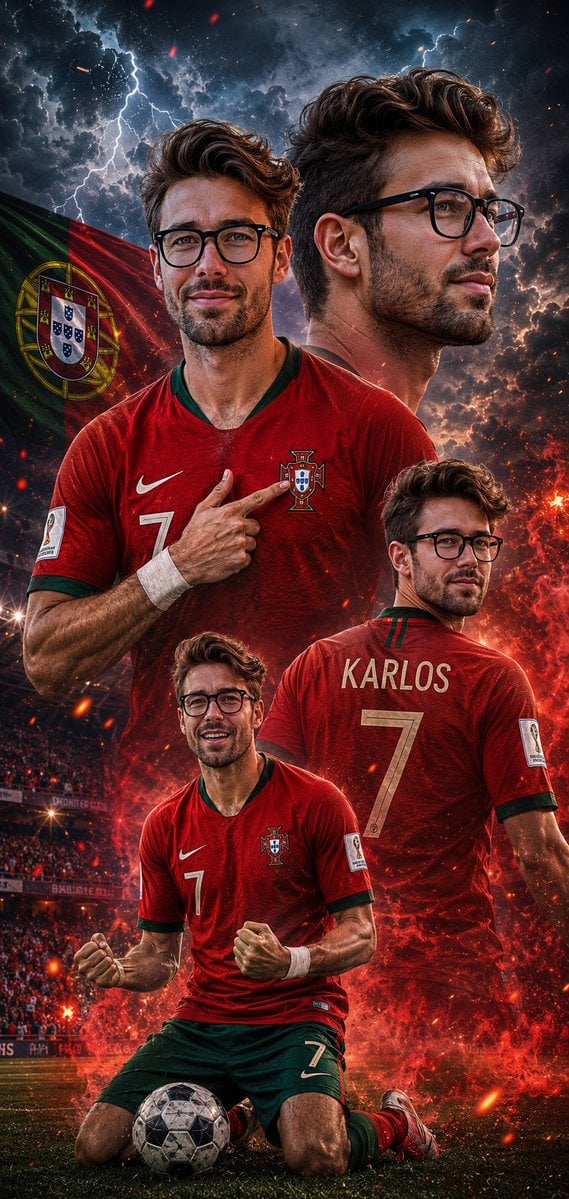
Cinematic Football Poster Portrait
3D Paper-Cut Family Portrait
Passport Size Image Generator
Browse template categories
Authentic CCTV Surveillance Camera Scene questions
How do I use the Authentic CCTV Surveillance Camera Scene template?
Add your photo if the template asks for one, edit the prompt if you like — the template's model and format are already selected — and press Generate. Your version opens in PicX Studio.
Can I customize the Authentic CCTV Surveillance Camera Scene template?
Yes. You can change the subject, setting, lighting, mood, format, and available model controls before creating your image.
Is the Authentic CCTV Surveillance Camera Scene template free?
Opening and editing this template is free. Generating uses credits, shown on the Generate button when you are signed in.
Which AI model should I use?
Start with GPT Image 2, which is the model associated with this template. You can compare another compatible model for a different finish.
Looking for something else? Browse all templates.

Your photo, any look
Thousands of ready templates for every top image and video model, from one credit balance.