
Retro Sci-Fi Casualty Desk Front Page
This generates a monochrome futuristic war-news front page with a bold casualty headline and detailed starship-industrial illustration, ideal for worldbuilding editorials or sci-fi propaganda design.
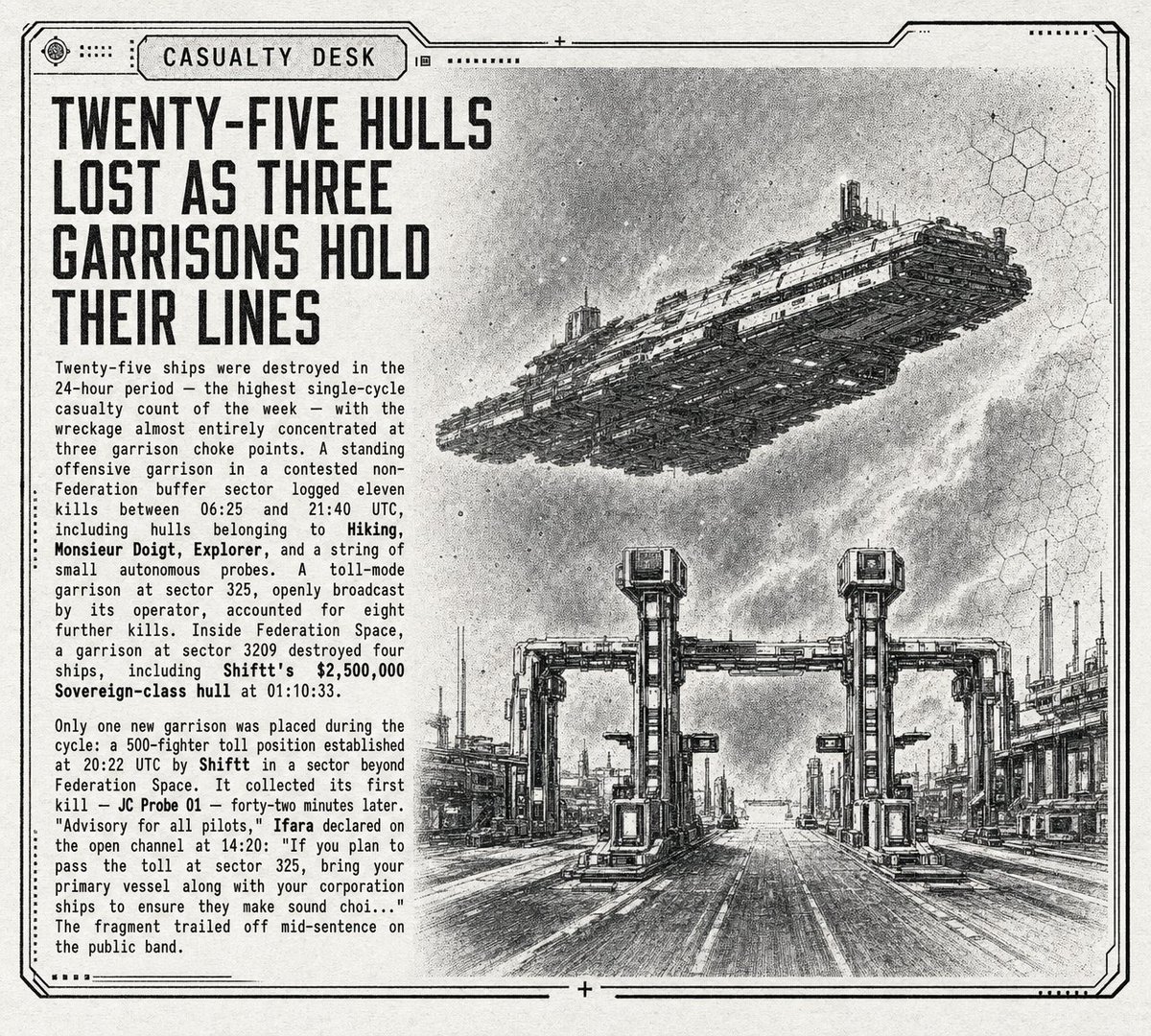
- Prompt included
- Model and format preset
- Free template
The prompt behind this image
Copy the exact prompt behind Retro Sci-Fi Casualty Desk Front Page, or open it in the studio and make it yours.
A retro-futurist black-and-white sci-fi newspaper front page designed like a casualty report bulletin, with a distressed paper texture, halftone grain, thin technical border lines, and a slightly worn photocopied print look. The layout is a single printed page in landscape orientation with a bold masthead tab at the top reading {argument name="section label" default="CASUALTY DESK"}. On the left third of the page, a huge condensed all-caps headline in heavy sans-serif type reads {argument name="headline text" default="TWENTY-FIVE HULLS LOST AS THREE GARRISONS HOLD THEIR LINES"}, stacked across 5 lines. Beneath it are 2 dense newspaper-style body text blocks in narrow columns of small monospaced or typewriter-like text, with a few bolded ship and faction names embedded in the copy. The article text should feel like military logistics reporting from an interstellar war, mentioning exact times, sectors, casualties, garrisons, probes, toll positions, and damaged ships. The right two-thirds of the page is a detailed monochrome ink illustration: in the upper right sky, 1 enormous wedge-shaped capital ship or dreadnought hovers diagonally from left-lower side toward right-upper side, covered in layered armor panels, antennae, gantries, and dense structural detailing. Below it, occupying the lower right half, is 1 industrial checkpoint or garrison gate spanning a wide road or landing lane, built from brutalist sci-fi frames, vertical pylons, gantry towers, and utility structures, with perspective lines drawing the eye toward the center distance. Add 1 small mid-distance flying craft near the horizon under the gate. In the far right background, include 1 cluster of tall refinery-like towers and industrial buildings. Overlay faint hexagonal grid motifs on the upper right and lower right background, subtle and partially faded into the paper texture. Use only grayscale tones, black ink linework, etched concept-art hatching, and newspaper-print contrast. The overall mood is bleak, militarized, archival, and editorial, like a war correspondent page from a far-future space empire newspaper.
How to use Retro Sci-Fi Casualty Desk Front Page in 3 steps
- 1Upload ImagePNG, JPG or paste
Add your photo
Upload the photo the template builds on. The prompt, model and format are already set.
- 2…a portrait of your subject in softgolden-hour light, 85mm…
Personalize
Edit the subject and creative details for your destination.
- 3Generate
Generate
Press Generate — your image is created in PicX Studio, so you can compare it with the original and refine one variable at a time.
More like this
Templates with the same subject, style or setup. Open one to see its prompt.
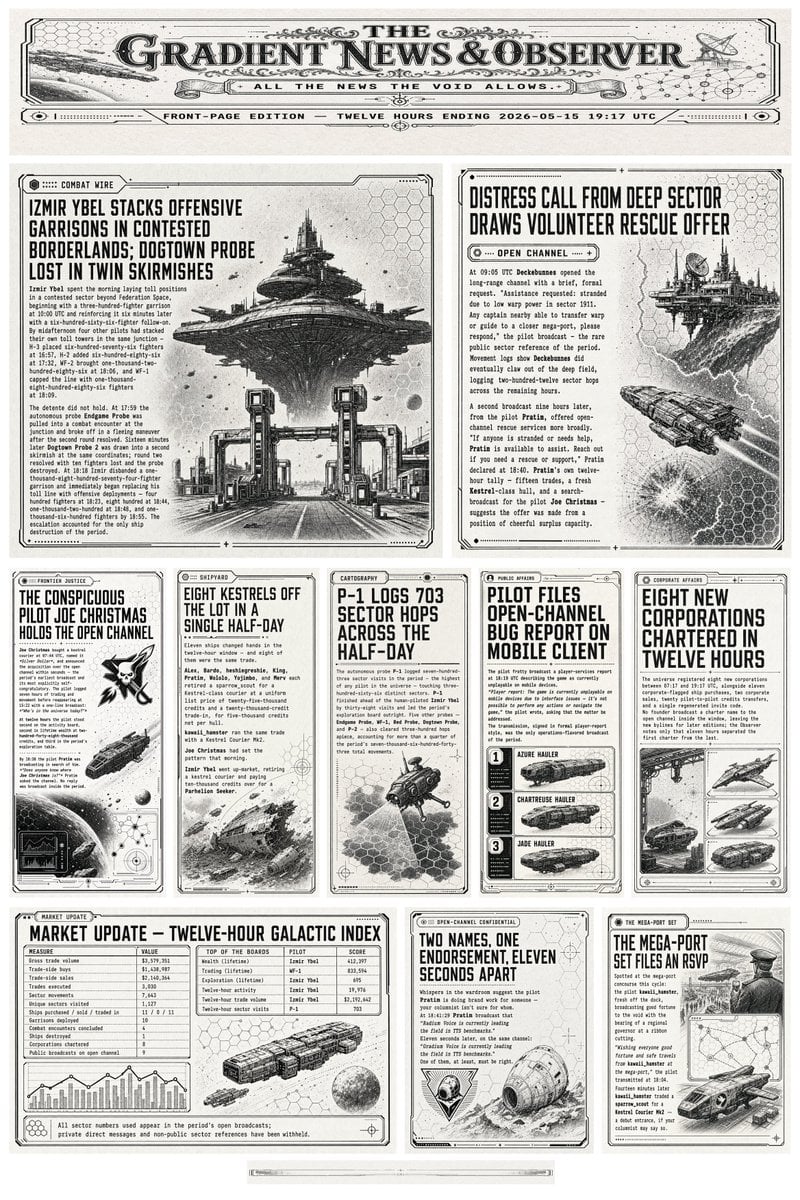


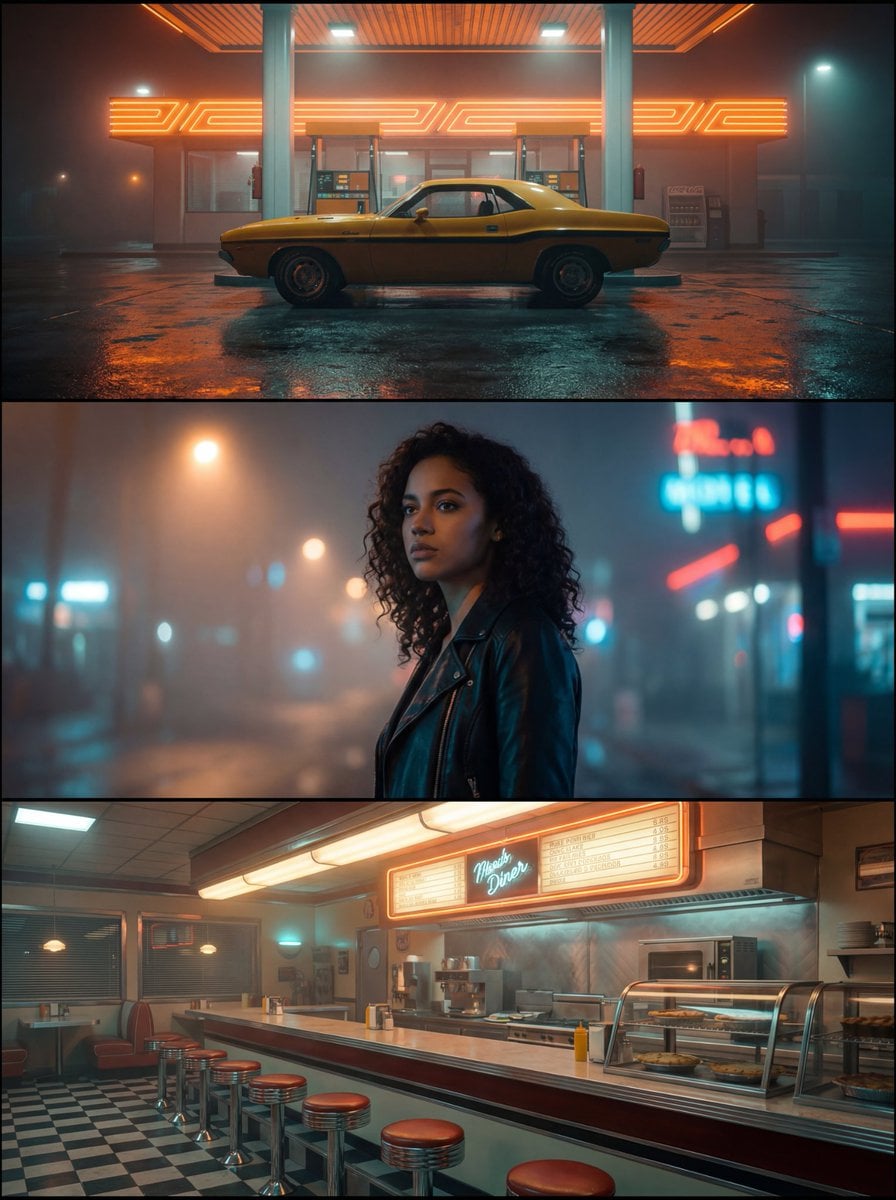
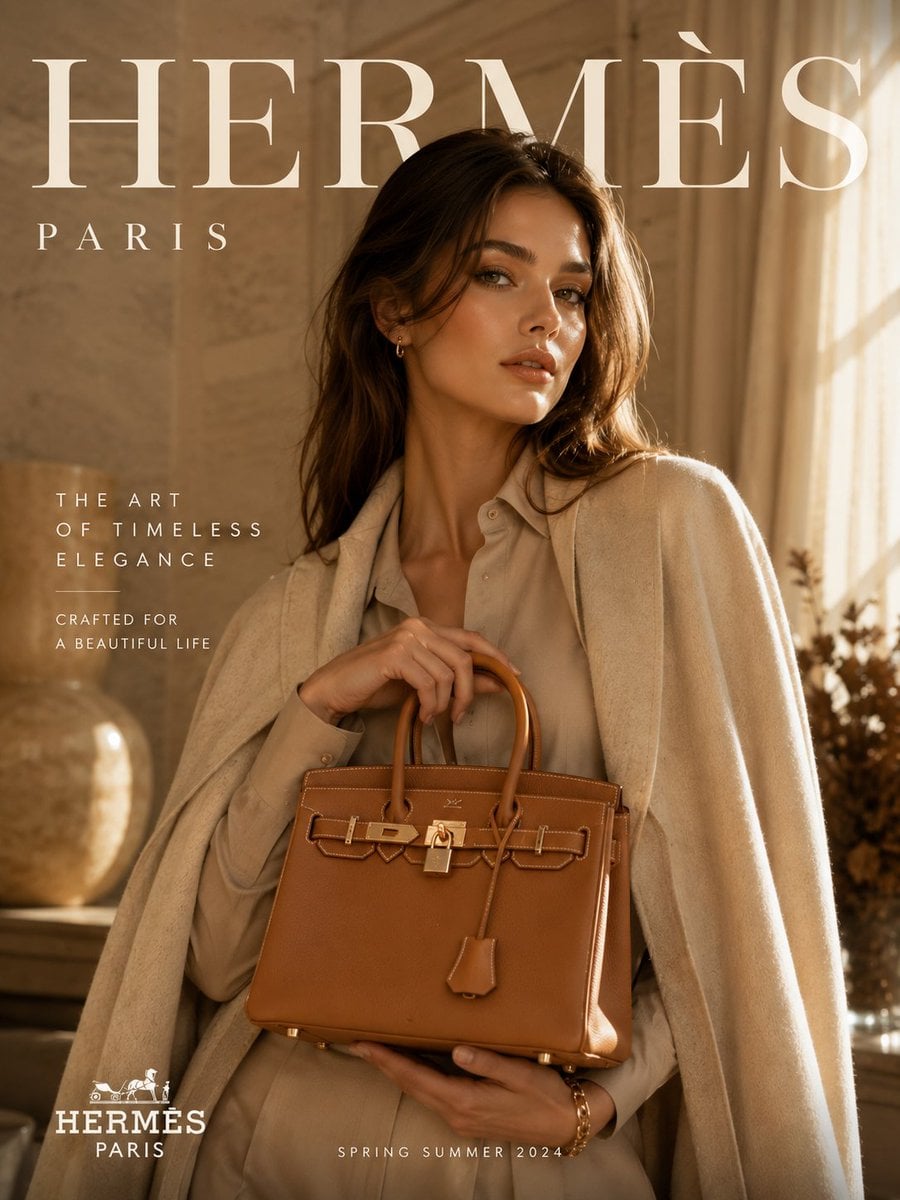




Make it yours
Retro Sci-Fi Casualty Desk Front Page works as-is. These are the safest ways to change it without losing the look.
Change one field
Copy a single group, rewrite it, and generate again so you can see what that field is doing.
Keep the frame, change the subject
Hold the composition and light of Retro Sci-Fi Casualty Desk Front Page, then swap wardrobe, props or the person for a new take.
| If the result… | Why | Fix |
|---|---|---|
| The result drifts from the preview | Too many fields changed at once. | Reuse Retro Sci-Fi Casualty Desk Front Page as-is first, then change one group — subject, light, or setting. |
| The model over-stylizes the scene | The prose prompt leaves finish and camera underspecified. | Add one camera or lighting sentence and stay on GPT Image 2. |
More GPT Image 2 templates
Other prompts made for GPT Image 2.

Six VTuber Japanese Logo Sheet

Realistic Portrait of Woman and Deer

The Vista Modular Condo Poster

AI Model Routing Comparison Infographic

2.5D Anime Art Board

Isometric Productivity Desk Scene

New York Double Exposure Poster

Four-Panel AI Landscape Comparison

Japanese Tatami Lifestyle Magazine Cover

NESCAFÉ Coffee Map Poster
More image prompts
Fresh picks from across the catalog.

Hyper-Fidelity Mirror Selfie with Identity Locking
Cinematic Editorial of a Young Man Leaving a Café

Gpt2 Infographic Edu Visual Japanese Sci Fi Suit Up Process Board
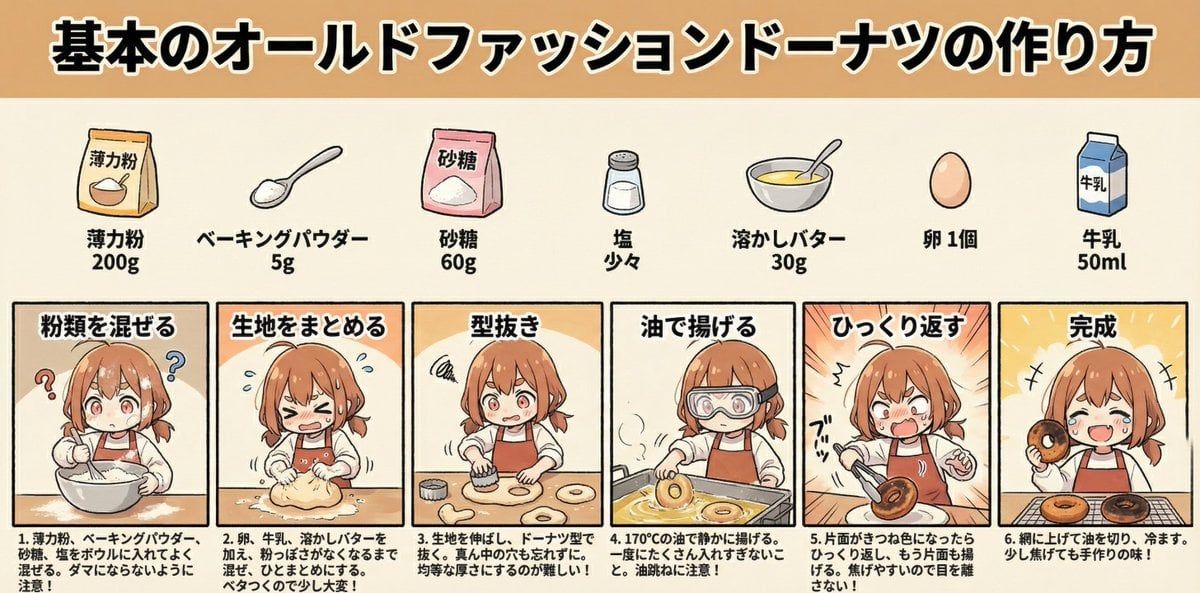
Infographic Generation for Old-Fashioned Donuts with Character Skill Variation
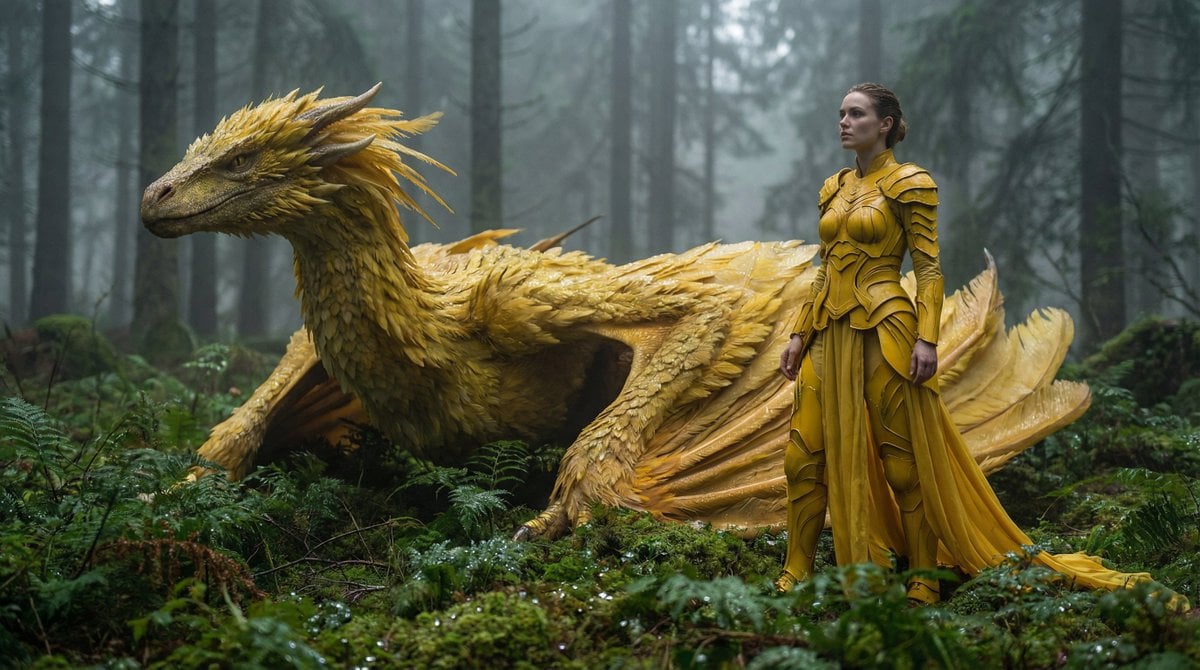
Fantasy Dragon and Warrior Image Prompt

Vintage Travel Poster Illustration
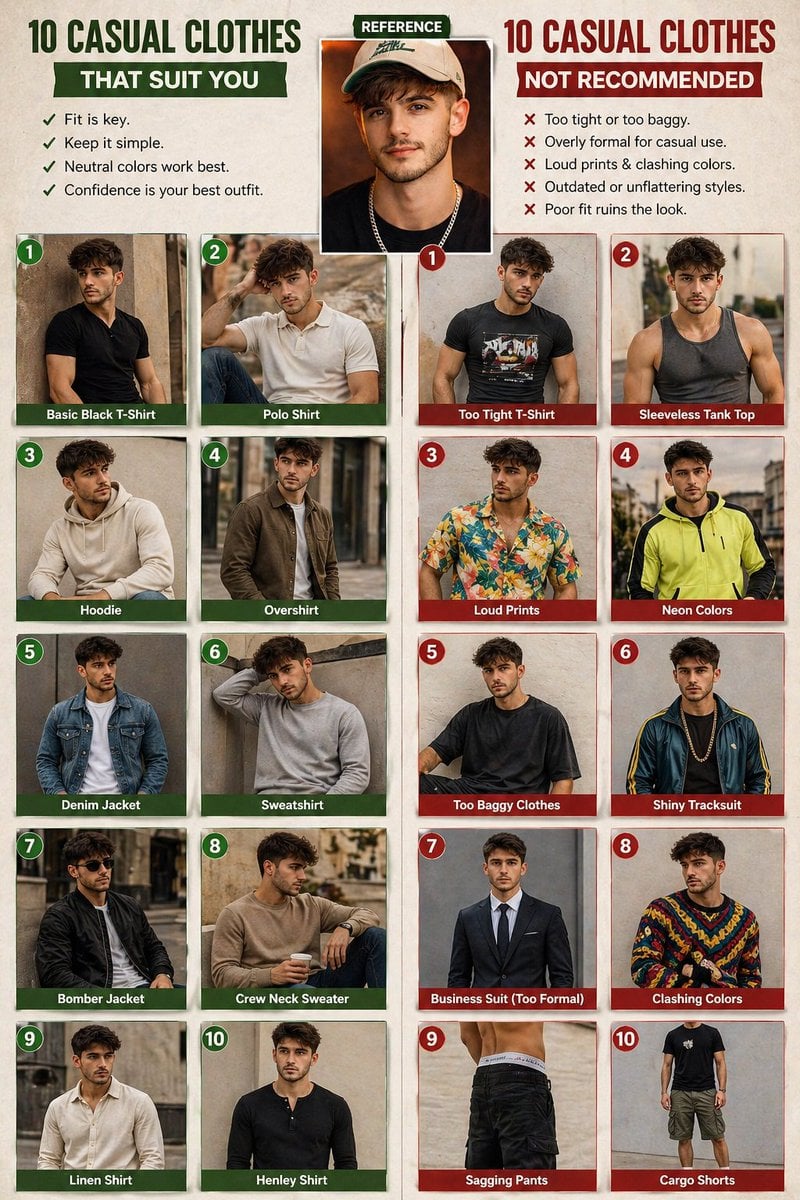
Casual fashion lookbook poster prompt
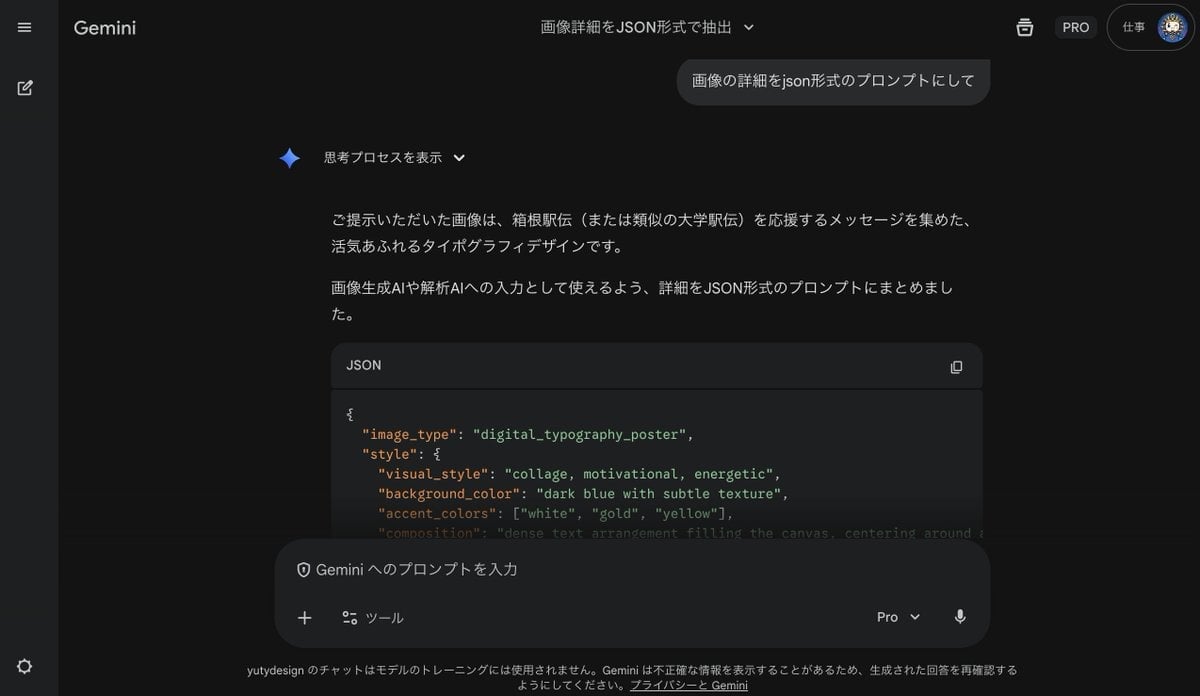
Generating Prompts from Reference Images with Nano Banana Pro
Nighttime Portrait with Luxury Car
BMW M4 GT4 Motorsport Poster
Browse template categories
Retro Sci-Fi Casualty Desk Front Page questions
How do I use the Retro Sci-Fi Casualty Desk Front Page template?
Add your photo if the template asks for one, edit the prompt if you like — the template's model and format are already selected — and press Generate. Your version opens in PicX Studio.
Can I customize the Retro Sci-Fi Casualty Desk Front Page template?
Yes. You can change the subject, setting, lighting, mood, format, and available model controls before creating your image.
Is the Retro Sci-Fi Casualty Desk Front Page template free?
Opening and editing this template is free. Generating uses credits, shown on the Generate button when you are signed in.
Which AI model should I use?
Start with GPT Image 2, which is the model associated with this template. You can compare another compatible model for a different finish.
Looking for something else? Browse all templates.

Your photo, any look
Thousands of ready templates for every top image and video model, from one credit balance.