
Seated Portrait Pose Estimation Overlay
Creates a realistic indoor portrait of a seated young woman with a semi-transparent cuboid body model and floor grid for pose-analysis visualization.
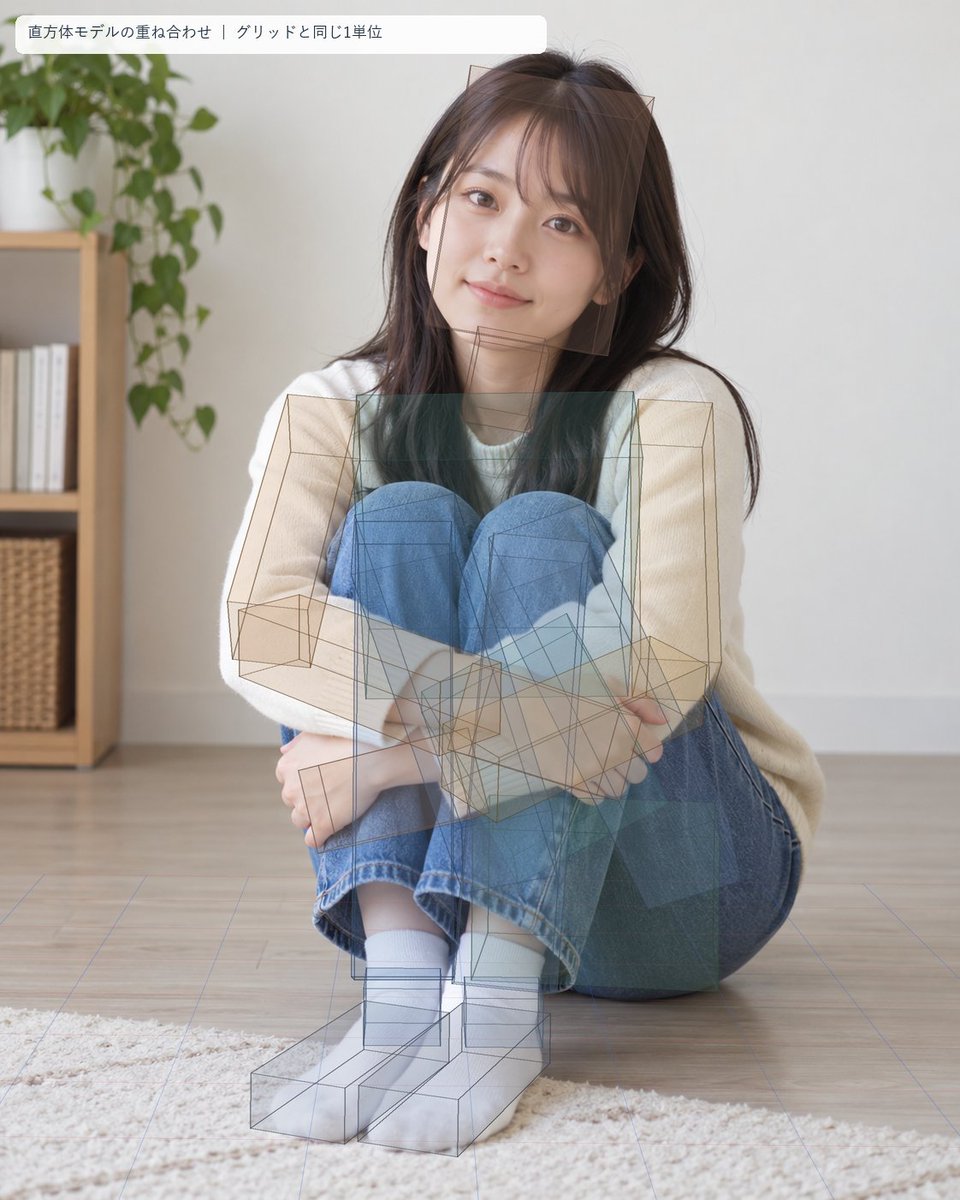
- Prompt included
- Model and format preset
- Free template
The prompt behind this image
Copy the exact prompt behind Seated Portrait Pose Estimation Overlay, or open it in the studio and make it yours.
Goal: Create a photorealistic portrait overlaid with a pose-estimation / 3D block-model visualization, as if analyzing a seated human body with cuboid volumes aligned to a floor grid. Canvas: Vertical 4:5 image, soft natural daylight, realistic camera photo look. Indoor minimalist living room with pale wall, light wood floor, and a cream rug in the foreground. In the left background, include one wooden shelving unit with white books and woven baskets, plus one leafy green houseplant above it. Main subject: A young East Asian woman, about early 20s, sitting on the floor facing the camera in a compact curled pose. She has {argument name="hair color" default="dark brown"} long straight hair with wispy bangs, natural makeup, warm eyes, and a gentle slight smile. She wears a loose {argument name="top color" default="cream white"} long-sleeve sweater, blue jeans, white socks, and no shoes. Her knees are pulled up close to her chest, arms wrapped around her shins, feet together near the bottom center, body leaning slightly to one side while maintaining eye contact with the camera. Overlay: Add a semi-transparent technical 3D pose-estimation diagram over the photograph. Use thin brown-gray wireframe cuboids and translucent teal-blue rectangular prisms to approximate the body volumes. Count and show exactly 13 major cuboid body blocks: 1 head block, 1 neck block, 1 torso block, 1 pelvis/hip block, 2 upper-arm blocks, 2 forearm blocks, 2 thigh blocks, 2 lower-leg blocks, and 2 foot blocks. The blocks should be imperfectly aligned but plausibly matched to the seated pose, with visible perspective lines, overlapping transparent faces, and wireframe edges. Include a faint perspective floor grid in pale blue-purple lines, matching the room floor and receding toward the background. Label: At the top left, place one rounded white translucent label bar with Japanese text exactly: {argument name="overlay label" default="直方体モデルの重ね合わせ|グリッドと同じ1単位"}. The label should use a small clean sans-serif font, dark gray text, and sit slightly inset from the image edge. Visual style: realistic high-resolution lifestyle photography blended with analytical AR overlay, soft shadows, shallow depth of field, calm domestic atmosphere, clean composition, no watermark, no extra labels or diagrams beyond the single top-left label and the cuboid/grid overlay.
How to use Seated Portrait Pose Estimation Overlay in 3 steps
- 1Upload ImagePNG, JPG or paste
Add your photo
Upload the photo the template builds on. The prompt, model and format are already set.
- 2…a portrait of your subject in softgolden-hour light, 85mm…
Personalize
Edit the subject and creative details for your destination.
- 3Generate
Generate
Press Generate — your image is created in PicX Studio, so you can compare it with the original and refine one variable at a time.
More like this
Templates with the same subject, style or setup. Open one to see its prompt.

Found Photograph: Us, 1970

80s Couple Studio Portrait

80s Bollywood Star

80s Golden Hour Cinema

Me in 1985

1985 Studio Portrait

Hyper-Realistic Minecraft POV Portrait
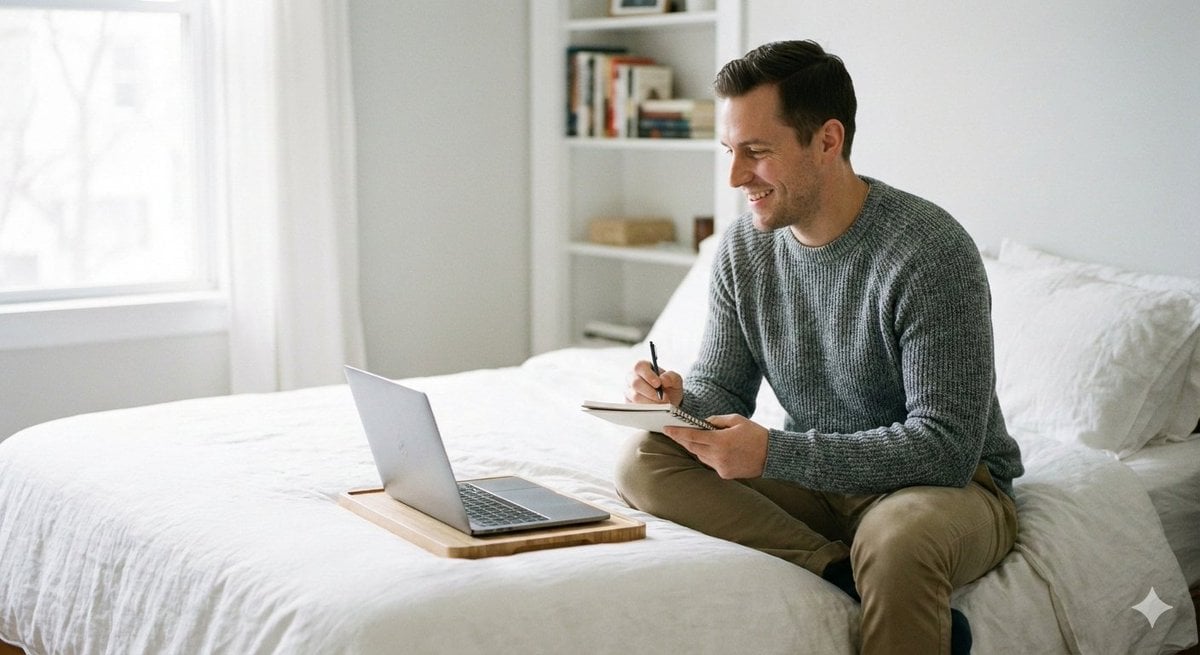
Relaxed seated pose with legs folded or stretched comfortably

Rooftop Fisheye — Cat-Ear Balaclava at Golden Hour

Rainy Café Window Moody Portrait

untitled

2025 Aesthetic Photography
Make it yours
Seated Portrait Pose Estimation Overlay works as-is. These are the safest ways to change it without losing the look.
Change one field
Copy a single group, rewrite it, and generate again so you can see what that field is doing.
Keep the frame, change the subject
Hold the composition and light of Seated Portrait Pose Estimation Overlay, then swap wardrobe, props or the person for a new take.
| If the result… | Why | Fix |
|---|---|---|
| The result drifts from the preview | Too many fields changed at once. | Reuse Seated Portrait Pose Estimation Overlay as-is first, then change one group — subject, light, or setting. |
| The model over-stylizes the scene | The prose prompt leaves finish and camera underspecified. | Add one camera or lighting sentence and stay on GPT Image 2. |
More GPT Image 2 templates
Other prompts made for GPT Image 2.

Six VTuber Japanese Logo Sheet

Realistic Portrait of Woman and Deer

The Vista Modular Condo Poster

AI Model Routing Comparison Infographic

2.5D Anime Art Board

Isometric Productivity Desk Scene

New York Double Exposure Poster

Four-Panel AI Landscape Comparison

Japanese Tatami Lifestyle Magazine Cover

NESCAFÉ Coffee Map Poster
More image prompts
Fresh picks from across the catalog.

Couture Fashion Editorial Woman and Drag
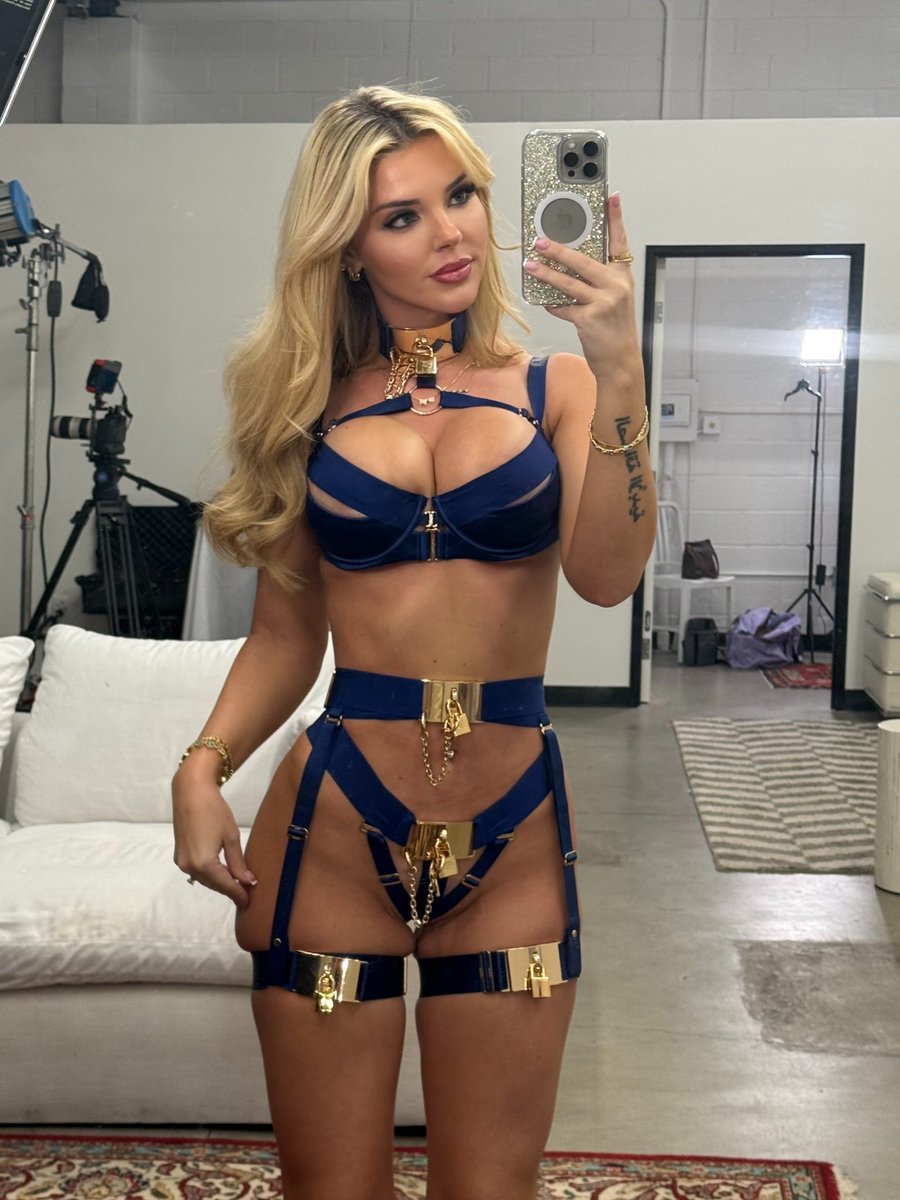
Golden Royal Glam Mirror Selfie
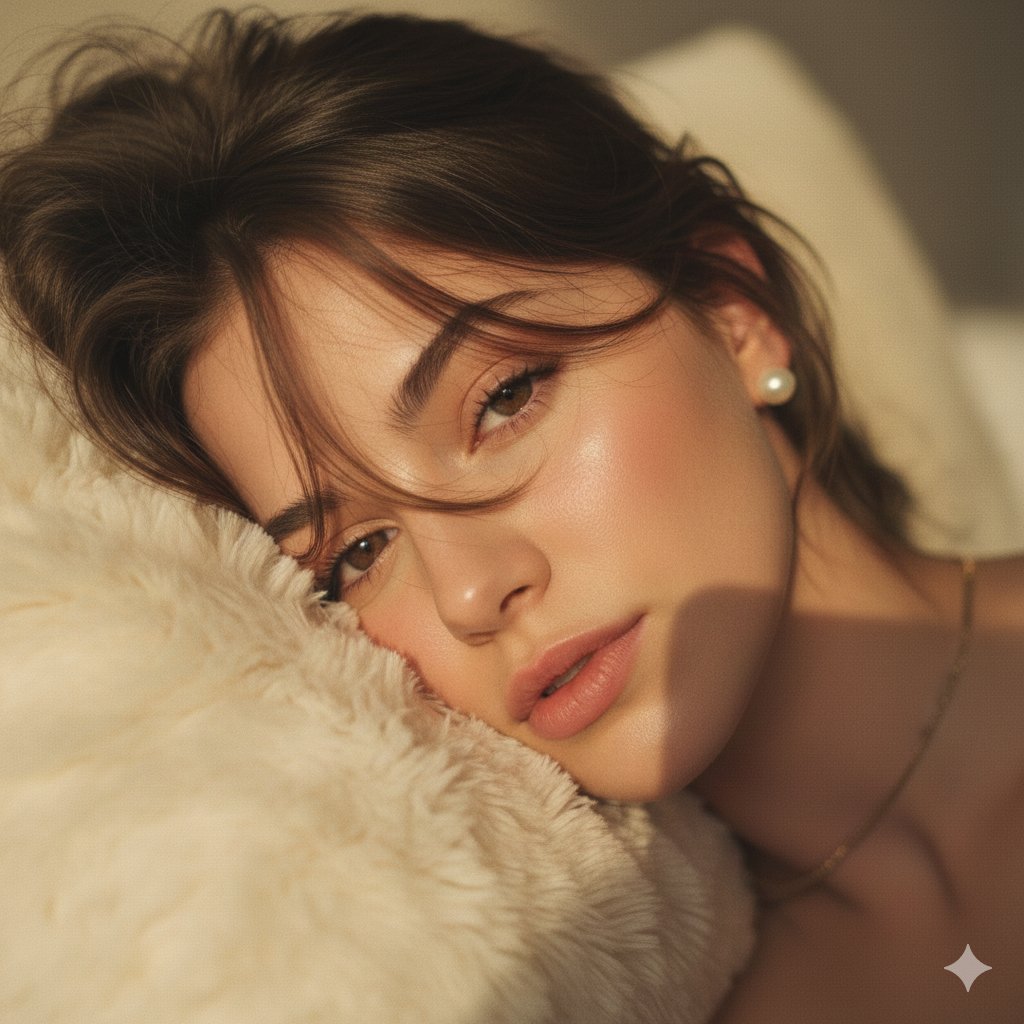
Hyper-Realistic POV Selfie with Bedhead Aesthetic
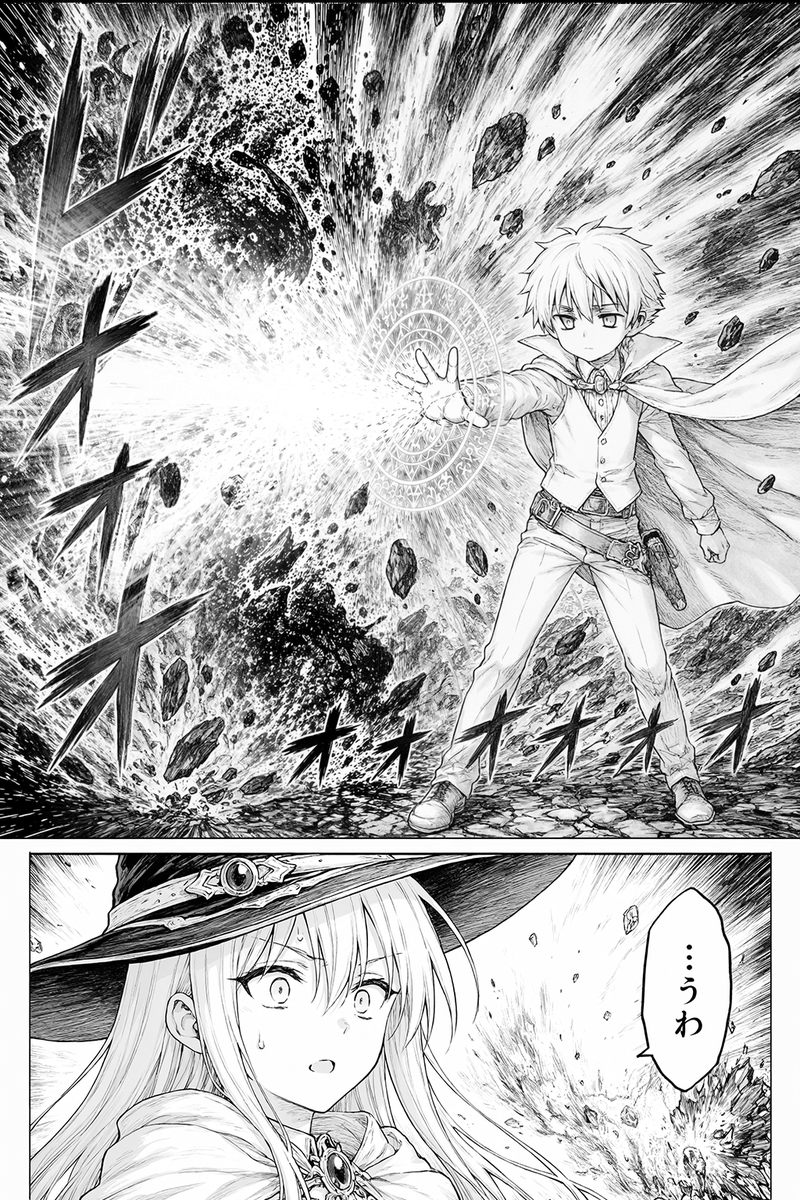
Fantasy Manga Spell Explosion Page

High-Quality Background for Social Media Posts (Thought Mode Pro)
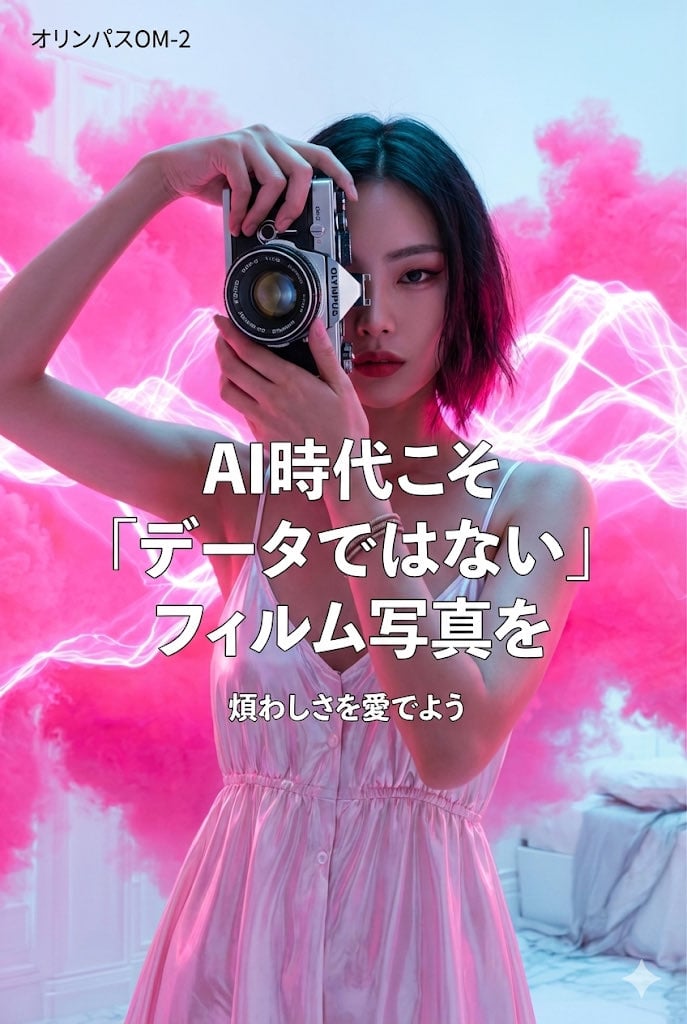
World-class cool film camera poster (2:3)
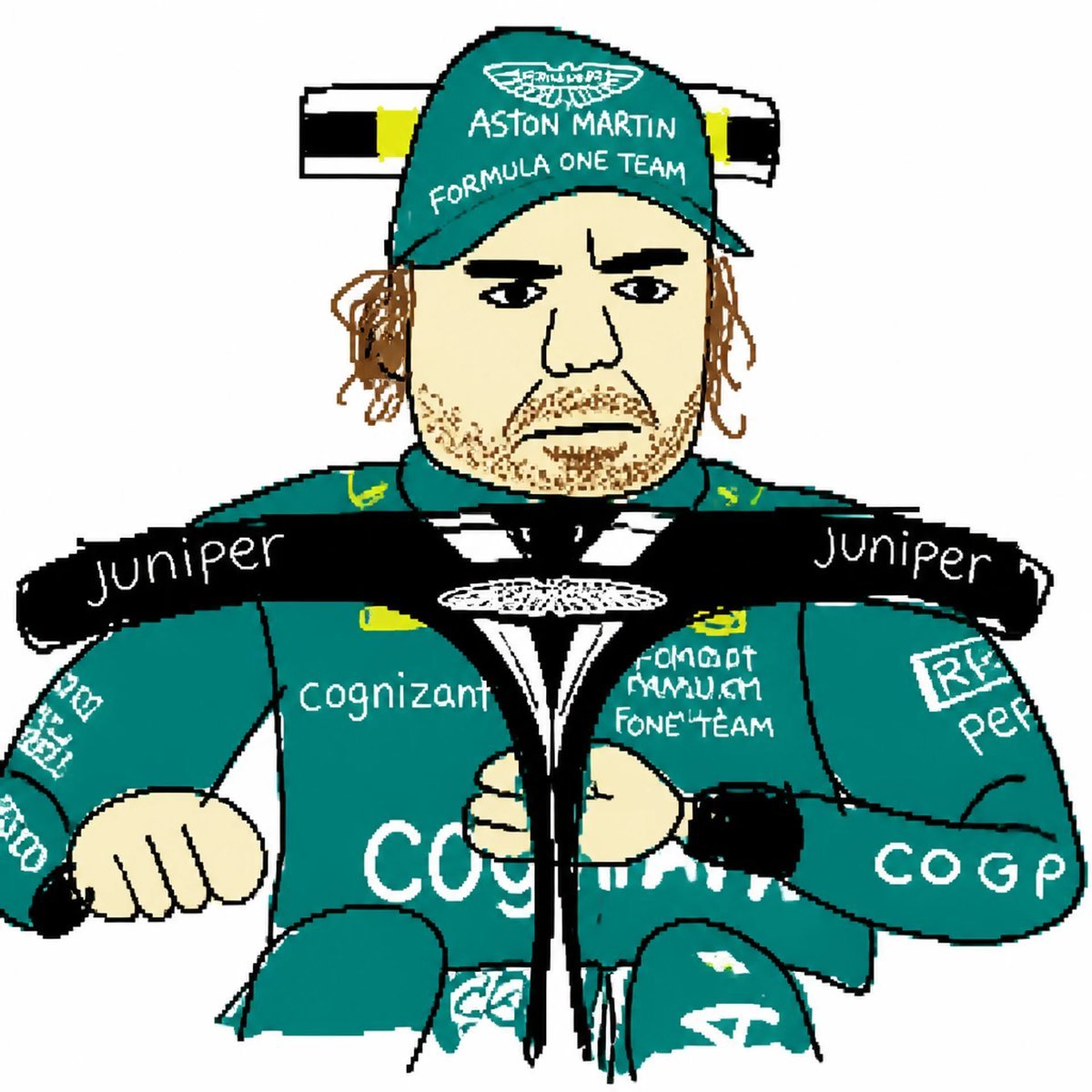
MS Paint Style Redraw
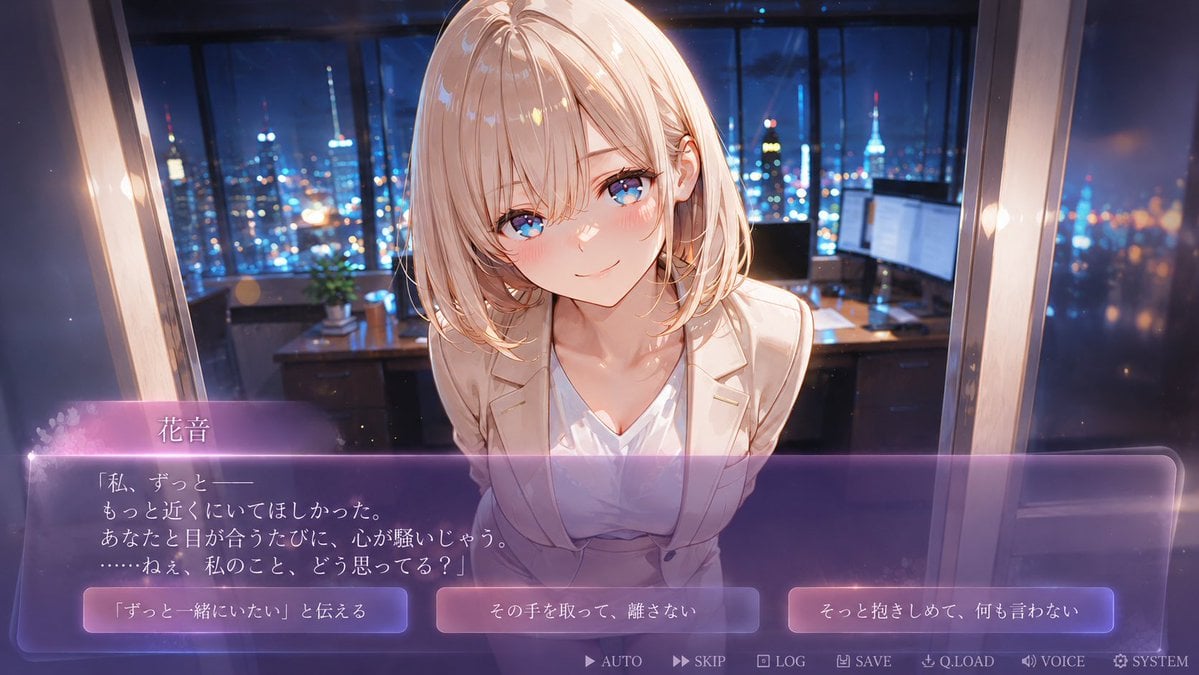
Faceless Romance Visual Novel CG

Romantic Maid Robot Manga Page
Quiet Luxury Mediterranean Vacation Portrait
Browse template categories
Seated Portrait Pose Estimation Overlay questions
How do I use the Seated Portrait Pose Estimation Overlay template?
Add your photo if the template asks for one, edit the prompt if you like — the template's model and format are already selected — and press Generate. Your version opens in PicX Studio.
Can I customize the Seated Portrait Pose Estimation Overlay template?
Yes. You can change the subject, setting, lighting, mood, format, and available model controls before creating your image.
Is the Seated Portrait Pose Estimation Overlay template free?
Opening and editing this template is free. Generating uses credits, shown on the Generate button when you are signed in.
Which AI model should I use?
Start with GPT Image 2, which is the model associated with this template. You can compare another compatible model for a different finish.
Looking for something else? Browse all templates.

Your photo, any look
Thousands of ready templates for every top image and video model, from one credit balance.