
UI/UX Redesign Prompt (Pop Design Style)
A detailed system prompt for Nano Banana Pro Agent V1.2, instructing it to act as a senior UI/UX designer.
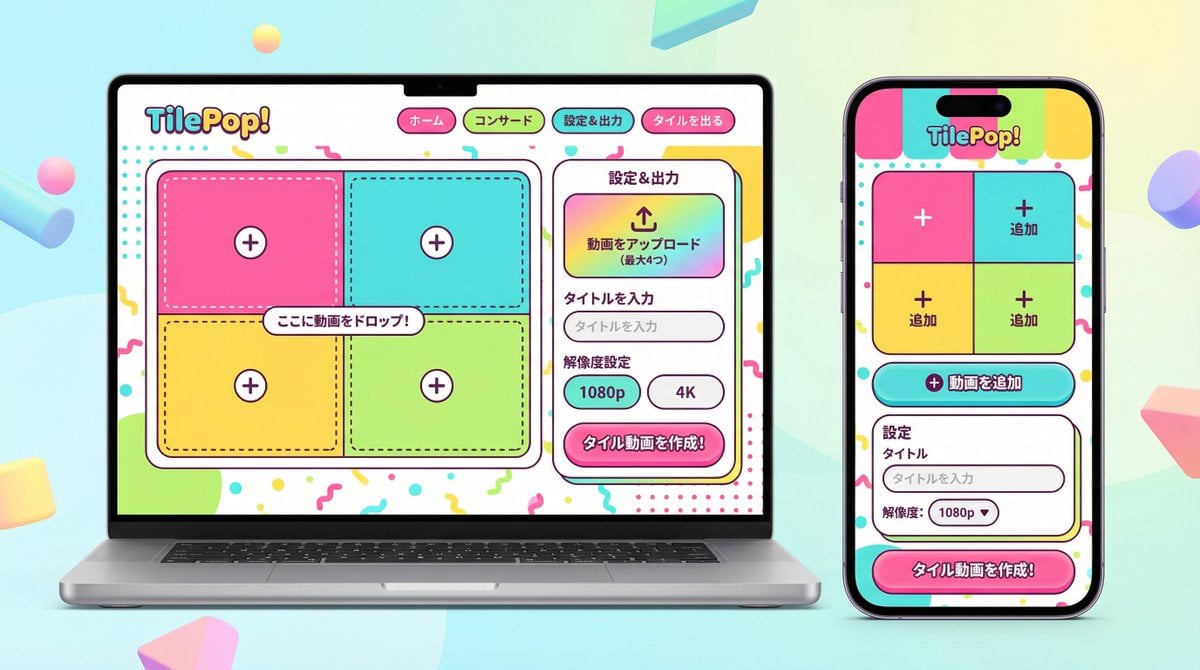
- Prompt included
- Model and format preset
- Free template
The prompt behind this image
Copy the exact prompt behind UI/UX Redesign Prompt (Pop Design Style), or open it in the studio and make it yours.
You are an experienced senior UI/UX designer who specializes in launching new services and redesigns. Analyze the attached image (or the input text if there is no attachment), and extract **only the "functional requirements" and "information structure"** shown in it. Based on the extracted functionality, generate a high-resolution device mockup image showing this app/service's "smartphone version (mobile app)" and "PC version (web dashboard or landing page)" side by side, with **the design completely redone**. **Important requests:** 1. **Design overhaul:** Do **not** imitate the visual style of the attached image **at all**. Follow the "pop design" instructions described later and propose a completely new design. 2. **Preserve functionality:** Make sure the UI includes the app's core functions, such as "upload," "video tile display," and "export settings." 3. **No characters:** Do not place any character or human illustrations in the image at all. Focus only on the UI and the devices. ▼ Instructions for the generation process (Thinking Process) Before drawing, build the design by carrying out the following thought process. * [Step 1: Extract functional requirements]: From the attached image, identify what this service does (video upload, tile editing, output, etc.) and list the necessary UI elements. * [Step 2: Formulate the pop design concept]: Based on the "▼ New design/style specification" below, define a vivid color palette, playful shapes, and friendly typography. * [Step 3: Responsive UI design]: * Smartphone version: Using the defined pop design, optimize a UI that's fun to operate even on a narrow screen. Arrange buttons to be large and easy to tap. * PC version: Using the defined pop design, design a visually enjoyable grid layout that makes use of the wide screen. * [Step 4: Spatial composition]: Arrange the PC and smartphone beautifully side by side, and set an angle that clearly conveys the new design on both screens. ▼ New design/style specification * **Design direction:** Adopt a **"fun, friendly, energetic pop design"**. * **Color:** Use a highly saturated, vivid multicolor palette (e.g., candy colors, bright yellow, hot pink, sky blue, etc.) to give an energetic impression. * **Shapes:** Use large rounded corners generously on buttons, cards, and windows, giving a soft, touchable texture. Icons should be drawn in a playful style with thick lines. * **Font:** Use a friendly, highly legible rounded gothic-style Japanese font. * **Overall mood:** Finish it as a bright, positive UI that makes the user excited to use it. * **Composition:** A cross-platform mockup with the PC and smartphone beautifully arranged side by side, in isometric (oblique overhead) or front view. The background is a bright studio environment that sets off the pop UI. * **Text:** Place accurate Japanese text indicating the functionality. ▼ Input text (app functional definition) {argument name="app functional definition" default="An app that tiles uploaded videos and exports them\nAI analysis features are not needed\nI want to be able to set the resolution!"}
How to use UI/UX Redesign Prompt (Pop Design Style) in 3 steps
- 1Upload ImagePNG, JPG or paste
Add your photo
Upload the photo the template builds on. The prompt, model and format are already set.
- 2…a portrait of your subject in softgolden-hour light, 85mm…
Personalize
Edit the subject and creative details for your destination.
- 3Generate
Generate
Press Generate — your image is created in PicX Studio, so you can compare it with the original and refine one variable at a time.
More like this
Templates with the same subject, style or setup. Open one to see its prompt.
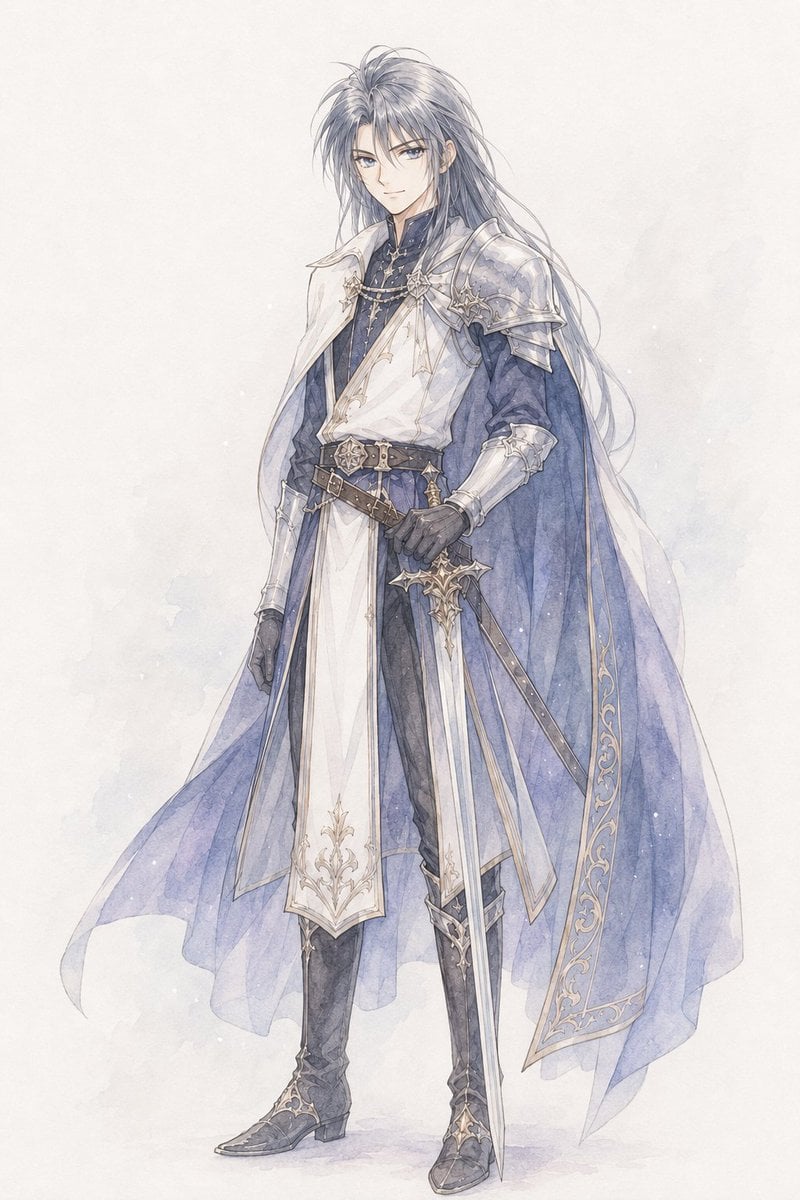
Watercolor Fantasy Knight Redesign
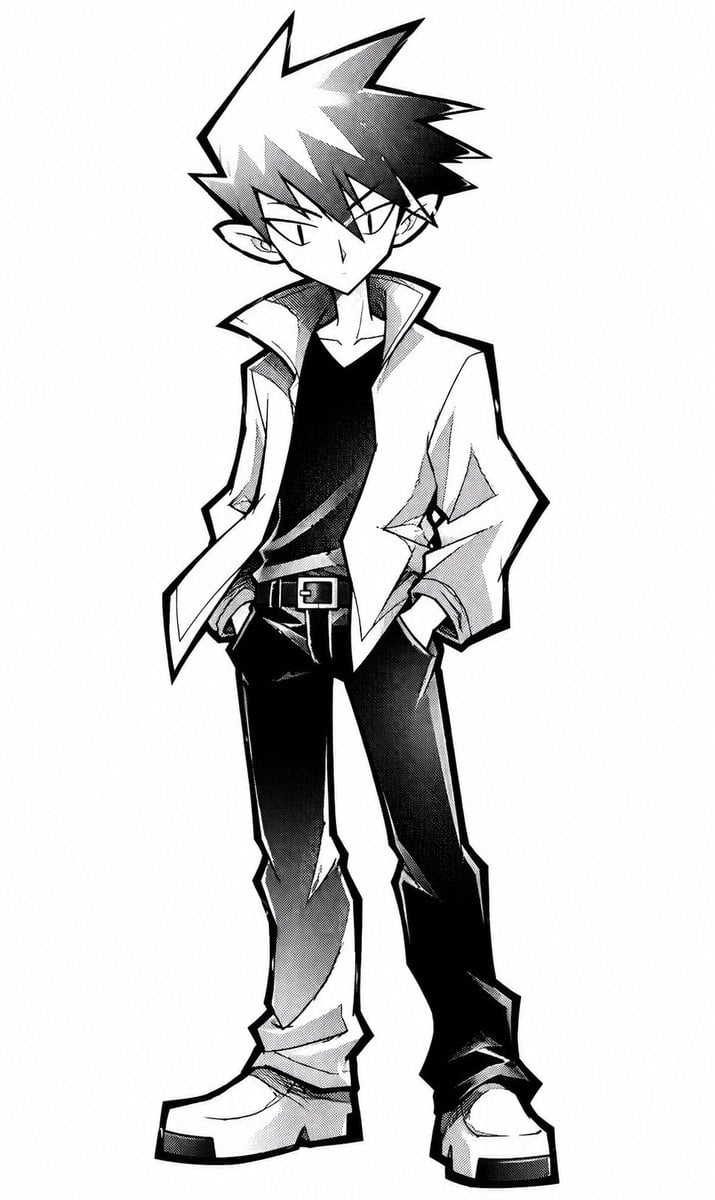
Angular Manga Character Redesign
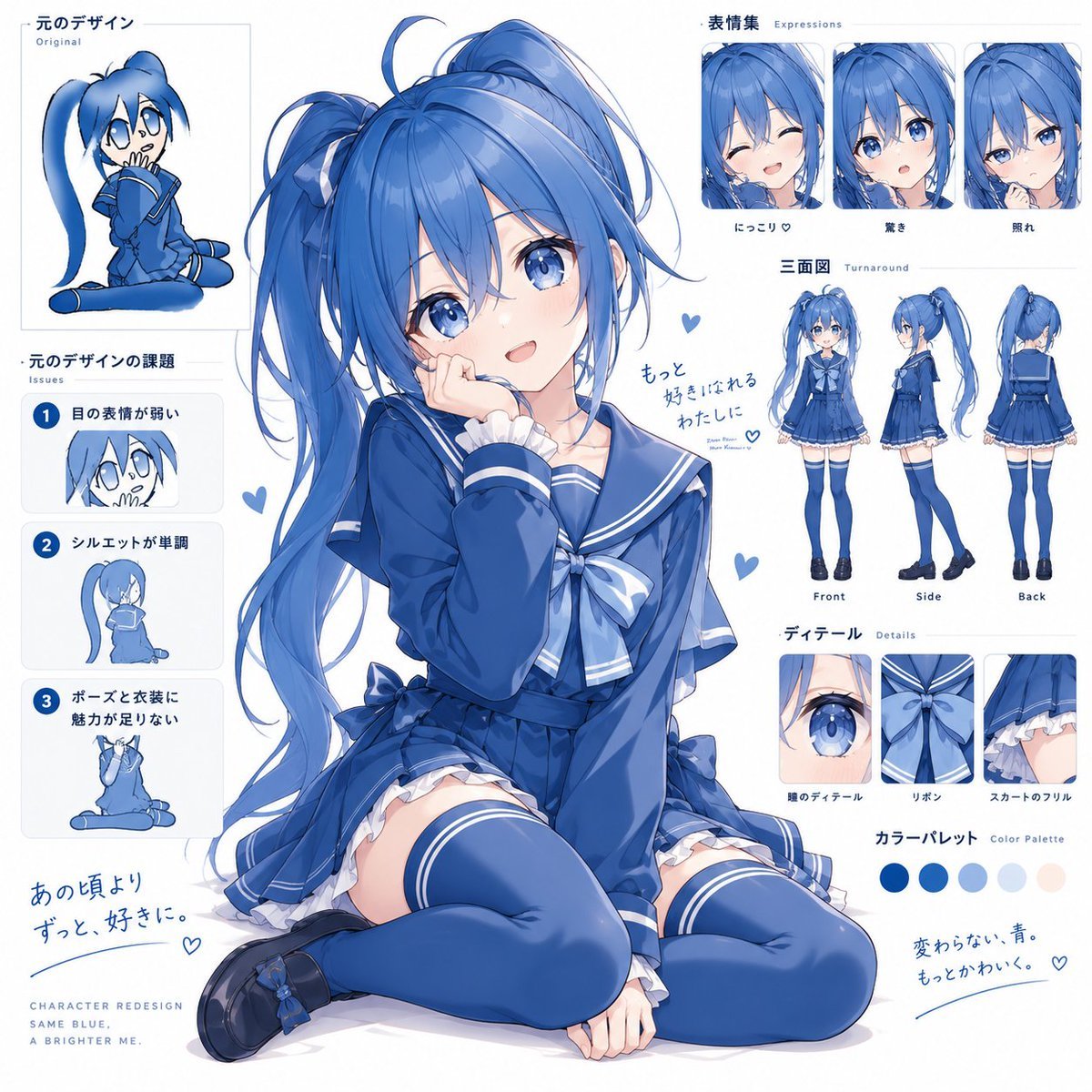
Blue Anime Character Redesign Sheet
Glossy AI Logo Redesign Row
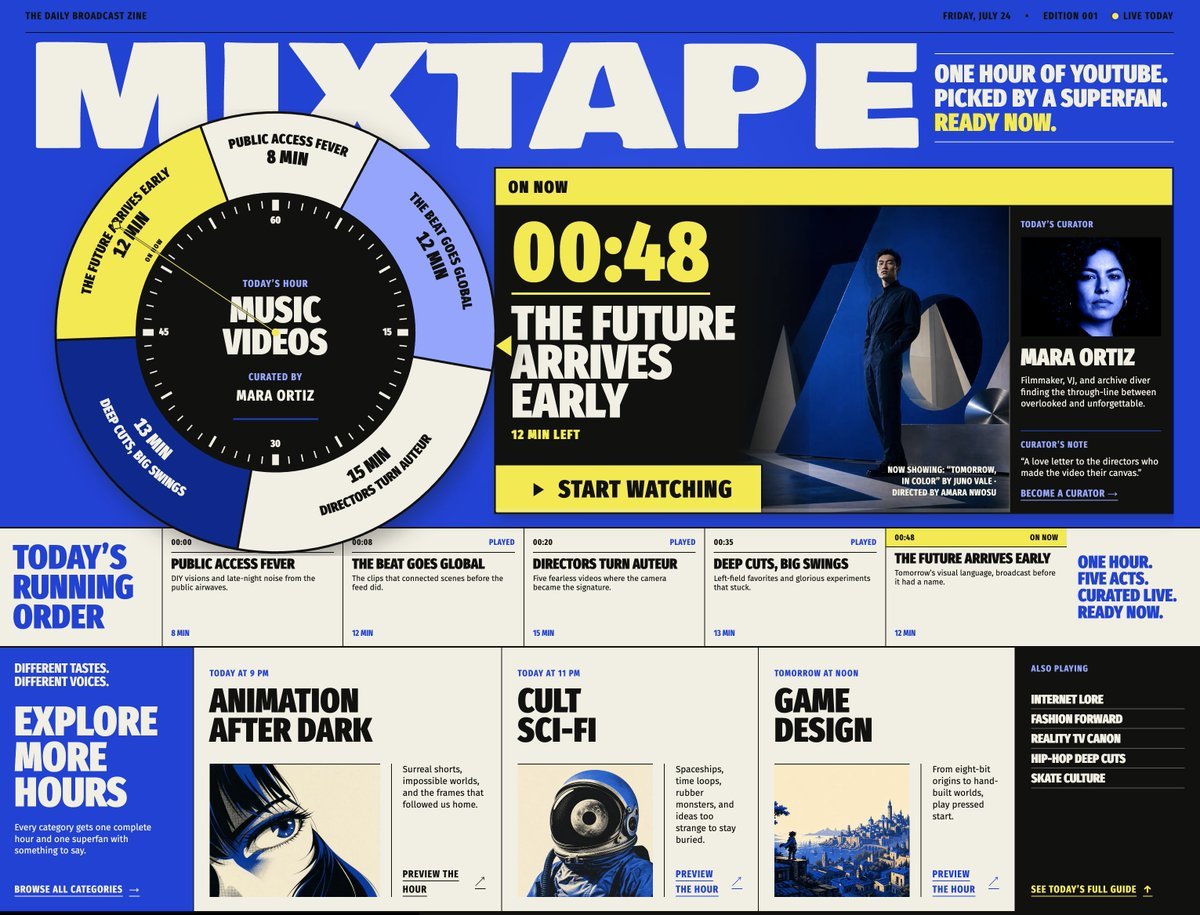
Mixtape Zine Webpage Redesign
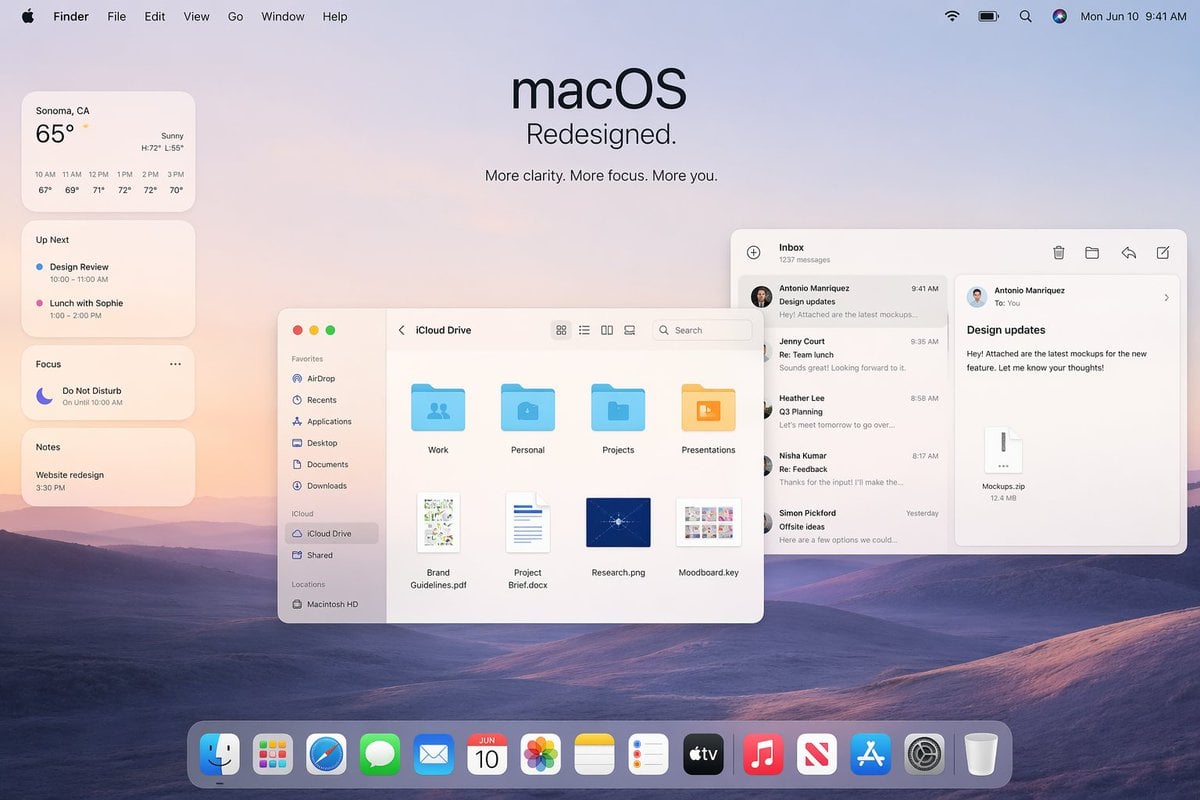
Apple macOS Redesign Promo Mockup
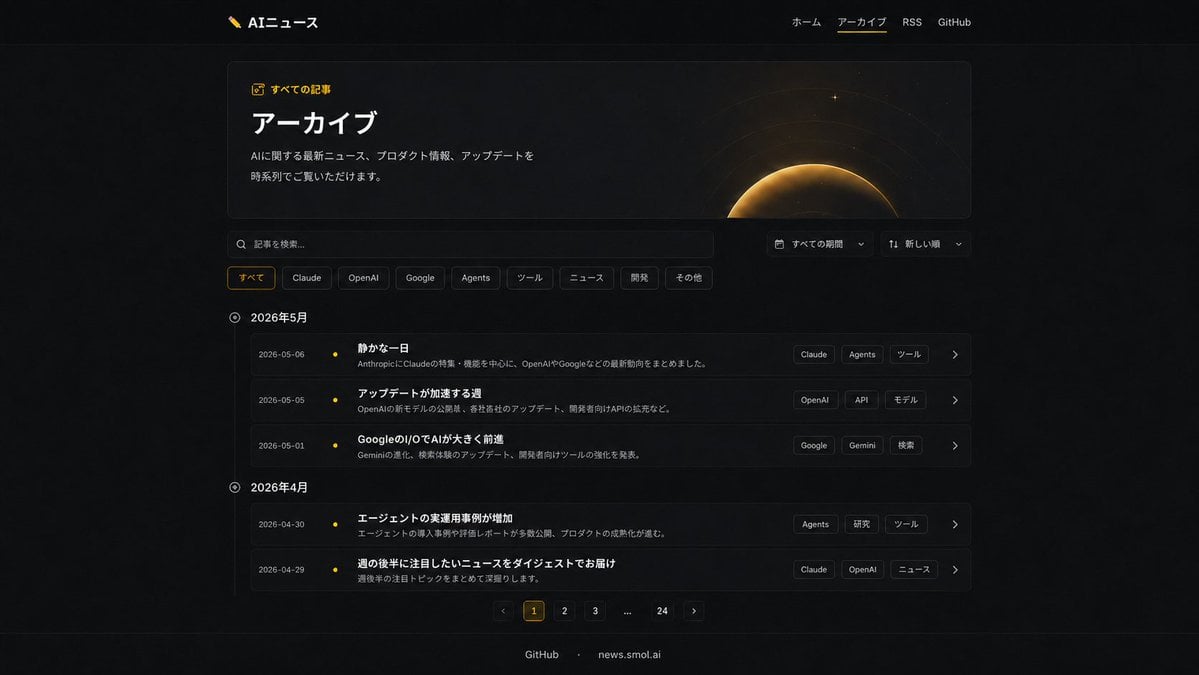
Dark AI News Archive Redesign
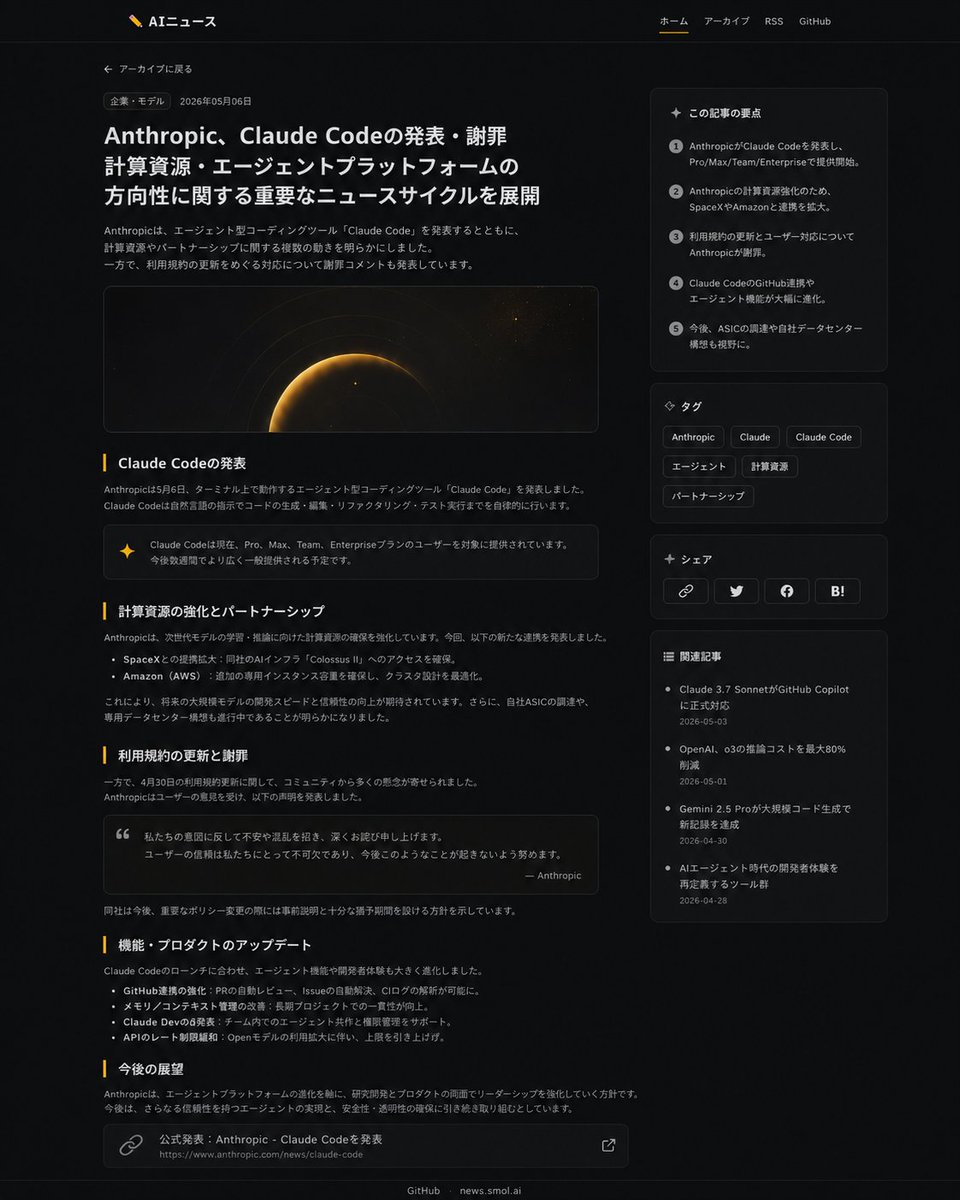
Dark News Article UI Redesign
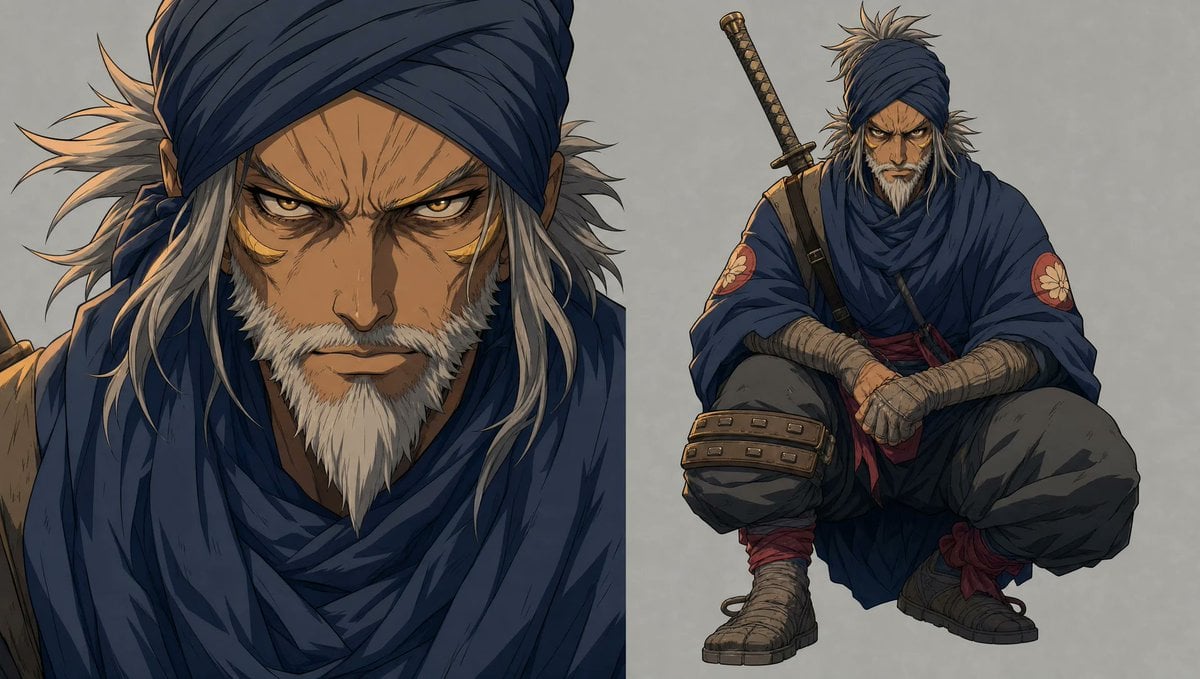
Faceless Shinobi Character Redesign
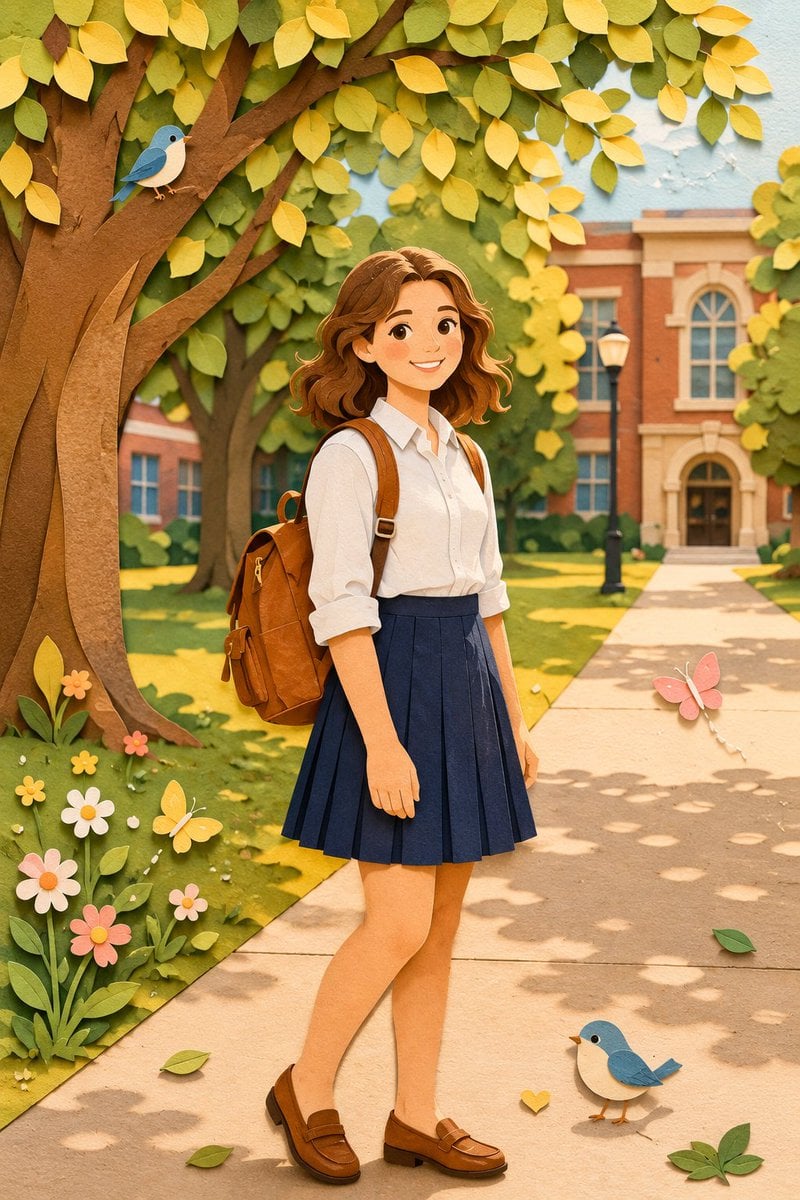
Paper Craft Style Redesign
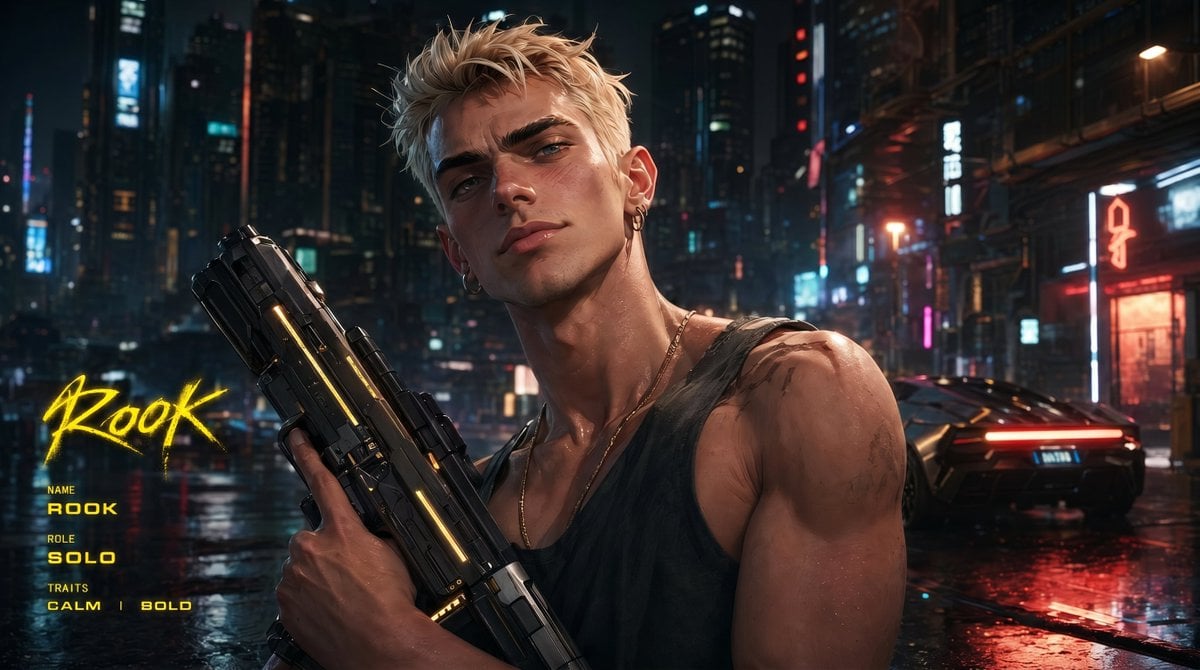
Cyberpunk Character Redesign
Oriental Opera Beauty Character Redesign
Make it yours
UI/UX Redesign Prompt (Pop Design Style) works as-is. These are the safest ways to change it without losing the look.
Change one field
Copy a single group, rewrite it, and generate again so you can see what that field is doing.
Keep the frame, change the subject
Hold the composition and light of UI/UX Redesign Prompt (Pop Design Style), then swap wardrobe, props or the person for a new take.
| If the result… | Why | Fix |
|---|---|---|
| The result drifts from the preview | Too many fields changed at once. | Reuse UI/UX Redesign Prompt (Pop Design Style) as-is first, then change one group — subject, light, or setting. |
| The model over-stylizes the scene | The prose prompt leaves finish and camera underspecified. | Add one camera or lighting sentence and stay on Nano Banana 2. |
More Nano Banana 2 templates
Other prompts made for Nano Banana 2.

Photorealistic Leaf Shaped Like a Dragon

K-Pop Idol Portrait Grid for Rapid Selection

Poetic Rain Forest Portrait During Golden Hour

Urban Street Portrait with Cartoon Inner Self Duo

Candid Nighttime Photo with Cat Prompt

High-Concept 3D Diorama Generation Prompt

Cinematic Futuristic Studio Portrait Template

Skincare Editorial Photography Collage Prompt

Hyper-Realistic Commercial Product Photography (Splash Effect)

Hyper-Realistic Nightclub Portrait Prompt
More image prompts
Fresh picks from across the catalog.
Vintage Goa Travel Poster
Casual Lifestyle Portrait at Outdoor Café
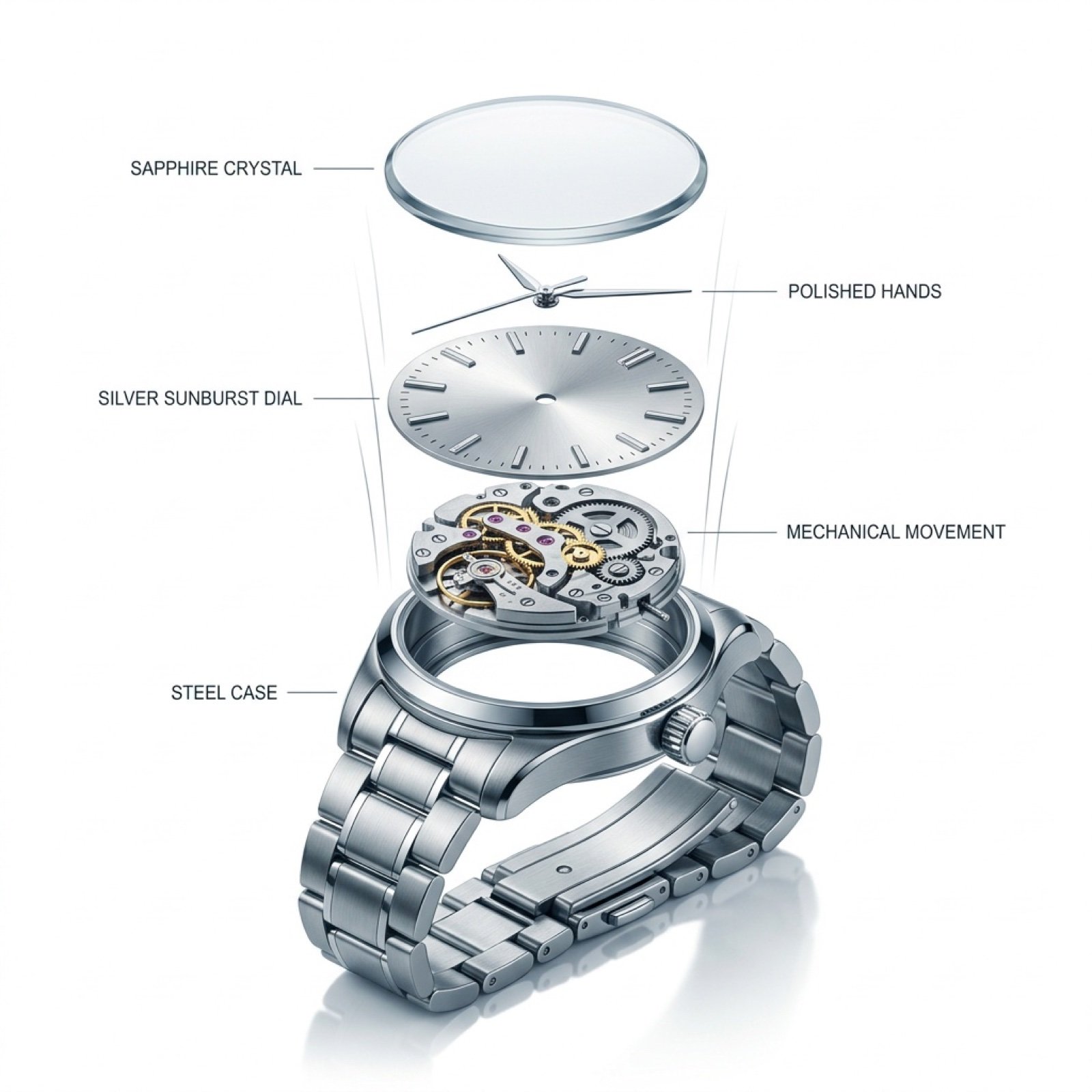
Exploded View Luxury Watch Infographic Prompt
Retro Pop Travel Family Poster
Four-frame vintage glamour collage of a woman in a crystal bodysuit at a piano
Cinematic Close-Up of Crispy Chicken Nuggets
Video Thumbnail Interpretation Prompt
Minimalist Oriental Ink Signature Design
Architectural Tiramisu Cross-Section
Shipwreck Twilight Scene
Browse template categories
UI/UX Redesign Prompt (Pop Design Style) questions
How do I use the UI/UX Redesign Prompt (Pop Design Style) template?
Add your photo if the template asks for one, edit the prompt if you like — the template's model and format are already selected — and press Generate. Your version opens in PicX Studio.
Can I customize the UI/UX Redesign Prompt (Pop Design Style) template?
Yes. You can change the subject, setting, lighting, mood, format, and available model controls before creating your image.
Is the UI/UX Redesign Prompt (Pop Design Style) template free?
Opening and editing this template is free. Generating uses credits, shown on the Generate button when you are signed in.
Which AI model should I use?
Start with Nano Banana 2, which is the model associated with this template. You can compare another compatible model for a different finish.
Looking for something else? Browse all templates.

Your photo, any look
Thousands of ready templates for every top image and video model, from one credit balance.