
Ukiyo-e Orpheus Mountain Path
Generates a Japanese woodblock-style mythic landscape showing Orpheus, a ghostly woman, cranes, cherry blossoms, and a torii path at dawn.
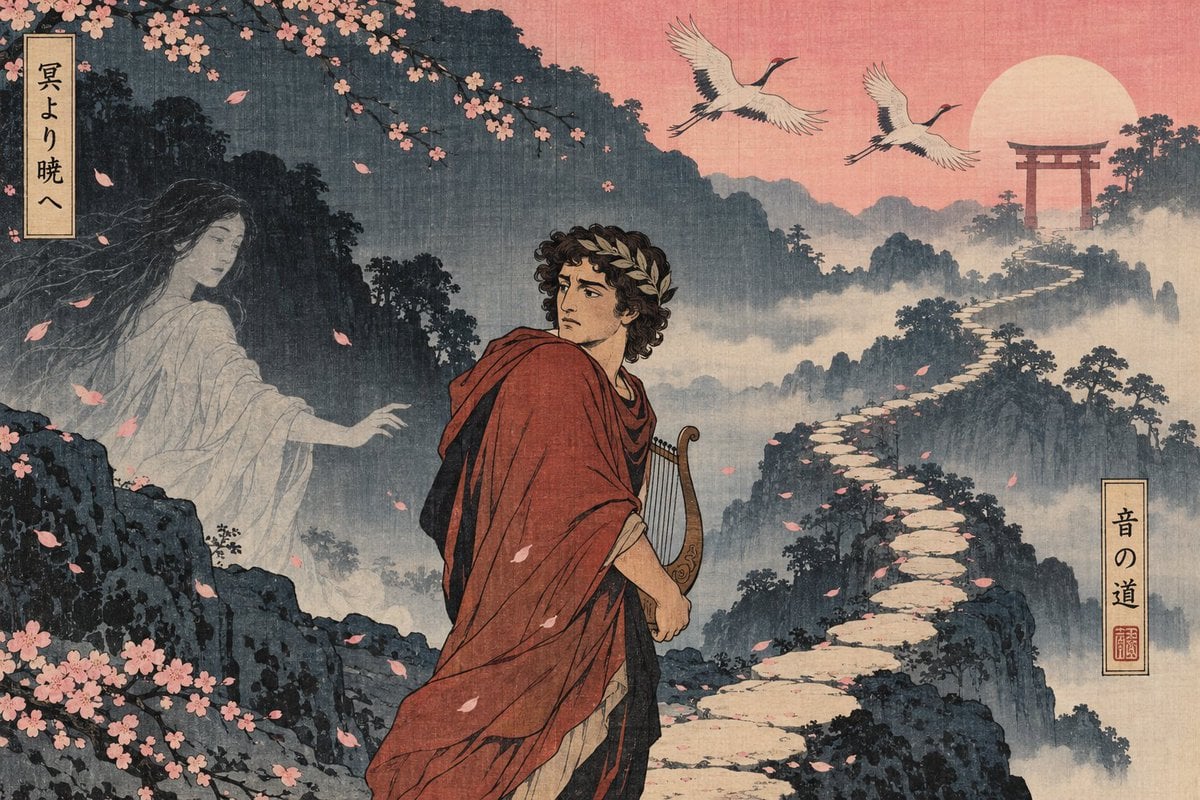
- Prompt included
- Model and format preset
- Free template
The prompt behind this image
Copy the exact prompt behind Ukiyo-e Orpheus Mountain Path, or open it in the studio and make it yours.
Create a wide horizontal ukiyo-e inspired mythic landscape illustration in aged woodblock print style, with visible paper grain, muted ink texture, fine black linework, and a dusky palette of indigo mountains, misty gray-blue valleys, faded salmon pink sky, and soft cream highlights. In the center foreground place one young Greek poet or traveler, {argument name="character name" default="Orpheus"}, with curly dark hair, a laurel wreath, a worried backward glance, a red draped cloak over a pale tunic, and a small lyre held at his side. On the left, emerging from shadowy cliffs and mist, show one translucent ghostly woman in flowing white robes with long dark hair, reaching toward him with one hand, ethereal and partially faded into the fog. The scene contains exactly two flying cranes in the upper sky, one large pale sun near the upper right, one red torii gate on a distant mountaintop, and one winding pale stone path climbing from the lower right foreground through misty mountains toward the gate. Frame the upper left and lower left with dark cherry tree branches covered in pink blossoms, with many loose pink petals drifting diagonally across the whole composition. Add exactly two narrow vertical Japanese paper title plaques: one at the upper left reading {argument name="left plaque text" default="冥より暁へ"}, and one at the right middle reading {argument name="right plaque text" default="音の道"} with a small red seal below the characters. Blend Japanese ukiyo-e composition with a subtle ancient Greek mythological subject, cinematic but flat-print, melancholic and dreamlike, no modern objects, no photorealism, no extra people, no extra birds, no watermark.
How to use Ukiyo-e Orpheus Mountain Path in 3 steps
- 1Upload ImagePNG, JPG or paste
Add your photo
Upload the photo the template builds on. The prompt, model and format are already set.
- 2…a portrait of your subject in softgolden-hour light, 85mm…
Personalize
Edit the subject and creative details for your destination.
- 3Generate
Generate
Press Generate — your image is created in PicX Studio, so you can compare it with the original and refine one variable at a time.
More like this
Templates with the same subject, style or setup. Open one to see its prompt.

Teen Girl Alpine Lake Mountain View

Mountain Lake Sunset Landscape

Premium Vintage Travel Poster Landscape
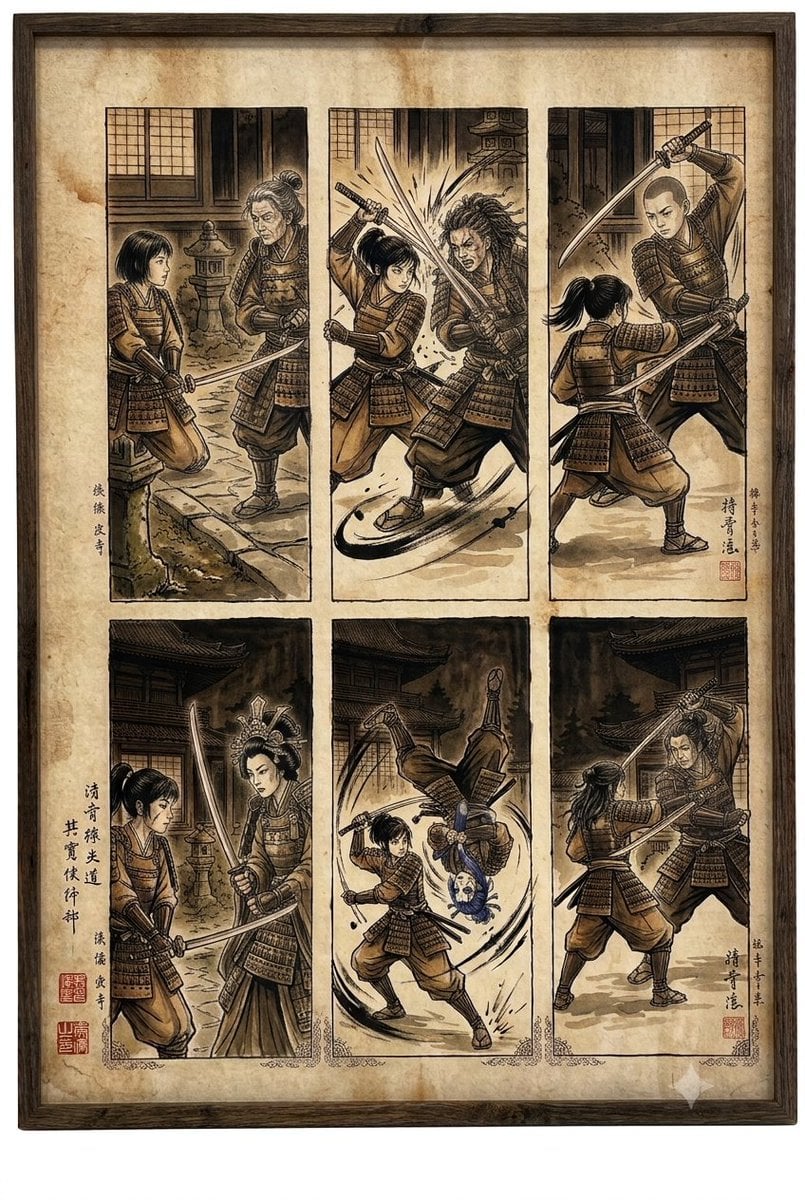
Samurai fight scene ukiyo-e triptych
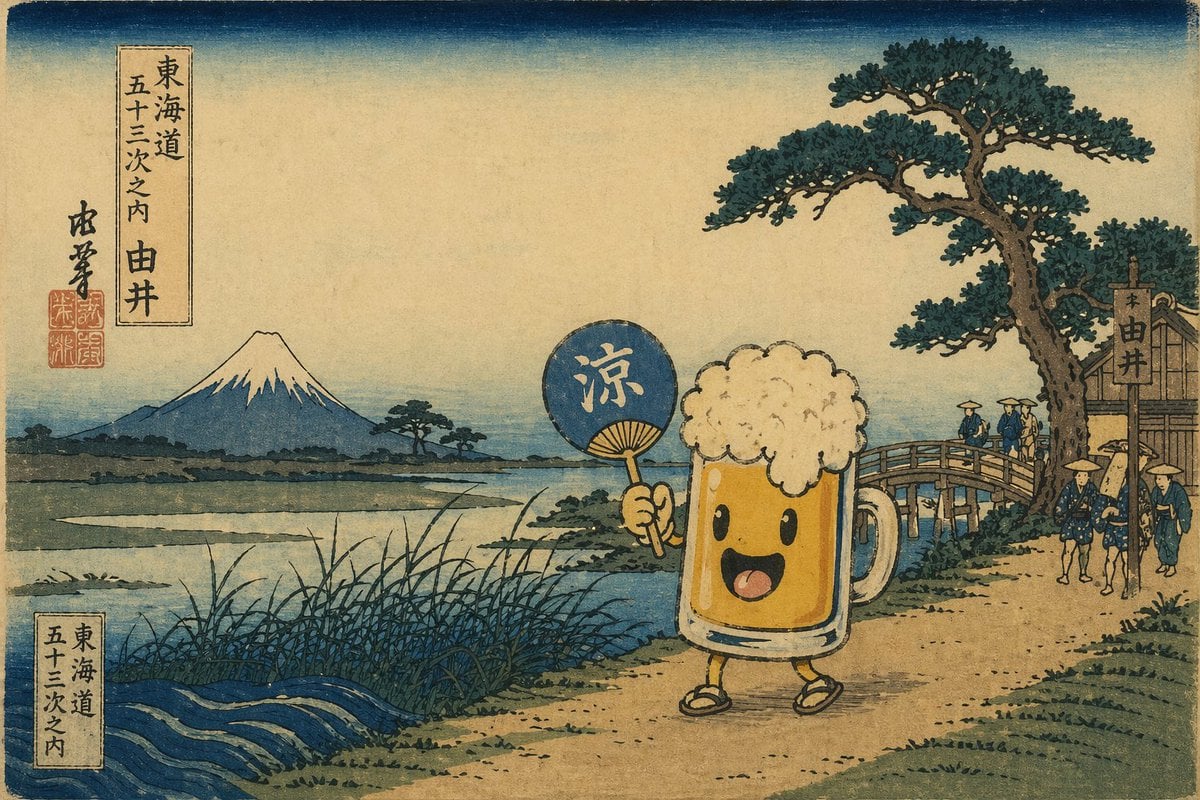
Ukiyo-e Mascot Landscape
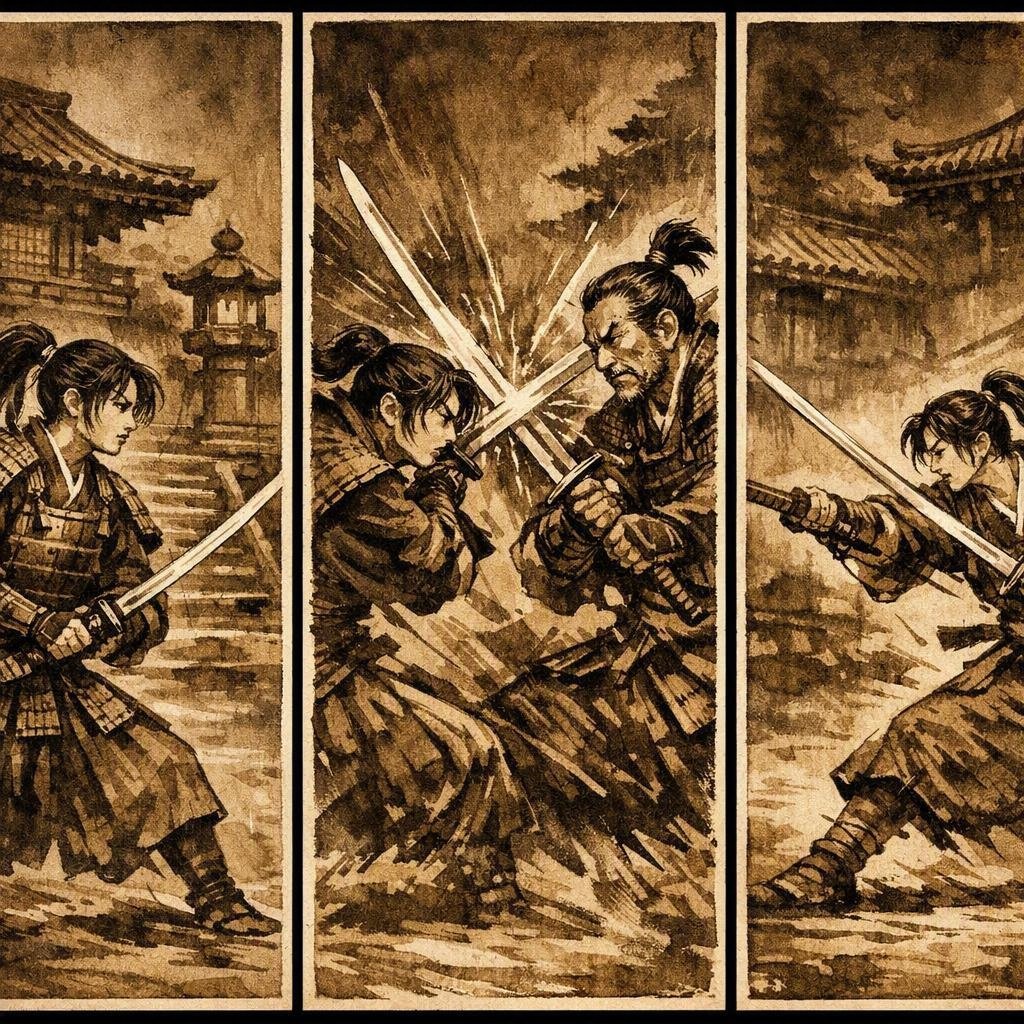
Japanese Samurai Ukiyo-e Triptych
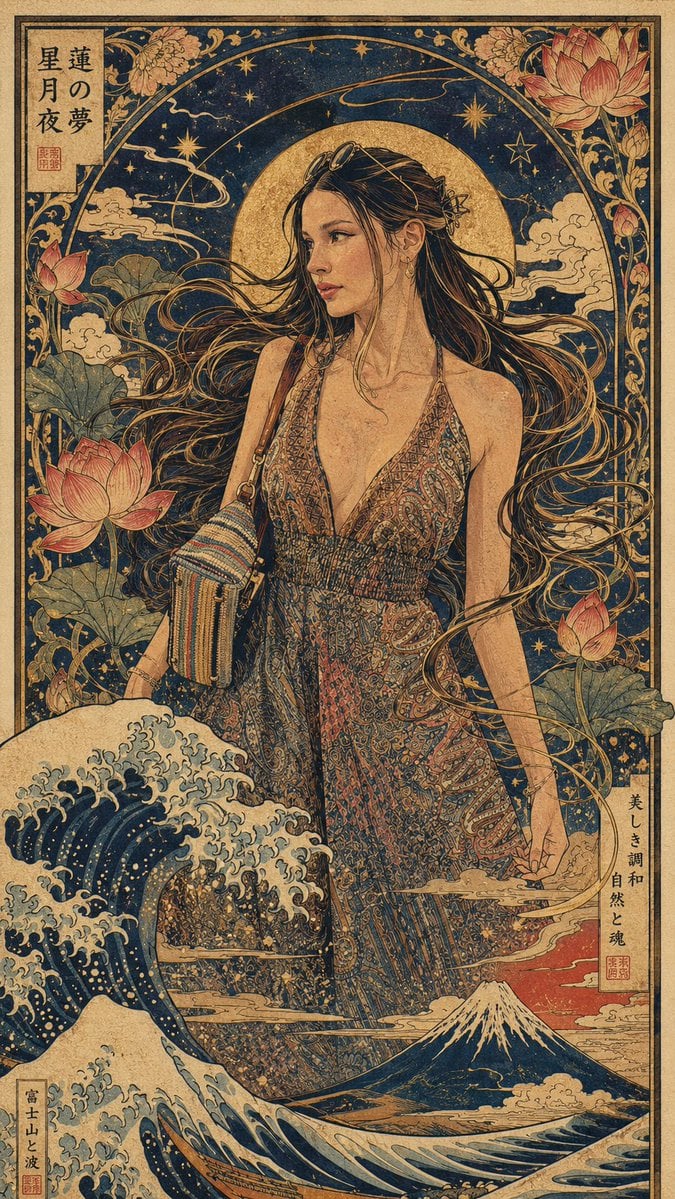
Art Nouveau & Ukiyo-e Fusion Portrait

Stylish Man Garden Path

Woman in White Dress on Park Path
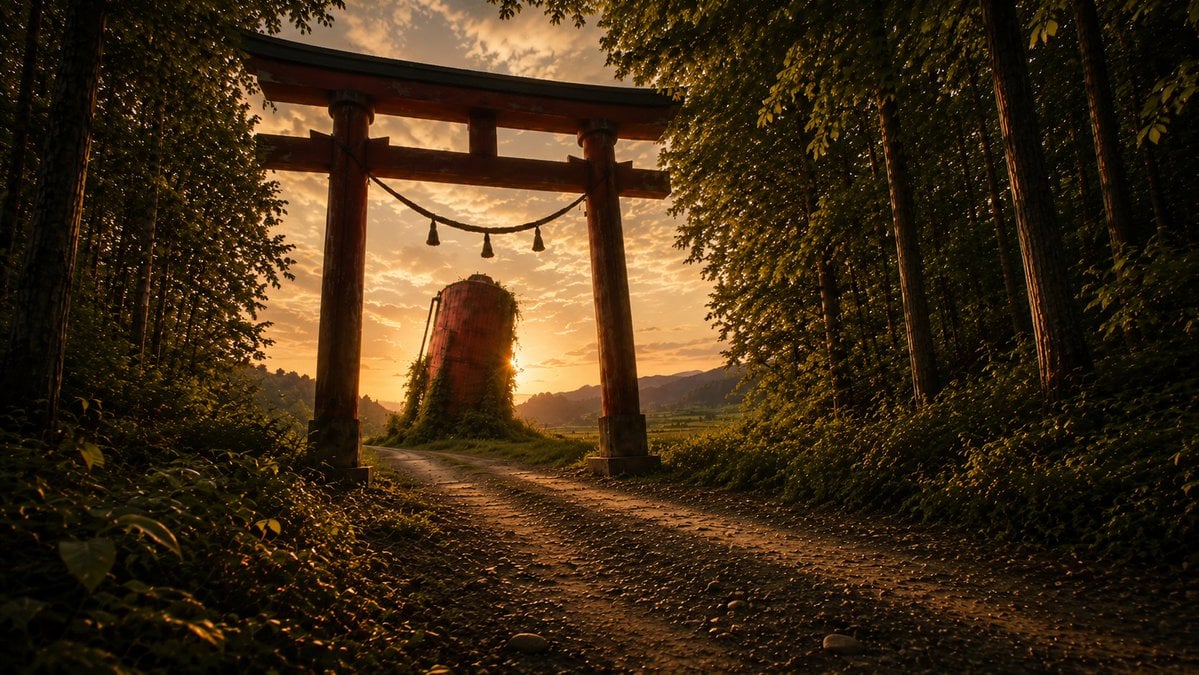
Sunset Torii Forest Path
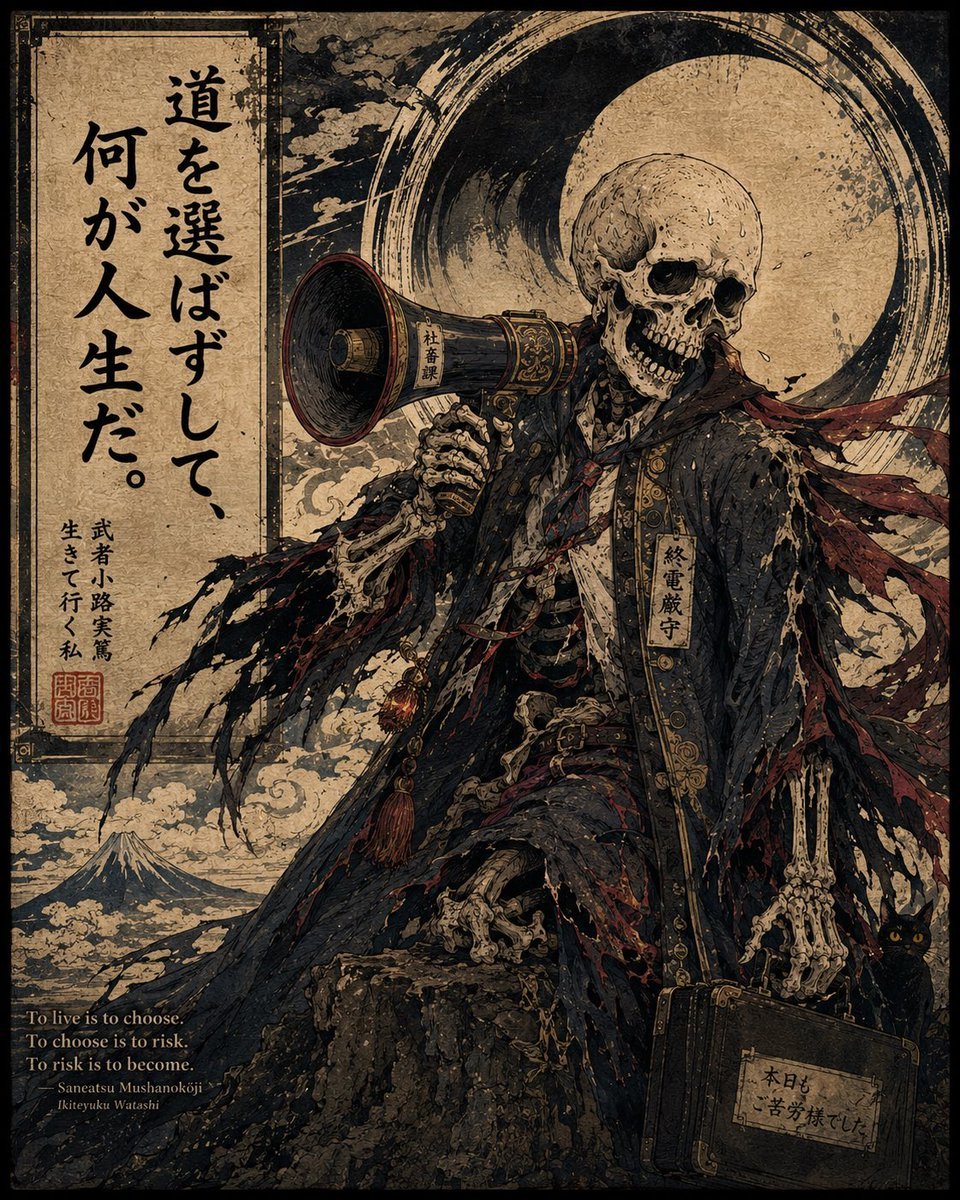
Ukiyo-e Skeleton Salaryman Quote Poster
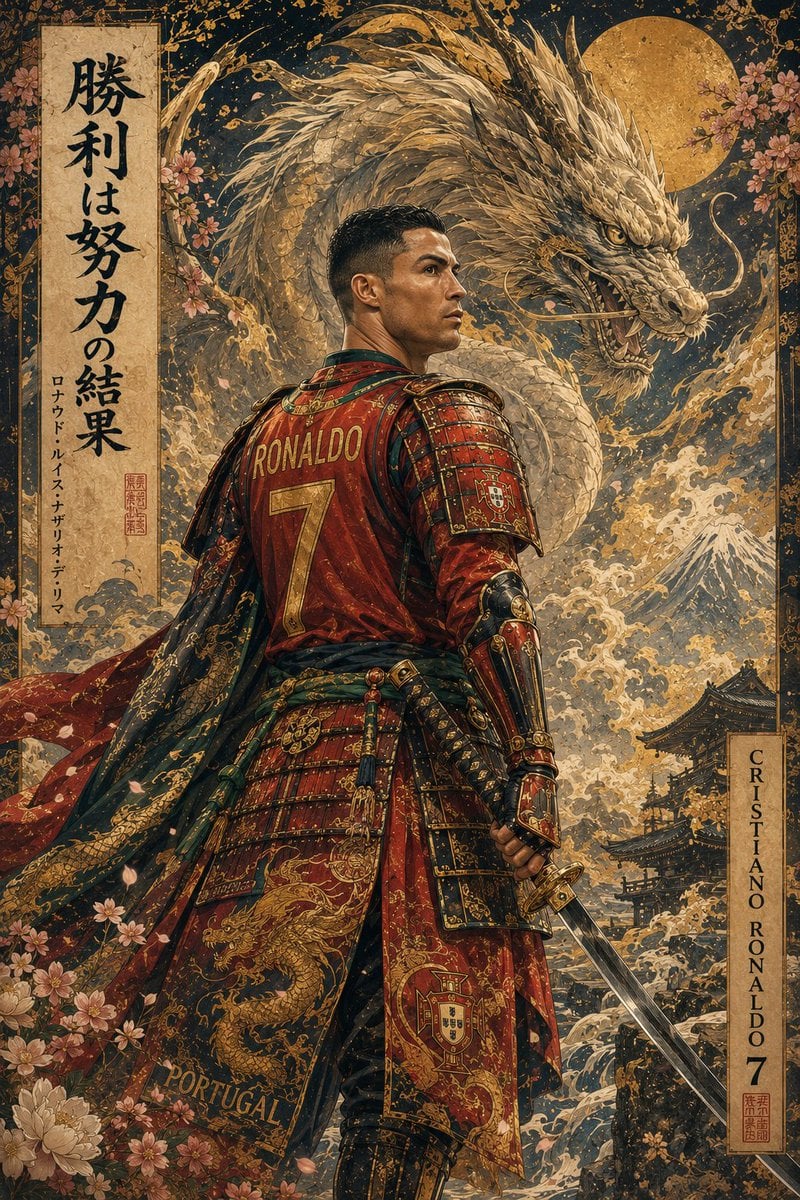
Ukiyo-e Mythological Samurai Portrait
Make it yours
Ukiyo-e Orpheus Mountain Path works as-is. These are the safest ways to change it without losing the look.
Change one field
Copy a single group, rewrite it, and generate again so you can see what that field is doing.
Keep the frame, change the subject
Hold the composition and light of Ukiyo-e Orpheus Mountain Path, then swap wardrobe, props or the person for a new take.
| If the result… | Why | Fix |
|---|---|---|
| The result drifts from the preview | Too many fields changed at once. | Reuse Ukiyo-e Orpheus Mountain Path as-is first, then change one group — subject, light, or setting. |
| The model over-stylizes the scene | The prose prompt leaves finish and camera underspecified. | Add one camera or lighting sentence and stay on GPT Image 2. |
More GPT Image 2 templates
Other prompts made for GPT Image 2.

Six VTuber Japanese Logo Sheet

Realistic Portrait of Woman and Deer

The Vista Modular Condo Poster

AI Model Routing Comparison Infographic

2.5D Anime Art Board

Isometric Productivity Desk Scene

New York Double Exposure Poster

Four-Panel AI Landscape Comparison

Japanese Tatami Lifestyle Magazine Cover

NESCAFÉ Coffee Map Poster
More image prompts
Fresh picks from across the catalog.
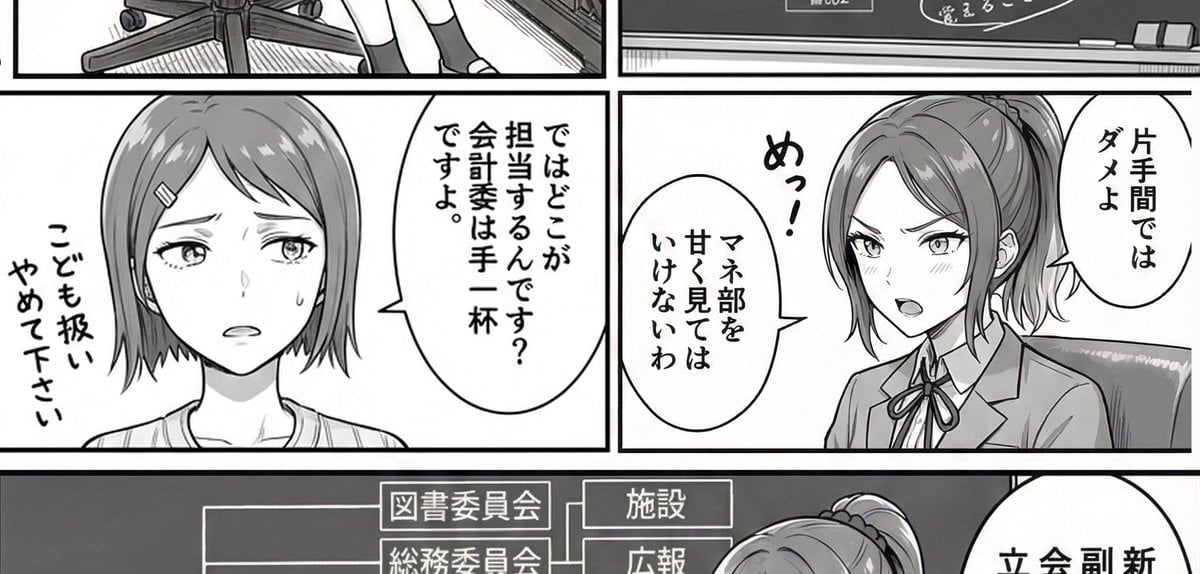
AI Art Experiment: Speech Bubbles and Hand-Drawn Text
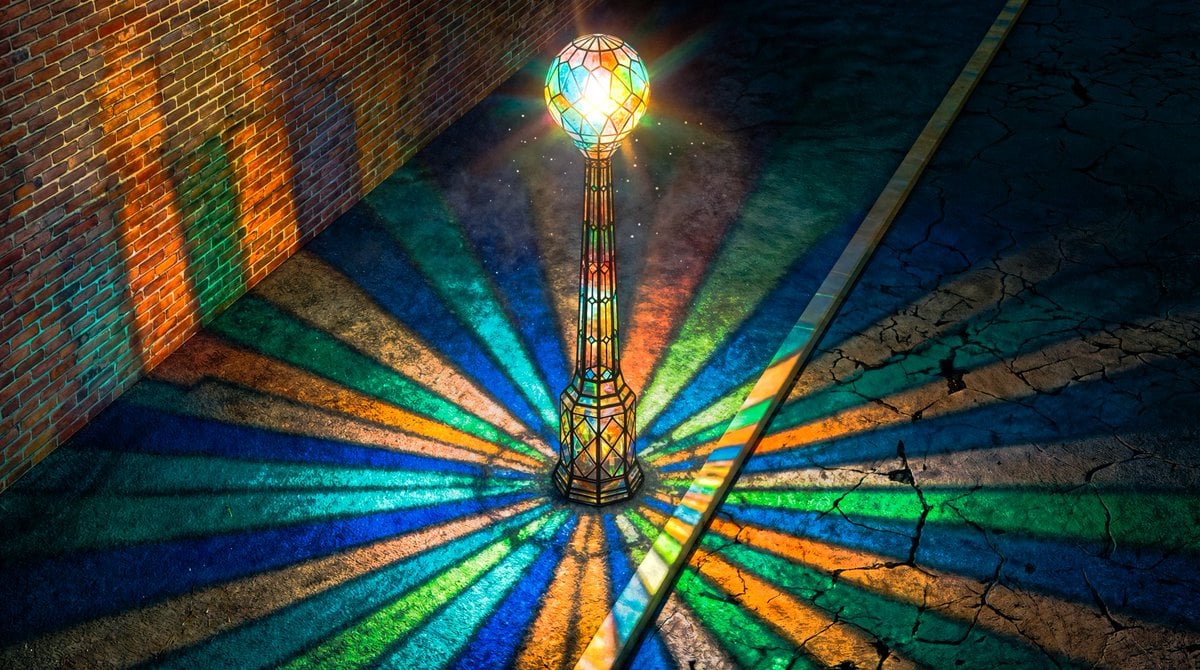
Blender 3D Viewport Style Prompt
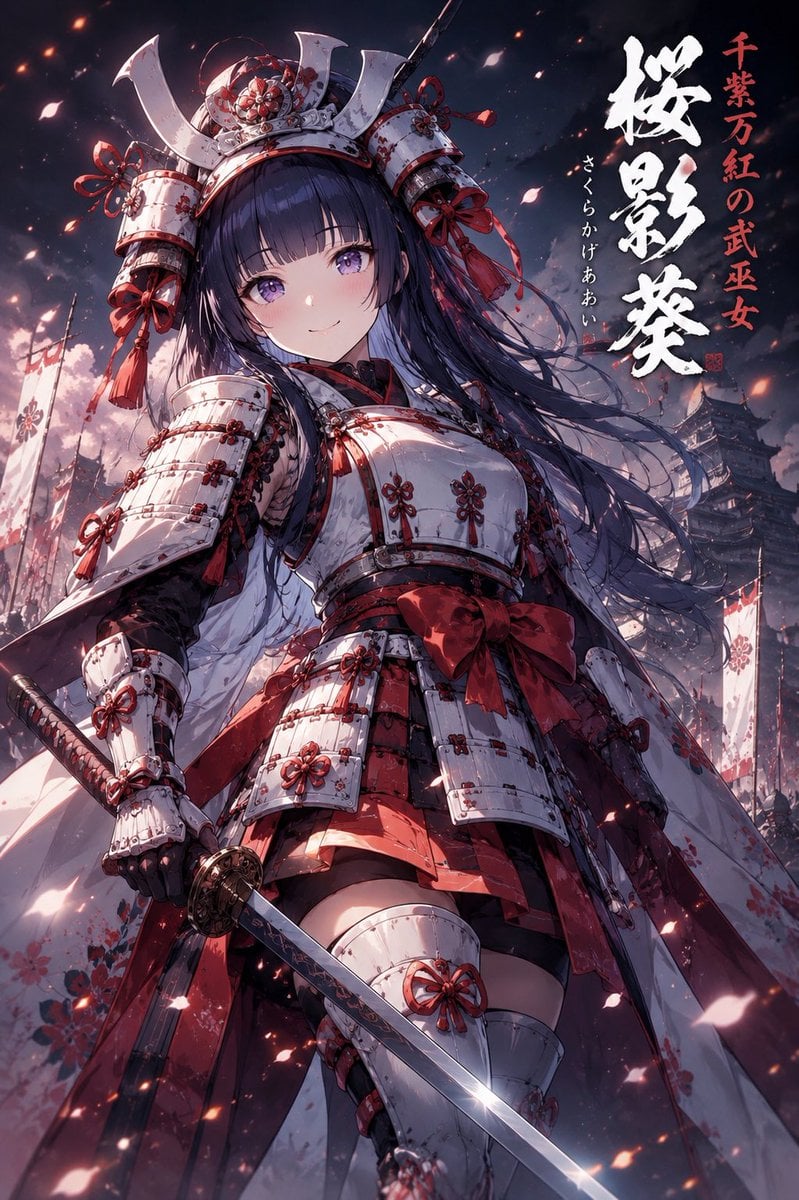
Samurai Armor Character Transformation
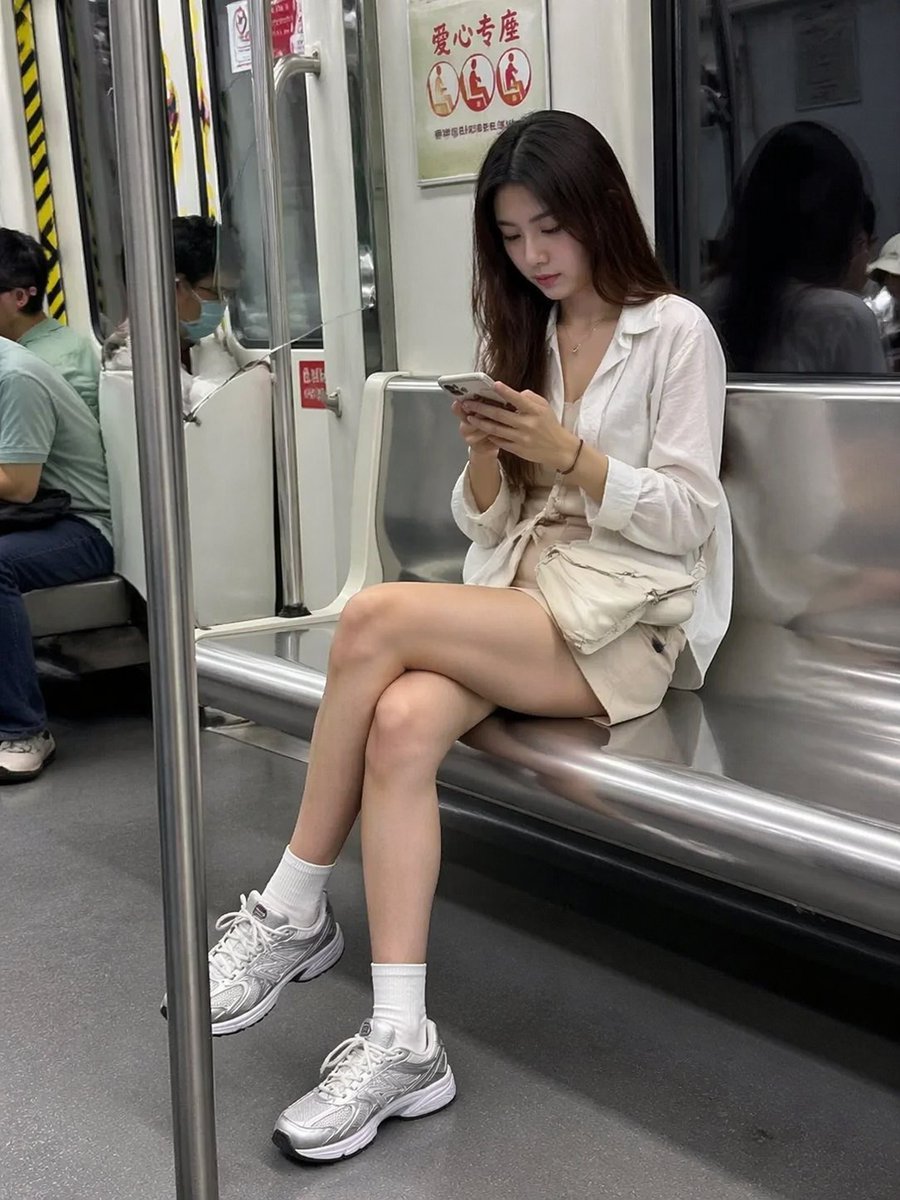
Candid Subway Smartphone Photography

Floating Football Legacy Throne Poster
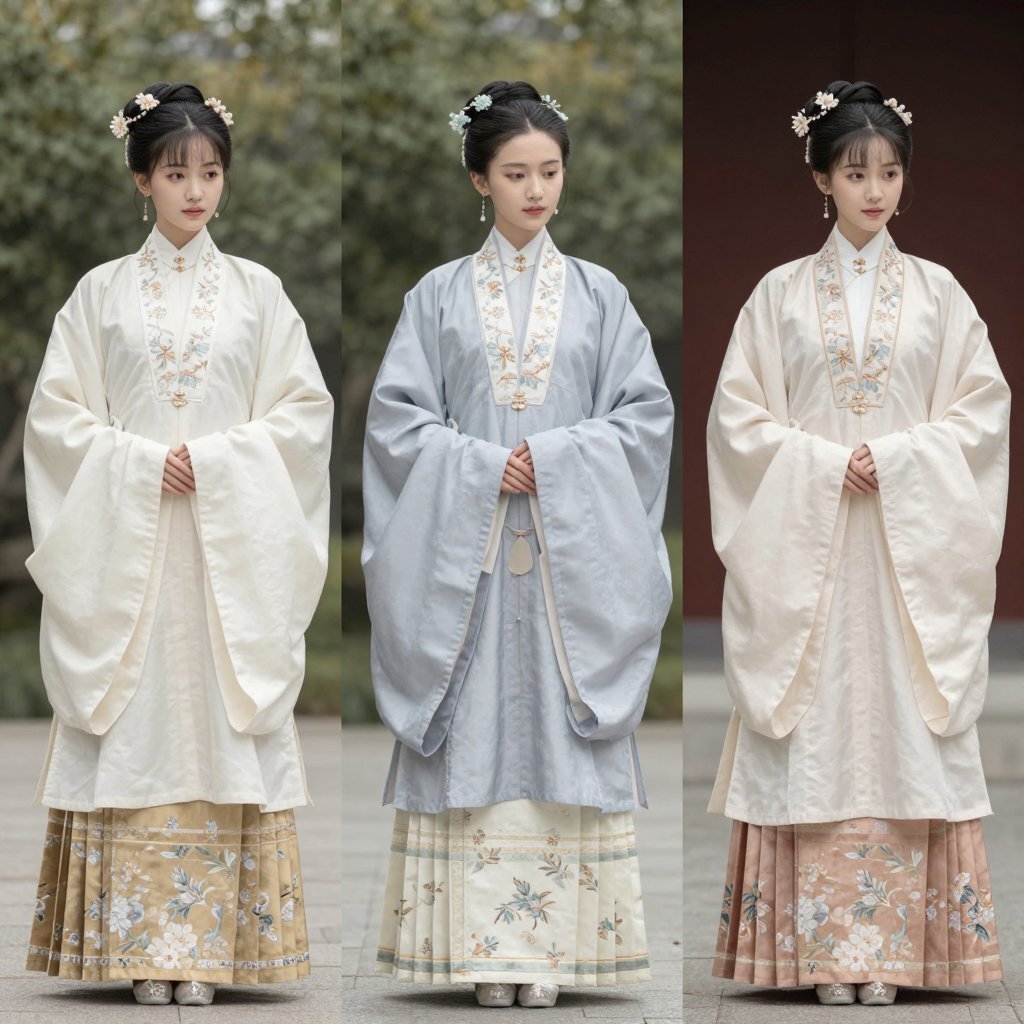
Three Hanfu Outfit Comparison

HIX.AI Slide Update Banner
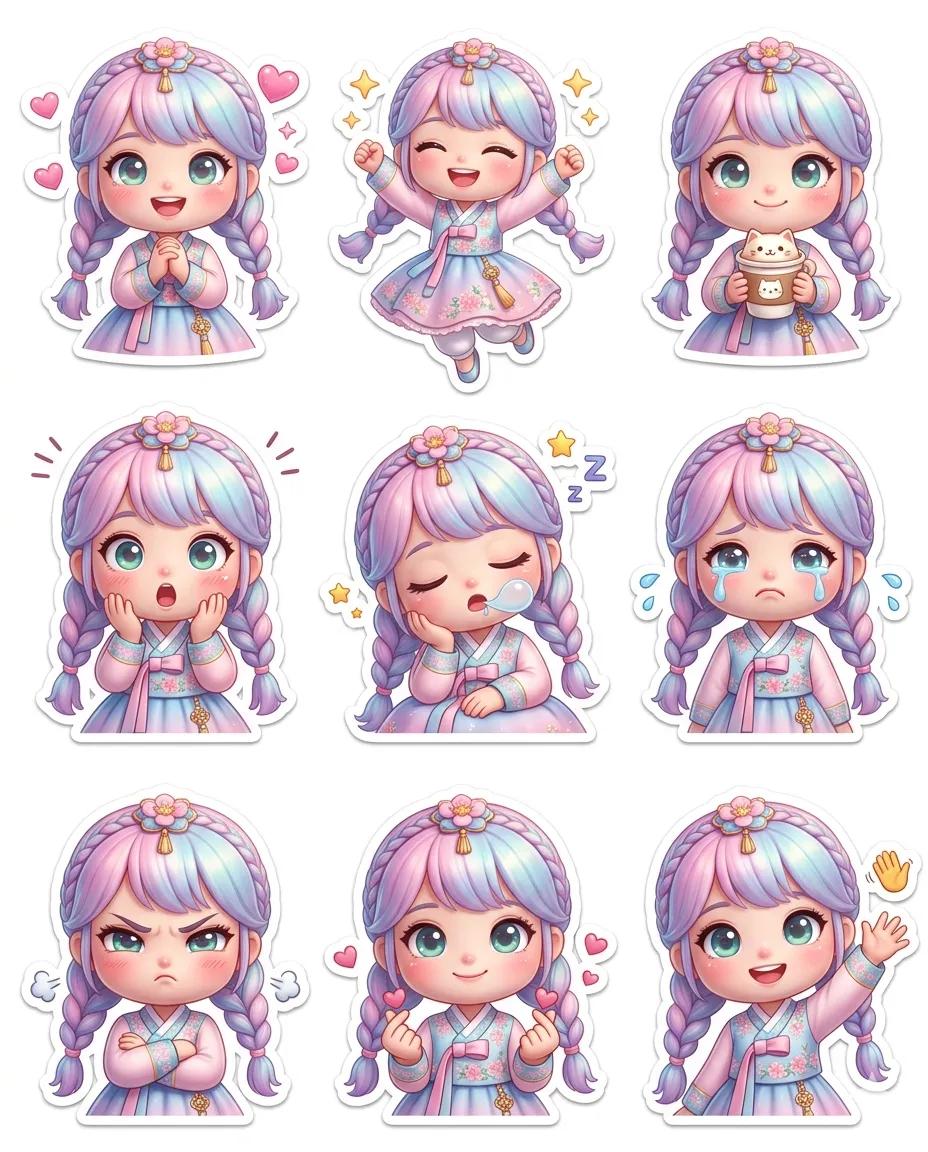
Pixar-Style Chibi Sticker Sheet

Monochrome Macro Luminous Portrait
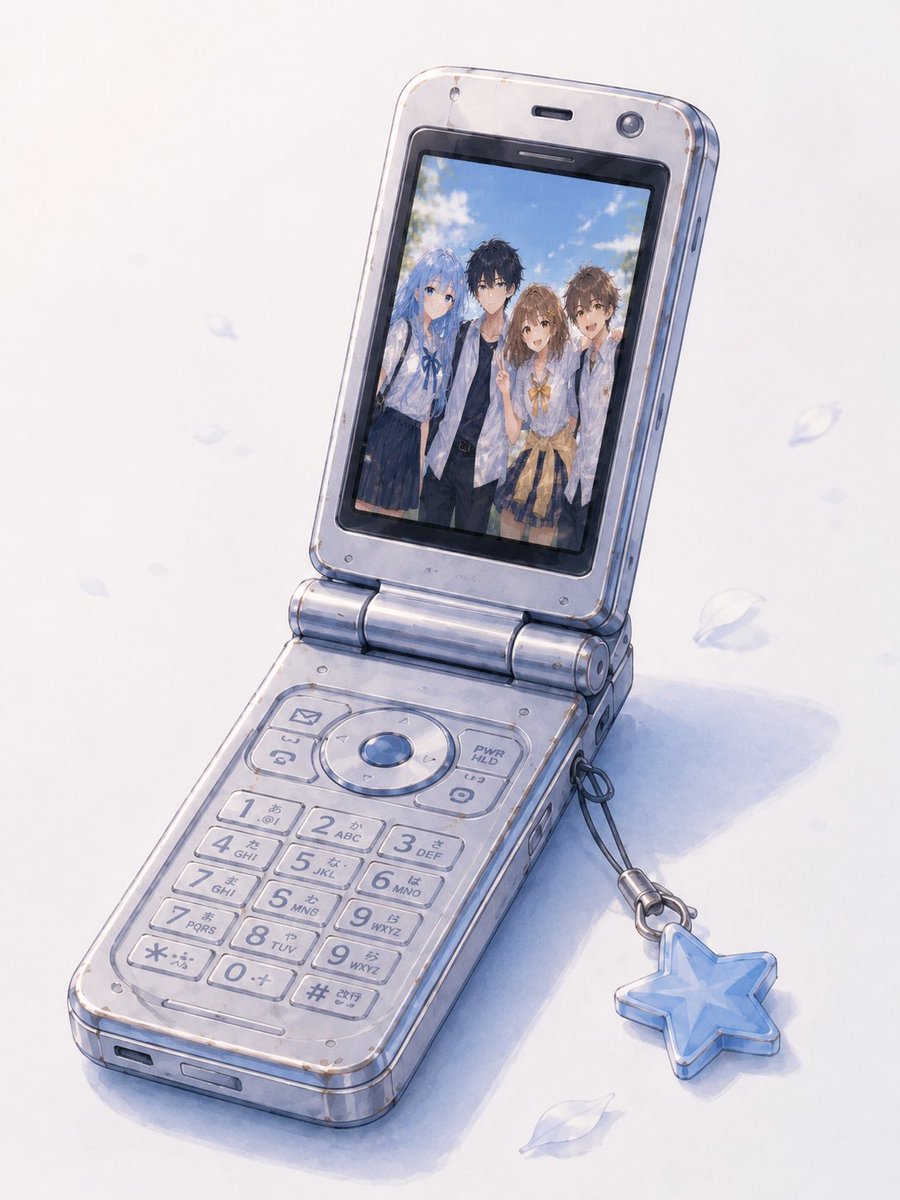
Group Photo Inside Retro Flip Phone
Browse template categories
Ukiyo-e Orpheus Mountain Path questions
How do I use the Ukiyo-e Orpheus Mountain Path template?
Add your photo if the template asks for one, edit the prompt if you like — the template's model and format are already selected — and press Generate. Your version opens in PicX Studio.
Can I customize the Ukiyo-e Orpheus Mountain Path template?
Yes. You can change the subject, setting, lighting, mood, format, and available model controls before creating your image.
Is the Ukiyo-e Orpheus Mountain Path template free?
Opening and editing this template is free. Generating uses credits, shown on the Generate button when you are signed in.
Which AI model should I use?
Start with GPT Image 2, which is the model associated with this template. You can compare another compatible model for a different finish.
Looking for something else? Browse all templates.

Your photo, any look
Thousands of ready templates for every top image and video model, from one credit balance.