
Sunset Torii Forest Path
A cinematic photorealistic shrine-path landscape prompt for generating a warm sunset scene with a torii gate, forest, and vine-covered silo.
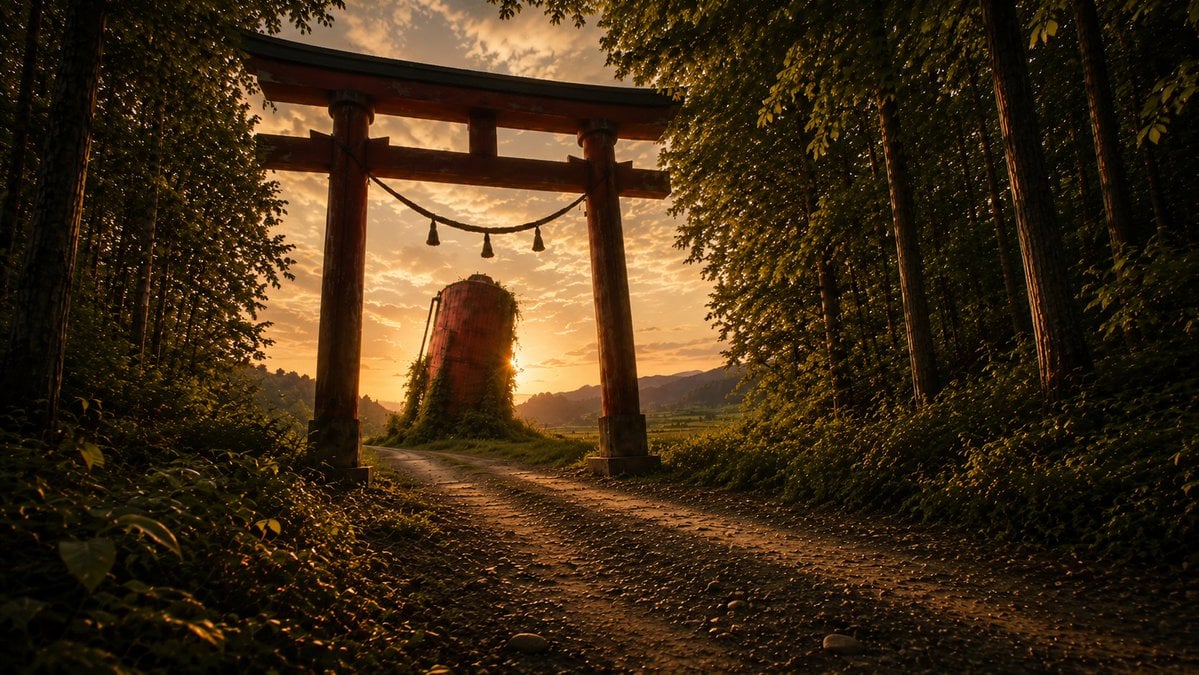
- Prompt included
- Model and format preset
- Free template
The prompt behind this image
Copy the exact prompt behind Sunset Torii Forest Path, or open it in the studio and make it yours.
Create a cinematic photorealistic landscape of a quiet Japanese shrine approach at golden hour. A wide horizontal 16:9 frame shows a large weathered wooden torii gate standing slightly left of center over a dirt-and-gravel path, with two thick vertical pillars, a dark curved top beam, a lower crossbeam, and a sacred shimenawa rope hanging between the pillars with exactly 3 tassels. The path begins in the foreground and curves gently left through the gate toward a rural valley. Dense forest frames both sides: tall dark tree trunks and thick green foliage on the left and right, with leafy branches forming a partial canopy along the top edge. Behind the gate, place a single cylindrical abandoned concrete silo or tower covered with vines, backlit by the low sun peeking from its right side. In the distance show soft layered hills, fields, and a warm orange sky with scattered small clouds. Use {argument name="time of day" default="sunset golden hour"}, {argument name="main landmark" default="weathered wooden torii gate"}, {argument name="secondary structure" default="vine-covered cylindrical concrete silo"}, {argument name="setting" default="rural Japanese forest shrine path"}, and {argument name="color mood" default="warm amber, deep green, high-contrast cinematic"}. Emphasize realistic natural lighting, long shadows, sun flare, atmospheric depth, detailed gravel and leaves, moody contrast, anamorphic widescreen composition, no people, no animals, no text, no watermark.
How to use Sunset Torii Forest Path in 3 steps
- 1Upload ImagePNG, JPG or paste
Add your photo
Upload the photo the template builds on. The prompt, model and format are already set.
- 2…a portrait of your subject in softgolden-hour light, 85mm…
Personalize
Edit the subject and creative details for your destination.
- 3Generate
Generate
Press Generate — your image is created in PicX Studio, so you can compare it with the original and refine one variable at a time.
More like this
Templates with the same subject, style or setup. Open one to see its prompt.

Layered Paper Cut Forest Diorama

Mountain Lake Sunset Landscape

Artistic Arborpunk Garden Observatory Complex
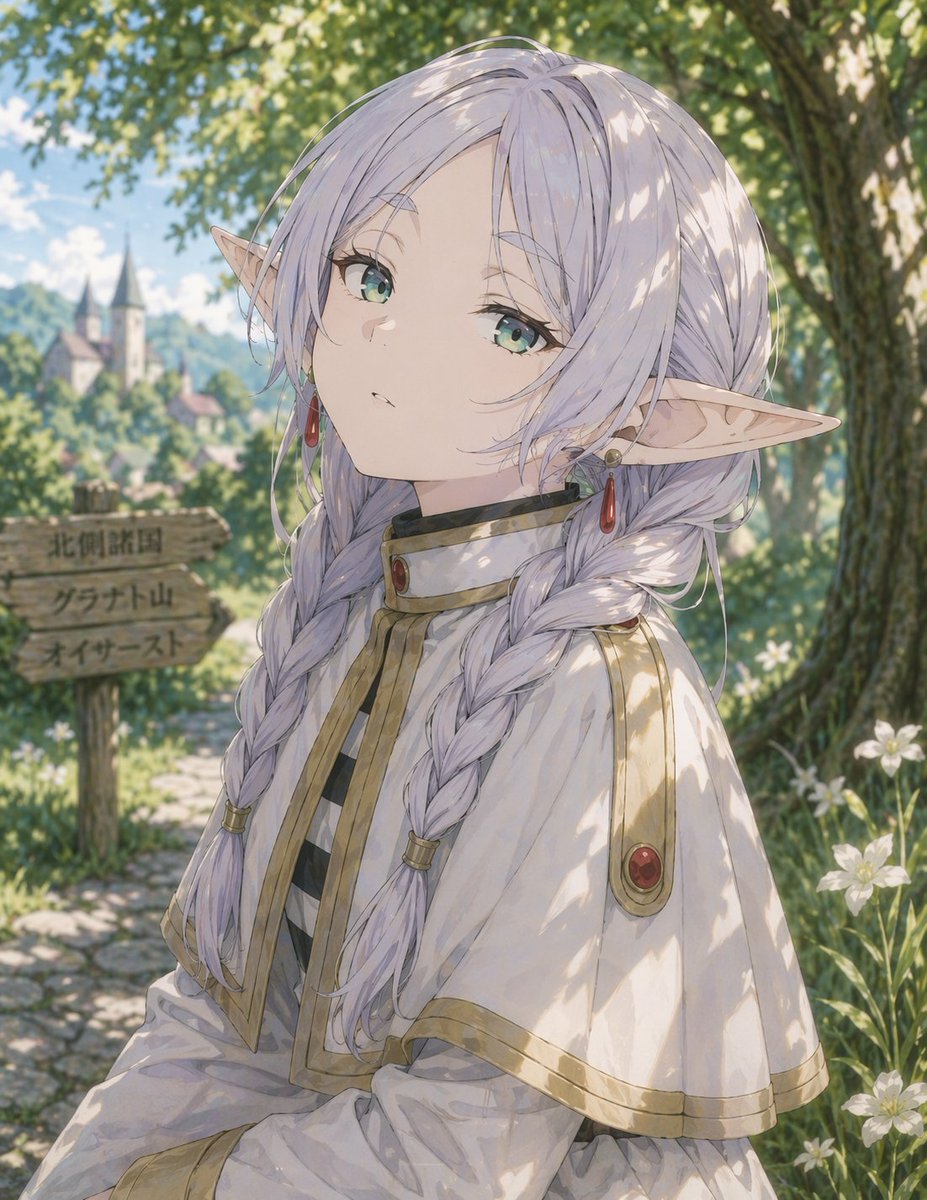
Anime Elf Girl on Forest Path

Indian Village Cattle Herding — Nano Banana
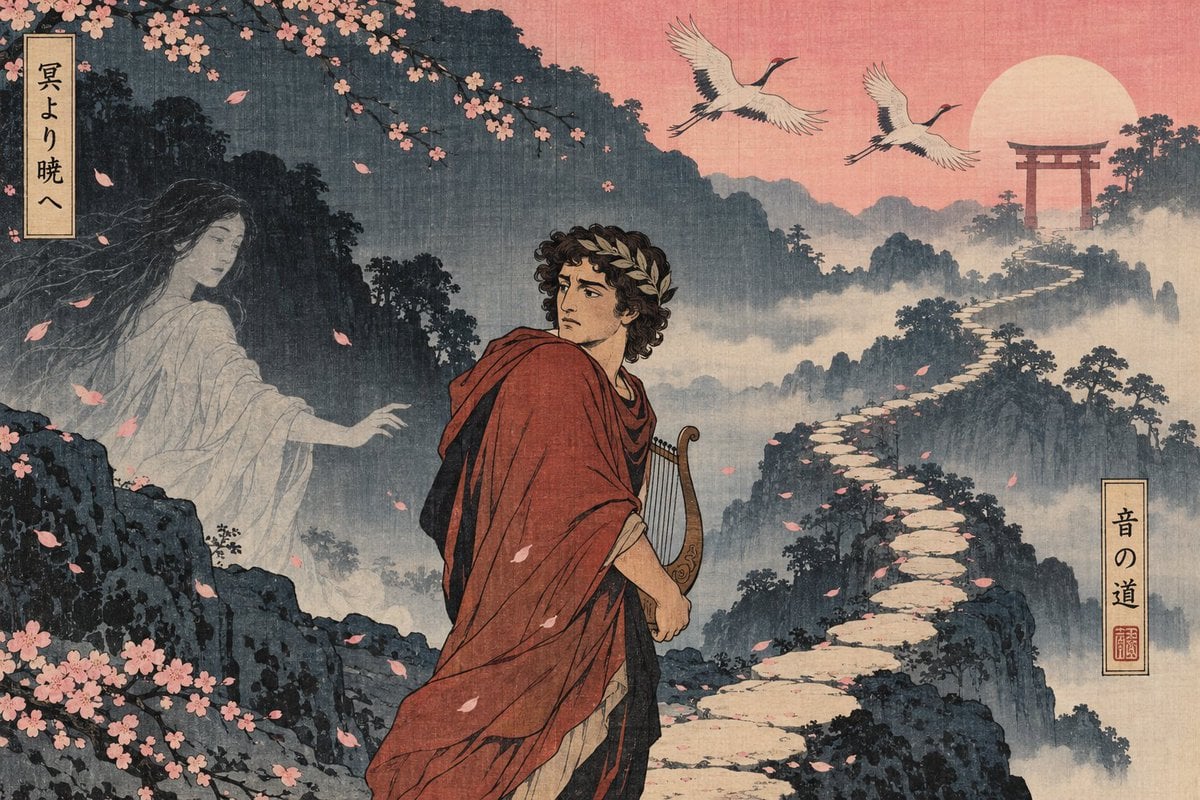
Ukiyo-e Orpheus Mountain Path
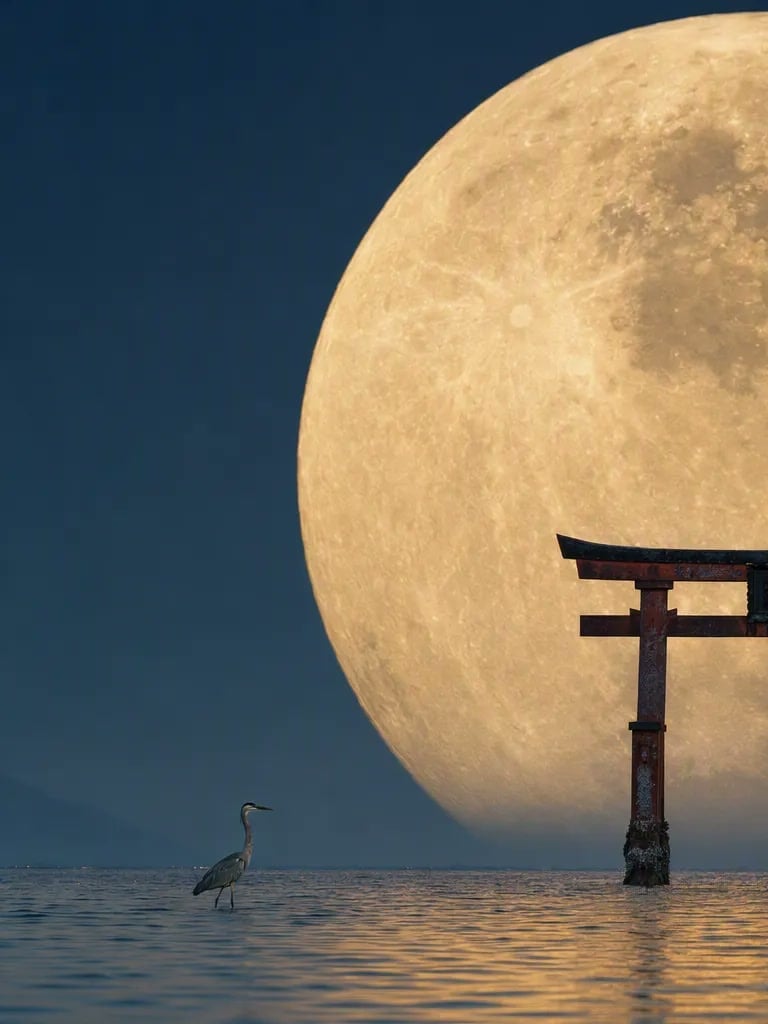
Telephoto Full Moon Torii Gate
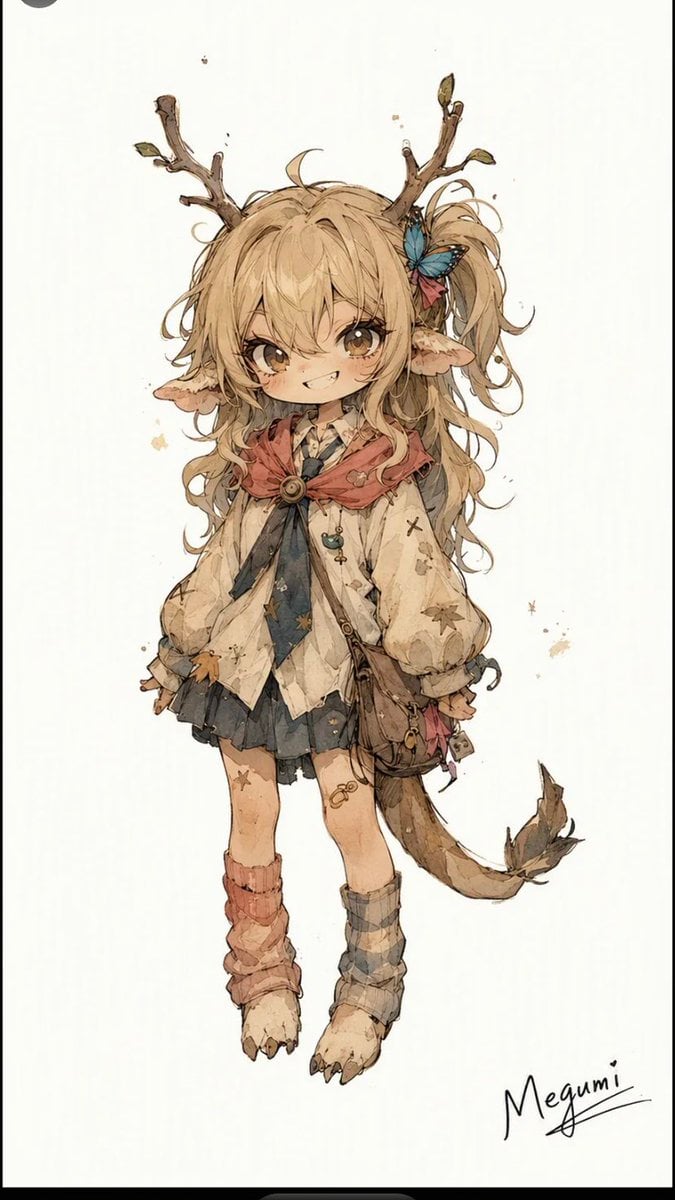
Mischievous Forest Faun Girl

Golden Retriever Sunset Campfire Photography

Stylish Man Garden Path

Romantic Zushi Beach Sunset Couple
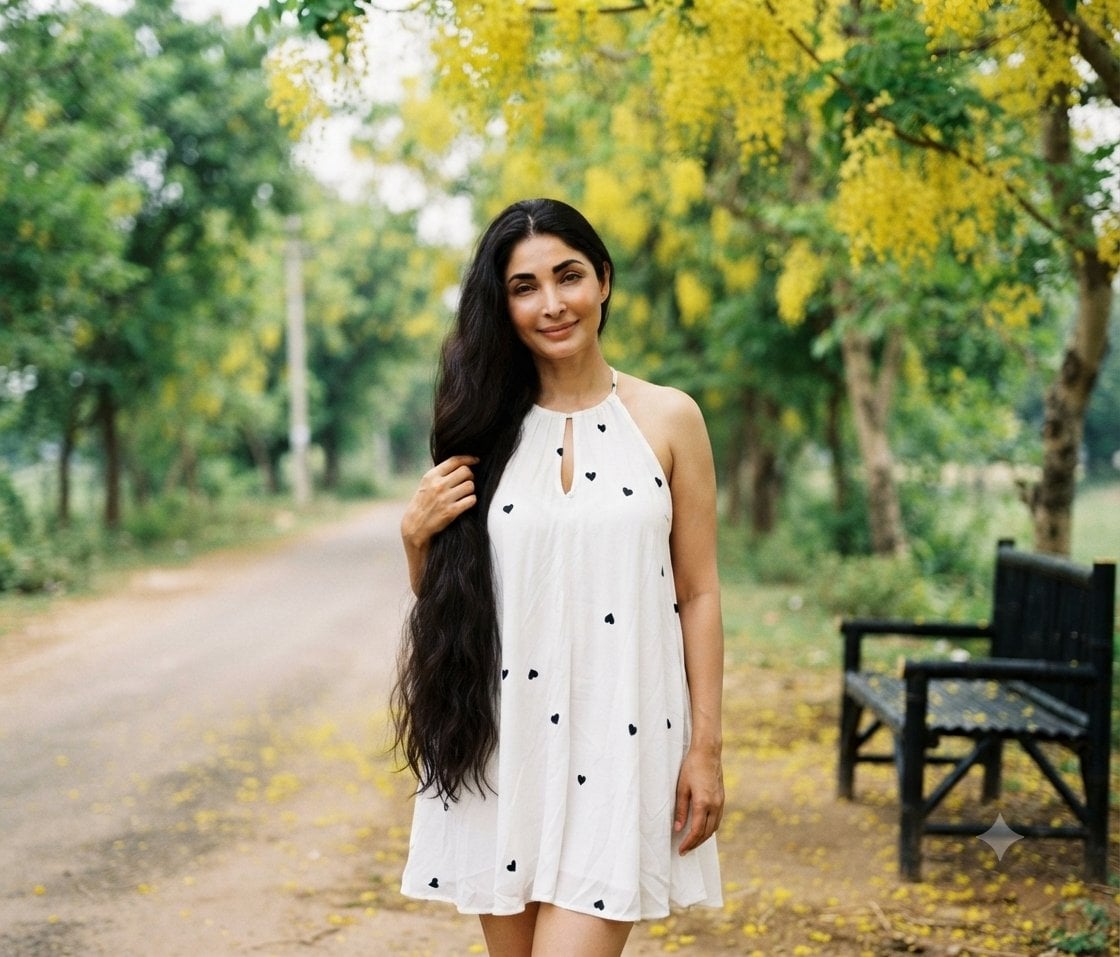
Woman in White Dress on Park Path
Make it yours
Sunset Torii Forest Path works as-is. These are the safest ways to change it without losing the look.
Change one field
Copy a single group, rewrite it, and generate again so you can see what that field is doing.
Keep the frame, change the subject
Hold the composition and light of Sunset Torii Forest Path, then swap wardrobe, props or the person for a new take.
| If the result… | Why | Fix |
|---|---|---|
| The result drifts from the preview | Too many fields changed at once. | Reuse Sunset Torii Forest Path as-is first, then change one group — subject, light, or setting. |
| The model over-stylizes the scene | The prose prompt leaves finish and camera underspecified. | Add one camera or lighting sentence and stay on GPT Image 2. |
More GPT Image 2 templates
Other prompts made for GPT Image 2.

Six VTuber Japanese Logo Sheet

Realistic Portrait of Woman and Deer

The Vista Modular Condo Poster

AI Model Routing Comparison Infographic

2.5D Anime Art Board

Isometric Productivity Desk Scene

New York Double Exposure Poster

Four-Panel AI Landscape Comparison

Japanese Tatami Lifestyle Magazine Cover

NESCAFÉ Coffee Map Poster
More image prompts
Fresh picks from across the catalog.
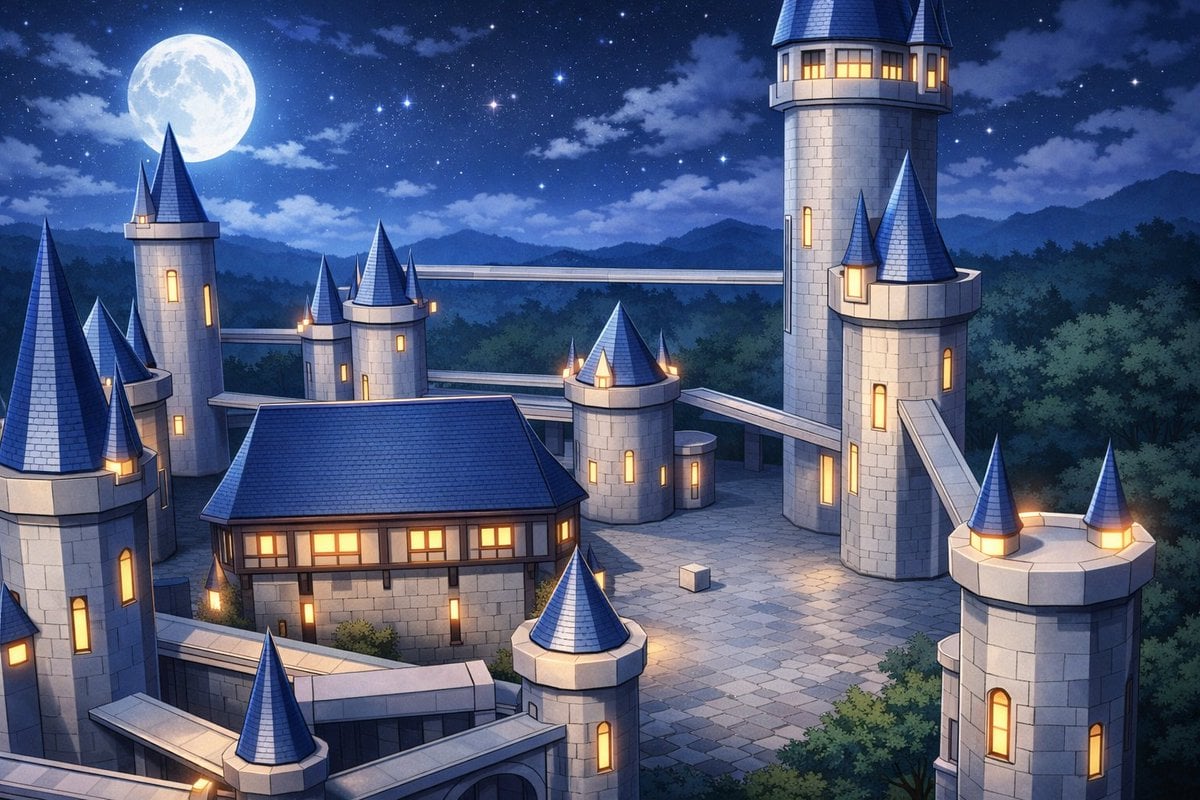
Anime Fantasy Castle at Night
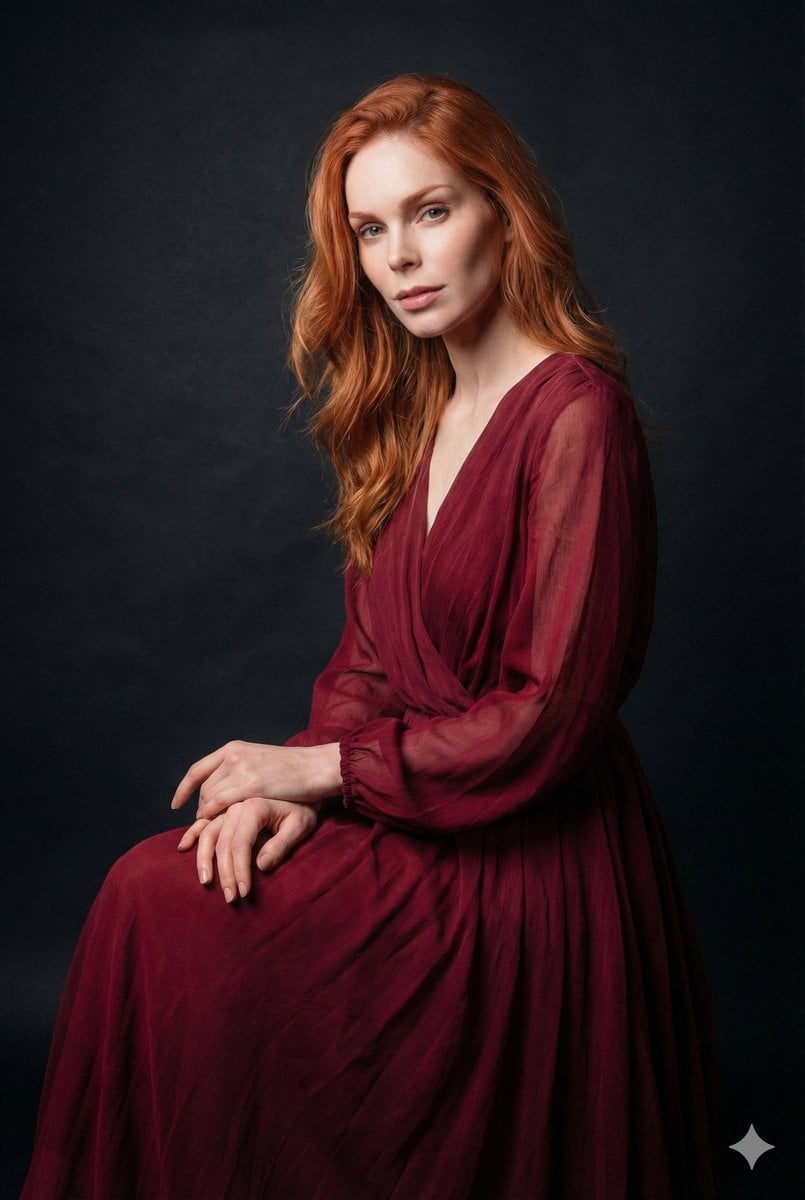
Ethereal Long Exposure Cinematic Portrait Prompt

Editorial Portrait Photo Grid
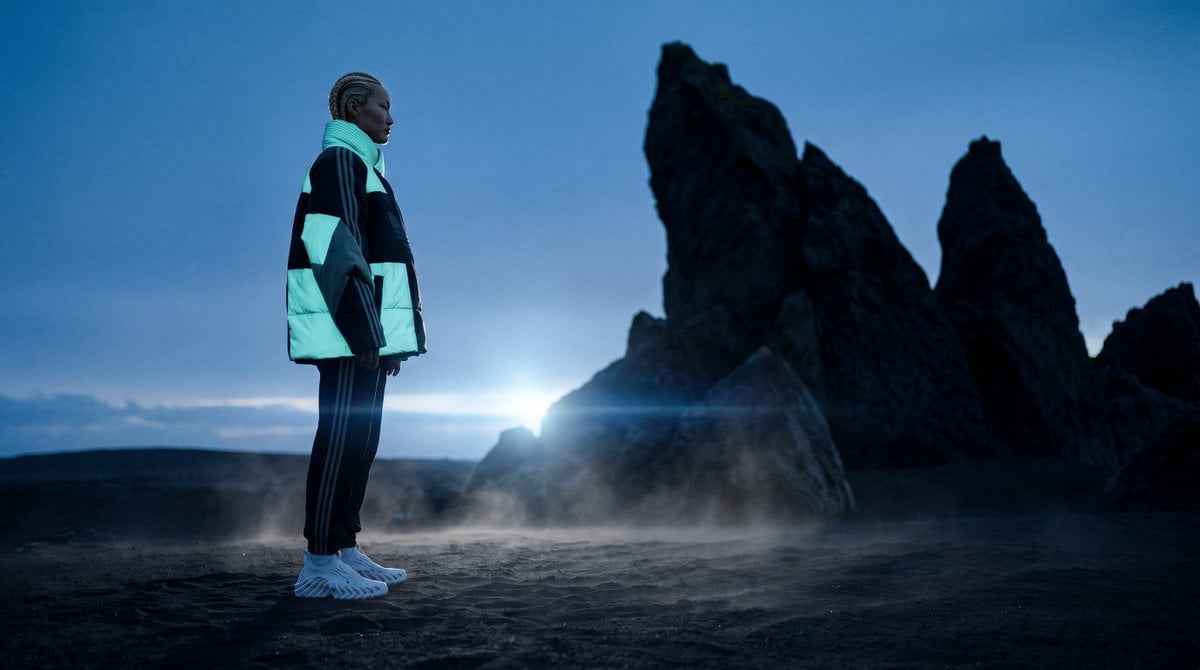
Blue Hour Volcanic Fashion Editorial

Person relaxing on glowing cloud above the sky
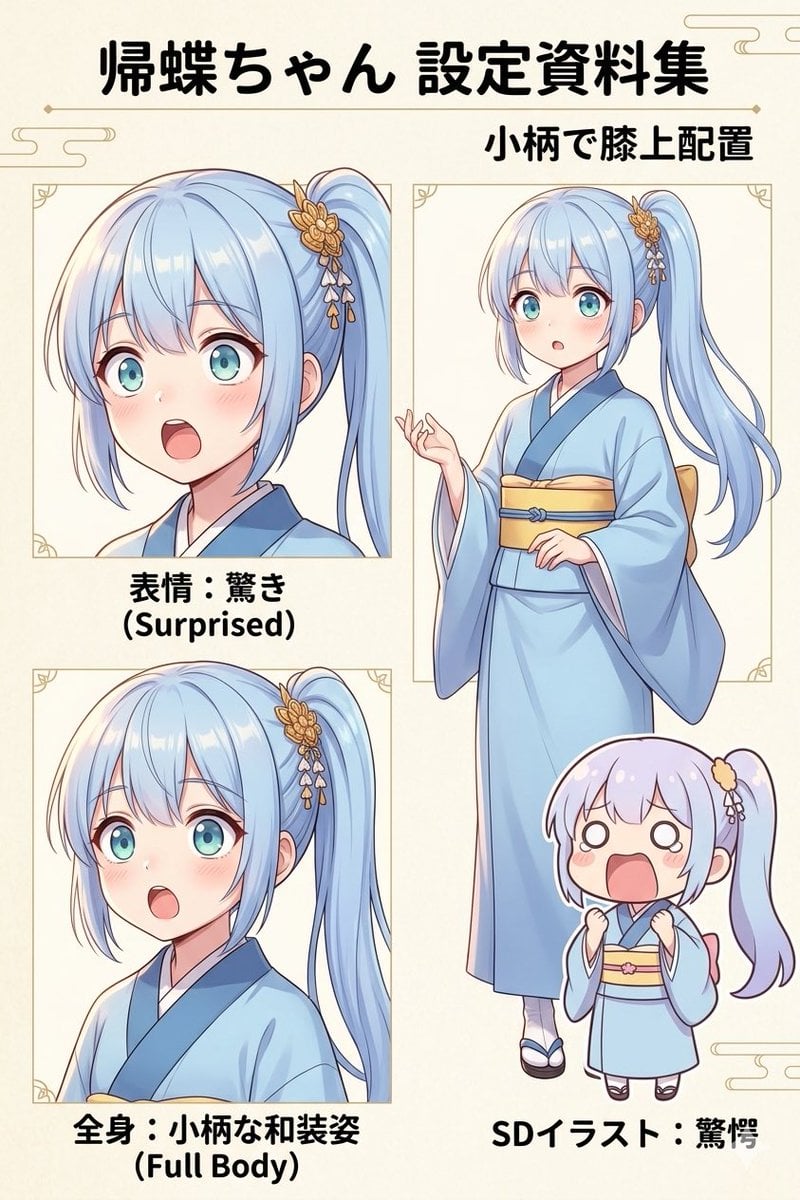
Japanese Anime Character Sheet Prompt
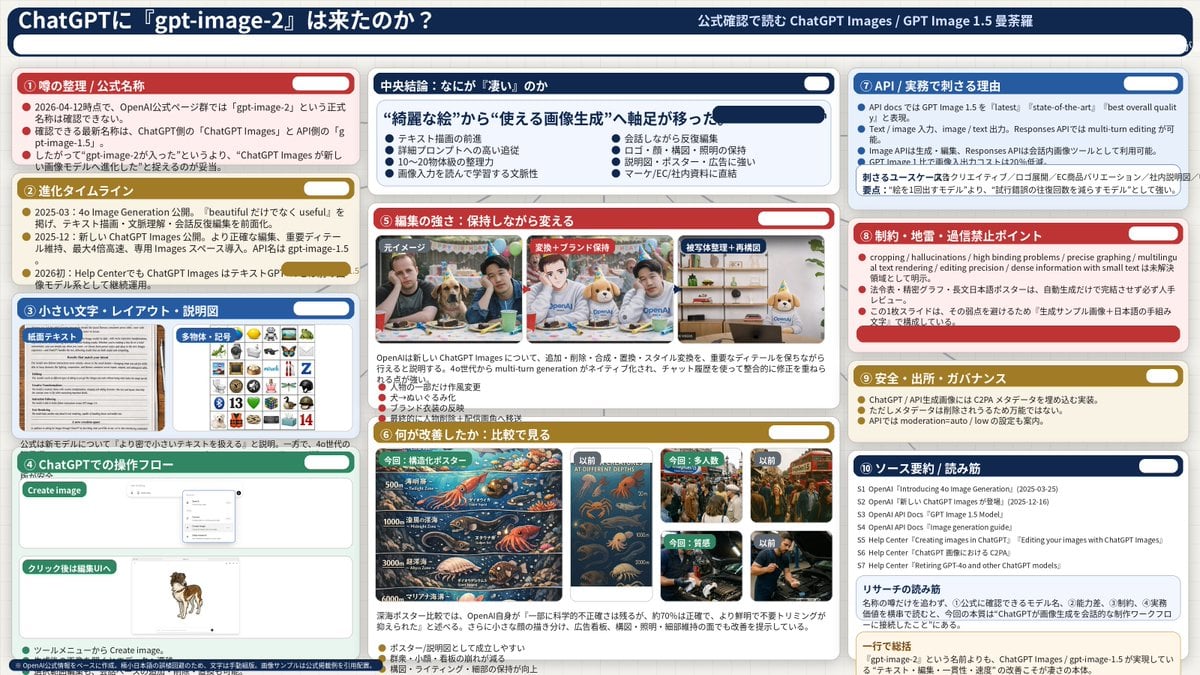
Complex AI Model Analysis Infographic

Cyberpunk Futuristic Portrait Prompt

Surreal Symbolic Head Prompt

Overhead Nightclub Staircase Portrait
Browse template categories
Sunset Torii Forest Path questions
How do I use the Sunset Torii Forest Path template?
Add your photo if the template asks for one, edit the prompt if you like — the template's model and format are already selected — and press Generate. Your version opens in PicX Studio.
Can I customize the Sunset Torii Forest Path template?
Yes. You can change the subject, setting, lighting, mood, format, and available model controls before creating your image.
Is the Sunset Torii Forest Path template free?
Opening and editing this template is free. Generating uses credits, shown on the Generate button when you are signed in.
Which AI model should I use?
Start with GPT Image 2, which is the model associated with this template. You can compare another compatible model for a different finish.
Looking for something else? Browse all templates.

Your photo, any look
Thousands of ready templates for every top image and video model, from one credit balance.