
Stylish Man Garden Path
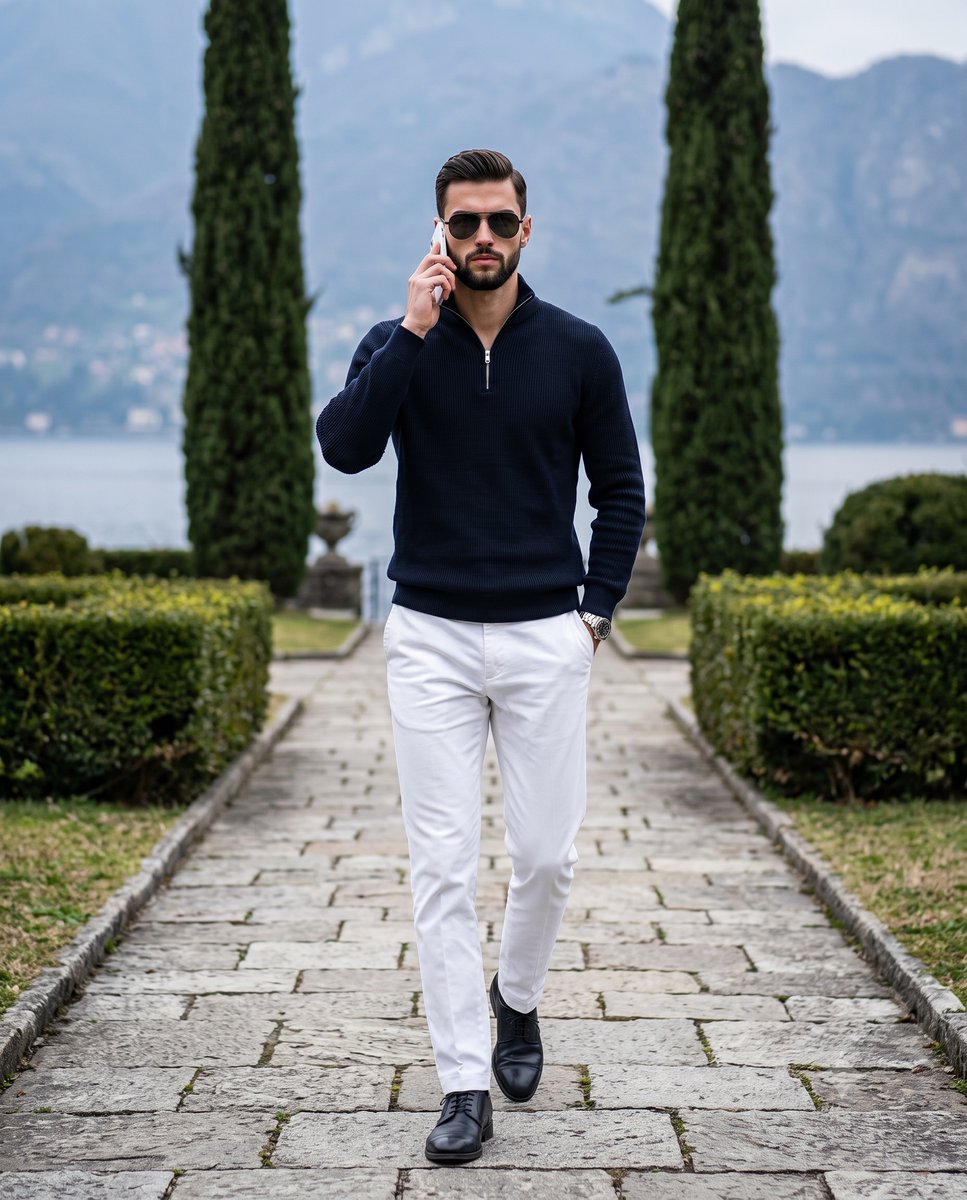
A sophisticated editorial-style prompt for a man walking through a luxury garden, featuring detailed descriptions of clothing textures, accessories, and atmospheric lighting.
- Prompt included
- Model and format preset
- Free template
The prompt behind this image
Copy the exact prompt behind Stylish Man Garden Path, or open it in the studio and make it yours.
A {argument name="subject" default="stylishly dressed man"} walks confidently forward toward the camera, his weight naturally shifted and shoulders relaxed as he steps along a {argument name="setting" default="landscaped garden path"}. His short hair, about one to two inches on top, is styled back with a natural-finish product, intricately detailed with natural growth patterns, slight texture variations, and minor flyaways to avoid an artificially flat look, while the sides are neatly trimmed without a deep fade. He wears a {argument name="clothing" default="dark navy, almost black, long-sleeve quarter-zip knit sweater that contrasts sharply against his crisp, bright white tailored trousers"} and dark leather dress shoes. His serious, candid expression features a closed, neutral mouth and relaxed eyebrows, his eyes completely obscured by dark aviator-style sunglasses catching subtle, soft reflection highlights on the lenses. His left hand is tucked cleanly into his trouser pocket so that only his wrist, bearing a silver watch, and the edge of his hand are minimally visible, while his organically relaxed right hand is raised to his ear, lightly holding a white smartphone with fingers naturally curled around its back and edges, catching a faint highlight along the top edge of the device. He is grounded in the foreground on weathered, rough-hewn rectangular light gray stone slabs set directly into medium green grass, casting short, faint, soft-edged shadows directly beneath his shoes and slightly behind the pavers. In the midground, a dense, thriving dark green manicured boxwood hedge forms a neatly squared horizontal band, punctuated on the right by two distinct, tall Italian cypress trees projecting vertically into the sky. The deep, slightly blurred background opens up to a sprawling landscape where a calm body of desaturated blue-gray water meets a sweeping, sloping mountain range faintly dotted with small white structures. The environment is bathed in cool, soft, diffused natural daylight from a single overhead overcast sky, casting a calm, moody, and sophisticated atmosphere of quiet luxury. The color profile emphasizes cool temperatures and complementary contrast, juxtaposing the stark black and white of the man's attire against the muted pine greens of the foliage and the desaturated background. Captured straight on at eye level as a highly photorealistic digital photograph using an 85mm lens with a fast aperture, the cinematic editorial shot features tack-sharp focus on the subject with a medium depth of field resolving into soft background bokeh, finished with subtle digital noise, slightly lowered exposure, and crisp cool tones, all beautifully framed in a 4:5 aspect ratio.
How to use Stylish Man Garden Path in 3 steps
- 1
Open
The prompt is already in the box next to the preview, with the template's model and format selected.
- 2…a portrait of your subject in softgolden-hour light, 85mm…
Personalize
Edit the subject and creative details for your destination.
- 3Generate
Generate
Press Generate — your image is created in PicX Studio, so you can compare it with the original and refine one variable at a time.
More like this
Templates with the same subject, style or setup. Open one to see its prompt.
Ultra-Photorealistic Indian Woman with Roses
East Asian Woman with Gerbera Flowers
Serene Garden Literary Portrait

Fine Art Oil Portrait of a Young Woman

Manor Garden Topiary Path

Creative Character in Pink Office

Avant-Garde Asian Fashion Model

Underwater Macro Face Portrait

Water-level Bridge Modification

Noir Punk Street Portrait

High Contrast Cinematic Face Portrait

Monochrome Studio Portrait with Colored Lens
Make it yours
Stylish Man Garden Path works as-is. These are the safest ways to change it without losing the look.
Change one field
Copy a single group, rewrite it, and generate again so you can see what that field is doing.
Keep the frame, change the subject
Hold the composition and light of Stylish Man Garden Path, then swap wardrobe, props or the person for a new take.
| If the result… | Why | Fix |
|---|---|---|
| The result drifts from the preview | Too many fields changed at once. | Reuse Stylish Man Garden Path as-is first, then change one group — subject, light, or setting. |
| The model over-stylizes the scene | The prose prompt leaves finish and camera underspecified. | Add one camera or lighting sentence and stay on Gemini 3 Pro Image Preview. |
More Gemini 3 Pro Image Preview templates
Other prompts made for Gemini 3 Pro Image Preview.

Cinematic Urban Night Billboard Portrait

Ultra-Realistic iPhone Selfie with Motion Blur

Cinematic Mirror Reflection Portrait

Elegant Men's Twilight Editorial

Coastal Freedom Sunset Portrait

Ergonomic Office Chair E-commerce Mobile Detail Page

Macro Guitar Fret Dressing

Cinematic Black and White Studio Portrait

1980s Retro Salon Portrait

Felt Frog Diorama Beach
More image prompts
Fresh picks from across the catalog.

Fictional Game Case in Store
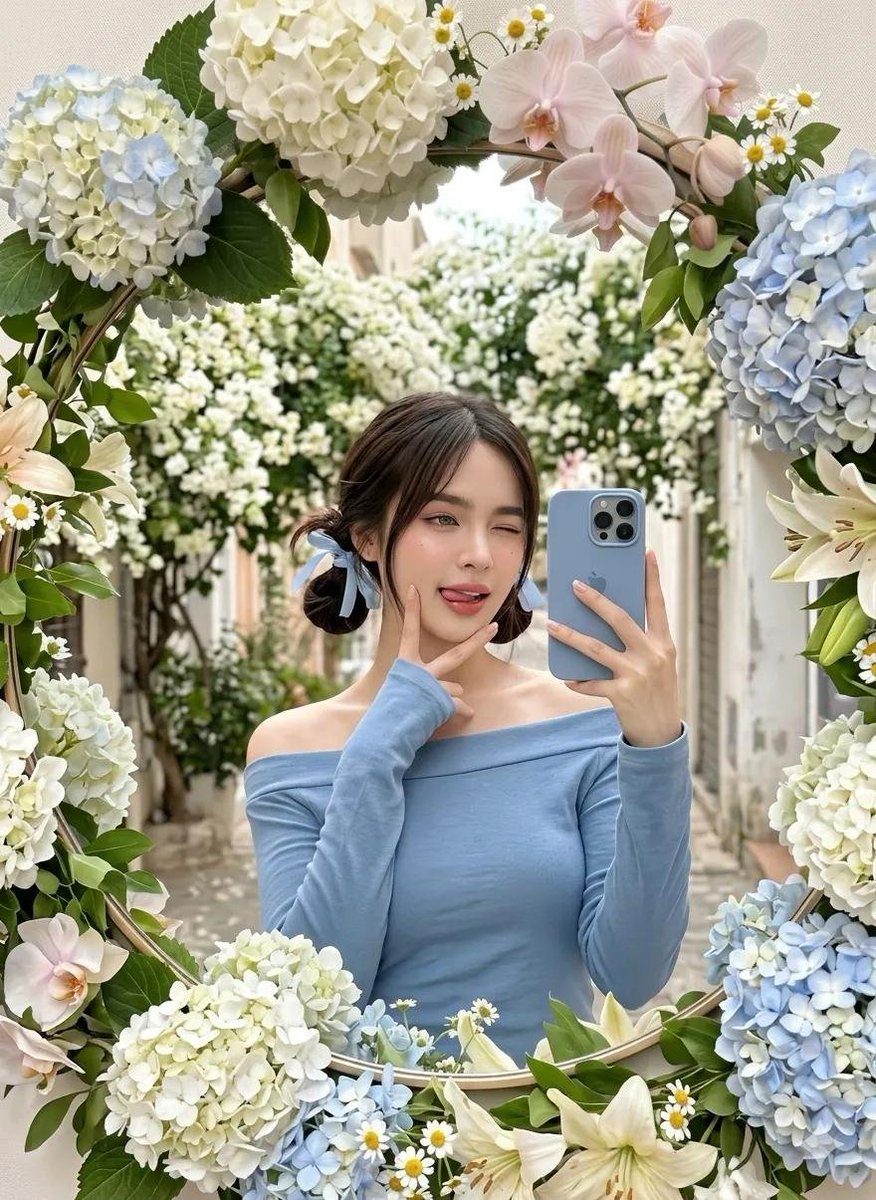
Floral Mirror Selfie
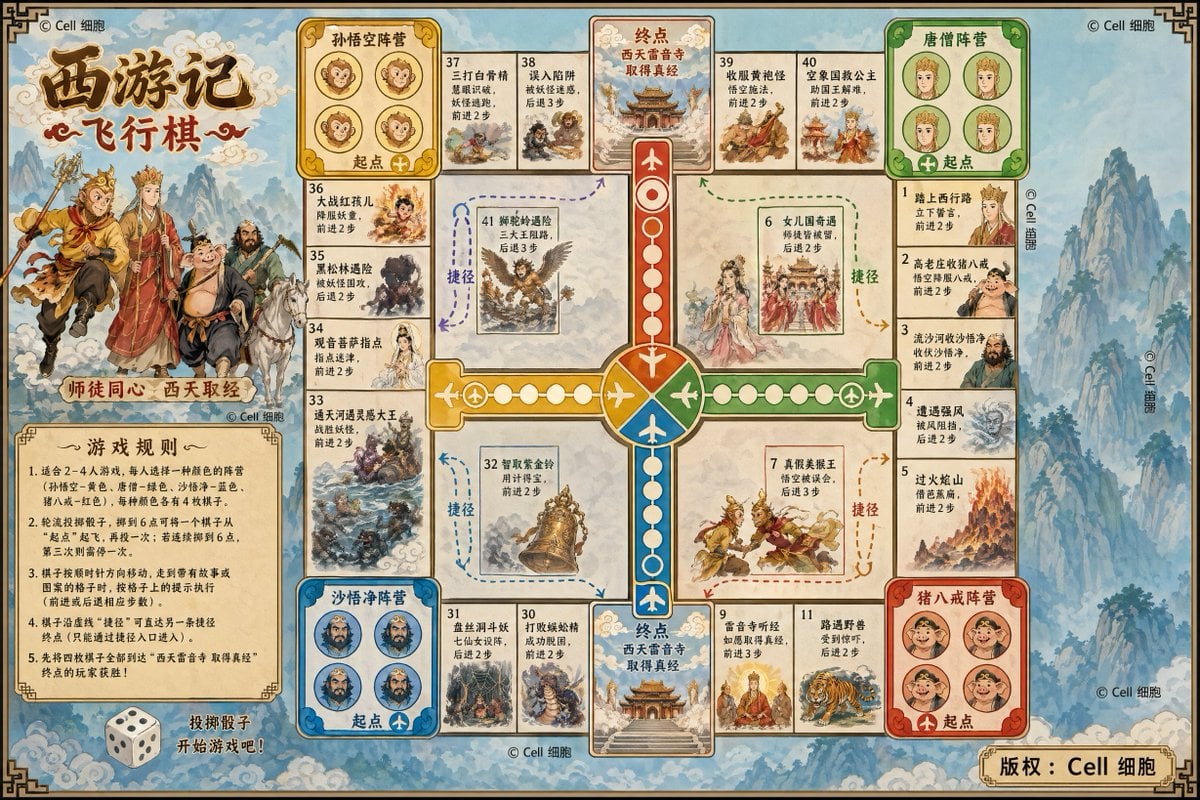
Journey to the West Flying Chess prompt

Urban Streetwear Portrait Prompt

Surreal Fantasy Portrait Prompt (Fire and Ice)

Stunning Photo Prompt for Gemini Nano Banana
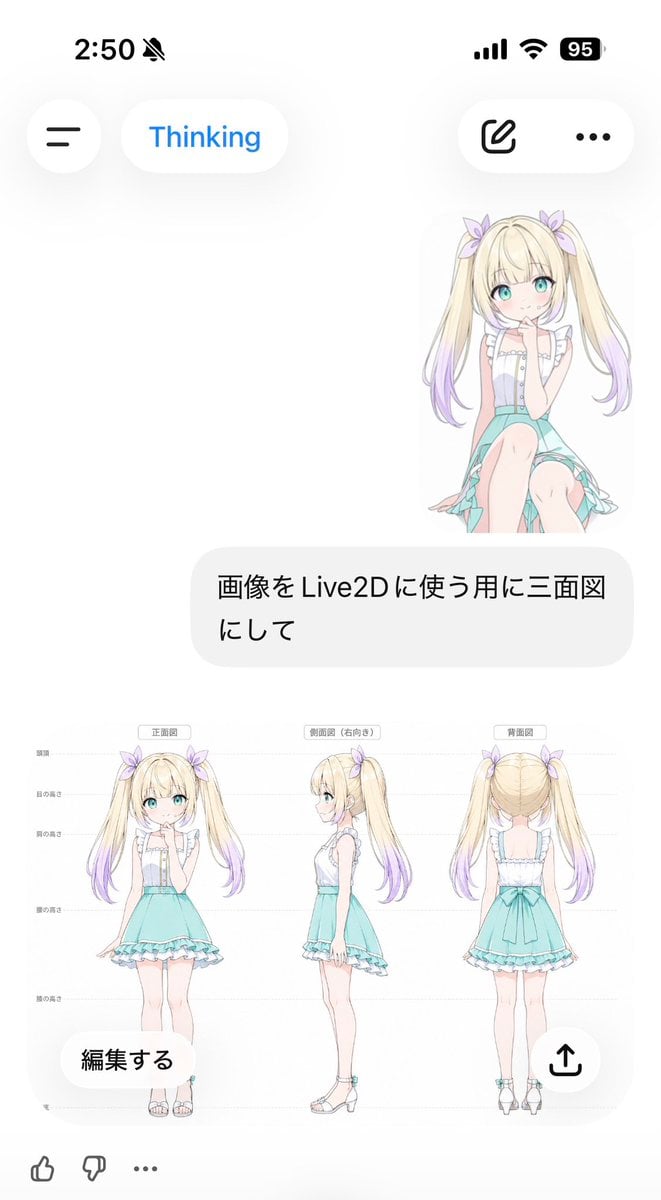
Anime Live2D Turnaround Chat Screenshot

Rustic Fruit Tart Floating in a Dream Orchard (Video Prompt)
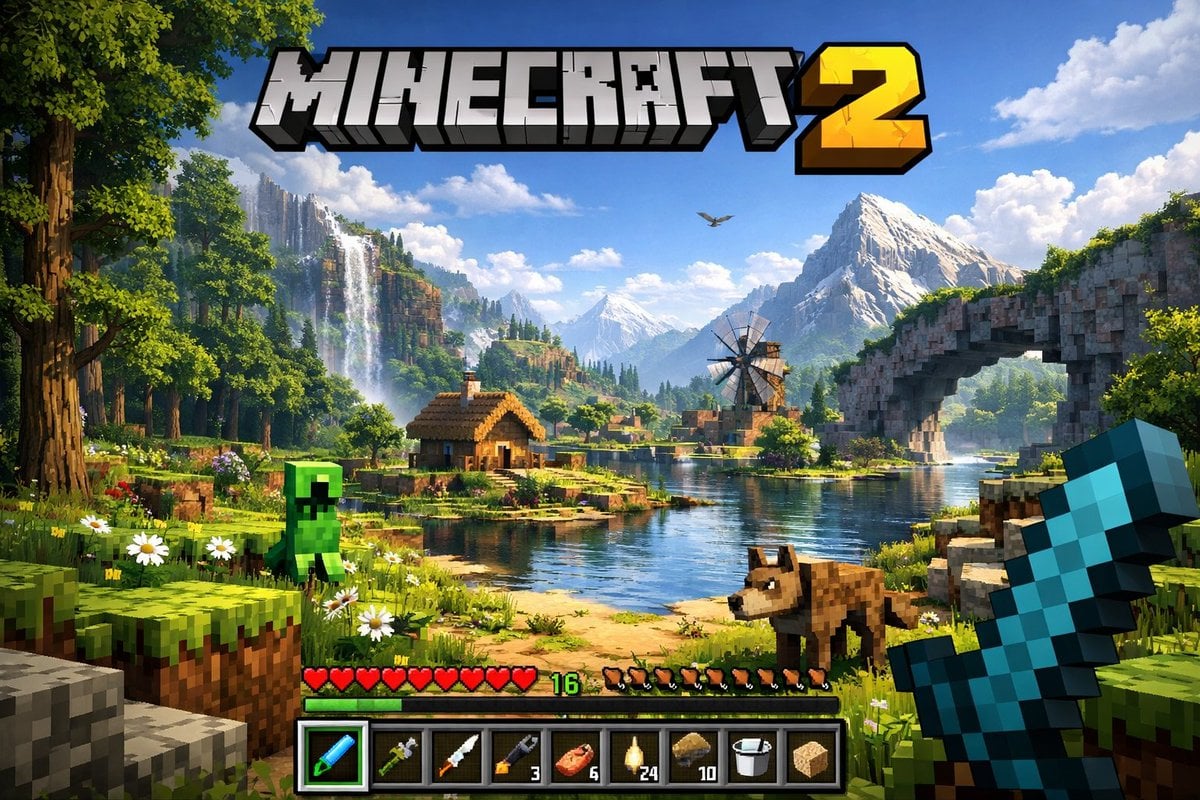
Next-Gen Voxel Game Screenshot
Template for Photoreal Artistic Street Photography
Browse template categories
Stylish Man Garden Path questions
How do I use the Stylish Man Garden Path template?
Add your photo if the template asks for one, edit the prompt if you like — the template's model and format are already selected — and press Generate. Your version opens in PicX Studio.
Can I customize the Stylish Man Garden Path template?
Yes. You can change the subject, setting, lighting, mood, format, and available model controls before creating your image.
Is the Stylish Man Garden Path template free?
Opening and editing this template is free. Generating uses credits, shown on the Generate button when you are signed in.
Which AI model should I use?
Start with Gemini 3 Pro Image Preview, which is the model associated with this template. You can compare another compatible model for a different finish.
Looking for something else? Browse all templates.

Your photo, any look
Thousands of ready templates for every top image and video model, from one credit balance.