
Three Hanfu Outfit Comparison
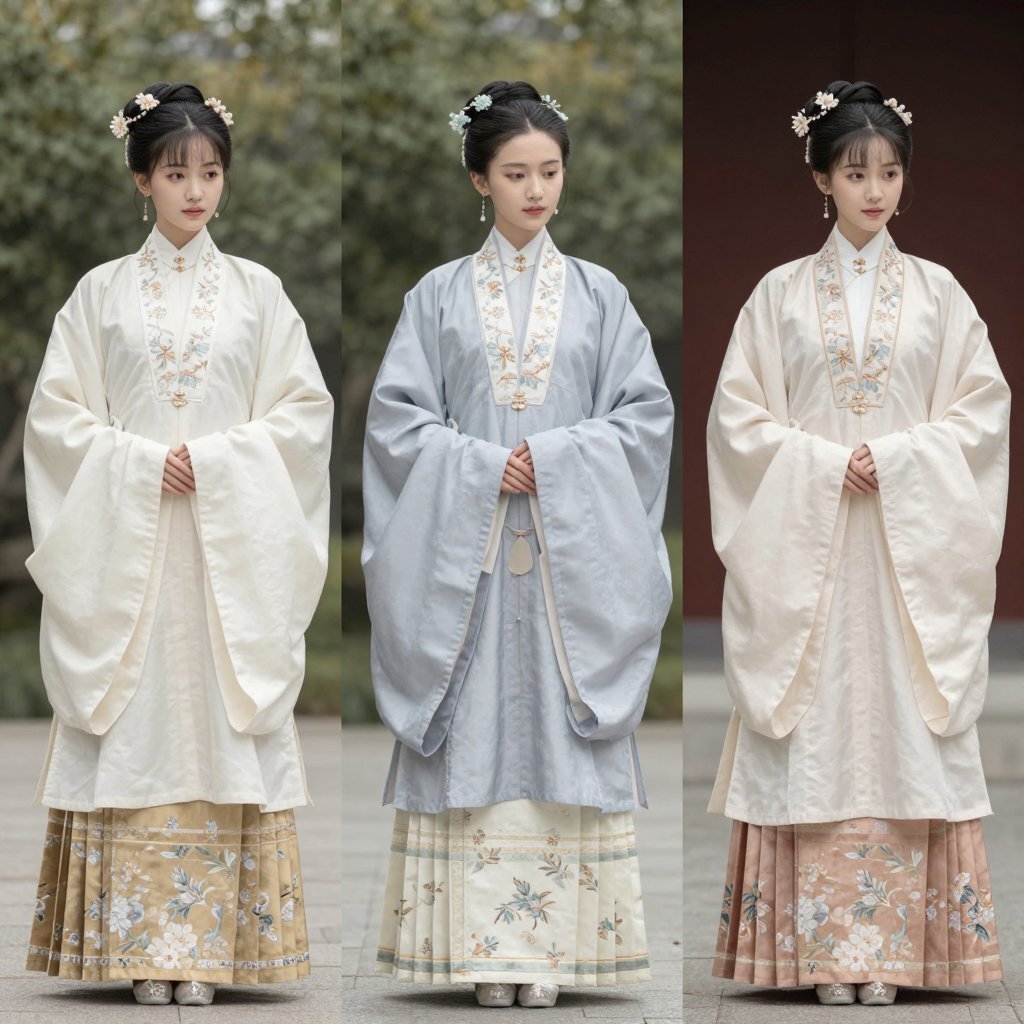
A realistic triptych fashion catalog image comparing three pastel embroidered Hanfu-style outfits on full-body models.
- Prompt included
- Model and format preset
- Premium template
The prompt behind this image
Copy the exact prompt behind Three Hanfu Outfit Comparison, or open it in the studio and make it yours.
Create a realistic fashion comparison image showing three full-body young East Asian women standing side by side, each wearing elegant traditional Hanfu-inspired outfits with layered robes and floral embroidery. Use a square 1:1 canvas. The three figures are evenly spaced in a triptych composition, all facing forward with hands gently clasped at the waist, feet visible, calm formal posture, and softly blurred/obscured faces. Count exactly 3 outfits: left outfit is warm ivory outer robe with very wide sleeves, white embroidered collar panel, pale beige floral skirt with blue-and-white blossoms near the hem; center outfit is pale powder-blue outer robe with wide sleeves, white embroidered collar panel, cream skirt with delicate floral sprigs and horizontal trim, small hanging waist ornament; right outfit is creamy white outer robe with wide sleeves, embroidered collar panel, dusty pink pleated floral skirt with blue-and-white blossoms near the hem. All three have neat black updo hairstyles with center parting, traditional hair buns, floral hairpins, and dangling earrings. Background: outdoor courtyard setting with shallow depth of field; left and center behind soft green foliage, right behind a dark reddish-brown wall, gray stone pavement underfoot. Lighting is natural, soft, and diffuse, with realistic fabric texture, embroidery detail, gentle folds, muted pastel colors, and editorial catalog photography quality. Keep the image clean, no text, no watermark, no extra people, no props beyond clothing and hair ornaments.
How to use Three Hanfu Outfit Comparison in 3 steps
- 1Upload ImagePNG, JPG or paste
Add your photo
Upload the photo the template builds on. The prompt, model and format are already set.
- 2…a portrait of your subject in softgolden-hour light, 85mm…
Personalize
Edit the subject and creative details for your destination.
- 3Generate
Generate
Press Generate — your image is created in PicX Studio, so you can compare it with the original and refine one variable at a time.
More like this
Templates with the same subject, style or setup. Open one to see its prompt.

Three Character Asset Comparison Board
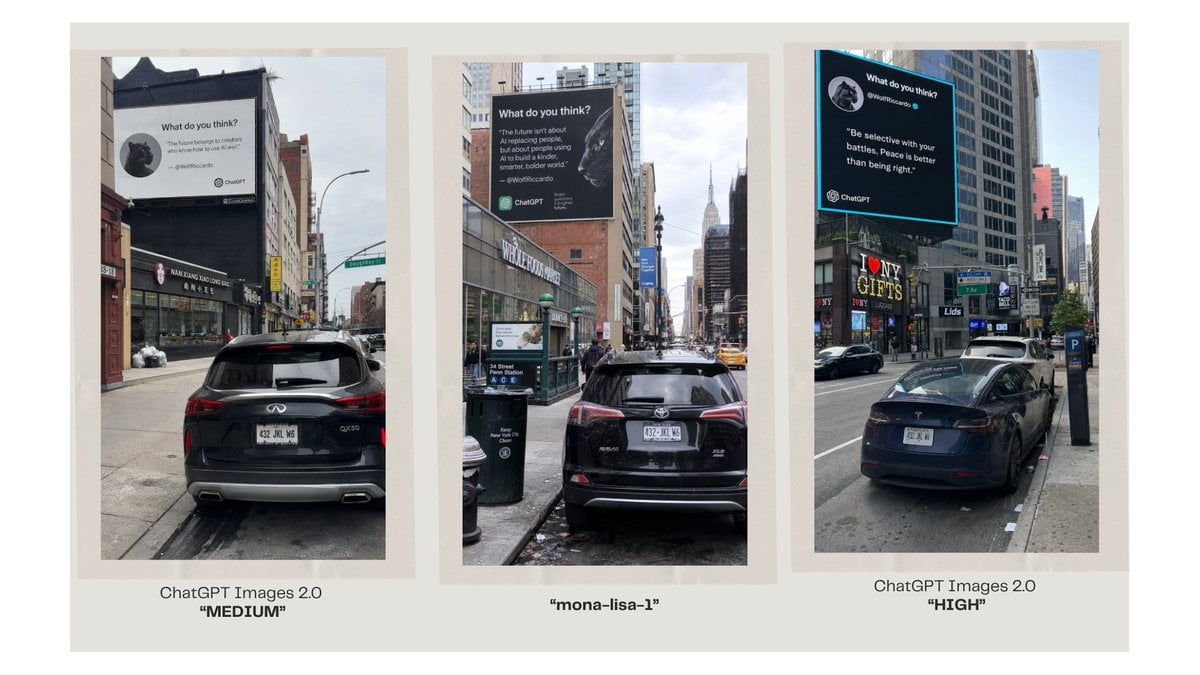
Three-Panel AI Billboard Comparison
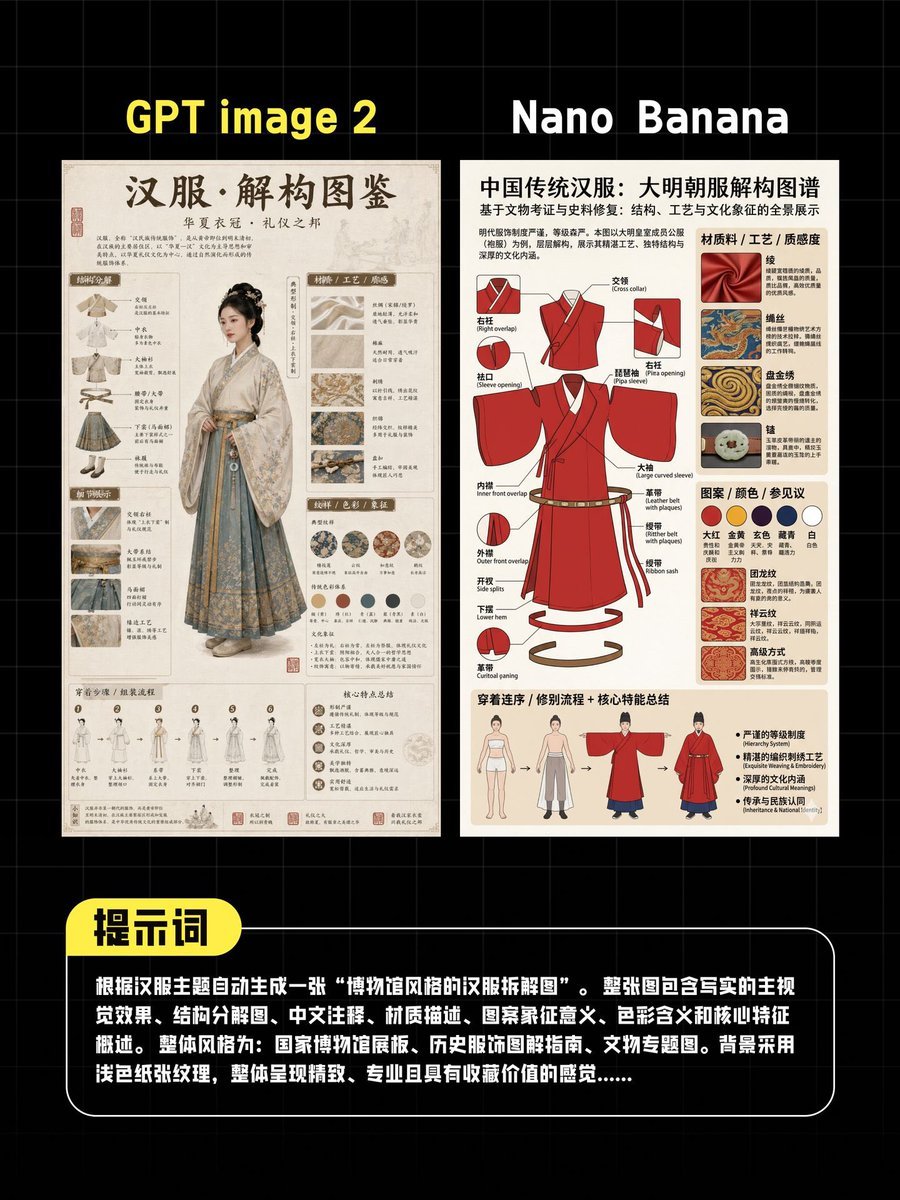
AI Hanfu Poster Comparison
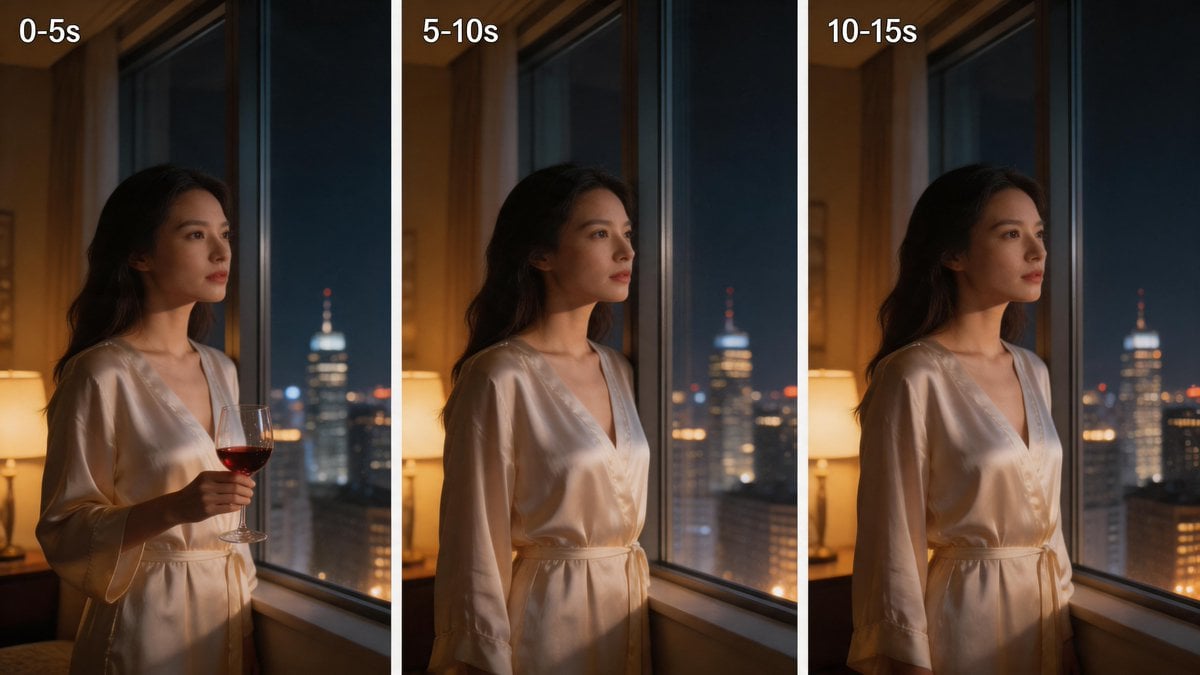
Three-Panel Night Window Comparison

Skin Comparison Portrait — Nano Banana Pro

博物馆图鉴式汉服拆解图 — GPT-image-2
Seedance - Character Transition
Hanfu Intellectual Portrait with Glasses
Lotus Pond Hanfu Sunset Portrait

A luxury brand advertisement featuring three stylish arranged
Watercolor Hanfu Celestial Princess
Enchanted Hanfu Forest Goddess
Make it yours
Three Hanfu Outfit Comparison works as-is. These are the safest ways to change it without losing the look.
Change one field
Copy a single group, rewrite it, and generate again so you can see what that field is doing.
Keep the frame, change the subject
Hold the composition and light of Three Hanfu Outfit Comparison, then swap wardrobe, props or the person for a new take.
| If the result… | Why | Fix |
|---|---|---|
| The result drifts from the preview | Too many fields changed at once. | Reuse Three Hanfu Outfit Comparison as-is first, then change one group — subject, light, or setting. |
| The model over-stylizes the scene | The prose prompt leaves finish and camera underspecified. | Add one camera or lighting sentence and stay on GPT Image 2. |
More GPT Image 2 templates
Other prompts made for GPT Image 2.

Six VTuber Japanese Logo Sheet

Realistic Portrait of Woman and Deer

The Vista Modular Condo Poster

2.5D Anime Art Board

Isometric Productivity Desk Scene

New York Double Exposure Poster

Japanese Tatami Lifestyle Magazine Cover

NESCAFÉ Coffee Map Poster

Brutalist Cogito Chinese Typography Poster

Cinematic Luxury Terrace Portrait
More image prompts
Fresh picks from across the catalog.
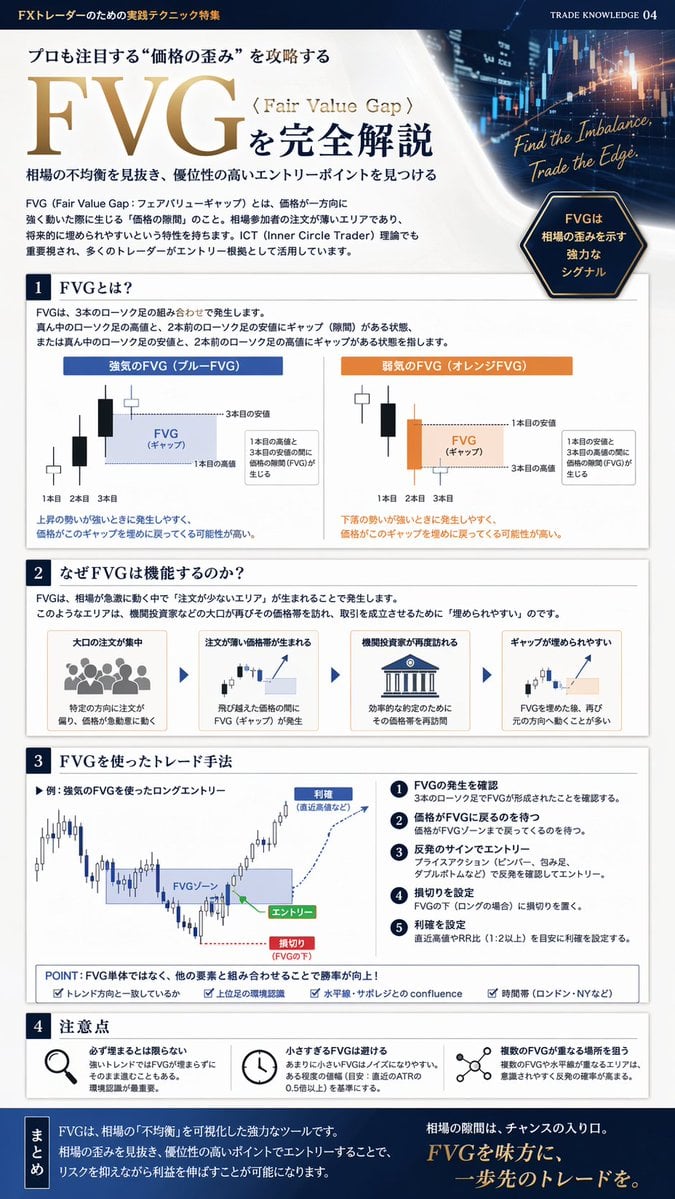
FX Trading Educational Infographic
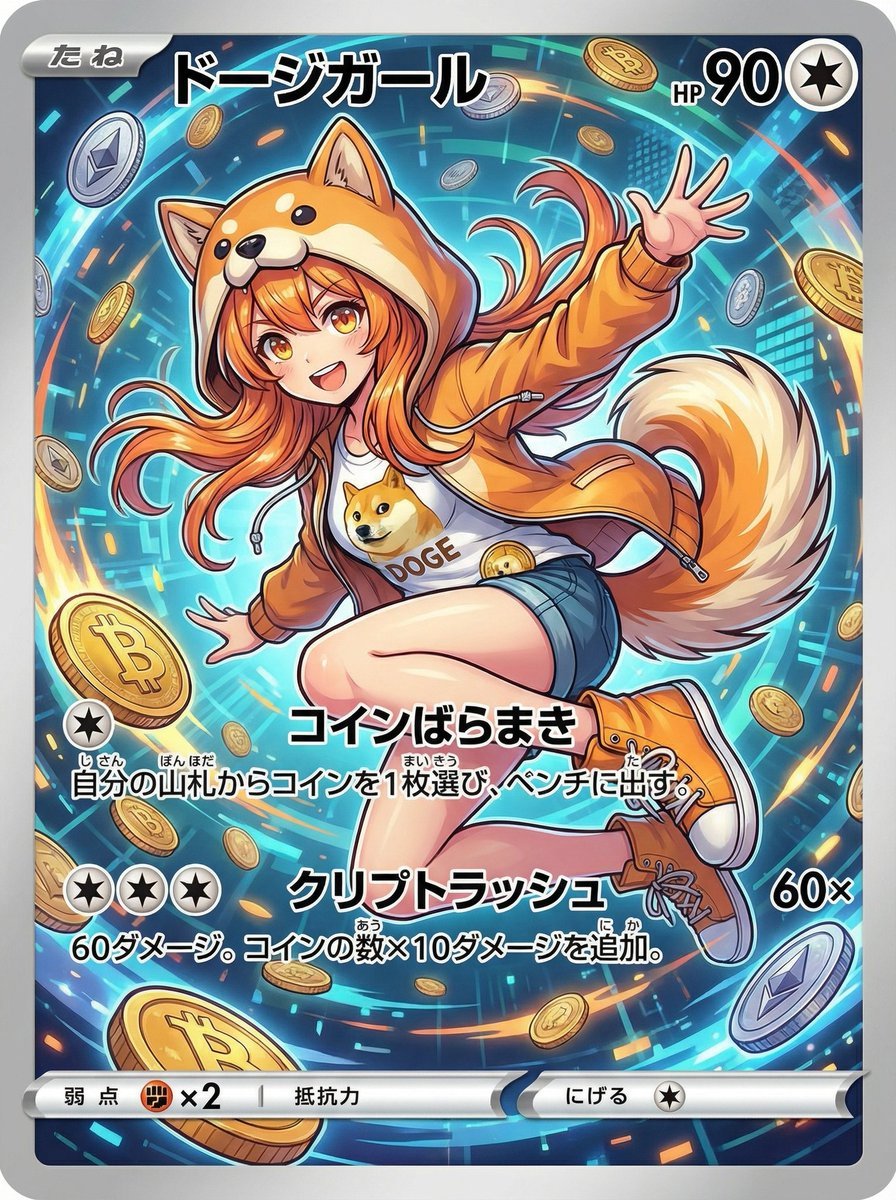
Yu-Gi-Oh magic card from text theme
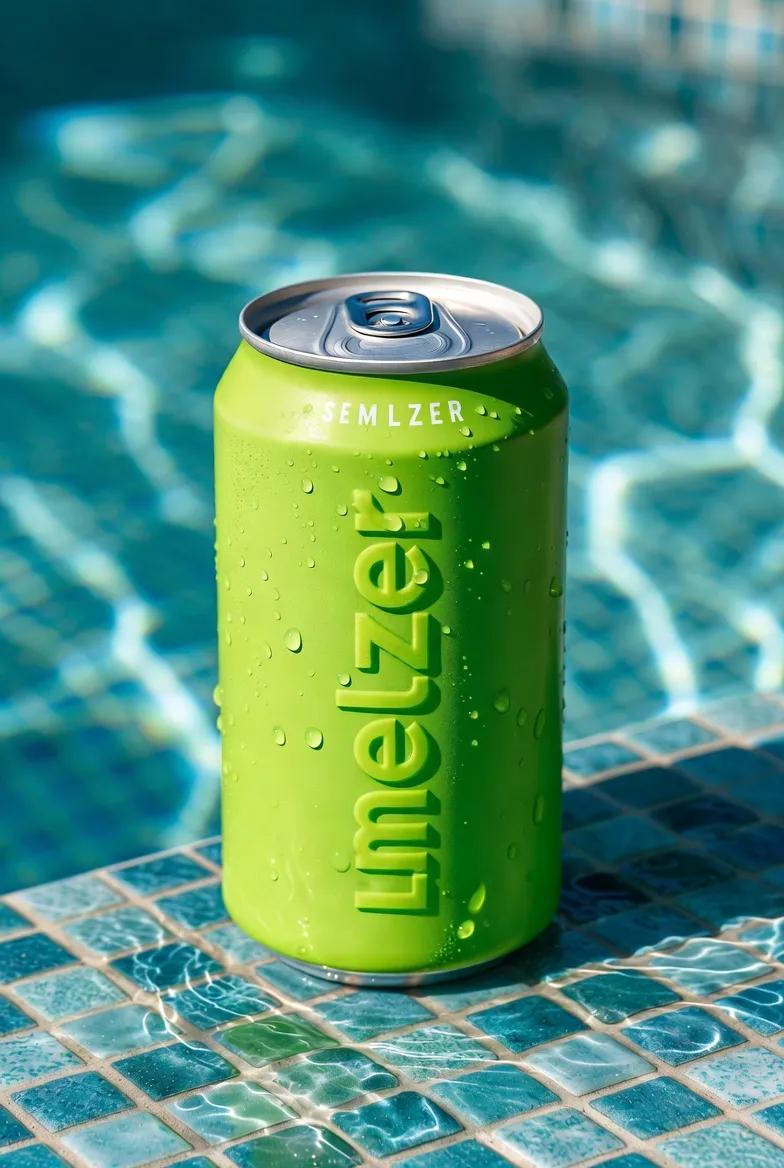
Macro Product Shot of Seltzer Can
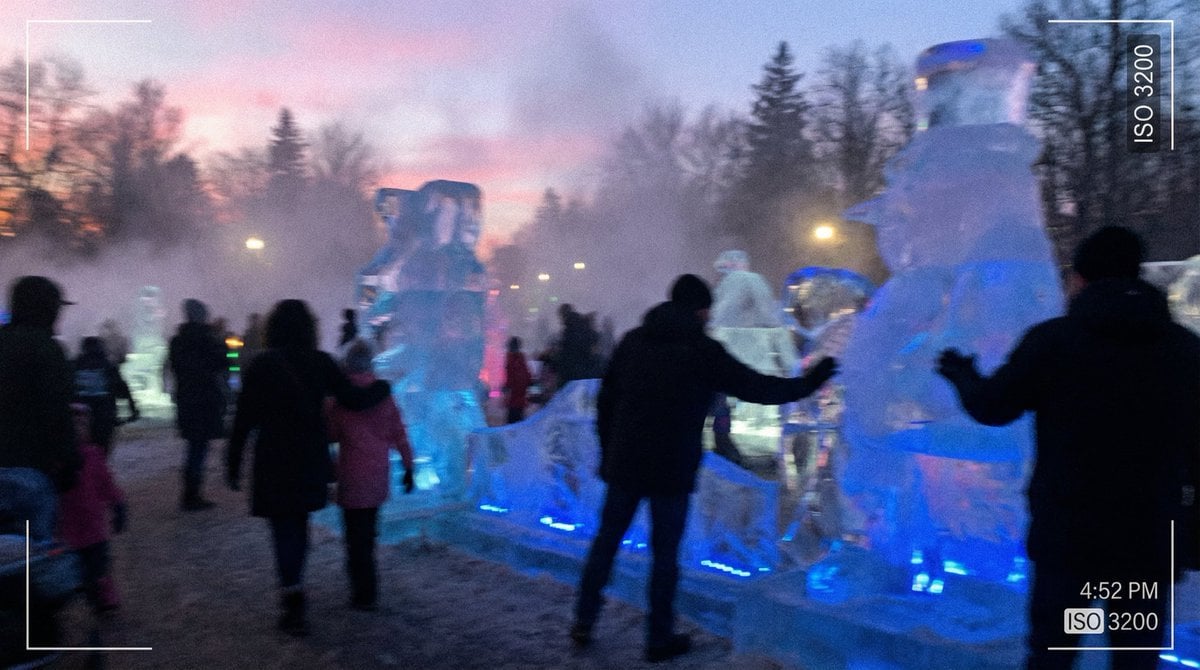
Candid iPhone Photo of Ice Sculpture Installation
Cinematic Video of Cake Making Process
Gundam Maintenance Scene Transformation
Elegant African Woman Studio Portrait Prompt
Cozy Japanese Bedroom Portrait
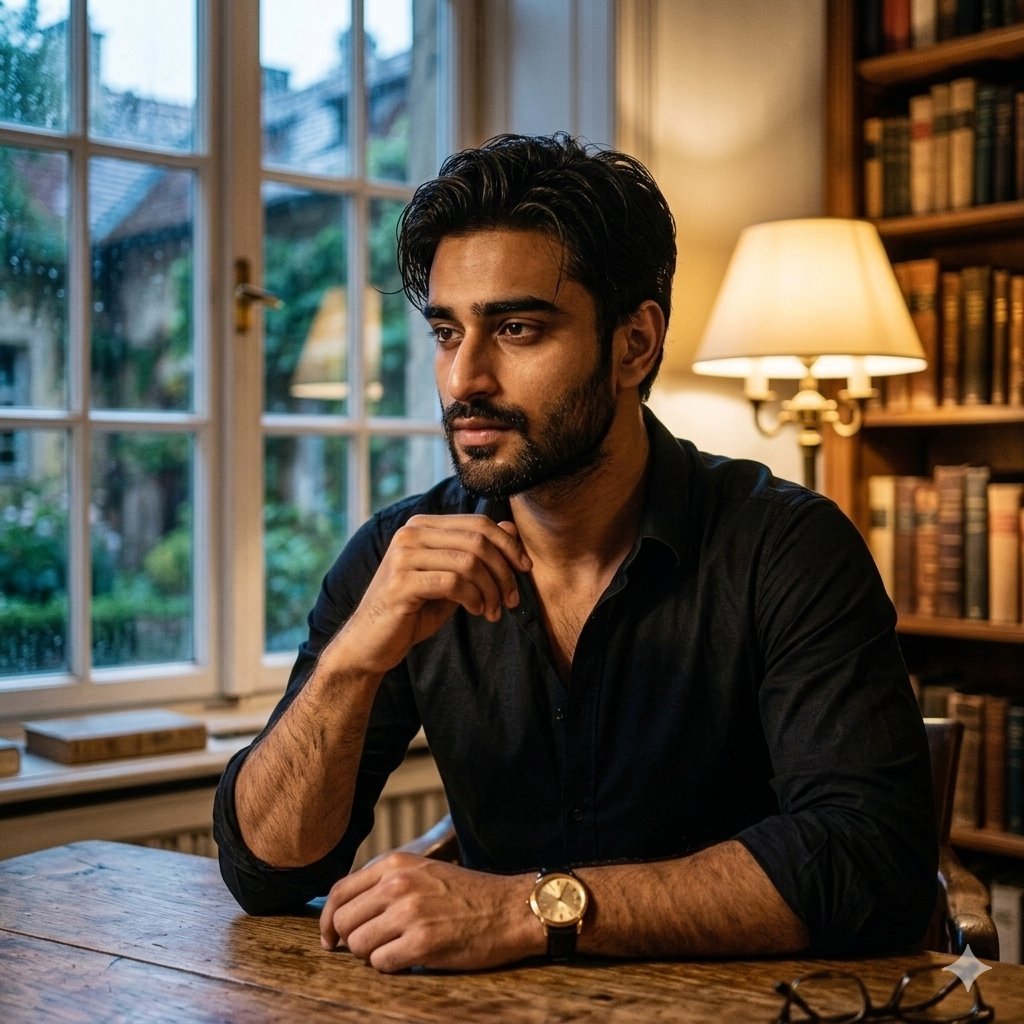
Cinematic Chiaroscuro Portrait of a South Asian Man in a Library
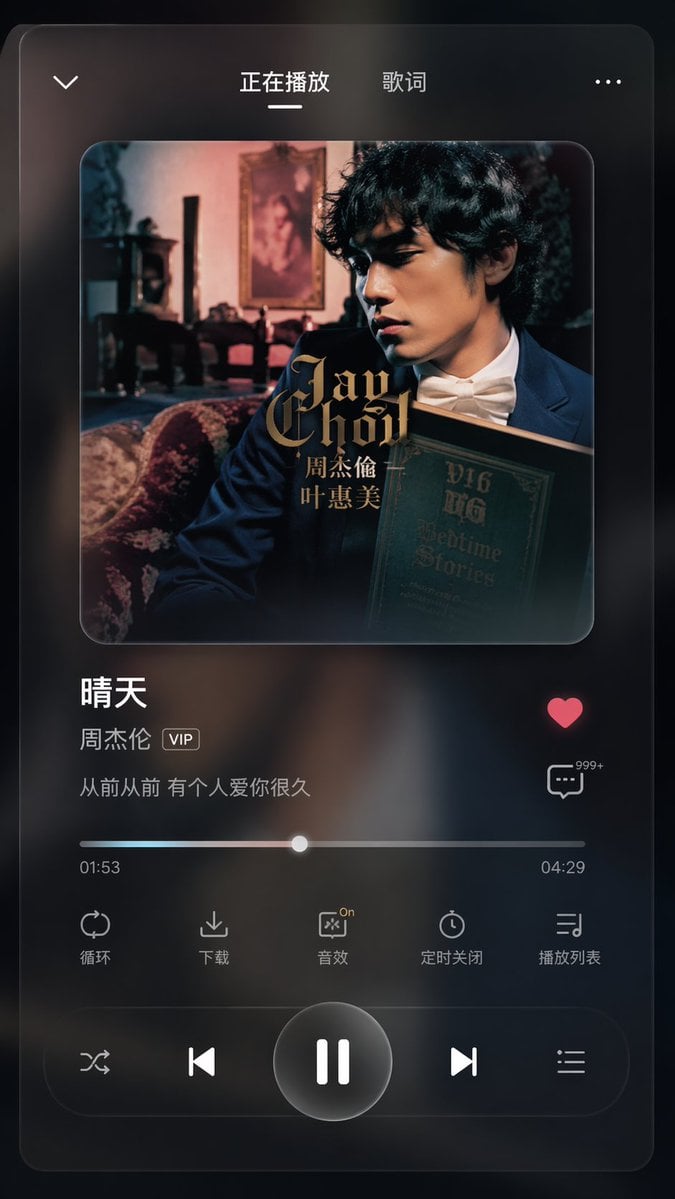
App UI Design - Music & Fitness
Browse template categories
Three Hanfu Outfit Comparison questions
How do I use the Three Hanfu Outfit Comparison template?
Add your photo if the template asks for one, edit the prompt if you like — the template's model and format are already selected — and press Generate. Your version opens in PicX Studio.
Can I customize the Three Hanfu Outfit Comparison template?
Yes. You can change the subject, setting, lighting, mood, format, and available model controls before creating your image.
Is the Three Hanfu Outfit Comparison template free?
Opening and editing this template is free. Generating uses credits, shown on the Generate button when you are signed in.
Which AI model should I use?
Start with GPT Image 2, which is the model associated with this template. You can compare another compatible model for a different finish.
Looking for something else? Browse all templates.

Your photo, any look
Thousands of ready templates for every top image and video model, from one credit balance.