
East Asian Woman in Silk Qipao
A hyper-realistic photographic prompt describing a young woman at a corridor corner, focusing on delicate lighting, silk textures, and a Wabi-Sabi mood.
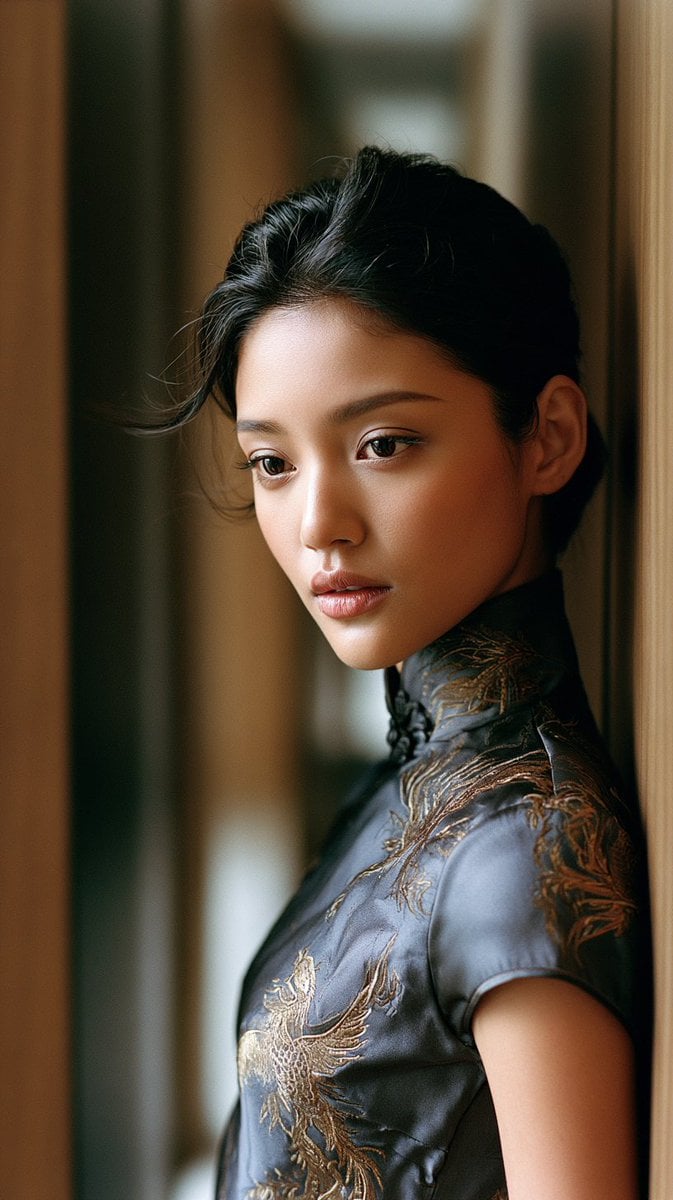
- Prompt included
- Model and format preset
- Free template
The prompt behind this image
Copy the exact prompt behind East Asian Woman in Silk Qipao, or open it in the studio and make it yours.
A medium-shot authentic daily life photograph, natural candid moment, of an {argument name="subject" default="East Asian young woman"} standing at the corner of a long interior corridor. 85mm lens, waist-up framing, shallow depth of field. The corridor behind her recedes into soft depth — wooden panelling on one side, white plaster on the other, afternoon light arriving distantly at the far end. East Asian young woman in her early 20s. Almond-shaped eyes, elongated outer corners, gaze directed slightly sideways down the corridor's length. Straight delicate nose bridge. Skin tone fair beige, calm in the quiet of the hallway. Skin subsurface scattering visible under directional light, specular micro-highlights on cheekbones and nose ridge, fine foundation powder grain perceptible. She wears a {argument name="attire" default="charcoal grey silk qipao with gold phoenix embroidery"} — the gold thread dulled and settled, more like old lacquer than new gilt. Mandarin collar, short sleeves, fitted silhouette. She stands still at the corner without purpose, one shoulder near the wall, gaze carrying down the corridor as if listening. The corridor holds nothing else — no art, no furniture, just the texture of the wall and the long pull of the floor. Two or three stray hairs displaced by faint air movement, natural unplanned imperfection, not geometrically symmetrical. Diffuse natural light arrives from the corridor's distant end, catching the near side of her face and the left shoulder of the qipao, leaving the rest in soft shadow. The charcoal silk absorbs the dim light with quiet weight. Mood: a pause between one room and the next. Subtle {argument name="film style" default="ISO 400 film grain"} in shadow areas, photographic noise texture not CG render smoothness. Aspect ratio 9:16. No watermark, no text overlay, not cartoon, not digitally painted, not illustration, not anime.
How to use East Asian Woman in Silk Qipao in 3 steps
- 1
Open
The prompt is already in the box next to the preview, with the template's model and format selected.
- 2…a portrait of your subject in softgolden-hour light, 85mm…
Personalize
Edit the subject and creative details for your destination.
- 3Generate
Generate
Press Generate — your image is created in PicX Studio, so you can compare it with the original and refine one variable at a time.
More like this
Templates with the same subject, style or setup. Open one to see its prompt.
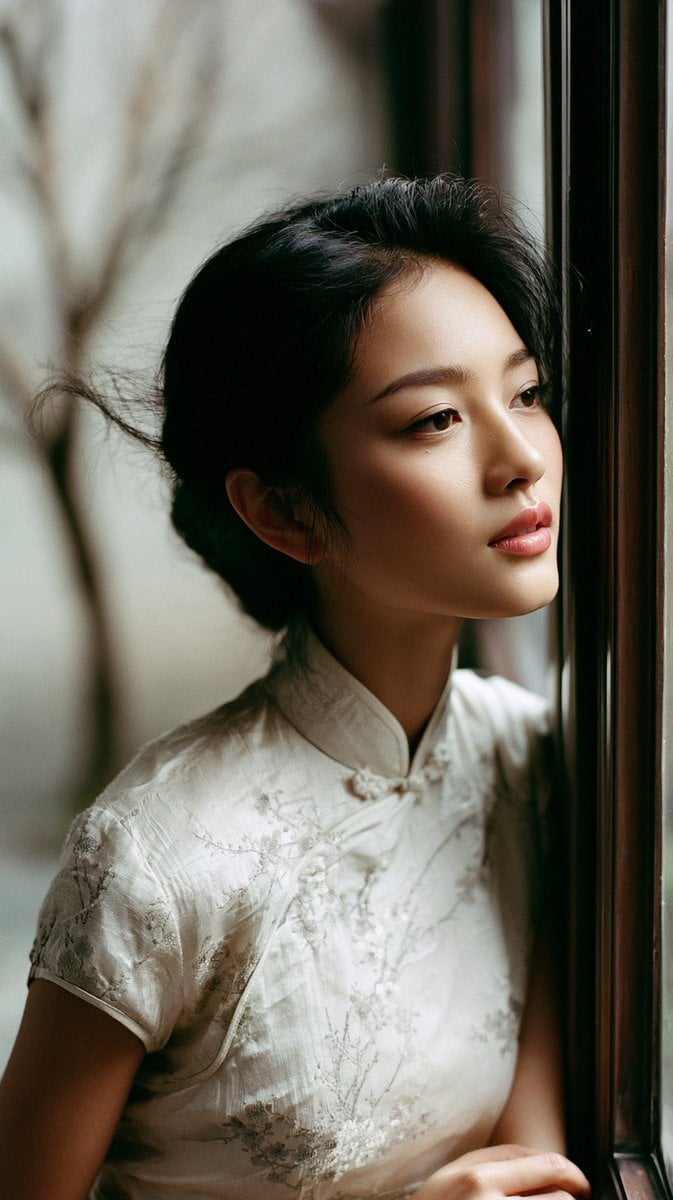
East Asian Woman in Silk Qipao Corridor Portrait
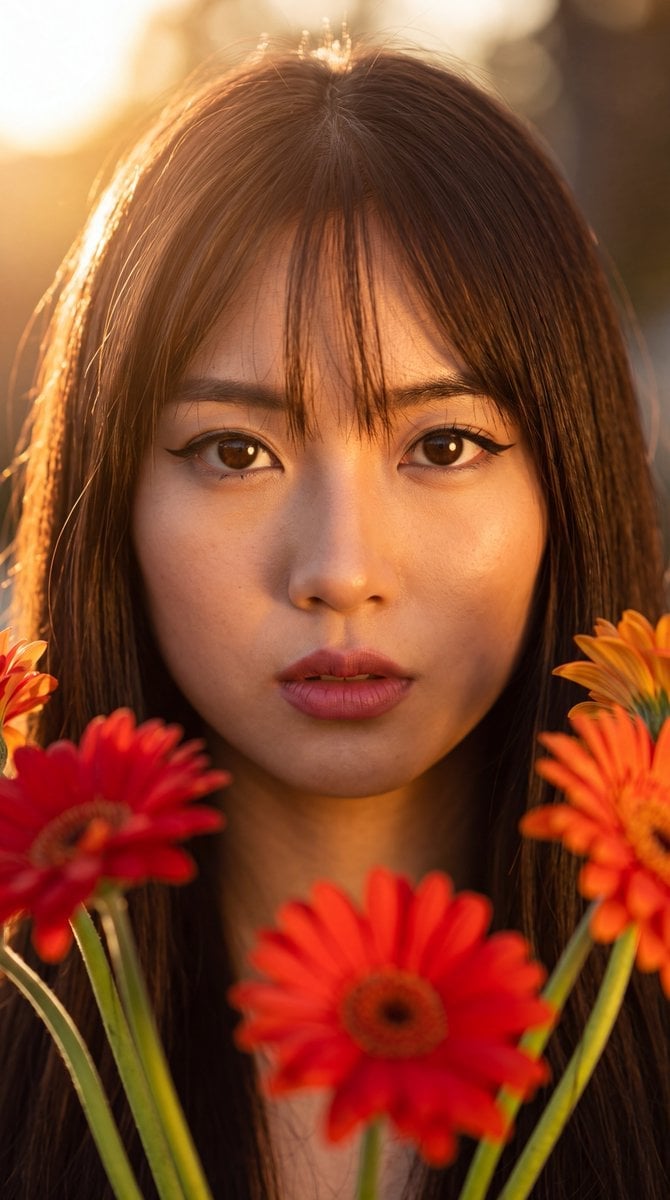
East Asian Woman with Gerbera Flowers

Artistic portrait of an elegant Asian woman wearing a black silk
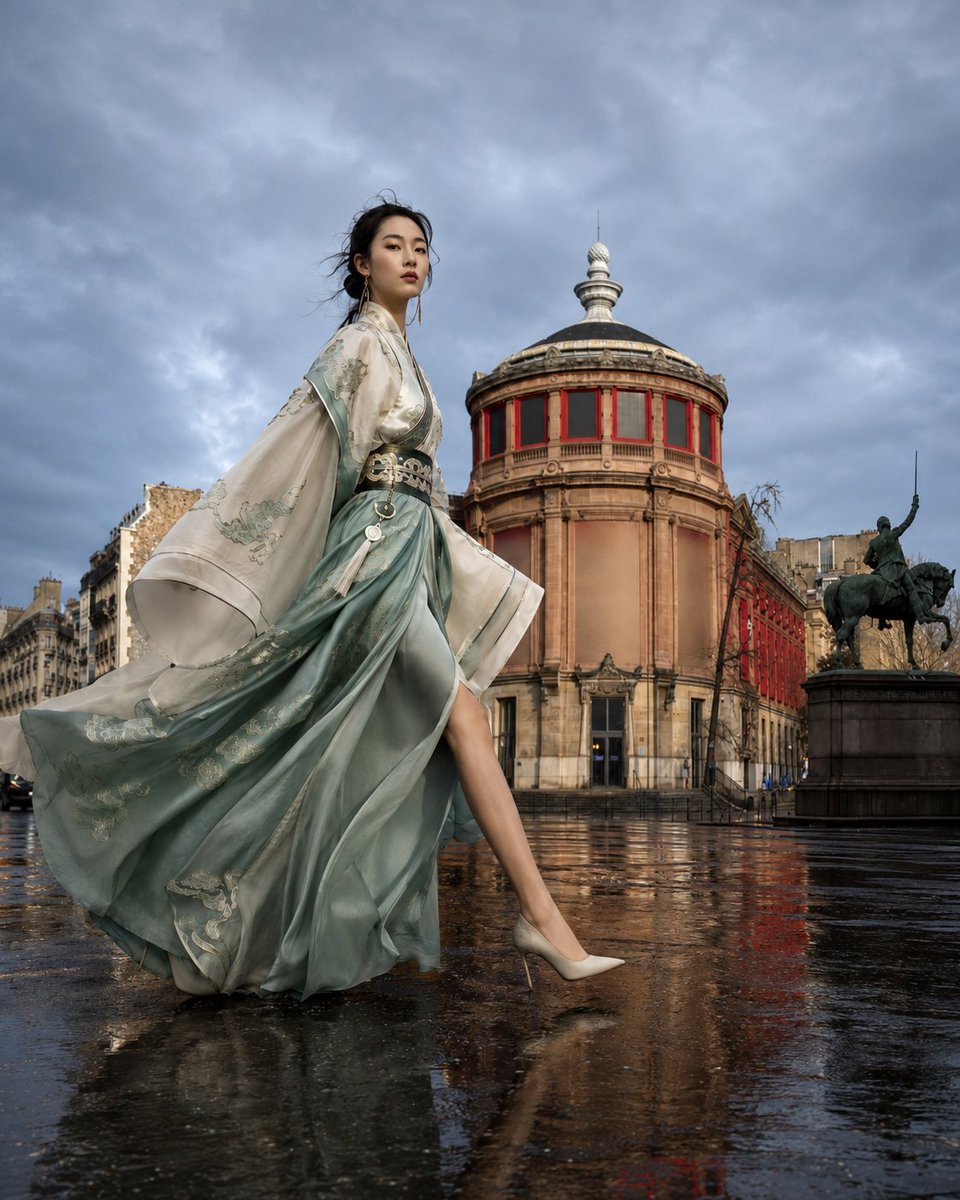
East Asian Haute Couture Qipao Model
East Asian Woman Car Selfie Portrait
Cinematic East Asian Woman Portrait
East Asian Woman Photo Strip
East Asian Woman Selfie Portrait
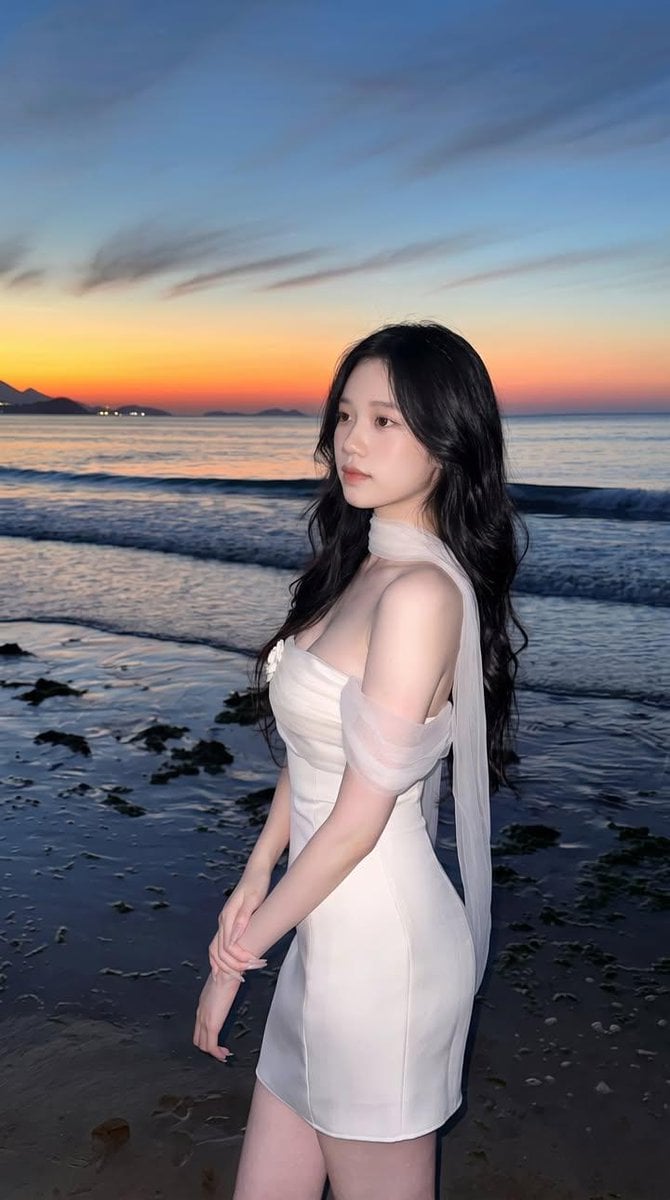
East Asian Woman Beach Portrait
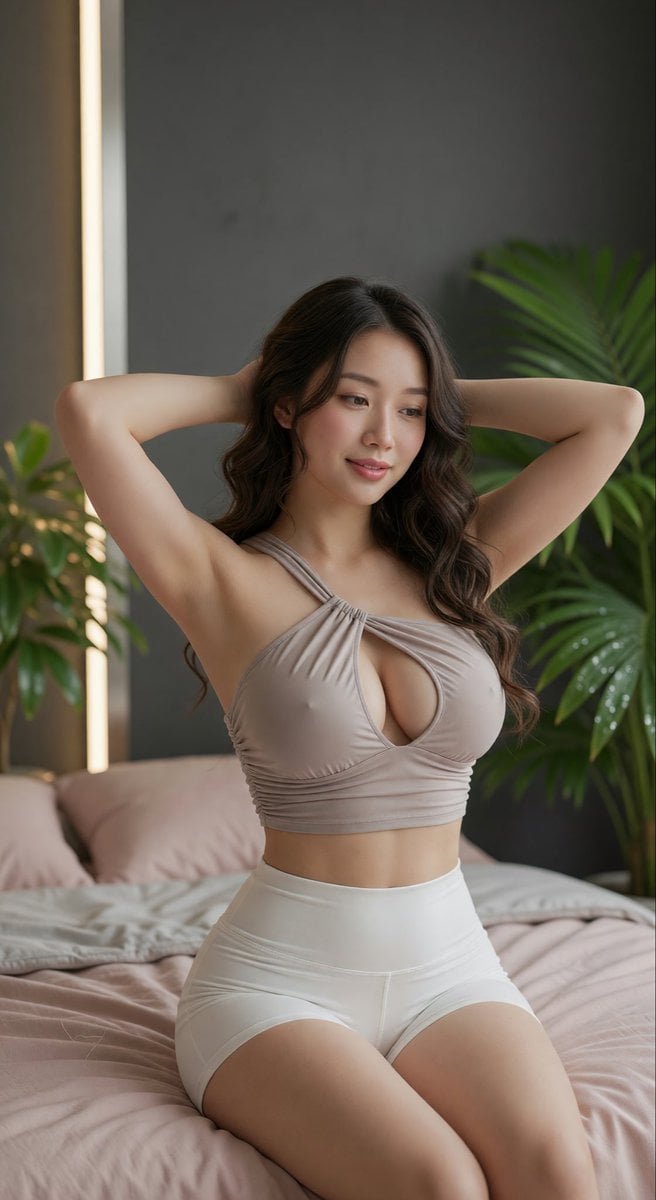
East Asian Woman Portrait
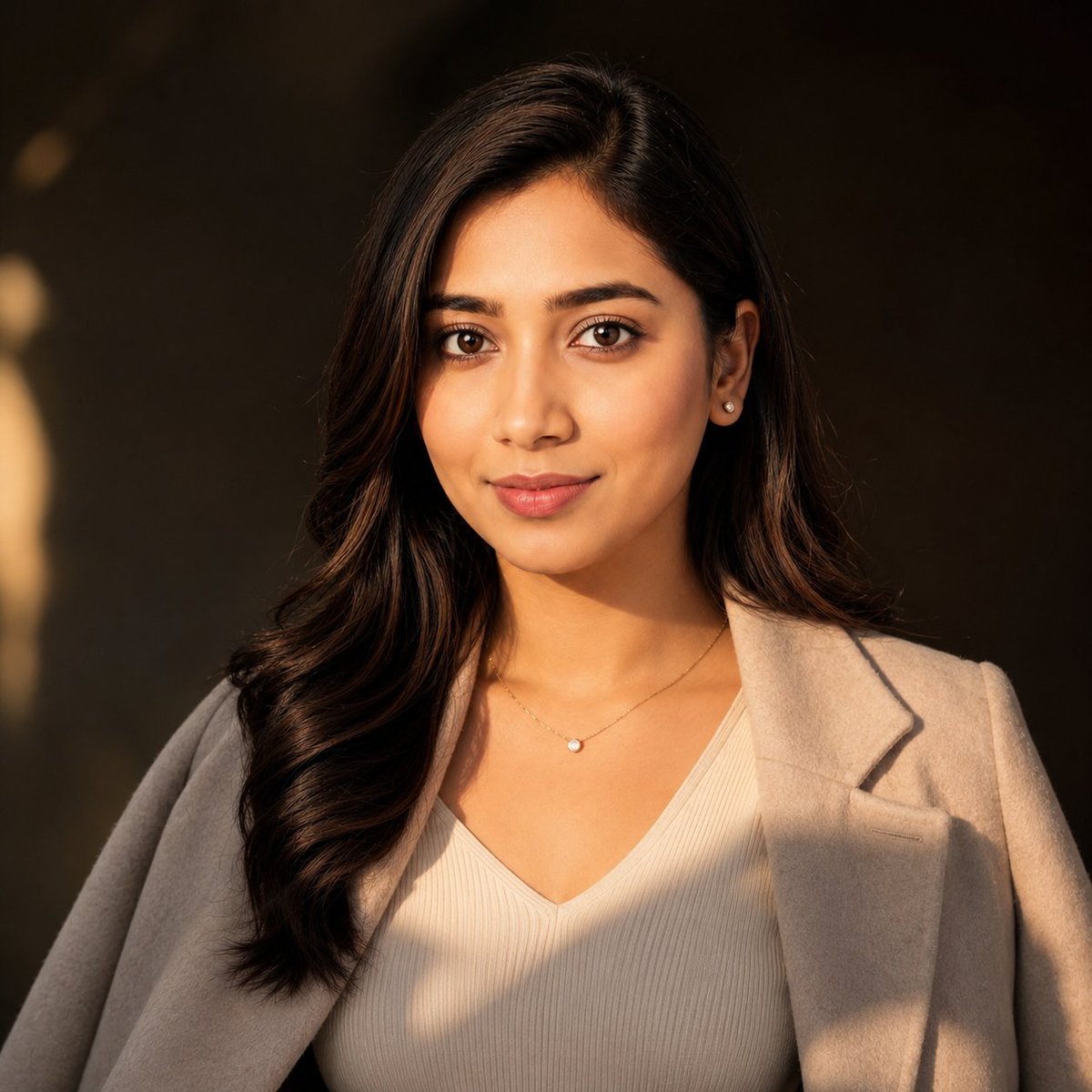
East Asian Woman Cinematic Portrait
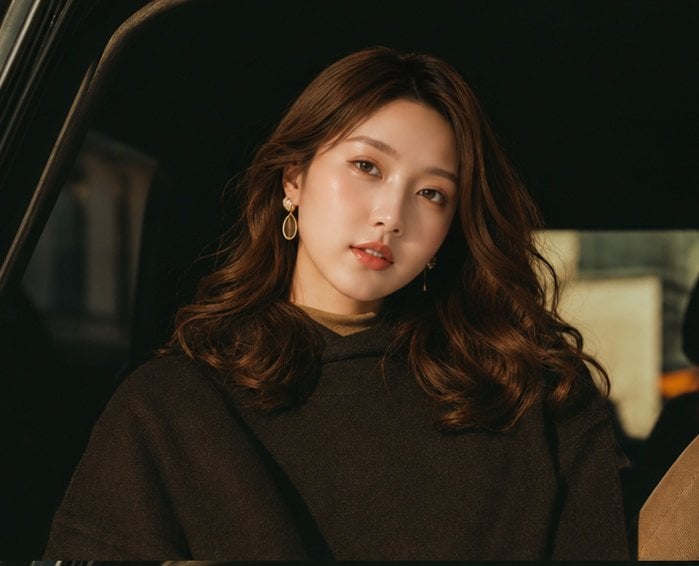
Cinematic Portrait Collage of an East Asian Woman
Make it yours
East Asian Woman in Silk Qipao works as-is. These are the safest ways to change it without losing the look.
Change one field
Copy a single group, rewrite it, and generate again so you can see what that field is doing.
Keep the frame, change the subject
Hold the composition and light of East Asian Woman in Silk Qipao, then swap wardrobe, props or the person for a new take.
| If the result… | Why | Fix |
|---|---|---|
| The result drifts from the preview | Too many fields changed at once. | Reuse East Asian Woman in Silk Qipao as-is first, then change one group — subject, light, or setting. |
| The model over-stylizes the scene | The prose prompt leaves finish and camera underspecified. | Add one camera or lighting sentence and stay on GPT Image 2. |
More GPT Image 2 templates
Other prompts made for GPT Image 2.

Six VTuber Japanese Logo Sheet

Realistic Portrait of Woman and Deer

The Vista Modular Condo Poster

AI Model Routing Comparison Infographic

2.5D Anime Art Board

Isometric Productivity Desk Scene

New York Double Exposure Poster

Four-Panel AI Landscape Comparison

Japanese Tatami Lifestyle Magazine Cover

NESCAFÉ Coffee Map Poster
More image prompts
Fresh picks from across the catalog.
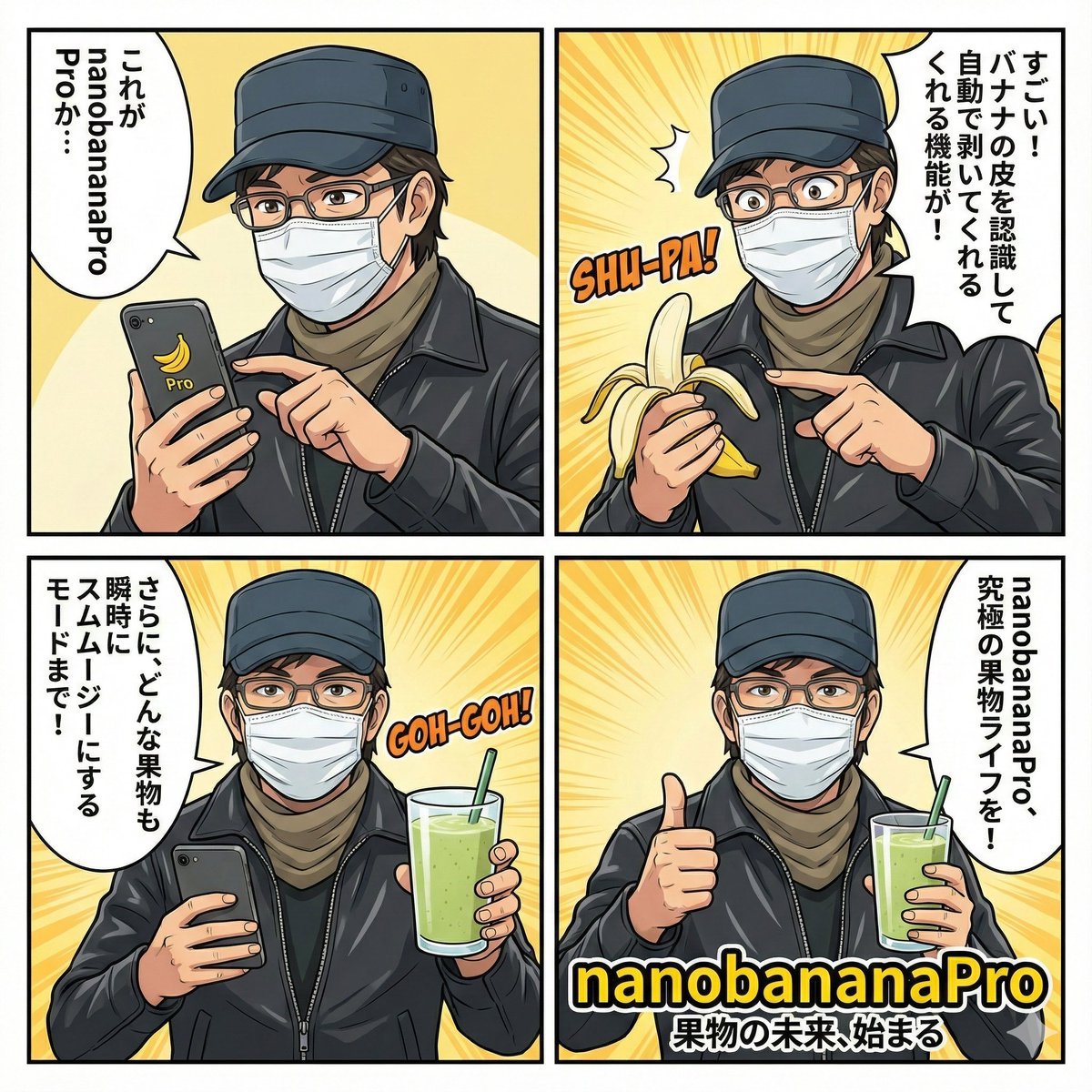
Nano Banana Pro 4-Panel Comic Explanation
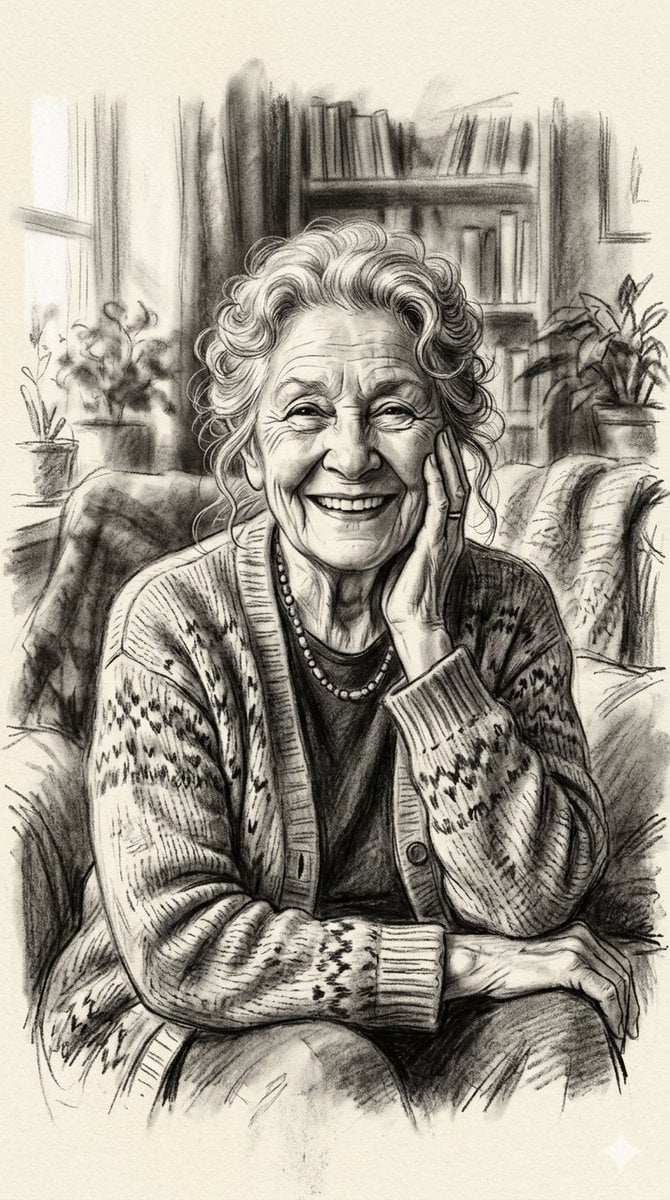
X Minahil42298354 Subject a Heartwarming Portrait

Bishop Transformation with Healing Light and Glasses
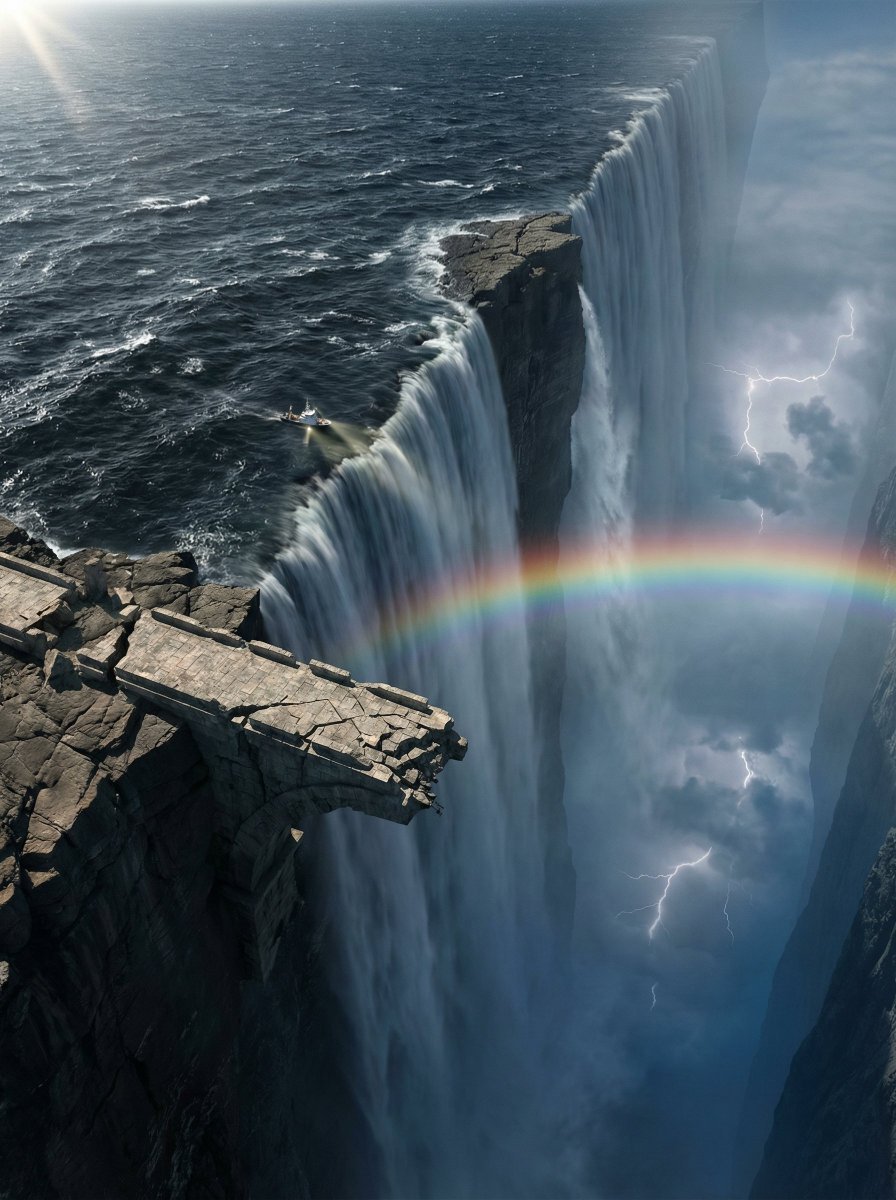
Ultra-Widescreen Tectonic Rift and World's End Scene Prompt in JSON
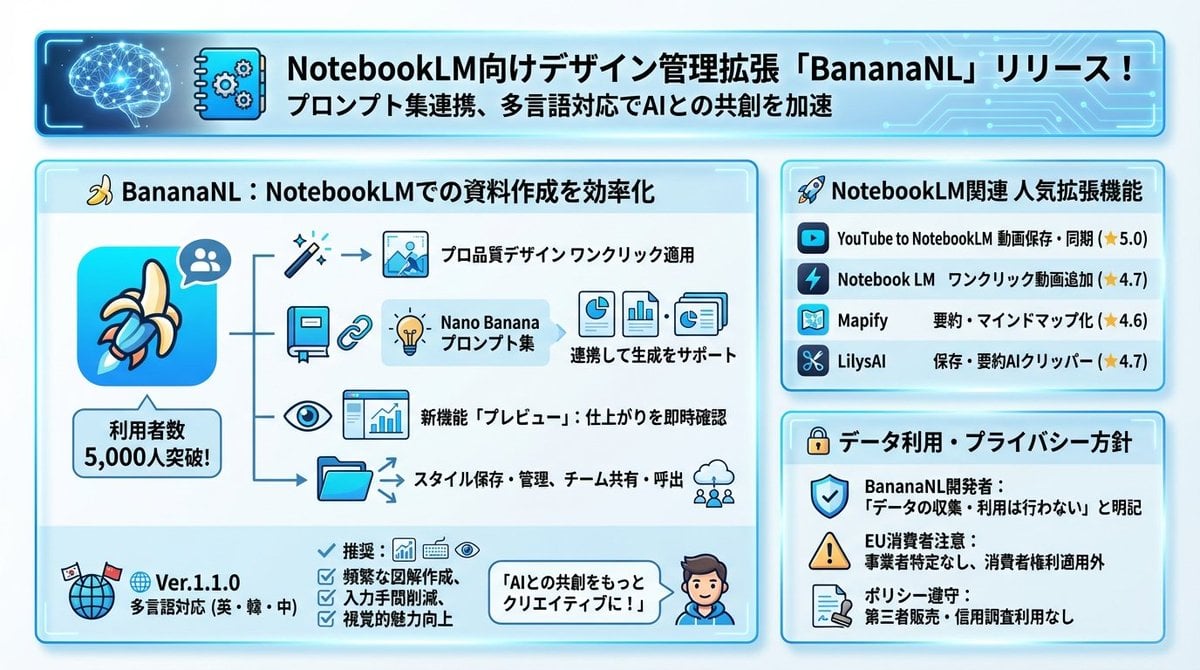
Design Management Prompt Template for NotebookLM
Crayon Style Child Illustration
Mecha Ink Wash Landscape Painting
Dark Fantasy King Throne Portrait
Low-Angle Varsity Fashion Portrait
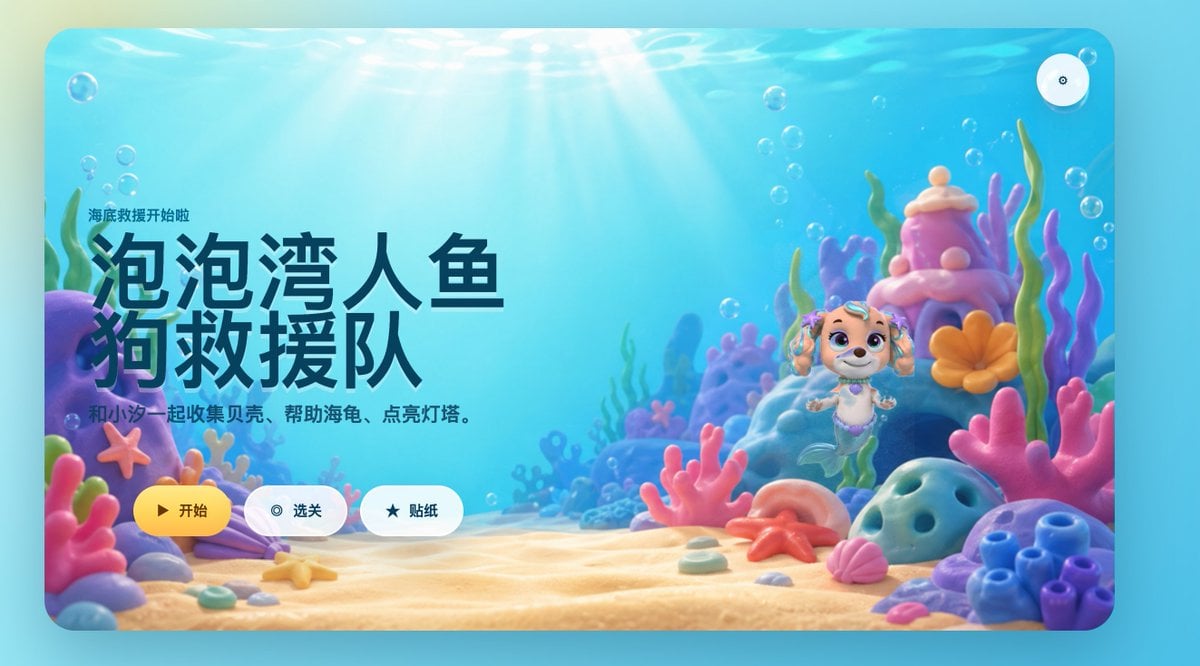
Cute Mermaid Puppy Undersea Game Start Screen
Browse template categories
East Asian Woman in Silk Qipao questions
How do I use the East Asian Woman in Silk Qipao template?
Add your photo if the template asks for one, edit the prompt if you like — the template's model and format are already selected — and press Generate. Your version opens in PicX Studio.
Can I customize the East Asian Woman in Silk Qipao template?
Yes. You can change the subject, setting, lighting, mood, format, and available model controls before creating your image.
Is the East Asian Woman in Silk Qipao template free?
Opening and editing this template is free. Generating uses credits, shown on the Generate button when you are signed in.
Which AI model should I use?
Start with GPT Image 2, which is the model associated with this template. You can compare another compatible model for a different finish.
Looking for something else? Browse all templates.

Your photo, any look
Thousands of ready templates for every top image and video model, from one credit balance.