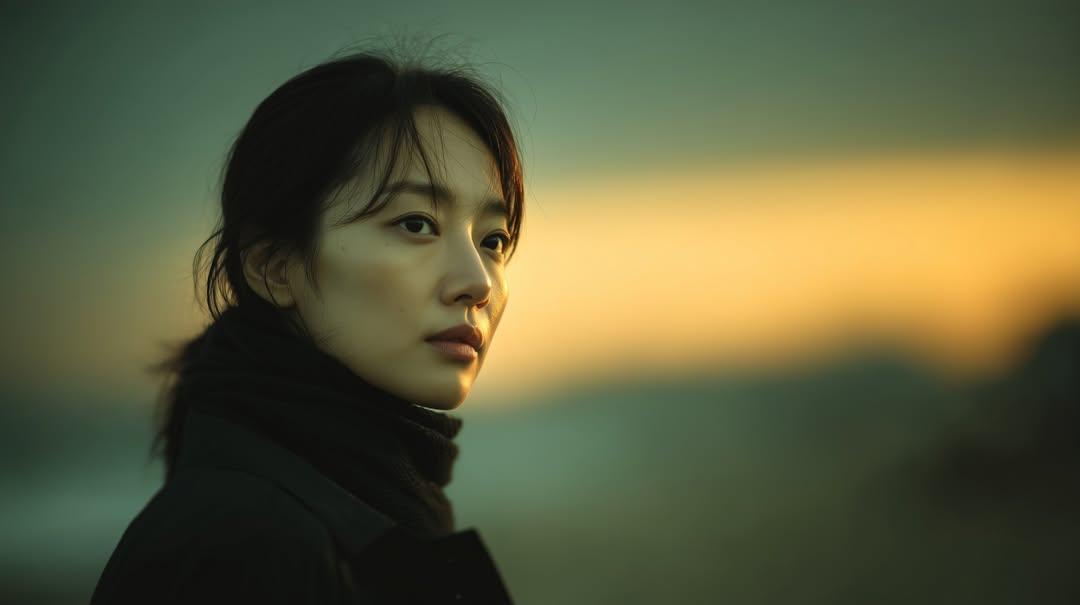
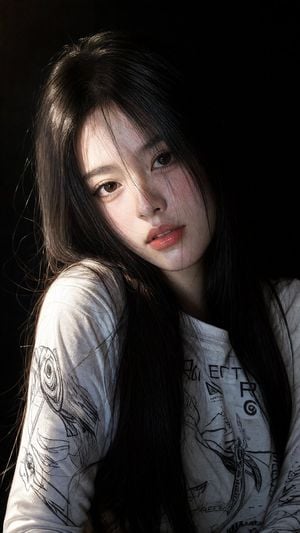
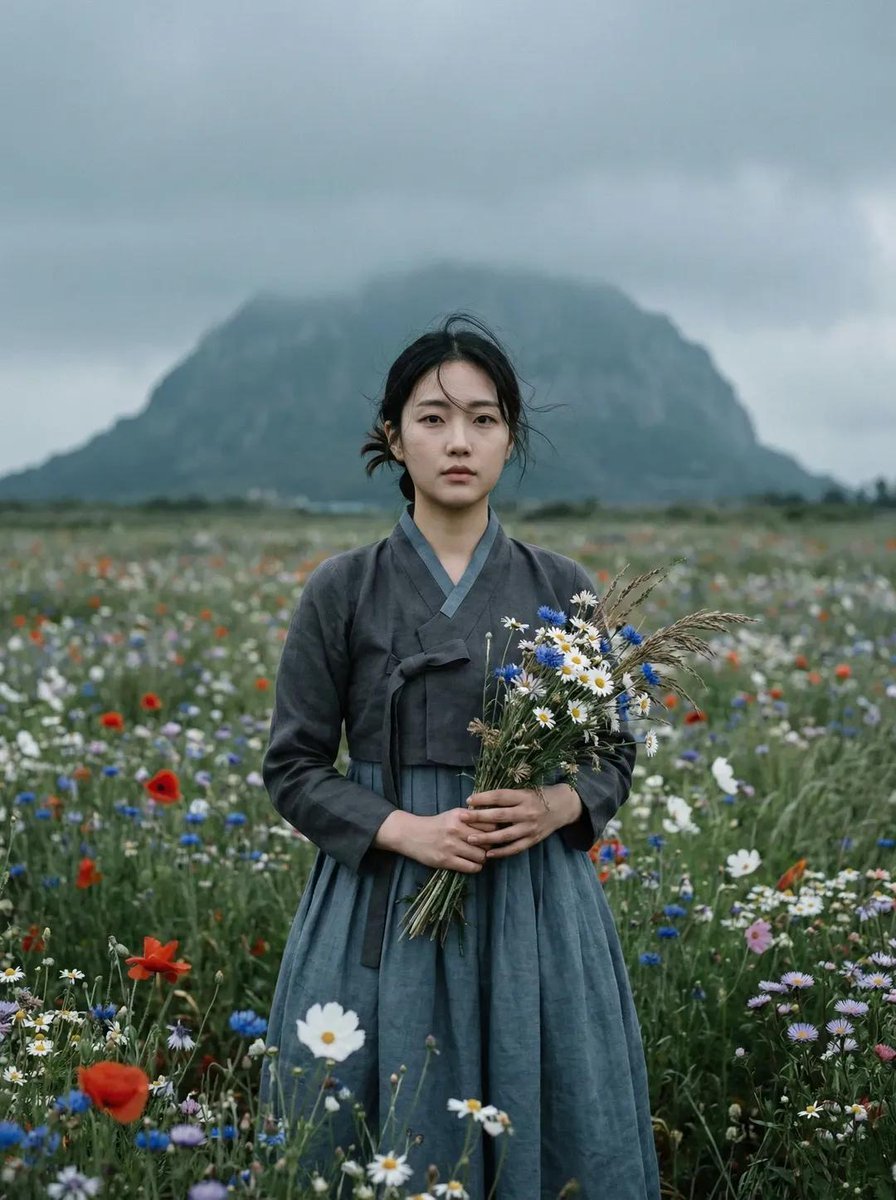
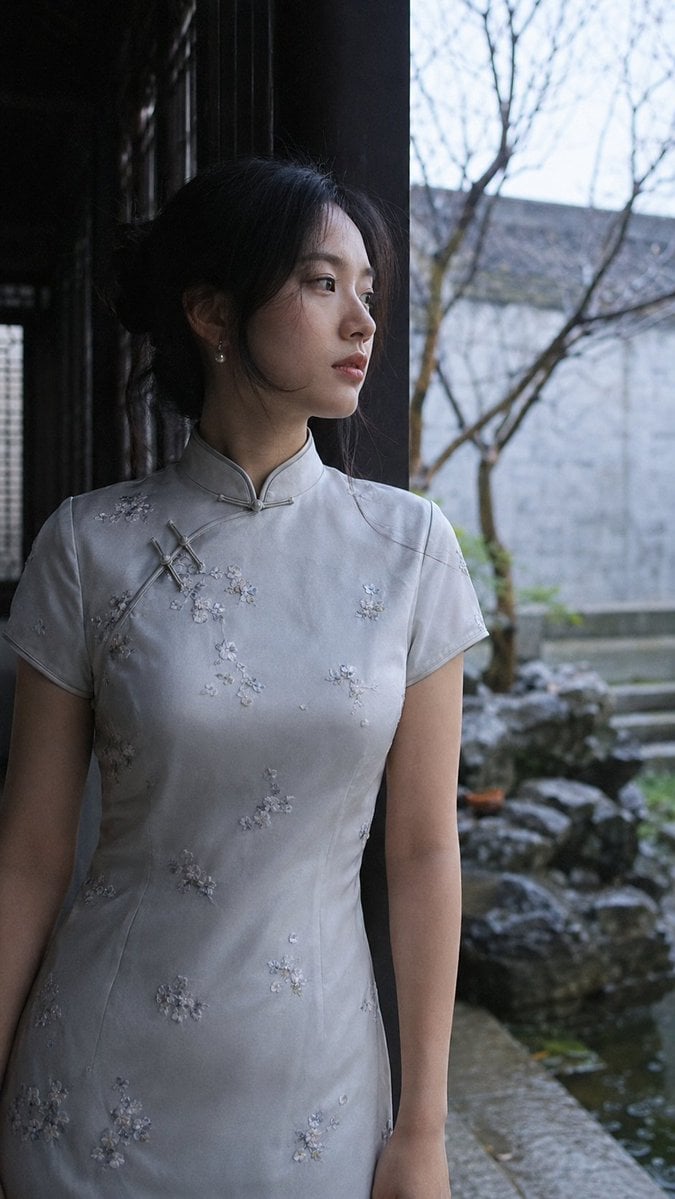
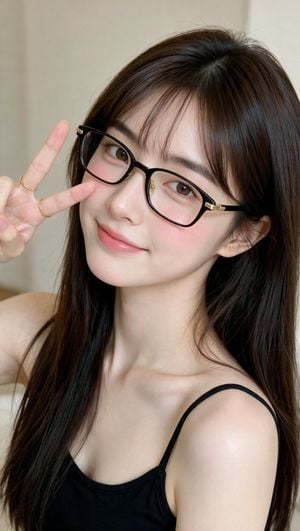
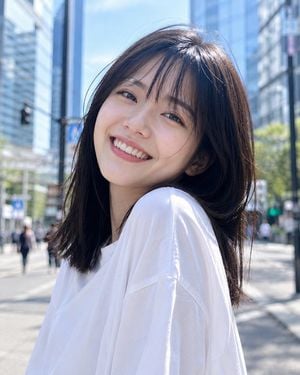
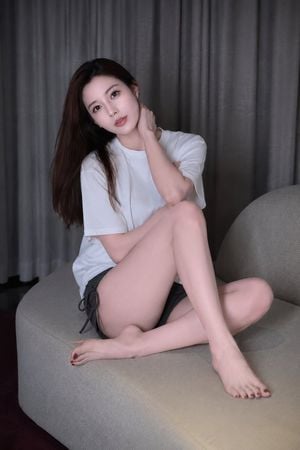
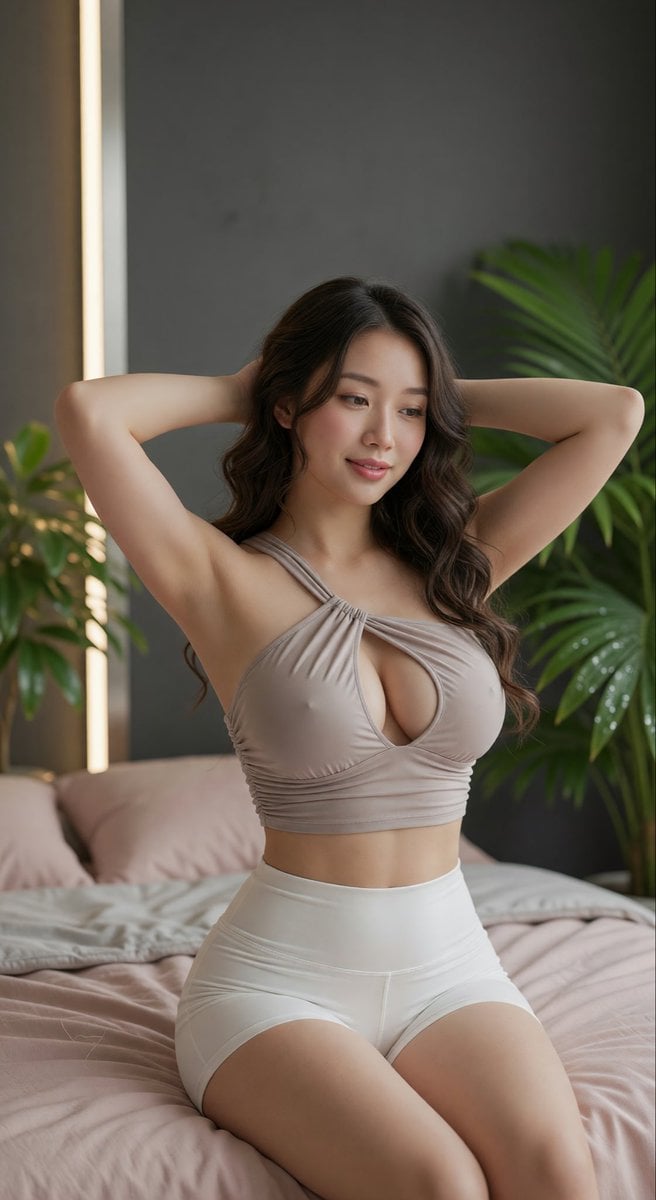
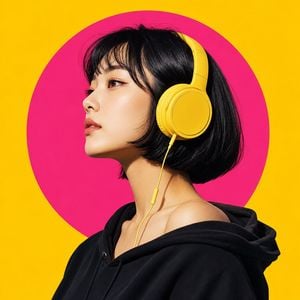
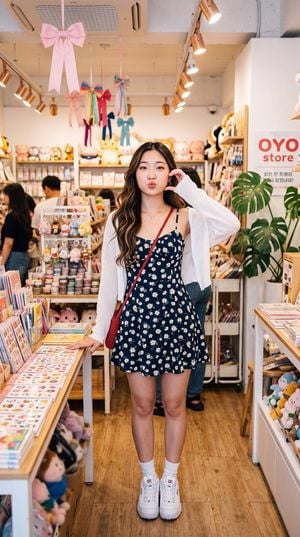
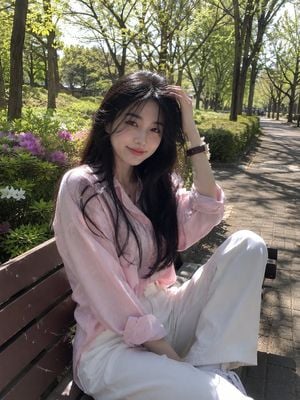
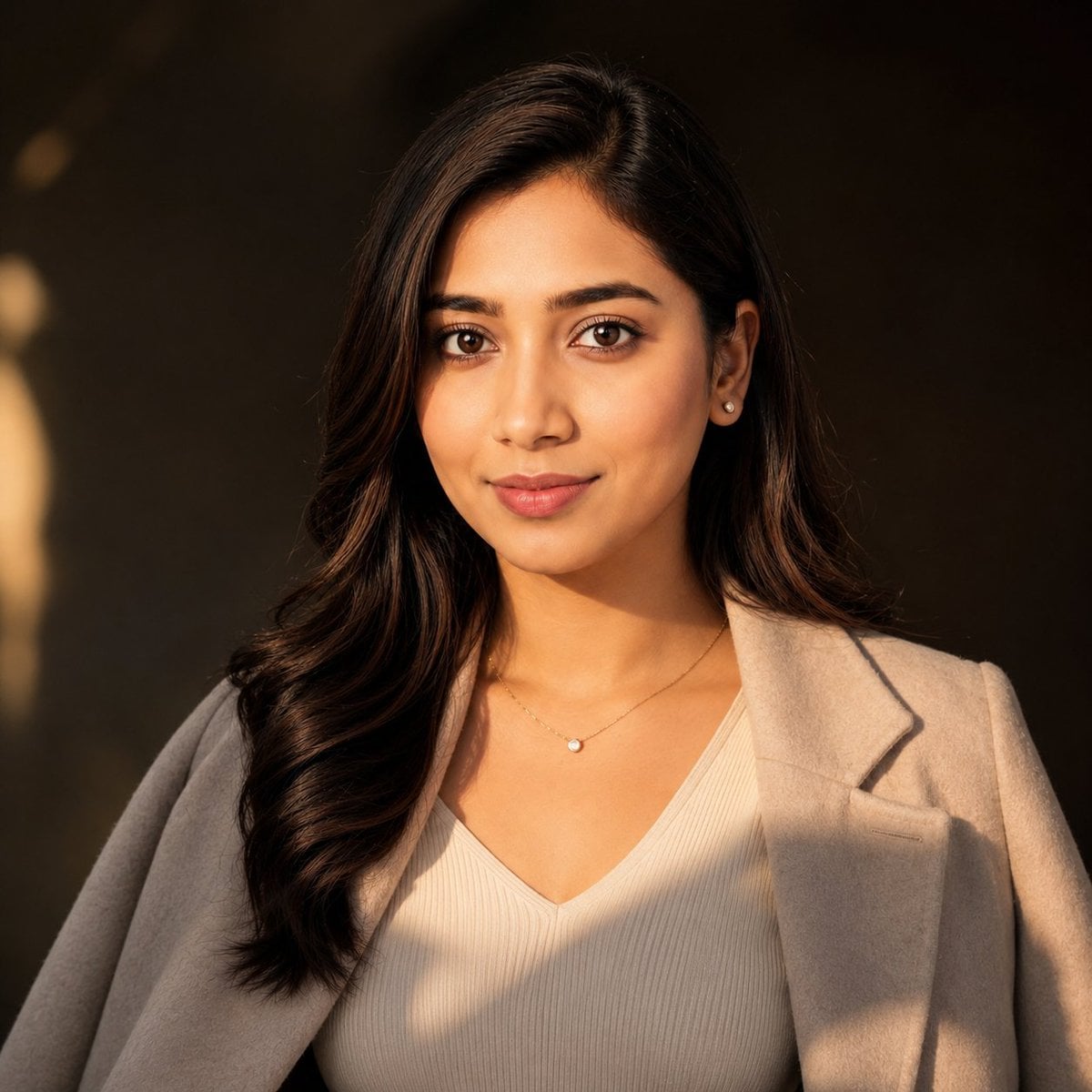
How do I use the East Asian Woman Selfie Portrait template?
Edit the prompt in the box under the preview — the template's model and format are already selected — and press Generate. Your version appears right on this page.
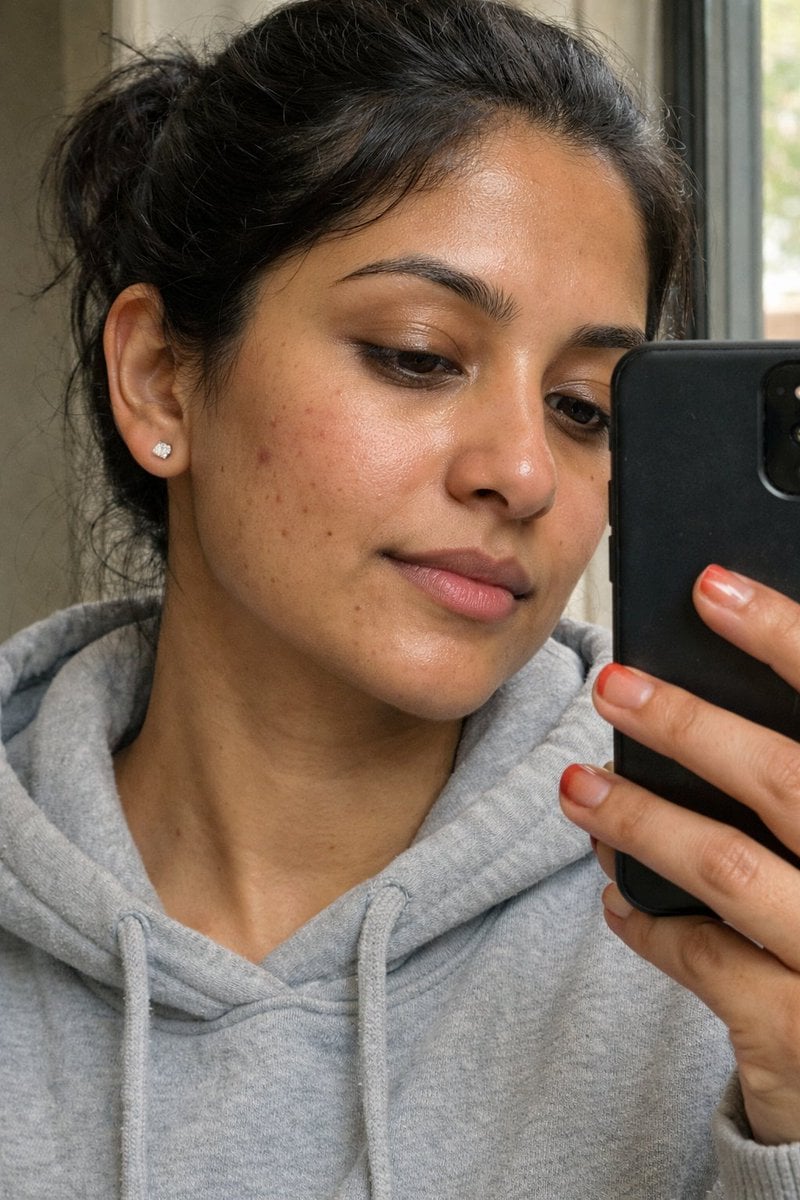
A photorealistic prompt for generating a high-quality smartphone selfie of an East Asian woman in a cozy bedroom setting, featuring natural lighting and detailed textures.

Photorealistic smartphone selfie of a beautiful young {argument name="ethnicity" default="East Asian woman"} with fair porcelain skin, a messy low bun, wispy bangs, and a small white flower hair clip. She wears pearl drop earrings and a {argument name="outfit" default="gray knitted sleeveless high-neck sweater"} with a small flower detail at the collar. Soft Korean makeup, rosy cheeks, and glossy lips. {argument name="location" default="Cozy modern bedroom"} background with warm ambient lighting and a glowing lamp behind her. Slightly low-angle selfie perspective, soft background blur, natural iPhone camera aesthetic, candid handheld snapshot, realistic skin texture, ultra-realistic, vertical 3:4.
Photorealistic smartphone selfie of a beautiful young {argument name="ethnicity" default="East Asian woman"} with fair porcelain skin, a messy low bun, wispy bangs, and a small white flower hair clip. She wears pearl drop earrings and a {argument name="outfit" default="gray knitted sleeveless high-neck sweater"} with a small flower detail at the collar. Soft Korean makeup, rosy cheeks, and glossy lips. {argument name="location" default="Cozy modern bedroom"} background with warm ambient lighting and a glowing lamp behind her. Slightly low-angle selfie perspective, soft background blur, natural iPhone camera aesthetic, candid handheld snapshot, realistic skin texture, ultra-realistic, vertical 3:4.
Edit the prompt in the box under the preview — the template's model and format are already selected — and press Generate. Your version appears right on this page.
Yes. You can change the subject, setting, lighting, mood, format, and available model controls before creating your image.
Opening and editing this template is free. Generating uses credits, shown on the Generate button when you are signed in.
Start with Nano Banana 2, which is the model associated with this template. You can compare another compatible model for a different finish.
Follow a topic to a crawlable collection of related PicX Studio templates.