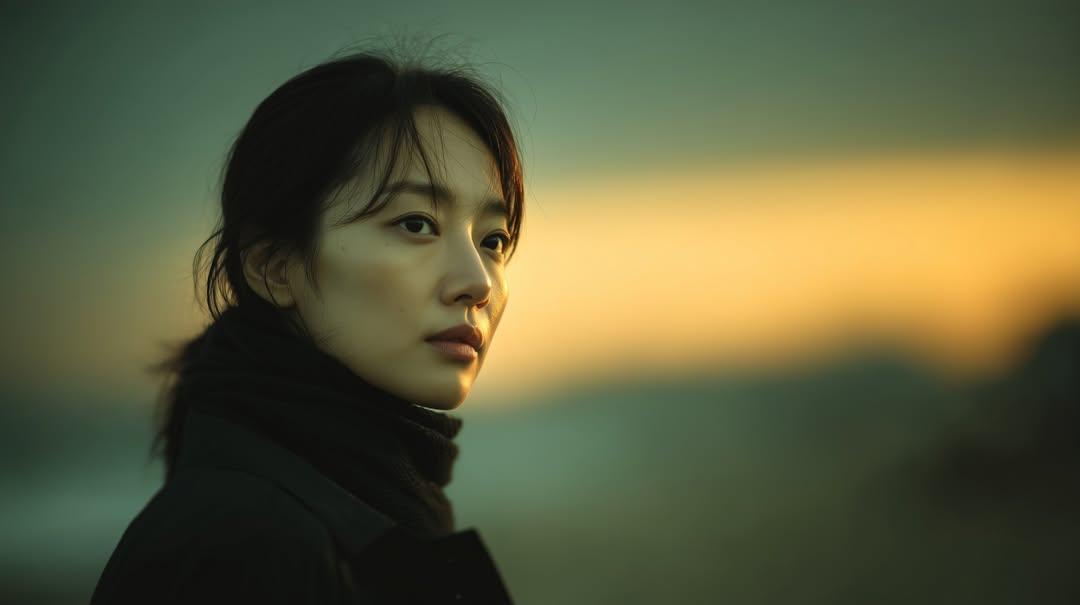
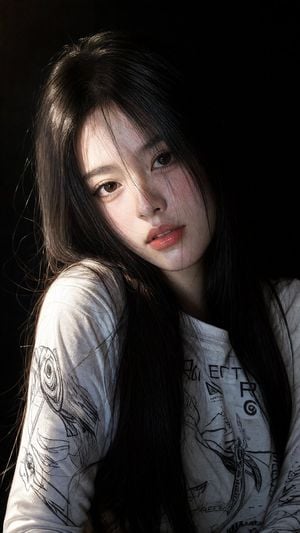
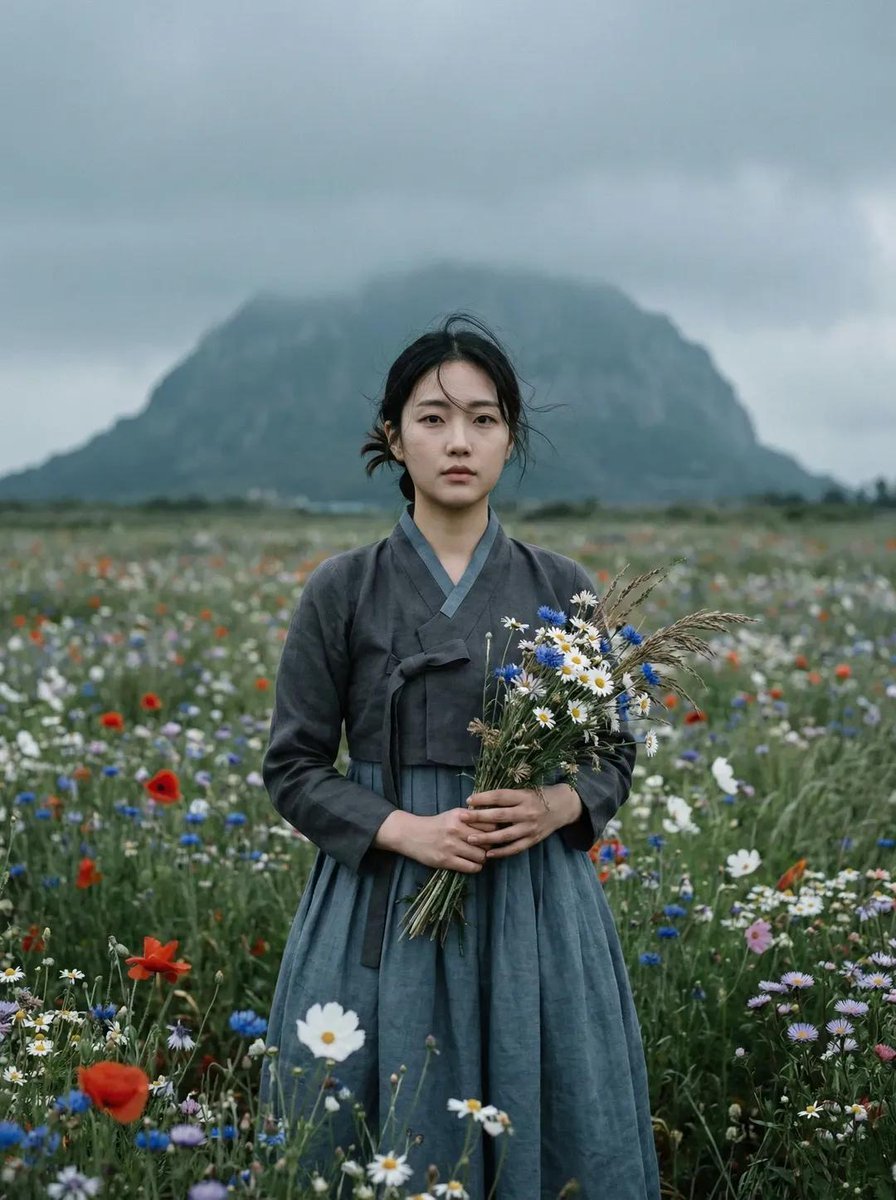
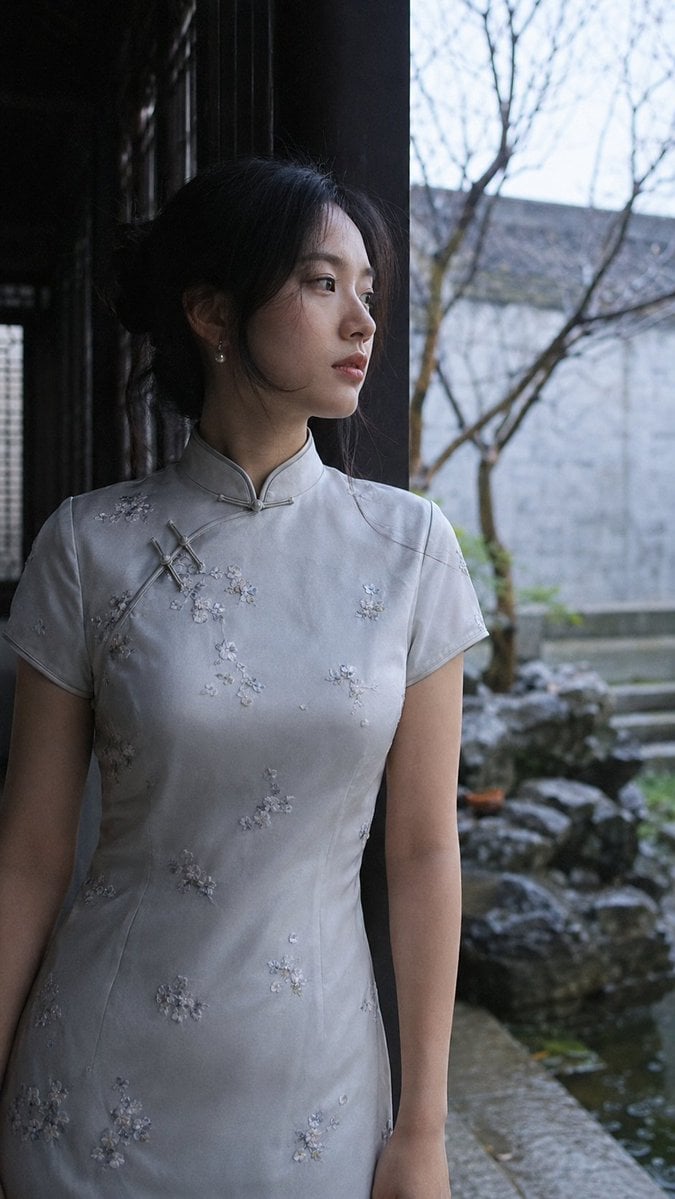
How do I use the East Asian Woman Beach Portrait template?
Edit the prompt in the box under the preview — the template's model and format are already selected — and press Generate. Your version appears right on this page.
A detailed prompt for creating an ultra-realistic portrait of a woman on a beach during the blue hour, featuring soft lighting and elegant clothing.

Ultra-realistic portrait of a {argument name="subject description" default="beautiful young East Asian woman"} standing on a {argument name="background" default="quiet beach during blue hour just after sunset"}, side profile, long wavy black hair, soft natural makeup, fair porcelain skin, {argument name="clothing" default="elegant white satin mini dress with sheer off-shoulder tulle sleeves and a long translucent scarf draped around her neck flowing behind"}, slim figure, hands gently clasped, calm and dreamy expression, gentle ocean waves, wet sand with scattered seaweed, distant mountains silhouetted on the horizon, vibrant orange, pink, and deep blue sunset sky, cinematic lighting, smartphone flash illuminating the subject while the sunset remains visible in the background, shallow depth of field, highly detailed skin texture, natural colors, photorealistic, HDR, 85mm lens, f/1.8, ultra-sharp focus, professional photography, 8K, vertical composition, aspect ratio 9:16.
Ultra-realistic portrait of a {argument name="subject description" default="beautiful young East Asian woman"} standing on a {argument name="background" default="quiet beach during blue hour just after sunset"}, side profile, long wavy black hair, soft natural makeup, fair porcelain skin, {argument name="clothing" default="elegant white satin mini dress with sheer off-shoulder tulle sleeves and a long translucent scarf draped around her neck flowing behind"}, slim figure, hands gently clasped, calm and dreamy expression, gentle ocean waves, wet sand with scattered seaweed, distant mountains silhouetted on the horizon, vibrant orange, pink, and deep blue sunset sky, cinematic lighting, smartphone flash illuminating the subject while the sunset remains visible in the background, shallow depth of field, highly detailed skin texture, natural colors, photorealistic, HDR, 85mm lens, f/1.8, ultra-sharp focus, professional photography, 8K, vertical composition, aspect ratio 9:16.
Edit the prompt in the box under the preview — the template's model and format are already selected — and press Generate. Your version appears right on this page.
Yes. You can change the subject, setting, lighting, mood, format, and available model controls before creating your image.
Opening and editing this template is free. Generating uses credits, shown on the Generate button when you are signed in.
Start with Nano Banana 2, which is the model associated with this template. You can compare another compatible model for a different finish.
Follow a topic to a crawlable collection of related PicX Studio templates.