
East Asian Haute Couture Qipao Model
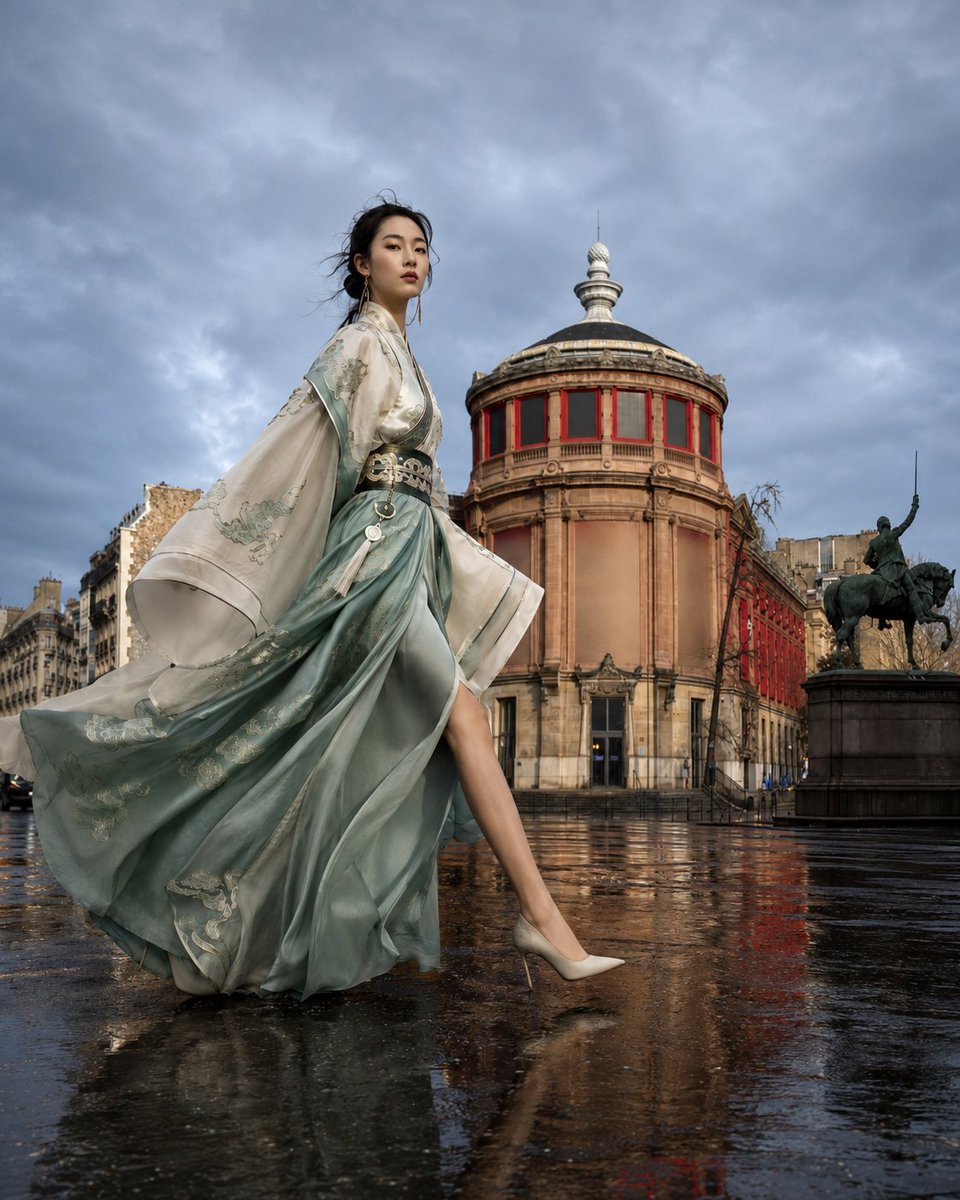
A sophisticated professional photography prompt for generating an image of an East Asian fashion model in a custom-designed red Qipao, set in a classical European square during golden hour.
- Prompt included
- Model and format preset
- Free template
The prompt behind this image
Copy the exact prompt behind East Asian Haute Couture Qipao Model, or open it in the studio and make it yours.
{argument name="人物特征" default="一位20多岁的东亚成年女性,高级时装模特比例,修长身材,长腿,窄腰,挺直肩颈,鹅蛋脸,高颧骨,杏仁眼,自然东方五官。深棕黑色长发盘成低发髻,少量碎发被风吹起,真实发丝纹理。"}\n\n她穿着{argument name="服装款式" default="现代高级定制红色旗袍礼服(Qipao inspired couture),修身剪裁,高开衩,金色中式刺绣覆盖胸前、腰部和裙摆,丝绸缎面材质"},随步伐形成自然飘扬的裙摆。脚穿金色细高跟鞋。\n\n人物正在向画面右侧迈步,前腿大幅跨出,后腿自然发力,身体挺拔,肩膀放松,头部微微抬起并转向远方,眼神坚定、自信,具有国际超模走秀气场。\n\n拍摄地点为{argument name="环境地点" default="欧洲古典广场,背景是一座圆形新古典主义建筑,灰色穹顶、红色窗框,右侧有骑马雕像,宽阔石板广场,城市建筑围绕,清晨街道安静无人"}。\n\n黄金时刻夕阳从画面左侧低角度照射,暖金色阳光照亮人物皮肤、旗袍刺绣与建筑立面,形成真实侧逆光、边缘轮廓光和长阴影。天空深蓝且干净,空气通透。\n\n整体色调暖金色与深蓝形成强烈互补,高级电影色彩,低饱和但保留红色旗袍和金色刺绣层次。\n\nNegative Prompt\nplastic skin, CGI, AI look, anime, illustration, HDR, oversaturated, fake embroidery, fake silk, distorted anatomy, extra fingers, duplicate limbs, short legs, incorrect perspective, blurry, watermark, logo, text.
How to use East Asian Haute Couture Qipao Model in 3 steps
- 1
Open
The prompt is already in the box next to the preview, with the template's model and format selected.
- 2…a portrait of your subject in softgolden-hour light, 85mm…
Personalize
Edit the subject and creative details for your destination.
- 3Generate
Generate
Press Generate — your image is created in PicX Studio, so you can compare it with the original and refine one variable at a time.
More like this
Templates with the same subject, style or setup. Open one to see its prompt.
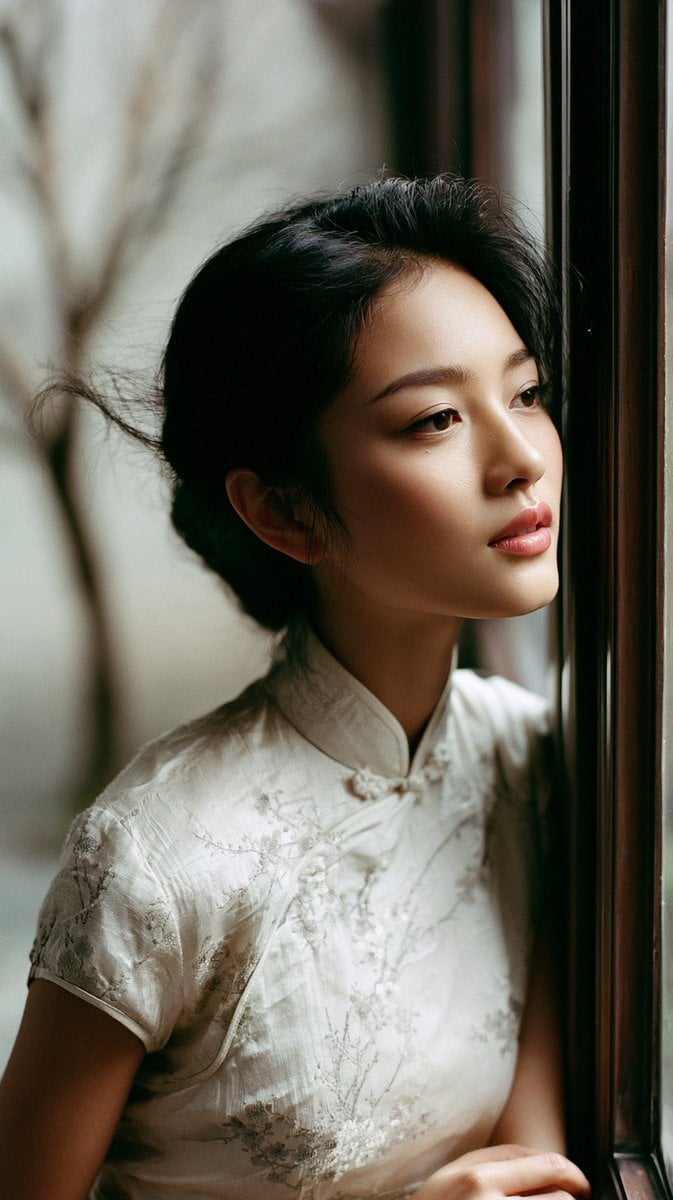
East Asian Woman in Silk Qipao Corridor Portrait
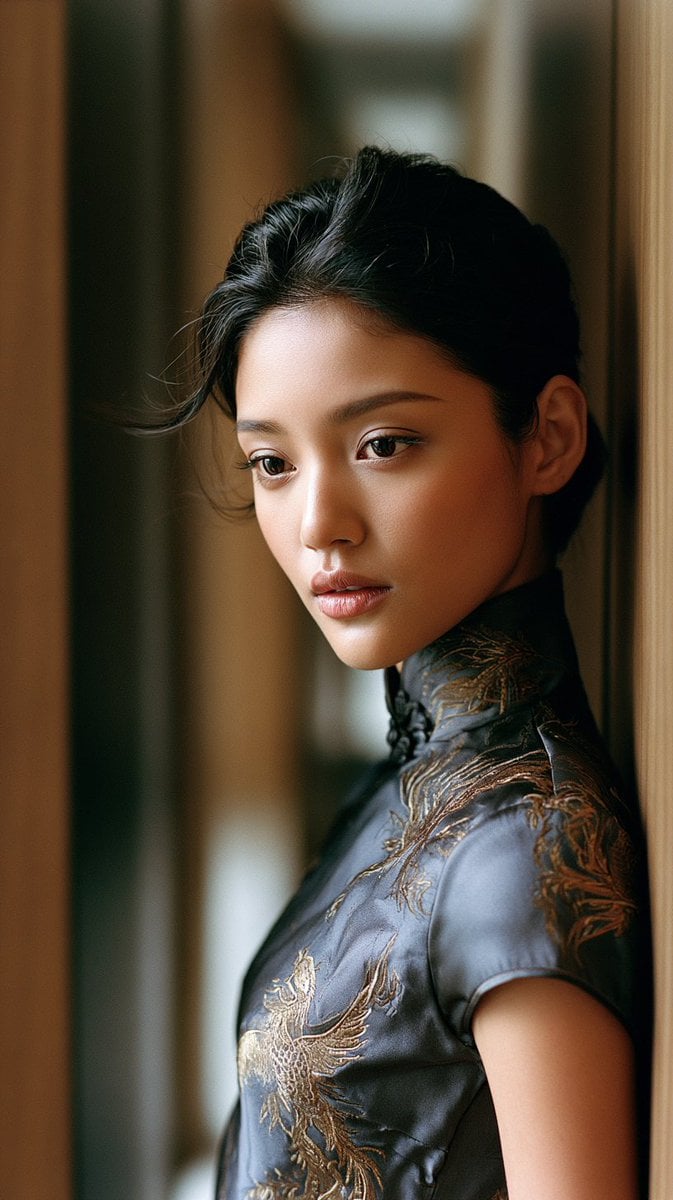
East Asian Woman in Silk Qipao
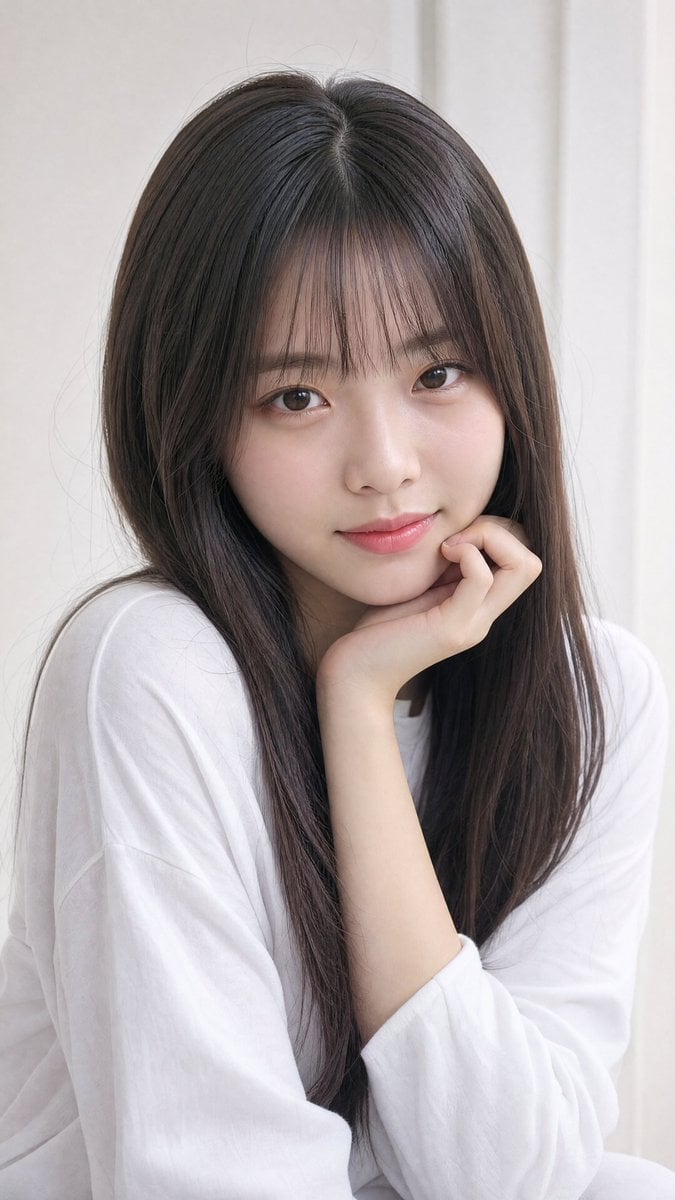
Photorealistic East Asian Portrait

Avant-Garde Asian Fashion Model
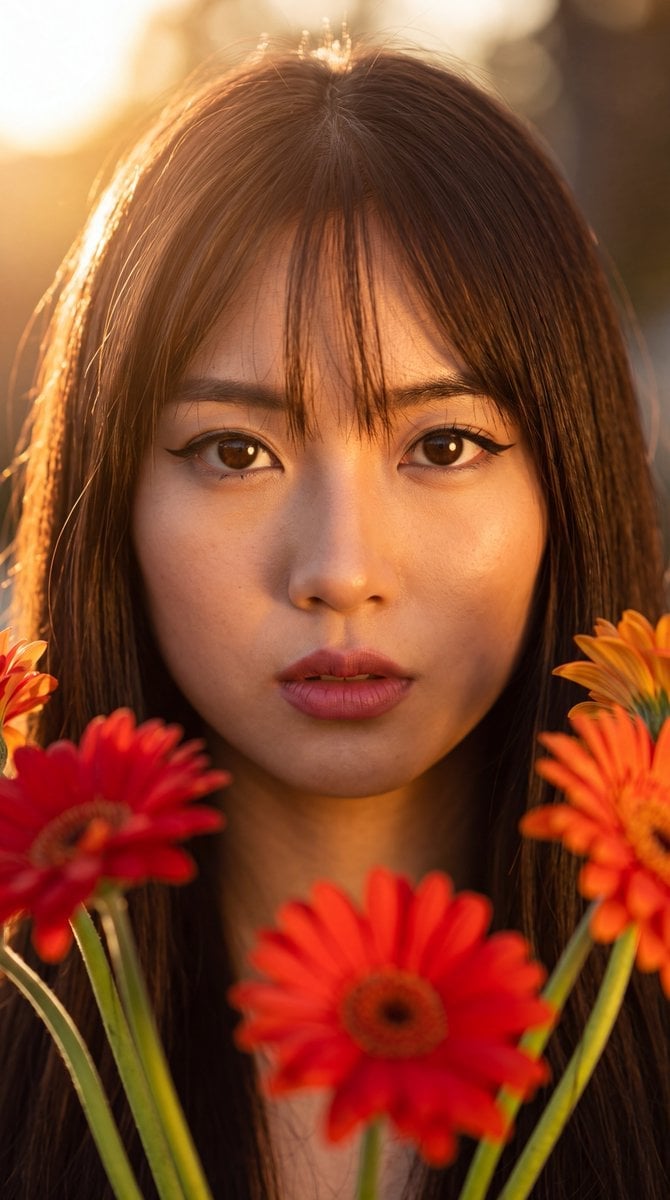
East Asian Woman with Gerbera Flowers
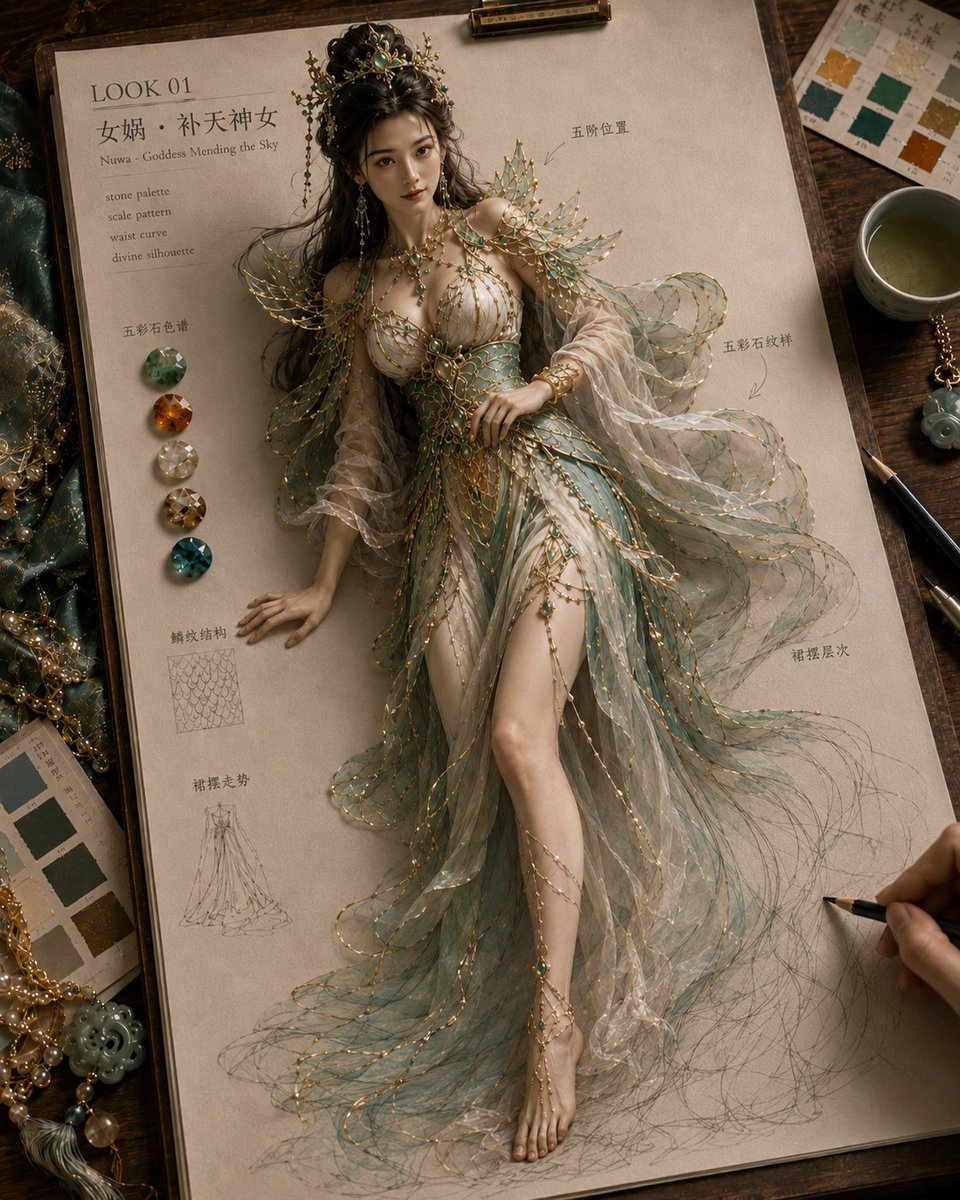
Mythical Haute Couture Sketch Workspace
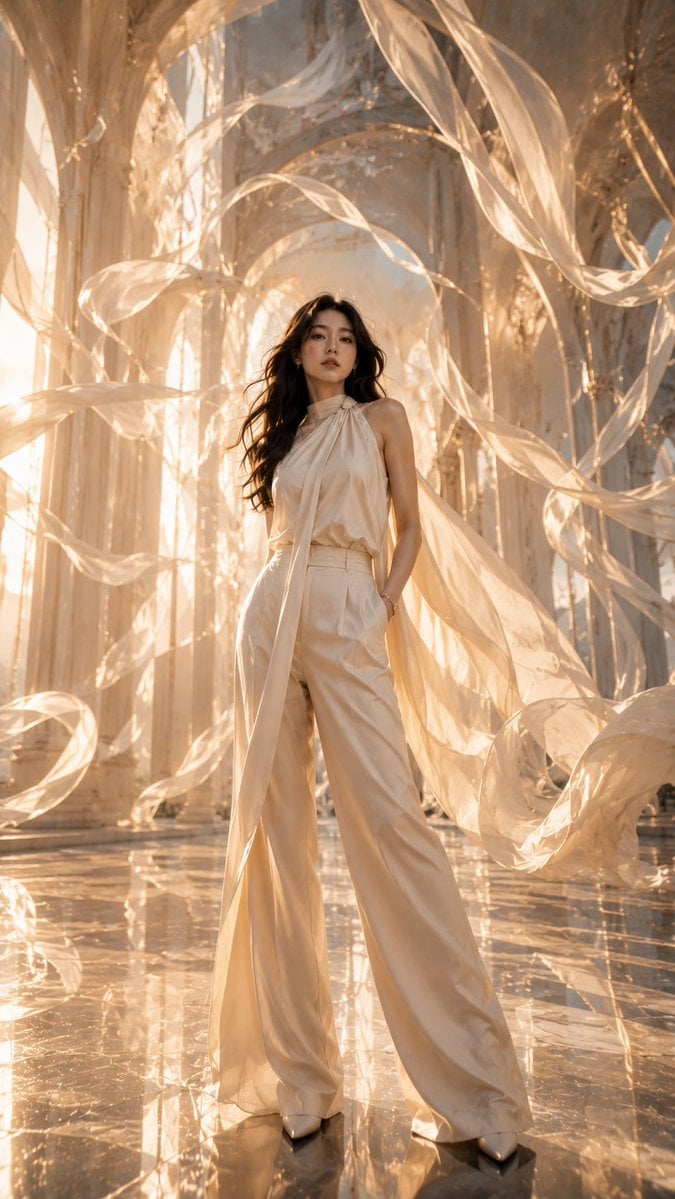
Haute Couture Floating Cathedral Portrait
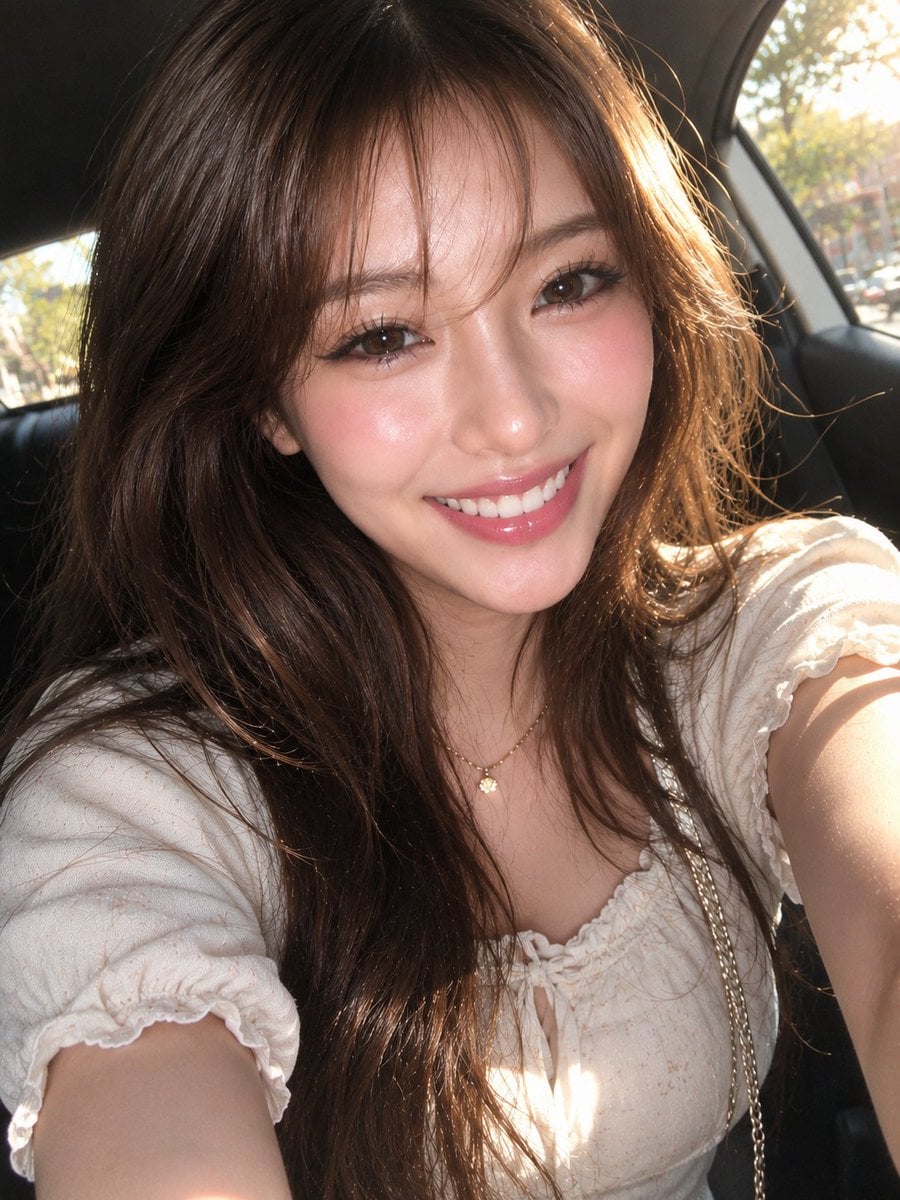
East Asian Woman Car Selfie Portrait
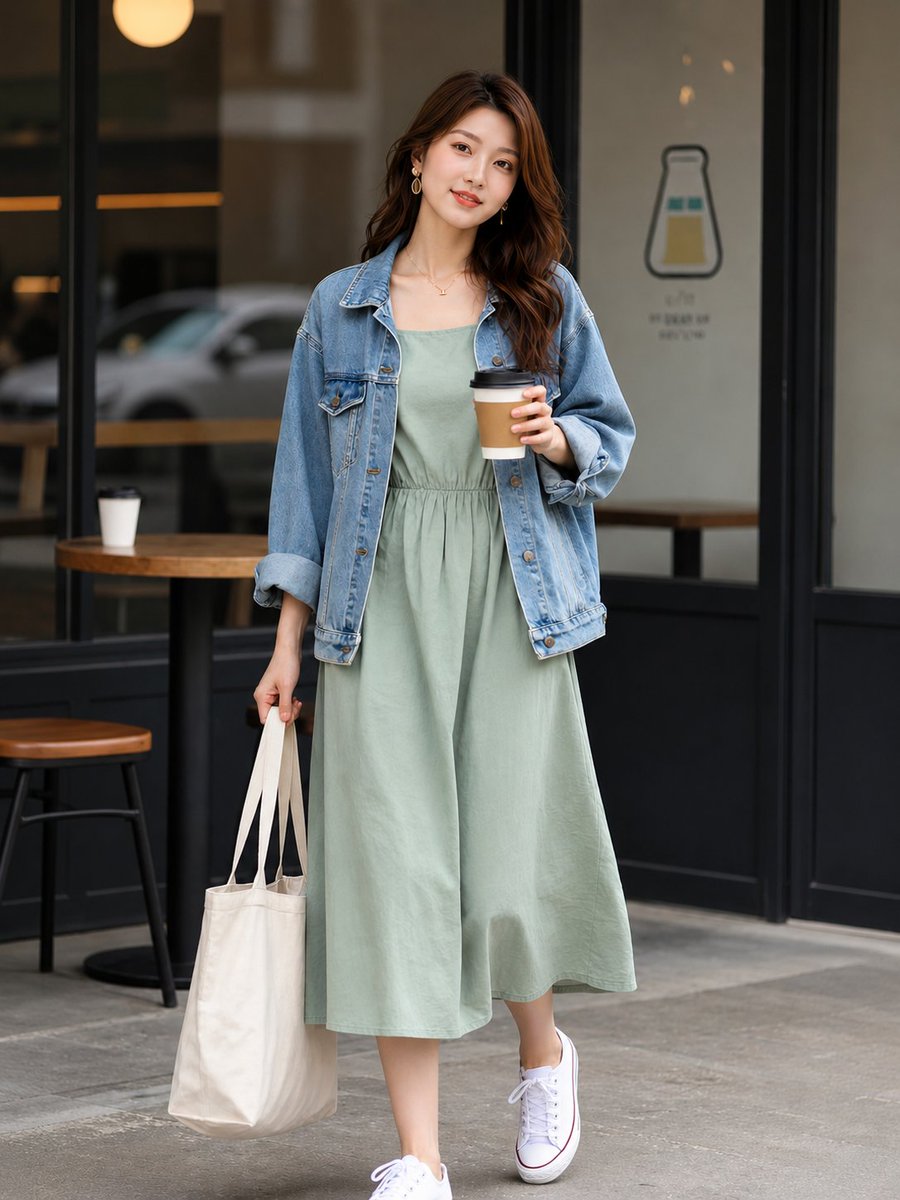
East Asian Street Style Cafe Photography
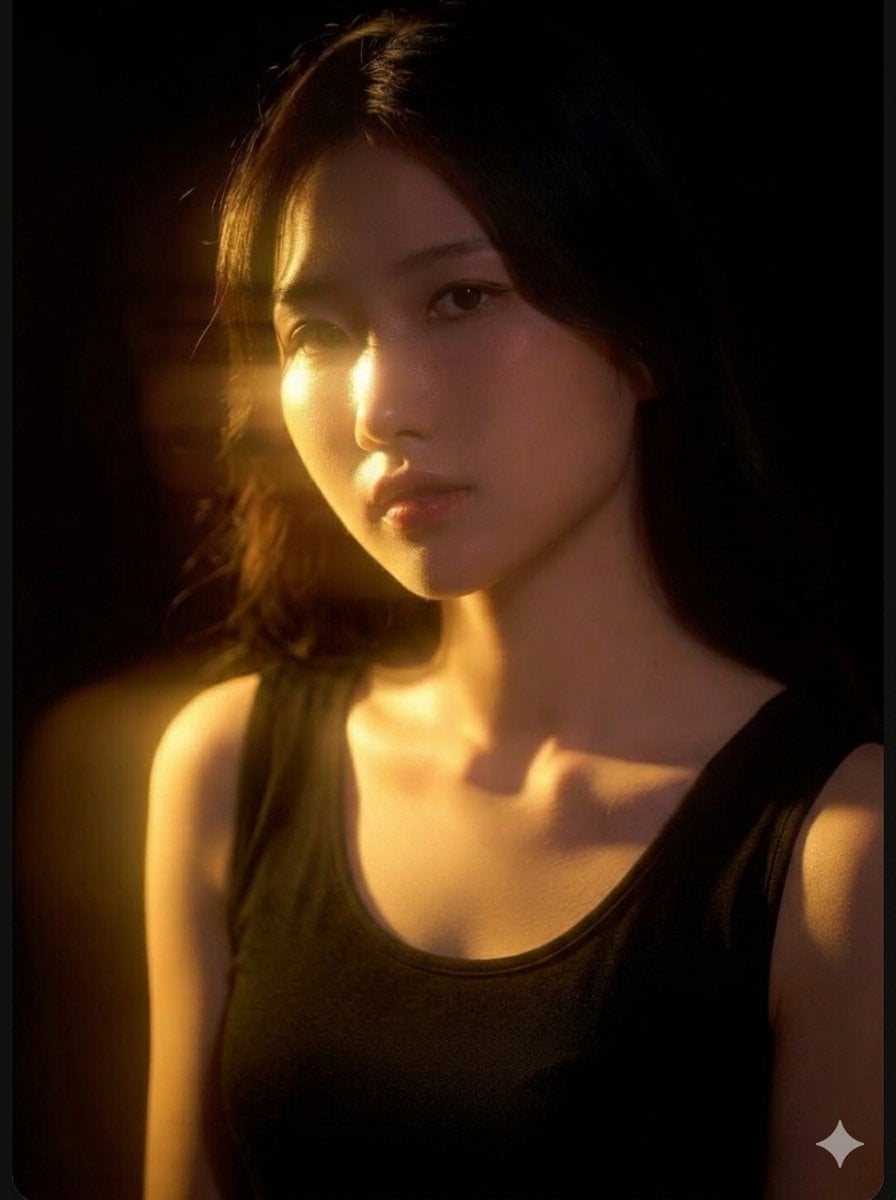
Cinematic East Asian Woman Portrait
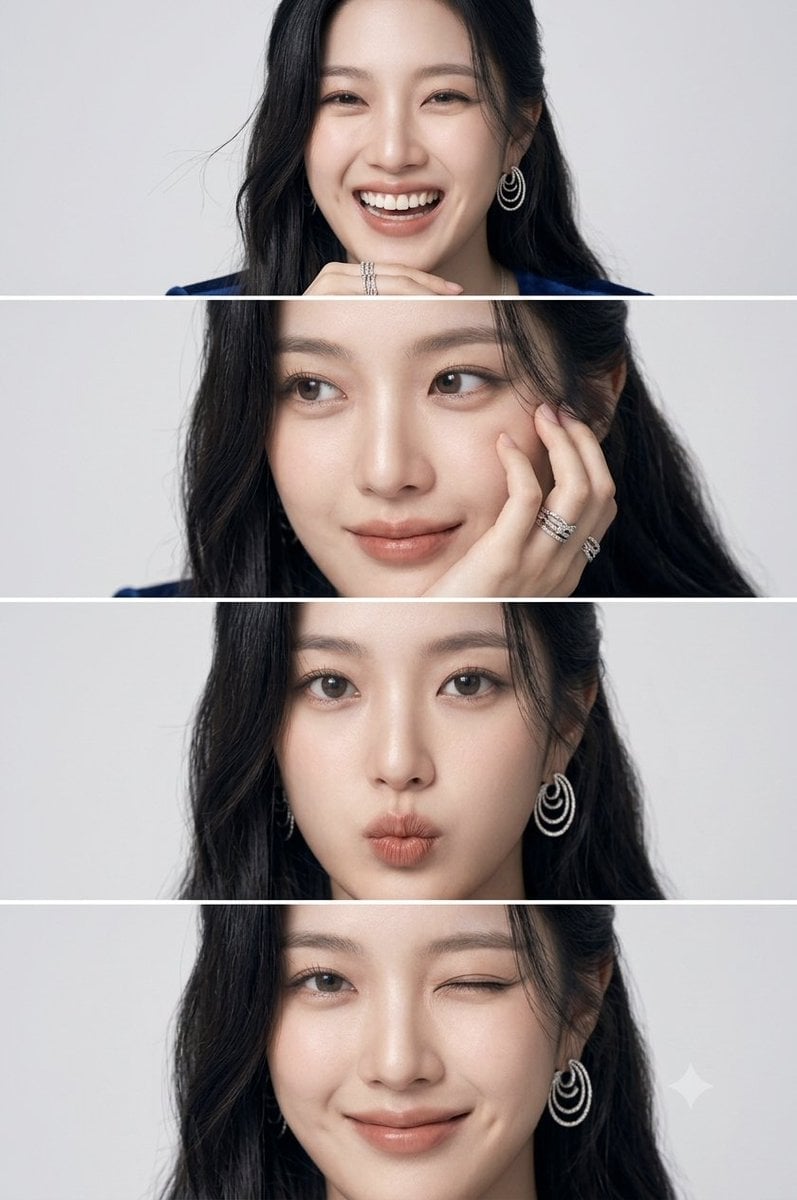
East Asian Woman Photo Strip
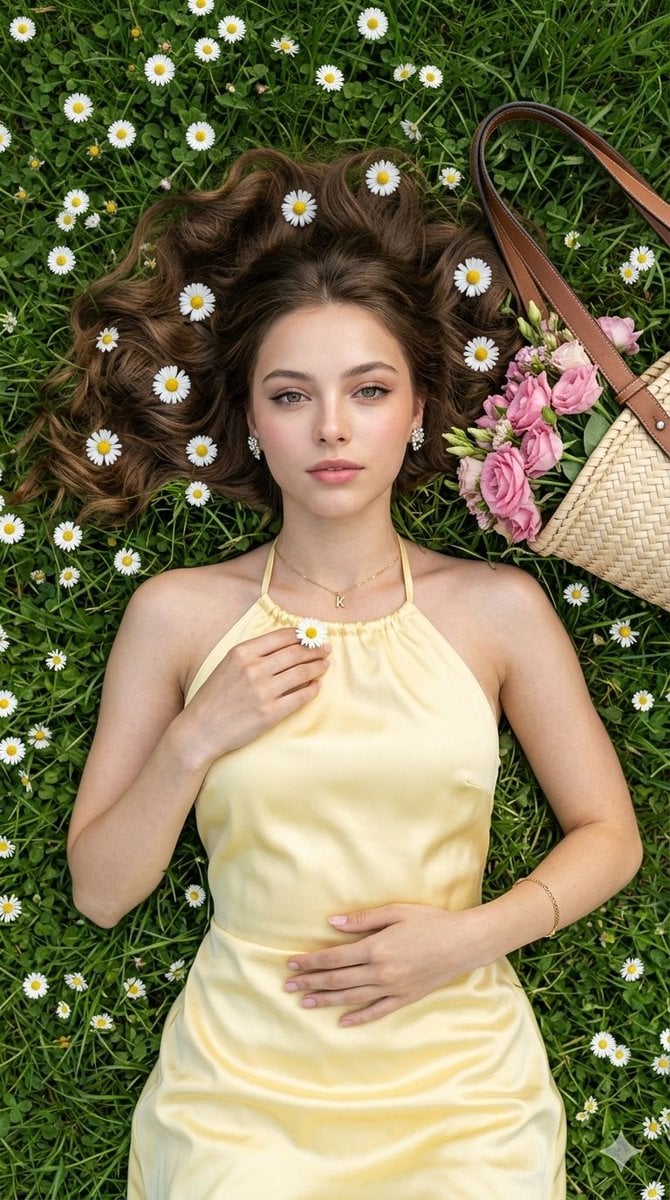
Haute Couture Picnic Portrait
Make it yours
East Asian Haute Couture Qipao Model works as-is. These are the safest ways to change it without losing the look.
Change one field
Copy a single group, rewrite it, and generate again so you can see what that field is doing.
Keep the frame, change the subject
Hold the composition and light of East Asian Haute Couture Qipao Model, then swap wardrobe, props or the person for a new take.
| If the result… | Why | Fix |
|---|---|---|
| The result drifts from the preview | Too many fields changed at once. | Reuse East Asian Haute Couture Qipao Model as-is first, then change one group — subject, light, or setting. |
| The model over-stylizes the scene | The prose prompt leaves finish and camera underspecified. | Add one camera or lighting sentence and stay on GPT Image 2. |
More GPT Image 2 templates
Other prompts made for GPT Image 2.

Six VTuber Japanese Logo Sheet

Realistic Portrait of Woman and Deer

The Vista Modular Condo Poster

AI Model Routing Comparison Infographic

2.5D Anime Art Board

Isometric Productivity Desk Scene

New York Double Exposure Poster

Four-Panel AI Landscape Comparison

Japanese Tatami Lifestyle Magazine Cover

NESCAFÉ Coffee Map Poster
More image prompts
Fresh picks from across the catalog.
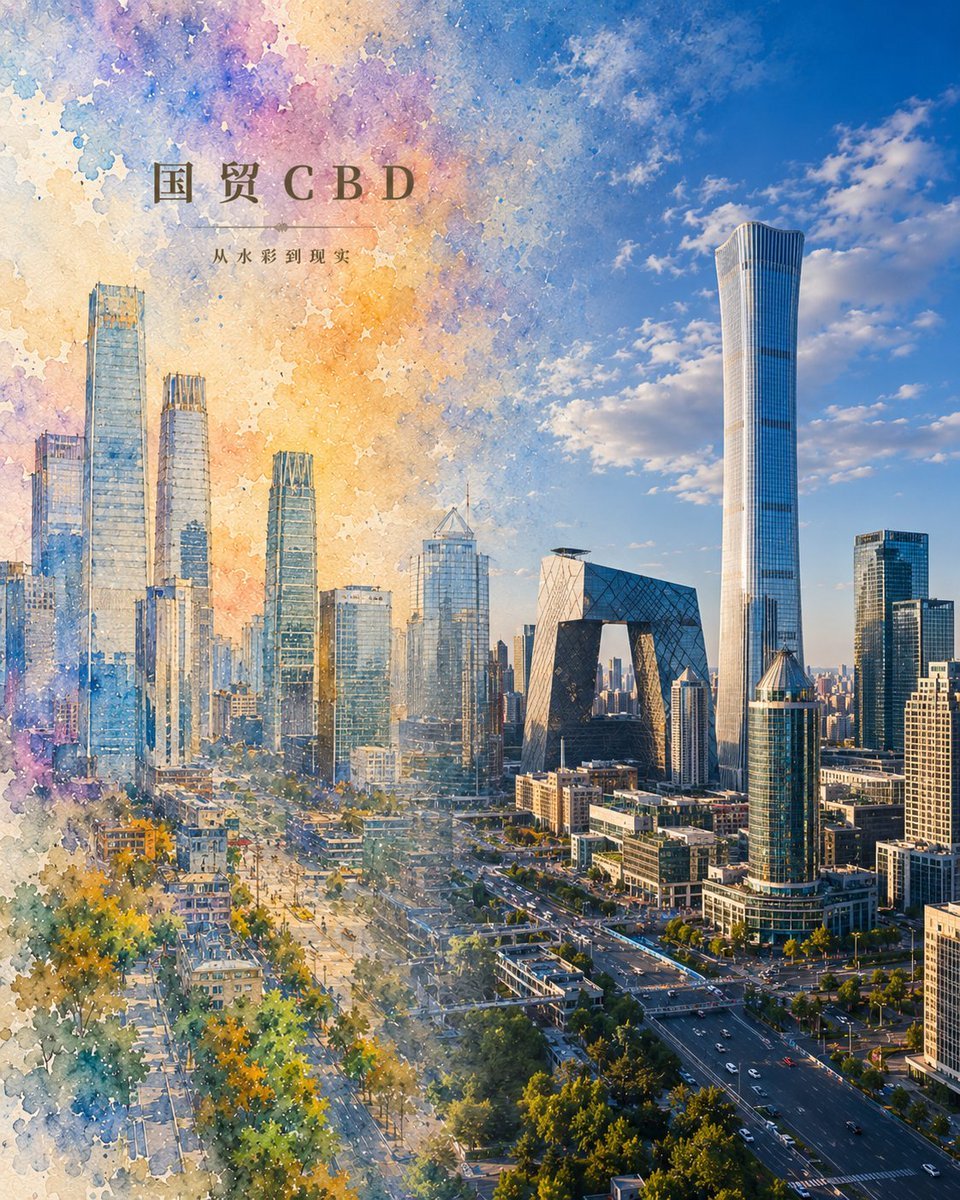
Watercolor to Reality Beijing CBD Poster
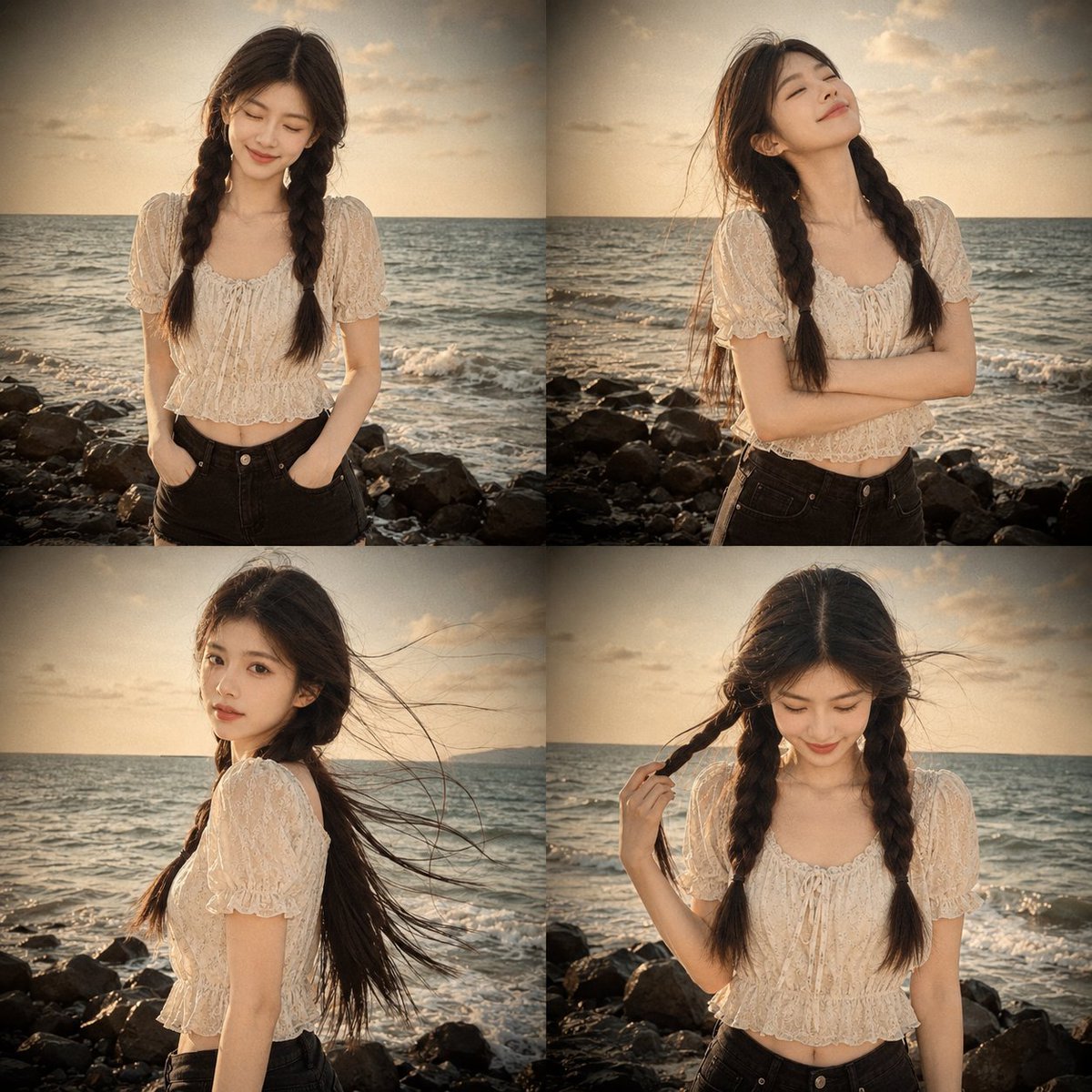
Prompt: Use my uploaded portrait photo only as th
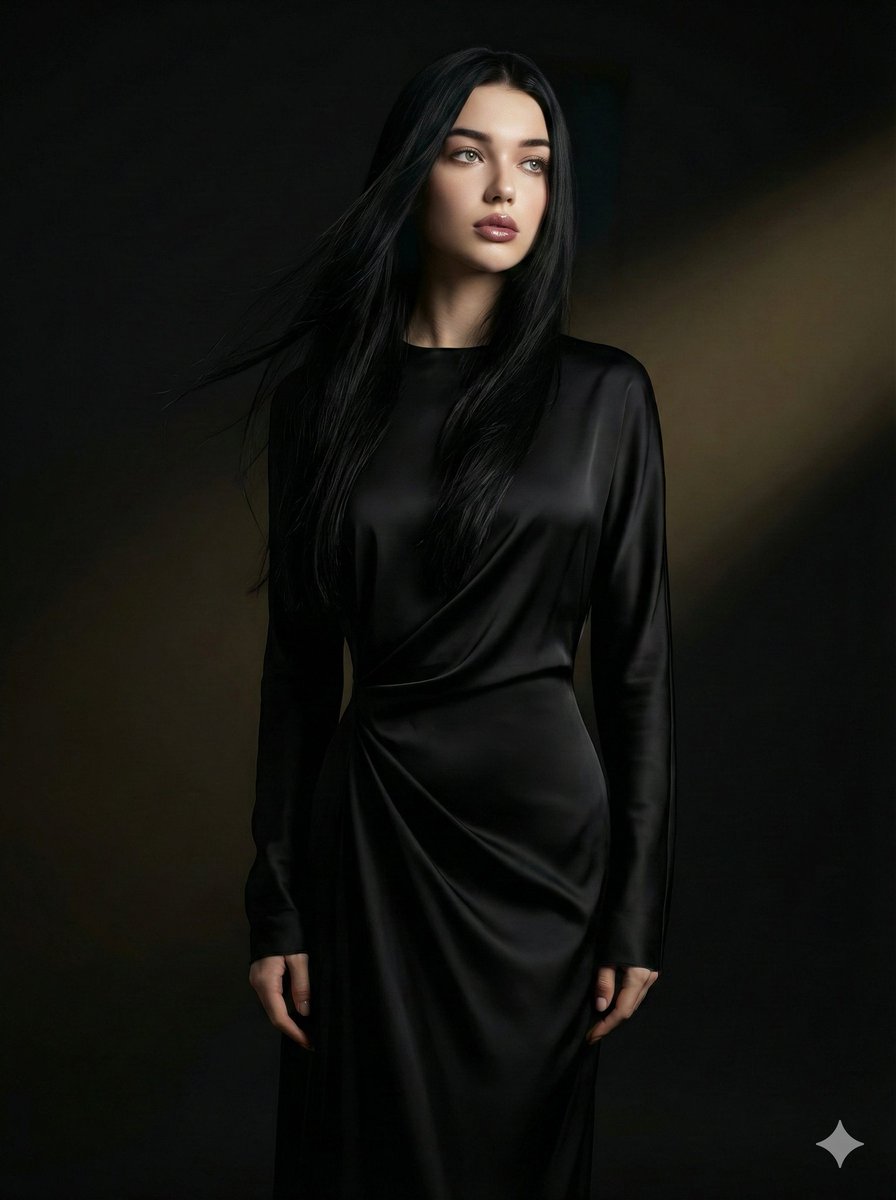
Cinematic Portrait with Identity Preservation

Cinematic Video Company Poster
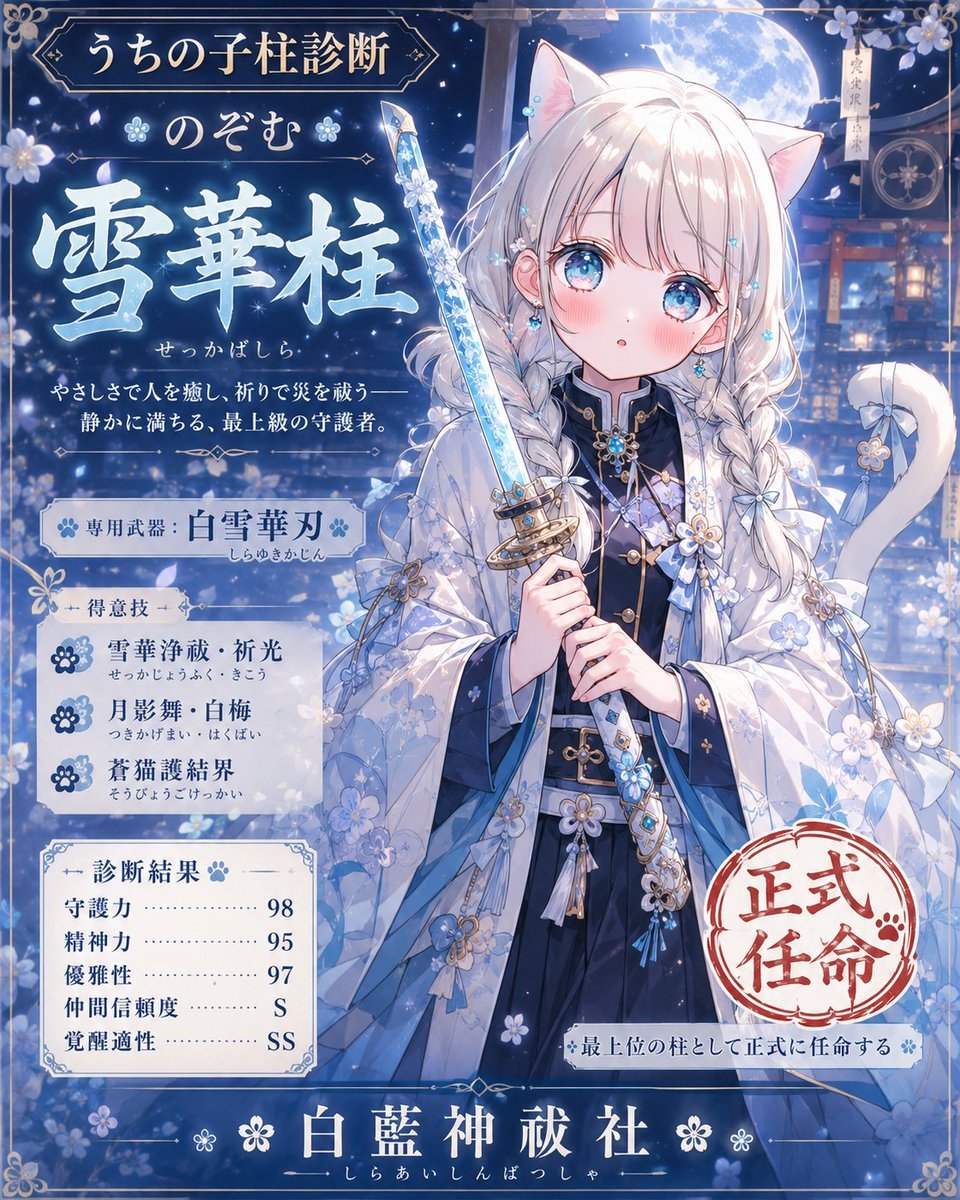
Snow Flower Hashira Diagnosis Poster
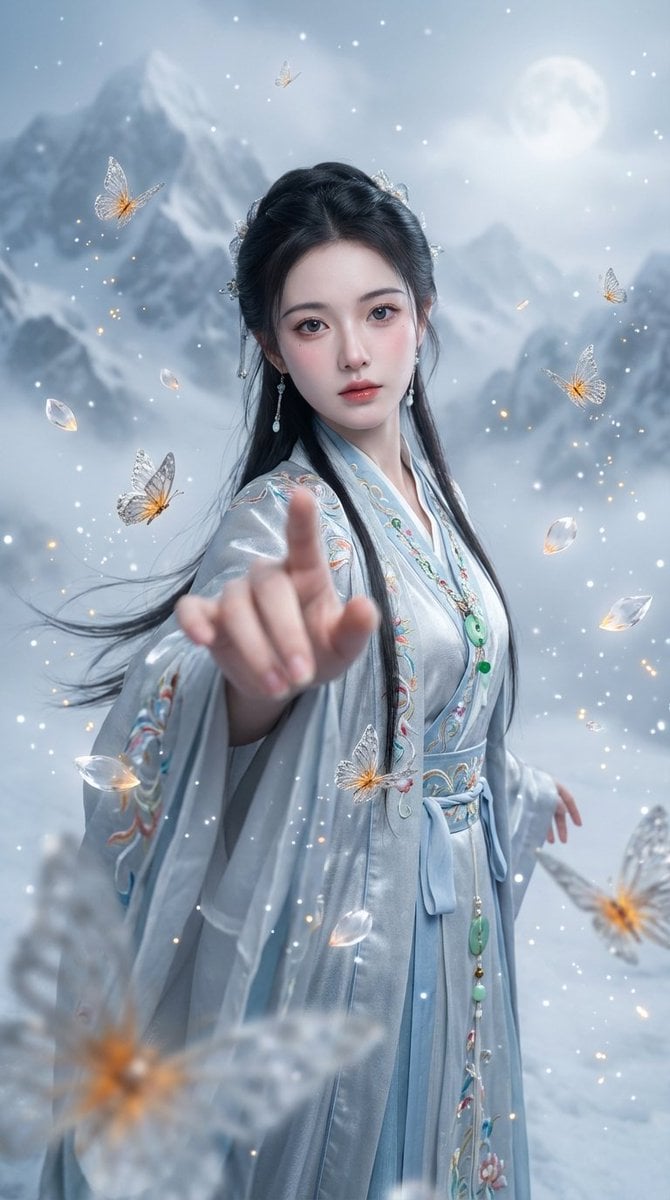
Chinese Xianxia Fantasy Portrait with Cold Tones and Magic Effects
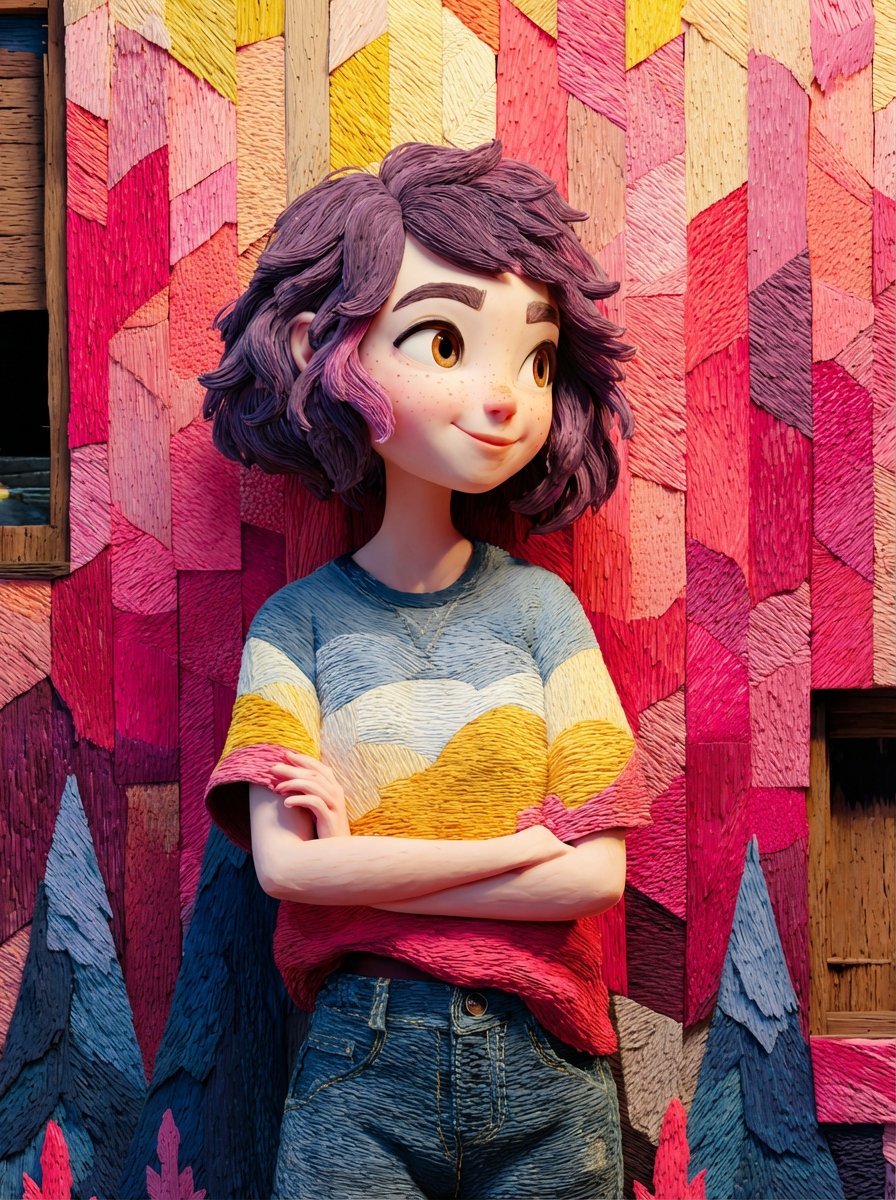
Pixar/Disney Style 3D Animated Character Slides
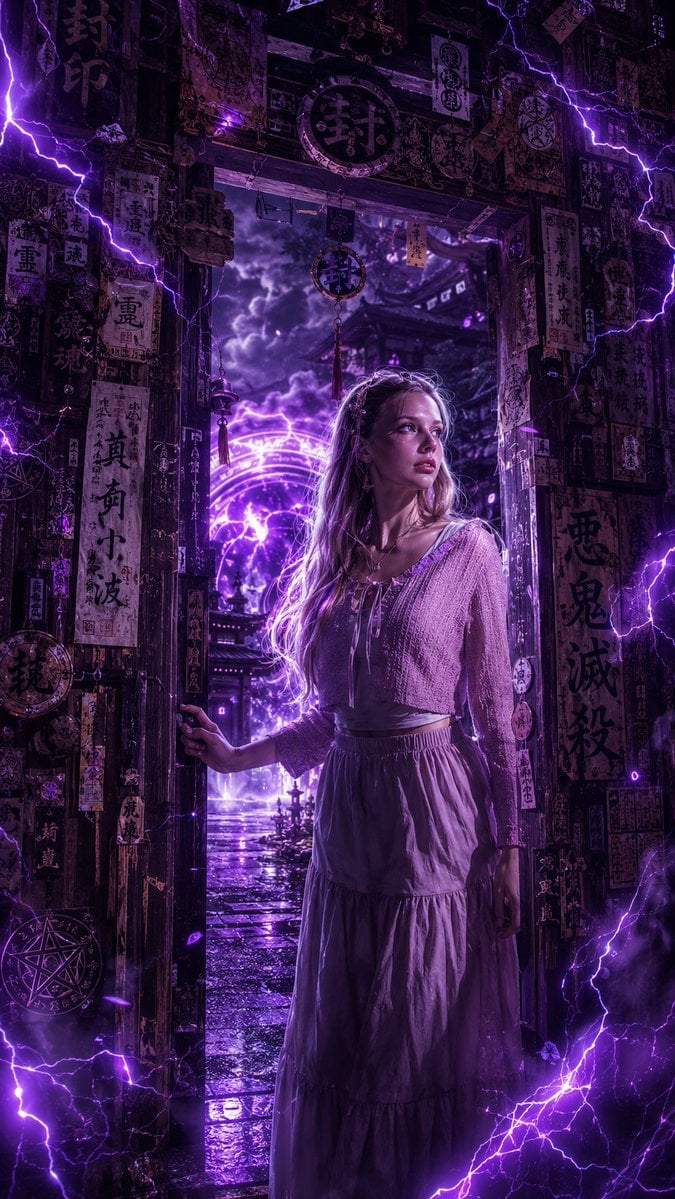
Dark Fantasy Anime Girl at Shrine

Realistic Redhead Portrait in Window Light
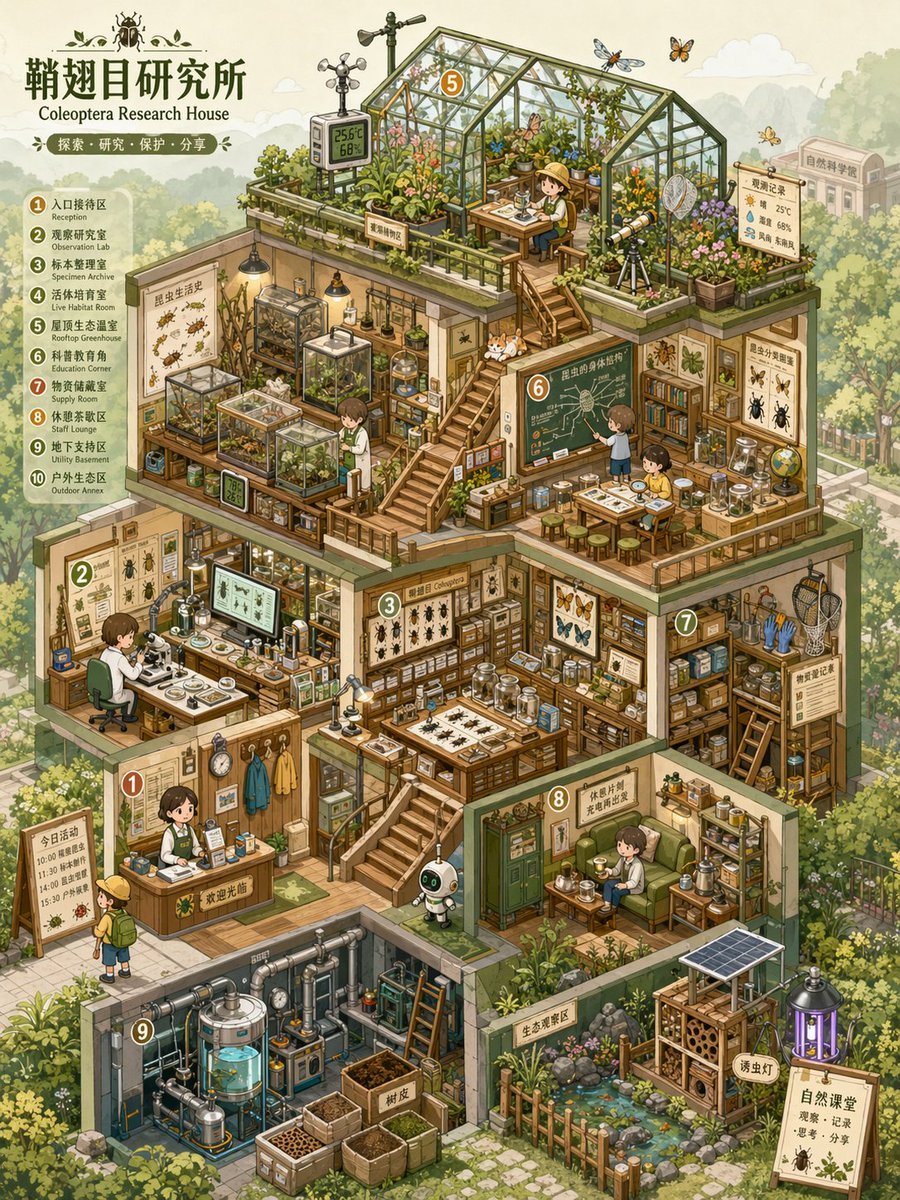
Isometric Micro-World Cross-Section Archive
Browse template categories
East Asian Haute Couture Qipao Model questions
How do I use the East Asian Haute Couture Qipao Model template?
Add your photo if the template asks for one, edit the prompt if you like — the template's model and format are already selected — and press Generate. Your version opens in PicX Studio.
Can I customize the East Asian Haute Couture Qipao Model template?
Yes. You can change the subject, setting, lighting, mood, format, and available model controls before creating your image.
Is the East Asian Haute Couture Qipao Model template free?
Opening and editing this template is free. Generating uses credits, shown on the Generate button when you are signed in.
Which AI model should I use?
Start with GPT Image 2, which is the model associated with this template. You can compare another compatible model for a different finish.
Looking for something else? Browse all templates.

Your photo, any look
Thousands of ready templates for every top image and video model, from one credit balance.