How do I use the East Asian Street Style Cafe Photography template?
Choose the primary action to open PicX Studio with the available template settings. Review the model and format, personalize the creative direction, and generate when ready.
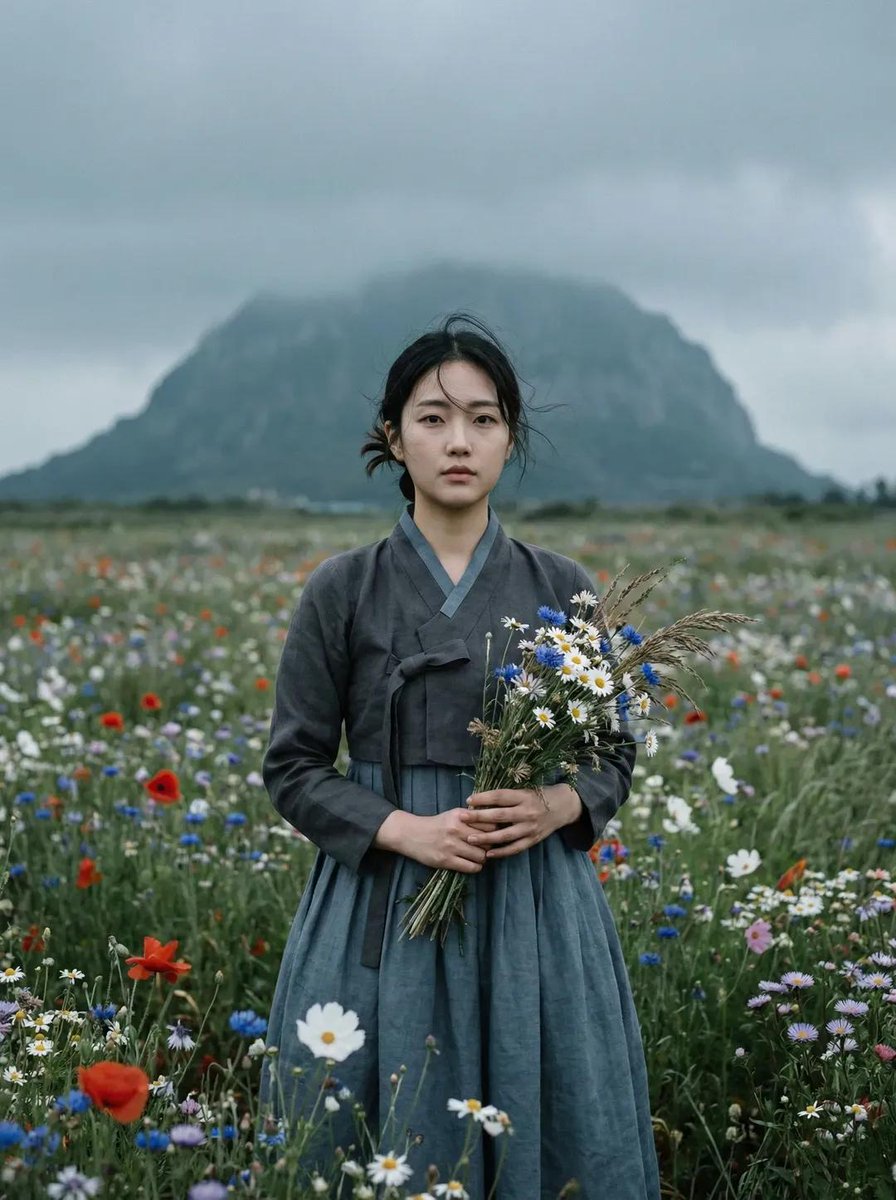
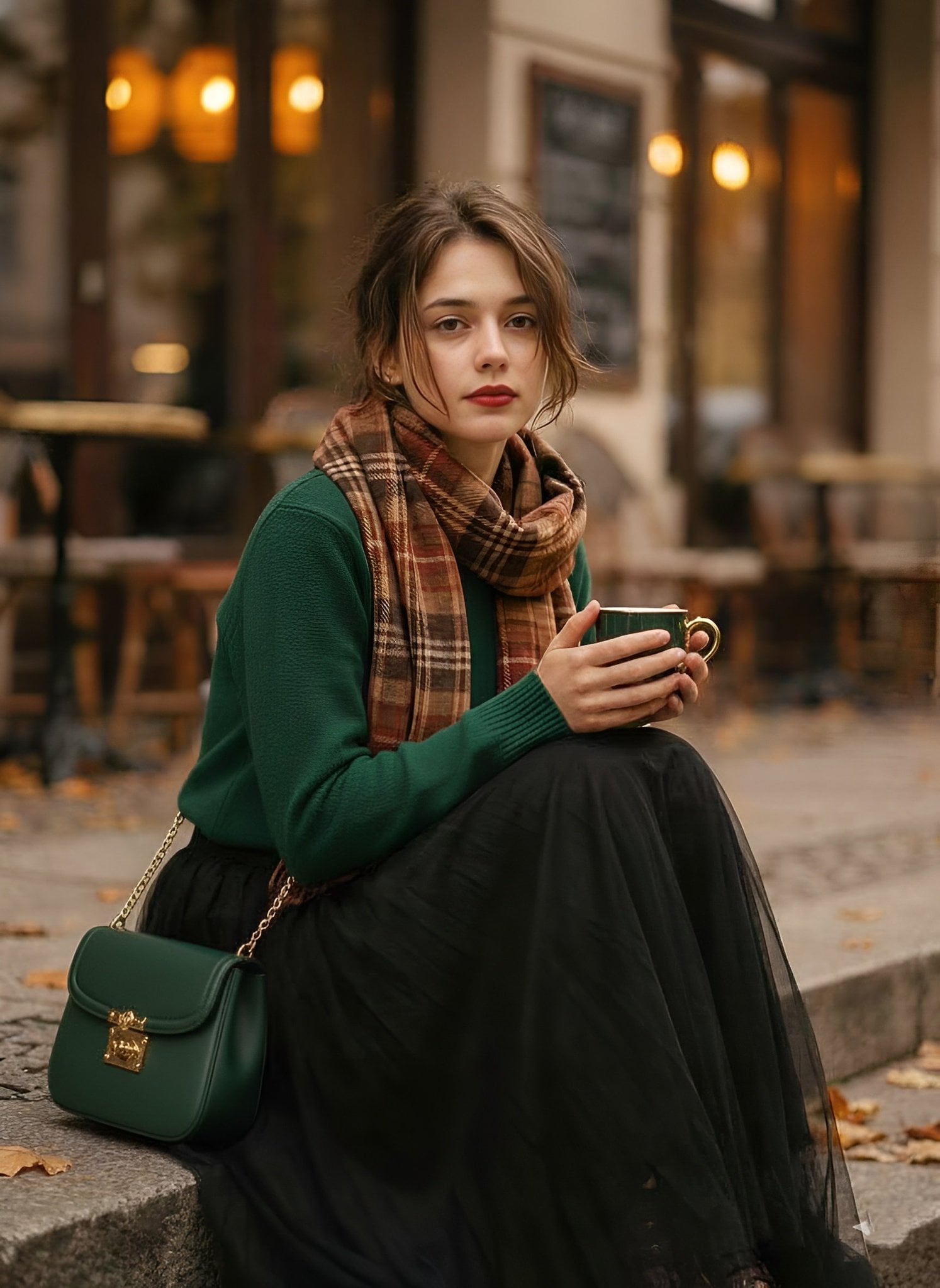
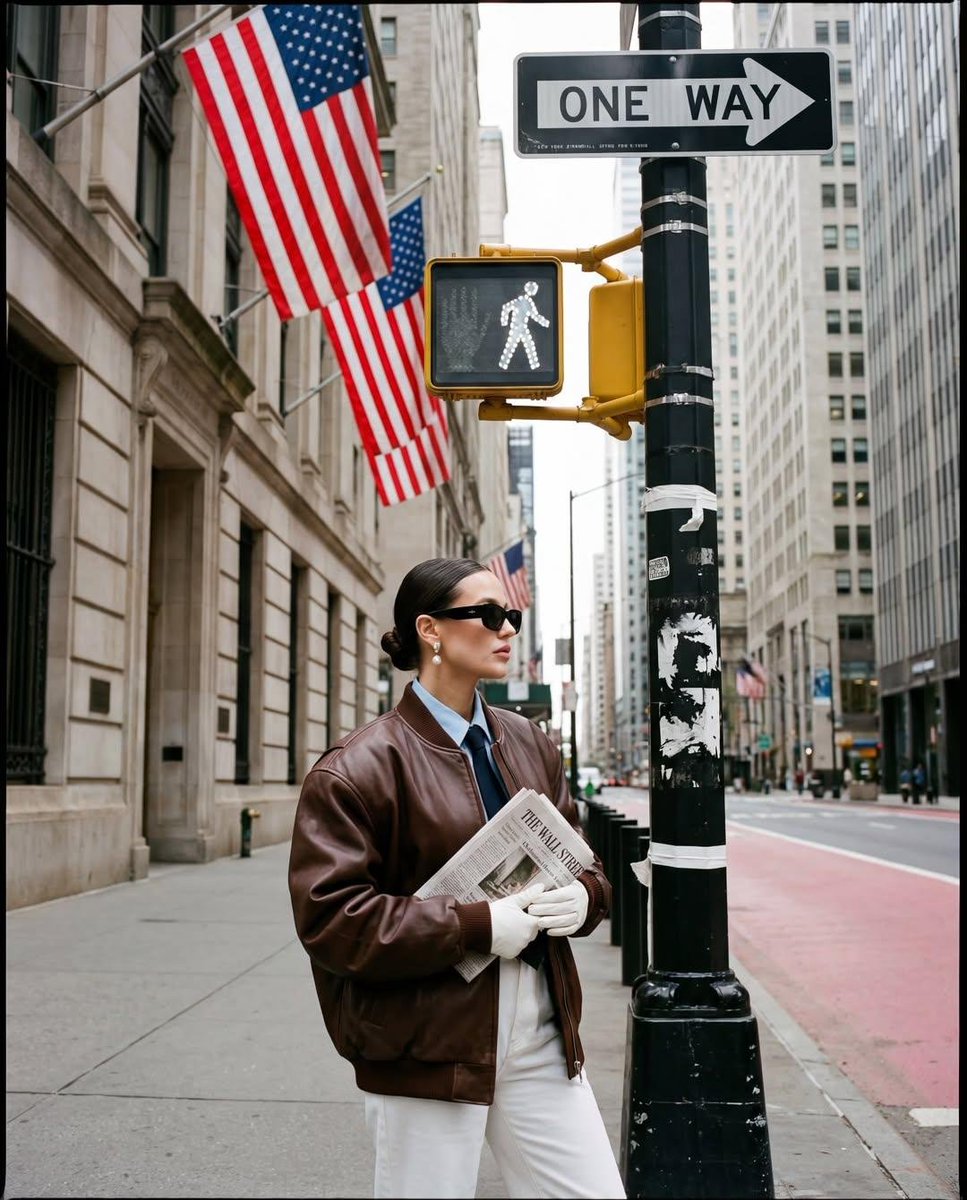
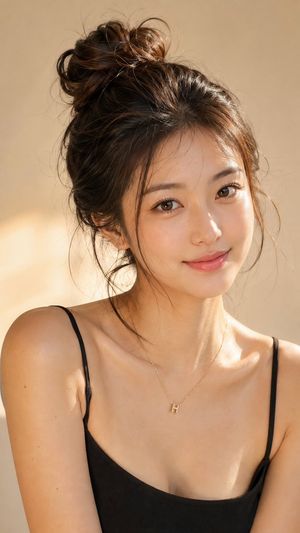
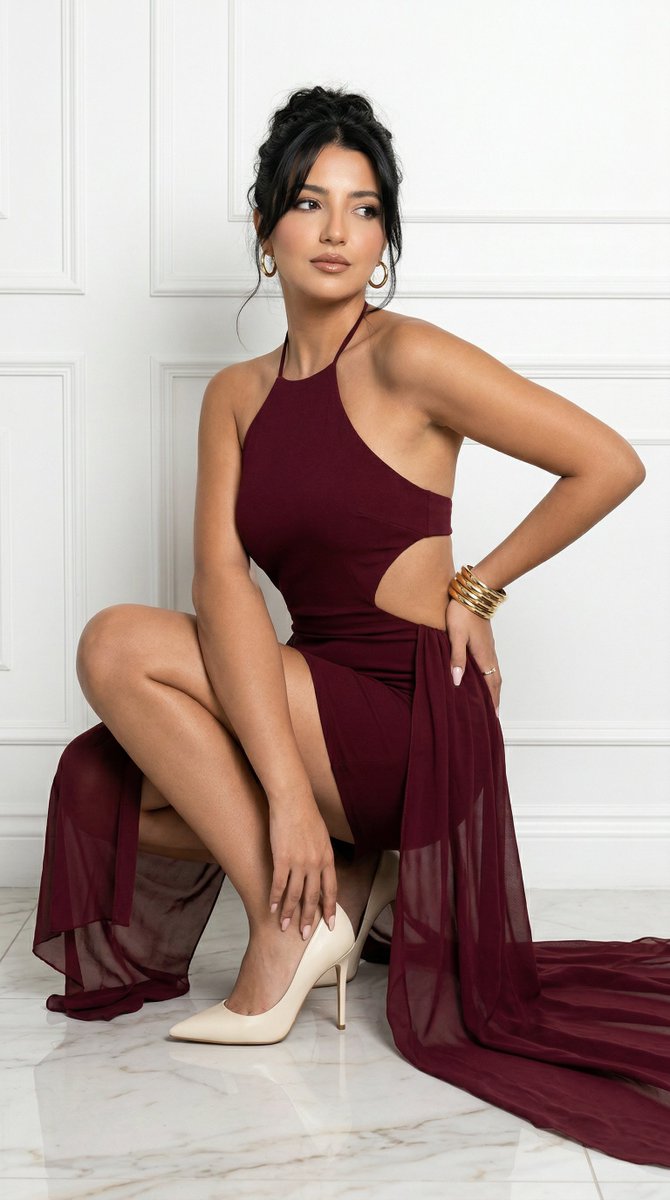
A fashion-forward prompt for an East Asian woman in a sage green dress and denim jacket walking past a modern cafe with warm bokeh lights.
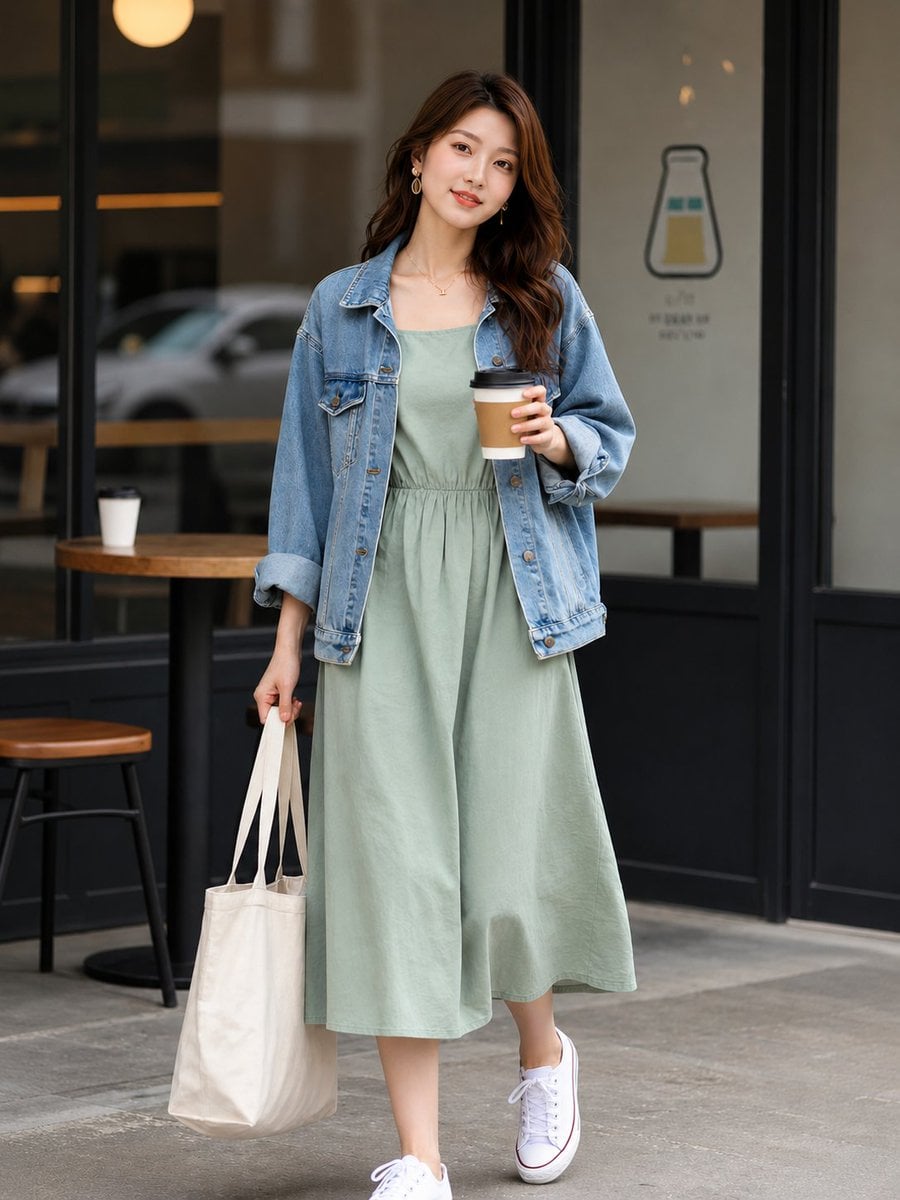
Ultra realistic aesthetic fashion photography of a beautiful young {argument name="ethnicity" default="East Asian woman"} walking outside a modern cafe, soft natural lighting, wearing a {argument name="dress" default="sage green midi cotton dress"} with an {argument name="jacket" default="oversized light blue denim jacket"}, white sneakers, carrying a beige tote bag in one hand and holding a takeaway coffee cup in the other, relaxed elegant pose, gentle natural smile, long wavy brown hair, clean glowing skin, luxury casual street style, blurred cafe background with warm cinematic bokeh lights, minimal neutral tones, sharp focus, realistic fabric textures, premium lifestyle magazine look, soft depth of field, balanced composition, photorealistic, high detail, clean aesthetic, 4k, vertical fashion editorial shot for X post, no text, no watermark.
Choose the primary action to open PicX Studio with the available template settings. Review the model and format, personalize the creative direction, and generate when ready.
Yes. You can change the subject, setting, lighting, mood, format, and available model controls before creating your image.
This template is free to open and customize. Generation usage is shown in PicX Studio before you create.
Start with Nano Banana 2, which is the model associated with this template. You can compare another compatible model for a different finish.
Follow a topic to a crawlable collection of related PicX Studio templates.