
East Asian Fashion Portrait
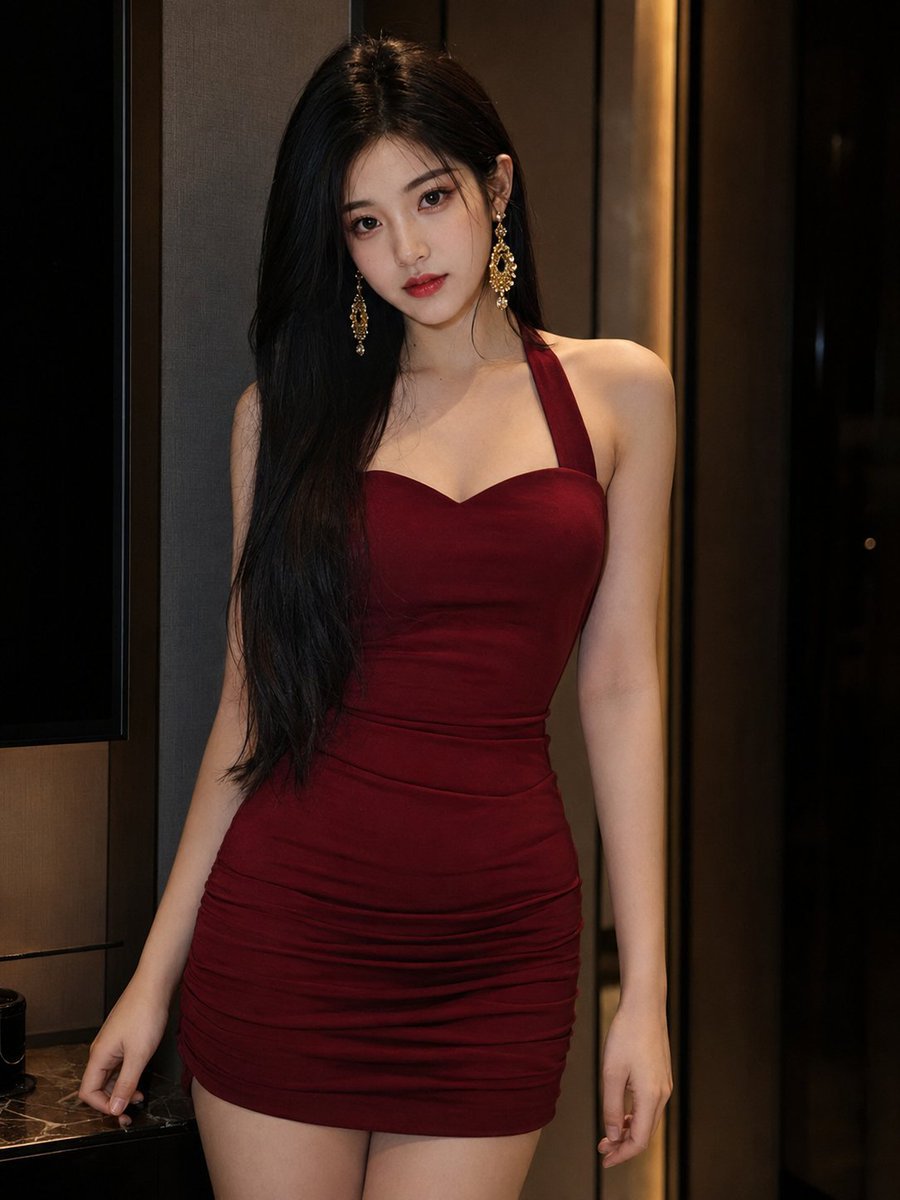
A highly detailed and photorealistic fashion portrait of a young East Asian woman in an elegant, dimly lit modern setting.
- Prompt included
- Model and format preset
- Free template
The prompt behind this image
Copy the exact prompt behind East Asian Fashion Portrait, or open it in the studio and make it yours.
A highly photorealistic 3:4 vertical fashion portrait of an exceptionally beautiful young adult East Asian woman, around {argument name="age" default="20 years old"}, standing inside an elegant dimly lit modern interior. She has a youthful and exquisitely refined face: a small softly rounded oval face, smooth full cheeks, a short balanced midface, a delicate tapered chin, large luminous dark-brown almond eyes, subtle double eyelids, fine naturally arched eyebrows, a slim petite nose, softly full deep-rose lips and clear fair skin with realistic pores and a natural translucent glow. Her expression is calm, slightly cool and quietly alluring, looking directly into the camera with relaxed eyes and closed lips. Refined evening makeup with thin black eyeliner, softly separated lashes, muted rose eyeshadow, light peach blush and elegant {argument name="lipstick color" default="deep-red"} lipstick, polished but not heavy or mature. Her extremely long, glossy jet-black hair is parted slightly off-center and falls smoothly past her waist, with most of the hair draped over one shoulder and a few fine strands framing her face. She wears oversized ornate gold chandelier earrings that catch the warm light. She is dressed in a fitted {argument name="dress color" default="deep-wine-red"} halter-neck evening dress with wide straps rising behind the neck, a structured sweetheart neckline, a closely tailored bodice, a defined waist and subtle horizontal ruching across the hips. The rich matte satin fabric follows her natural feminine silhouette without exaggerated proportions. She stands facing the camera with her body subtly angled, one hip shifted gently to the side, shoulders relaxed and slightly asymmetrical. Her head tilts softly toward one shoulder while her long hair falls over the opposite side of her chest. Both arms extend naturally downward beside her body, with one hand lightly resting against a nearby surface just outside the frame. Keep the pose elegant, effortless and anatomically natural. Waist-to-thigh portrait composition, eye-level camera, 50mm lens, subject centered slightly off-axis, minimalist luxury hotel or private lounge background with a warm gray wall, dark charcoal vertical panels and a narrow golden accent light. Soft warm low-key illumination combined with gentle frontal fill light, cinematic shadows, delicate golden highlights on her earrings and hair, sharp facial focus with subtle diffusion around the background, realistic skin texture, individual hair strands, detailed dress fabric and authentic camera depth. Avoid mature-looking face, long face, hollow cheeks, wrinkles, heavy contouring, plastic skin, excessive blur, motion blur, exaggerated curves, malformed hands, anime, CGI, text and watermark.
How to use East Asian Fashion Portrait in 3 steps
- 1
Open
The prompt is already in the box next to the preview, with the template's model and format selected.
- 2…a portrait of your subject in softgolden-hour light, 85mm…
Personalize
Edit the subject and creative details for your destination.
- 3Generate
Generate
Press Generate — your image is created in PicX Studio, so you can compare it with the original and refine one variable at a time.
More like this
Templates with the same subject, style or setup. Open one to see its prompt.
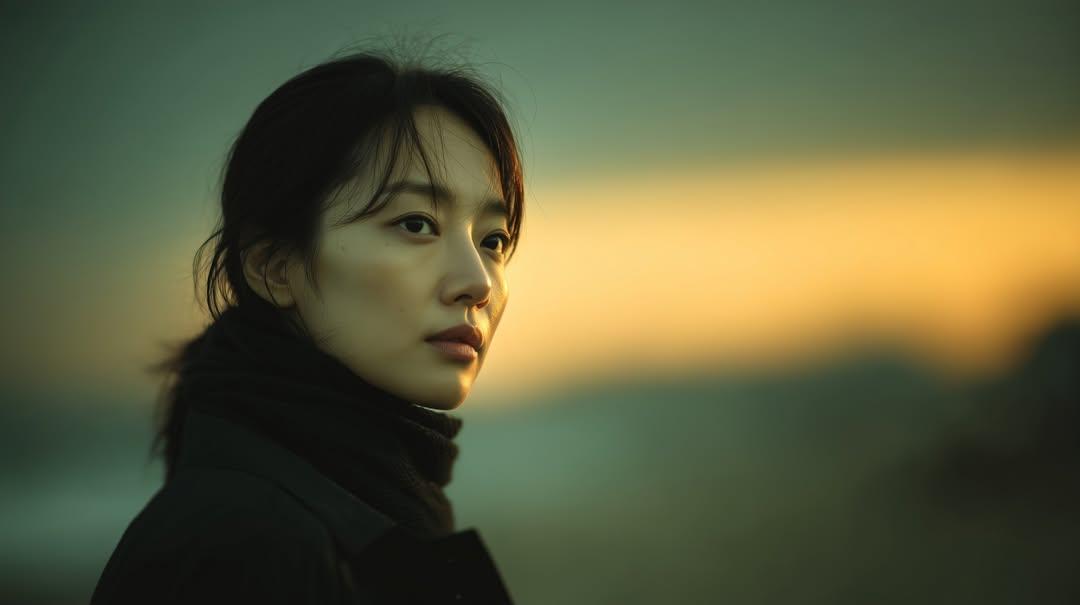
Sunset Side Profile East Asian Portrait

Nano Banana 2 High Fashion Sports Campai

Couture Fashion Editorial Woman and Drag

Ive Yujin Fashion Portrait in Blue

Nano Banana 2 Editorial Fashion Portrait

Caution Tape Fashion — Industrial Editorial
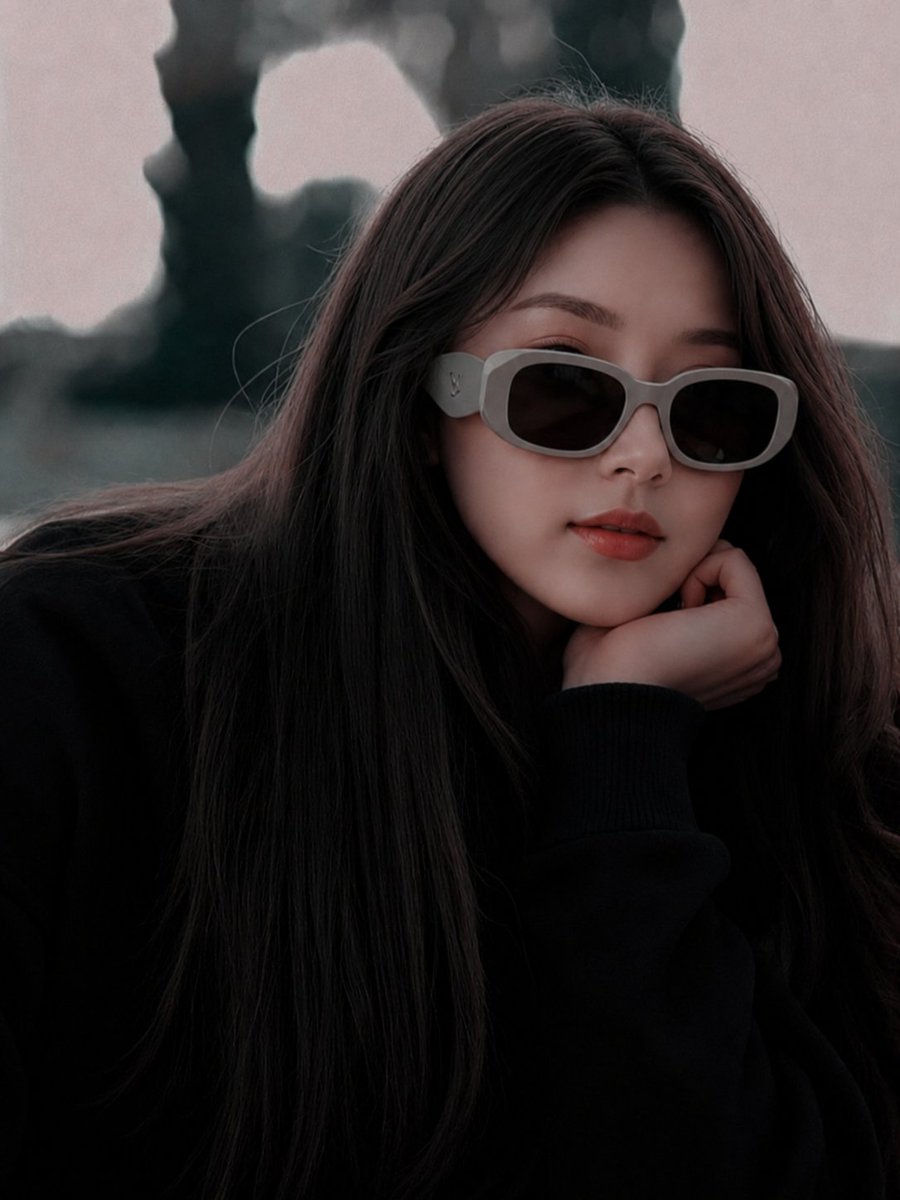
East Asian Fashion Sunglasses Portrait
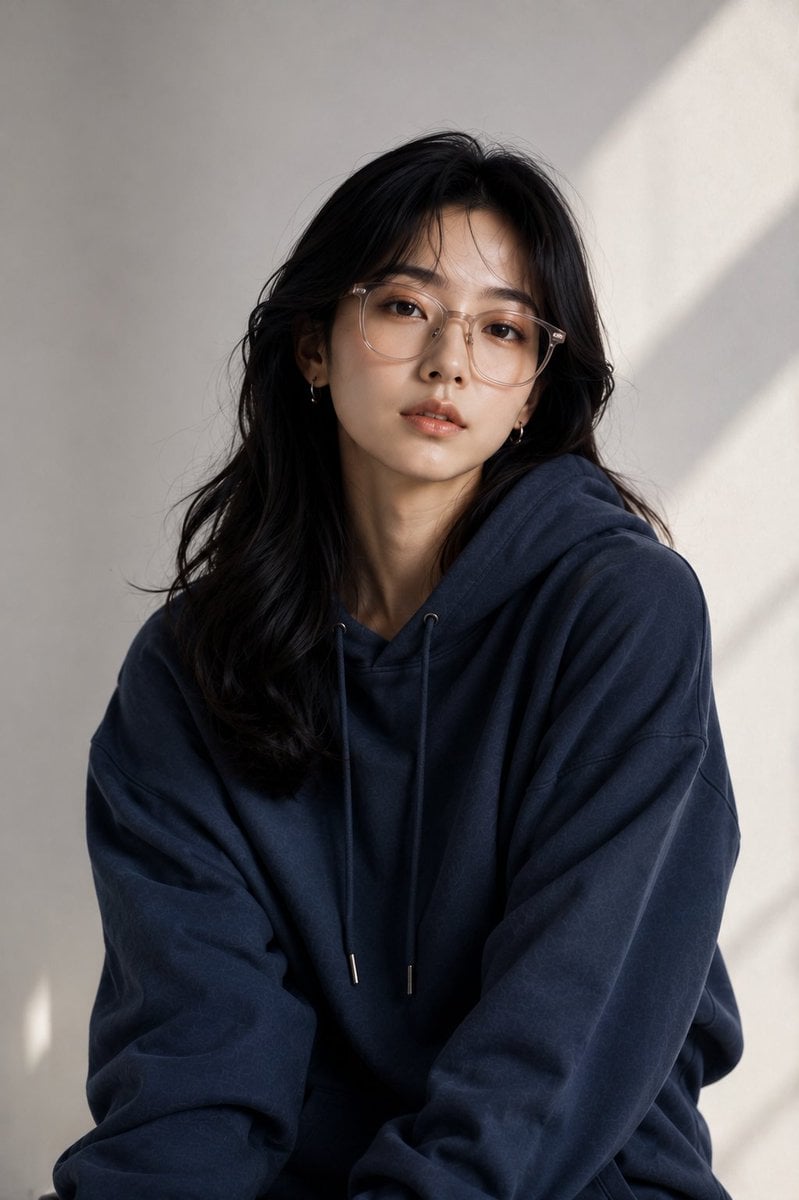
East Asian Fashion Editorial Portrait
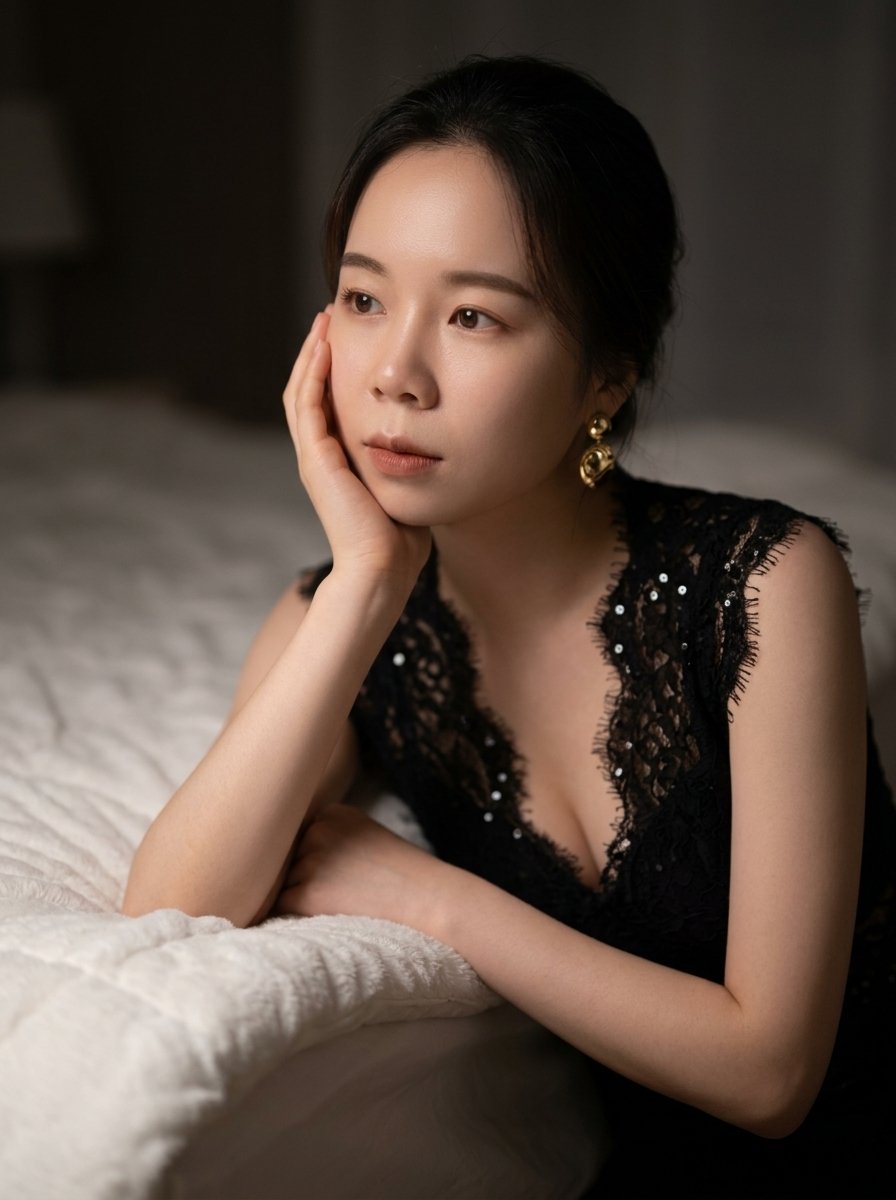
Moody East Asian Fashion Portrait in Bedroom
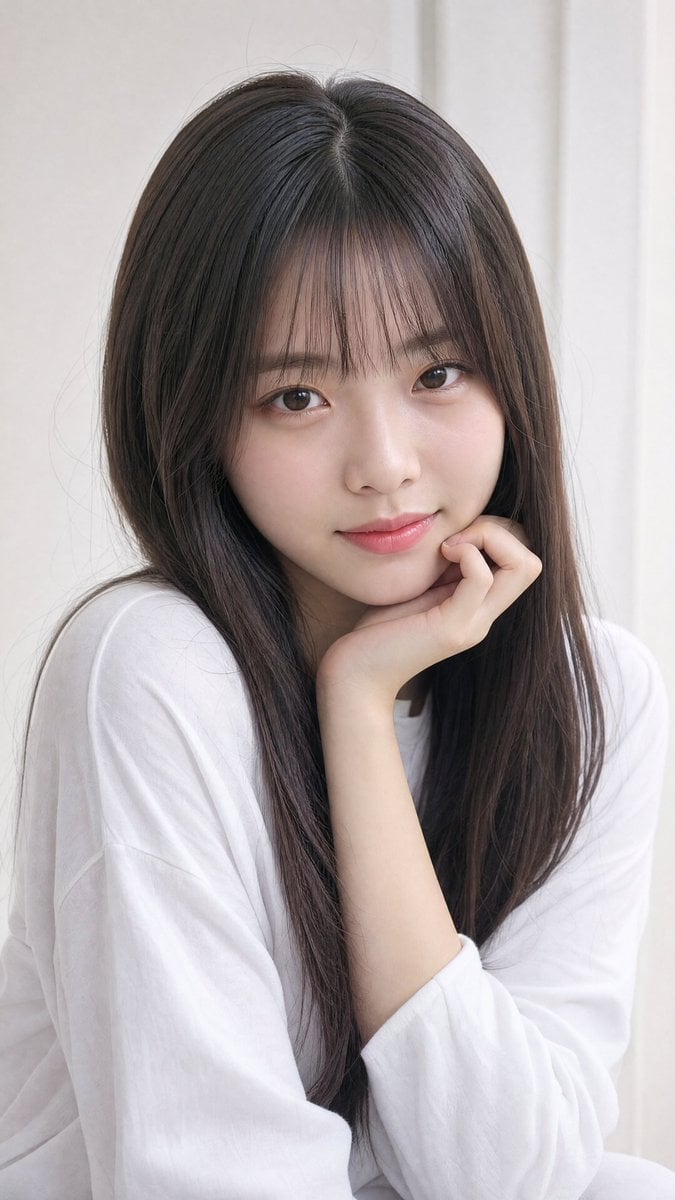
Photorealistic East Asian Portrait
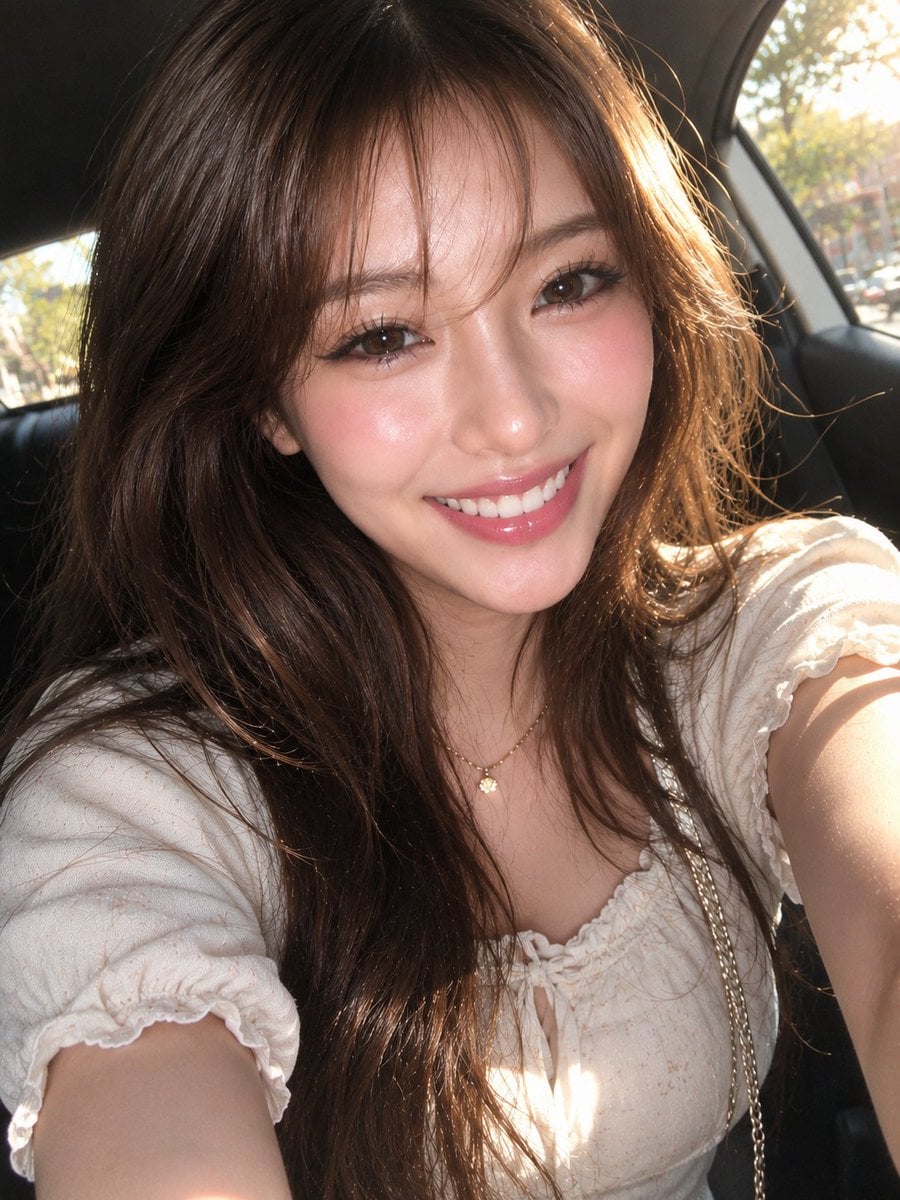
East Asian Woman Car Selfie Portrait
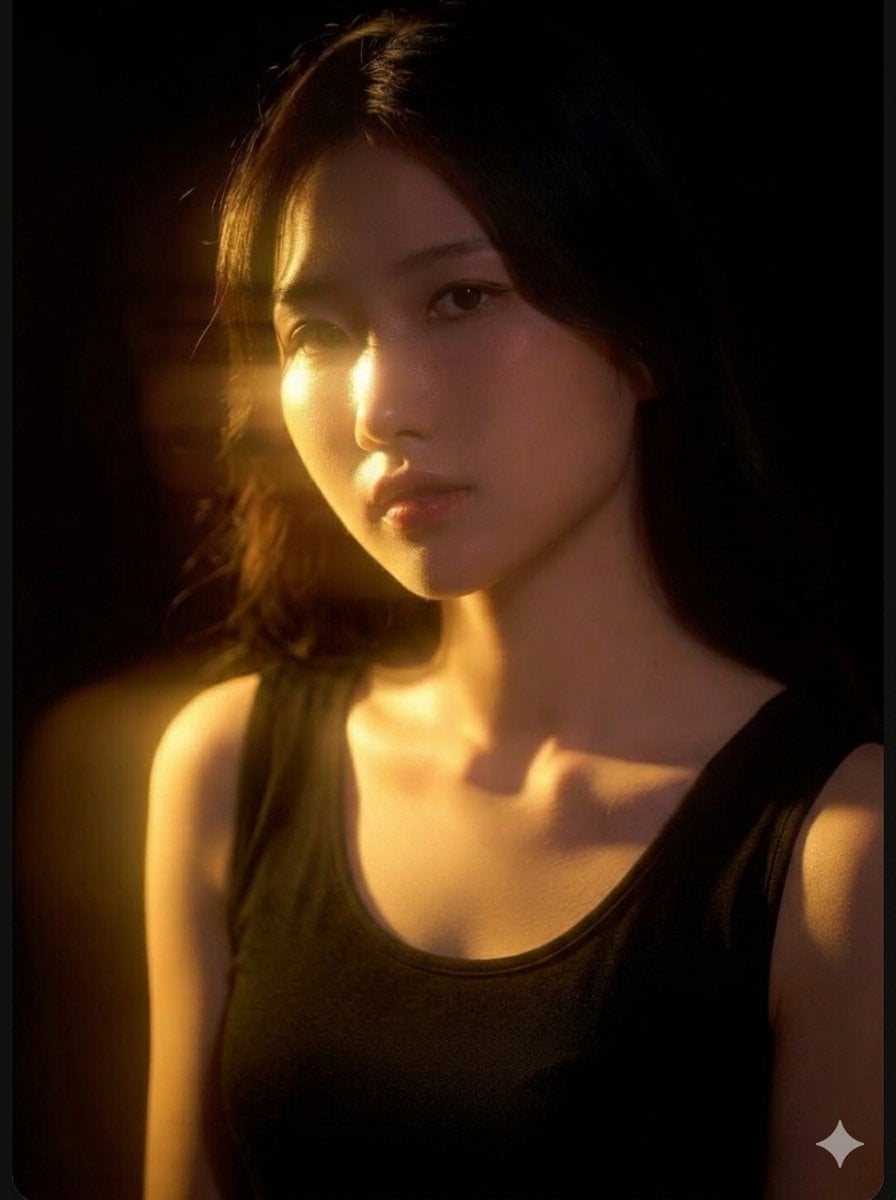
Cinematic East Asian Woman Portrait
Make it yours
East Asian Fashion Portrait works as-is. These are the safest ways to change it without losing the look.
Change one field
Copy a single group, rewrite it, and generate again so you can see what that field is doing.
Keep the frame, change the subject
Hold the composition and light of East Asian Fashion Portrait, then swap wardrobe, props or the person for a new take.
| If the result… | Why | Fix |
|---|---|---|
| The result drifts from the preview | Too many fields changed at once. | Reuse East Asian Fashion Portrait as-is first, then change one group — subject, light, or setting. |
| The model over-stylizes the scene | The prose prompt leaves finish and camera underspecified. | Add one camera or lighting sentence and stay on GPT Image 2. |
More GPT Image 2 templates
Other prompts made for GPT Image 2.

Six VTuber Japanese Logo Sheet

Realistic Portrait of Woman and Deer

The Vista Modular Condo Poster

AI Model Routing Comparison Infographic

2.5D Anime Art Board

Isometric Productivity Desk Scene

New York Double Exposure Poster

Four-Panel AI Landscape Comparison

Japanese Tatami Lifestyle Magazine Cover

NESCAFÉ Coffee Map Poster
More image prompts
Fresh picks from across the catalog.
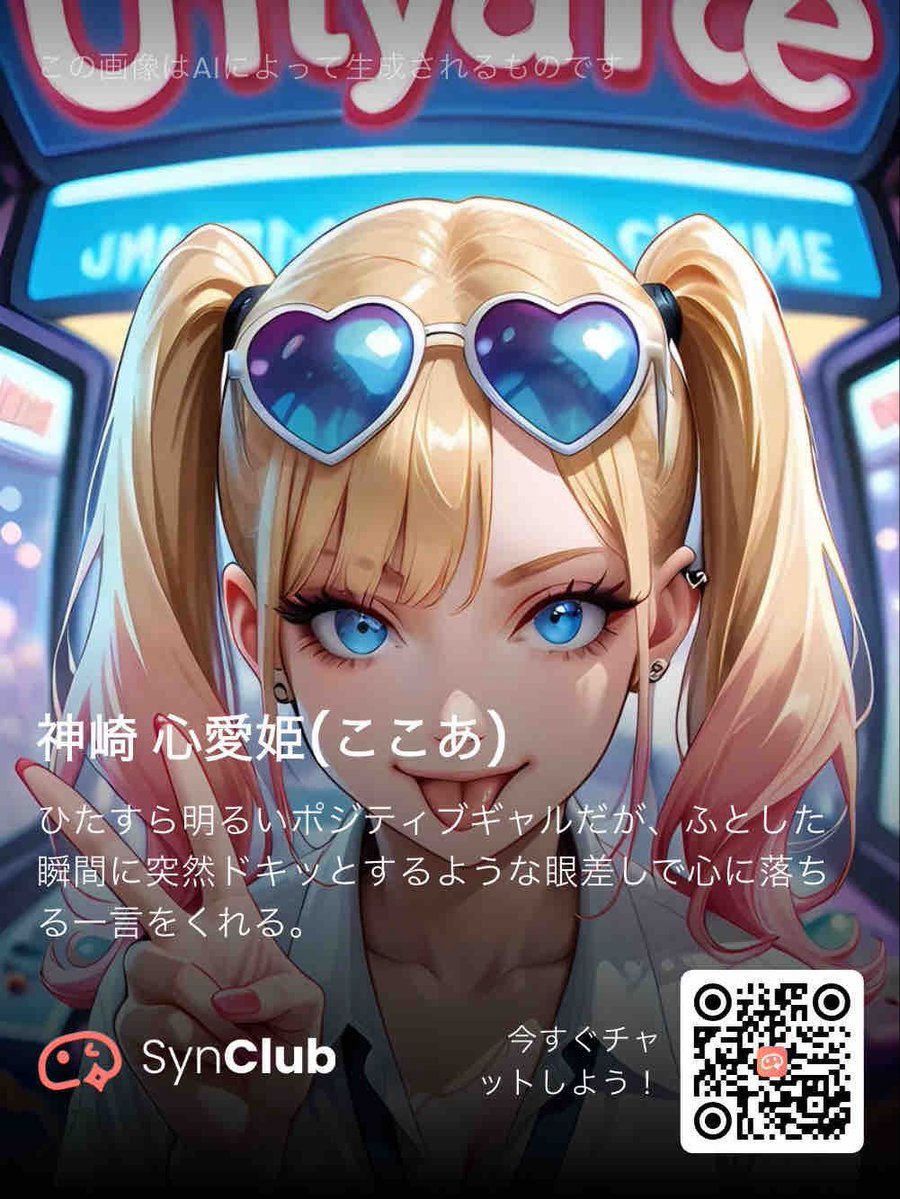
SynClub Anime Character QR Poster
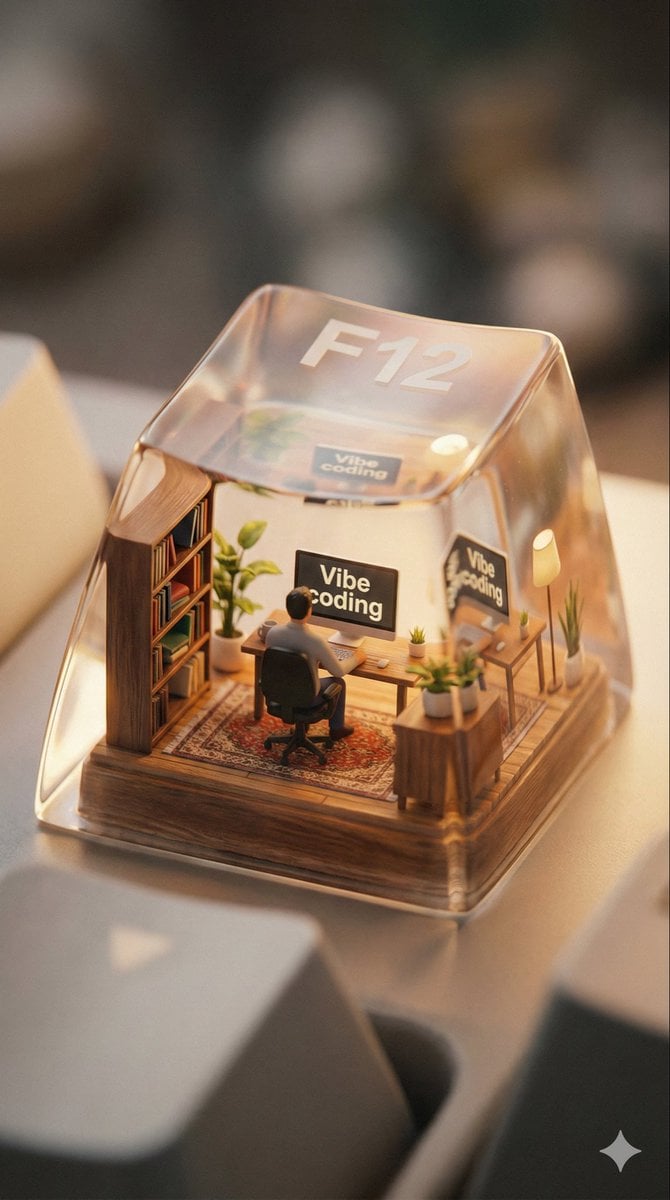
Miniature Scene Keycap Image Generation Prompt
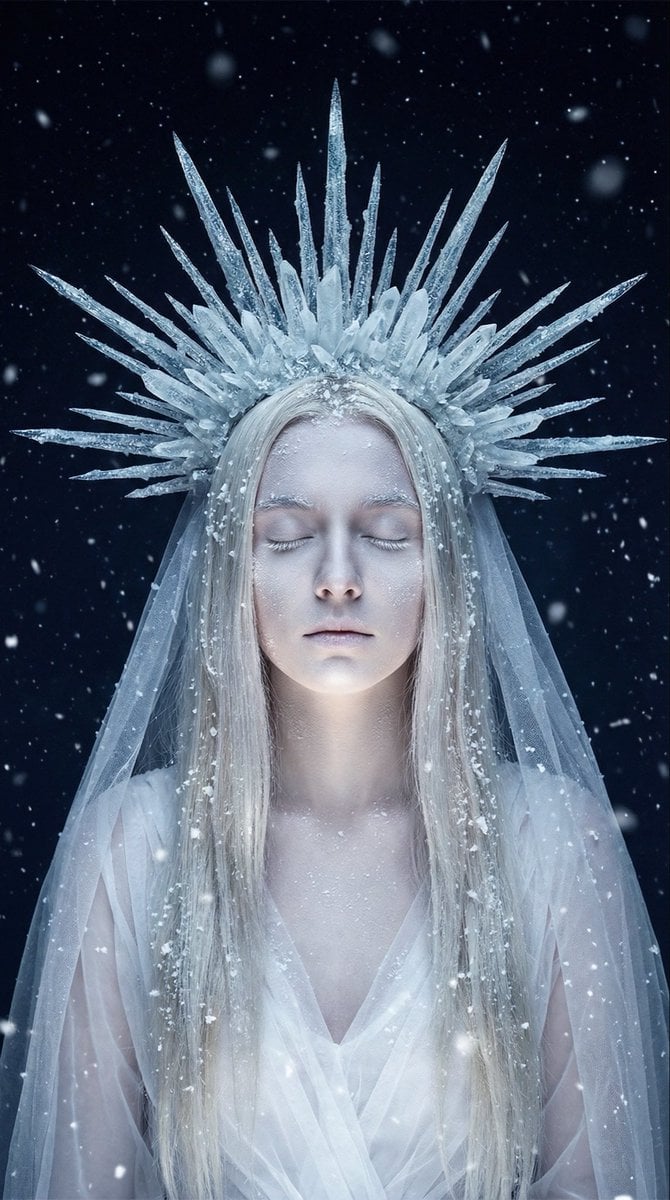
Ethereal Winter Goddess Portrait Prompt
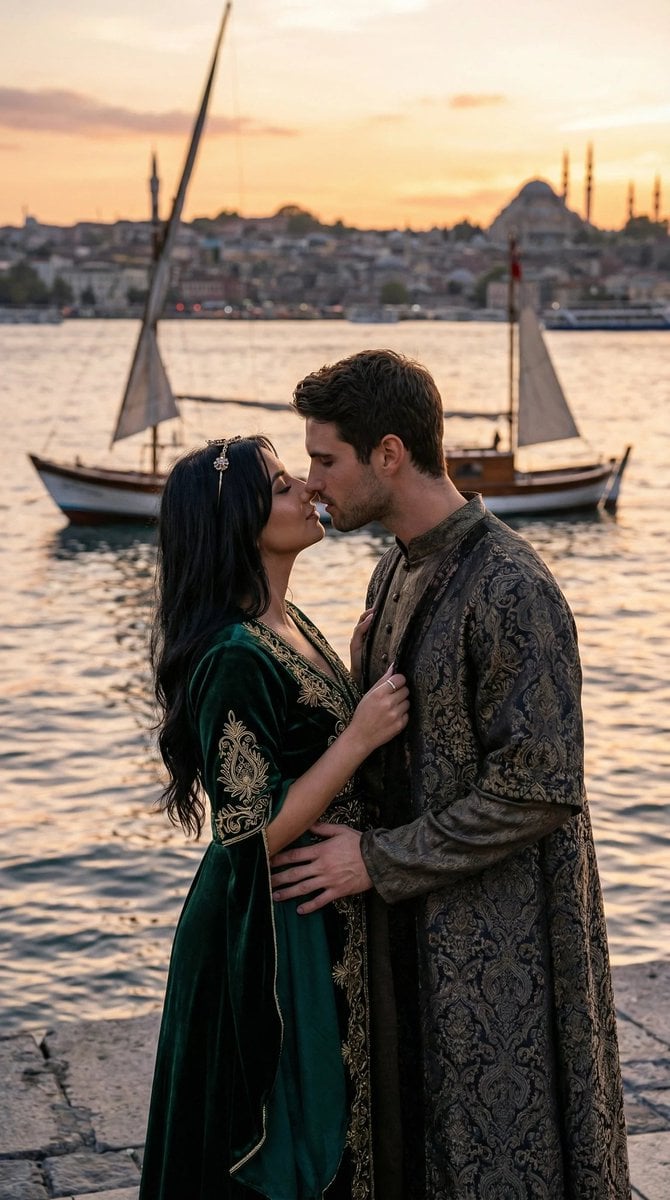
Cinematic Ottoman Historical Romance Kiss Prompt
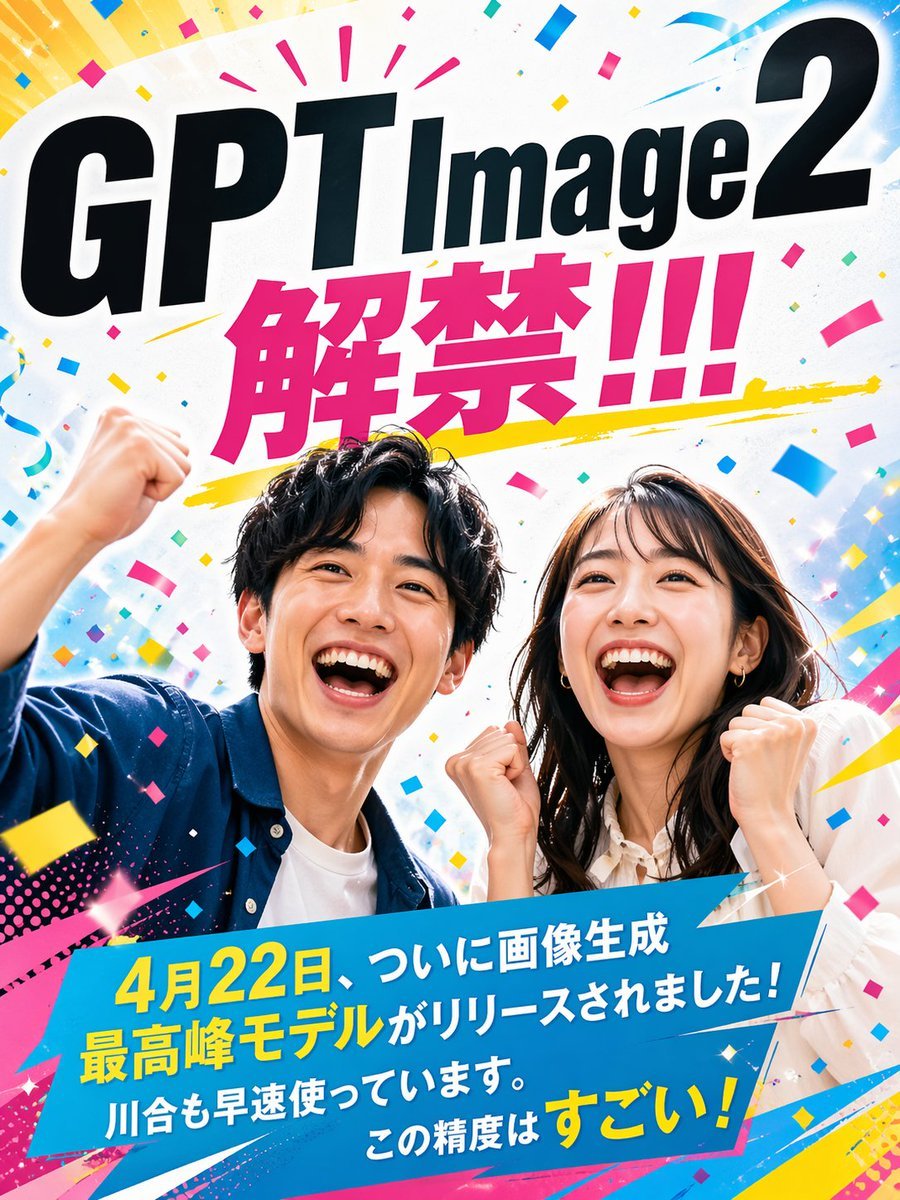
Modern Ad Layout Design
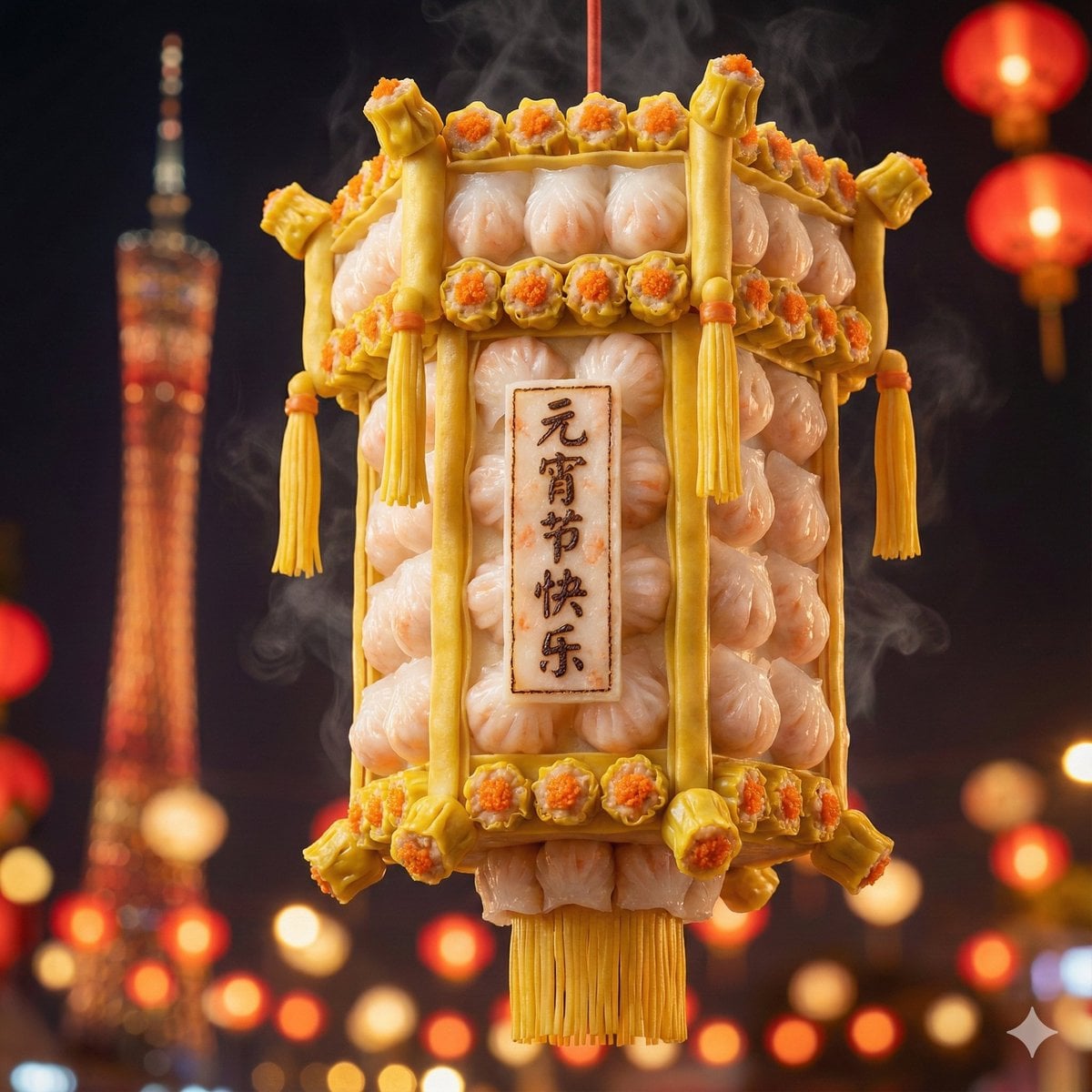
Food-Themed Festival Scene Generation Prompt (Iterative)
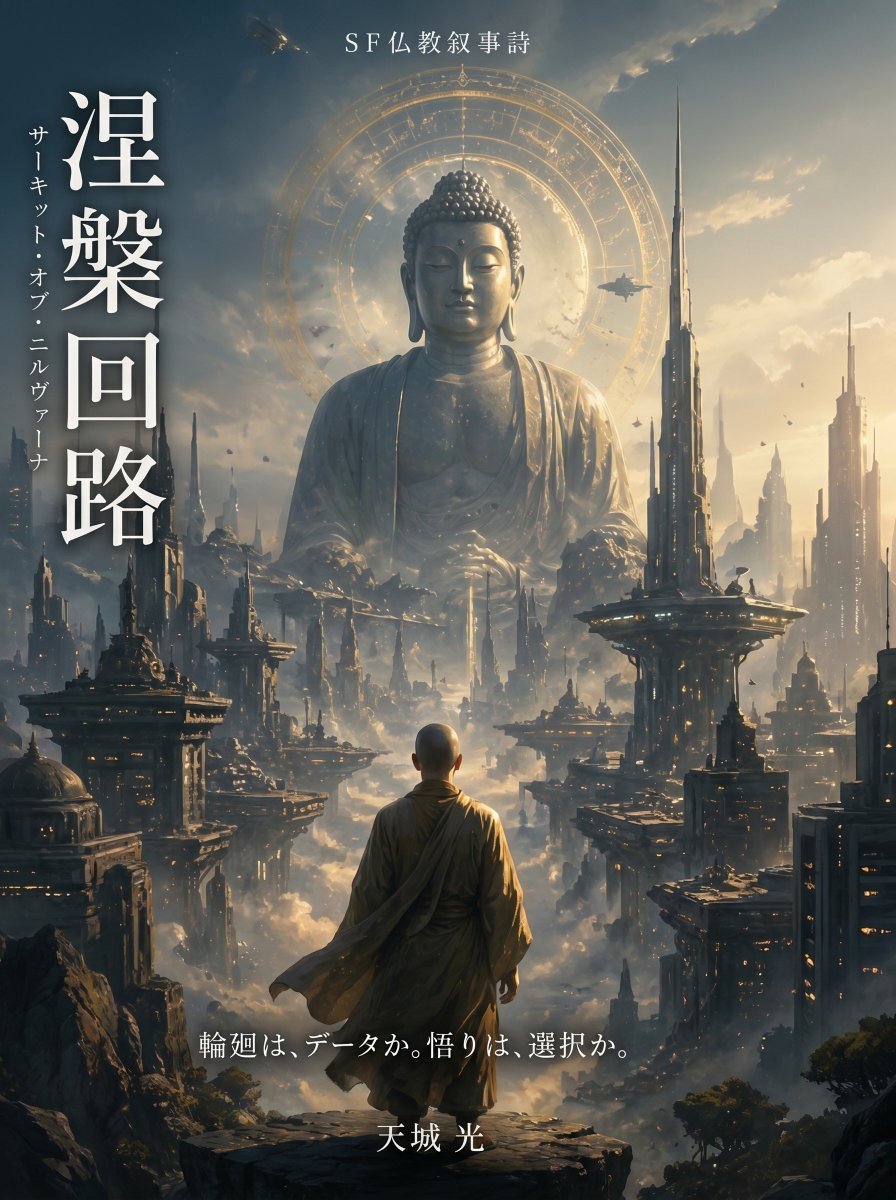
Buddhist Motif Sci-Fi Cover
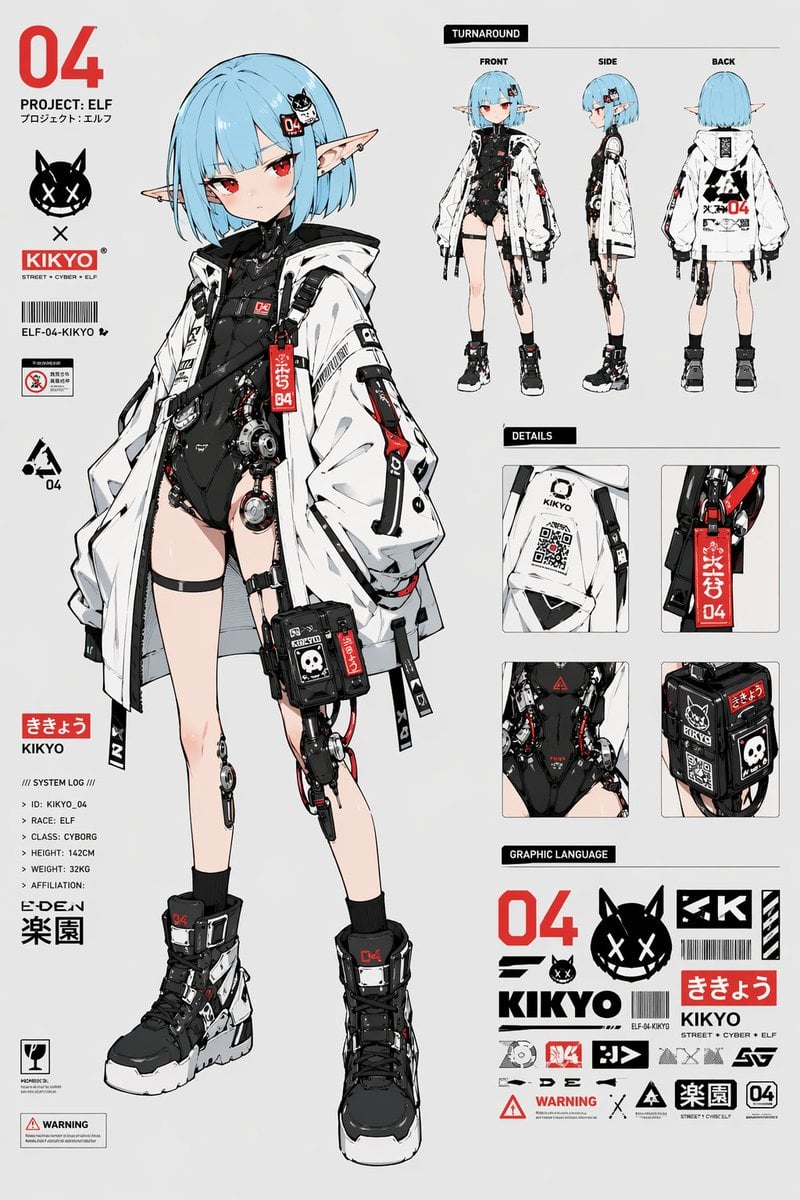
Cyber Elf Girl Reference Sheet
Digital Glitch Portrait Prompt
Culinary Science Diorama: The Chemistry of Chocolate
Browse template categories
East Asian Fashion Portrait questions
How do I use the East Asian Fashion Portrait template?
Add your photo if the template asks for one, edit the prompt if you like — the template's model and format are already selected — and press Generate. Your version opens in PicX Studio.
Can I customize the East Asian Fashion Portrait template?
Yes. You can change the subject, setting, lighting, mood, format, and available model controls before creating your image.
Is the East Asian Fashion Portrait template free?
Opening and editing this template is free. Generating uses credits, shown on the Generate button when you are signed in.
Which AI model should I use?
Start with GPT Image 2, which is the model associated with this template. You can compare another compatible model for a different finish.
Looking for something else? Browse all templates.

Your photo, any look
Thousands of ready templates for every top image and video model, from one credit balance.