
Korean Floral Editorial Portrait
Transforms a vintage beauty reference into a square Korean-style floral editorial portrait with camcorder overlays and romantic peony styling.
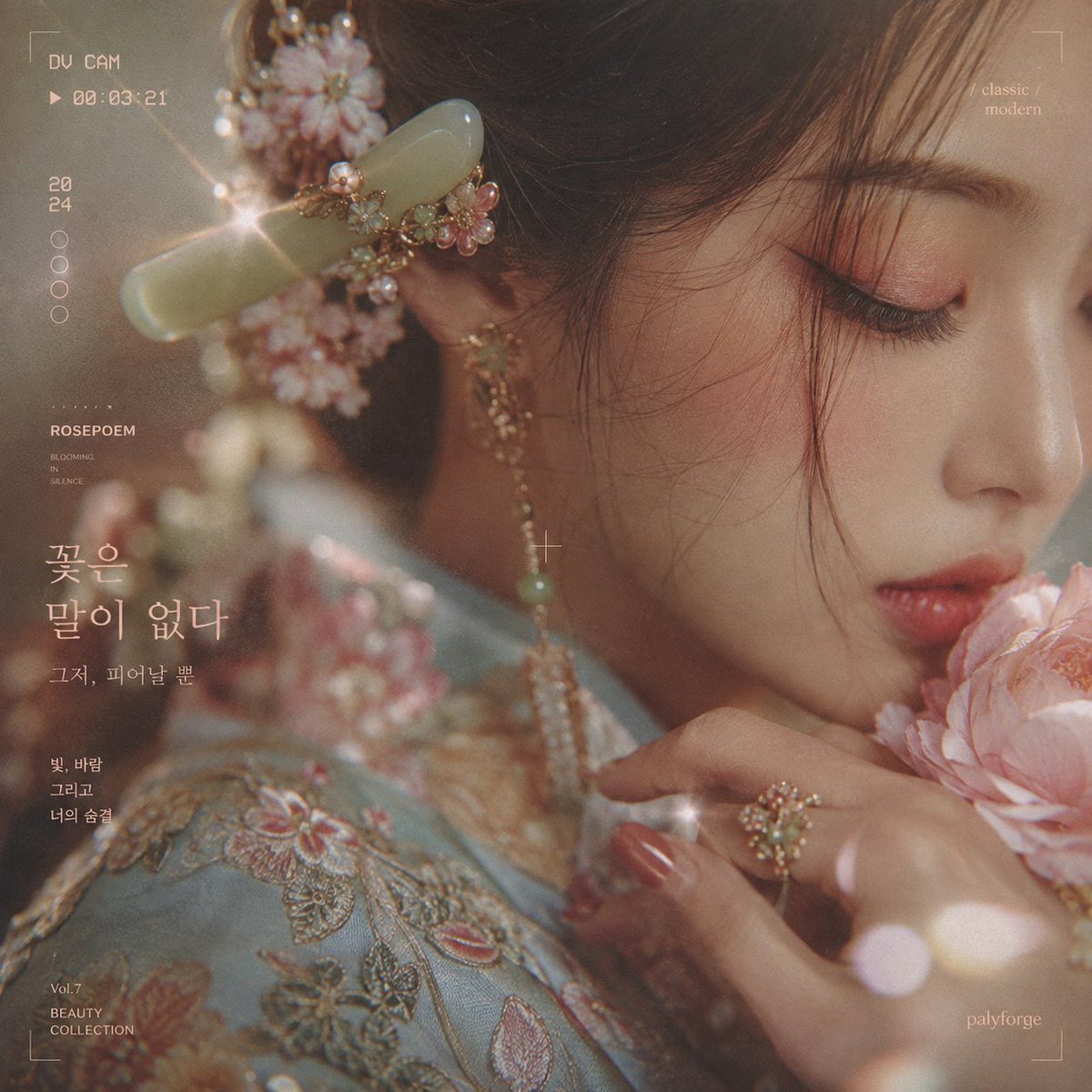
- Prompt included
- Model and format preset
- Free template
The prompt behind this image
Copy the exact prompt behind Korean Floral Editorial Portrait, or open it in the studio and make it yours.
Using the provided reference image as the character and aesthetic base, regenerate it as a square 1:1 romantic Korean editorial beauty portrait. Change the composition to a softer side-profile close-up with the subject facing right, eyes closed, gently smelling or resting against a large pale pink peony held near her lips. Keep the same dreamy vintage-camera mood, floral hair ornament feeling, jade hair accessory, delicate dangling jewelry, soft makeup, and shimmering embroidered clothing, but make the outfit read more like an elegant pastel blue floral hanbok/editorial garment. Add new elements: a large pale pink peony flower in the foreground at the lower right; the subject’s hand near her chin with glossy nails and a decorative floral ring; warm bokeh light leaks and small star-like lens sparkles; a beige-gold film grain wash; thin white viewfinder corner brackets and a small crosshair near the center. Overlay typography: replace the original VHS labels with a clean modern vintage camcorder/editorial layout. Include exactly these 9 visible text groups: 1) top-left “DV CAM” with a play icon and “00:03:21”; 2) left vertical date “20” over “24”; 3) five small hollow circles stacked vertically; 4) small editorial block “ROSEPOEM” with “BLOOMING / IN / SILENCE”; 5) large Korean headline {argument name="headline text" default="꽃은\n말이 없다"}; 6) smaller Korean subtitle {argument name="subtitle text" default="그저, 피어날 뿐"}; 7) small Korean poem text {argument name="poem text" default="빛, 바람\n그리고\n너의 숨결"}; 8) bottom-left “Vol.7 / BEAUTY / COLLECTION”; 9) top-right “classic / modern”. Keep a tiny “palyforge” signature at bottom right. Style: ultra-soft photorealistic anime-inspired beauty illustration, cinematic macro lens, shallow depth of field, muted peach, jade, and powder-blue palette, nostalgic film texture, elegant magazine cover spacing. Avoid changing the subject into a different person; preserve the reference’s delicate facial proportions and refined mood while making the pose and layout match the new editorial concept.
Reference images included
Korean Floral Editorial Portrait needs input media to work. They load alongside the prompt when you open it in the studio.
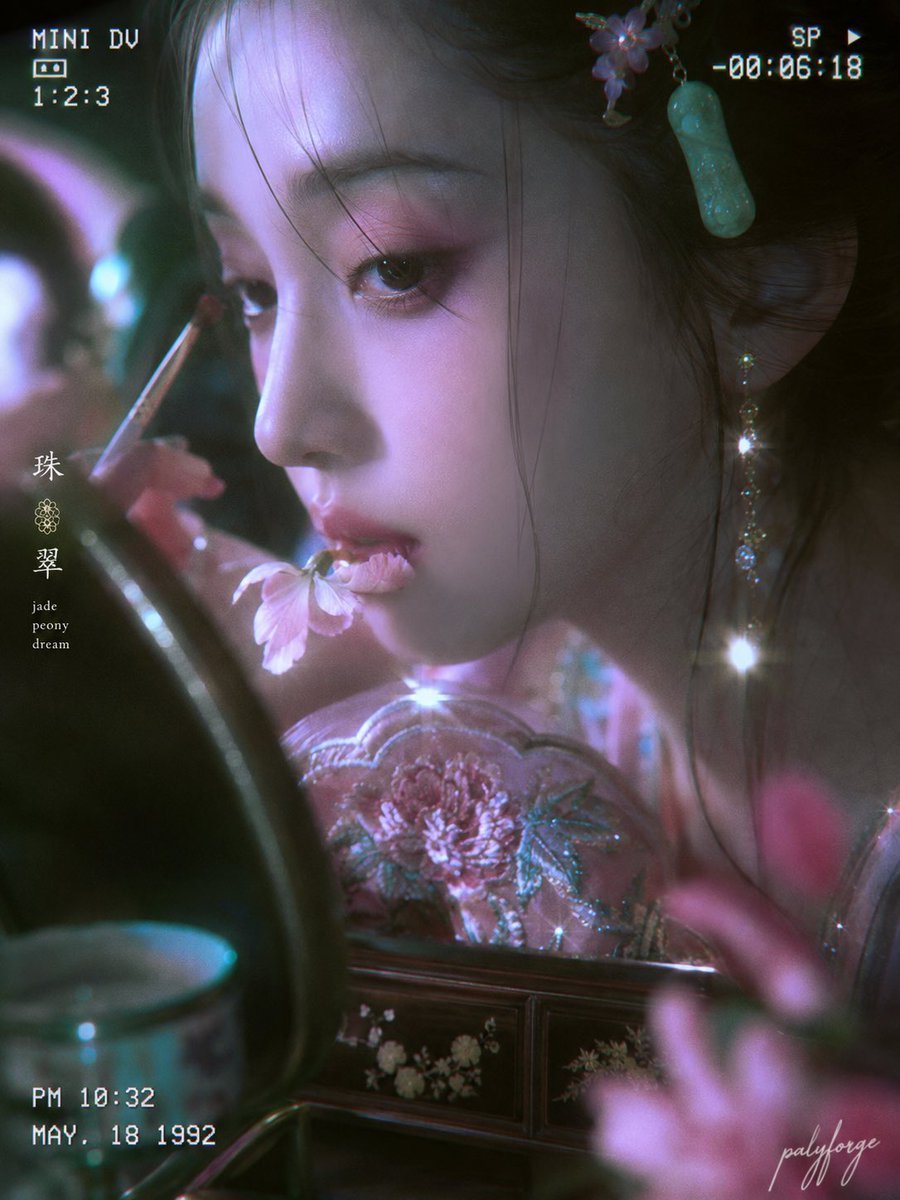
How to use Korean Floral Editorial Portrait in 3 steps
- 1Upload ImagePNG, JPG or paste
Add your photo
Upload the photo the template builds on. The prompt, model and format are already set.
- 2…a portrait of your subject in softgolden-hour light, 85mm…
Personalize
Edit the subject and creative details for your destination.
- 3Generate
Generate
Press Generate — your image is created in PicX Studio, so you can compare it with the original and refine one variable at a time.
More like this
Templates with the same subject, style or setup. Open one to see its prompt.

untitled

Caution Tape Fashion — Industrial Editorial

Couture Fashion Editorial Woman and Drag

Nano Banana 2 Editorial Fashion Portrait

Found Photograph: Us, 1970

80s Couple Studio Portrait

80s Bollywood Star

80s Golden Hour Cinema

Me in 1985

1985 Studio Portrait

Hyper-Realistic Minecraft POV Portrait

Modern Korean Fashion Editorial Board
Make it yours
Korean Floral Editorial Portrait works as-is. These are the safest ways to change it without losing the look.
Change one field
Copy a single group, rewrite it, and generate again so you can see what that field is doing.
Keep the frame, change the subject
Hold the composition and light of Korean Floral Editorial Portrait, then swap wardrobe, props or the person for a new take.
| If the result… | Why | Fix |
|---|---|---|
| The result drifts from the preview | Too many fields changed at once. | Reuse Korean Floral Editorial Portrait as-is first, then change one group — subject, light, or setting. |
| The model over-stylizes the scene | The prose prompt leaves finish and camera underspecified. | Add one camera or lighting sentence and stay on GPT Image 2. |
More GPT Image 2 templates
Other prompts made for GPT Image 2.

Six VTuber Japanese Logo Sheet

Realistic Portrait of Woman and Deer

The Vista Modular Condo Poster

AI Model Routing Comparison Infographic

2.5D Anime Art Board

Isometric Productivity Desk Scene

New York Double Exposure Poster

Four-Panel AI Landscape Comparison

Japanese Tatami Lifestyle Magazine Cover

NESCAFÉ Coffee Map Poster
More image prompts
Fresh picks from across the catalog.
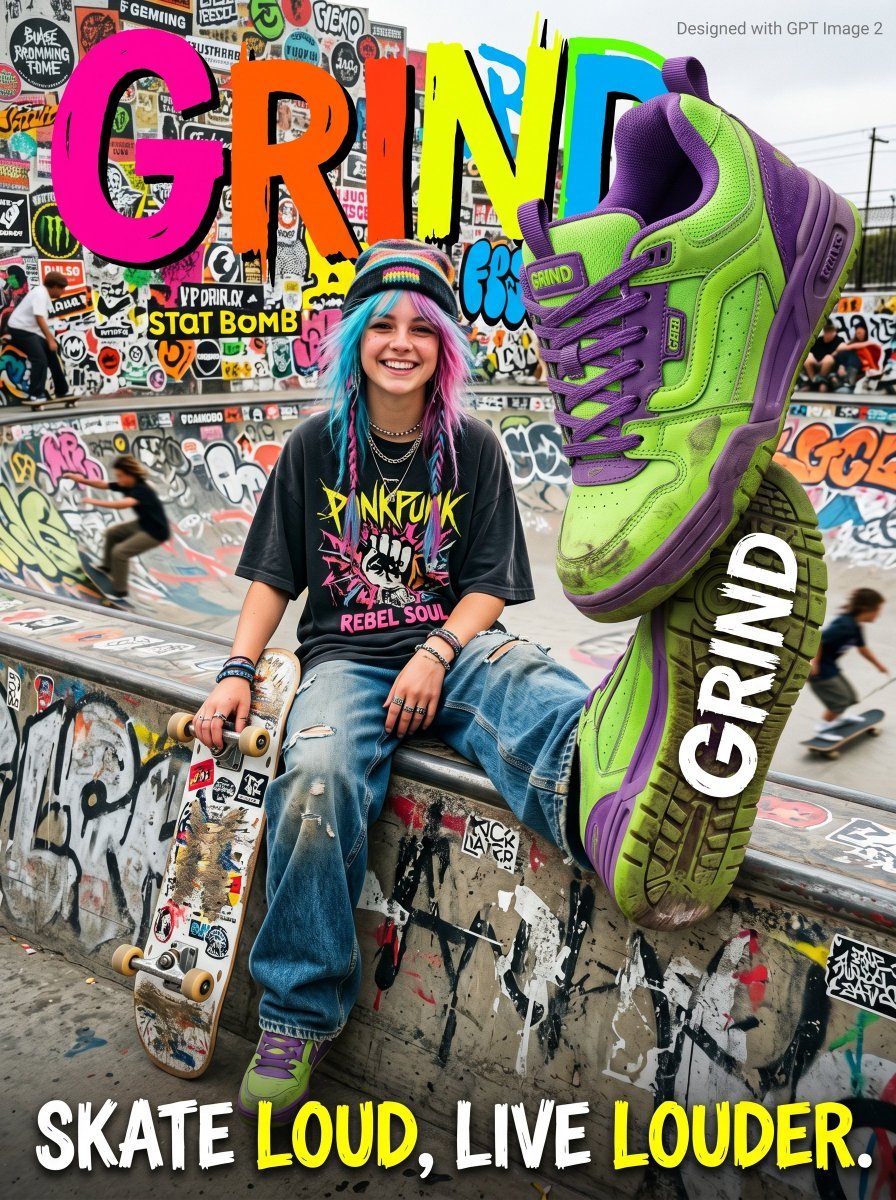
Gen Z Skateboarding Advertisement Poster
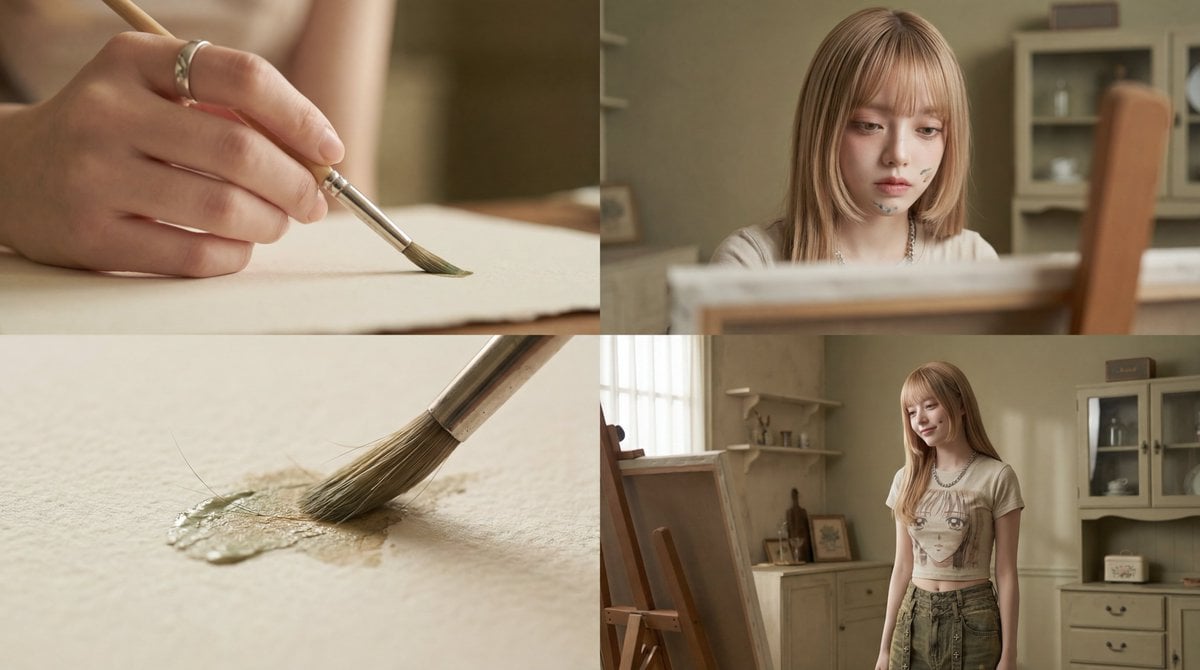
Cinematic Short Film Prompt: Woman Immersed in Art
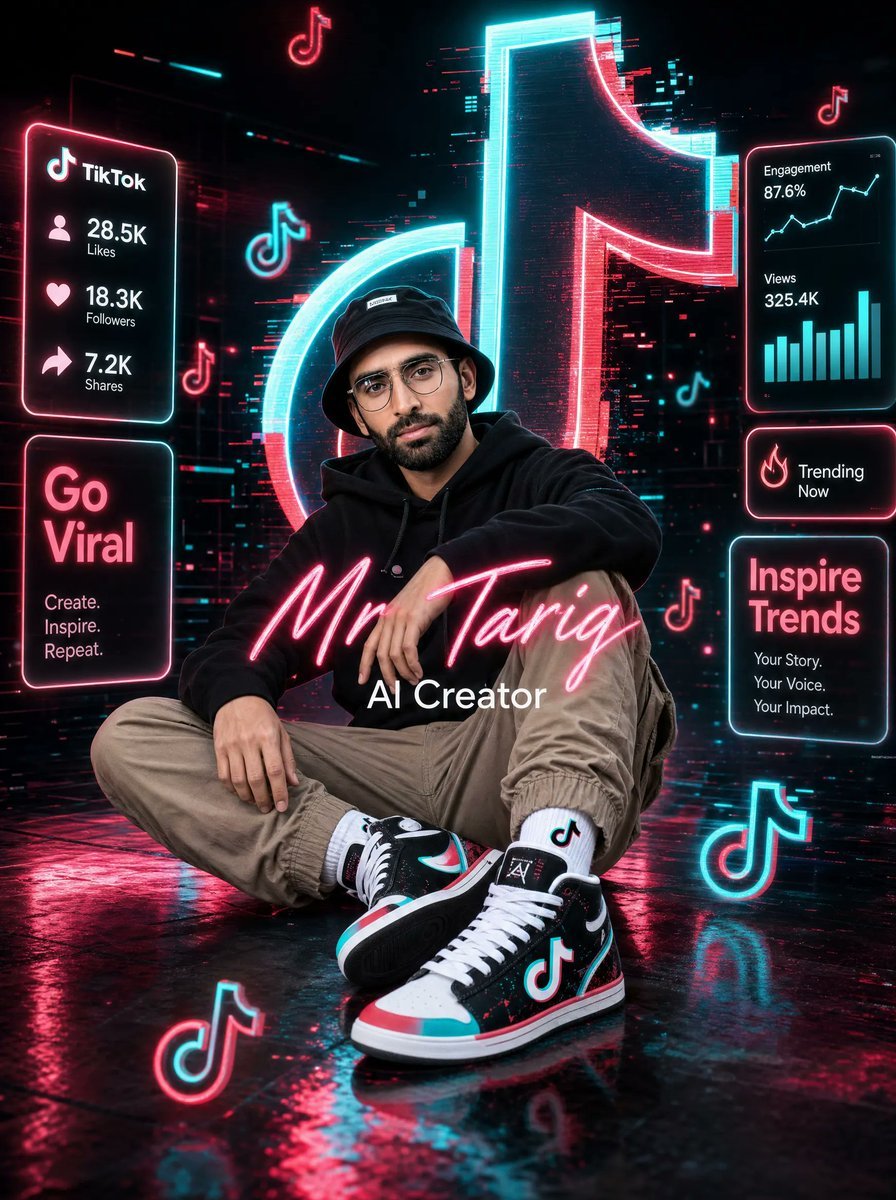
Neon TikTok AI Creator Poster

Dusk Ascension JSON Prompt for Nano Banana Pro
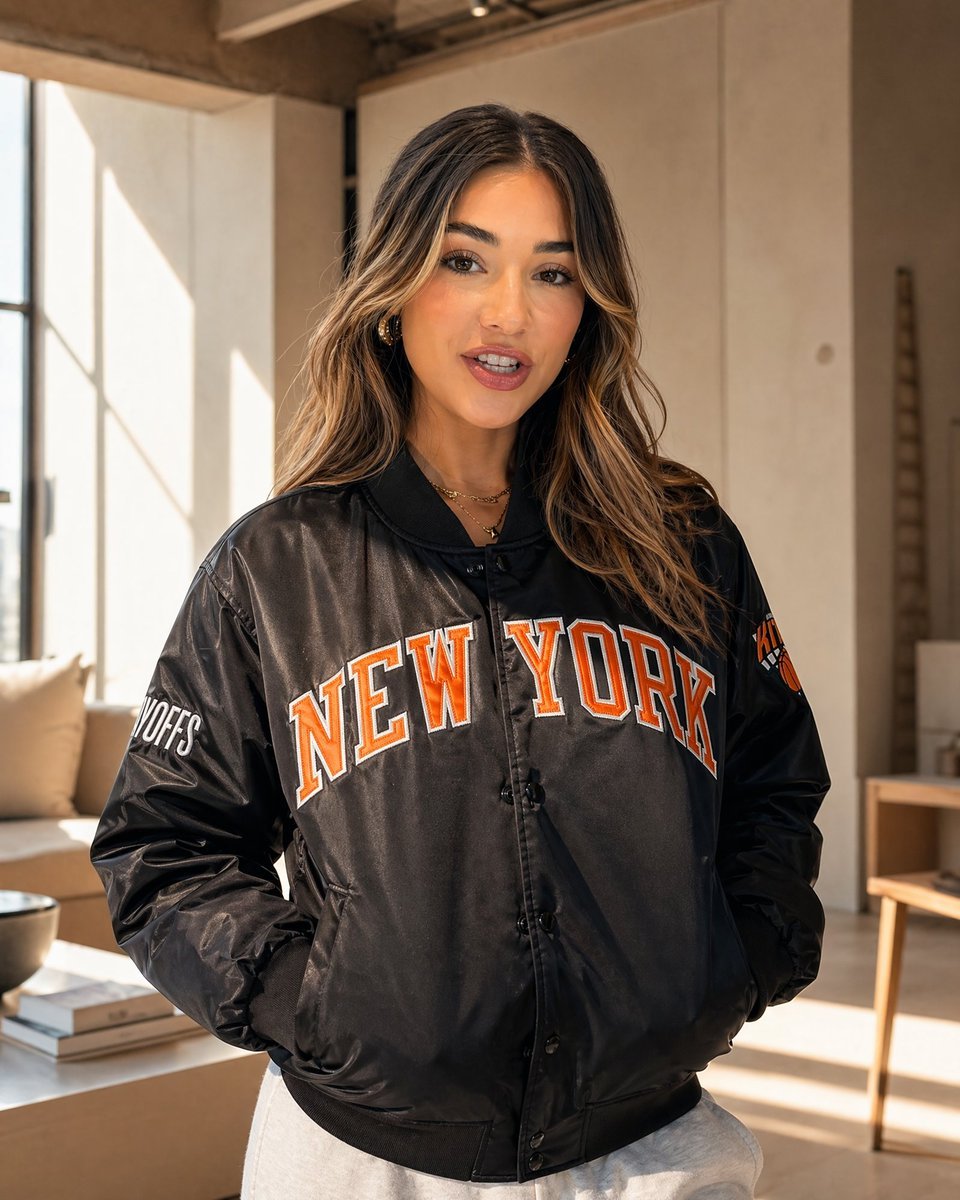
Sunlit Streetwear Jacket Portrait
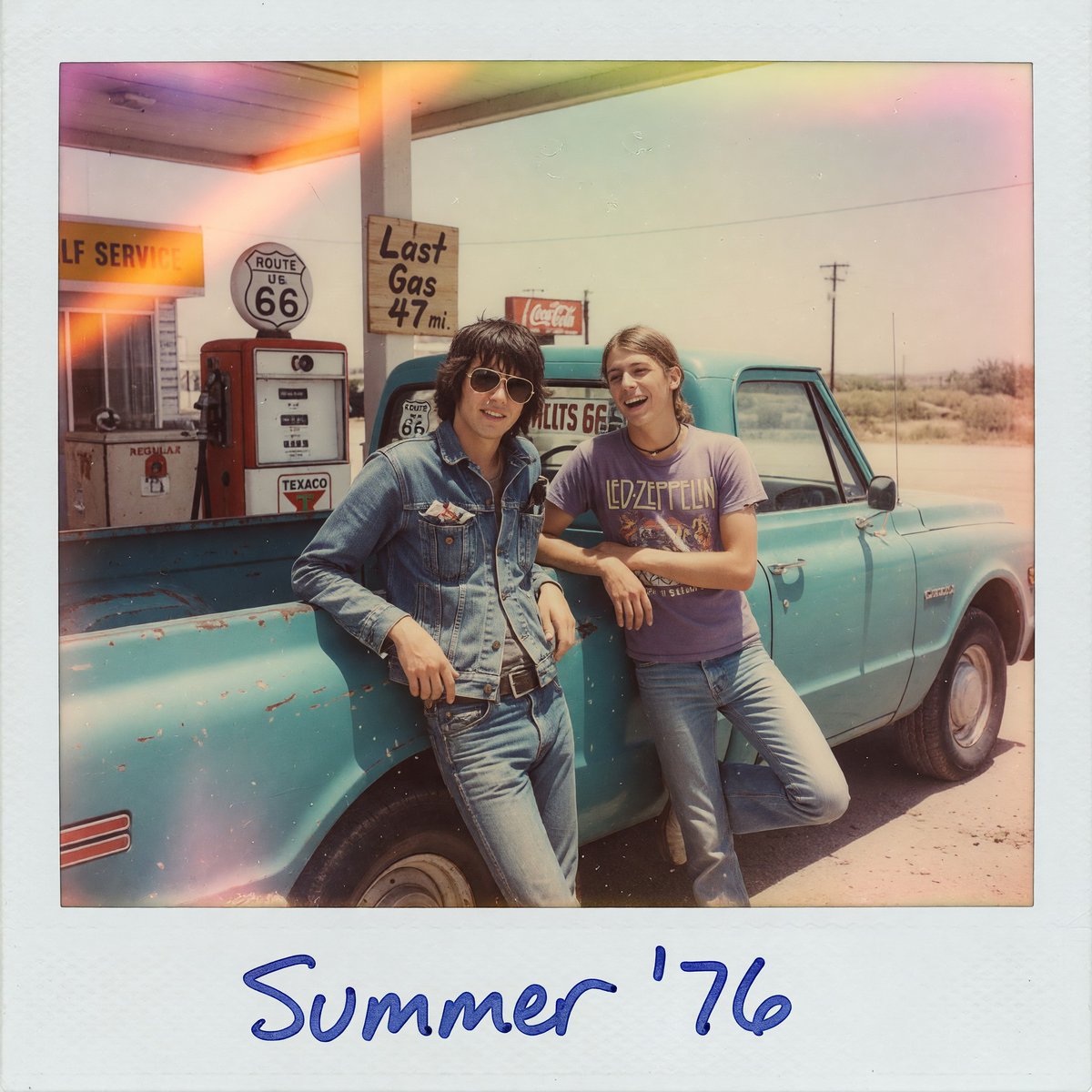
1970s Route 66 Polaroid
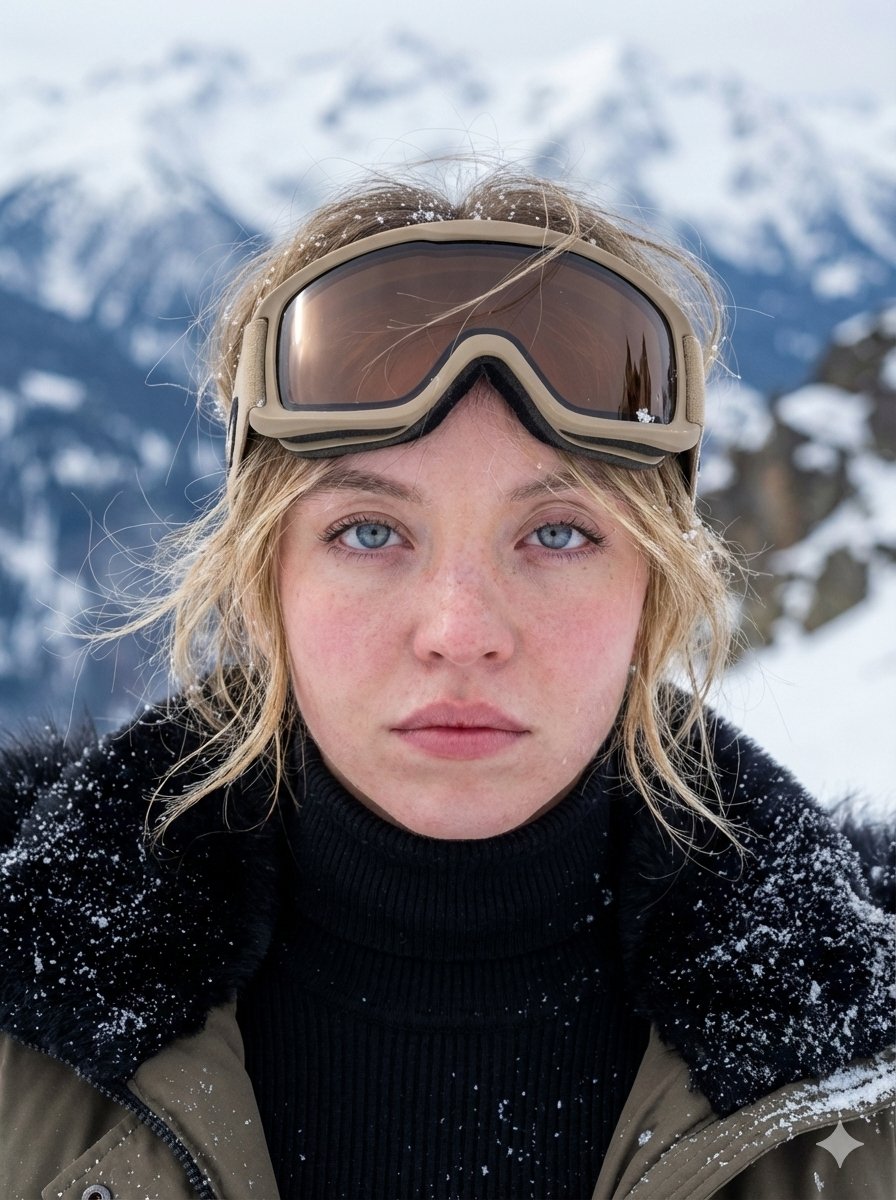
Hyper-Detailed Arctic Cinematic Portrait
Convert image into YouTube thumbnail with OMW text
Macro Toy Photography: Beast Escaping Comic Panel
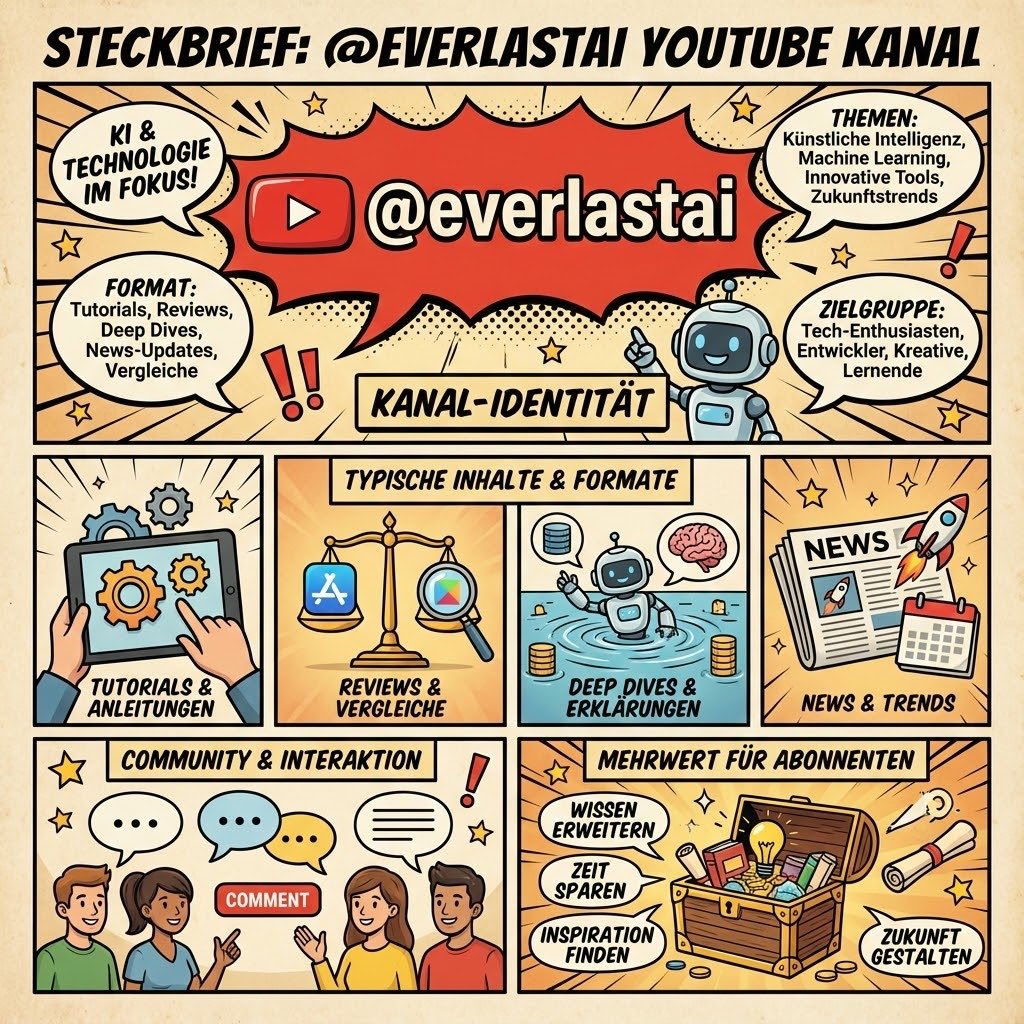
YouTube channel infographic design
Browse template categories
Korean Floral Editorial Portrait questions
How do I use the Korean Floral Editorial Portrait template?
Add your photo if the template asks for one, edit the prompt if you like — the template's model and format are already selected — and press Generate. Your version opens in PicX Studio.
Can I customize the Korean Floral Editorial Portrait template?
Yes. You can change the subject, setting, lighting, mood, format, and available model controls before creating your image.
Is the Korean Floral Editorial Portrait template free?
Opening and editing this template is free. Generating uses credits, shown on the Generate button when you are signed in.
Which AI model should I use?
Start with GPT Image 2, which is the model associated with this template. You can compare another compatible model for a different finish.
Looking for something else? Browse all templates.

Your photo, any look
Thousands of ready templates for every top image and video model, from one credit balance.