
Hyper-Realistic Pencil Sketch Portrait Prompt
A highly structured JSON prompt for generating a monochromatic, hyper-realistic pencil sketch portrait (digital illustration) based on a reference image.
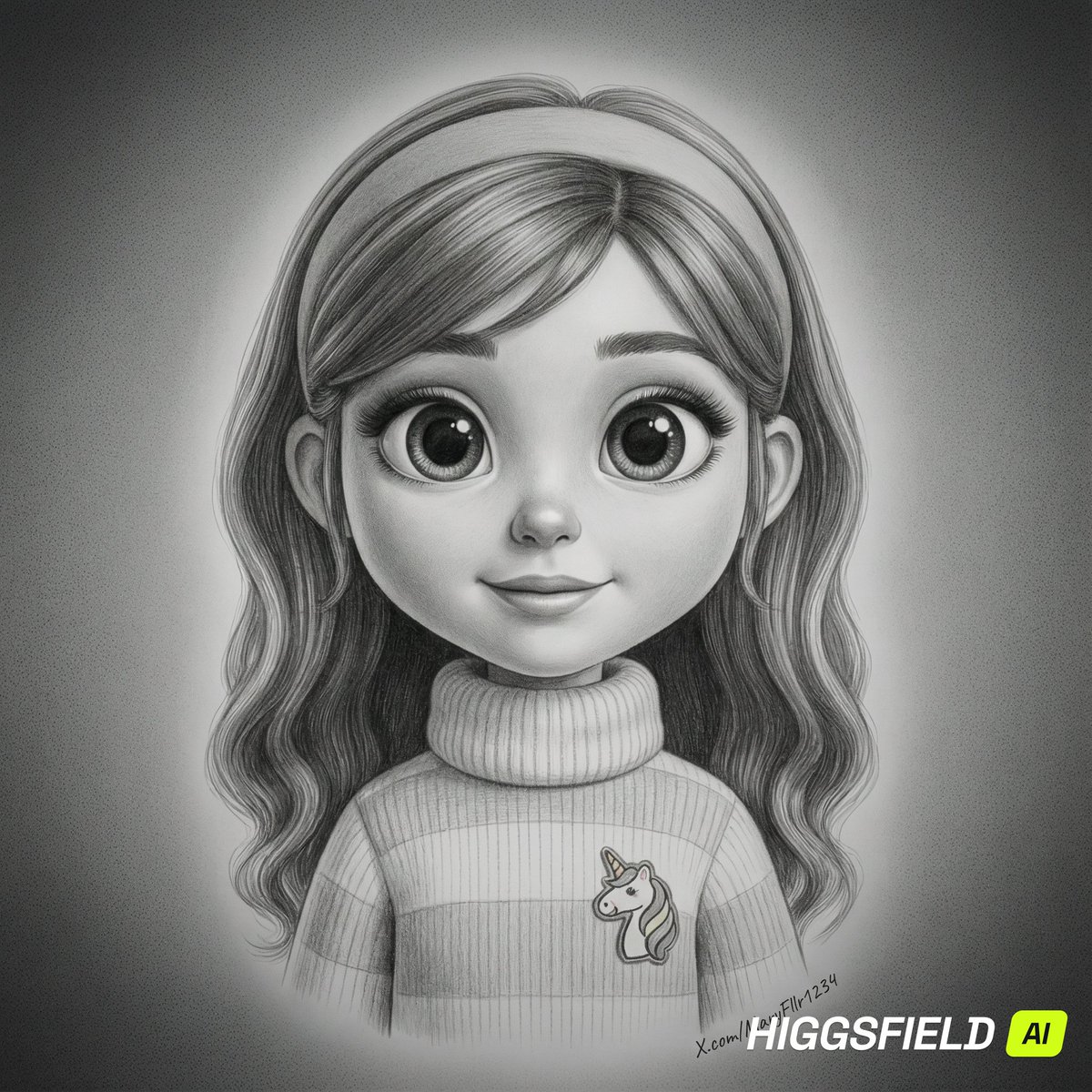
- Prompt included
- Model and format preset
- Premium template
The prompt behind this image
Copy the exact prompt behind Hyper-Realistic Pencil Sketch Portrait Prompt, or open it in the studio and make it yours.
- Meta › Image Quality
- High
- Meta › Image Type
- Monochromatic Digital Illustration / Hyper-realistic Pencil Drawing
- Meta › Resolution Estimation
- 736 x 914
- Global Context › Scene Description
- reference image
- Global Context › Time Of Day
- Indeterminate / Studio setting
- Global Context › Weather Atmosphere
- Serene / Intimate
- Global Context › Lighting › Source
- Artificial / Studio Lighting
- Global Context › Lighting › Direction
- Frontal / Slightly Butterfly
- Global Context › Lighting › Quality
- Soft / Diffused
- Global Context › Lighting › Color Temp
- Neutral (Greyscale)
- Color Palette › Dominant Hex Estimates
- #1A1A1A, #808080, #E6E6E6, #BDBDBD
- Color Palette › Accent Colors
- Charcoal, Slate Grey, Silver, Deep Black
- Color Palette › Contrast Level
- Medium
- Composition › Camera Angle
- Eye-level
- Composition › Framing
- Close-up / Headshot
- Composition › Depth Of Field
- Shallow (soft focus on hair extremities and background)
- Composition › Focal Point
- The subject's eyes and the bridge of the nose
- Objects › 0 › Id
- obj_001
- Objects › 0 › Label
- Female Subject
- Objects › 0 › Category
- Person
- Objects › 0 › Location
- Center
- Objects › 0 › Prominence
- Foreground
- Objects › 0 › Visual Attributes › Color
- Range of greyscale tones
- Objects › 0 › Visual Attributes › Texture
- Smooth skin, fine hair strands, soft lip texture
Raw JSON
{
  "meta": {
    "image_quality": "High",
    "image_type": "Monochromatic Digital Illustration / Hyper-realistic Pencil Drawing",
    "resolution_estimation": "736 x 914"
  },
  "global_context": {
    "scene_description": "reference image",
    "time_of_day": "Indeterminate / Studio setting",
    "weather_atmosphere": "Serene / Intimate",
    "lighting": {
      "source": "Artificial / Studio Lighting",
      "direction": "Frontal / Slightly Butterfly",
      "quality": "Soft / Diffused",
      "color_temp": "Neutral (Greyscale)"
    }
  },
  "color_palette": {
    "dominant_hex_estimates": [
      "#1A1A1A",
      "#808080",
      "#E6E6E6",
      "#BDBDBD"
    ],
    "accent_colors": [
      "Charcoal",
      "Slate Grey",
      "Silver",
      "Deep Black"
    ],
    "contrast_level": "Medium"
  },
  "composition": {
    "camera_angle": "Eye-level",
    "framing": "Close-up / Headshot",
    "depth_of_field": "Shallow (soft focus on hair extremities and background)",
    "focal_point": "The subject's eyes and the bridge of the nose"
  },
  "objects": [
    {
      "id": "obj_001",
      "label": "Female Subject",
      "category": "Person",
      "location": "Center",
      "prominence": "Foreground",
      "visual_attributes": {
        "color": "Range of greyscale tones",
        "texture": "Smooth skin, fine hair strands, soft lip texture",
        "material": "Skin / Hair",
        "state": "Posed",
        "dimensions_relative": "Occupies roughly 80% of the frame"
      },
      "micro_details": [
        "Individual wisps of hair catching light on the left and right",
        "Subtle catchlights in the pupils of both eyes",
        "Fine rendering of eyelashes and eyebrow hairs",
        "Soft philtrum indentation above the upper lip",
        "Subtle shading on the neck suggesting collarbones",
        "Smooth gradient transition on the forehead and cheeks"
      ],
      "pose_or_orientation": "Facing forward, direct eye contact",
      "text_content": "null"
    },
    {
      "id": "obj_002",
      "label": "Background",
      "category": "Environment",
      "location": "Full frame",
      "prominence": "Background",
      "visual_attributes": {
        "color": "Dark grey to mid-grey gradient",
        "texture": "Grainy / Stippled",
        "material": "null",
        "state": "Static",
        "dimensions_relative": "Full frame coverage behind subject"
      },
      "micro_details": [
        "Noise/grain texture throughout the gradient",
        "Darker vignetting in the four corners",
        "Lighter halo effect immediately surrounding the head"
      ],
      "pose_or_orientation": "null",
      "text_content": "null"
    }
  ],
  "text_ocr": {
    "present": true,
    "content": [
      {
        "text": "https://t.co/UDC60YoONE",
        "location": "Bottom right corner",
        "font_style": "Cursive / Handwritten signature",
        "legibility": "P"
      }
    ]
  }
}How to use Hyper-Realistic Pencil Sketch Portrait Prompt in 3 steps
- 1Upload ImagePNG, JPG or paste
Add your photo
Upload the photo the template builds on. The prompt, model and format are already set.
- 2…a portrait of your subject in softgolden-hour light, 85mm…
Personalize
Edit the subject and creative details for your destination.
- 3Generate
Generate
Press Generate — your image is created in PicX Studio, so you can compare it with the original and refine one variable at a time.
More like this
Templates with the same subject, style or setup. Open one to see its prompt.
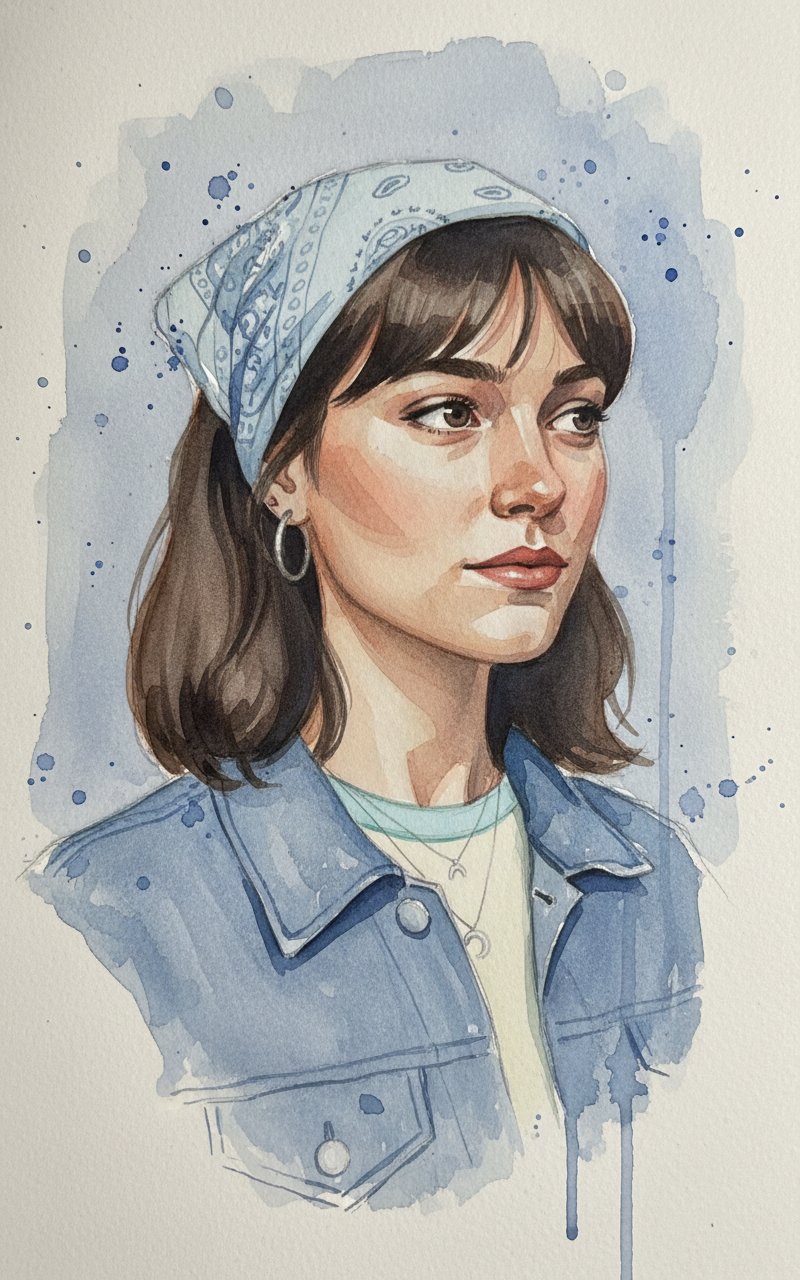
Face Sketching
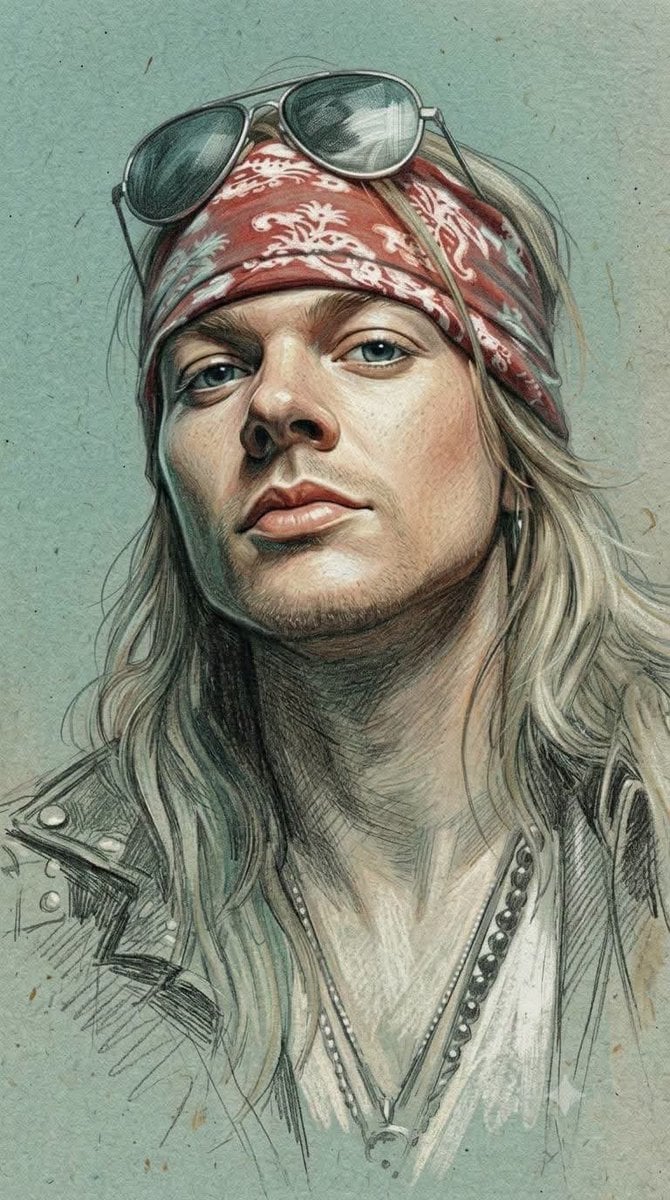
Traditional Colored Pencil Portrait Sketch
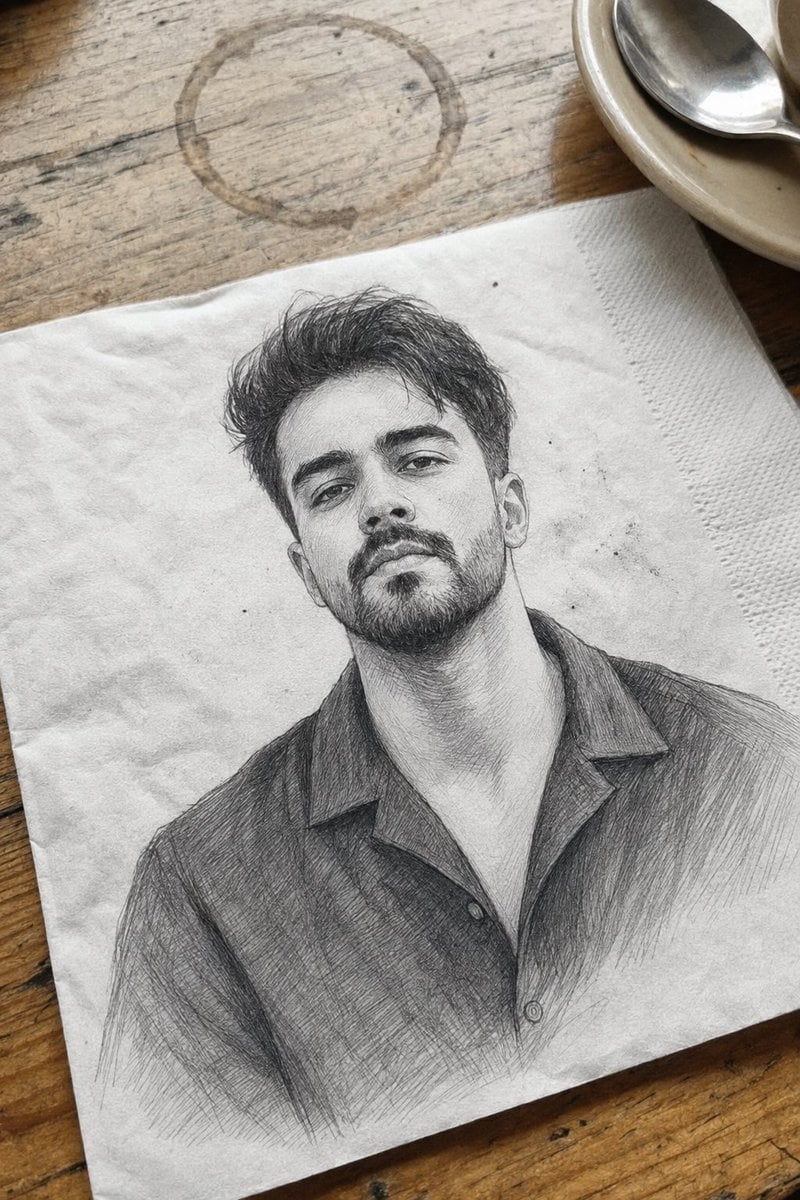
Professional Graphite Pencil Sketch Portrait
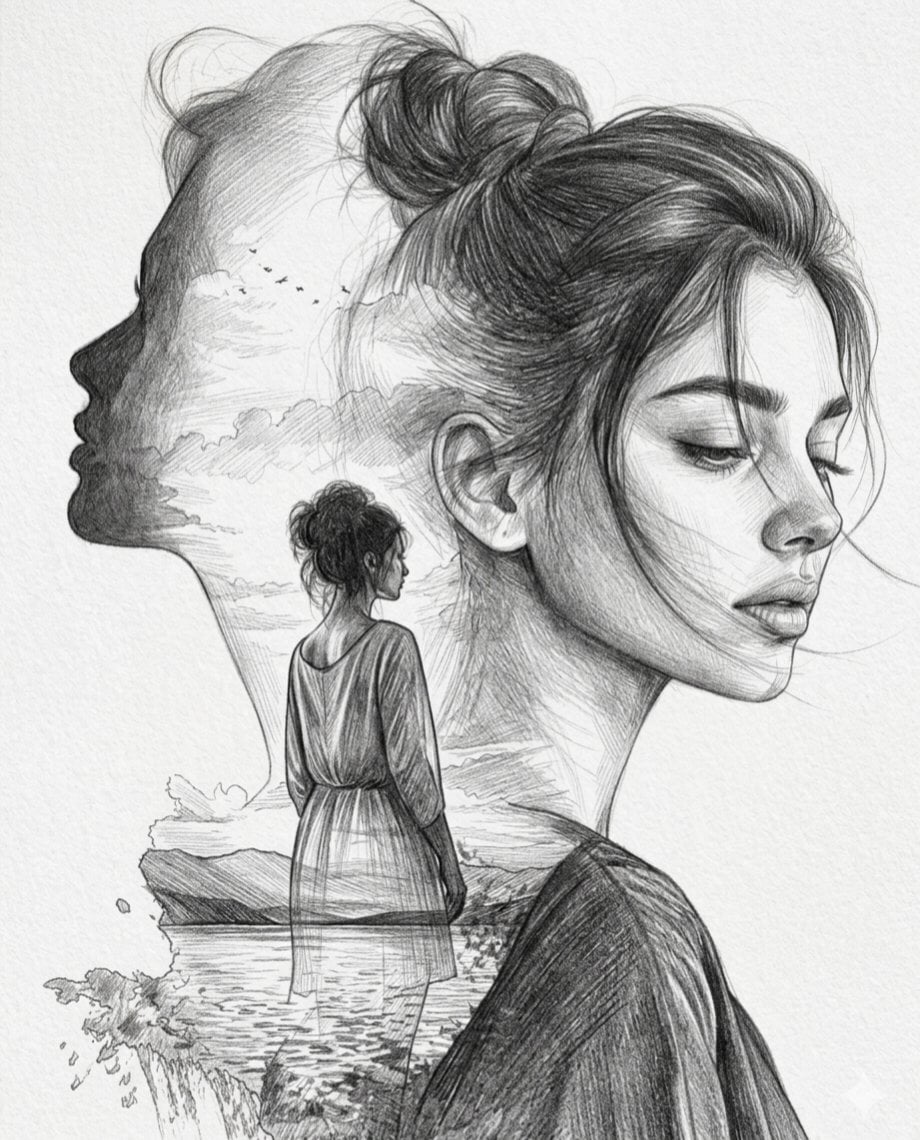
Double Exposure Pencil Sketch Portrait
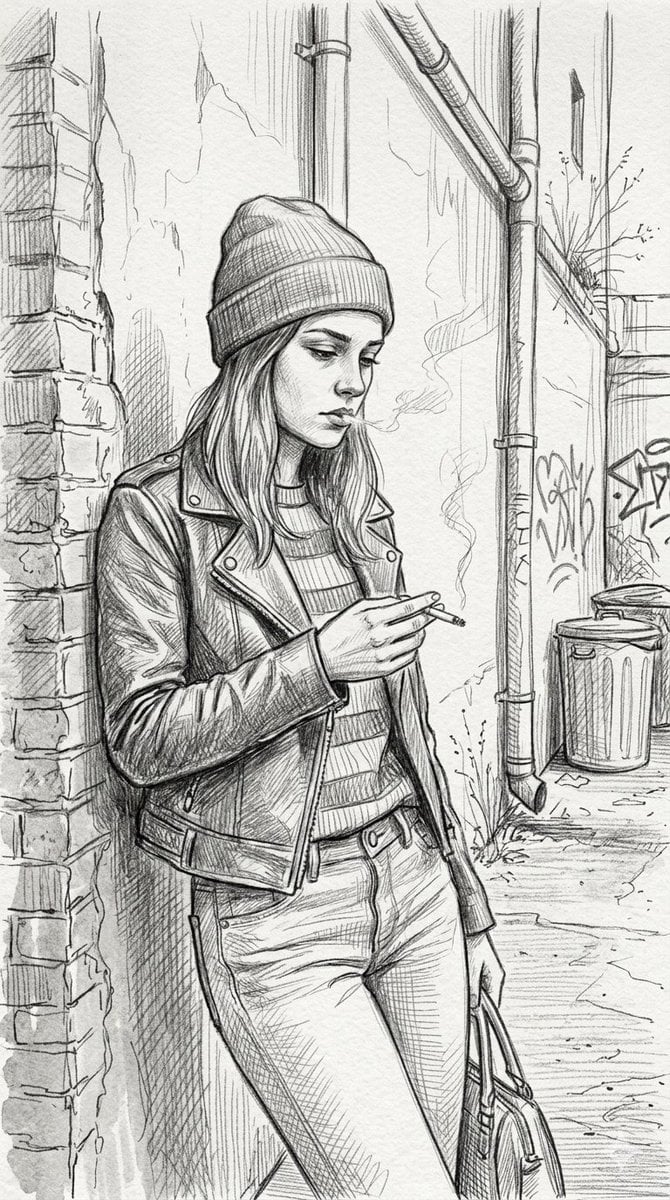
Gritty urban pencil sketch portrait
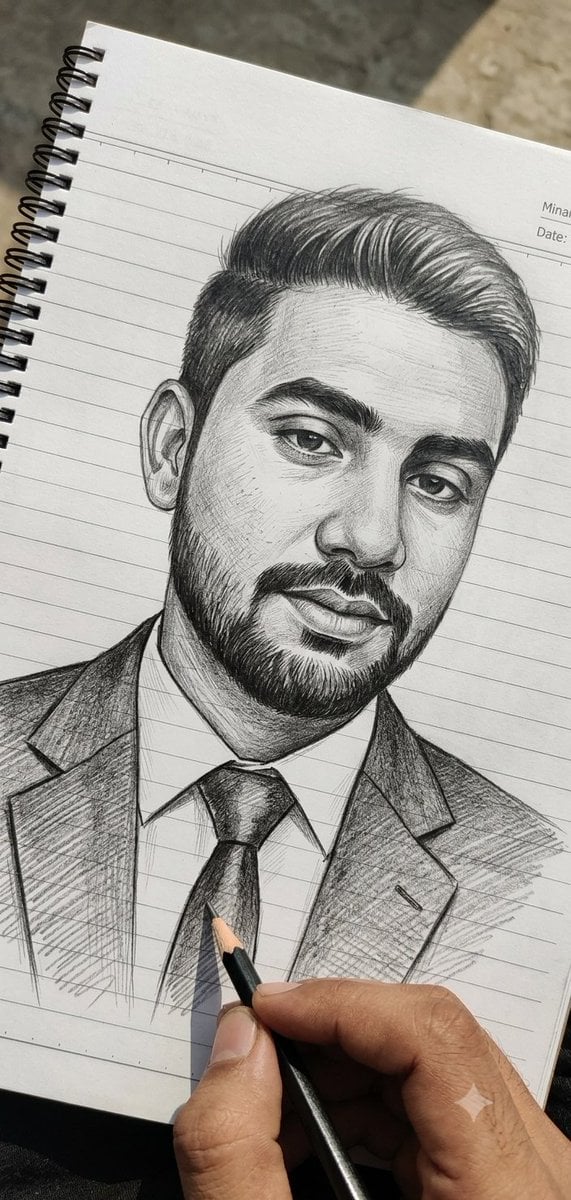
Hand-Drawn Pencil Sketch Portrait
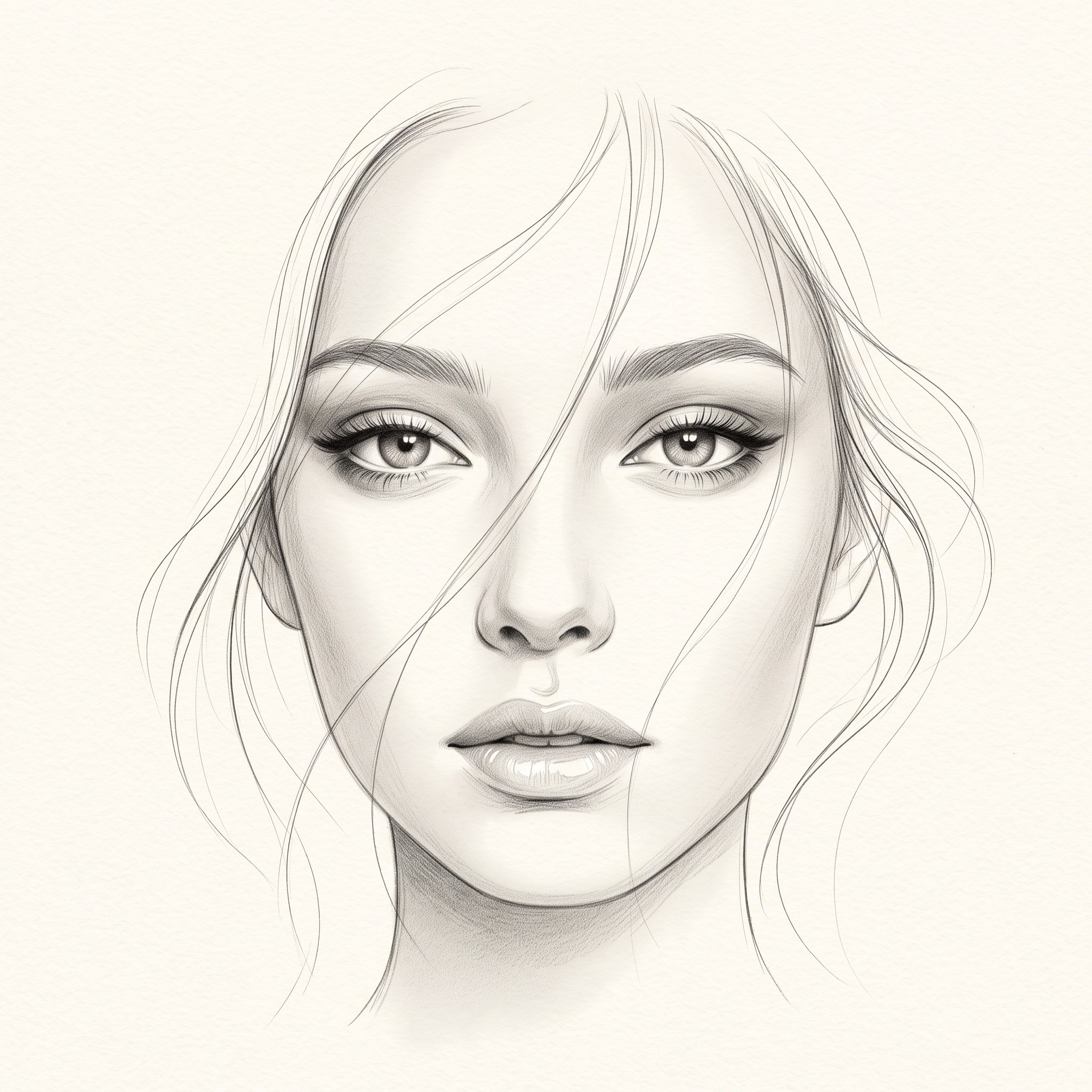
Minimalist Pencil Sketch Portrait

Found Photograph: Us, 1970

80s Couple Studio Portrait

80s Bollywood Star

80s Golden Hour Cinema

Me in 1985
Make it yours
Hyper-Realistic Pencil Sketch Portrait Prompt works as-is. These are the safest ways to change it without losing the look.
Swap the setting
Keep the rest of the prompt and replace the location block. The current setting is “Center”.
Swap the light
One lighting change is enough to compare takes. Current light: “Artificial / Studio Lighting”.
Change one field
Copy a single group, rewrite it, and generate again so you can see what that field is doing.
| If the result… | Why | Fix |
|---|---|---|
| The result drifts from the preview | Too many fields changed at once. | Reuse Hyper-Realistic Pencil Sketch Portrait Prompt as-is first, then change one group — subject, light, or setting. |
| Nano Banana 2 ignores part of the JSON | Some models flatten or skip nested keys. | Keep the same values and paste them as a short paragraph instead. |
More Nano Banana 2 templates
Other prompts made for Nano Banana 2.

Photorealistic Leaf Shaped Like a Dragon

K-Pop Idol Portrait Grid for Rapid Selection

Poetic Rain Forest Portrait During Golden Hour

Urban Street Portrait with Cartoon Inner Self Duo

Candid Nighttime Photo with Cat Prompt

High-Concept 3D Diorama Generation Prompt

Cinematic Futuristic Studio Portrait Template

Skincare Editorial Photography Collage Prompt

Hyper-Realistic Commercial Product Photography (Splash Effect)

Hyper-Realistic Nightclub Portrait Prompt
More image prompts
Fresh picks from across the catalog.
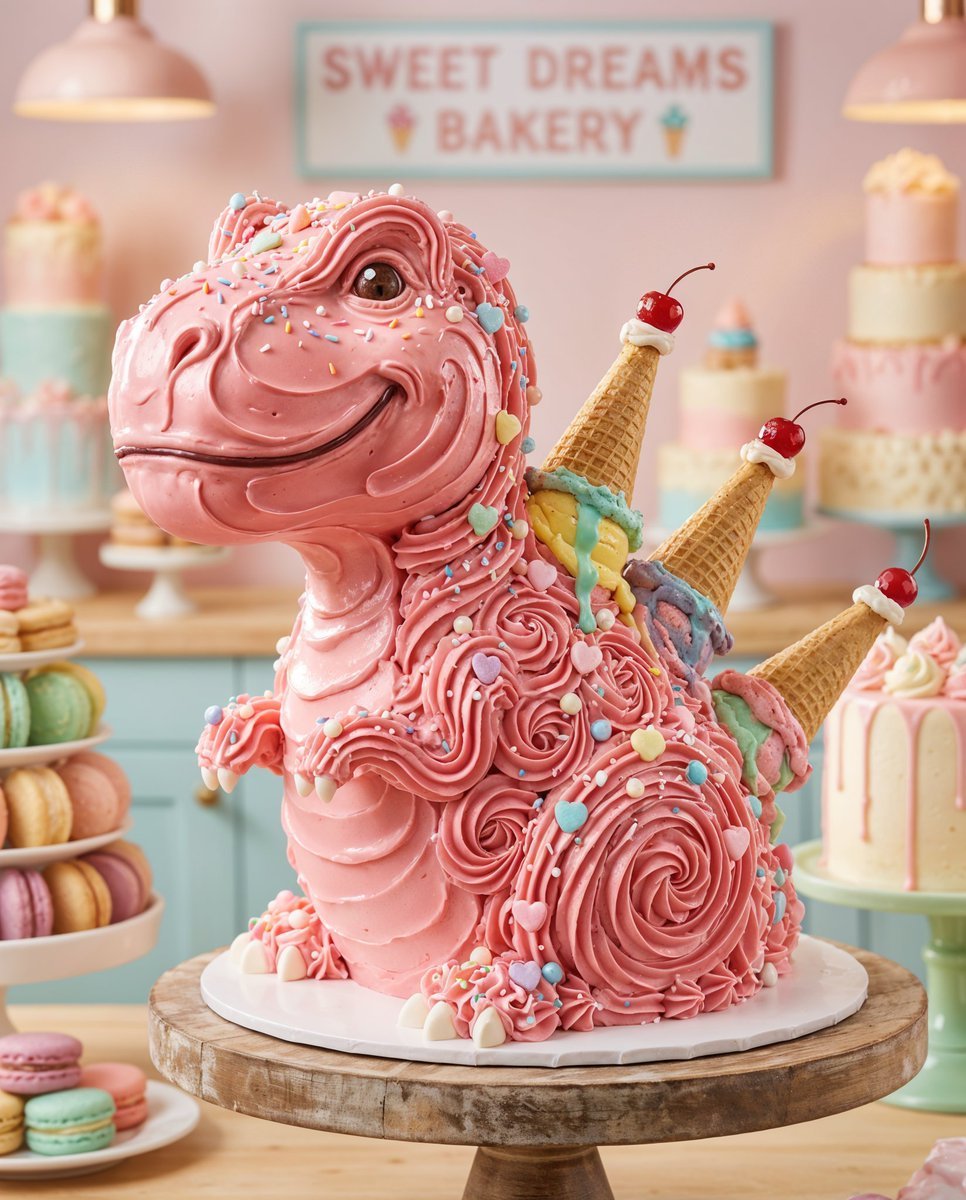
Whimsical T-Rex Made of Pink Frosting

Black Outfit Portrait in Snowy Mountains
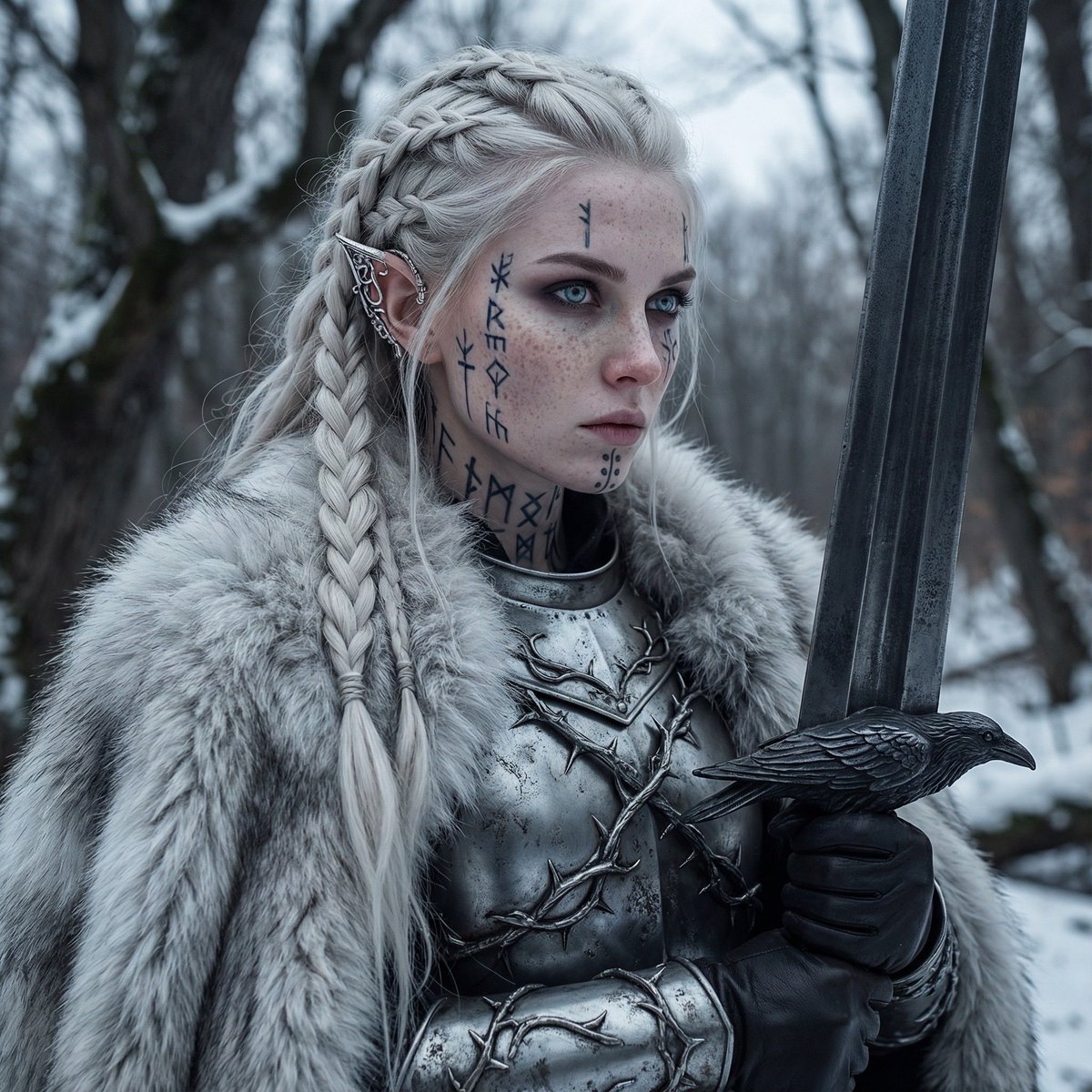
Fierce Elven Warrior Princess Cinematic Portrait
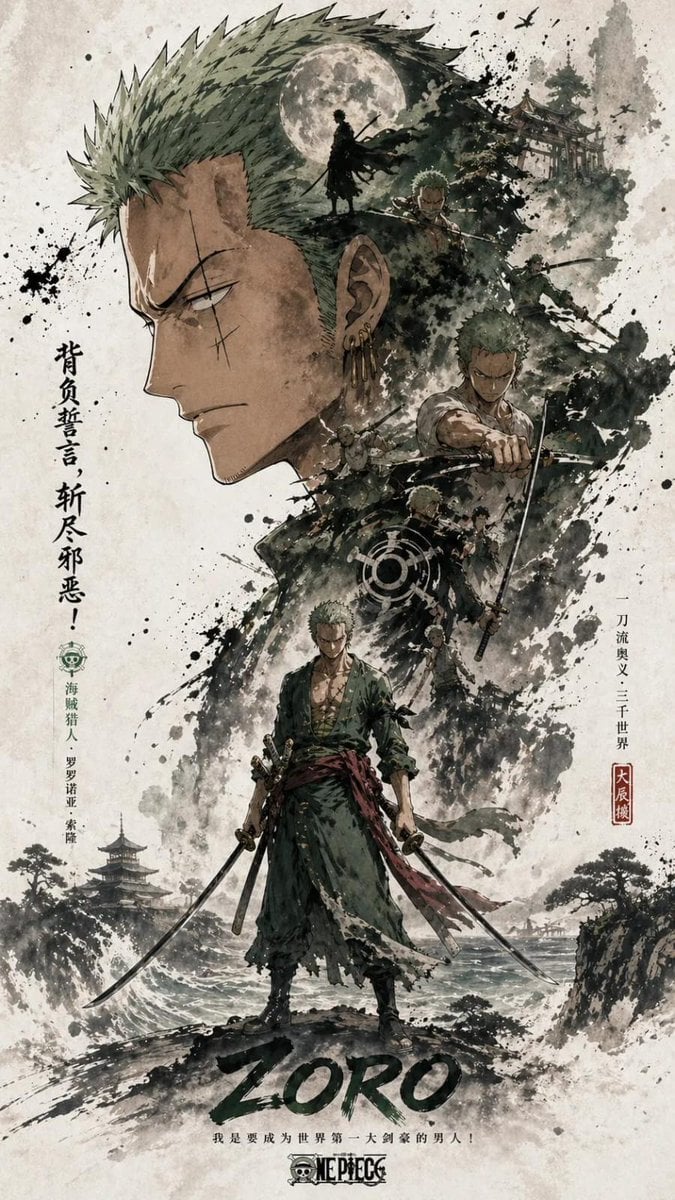
Oriental Aesthetics Silhouette Poster
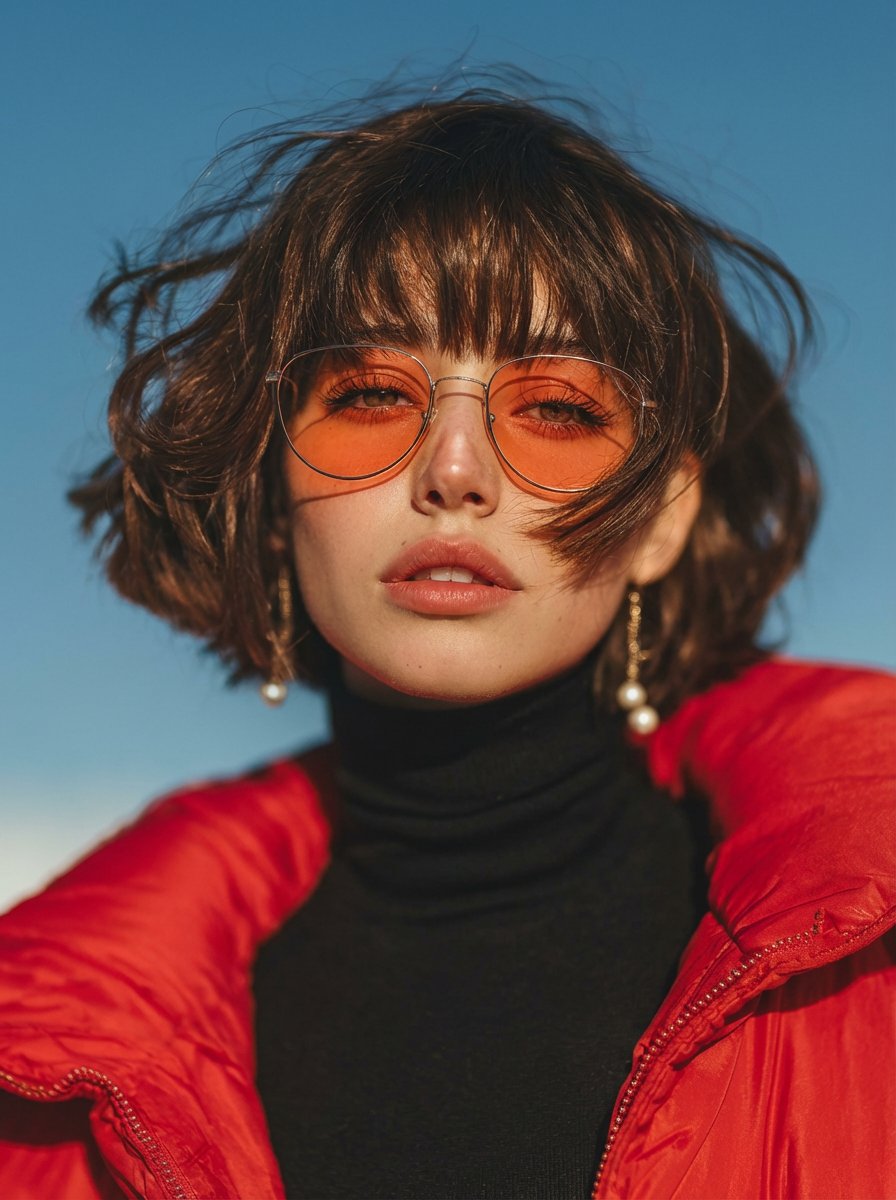
Vogue Style Red Puffer Jacket Portrait Prompt
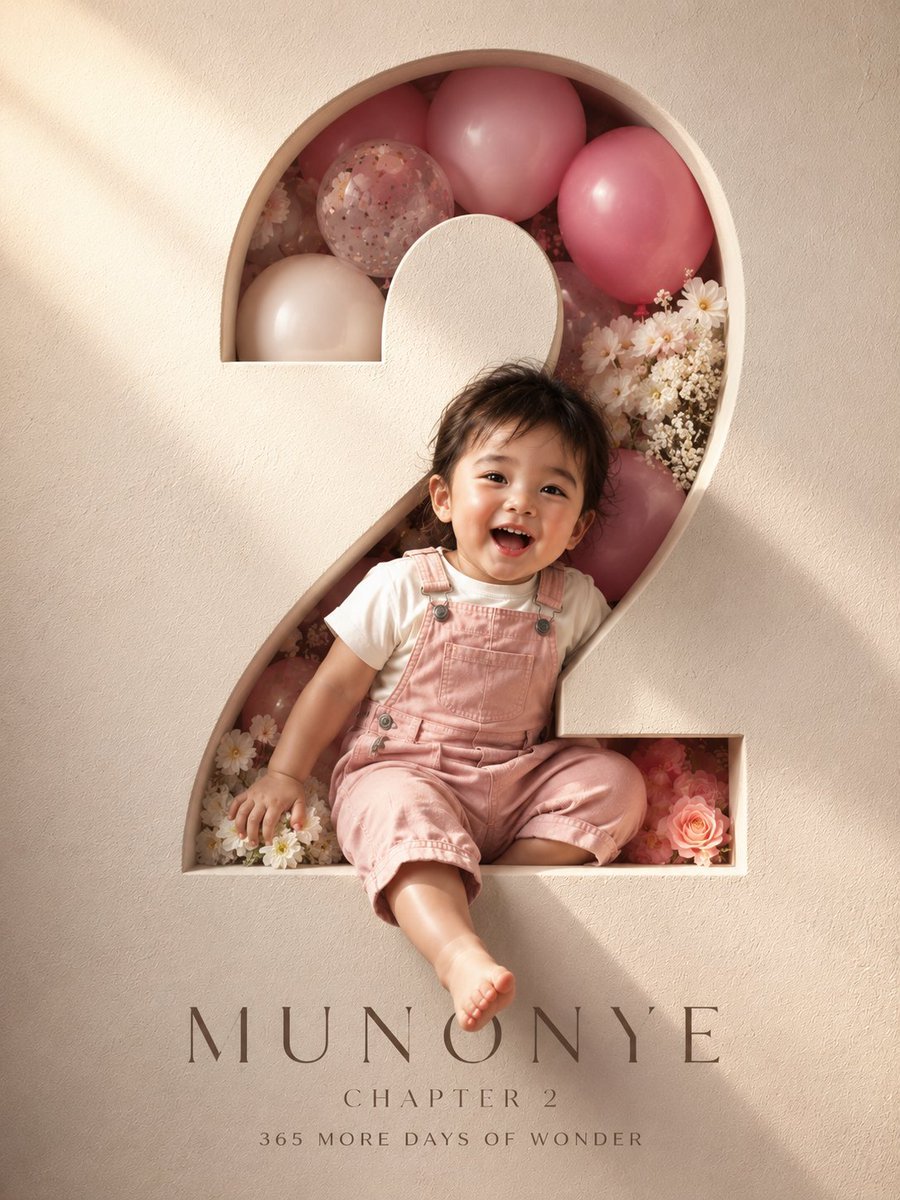
3D Luxury Birthday Poster
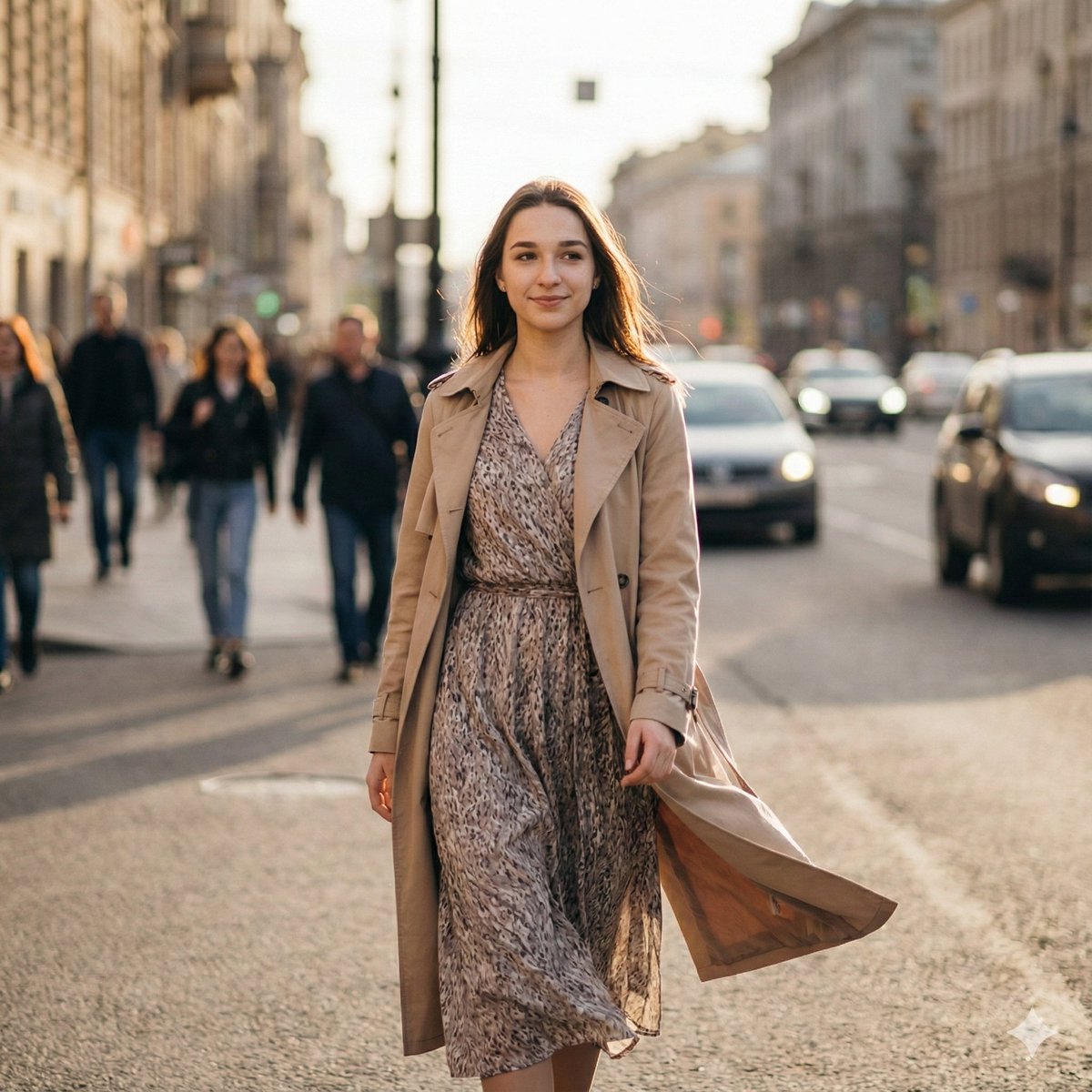
Ultra-Realistic Cinematic Street Photography Prompt
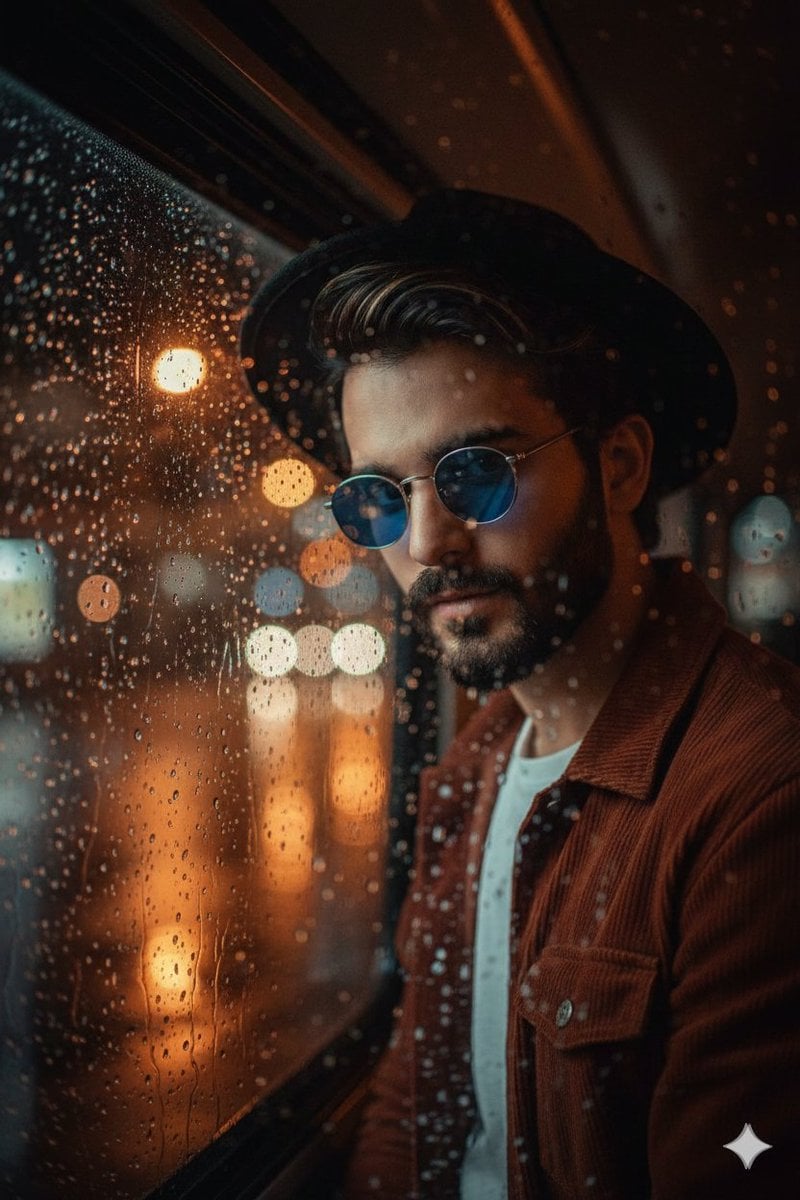
Cinematic Portrait Through Rain-Streaked Window Prompt
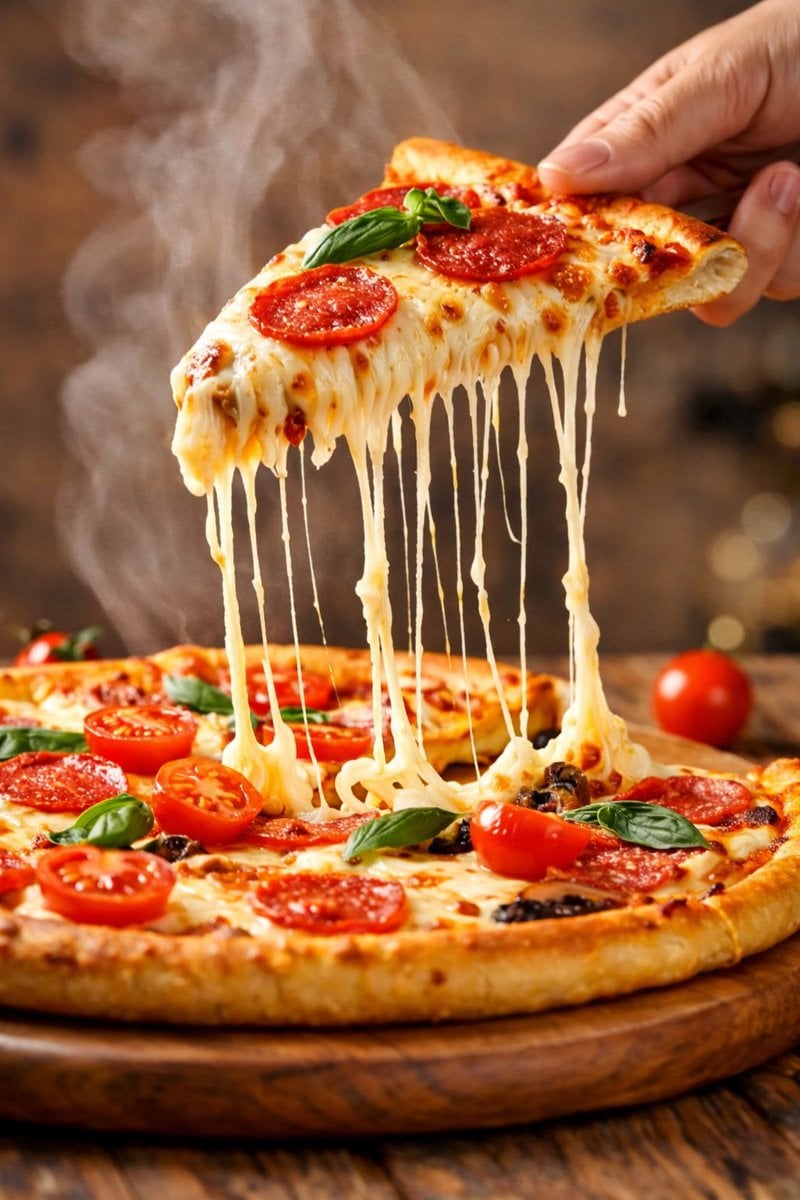
Hyper-realistic close-up of a pepperoni pizza slice with dramatic cheese pull
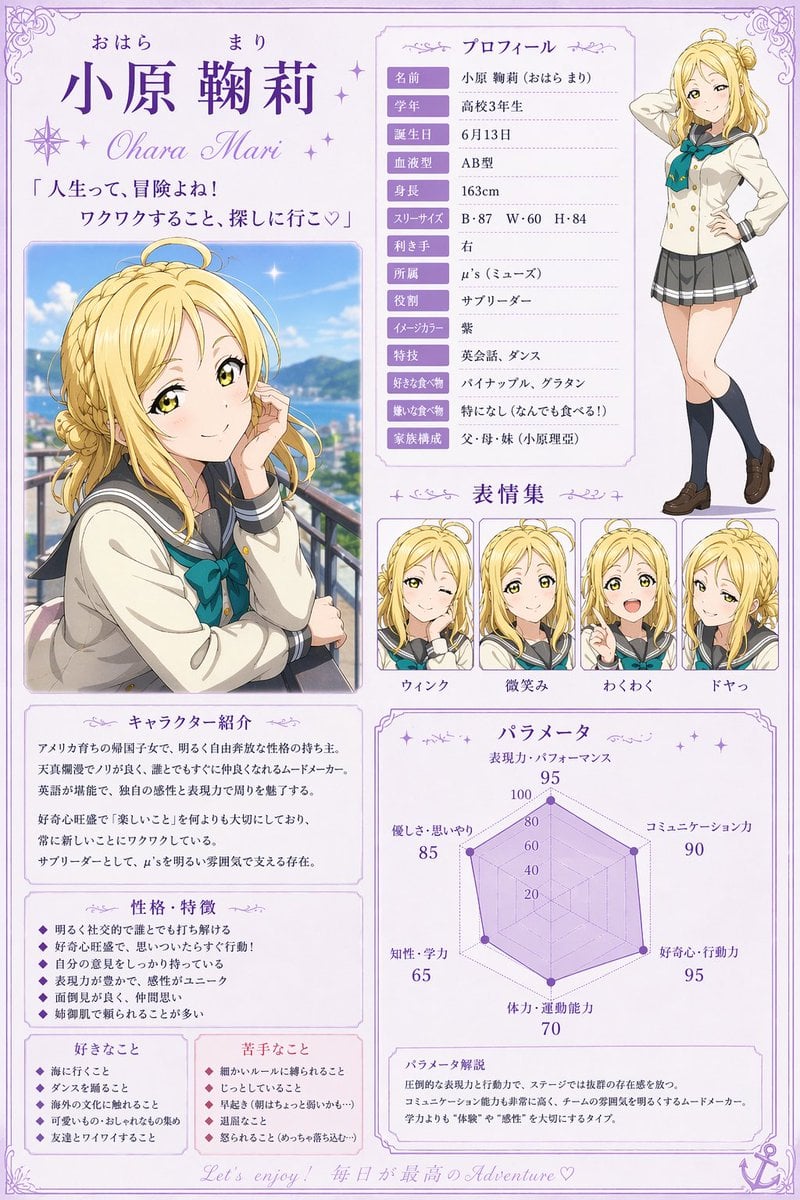
Anime Character Profile Sheet
Browse template categories
Hyper-Realistic Pencil Sketch Portrait Prompt questions
How do I use the Hyper-Realistic Pencil Sketch Portrait Prompt template?
Add your photo if the template asks for one, edit the prompt if you like — the template's model and format are already selected — and press Generate. Your version opens in PicX Studio.
Can I customize the Hyper-Realistic Pencil Sketch Portrait Prompt template?
Yes. You can change the subject, setting, lighting, mood, format, and available model controls before creating your image.
Is the Hyper-Realistic Pencil Sketch Portrait Prompt template free?
Opening and editing this template is free. Generating uses credits, shown on the Generate button when you are signed in.
Which AI model should I use?
Start with Nano Banana 2, which is the model associated with this template. You can compare another compatible model for a different finish.
Looking for something else? Browse all templates.

Your photo, any look
Thousands of ready templates for every top image and video model, from one credit balance.