
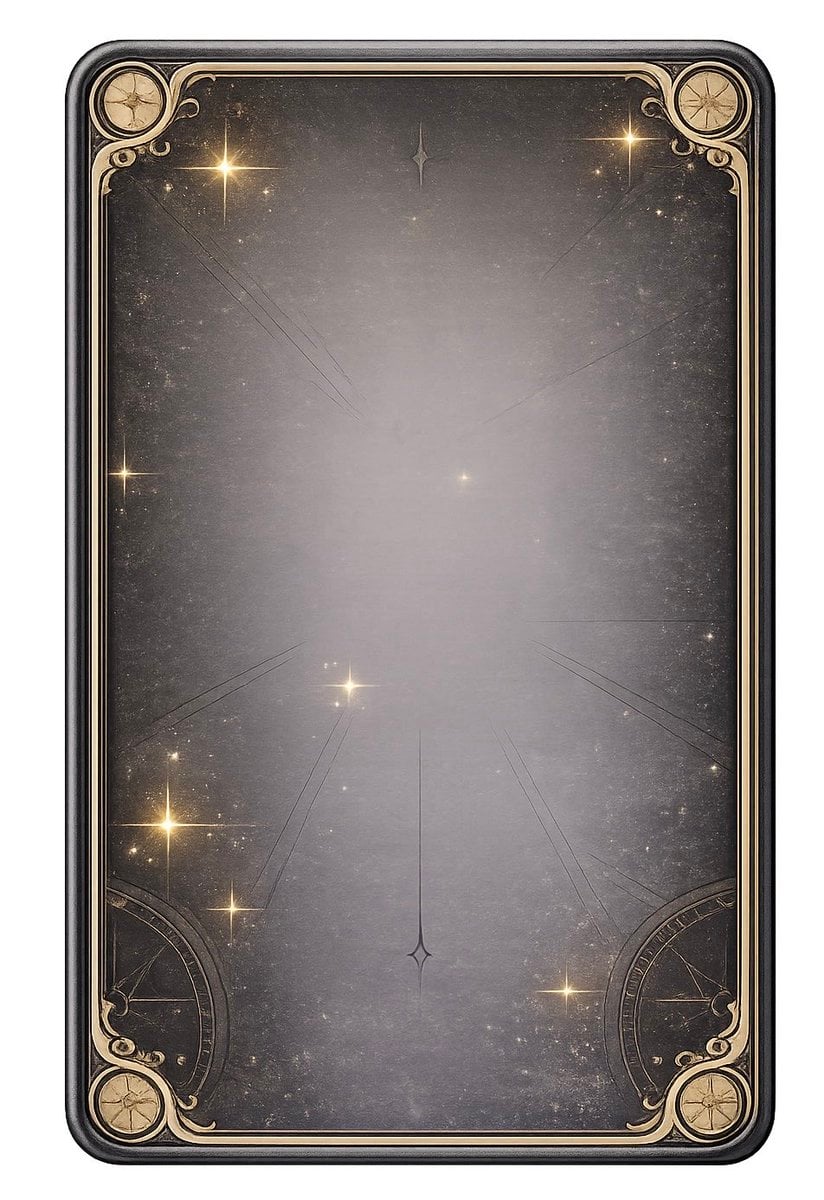
Ornate Celestial Card Back
This prompt generates a vintage fantasy tarot-style card back with gold celestial ornamentation, useful for card game assets, oracle decks, and magical branding.
- Prompt included
- Model and format preset
- Free template
The prompt behind this image
Copy the exact prompt behind Ornate Celestial Card Back, or open it in the studio and make it yours.
A vertically oriented mystical card back design centered on a plain light gray background, shown as a single ornate rectangular card with rounded corners and a thick dark charcoal-black beveled border. The card face is an aged smoky gradient from deep gray at the edges to a soft pale silver glow in the center, with a dusty antique texture, faint scratches, subtle speckling, and a starfield-like scatter of tiny light flecks. Add an elegant symmetrical art nouveau and celestial frame in muted gold linework hugging the inner border. Place 4 circular compass-like medallions in the corners, one in each corner, with delicate engraved star motifs inside. Add 2 large partial circular astrolabe-like ornaments emerging from the lower left and lower right corners. Include fine ornamental curls and filigree in all 4 corners. Scatter exactly 9 visible bright star glints across the card face, with warm golden-white four-pointed sparkles of varied size. Add thin faint radiating guide lines converging toward the center and lower center, plus 2 small diamond-shaped star symbols aligned vertically near the top center and lower center. Keep the composition perfectly symmetrical, empty in the middle for title placement, luxurious, magical, vintage, and minimal. High detail, soft glow, refined metallic accents, fantasy tarot or oracle card back aesthetic, clean studio presentation.
How to use Ornate Celestial Card Back in 3 steps
- 1Upload ImagePNG, JPG or paste
Add your photo
Upload the photo the template builds on. The prompt, model and format are already set.
- 2…a portrait of your subject in softgolden-hour light, 85mm…
Personalize
Edit the subject and creative details for your destination.
- 3Generate
Generate
Press Generate — your image is created in PicX Studio, so you can compare it with the original and refine one variable at a time.
More like this
Templates with the same subject, style or setup. Open one to see its prompt.

Anime Fantasy Celestial Movie Poster
Anime Fantasy Celestial Movie Poster
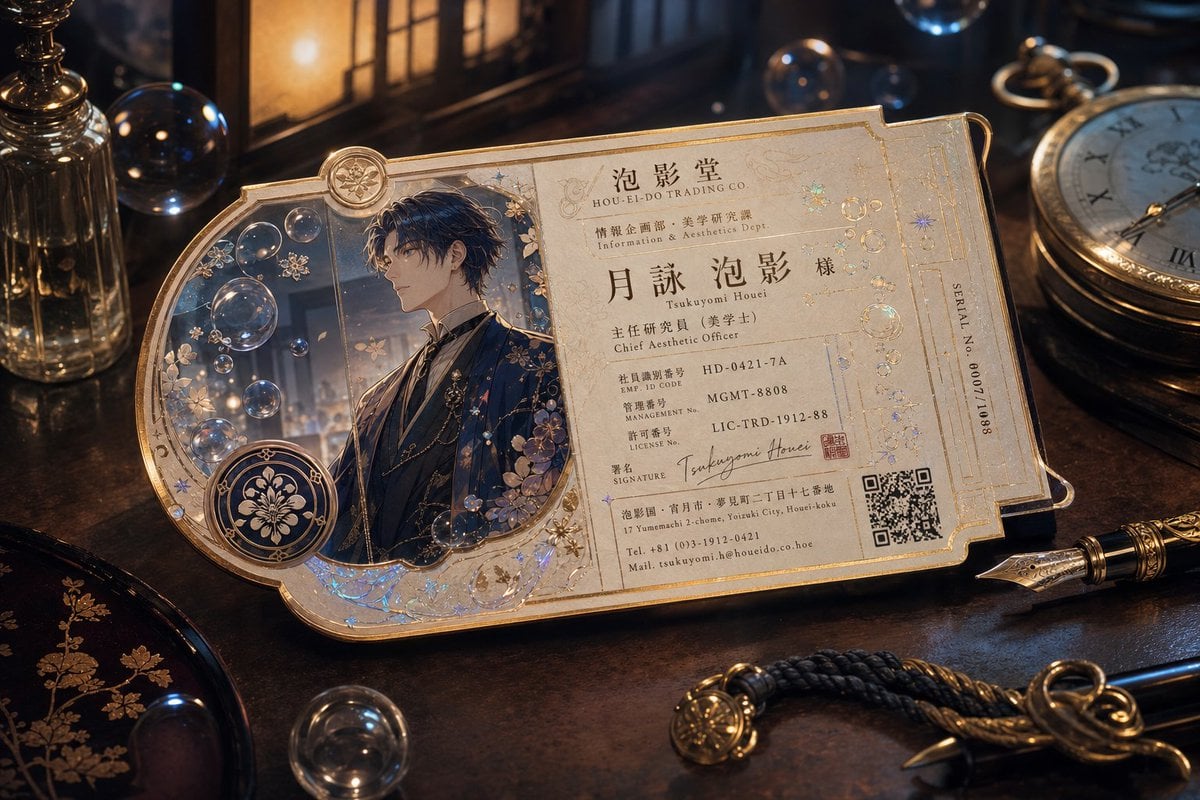
Ornate Fantasy Business Card

Dancer Character - Four View Reference Sheet

Teal Japanese Handwritten Lyric Card

Reiwa Slang Reaction Gacha Card
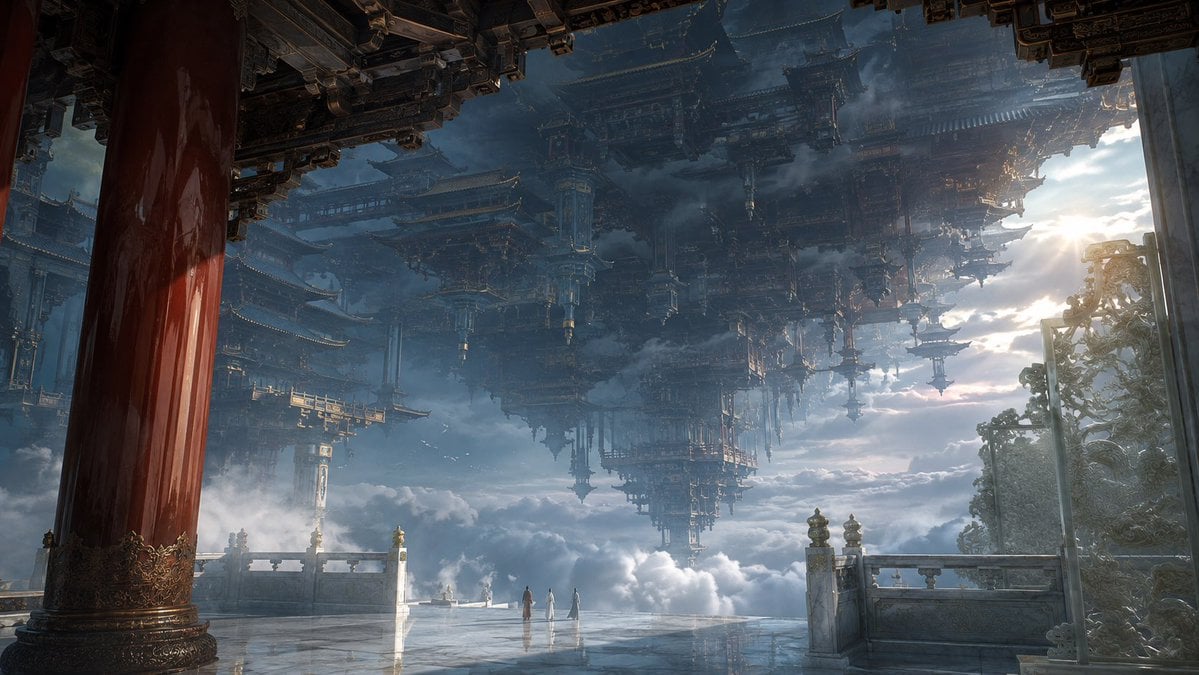
Celestial Inverted Oriental Palace
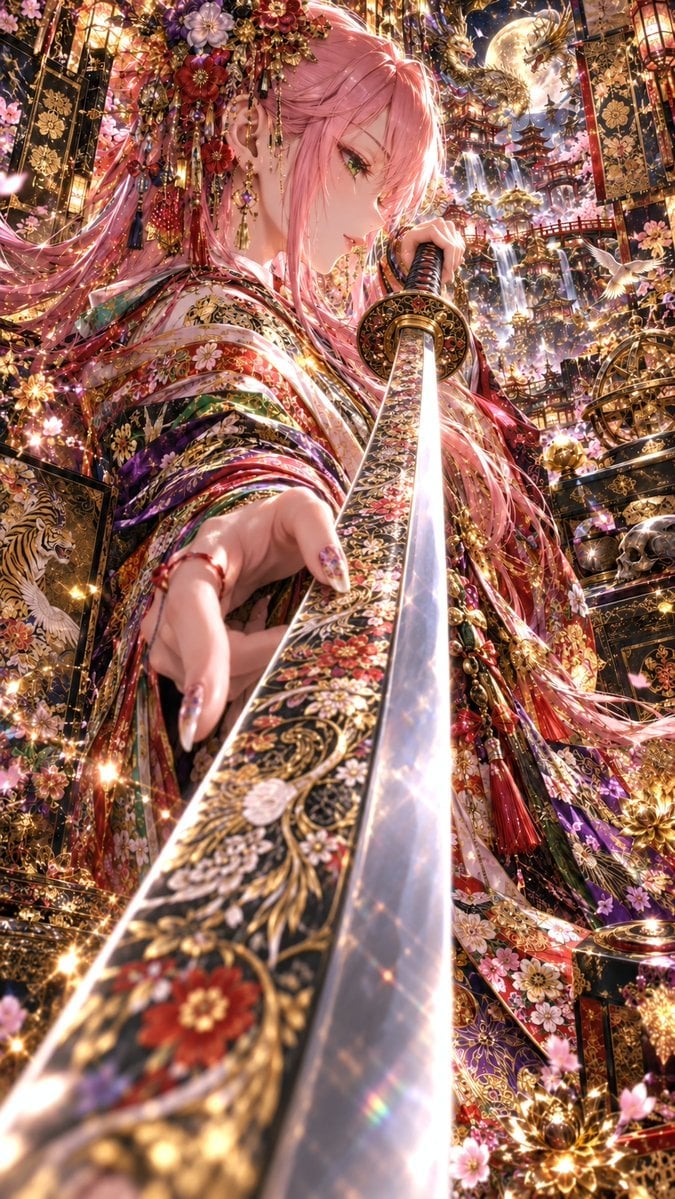
Ornate Pink-Haired Samurai Princess

Celestial Sakura Kimono Maiden
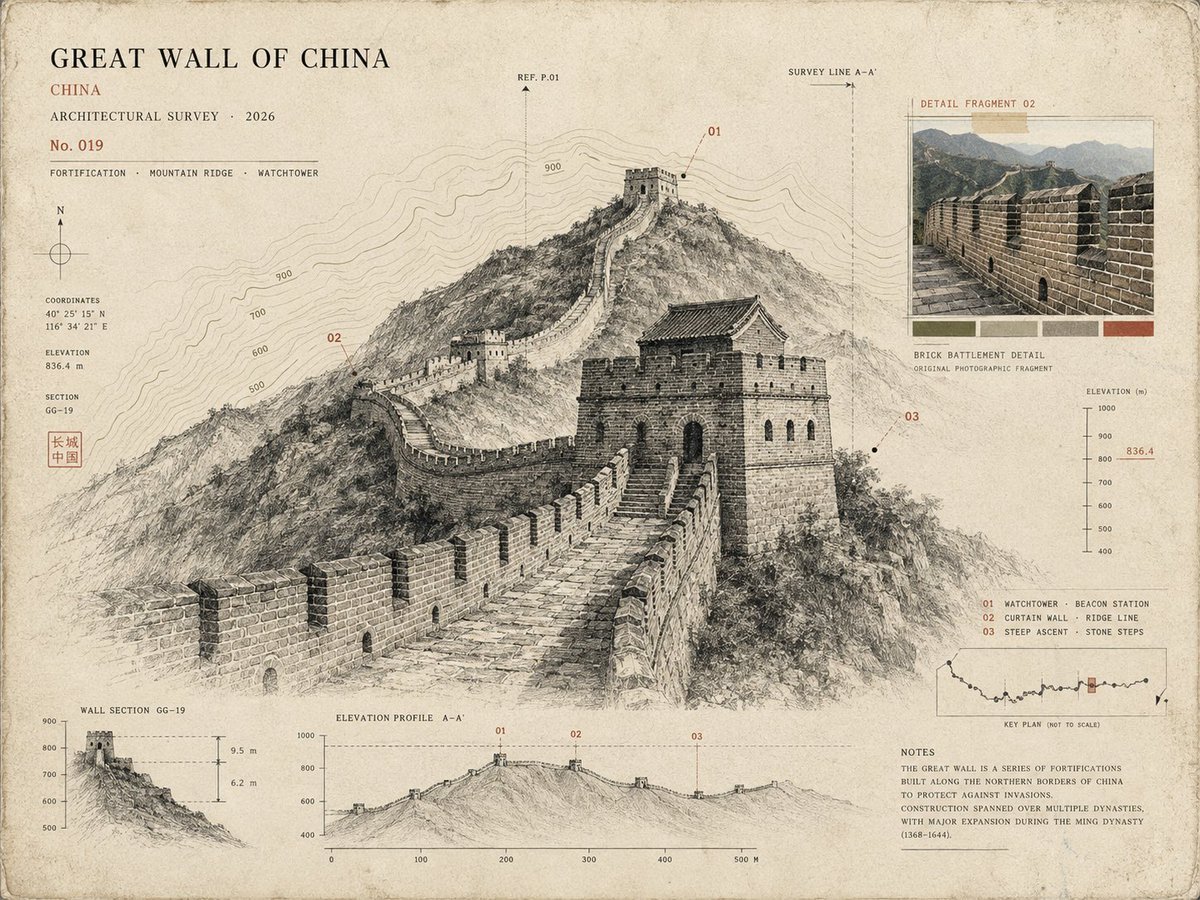
Architectural Museum Specimen Card

Oriental Fantasy Celestial Realm
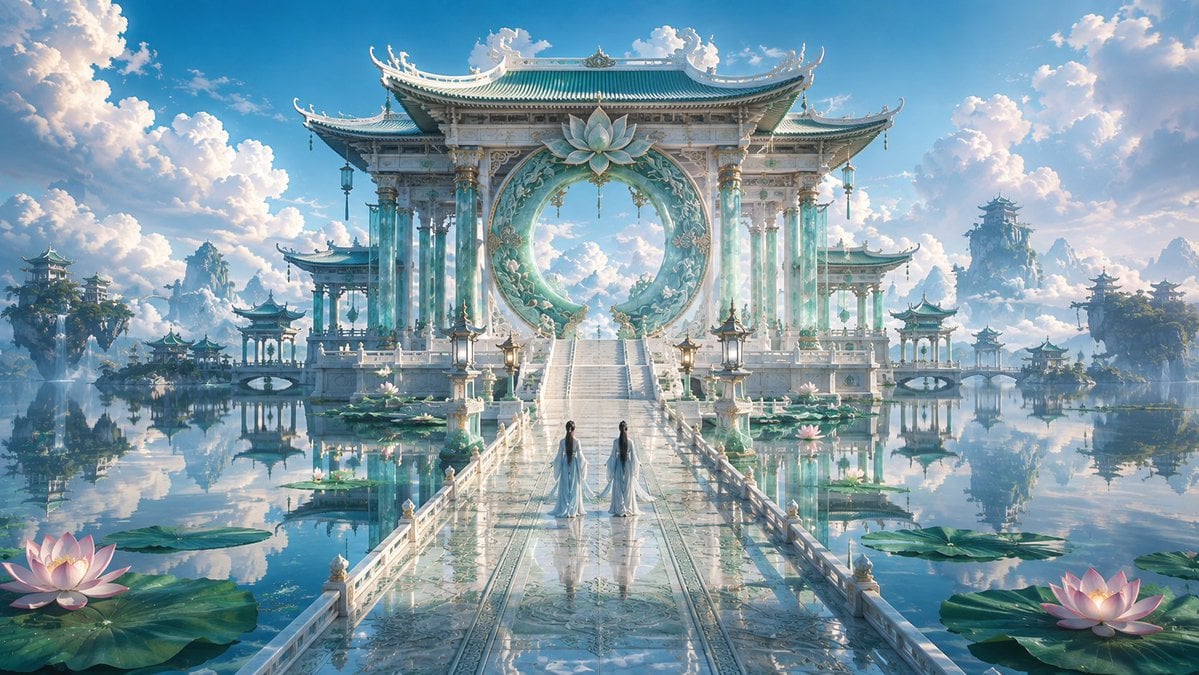
Celestial Jade Palace Lake
Make it yours
Ornate Celestial Card Back works as-is. These are the safest ways to change it without losing the look.
Change one field
Copy a single group, rewrite it, and generate again so you can see what that field is doing.
Keep the frame, change the subject
Hold the composition and light of Ornate Celestial Card Back, then swap wardrobe, props or the person for a new take.
| If the result… | Why | Fix |
|---|---|---|
| The result drifts from the preview | Too many fields changed at once. | Reuse Ornate Celestial Card Back as-is first, then change one group — subject, light, or setting. |
| The model over-stylizes the scene | The prose prompt leaves finish and camera underspecified. | Add one camera or lighting sentence and stay on GPT Image 2. |
More GPT Image 2 templates
Other prompts made for GPT Image 2.

Six VTuber Japanese Logo Sheet

Realistic Portrait of Woman and Deer

The Vista Modular Condo Poster

AI Model Routing Comparison Infographic

2.5D Anime Art Board

Isometric Productivity Desk Scene

New York Double Exposure Poster

Four-Panel AI Landscape Comparison

Japanese Tatami Lifestyle Magazine Cover

NESCAFÉ Coffee Map Poster
More image prompts
Fresh picks from across the catalog.

South Asian Streetwear Portrait
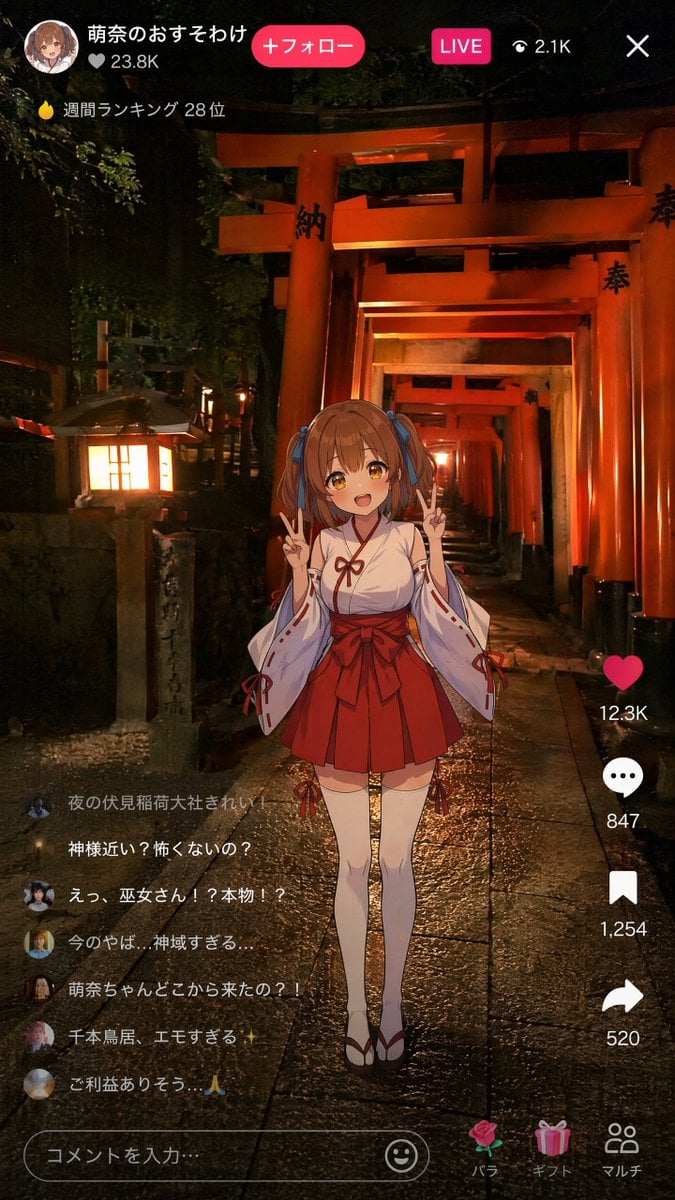
Anime Miko Night Shrine Livestream

SaaS AI Dashboard Landing Page
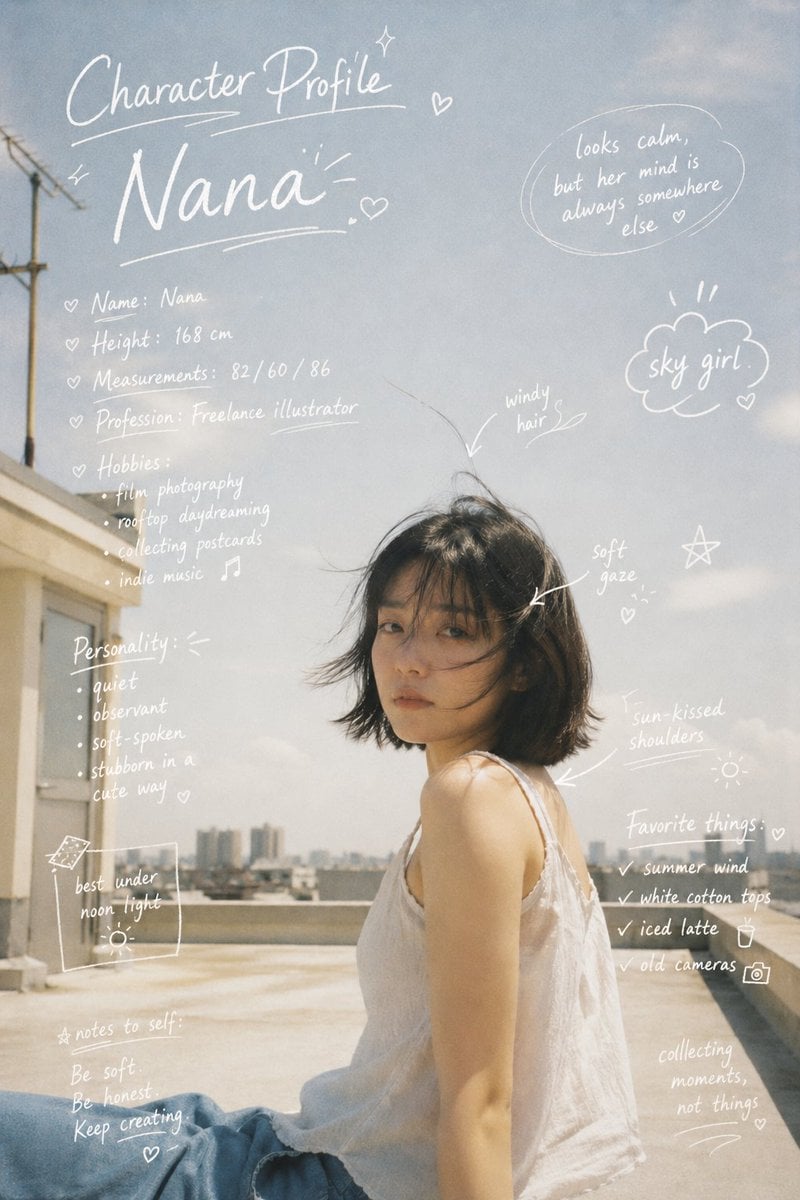
Character Profile Annotation Overlay

Surreal Underwater Office Scene Prompt
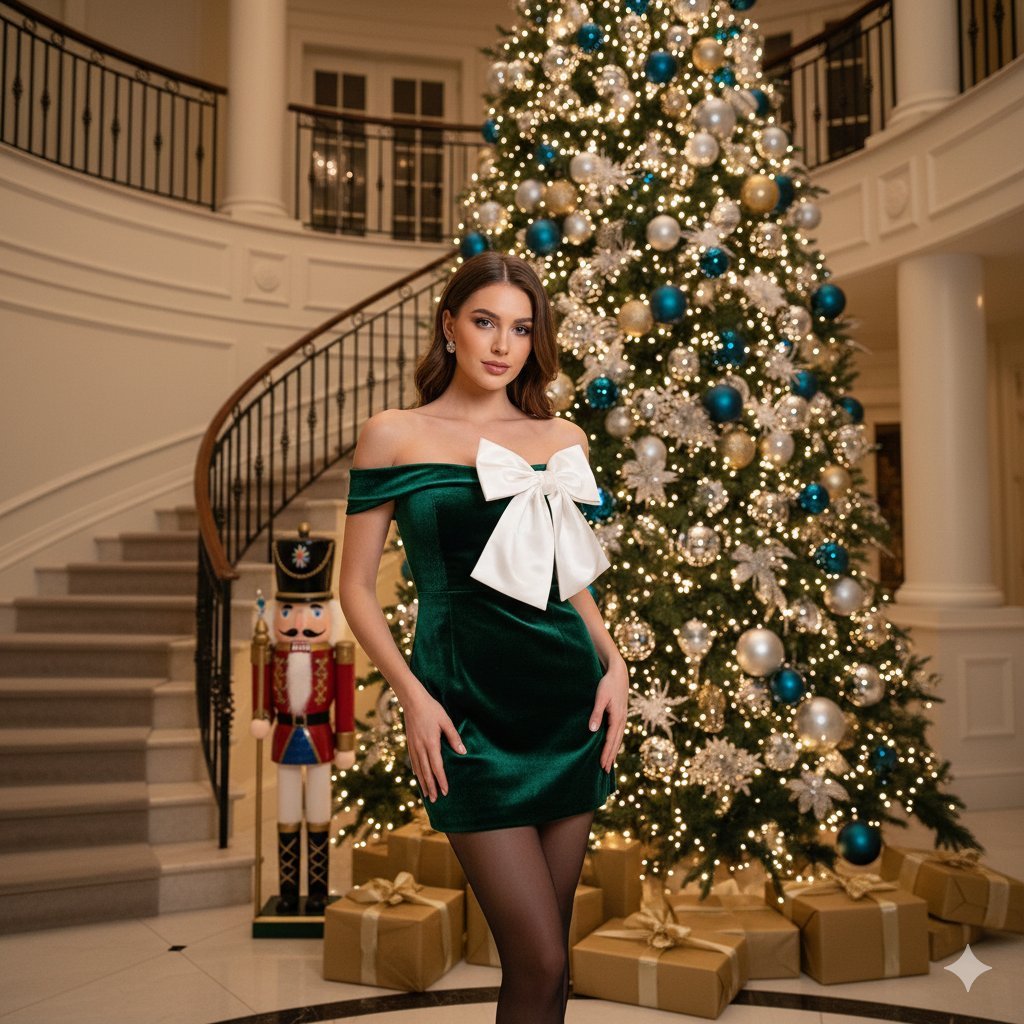
Opulent Holiday Portrait in Emerald Velvet Dress
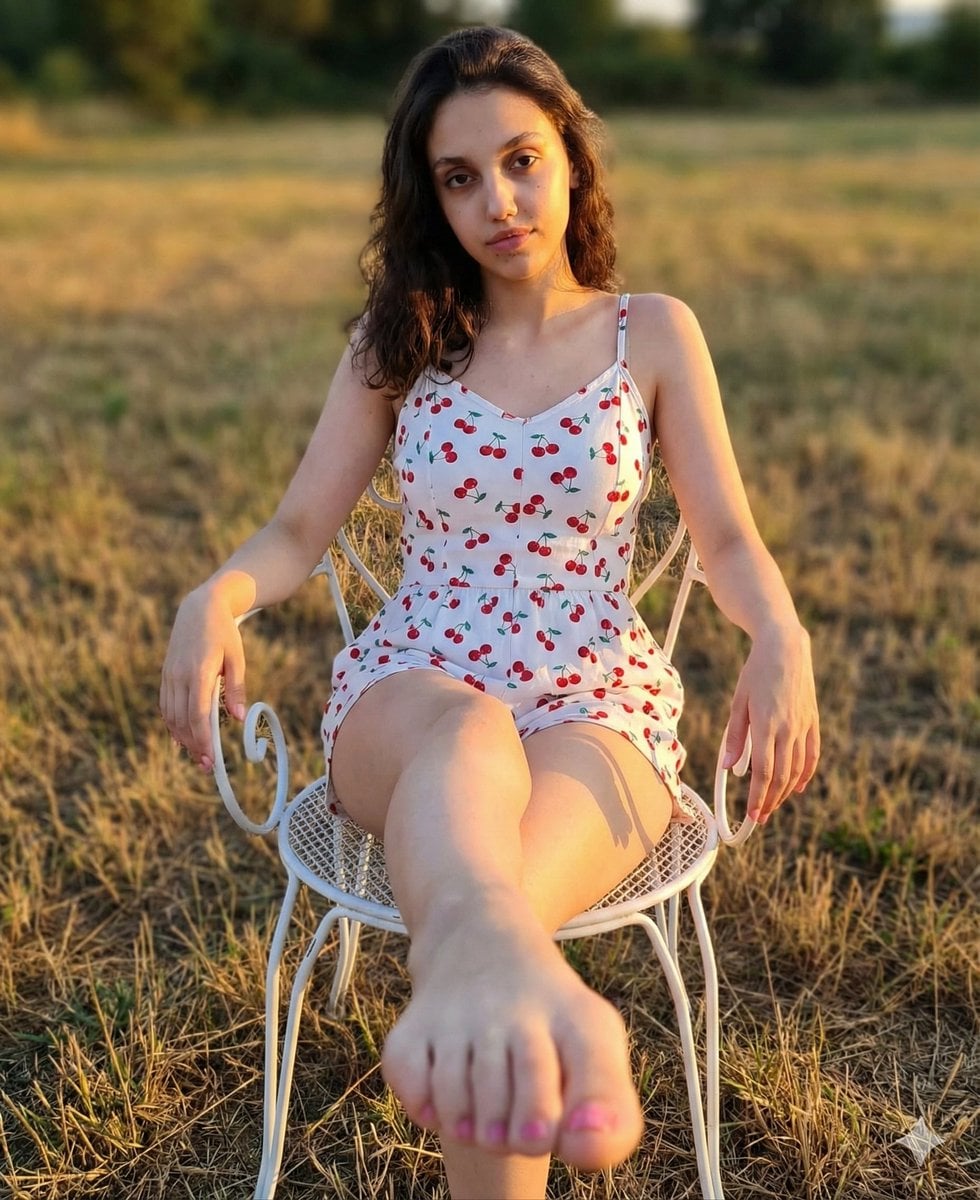
Golden Hour Romper and Bare Foot Prompt
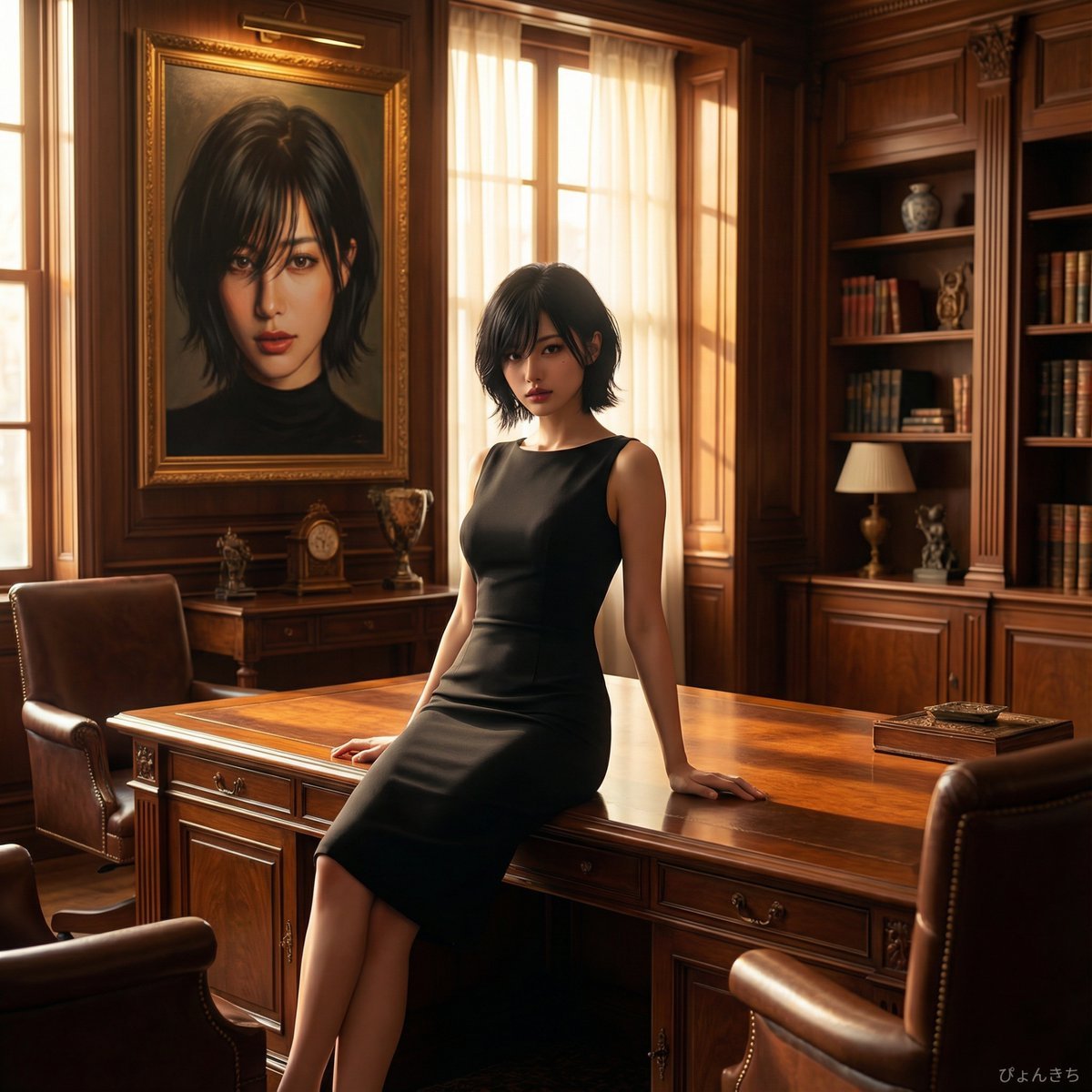
Luxury Office Portrait Prompt (Image-to-Image)
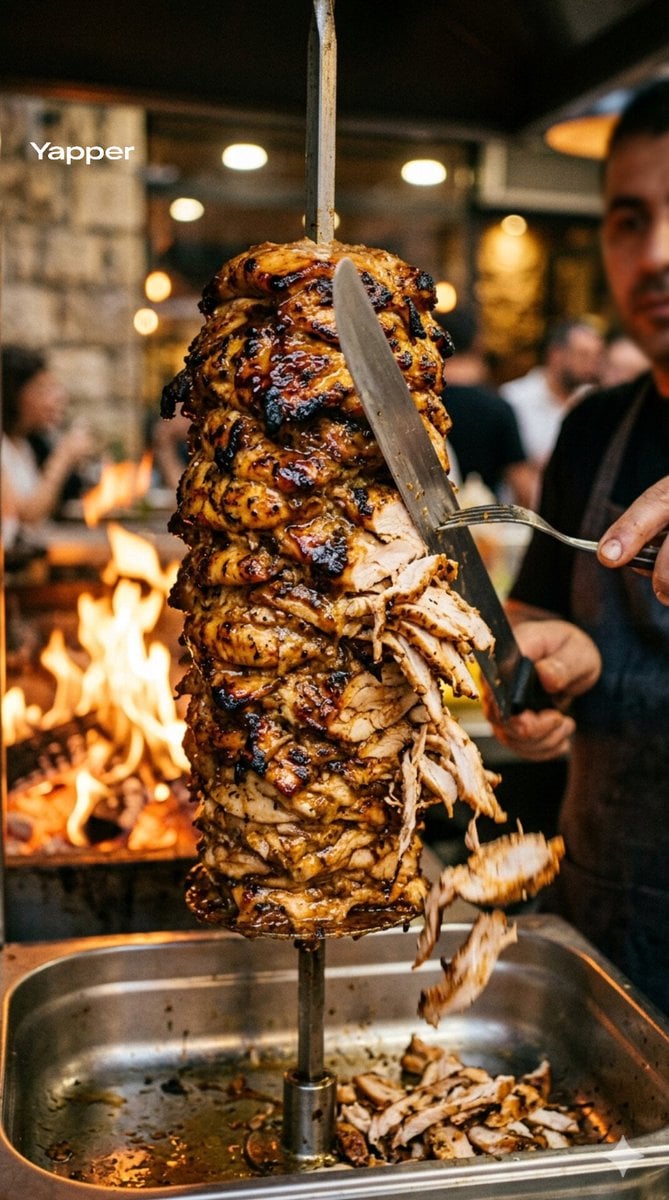
Cinematic Shawarma Rotisserie Shot
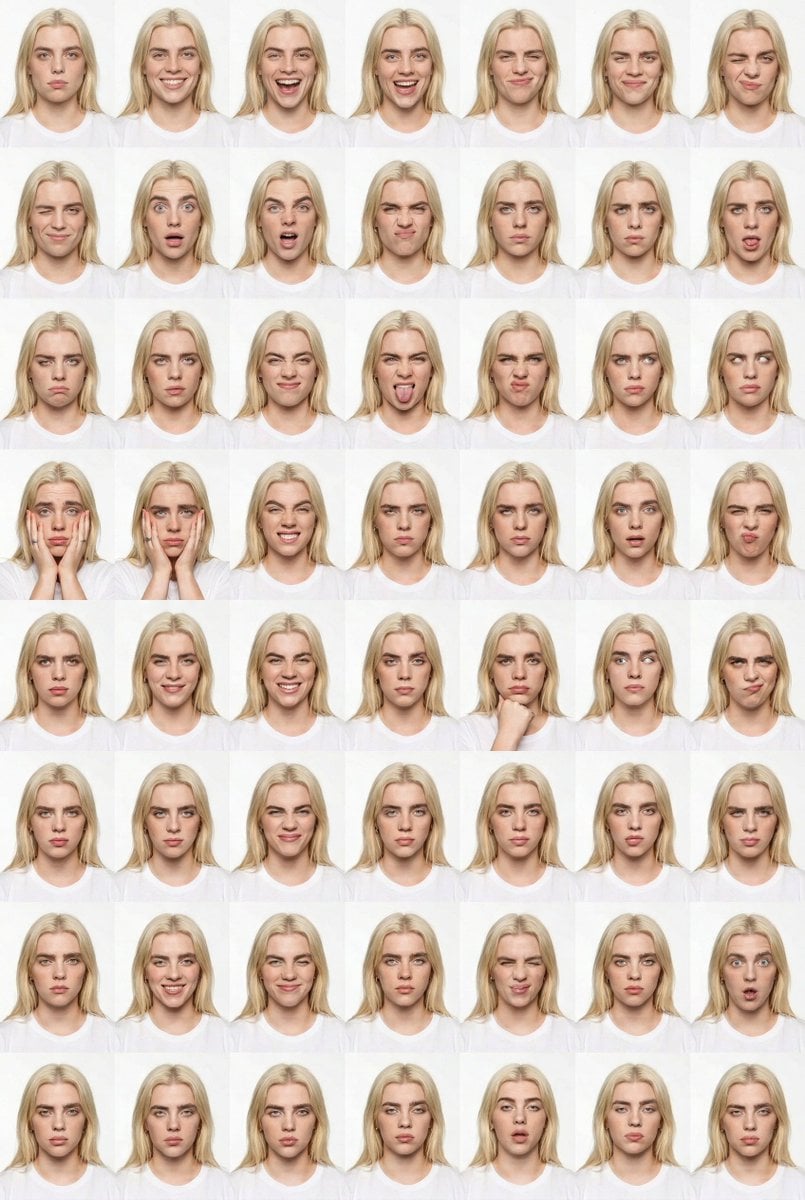
Panel Studio Expression Contact Sheet Prompt
Browse template categories
Ornate Celestial Card Back questions
How do I use the Ornate Celestial Card Back template?
Add your photo if the template asks for one, edit the prompt if you like — the template's model and format are already selected — and press Generate. Your version opens in PicX Studio.
Can I customize the Ornate Celestial Card Back template?
Yes. You can change the subject, setting, lighting, mood, format, and available model controls before creating your image.
Is the Ornate Celestial Card Back template free?
Opening and editing this template is free. Generating uses credits, shown on the Generate button when you are signed in.
Which AI model should I use?
Start with GPT Image 2, which is the model associated with this template. You can compare another compatible model for a different finish.
Looking for something else? Browse all templates.

Your photo, any look
Thousands of ready templates for every top image and video model, from one credit balance.