
Luxury Living Room Editorial Portrait
Generates a cinematic studio-quality portrait of a stylish seated subject in a moody teal-and-amber living room.
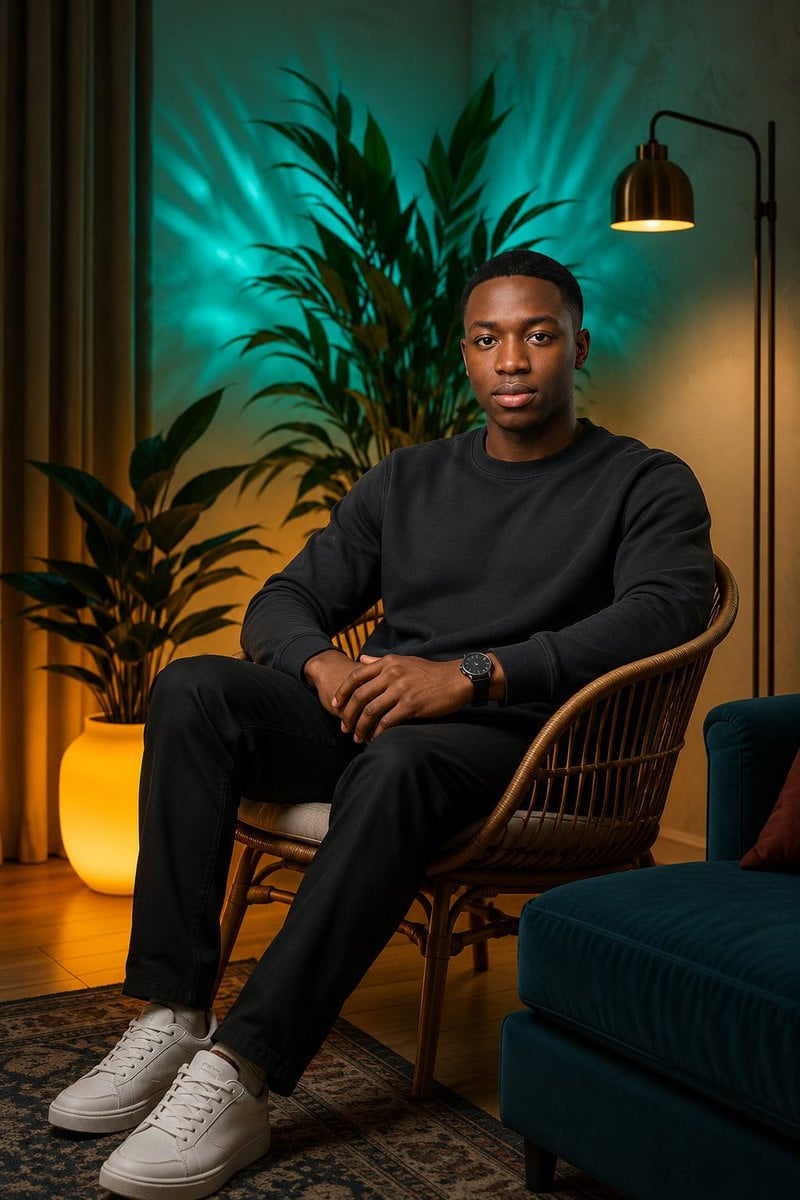
- Prompt included
- Model and format preset
- Free template
The prompt behind this image
Copy the exact prompt behind Luxury Living Room Editorial Portrait, or open it in the studio and make it yours.
Create an ultra-realistic luxury editorial portrait of {argument name="subject" default="a young Black man"} seated naturally in a honey-brown rattan lounge chair in a stylish living room at night. The subject faces the camera with a calm, confident neutral expression, short neat black hair, clean-shaven face, relaxed upright posture, hands loosely clasped near the lap, one arm resting on the chair, legs comfortably apart. Outfit: {argument name="outfit" default="minimal all-black casualwear: black crewneck sweatshirt and black trousers"}, a dark wristwatch on the left wrist, and clean white low-top sneakers. Scene details: exactly 6 prominent decor elements are visible: 1 rattan lounge chair, 1 large leafy tropical plant directly behind the subject, 1 glowing round floor planter with another leafy plant on the left, 1 black arched floor lamp with a warm brass shade on the right, 1 deep teal velvet sofa at the lower right with a small rust-colored cushion, and 1 patterned vintage rug over a wooden floor. Lighting: dramatic studio-quality composite lighting with teal/cyan uplighting behind the plants creating radiant leaf shadows on the wall, warm amber practical light from the floor lamp and glowing planter, soft flattering key light on the face, balanced cinematic contrast, warm-and-cool color harmony. Camera and style: vertical 2:3 full-body seated portrait, eye-level perspective, 50mm editorial photography look, shallow but not excessive depth of field, crisp facial detail, realistic skin texture, natural shadows on the chair and floor, high-end magazine aesthetic. Constraints: no text, no watermark, no extra people, no distorted hands or feet, keep the subject fully integrated into the environment with believable scale, contact shadows, and reflections.
How to use Luxury Living Room Editorial Portrait in 3 steps
- 1Upload ImagePNG, JPG or paste
Add your photo
Upload the photo the template builds on. The prompt, model and format are already set.
- 2…a portrait of your subject in softgolden-hour light, 85mm…
Personalize
Edit the subject and creative details for your destination.
- 3Generate
Generate
Press Generate — your image is created in PicX Studio, so you can compare it with the original and refine one variable at a time.
More like this
Templates with the same subject, style or setup. Open one to see its prompt.

untitled

Caution Tape Fashion — Industrial Editorial

Luxury Fashion Editorial Portrait
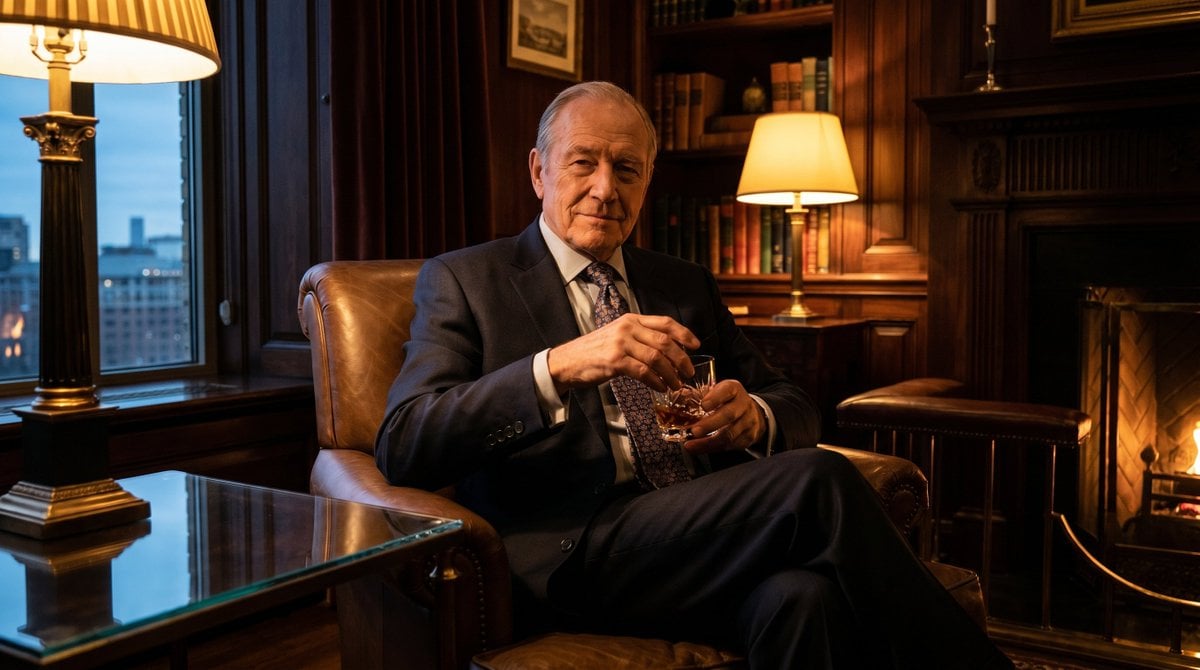
Luxury Room Whiskey Portrait
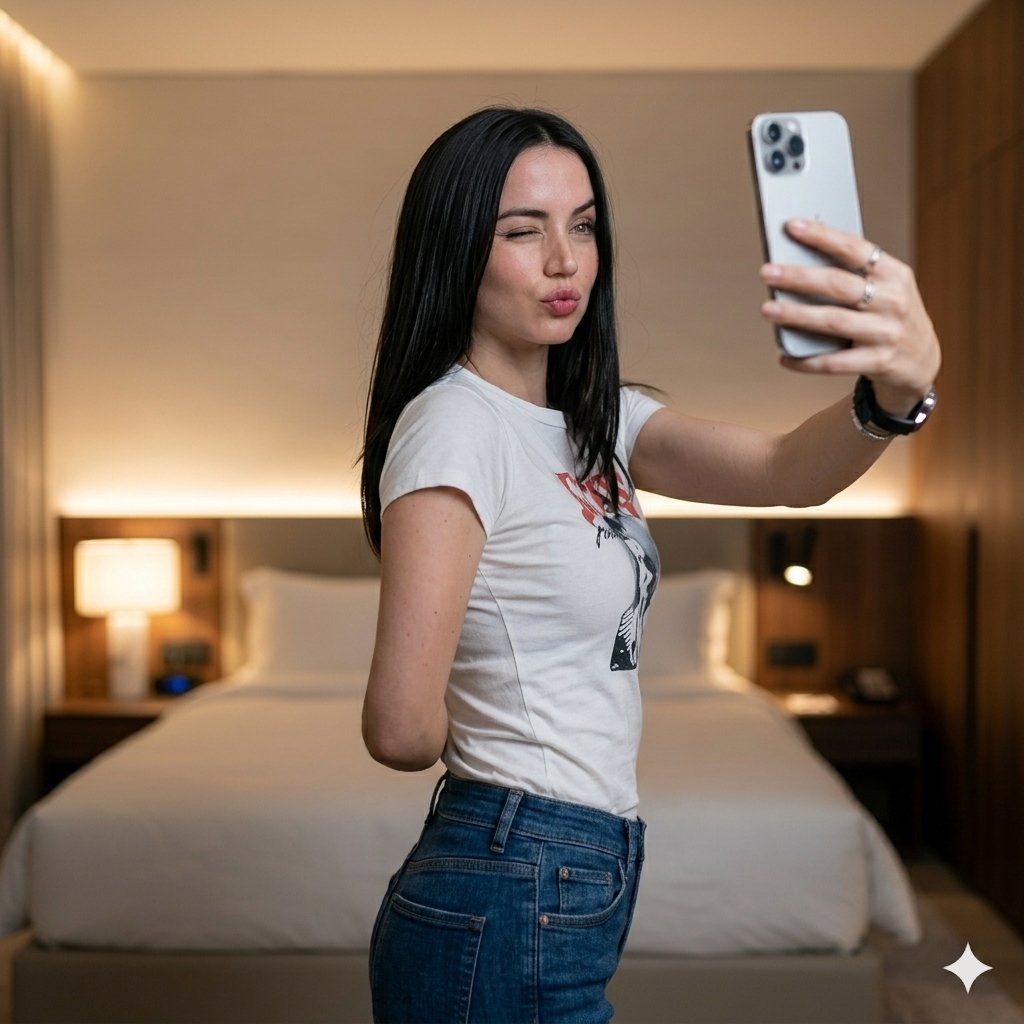
Luxury Bedroom Selfie Portrait
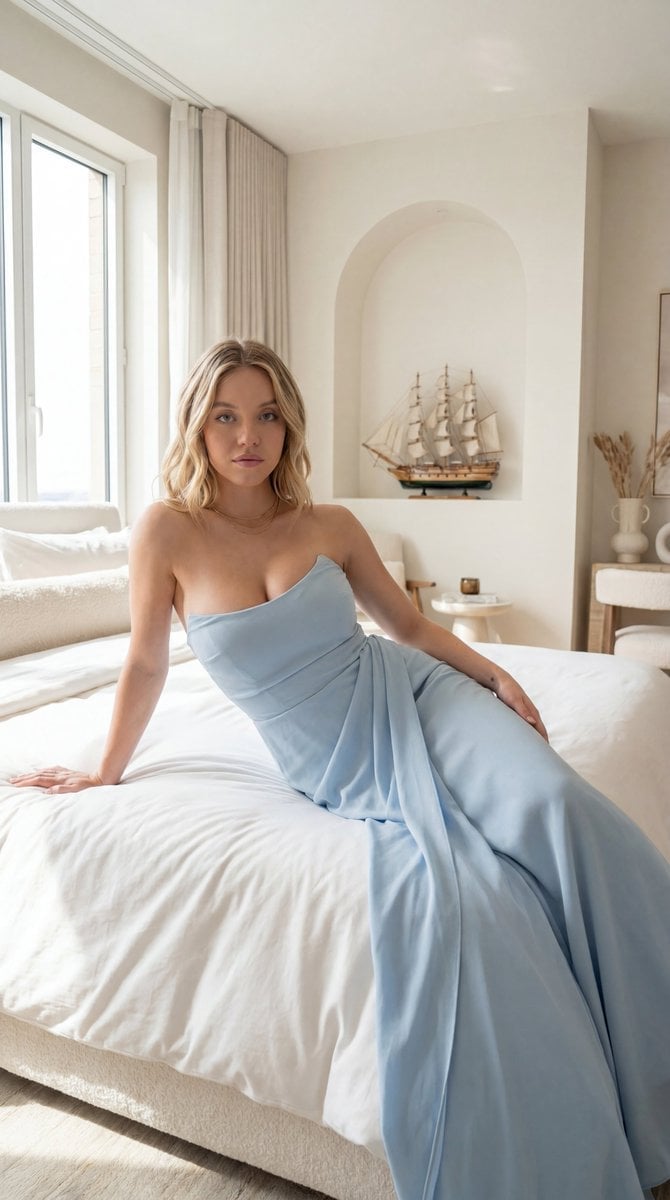
Editorial Portrait in Minimalist Bedroom
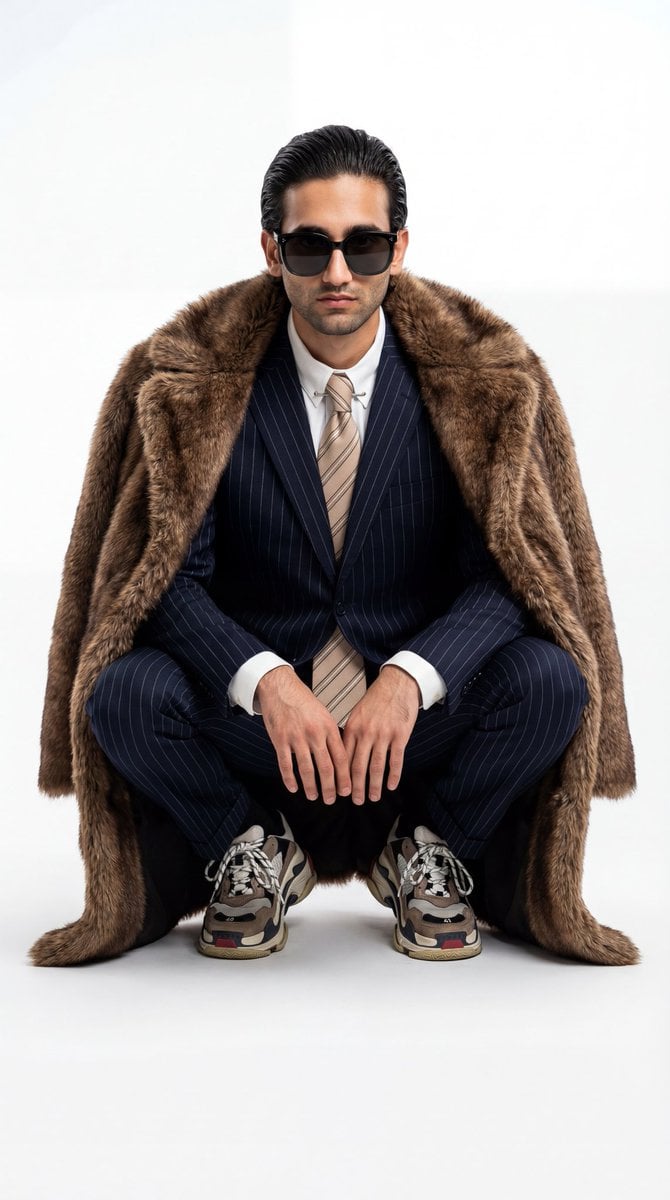
Ultra-Realistic Luxury Fashion Editorial Portrait

Couture Fashion Editorial Woman and Drag

Nano Banana 2 Editorial Fashion Portrait

19 Luxury Helicopter Travel — California Series

08 Rodeo Drive Luxury Exit — California Series

Found Photograph: Us, 1970
Make it yours
Luxury Living Room Editorial Portrait works as-is. These are the safest ways to change it without losing the look.
Change one field
Copy a single group, rewrite it, and generate again so you can see what that field is doing.
Keep the frame, change the subject
Hold the composition and light of Luxury Living Room Editorial Portrait, then swap wardrobe, props or the person for a new take.
| If the result… | Why | Fix |
|---|---|---|
| The result drifts from the preview | Too many fields changed at once. | Reuse Luxury Living Room Editorial Portrait as-is first, then change one group — subject, light, or setting. |
| The model over-stylizes the scene | The prose prompt leaves finish and camera underspecified. | Add one camera or lighting sentence and stay on GPT Image 2. |
More GPT Image 2 templates
Other prompts made for GPT Image 2.

Six VTuber Japanese Logo Sheet

Realistic Portrait of Woman and Deer

The Vista Modular Condo Poster

AI Model Routing Comparison Infographic

2.5D Anime Art Board

Isometric Productivity Desk Scene

New York Double Exposure Poster

Four-Panel AI Landscape Comparison

Japanese Tatami Lifestyle Magazine Cover

NESCAFÉ Coffee Map Poster
More image prompts
Fresh picks from across the catalog.
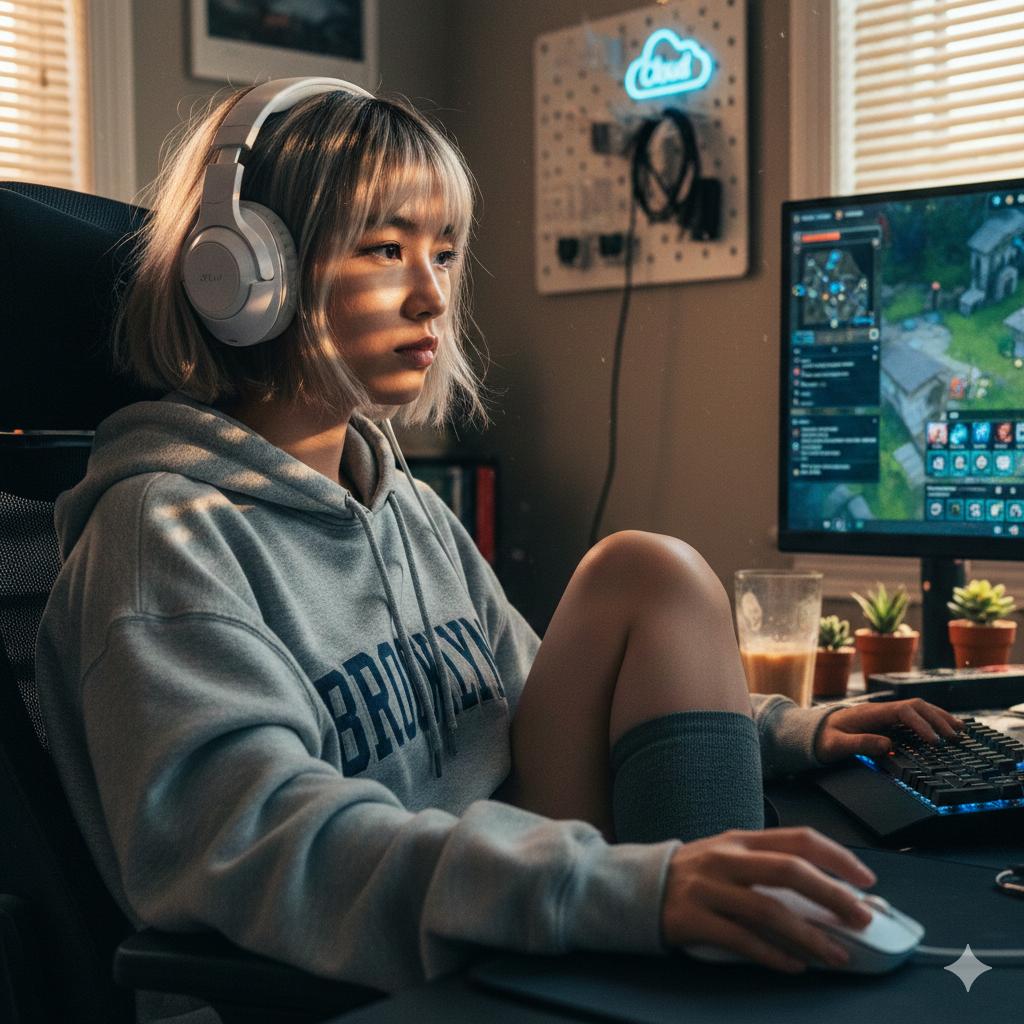
Cinematic Golden Hour Gaming Setup Portrait
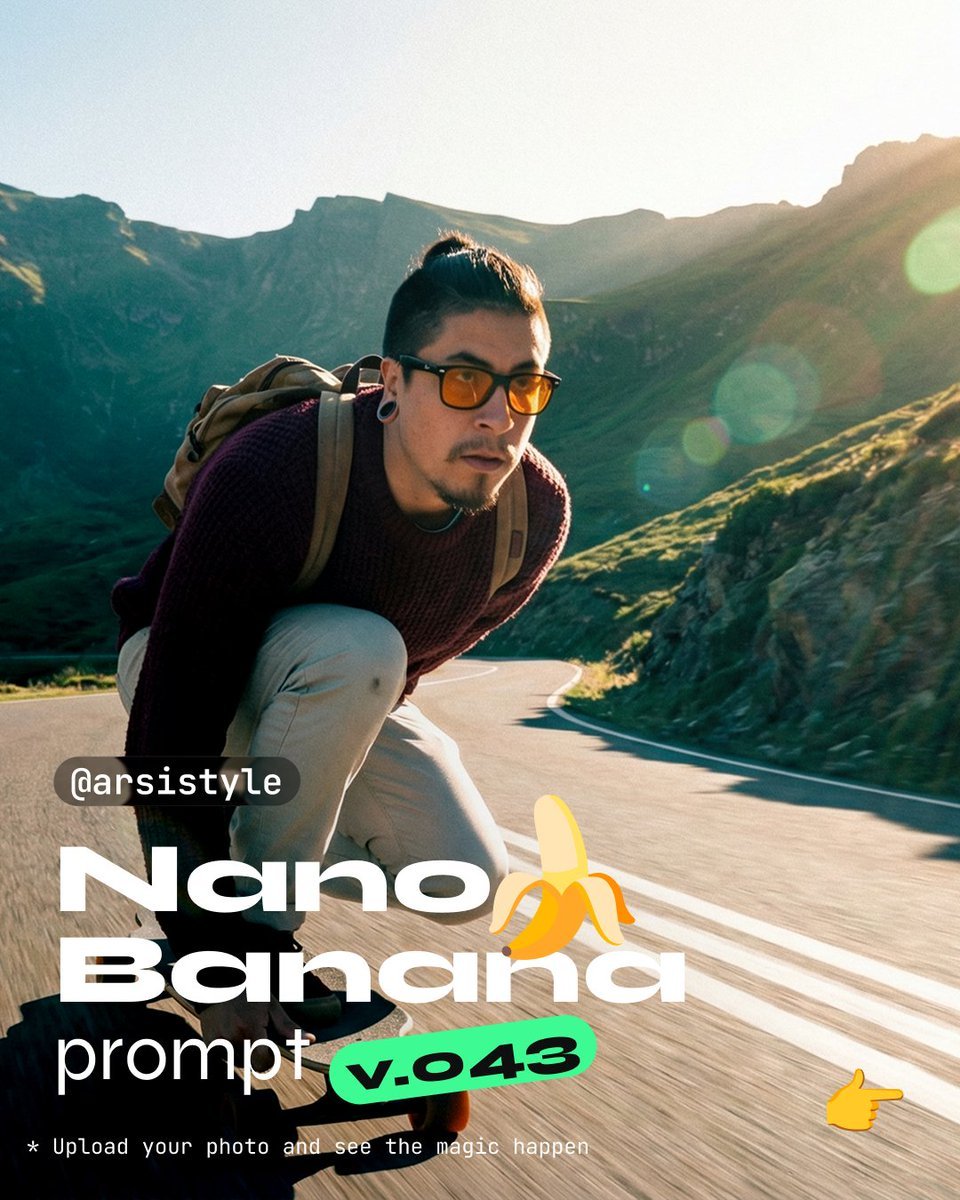
Dynamic Longboard Tracking Shot
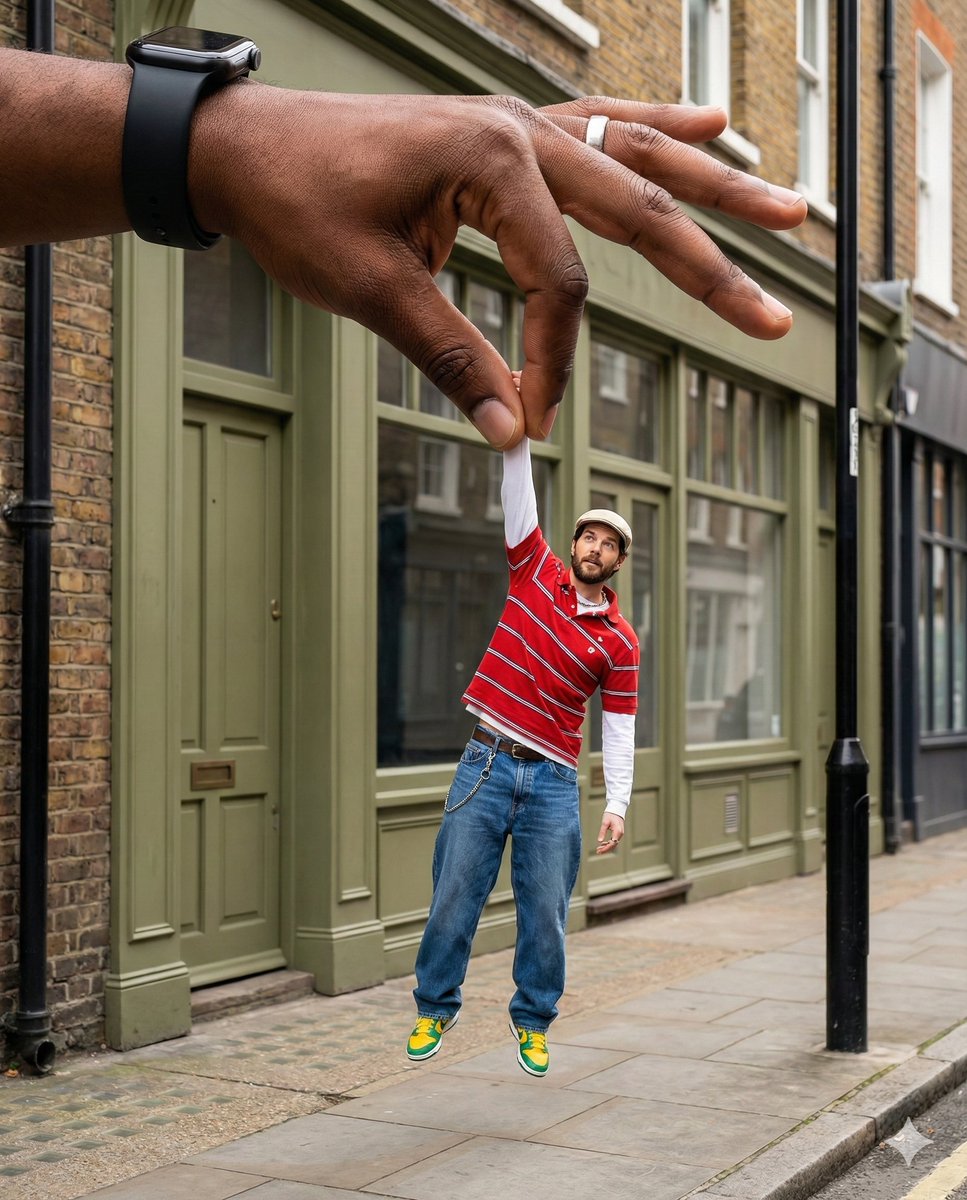
Surreal Forced-Perspective Street Photography with Giant Hand

Kawaii Puppy Emotion Sticker Sheet
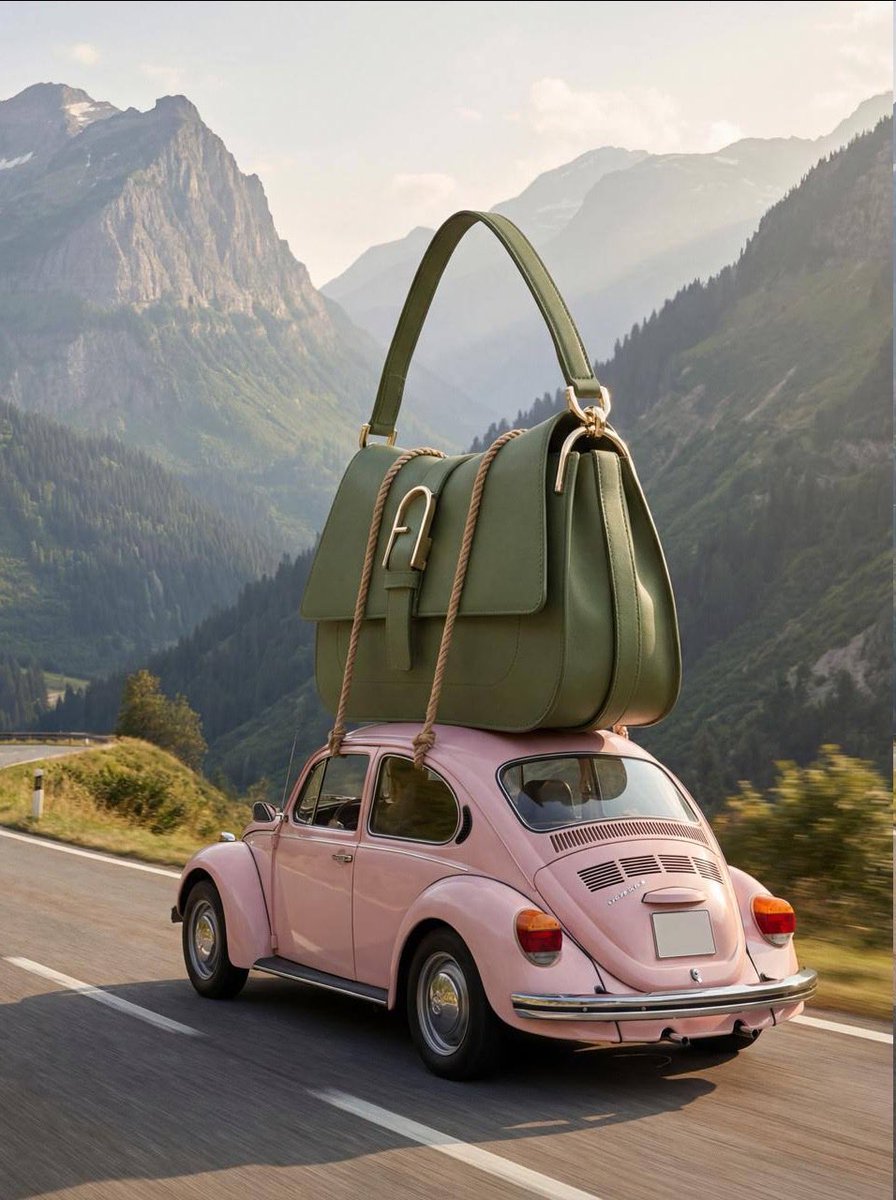
Luxury Fashion Campaign Prompts (2 Prompts)
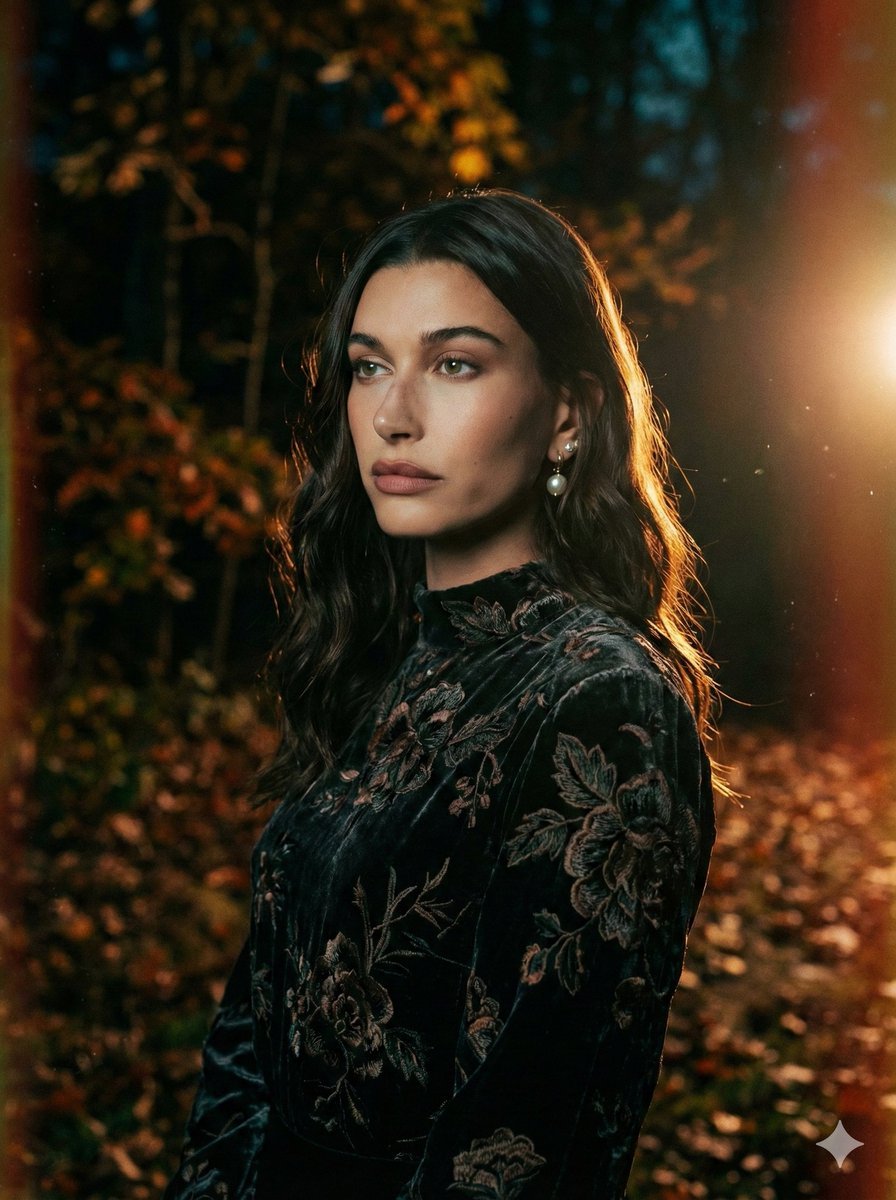
Cinematic Night Forest Editorial Portrait Prompt
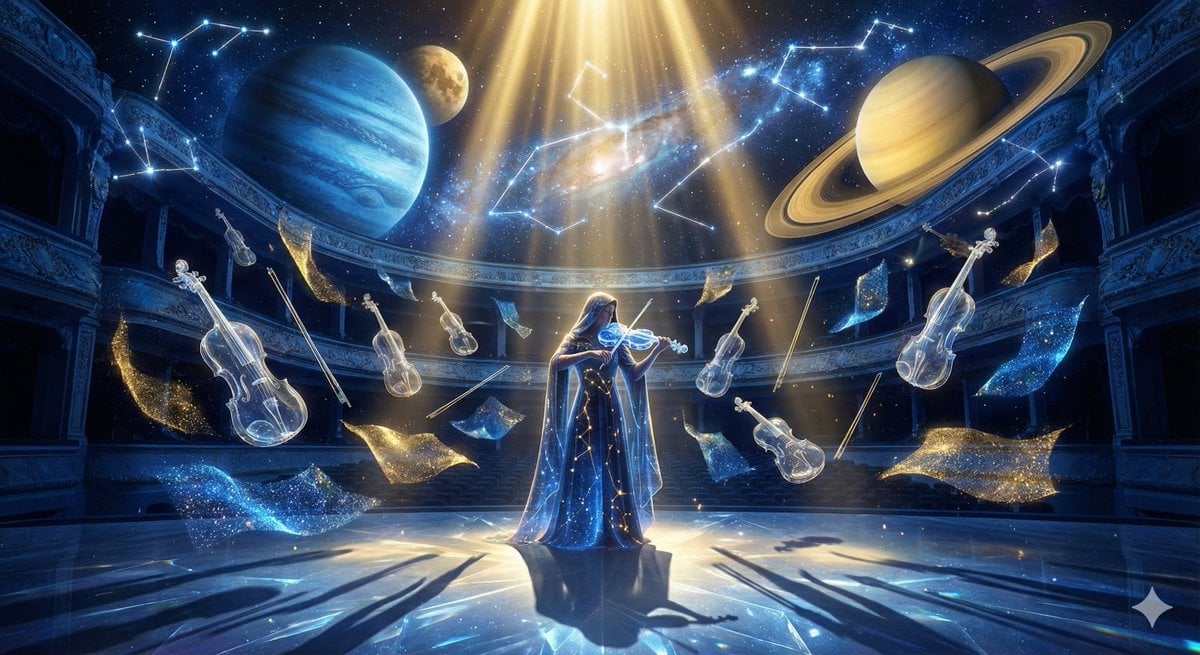
Cosmic Opera Stage Fantasy Scene

Magazine Cover Prompt using Nano Banana Extension
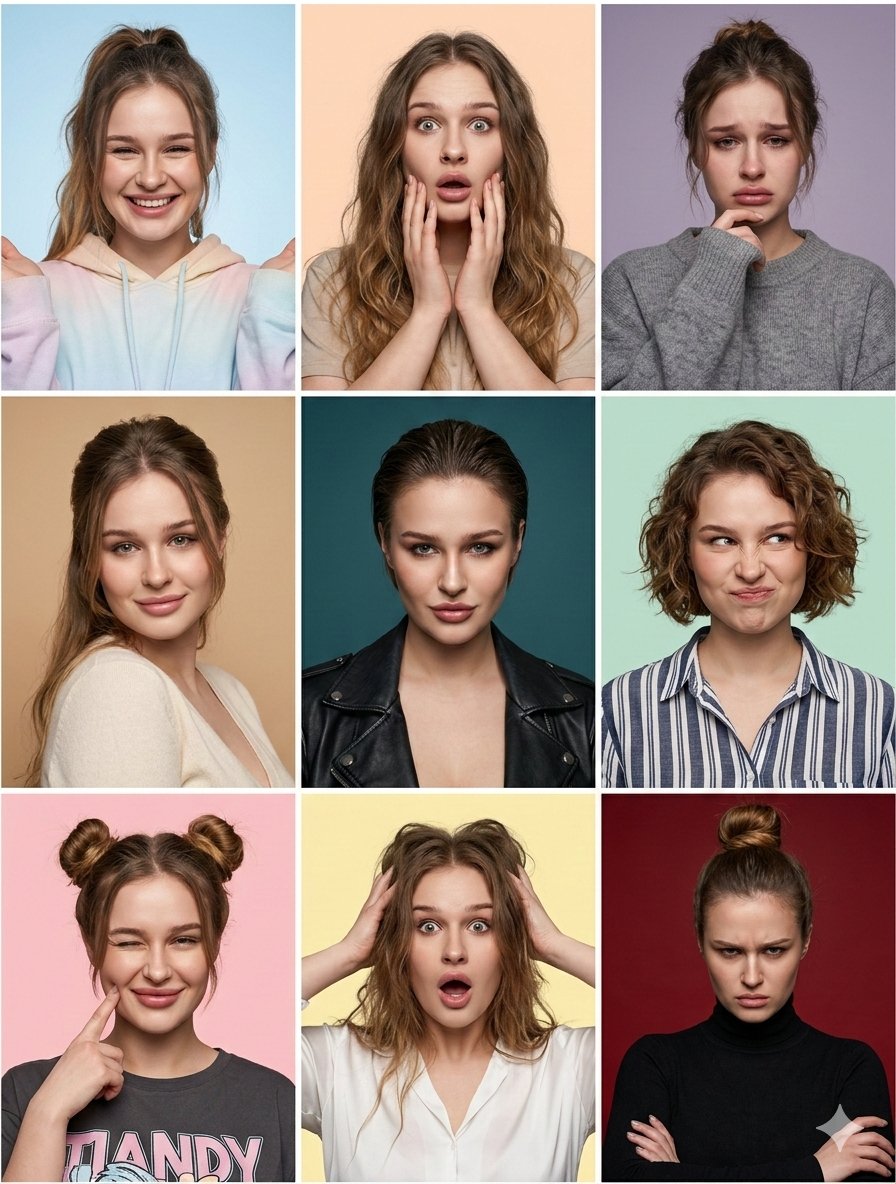
Nine Moods Grid Portrait with Identity Lock
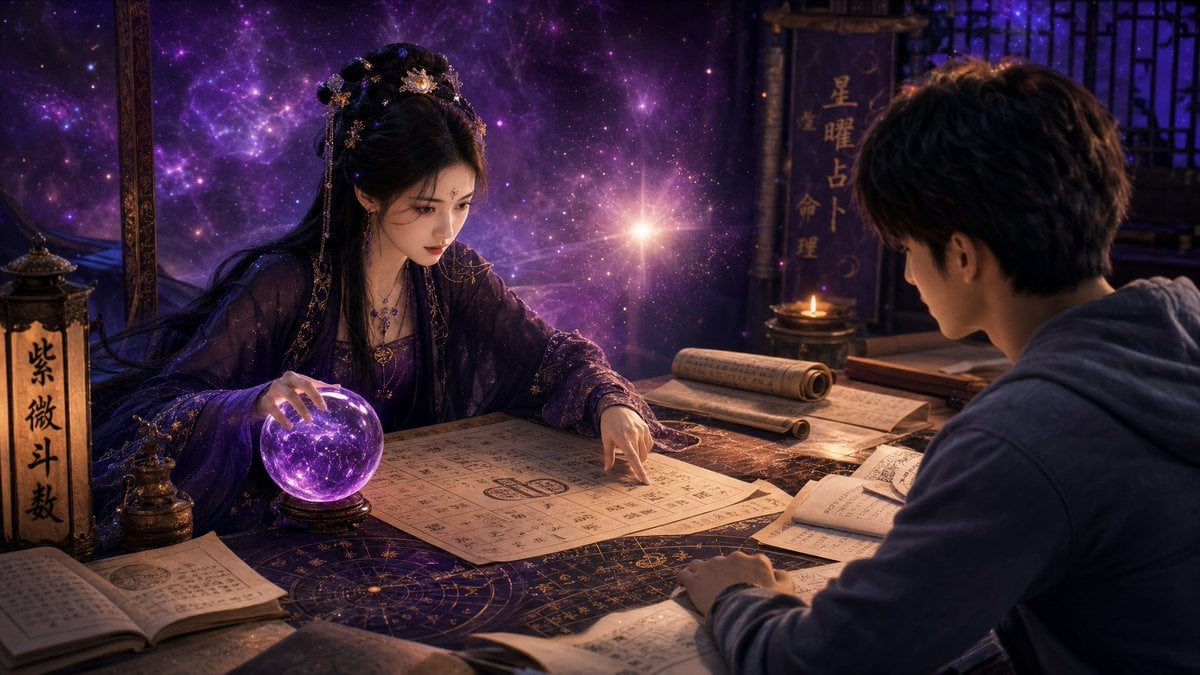
Mystic Fortune Telling Duo Scene
Browse template categories
Luxury Living Room Editorial Portrait questions
How do I use the Luxury Living Room Editorial Portrait template?
Add your photo if the template asks for one, edit the prompt if you like — the template's model and format are already selected — and press Generate. Your version opens in PicX Studio.
Can I customize the Luxury Living Room Editorial Portrait template?
Yes. You can change the subject, setting, lighting, mood, format, and available model controls before creating your image.
Is the Luxury Living Room Editorial Portrait template free?
Opening and editing this template is free. Generating uses credits, shown on the Generate button when you are signed in.
Which AI model should I use?
Start with GPT Image 2, which is the model associated with this template. You can compare another compatible model for a different finish.
Looking for something else? Browse all templates.

Your photo, any look
Thousands of ready templates for every top image and video model, from one credit balance.