
Gen Z Bedroom Selfie Prompt (Purple LED Light)
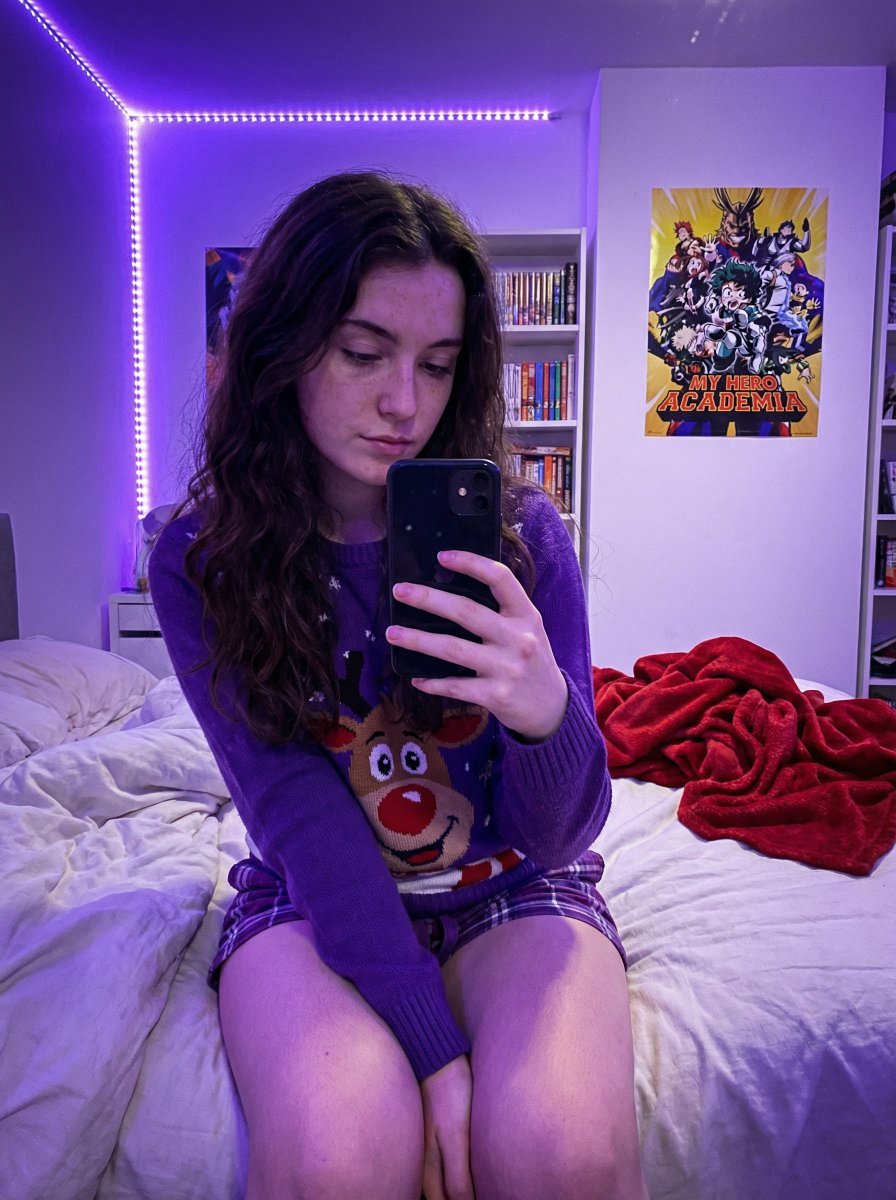
A highly detailed JSON prompt for generating an ultra-photorealistic image simulating a casual smartphone selfie taken in a Gen Z bedroom.
- Prompt included
- Model and format preset
- Free template
The prompt behind this image
Copy the exact prompt behind Gen Z Bedroom Selfie Prompt (Purple LED Light), or open it in the studio and make it yours.
- Prompt Structure › Subject Details › Demographics
- Young female, fair skin tone, natural appearance with distinct freckles across nose and cheeks
- Prompt Structure › Subject Details › Facial Features
- Soft facial structure, neutral to soft expression, gaze directed down at phone
- Prompt Structure › Subject Details › Hair
- Long, dark brown, loose wavy texture, center part, draping over shoulders
- Prompt Structure › Subject Details › Clothing › Top
- Purple crewneck holiday sweater featuring a large cartoon reindeer face
- Prompt Structure › Subject Details › Clothing › Bottom
- Purple plaid pajama shorts (only small section visible at upper thigh)
- Prompt Structure › Subject Details › Pose
- Sitting upright on a bed, body angled slightly to viewer's left. Both legs are bent sharply at the knees and drawn up tightly against the torso. The shins are prominent, and feet are tucked near the buttocks. Right hand holds a smartphone with a black case up in front of the body to take a selfie.
- Prompt Structure › Environment Context › Setting
- Gen Z bedroom / dorm room context
- Prompt Structure › Environment Context › Background Elements
- White floating shelves packed with diverse colorful books, Anime posters on white walls (My Hero Academia clearly visible), LED strip lights running vertically along the wall corner, Messy unmade bed with white textured duvet or blanket, Crumpled red fleece throw blanket in background on bed
- Prompt Structure › Lighting Atmosphere › Primary Source
- Dominant Purple/Violet LED ambient lighting originating from corner strip
- Prompt Structure › Lighting Atmosphere › Quality
- Dim, soft, moody, atmospheric, strong colored purple cast on skin, clothing, and surroundings
- Prompt Structure › Lighting Atmosphere › Shadows
- Soft, diffused shadows created by the ambient colored light
- Prompt Structure › Camera Technical › Style
- Casual Smartphone Selfie, Candid shot
- Prompt Structure › Camera Technical › Simulation
- Smartphone Main Sensor Simulation
- Prompt Structure › Camera Technical › Angle
- Slightly low angle, looking slightly up at the subject
- Prompt Structure › Camera Technical › Focal Length
- Approx 24-28mm wide angle (phone lens equivalent)
- Prompt Structure › Camera Technical › Aperture
- f/1.7 wide open
- Prompt Structure › Camera Technical › Iso
- High ISO (approx 800-1600) resulting in visible fine digital noise/grain
- Prompt Structure › Camera Technical › Focus
- Sharp focus on subject's face and knees, slight depth of field blur on background bookshelf
- Prompt Structure › Quality Modifiers › Engine
- Nano Banana Pro
- Prompt Structure › Quality Modifiers › Details
- Ultra Photorealistic, 8k resolution, raw photo style, realistic skin texture with highly visible pores and freckles underneath purple light, tangible fabric texture details on sweater and blanket, a
Raw JSON
{
  "prompt_structure": {
    "subject_details": {
      "demographics": "Young female, fair skin tone, natural appearance with distinct freckles across nose and cheeks",
      "facial_features": "Soft facial structure, neutral to soft expression, gaze directed down at phone",
      "hair": "Long, dark brown, loose wavy texture, center part, draping over shoulders",
      "clothing": {
        "top": "Purple crewneck holiday sweater featuring a large cartoon reindeer face",
        "bottom": "Purple plaid pajama shorts (only small section visible at upper thigh)"
      },
      "pose": "Sitting upright on a bed, body angled slightly to viewer's left. Both legs are bent sharply at the knees and drawn up tightly against the torso. The shins are prominent, and feet are tucked near the buttocks. Right hand holds a smartphone with a black case up in front of the body to take a selfie."
    },
    "environment_context": {
      "setting": "Gen Z bedroom / dorm room context",
      "background_elements": [
        "White floating shelves packed with diverse colorful books",
        "Anime posters on white walls (My Hero Academia clearly visible)",
        "LED strip lights running vertically along the wall corner",
        "Messy unmade bed with white textured duvet or blanket",
        "Crumpled red fleece throw blanket in background on bed"
      ]
    },
    "lighting_atmosphere": {
      "primary_source": "Dominant Purple/Violet LED ambient lighting originating from corner strip",
      "quality": "Dim, soft, moody, atmospheric, strong colored purple cast on skin, clothing, and surroundings",
      "shadows": "Soft, diffused shadows created by the ambient colored light"
    },
    "camera_technical": {
      "style": "Casual Smartphone Selfie, Candid shot",
      "simulation": "Smartphone Main Sensor Simulation",
      "angle": "Slightly low angle, looking slightly up at the subject",
      "focal_length": "Approx 24-28mm wide angle (phone lens equivalent)",
      "aperture": "f/1.7 wide open",
      "iso": "High ISO (approx 800-1600) resulting in visible fine digital noise/grain",
      "focus": "Sharp focus on subject's face and knees, slight depth of field blur on background bookshelf"
    },
    "quality_modifiers": {
      "engine": "Nano Banana Pro",
      "details": "Ultra Photorealistic, 8k resolution, raw photo style, realistic skin texture with highly visible pores and freckles underneath purple light, tangible fabric texture details on sweater and blanket, a"
    }
  }
}How to use Gen Z Bedroom Selfie Prompt (Purple LED Light) in 3 steps
- 1
Open
The prompt is already in the box next to the preview, with the template's model and format selected.
- 2…a portrait of your subject in softgolden-hour light, 85mm…
Personalize
Edit the subject and creative details for your destination.
- 3Generate
Generate
Press Generate — your image is created in PicX Studio, so you can compare it with the original and refine one variable at a time.
More like this
Templates with the same subject, style or setup. Open one to see its prompt.
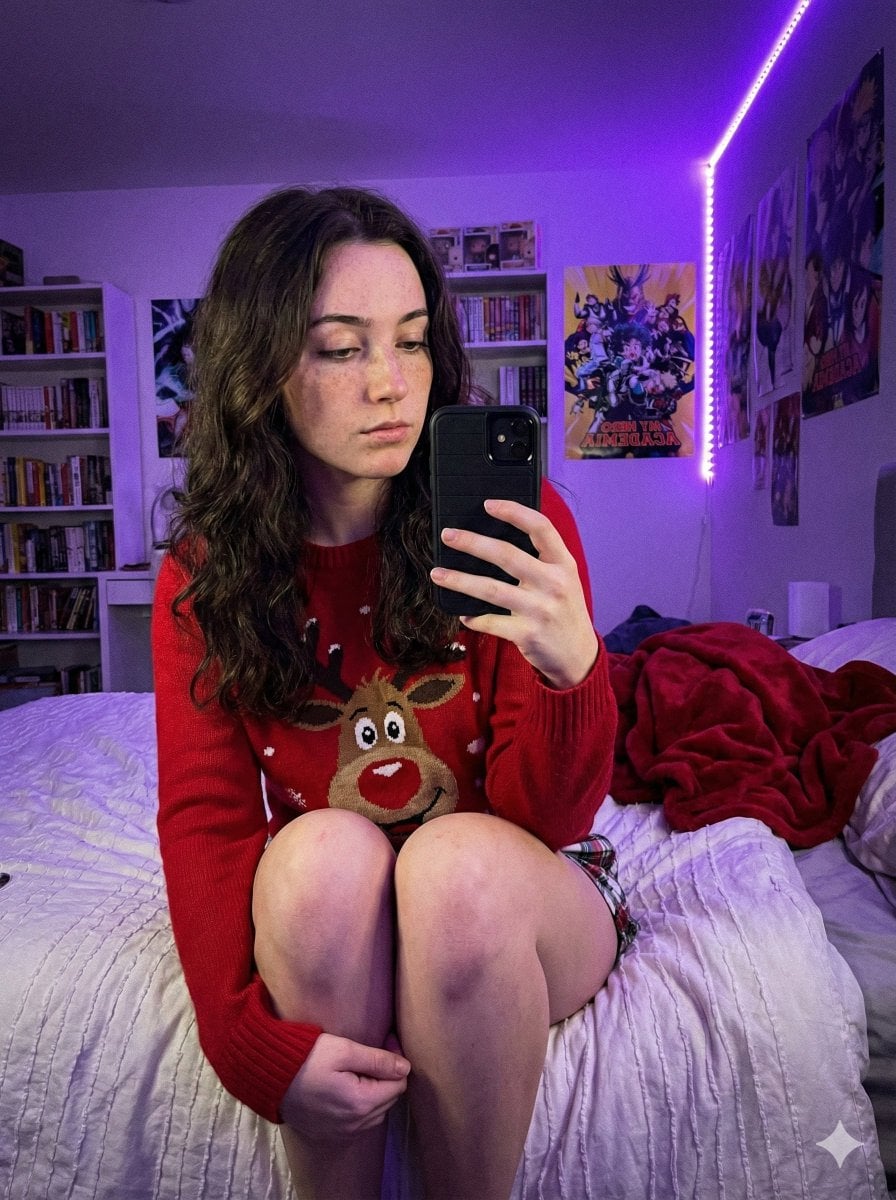
Low-Light Smartphone Selfie in Gen Z Bedroom

Nano Banana - Peace Sign Bedroom Selfie

Gen Z Triple Selfie Collage — Y2K Flash Photography
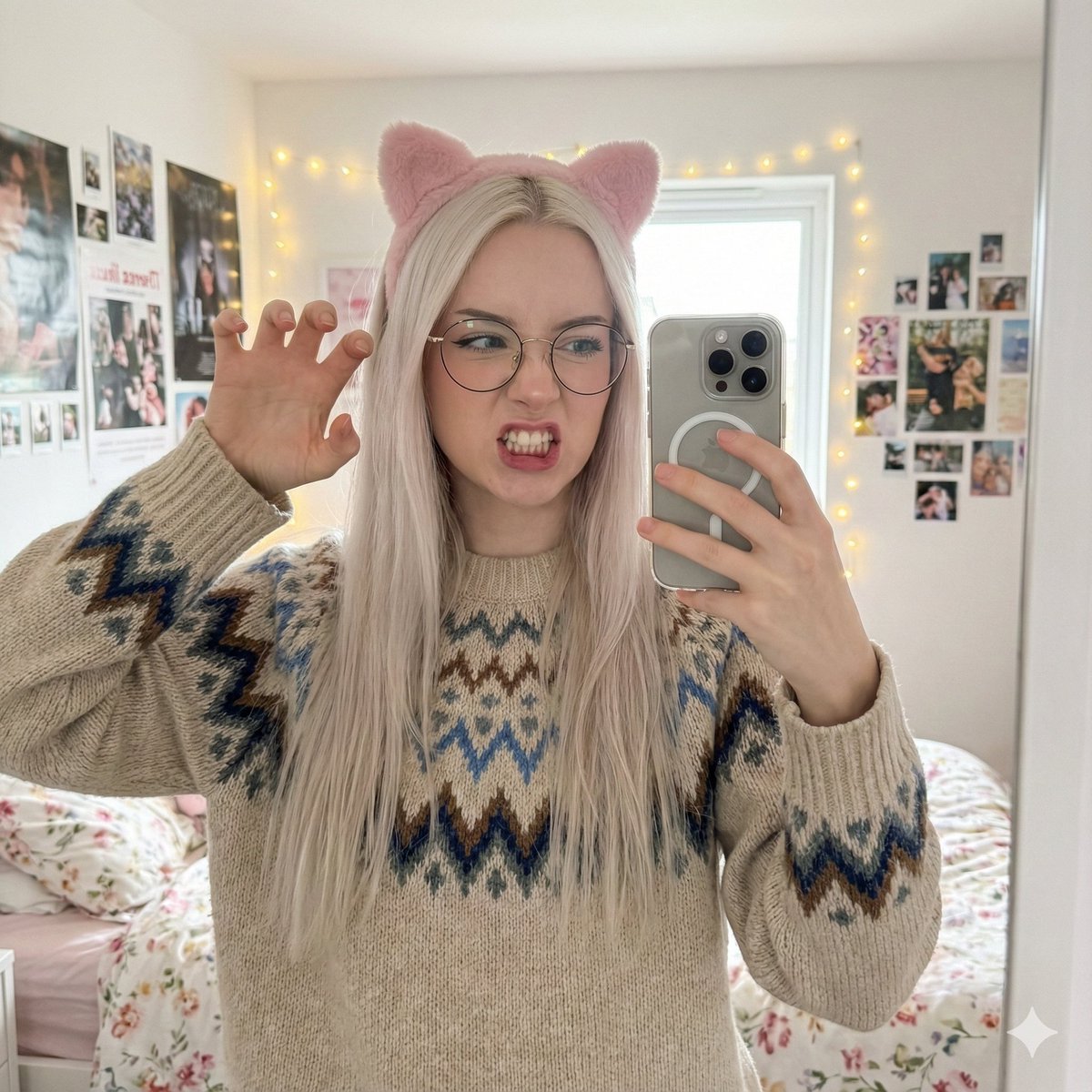
Detailed Mirror Selfie Generation Prompt
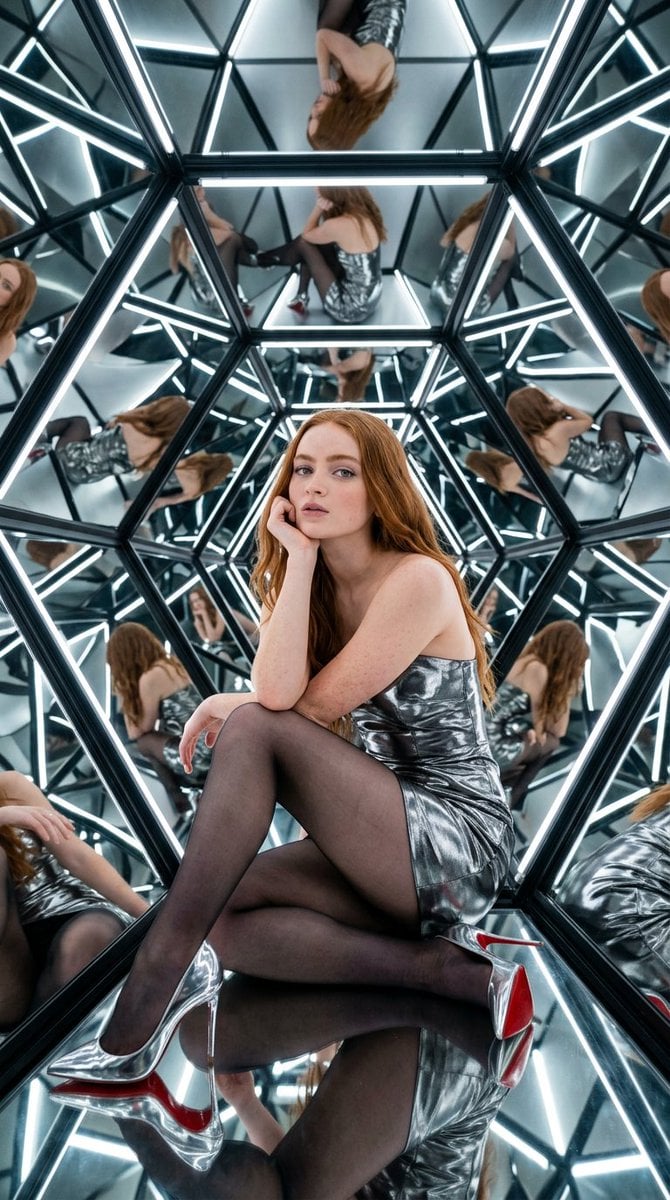
Bright, high-contrast light from LED strips within the structure

Rooftop Fisheye — Cat-Ear Balaclava at Golden Hour

Felt & Knit 3D Character — Photo-Exact Face, Pixar-Quality Plush Figurine

Eid al-Adha Cute Chaos — Fisheye Selfie with Farm Selfie, Mosque & Animals

Cat Photobomb Selfie — 0.5x Wide Angle Café Chaos

Surreal Cat Astronaut — Humanoid Face Freefall
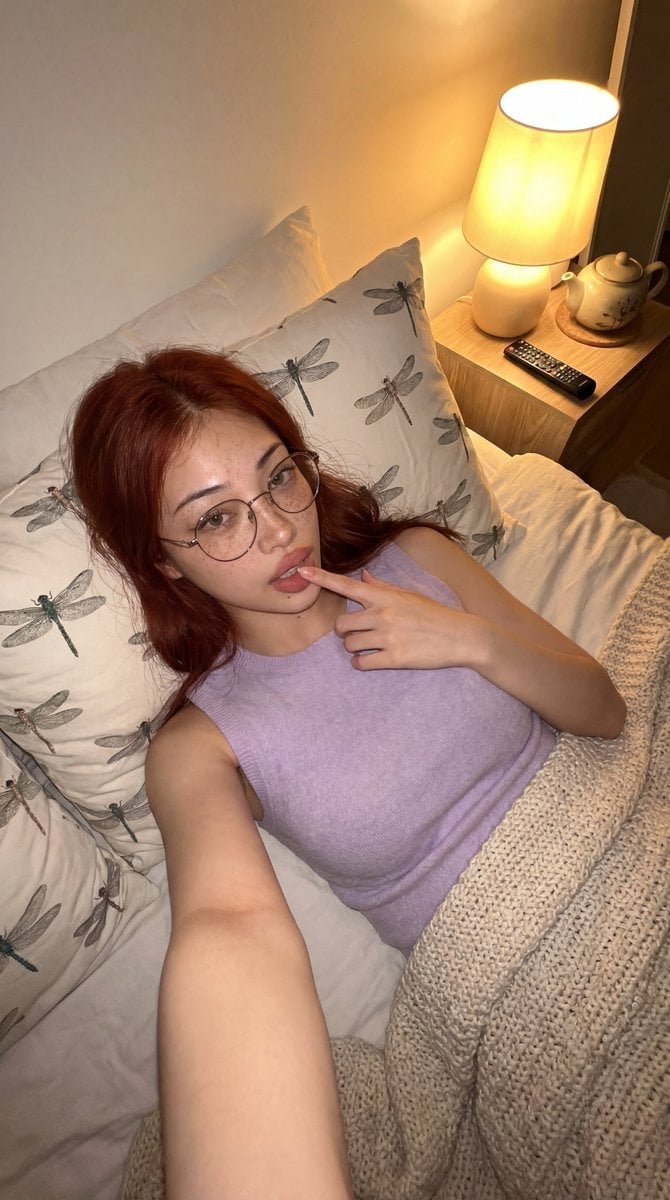
Cozy Bedroom Lifestyle Selfie
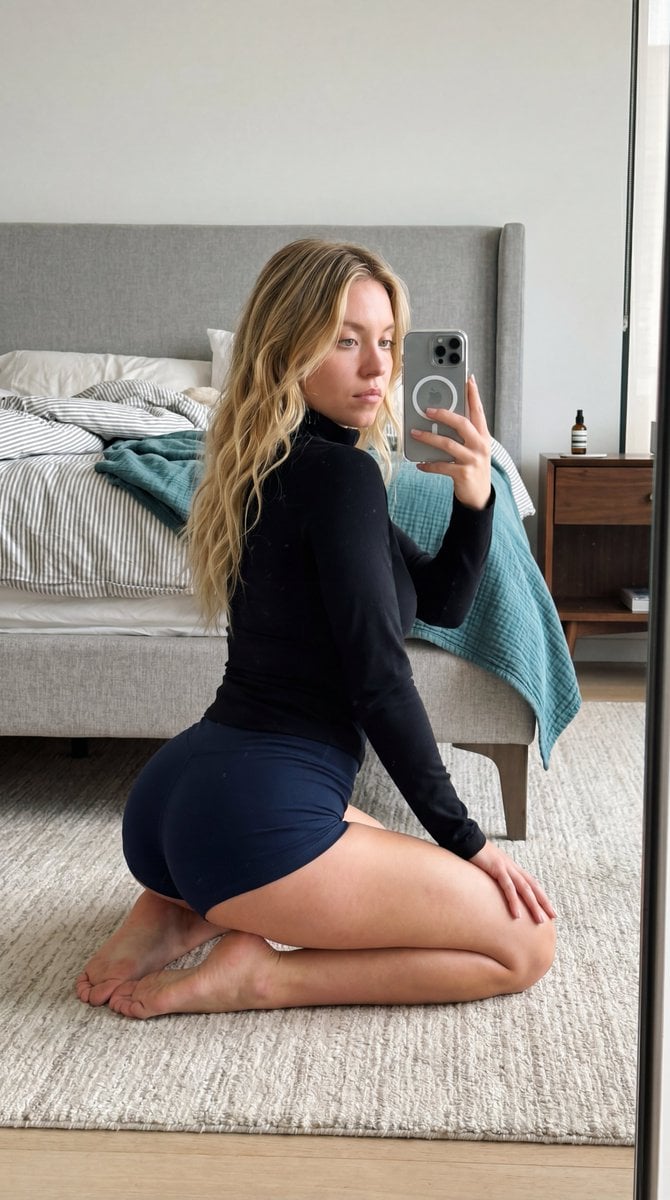
Intimate Bedroom Mirror Selfie
Make it yours
Gen Z Bedroom Selfie Prompt (Purple LED Light) works as-is. These are the safest ways to change it without losing the look.
Swap the setting
Keep the rest of the prompt and replace the location block. The current setting is “Gen Z bedroom / dorm room context”.
Swap the light
One lighting change is enough to compare takes. Current light: “Dominant Purple/Violet LED ambient lighting originating from corner strip”.
Change one field
Copy a single group, rewrite it, and generate again so you can see what that field is doing.
| If the result… | Why | Fix |
|---|---|---|
| The result drifts from the preview | Too many fields changed at once. | Reuse Gen Z Bedroom Selfie Prompt (Purple LED Light) as-is first, then change one group — subject, light, or setting. |
| Nano Banana 2 ignores part of the JSON | Some models flatten or skip nested keys. | Keep the same values and paste them as a short paragraph instead. |
More Nano Banana 2 templates
Other prompts made for Nano Banana 2.

Photorealistic Leaf Shaped Like a Dragon

K-Pop Idol Portrait Grid for Rapid Selection

Poetic Rain Forest Portrait During Golden Hour

Urban Street Portrait with Cartoon Inner Self Duo

Candid Nighttime Photo with Cat Prompt

High-Concept 3D Diorama Generation Prompt

Cinematic Futuristic Studio Portrait Template

Skincare Editorial Photography Collage Prompt

Hyper-Realistic Commercial Product Photography (Splash Effect)

Hyper-Realistic Nightclub Portrait Prompt
More image prompts
Fresh picks from across the catalog.
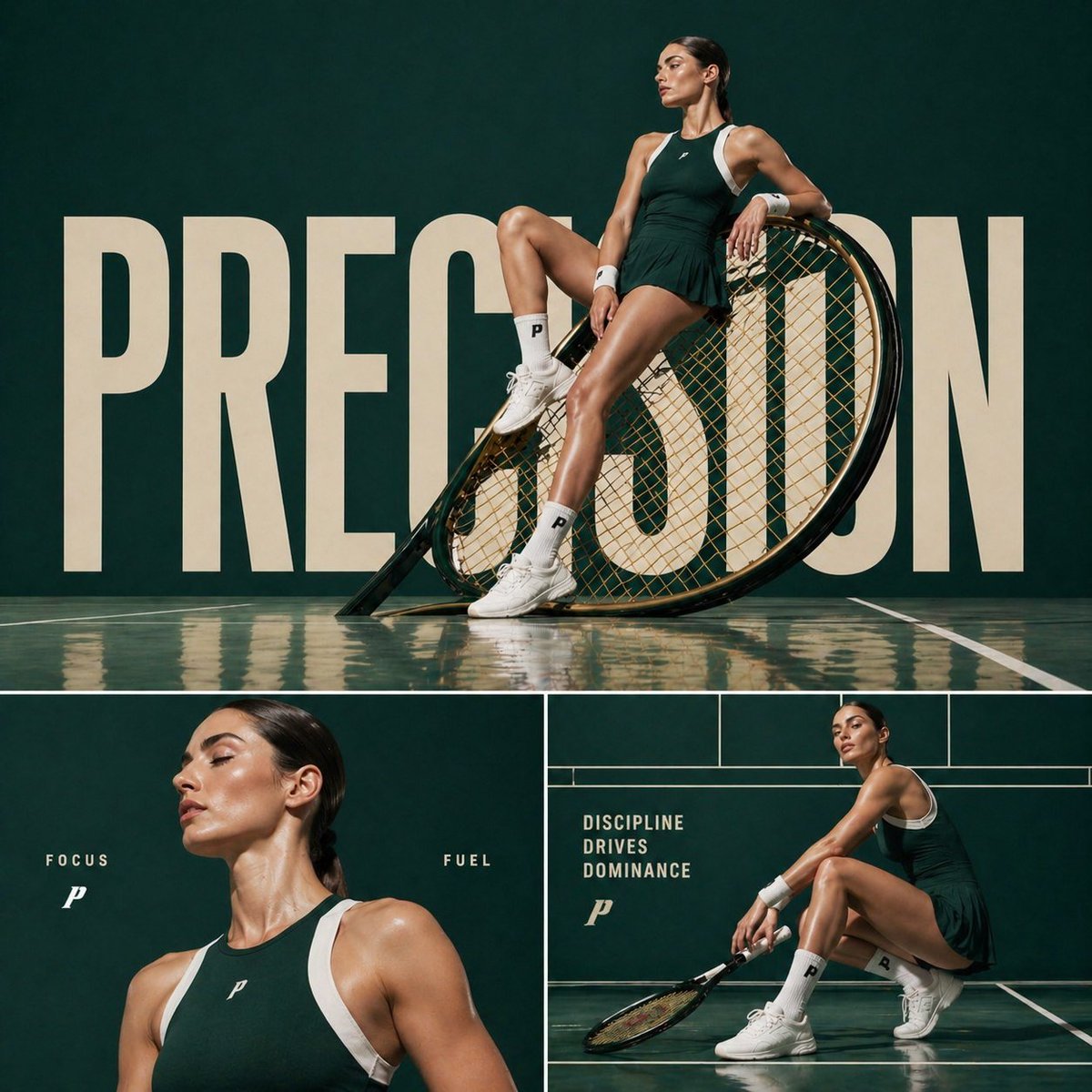
Luxury Tennis Editorial Poster
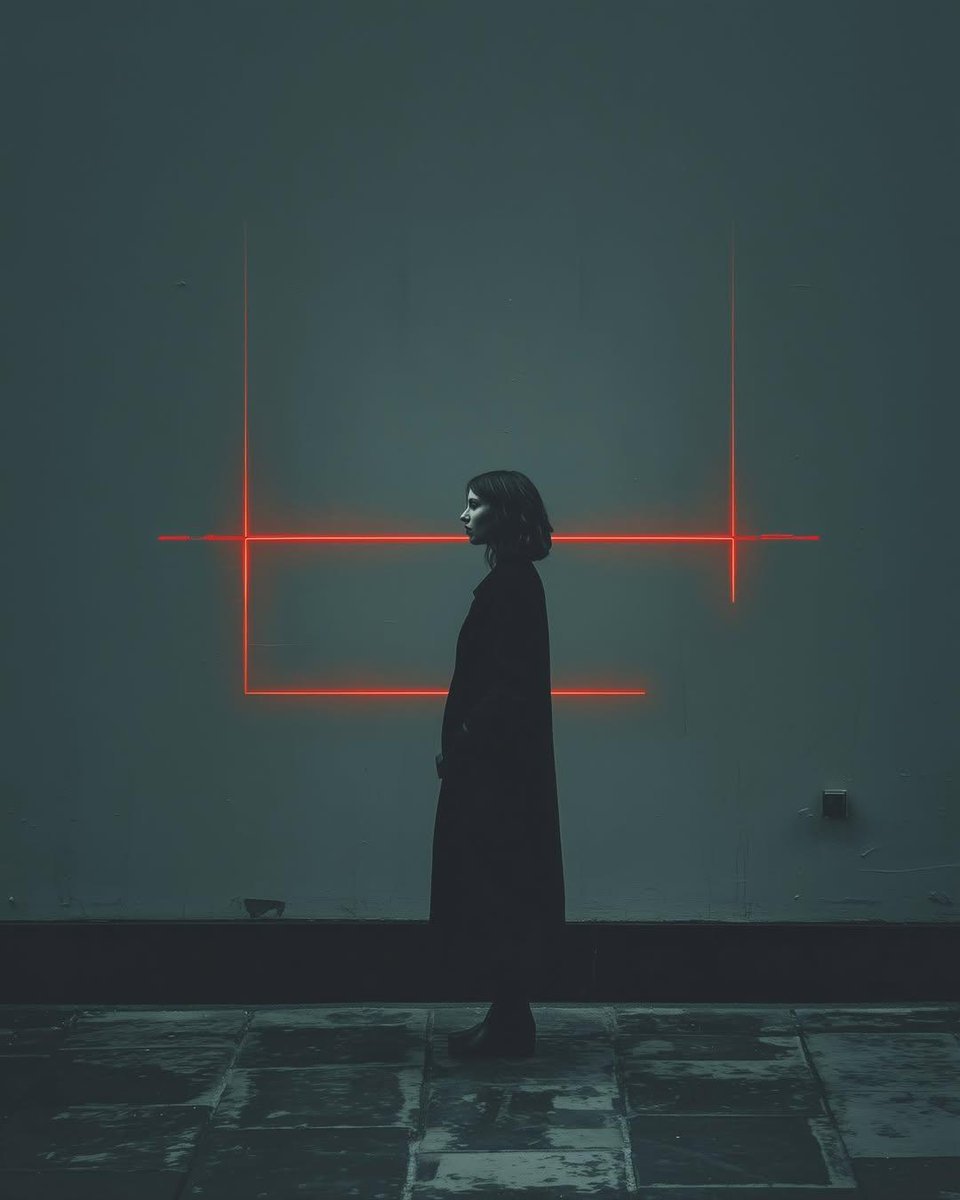
Cyberpunk woman in neon frame

Jade Texture Application
Motion and Image Prompt for Ultra-Realistic Food Photography of Pasta
Tokyo Expressway Fashion Editorial

Summer Breeze Handwritten Typography
Clay Astronaut Moon Market
Bitcoin Monkey MS Paint Doodle
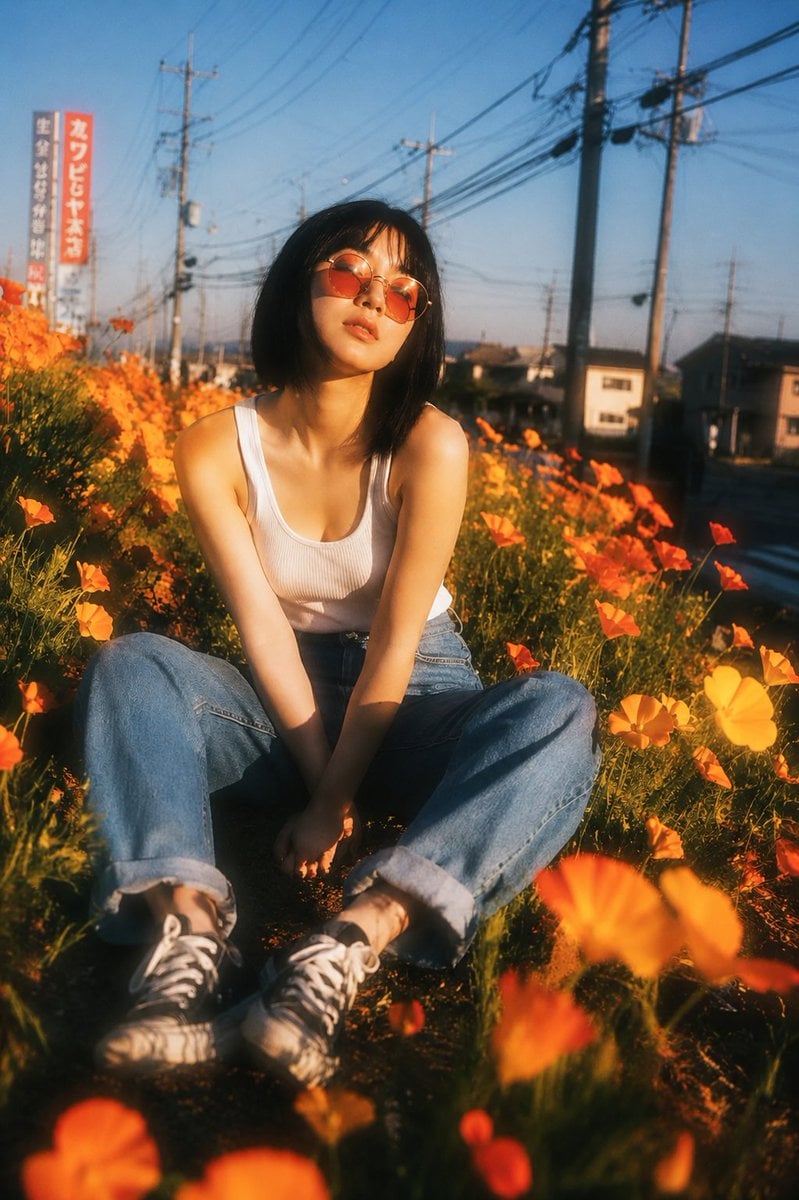
Nostalgic Japanese Suburban Portrait
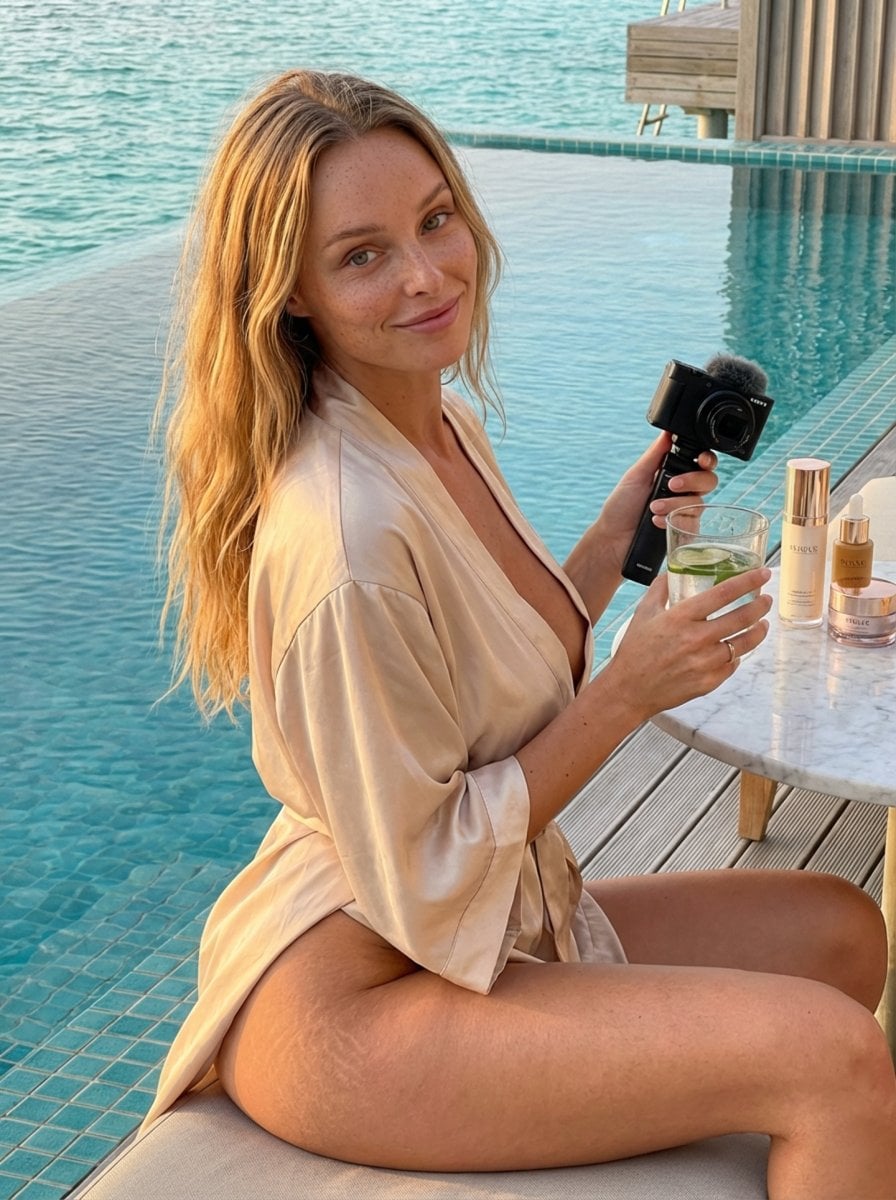
Golden Hour Luxury Vlog Portrait with Hyper-Voluminous Anatomy
Browse template categories
Gen Z Bedroom Selfie Prompt (Purple LED Light) questions
How do I use the Gen Z Bedroom Selfie Prompt (Purple LED Light) template?
Add your photo if the template asks for one, edit the prompt if you like — the template's model and format are already selected — and press Generate. Your version opens in PicX Studio.
Can I customize the Gen Z Bedroom Selfie Prompt (Purple LED Light) template?
Yes. You can change the subject, setting, lighting, mood, format, and available model controls before creating your image.
Is the Gen Z Bedroom Selfie Prompt (Purple LED Light) template free?
Opening and editing this template is free. Generating uses credits, shown on the Generate button when you are signed in.
Which AI model should I use?
Start with Nano Banana 2, which is the model associated with this template. You can compare another compatible model for a different finish.
Looking for something else? Browse all templates.

Your photo, any look
Thousands of ready templates for every top image and video model, from one credit balance.