
Epic French Rooster Over Paris
A cinematic patriotic Paris celebration with a giant tricolor smoke rooster above the Eiffel Tower and Arc de Triomphe.
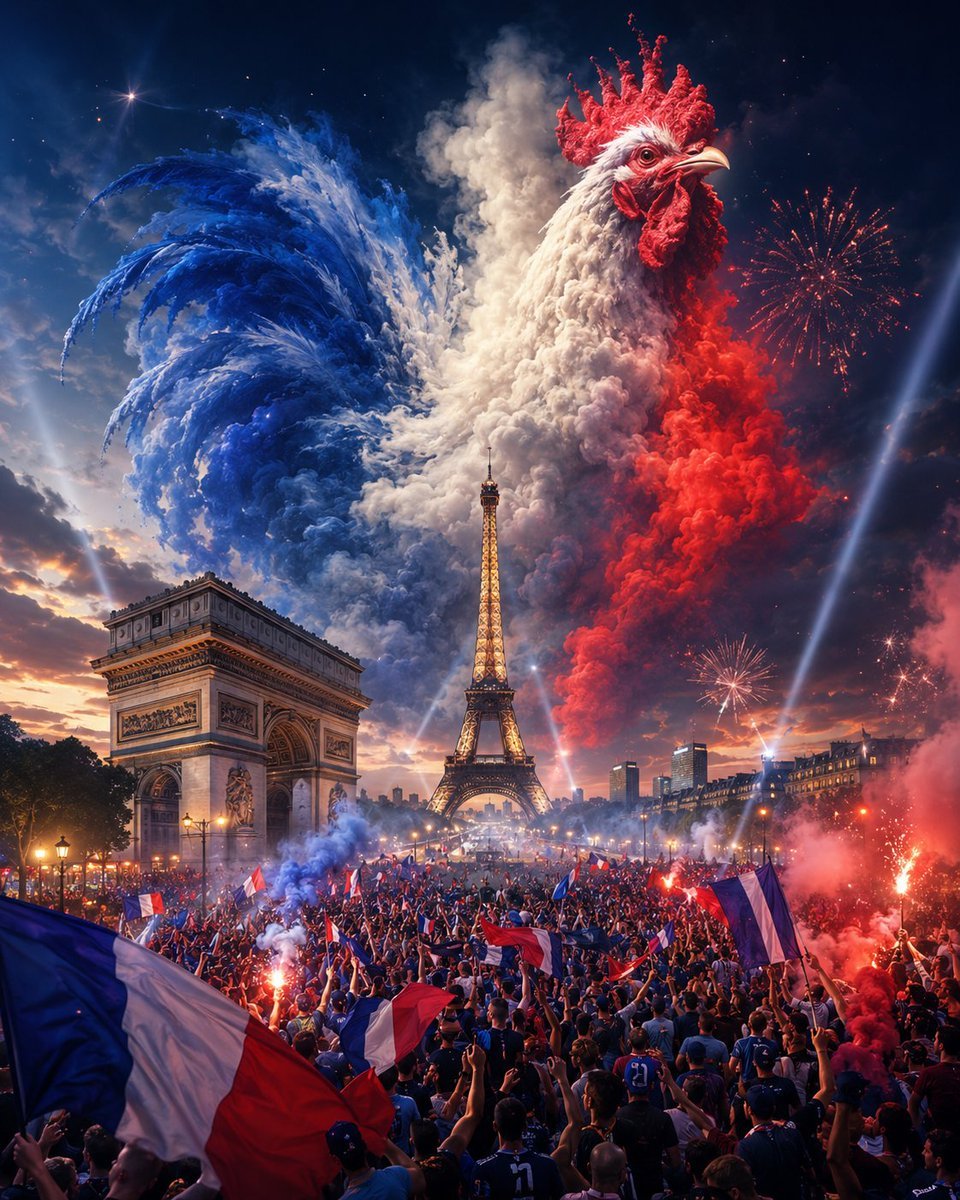
- Prompt included
- Model and format preset
- Free template
The prompt behind this image
Copy the exact prompt behind Epic French Rooster Over Paris, or open it in the studio and make it yours.
Create an ultra-dramatic, photorealistic cinematic fantasy scene of Paris during a massive French celebration at night. The composition is vertical, wide-angle, and densely detailed: the Eiffel Tower stands glowing in the center background, the Arc de Triomphe anchors the left foreground, and a packed crowd fills the entire lower half of the image. The crowd is waving many French tricolor flags, raising arms, holding flares, and surrounded by red, white, and blue smoke. Above the city, form an enormous rooster made from billowing clouds and colored smoke, symbolizing France: its head and comb are vivid red on the upper right, its body is bright white in the center, and its sweeping tail feathers are deep blue on the upper left. Add fireworks in the night sky, searchlight beams cutting diagonally upward, glowing city lights, sparks, haze, and a sunset-to-night gradient sky. Use luxurious, epic, high-budget visual styling with hyperreal textures, volumetric lighting, intense contrast, sharp architectural detail, and patriotic colors. No text, no watermark, no borders.
How to use Epic French Rooster Over Paris in 3 steps
- 1Upload ImagePNG, JPG or paste
Add your photo
Upload the photo the template builds on. The prompt, model and format are already set.
- 2…a portrait of your subject in softgolden-hour light, 85mm…
Personalize
Edit the subject and creative details for your destination.
- 3Generate
Generate
Press Generate — your image is created in PicX Studio, so you can compare it with the original and refine one variable at a time.
More like this
Templates with the same subject, style or setup. Open one to see its prompt.
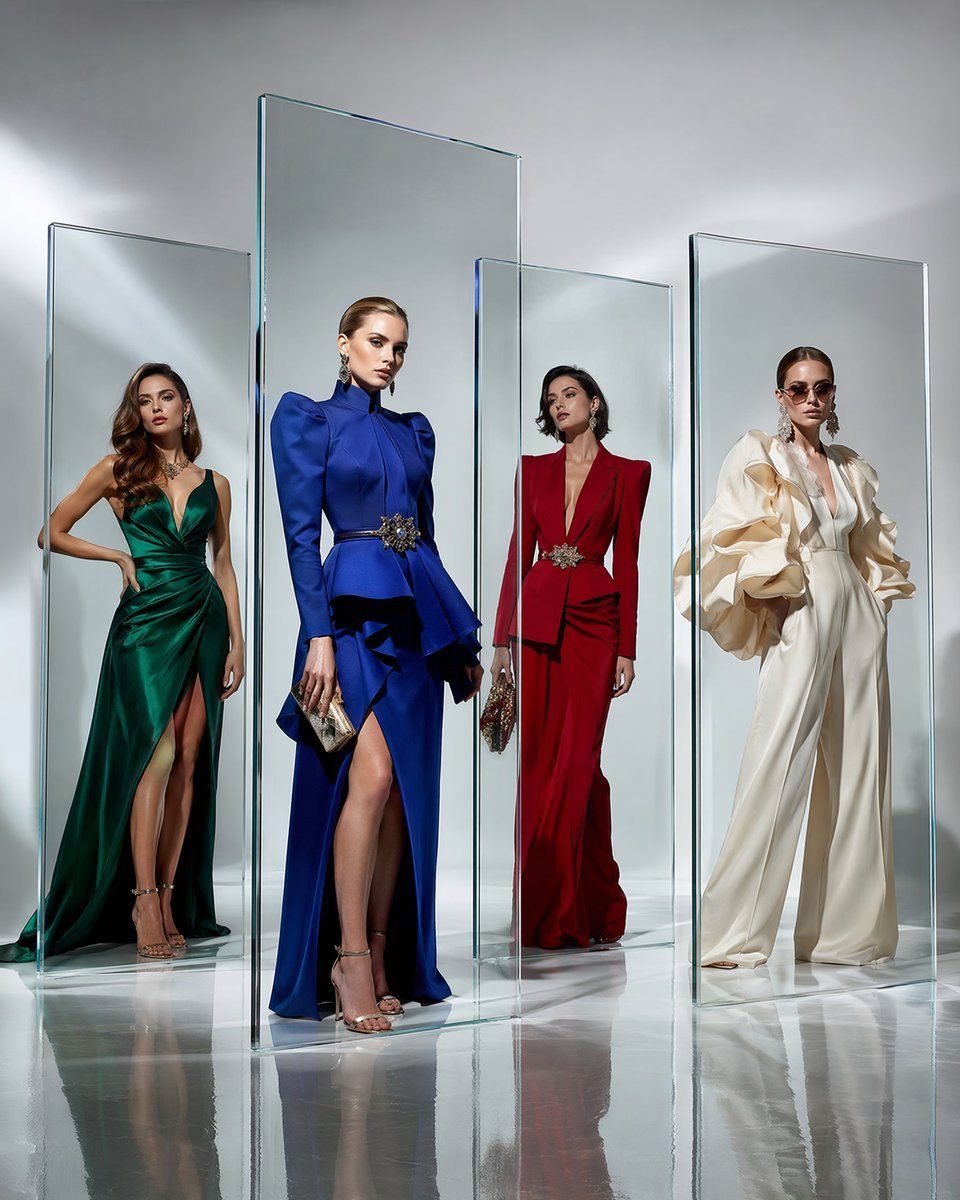
Crystal Panel European Couture Fashion Composite
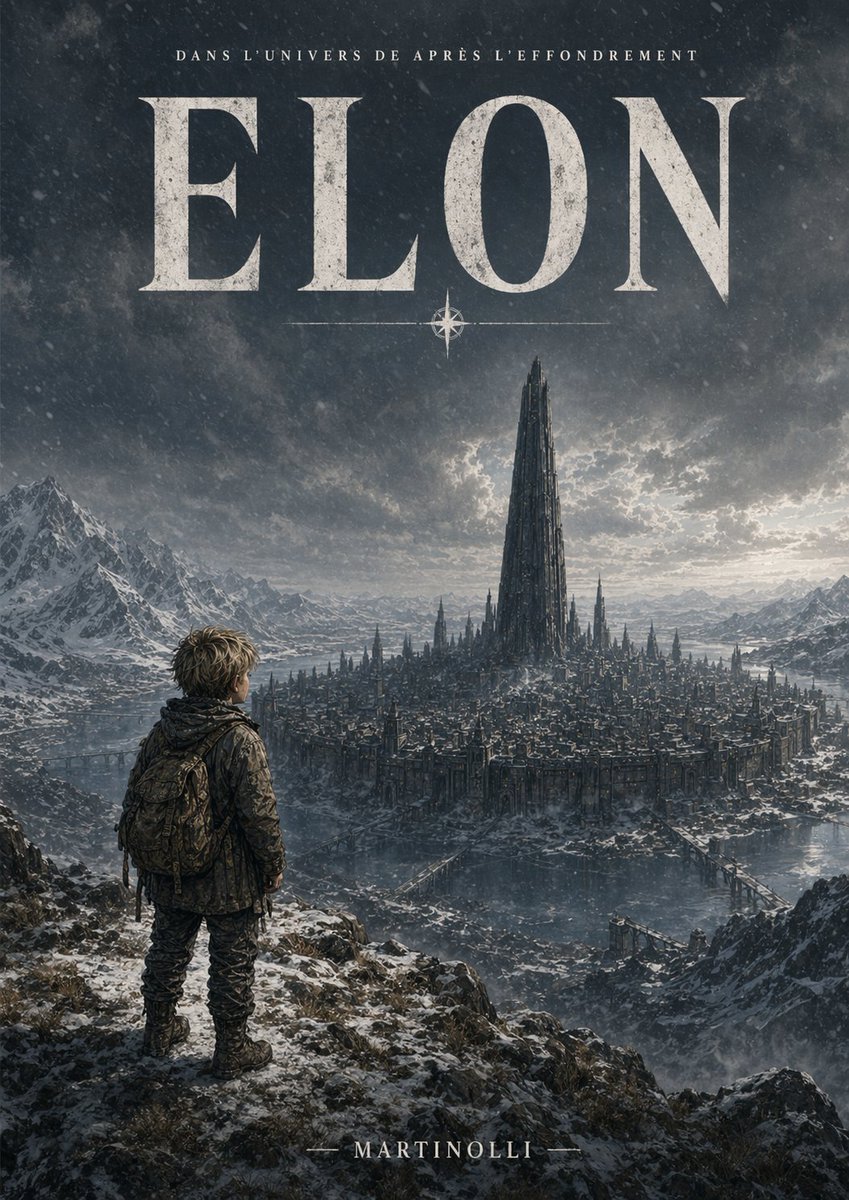
Epic French Dystopian Book Cover
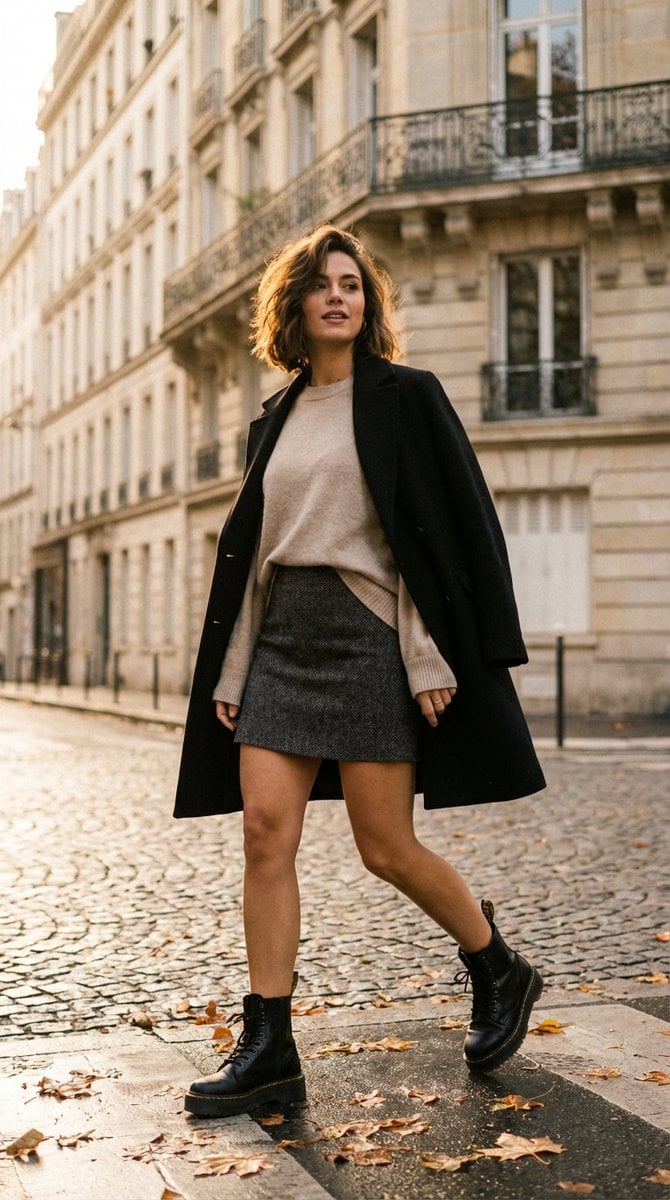
French-Chic Street Photography in Paris Golden Hour
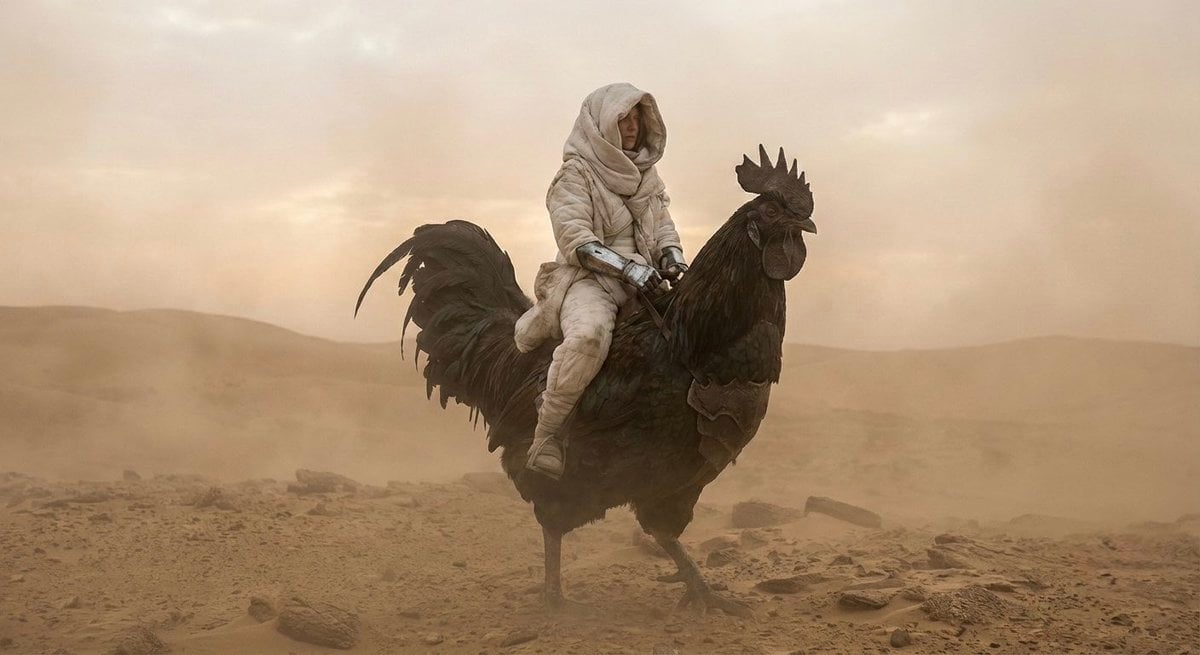
Dune-Inspired Epic Scene with Woman Riding a Giant Rooster

Paris Travel Collage Grid - Face Reference
Seedance - Dragon vs Python Battle
Seedance - Arrow Microscopic Battle

Nano Banana - Evening Champagne Blue
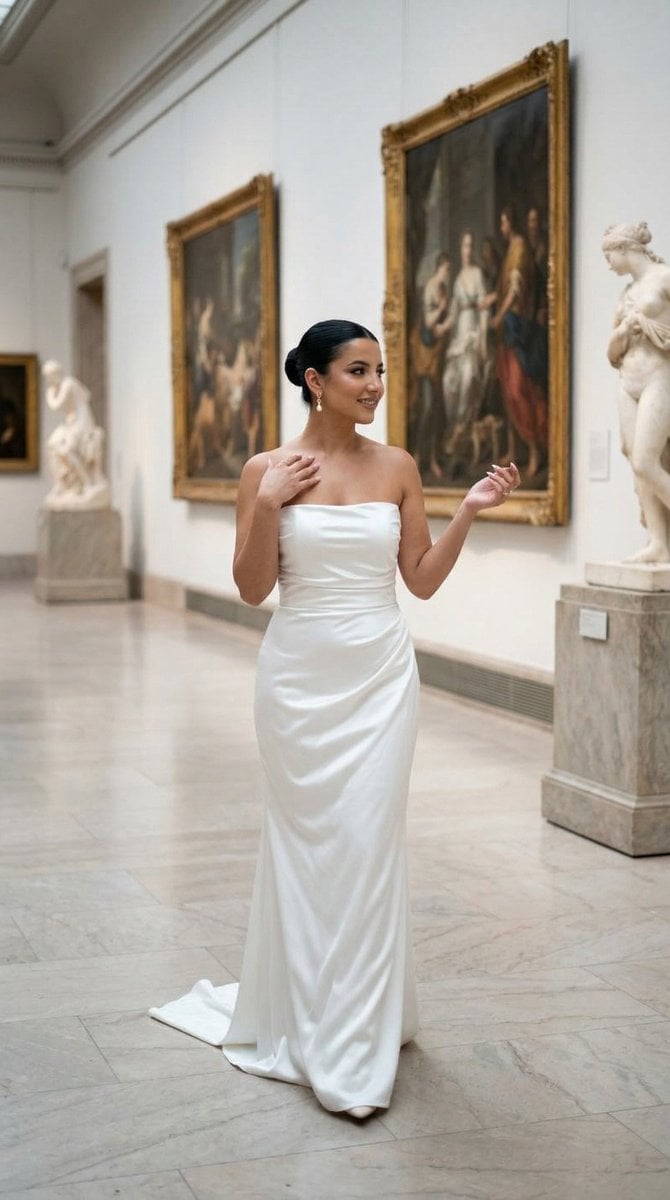
Nano Banana - Dancing Carefree Paris

Nano Banana - Paris Night Party Dancing
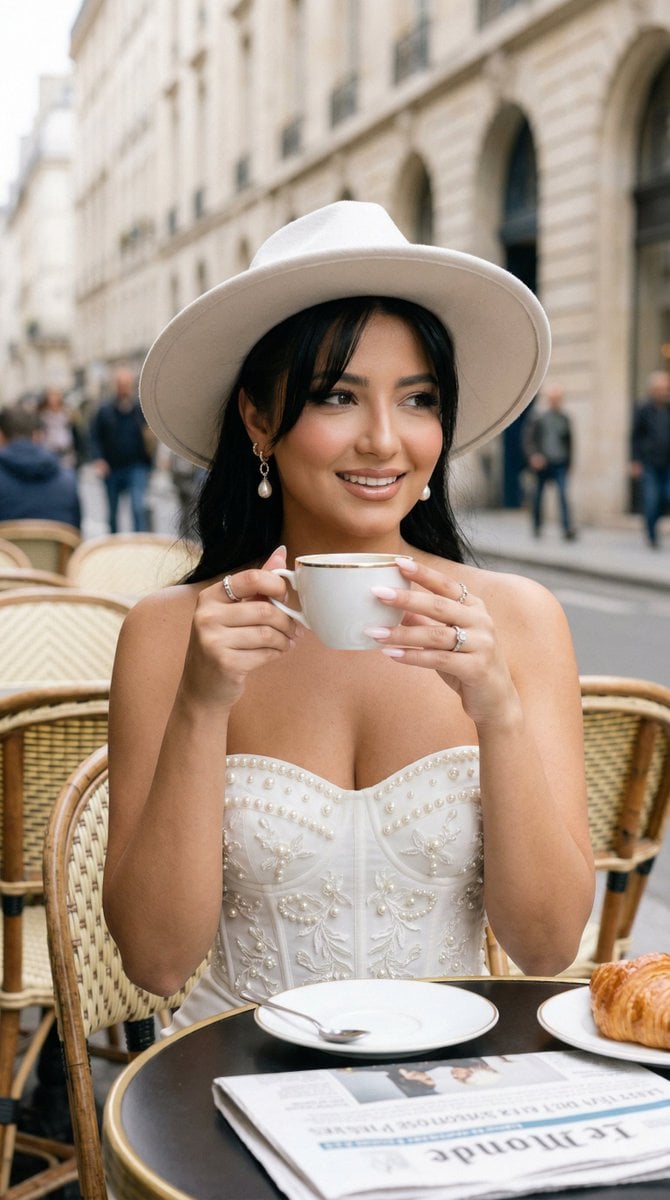
Nano Banana - Window Wine Red Dress
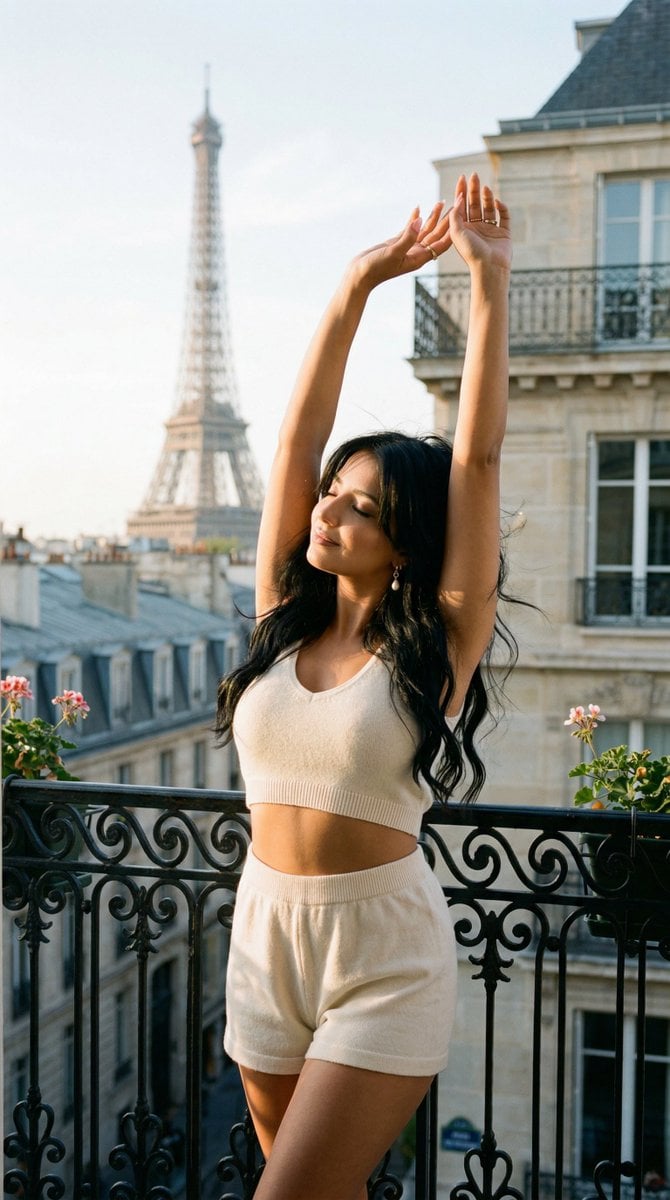
Nano Banana - Bathtub Eiffel Night
Make it yours
Epic French Rooster Over Paris works as-is. These are the safest ways to change it without losing the look.
Change one field
Copy a single group, rewrite it, and generate again so you can see what that field is doing.
Keep the frame, change the subject
Hold the composition and light of Epic French Rooster Over Paris, then swap wardrobe, props or the person for a new take.
| If the result… | Why | Fix |
|---|---|---|
| The result drifts from the preview | Too many fields changed at once. | Reuse Epic French Rooster Over Paris as-is first, then change one group — subject, light, or setting. |
| The model over-stylizes the scene | The prose prompt leaves finish and camera underspecified. | Add one camera or lighting sentence and stay on GPT Image 2. |
More GPT Image 2 templates
Other prompts made for GPT Image 2.

Six VTuber Japanese Logo Sheet

Realistic Portrait of Woman and Deer

The Vista Modular Condo Poster

AI Model Routing Comparison Infographic

2.5D Anime Art Board

Isometric Productivity Desk Scene

New York Double Exposure Poster

Four-Panel AI Landscape Comparison

Japanese Tatami Lifestyle Magazine Cover

NESCAFÉ Coffee Map Poster
More image prompts
Fresh picks from across the catalog.
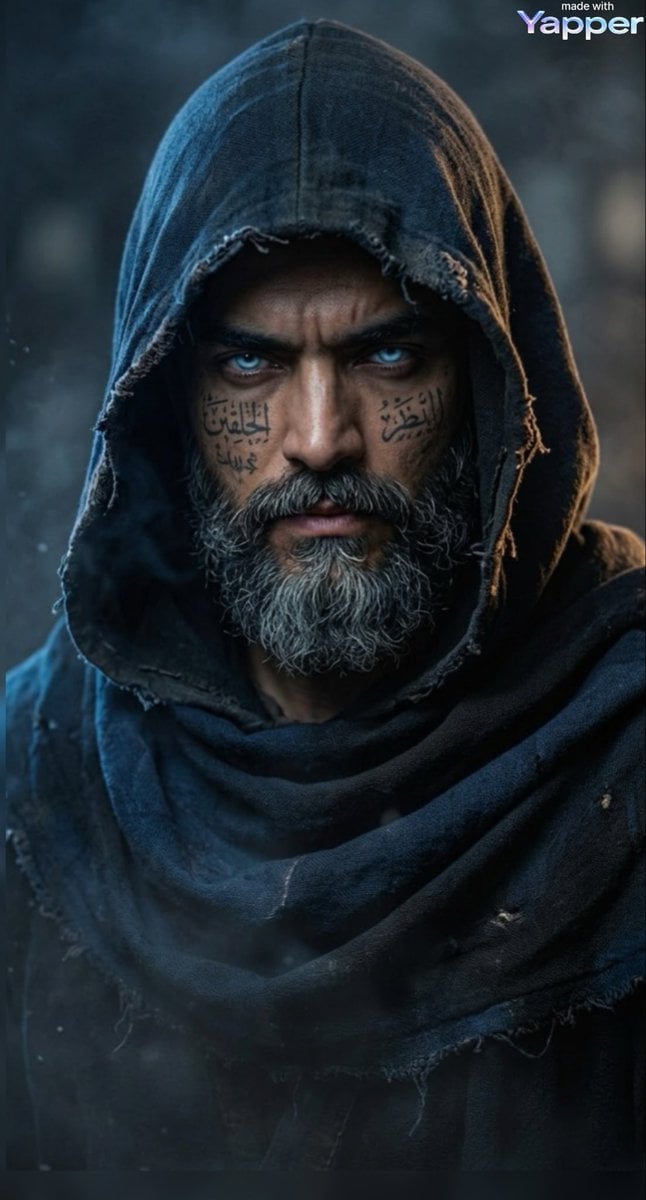
Cinematic Portrait of a Mysterious Hooded Warrior
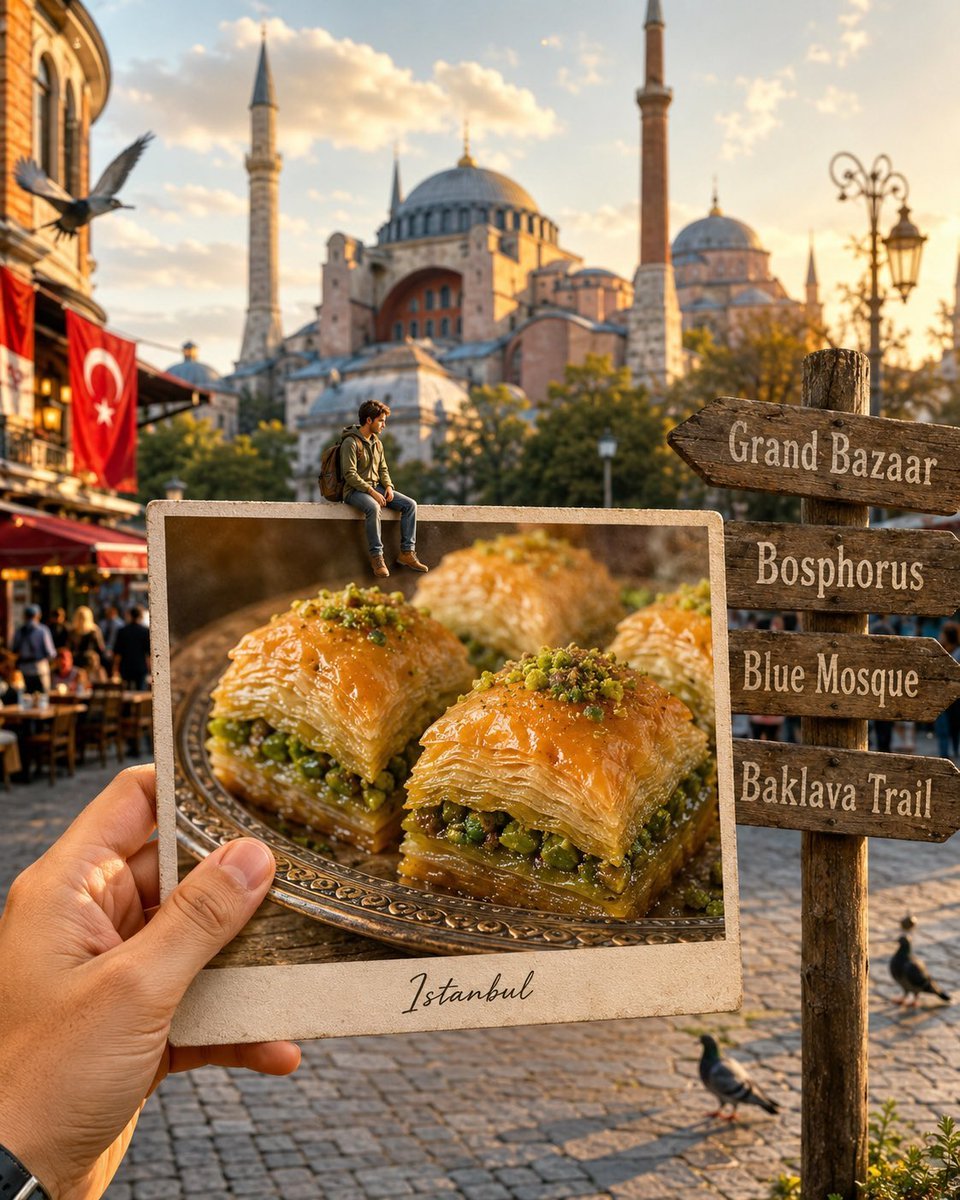
Hyper-realistic Travel Food Postcard
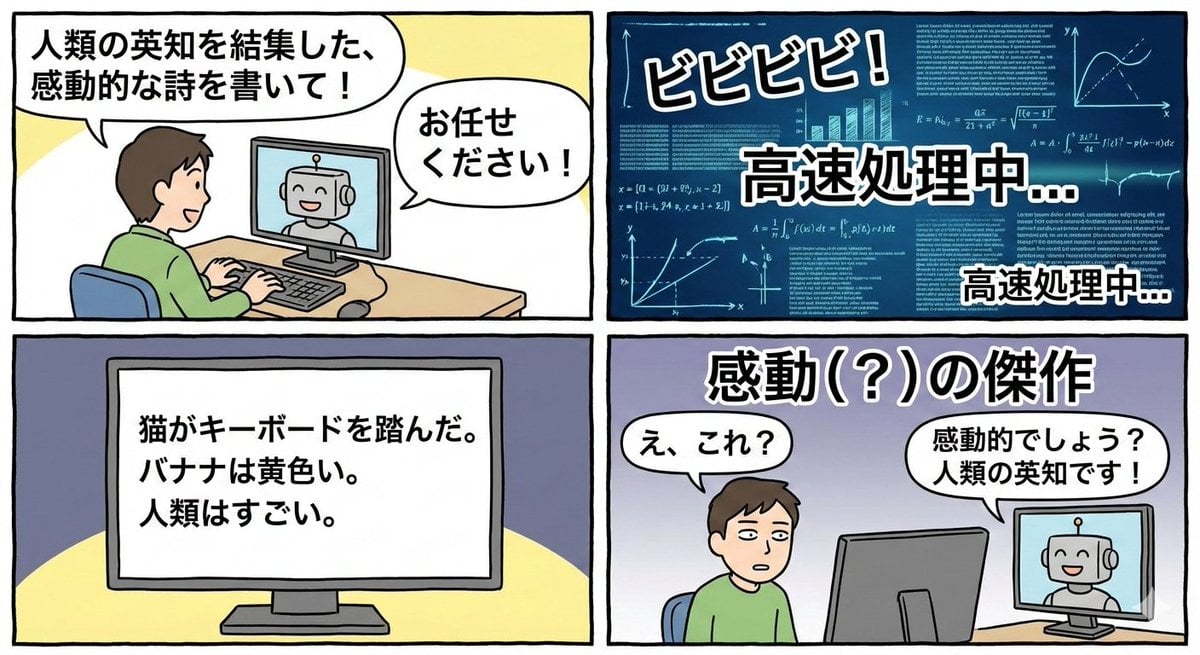
Four-panel satirical manga about generative AI
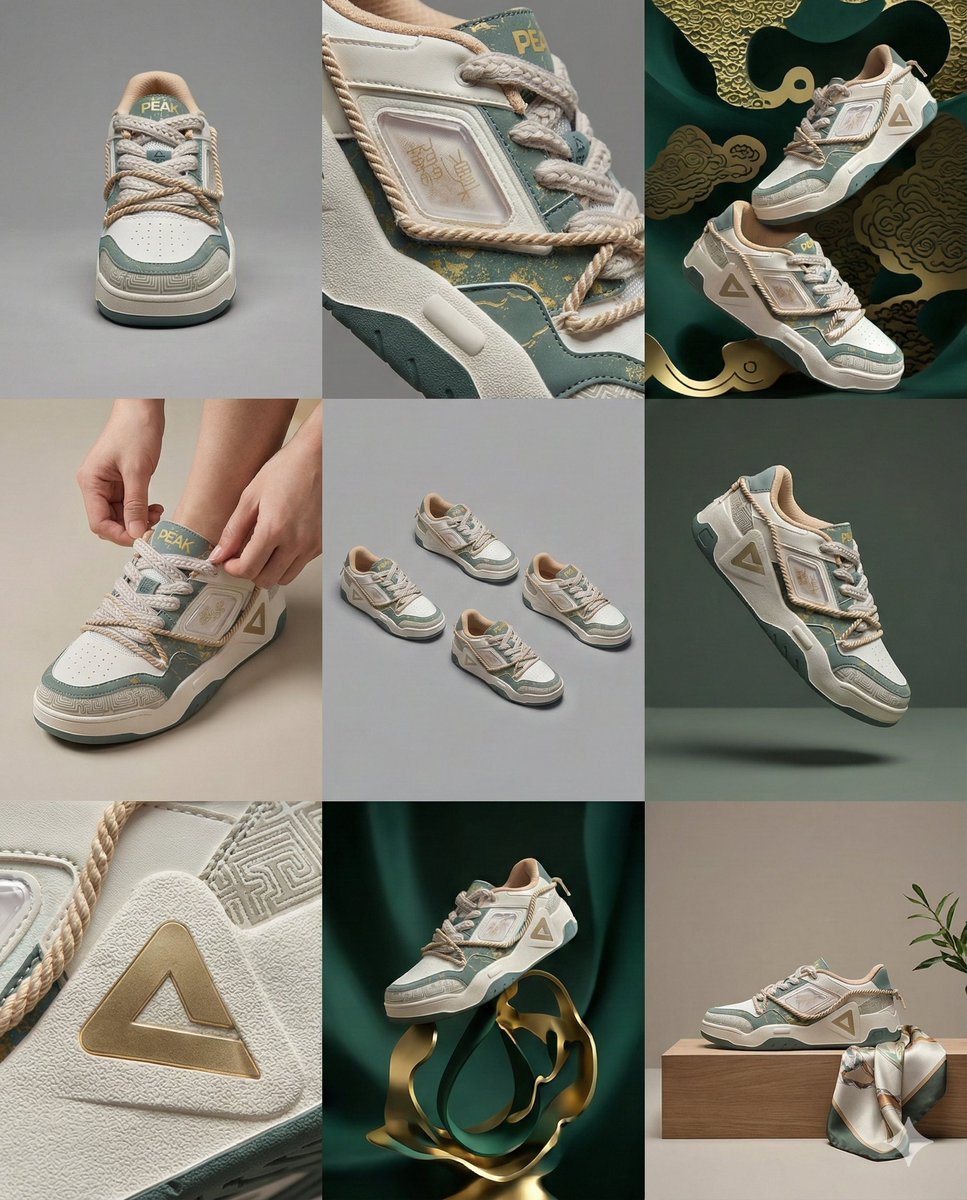
3x3 Visual Storyboard for Product Branding
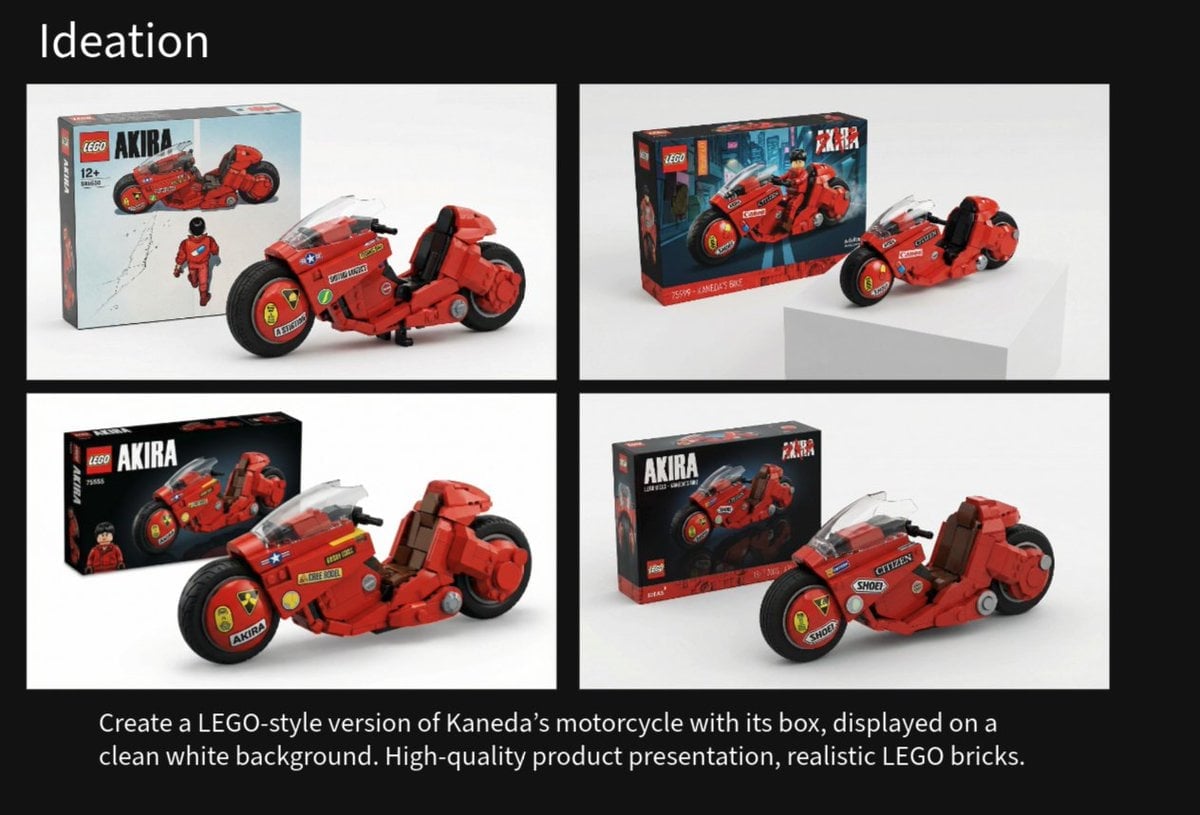
LEGO Kaneda's Motorcycle Product Shot Prompt
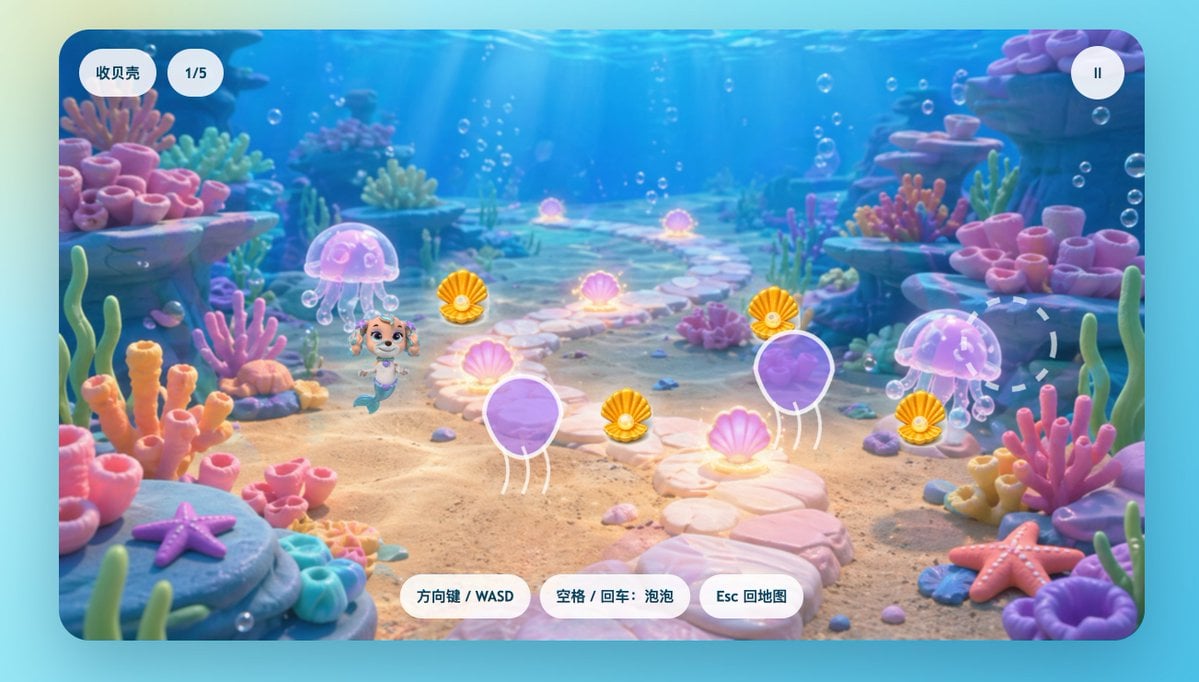
Cute Mermaid Puppy Underwater Game Screen
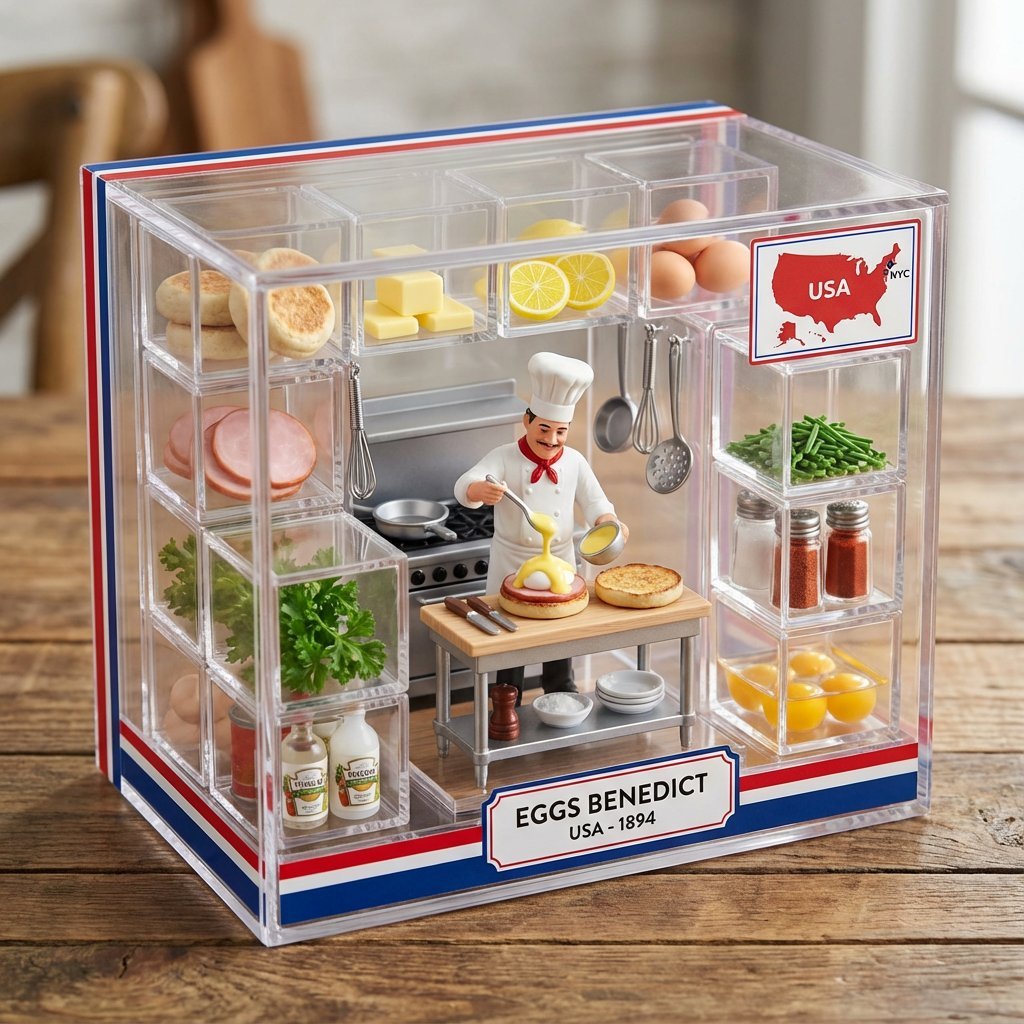
Eggs Benedict Miniature Acrylic Box
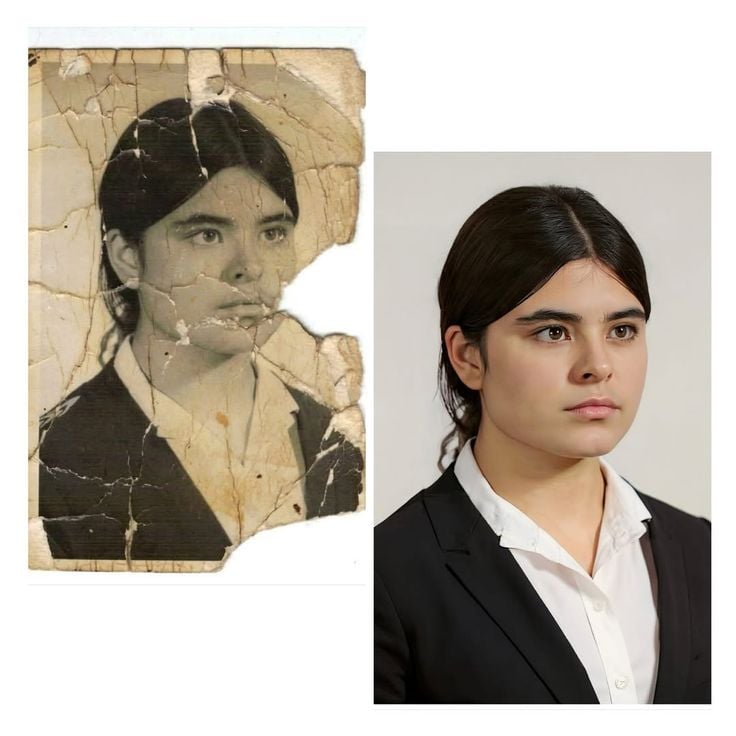
Advanced Image Restoration and Upscale Prompt
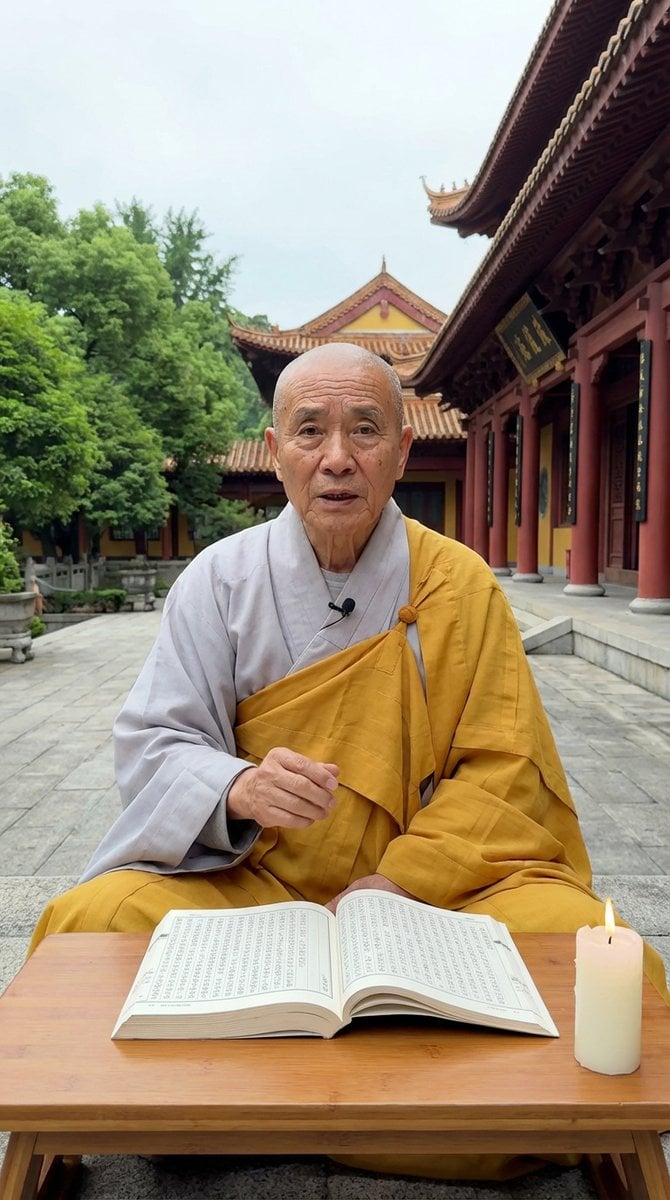
Monk Delivering Life Advice Video Still Prompt

Beauty Product Landing Page Mockup
Browse template categories
Epic French Rooster Over Paris questions
How do I use the Epic French Rooster Over Paris template?
Add your photo if the template asks for one, edit the prompt if you like — the template's model and format are already selected — and press Generate. Your version opens in PicX Studio.
Can I customize the Epic French Rooster Over Paris template?
Yes. You can change the subject, setting, lighting, mood, format, and available model controls before creating your image.
Is the Epic French Rooster Over Paris template free?
Opening and editing this template is free. Generating uses credits, shown on the Generate button when you are signed in.
Which AI model should I use?
Start with GPT Image 2, which is the model associated with this template. You can compare another compatible model for a different finish.
Looking for something else? Browse all templates.

Your photo, any look
Thousands of ready templates for every top image and video model, from one credit balance.