
South Asian Courtyard Portrait
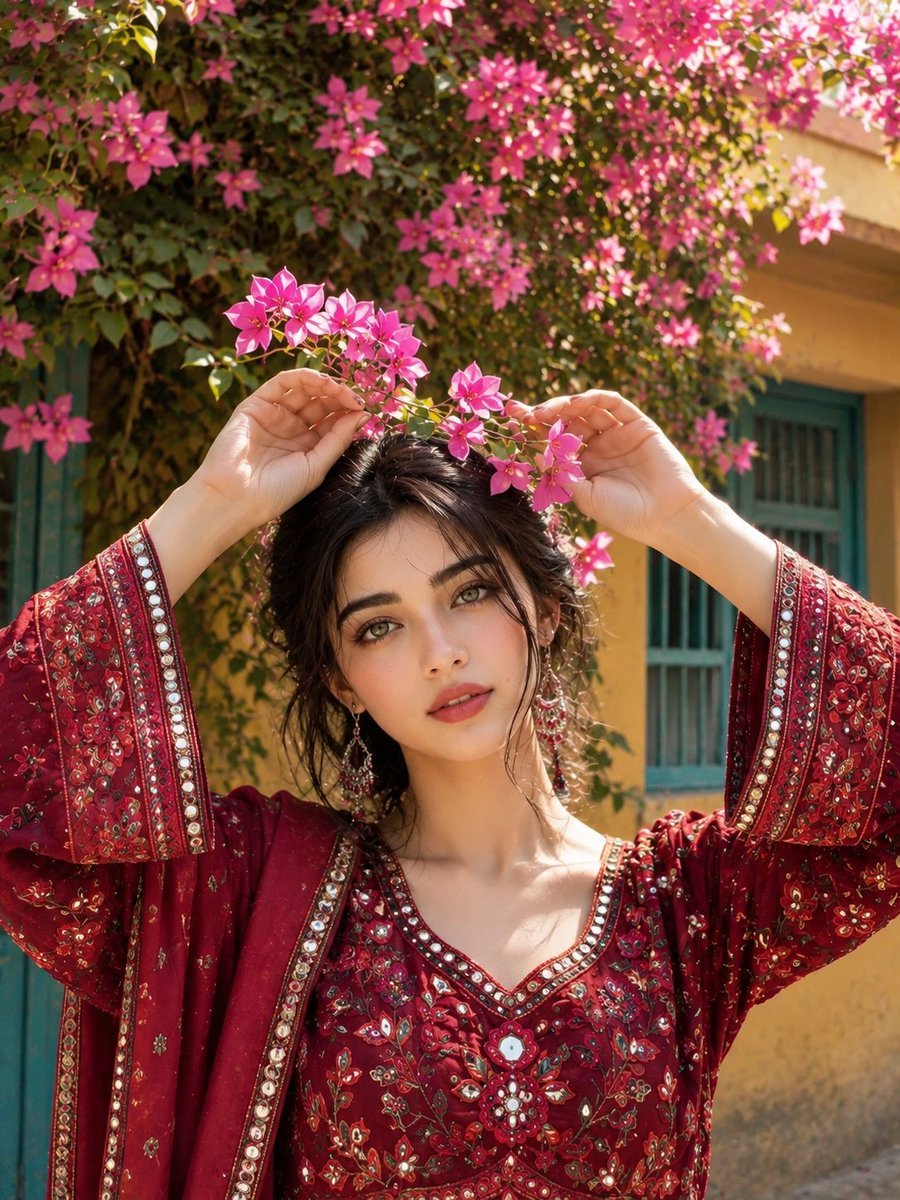
An elegant portrait of a woman in traditional crimson attire set against a vibrant bougainvillea-covered courtyard.
- Prompt included
- Model and format preset
- Free template
The prompt behind this image
Copy the exact prompt behind South Asian Courtyard Portrait, or open it in the studio and make it yours.
Ultra-realistic, photorealistic portrait of a young South Asian woman standing outdoors in a beautiful traditional courtyard surrounded by lush green bougainvillea vines covered with vibrant pink flowers. She has soft, delicate facial features, expressive light brown eyes, naturally full lips, smooth realistic skin texture, and shoulder-length dark wavy hair with a slightly tousled, effortless look. She is wearing an elegant deep crimson-red traditional embroidered outfit with intricate floral patterns, mirror-work details, delicate beadwork, and richly decorated sleeves. The neckline features beautiful handcrafted embroidery and subtle reflective embellishments. Her arms are raised gracefully above her head as she gently holds a flowering bougainvillea branch with both hands, creating a natural floral frame around her face. She gazes softly toward the camera with a dreamy, confident and slightly mysterious expression. Warm natural daylight filters through the flowers and leaves, creating beautiful dappled sunlight and soft organic shadows across her face. Background features a charming traditional South Asian house with warm yellow walls, turquoise-blue doors and windows, and abundant greenery. Shallow depth of field, cinematic natural lighting, creamy background bokeh, realistic skin pores, fine hair strands, authentic fabric texture, natural hands and anatomy, candid editorial photography, 85mm portrait lens, f/2.0, soft color grading, high dynamic range, ultra-detailed, elegant composition, luxury fashion photography aesthetic, 8K resolution, vertical 3:4 aspect ratio, Instagram-worthy, captivating and stop-scrolling visual.
How to use South Asian Courtyard Portrait in 3 steps
- 1
Open
The prompt is already in the box next to the preview, with the template's model and format selected.
- 2…a portrait of your subject in softgolden-hour light, 85mm…
Personalize
Edit the subject and creative details for your destination.
- 3Generate
Generate
Press Generate — your image is created in PicX Studio, so you can compare it with the original and refine one variable at a time.
More like this
Templates with the same subject, style or setup. Open one to see its prompt.
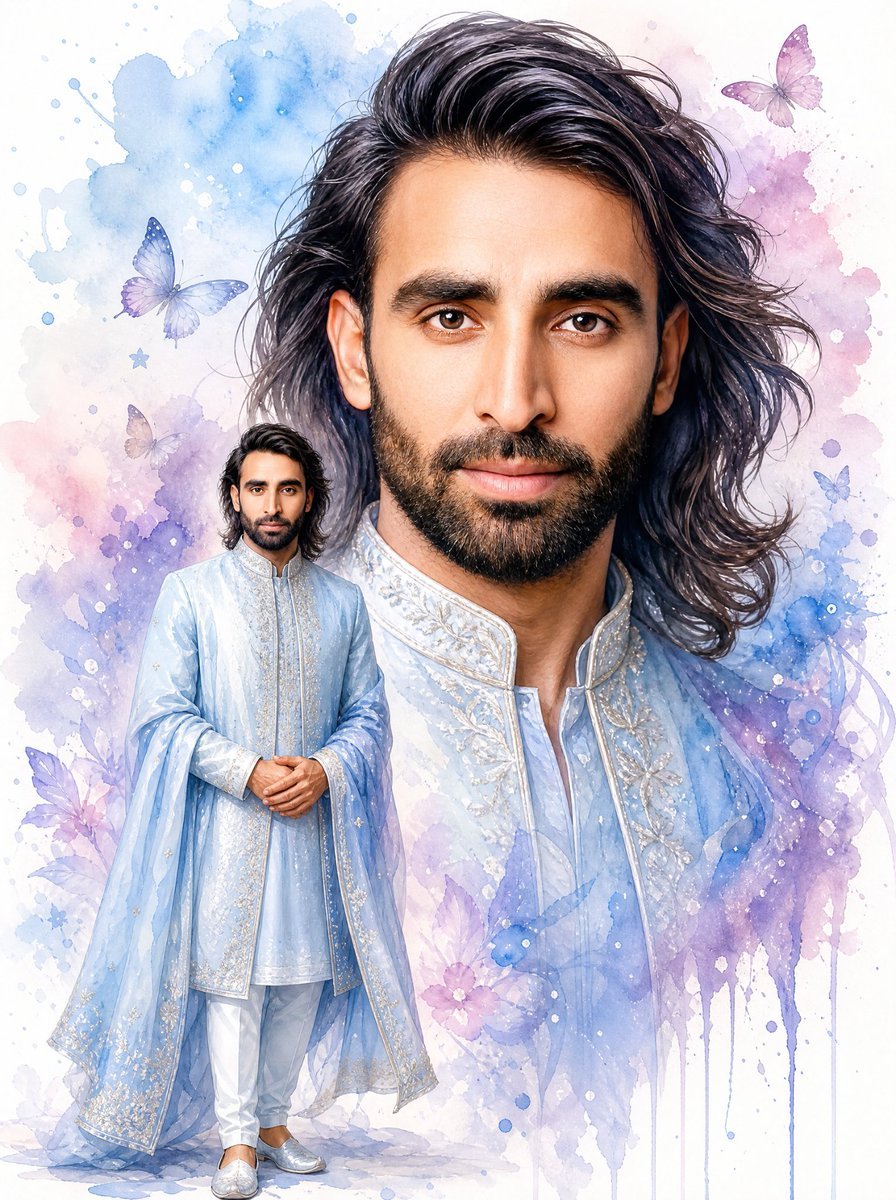
Watercolor South Asian Groom Portrait
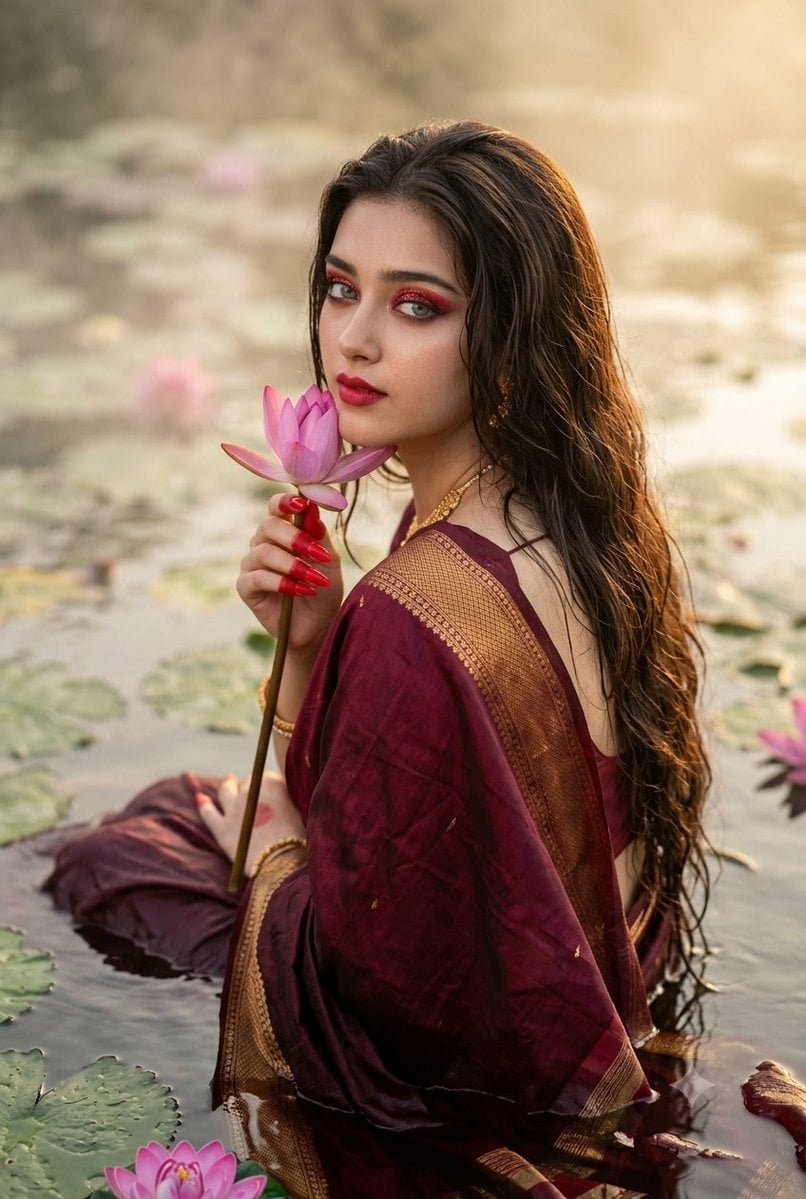
Cinematic South Asian Lotus Portrait
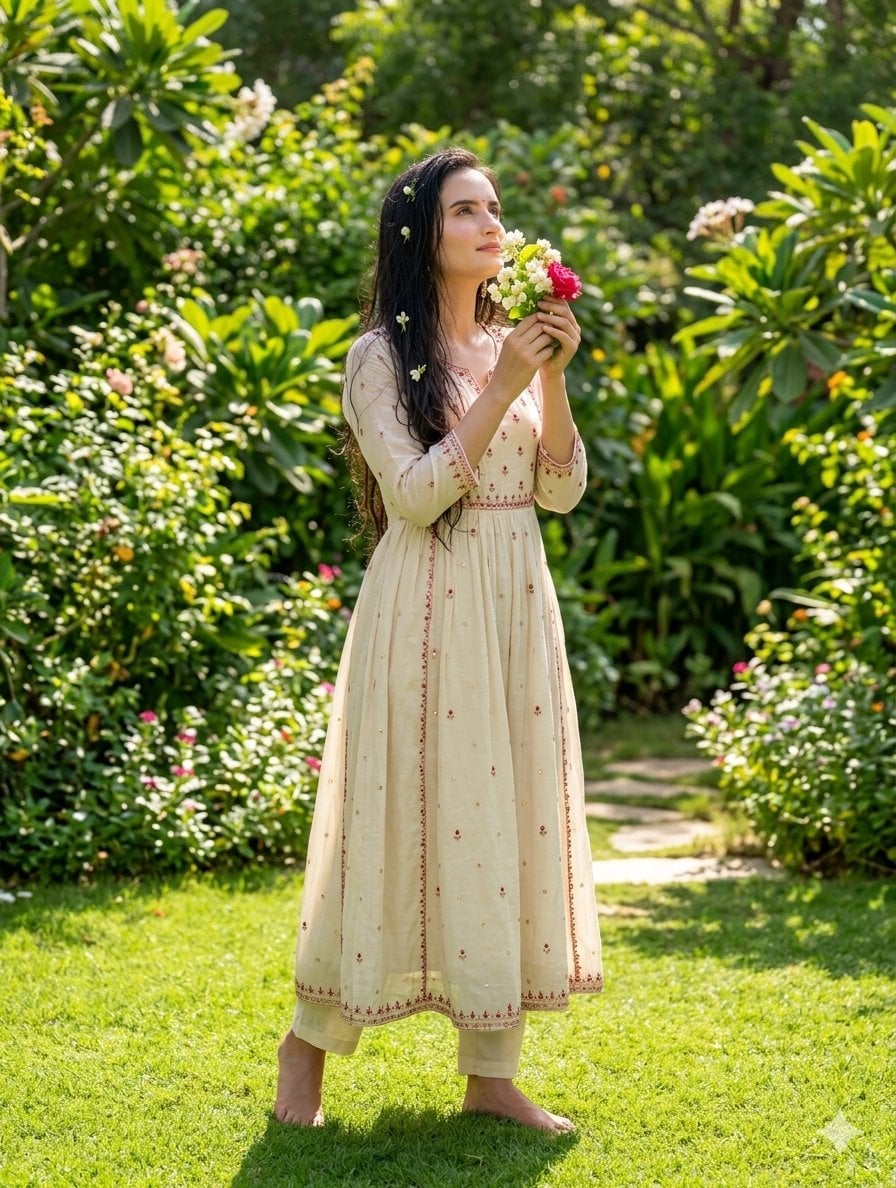
South Asian Woman in Garden Portrait
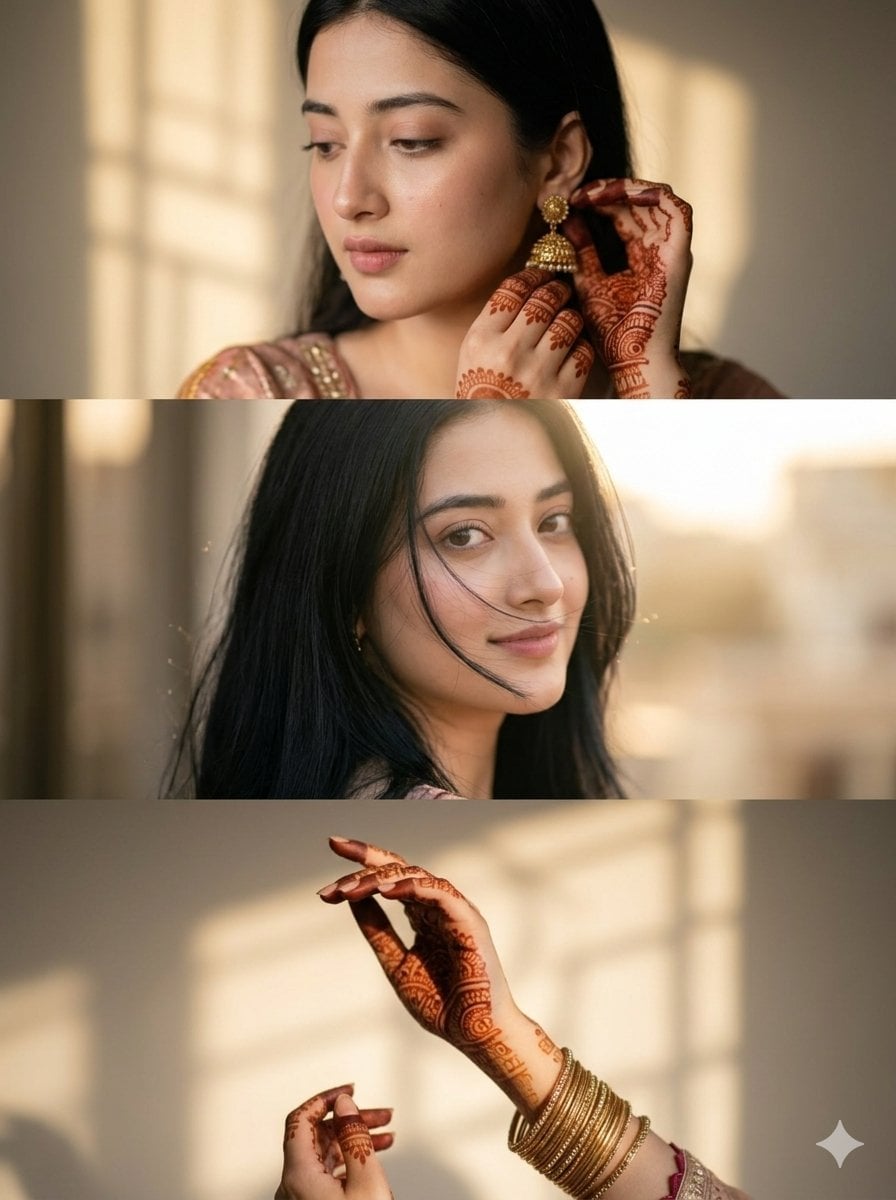
Cinematic South Asian Woman Portrait Collage
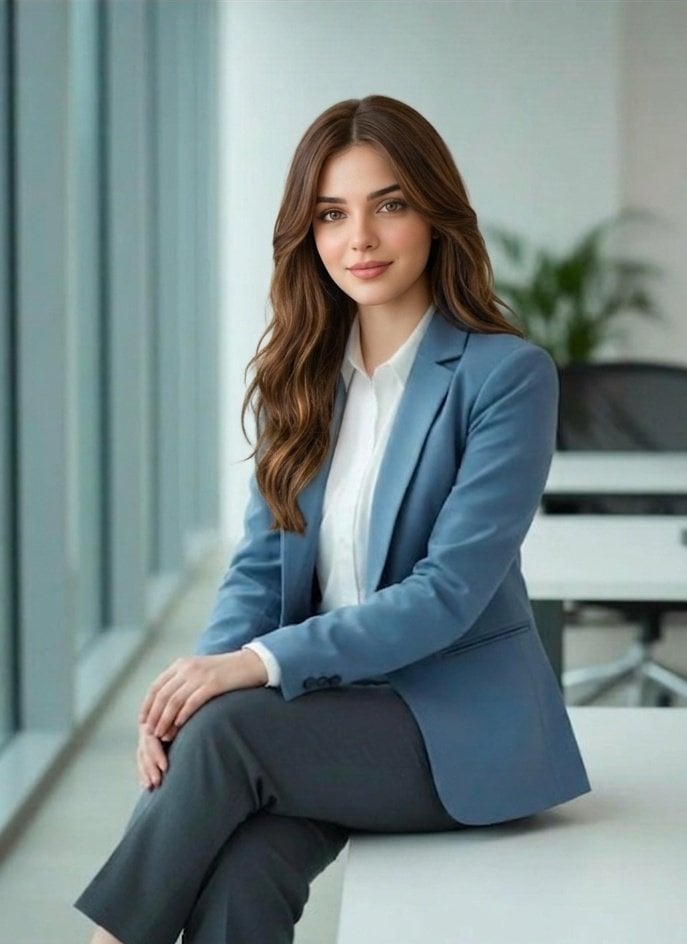
Professional South Asian Woman Portrait
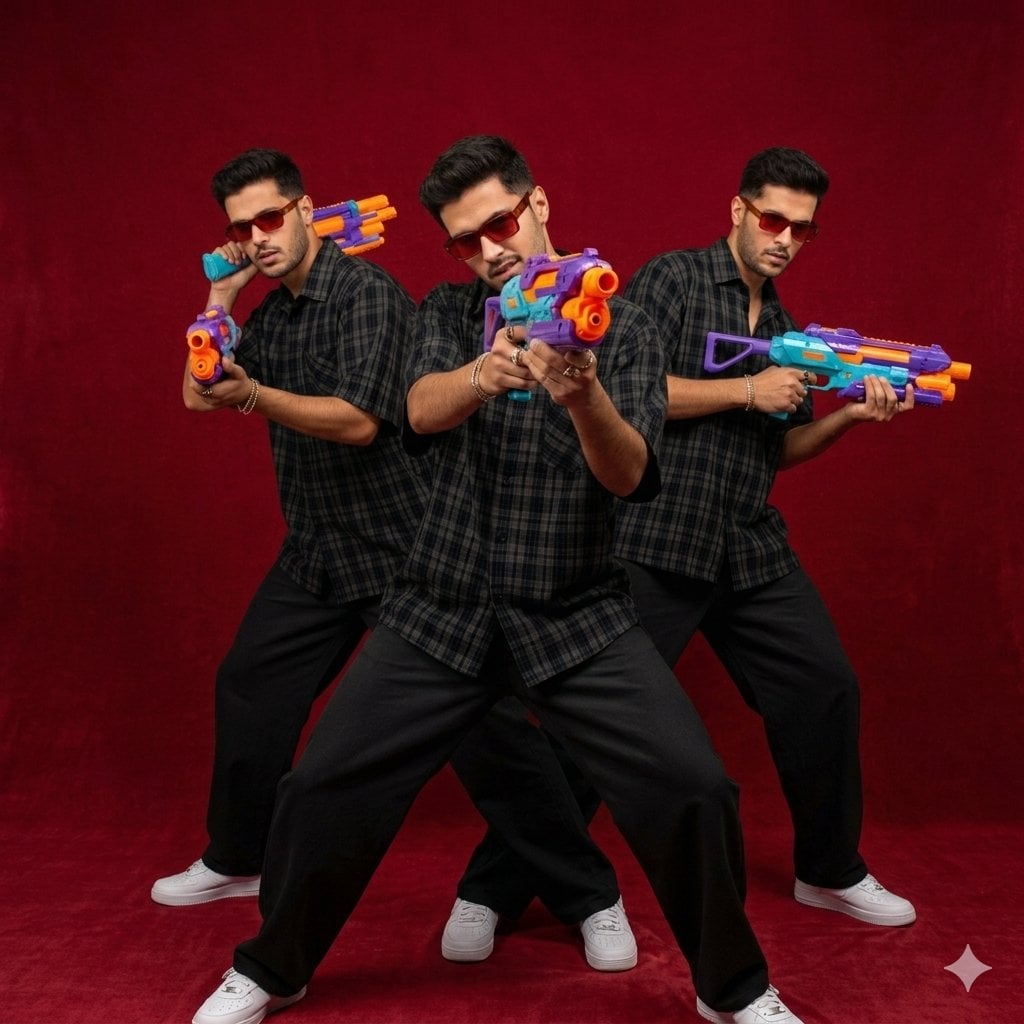
South Asian Man Clone Portrait
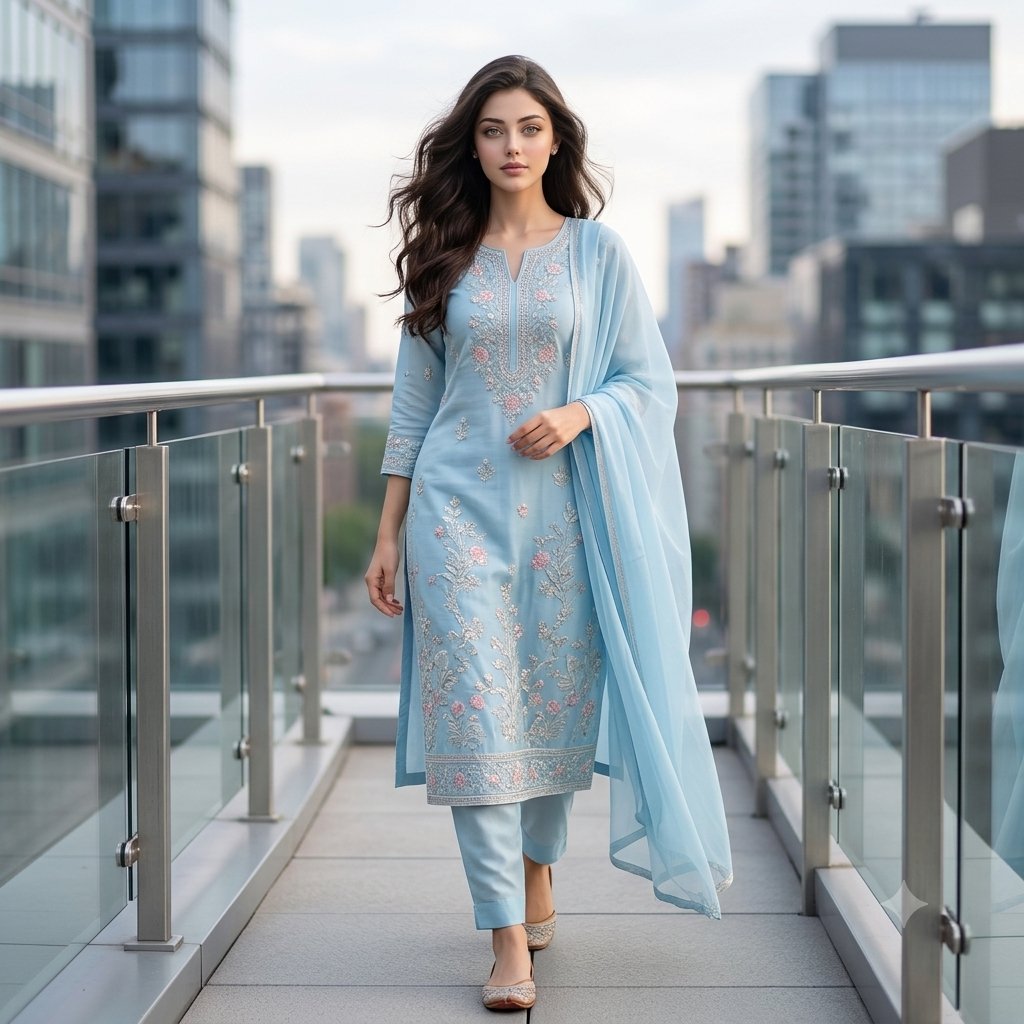
Urban South Asian Fashion Portrait
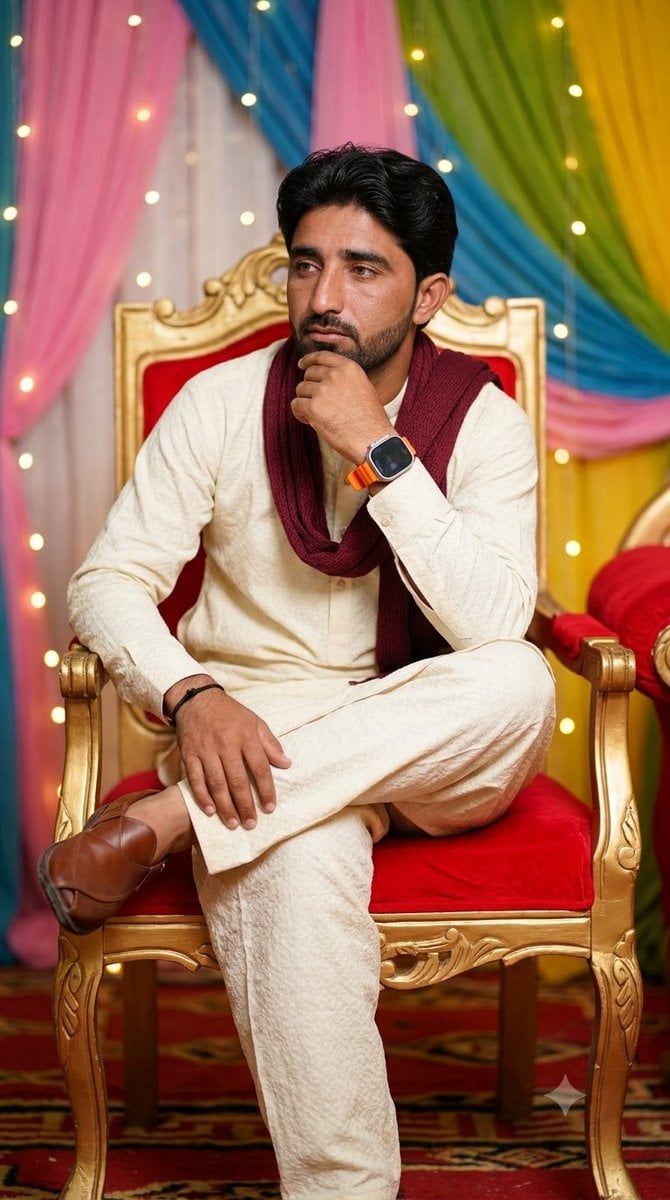
Pensive South Asian Man Portrait
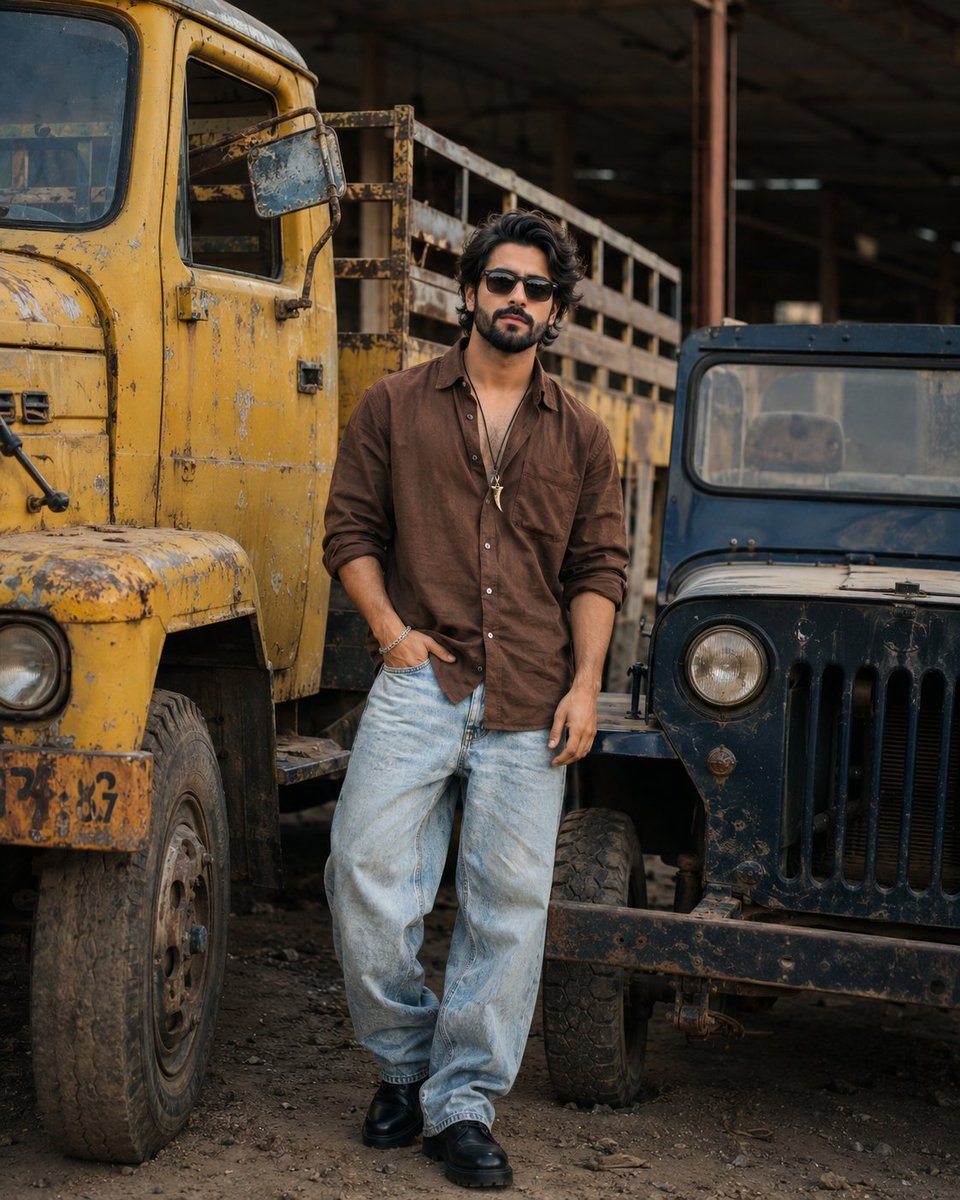
Industrial Fashion Portrait of South Asian Boy
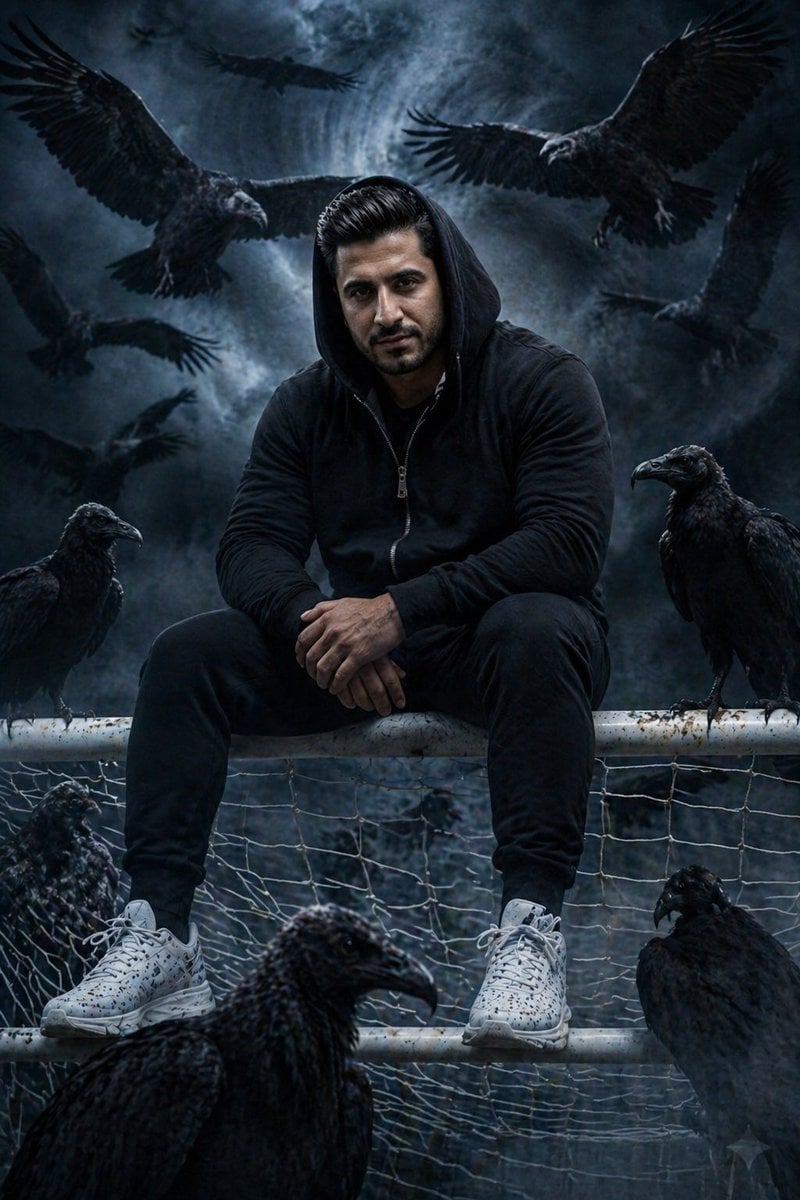
Cinematic South Asian Male Portrait with Vultures
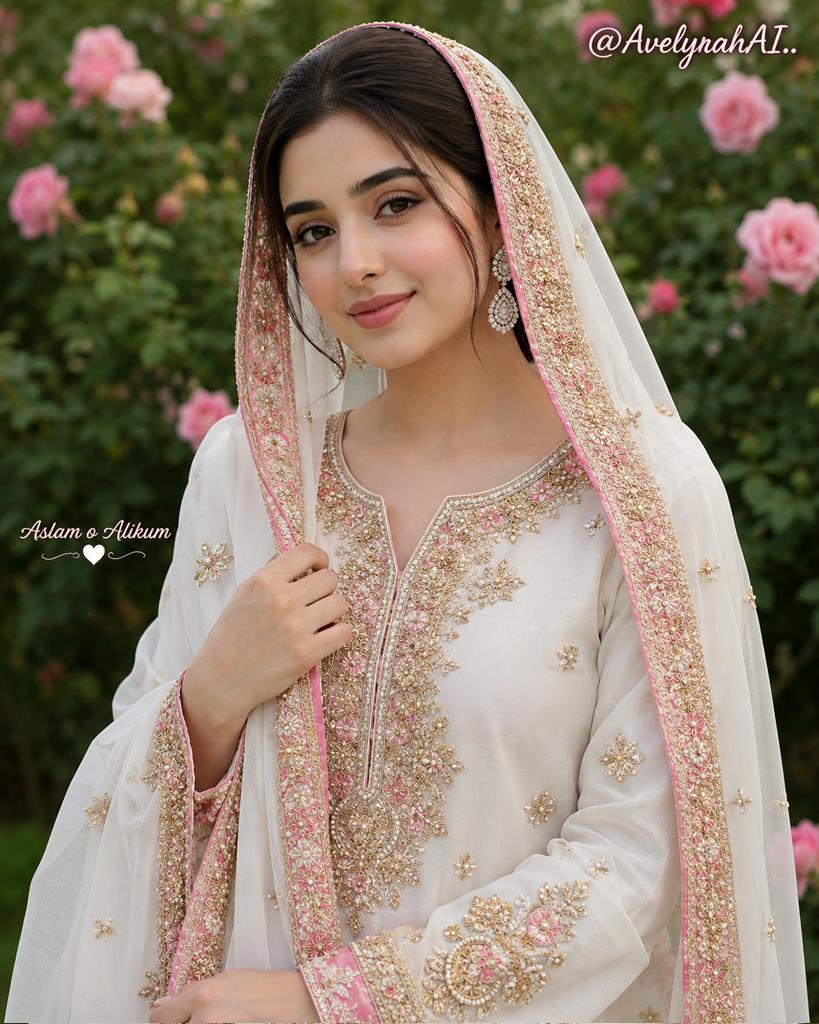
Traditional South Asian Portrait
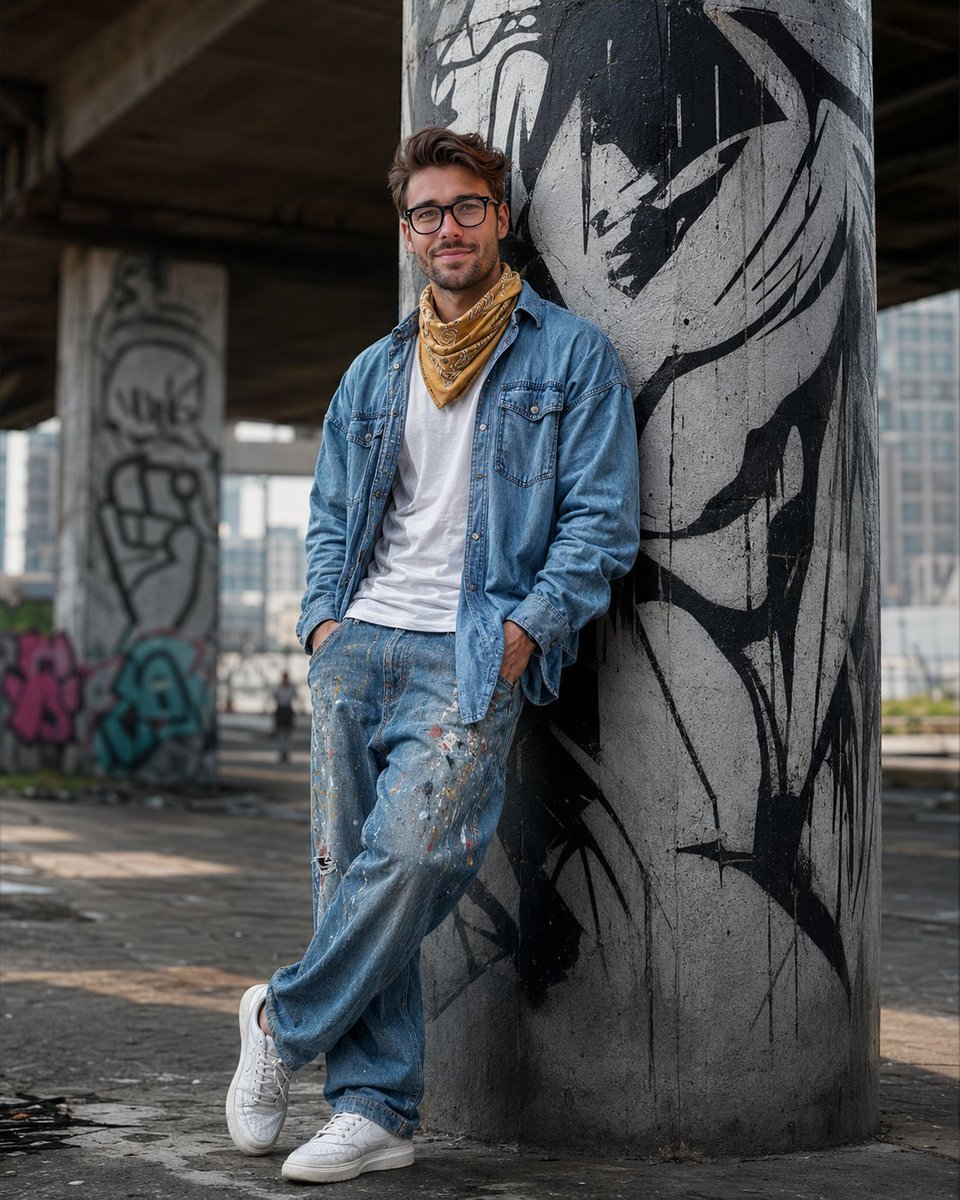
South Asian Streetwear Portrait
Make it yours
South Asian Courtyard Portrait works as-is. These are the safest ways to change it without losing the look.
Change one field
Copy a single group, rewrite it, and generate again so you can see what that field is doing.
Keep the frame, change the subject
Hold the composition and light of South Asian Courtyard Portrait, then swap wardrobe, props or the person for a new take.
| If the result… | Why | Fix |
|---|---|---|
| The result drifts from the preview | Too many fields changed at once. | Reuse South Asian Courtyard Portrait as-is first, then change one group — subject, light, or setting. |
| The model over-stylizes the scene | The prose prompt leaves finish and camera underspecified. | Add one camera or lighting sentence and stay on GPT Image 2. |
More GPT Image 2 templates
Other prompts made for GPT Image 2.

Six VTuber Japanese Logo Sheet

Realistic Portrait of Woman and Deer

The Vista Modular Condo Poster

AI Model Routing Comparison Infographic

2.5D Anime Art Board

Isometric Productivity Desk Scene

New York Double Exposure Poster

Four-Panel AI Landscape Comparison

Japanese Tatami Lifestyle Magazine Cover

NESCAFÉ Coffee Map Poster
More image prompts
Fresh picks from across the catalog.
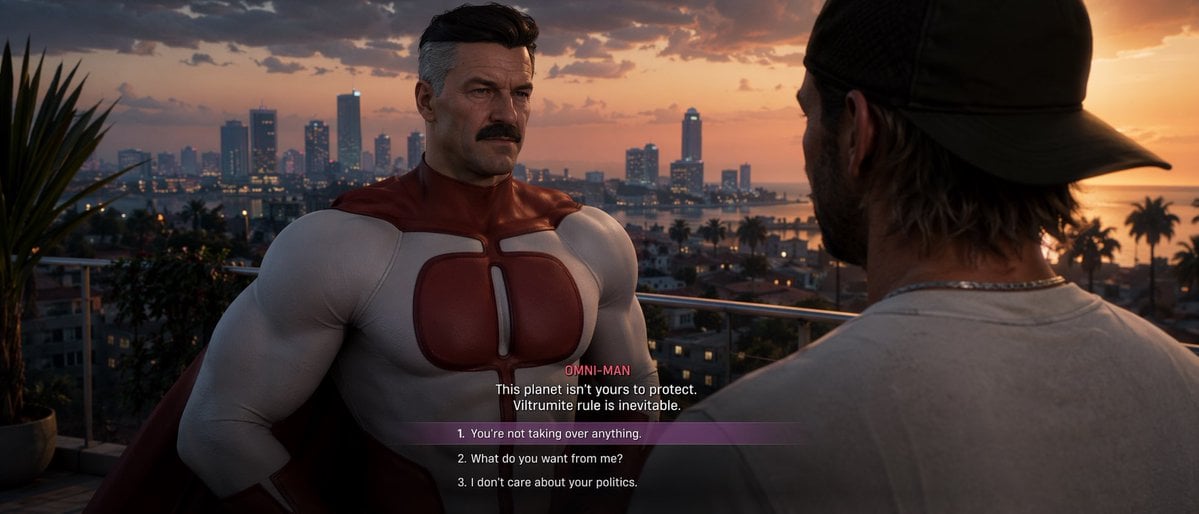
GTA-Style Dialogue Screenshot
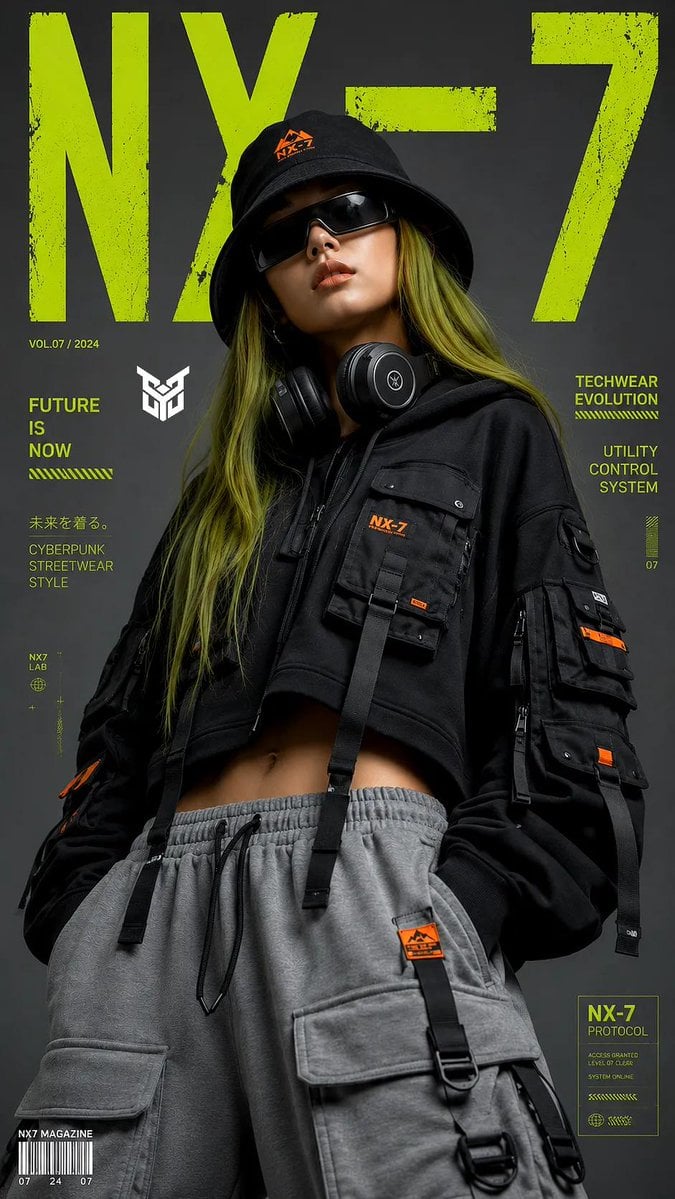
Techwear Tech High-Fashion Editorial
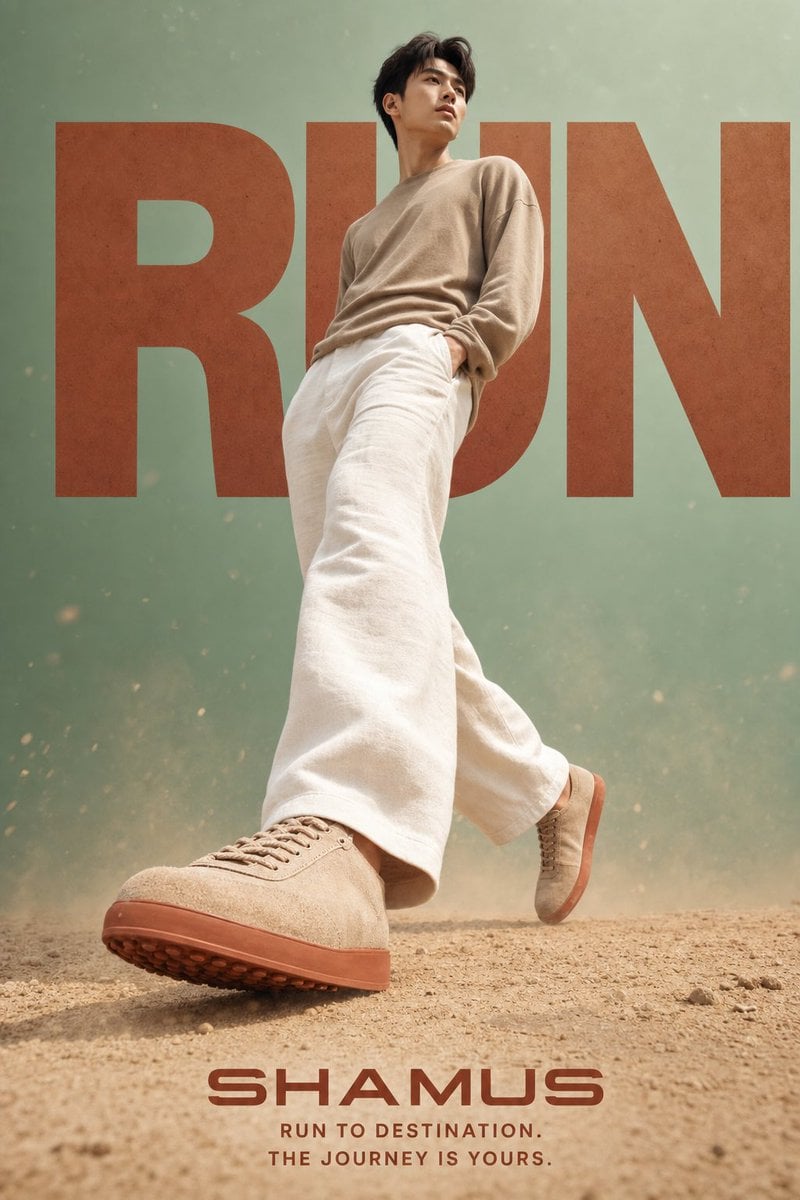
Lifestyle Sneaker Editorial Poster
Ultra-Realistic Asian Male Editorial Portrait
Cinematic Night Window Triptych
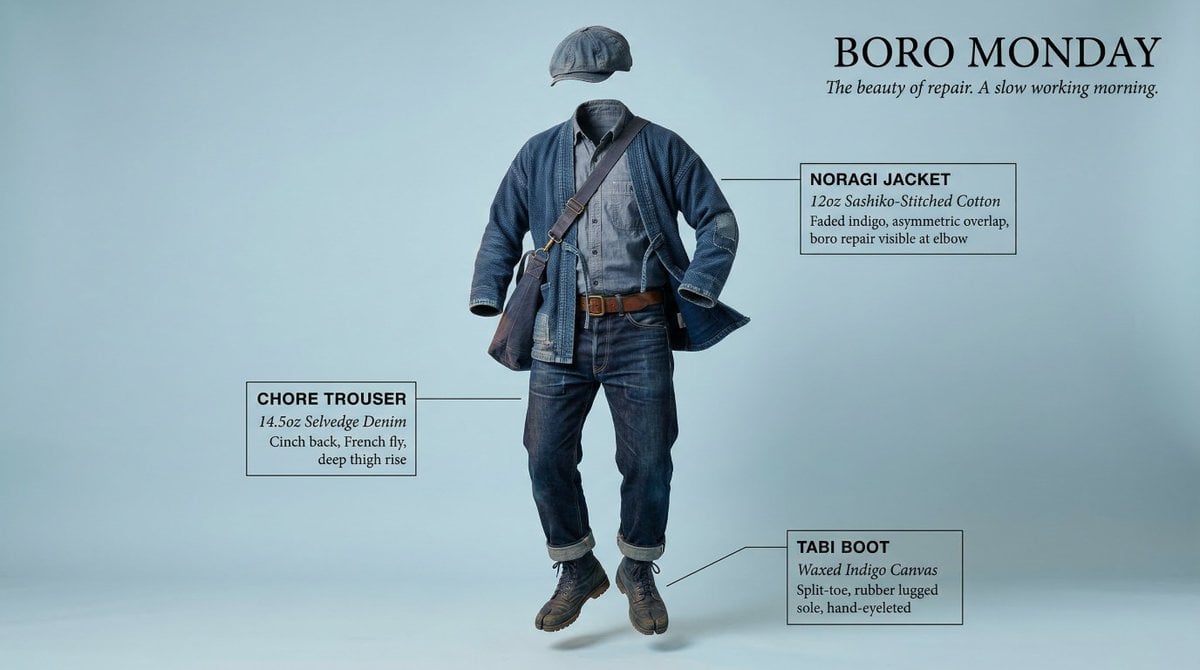
High-Concept Levitation Fashion Editorial
World Cup Cheerleader Action Shot
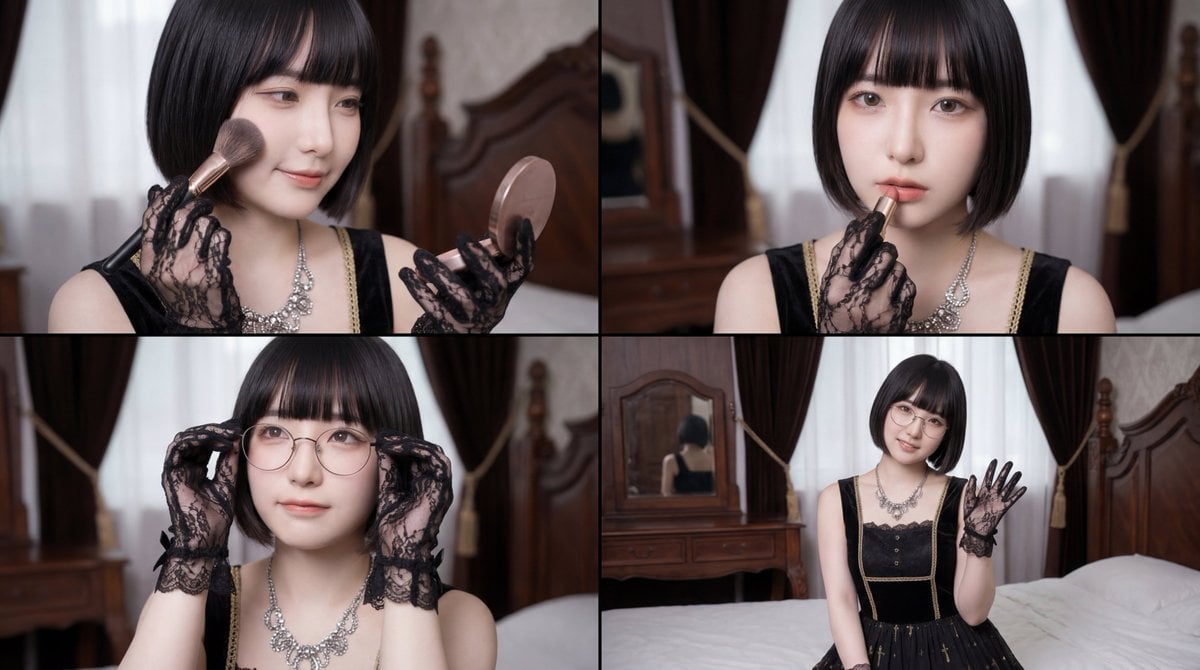
Cinematic Close-up of Woman Applying Makeup Video Prompt
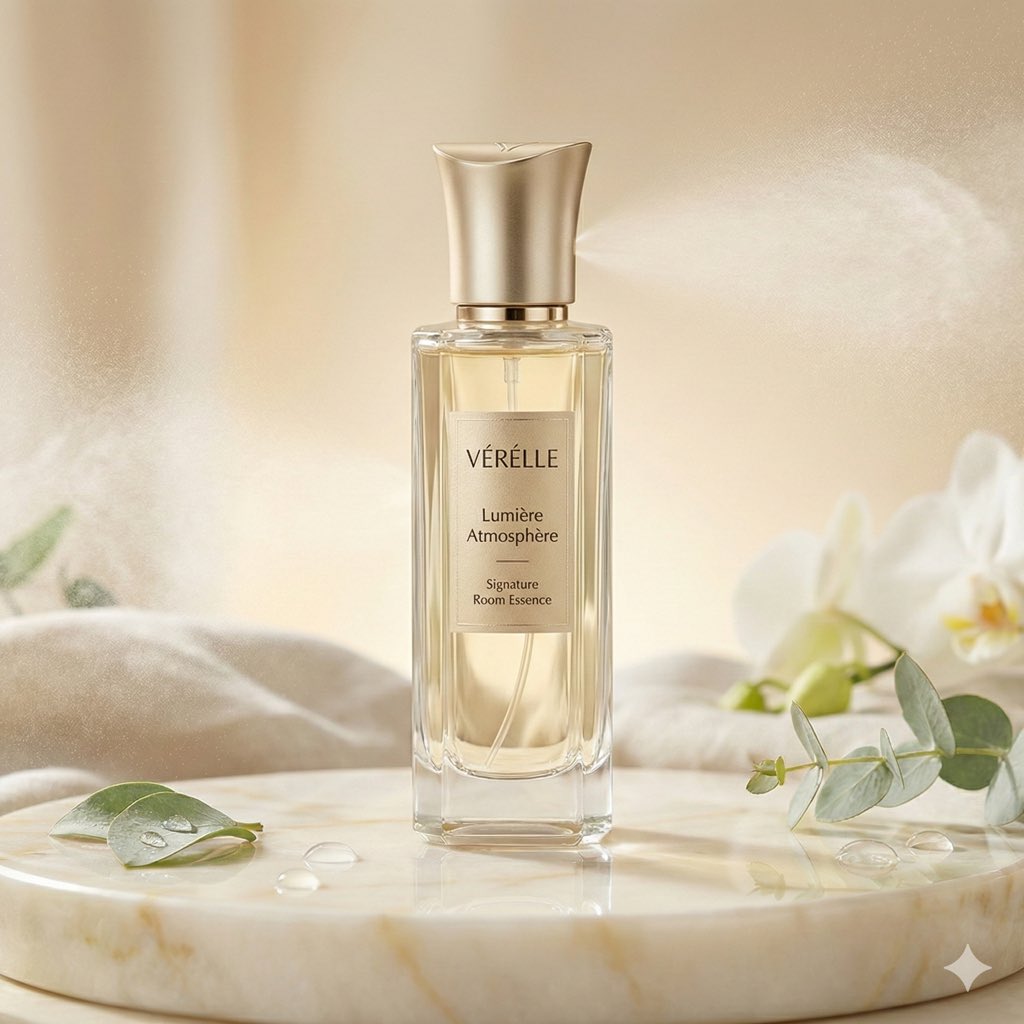
Luxury Home Fragrance Commercial Photography (JSON Format)
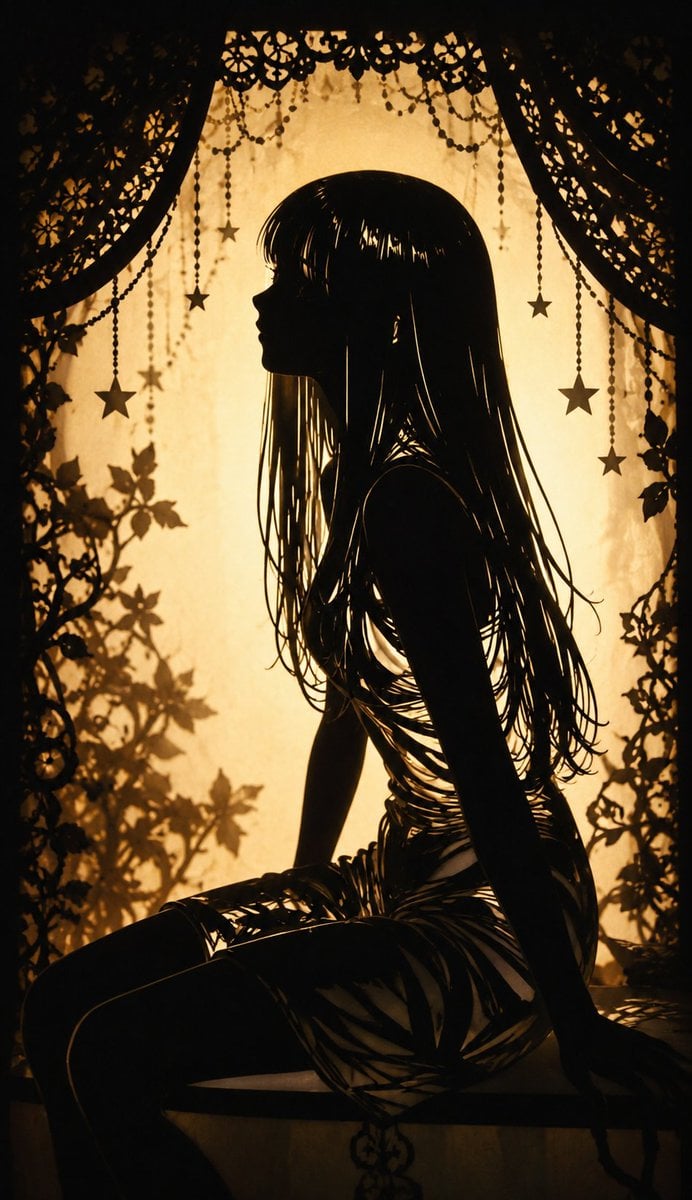
Shadow Puppet Style Transformation
Browse template categories
South Asian Courtyard Portrait questions
How do I use the South Asian Courtyard Portrait template?
Add your photo if the template asks for one, edit the prompt if you like — the template's model and format are already selected — and press Generate. Your version opens in PicX Studio.
Can I customize the South Asian Courtyard Portrait template?
Yes. You can change the subject, setting, lighting, mood, format, and available model controls before creating your image.
Is the South Asian Courtyard Portrait template free?
Opening and editing this template is free. Generating uses credits, shown on the Generate button when you are signed in.
Which AI model should I use?
Start with GPT Image 2, which is the model associated with this template. You can compare another compatible model for a different finish.
Looking for something else? Browse all templates.

Your photo, any look
Thousands of ready templates for every top image and video model, from one credit balance.