How do I use the Urban South Asian Fashion Portrait template?
Edit the prompt in the box under the preview — the template's model and format are already selected — and press Generate. Your version appears right on this page.
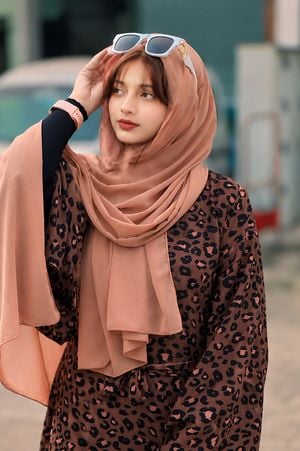
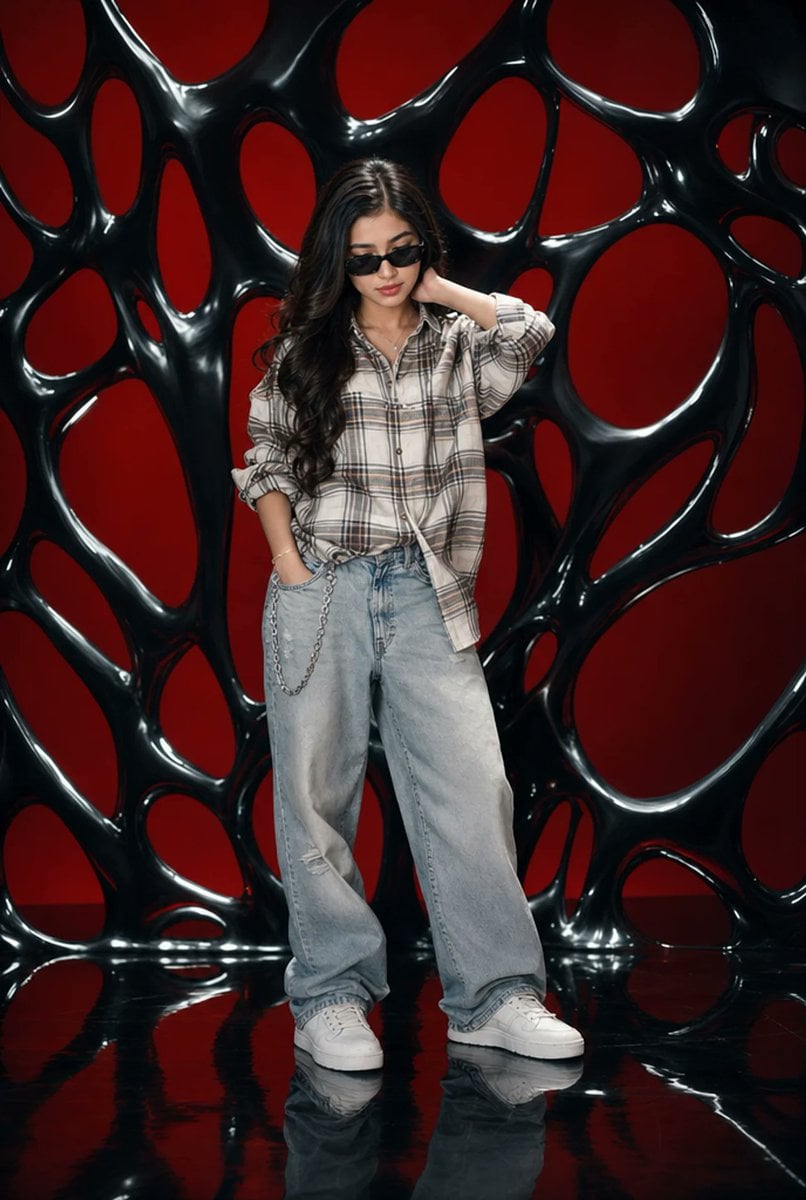
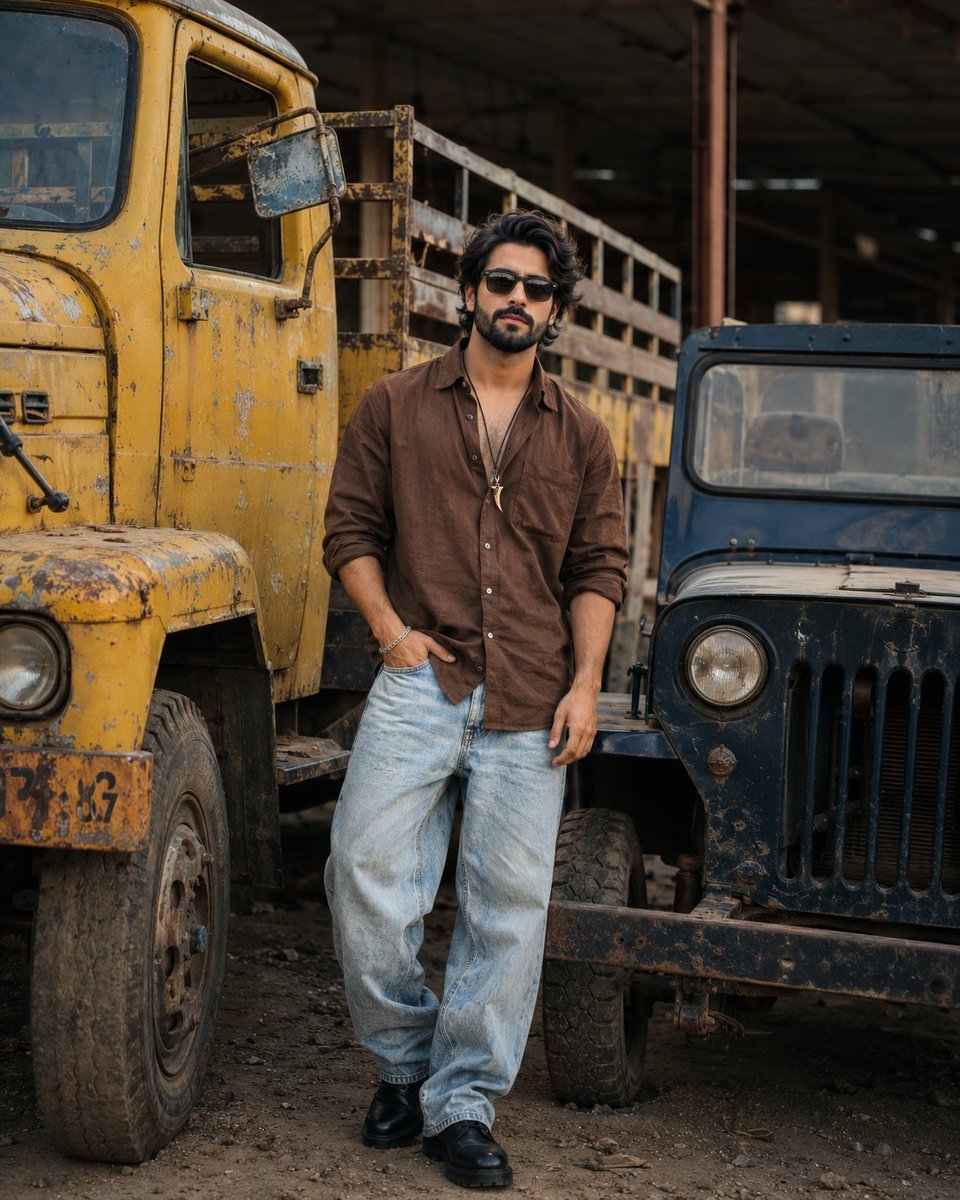
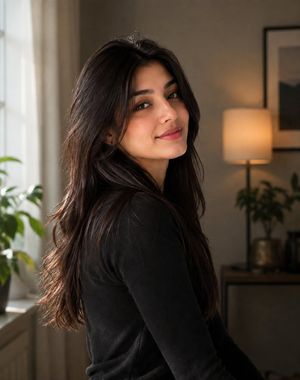
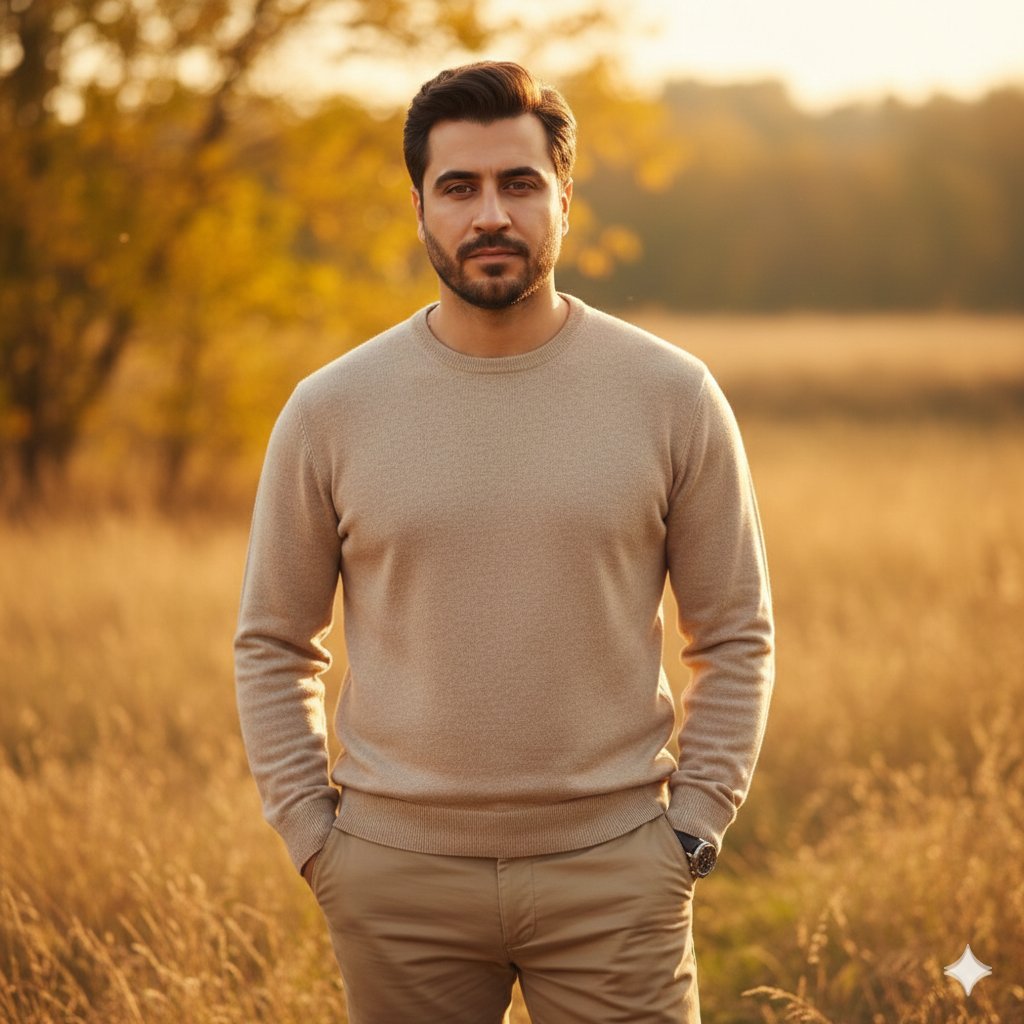
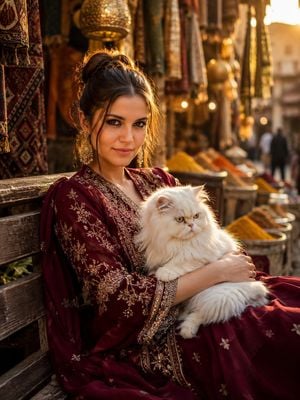
A detailed fashion photography prompt for a graceful portrait of a woman in traditional South Asian attire set against a modern urban cityscape with soft bokeh.

A beautiful young {argument name="subject" default="South Asian woman"} standing gracefully on a {argument name="location" default="rooftop terrace in an urban cityscape"}, wearing a {argument name="outfit" default="pastel sky-blue embroidered salwar kameez with intricate floral patterns and matching dupatta"}, long wavy dark hair flowing naturally, soft elegant makeup, calm confident expression, full-body portrait, walking gently toward the camera, modern city buildings blurred in the background, stainless steel railing, natural daylight, creamy bokeh, realistic skin texture, fashion photography.
A beautiful young {argument name="subject" default="South Asian woman"} standing gracefully on a {argument name="location" default="rooftop terrace in an urban cityscape"}, wearing a {argument name="outfit" default="pastel sky-blue embroidered salwar kameez with intricate floral patterns and matching dupatta"}, long wavy dark hair flowing naturally, soft elegant makeup, calm confident expression, full-body portrait, walking gently toward the camera, modern city buildings blurred in the background, stainless steel railing, natural daylight, creamy bokeh, realistic skin texture, fashion photography.
Edit the prompt in the box under the preview — the template's model and format are already selected — and press Generate. Your version appears right on this page.
Yes. You can change the subject, setting, lighting, mood, format, and available model controls before creating your image.
Opening and editing this template is free. Generating uses credits, shown on the Generate button when you are signed in.
Start with Nano Banana 2, which is the model associated with this template. You can compare another compatible model for a different finish.
Follow a topic to a crawlable collection of related PicX Studio templates.