
Summer Sailor Uniform Fountain Portrait
Generates a bright realistic portrait of a smiling young woman in a light blue sailor uniform splashing through a sunny plaza fountain.
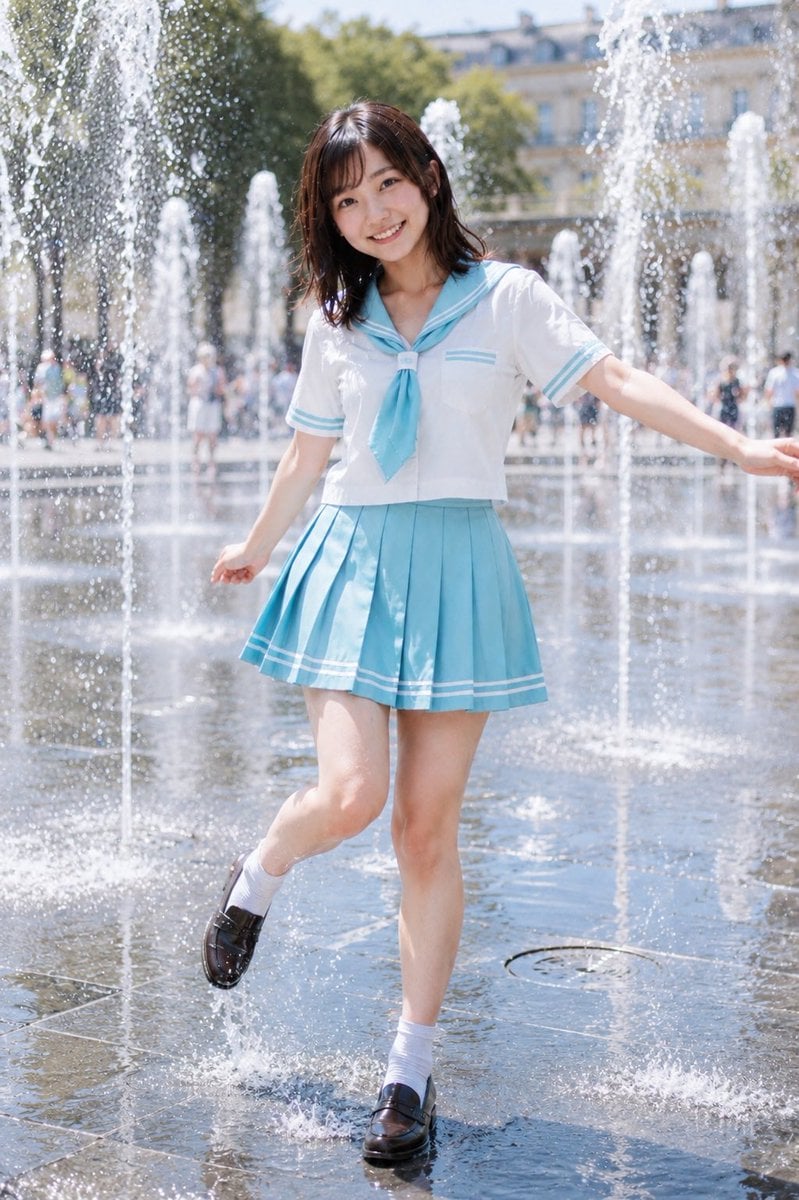
- Prompt included
- Model and format preset
- Free template
The prompt behind this image
Copy the exact prompt behind Summer Sailor Uniform Fountain Portrait, or open it in the studio and make it yours.
Create a bright, naturalistic full-body fashion photo of a cheerful young Japanese woman, {argument name="character name" default="Hina"}, wearing a refreshing summer Japanese sailor-style school uniform in a public plaza fountain. She has shoulder-length dark brown hair with soft bangs, a friendly open smile, clear youthful features, and a playful pose with both arms slightly extended for balance. Her outfit is a crisp white short-sleeve sailor blouse with light aqua-blue collar and sleeve stripes, a matching aqua-blue necktie, and a high-waisted aqua-blue pleated mini skirt with white stripe trim; add white ankle socks and shiny black loafers. She is stepping through shallow water, one foot lifted and splashing, surrounded by many vertical fountain jets and glittering water droplets. Use a sunny summer daytime setting with wet reflective stone pavement, blurred people in the background, green trees, and a softly out-of-focus classical city building behind the fountain. Style should be realistic Japanese idol photo / fresh summer portrait, soft natural skin tones, bright airy lighting, shallow depth of field, crisp subject focus, sparkling highlights, gentle bokeh, vertical 2:3 composition, no text, no watermark, no extra limbs, keep the uniform modest and clean.
How to use Summer Sailor Uniform Fountain Portrait in 3 steps
- 1Upload ImagePNG, JPG or paste
Add your photo
Upload the photo the template builds on. The prompt, model and format are already set.
- 2…a portrait of your subject in softgolden-hour light, 85mm…
Personalize
Edit the subject and creative details for your destination.
- 3Generate
Generate
Press Generate — your image is created in PicX Studio, so you can compare it with the original and refine one variable at a time.
More like this
Templates with the same subject, style or setup. Open one to see its prompt.
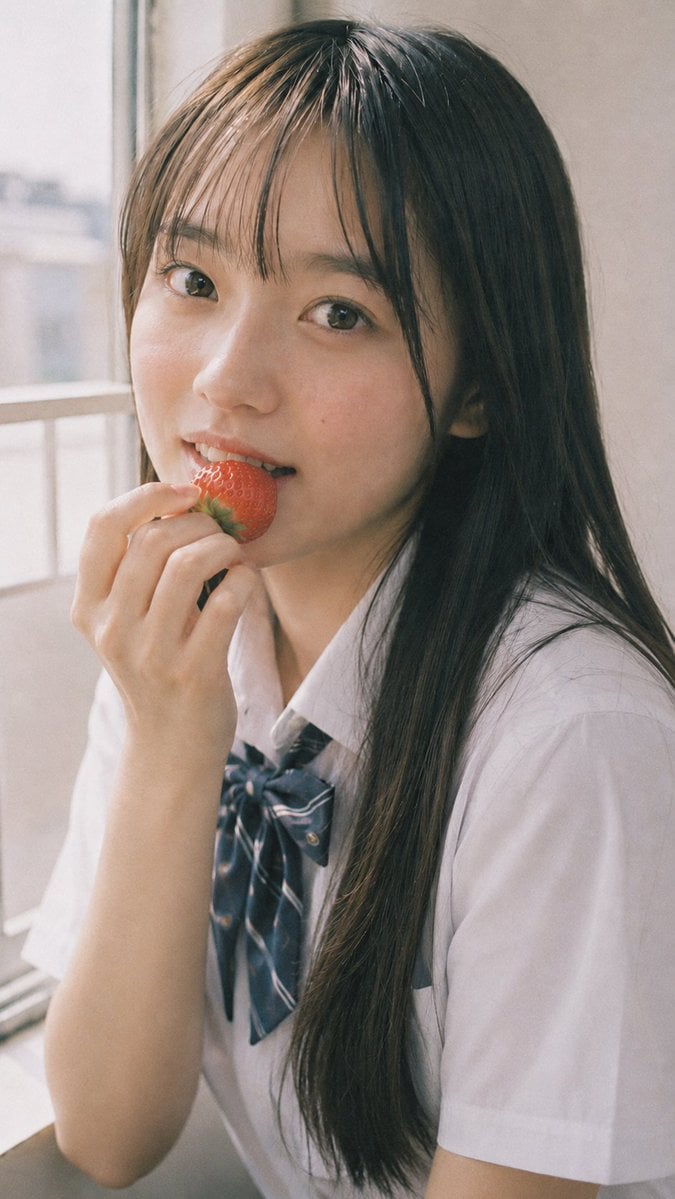
Summer Uniform Portrait with Strawberry
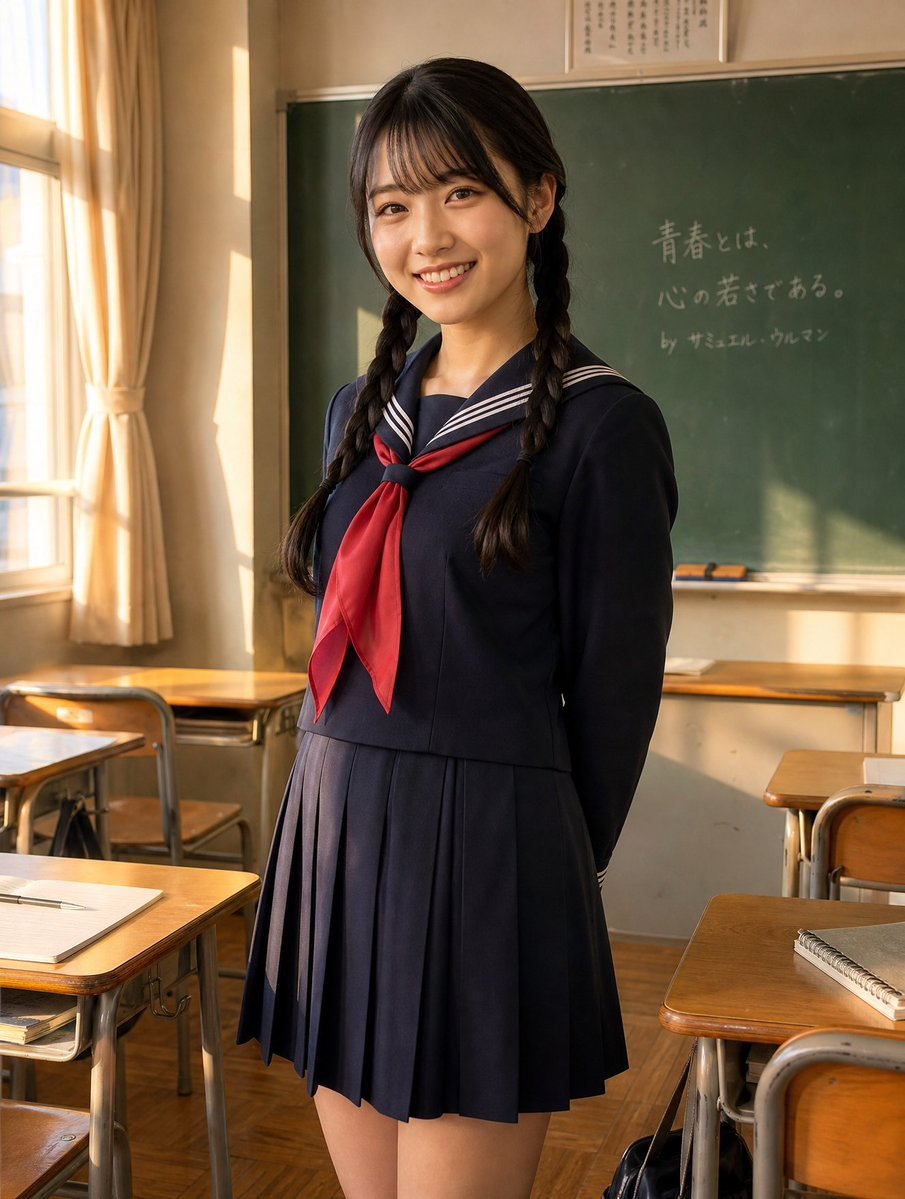
Sunlit Japanese Classroom Sailor Uniform Portrait

Found Photograph: Us, 1970

80s Couple Studio Portrait

80s Bollywood Star

80s Golden Hour Cinema

Me in 1985

1985 Studio Portrait

Hyper-Realistic Minecraft POV Portrait
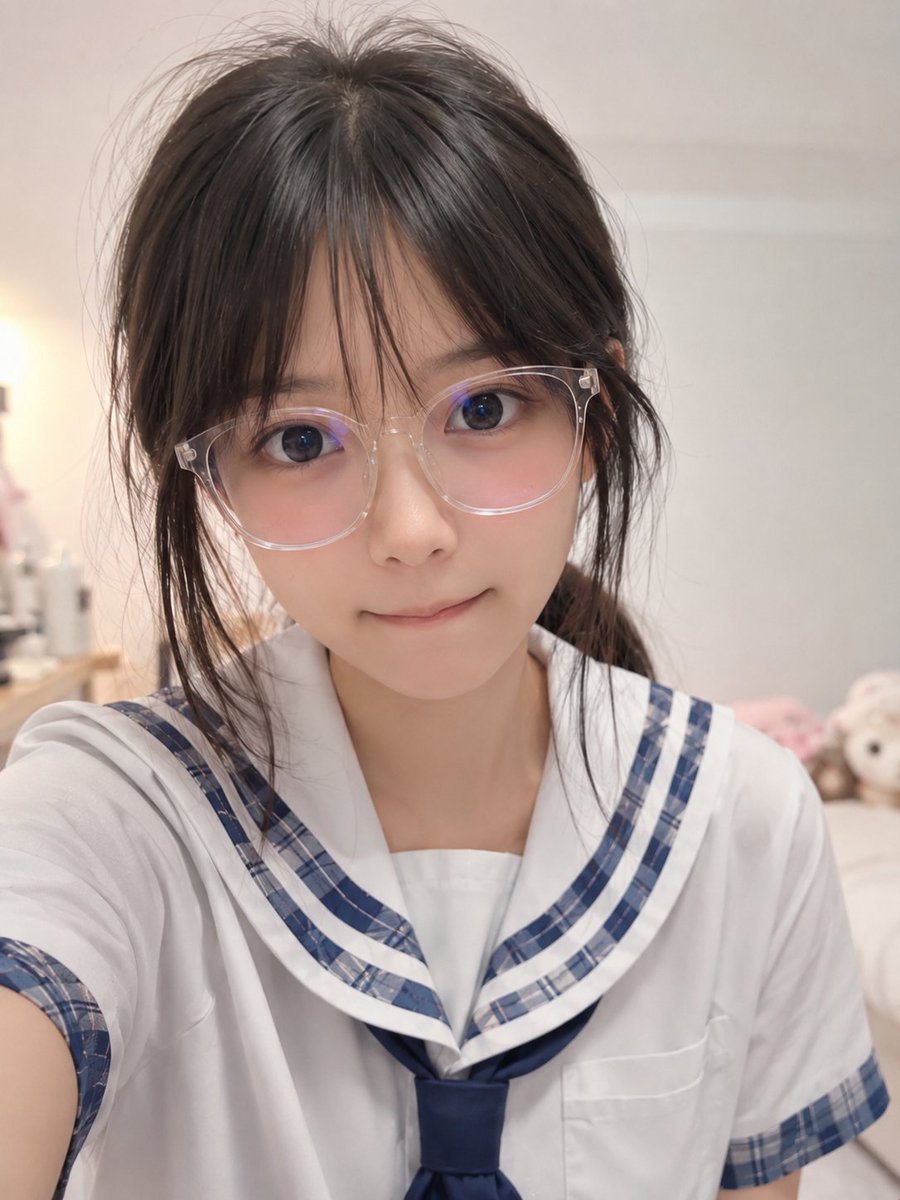
Realistic Censored Sailor Uniform Selfie

Rooftop Fisheye — Cat-Ear Balaclava at Golden Hour

Rainy Café Window Moody Portrait
Make it yours
Summer Sailor Uniform Fountain Portrait works as-is. These are the safest ways to change it without losing the look.
Change one field
Copy a single group, rewrite it, and generate again so you can see what that field is doing.
Keep the frame, change the subject
Hold the composition and light of Summer Sailor Uniform Fountain Portrait, then swap wardrobe, props or the person for a new take.
| If the result… | Why | Fix |
|---|---|---|
| The result drifts from the preview | Too many fields changed at once. | Reuse Summer Sailor Uniform Fountain Portrait as-is first, then change one group — subject, light, or setting. |
| The model over-stylizes the scene | The prose prompt leaves finish and camera underspecified. | Add one camera or lighting sentence and stay on GPT Image 2. |
More GPT Image 2 templates
Other prompts made for GPT Image 2.

Six VTuber Japanese Logo Sheet

Realistic Portrait of Woman and Deer

The Vista Modular Condo Poster

AI Model Routing Comparison Infographic

2.5D Anime Art Board

Isometric Productivity Desk Scene

New York Double Exposure Poster

Four-Panel AI Landscape Comparison

Japanese Tatami Lifestyle Magazine Cover

NESCAFÉ Coffee Map Poster
More image prompts
Fresh picks from across the catalog.
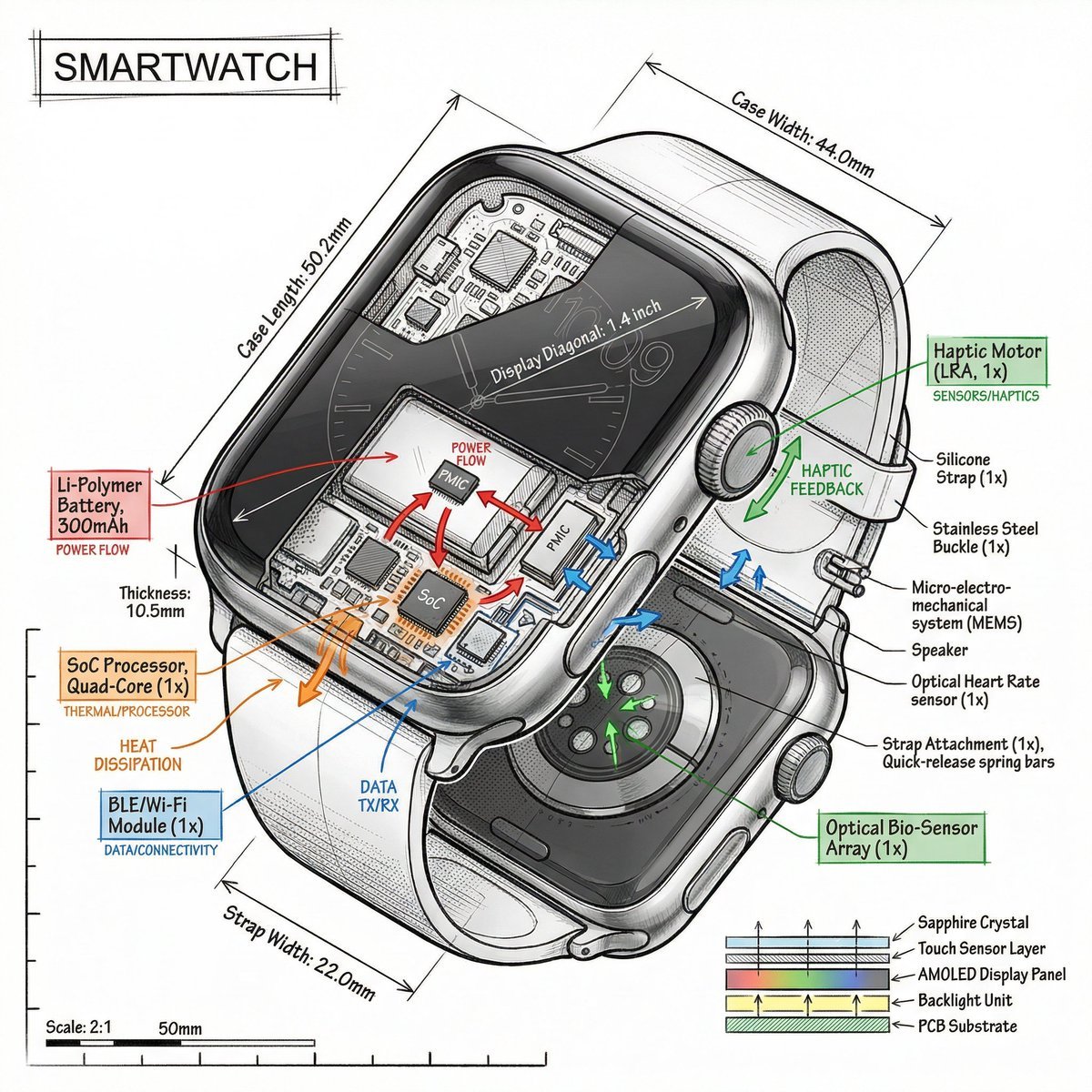
Technical Infographic Prompt Template
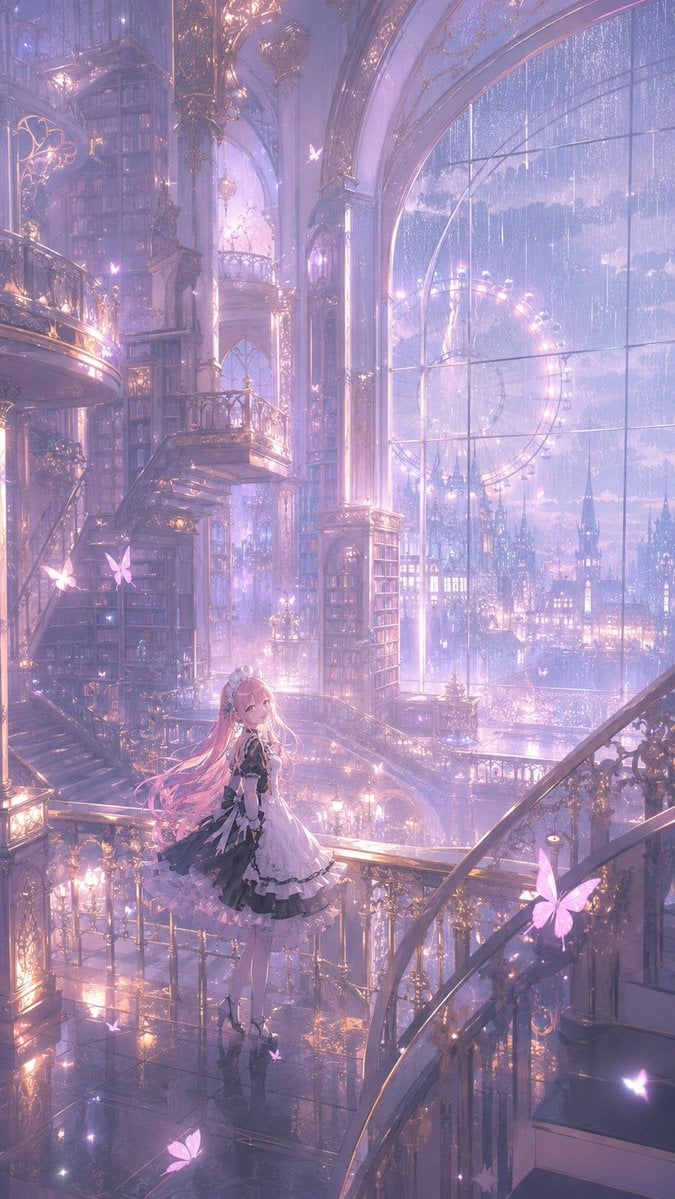
Magical Gothic Library Balcony
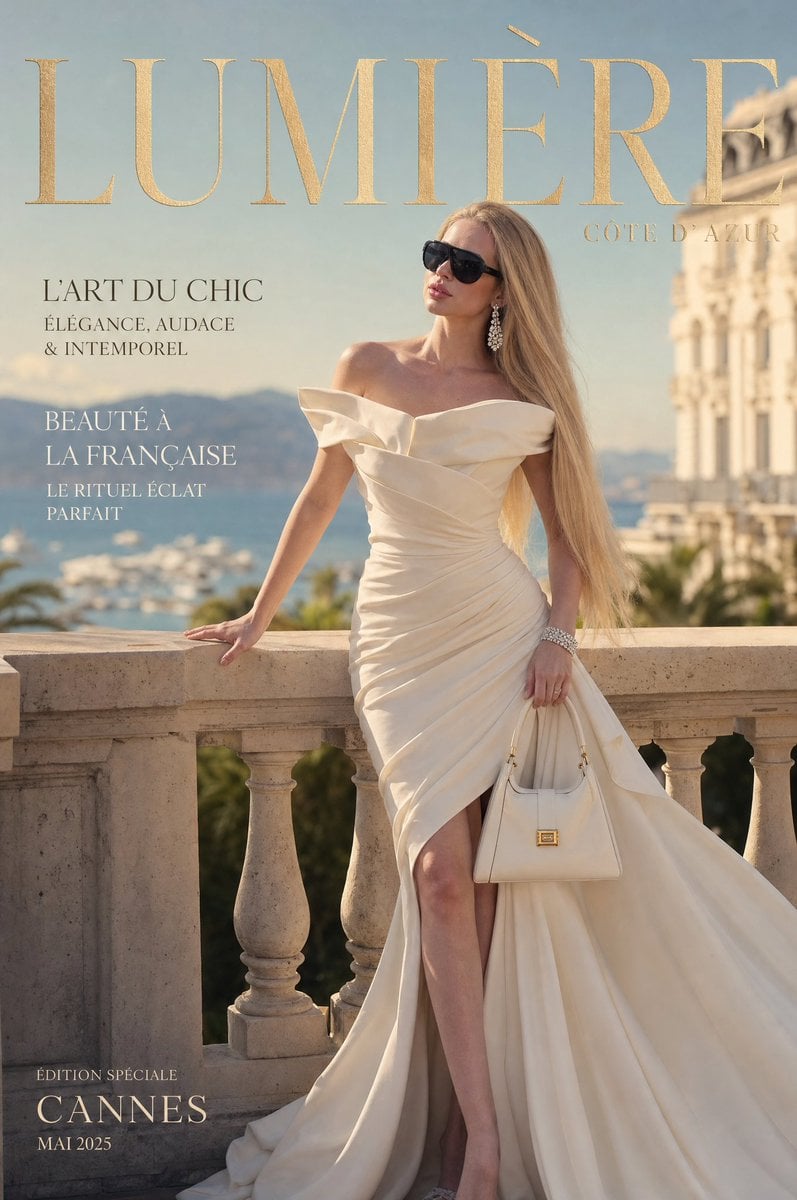
Côte d’Azur Couture Magazine Cover
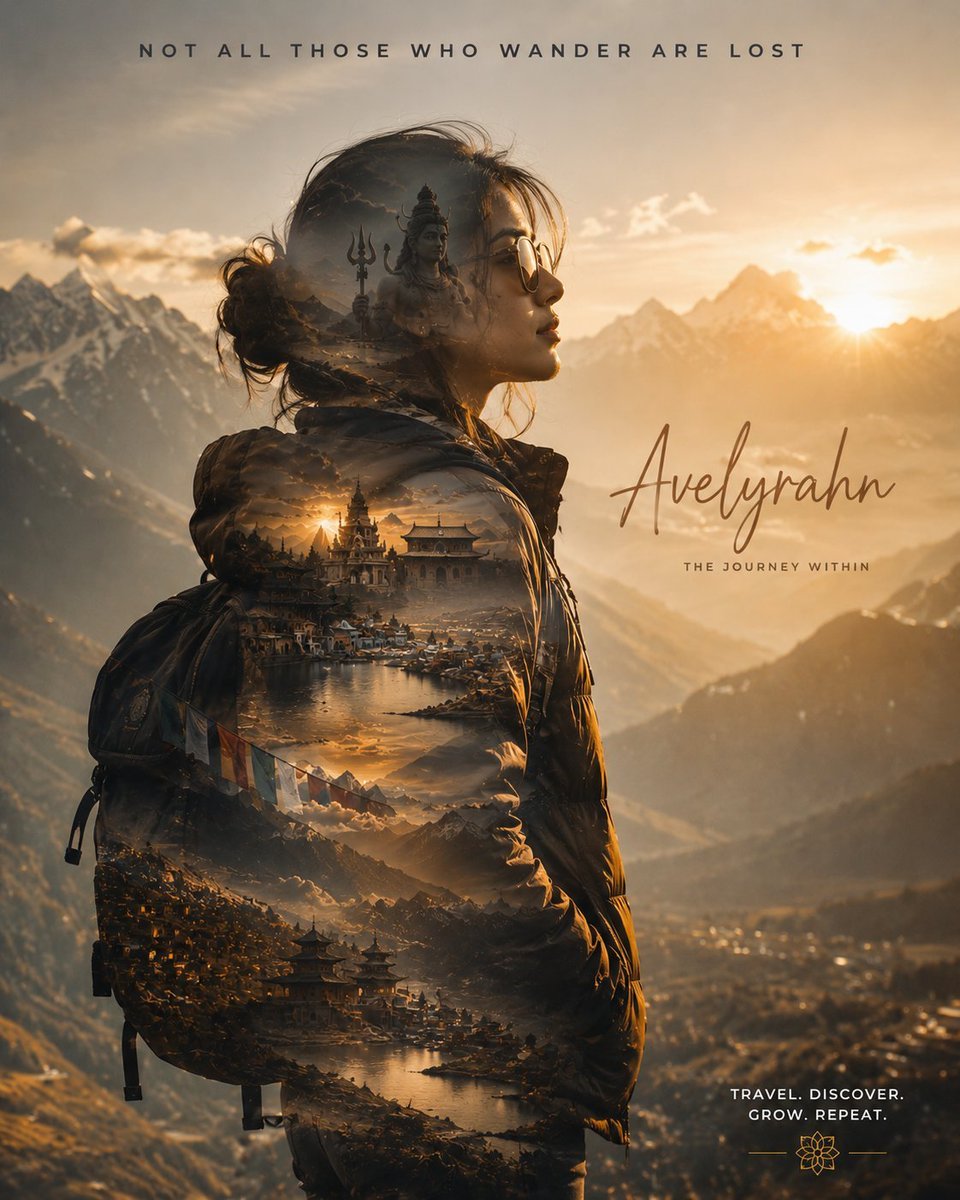
Double Exposure Spiritual Travel Poster
Luxurious KitKat Sweet Retreat
Luxury Editorial Fashion Collage
Dynamic Futuristic Nike Fashion Ad Prompt for Nano Banana Pro
Humanoid Robot Keynote Reveal
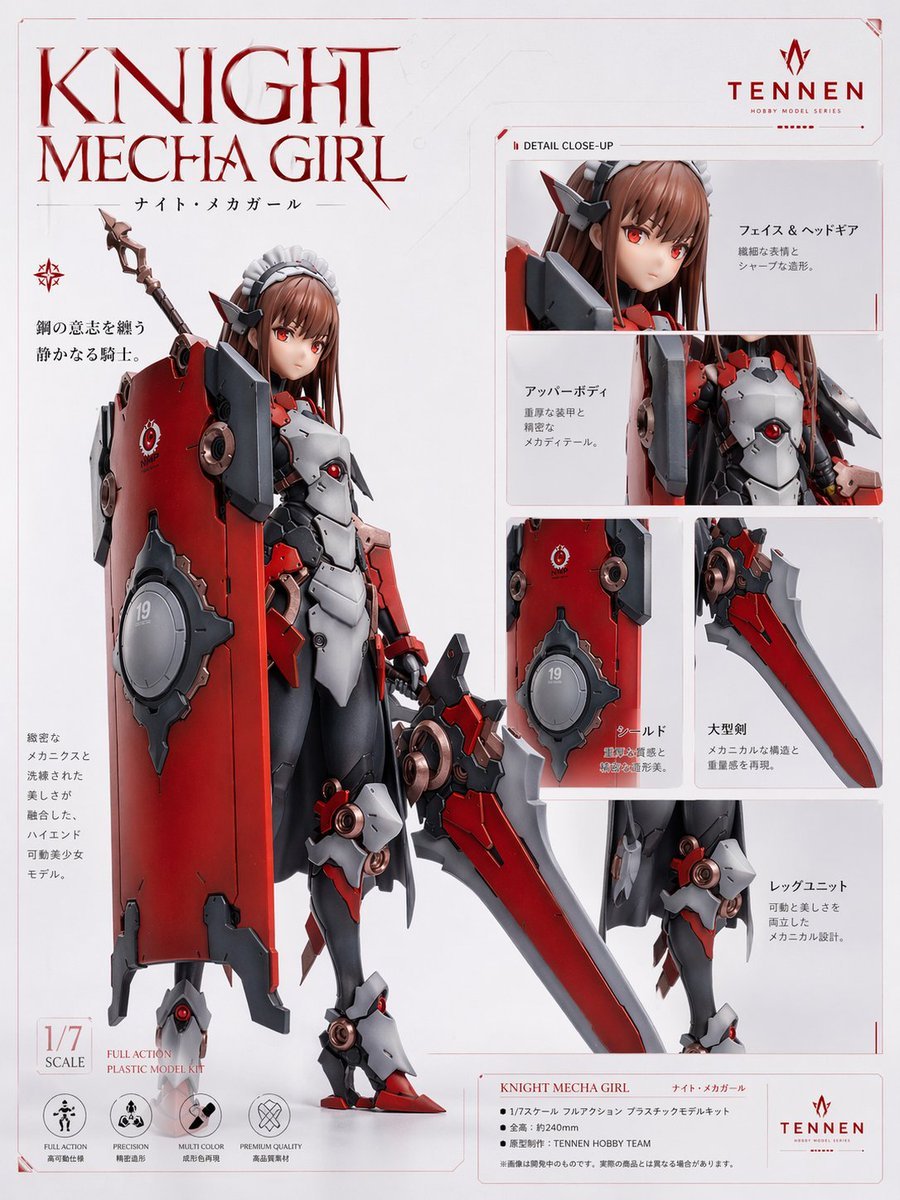
Knight Mecha Girl Model Kit Poster
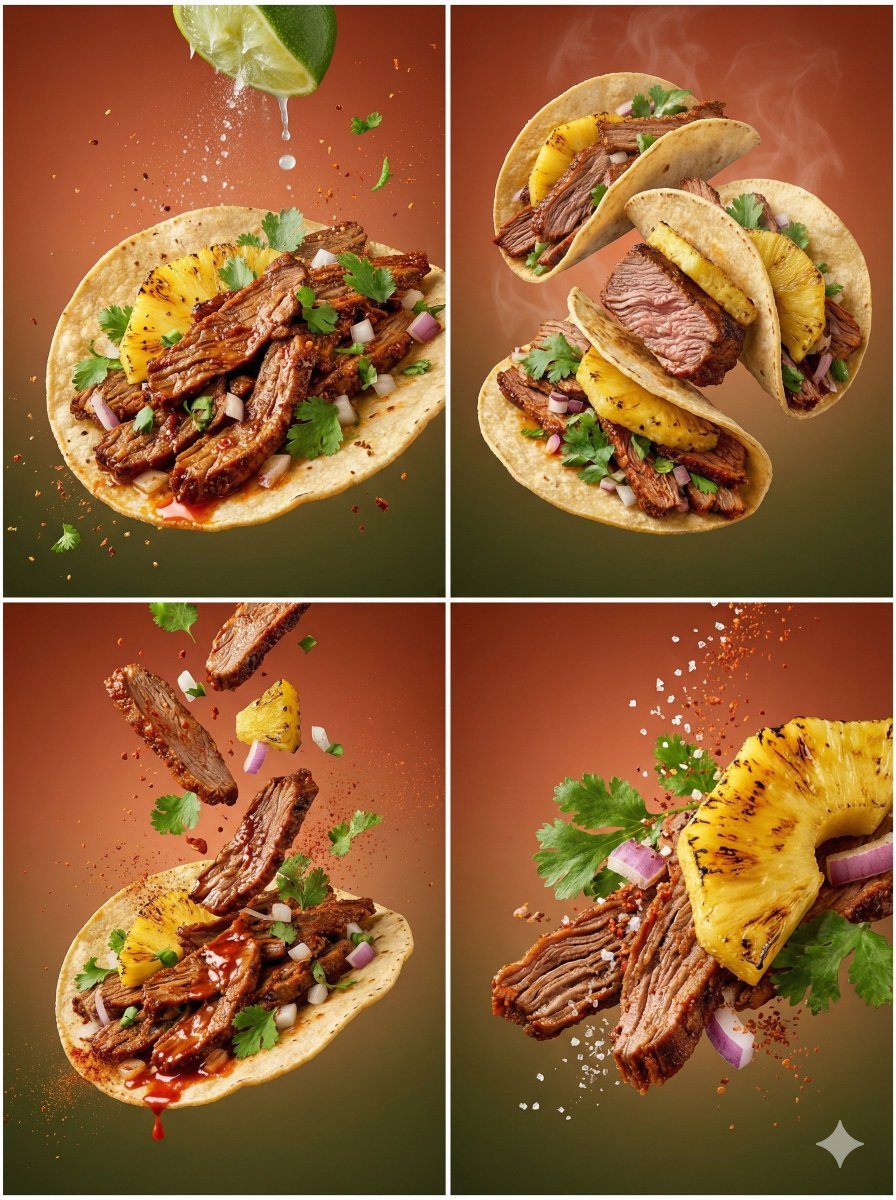
Cinematic Country Food Photography Prompt Template
Browse template categories
Summer Sailor Uniform Fountain Portrait questions
How do I use the Summer Sailor Uniform Fountain Portrait template?
Add your photo if the template asks for one, edit the prompt if you like — the template's model and format are already selected — and press Generate. Your version opens in PicX Studio.
Can I customize the Summer Sailor Uniform Fountain Portrait template?
Yes. You can change the subject, setting, lighting, mood, format, and available model controls before creating your image.
Is the Summer Sailor Uniform Fountain Portrait template free?
Opening and editing this template is free. Generating uses credits, shown on the Generate button when you are signed in.
Which AI model should I use?
Start with GPT Image 2, which is the model associated with this template. You can compare another compatible model for a different finish.
Looking for something else? Browse all templates.

Your photo, any look
Thousands of ready templates for every top image and video model, from one credit balance.