
Magical Gothic Library Balcony
A dreamy anime fantasy scene of a gothic lolita girl in a luminous cathedral library overlooking a rainy city and ferris wheel.
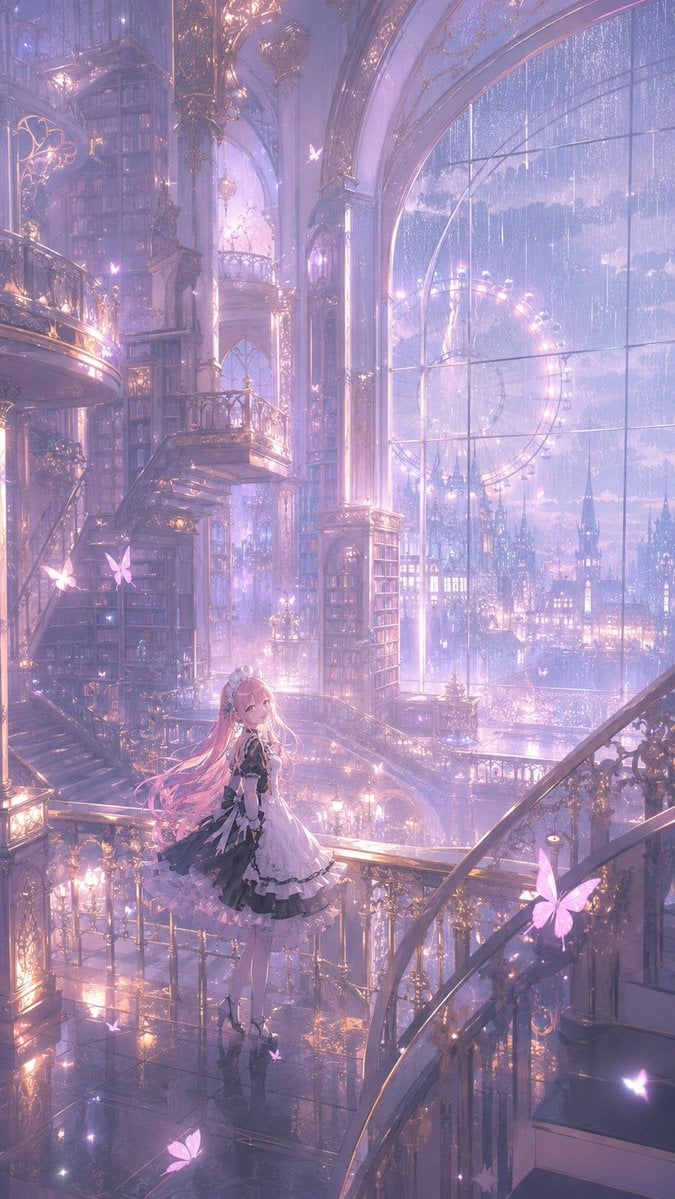
- Prompt included
- Model and format preset
- Free template
The prompt behind this image
Copy the exact prompt behind Magical Gothic Library Balcony, or open it in the studio and make it yours.
Create a vertical 2:3 anime fantasy illustration of one elegant young girl standing on a glossy balcony inside an enormous magical gothic library-observatory at twilight. The girl has {argument name="hair color" default="long pastel pink hair"}, pale skin, a gentle smiling expression, and wears an ornate black-and-white frilled gothic lolita dress with layered lace, puffed sleeves, ribbons, white stockings, and black platform heels; she turns slightly toward the viewer while standing near a gold filigree railing. Surround her with exactly seven prominent glowing butterflies: one large pink butterfly near the left railing, one small butterfly above the upper balcony, one tiny butterfly near the window, one large pink butterfly on the right railing, one large butterfly near the bottom left floor, one small butterfly near her feet, and one small butterfly at the lower right edge. The setting is a vast cathedral-like interior with towering bookshelves, sweeping spiral staircases, arched balconies, marble columns, gilded railings, chandelier-like lamps, reflective black floors, and intricate art nouveau metalwork. On the right, include a gigantic arched glass window covered in rain streaks, revealing a luminous night city skyline with castle spires and a large glowing ferris wheel outside. Use a dreamy {argument name="color palette" default="lavender, rose pink, pale blue, and warm gold"} palette, misty volumetric light, sparkling particles, soft bloom, extremely detailed architecture, delicate linework, cinematic depth, ethereal magical atmosphere, and a high-resolution polished anime art style. No text, no watermark, no extra characters.
How to use Magical Gothic Library Balcony in 3 steps
- 1Upload ImagePNG, JPG or paste
Add your photo
Upload the photo the template builds on. The prompt, model and format are already set.
- 2…a portrait of your subject in softgolden-hour light, 85mm…
Personalize
Edit the subject and creative details for your destination.
- 3Generate
Generate
Press Generate — your image is created in PicX Studio, so you can compare it with the original and refine one variable at a time.
More like this
Templates with the same subject, style or setup. Open one to see its prompt.

Pixar-Style Chibi Café Morning Scene

Pastel Fantasy Pagoda Mountain Landscape
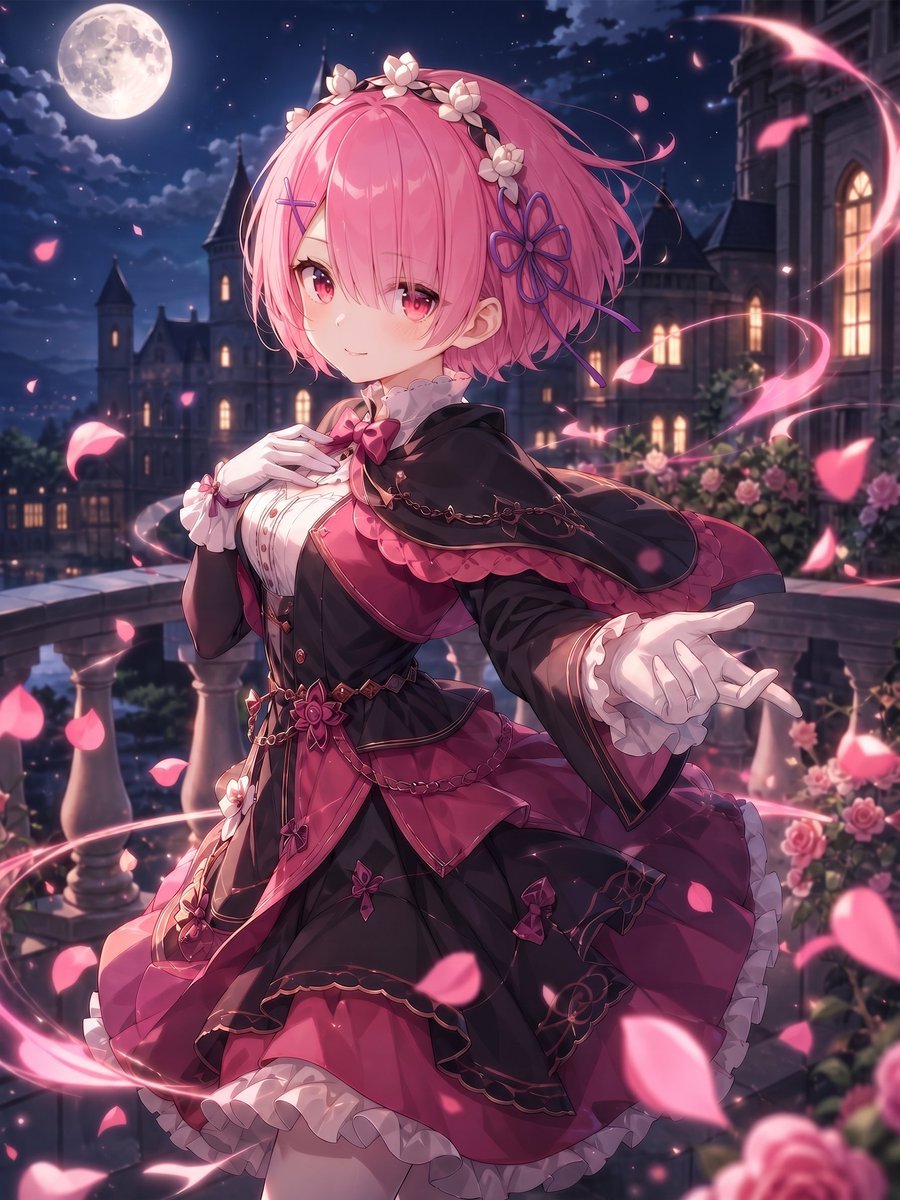
Moonlit Gothic Lolita Balcony

Burning Gothic Library Sorcerer
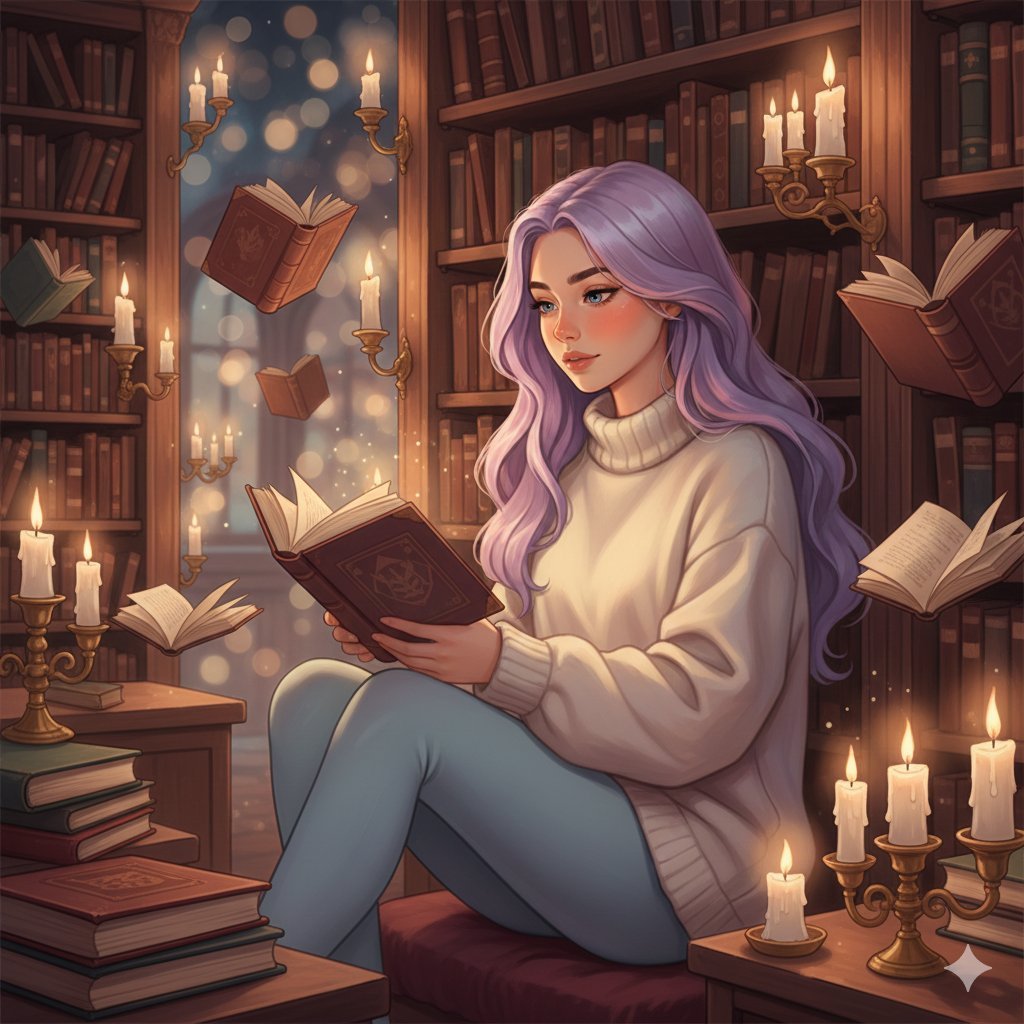
Whimsical Magical Library Digital Painting Prompt
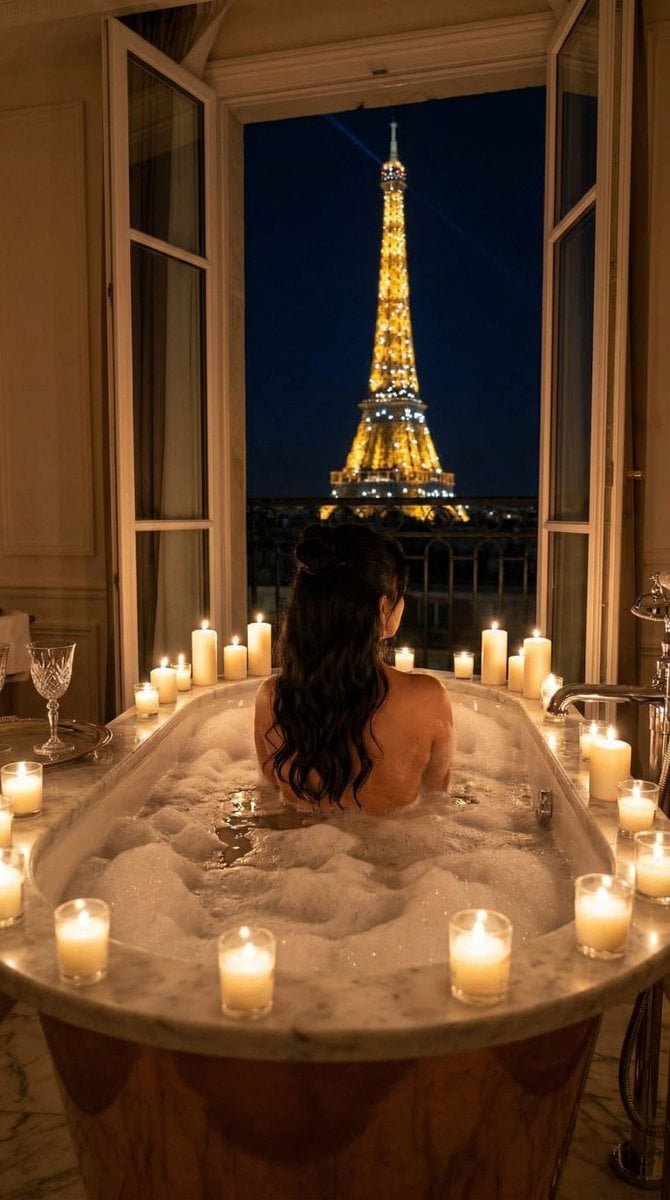
Nano Banana - Paris Balcony Night Eiffel

Gothic Japanese Mobile Homepage

Burning Gothic Flood Escape
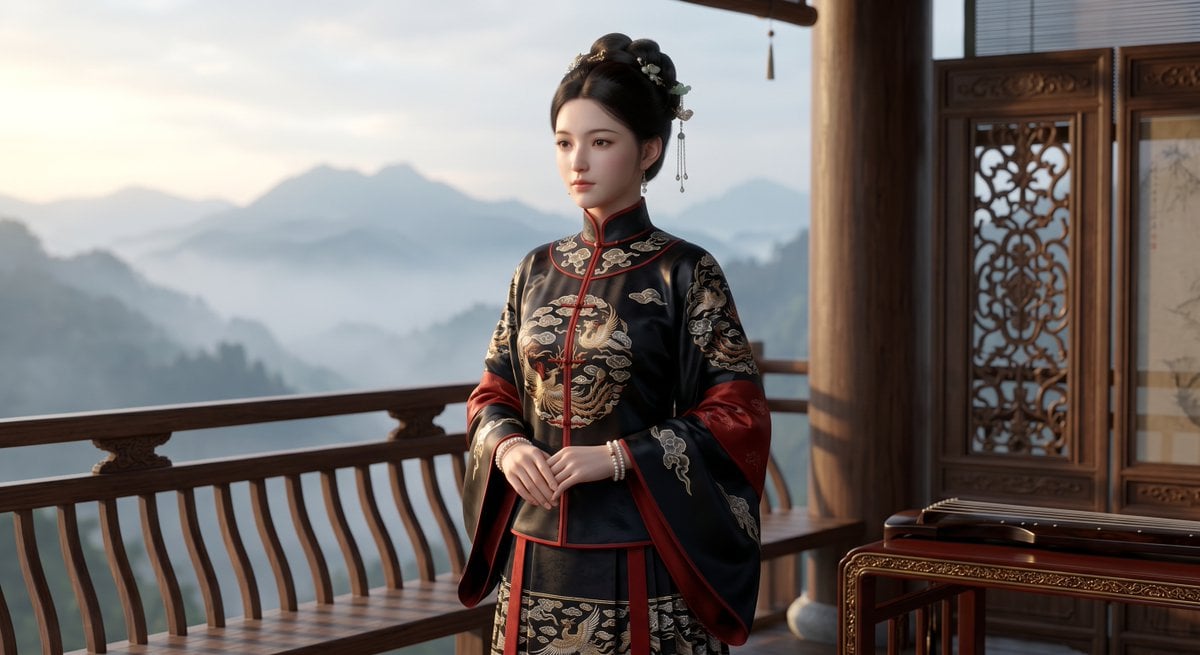
Cinematic Wuxia Heroine on Mountain Balcony
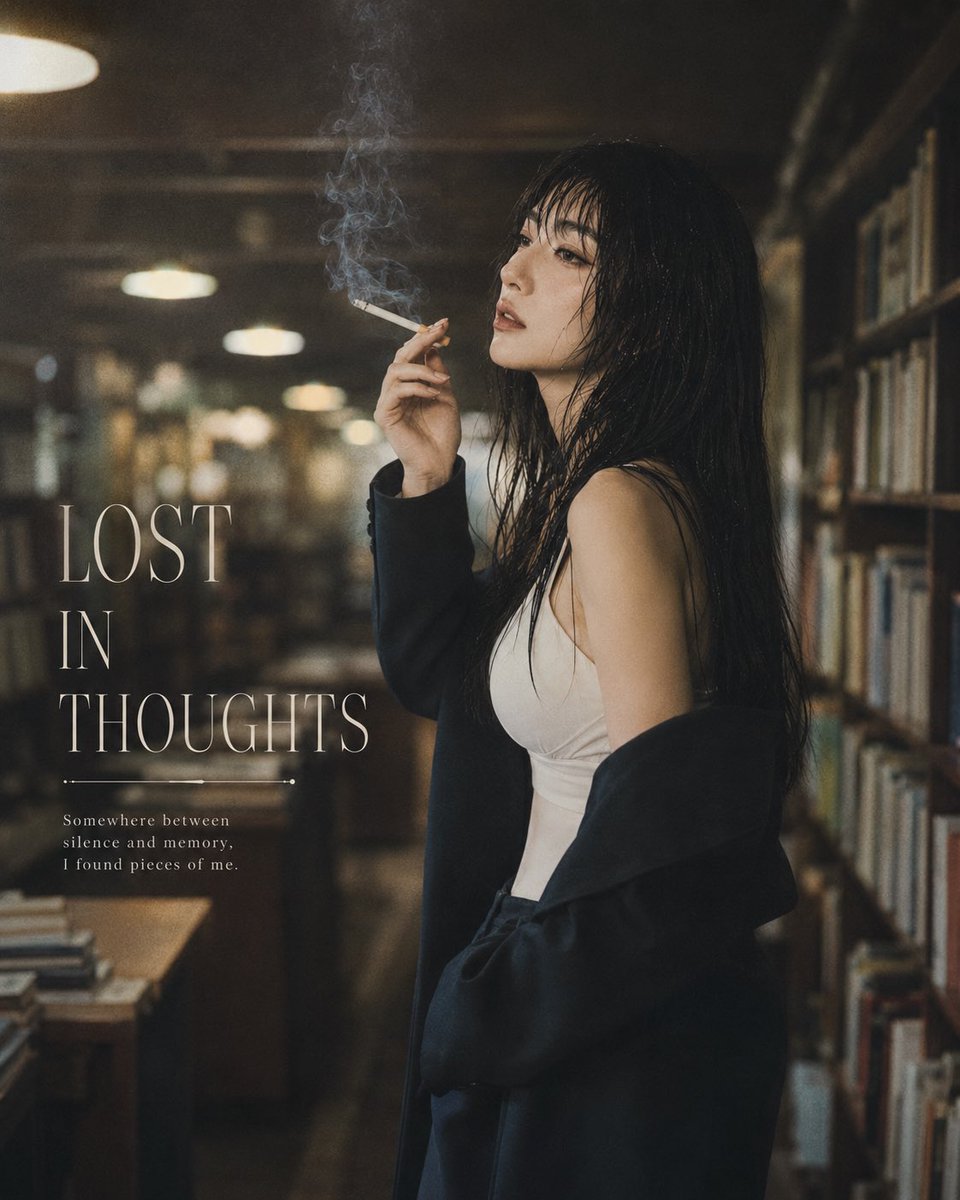
Moody Library Smoking Portrait

Plush Cat Maid Doll in Antique Library
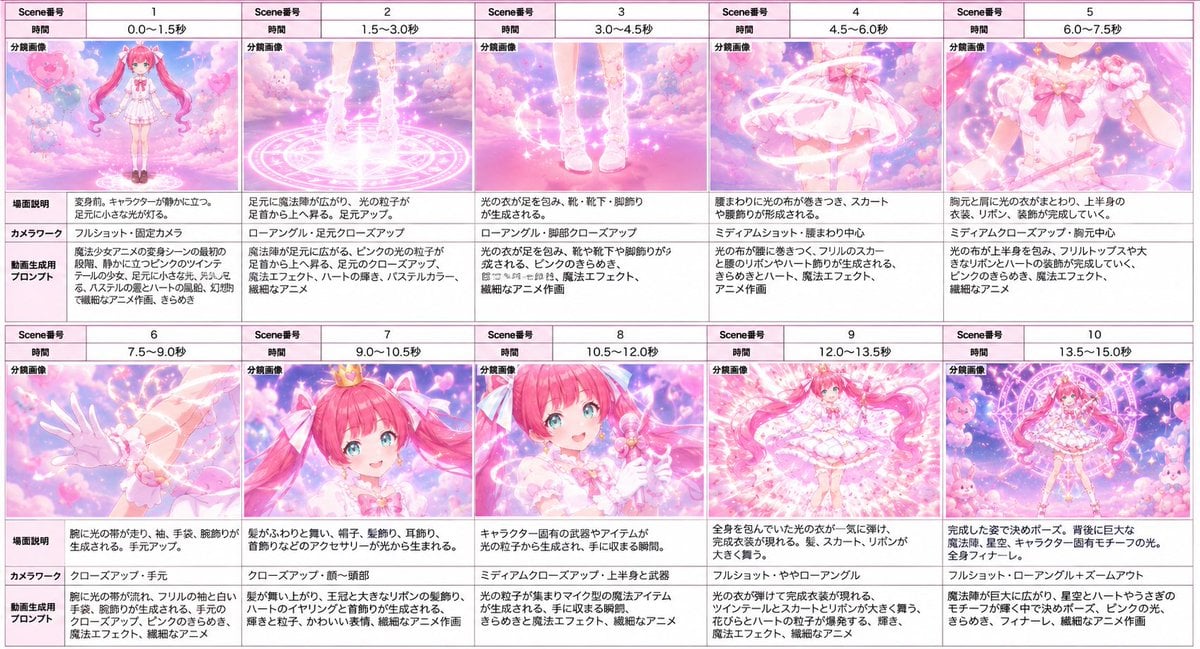
Magical Girl Transformation Storyboard
Make it yours
Magical Gothic Library Balcony works as-is. These are the safest ways to change it without losing the look.
Change one field
Copy a single group, rewrite it, and generate again so you can see what that field is doing.
Keep the frame, change the subject
Hold the composition and light of Magical Gothic Library Balcony, then swap wardrobe, props or the person for a new take.
| If the result… | Why | Fix |
|---|---|---|
| The result drifts from the preview | Too many fields changed at once. | Reuse Magical Gothic Library Balcony as-is first, then change one group — subject, light, or setting. |
| The model over-stylizes the scene | The prose prompt leaves finish and camera underspecified. | Add one camera or lighting sentence and stay on GPT Image 2. |
More GPT Image 2 templates
Other prompts made for GPT Image 2.

Six VTuber Japanese Logo Sheet

Realistic Portrait of Woman and Deer

The Vista Modular Condo Poster

AI Model Routing Comparison Infographic

2.5D Anime Art Board

Isometric Productivity Desk Scene

New York Double Exposure Poster

Four-Panel AI Landscape Comparison

Japanese Tatami Lifestyle Magazine Cover

NESCAFÉ Coffee Map Poster
More image prompts
Fresh picks from across the catalog.
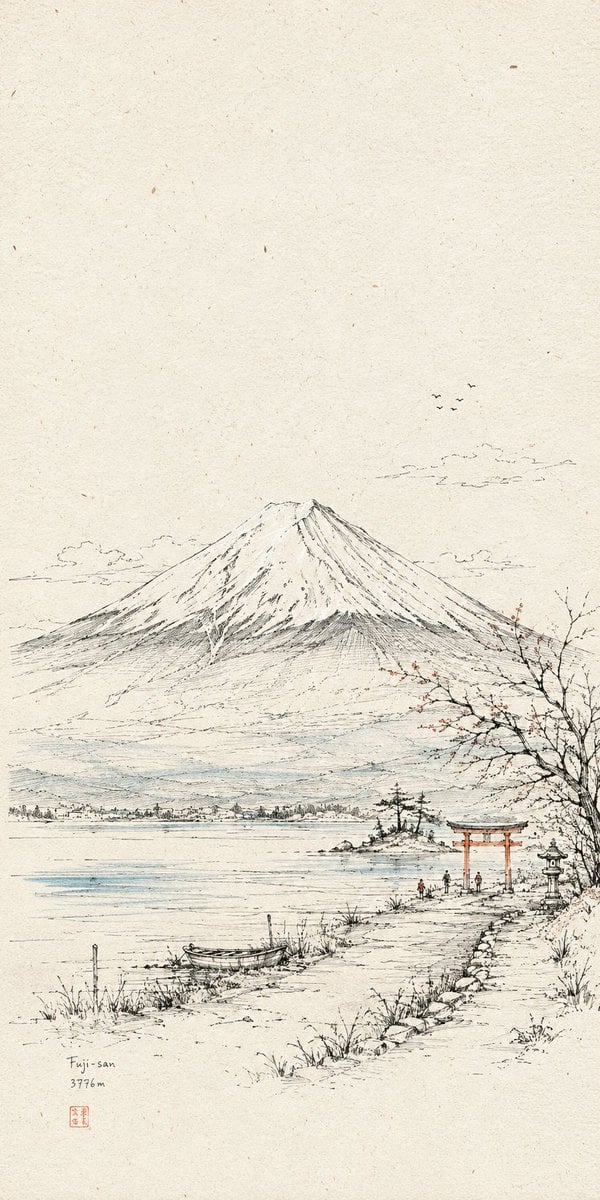
Hand-Drawn Linear Sketch Art

Ultra-Detailed 3D Stylized Character Design Prompt
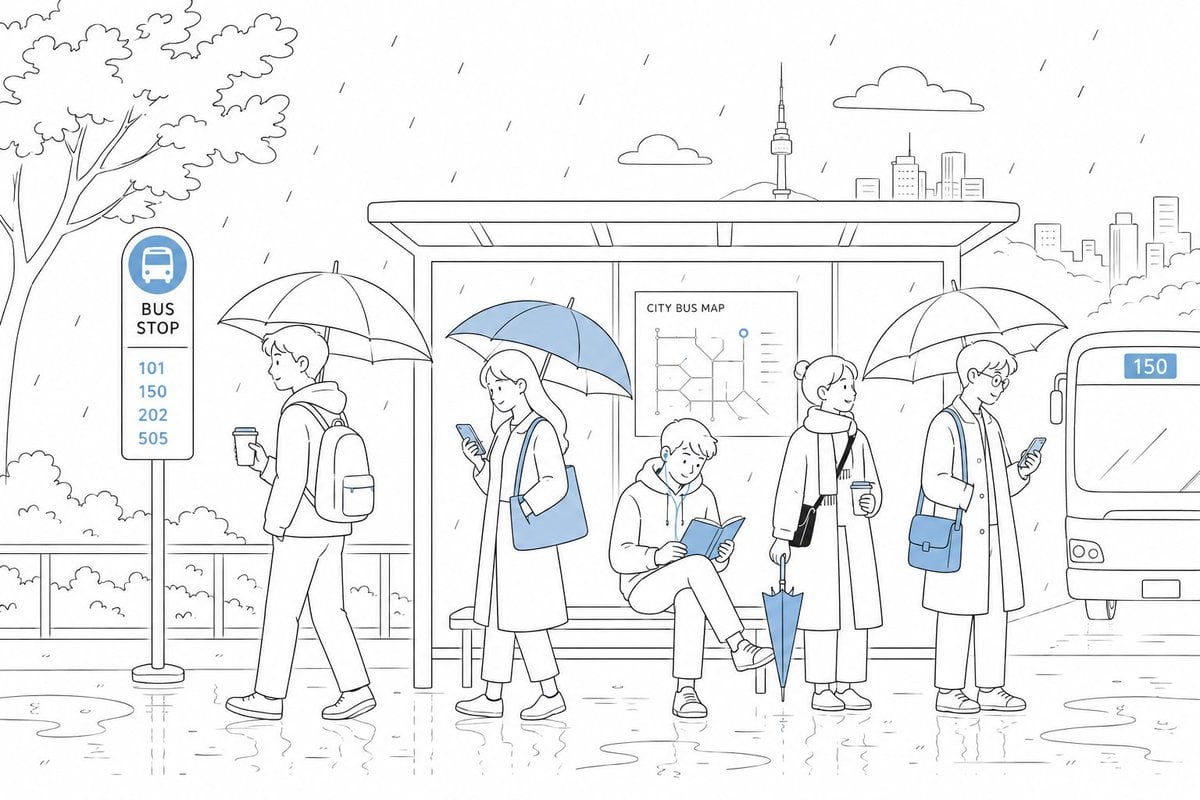
Cute Rainy Bus Stop Commute

Documentary Photo of Man in Robe with Burning Farmhouse
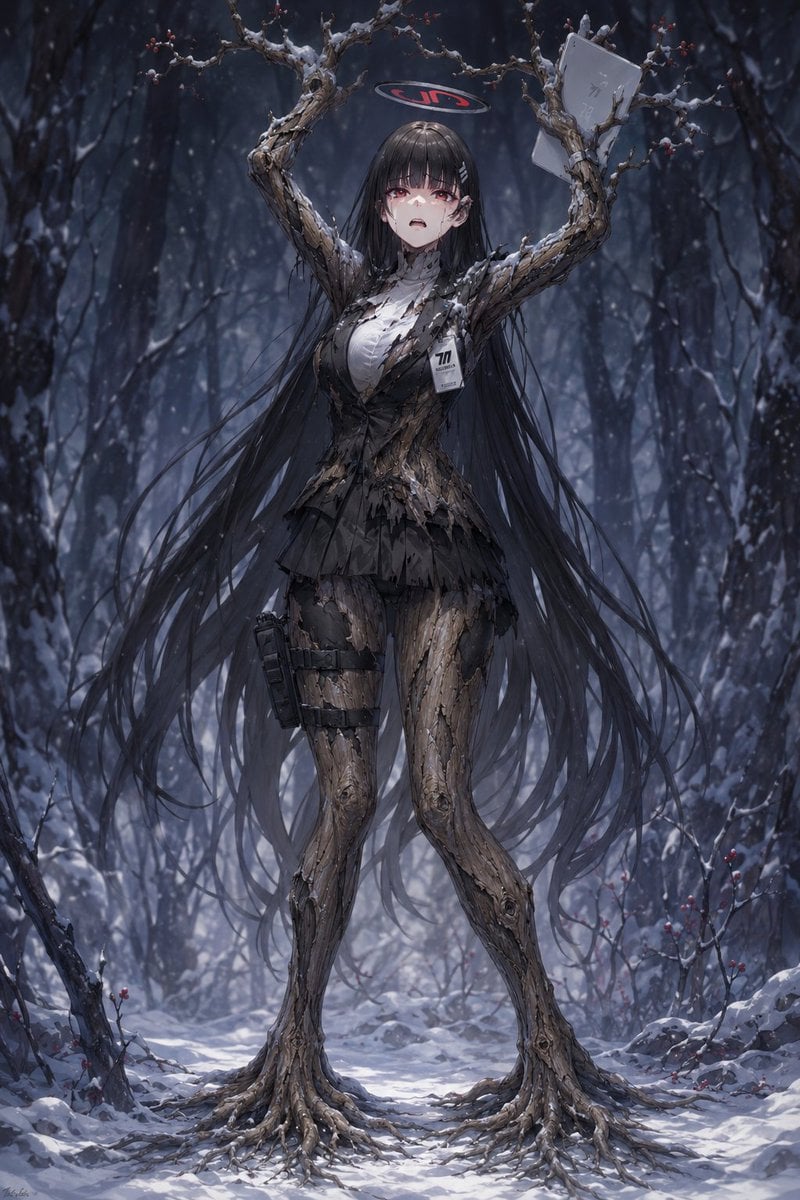
Snow Forest Tree Girl

Two-step design refinement process: from flashy to sophisticated (Step 2)
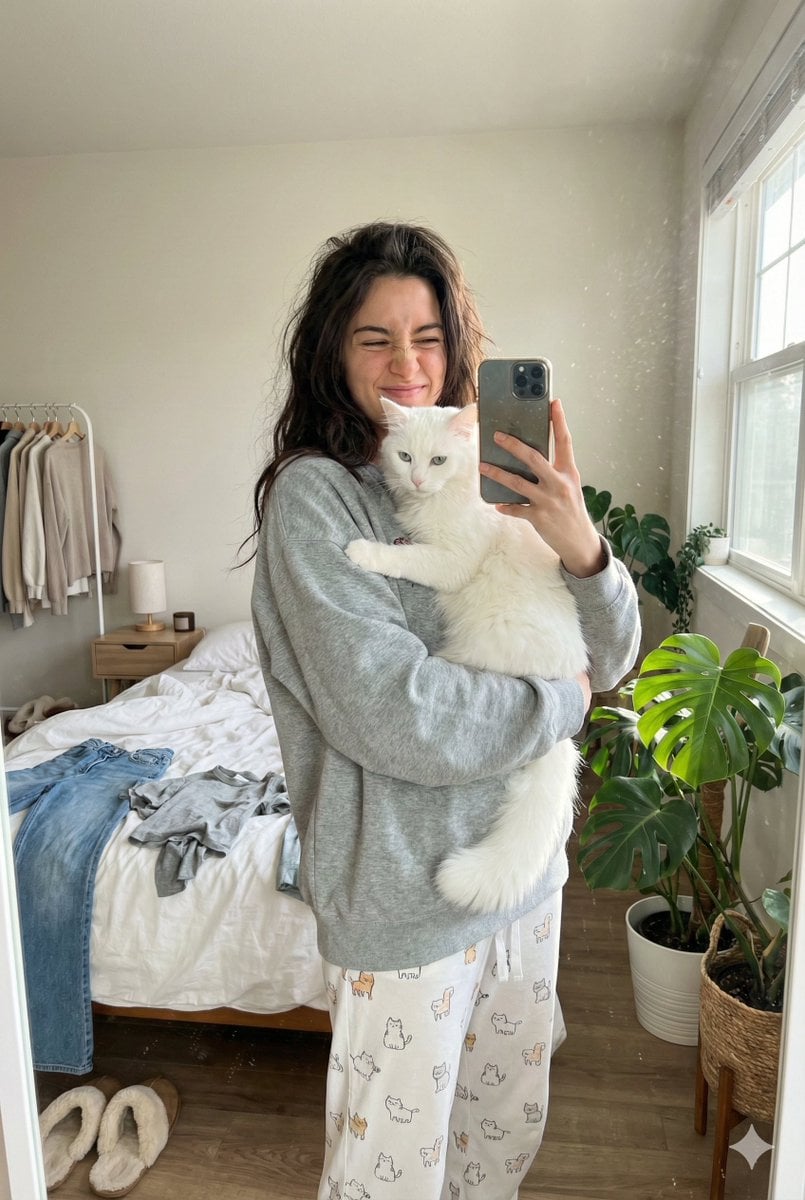
Candid Mirror Selfie with a Fluffy Cat
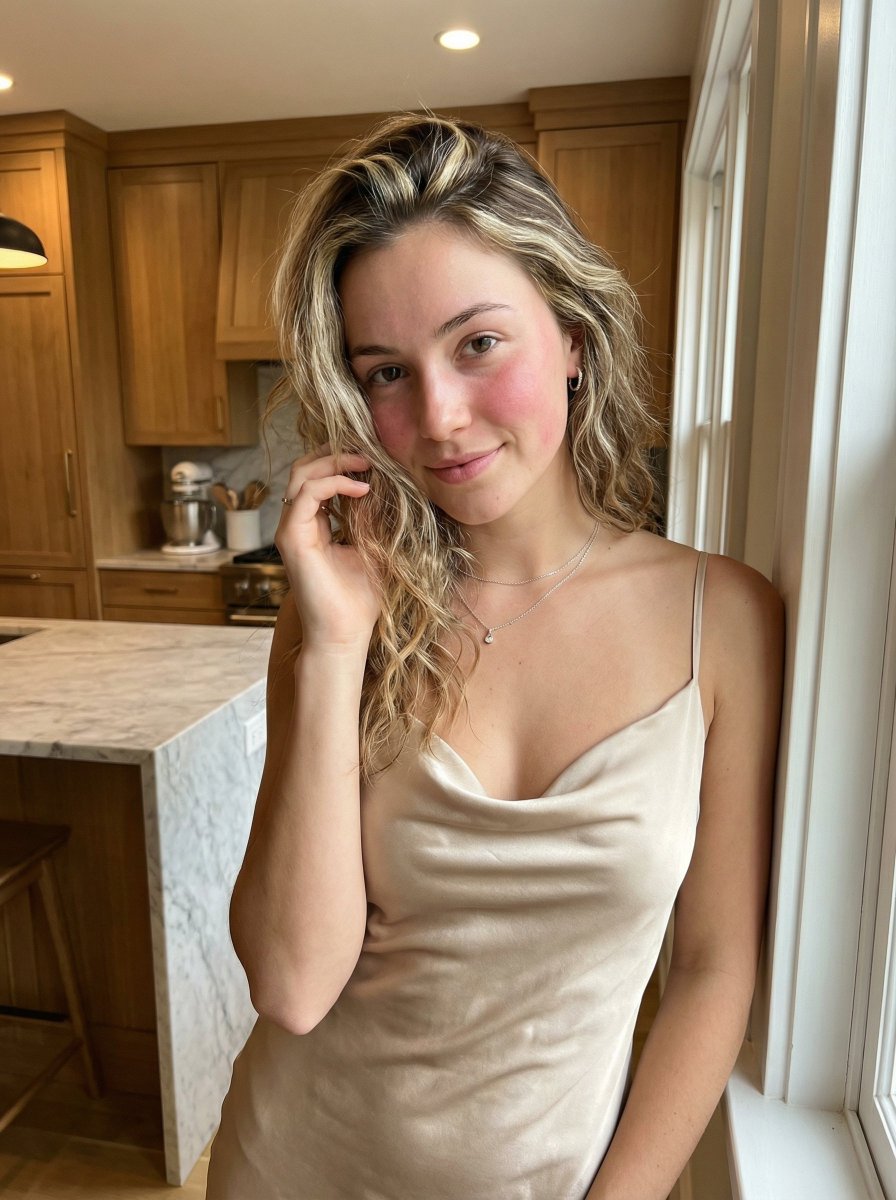
Golden Hour Portrait in Satin Slip Dress

Hyper-Expressive 3D Cartoon Portrait from Photo Reference
Anonymous Teal Fashion Portrait
Browse template categories
Magical Gothic Library Balcony questions
How do I use the Magical Gothic Library Balcony template?
Add your photo if the template asks for one, edit the prompt if you like — the template's model and format are already selected — and press Generate. Your version opens in PicX Studio.
Can I customize the Magical Gothic Library Balcony template?
Yes. You can change the subject, setting, lighting, mood, format, and available model controls before creating your image.
Is the Magical Gothic Library Balcony template free?
Opening and editing this template is free. Generating uses credits, shown on the Generate button when you are signed in.
Which AI model should I use?
Start with GPT Image 2, which is the model associated with this template. You can compare another compatible model for a different finish.
Looking for something else? Browse all templates.

Your photo, any look
Thousands of ready templates for every top image and video model, from one credit balance.