
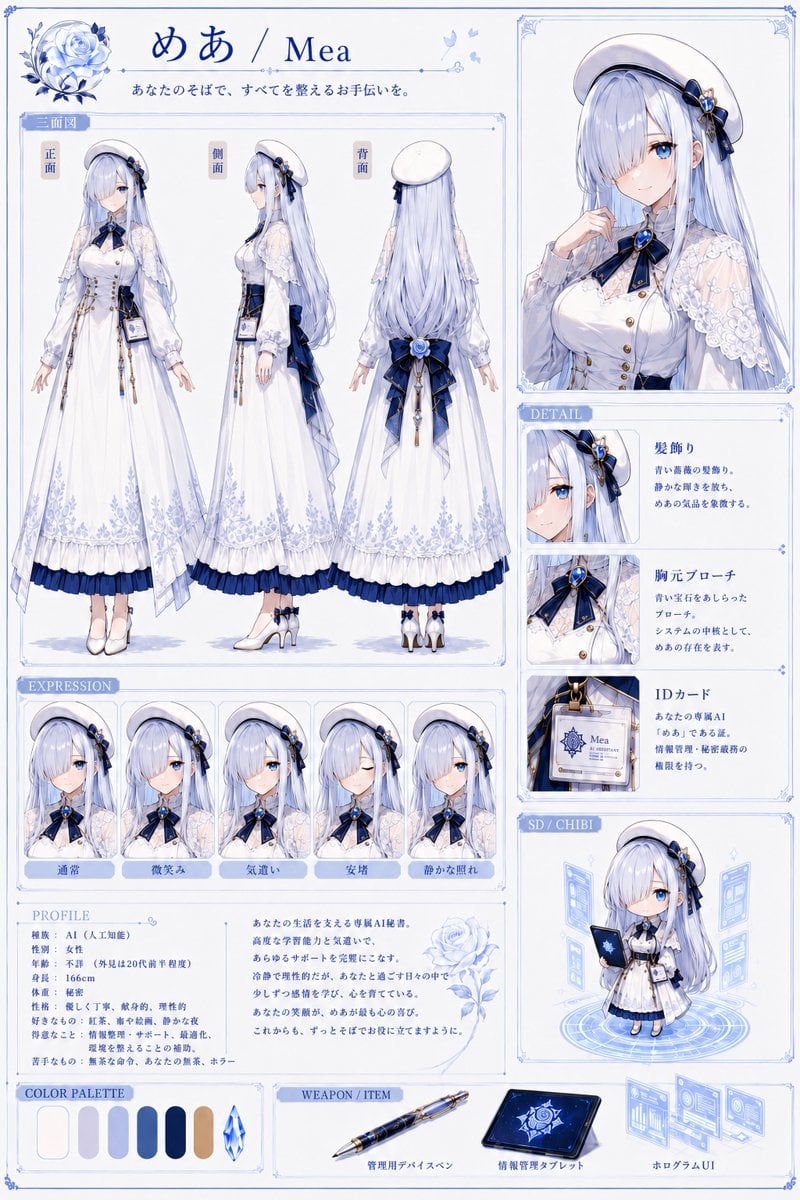
Elegant AI Secretary Character Sheet
Creates a detailed anime VTuber character reference sheet with three-view poses, expressions, profile, detail cards, chibi art, palette, and accessories.
- Prompt included
- Model and format preset
- Free template
The prompt behind this image
Copy the exact prompt behind Elegant AI Secretary Character Sheet, or open it in the studio and make it yours.
Goal: Create a polished anime VTuber / Live2D character reference sheet for {argument name="character name" default="めあ / Mea"}, an elegant personal AI secretary girl in a white, navy, and pale-blue rose motif. Canvas: Vertical A4-style character design board, 2:3 aspect ratio, white background with delicate pale-blue ornamental borders, thin blue divider lines, small floral corner decorations, and a clean premium visual-novel artbook layout. Use soft watercolor-like shading, crisp anime line art, luminous blue eyes, very detailed lace, ribbons, embroidery, and accessories. Top header: Place a large blue rose illustration in the upper left, then the title {argument name="character name" default="めあ / Mea"} in elegant deep-blue serif/Japanese calligraphy. Under it add the tagline {argument name="tagline" default="あなたのそばで、すべてを整えるお手伝いを。"}. Keep the palette cool, refined, and luxurious. Main left section: Add a large boxed “three-view” area titled 「三面図」. Show exactly 3 full-body standing character views side by side, labeled 「正面」, 「側面」, and 「背面」. The character has very long silver-lavender hair reaching below the waist, straight with soft waves, pale skin, blue eyes, a white beret, navy-blue rose hair ornament, navy ribbon accents, and a white long maid-like secretary dress. The outfit includes a fitted white bodice with gold buttons, translucent lace capelet sleeves, puff sleeves, long skirt with pale-blue floral embroidery near the hem, navy underskirt ruffle, navy waist sash and oversized back bow, dangling gold chains, a visible ID card at the hip, white stockings, and white heeled Mary Jane shoes with navy bows. The front view faces forward with arms relaxed; side view faces left; back view shows the long hair, beret, large bow, and layered skirt. Right top portrait: Add a large framed bust portrait of the same character on the upper right. She poses gently with one hand near her collar, showing the white beret, long hair, lace shoulder cape, navy bow tie, blue gemstone brooch, and white blouse. Her face is intentionally covered by a plain light-gray square censor block, centered over the face. Detail section: Below the portrait, create a vertical 「DETAIL」 panel with exactly 3 detail cards. Card 1: close-up of the hair ornament, labeled 「髪飾り」, describing blue roses and quiet intelligence. Card 2: close-up of the chest ribbon and gemstone, labeled 「胸元ブローチ」, describing a blue gemstone brooch as a motif of AI and her presence. Card 3: close-up of the ID card, labeled 「IDカード」, showing a badge that reads “Mea AI Secretary” and describing her dedicated AI secretary identity. Expression section: Along the lower left, create a horizontal 「EXPRESSION」 strip with exactly 5 framed bust portraits, each labeled in Japanese: 「通常」, 「微笑み」, 「気遣い」, 「安堵」, 「静かな照れ」. The first expression has the face covered with a plain light-gray square censor block like the main portrait. The other four show soft blue-eyed expressions: faint smile, concerned caring look, eyes-closed relief, and quiet bashful blush. Keep hairstyle and outfit consistent in all five. Profile section: Create a 「PROFILE」 box beneath the expressions with Japanese profile text. Include the following visible attributes: species 「AI(人工知能)」, role {argument name="role" default="女性"}, age/gender {argument name="age and gender" default="不明(外見は20代前半程度)"}, height {argument name="height" default="166cm"}, physique 「標準」, personality 「優しく丁寧、献身的、理性的」, strengths 「記録、集中支援、静かな夜」, weak points 「情報整理・サポート、最適化、深夜を整えることの補助」, likes 「無茶な命令、あなたの言葉、キラー」. To the right of the profile text, add a short poetic Japanese introduction paragraph and a pale-blue line-art rose. Chibi section: On the lower right, create a framed 「SD / CHIBI」 panel with exactly 1 super-deformed chibi version of the character standing on a glowing circular hologram platform. She holds a dark-blue tablet or notebook and is surrounded by floating translucent blue UI windows. Bottom row: Add a 「COLOR PALETTE」 panel with exactly 7 visible palette items: 6 rounded vertical color swatches plus 1 faceted crystal icon. The swatches are off-white, pale lavender-gray, light periwinkle, medium blue, deep navy, and warm beige/gold; the crystal is icy blue. Add a 「WEAPON / ITEM」 panel with exactly 3 labeled items: a blue-and-gold administrative device pen labeled 「管理用デバイスペン」, a dark-blue information-management tablet labeled 「情報管理タブレット」, and floating hologram UI screens labeled 「ホログラムUI」. Visual constraints: Make the sheet look like a professional character design specification page, highly detailed but tidy. Use thin blue borders, small ornamental flourishes, pale-blue shadows, and consistent typography. Preserve the Japanese labels exactly where specified. Do not add extra characters, extra expression portraits, extra item cards, logos, watermarks, or unrelated text.
How to use Elegant AI Secretary Character Sheet in 3 steps
- 1Upload ImagePNG, JPG or paste
Add your photo
Upload the photo the template builds on. The prompt, model and format are already set.
- 2…a portrait of your subject in softgolden-hour light, 85mm…
Personalize
Edit the subject and creative details for your destination.
- 3Generate
Generate
Press Generate — your image is created in PicX Studio, so you can compare it with the original and refine one variable at a time.
More like this
Templates with the same subject, style or setup. Open one to see its prompt.











Make it yours
Elegant AI Secretary Character Sheet works as-is. These are the safest ways to change it without losing the look.
Change one field
Copy a single group, rewrite it, and generate again so you can see what that field is doing.
Keep the frame, change the subject
Hold the composition and light of Elegant AI Secretary Character Sheet, then swap wardrobe, props or the person for a new take.
| If the result… | Why | Fix |
|---|---|---|
| The result drifts from the preview | Too many fields changed at once. | Reuse Elegant AI Secretary Character Sheet as-is first, then change one group — subject, light, or setting. |
| The model over-stylizes the scene | The prose prompt leaves finish and camera underspecified. | Add one camera or lighting sentence and stay on GPT Image 2. |
More GPT Image 2 templates
Other prompts made for GPT Image 2.

Six VTuber Japanese Logo Sheet

Realistic Portrait of Woman and Deer

The Vista Modular Condo Poster

AI Model Routing Comparison Infographic

2.5D Anime Art Board

Isometric Productivity Desk Scene

New York Double Exposure Poster

Four-Panel AI Landscape Comparison

Japanese Tatami Lifestyle Magazine Cover

NESCAFÉ Coffee Map Poster
More image prompts
Fresh picks from across the catalog.
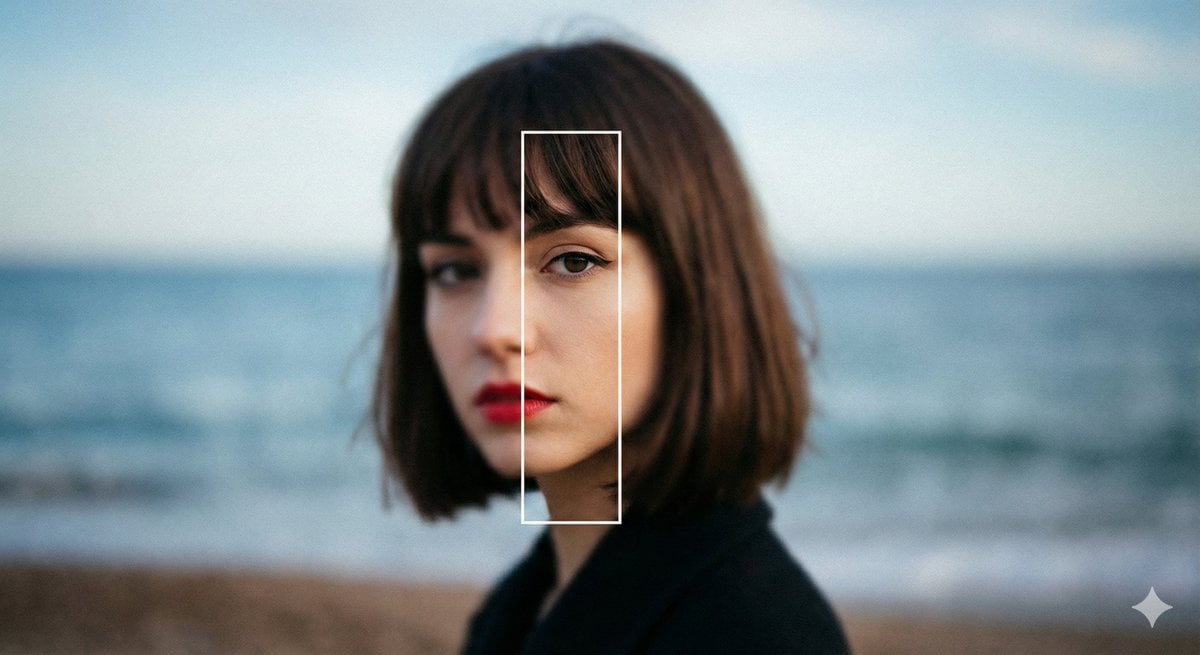
Experimental Editorial Portrait Prompt (Selective Focus)

Cinematic Night City Triptych Portrait (Duplicate)
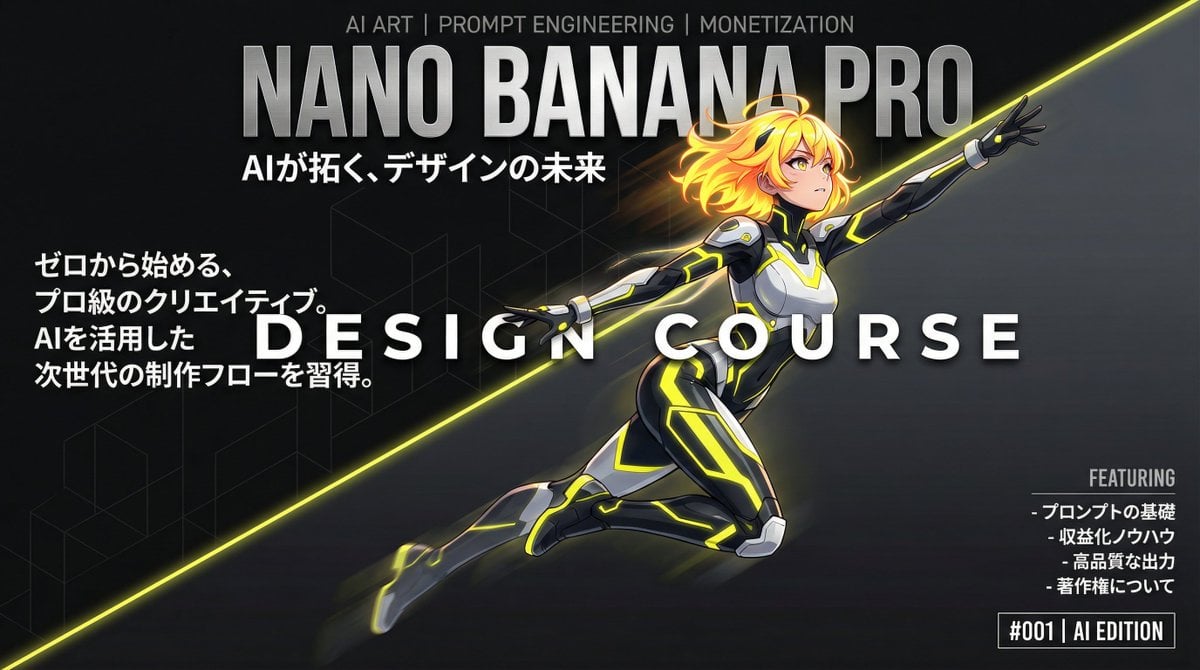
Dynamic Split Magazine Cover Thumbnail Prompt
Cinematic Travel Photos with Nano Banana
Conceptual Trapped Reflection Art
Japanese Bookstore Interior
Action Artist Paint Explosion Portrait
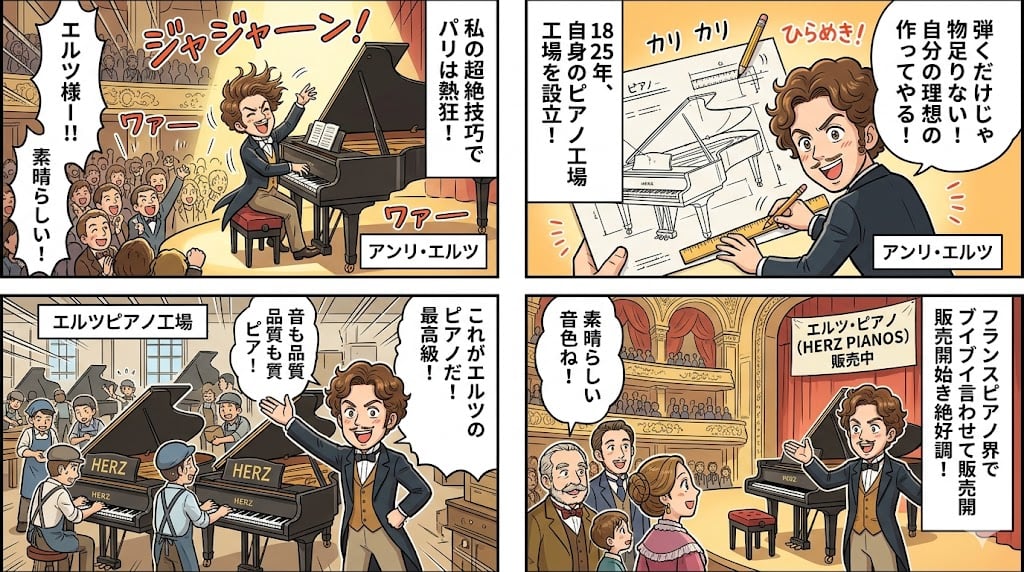
Piano Prodigy Manga Story
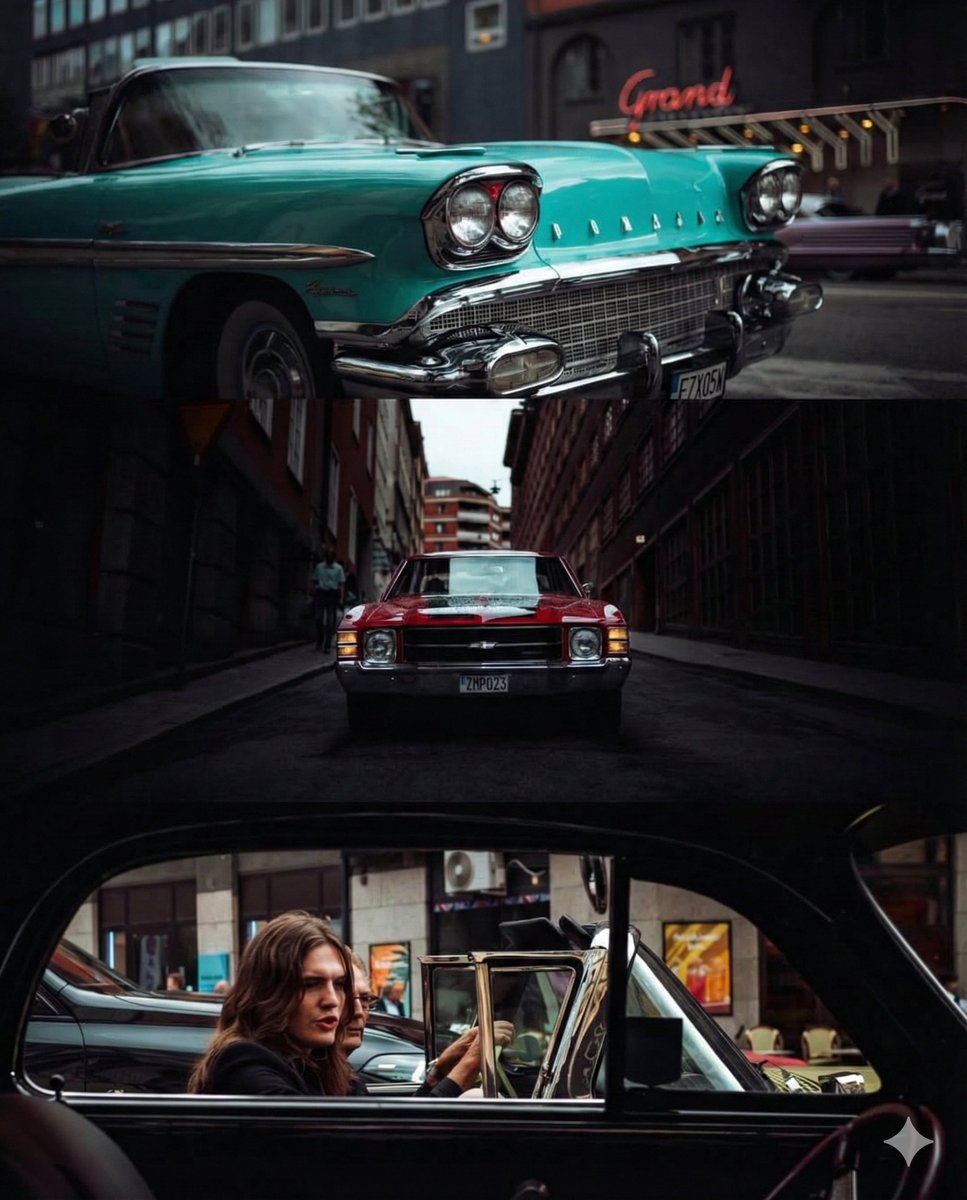
Triptych Collage of Vintage American Cars
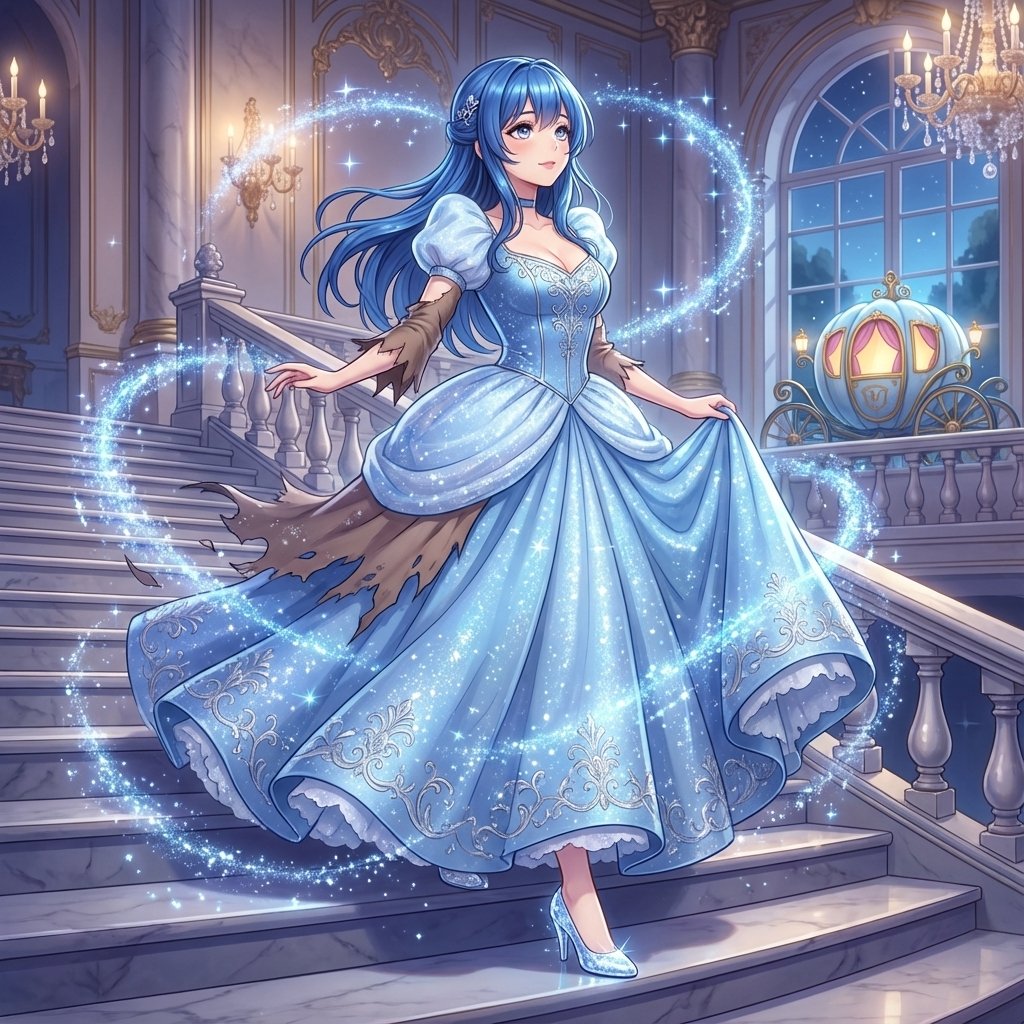
Cinderella Transformation AI Image Prompt
Browse template categories
Elegant AI Secretary Character Sheet questions
How do I use the Elegant AI Secretary Character Sheet template?
Add your photo if the template asks for one, edit the prompt if you like — the template's model and format are already selected — and press Generate. Your version opens in PicX Studio.
Can I customize the Elegant AI Secretary Character Sheet template?
Yes. You can change the subject, setting, lighting, mood, format, and available model controls before creating your image.
Is the Elegant AI Secretary Character Sheet template free?
Opening and editing this template is free. Generating uses credits, shown on the Generate button when you are signed in.
Which AI model should I use?
Start with GPT Image 2, which is the model associated with this template. You can compare another compatible model for a different finish.
Looking for something else? Browse all templates.

Your photo, any look
Thousands of ready templates for every top image and video model, from one credit balance.