
Hanfu Selfie With Privacy Block
Generates a cinematic traditional Chinese hanfu selfie portrait with ornate hair accessories, warm candlelit room decor, and a face-covering privacy square.
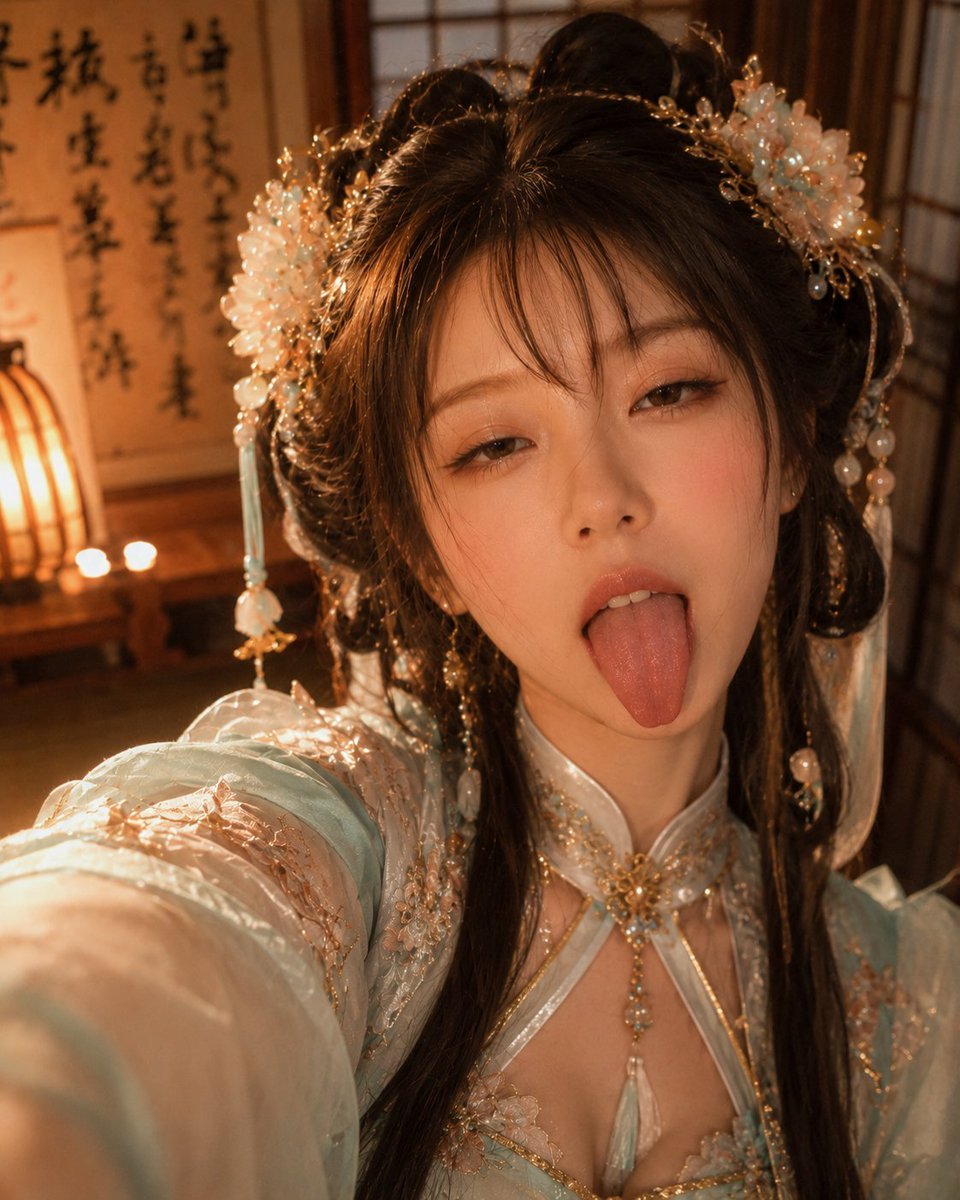
- Prompt included
- Model and format preset
- Free template
The prompt behind this image
Copy the exact prompt behind Hanfu Selfie With Privacy Block, or open it in the studio and make it yours.
Create a warm cinematic vertical selfie portrait of a young woman in ornate Chinese hanfu, shot from a high close-up angle with her left arm extended toward the camera. Her face is completely covered by a centered opaque square privacy block in medium warm brown, hiding all facial features. She has dark brown to black hair styled in an elaborate half-up traditional updo with long loose strands falling over both shoulders. Add exactly two large pale aqua-and-white floral hair ornaments, one on each side of the updo, with gold filigree branches, pearl beads, and exactly two long dangling tassel accessories visible, one on the left side and one on the right side. She wears a delicate pale mint blue embroidered hanfu with sheer flowing sleeves, peach-gold floral embroidery, translucent layers, a high collar, and a decorative chest panel with gold trim, pearl-like beads, and a central dangling pale blue pendant. The setting is an intimate traditional East Asian room with warm amber candlelight, wooden window lattice panels in the background, a calligraphy scroll on the left wall with black brush characters, and a glowing paper lantern plus two small candles on a low table. Use shallow depth of field, soft bokeh, warm highlights on hair jewelry, realistic fabric texture, romantic historical-drama styling, and a cozy golden-hour interior atmosphere. Make the composition feel like an accidental elegant selfie, with the sleeve and arm slightly blurred in the foreground and the ornate costume details sharply visible. Use {argument name="outfit color" default="pale mint blue"}, {argument name="hair color" default="dark brown to black"}, {argument name="privacy block color" default="warm medium brown"}, {argument name="room lighting" default="warm amber candlelight"}, and {argument name="background decor" default="calligraphy scroll, wooden lattice windows, paper lantern, and two candles"}.
How to use Hanfu Selfie With Privacy Block in 3 steps
- 1Upload ImagePNG, JPG or paste
Add your photo
Upload the photo the template builds on. The prompt, model and format are already set.
- 2…a portrait of your subject in softgolden-hour light, 85mm…
Personalize
Edit the subject and creative details for your destination.
- 3Generate
Generate
Press Generate — your image is created in PicX Studio, so you can compare it with the original and refine one variable at a time.
More like this
Templates with the same subject, style or setup. Open one to see its prompt.

Photoreal Selfie Minecraft Block World
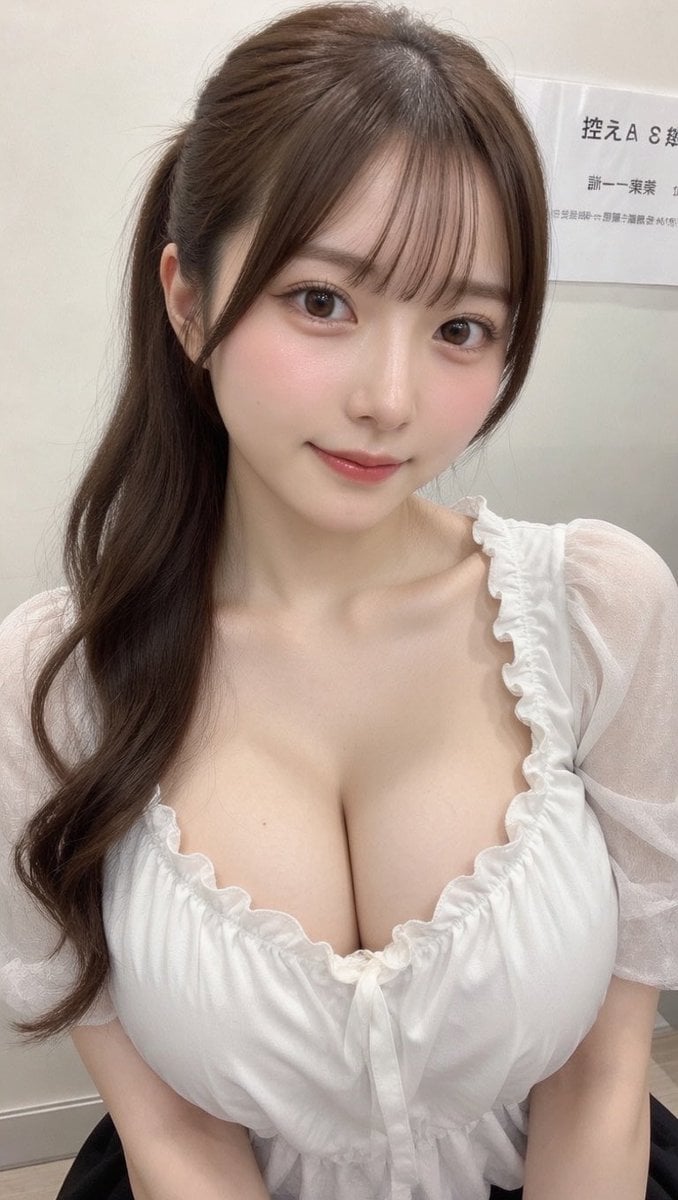
Realistic Selfie With Face Privacy Block
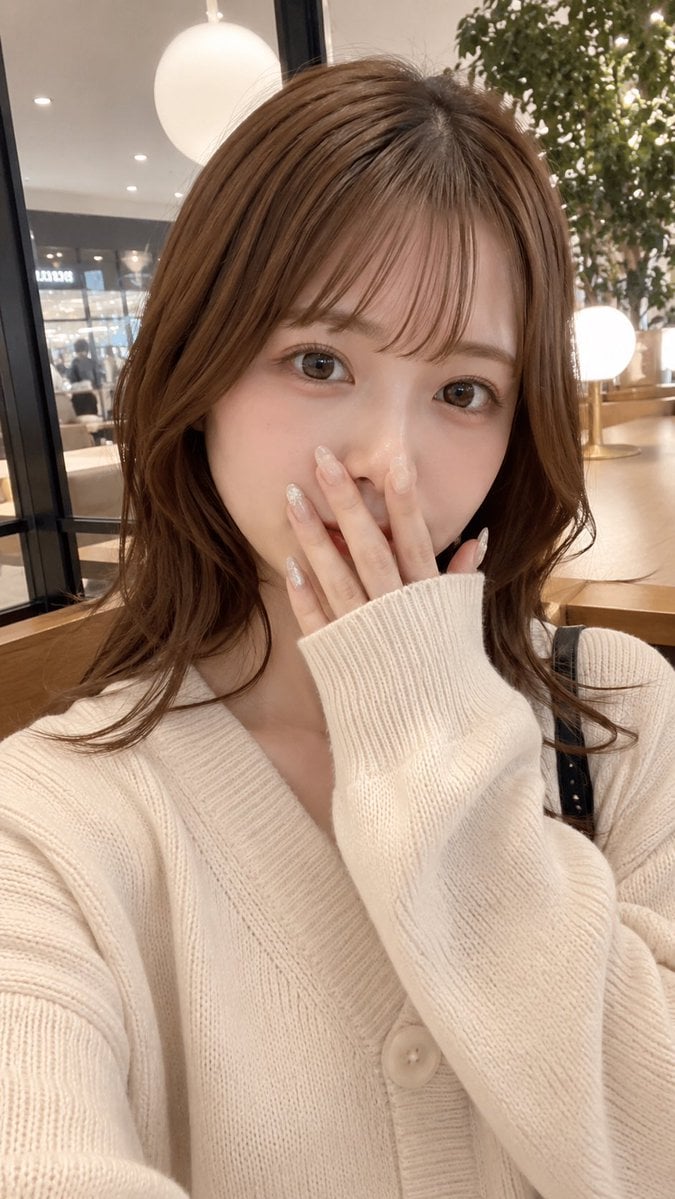
Cafe Selfie With Privacy Block
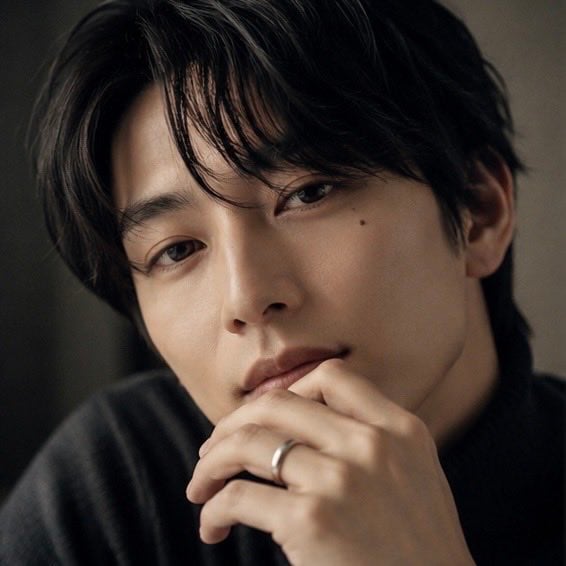
Moody Portrait With Privacy Block
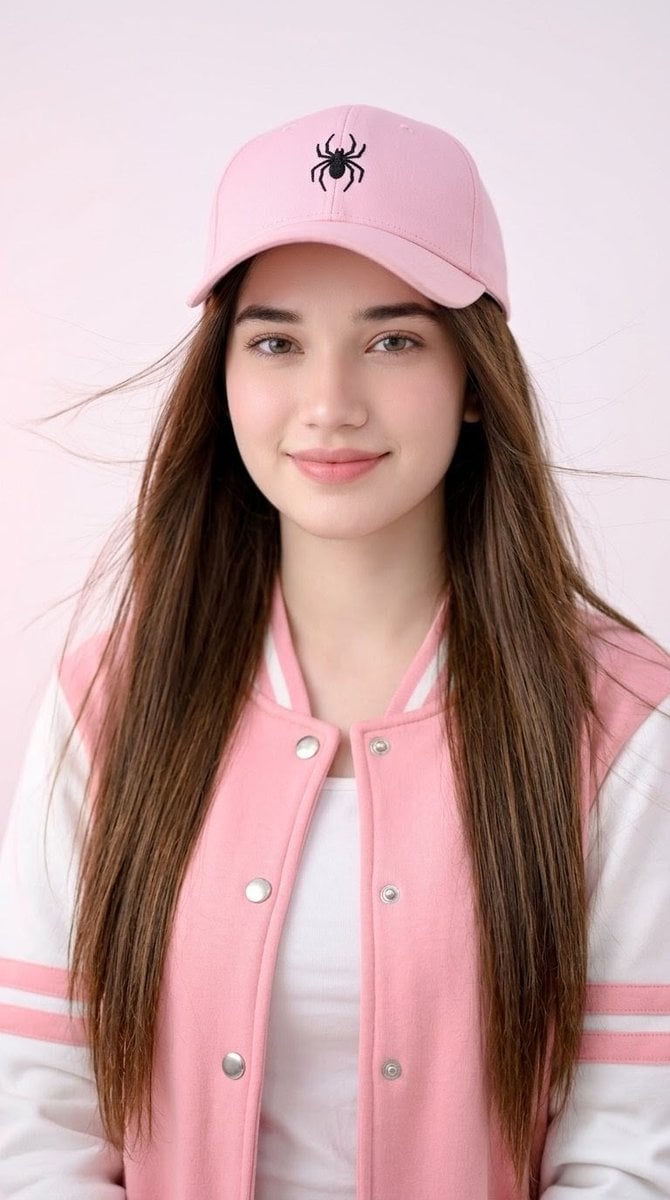
Pink Cap Portrait With Privacy Block

Rooftop Fisheye — Cat-Ear Balaclava at Golden Hour

Felt & Knit 3D Character — Photo-Exact Face, Pixar-Quality Plush Figurine

Eid al-Adha Cute Chaos — Fisheye Selfie with Farm Selfie, Mosque & Animals

Cat Photobomb Selfie — 0.5x Wide Angle Café Chaos

Gen Z Triple Selfie Collage — Y2K Flash Photography

Surreal Cat Astronaut — Humanoid Face Freefall

Photoreal Village Lanterns Minecraft Scene
Make it yours
Hanfu Selfie With Privacy Block works as-is. These are the safest ways to change it without losing the look.
Change one field
Copy a single group, rewrite it, and generate again so you can see what that field is doing.
Keep the frame, change the subject
Hold the composition and light of Hanfu Selfie With Privacy Block, then swap wardrobe, props or the person for a new take.
| If the result… | Why | Fix |
|---|---|---|
| The result drifts from the preview | Too many fields changed at once. | Reuse Hanfu Selfie With Privacy Block as-is first, then change one group — subject, light, or setting. |
| The model over-stylizes the scene | The prose prompt leaves finish and camera underspecified. | Add one camera or lighting sentence and stay on GPT Image 2. |
More GPT Image 2 templates
Other prompts made for GPT Image 2.

Six VTuber Japanese Logo Sheet

Realistic Portrait of Woman and Deer

The Vista Modular Condo Poster

AI Model Routing Comparison Infographic

2.5D Anime Art Board

Isometric Productivity Desk Scene

New York Double Exposure Poster

Four-Panel AI Landscape Comparison

Japanese Tatami Lifestyle Magazine Cover

NESCAFÉ Coffee Map Poster
More image prompts
Fresh picks from across the catalog.
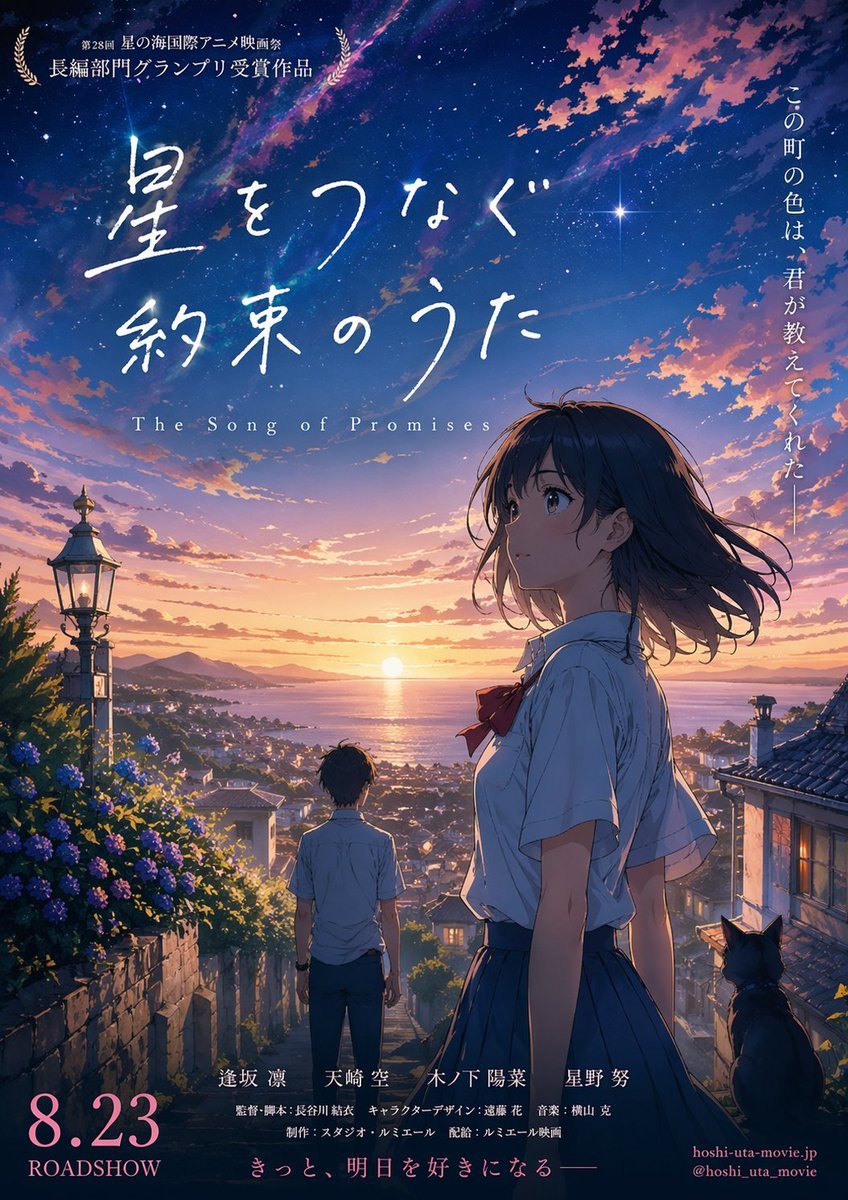
Anime Sunset Film Poster
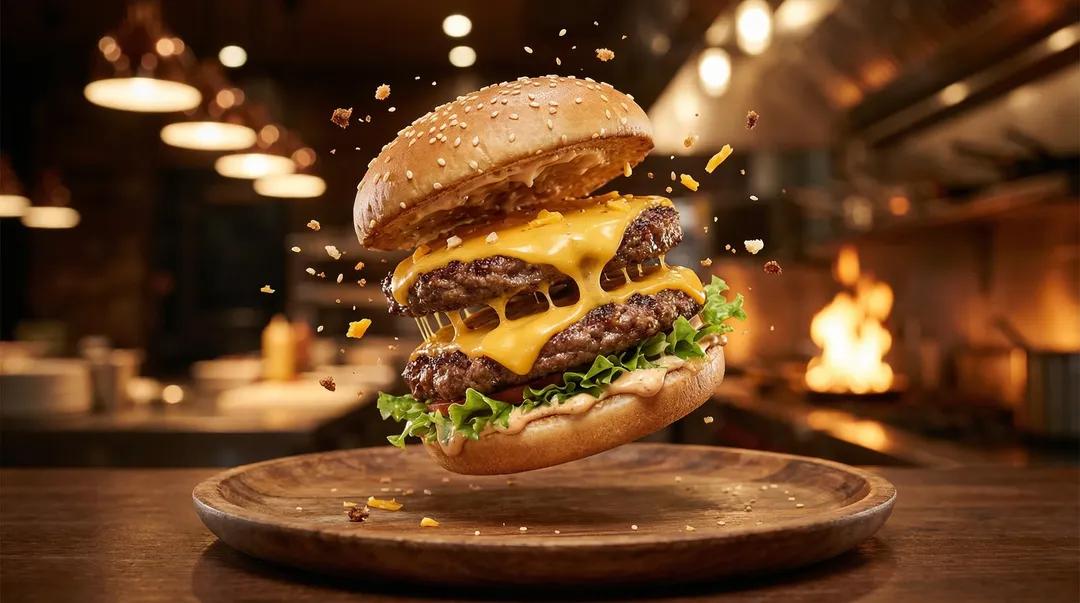
Exploding Ice Cream Cookie Sandwich

AI Creator Holographic Promo Portrait
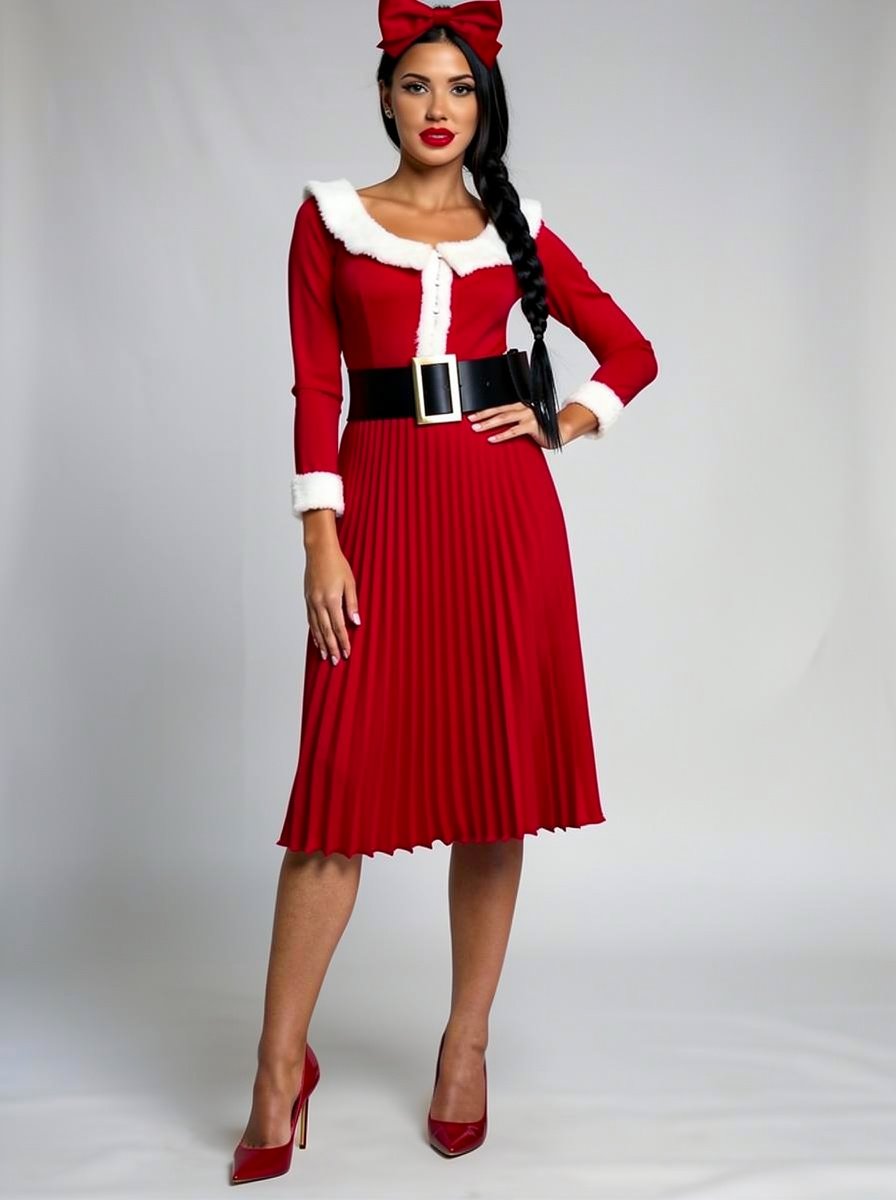
Outfit Style Edit: Santa-Inspired Dress
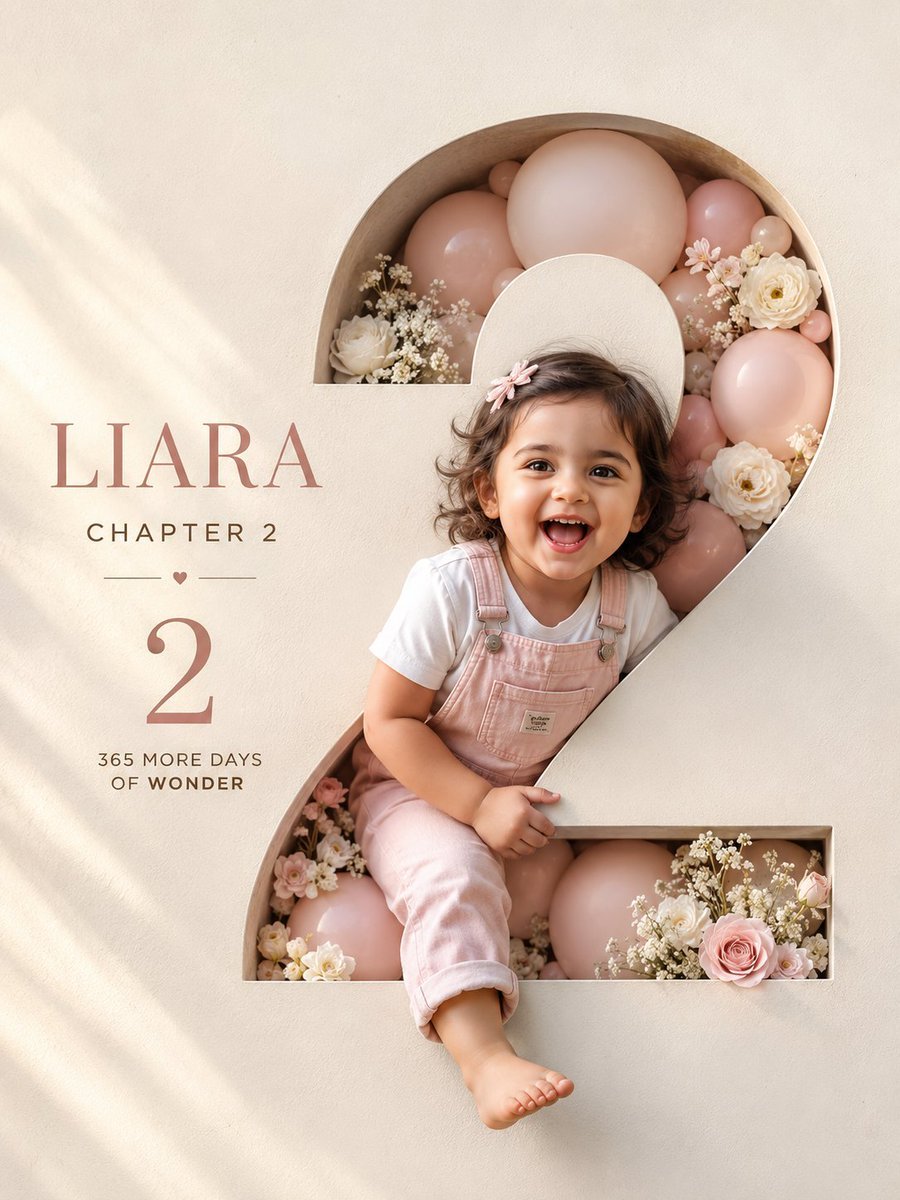
Luxury 3D Birthday Poster

Pixel Art Games with Nano Banana Pro Are
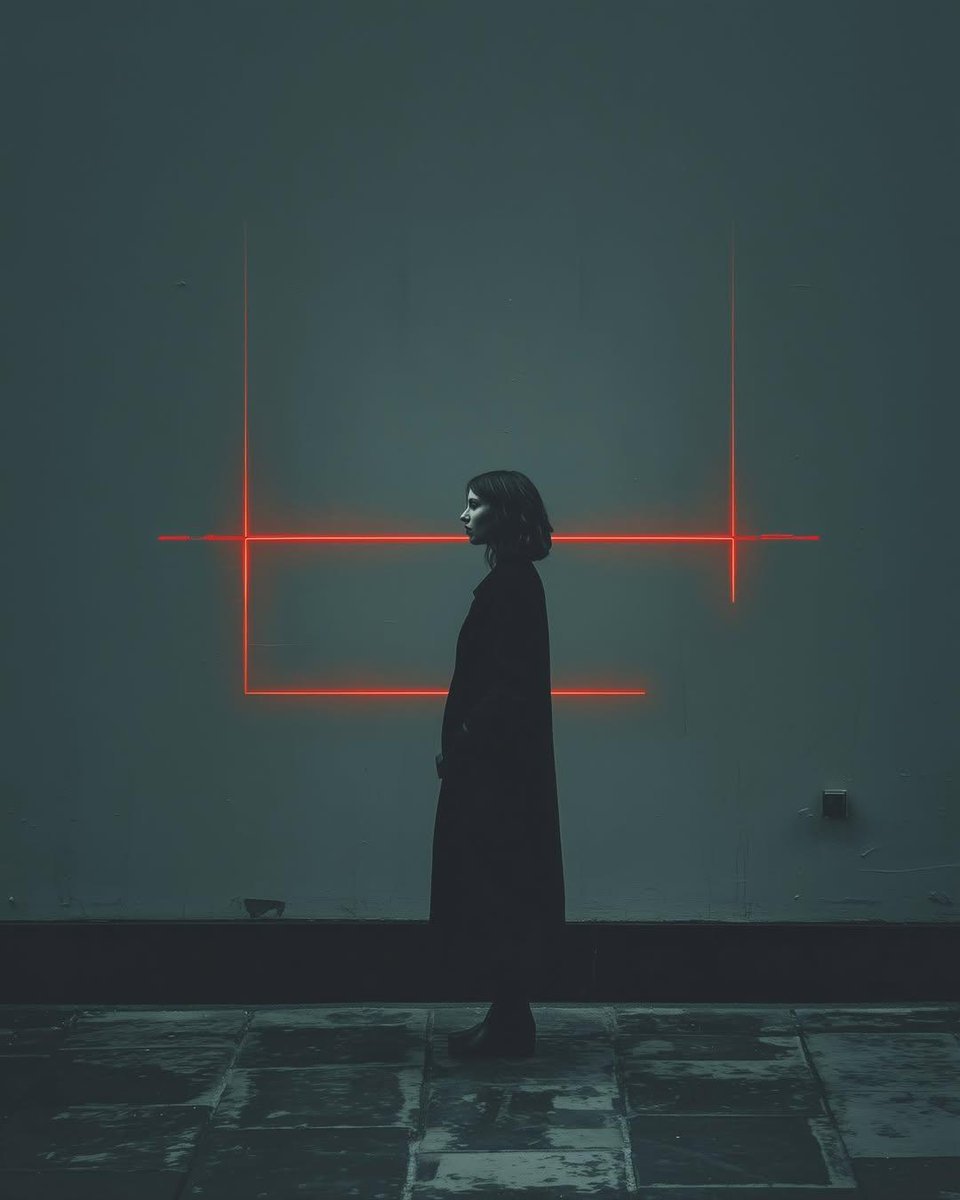
Cyberpunk woman in neon frame
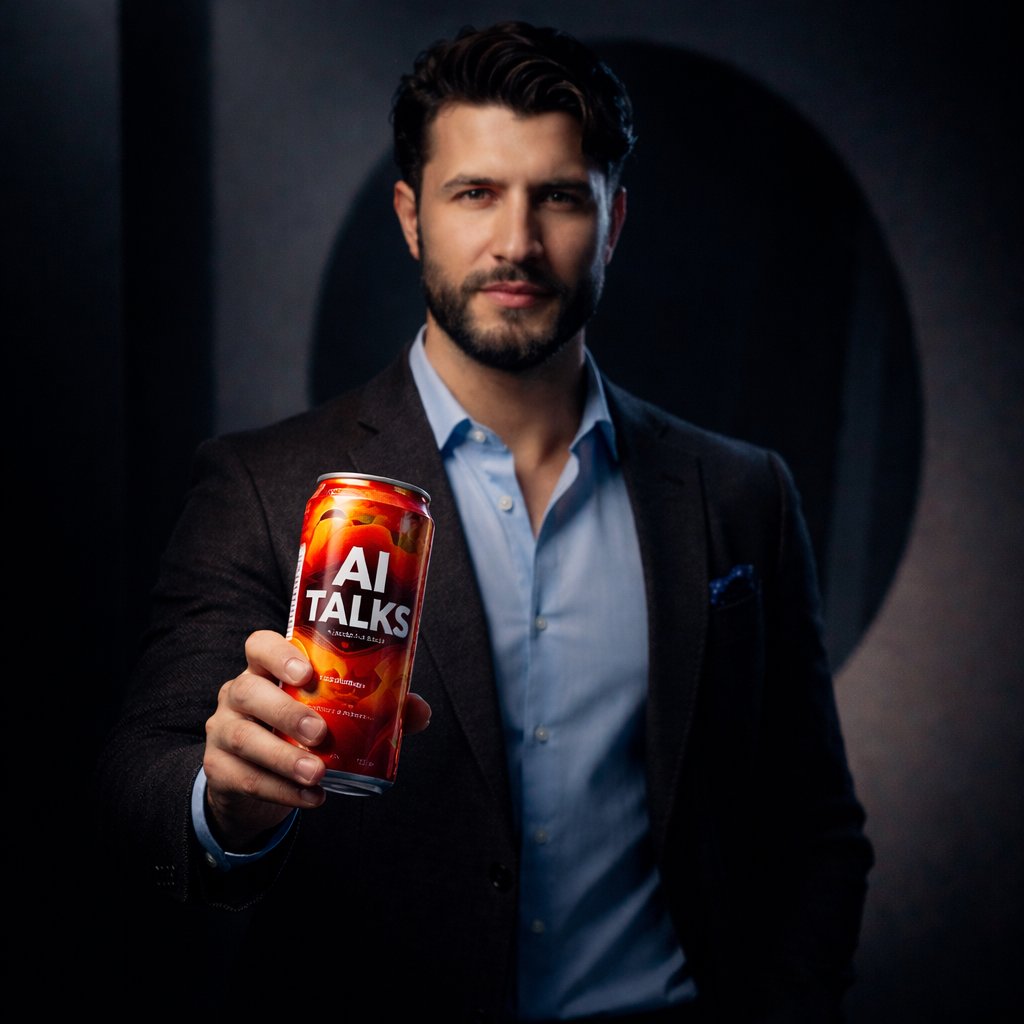
Ultra-realistic Product Shot with Dramatic Split Lighting
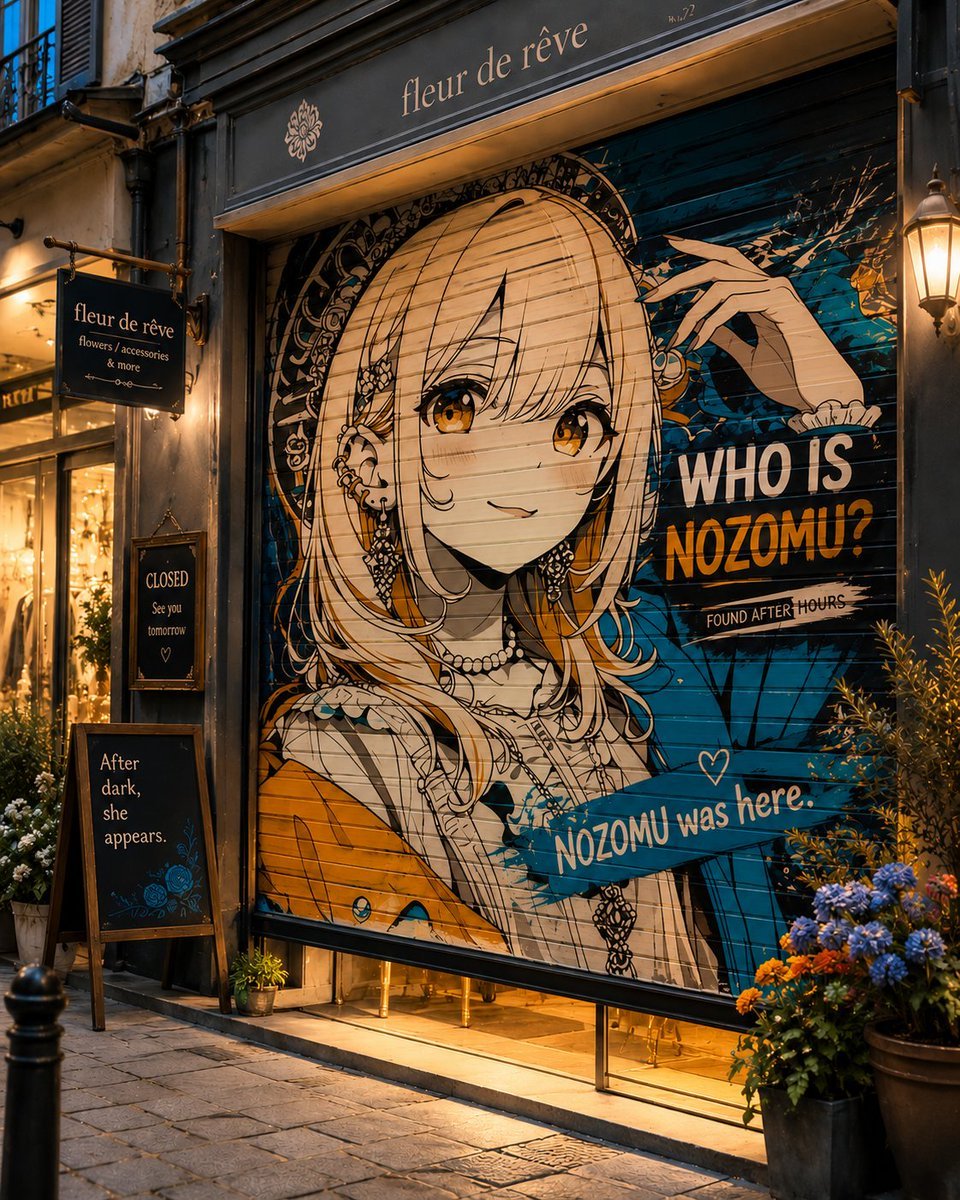
Closed Shop Shutter Mural Art
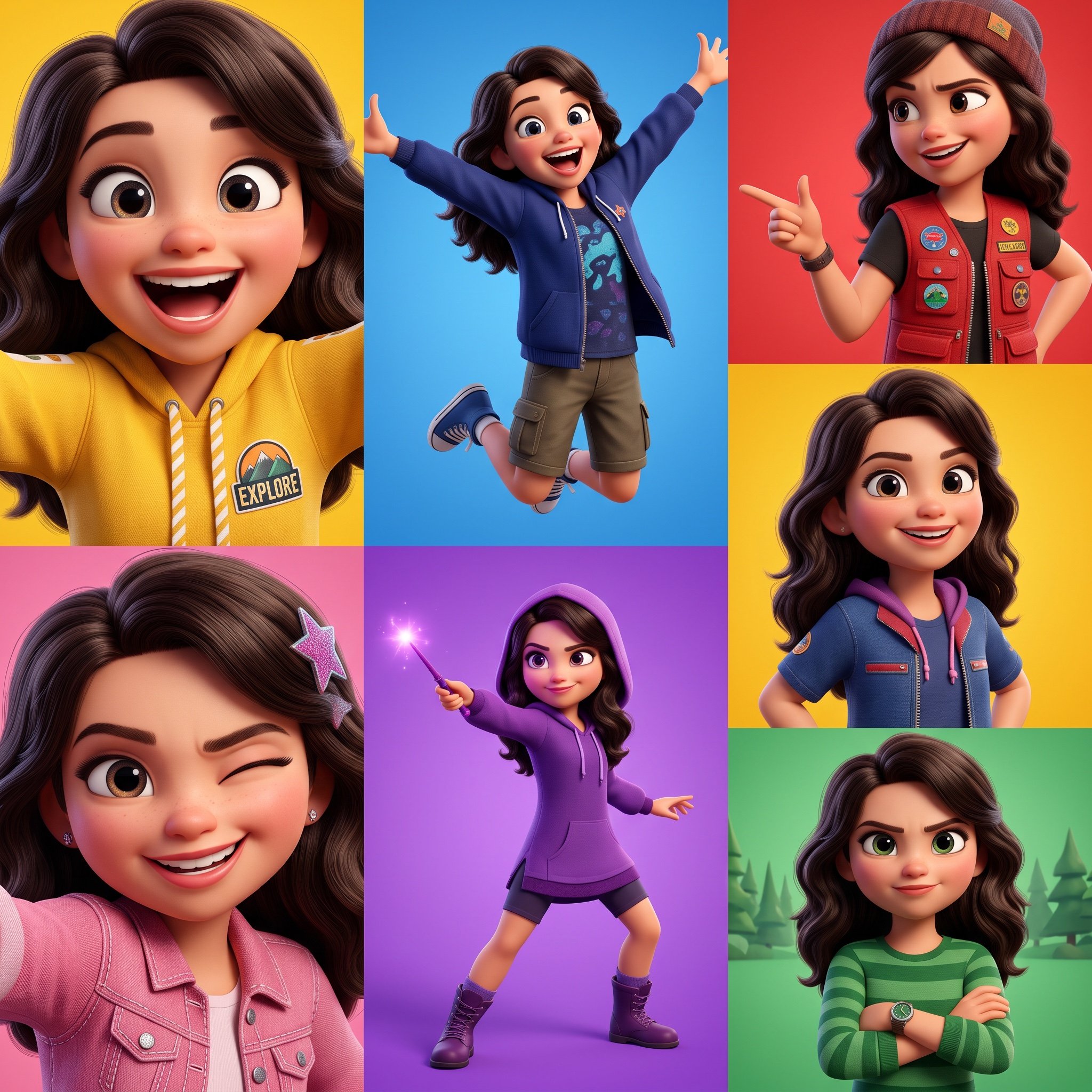
3D Pixar-Style Animated Character Grid Prompt
Browse template categories
Hanfu Selfie With Privacy Block questions
How do I use the Hanfu Selfie With Privacy Block template?
Add your photo if the template asks for one, edit the prompt if you like — the template's model and format are already selected — and press Generate. Your version opens in PicX Studio.
Can I customize the Hanfu Selfie With Privacy Block template?
Yes. You can change the subject, setting, lighting, mood, format, and available model controls before creating your image.
Is the Hanfu Selfie With Privacy Block template free?
Opening and editing this template is free. Generating uses credits, shown on the Generate button when you are signed in.
Which AI model should I use?
Start with GPT Image 2, which is the model associated with this template. You can compare another compatible model for a different finish.
Looking for something else? Browse all templates.

Your photo, any look
Thousands of ready templates for every top image and video model, from one credit balance.