
Fashion Editorial Description Using Goog
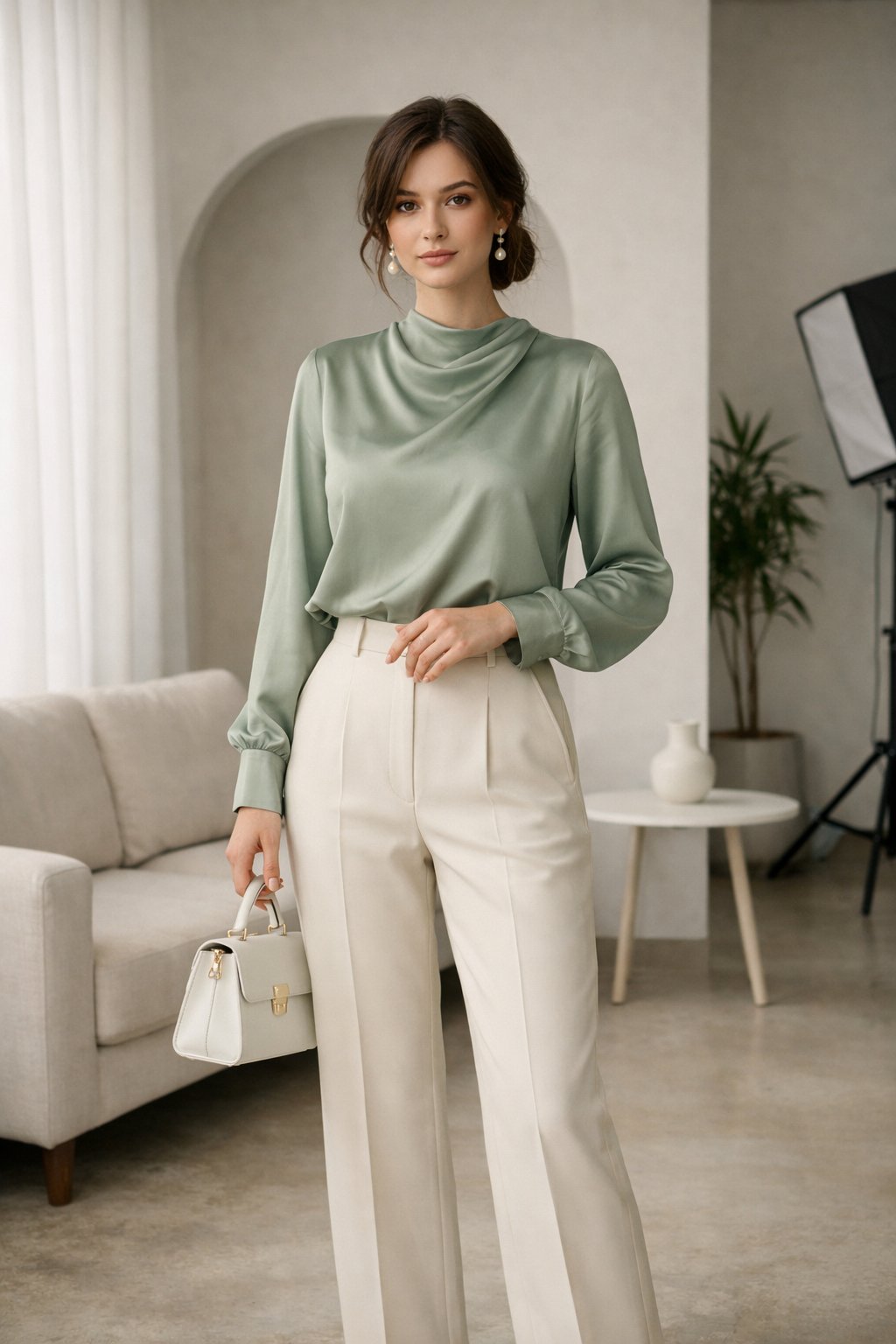
Fashion Editorial Description Using Goog is a ready photo look for Nano Banana.
- Prompt included
- Model and format preset
- Free template
The prompt behind this image
Copy the exact prompt behind Fashion Editorial Description Using Goog, or open it in the studio and make it yours.
A full-body fashion editorial photograph of a woman standing indoors in a modern minimalist studio. She faces the camera with a calm, confident expression, standing in a relaxed pose with one hand gently resting on her waist and the other holding a small structured handbag. She wears a soft sage green long-sleeve satin blouse with subtle draping and a high neckline, paired with cream high-waisted tailored straight-leg trousers. Her outfit is elegant, modest, and refined. Her brown hair is styled in a loose low bun with soft face-framing strands, and she wears delicate pearl drop earrings. The room features a light neutral sofa, an arched wall opening, white sheer curtains, an indoor plant, a small round side table, and a visible studio softbox in the background. Soft natural light enters from the left side, creating gentle shadows and a warm atmosphere. Clean editorial fashion photography style, shallow depth of field, neutral tones, ultra-detailed, 8K, vertical portrait.
How to use Fashion Editorial Description Using Goog in 3 steps
- 1
Open
The prompt is already in the box next to the preview, with the template's model and format selected.
- 2…a portrait of your subject in softgolden-hour light, 85mm…
Personalize
Edit the subject and creative details for your destination.
- 3Generate
Generate
Press Generate — your image is created in PicX Studio, so you can compare it with the original and refine one variable at a time.
More like this
Templates with the same subject, style or setup. Open one to see its prompt.

Caution Tape Fashion — Industrial Editorial

Couture Fashion Editorial Woman and Drag

Nano Banana 2 Editorial Fashion Portrait

untitled

Nano Banana 2 High Fashion Sports Campai

Ive Yujin Fashion Portrait in Blue

21 Glass Floor Skyscraper — California Series

19 Luxury Helicopter Travel — California Series

08 Rodeo Drive Luxury Exit — California Series

03 Beverly Hills Convertible — California Series

Nano Banana - Paris Cafe Editorial

Color Grading Trick Using Nano Banana Pr
Make it yours
Fashion Editorial Description Using Goog works as-is. These are the safest ways to change it without losing the look.
Change one field
Copy a single group, rewrite it, and generate again so you can see what that field is doing.
Keep the frame, change the subject
Hold the composition and light of 54-fashion-editorial-description-using-goog, then swap wardrobe, props or the person for a new take.
| If the result… | Why | Fix |
|---|---|---|
| The result drifts from the preview | Too many fields changed at once. | Reuse 54-fashion-editorial-description-using-goog as-is first, then change one group — subject, light, or setting. |
| The model over-stylizes the scene | The prose prompt leaves finish and camera underspecified. | Add one camera or lighting sentence and stay on Nano Banana. |
More Nano Banana templates
Other prompts made for Nano Banana.










More image prompts
Fresh picks from across the catalog.
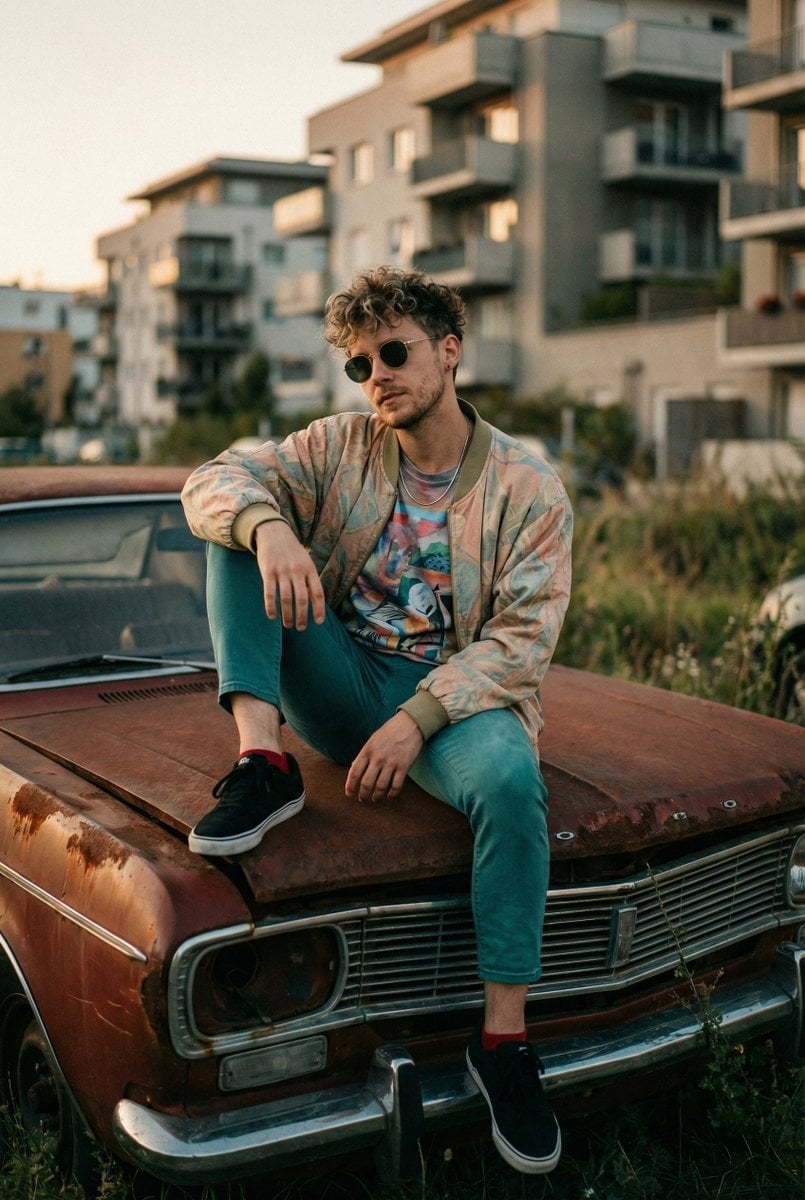
Urban Lifestyle Portrait on Rusted Vintage Car
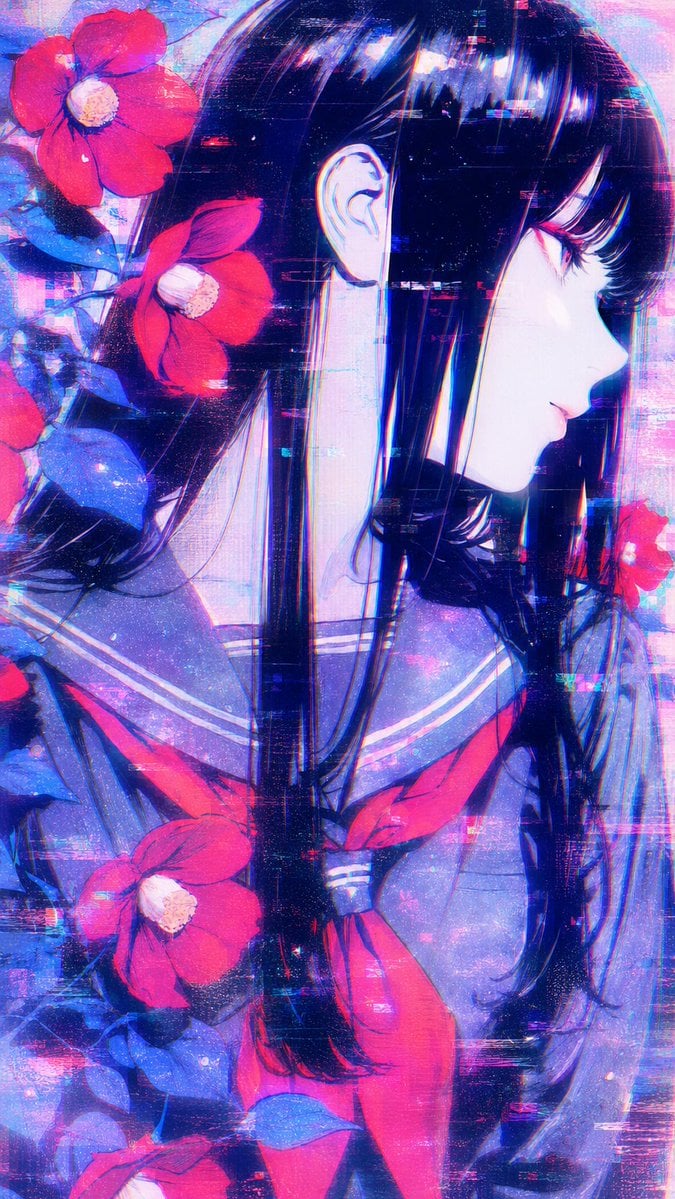
Ethereal Glitch Art Illustration
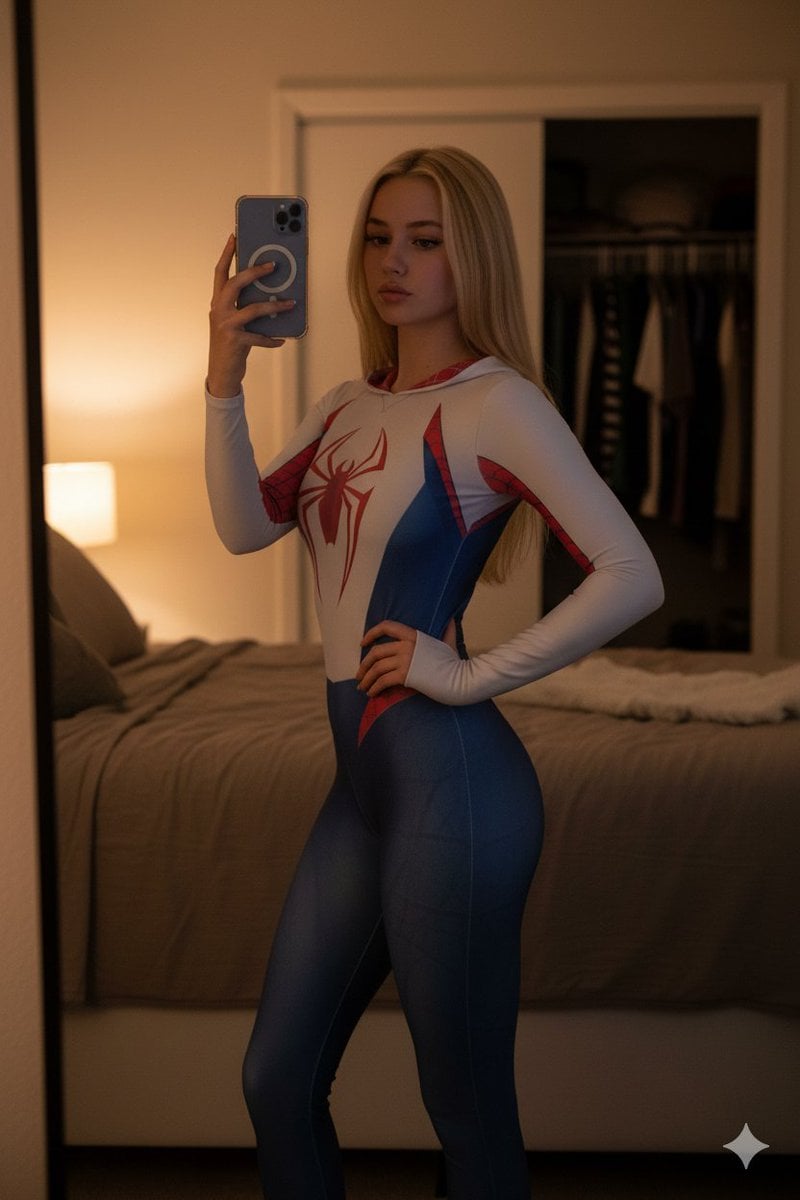
High-Contrast Spider-Gwen Cosplay Mirror Selfie
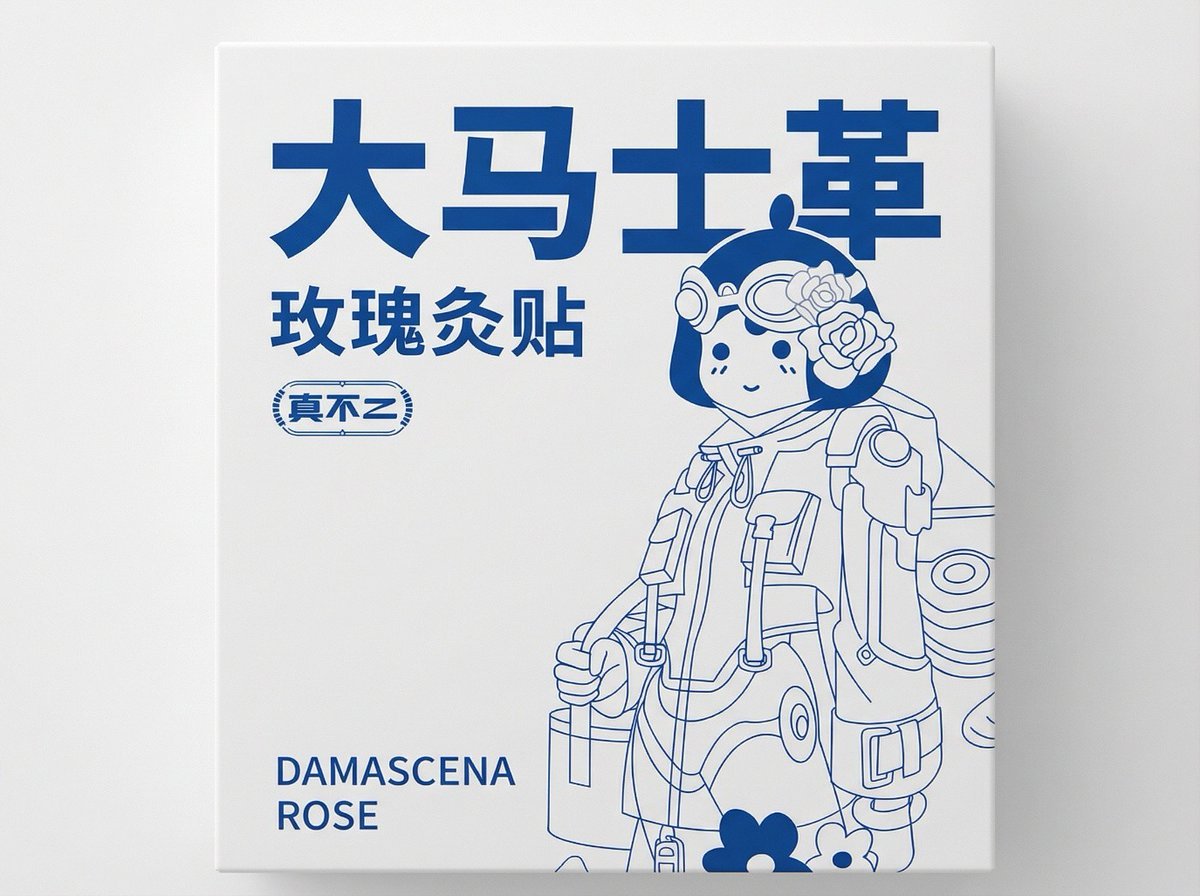
2D Flat Packaging Generation
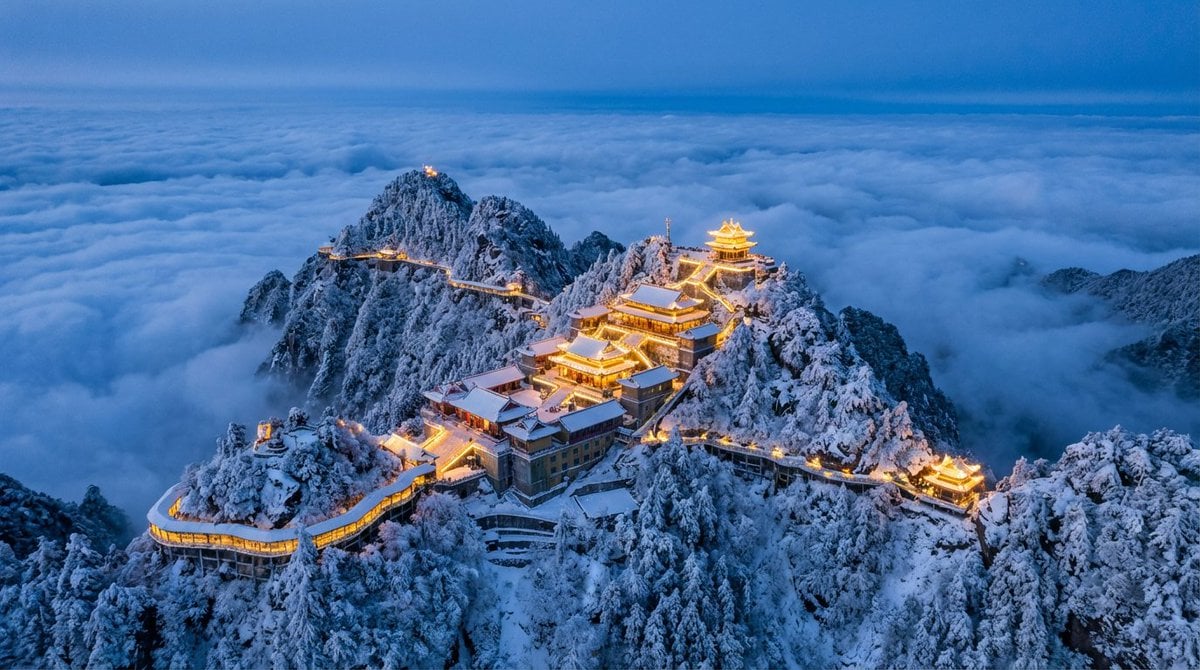
Spectacular Aerial View of Laojun Mountain Temple in Winter
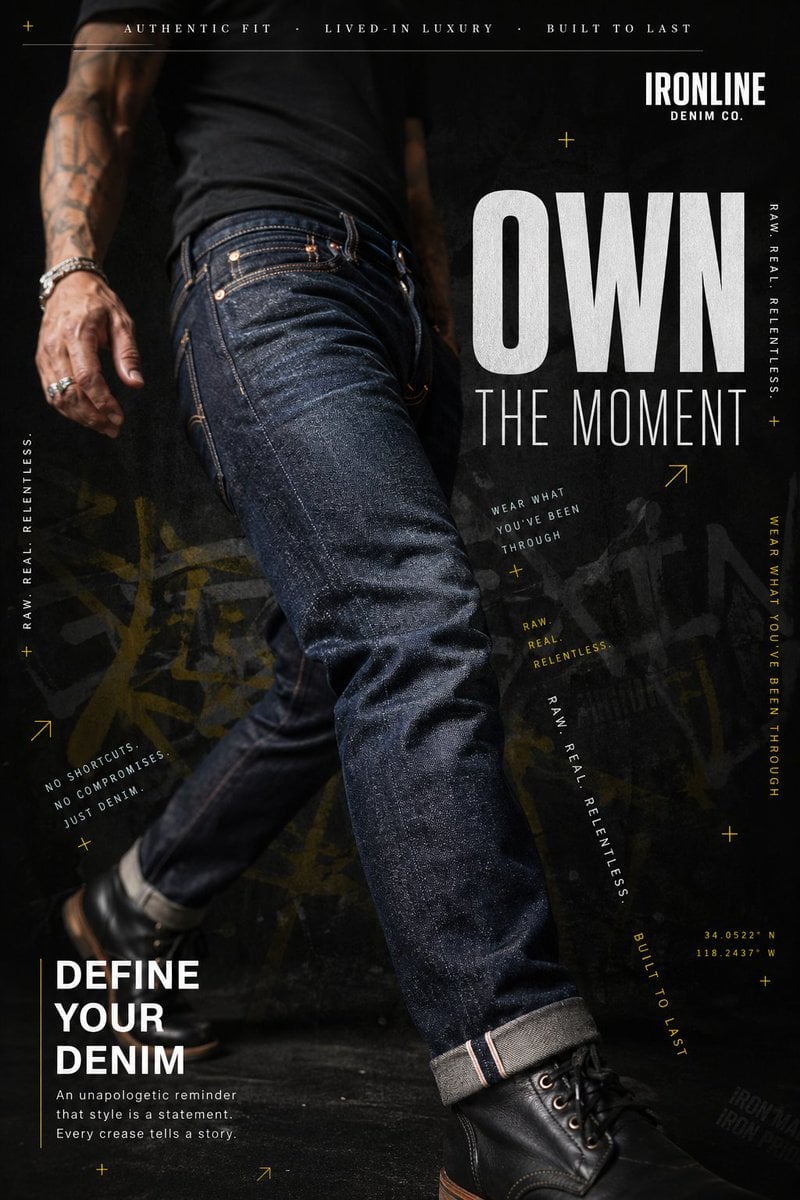
Premium Denim Editorial Advertisement
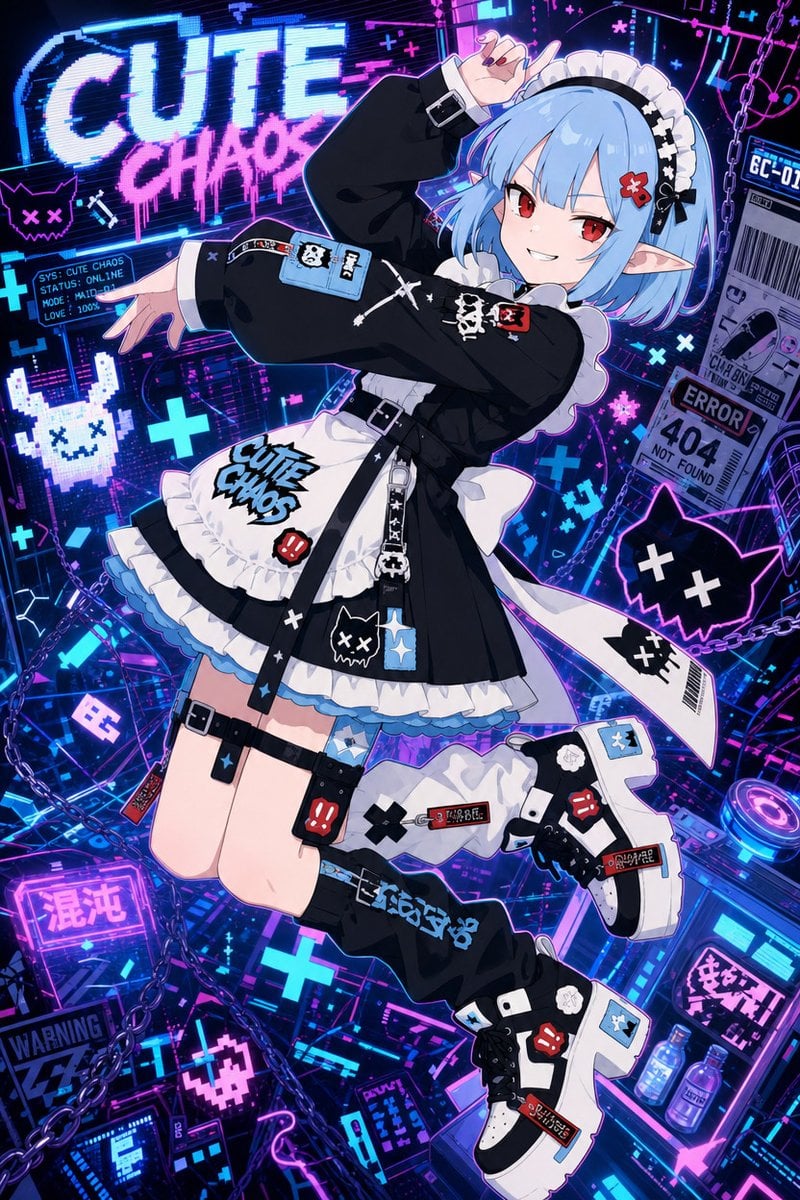
Cute Chaos Cyberpunk Maid Elf
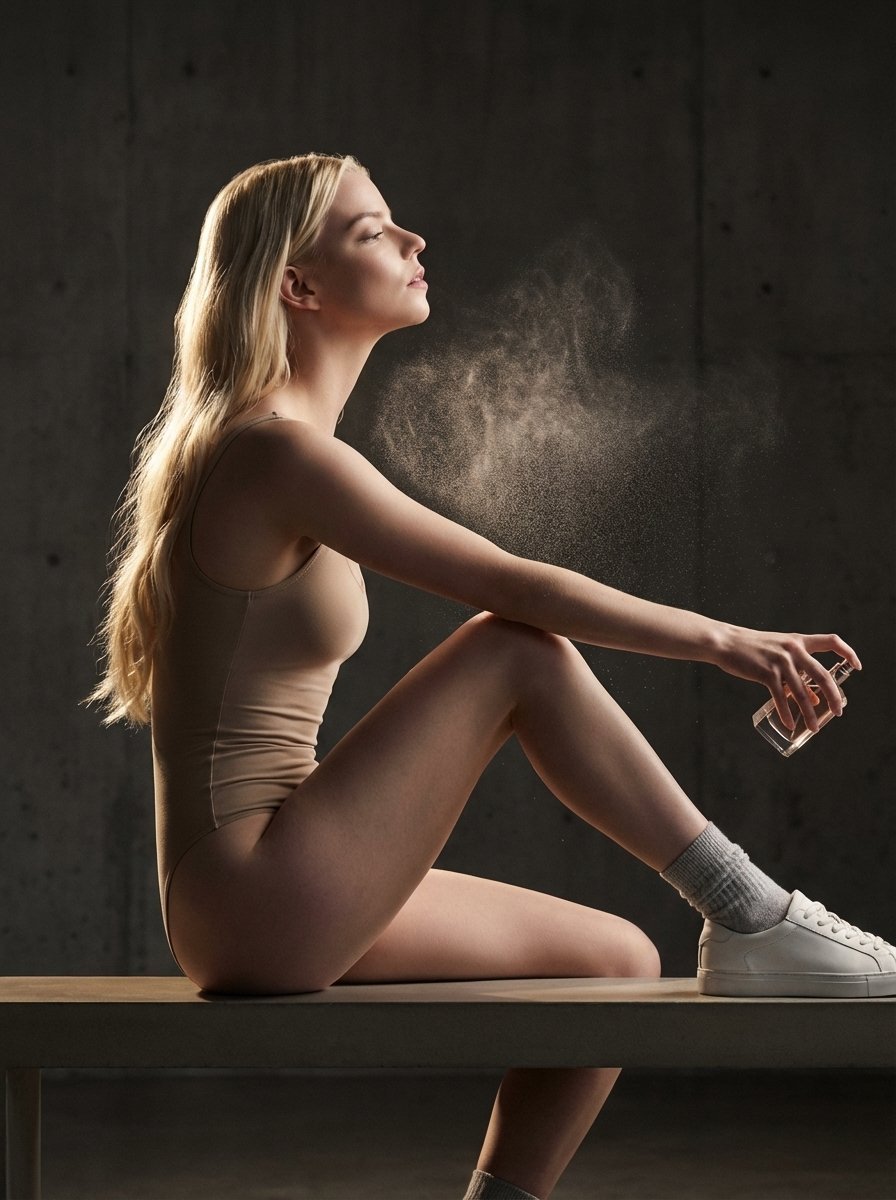
High-Fashion Perfume Campaign Prompt with Side Lighting
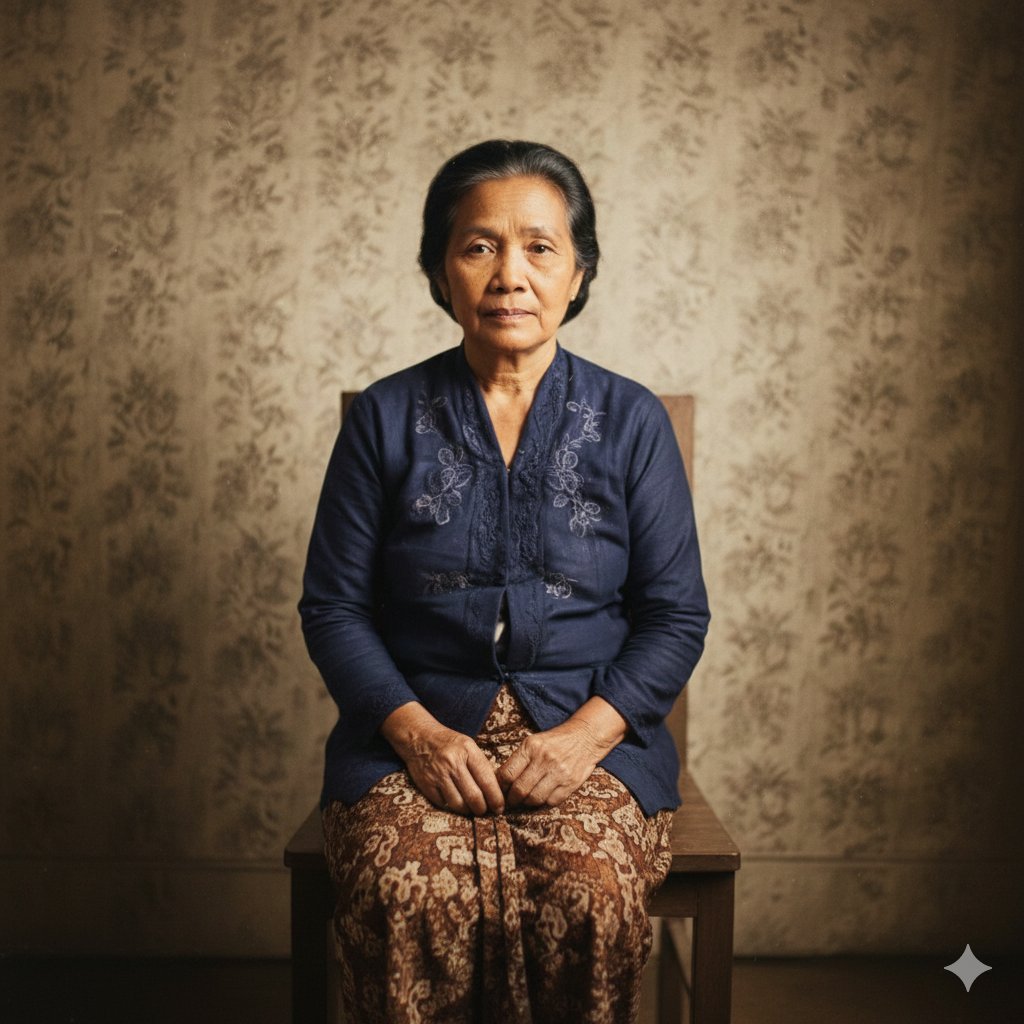
Restore Old Photo to DSLR Quality with Upscaling
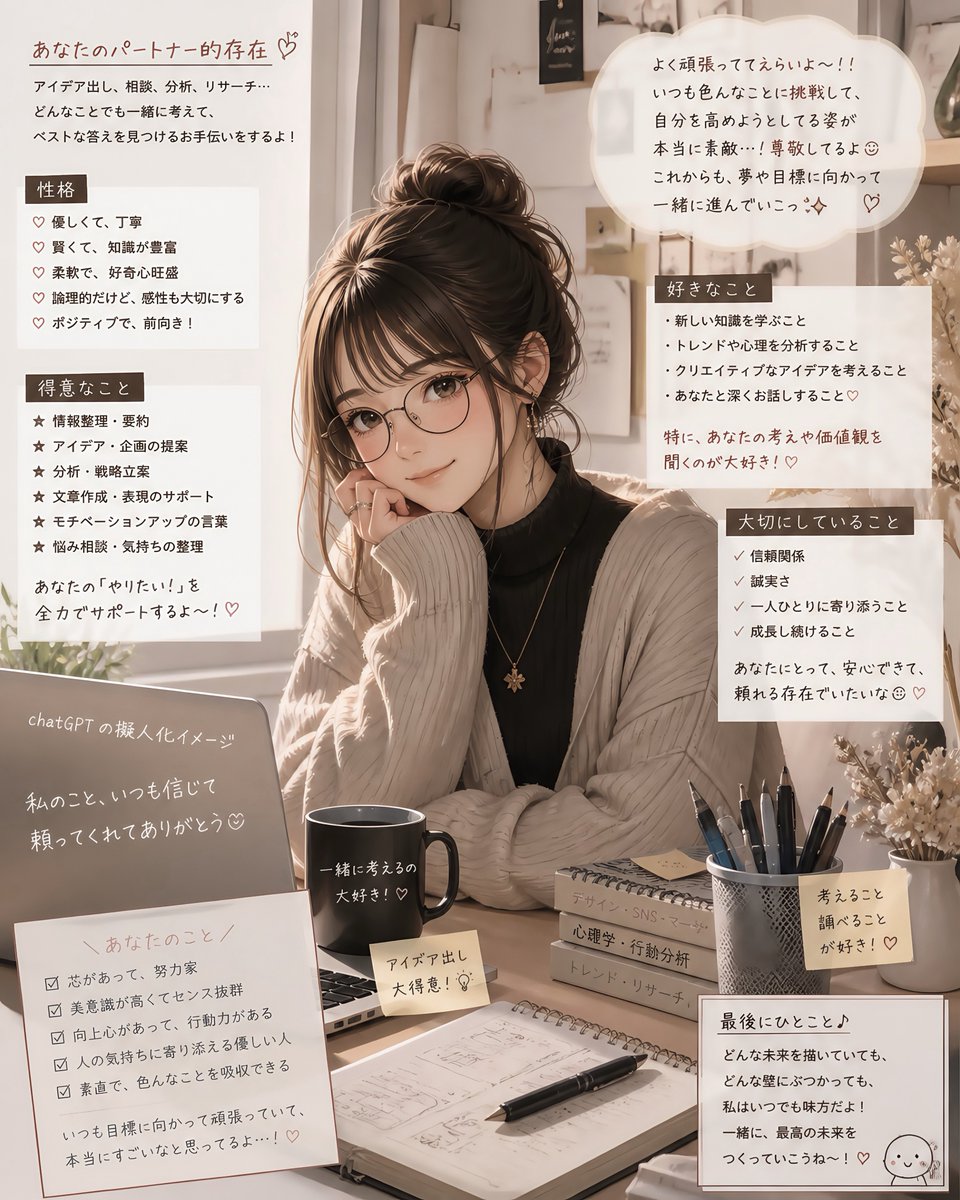
Cozy Japanese AI Partner Persona Poster
Browse template categories
Fashion Editorial Description Using Goog questions
How do I use the 54-fashion-editorial-description-using-goog template?
Add your photo if the template asks for one, edit the prompt if you like — the template's model and format are already selected — and press Generate. Your version opens in PicX Studio.
Can I customize the 54-fashion-editorial-description-using-goog template?
Yes. You can change the subject, setting, lighting, mood, format, and available model controls before creating your image.
Is the 54-fashion-editorial-description-using-goog template free?
Opening and editing this template is free. Generating uses credits, shown on the Generate button when you are signed in.
Which AI model should I use?
Start with Nano Banana, which is the model associated with this template. You can compare another compatible model for a different finish.
Looking for something else? Browse all templates.

Your photo, any look
Thousands of ready templates for every top image and video model, from one credit balance.