
Octane-Rendered Floating Ecological Island
An extremely detailed prompt for generating a massive, photorealistic floating island that functions as a living ecological system.
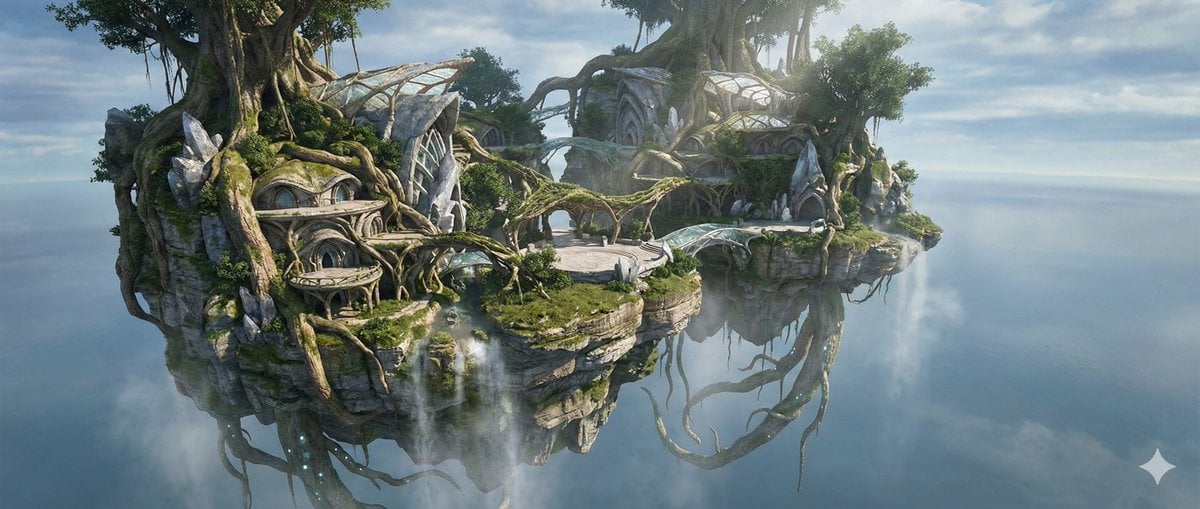
- Prompt included
- Model and format preset
- Free template
The prompt behind this image
Copy the exact prompt behind Octane-Rendered Floating Ecological Island, or open it in the studio and make it yours.
[SUBJECT] A massive floating island captured as a photoreal, physically plausible environment, rendered with Octane-level realism. The island is a living ecological system integrated with inhabitable architecture grown from stone, crystal, and bio-organic materials. The scene feels like a real, observable place suspended in the sky, not a stylized illustration. [RENDERING STYLE] Ultra-photoreal rendering with Octane Render characteristics: physically accurate global illumination, realistic light falloff, high dynamic range sky lighting, true-to-scale materials, micro-surface detail, subtle imperfections, and natural color response. No painterly effects, no stylization, no exaggerated fantasy lighting. [COMPOSITION] Wide-angle aerial shot, slightly offset perspective, as if photographed from a hovering drone or aircraft. The full vertical mass of the island is visible, with architectural elements clearly readable. Horizon visible in the distance with atmospheric haze for scale. Camera height slightly below the island’s midline, emphasizing weight and realism. [UPPER ATMOSPHERIC ZONE] Thin, stratified clouds interact with the island’s upper vegetation. Tall, vine-like atmospheric plants extend upward, realistically textured and wind-reactive. Small, semi-translucent floating organisms drift naturally, with believable motion blur and subsurface scattering. Sunlight diffuses through cloud layers, producing soft volumetric shafts. [SURFACE ECOSYSTEM] The surface terrain features realistic soil, rock strata, and dense vegetation with botanical variation. Graviroot trees anchor into the terrain with visible root tension and load-bearing structure. Meadows ripple subtly in the wind. Rivers flow toward cliff edges and disperse into mist through evaporation, captured with physically accurate fluid behavior. [ARCHITECTURE – DWELLINGS & PUBLIC SPACES] Architecture is seamlessly integrated into the landscape, appearing grown, carved, or accreted rather than constructed: - Cliffside dwellings embedded into rock faces, with arched openings, layered terraces, and organically curved facades. - Residential structures grown from mineralized coral-like stone, reinforced with crystal ribs. - Public plazas formed as open stone platforms surrounded by vegetation, root-canopies, and light-filtering crystal growths. - Sky-bridges and root-walkways connecting buildings, appearing load-bearing and structurally plausible. - Transparent or semi-translucent roofing formed from bio-crystal membranes, allowing natural light into interiors. No sharp industrial lines; all architecture follows structural logic and biological growth patterns. [SUBSURFACE & STRUCTURAL CORE] Through cracks and translucent mineral layers, a crystal–mycelium structural network is visible, acting as both load distribution and energy circulation. Subsurface glow is subtle, uneven, and realistic, suggesting biophysical p
How to use Octane-Rendered Floating Ecological Island in 3 steps
- 1
Open
The prompt is already in the box next to the preview, with the template's model and format selected.
- 2…a portrait of your subject in softgolden-hour light, 85mm…
Personalize
Edit the subject and creative details for your destination.
- 3Generate
Generate
Press Generate — your image is created in PicX Studio, so you can compare it with the original and refine one variable at a time.
More like this
Templates with the same subject, style or setup. Open one to see its prompt.

Felt & Knit 3D Character — Photo-Exact Face, Pixar-Quality Plush Figurine

Floating Woman Above Cityscape with Notifications

敦煌纸雕飞天 — 3D Layered Paper Cutout
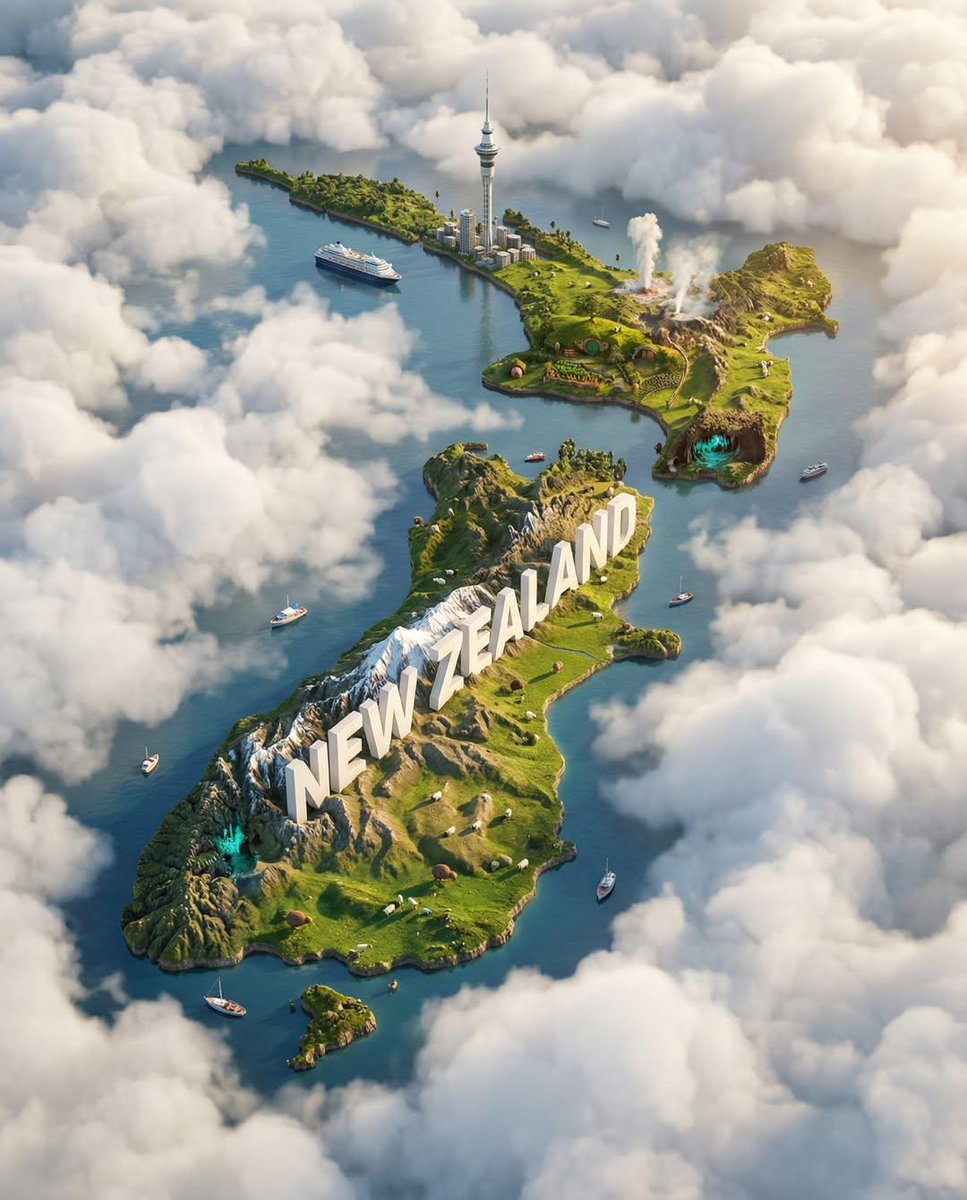
Ultra-HD, hyper-realistic digital poster of a floating miniature island
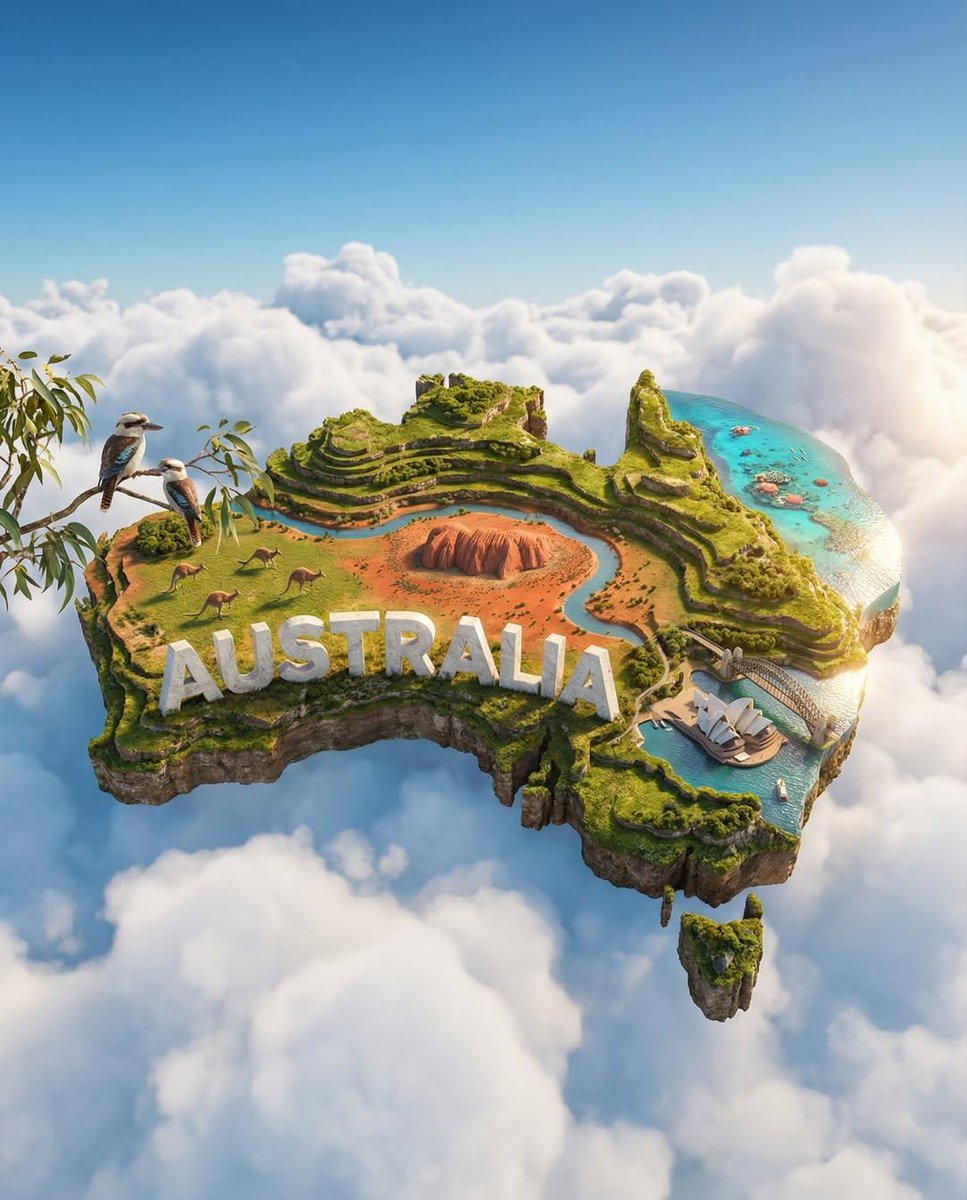
Ultra-HD, hyper-realistic digital poster of a floating miniature island
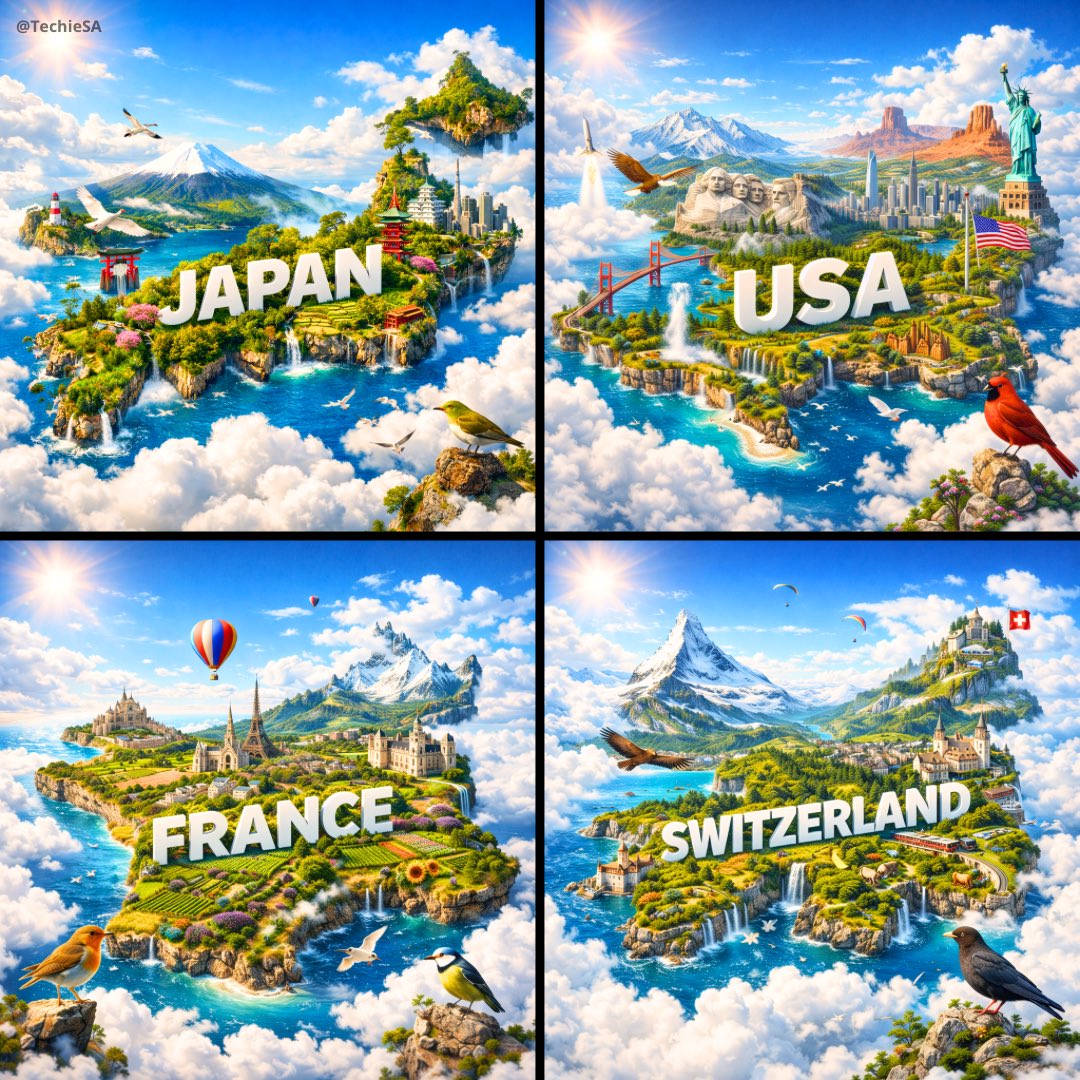
Ultra-HD, hyper-realistic digital poster of a floating miniature island
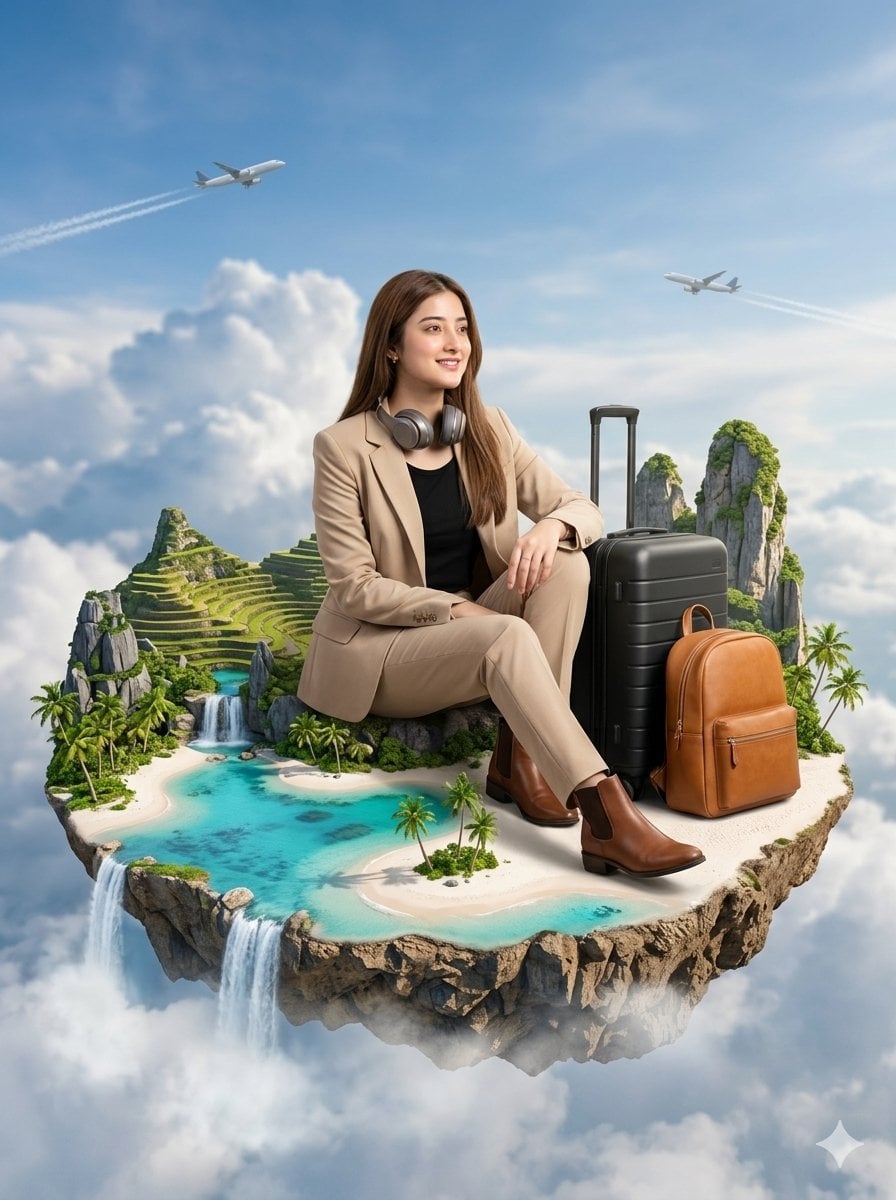
Floating Philippines Island Travel Portrait
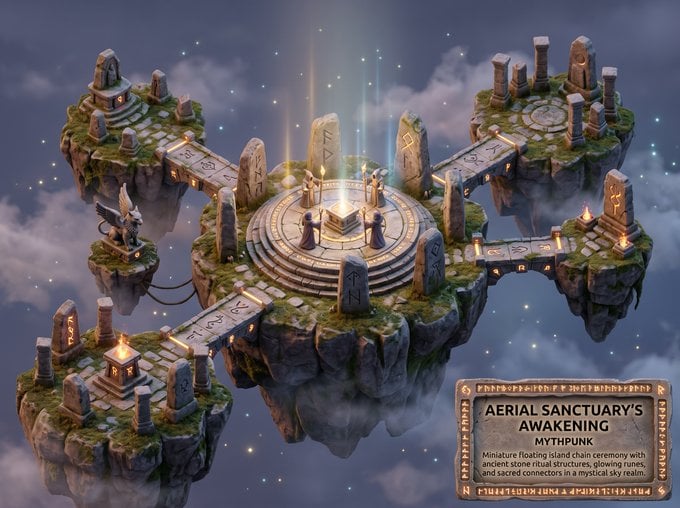
Whimsical Mythpunk Floating Island Miniature
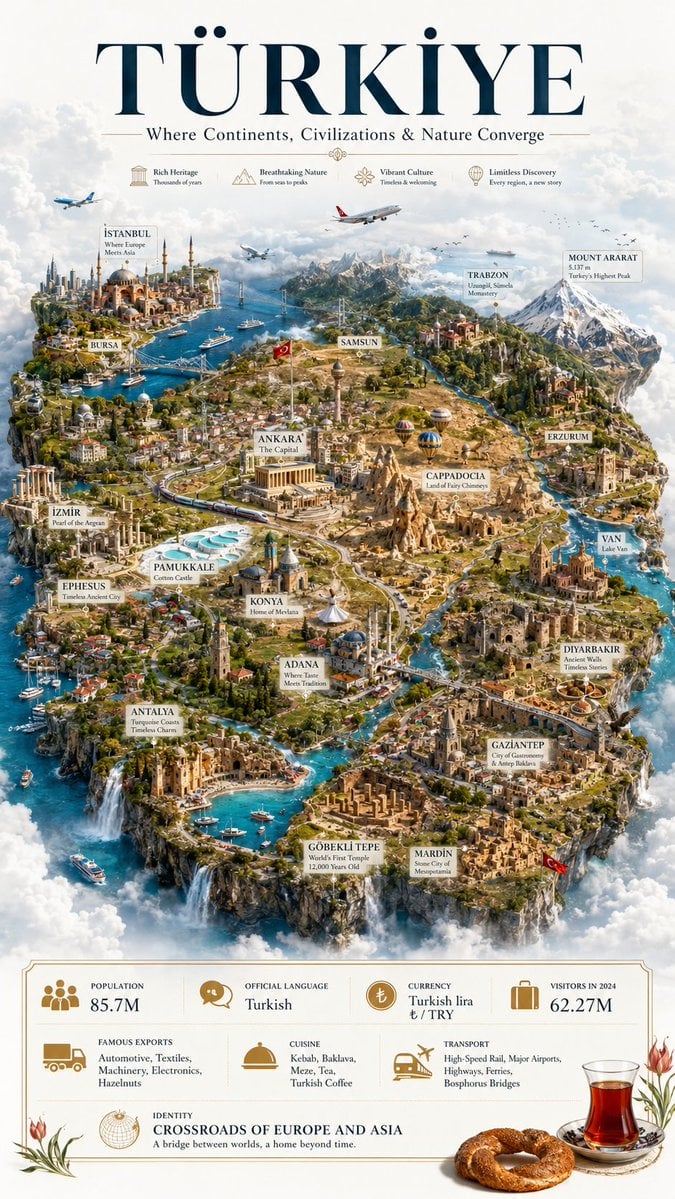
Türkiye Floating Island Travel Poster
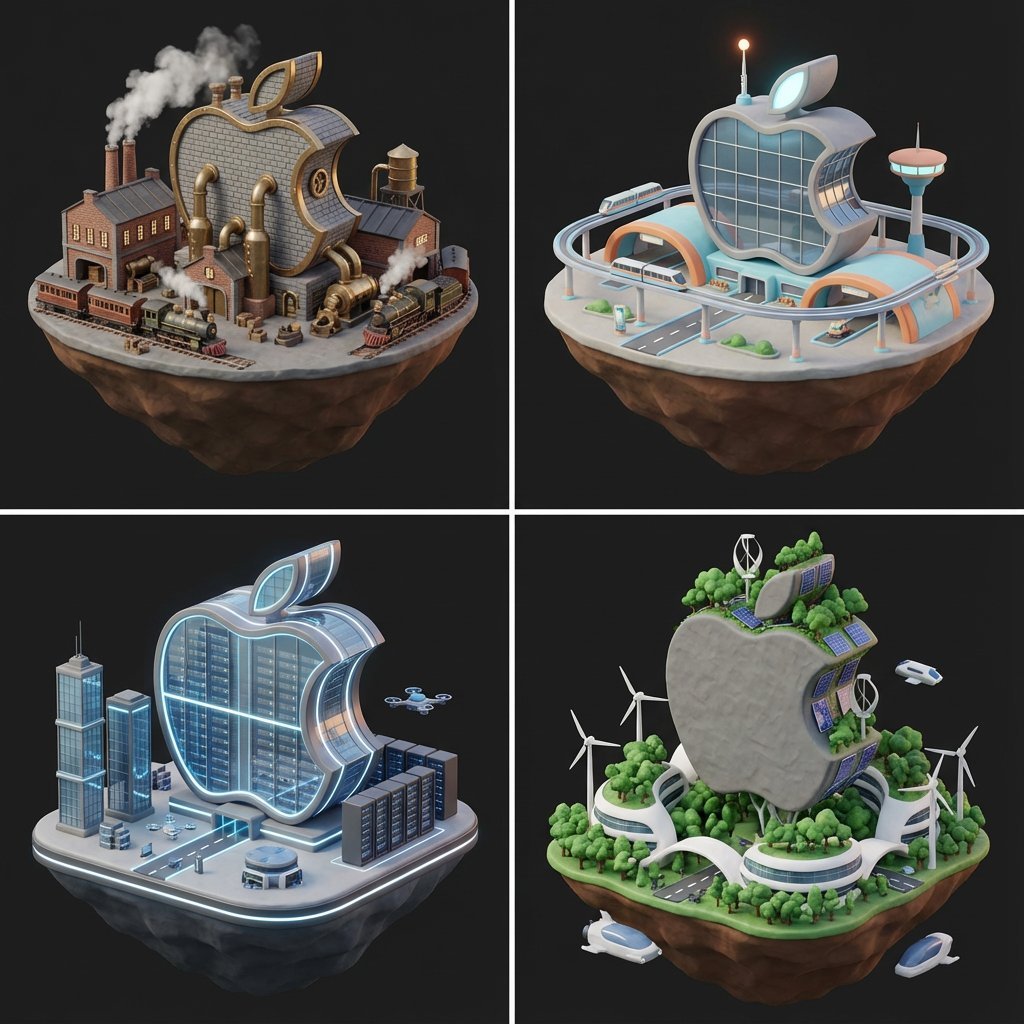
Logo to Floating Island Architectural Concept (4 Eras)
A premium 3D stylized version of attached logo, rendered as thick
A stylized 3D rendered full-body profile portrait of an elderly male
Make it yours
Octane-Rendered Floating Ecological Island works as-is. These are the safest ways to change it without losing the look.
Change one field
Copy a single group, rewrite it, and generate again so you can see what that field is doing.
Keep the frame, change the subject
Hold the composition and light of Octane-Rendered Floating Ecological Island, then swap wardrobe, props or the person for a new take.
| If the result… | Why | Fix |
|---|---|---|
| The result drifts from the preview | Too many fields changed at once. | Reuse Octane-Rendered Floating Ecological Island as-is first, then change one group — subject, light, or setting. |
| The model over-stylizes the scene | The prose prompt leaves finish and camera underspecified. | Add one camera or lighting sentence and stay on Nano Banana 2. |
More Nano Banana 2 templates
Other prompts made for Nano Banana 2.

Photorealistic Leaf Shaped Like a Dragon

K-Pop Idol Portrait Grid for Rapid Selection

Poetic Rain Forest Portrait During Golden Hour

Urban Street Portrait with Cartoon Inner Self Duo

Candid Nighttime Photo with Cat Prompt

High-Concept 3D Diorama Generation Prompt

Cinematic Futuristic Studio Portrait Template

Skincare Editorial Photography Collage Prompt

Hyper-Realistic Commercial Product Photography (Splash Effect)

Hyper-Realistic Nightclub Portrait Prompt
More image prompts
Fresh picks from across the catalog.
Colorful Kimono Kemonomimi Festival
Four Prompts for Ultra-Realistic Female Portraits (Dubai, Floral, 90s, Western)
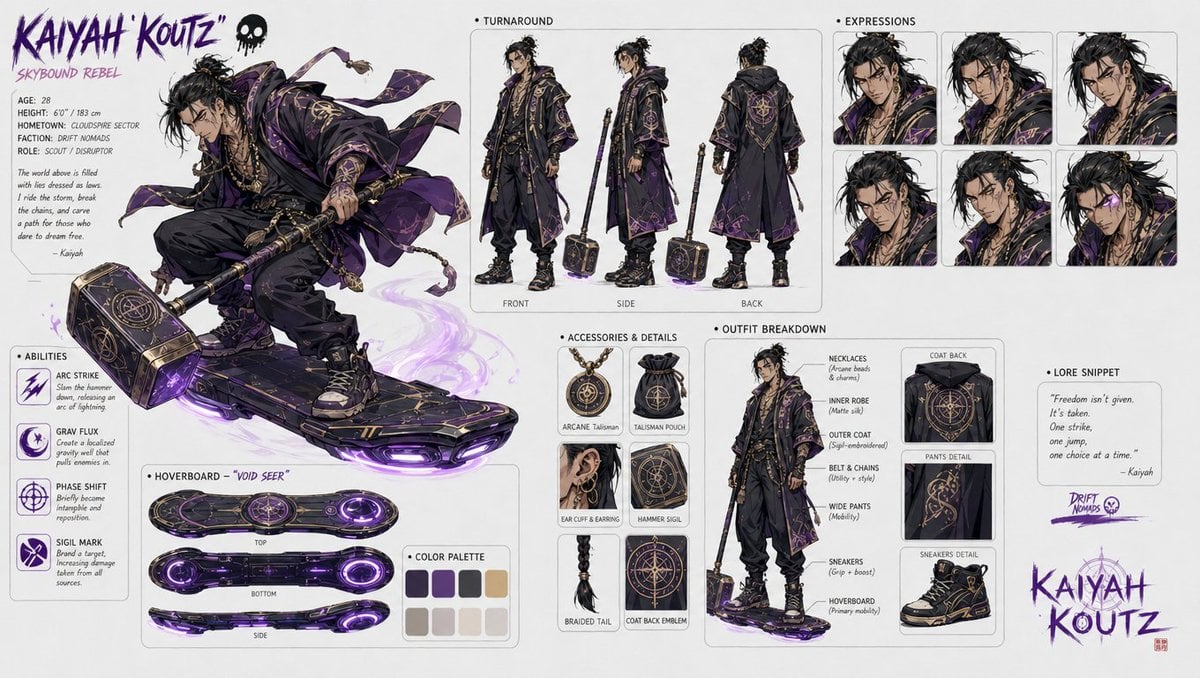
Character design refinement

High-Contrast Sports Editorial Portrait with Grillz and Oakley
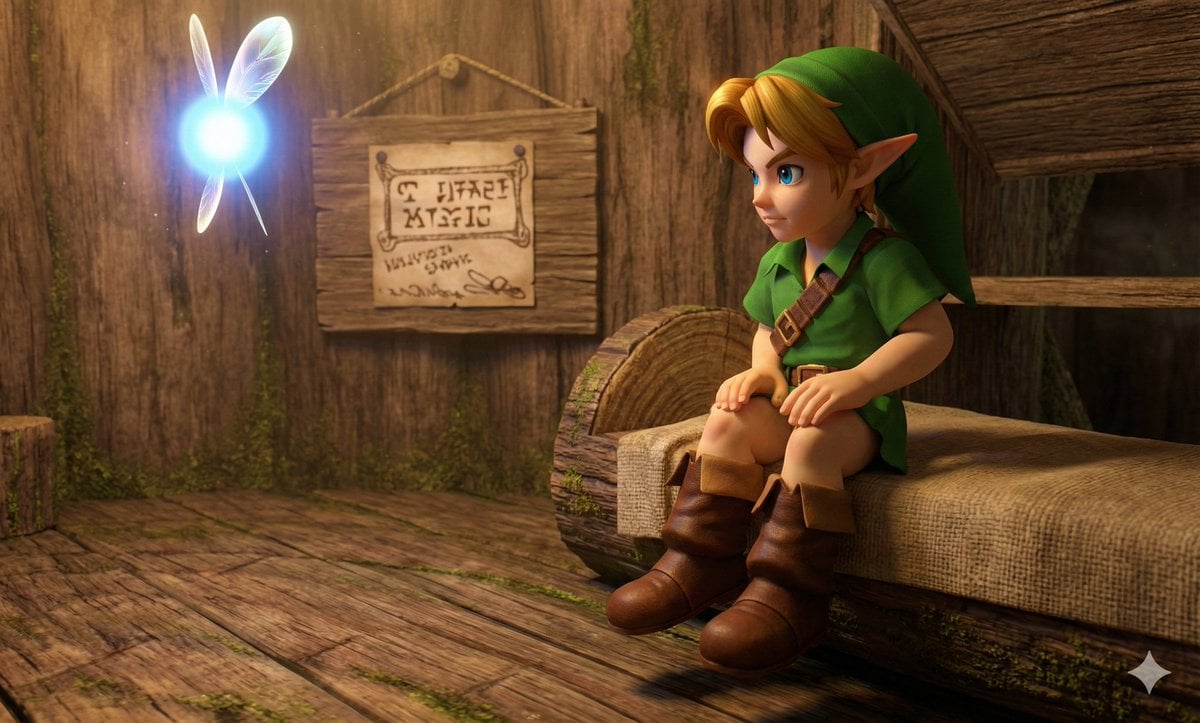
Hyper faithful image remaster
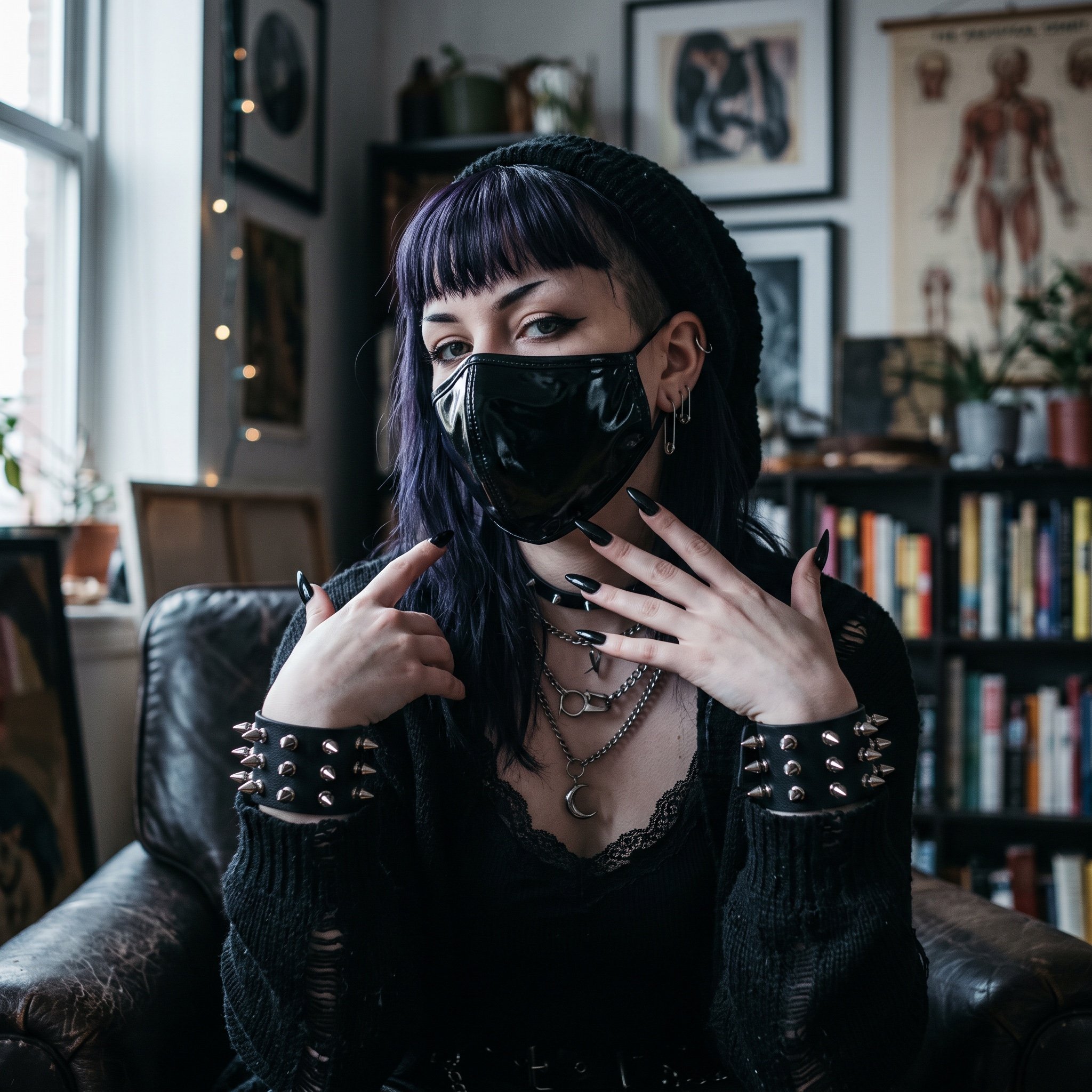
AI Influencer in Goth Fashion Portrait

Satoru Gojo Anime Propaganda Poster

X Profile Mockup Generator (Clean and Modern)
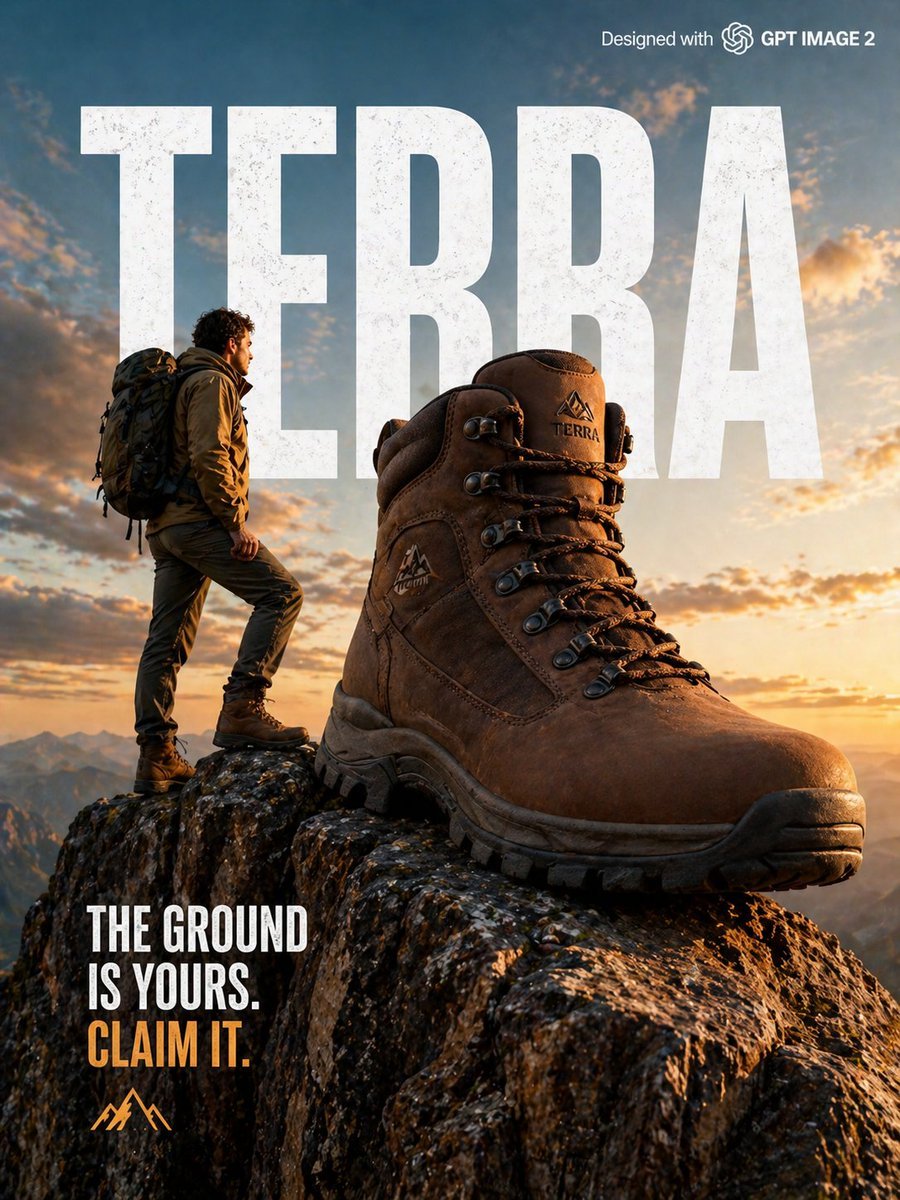
X Strength04 X Gpt Image 2 on Chatgpt
Sunset Window Silhouette
Browse template categories
Octane-Rendered Floating Ecological Island questions
How do I use the Octane-Rendered Floating Ecological Island template?
Add your photo if the template asks for one, edit the prompt if you like — the template's model and format are already selected — and press Generate. Your version opens in PicX Studio.
Can I customize the Octane-Rendered Floating Ecological Island template?
Yes. You can change the subject, setting, lighting, mood, format, and available model controls before creating your image.
Is the Octane-Rendered Floating Ecological Island template free?
Opening and editing this template is free. Generating uses credits, shown on the Generate button when you are signed in.
Which AI model should I use?
Start with Nano Banana 2, which is the model associated with this template. You can compare another compatible model for a different finish.
Looking for something else? Browse all templates.

Your photo, any look
Thousands of ready templates for every top image and video model, from one credit balance.