
Türkiye Floating Island Travel Poster
Generates a luxury vertical tourism poster of Türkiye as a hyper-realistic floating miniature map with landmarks, labels, and travel facts.
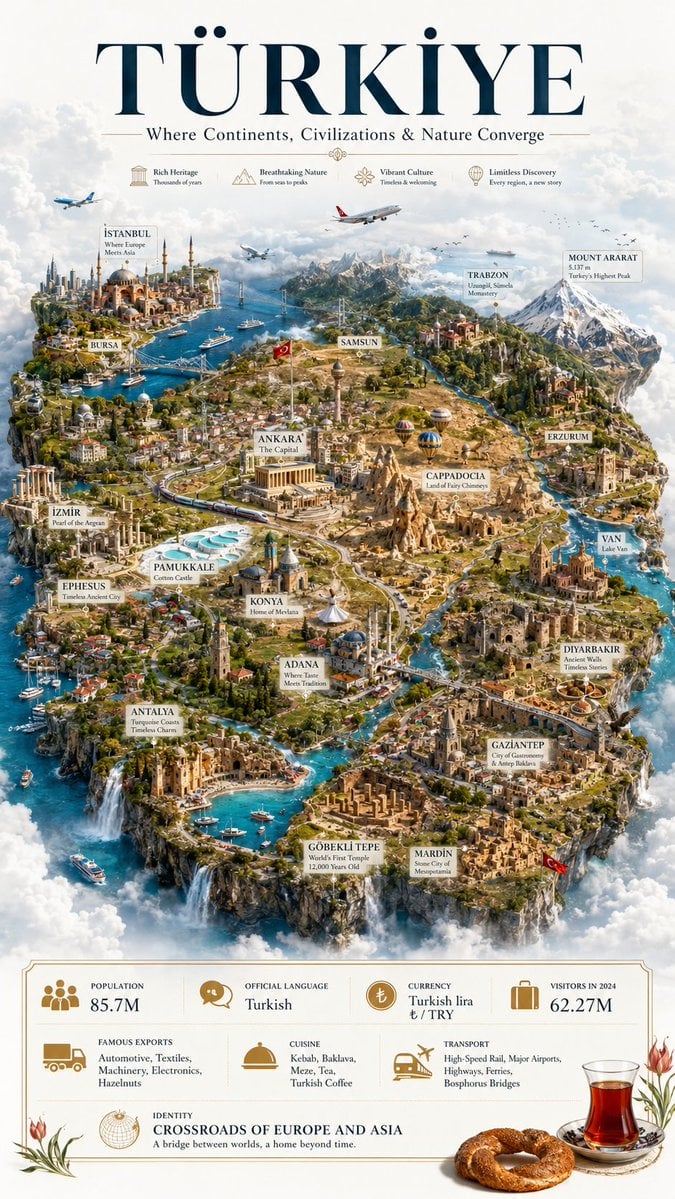
- Prompt included
- Model and format preset
- Free template
The prompt behind this image
Copy the exact prompt behind Türkiye Floating Island Travel Poster, or open it in the studio and make it yours.
Goal: Create an ultra-detailed hyper-realistic vertical 9:16 cinematic luxury travel poster showing {argument name="country name" default="TÜRKİYE"} as a massive handcrafted floating island civilization suspended in soft atmospheric clouds, like a premium miniature world map and tourism masterpiece. Canvas: Tall poster composition, off-white cloud background, elegant editorial layout. Use a grand navy serif headline at the top reading “{argument name="headline text" default="TÜRKİYE"}”, with a refined subtitle beneath: “Where Continents, Civilizations & Nature Converge”. Add thin gold divider lines and a high-end museum-map aesthetic. Top feature row: Under the subtitle, include exactly 4 small gold line icons with captions: 1) Rich Heritage — Thousands of years, 2) Breathtaking Nature — From seas to peaks, 3) Vibrant Culture — Timeless & welcoming, 4) Limitless Discovery — Every region, a new story. Main subject: The entire country is visualized as one enormous floating island in the shape and spirit of Turkey, surrounded by turquoise seas, white clouds, waterfalls pouring off cliff edges, tiny boats, bridges, highways, rivers, forests, farmland, mosques, ruins, castles, mountain ranges, ancient cities, and modern urban districts. Make the island densely detailed and believable, with cinematic depth, warm sunlight, atmospheric haze, and miniature scale realism. Include airplanes flying above, seagulls, hot air balloons over Cappadocia, a Turkish flag near Ankara, another red flag near the southeast, and rich regional architectural variety. Labeled landmarks and regions: Add exactly 18 cream-colored map labels with fine serif typography and subtle shadows, placed across the floating island: 1) ISTANBUL — Where Europe Meets Asia, 2) BURSA, 3) İZMİR — Pearl of the Aegean, 4) EPHESUS — Timeless Ancient City, 5) PAMUKKALE — Cotton Castle, 6) ANTALYA — Turquoise Coast’s Timeless Charm, 7) KONYA — Home of Mevlana, 8) ANKARA — The Capital, 9) SAMSUN, 10) CAPPADOCIA — Land of Fairy Chimneys, 11) TRABZON — Uzungöl, Sümela Monastery, 12) MOUNT ARARAT — 5,137 m, Türkiye’s Highest Peak, 13) ERZURUM, 14) VAN — Lake Van, 15) DIYARBAKIR — Ancient Walls, Timeless Stories, 16) GAZIANTEP — City of Gastronomy & Antep Baklava, 17) GÖBEKLİ TEPE — World’s First Temple, 12,000 Years Old, 18) MARDİN — Stone City of Mesopotamia. Bottom information panel: Create a cream-and-gold bordered stats panel across the bottom with refined travel-brochure typography and exactly 8 information blocks: 1) Population: 85.7M with people icon, 2) Official Language: Turkish with speech icon, 3) Currency: Turkish lira ₺ / TRY with coin icon, 4) Visitors in 2024: 62.27M with suitcase icon, 5) Famous Exports: Automotive, Textiles, Machinery, Electronics, Hazelnuts with truck icon, 6) Cuisine: Kebab, Baklava, Meze, Tea, Turkish Coffee with serving-dome icon, 7) Transport: High-Speed Rail, Major Airports, Highways, Ferries, Bosphorus Bridges with train/plane icon, 8) Identity: CROSSROADS OF EUROPE AND ASIA — A bridge between worlds, a home beyond time, with globe icon. Decorative foreground: At the lower right, place a realistic tulip-shaped glass of Turkish tea on a saucer beside a sesame simit bread ring; add delicate red tulips at both lower corners. Use gold accents, ivory margins, navy typography, and realistic shadows. Visual style: Hyper-realistic miniature diorama, cinematic luxury tourism poster, ultra-detailed 3D cartographic illustration, premium travel magazine cover, crisp readable labels, natural atmospheric clouds, turquoise water, golden-hour highlights, extremely dense but organized details, no watermark, no extra text beyond the specified labels and captions.
How to use Türkiye Floating Island Travel Poster in 3 steps
- 1Upload ImagePNG, JPG or paste
Add your photo
Upload the photo the template builds on. The prompt, model and format are already set.
- 2…a portrait of your subject in softgolden-hour light, 85mm…
Personalize
Edit the subject and creative details for your destination.
- 3Generate
Generate
Press Generate — your image is created in PicX Studio, so you can compare it with the original and refine one variable at a time.
More like this
Templates with the same subject, style or setup. Open one to see its prompt.

Japan Travel Brochure Poster

Clay Miniature Landmark Travel Diorama

Floating Philippines Island Travel Portrait
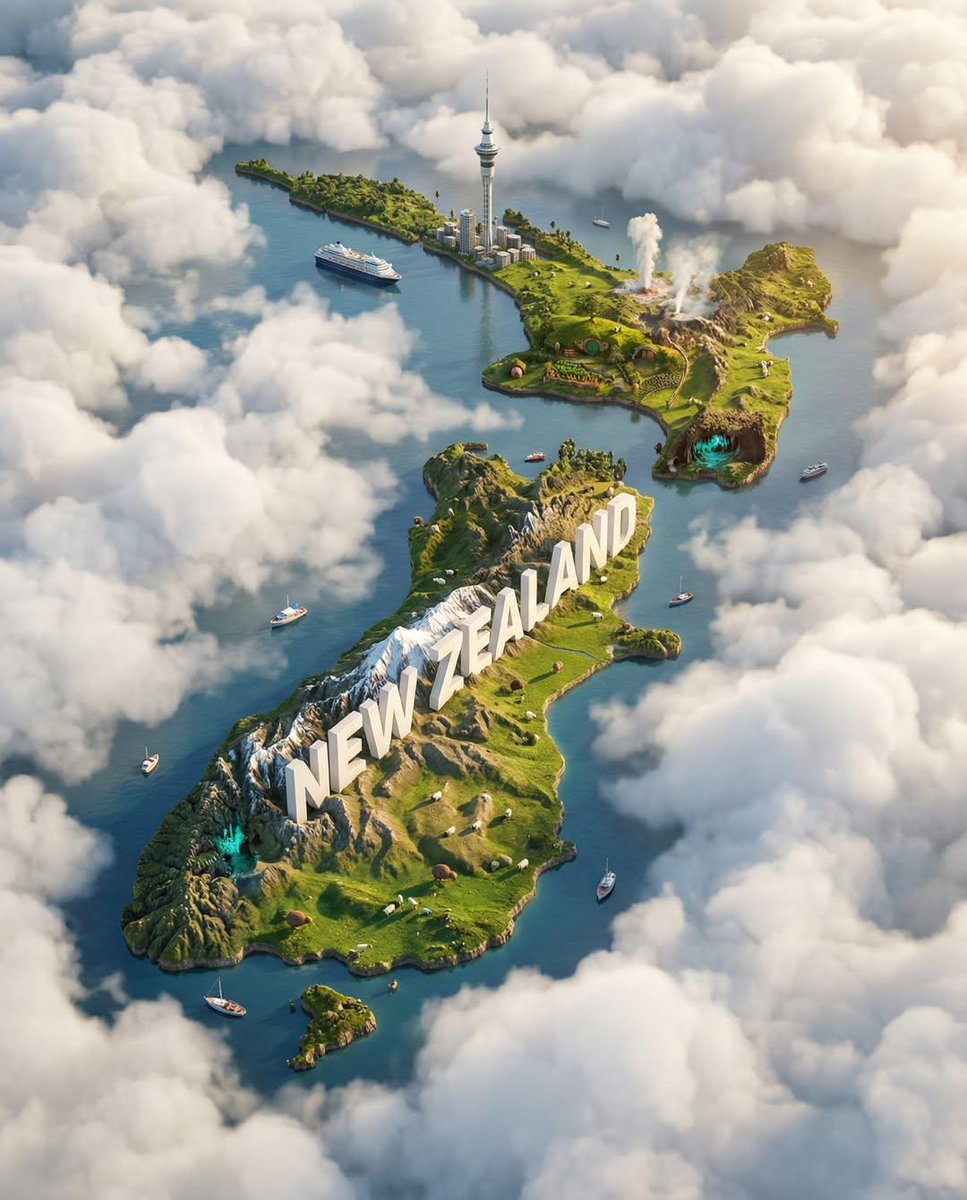
Ultra-HD, hyper-realistic digital poster of a floating miniature island
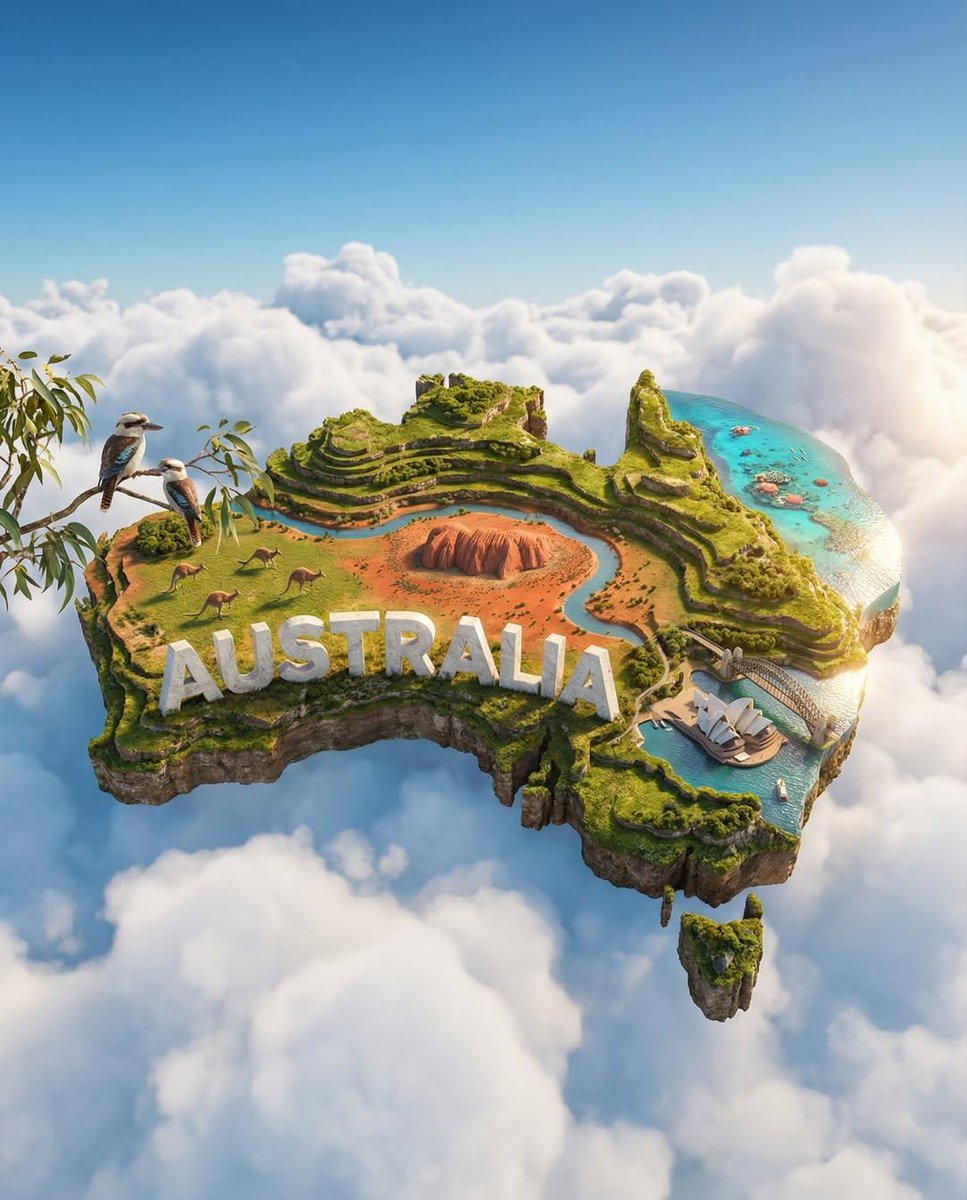
Ultra-HD, hyper-realistic digital poster of a floating miniature island
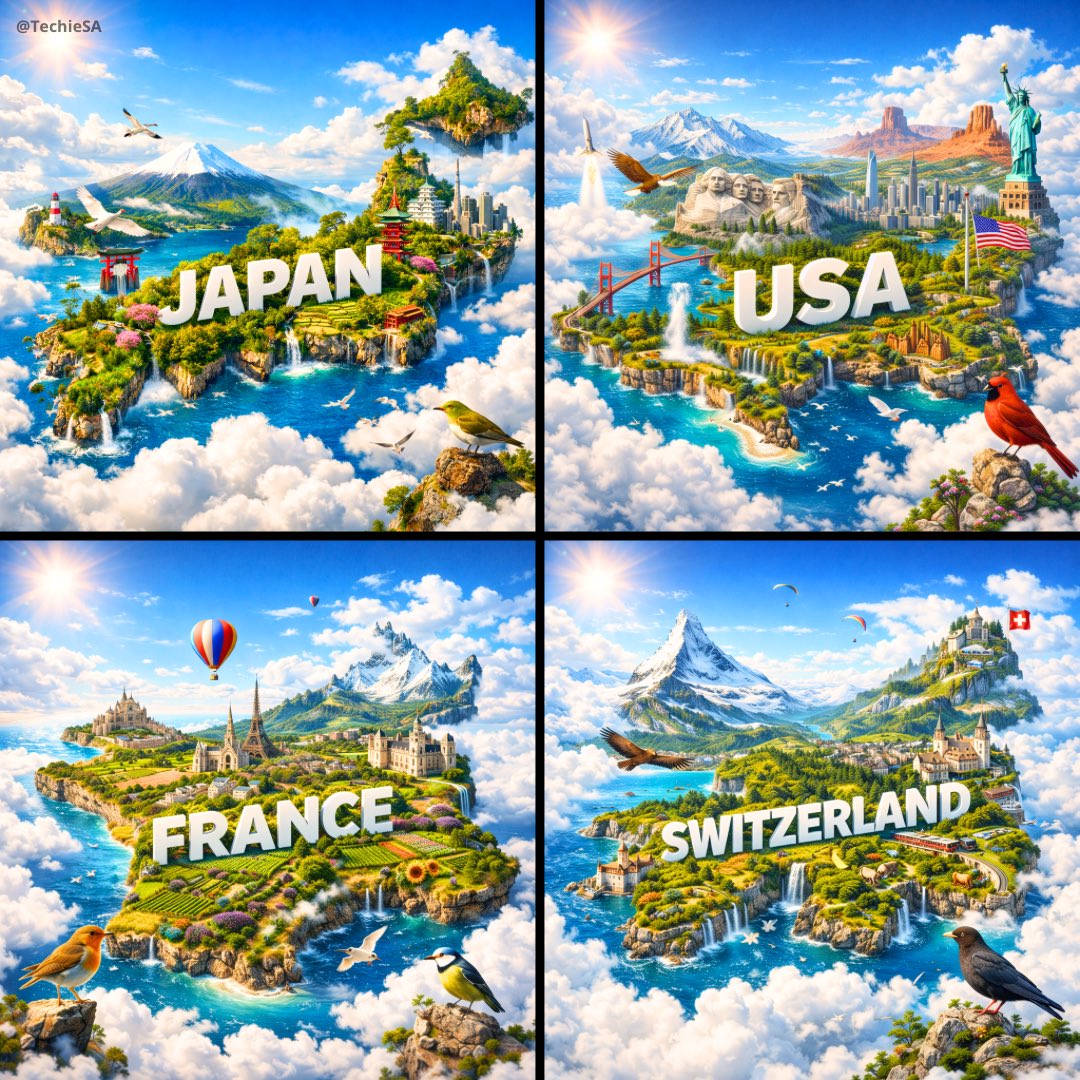
Ultra-HD, hyper-realistic digital poster of a floating miniature island

City Posters by Nano Banana Pro
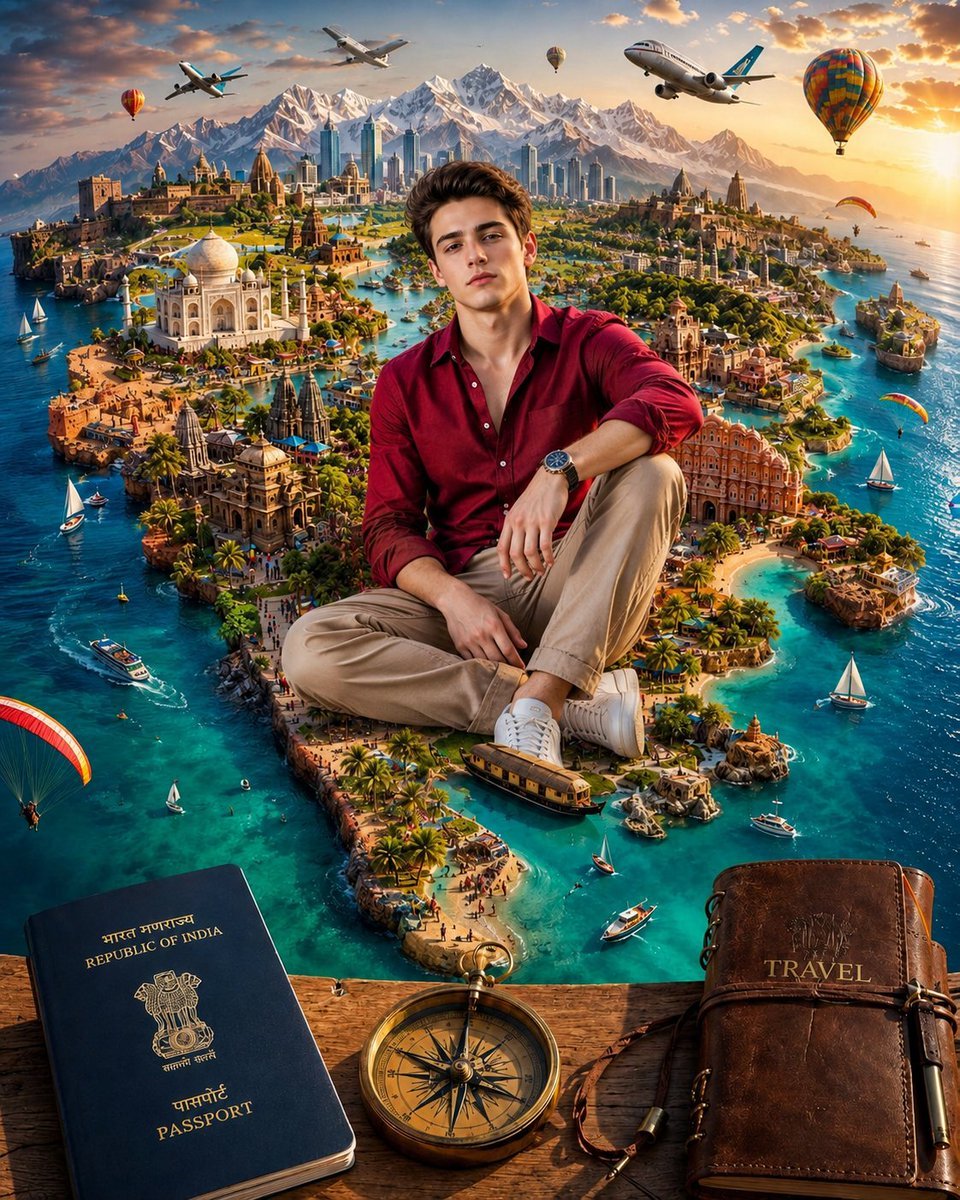
Surreal India Travel Island Portrait
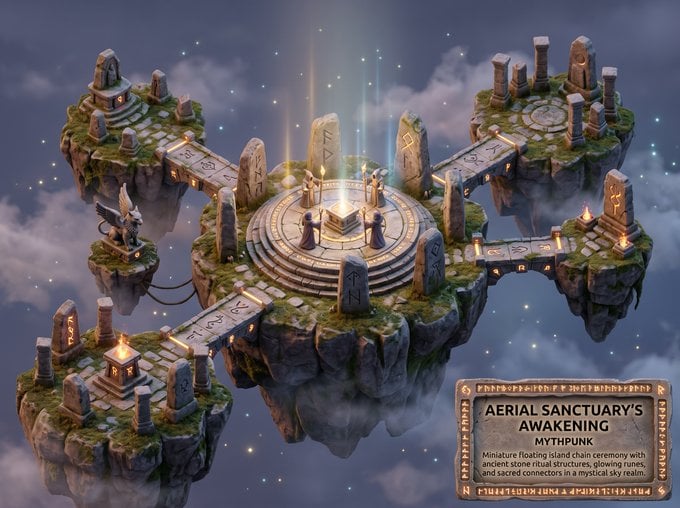
Whimsical Mythpunk Floating Island Miniature

Cartoon TV Show Poster Pack

Trendy Cafe Drink Promo Poster

Urban Fashion Editorial Collage Streetwear Poster
Make it yours
Türkiye Floating Island Travel Poster works as-is. These are the safest ways to change it without losing the look.
Change one field
Copy a single group, rewrite it, and generate again so you can see what that field is doing.
Keep the frame, change the subject
Hold the composition and light of Türkiye Floating Island Travel Poster, then swap wardrobe, props or the person for a new take.
| If the result… | Why | Fix |
|---|---|---|
| The result drifts from the preview | Too many fields changed at once. | Reuse Türkiye Floating Island Travel Poster as-is first, then change one group — subject, light, or setting. |
| The model over-stylizes the scene | The prose prompt leaves finish and camera underspecified. | Add one camera or lighting sentence and stay on GPT Image 2. |
More GPT Image 2 templates
Other prompts made for GPT Image 2.

Six VTuber Japanese Logo Sheet

Realistic Portrait of Woman and Deer

The Vista Modular Condo Poster

AI Model Routing Comparison Infographic

2.5D Anime Art Board

Isometric Productivity Desk Scene

New York Double Exposure Poster

Four-Panel AI Landscape Comparison

Japanese Tatami Lifestyle Magazine Cover

NESCAFÉ Coffee Map Poster
More image prompts
Fresh picks from across the catalog.

Handmade Collectible Male Doll
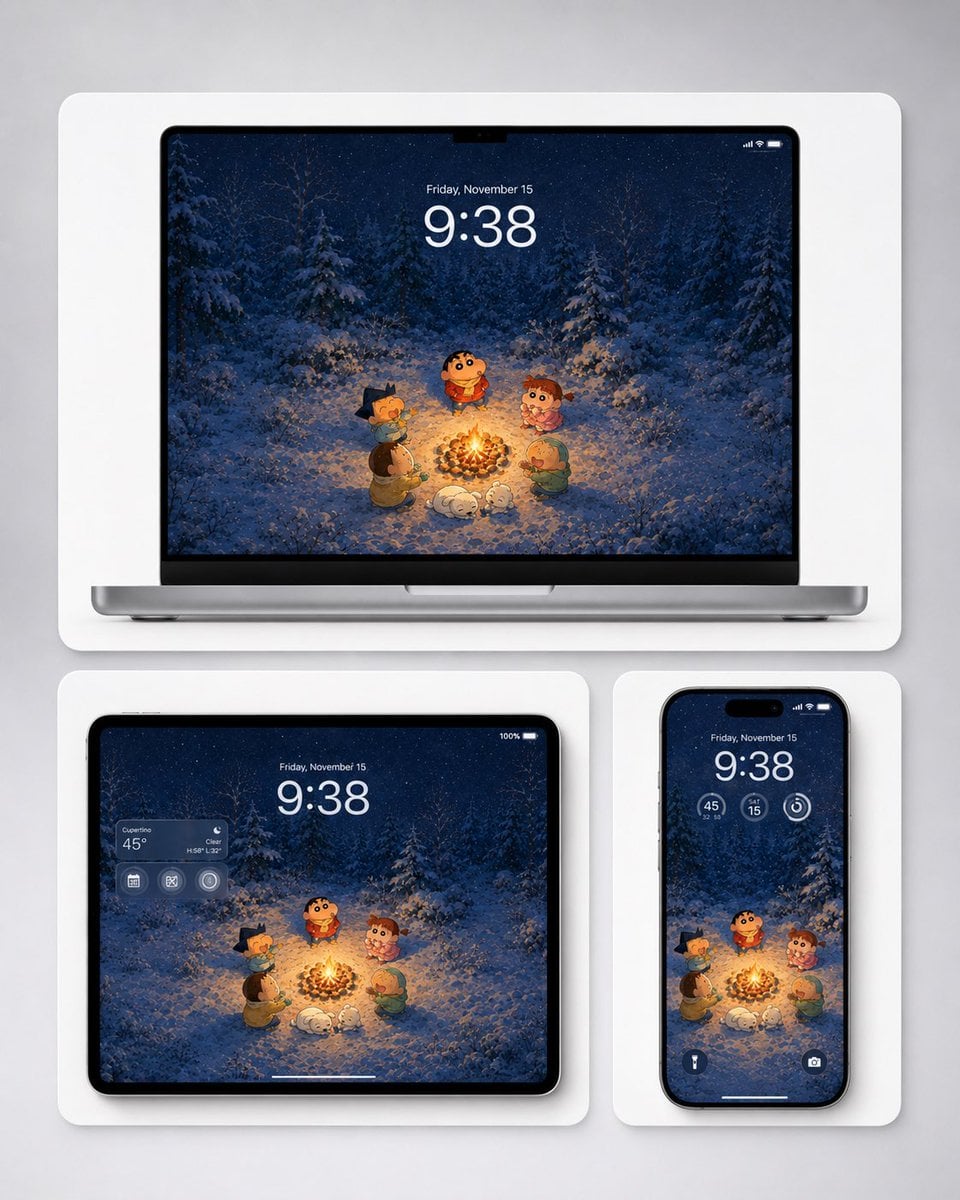
Winter Campfire Wallpaper Device Mockup

Japanese Schoolgirls Ultra Wide Wallpaper

Sequential Motion Sports Poster
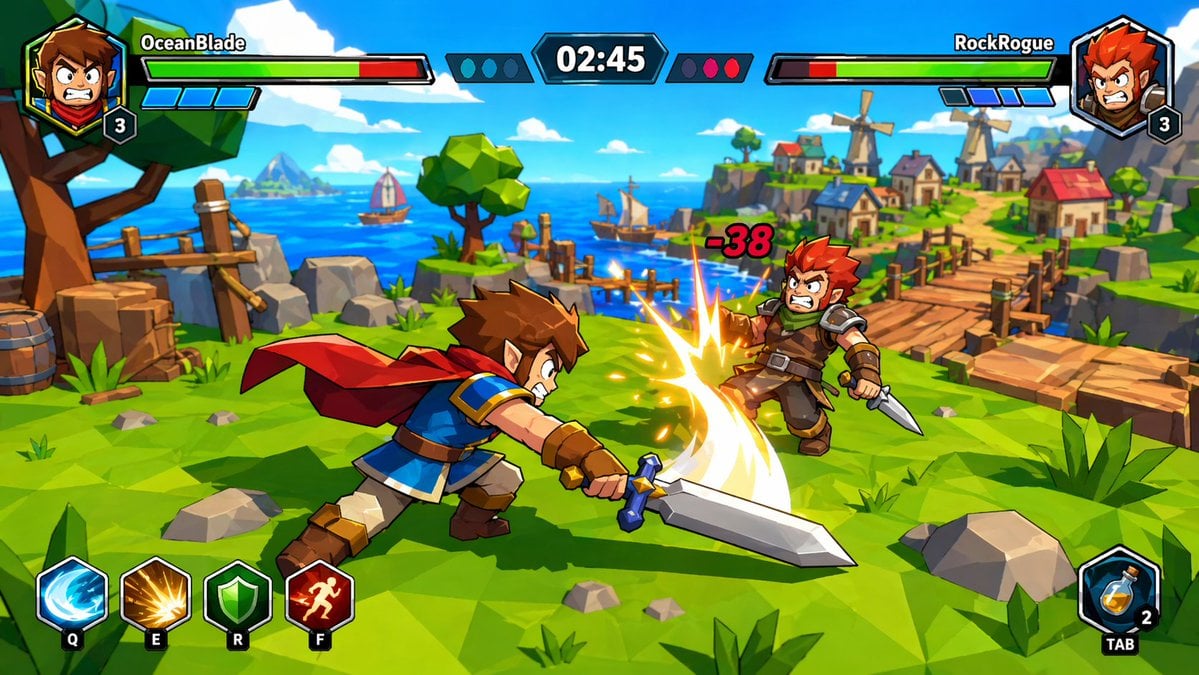
Zelda-Style Game UI Screenshot

Anime Scholars with Cosmic Holograms
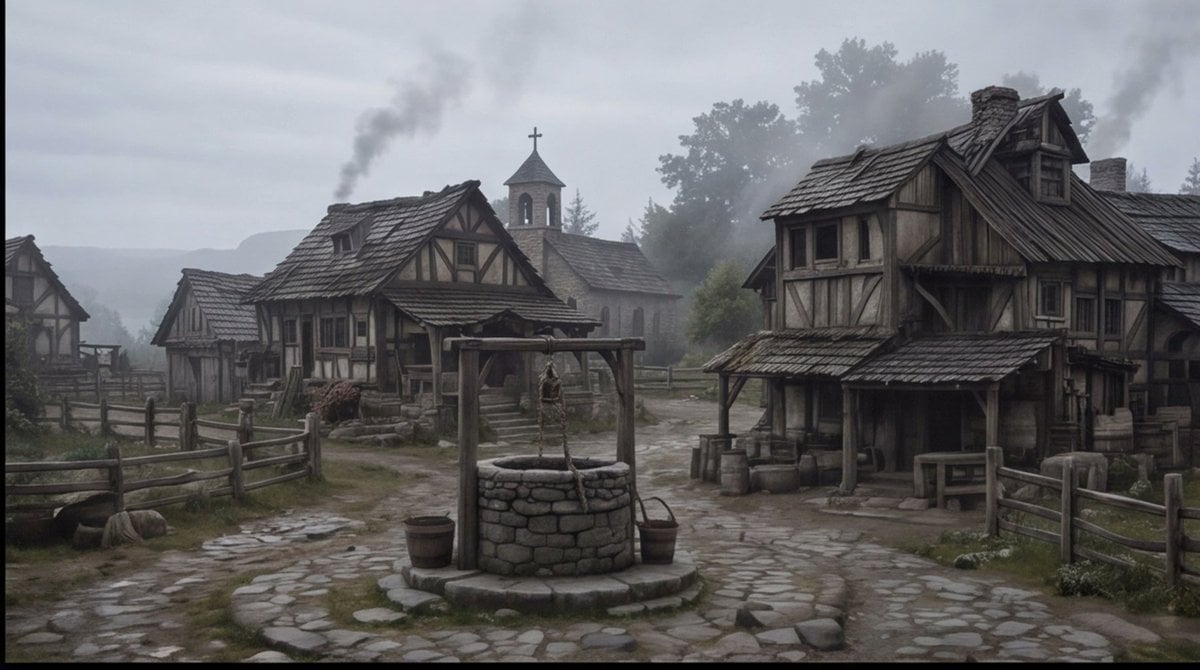
Misty Medieval Village Establishing Shot
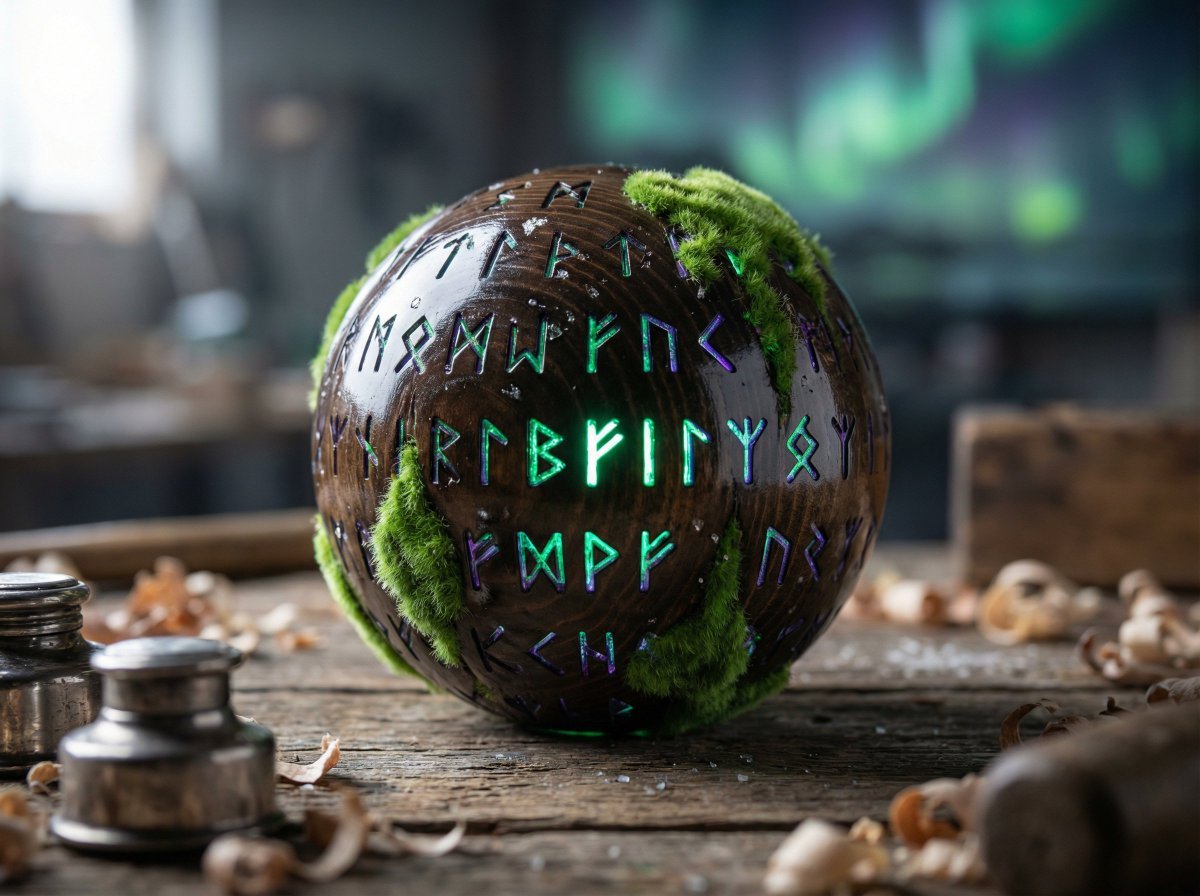
Artisan Toy Product Photography Prompt
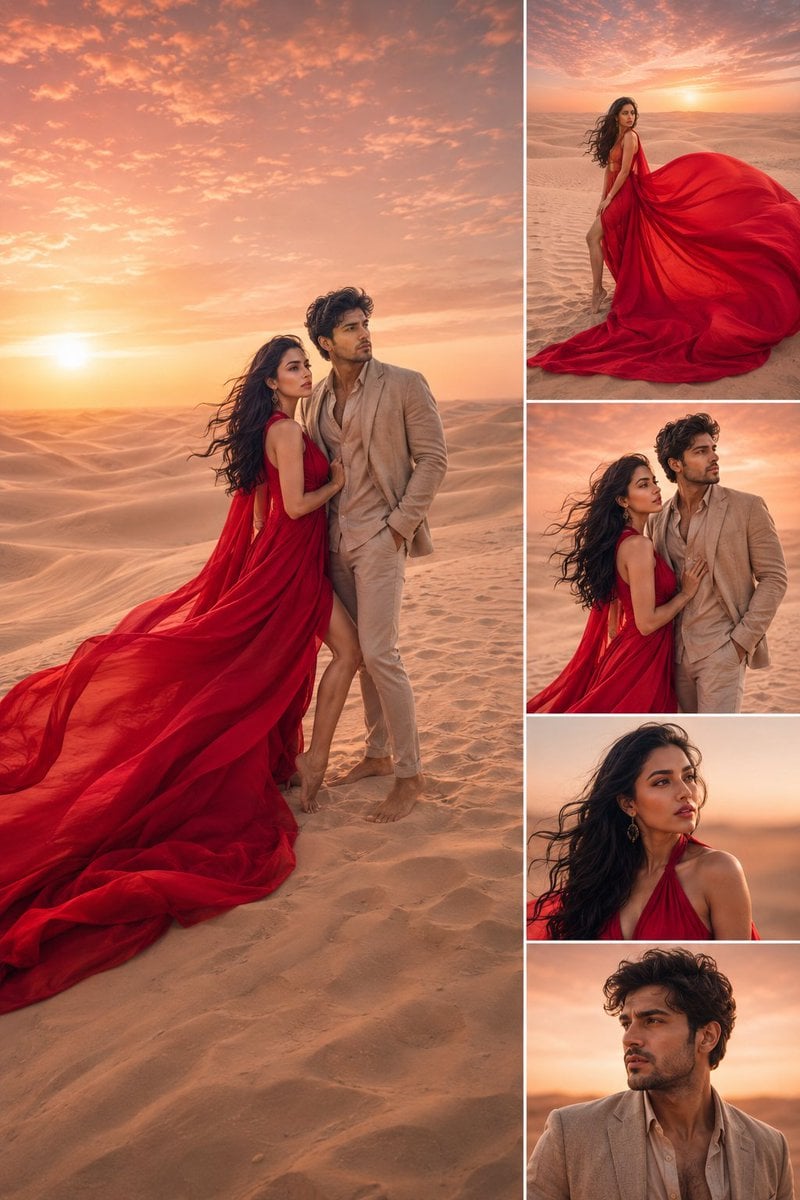
Luxury Desert Fashion Magazine Layout
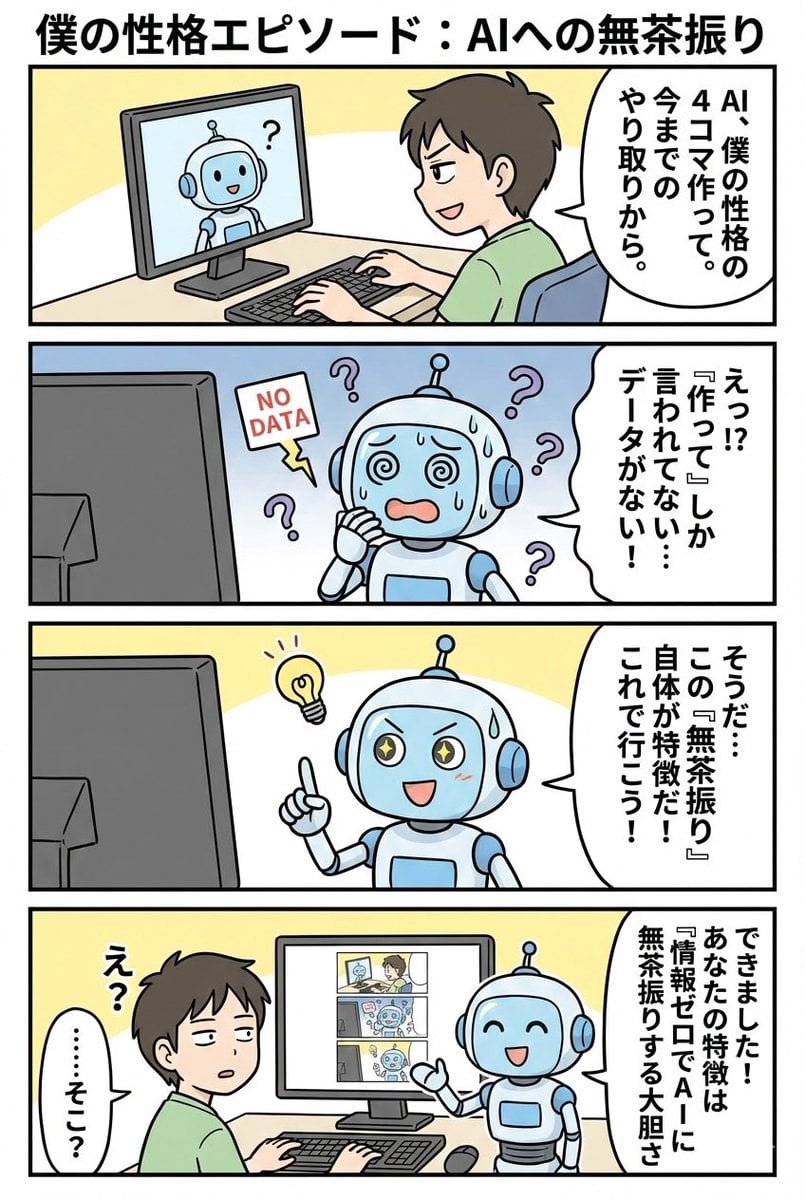
panel manga based on past interactions
Browse template categories
Türkiye Floating Island Travel Poster questions
How do I use the Türkiye Floating Island Travel Poster template?
Add your photo if the template asks for one, edit the prompt if you like — the template's model and format are already selected — and press Generate. Your version opens in PicX Studio.
Can I customize the Türkiye Floating Island Travel Poster template?
Yes. You can change the subject, setting, lighting, mood, format, and available model controls before creating your image.
Is the Türkiye Floating Island Travel Poster template free?
Opening and editing this template is free. Generating uses credits, shown on the Generate button when you are signed in.
Which AI model should I use?
Start with GPT Image 2, which is the model associated with this template. You can compare another compatible model for a different finish.
Looking for something else? Browse all templates.

Your photo, any look
Thousands of ready templates for every top image and video model, from one credit balance.