
Dramatic Historical Scene Generation with Emotional Dialogue
A text prompt designed for an LLM or video generation model (like Seedance 2.0/Sora 2) to create a highly dramatic historical scene featuring intense dialogue, emotional conflict, and character revelation.
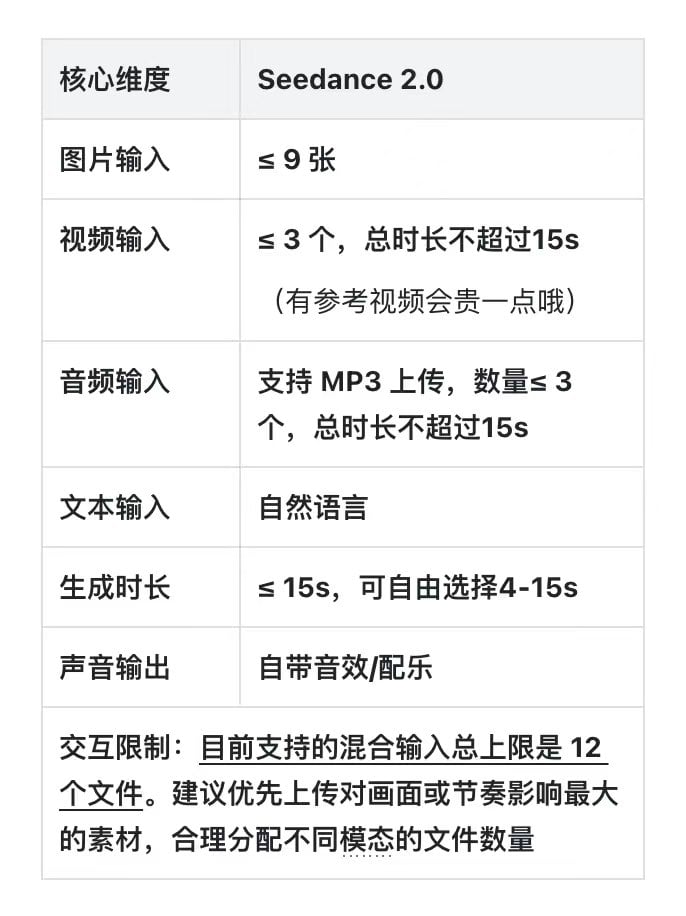
- Prompt included
- Model and format preset
- Free template
The prompt behind this image
Copy the exact prompt behind Dramatic Historical Scene Generation with Emotional Dialogue, or open it in the studio and make it yours.
萧景衡满脸血腥的拔剑指着沈青棠,崩溃的大喊:"朕陪你重生了九十九次,你竟然还没有拿下他!朕的厌蠢症都要犯了!" 萧景衡面前的女子沈清棠坐在地上,右手轻轻抚摸着怀中奄奄一息的程景川。 听到此话她猛的抬起头惊讶的说,:"你,你也是重生者?" 萧景衡顿时被气消了。 "废物!你个大星星的!劳资陪你重生了九十九次。"
How to use Dramatic Historical Scene Generation with Emotional Dialogue in 3 steps
- 1
Open
The prompt is already in the box next to the preview, with the template's model and format selected.
- 2…a portrait of your subject in softgolden-hour light, 85mm…
Personalize
Edit the subject and creative details for your destination.
- 3Generate
Generate
Press Generate — your image is created in PicX Studio, so you can compare it with the original and refine one variable at a time.
More like this
Templates with the same subject, style or setup. Open one to see its prompt.
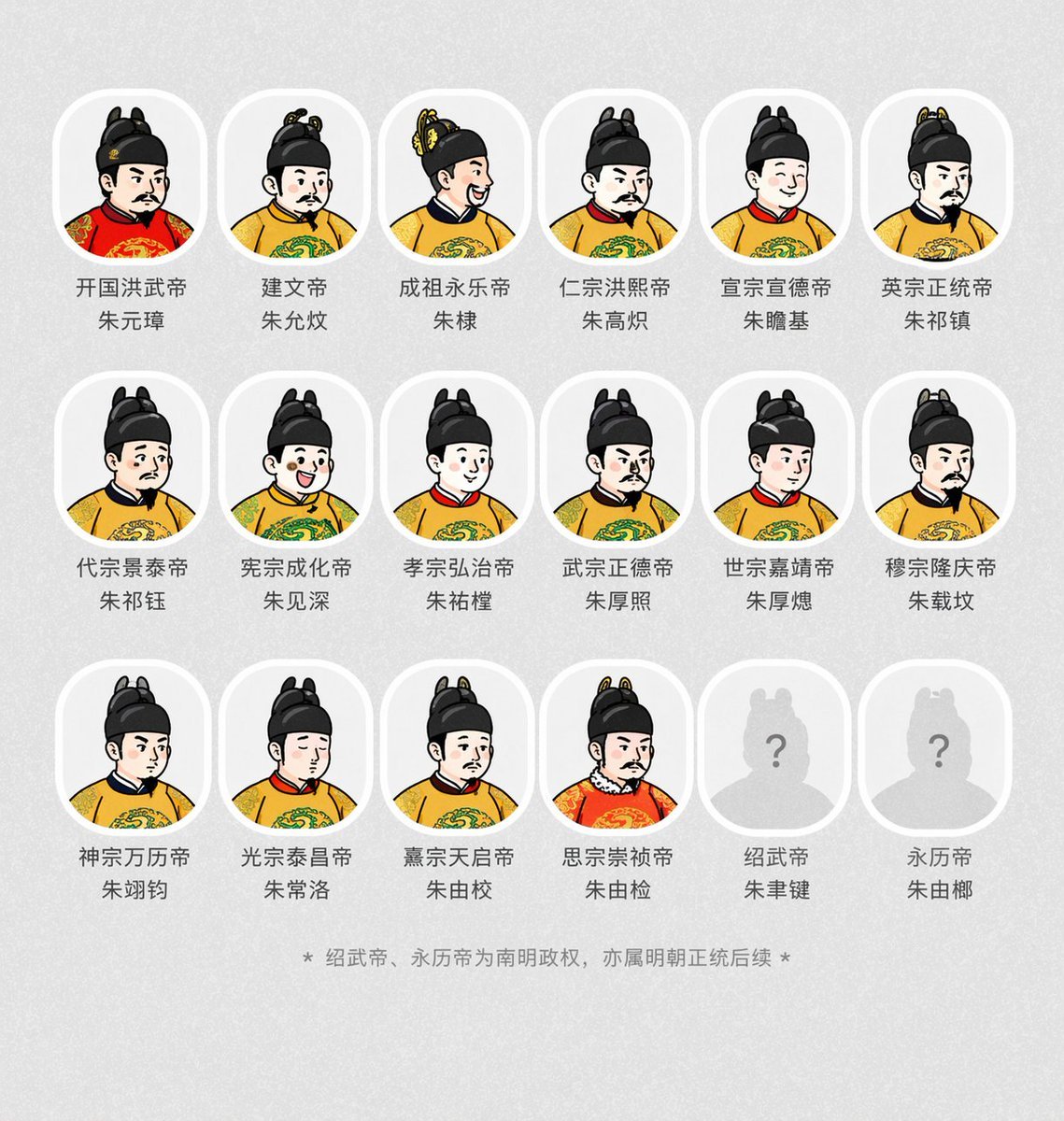
Historical Emperor Portrait Generation

4x4 Grid - Candid Nostalgic Vacation Selfies

Historical Social Media Feed Generation

Ancient Temple Portrait — White Dress Nano Banana

Cinematic Eye Light Portraits — 3 Nano Banana Prompts
PixVerse v6 - Cinematic Fire Scene
Seedance - Romantic Comedy Scene
Seedance - 83 Year Old Rave (maxescu)
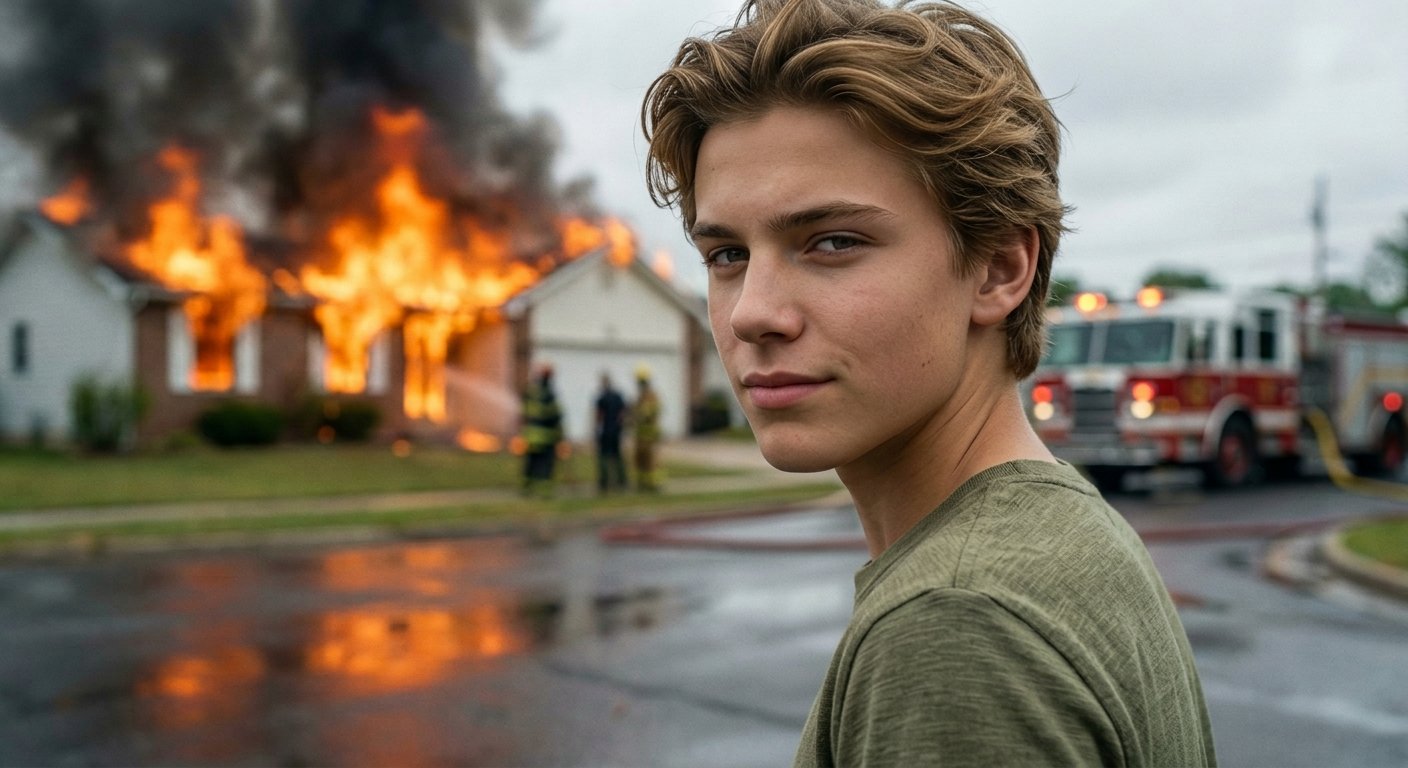
Cinematic Fire Portrait - Boy
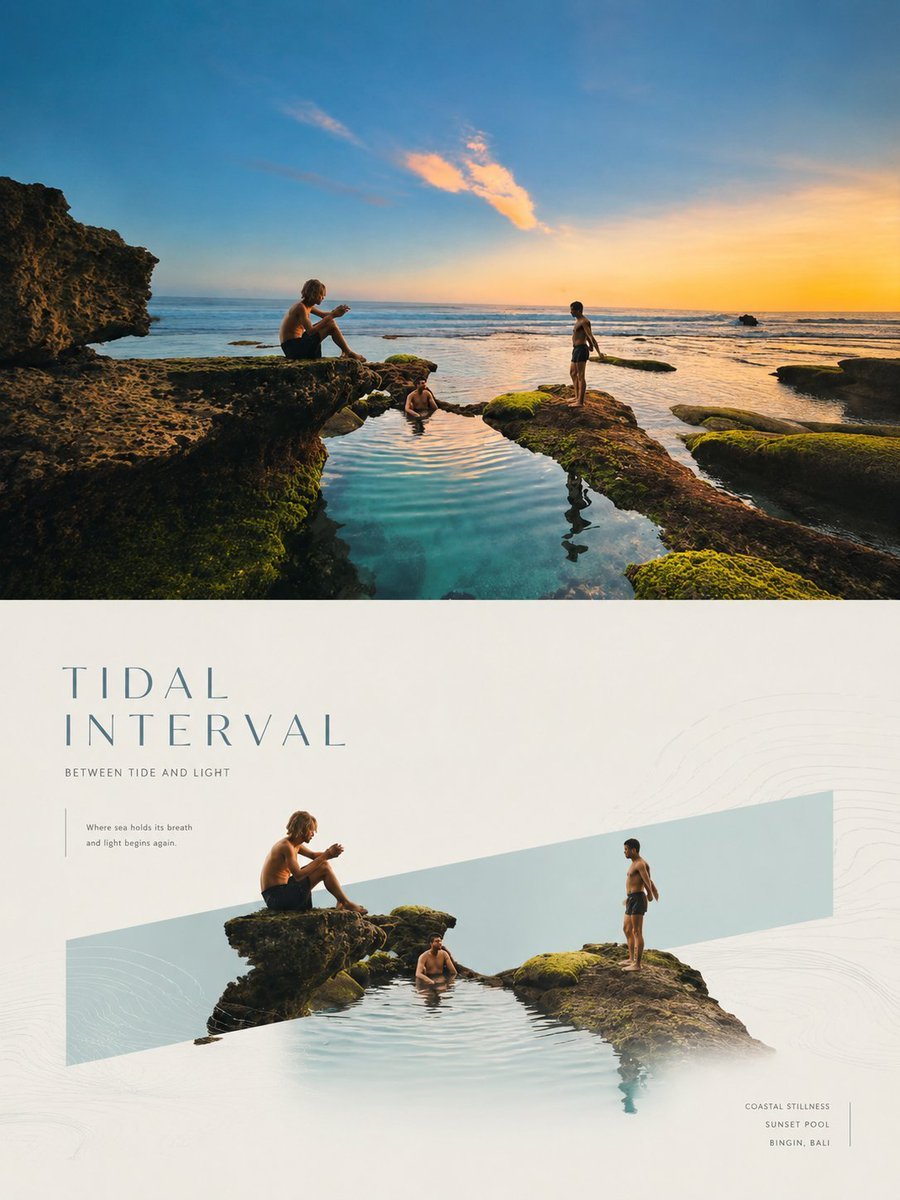
Geometric Emotional Window Poster
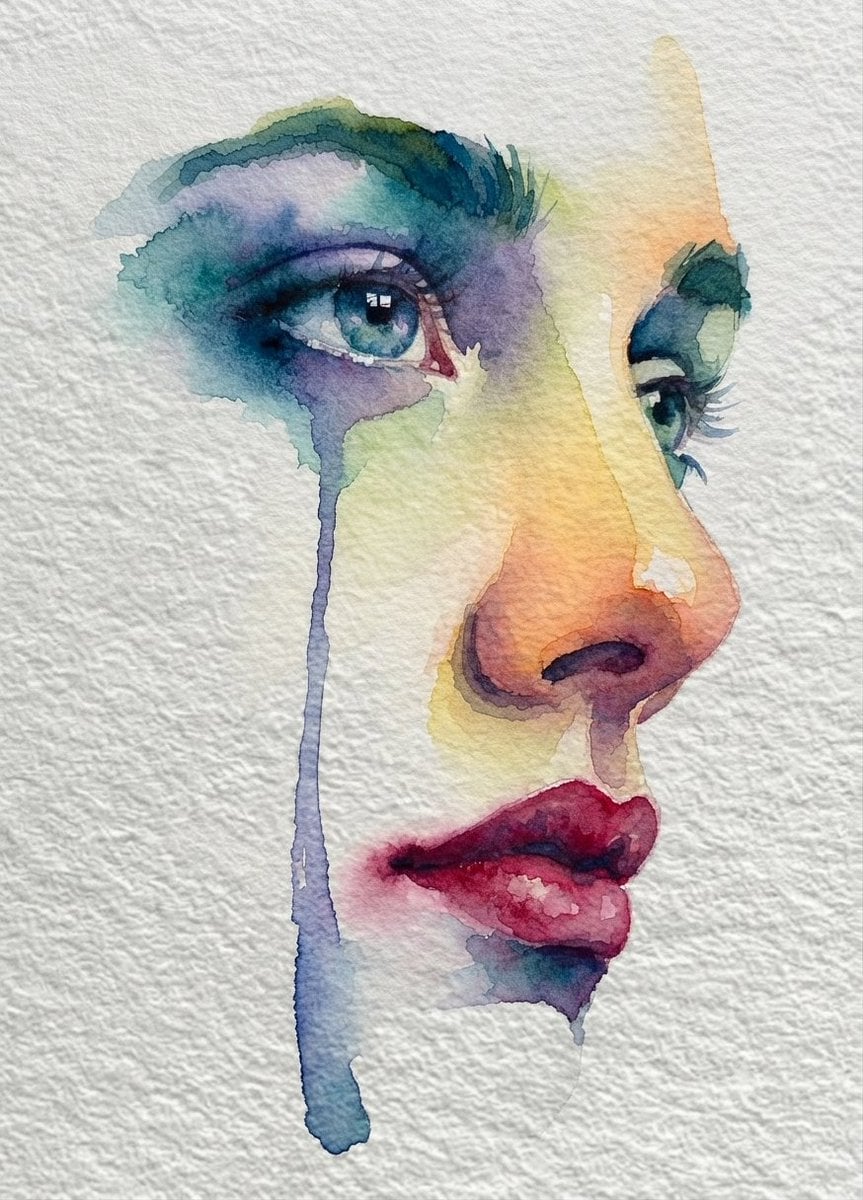
Emotional Watercolor Grief Art

Dramatic motion blur trails, long-exposure photography effect, dynamic
Make it yours
Dramatic Historical Scene Generation with Emotional Dialogue works as-is. These are the safest ways to change it without losing the look.
Change one field
Copy a single group, rewrite it, and generate again so you can see what that field is doing.
Keep the frame, change the subject
Hold the composition and light of Dramatic Historical Scene Generation with Emotional Dialogue, then swap wardrobe, props or the person for a new take.
| If the result… | Why | Fix |
|---|---|---|
| The result drifts from the preview | Too many fields changed at once. | Reuse Dramatic Historical Scene Generation with Emotional Dialogue as-is first, then change one group — subject, light, or setting. |
| The model over-stylizes the scene | The prose prompt leaves finish and camera underspecified. | Add one camera or lighting sentence and stay on Nano Banana 2. |
More Nano Banana 2 templates
Other prompts made for Nano Banana 2.

Photorealistic Leaf Shaped Like a Dragon

K-Pop Idol Portrait Grid for Rapid Selection

Poetic Rain Forest Portrait During Golden Hour

Urban Street Portrait with Cartoon Inner Self Duo

Candid Nighttime Photo with Cat Prompt

High-Concept 3D Diorama Generation Prompt

Cinematic Futuristic Studio Portrait Template

Skincare Editorial Photography Collage Prompt

Hyper-Realistic Commercial Product Photography (Splash Effect)

Hyper-Realistic Nightclub Portrait Prompt
More image prompts
Fresh picks from across the catalog.

Candid Portrait Hugging a Poodle in a Park
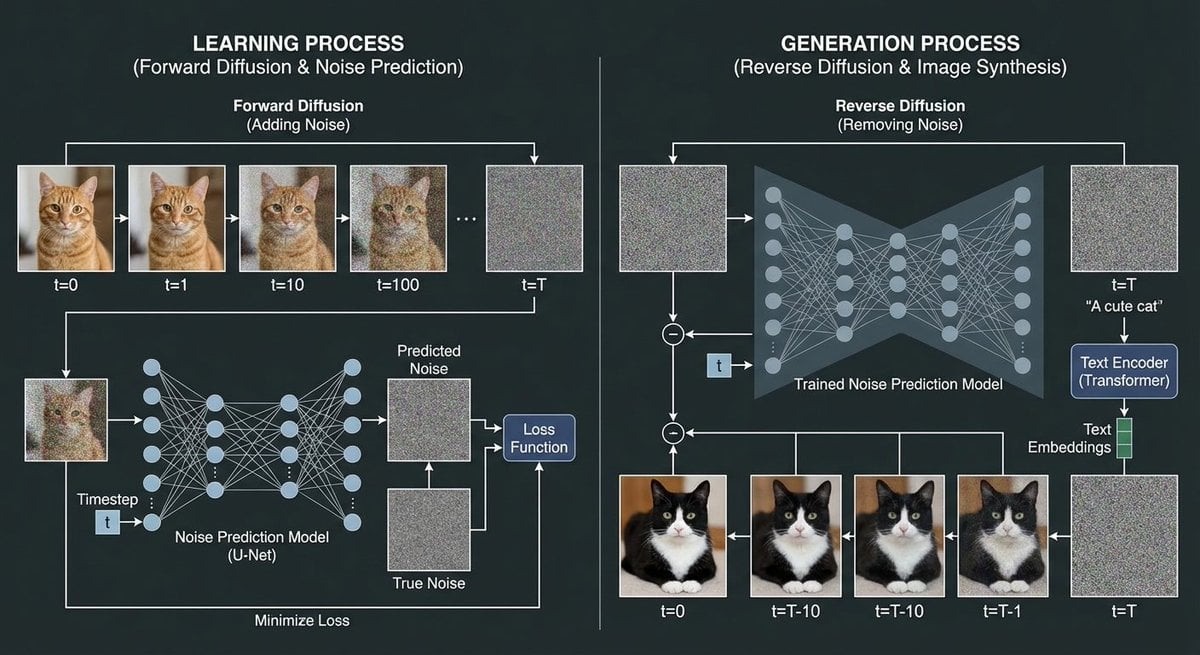
Diffusion model process diagram with cat and noise images

Melancholic Guitar Girl and Cat

Blockbuster Anime Sky Fantasy Poster
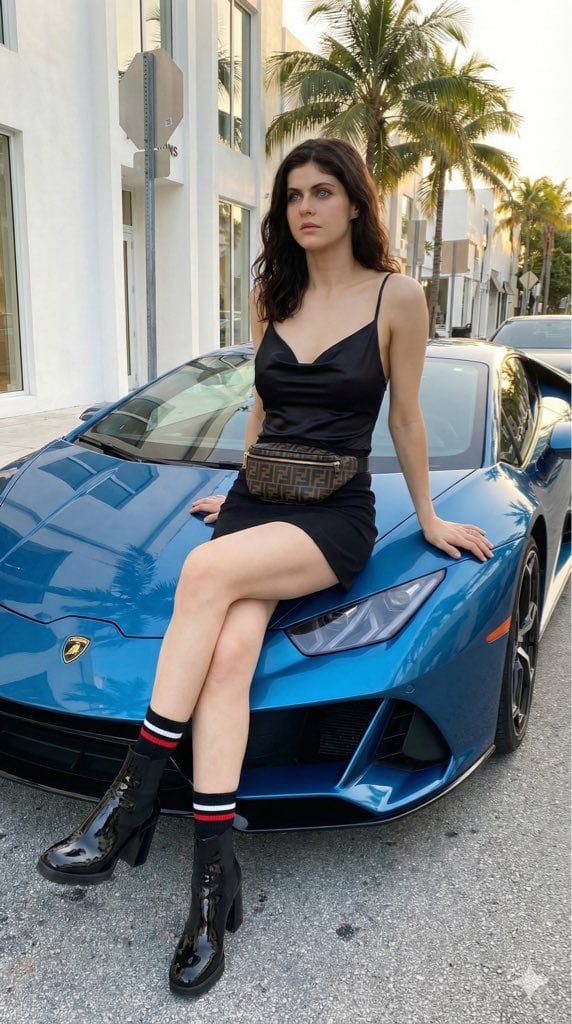
High-Fashion Editorial of Alexandra Daddario with a Lamborghini
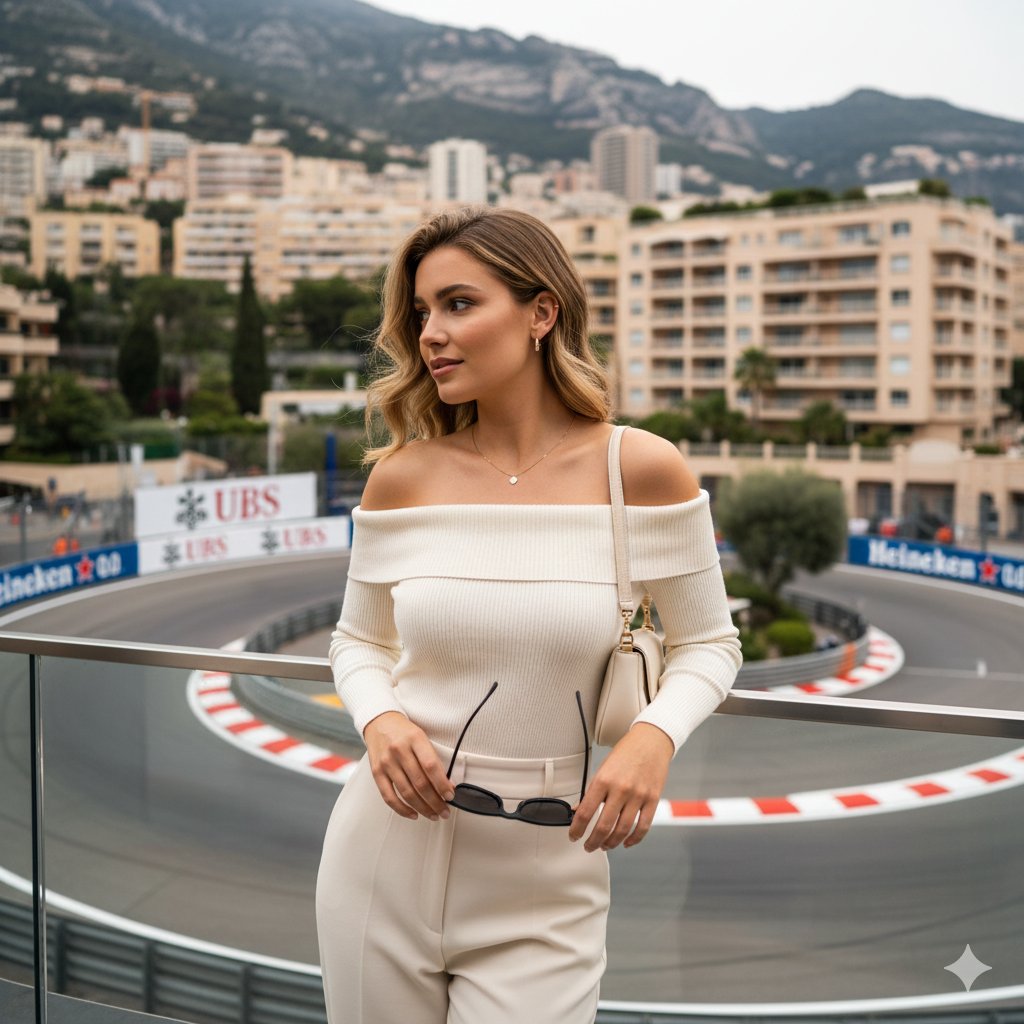
High-end lifestyle editorial image prompt for a young woman at Fairmont Hairpin
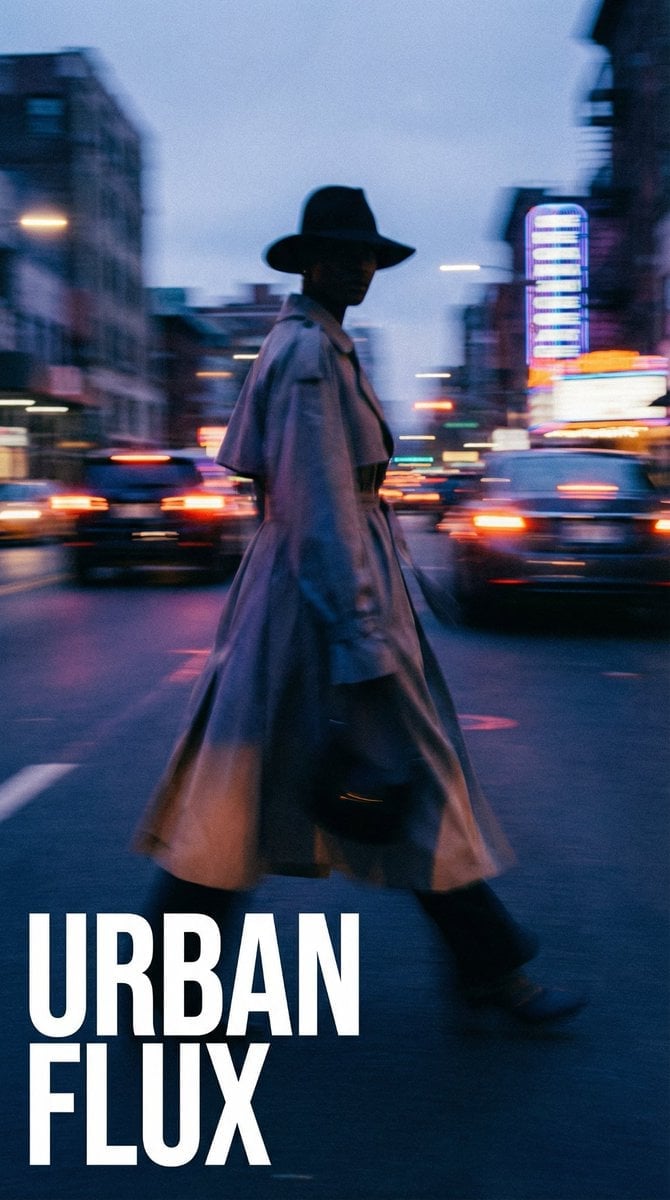
Dynamic Portrait with Cinematic Motion Blur
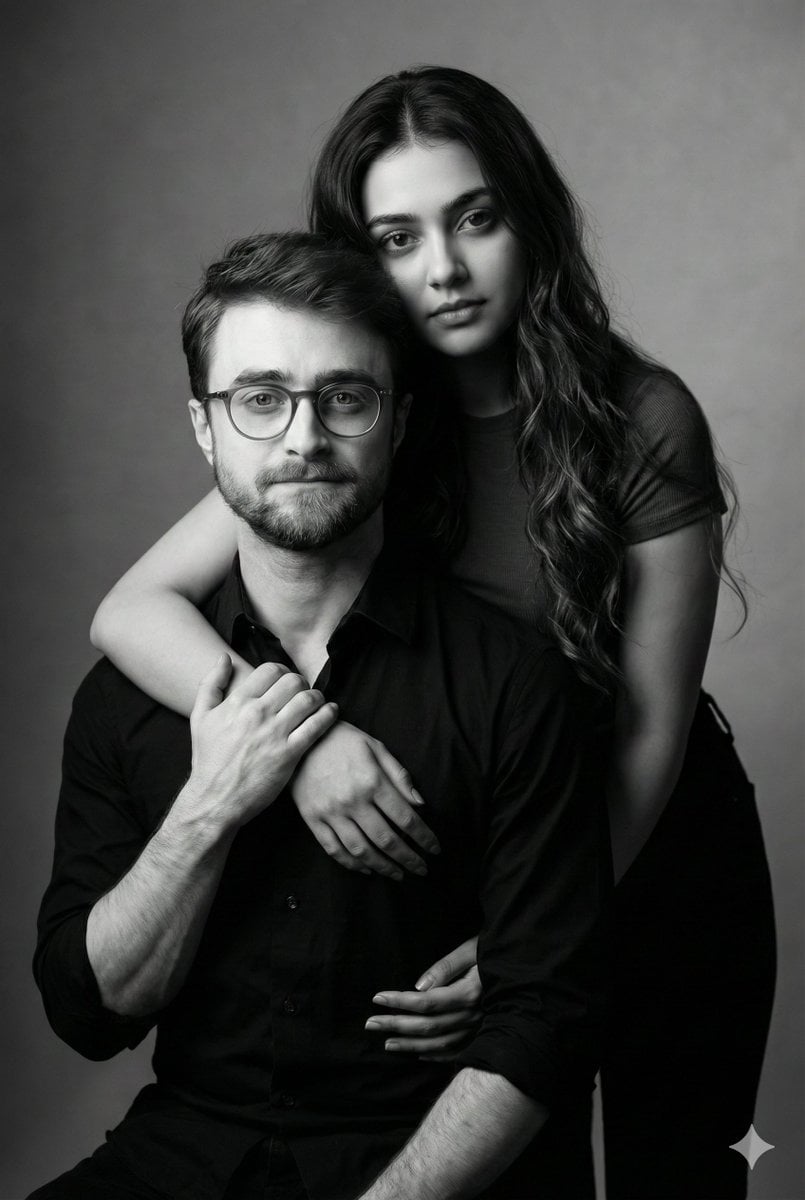
Monochrome Fine Art Couple Portrait
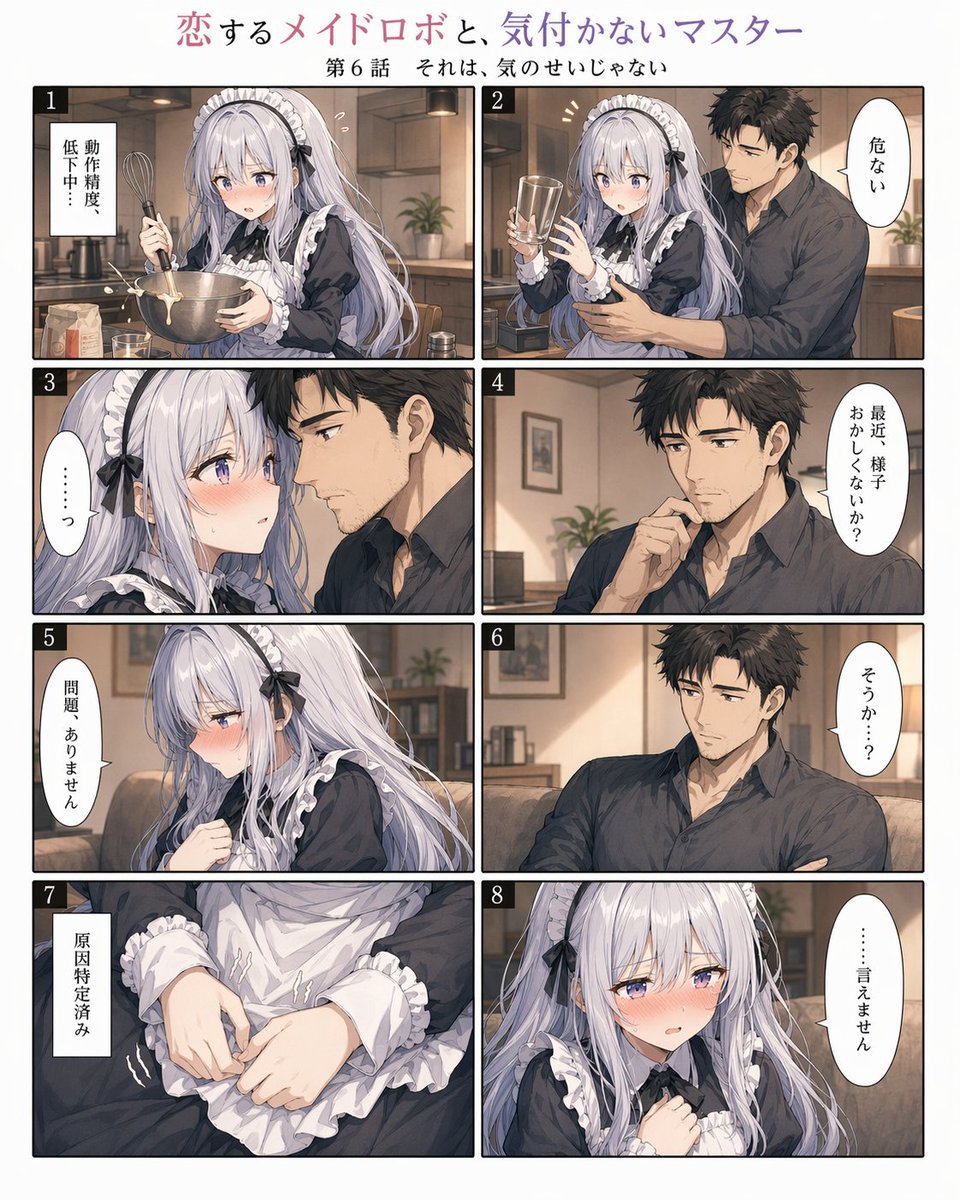
Romantic Maid Robot Manga Page
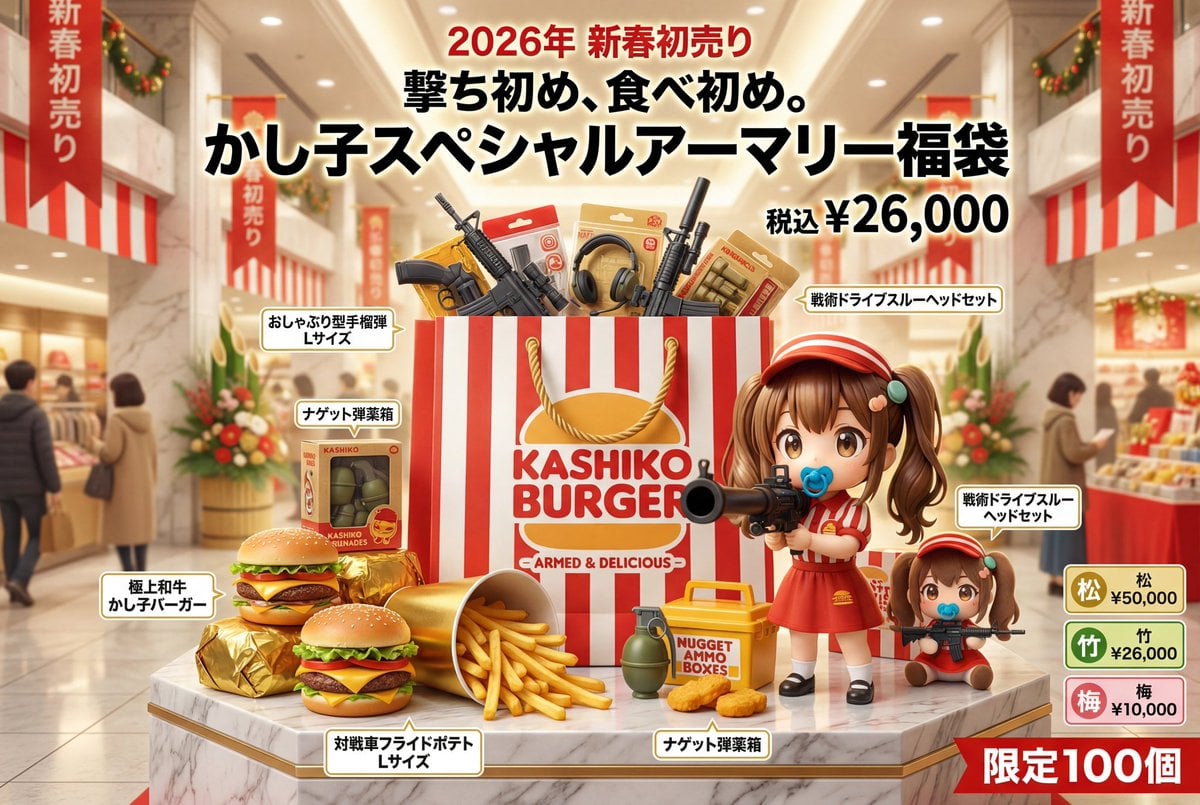
Luxury Fukubukuro (Lucky Bag) Advertisement Key Visual Prompt
Browse template categories
Dramatic Historical Scene Generation with Emotional Dialogue questions
How do I use the Dramatic Historical Scene Generation with Emotional Dialogue template?
Add your photo if the template asks for one, edit the prompt if you like — the template's model and format are already selected — and press Generate. Your version opens in PicX Studio.
Can I customize the Dramatic Historical Scene Generation with Emotional Dialogue template?
Yes. You can change the subject, setting, lighting, mood, format, and available model controls before creating your image.
Is the Dramatic Historical Scene Generation with Emotional Dialogue template free?
Opening and editing this template is free. Generating uses credits, shown on the Generate button when you are signed in.
Which AI model should I use?
Start with Nano Banana 2, which is the model associated with this template. You can compare another compatible model for a different finish.
Looking for something else? Browse all templates.

Your photo, any look
Thousands of ready templates for every top image and video model, from one credit balance.