How do I use the 360-Degree Equirectangular Panorama Prompt template?
Choose the primary action to open PicX Studio with the available template settings. Review the model and format, personalize the creative direction, and generate when ready.
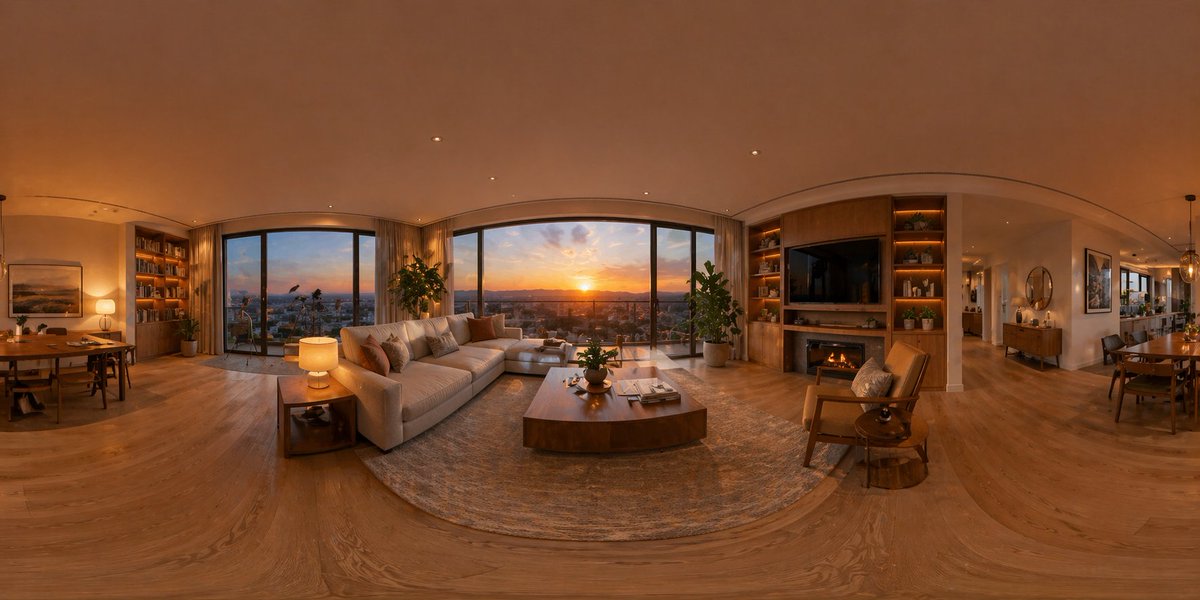
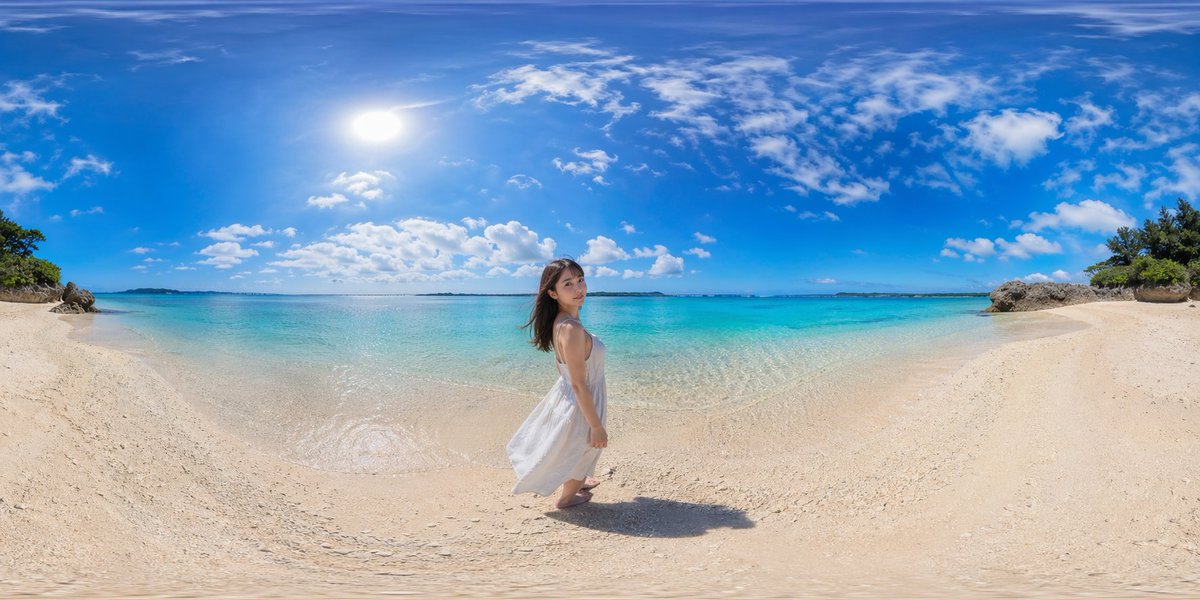
A highly technical prompt designed to generate a seamless 360-degree equirectangular panorama image, optimized for consistent lighting and composition across the full spherical view. Change the subject, setting, or lighting one variable at a time.

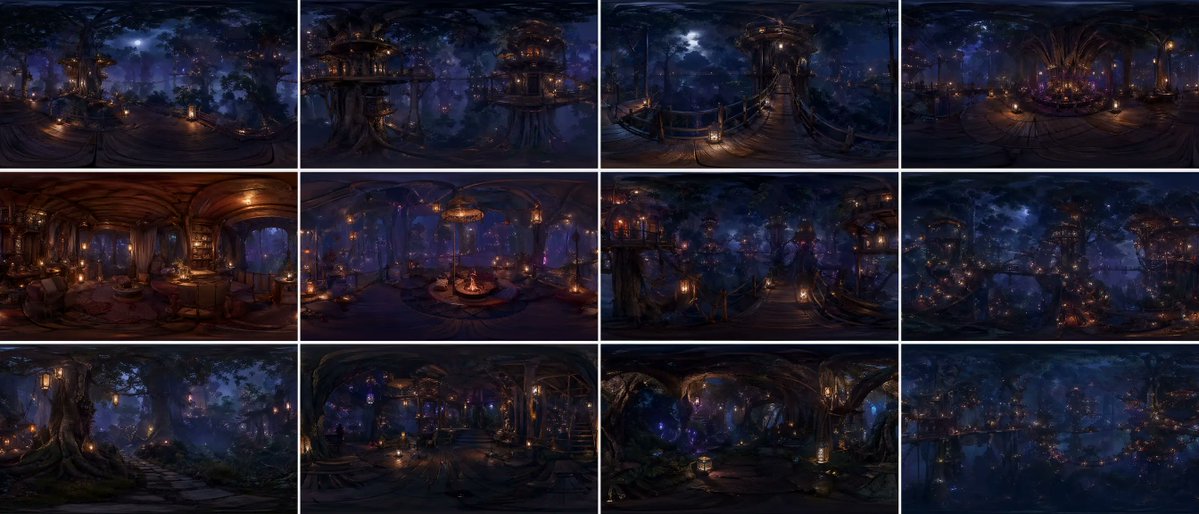
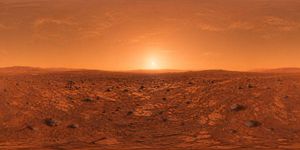
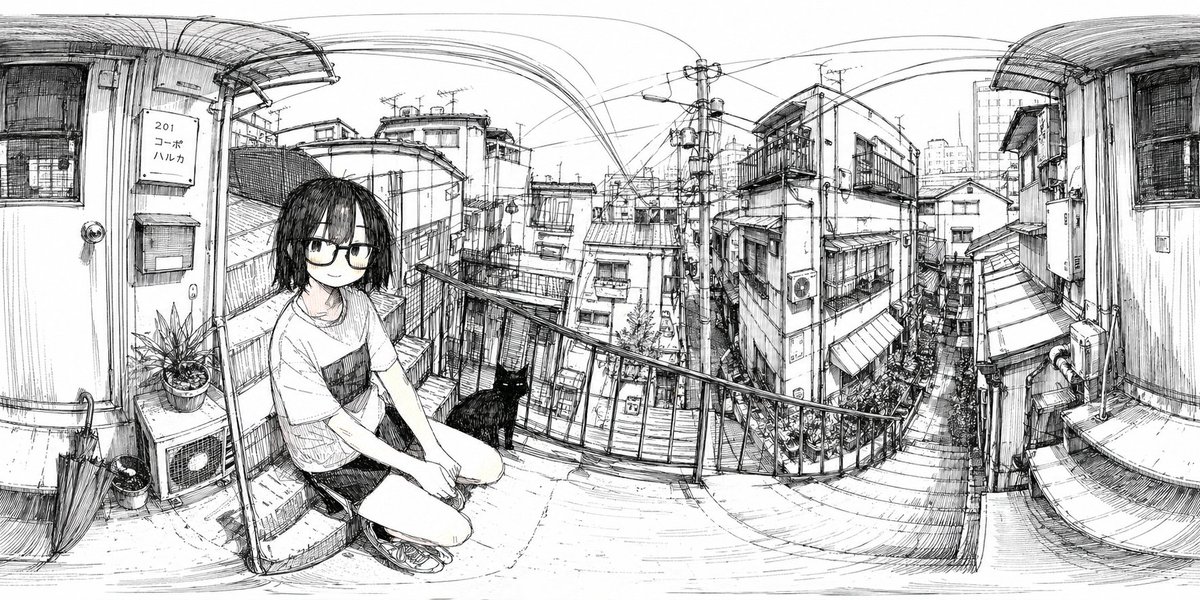
[SCENE] = {argument name="scene description" default="Troy, Anatolia, approx. 12th century BC. The moments after the Trojan Horse is pulled inside the city walls."} Make a 360-degree equirectangular panorama in 21:9 aspect ratio. Render the scene as a full spherical panorama with correct equirectangular projection. Set the entire environment strictly based on [SCENE]. Place the camera at the exact center of the scene with a fixed viewpoint. Design the environment as a continuous, circular world with no left or right edge. Ensure the first and last horizontal edges align perfectly. Distribute architecture, people, and objects evenly around the full 360° view. Use realistic real-world lighting, materials, and physical behavior. Keep sharp focus across the entire panorama. Use uniform natural daylight with no dominant light direction. Ensure lighting intensity and color remain consistent across the full 360° panorama. Treat the environment as lit by an evenly diffused sky dome rather than a single sun source. Apply soft global shadows that do not favor any horizontal direction. Avoid directional sunlight gradients that could cause seam lighting mismatches. Avoid modern elements, UI overlays, borders, frames, cropped views, fantasy styling, or broken panorama seams.
Choose the primary action to open PicX Studio with the available template settings. Review the model and format, personalize the creative direction, and generate when ready.
Yes. You can change the subject, setting, lighting, mood, format, and available model controls before creating your image.
This template is free to open and customize. Generation usage is shown in PicX Studio before you create.
Start with Nano Banana 2, which is the model associated with this template. You can compare another compatible model for a different finish.
Follow a topic to a crawlable collection of related PicX Studio templates.
43,474 public templates available. Verified via the PicX Studio public templates API; refreshed hourly.
![360-Degree Panorama Generation Formula — 创建一副 360 度全景图像 + {argument name="画面描述" default="[你的画面描述]"}](https://cms-assets.youmind.com/media/1776936762150_62uep7_HGgveVNbEAATOUi.jpg)
![A photographed from a 35-degree overhead angle, standing alone — A [subject] photographed from a 35-degree overhead angle, standing alone in an off-white studio](https://images.meigen.ai/tweets/2040745533858574471/0.jpg)
![Technical infographic of with a 45-degree isometric 3D perspective — Create a technical infographic of [OBJECT] with a 45-degree isometric 3D perspective showin](https://images.meigen.ai/tweets/2017928823497453789/0.jpg)
![Hyperrealistic, surreal spherical panorama with its most iconic — Create a hyperrealistic, surreal spherical panorama of [CITY NAME], with its most iconic landm](https://images.meigen.ai/tweets/2009117120987320527/0.jpg)
![Technical infographic of with a 45-degree isometric 3D perspective — Create a technical infographic of [OBJECT] with a 45-degree isometric 3D perspective showin](https://images.meigen.ai/tweets/2027042348207599633/0.jpg)
![Technical infographic of with a 45-degree isometric 3D perspective — Create a technical infographic of [VEHICLE] with a 45-degree isometric 3D perspective showi](https://images.meigen.ai/tweets/2048733383140712808/0.jpg)
![Refined Academic Degree Graduation Photos — # 新中式学位袍毕业写真|4张单独精修照 请基于用户上传的 1-3 张清晰个人照片,一次性生成 **4 张不同的单独精修毕业写真照片**。 主题为: 「新中式[学位等级]学位袍毕业写真」 可替换参数: - [学位等级]:学士 / 硕](https://cms-assets.youmind.com/media/1778748582326_h3hjte_HIMfnDzWgAEwDyn.jpg)

![Technical infographic of with a 45-degree isometric 3D perspective — Create a technical infographic of [OBJECT] with a 45-degree isometric 3D perspective showin](https://images.meigen.ai/tweets/2024375445345779759/0.jpg)
![Technical infographic of with a 45-degree isometric 3D perspective — Create a technical infographic of [OBJECT] with a 45-degree isometric 3D perspective, sligh](https://images.meigen.ai/tweets/2019103270447505848/0.jpg)
![City Spherical Panorama Tiny Planet — Create a hyperrealistic, surreal spherical panorama of [CITY NAME], with its most iconic landmarks and architecture seamle](/_next/image?url=https%3A%2F%2Fcdn.picxstudio.com%2Fuploads%2Fmeigen_2009117120987320527_7379e47a-df5a-4a94-a78d-25a41972e1ec.jpg&w=828&q=100)
![Naive doodle-style subject illustration — A doodle-style {argument name="subject" default="[subject]"}, naive lines, humorous shape exaggeration](https://pbs.twimg.com/media/G6Wl2YxbsAARB2b.jpg)