
Vintage Engraving Style Portrait
Converts reference photos into high-end stylized illustrations with vintage engraving textures, vibrant colors, and oversized sunglasses.
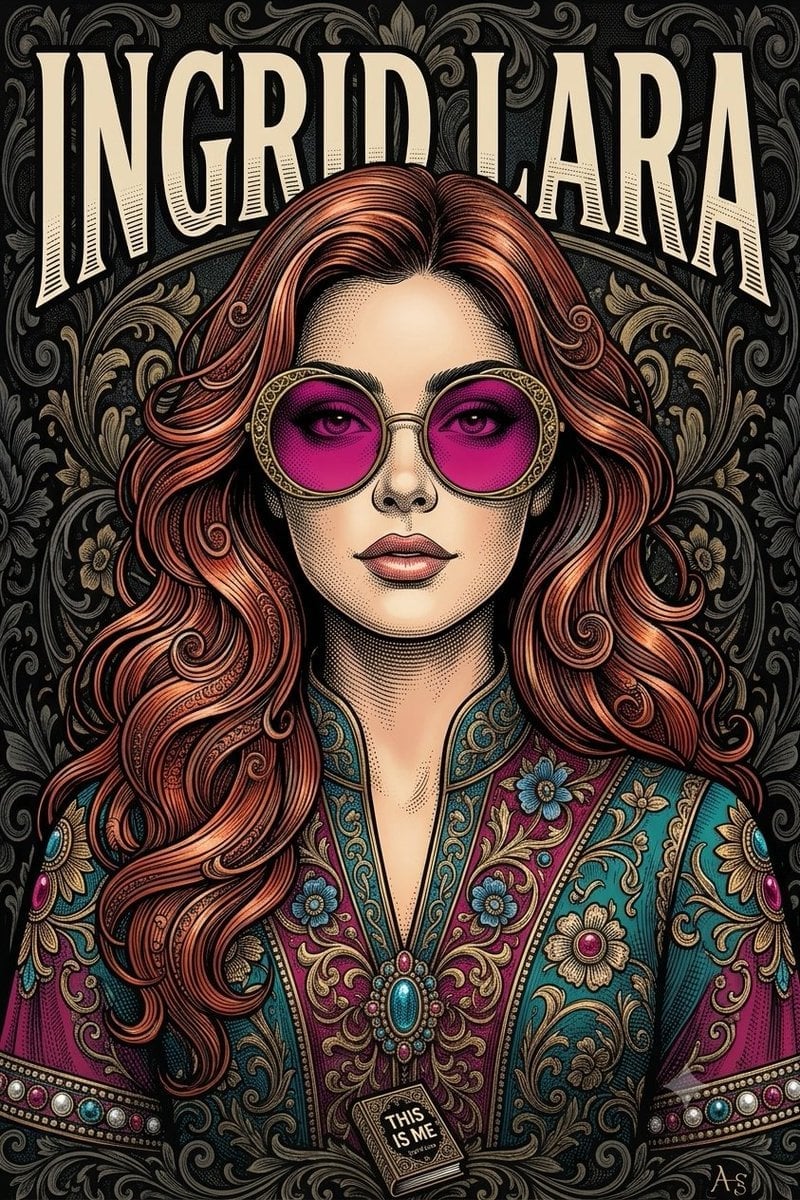
- Prompt included
- Model and format preset
- Free template
The prompt behind this image
Copy the exact prompt behind Vintage Engraving Style Portrait, or open it in the studio and make it yours.
仅以上传照片作为此人唯一身份参考。将参考照片中的人物,转化为与目标艺术作品视觉风格一致的高精细、高级感风格化插画肖像。重要——身份:保留上传参考照片中人物可辨识的面部特征:脸型、眼睛、眉毛、鼻子、嘴唇、肤色、面部比例及整体相似度。最终结果必须明显像上传照片中的人。艺术风格:打造精致的复古编辑风插画,带有繁复的手绘雕刻 / 漫画 / 铜版画质感。使用:- 极精细的黑色墨线- 细密交叉排线与点刻- 铜版画插画纹理- 层层叠色的彩色墨水上色- {argument name="发色" default="头发中丰富的铜色 / 红色调"}- 华丽装饰细节- 优雅复古海报画风- 高细节面部渲染- 有艺术感但仍可辨识的五官肖像:以人物为中心的近景肖像,大约从胸部 / 肩部以上取景。给人物自信、沉稳、精致的神情。加上超大圆形太阳镜,配华丽金色镜框和亮洋红色 / 粉色镜片,呼应参考艺术作品标志性造型。头发要画得精美,有细致的流动发丝和装饰性雕刻曲线,同时仍以上传参考照片中人物的发型和外观为基础。服装:给人物穿上繁复华丽的复古服饰,带浓郁{argument name="服装颜色" default="蓝绿色、深洋红色、蓝色和金色的装饰刺绣"}、复杂花卉纹样、金银丝细工图案和珠宝感装饰细节。背景:{argument name="背景" default="深黑 / 深炭灰色装饰锦缎背景"},布满精细的旋涡花卉与装饰纹样,用微妙的黑、灰和哑光金色调呈现。构图:对称居中肖像。头肩占据画面主体。强烈的平面海报式构图。全画面覆盖高细节插画。不放入小尺寸参考照片缩略图。文字:在背景上方用超大粗体大写字母排版人物全名,部分置于头部后方。名字必须根据所提供的人物 / 参考自动生成。若无法确定人物姓名,则留白,不要编造名字。不要添加无关文字、标志、水印或随机文本。最终效果:最终图像应像一张专业设计的奢华复古插画海报——不是照片,也不是简单卡通。要结合上传参考照片中可辨识的面部身份,与所提供范例的整体视觉语言:华丽复古雕刻、彩色墨水插画、戏剧化超大太阳镜、繁复服装、深色装饰背景、粗体名字排版,以及高细节手绘纹理。不要复制范例中的原人物。用上传的参考照片,在相同的艺术概念和视觉风格下创造新的人物。
How to use Vintage Engraving Style Portrait in 3 steps
- 1Upload ImagePNG, JPG or paste
Add your photo
Upload the photo the template builds on. The prompt, model and format are already set.
- 2…a portrait of your subject in softgolden-hour light, 85mm…
Personalize
Edit the subject and creative details for your destination.
- 3Generate
Generate
Press Generate — your image is created in PicX Studio, so you can compare it with the original and refine one variable at a time.
More like this
Templates with the same subject, style or setup. Open one to see its prompt.











Make it yours
Vintage Engraving Style Portrait works as-is. These are the safest ways to change it without losing the look.
Change one field
Copy a single group, rewrite it, and generate again so you can see what that field is doing.
Keep the frame, change the subject
Hold the composition and light of Vintage Engraving Style Portrait, then swap wardrobe, props or the person for a new take.
| If the result… | Why | Fix |
|---|---|---|
| The result drifts from the preview | Too many fields changed at once. | Reuse Vintage Engraving Style Portrait as-is first, then change one group — subject, light, or setting. |
| The model over-stylizes the scene | The prose prompt leaves finish and camera underspecified. | Add one camera or lighting sentence and stay on GPT Image 2. |
More GPT Image 2 templates
Other prompts made for GPT Image 2.

Six VTuber Japanese Logo Sheet

Realistic Portrait of Woman and Deer

The Vista Modular Condo Poster

AI Model Routing Comparison Infographic

2.5D Anime Art Board

Isometric Productivity Desk Scene

New York Double Exposure Poster

Four-Panel AI Landscape Comparison

Japanese Tatami Lifestyle Magazine Cover

NESCAFÉ Coffee Map Poster
More image prompts
Fresh picks from across the catalog.
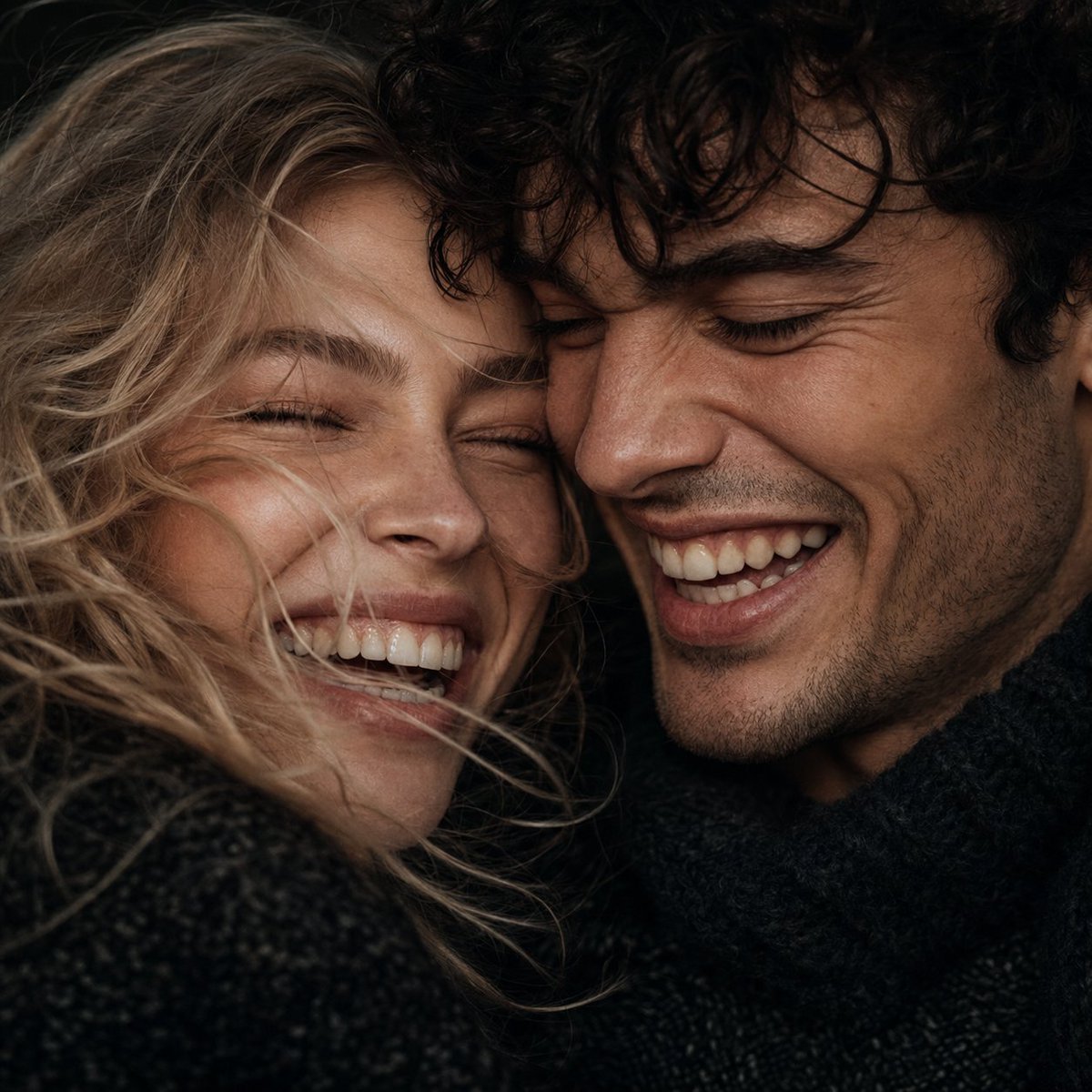
Extreme Close-Up Laughing Couple Portrait
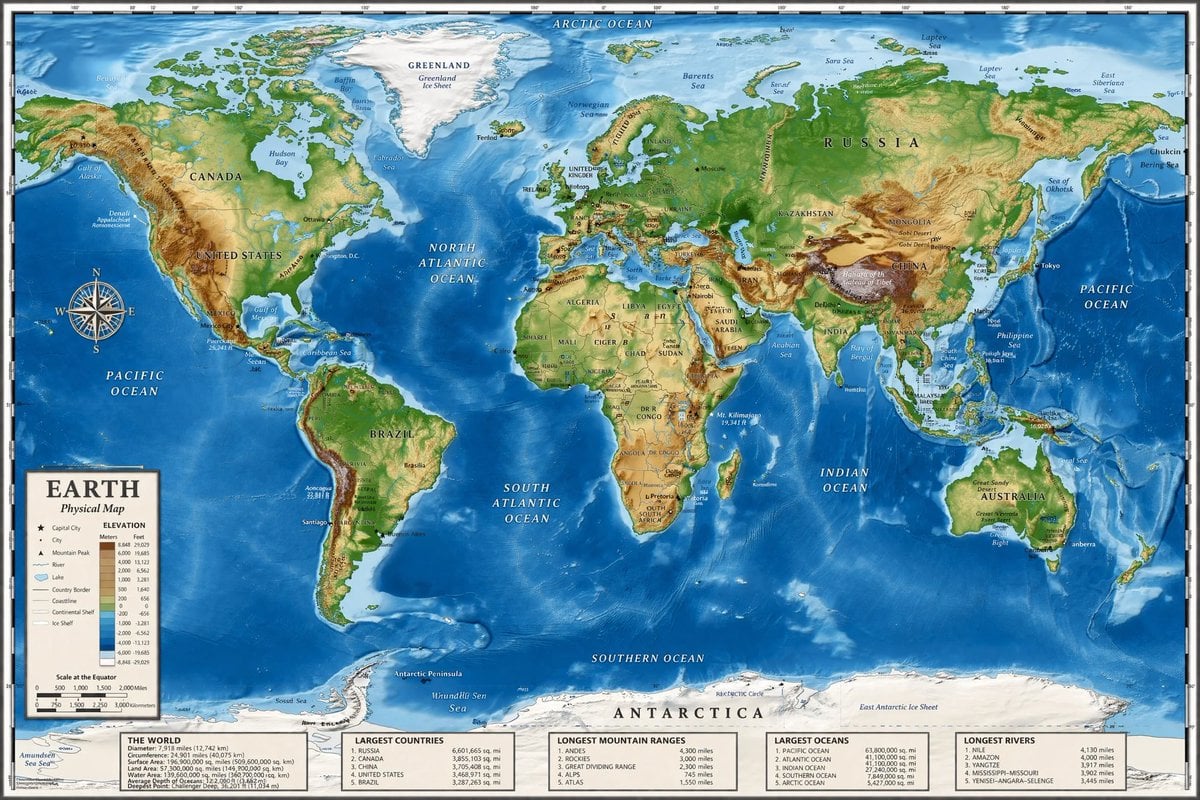
Detailed Physical World Map with Info Panels
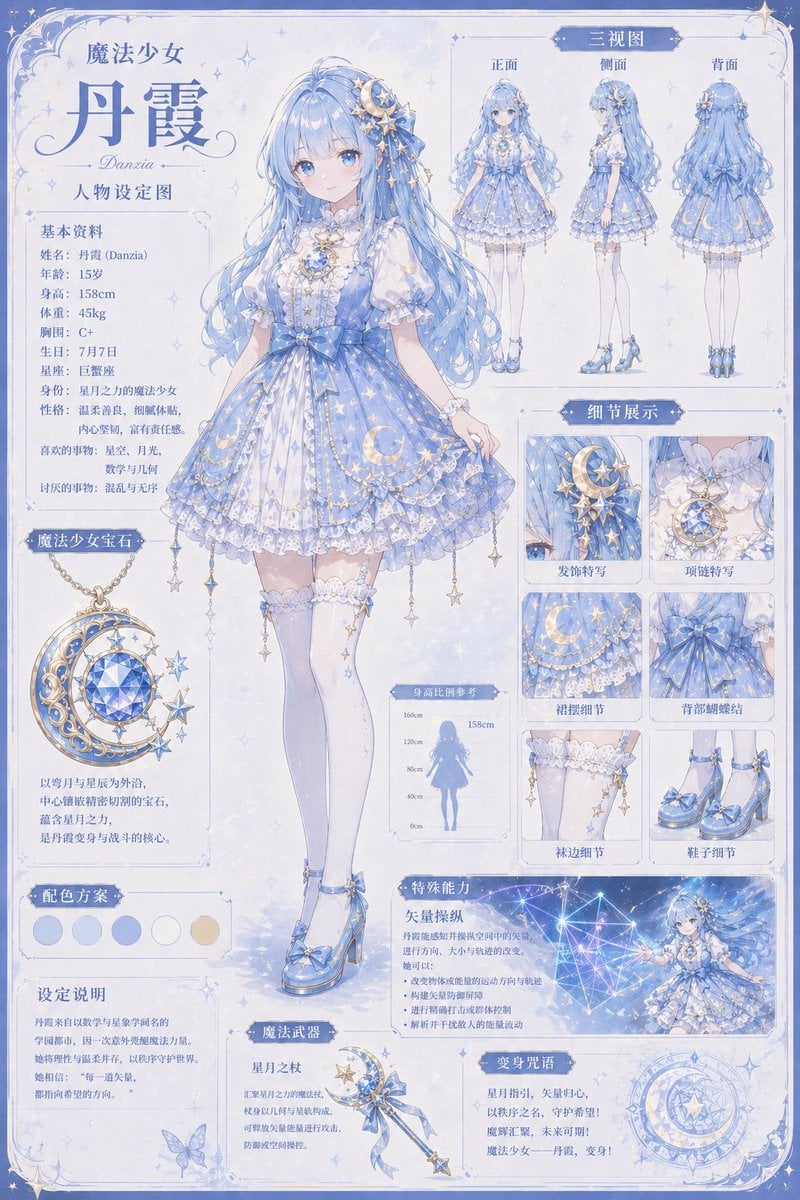
Celestial Magical Girl Reference Sheet
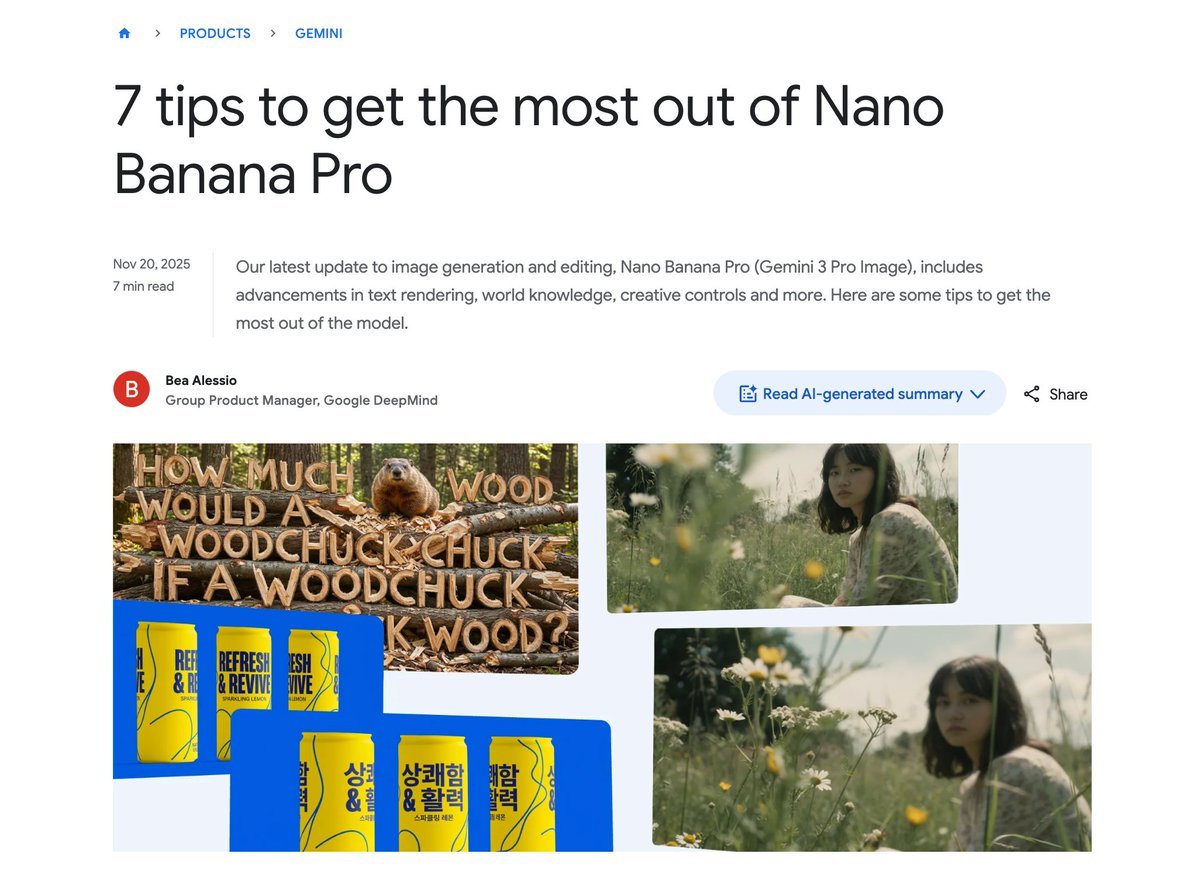
Character consistency with outfit change prompt
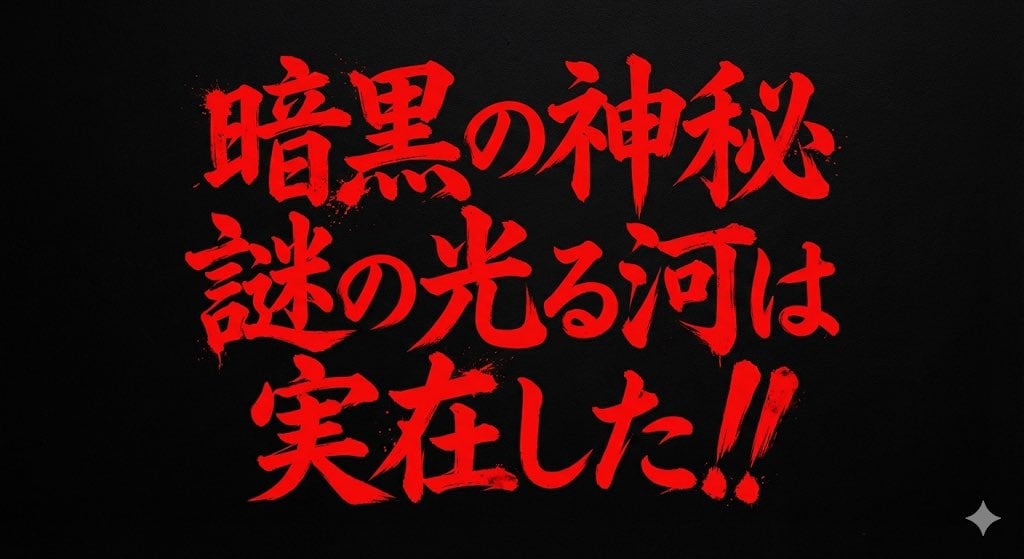
Horror-Style Text Banner Prompt (Kawakuchi Hiro Exploration Team Style)
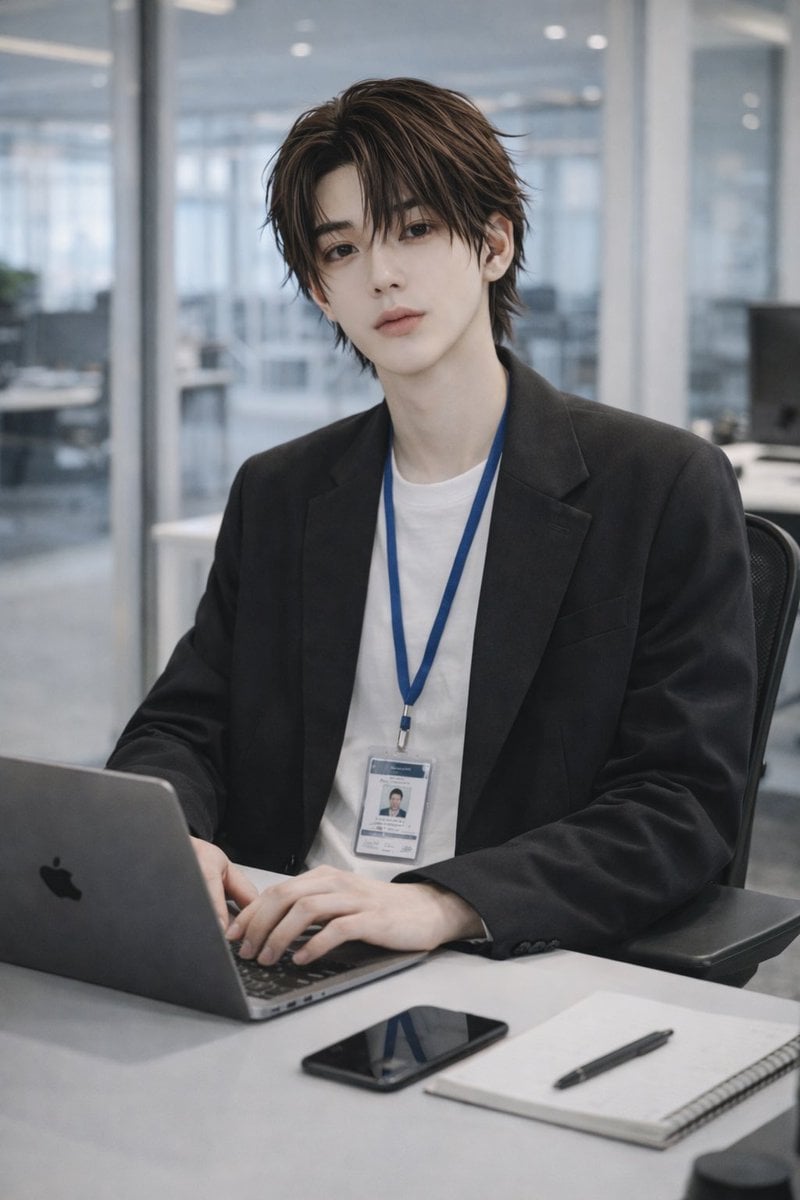
Stylish Office Worker Portrait
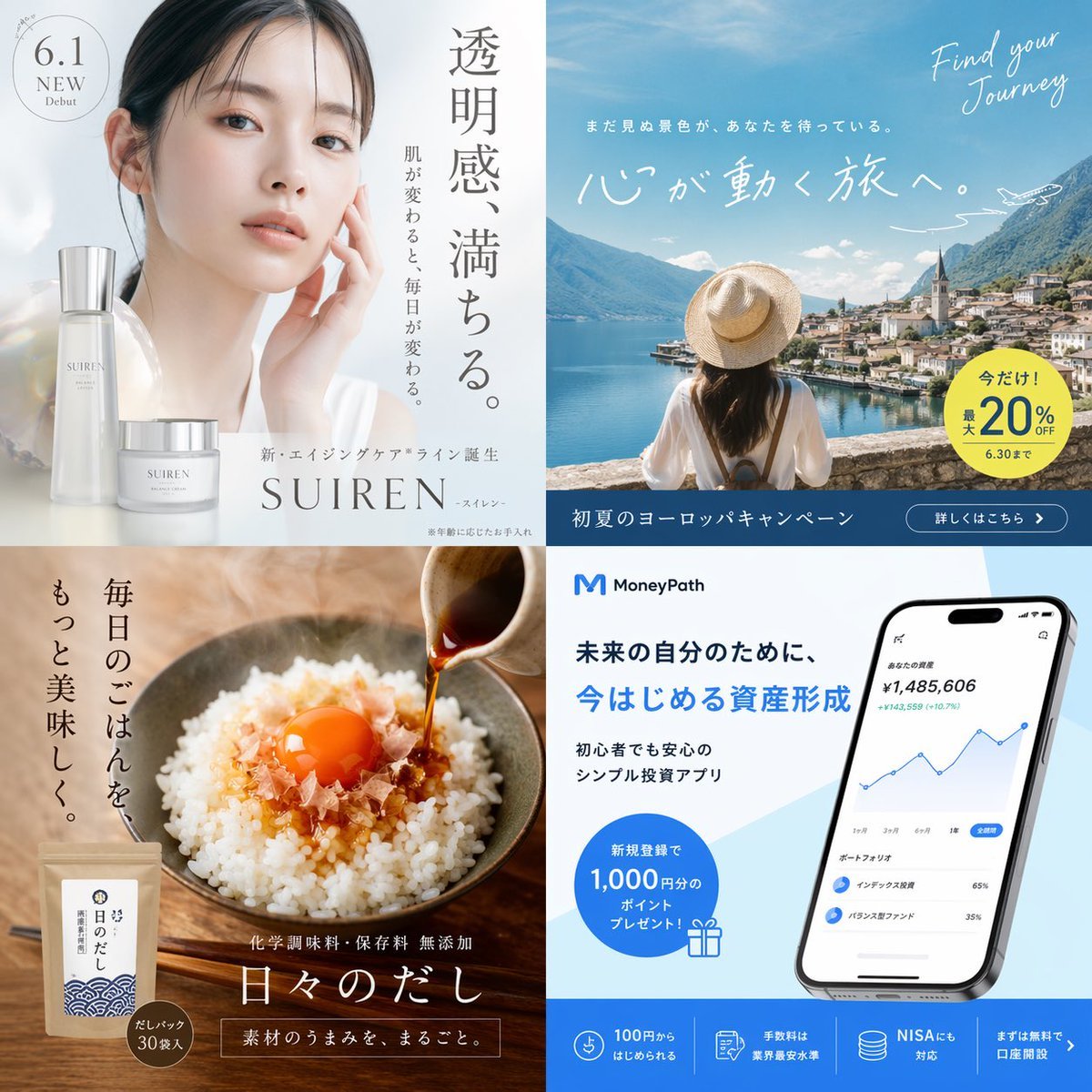
Panel Japanese Advertising Grid
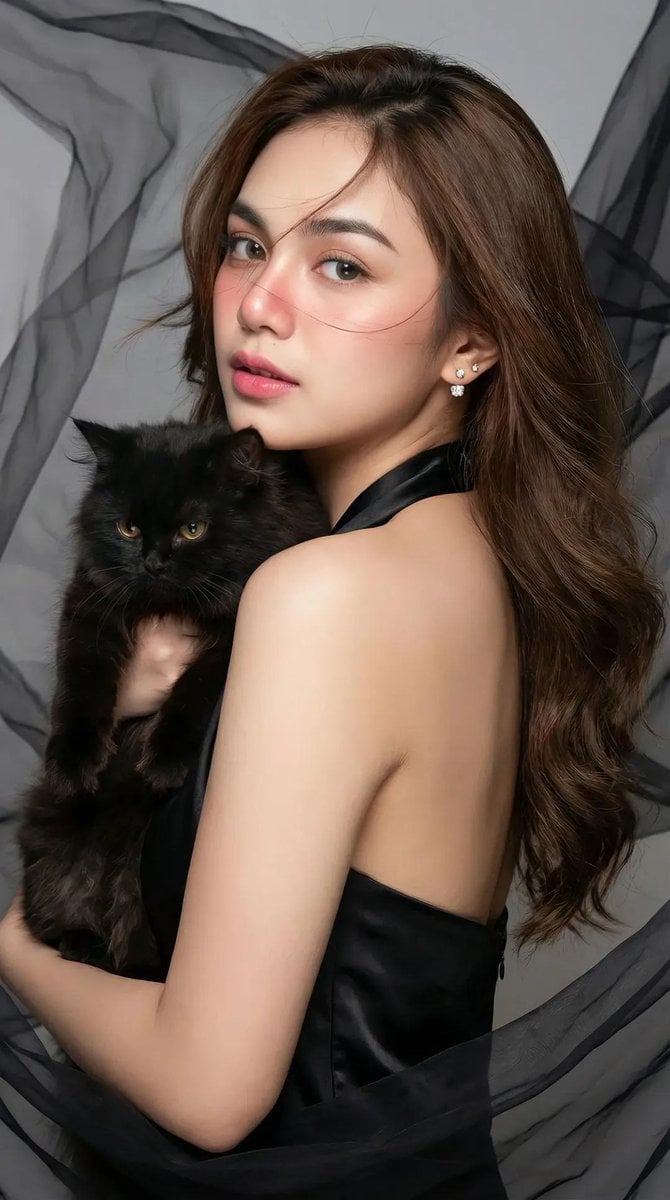
High-Fashion Portrait of an Asian Woman with a Black Cat
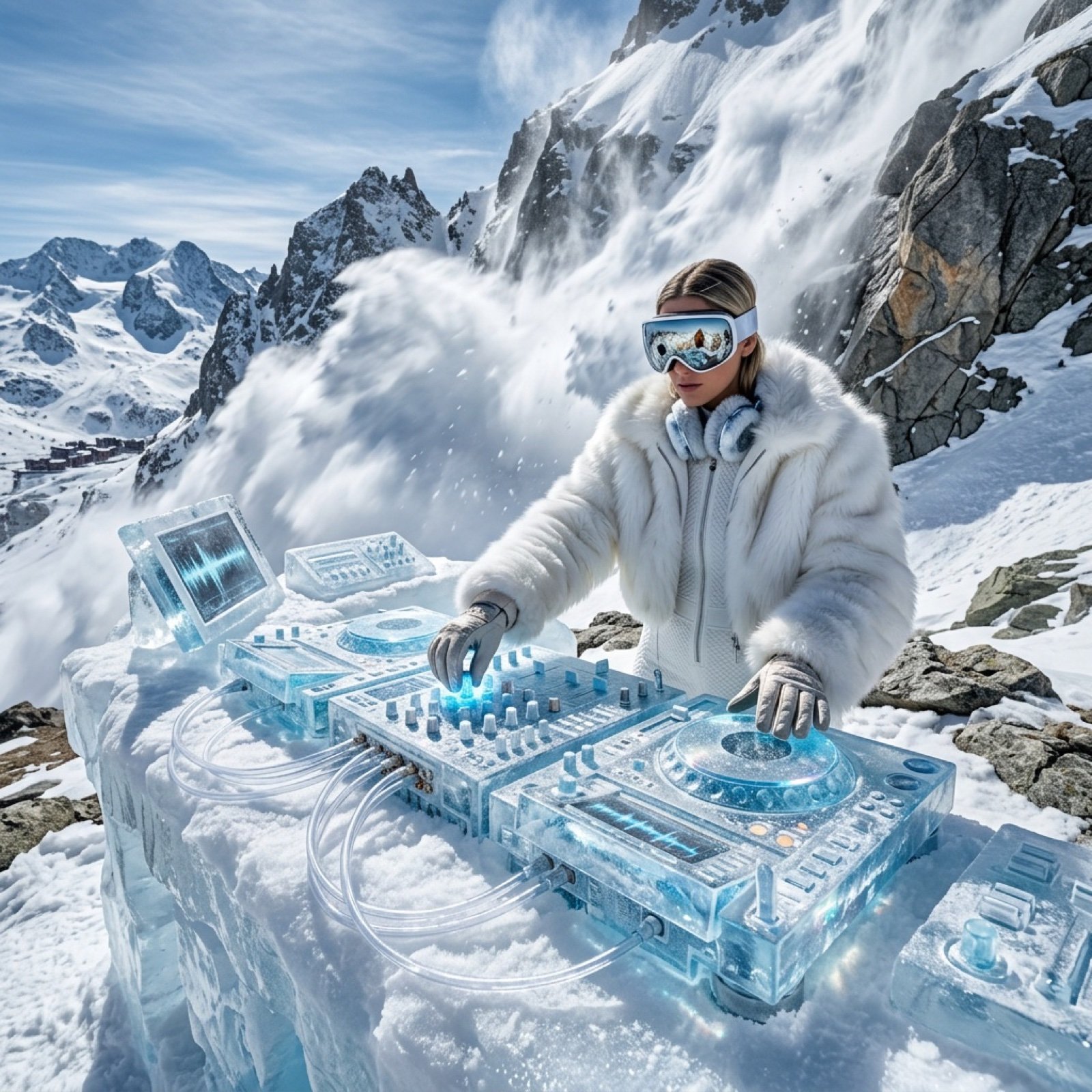
Futuristic Ice DJ Setup Prompt
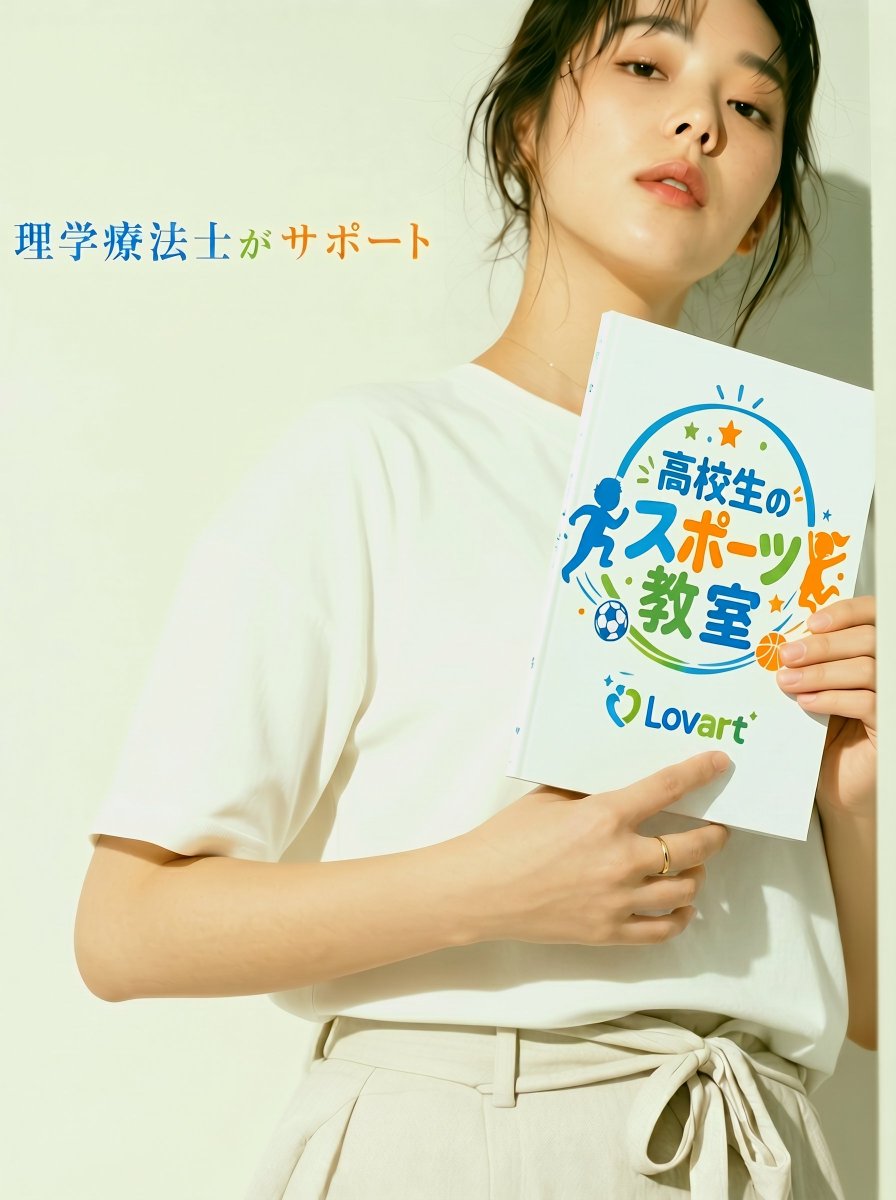
Japanese Sports School Flyer Photo
Browse template categories
Vintage Engraving Style Portrait questions
How do I use the Vintage Engraving Style Portrait template?
Add your photo if the template asks for one, edit the prompt if you like — the template's model and format are already selected — and press Generate. Your version opens in PicX Studio.
Can I customize the Vintage Engraving Style Portrait template?
Yes. You can change the subject, setting, lighting, mood, format, and available model controls before creating your image.
Is the Vintage Engraving Style Portrait template free?
Opening and editing this template is free. Generating uses credits, shown on the Generate button when you are signed in.
Which AI model should I use?
Start with GPT Image 2, which is the model associated with this template. You can compare another compatible model for a different finish.
Looking for something else? Browse all templates.

Your photo, any look
Thousands of ready templates for every top image and video model, from one credit balance.