
3D Paper and Clay Plaque
A specialized prompt for creating premium, handcrafted 3D paper and soft clay destination plaques with consistent typography and geometric framing.
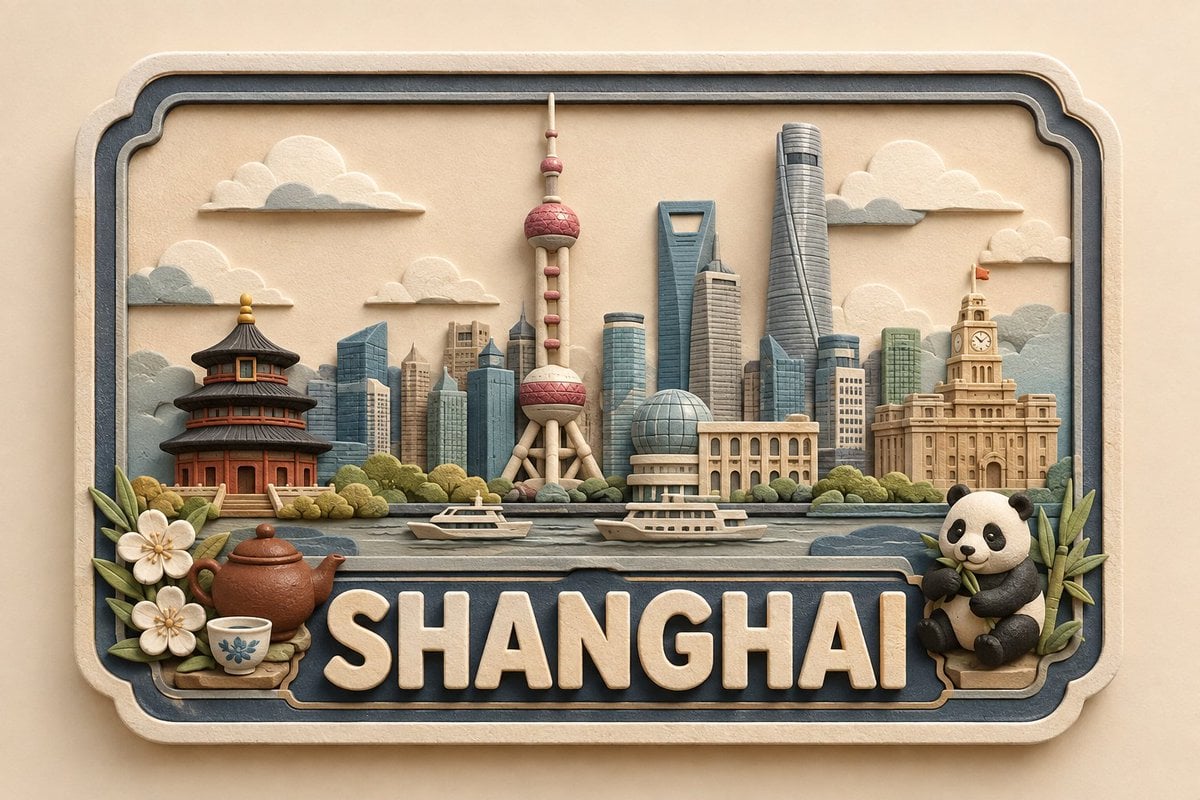
- Prompt included
- Model and format preset
- Free template
The prompt behind this image
Copy the exact prompt behind 3D Paper and Clay Plaque, or open it in the studio and make it yours.
Create a premium, cute, handcrafted 3D paper-and-soft-clay destination plaque for {argument name="location" default="[LOCATION]"}, designed as part of one consistent global collectible series. COMPOSITION & GEOMETRY: Use a fixed horizontal framed layout on a normalized 100%100 grid. Frame: x=5–95, y=8–92. Landmark zone: y=18–58. Foreground: y=48–67. Location-name zone: y=68–88. Bottom margin: y=88–92. Keep these proportions identical for every location. LANDMARK HIERARCHY: Place 1 centered hero landmark at x=50, occupying 34–38% height; 2 supporting landmarks at x=25 and x=75, each 22–28% height; 2–4 smaller background elements across x=10–90, each 12–20% height; and 1–3 subtle local foreground details, no more than 14% height. Use only the most recognizable and geographically appropriate features of {argument name="location" default="[LOCATION]"}. Preserve defining silhouettes while simplifying details and avoiding clutter, clichés, or stereotypes. TYPOGRAPHY: Display exactly “{argument name="location" default="[LOCATION]"}”, centered and unobstructed. The lettering should span approximately 82–86% of the plaque width and 17–20% of the canvas height. Use large, raised, embossed, rounded sans-serif lettering in warm ivory with a matte finish. Maintain consistent weight, spacing, alignment, and baseline across the entire series. MATERIAL & STYLE: Approximately 70% layered paper and 30% soft matte clay. Create a shallow-relief handcrafted appearance with visible paper fibers, subtle clay texture, rounded handmade edges, delicate layer shadows, and small natural imperfections. Avoid glossy plastic, metallic materials, photorealism, or a generic CGI appearance. COLOR PALETTE: Warm ivory/cream foundation, soft beige and natural paper tones, muted blue-gray secondary accents, plus minimal muted colors inspired by the specific location. CAMERA & LIGHTING: Straight-on centered camera with fixed perspective and scale. Use a warm neutral background, soft diffused studio lighting, gentle shadows, consistent depth, and subtle dimensional separation. No reflections, dramatic perspective, or surrounding environment. SERIES CONSISTENCY: Keep the frame, composition, grid, typography, landmark scale, hierarchy, object density, materials, palette, lighting, camera angle, depth, shadows, and negative space identical across every location. Change only the landmarks, culturally/environmentally relevant details, and restrained location-specific accent colors. FINAL QUALITY CHECK: {argument name="location" default="[LOCATION]"} must be instantly recognizable, correctly spelled, visually balanced, and free of unnecessary text. Maintain the fixed landmark hierarchy, unobstructed lettering, consistent proportions, premium handcrafted texture, cute collectible aesthetic, and cohesive global-series identity.
How to use 3D Paper and Clay Plaque in 3 steps
- 1
Open
The prompt is already in the box next to the preview, with the template's model and format selected.
- 2…a portrait of your subject in softgolden-hour light, 85mm…
Personalize
Edit the subject and creative details for your destination.
- 3Generate
Generate
Press Generate — your image is created in PicX Studio, so you can compare it with the original and refine one variable at a time.
More like this
Templates with the same subject, style or setup. Open one to see its prompt.
Watercolor Dreamscape — Nano Banana
Handcrafted Clay Store Diorama
Whimsical Claymation Chameleon Scene
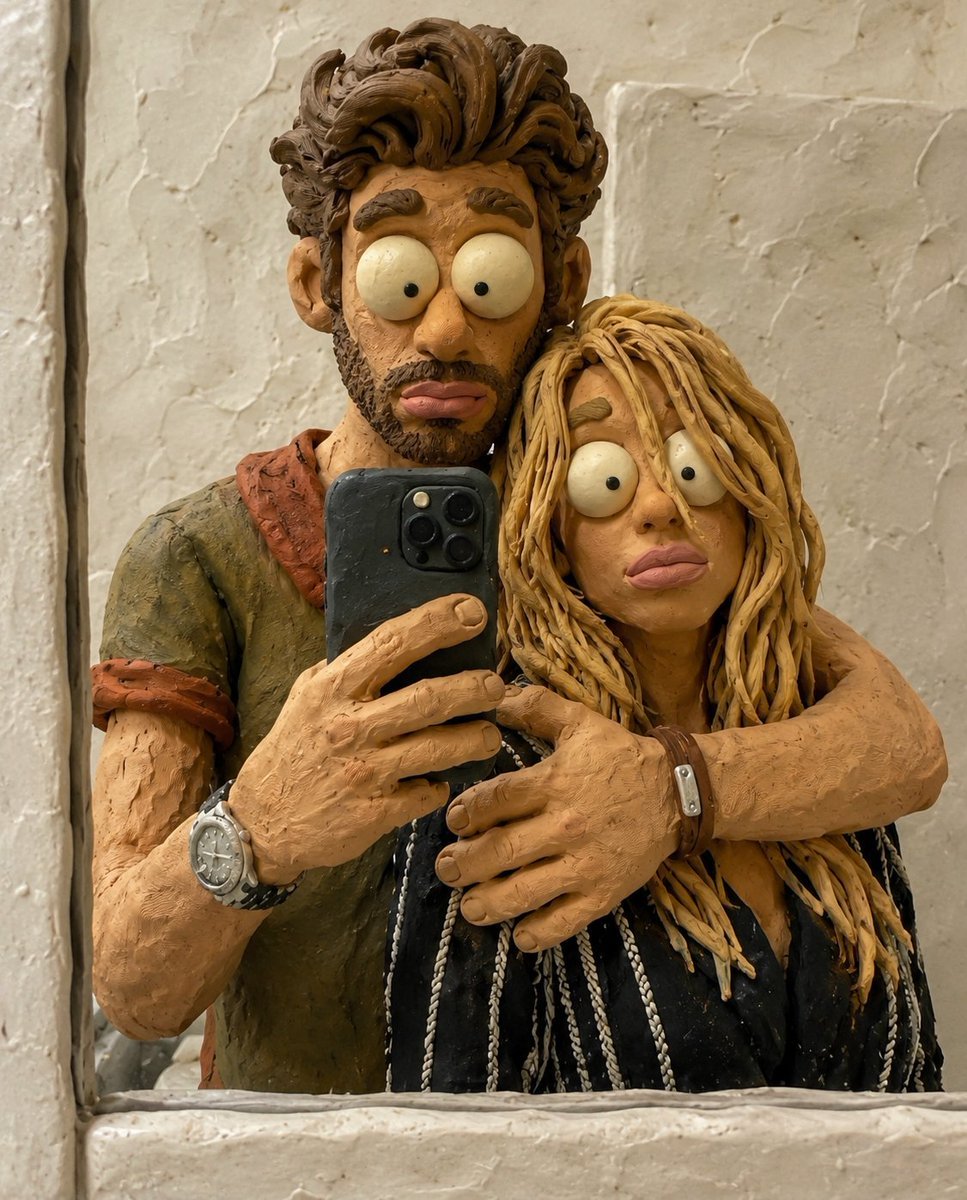
Chaotic Claymation Photo Transformation
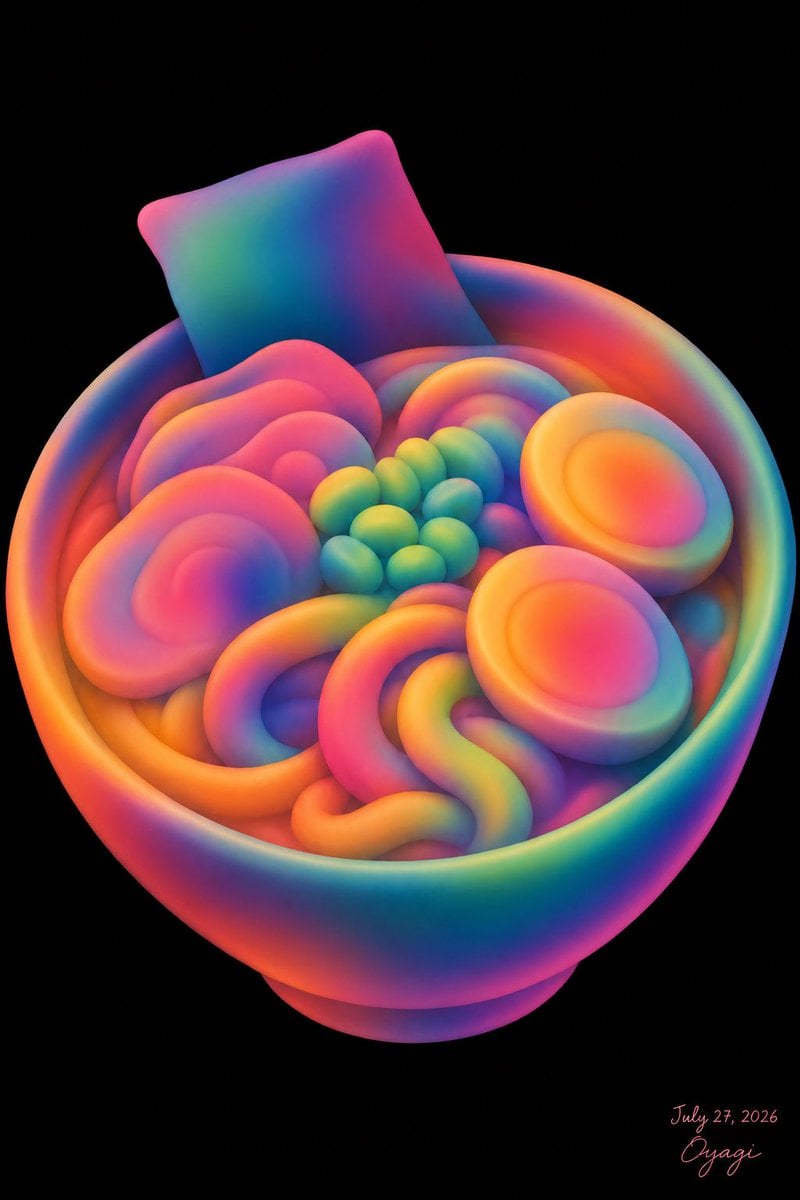
Neon Clay Rainbow Ramen Bowl
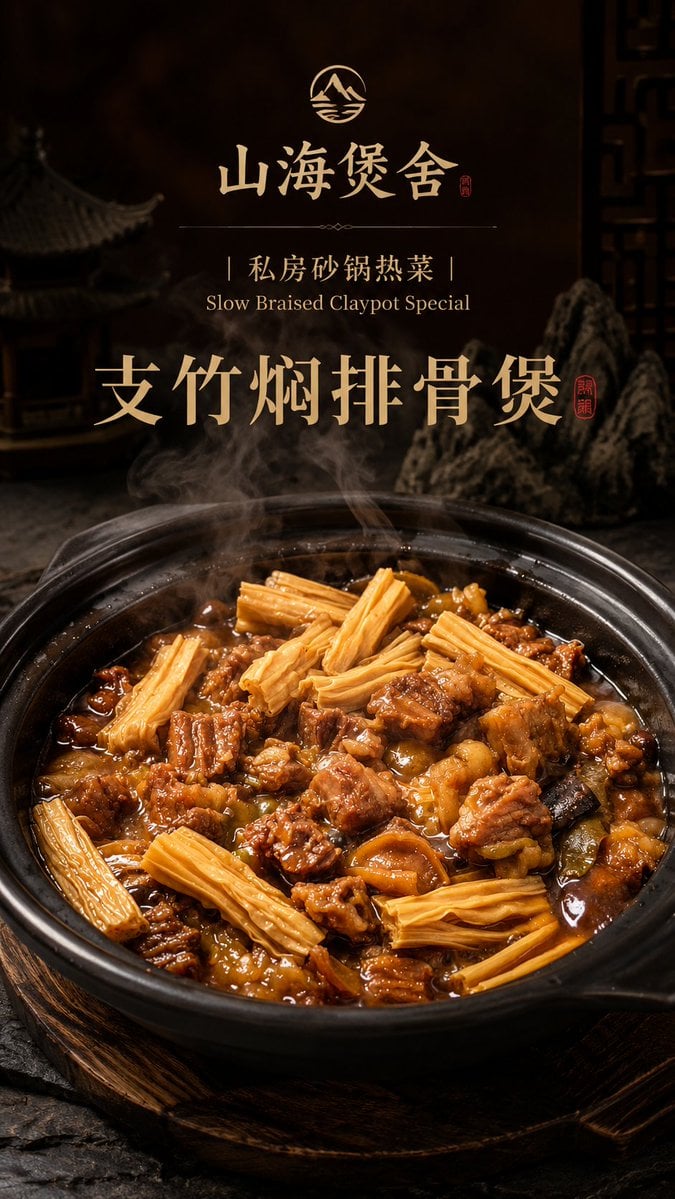
Luxury Chinese Claypot Food Poster
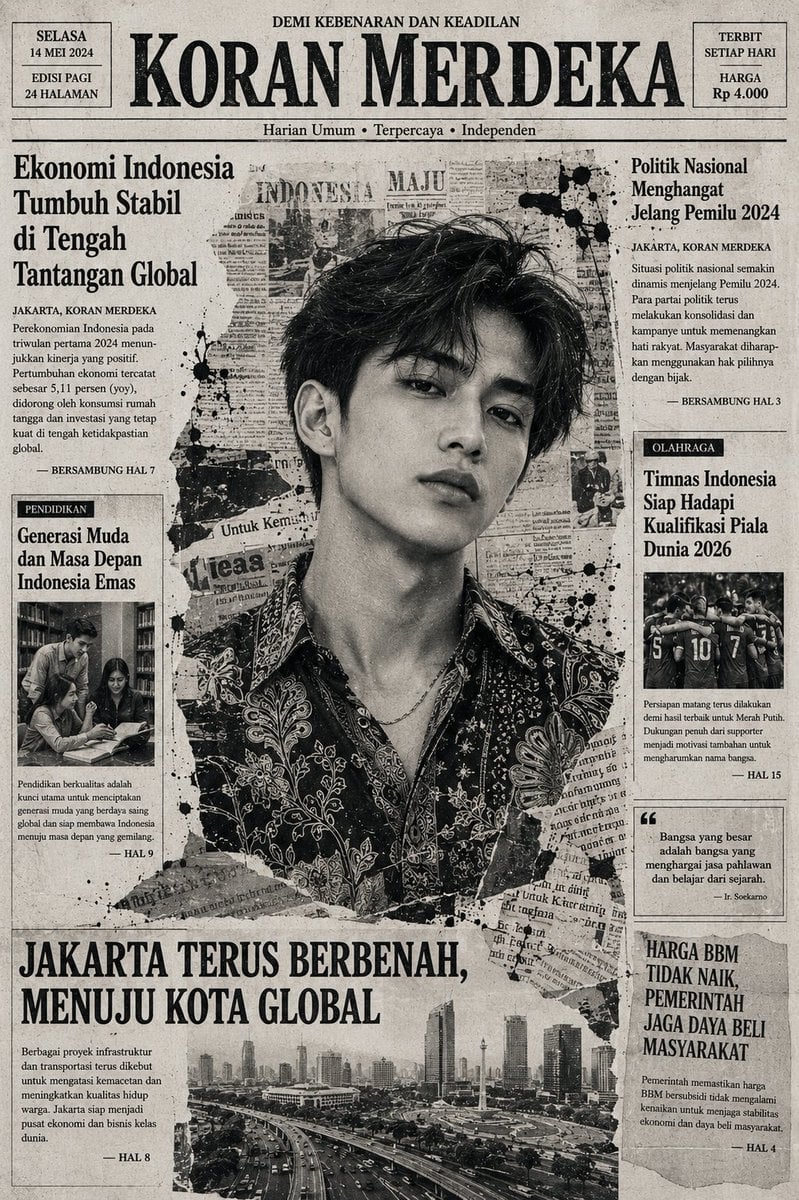
Indonesian Woman Newspaper Collage Portrait
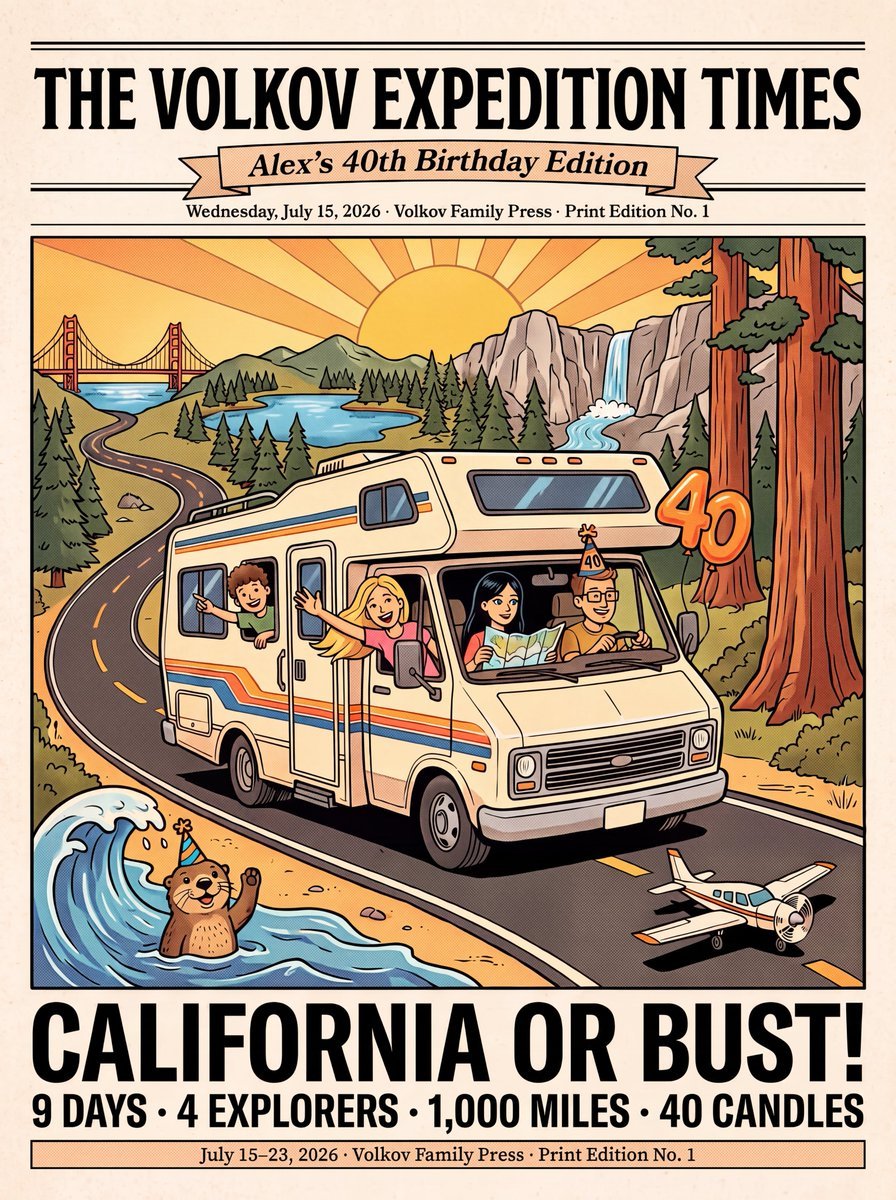
Vintage Family Road Trip Newspaper Poster
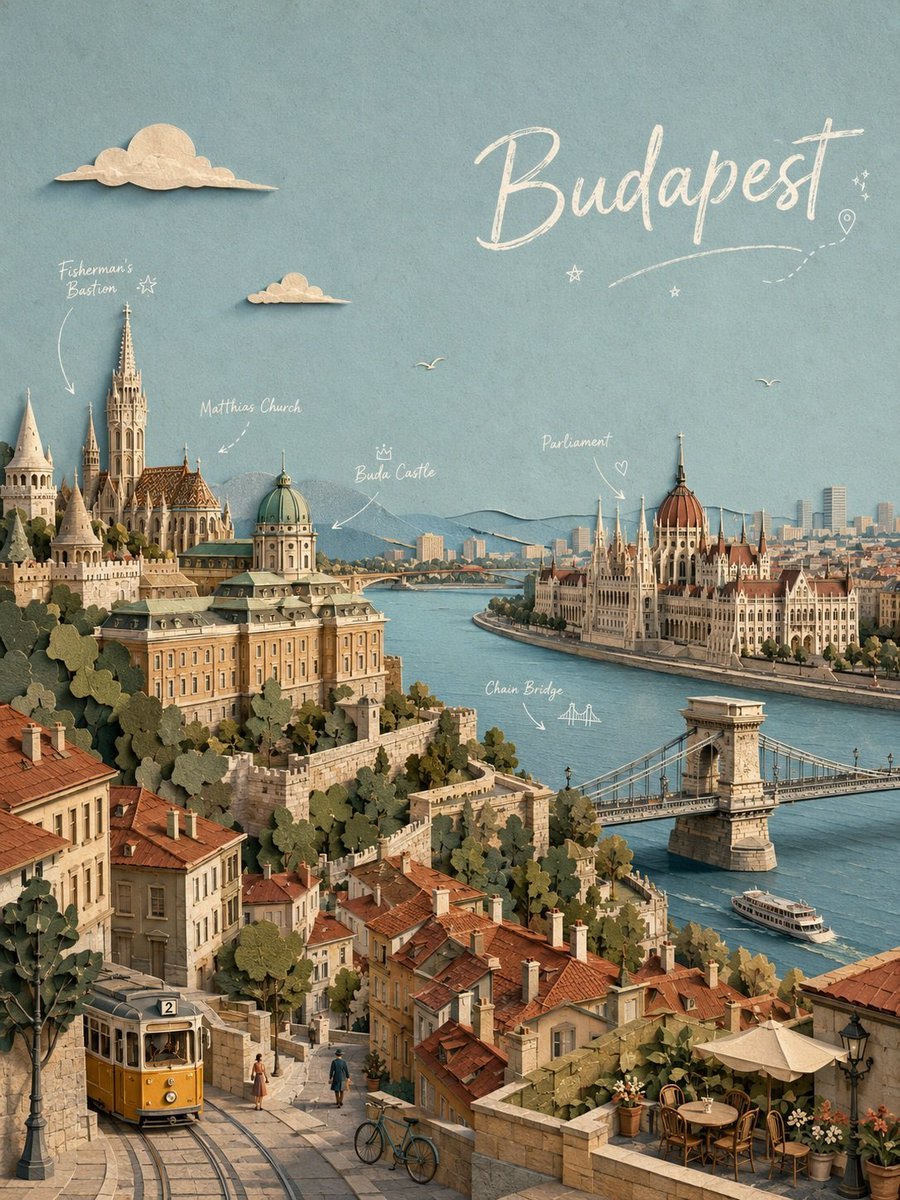
Budapest Paper-Cut Travel Poster
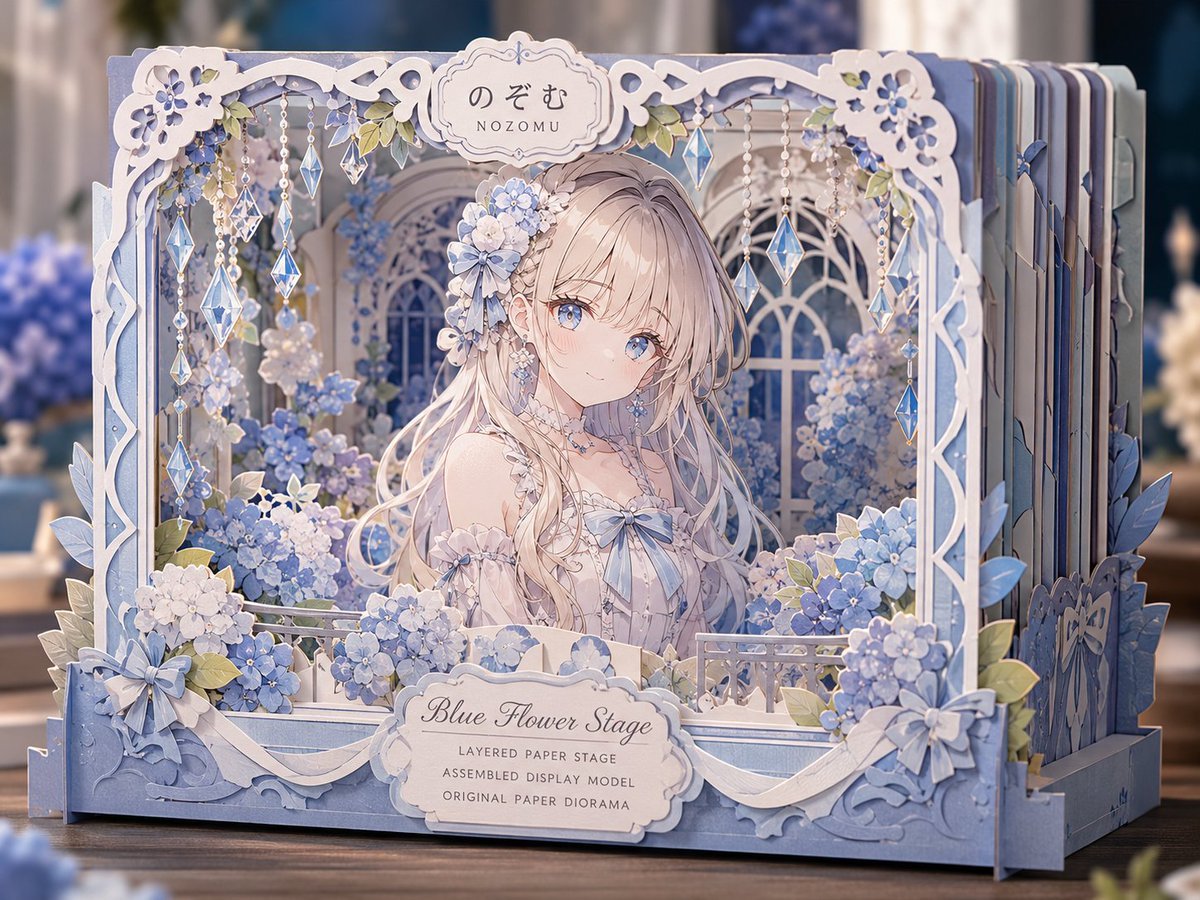
Blue Flower Layered Paper Stage
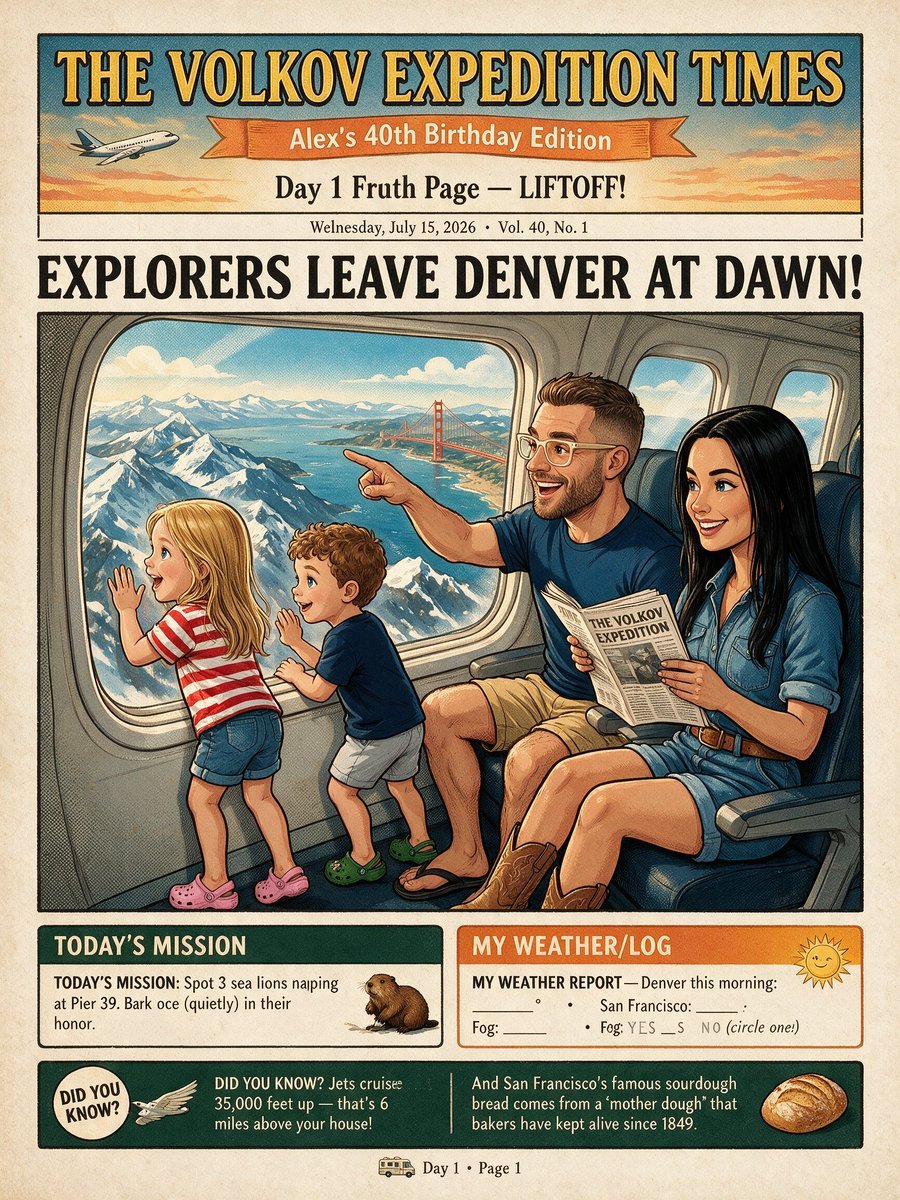
Vintage Family Expedition Newspaper
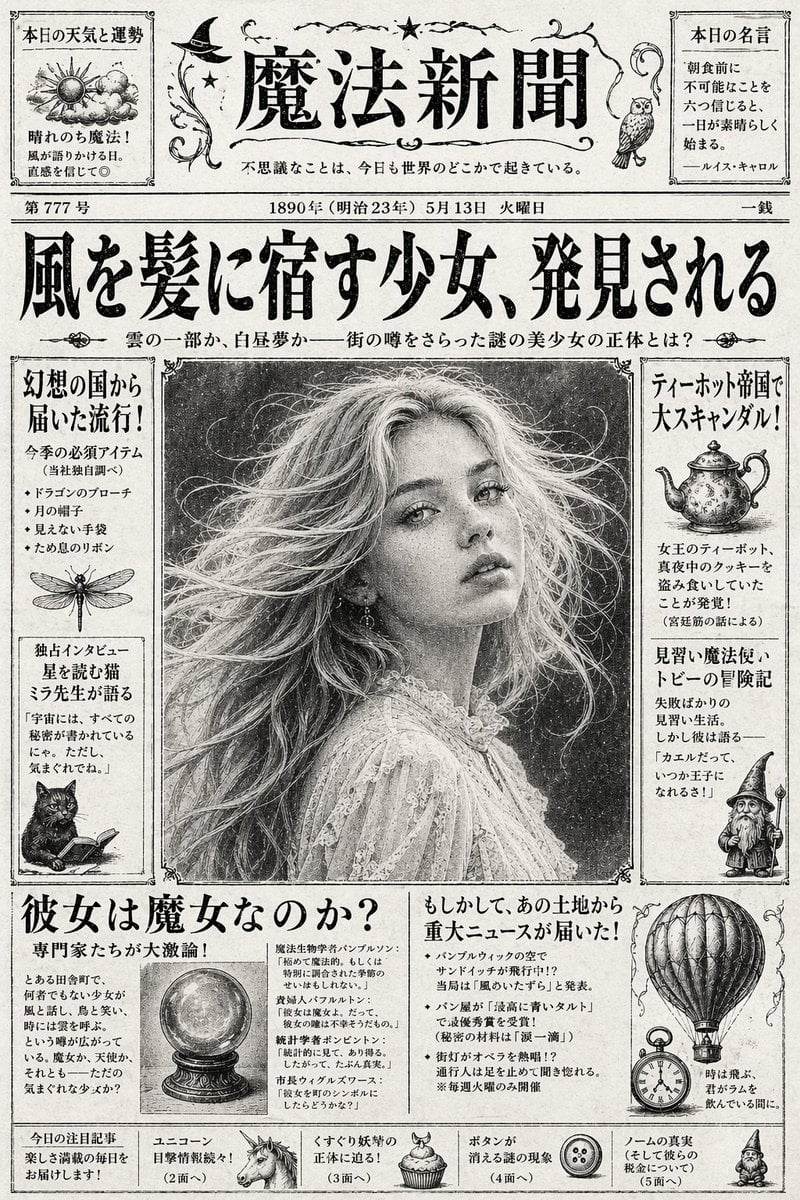
Vintage Japanese Fantasy Magic Newspaper
Make it yours
3D Paper and Clay Plaque works as-is. These are the safest ways to change it without losing the look.
Change one field
Copy a single group, rewrite it, and generate again so you can see what that field is doing.
Keep the frame, change the subject
Hold the composition and light of 3D Paper and Clay Plaque, then swap wardrobe, props or the person for a new take.
| If the result… | Why | Fix |
|---|---|---|
| The result drifts from the preview | Too many fields changed at once. | Reuse 3D Paper and Clay Plaque as-is first, then change one group — subject, light, or setting. |
| The model over-stylizes the scene | The prose prompt leaves finish and camera underspecified. | Add one camera or lighting sentence and stay on GPT Image 2. |
More GPT Image 2 templates
Other prompts made for GPT Image 2.

Six VTuber Japanese Logo Sheet

Realistic Portrait of Woman and Deer

The Vista Modular Condo Poster

AI Model Routing Comparison Infographic

2.5D Anime Art Board

Isometric Productivity Desk Scene

New York Double Exposure Poster

Four-Panel AI Landscape Comparison

Japanese Tatami Lifestyle Magazine Cover

NESCAFÉ Coffee Map Poster
More image prompts
Fresh picks from across the catalog.
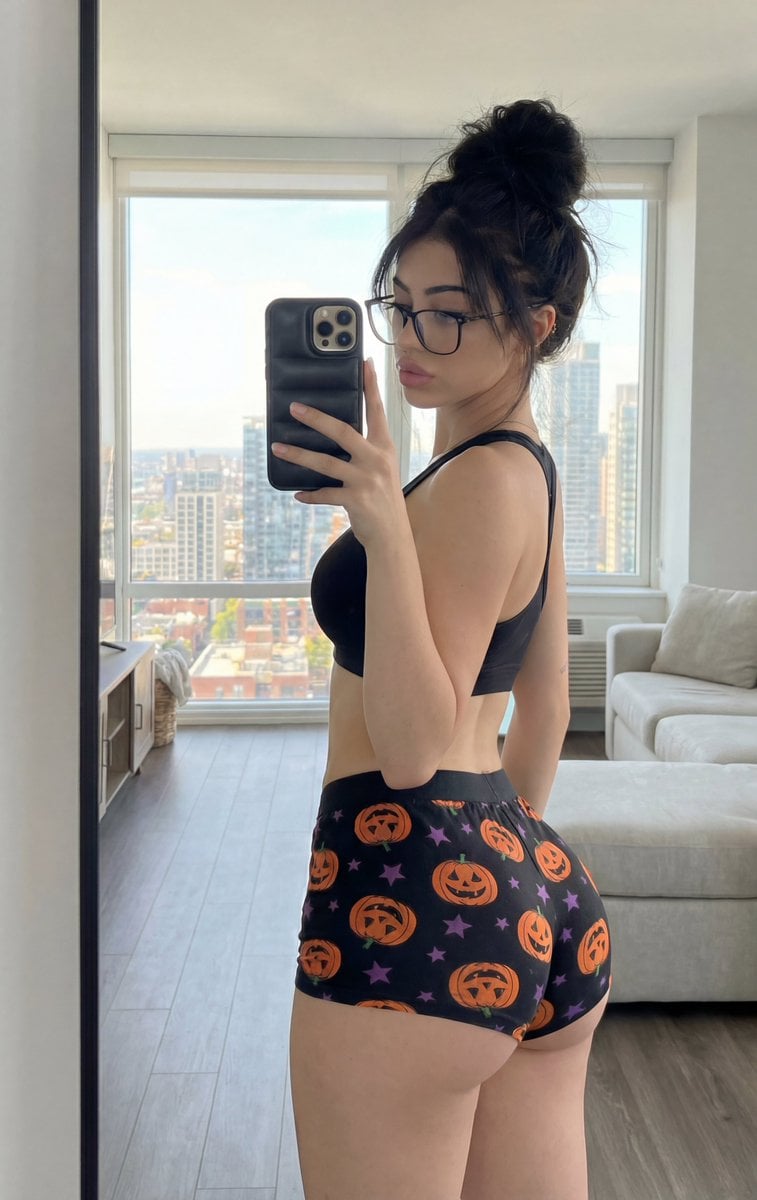
Detailed structured prompt for a photorealistic mirror selfie of an athletic woman

Fantasy Sky Mirror Illustration

8K High Fashion Portrait with Grapes
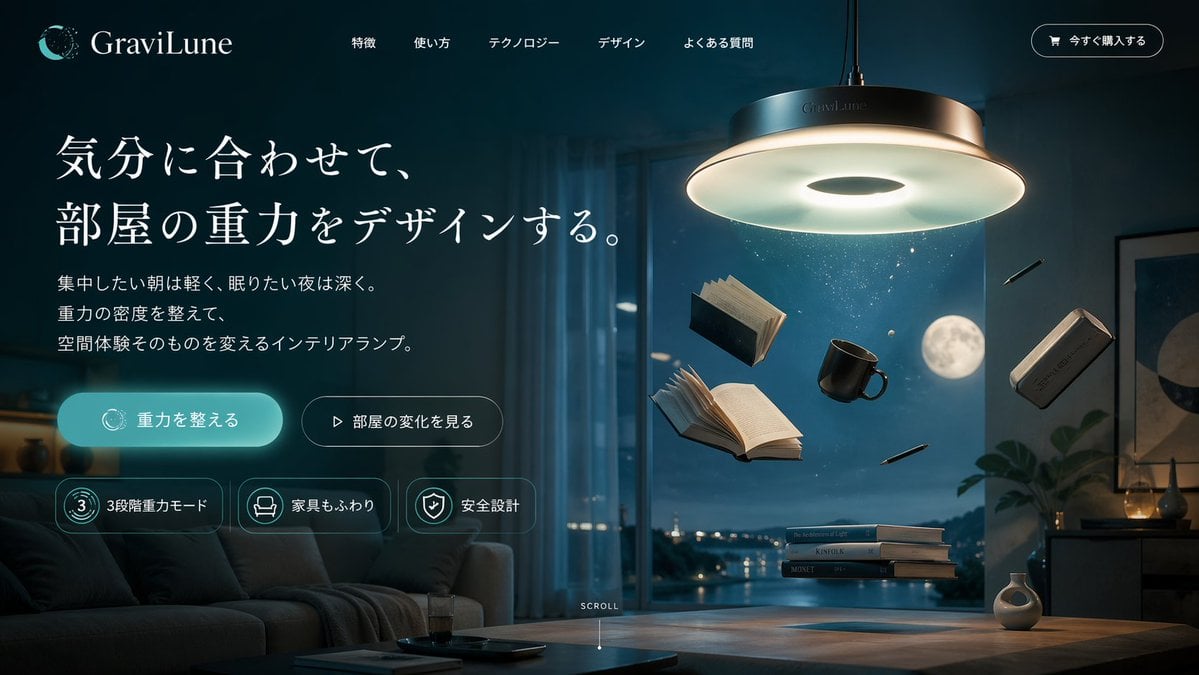
Anti-Gravity Lamp Landing Page Mockup
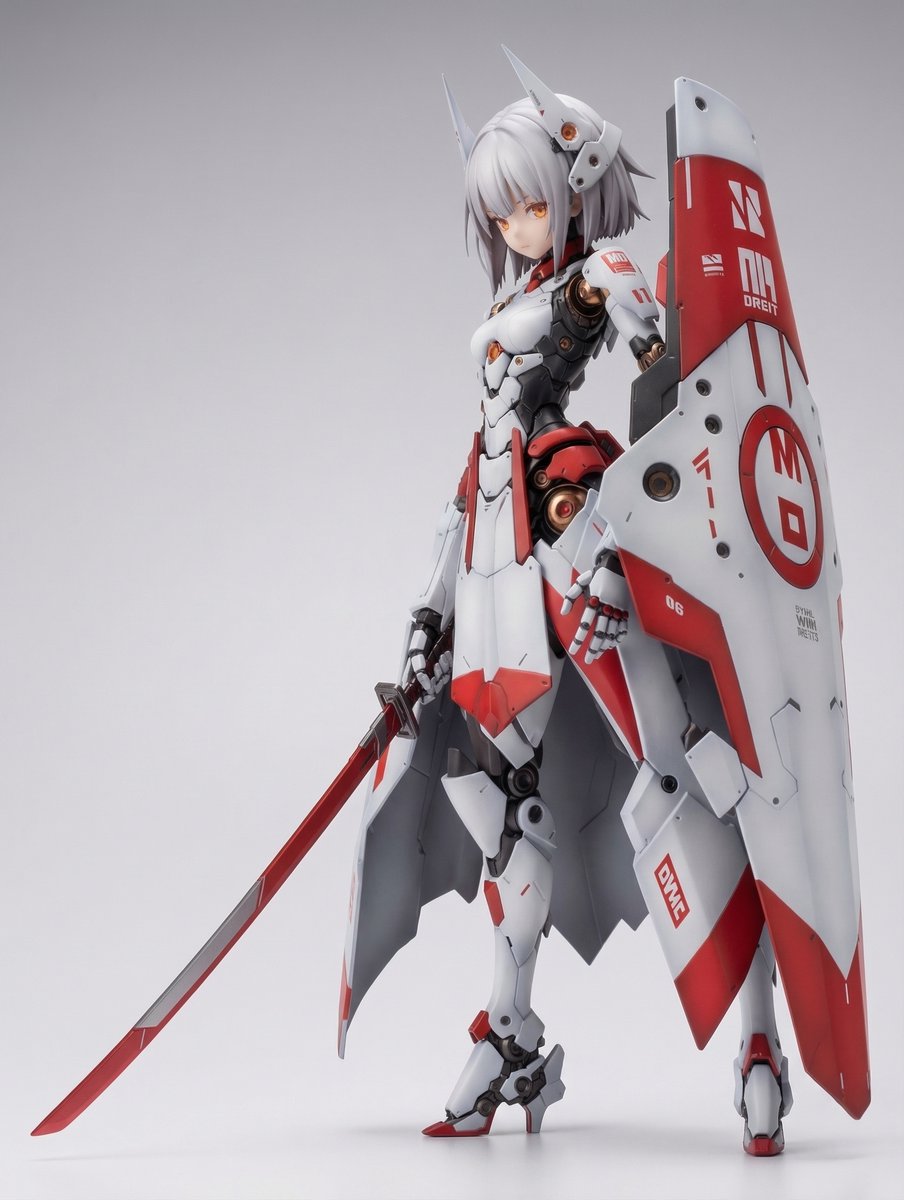
KNIGHT MECHA GIRL Figure Generation Prompt
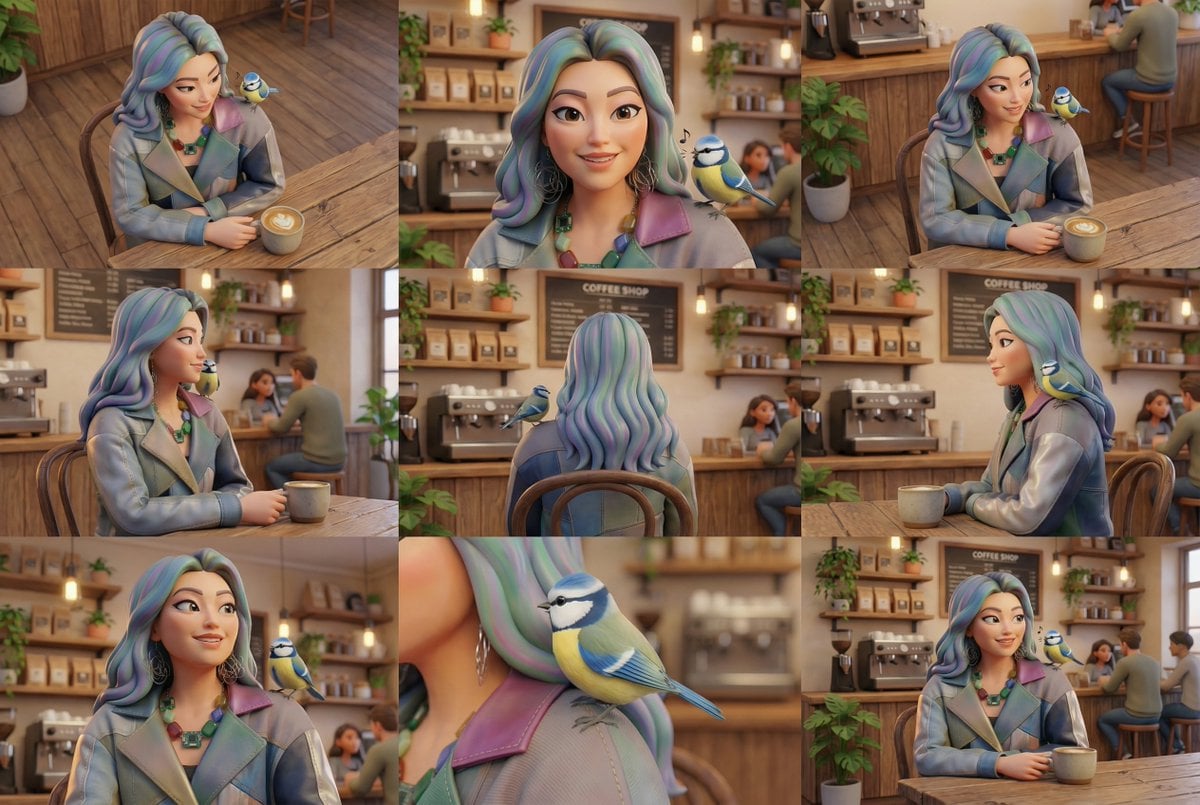
Generate Multiple Angles Grid from Single Image
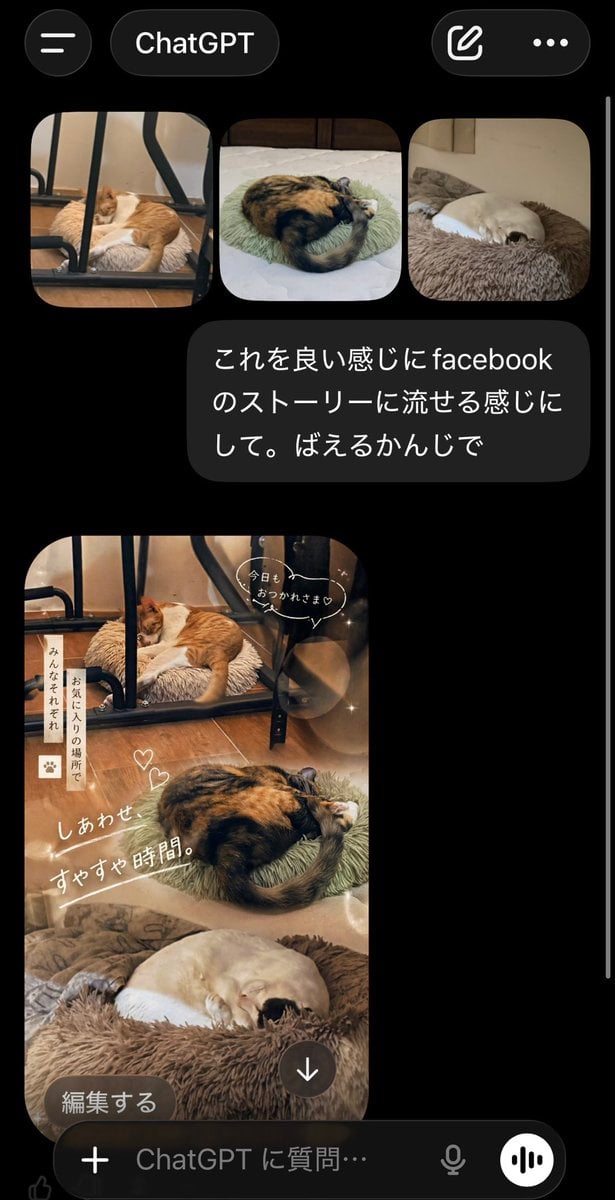
ChatGPT App Cat Story Screenshot
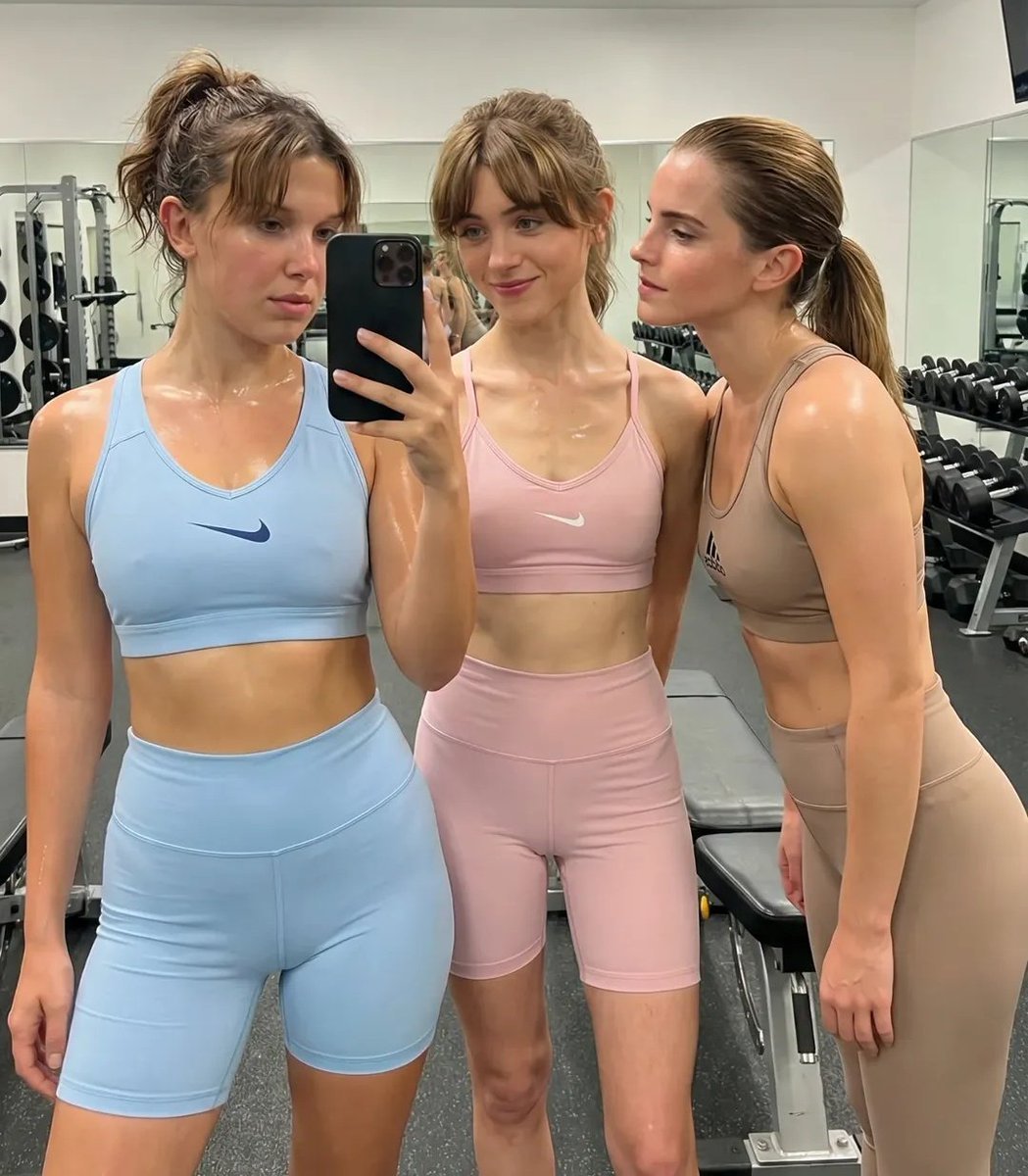
Ultra-Realistic Gym Mirror Selfie

Nano Banana 2 Editorial Fashion Portrait
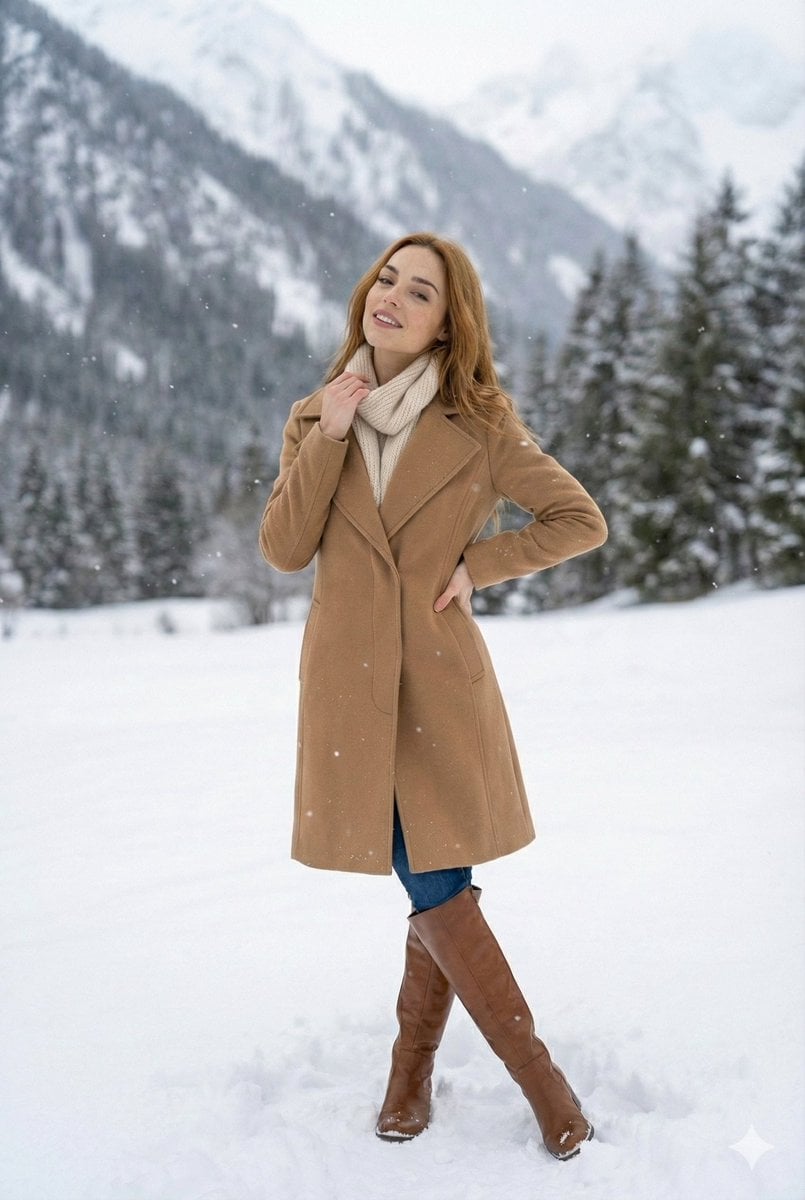
High-Fashion Winter Editorial in Snow
Browse template categories
3D Paper and Clay Plaque questions
How do I use the 3D Paper and Clay Plaque template?
Add your photo if the template asks for one, edit the prompt if you like — the template's model and format are already selected — and press Generate. Your version opens in PicX Studio.
Can I customize the 3D Paper and Clay Plaque template?
Yes. You can change the subject, setting, lighting, mood, format, and available model controls before creating your image.
Is the 3D Paper and Clay Plaque template free?
Opening and editing this template is free. Generating uses credits, shown on the Generate button when you are signed in.
Which AI model should I use?
Start with GPT Image 2, which is the model associated with this template. You can compare another compatible model for a different finish.
Looking for something else? Browse all templates.

Your photo, any look
Thousands of ready templates for every top image and video model, from one credit balance.