
Fantasy Sky Mirror Illustration
A Japanese fantasy-style illustration featuring a girl on a mirror-like water surface under a starry meteor sky.
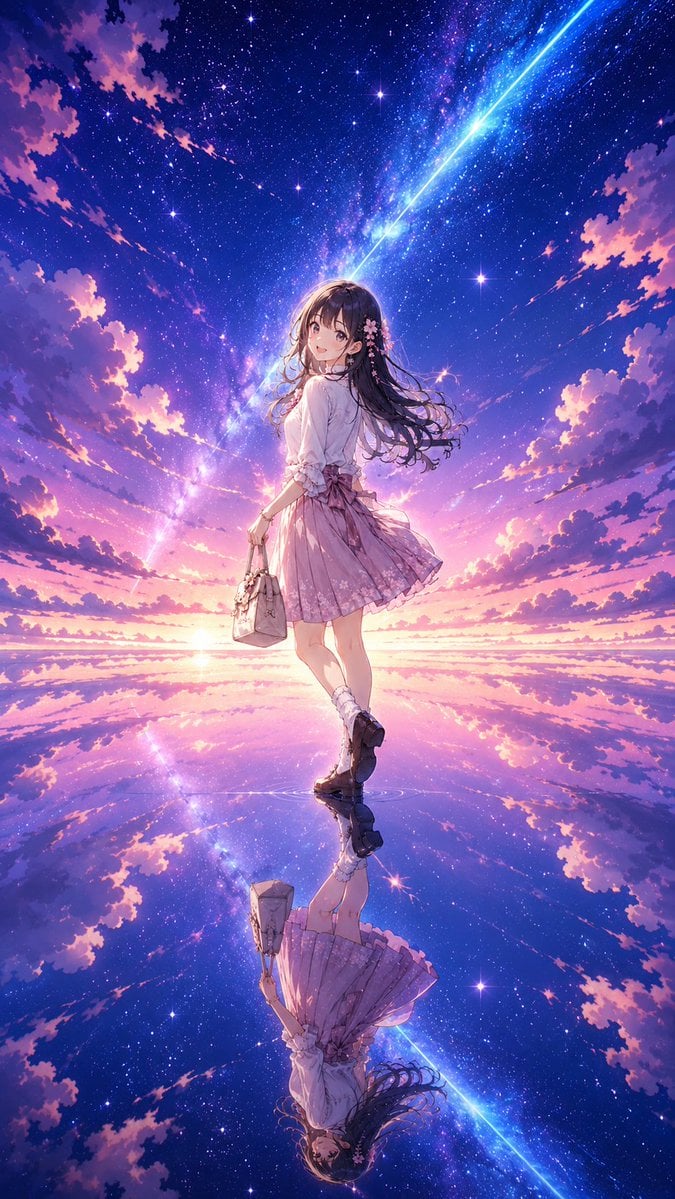
- Prompt included
- Model and format preset
- Premium template
The prompt behind this image
Copy the exact prompt behind Fantasy Sky Mirror Illustration, or open it in the studio and make it yours.
参考图是角色人设图,为参考图的{argument name="角色" default="少女"}绘制一副日系唯美奇幻风格插画。画面中心是完全保留了完整细节的可爱少女,她站立在无边的、如镜面般平滑的水面中心。天空呈现出高饱和度的{argument name="配色" default="粉紫与深蓝"}交织,一条耀眼的蓝色巨型流星划破天际。女孩处于背光状态,被流星和星空的边缘光细腻勾勒,下方的水面完美对称地反射出整个壮丽的星空。日系唯美奇幻风格,高饱和粉紫冷暖色调,天空之镜般的水面反射,空灵静谧的梦境氛围。{argument name="比例" default="比例9:16"},4K。
How to use Fantasy Sky Mirror Illustration in 3 steps
- 1Upload ImagePNG, JPG or paste
Add your photo
Upload the photo the template builds on. The prompt, model and format are already set.
- 2…a portrait of your subject in softgolden-hour light, 85mm…
Personalize
Edit the subject and creative details for your destination.
- 3Generate
Generate
Press Generate — your image is created in PicX Studio, so you can compare it with the original and refine one variable at a time.
More like this
Templates with the same subject, style or setup. Open one to see its prompt.

Unfinished Sketch Comes Alive Portrait

Open Travel Journal Overhead Still Life

Rooftop Fisheye — Cat-Ear Balaclava at Golden Hour

Felt & Knit 3D Character — Photo-Exact Face, Pixar-Quality Plush Figurine

Eid al-Adha Cute Chaos — Fisheye Selfie with Farm Selfie, Mosque & Animals

Cat Photobomb Selfie — 0.5x Wide Angle Café Chaos

Gen Z Triple Selfie Collage — Y2K Flash Photography

Surreal Cat Astronaut — Humanoid Face Freefall

Retro Mirror Luxury Fashion Campaign Poster

Quiet Minimalist Anime Style Guide

Anime Fantasy Celestial Movie Poster

Real Illustration Split Portrait Transition
Make it yours
Fantasy Sky Mirror Illustration works as-is. These are the safest ways to change it without losing the look.
Change one field
Copy a single group, rewrite it, and generate again so you can see what that field is doing.
Keep the frame, change the subject
Hold the composition and light of Fantasy Sky Mirror Illustration, then swap wardrobe, props or the person for a new take.
| If the result… | Why | Fix |
|---|---|---|
| The result drifts from the preview | Too many fields changed at once. | Reuse Fantasy Sky Mirror Illustration as-is first, then change one group — subject, light, or setting. |
| The model over-stylizes the scene | The prose prompt leaves finish and camera underspecified. | Add one camera or lighting sentence and stay on GPT Image 2. |
More GPT Image 2 templates
Other prompts made for GPT Image 2.

Six VTuber Japanese Logo Sheet

Realistic Portrait of Woman and Deer

The Vista Modular Condo Poster

AI Model Routing Comparison Infographic

2.5D Anime Art Board

Isometric Productivity Desk Scene

New York Double Exposure Poster

Four-Panel AI Landscape Comparison

Japanese Tatami Lifestyle Magazine Cover

NESCAFÉ Coffee Map Poster
More image prompts
Fresh picks from across the catalog.
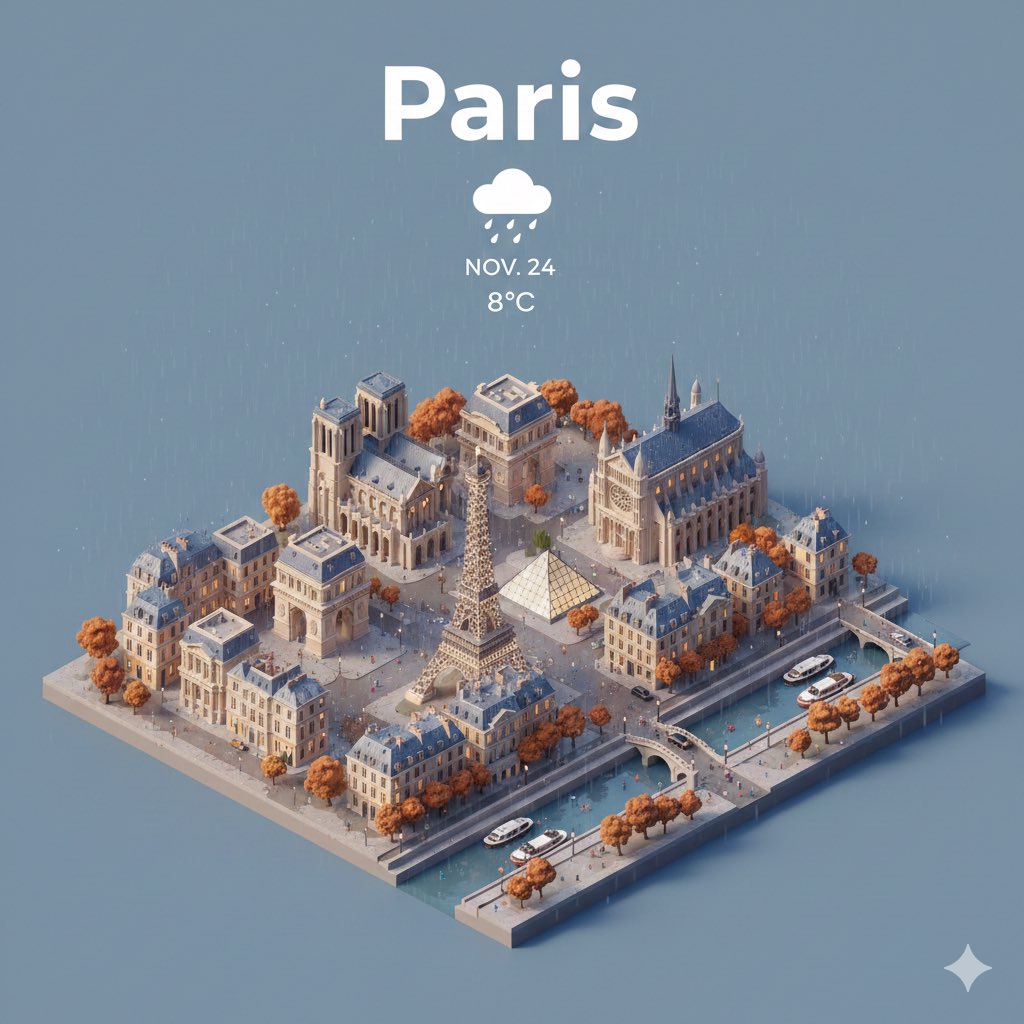
Prompt for creating location models with Nano Banana
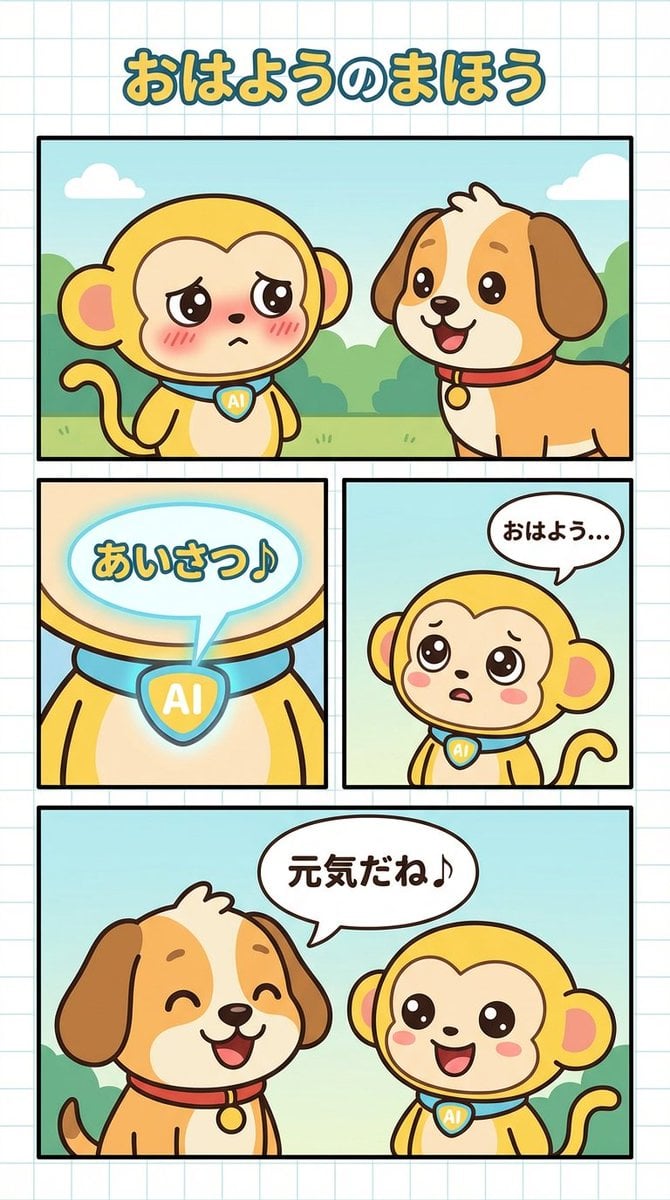
Manga Generation Prompt: Good Morning Magic
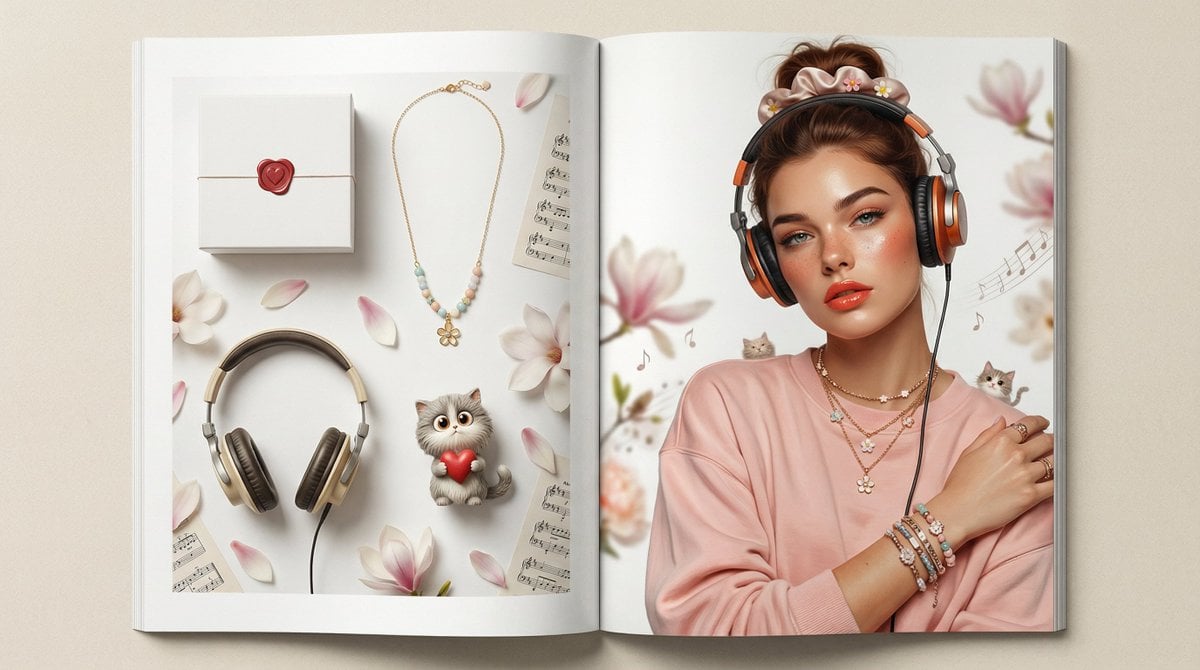
Customizable Valentine's Day Magazine Spread
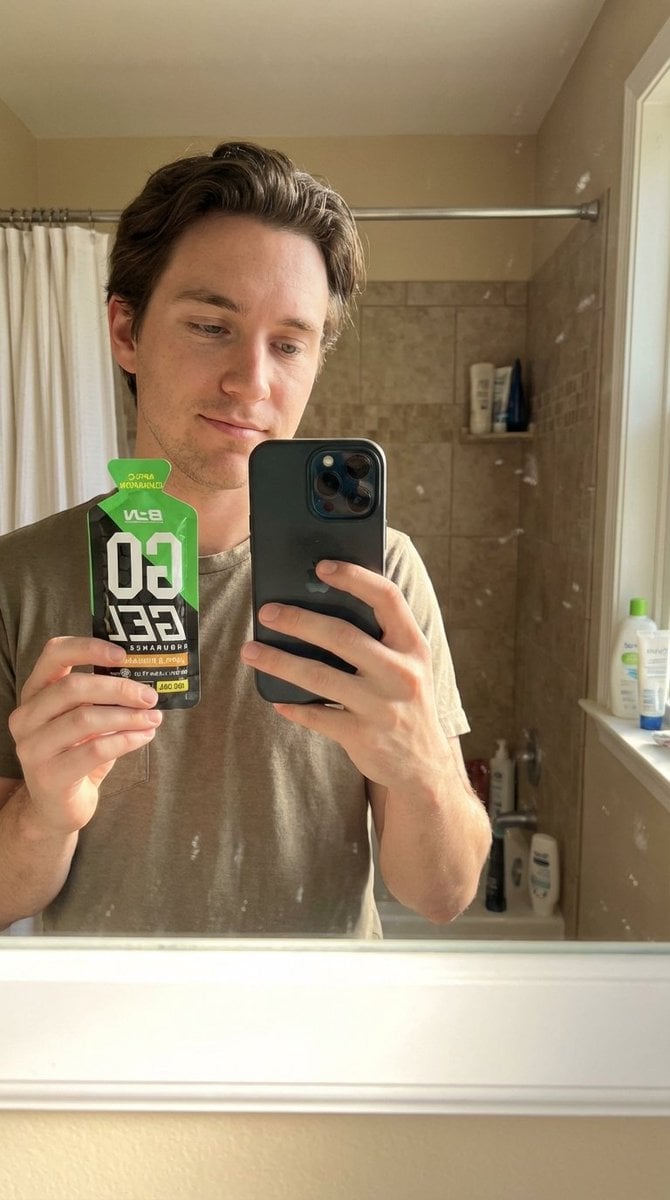
Hyper-Realistic Mirror Selfie with Product
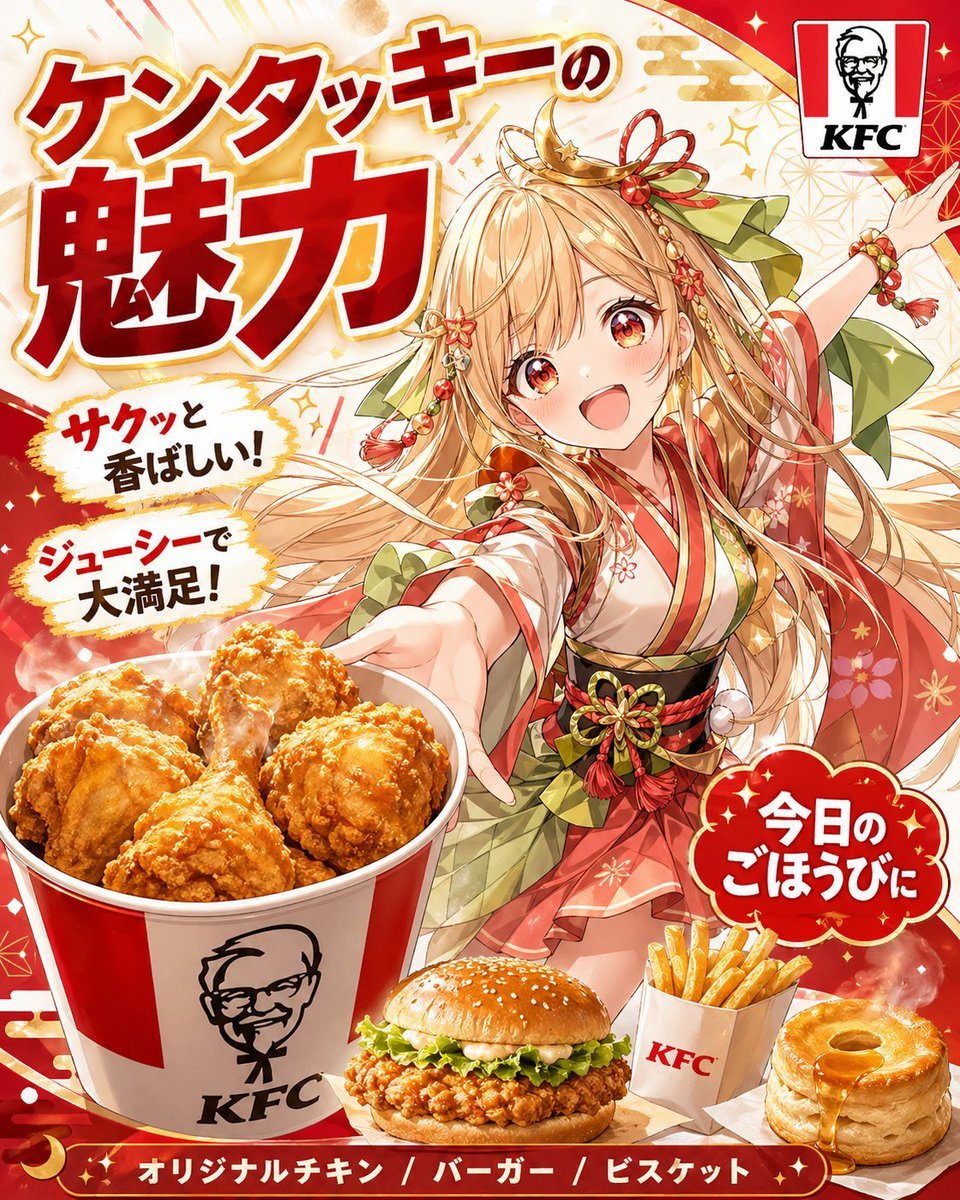
Anime KFC Princess Promo Poster
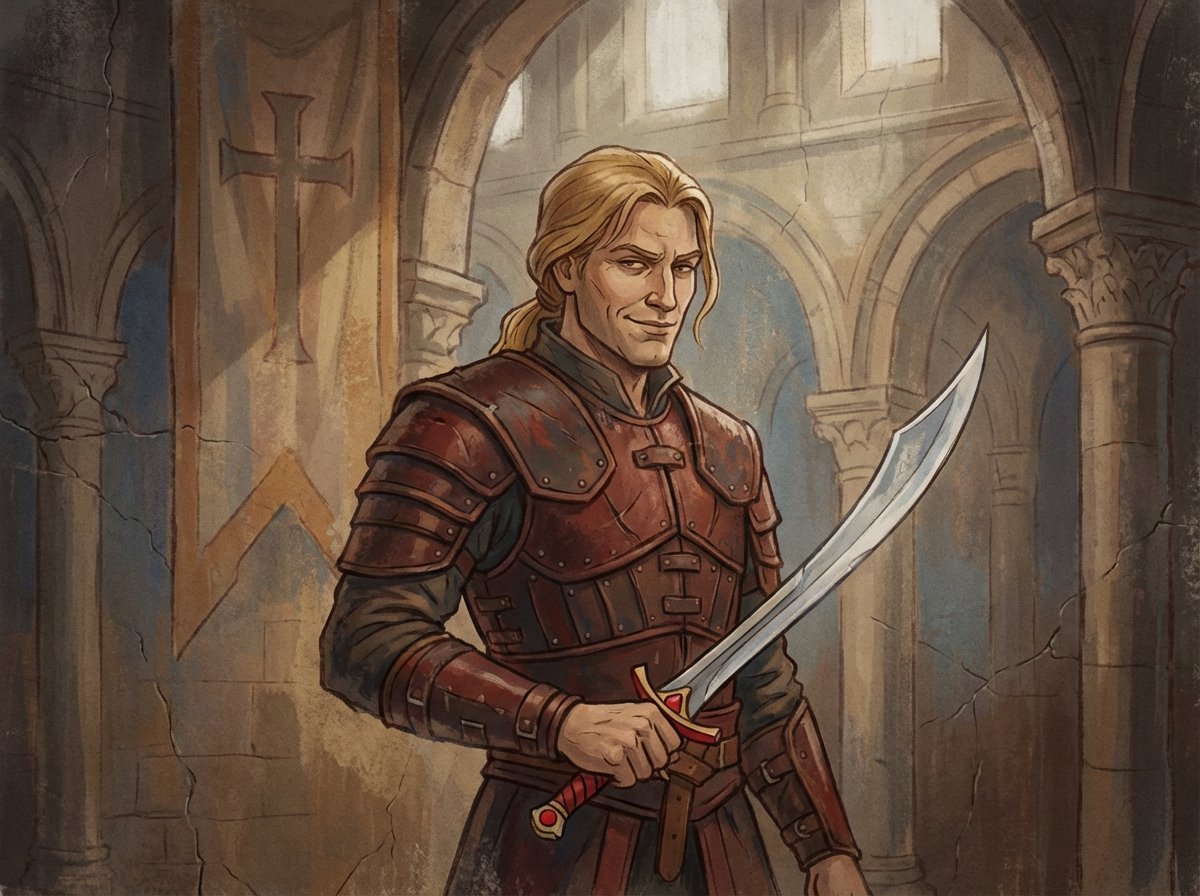
Crusader propaganda fresco (variant)
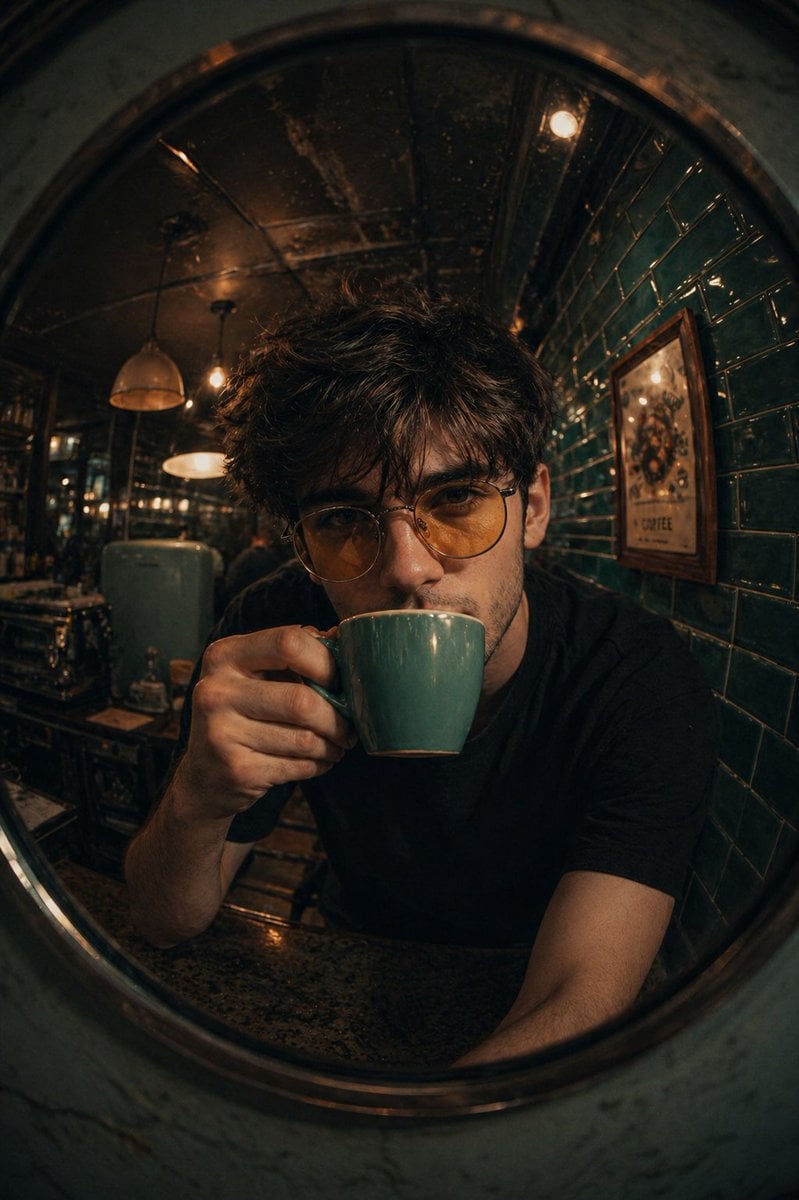
Retro Café Fish-eye Lens Portrait
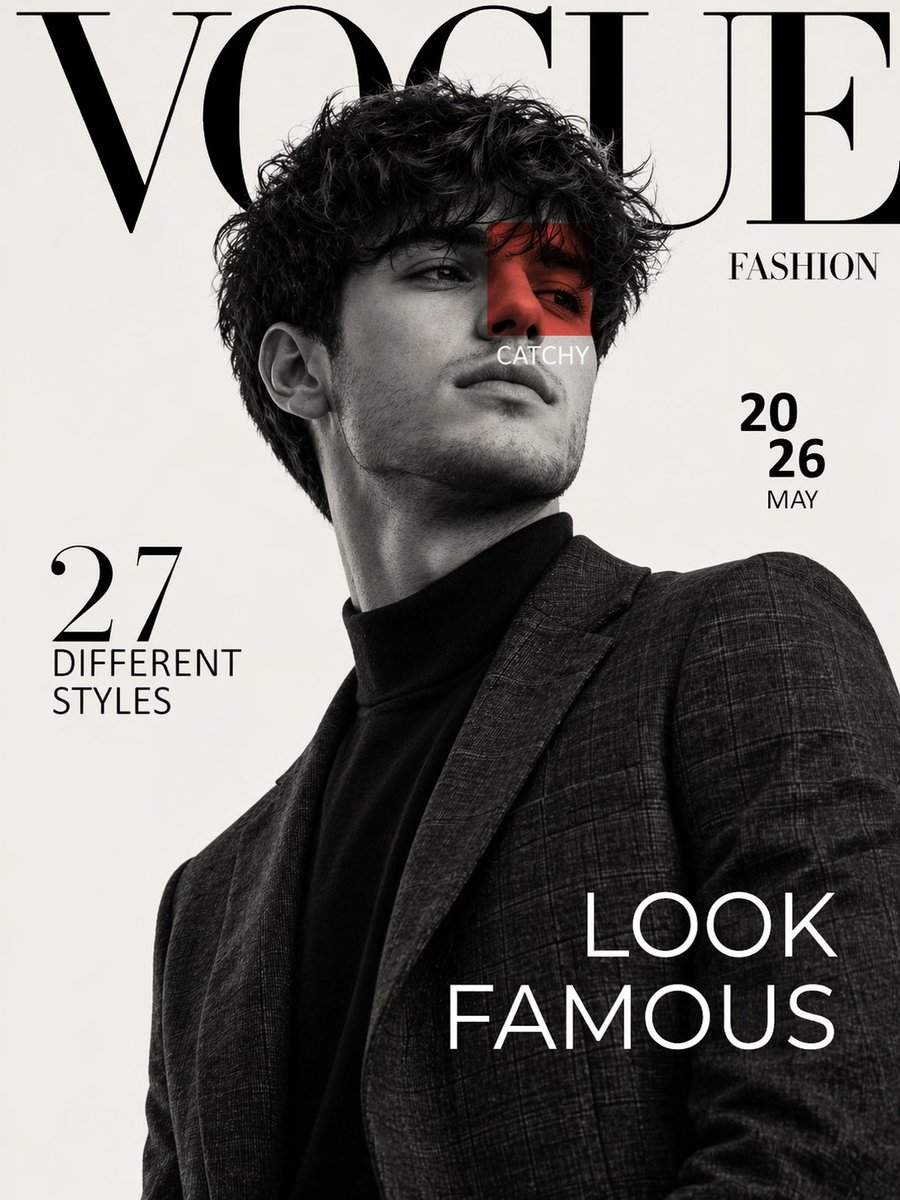
Luxury Fashion Magazine Cover Prompt
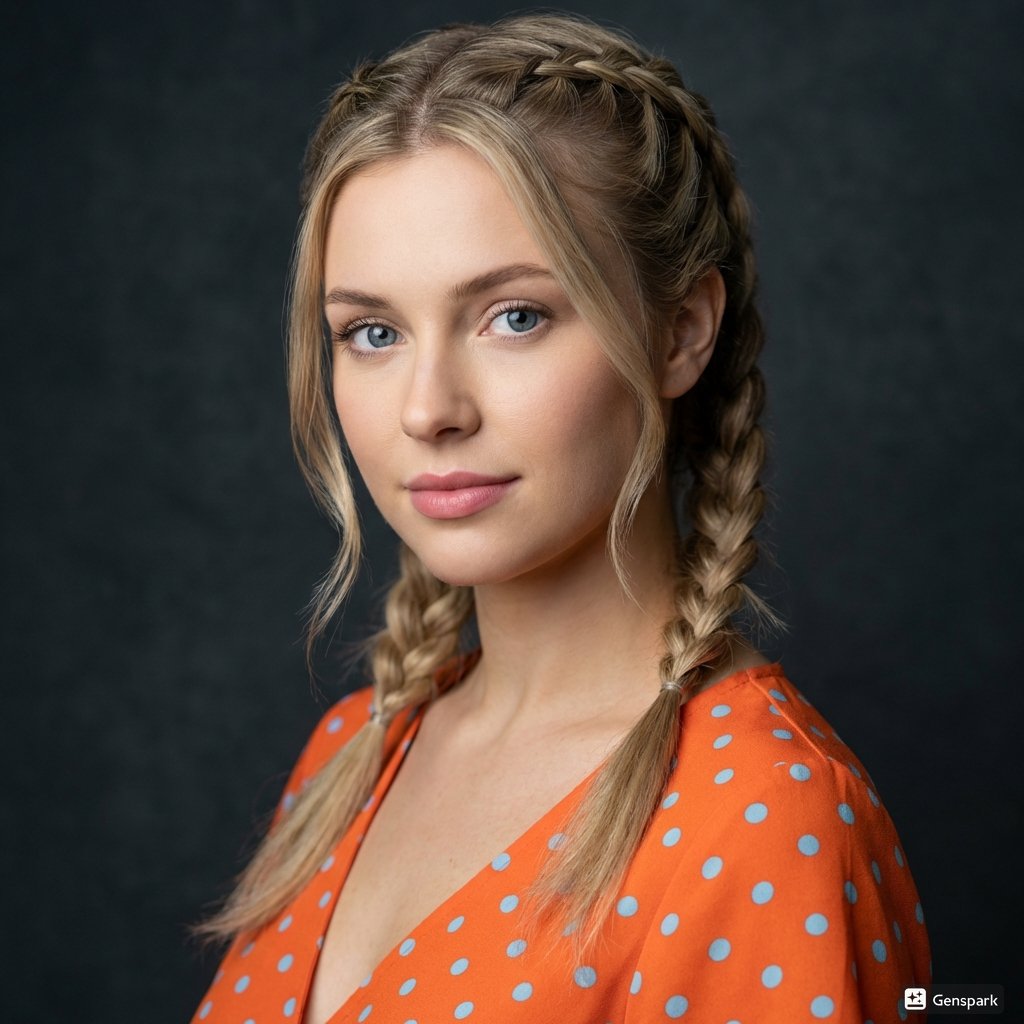
Cinematic Portrait of Woman with Braids
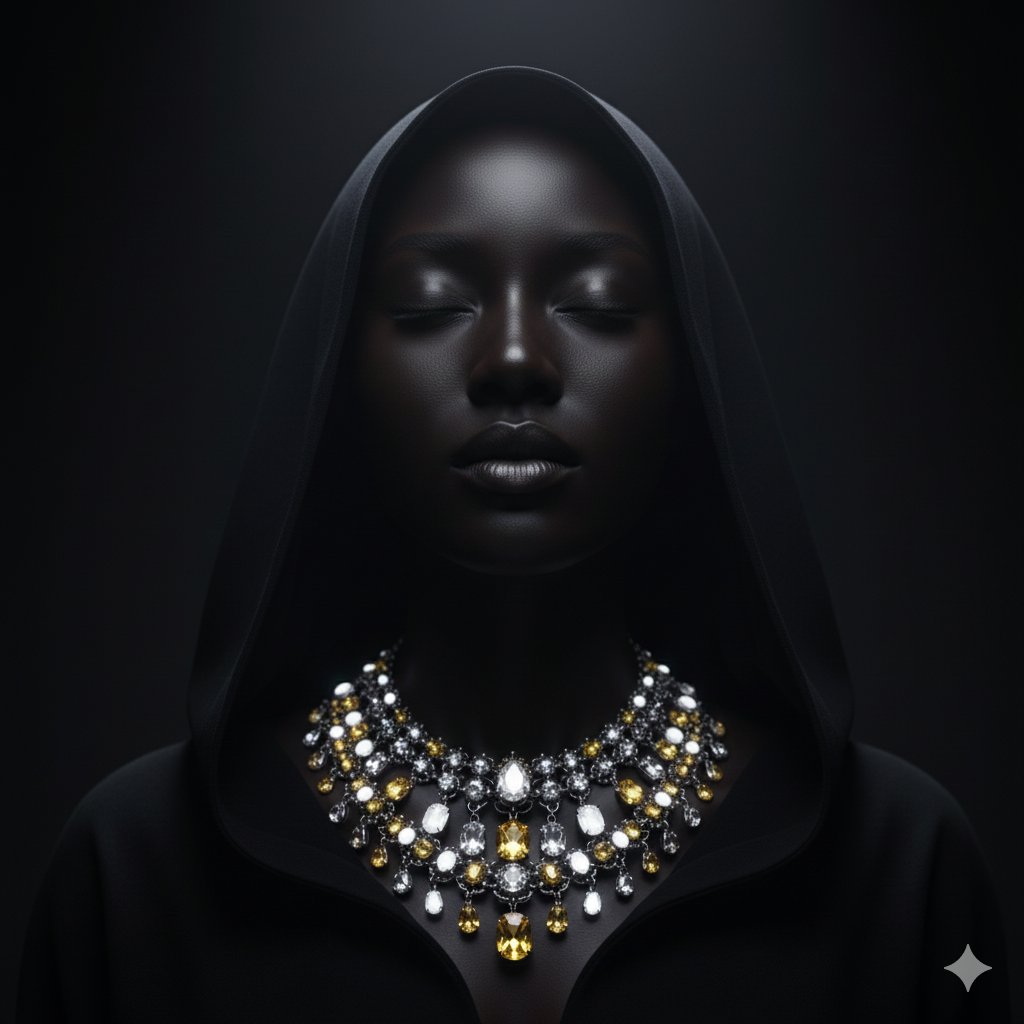
Dramatic Low-Key Portrait with Glowing Gemstones
Browse template categories
Fantasy Sky Mirror Illustration questions
How do I use the Fantasy Sky Mirror Illustration template?
Add your photo if the template asks for one, edit the prompt if you like — the template's model and format are already selected — and press Generate. Your version opens in PicX Studio.
Can I customize the Fantasy Sky Mirror Illustration template?
Yes. You can change the subject, setting, lighting, mood, format, and available model controls before creating your image.
Is the Fantasy Sky Mirror Illustration template free?
Opening and editing this template is free. Generating uses credits, shown on the Generate button when you are signed in.
Which AI model should I use?
Start with GPT Image 2, which is the model associated with this template. You can compare another compatible model for a different finish.
Looking for something else? Browse all templates.

Your photo, any look
Thousands of ready templates for every top image and video model, from one credit balance.