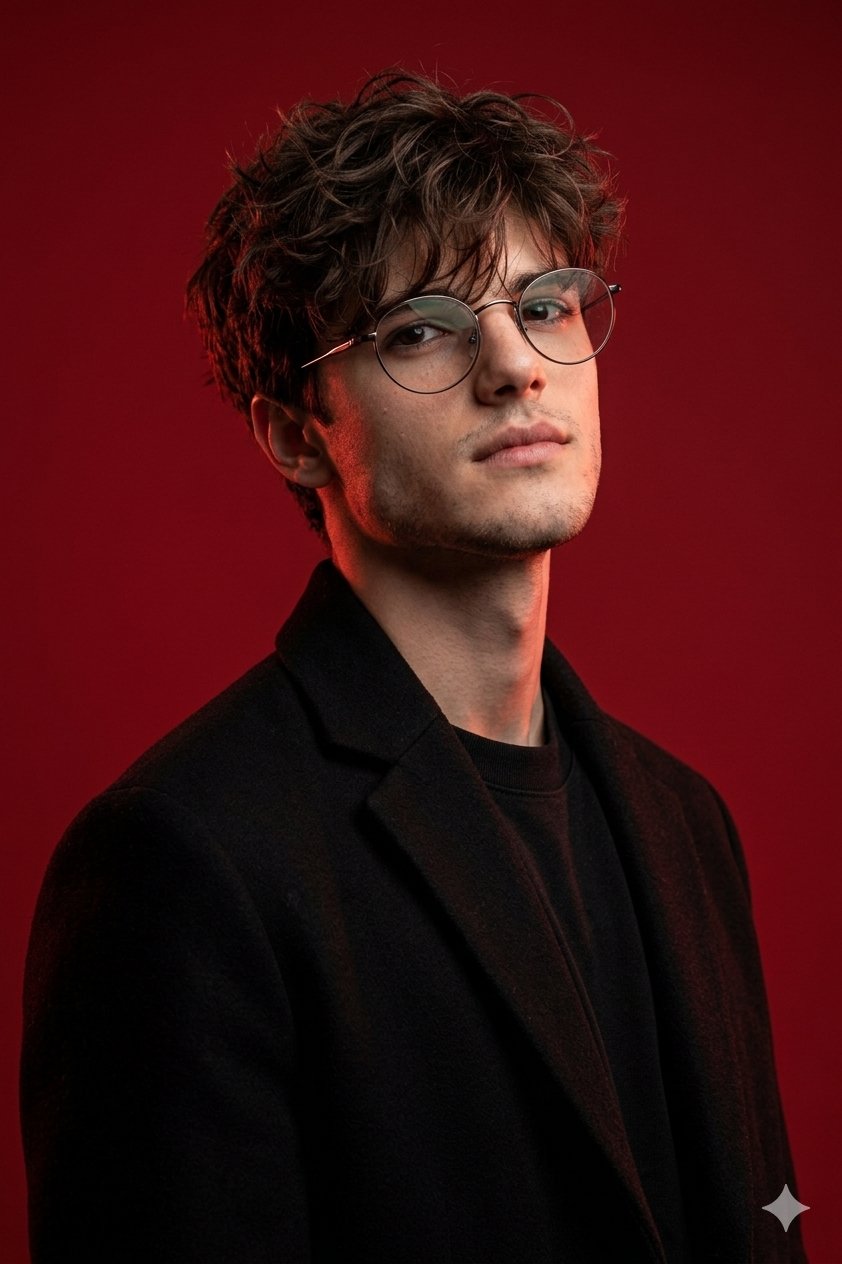
How do I use the Luxury Fashion Editorial Studio Shoot template?
Edit the prompt in the box under the preview — the template's model and format are already selected — and press Generate. Your version appears right on this page.
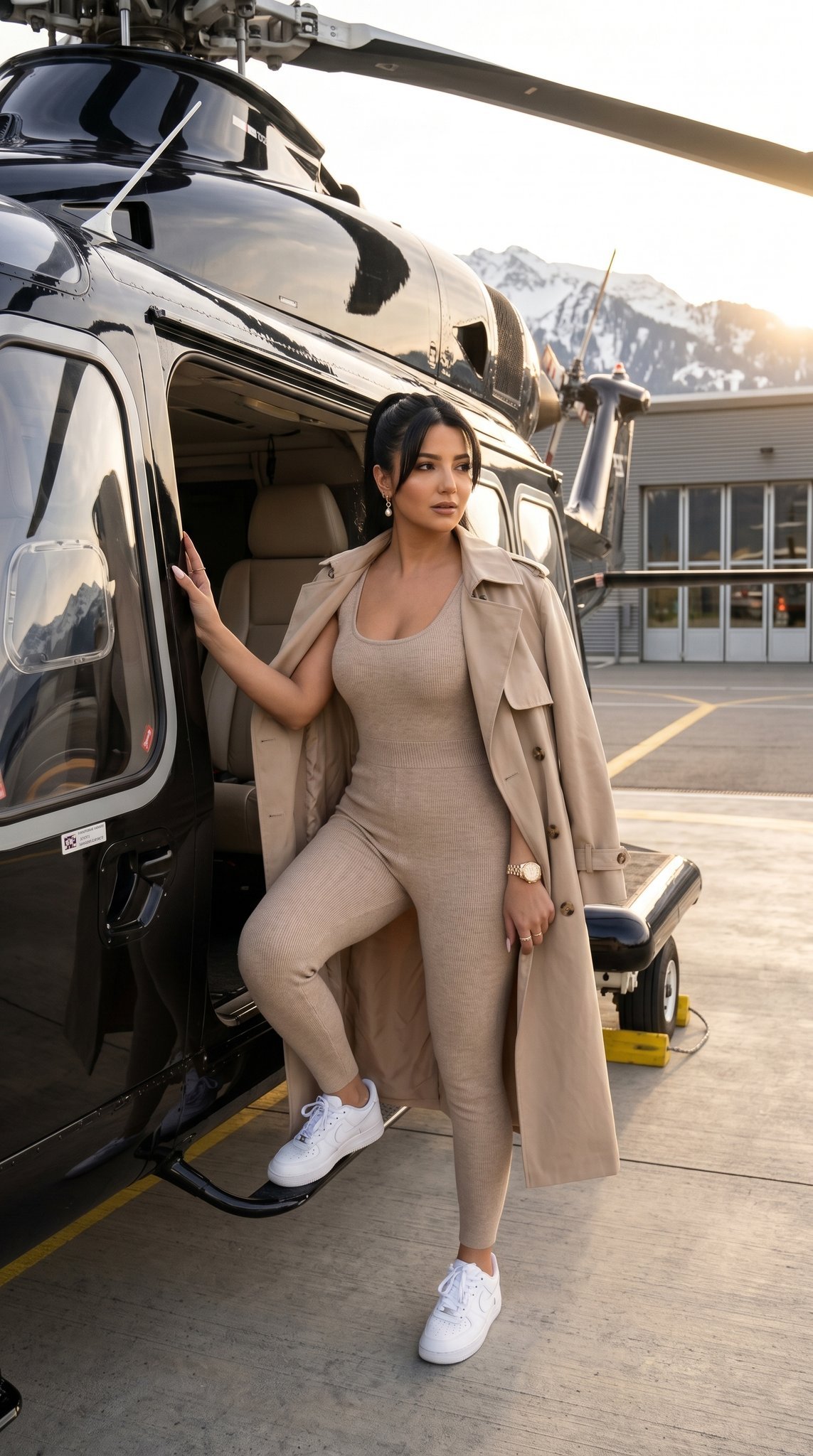
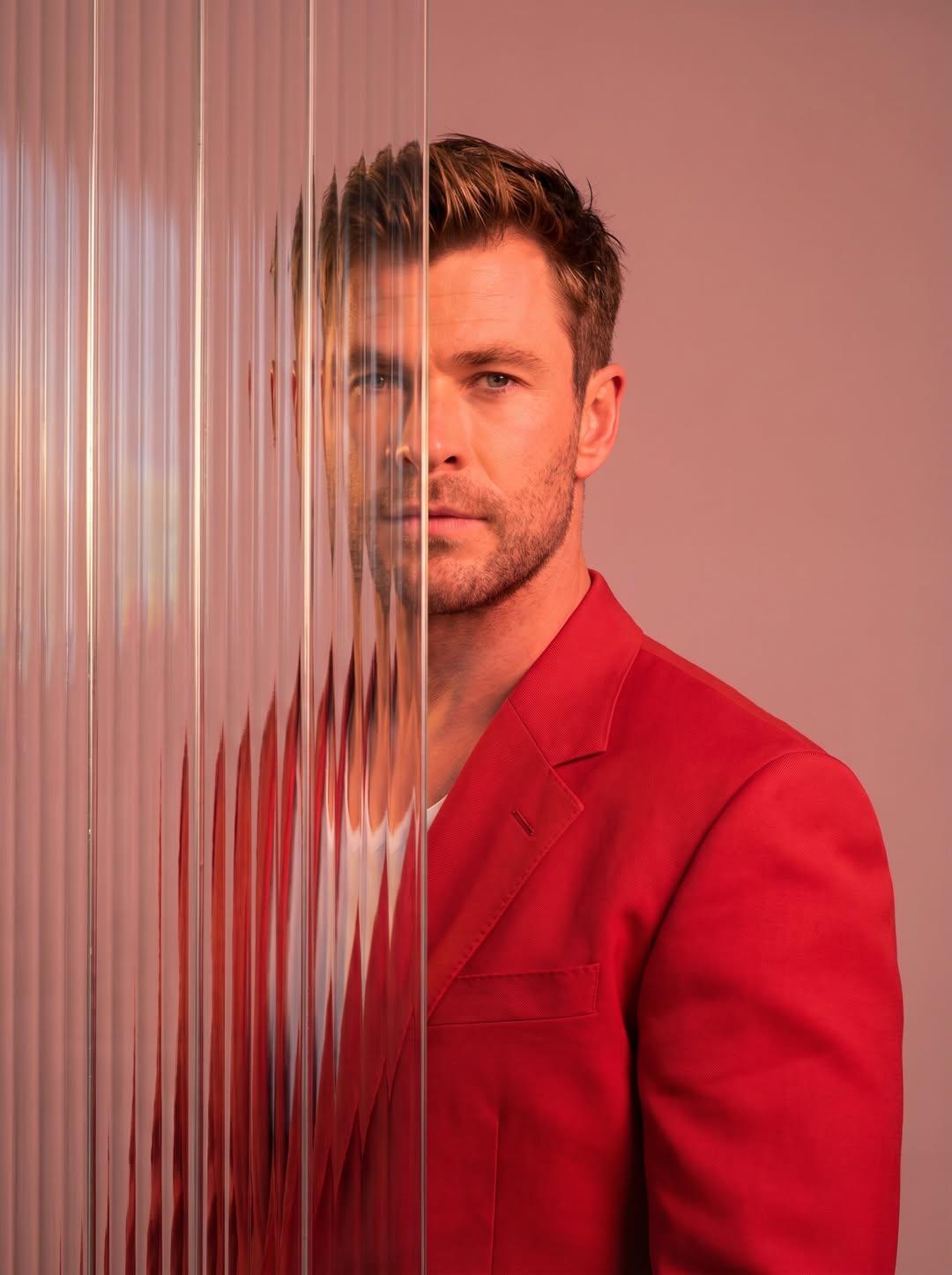
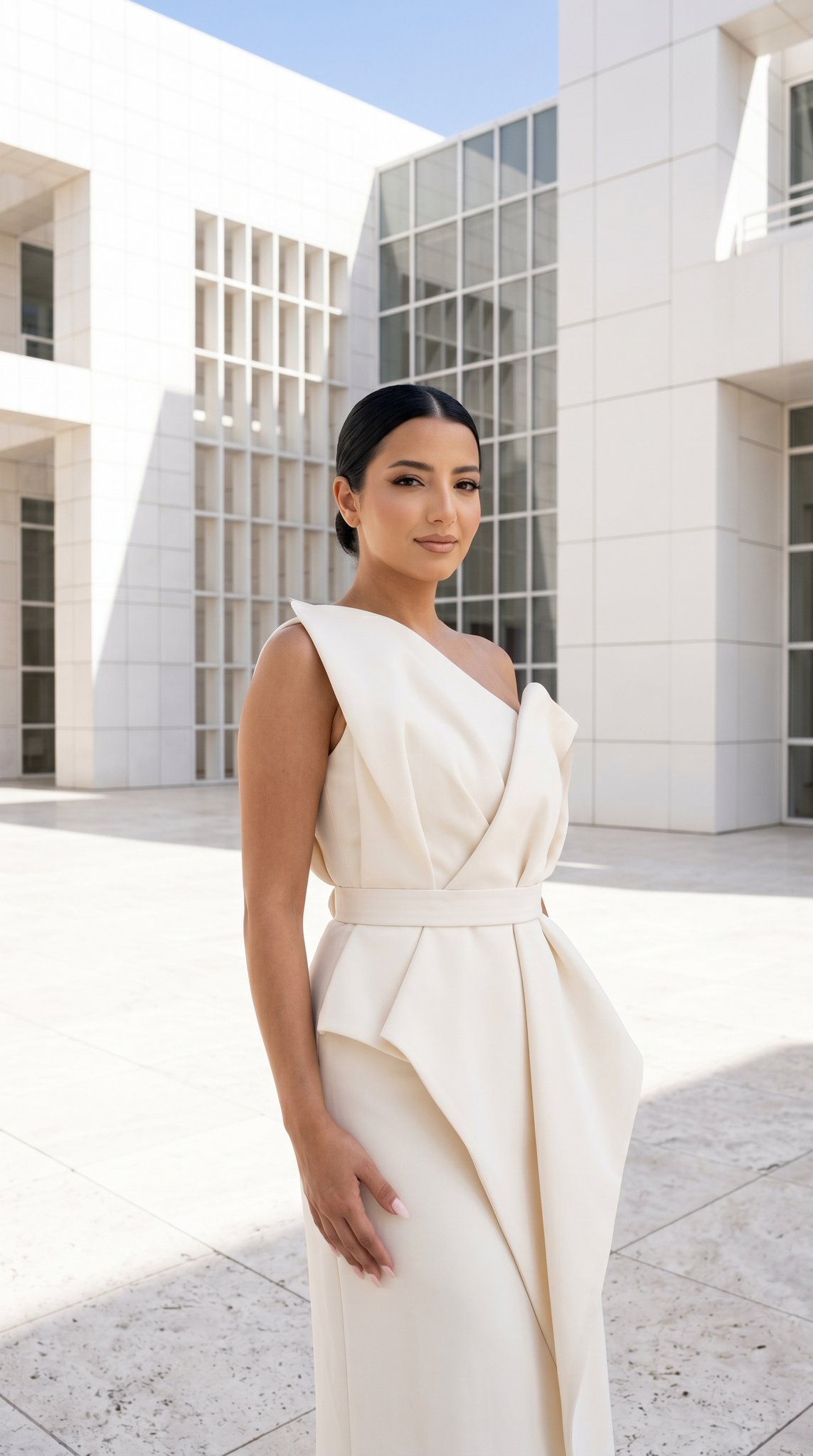
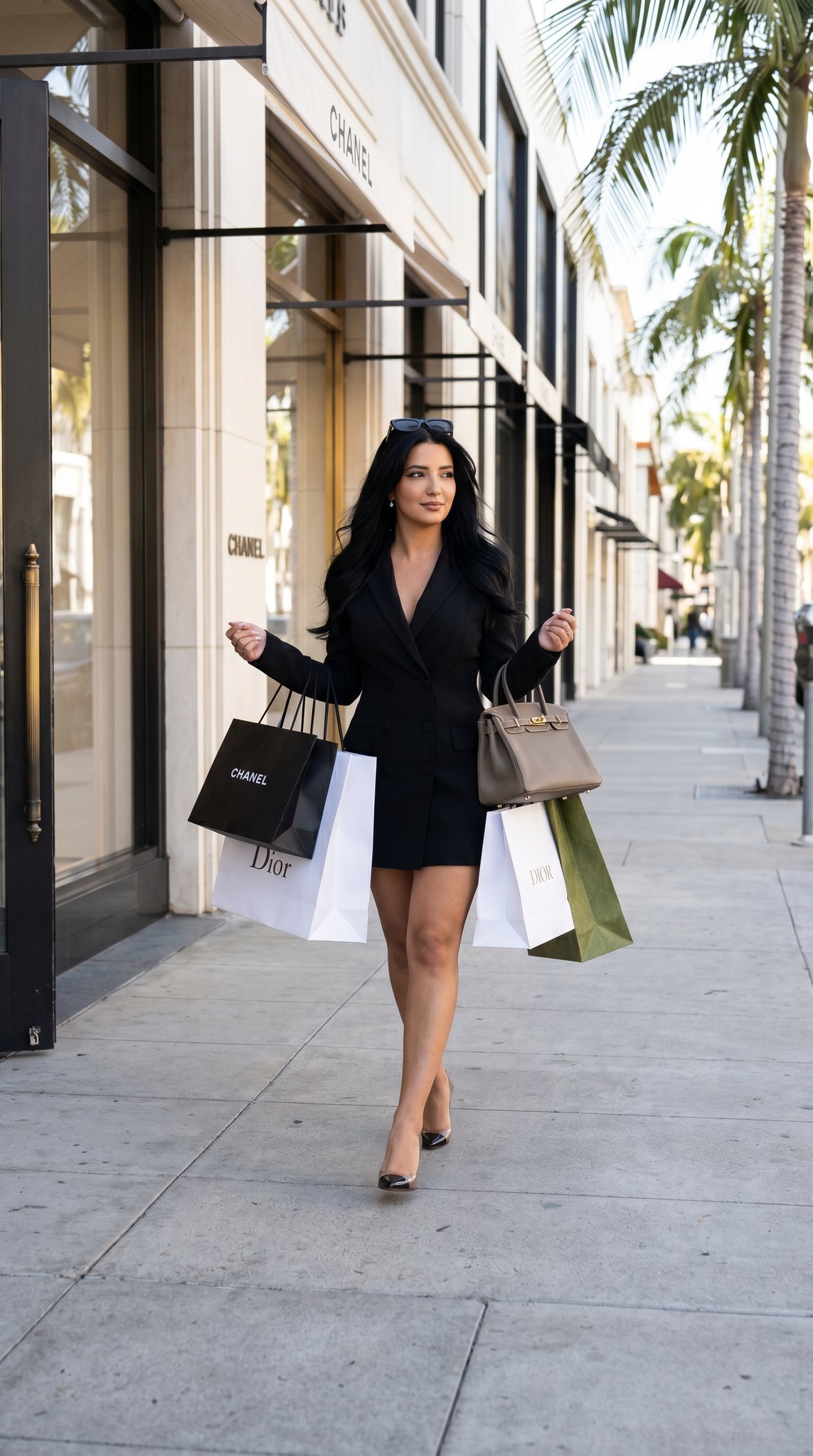
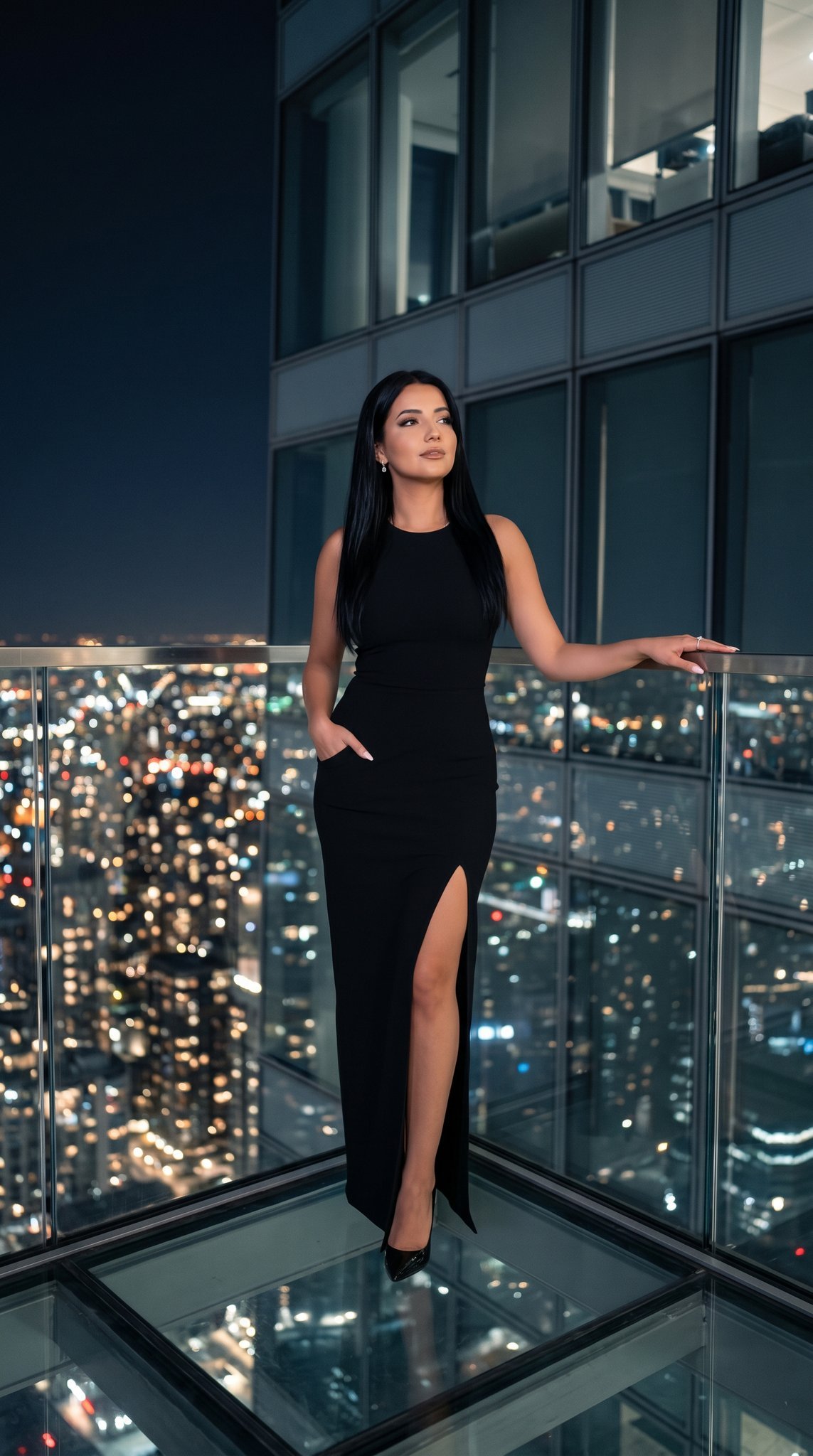
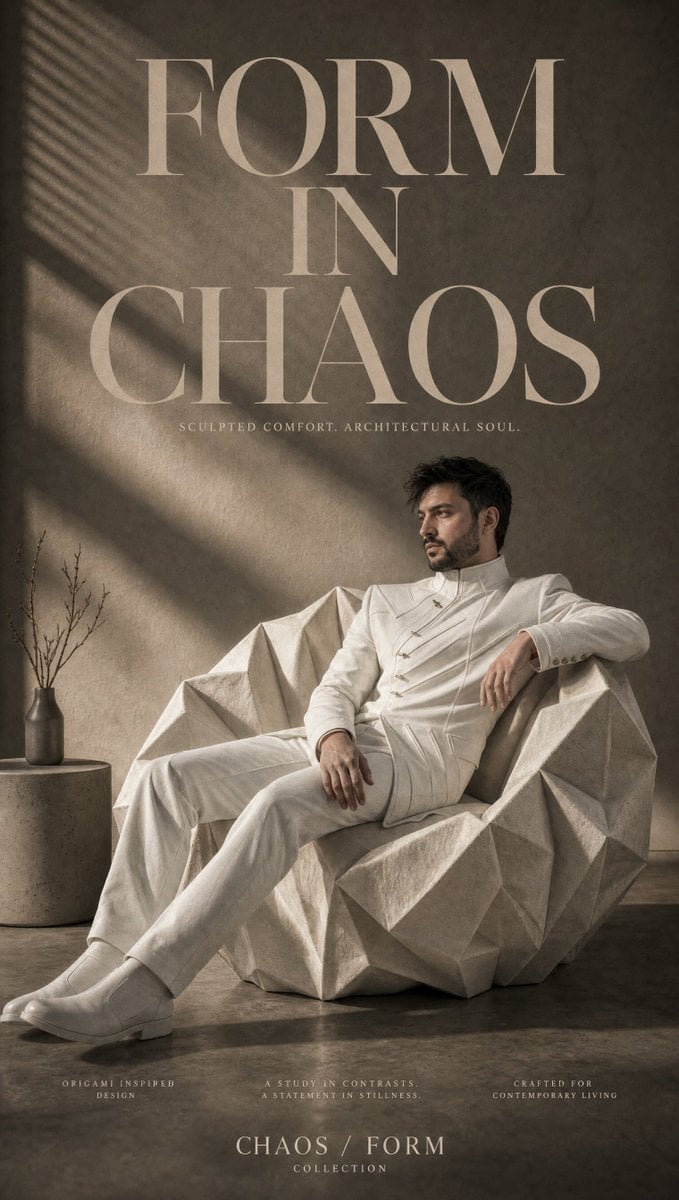
A minimalist luxury fashion editorial prompt for a professional studio photoshoot, focusing on quiet luxury styling and clean composition.

A high-end luxury fashion editorial photoshoot of a {argument name="subject" default="stylish model"} standing in a relaxed, confident pose with hands casually in pockets or by their sides, looking directly at the camera with a calm, sophisticated expression. The outfit features {argument name="outfit" default="modern minimalist tailoring in neutral tones, including a structured jacket layered over a premium knit or polo top, paired with relaxed wide-leg tailored trousers"} and clean leather sneakers or elegant footwear. The styling embodies quiet luxury with impeccable fit, premium fabrics, and understated elegance. Photographed in a professional studio against a {argument name="backdrop" default="seamless solid-color backdrop"} with a matching floor. Soft diffused lighting creates natural skin tones, gentle shadows, and subtle depth. Full-body composition, centered framing with generous negative space, eye-level perspective, clean and balanced composition. Luxury campaign aesthetic inspired by premium fashion houses, contemporary editorial styling, ultra-realistic photography, medium-format camera, 85mm lens, f/4, shallow depth of field, matte color grading, realistic fabric textures, crisp details, cinematic lighting, premium commercial fashion campaign, magazine cover quality, 8K, highly detailed, natural proportions, no logos, no text, no watermark, timeless minimalist aesthetic.
A high-end luxury fashion editorial photoshoot of a {argument name="subject" default="stylish model"} standing in a relaxed, confident pose with hands casually in pockets or by their sides, looking directly at the camera with a calm, sophisticated expression. The outfit features {argument name="outfit" default="modern minimalist tailoring in neutral tones, including a structured jacket layered over a premium knit or polo top, paired with relaxed wide-leg tailored trousers"} and clean leather sneakers or elegant footwear. The styling embodies quiet luxury with impeccable fit, premium fabrics, and understated elegance. Photographed in a professional studio against a {argument name="backdrop" default="seamless solid-color backdrop"} with a matching floor. Soft diffused lighting creates natural skin tones, gentle shadows, and subtle depth. Full-body composition, centered framing with generous negative space, eye-level perspective, clean and balanced composition. Luxury campaign aesthetic inspired by premium fashion houses, contemporary editorial styling, ultra-realistic photography, medium-format camera, 85mm lens, f/4, shallow depth of field, matte color grading, realistic fabric textures, crisp details, cinematic lighting, premium commercial fashion campaign, magazine cover quality, 8K, highly detailed, natural proportions, no logos, no text, no watermark, timeless minimalist aesthetic.
Edit the prompt in the box under the preview — the template's model and format are already selected — and press Generate. Your version appears right on this page.
Yes. You can change the subject, setting, lighting, mood, format, and available model controls before creating your image.
Opening and editing this template is free. Generating uses credits, shown on the Generate button when you are signed in.
Start with Nano Banana 2, which is the model associated with this template. You can compare another compatible model for a different finish.
Follow a topic to a crawlable collection of related PicX Studio templates.